
Trompe-l'œil Keyhole Illusion with Living Eye
A highly specific, structured prompt for creating an ultra-photorealistic trompe-l'œil image where a physical die-cut keyhole in a book cover reveals the living, anatomically accurate eye of the person holding it…
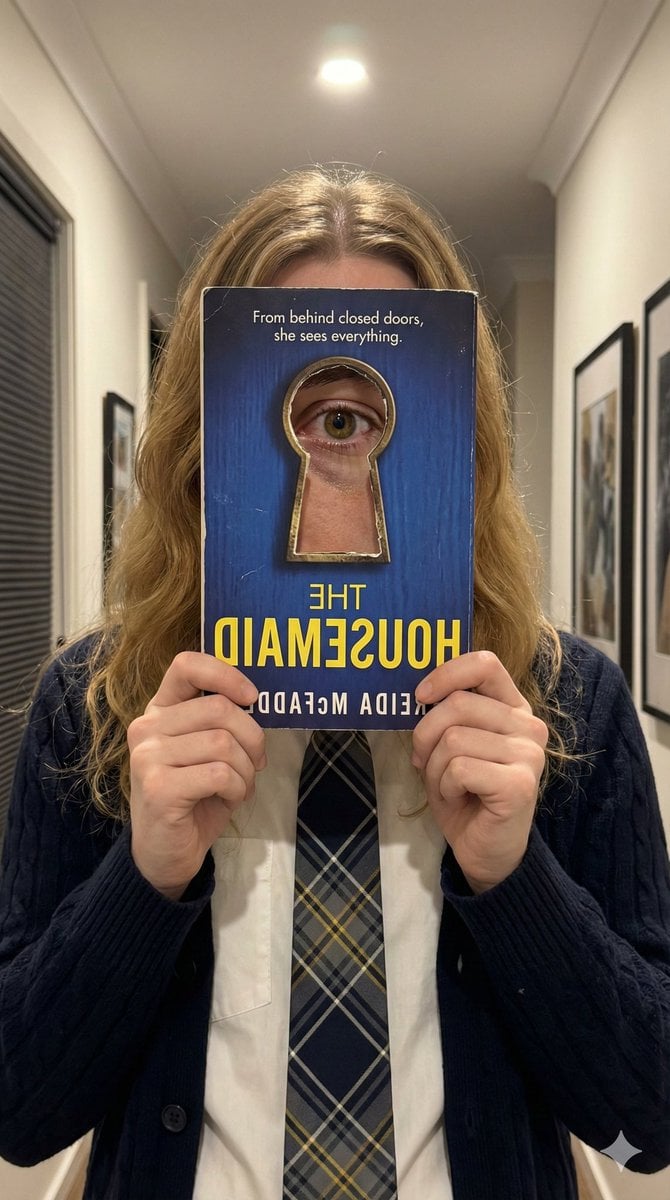
- Prompt included
- Model and format preset
- Free template
The prompt behind this image
Copy the exact prompt behind Trompe-l'œil Keyhole Illusion with Living Eye, or open it in the studio and make it yours.
{ "meta": { "aspect_ratio": "9:16", "quality": "ultra_photorealistic", "resolution": "8k", "camera": "iPhone 15 Pro Max (Main Lens)", "style": "Physical Trompe-l'œil, hyper-realistic photography, accurate scale and depth, no CGI look" }, "scene": { "location": "Home interior, hallway/living room", "lighting": { "type": "Mixed lighting: Overhead recessed warm LED + soft ambient fill from side", "effect": "The overhead light creates a bright catchlight in the living eye and casts realistic, soft shadows inside the physical keyhole opening and under the book." }, "background": "Neutral walls, white ceiling molding, dark window blinds in background left, framed art on right, all slightly out of focus" }, "illusion_mechanics": { "concept": "Physical Die-Cut Hole & True Depth", "description": "The book cover is NOT a flat image. It has a physical, die-cut hole in the exact shape of the brass keyhole graphic. Through this physical opening, the viewer sees the actual, living right eye of the person holding the book.", "depth_perception": "The keyhole has visible thickness (the cardstock of the cover). The living eye is set back from the cover plane by a realistic distance (approx. 1-2cm), creating a genuine sense of looking *through* an object to the person behind it." }, "subject": { "visible_features": "Long wavy honey-blonde hair with highlights, hands holding the book, school uniform.", "outfit": "Dark navy cable-knit cardigan, white button-up shirt, plaid tie (navy, grey, yellow stripes).", "the_eye": { "type": "Living human eye (anatomically accurate right eye)", "characteristics": "Wet sclera with subtle capillaries, complex iris pattern (hazel/brown), dilated pupil, visible blood vessels, realistic eyelashes.", "scale_and_proportion": "The eye is positioned and scaled precisely as if the book is pressed against the brow bone. It fills the keyhole naturally and anatomically correctly, without distortion.", "lighting_interaction": "The eye is lit by the room's light. A sharp, realistic catchlight from the overhead LED is visible on the cornea. The edges of the keyhole cast a soft, realistic shadow onto the skin and eyelid surrounding the eye." } }, "prop_specifications": { "object": "Paperback book '{argument name="book title" default="THE HOUSEMAID"}' by Freida McFadden", "orientation": "Vertical, held flat in front of face. The image is a mirror selfie, so all text and the cover art are horizontally flipped.", "cover_details": { "material": "Matte cardstock with slight texture and wear on corners.", "background": "Deep blue with wood-grain texture.", "keyhole_frame": "The antique brass frame is printed on the cover, but the hole inside it is physically cut out.", "text": "All text is mirrored and legible: '{argument name="book title" default="THE HOUSEMAID"}' (Large, Yellow, Bold" } } }
How to use Trompe-l'œil Keyhole Illusion with Living Eye in 3 steps
- 1
Open
The prompt is already in the box next to the preview, with the template's model and format selected.
- 2…a portrait of your subject in softgolden-hour light, 85mm…
Personalize
Edit the subject and creative details for your destination.
- 3Generate
Generate
Press Generate — your image is created in PicX Studio, so you can compare it with the original and refine one variable at a time.
More like this
Templates with the same subject, style or setup. Open one to see its prompt.
Warm Modern Japanese Living Room Render

A stunning Trompe L oeil 3D composition, where the subject using

Wall of Death Fisheye Documentary
Airport Triptych Eye Reflection

Surreal Anime & Reality Living Room

Sketch-to-Reality 3D Illusion
Schoolgirl and Eyestalk Alien in Sand Wasteland
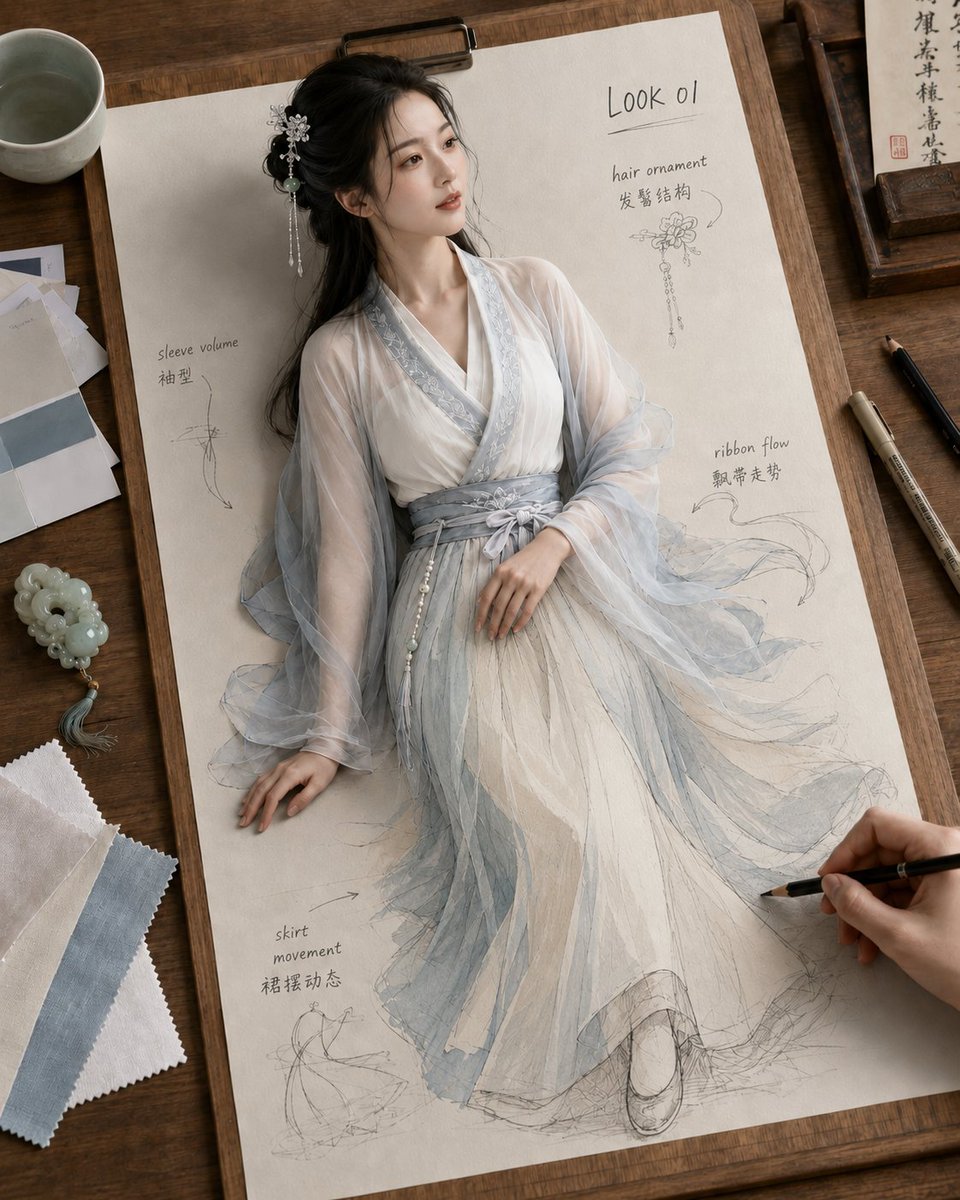
Living Hanfu Fashion Sketch
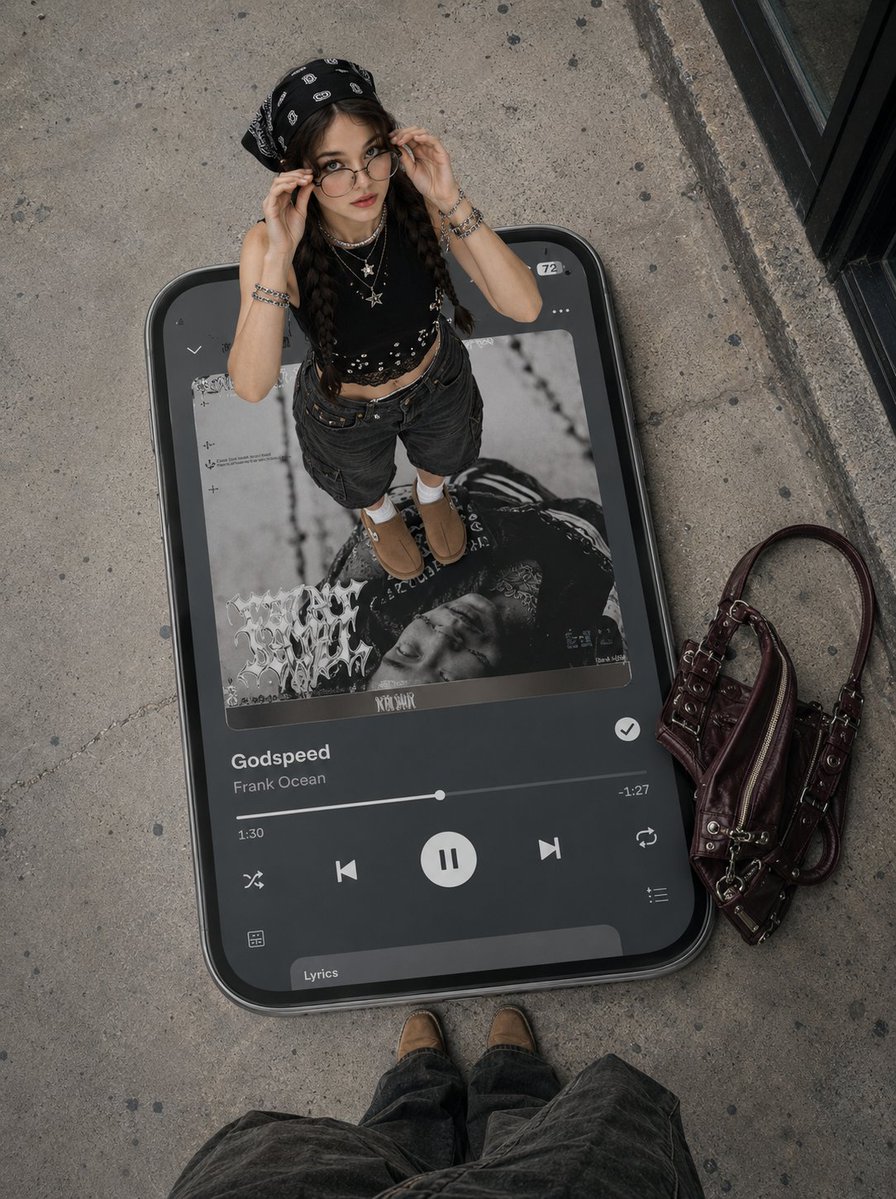
Surreal Y2K Street Fashion Smartphone Illusion
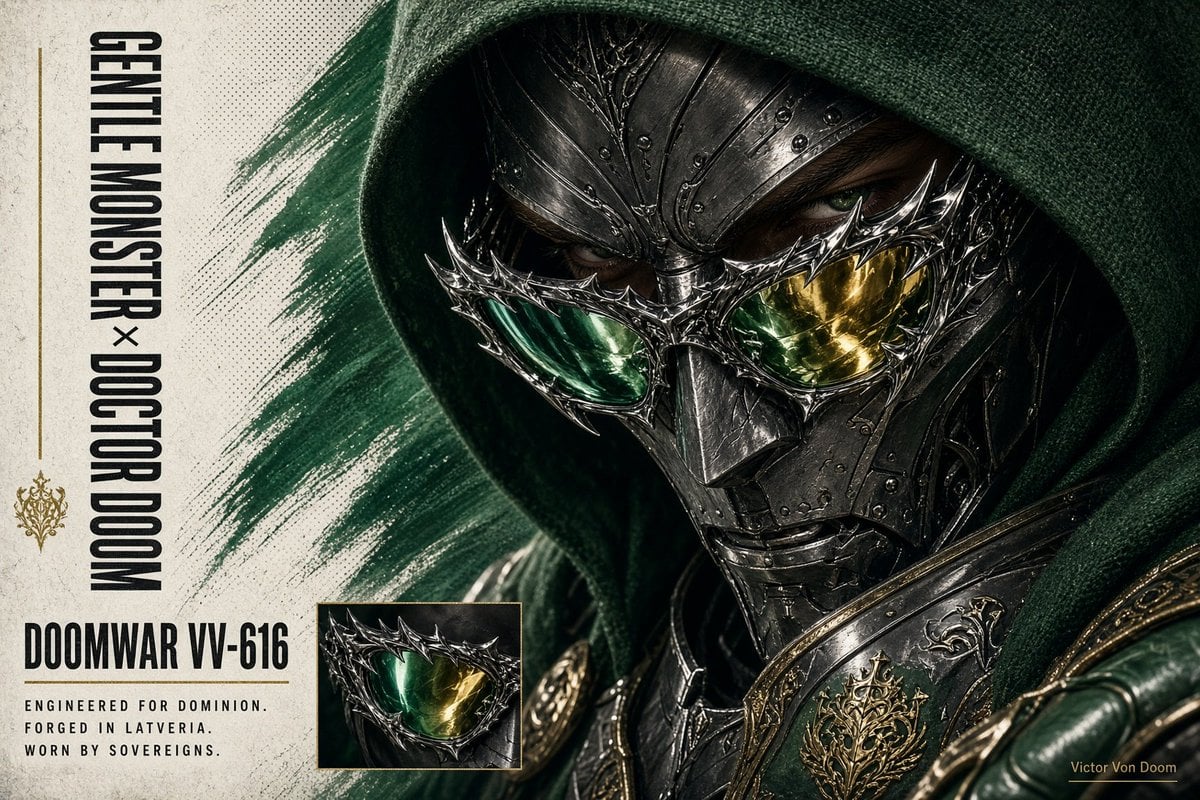
Doctor Doom Luxury Eyewear Poster
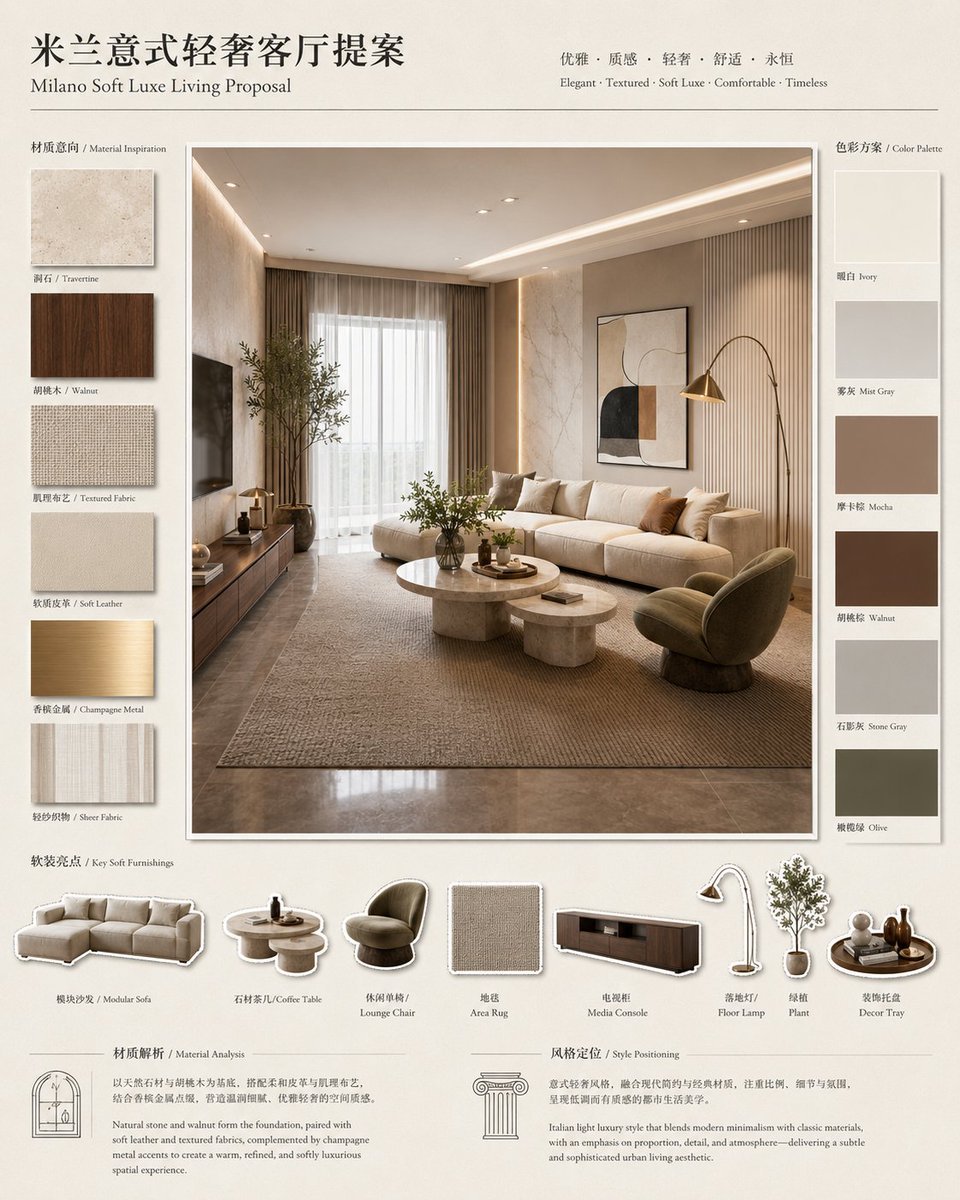
Milano Soft Luxe Living Board

Rooftop Fisheye — Cat-Ear Balaclava at Golden Hour
Make it yours
Trompe-l'œil Keyhole Illusion with Living Eye works as-is. These are the safest ways to change it without losing the look.
Change one field
Copy a single group, rewrite it, and generate again so you can see what that field is doing.
Keep the frame, change the subject
Hold the composition and light of Trompe-l'œil Keyhole Illusion with Living Eye, then swap wardrobe, props or the person for a new take.
| If the result… | Why | Fix |
|---|---|---|
| The result drifts from the preview | Too many fields changed at once. | Reuse Trompe-l'œil Keyhole Illusion with Living Eye as-is first, then change one group — subject, light, or setting. |
| The model over-stylizes the scene | The prose prompt leaves finish and camera underspecified. | Add one camera or lighting sentence and stay on Nano Banana 2. |
More Nano Banana 2 templates
Other prompts made for Nano Banana 2.

Photorealistic Leaf Shaped Like a Dragon

K-Pop Idol Portrait Grid for Rapid Selection

Poetic Rain Forest Portrait During Golden Hour

Urban Street Portrait with Cartoon Inner Self Duo

Candid Nighttime Photo with Cat Prompt

High-Concept 3D Diorama Generation Prompt

Cinematic Futuristic Studio Portrait Template

Skincare Editorial Photography Collage Prompt

Hyper-Realistic Commercial Product Photography (Splash Effect)

Hyper-Realistic Nightclub Portrait Prompt
More image prompts
Fresh picks from across the catalog.
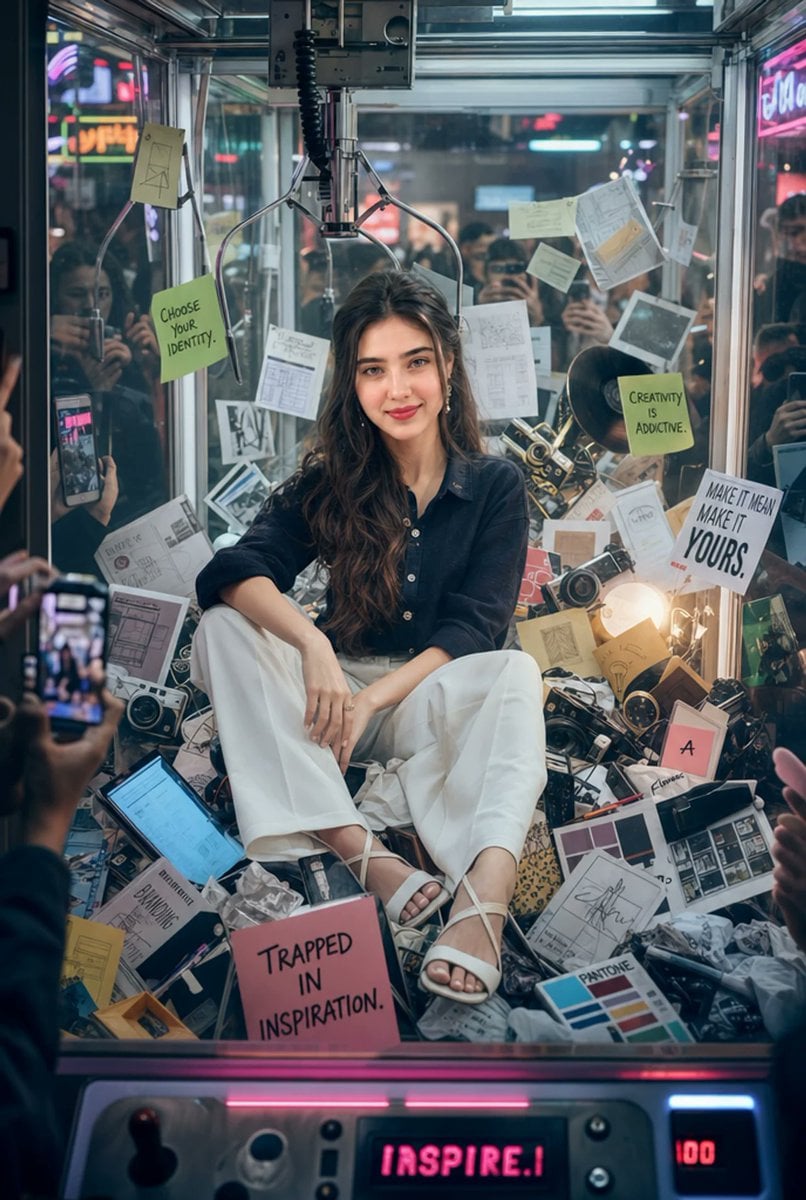
Creative Director Claw Machine Editorial
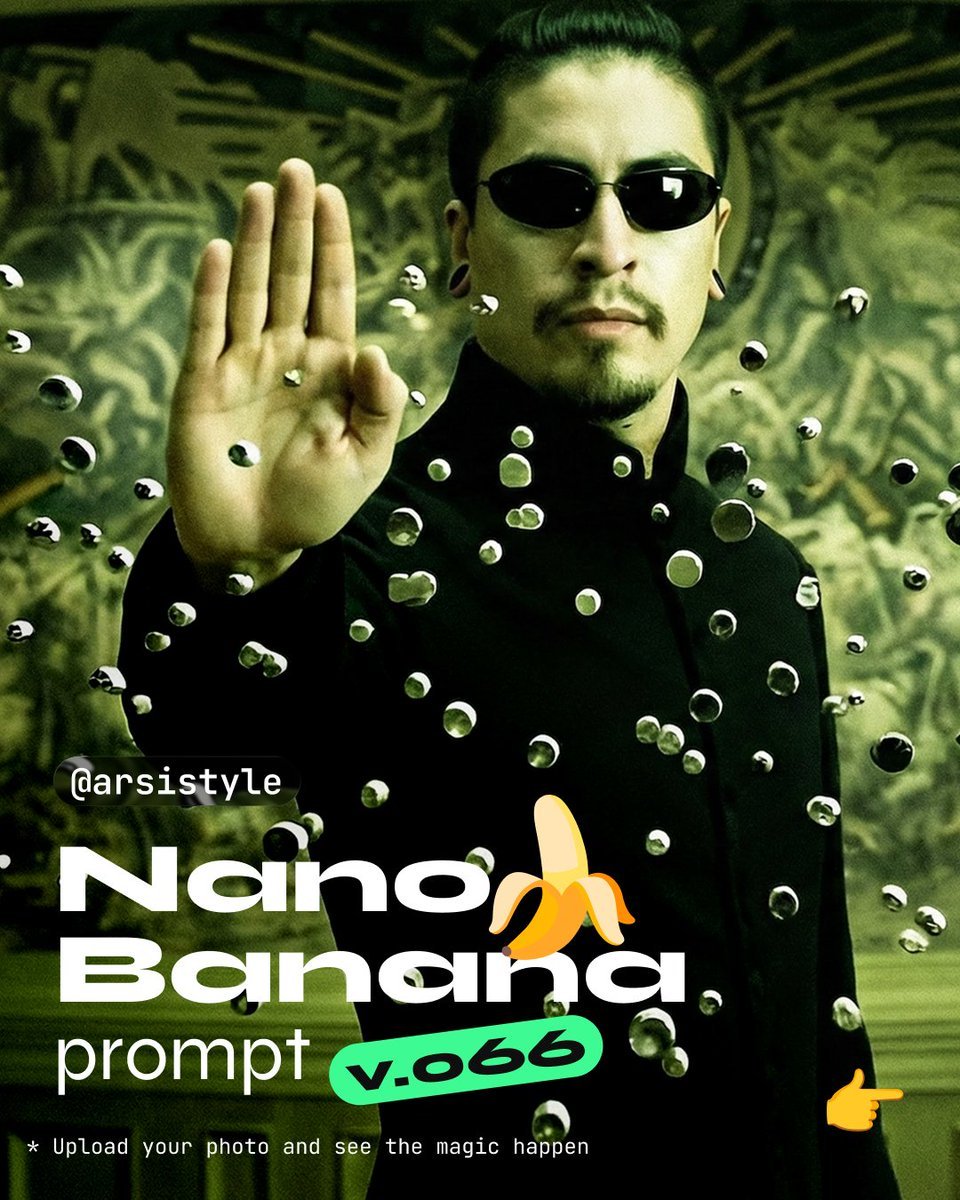
Cinematic Action Shot with Suspended Projectiles

Wong Kar-wai Cinematic Flash Photography Prompt

Social Post to Professional Graphic Transformation
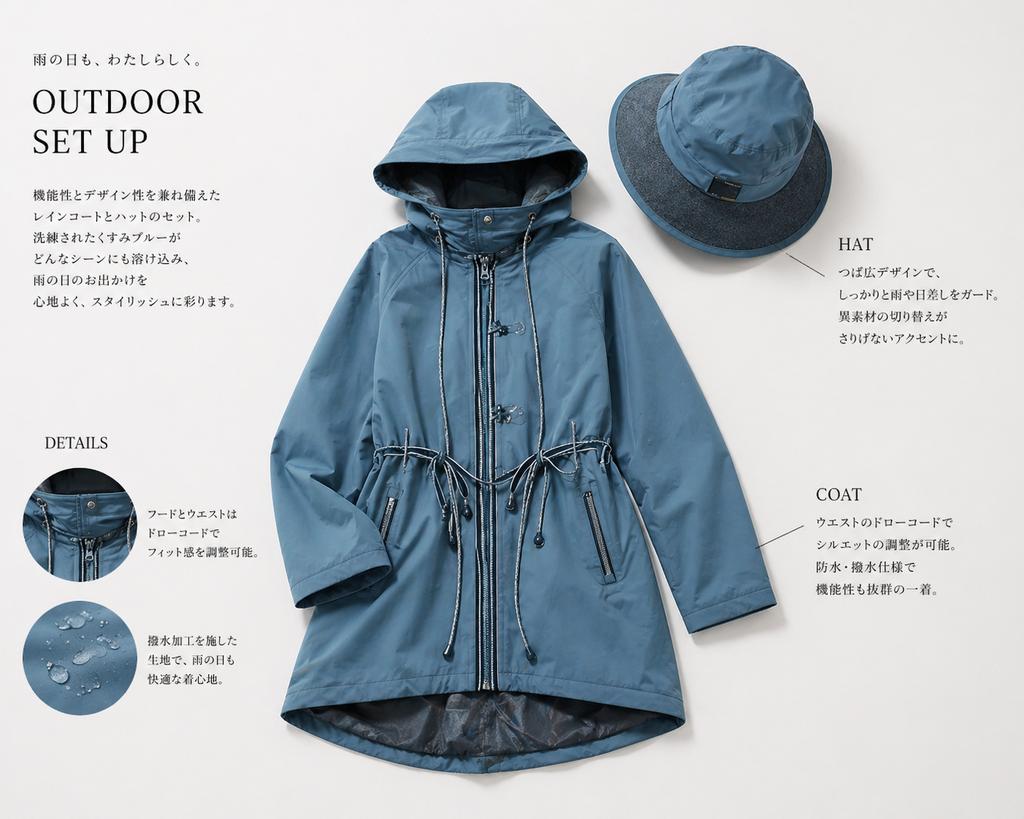
Japanese Rainwear Catalog Layout
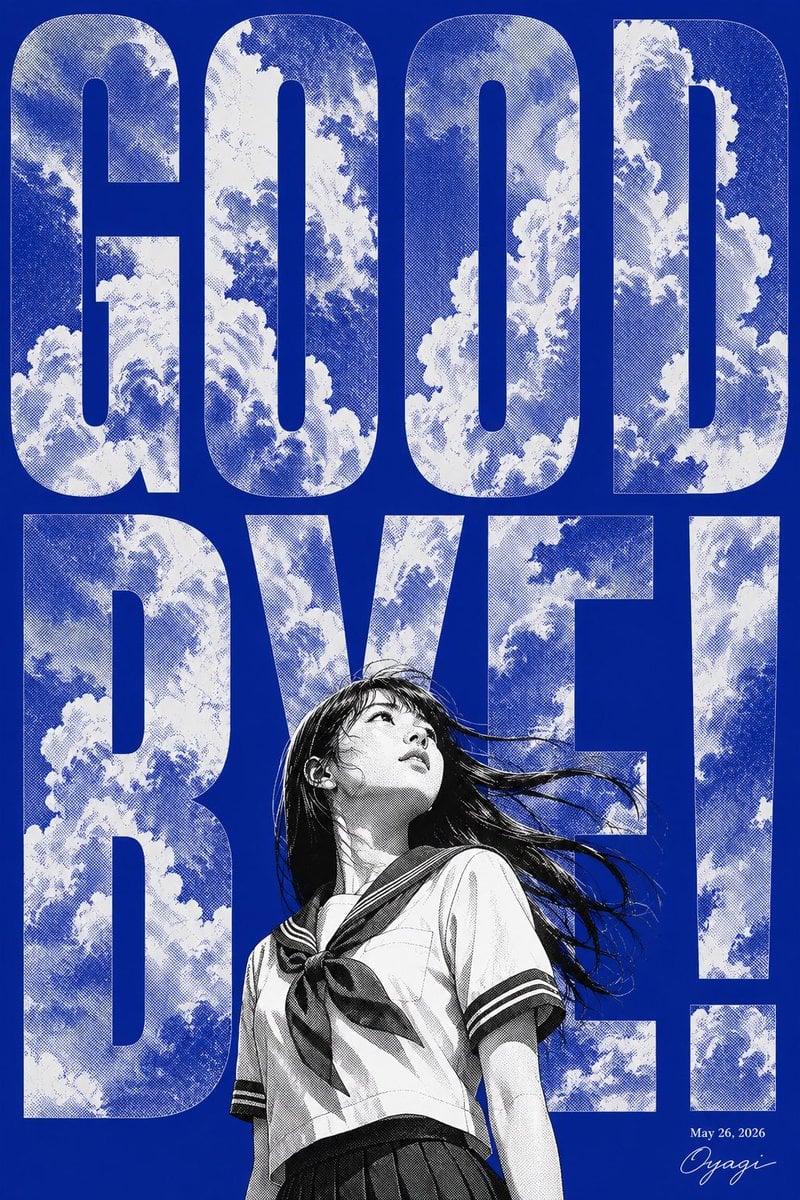
Manga Goodbye Typography Poster
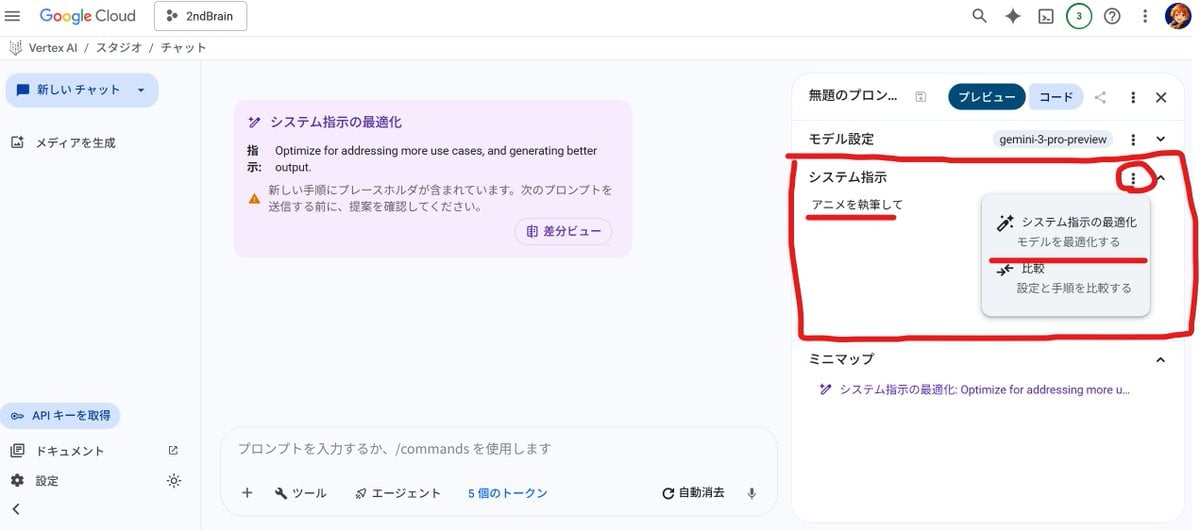
Anime Story Generation Prompt Template
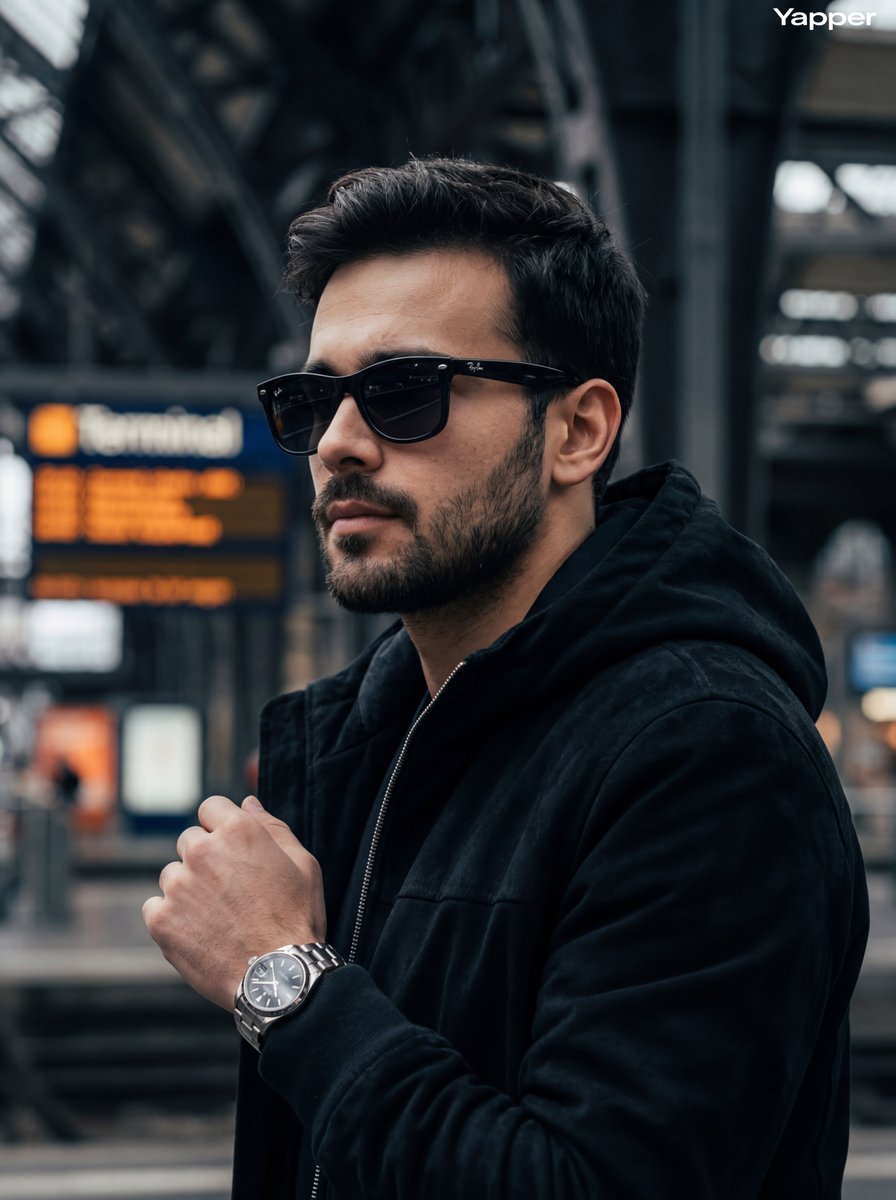
Cinematic Street Photography Portrait
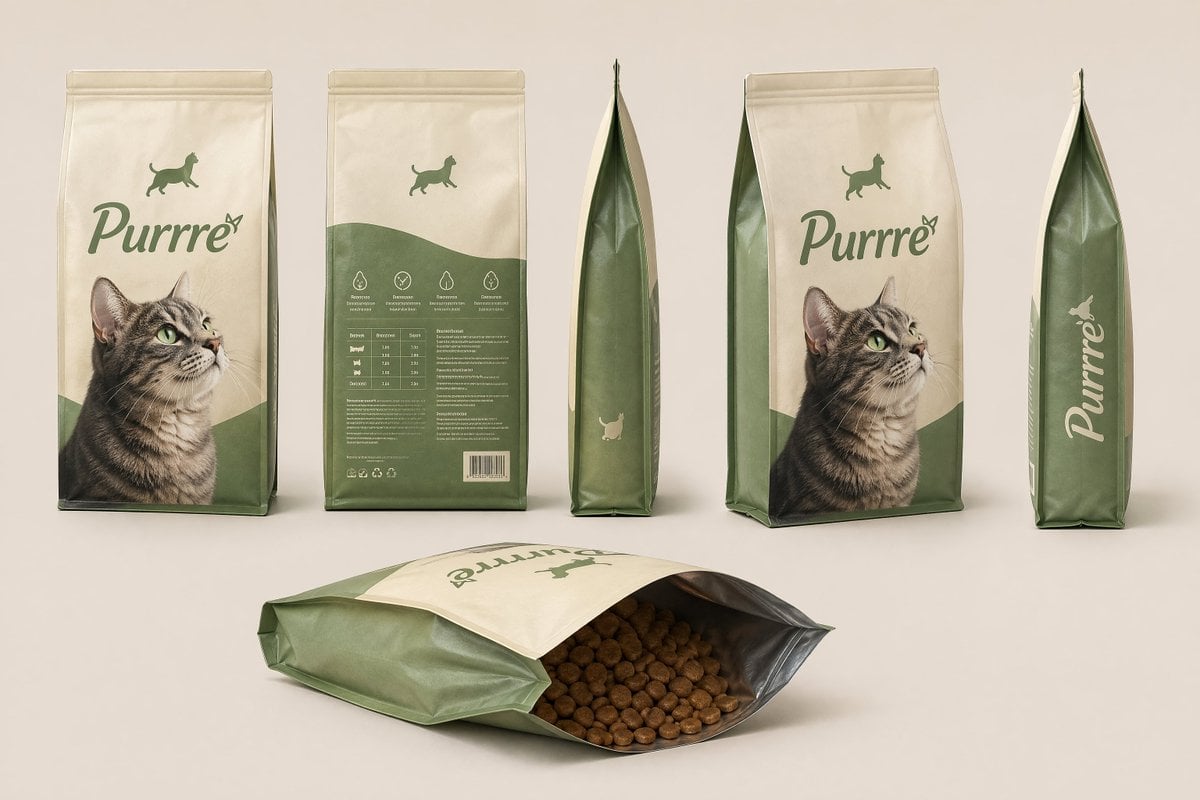
Consistent Product Kit Photography

Tiny People, Giant Problem Diorama Prompt
Browse template categories
Trompe-l'œil Keyhole Illusion with Living Eye questions
How do I use the Trompe-l'œil Keyhole Illusion with Living Eye template?
Add your photo if the template asks for one, edit the prompt if you like — the template's model and format are already selected — and press Generate. Your version opens in PicX Studio.
Can I customize the Trompe-l'œil Keyhole Illusion with Living Eye template?
Yes. You can change the subject, setting, lighting, mood, format, and available model controls before creating your image.
Is the Trompe-l'œil Keyhole Illusion with Living Eye template free?
Opening and editing this template is free. Generating uses credits, shown on the Generate button when you are signed in.
Which AI model should I use?
Start with Nano Banana 2, which is the model associated with this template. You can compare another compatible model for a different finish.
Looking for something else? Browse all templates.

Your photo, any look
Thousands of ready templates for every top image and video model, from one credit balance.