
Wong Kar-wai Cinematic Flash Photography Prompt
A structured prompt for generating a cinematic flash-photography shot viewed through a rain-streaked car window at night.
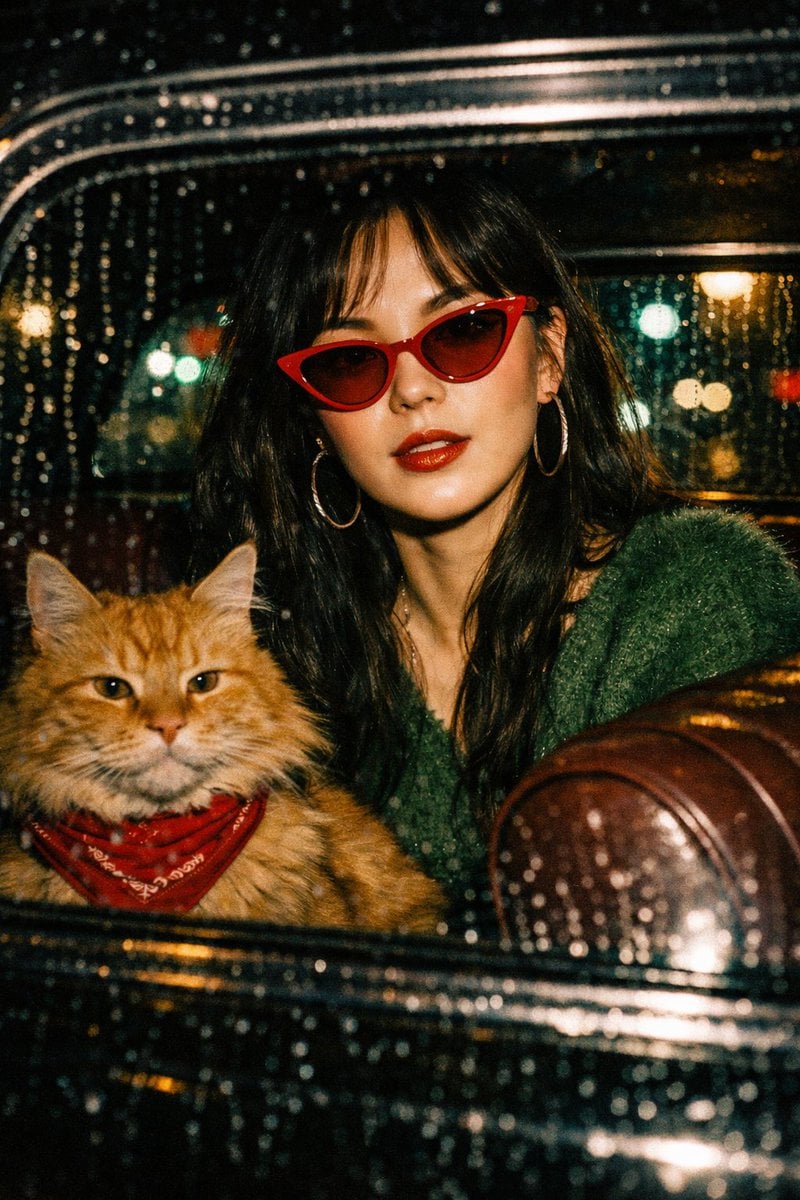
- Prompt included
- Model and format preset
- Free template
The prompt behind this image
Copy the exact prompt behind Wong Kar-wai Cinematic Flash Photography Prompt, or open it in the studio and make it yours.
"A cinematic flash-photography shot viewed through a rain-streaked car window at night. Inside a vintage black car, a chic Asian woman with long dark hair wears bright red cat-eye sunglasses, large hoop earrings, and a fuzzy green sweater. She has glossy red lipstick and is posing coolly. Sitting next to her on the maroon leather seat is a large, fluffy orange tabby cat wearing a red bandana. The background features blurred city streetlights and bokeh in green and teal tones. High-contrast lighting, {argument name="aesthetic style" default="Wong Kar-wai aesthetic"}, retro 90s fashion vibe, realistic texture, film grain, 35mm photography.", "elements": { "subject": { "human": "Young Asian woman, trendy, red cat-eye sunglasses, green fuzzy sweater, hoop earrings, glossy red lips", "animal": "Fluffy orange tabby cat, Maine Coon mix, red bandana, calm expression" }, "environment": "Inside vintage car, night time, city street, rain on glass, street lights", "lighting": "Direct flash, atmospheric street lighting, bokeh background, high contrast shadows", "style": "Cinematic, retro 90s, Hong Kong cinema style, film photography, lo-fi aesthetic, candid" }, "negative_prompt": "blurry, low resolution, cartoon, illustration, 3d render, drawing, distorted features, bad anatomy, missing limbs, text, watermark, daylight, bright sun", "technical_settings": { "aspect_ratio": "9:16", "film_stock": "{argument name="film stock" default="Kodak Portra 800"}", "camera_angle": "Eye-level, shot through glass" } }
How to use Wong Kar-wai Cinematic Flash Photography Prompt in 3 steps
- 1
Open
The prompt is already in the box next to the preview, with the template's model and format selected.
- 2…a portrait of your subject in softgolden-hour light, 85mm…
Personalize
Edit the subject and creative details for your destination.
- 3Generate
Generate
Press Generate — your image is created in PicX Studio, so you can compare it with the original and refine one variable at a time.
More like this
Templates with the same subject, style or setup. Open one to see its prompt.
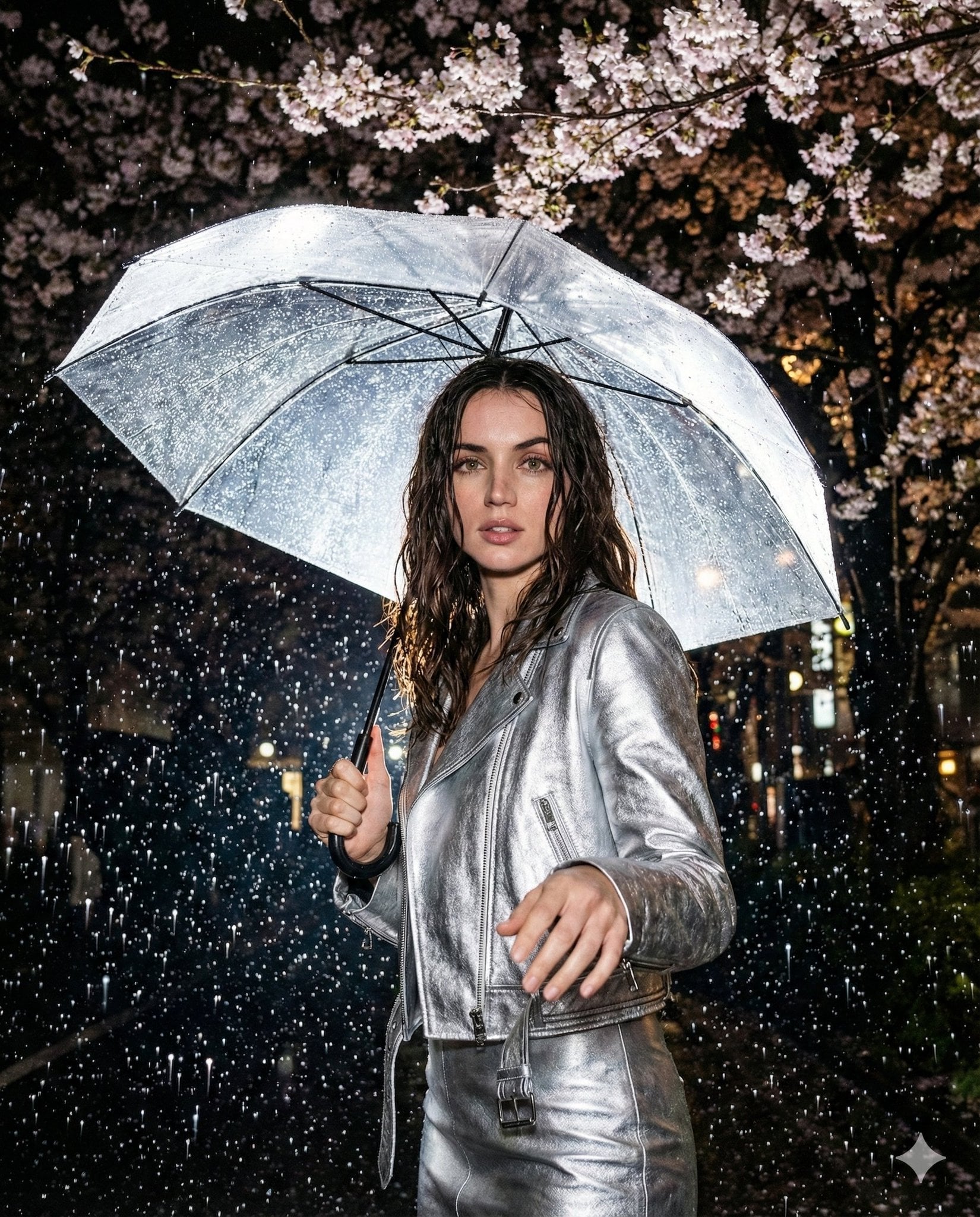
High-resolution nighttime editorial portrait shot with on-camera flash
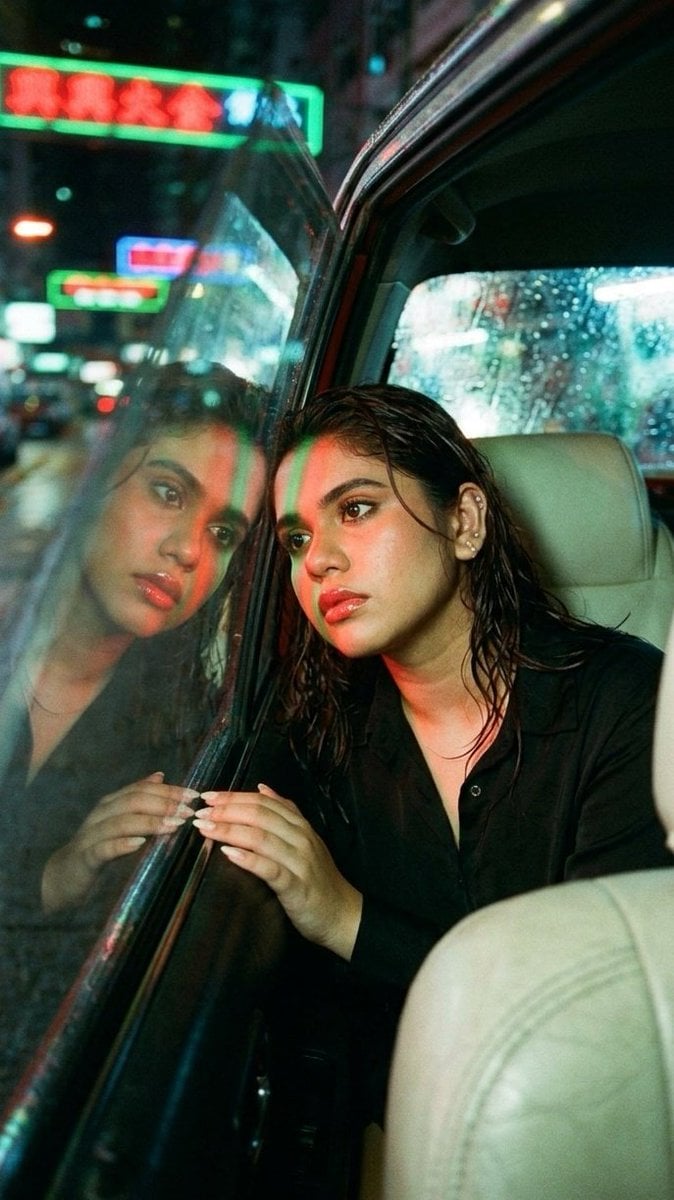
Wong Kar-wai Style Portrait in Taxi

Golden Hour Grass Portrait — Wong Kar-wai Inspired Nano Banana

Mirror Selfie Chibi Characters Pixar Style

Flower Petal Sunglasses Couture Portrait

Fashion Portrait Colored Smoke Studio

Mountain Valley Lifestyle Portrait

青蛇小青写真大片,绿色紧身蛇鳞裙,湿发红唇,妖娆妩媚

A double exposure, long exposure editorial photograph of a man Use image

Portrait of a young woman in her early 20s walking calmly on a beautiful

Artistic portrait of an elegant Asian woman wearing a black silk

A high-quality photo collage featuring the same person with identical
Make it yours
Wong Kar-wai Cinematic Flash Photography Prompt works as-is. These are the safest ways to change it without losing the look.
Change one field
Copy a single group, rewrite it, and generate again so you can see what that field is doing.
Keep the frame, change the subject
Hold the composition and light of Wong Kar-wai Cinematic Flash Photography Prompt, then swap wardrobe, props or the person for a new take.
| If the result… | Why | Fix |
|---|---|---|
| The result drifts from the preview | Too many fields changed at once. | Reuse Wong Kar-wai Cinematic Flash Photography Prompt as-is first, then change one group — subject, light, or setting. |
| The model over-stylizes the scene | The prose prompt leaves finish and camera underspecified. | Add one camera or lighting sentence and stay on Nano Banana 2. |
More Nano Banana 2 templates
Other prompts made for Nano Banana 2.

Photorealistic Leaf Shaped Like a Dragon

K-Pop Idol Portrait Grid for Rapid Selection

Poetic Rain Forest Portrait During Golden Hour

Urban Street Portrait with Cartoon Inner Self Duo

Candid Nighttime Photo with Cat Prompt

High-Concept 3D Diorama Generation Prompt

Cinematic Futuristic Studio Portrait Template

Skincare Editorial Photography Collage Prompt

Hyper-Realistic Commercial Product Photography (Splash Effect)

Hyper-Realistic Nightclub Portrait Prompt
More image prompts
Fresh picks from across the catalog.
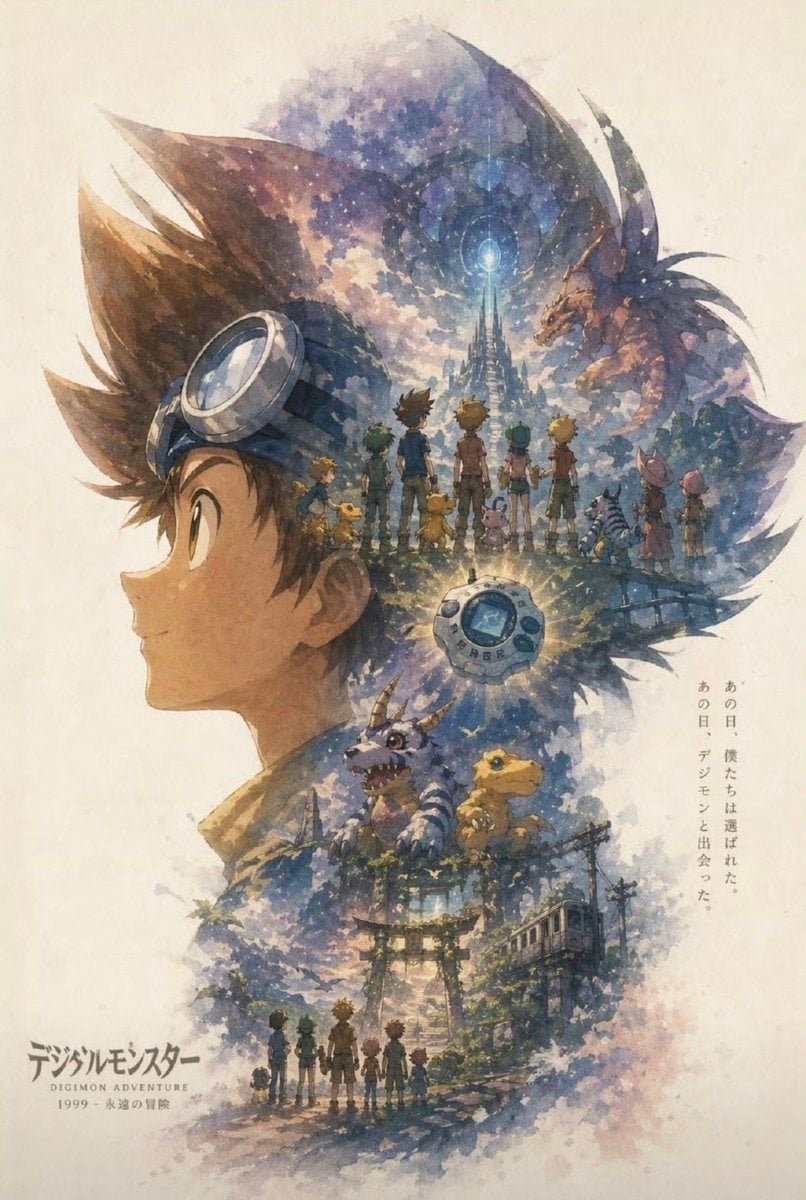
Nostalgic Watercolor Anime Adventure Poster
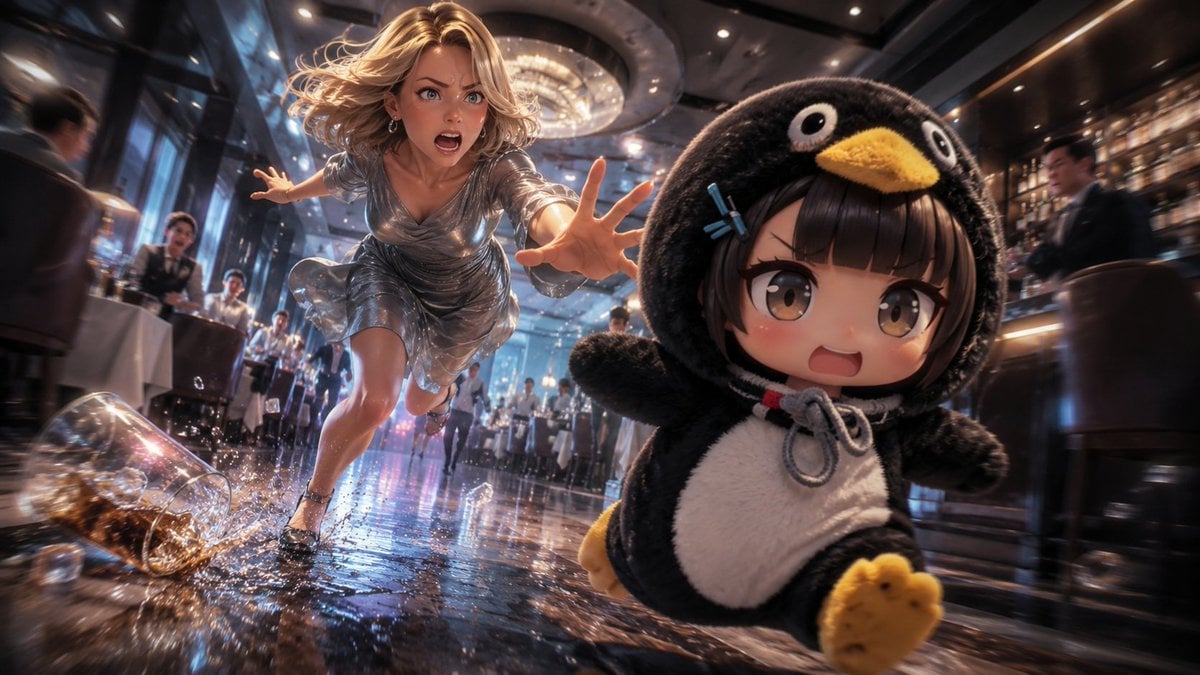
Anime Light Novel Restaurant Chase
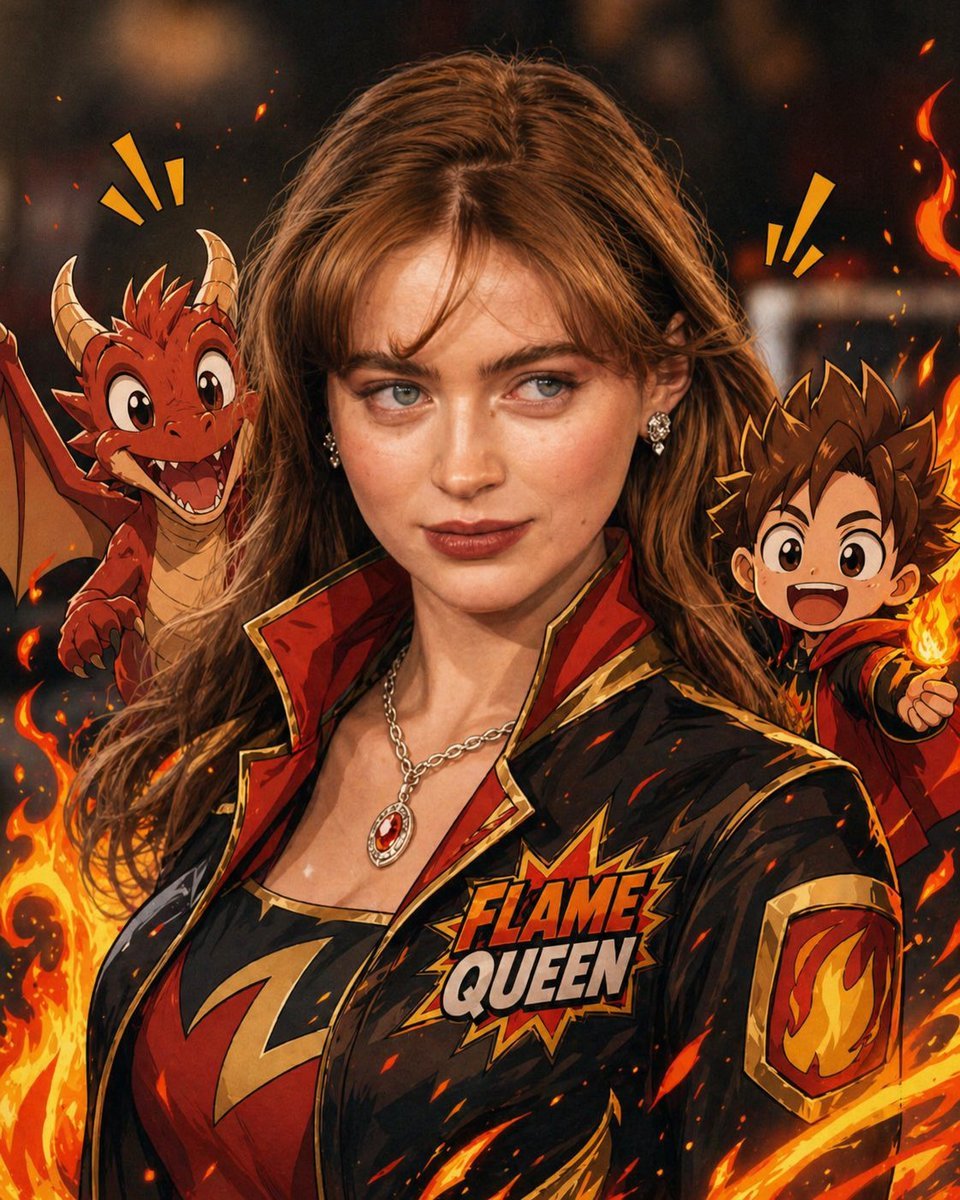
Mixed-Reality Comic Transformation
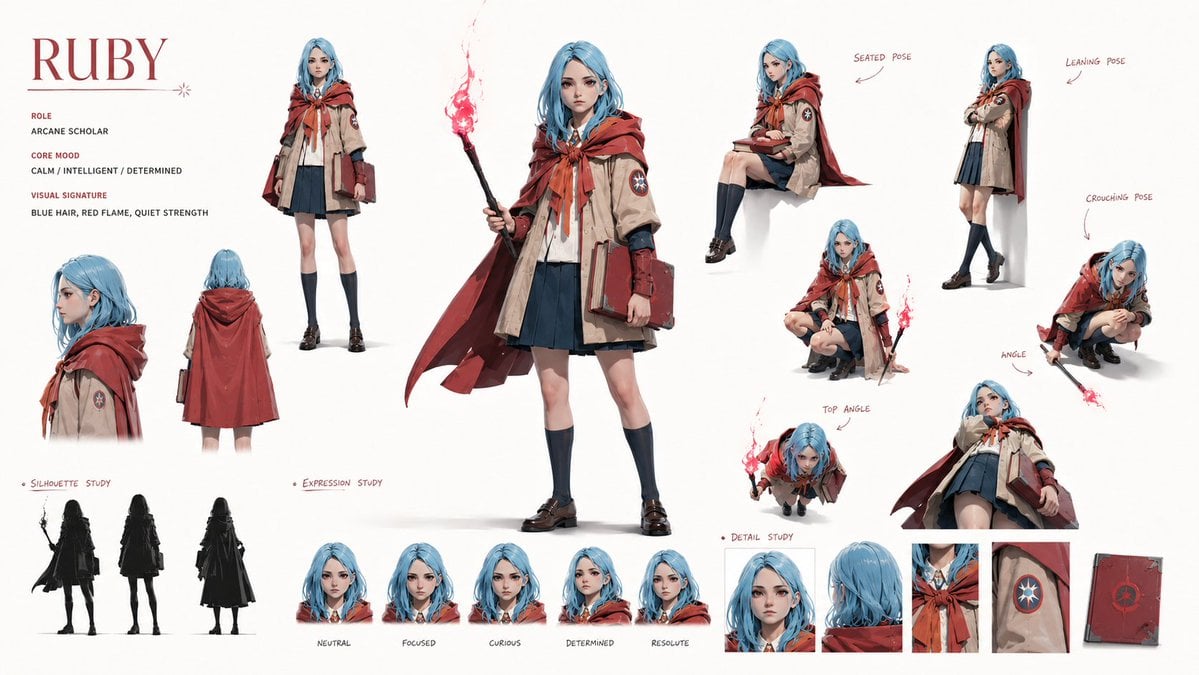
Character Identity Board
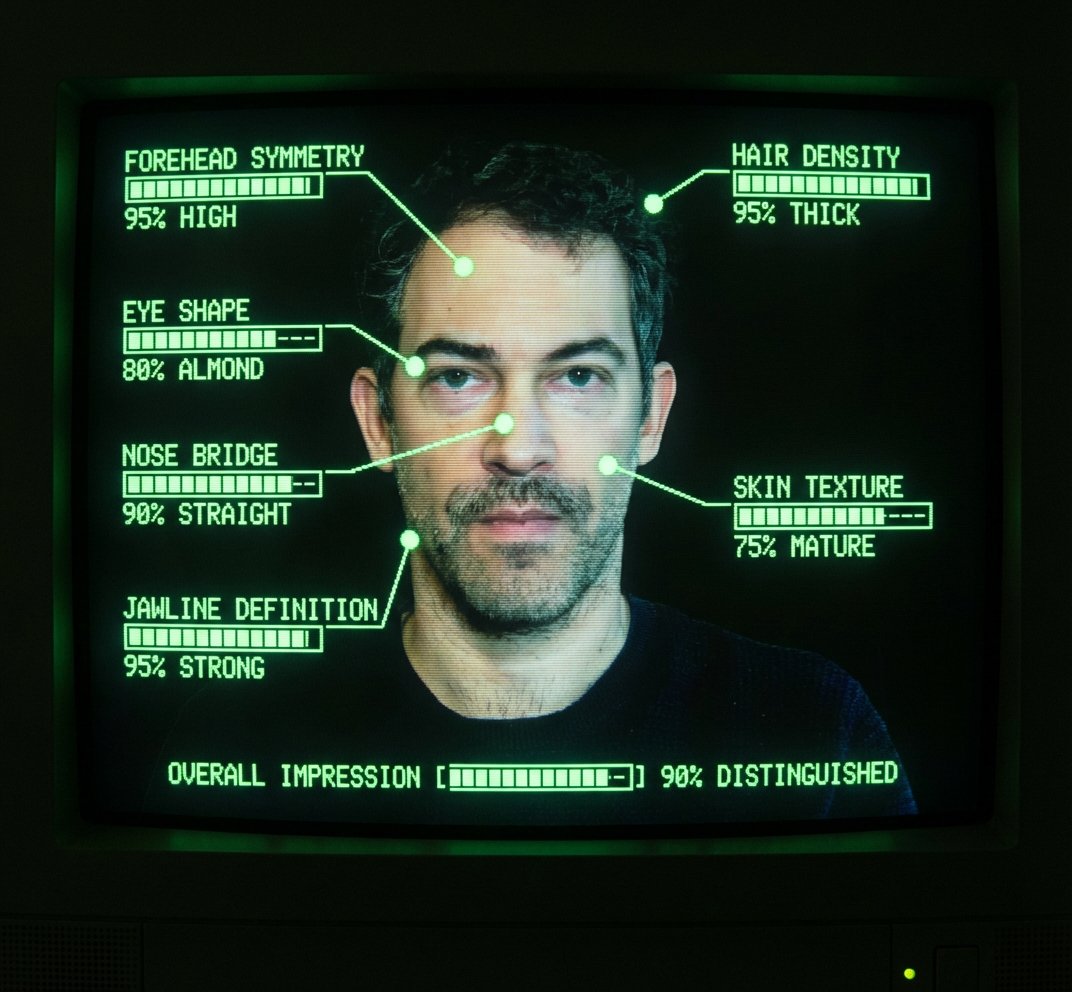
Annotate photo with hot-or-not console ratings
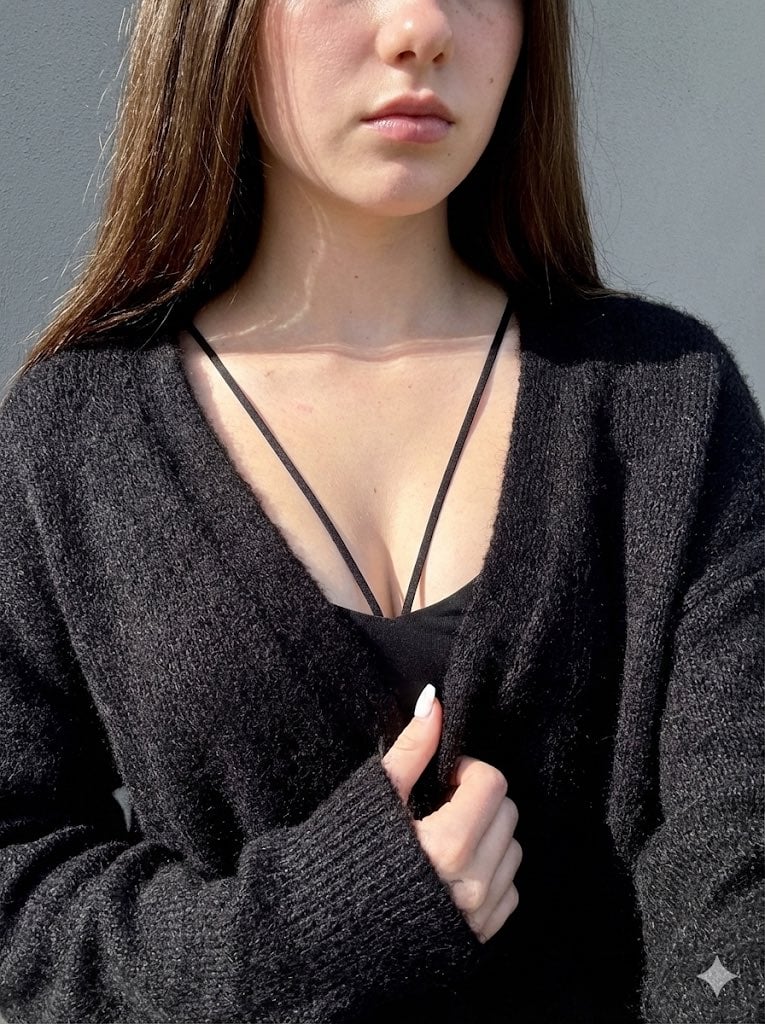
High-Contrast Close-Up with Strict Identity and Texture Focus
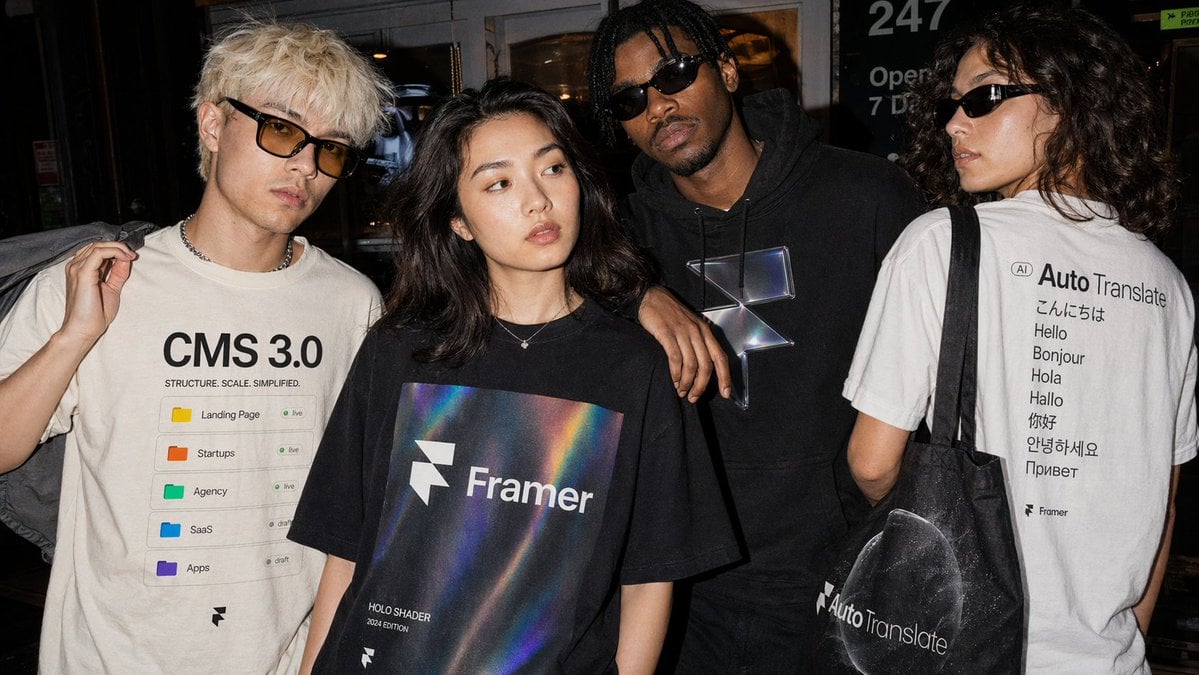
Editorial Streetwear Lifestyle Merch
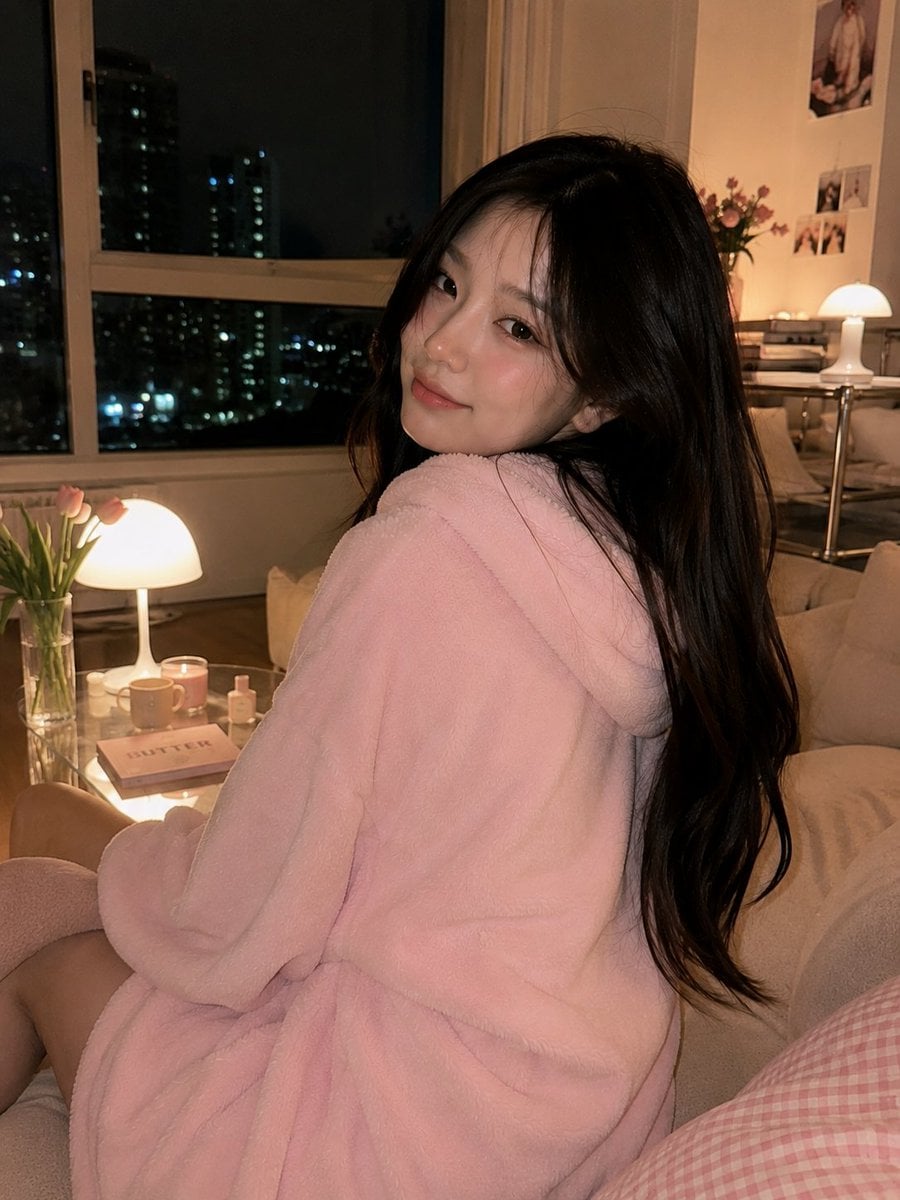
Cozy Korean Living Room Portrait
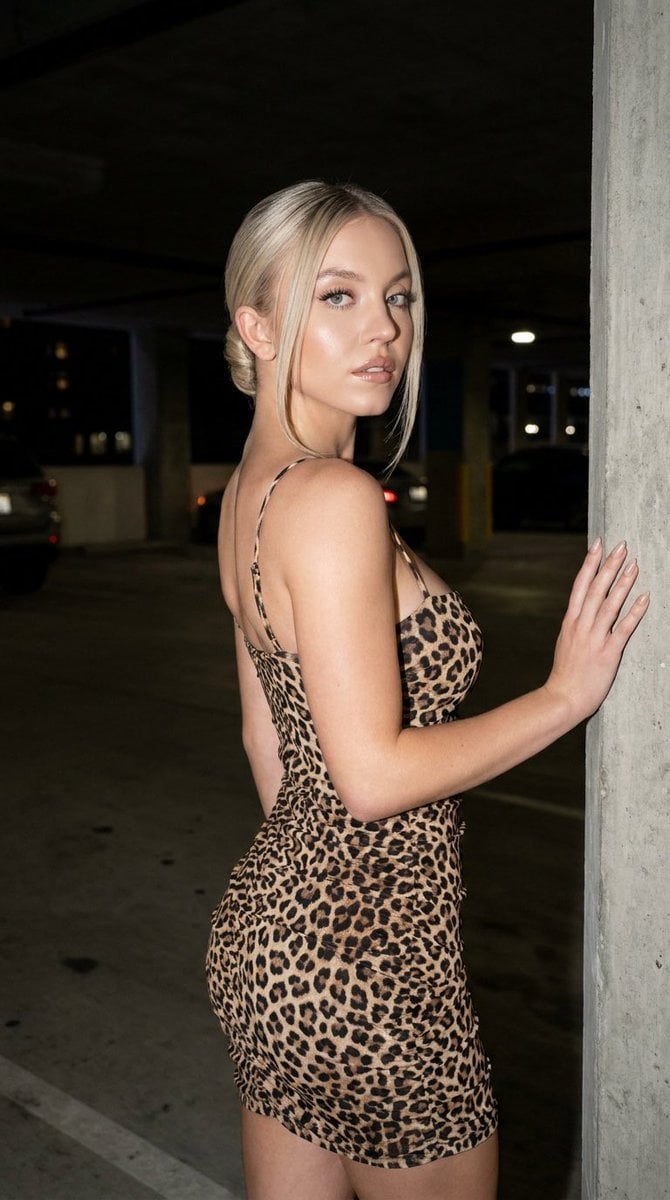
Fashion Editorial Parking Garage Portrait
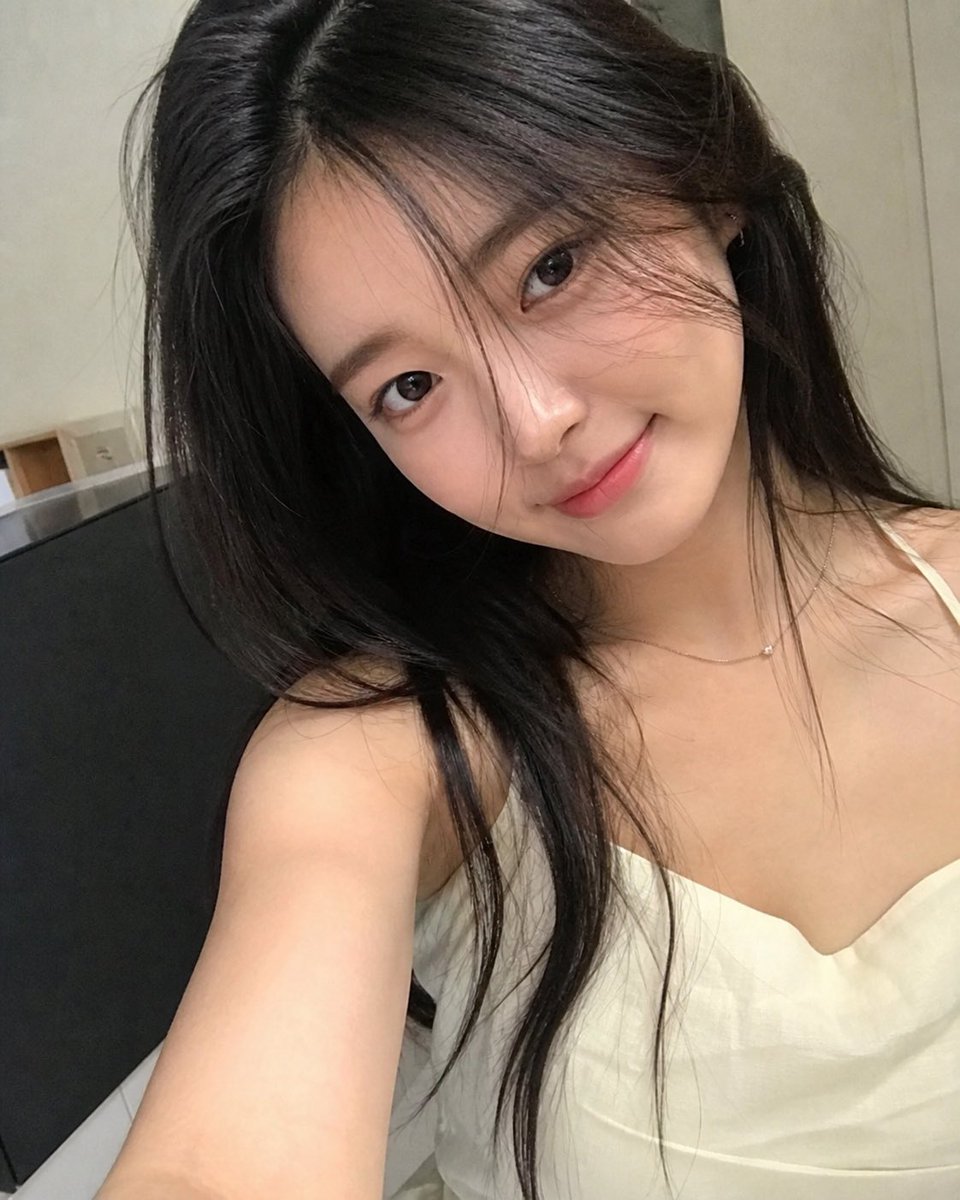
AI Personification Selfie
Browse template categories
Wong Kar-wai Cinematic Flash Photography Prompt questions
How do I use the Wong Kar-wai Cinematic Flash Photography Prompt template?
Add your photo if the template asks for one, edit the prompt if you like — the template's model and format are already selected — and press Generate. Your version opens in PicX Studio.
Can I customize the Wong Kar-wai Cinematic Flash Photography Prompt template?
Yes. You can change the subject, setting, lighting, mood, format, and available model controls before creating your image.
Is the Wong Kar-wai Cinematic Flash Photography Prompt template free?
Opening and editing this template is free. Generating uses credits, shown on the Generate button when you are signed in.
Which AI model should I use?
Start with Nano Banana 2, which is the model associated with this template. You can compare another compatible model for a different finish.
Looking for something else? Browse all templates.

Your photo, any look
Thousands of ready templates for every top image and video model, from one credit balance.