
Milano Soft Luxe Living Board
Generates a square Italian light-luxury living room soft furnishing proposal board for interior design presentations and client concept reviews.
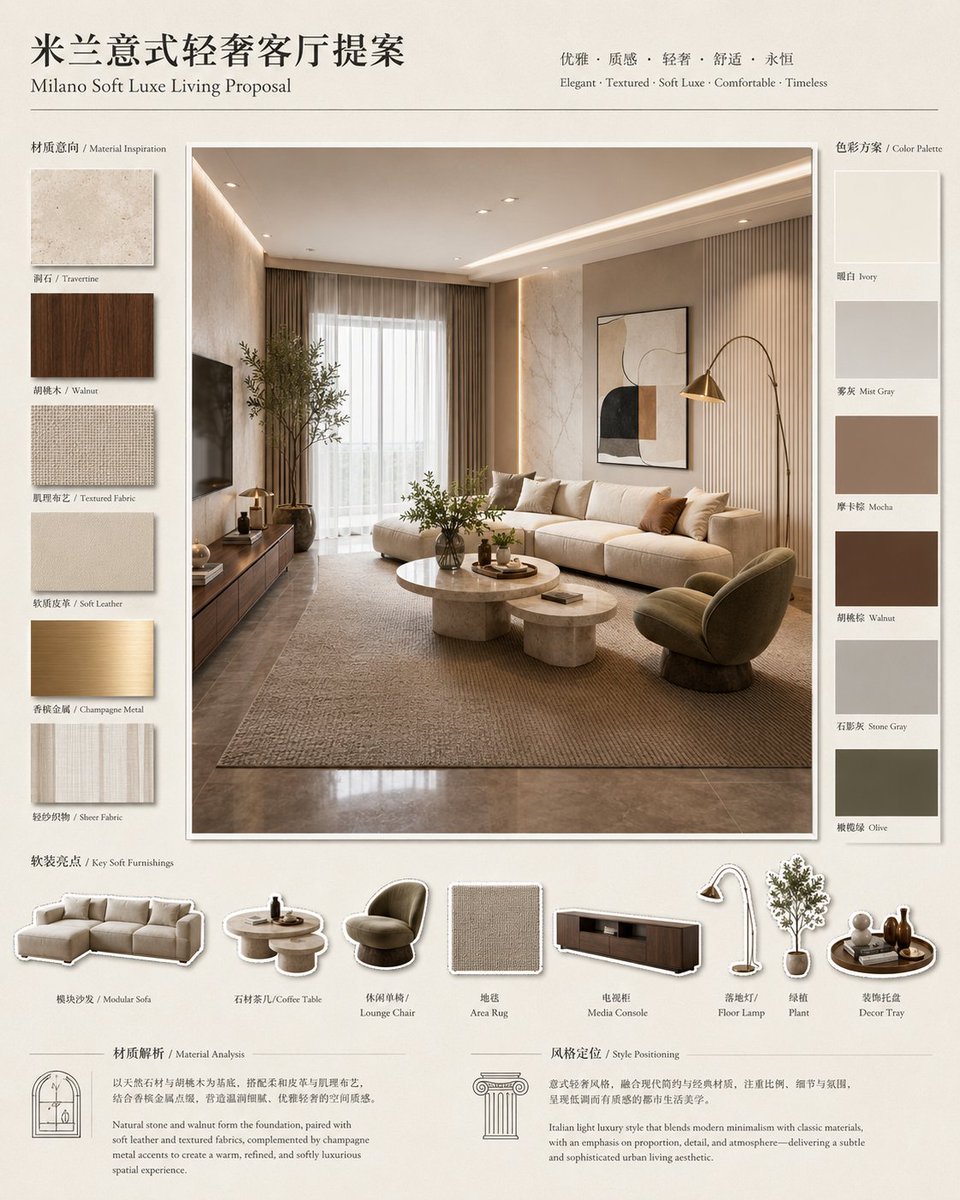
- Prompt included
- Model and format preset
- Premium template
The prompt behind this image
Copy the exact prompt behind Milano Soft Luxe Living Board, or open it in the studio and make it yours.
Goal: Create a polished interior design proposal board for {argument name="project title" default="Milano Soft Luxe Living Proposal"}, with a Chinese main title reading “米兰意式轻奢客厅提案” and an elegant Italian soft-luxury living room concept. Canvas: Square presentation board, warm ivory paper background, thin charcoal divider lines, refined editorial layout, high-end interior design studio style. Use a balanced beige, walnut, taupe, ivory, champagne metal, and olive palette. Typography should feel premium: large Chinese serif title at top left, smaller English subtitle below, and a centered tagline at top reading “Elegant · Textured · Soft Luxe · Comfortable · Timeless” with Chinese keywords above it. Layout: The board has a large central hero render framed in white with a subtle drop shadow. On the left is a vertical “Material Inspiration” column with exactly 6 stacked material swatches. On the right is a vertical “Color Palette” column with exactly 6 stacked color blocks. Along the bottom is a “Key Soft Furnishings” strip with exactly 8 cutout product icons and labels. The bottom footer contains exactly 2 text analysis panels: “Material Analysis” on the left with an arch-window line icon, and “Style Positioning” on the right with a classical column line icon. Central hero image: Show a serene Milanese soft-luxury living room in {argument name="interior style" default="Italian light luxury contemporary"} style. The room includes a long cream modular sofa with many cushions, a pair of round stone coffee tables, a textured area rug, a walnut media console with a dark TV on the left wall, sheer curtains over a large window, warm recessed cove lighting, beige stone-textured walls, a vertical fluted wall panel behind the sofa, a framed abstract artwork above the sofa, a brass arc floor lamp, an olive-toned lounge chair, indoor greenery, and glossy stone flooring. Lighting is warm, natural, and atmospheric, like a high-end architectural visualization. Left material column: Include exactly 6 labeled swatches, top to bottom: 1. Travertine, light beige stone texture; 2. Walnut, dark brown wood grain; 3. Textured Fabric, woven beige textile; 4. Soft Leather, smooth warm beige leather; 5. Champagne Metal, brushed gold metal; 6. Sheer Fabric, translucent ivory curtain fabric. Right color palette column: Include exactly 6 labeled rectangular color blocks, top to bottom: 1. Ivory; 2. Mist Gray; 3. Mocha; 4. Walnut; 5. Stone Gray; 6. Olive. Keep labels bilingual-style with small English names under Chinese labels. Bottom key soft furnishings: Include exactly 8 cutout items with small shadows and labels, left to right: 1. Modular Sofa; 2. Coffee Table; 3. Lounge Chair; 4. Area Rug; 5. Media Console; 6. Floor Lamp; 7. Plant; 8. Decor Tray. Use miniature product renderings matching the central living room. Footer text panels: Add compact bilingual-style explanatory paragraphs. The Material Analysis panel should describe natural stone, walnut wood, textured fabrics, champagne metal accents, and soft leather creating a warm, refined, comfortable luxury space. The Style Positioning panel should describe Italian light luxury blending modern minimalism with classical materials, balanced proportions, soft lighting, and a subtle sophisticated urban living aesthetic. Constraints: Keep the board clean, luxurious, and information-dense but not cluttered. Use accurate alignment, consistent margins, thin separator lines, subtle shadows, and no watermark. Preserve the listed counts exactly: 6 material swatches, 6 color palette blocks, 8 furnishing icons, and 2 footer analysis panels. Make the overall mood {argument name="mood" default="warm, timeless, textured, comfortable, sophisticated"}.
How to use Milano Soft Luxe Living Board in 3 steps
- 1Upload ImagePNG, JPG or paste
Add your photo
Upload the photo the template builds on. The prompt, model and format are already set.
- 2…a portrait of your subject in softgolden-hour light, 85mm…
Personalize
Edit the subject and creative details for your destination.
- 3Generate
Generate
Press Generate — your image is created in PicX Studio, so you can compare it with the original and refine one variable at a time.
More like this
Templates with the same subject, style or setup. Open one to see its prompt.
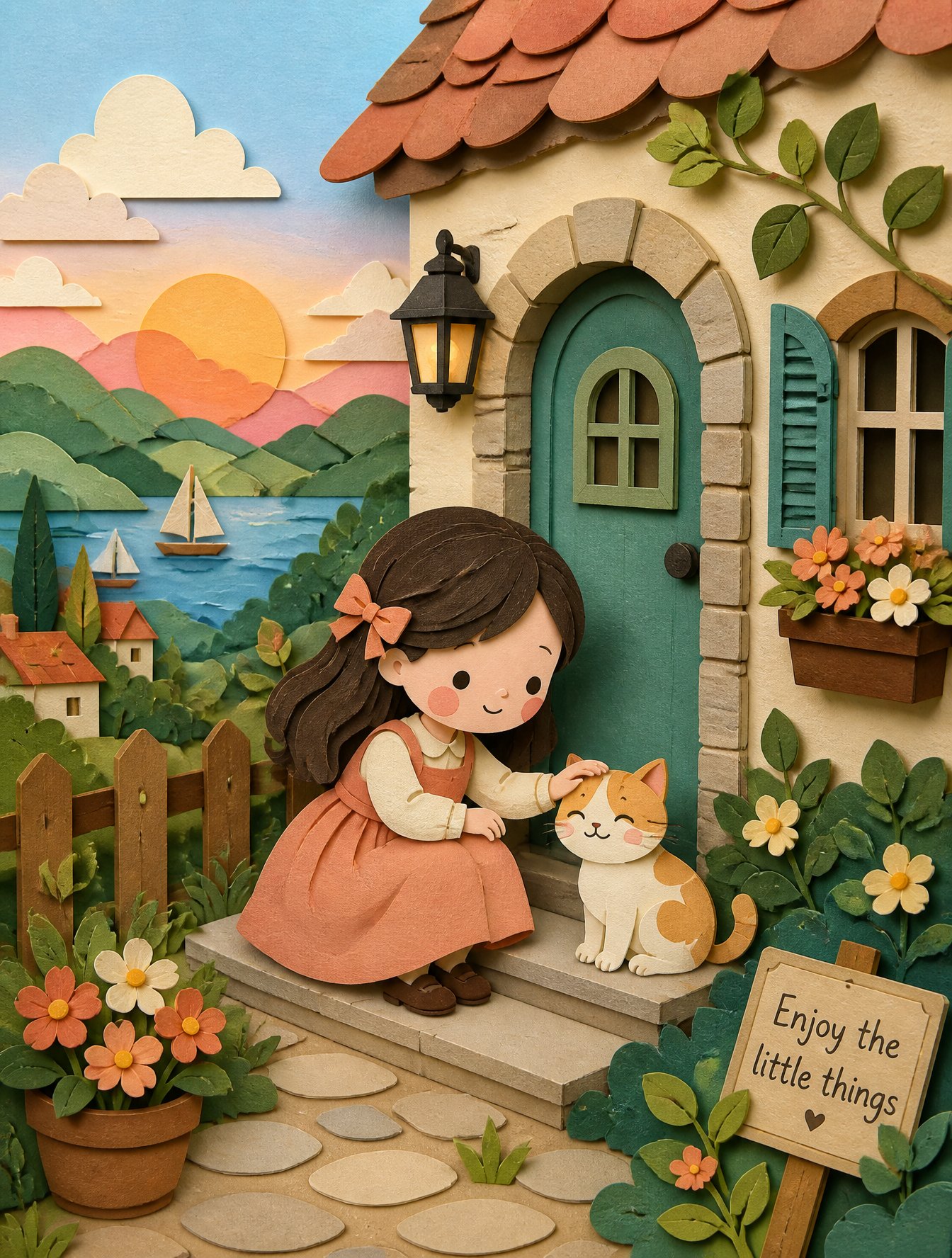
Soft Handcrafted Paper-Cut Layered Illustration
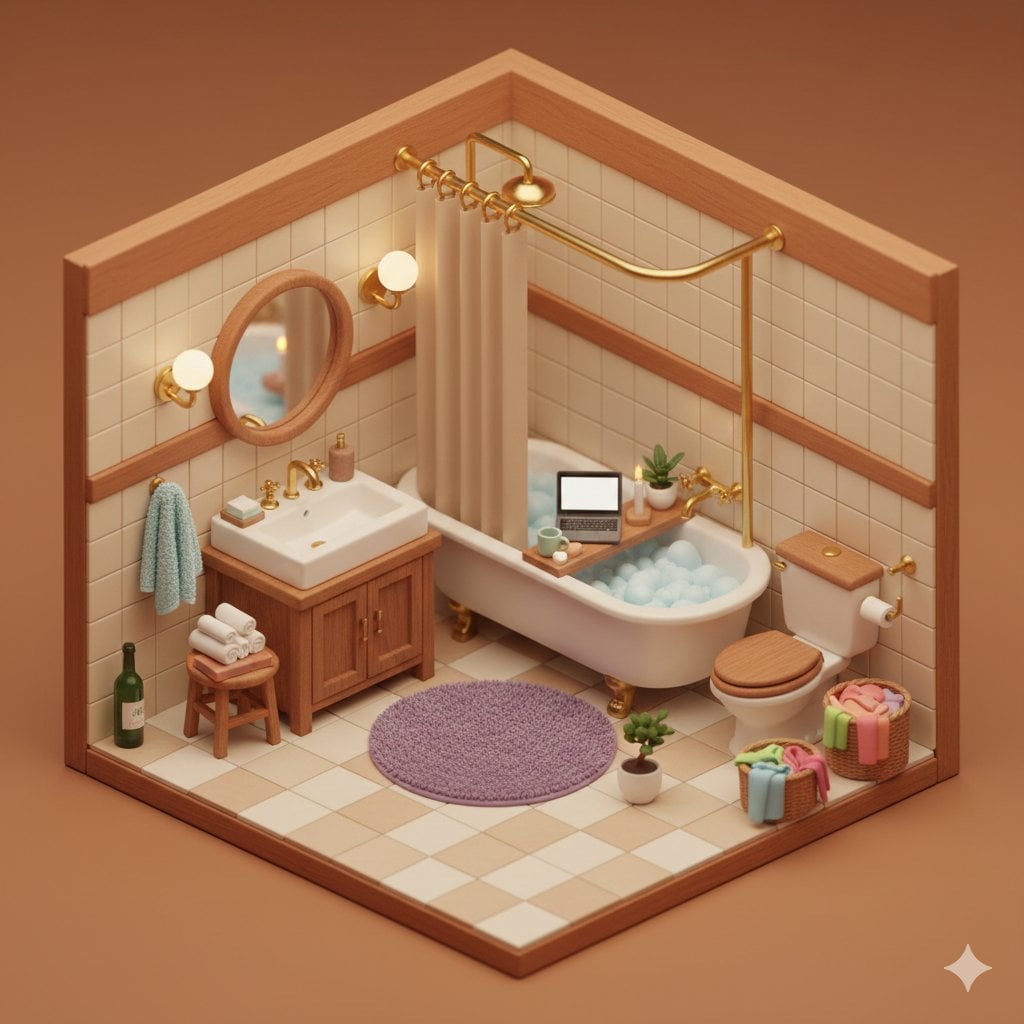
Watercolor Anim Finale Fireworks

Watercolor Anim Garden Maze
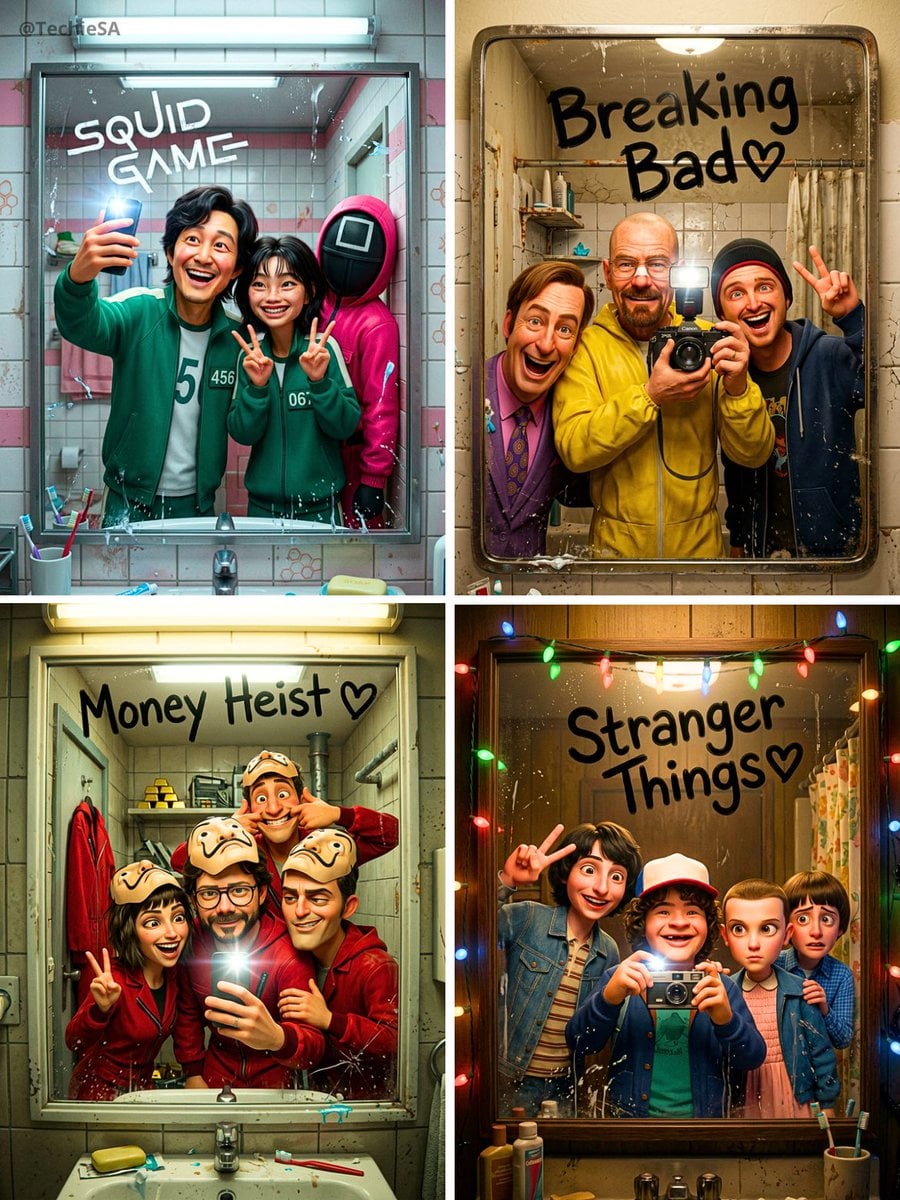
Watercolor Anim Rooftop Concert

Watercolor Anim Bicycle Coast

Watercolor Anim Castle Gate

Watercolor Anim Kitchen Chaos
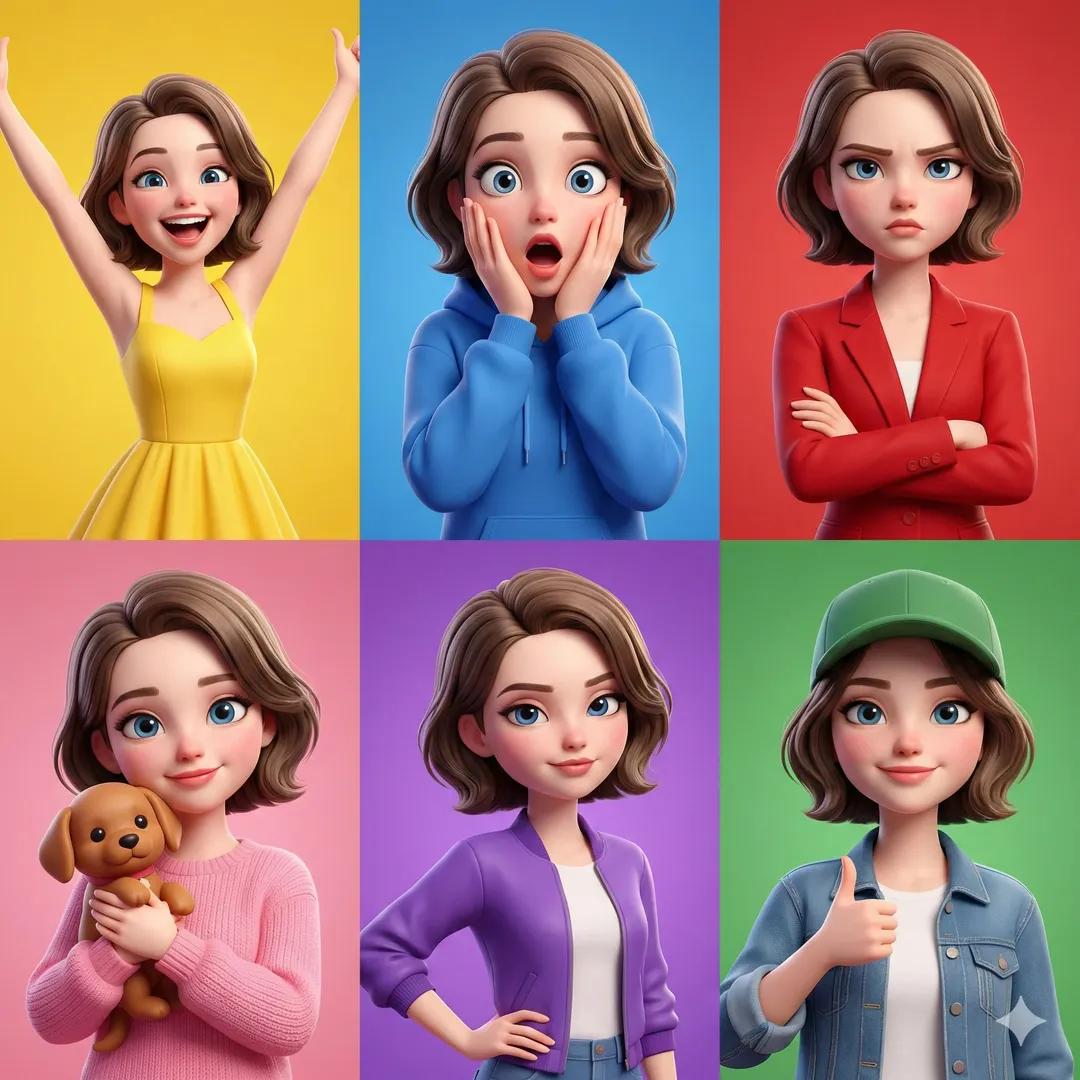
Watercolor Anim Carnival Ride

Watercolor Anim Rainy Bus Stop

Watercolor Anim Space Dock

Watercolor Anim Cafe Morning
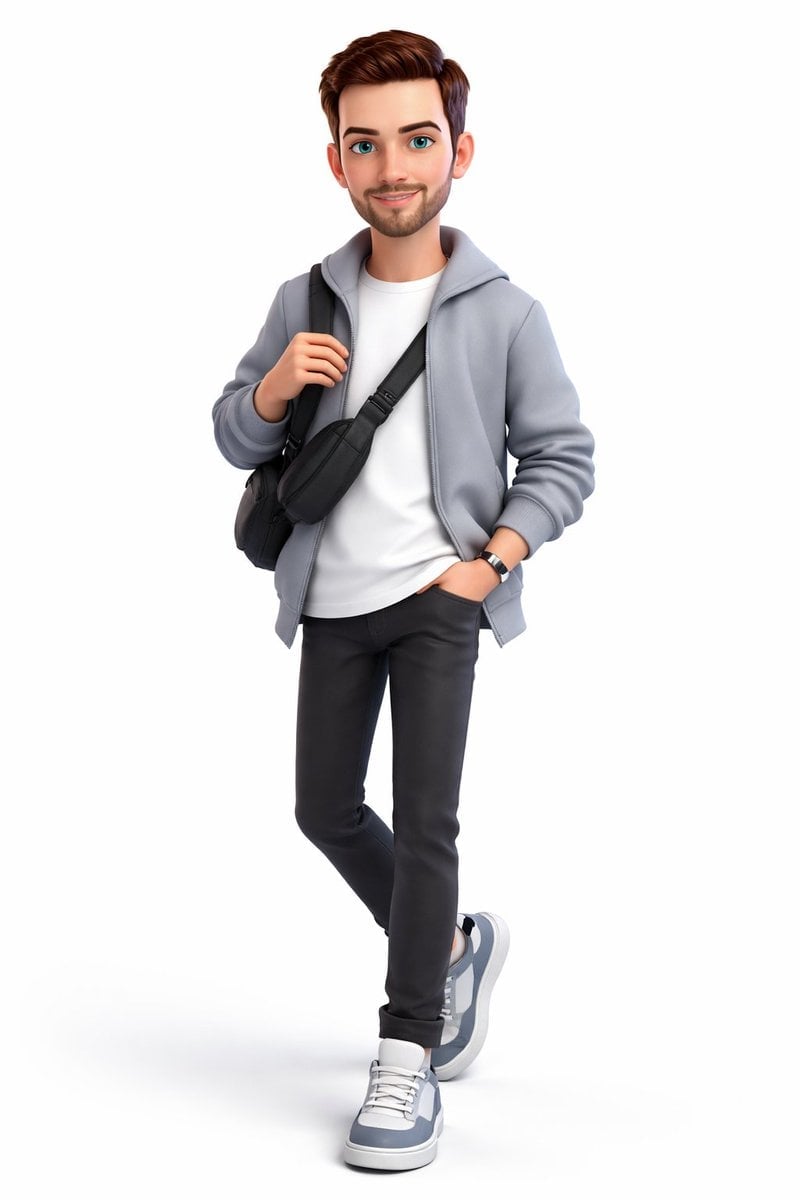
Watercolor Anim Mountain Summit
Make it yours
Milano Soft Luxe Living Board works as-is. These are the safest ways to change it without losing the look.
Change one field
Copy a single group, rewrite it, and generate again so you can see what that field is doing.
Keep the frame, change the subject
Hold the composition and light of Milano Soft Luxe Living Board, then swap wardrobe, props or the person for a new take.
| If the result… | Why | Fix |
|---|---|---|
| The result drifts from the preview | Too many fields changed at once. | Reuse Milano Soft Luxe Living Board as-is first, then change one group — subject, light, or setting. |
| The model over-stylizes the scene | The prose prompt leaves finish and camera underspecified. | Add one camera or lighting sentence and stay on GPT Image 2. |
More GPT Image 2 templates
Other prompts made for GPT Image 2.

Six VTuber Japanese Logo Sheet

Realistic Portrait of Woman and Deer

The Vista Modular Condo Poster

AI Model Routing Comparison Infographic

2.5D Anime Art Board

Isometric Productivity Desk Scene

New York Double Exposure Poster

Four-Panel AI Landscape Comparison

Japanese Tatami Lifestyle Magazine Cover

NESCAFÉ Coffee Map Poster
More image prompts
Fresh picks from across the catalog.
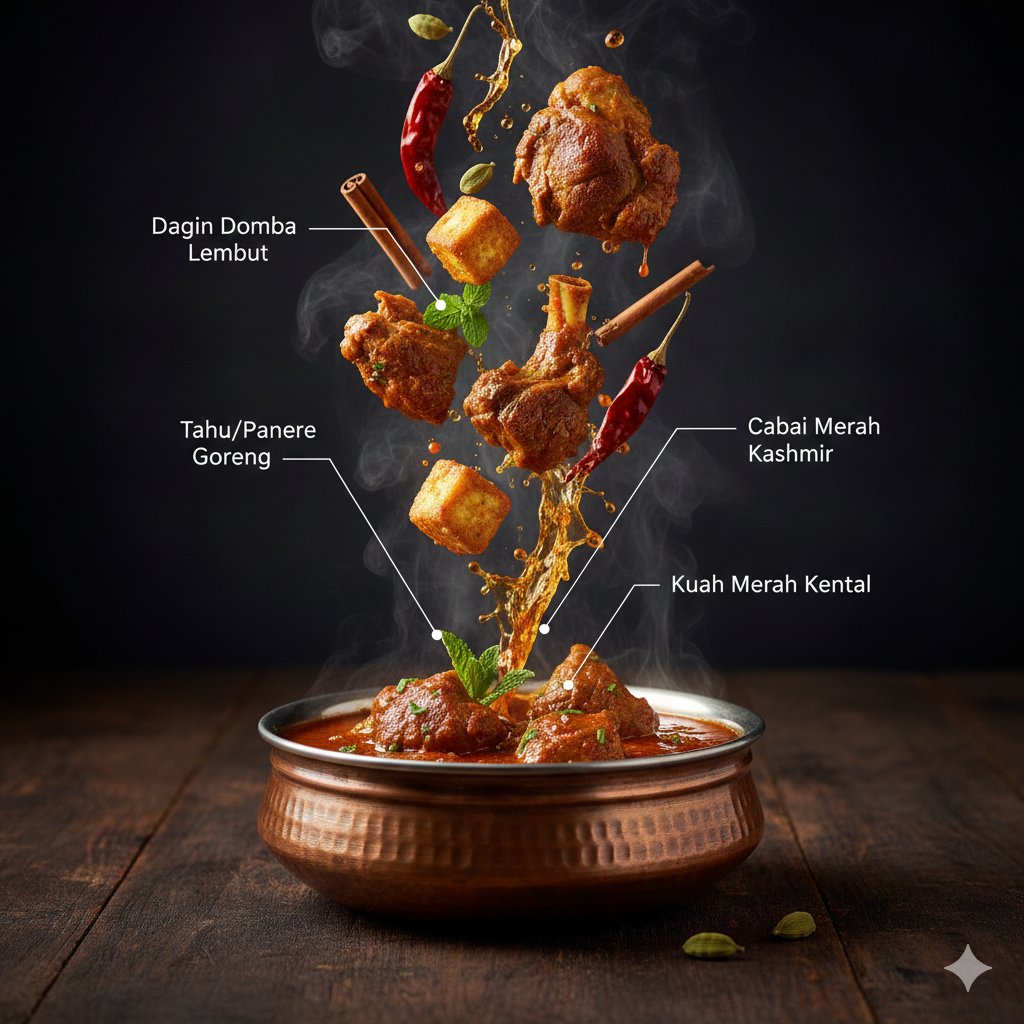
Hyper-Realistic Kashmiri Wazwan Infographic Prompt
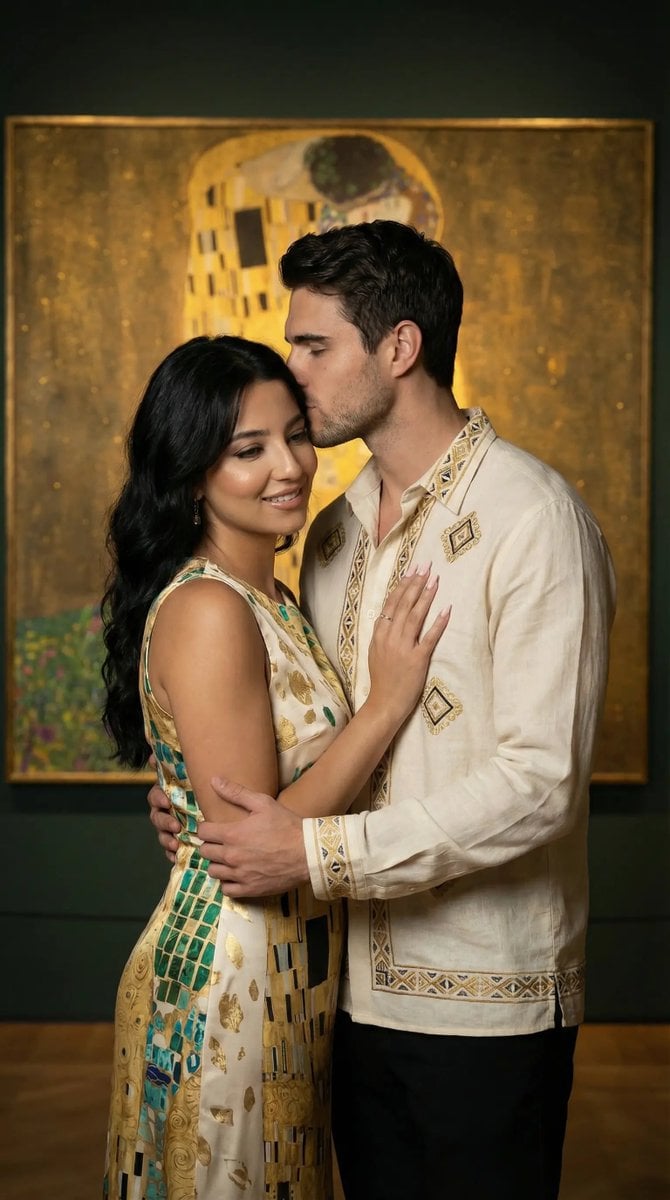
Klimt-Inspired Fine Art Editorial Portrait (JSON)
Stacked Objects Symbolizing a Concept
Dramatic Stone Corridor With Arched Windows

Ethereal Glitch Art Illustration

Fan Reaction Sticker Set

3D Breakout Graffiti Mural Portrait

New Year's Day Special: Four-Panel Puzzle for 2026 Blessing
Nighttime Urban Fashion Editorial in Luxury Sedan Prompt

Noir Portrait with Balaclava and Cigarette Smoke
Browse template categories
Milano Soft Luxe Living Board questions
How do I use the Milano Soft Luxe Living Board template?
Add your photo if the template asks for one, edit the prompt if you like — the template's model and format are already selected — and press Generate. Your version opens in PicX Studio.
Can I customize the Milano Soft Luxe Living Board template?
Yes. You can change the subject, setting, lighting, mood, format, and available model controls before creating your image.
Is the Milano Soft Luxe Living Board template free?
Opening and editing this template is free. Generating uses credits, shown on the Generate button when you are signed in.
Which AI model should I use?
Start with GPT Image 2, which is the model associated with this template. You can compare another compatible model for a different finish.
Looking for something else? Browse all templates.

Your photo, any look
Thousands of ready templates for every top image and video model, from one credit balance.