
Ethereal Glitch Art Illustration
A prompt to transform an existing illustration into a poetic, futuristic glitch art style with RGB separation and scanline effects.
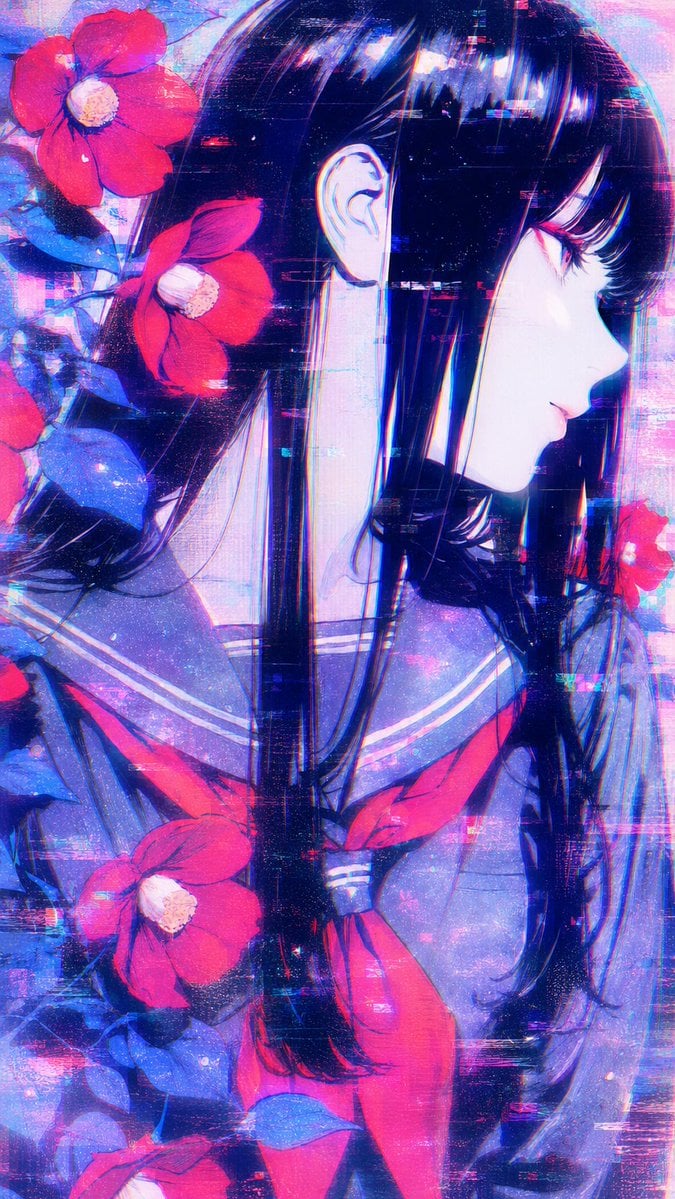
- Prompt included
- Model and format preset
- Free template
The prompt behind this image
Copy the exact prompt behind Ethereal Glitch Art Illustration, or open it in the studio and make it yours.
このイラストを{argument name="スタイル" default="幻想的で詩的なグリッチアート風"}に変換してください。{argument name="効果" default="微細なRGB分離、柔らかい色ずれ、微かなスキャンライン、粒子のようなデジタルノイズ、軽いdatamoshing効果"}を優しく重ねて表現。{argument name="質感" default="壊れながらも美しく輝くようなエーテルな質感"}を重視してください。 全体を夢幻的で神秘的、近未来的でありながら儚い美しさを持つ雰囲気に仕上げてください。元のイラストの構図・キャラクターの表情と可愛らしさを損なわず、優しいグリッチ効果を加えて。
How to use Ethereal Glitch Art Illustration in 3 steps
- 1Upload ImagePNG, JPG or paste
Add your photo
Upload the photo the template builds on. The prompt, model and format are already set.
- 2…a portrait of your subject in softgolden-hour light, 85mm…
Personalize
Edit the subject and creative details for your destination.
- 3Generate
Generate
Press Generate — your image is created in PicX Studio, so you can compare it with the original and refine one variable at a time.
More like this
Templates with the same subject, style or setup. Open one to see its prompt.

Real Illustration Split Portrait Transition

Quiet Minimalist Anime Style Guide

Blueprint Split Reality Archetype Prompt
Quiet Minimalist Anime Style Guide

Watercolor Café Cheesecake Editorial Illustration
Real Illustration Split Portrait Transition
Blueprint Split Reality Archetype Prompt

Neon Glitch Cyber Symbiote Music Poster

Bold Side Profile Superhero Poster

Hero Portrait Comic Multi-Panel Poster
Spider-Verse Painterly Portrait Poster

Captain Tsubasa Anime World Cup Poster
Make it yours
Ethereal Glitch Art Illustration works as-is. These are the safest ways to change it without losing the look.
Change one field
Copy a single group, rewrite it, and generate again so you can see what that field is doing.
Keep the frame, change the subject
Hold the composition and light of Ethereal Glitch Art Illustration, then swap wardrobe, props or the person for a new take.
| If the result… | Why | Fix |
|---|---|---|
| The result drifts from the preview | Too many fields changed at once. | Reuse Ethereal Glitch Art Illustration as-is first, then change one group — subject, light, or setting. |
| The model over-stylizes the scene | The prose prompt leaves finish and camera underspecified. | Add one camera or lighting sentence and stay on GPT Image 2. |
More GPT Image 2 templates
Other prompts made for GPT Image 2.

Six VTuber Japanese Logo Sheet

Realistic Portrait of Woman and Deer

The Vista Modular Condo Poster

AI Model Routing Comparison Infographic

2.5D Anime Art Board

Isometric Productivity Desk Scene

New York Double Exposure Poster

Four-Panel AI Landscape Comparison

Japanese Tatami Lifestyle Magazine Cover

NESCAFÉ Coffee Map Poster
More image prompts
Fresh picks from across the catalog.
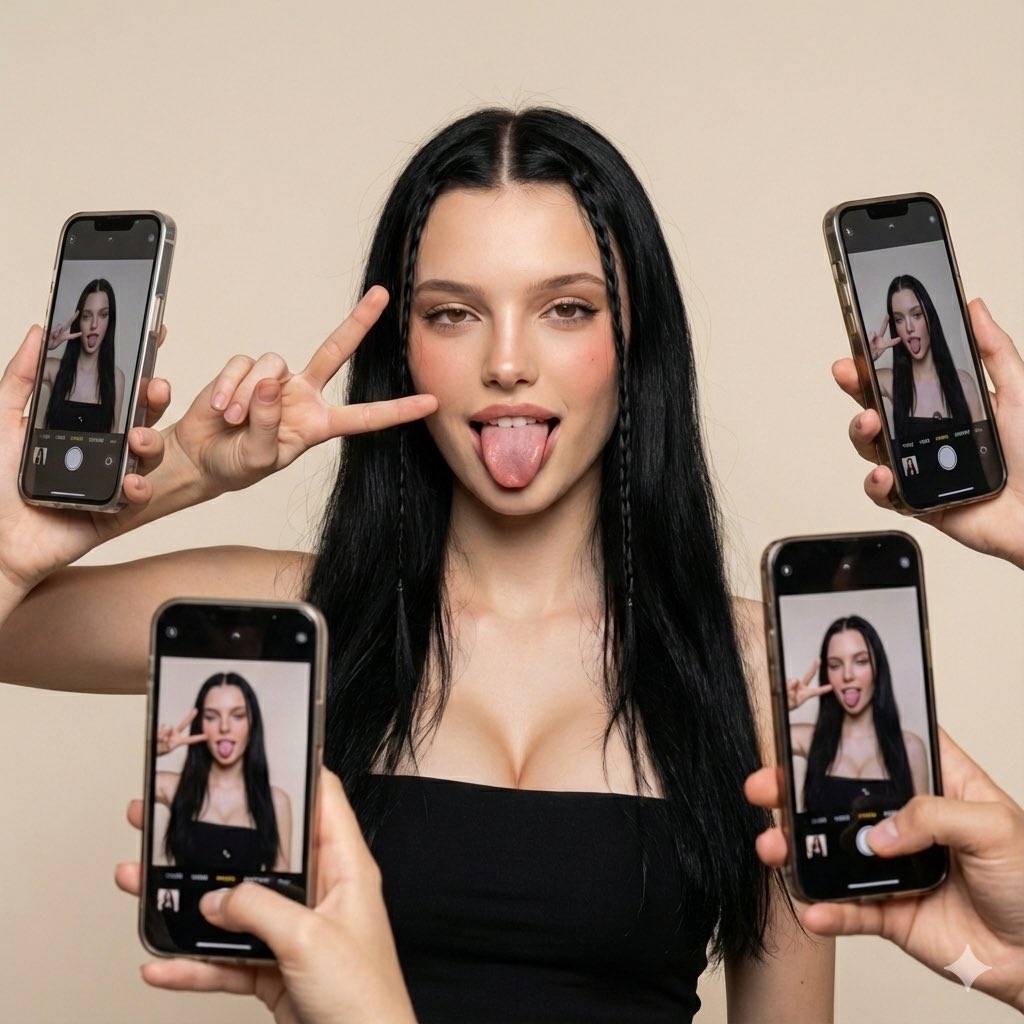
Social Media Influencer Studio Shoot with Mirrored Phones
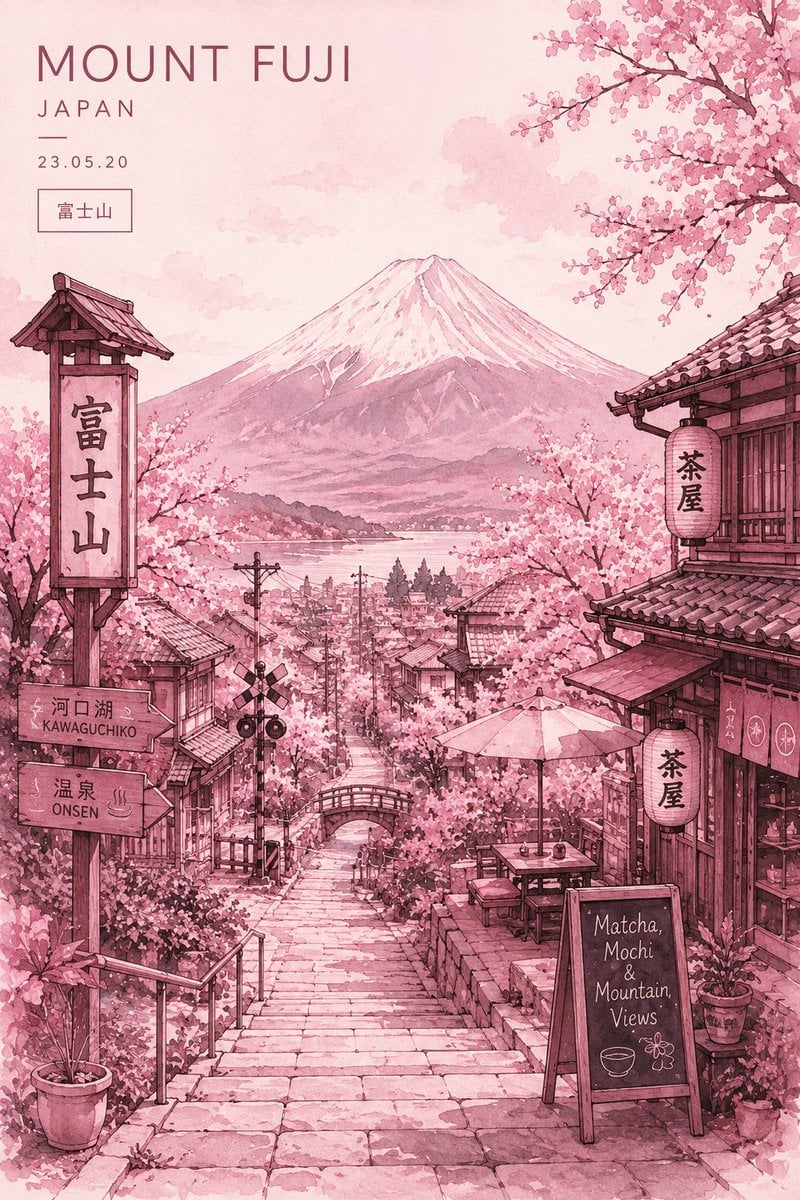
Watercolor Mount Fuji Travel Poster
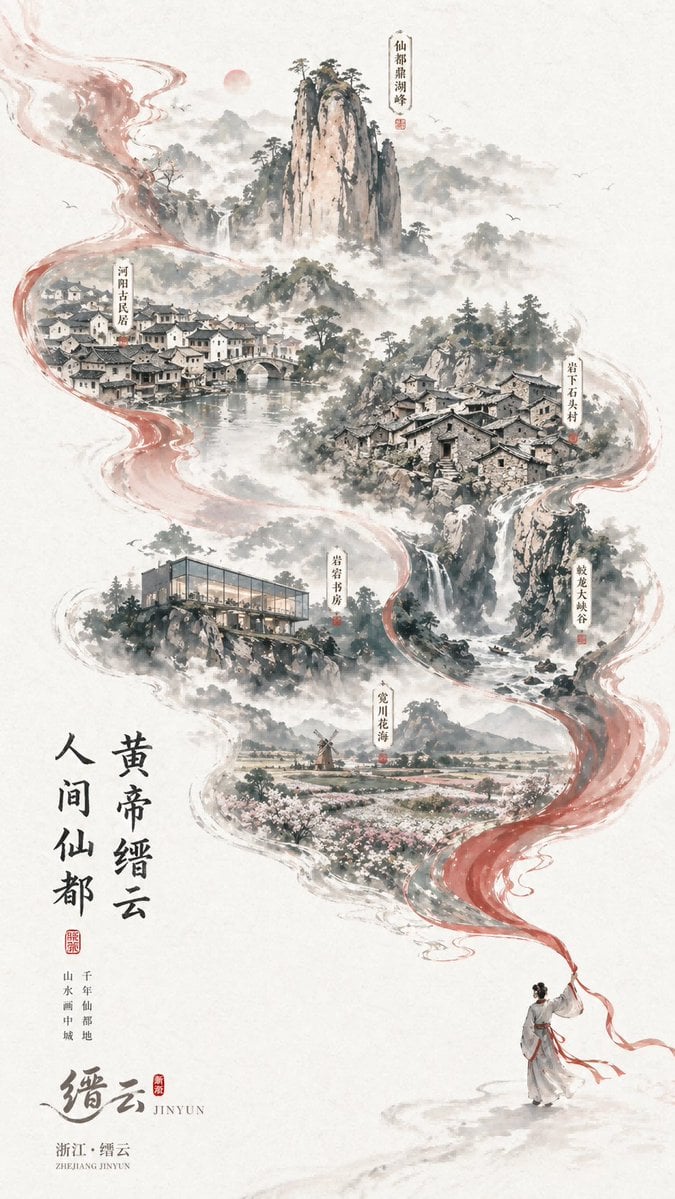
Chinese Ink-Wash Jinyun Travel Poster
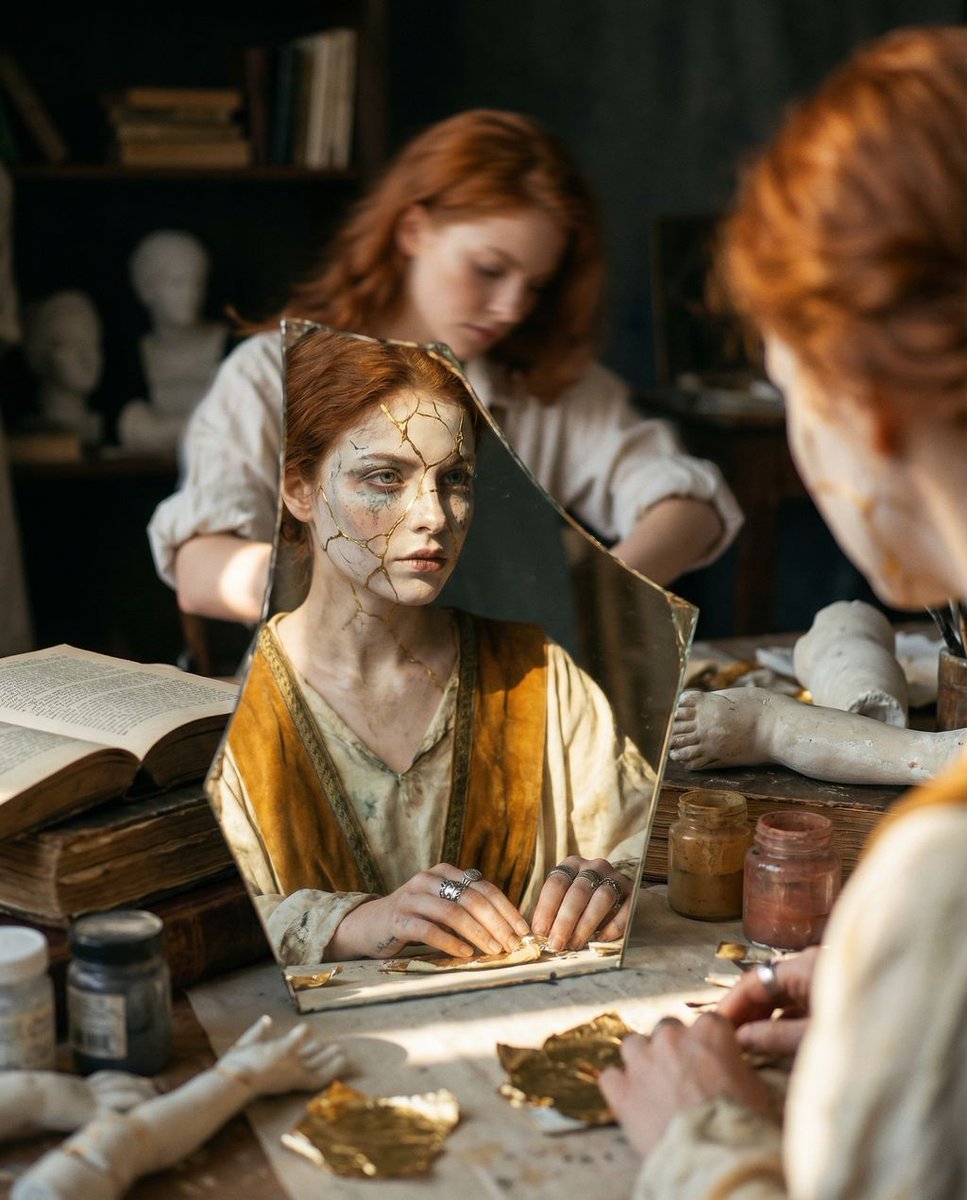
Reflected Relic: Surreal Artisan Portrait

Birthday Celebration Portrait with Cupcake and Champagne
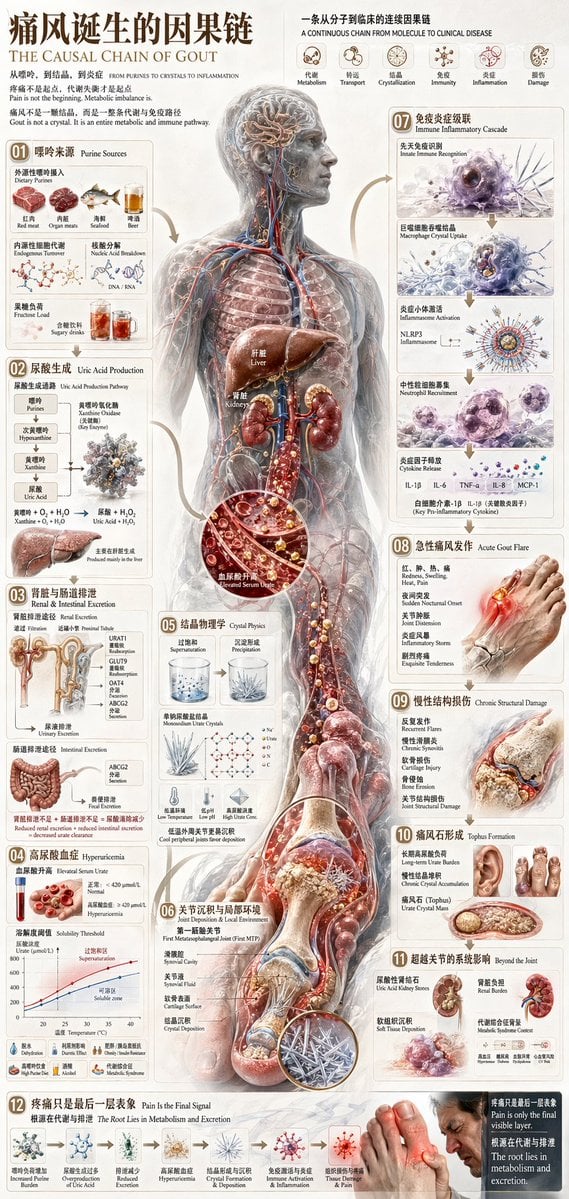
Chinese Medical Gout Infographic Poster
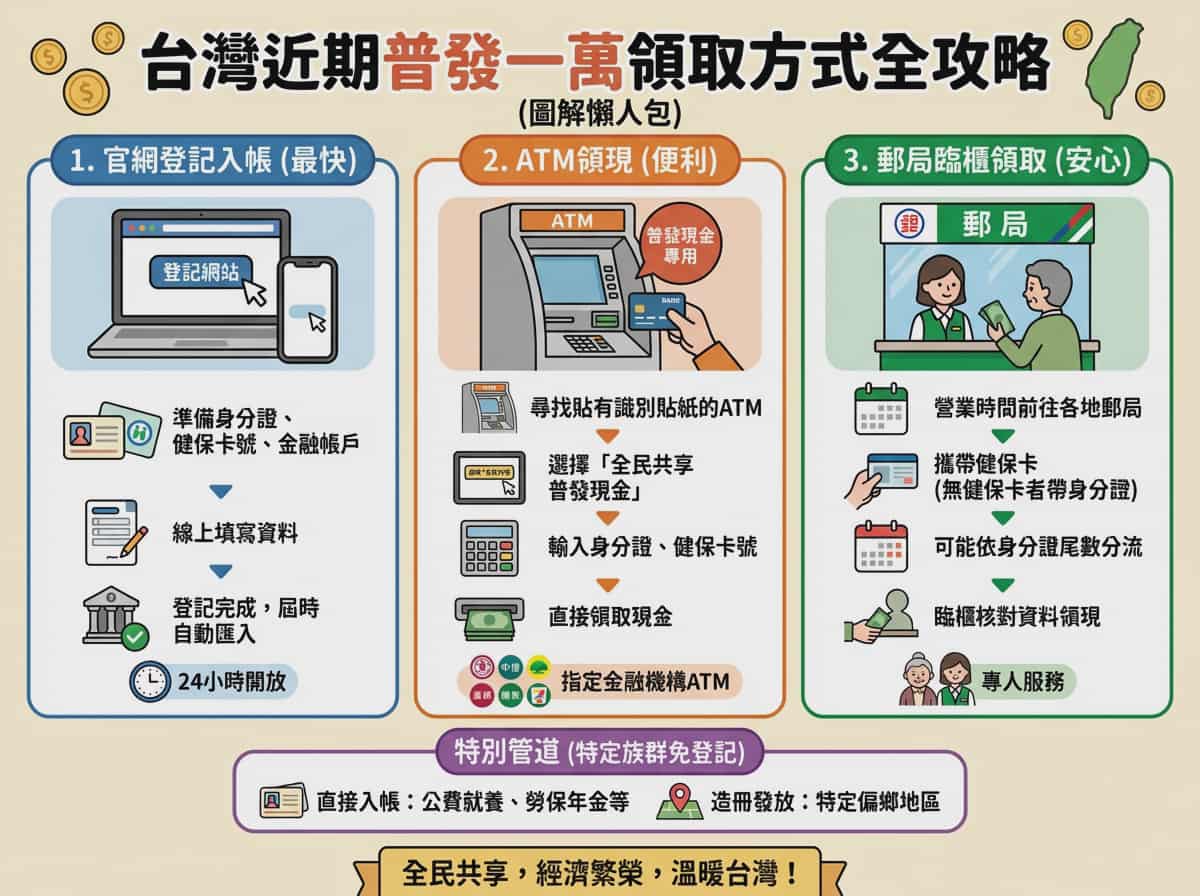
Taiwan 10,000 NTD distribution infographic
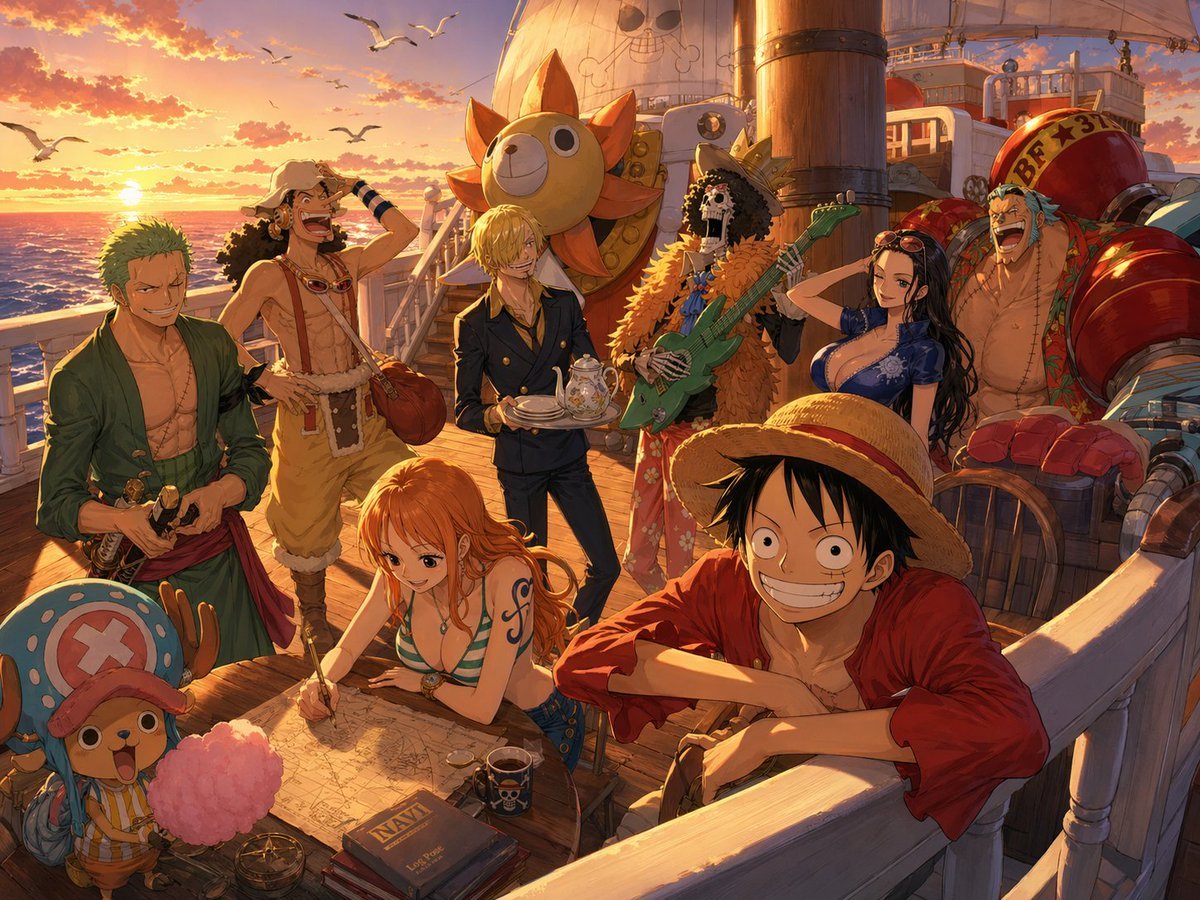
One Piece Straw Hat Crew at Sunset
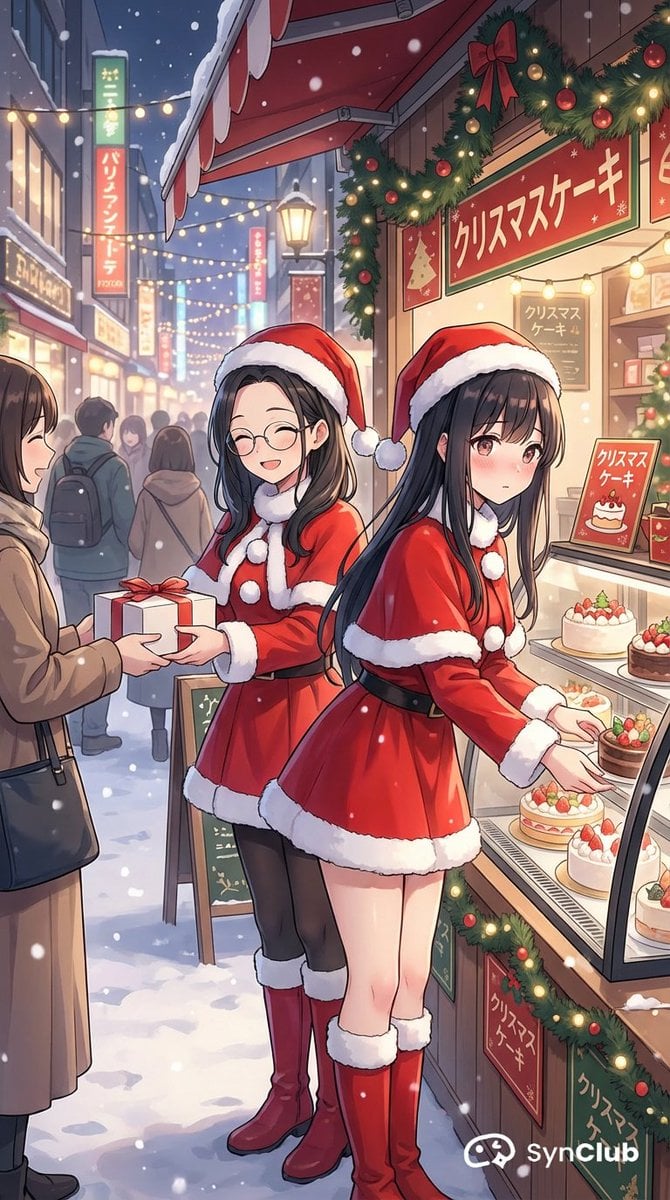
Character Scenario Generation with Clean Japanese Text
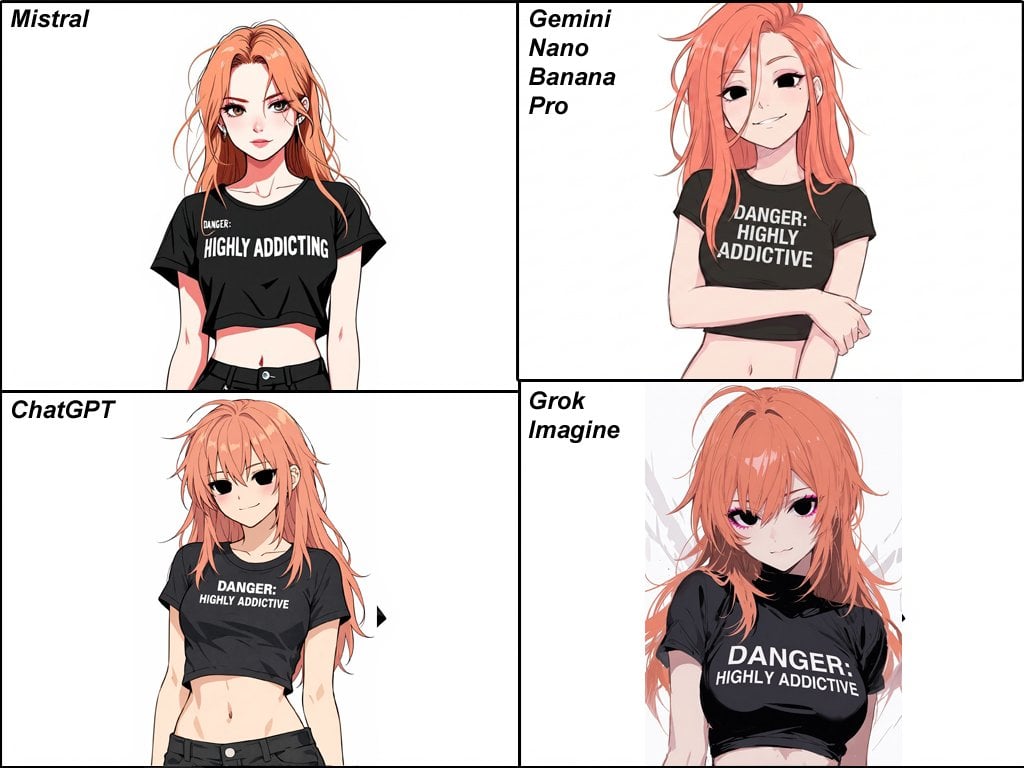
Anime Egirl Illustration Prompt Shootout
Browse template categories
Ethereal Glitch Art Illustration questions
How do I use the Ethereal Glitch Art Illustration template?
Add your photo if the template asks for one, edit the prompt if you like — the template's model and format are already selected — and press Generate. Your version opens in PicX Studio.
Can I customize the Ethereal Glitch Art Illustration template?
Yes. You can change the subject, setting, lighting, mood, format, and available model controls before creating your image.
Is the Ethereal Glitch Art Illustration template free?
Opening and editing this template is free. Generating uses credits, shown on the Generate button when you are signed in.
Which AI model should I use?
Start with GPT Image 2, which is the model associated with this template. You can compare another compatible model for a different finish.
Looking for something else? Browse all templates.

Your photo, any look
Thousands of ready templates for every top image and video model, from one credit balance.