
Watercolor Mount Fuji Travel Poster
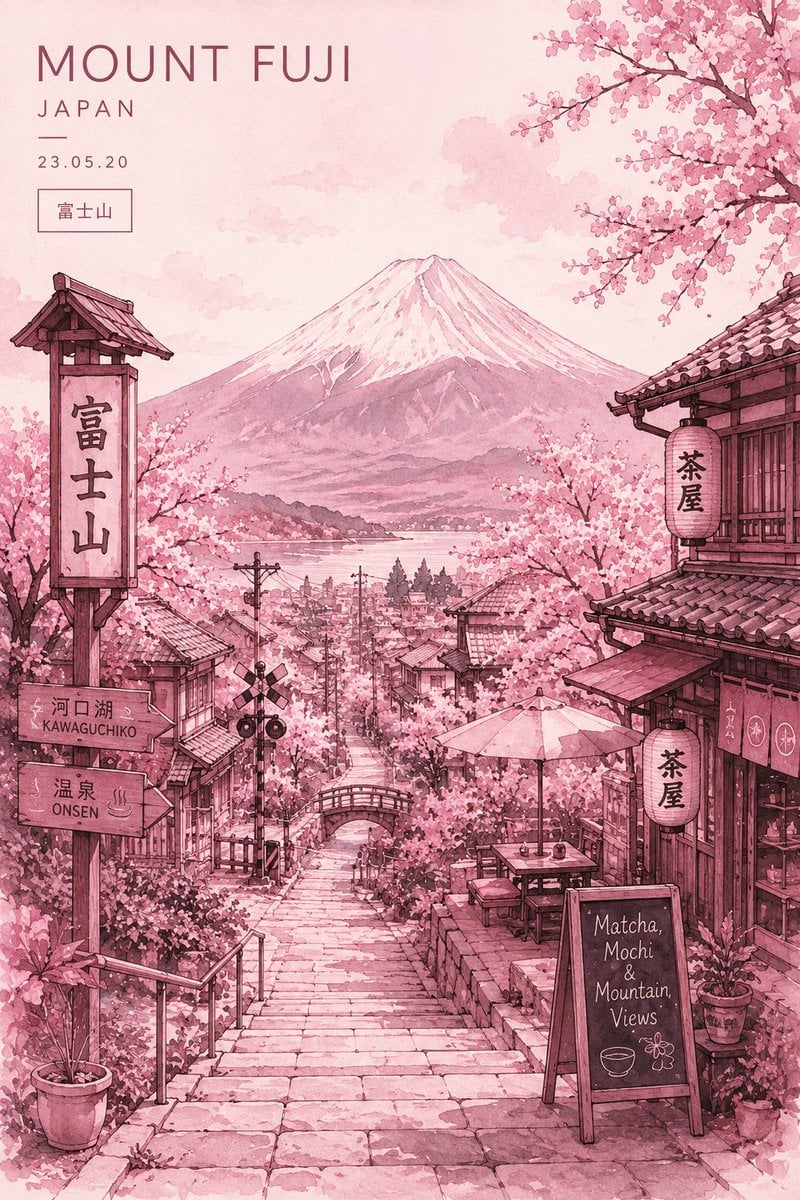
An elegant prompt for creating a minimalist Japanese travel poster in a blush pink watercolor style, featuring Mount Fuji and cherry blossoms.
- Prompt included
- Model and format preset
- Free template
The prompt behind this image
Copy the exact prompt behind Watercolor Mount Fuji Travel Poster, or open it in the studio and make it yours.
Minimalist ultra-detailed travel poster illustration of {argument name="main location" default="Mount Fuji, Japan"} in springtime, viewed from a charming traditional Japanese hillside street descending toward the city below. Massive snow-capped Mount Fuji centered in the background beneath a soft pastel sky. The entire artwork uses a {argument name="color palette" default="monochromatic blush pink and rose watercolor palette"} with delicate tonal variations. Foreground features stone stairways, narrow Kyoto-style streets, wooden ryokan buildings, hanging paper lanterns with Japanese kanji, cozy tea houses, café signs, and traditional tiled rooftops. Cherry blossom trees overflow from every corner, forming a dreamy sakura canopy framing the composition. Small bridges, utility poles, rail crossing signs, and subtle town details add realism and depth. Style: elegant watercolor illustration mixed with ink sketch linework, Japanese travel poster aesthetic, soft paper grain texture, handcrafted painterly details, atmospheric perspective, romantic and peaceful mood, cinematic composition, highly detailed environment art, cozy café ambiance, vintage tourism poster design. Typography layout at the top-left: {argument name="typography text" default="“MOUNT FUJI” “JAPAN”"} minimal editorial typography with clean spacing and modern luxury poster styling. Additional details: – handwritten café chalkboard reading “Matcha, Mochi & Mountain Views” – Japanese signage and lantern calligraphy – soft cloudy sky – layered depth fading into distant townscape – tranquil nostalgic atmosphere – balanced composition with symmetrical Mount Fuji focal point Aspect ratio 3:4, ultra high resolution, soft watercolor bleed effects, refined Japanese aesthetic, dreamy pastel travel illustration, gallery-quality poster design.
How to use Watercolor Mount Fuji Travel Poster in 3 steps
- 1
Open
The prompt is already in the box next to the preview, with the template's model and format selected.
- 2…a portrait of your subject in softgolden-hour light, 85mm…
Personalize
Edit the subject and creative details for your destination.
- 3Generate
Generate
Press Generate — your image is created in PicX Studio, so you can compare it with the original and refine one variable at a time.
More like this
Templates with the same subject, style or setup. Open one to see its prompt.

Japan Travel Brochure Poster
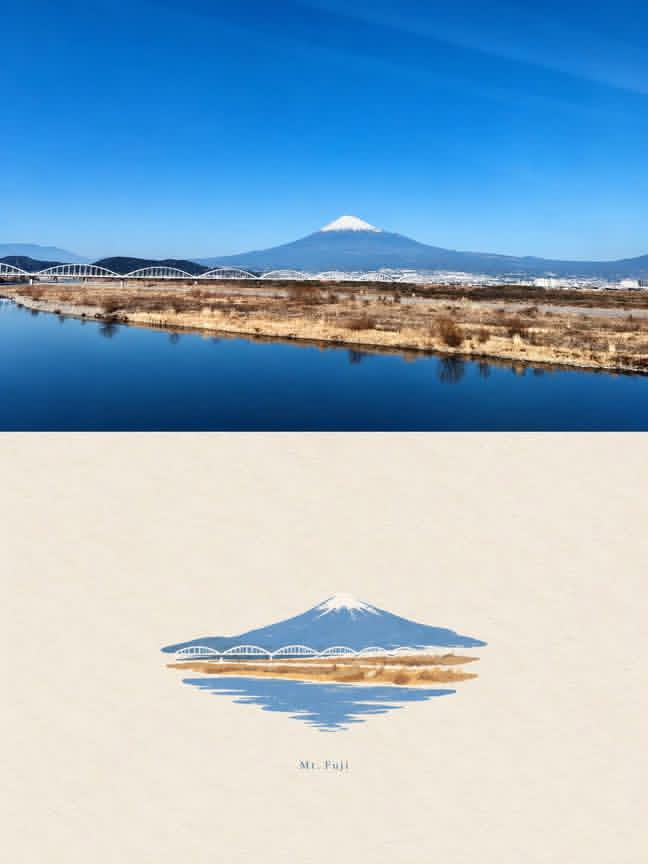
Mount Fuji Watercolor Transformation
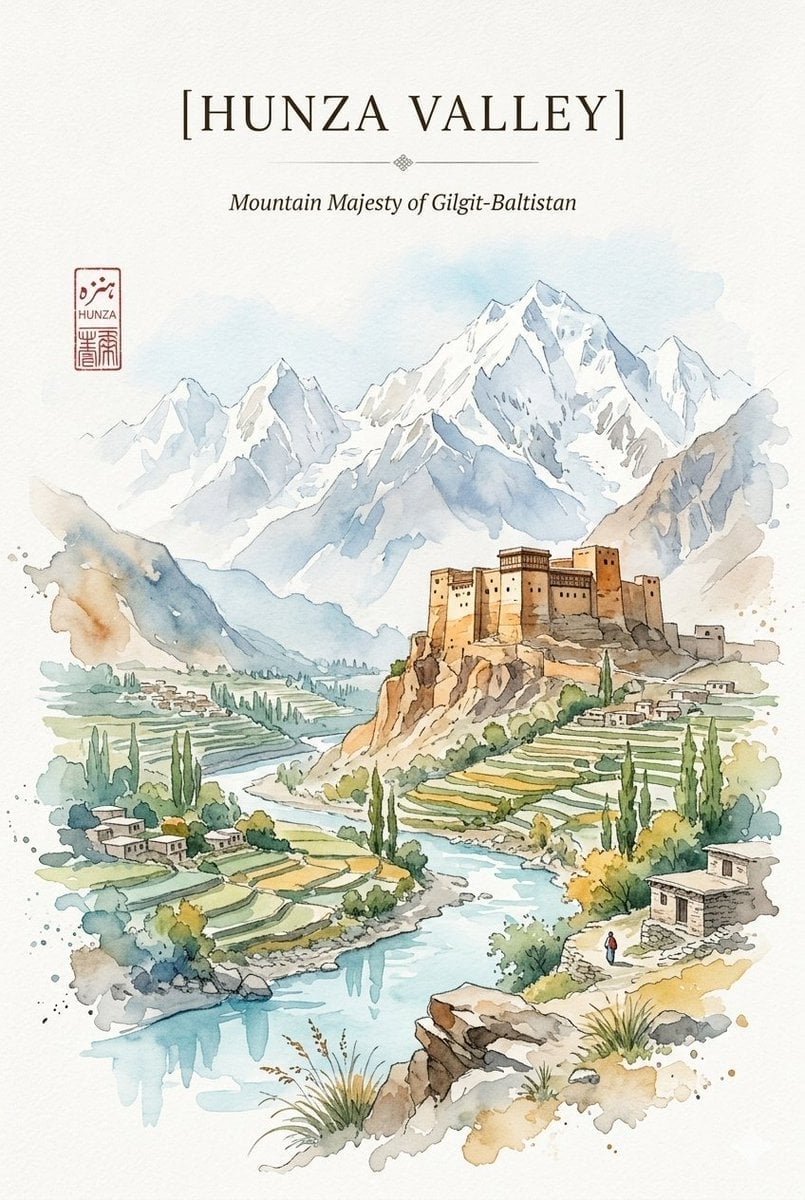
Alpine Watercolor Travel Poster
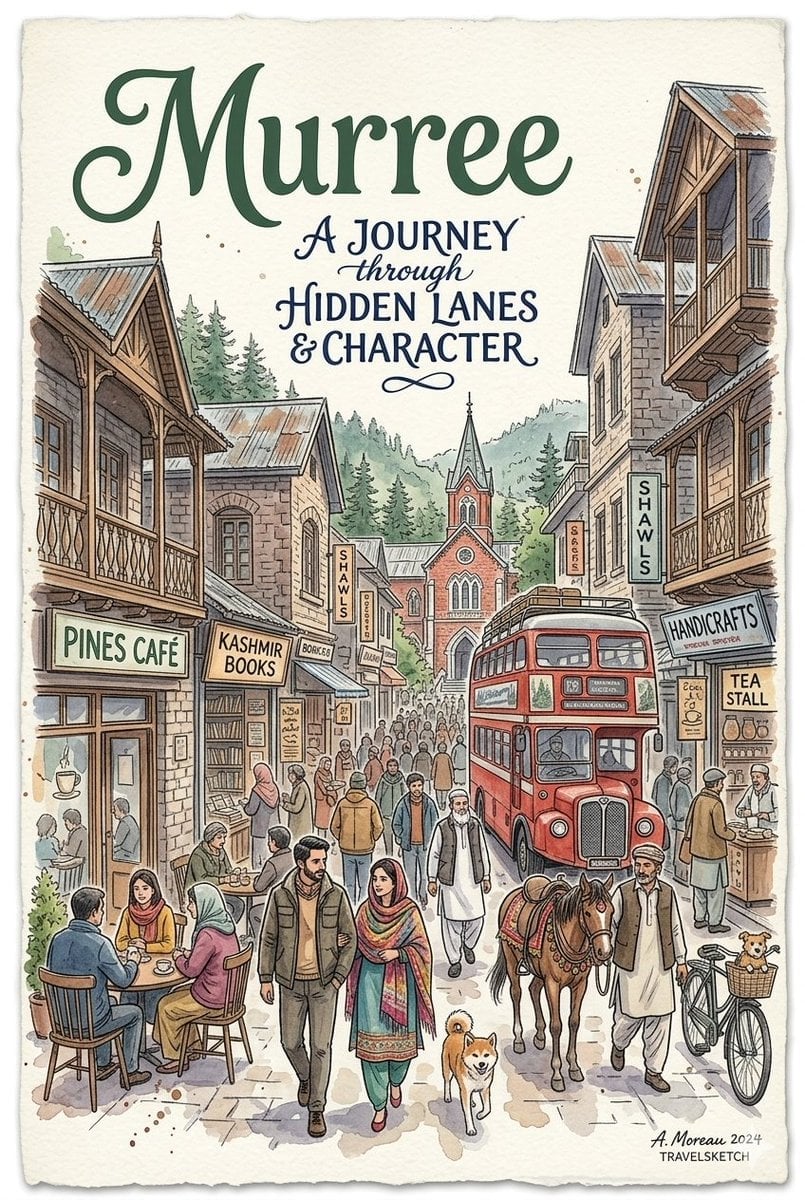
Watercolor Travel Poster Fusion
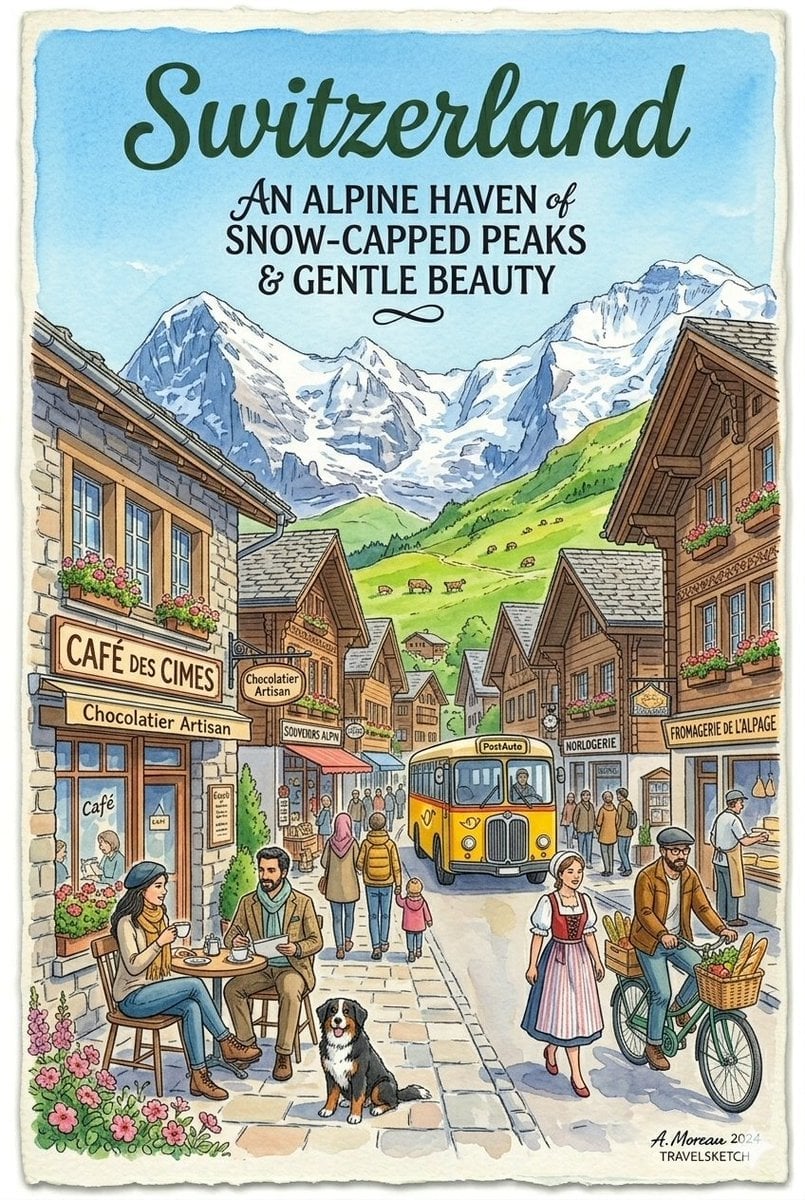
Vintage Watercolor Travel Posters

Watercolor Anim Mountain Summit
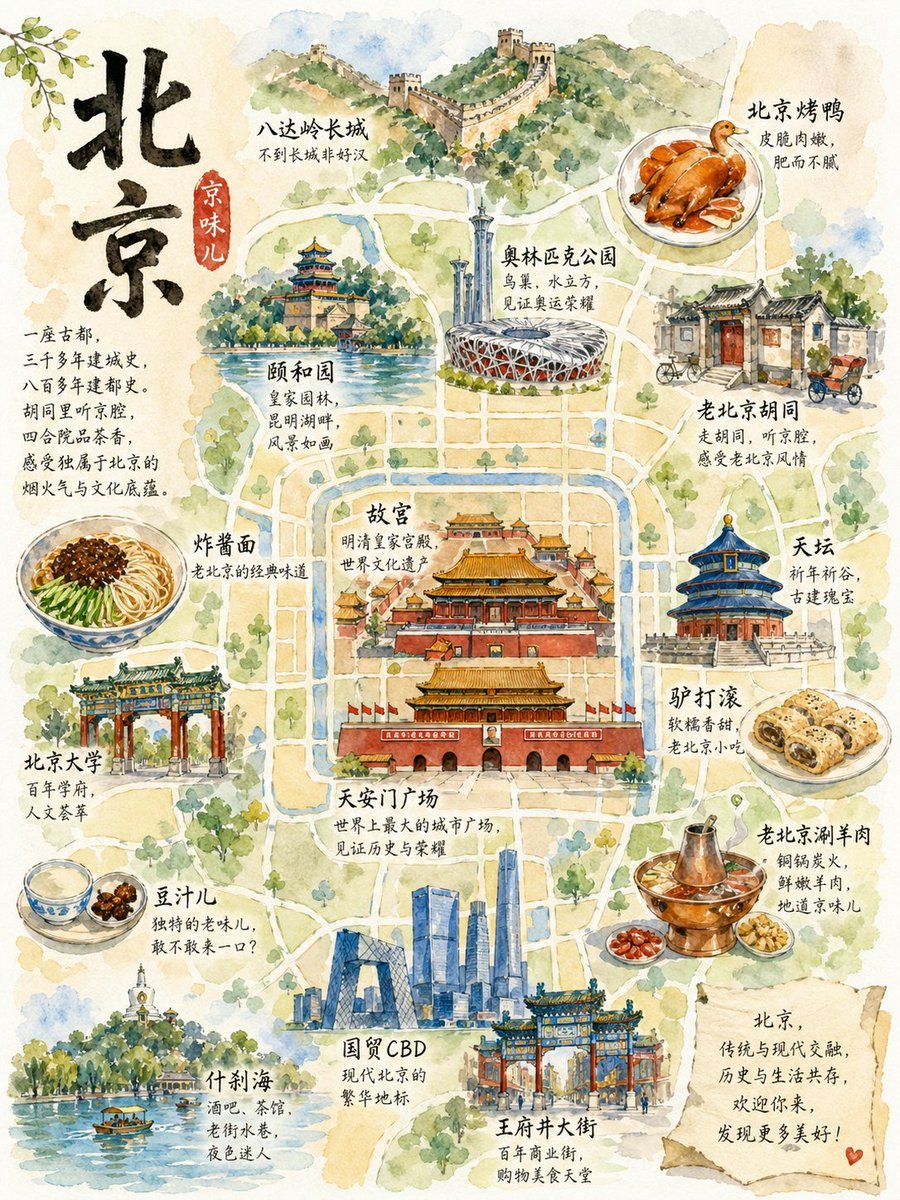
Watercolor Beijing Travel Map Poster
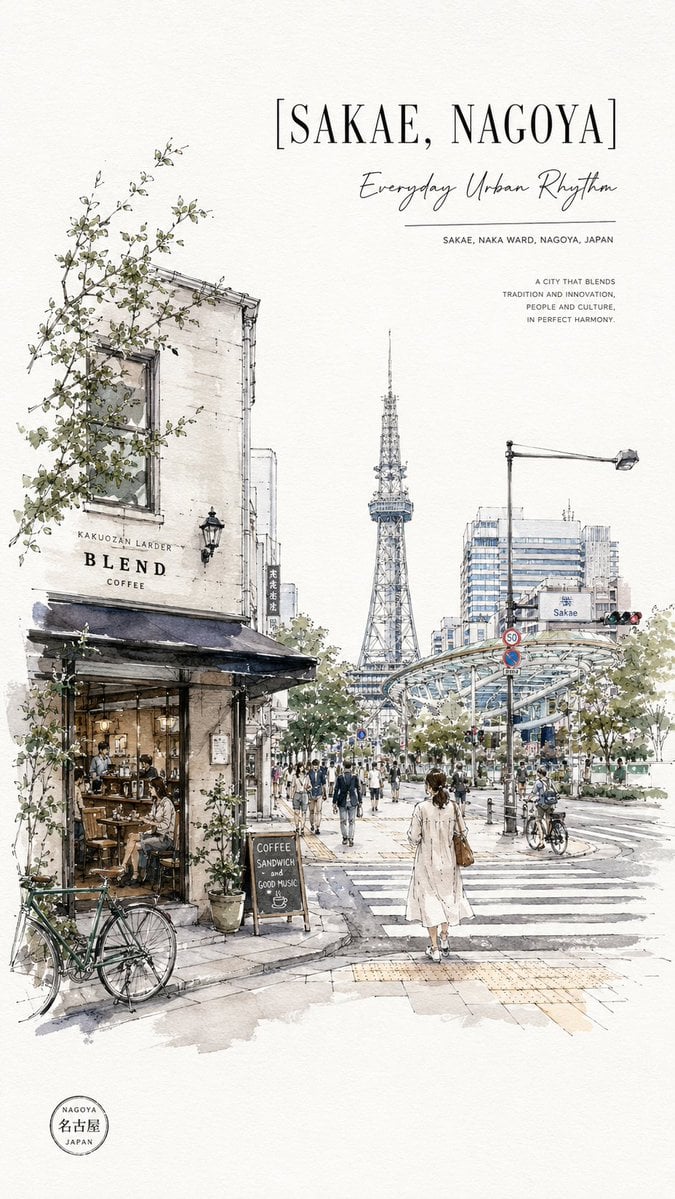
Sakae Nagoya Watercolor Travel Poster

City Posters by Nano Banana Pro
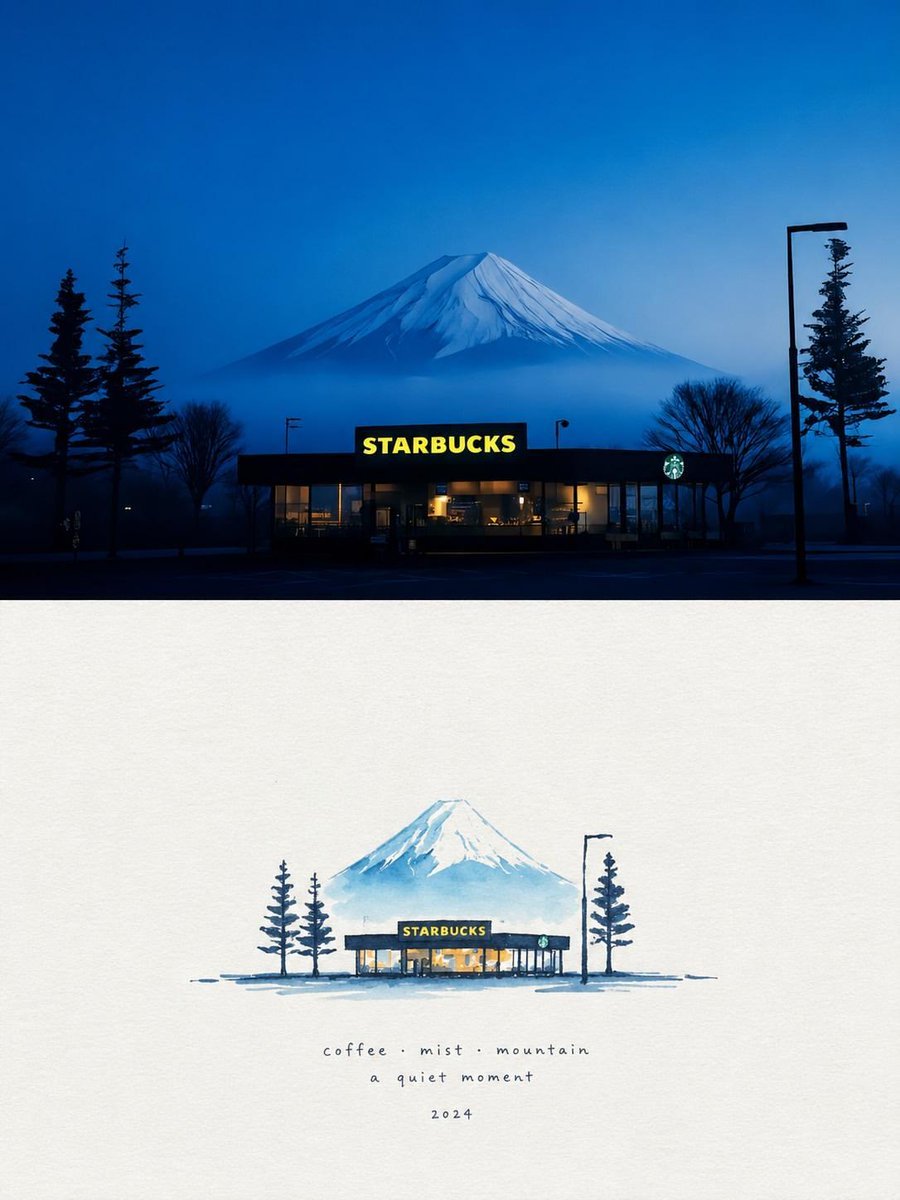
Starbucks Mountain Watercolor Comparison
Anime Girl Riding Drone Over Mount Fuji
Minimalist Marker Travel Poster
Make it yours
Watercolor Mount Fuji Travel Poster works as-is. These are the safest ways to change it without losing the look.
Change one field
Copy a single group, rewrite it, and generate again so you can see what that field is doing.
Keep the frame, change the subject
Hold the composition and light of Watercolor Mount Fuji Travel Poster, then swap wardrobe, props or the person for a new take.
| If the result… | Why | Fix |
|---|---|---|
| The result drifts from the preview | Too many fields changed at once. | Reuse Watercolor Mount Fuji Travel Poster as-is first, then change one group — subject, light, or setting. |
| The model over-stylizes the scene | The prose prompt leaves finish and camera underspecified. | Add one camera or lighting sentence and stay on GPT Image 2. |
More GPT Image 2 templates
Other prompts made for GPT Image 2.

Six VTuber Japanese Logo Sheet

Realistic Portrait of Woman and Deer

The Vista Modular Condo Poster

AI Model Routing Comparison Infographic

2.5D Anime Art Board

Isometric Productivity Desk Scene

New York Double Exposure Poster

Four-Panel AI Landscape Comparison

Japanese Tatami Lifestyle Magazine Cover

NESCAFÉ Coffee Map Poster
More image prompts
Fresh picks from across the catalog.
Journey of Life Oil Painting
Professional Drink Photo Enhancement

Bathroom Mirror Selfie Prompt (Image-to-Image)
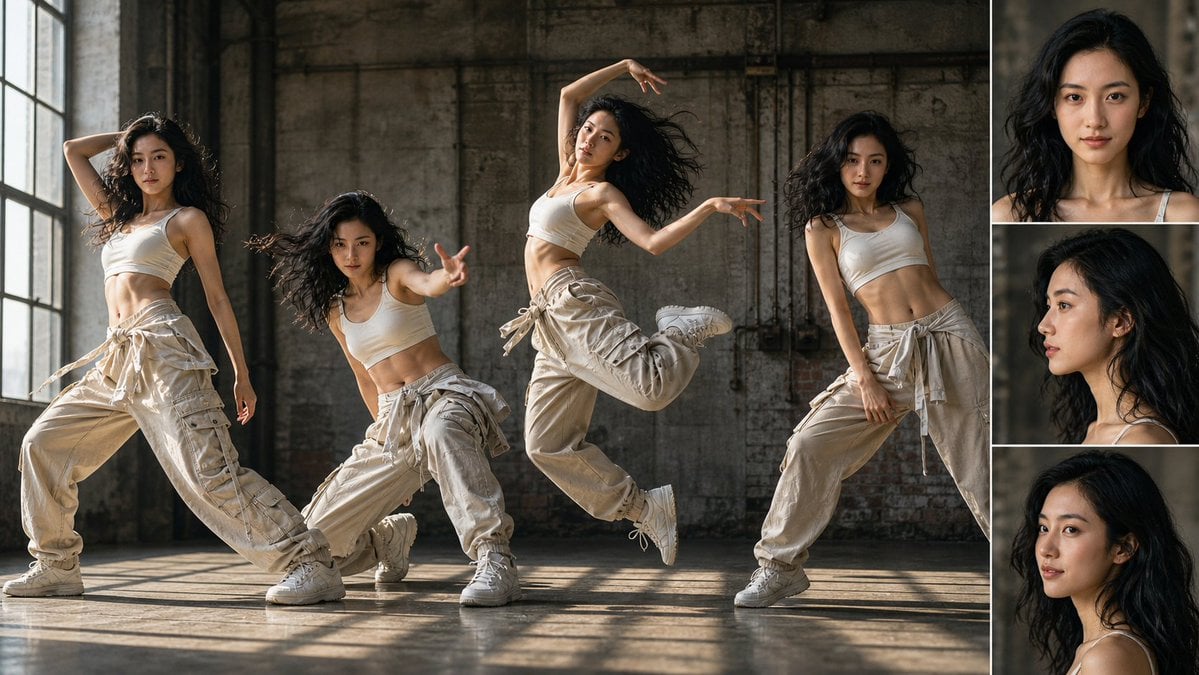
Street Dancer Concept Sheet
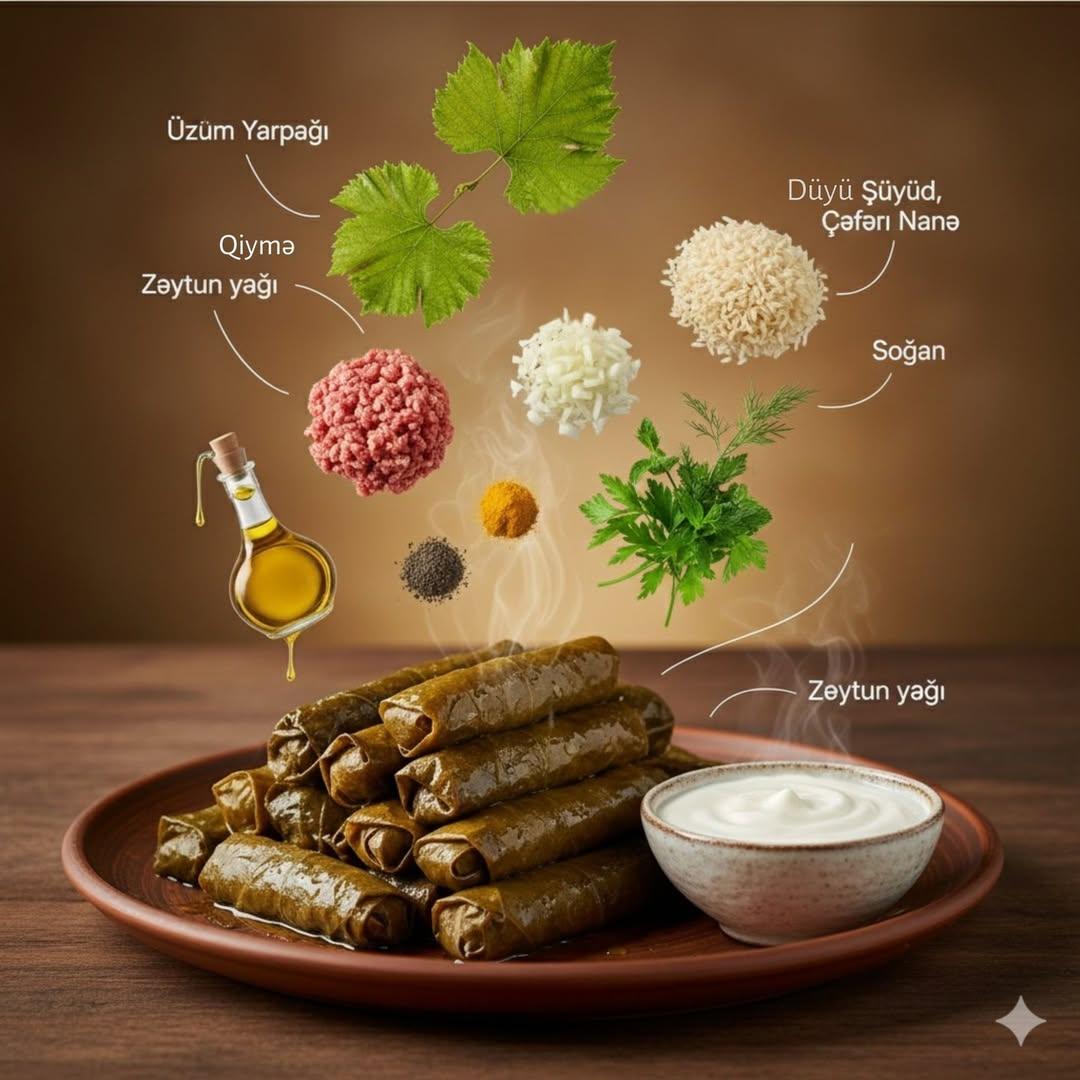
Cinematic Food Infographic with Floating Ingredients

Moonlit Barn Fashion Portrait
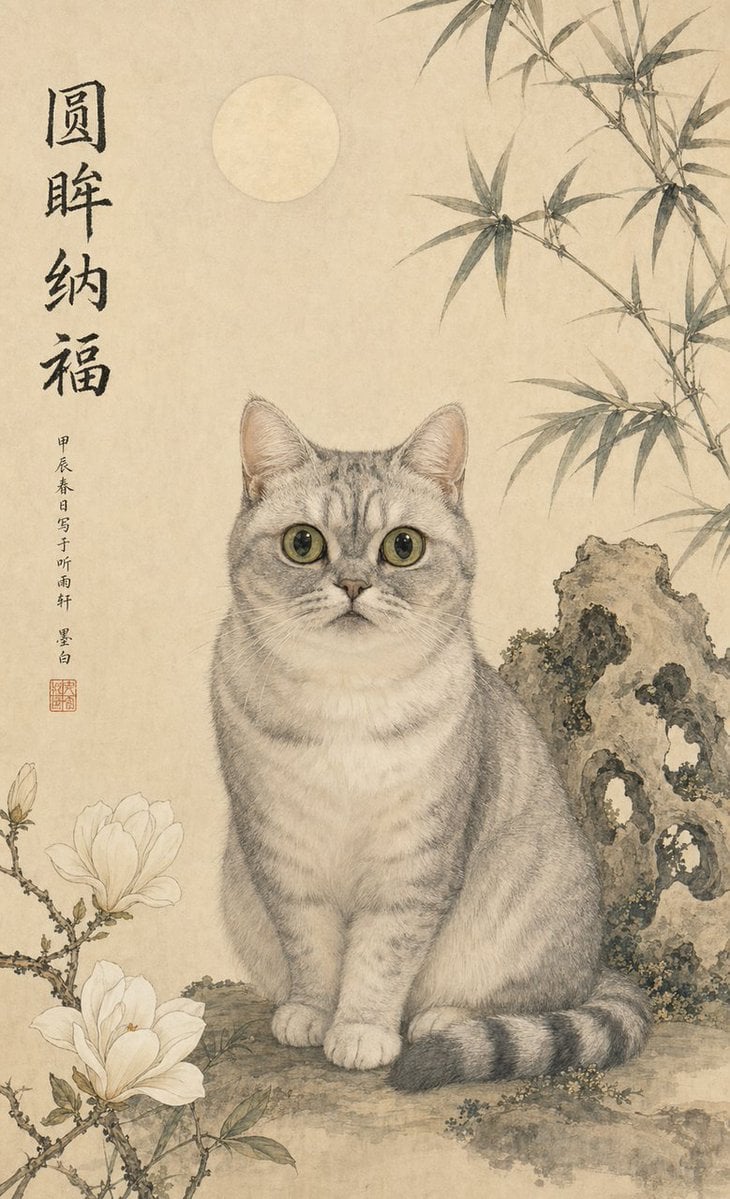
Classical Chinese Pet Portrait
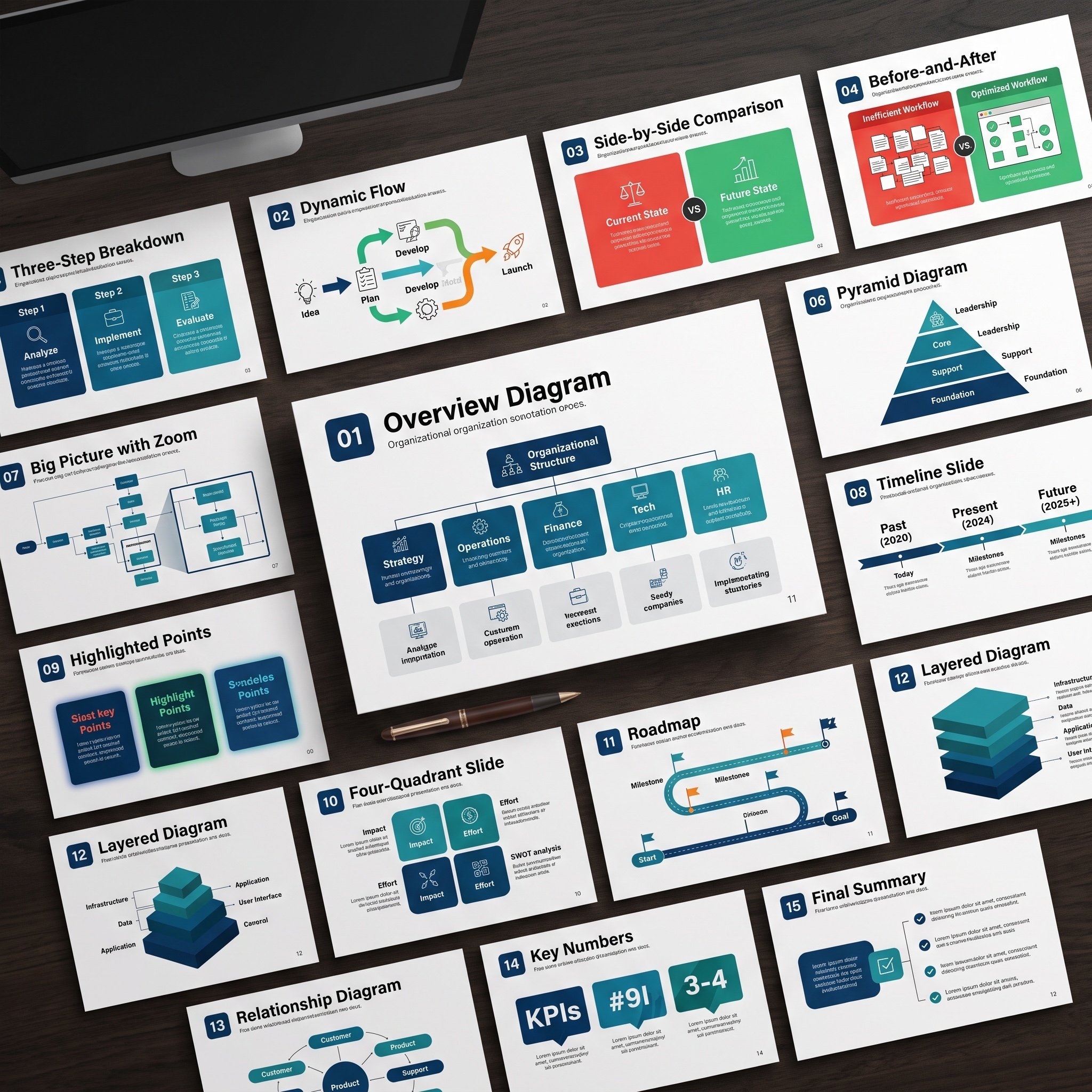
Nano Banana Pro Diagram Generation Prompts (15 Templates)

Dynamic 3D Floating Head Portrait

Emilia Clarke High-Fashion Schoolgirl Editorial
Browse template categories
Watercolor Mount Fuji Travel Poster questions
How do I use the Watercolor Mount Fuji Travel Poster template?
Add your photo if the template asks for one, edit the prompt if you like — the template's model and format are already selected — and press Generate. Your version opens in PicX Studio.
Can I customize the Watercolor Mount Fuji Travel Poster template?
Yes. You can change the subject, setting, lighting, mood, format, and available model controls before creating your image.
Is the Watercolor Mount Fuji Travel Poster template free?
Opening and editing this template is free. Generating uses credits, shown on the Generate button when you are signed in.
Which AI model should I use?
Start with GPT Image 2, which is the model associated with this template. You can compare another compatible model for a different finish.
Looking for something else? Browse all templates.

Your photo, any look
Thousands of ready templates for every top image and video model, from one credit balance.