
Moonlit Barn Fashion Portrait
This prompt generates a cinematic full-body fashion portrait of a woman in a yellow dress seated on hay inside a rustic barn, ideal for moody editorial or lifestyle imagery.
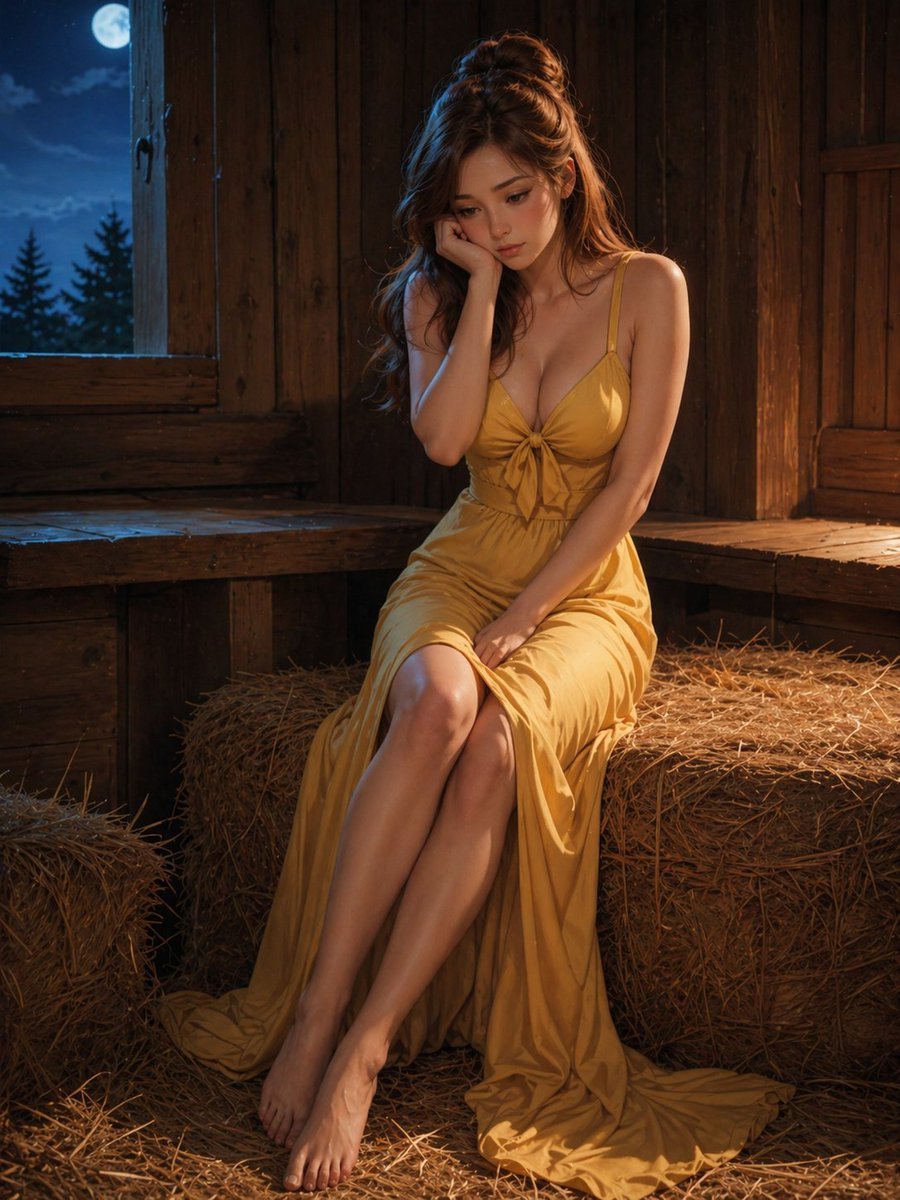
- Prompt included
- Model and format preset
- Free template
The prompt behind this image
Copy the exact prompt behind Moonlit Barn Fashion Portrait, or open it in the studio and make it yours.
A cinematic photorealistic portrait of a young woman sitting barefoot on a rectangular hay bale inside a rustic wooden barn at night, wearing a flowing mustard-yellow satin maxi dress with thin spaghetti straps, a deep neckline, a small bow-tie knot at the center of the bust, a fitted waist, and a long draped skirt pooling onto the straw-covered floor. She has long wavy auburn-brown hair styled half-up in a loose top knot, with soft strands falling over her shoulders. Her pose is elegant and demure: legs crossed at the ankles and extended forward, one hand resting near her lap, the other hand raised to partially cover her face. Warm golden light from the right side illuminates her skin and dress, creating soft highlights and deep shadows, while cool blue moonlight enters from a small open window on the left. Outside the window, show a bright full moon in a dark blue sky with silhouettes of pine trees. The barn interior is made of dark stained vertical wooden planks with built-in bench ledges along the walls, scattered loose straw on the floor, and 2 visible hay bales, including the one she sits on. Shot full body in a vertical composition, centered slightly right of frame, shallow depth of field, intimate moody atmosphere, high-detail skin and fabric texture, editorial fashion photography, soft cinematic contrast.
How to use Moonlit Barn Fashion Portrait in 3 steps
- 1Upload ImagePNG, JPG or paste
Add your photo
Upload the photo the template builds on. The prompt, model and format are already set.
- 2…a portrait of your subject in softgolden-hour light, 85mm…
Personalize
Edit the subject and creative details for your destination.
- 3Generate
Generate
Press Generate — your image is created in PicX Studio, so you can compare it with the original and refine one variable at a time.
More like this
Templates with the same subject, style or setup. Open one to see its prompt.

Nano Banana 2 High Fashion Sports Campai

Couture Fashion Editorial Woman and Drag

Ive Yujin Fashion Portrait in Blue

Nano Banana 2 Editorial Fashion Portrait

Caution Tape Fashion — Industrial Editorial

Miniature Self Portrait Collage

Found Photograph: Us, 1970

80s Couple Studio Portrait

80s College Gate

1988 Mall Style

80s Polka Dot Saree

80s Bollywood Star
Make it yours
Moonlit Barn Fashion Portrait works as-is. These are the safest ways to change it without losing the look.
Change one field
Copy a single group, rewrite it, and generate again so you can see what that field is doing.
Keep the frame, change the subject
Hold the composition and light of Moonlit Barn Fashion Portrait, then swap wardrobe, props or the person for a new take.
| If the result… | Why | Fix |
|---|---|---|
| The result drifts from the preview | Too many fields changed at once. | Reuse Moonlit Barn Fashion Portrait as-is first, then change one group — subject, light, or setting. |
| The model over-stylizes the scene | The prose prompt leaves finish and camera underspecified. | Add one camera or lighting sentence and stay on GPT Image 2. |
More GPT Image 2 templates
Other prompts made for GPT Image 2.

Six VTuber Japanese Logo Sheet

Realistic Portrait of Woman and Deer

The Vista Modular Condo Poster

AI Model Routing Comparison Infographic

2.5D Anime Art Board

Isometric Productivity Desk Scene

New York Double Exposure Poster

Four-Panel AI Landscape Comparison

Japanese Tatami Lifestyle Magazine Cover

NESCAFÉ Coffee Map Poster
More image prompts
Fresh picks from across the catalog.
Pixar-Style Girl on a Floating Cloud
Detailed Image Generation Prompt for a Young Asian Woman in a Pink Knit Set
Pixar/Disney 3D Cartoon Character with Knitted Name

High-angle fairy grunge idol in cluttered closet
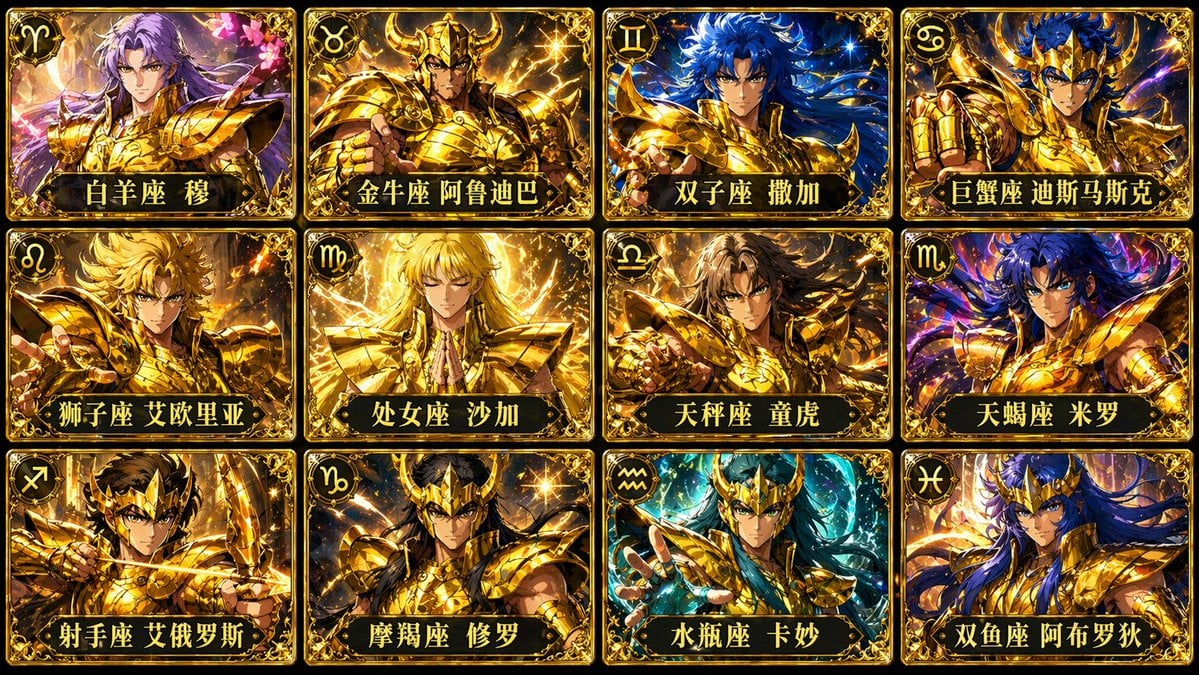
Twelve Gold Saints Card Grid
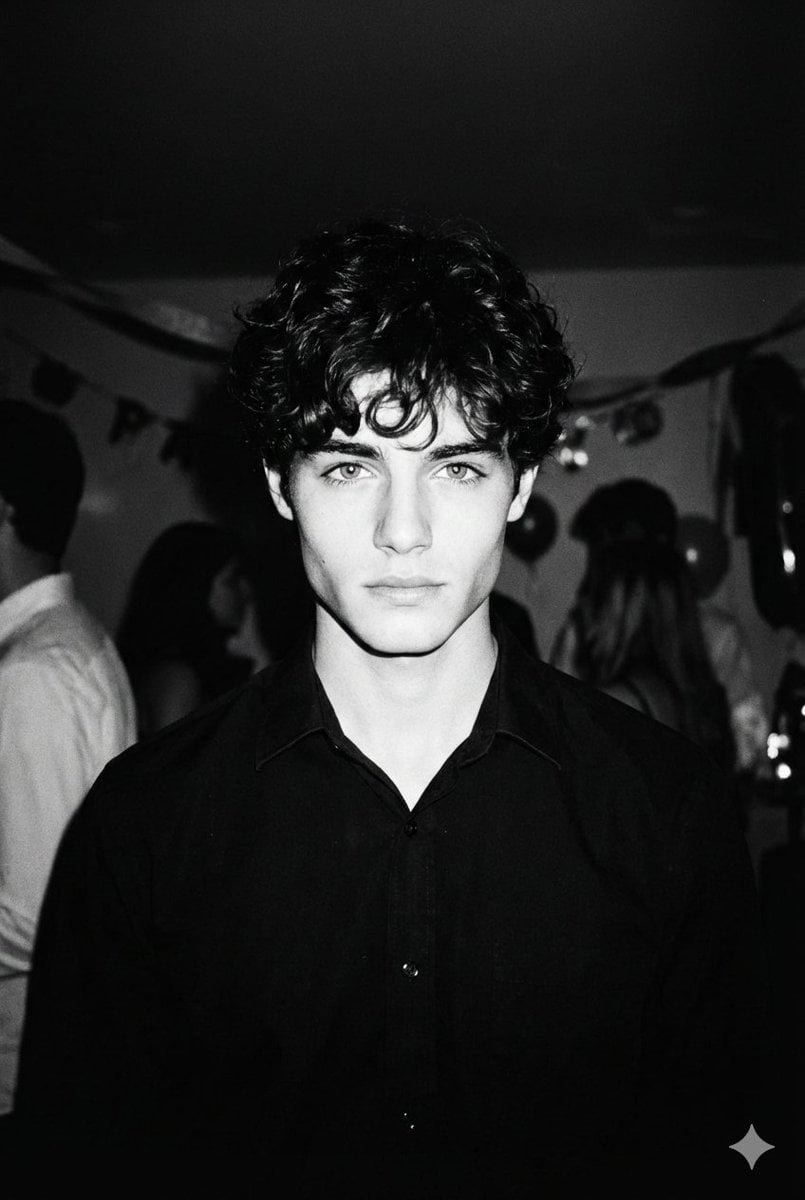
High-Contrast 90s Disposable Camera Portrait
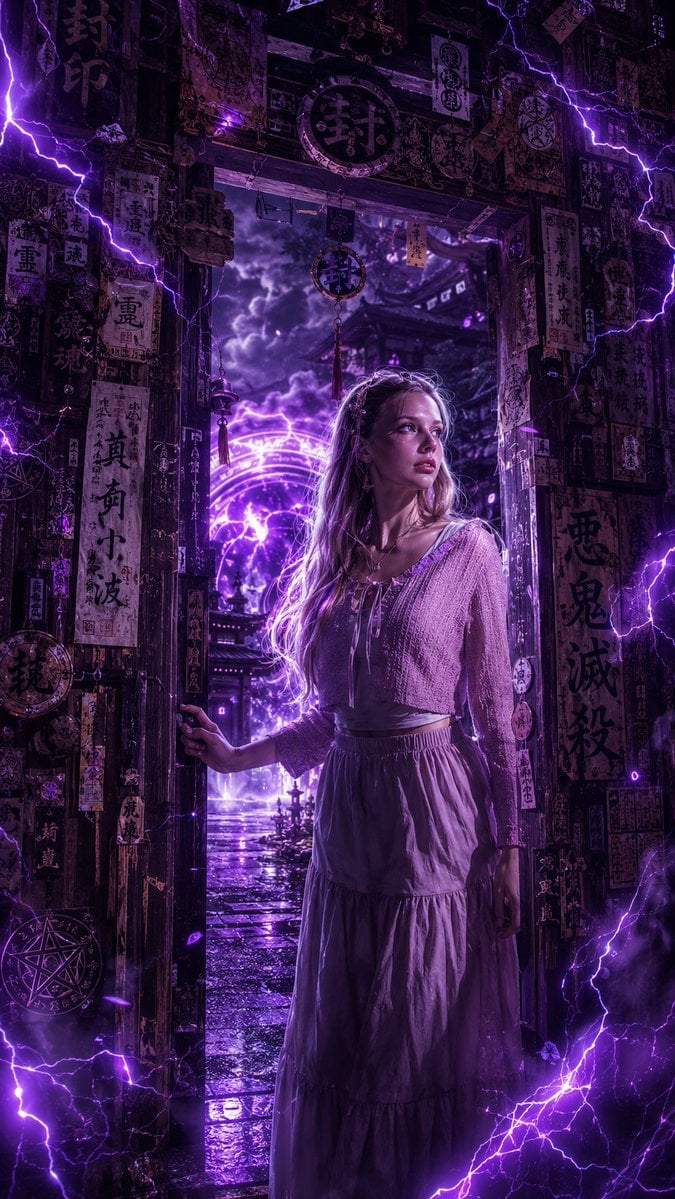
Dark Fantasy Anime Girl at Shrine
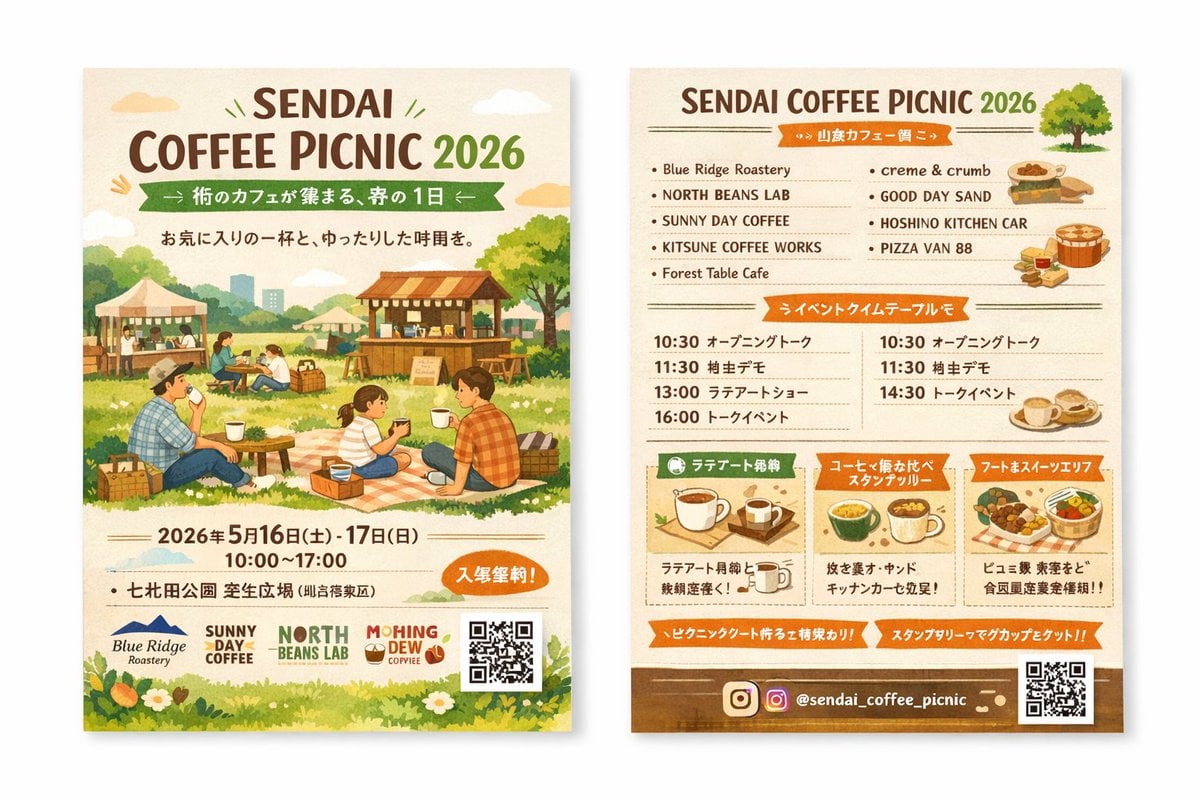
Two-Sided Watercolor Event Flyer Mockup
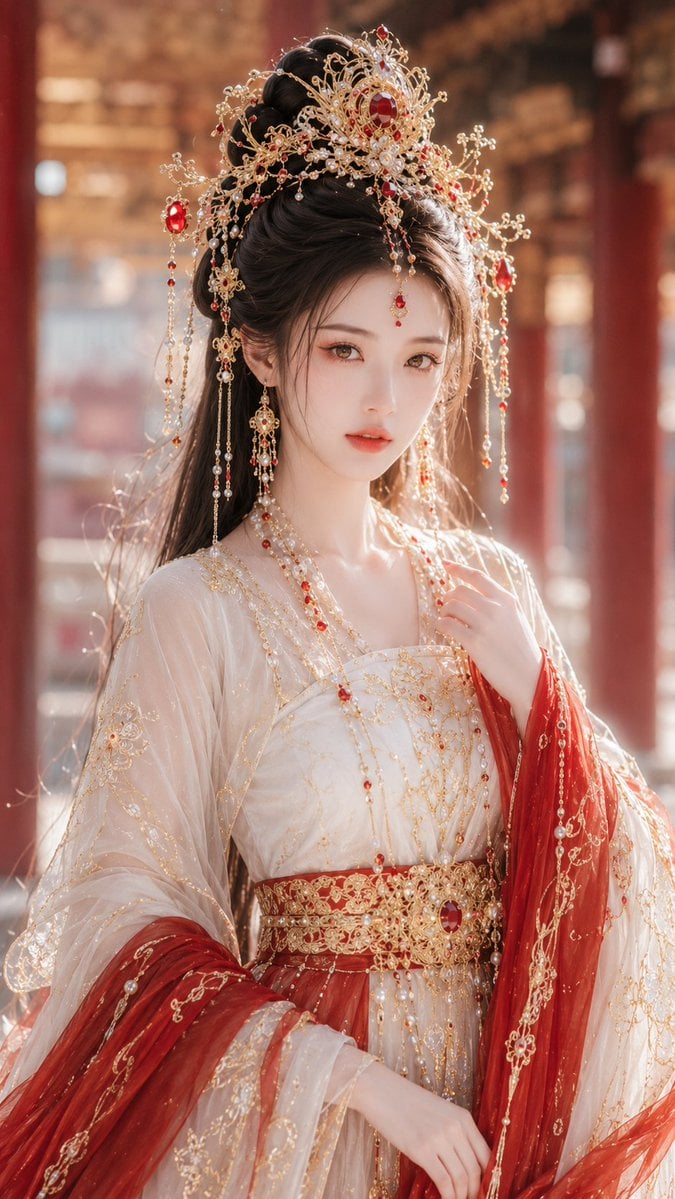
Ancient Fantasy Red Gold Portrait

Shibuya Scramble Crossing New Year's Eve Scene
Browse template categories
Moonlit Barn Fashion Portrait questions
How do I use the Moonlit Barn Fashion Portrait template?
Add your photo if the template asks for one, edit the prompt if you like — the template's model and format are already selected — and press Generate. Your version opens in PicX Studio.
Can I customize the Moonlit Barn Fashion Portrait template?
Yes. You can change the subject, setting, lighting, mood, format, and available model controls before creating your image.
Is the Moonlit Barn Fashion Portrait template free?
Opening and editing this template is free. Generating uses credits, shown on the Generate button when you are signed in.
Which AI model should I use?
Start with GPT Image 2, which is the model associated with this template. You can compare another compatible model for a different finish.
Looking for something else? Browse all templates.

Your photo, any look
Thousands of ready templates for every top image and video model, from one credit balance.