
High-angle fairy grunge idol in cluttered closet
A long, highly detailed image-generation specification describing a high-angle shot of an East Asian idol lying upside down in a cluttered closet, with fairy grunge styling, tattoos, and specific wardrobe and…

- Prompt included
- Model and format preset
- Free template
The prompt behind this image
Copy the exact prompt behind High-angle fairy grunge idol in cluttered closet, or open it in the studio and make it yours.
High-angle bird's-eye view shot of a female east Asian idol subject lying on the floor of a cluttered closet, strictly following the upside-down pose and anatomical structure shown in {argument name="reference_image" default="image_0.png"}. She is wearing a rich blue lace-overlay mini dress with a milkmaid bodice, sweetheart neckline, cap sleeves, and a lettuce hem. She wears heavy, knee-high red leather boots with a vertical front seam. Visible tattoos include a barbed wire band on the thigh and stick-and-poke heart and key motifs on the chest. The floor is covered in piles of mixed textiles, tulle, and clothing. The background walls are painted yellow, featuring white wire shelving, semi-transparent plastic storage drawers, and a packed clothing rack. Lighting is overhead tungsten, creating a warm sepia, vintage 90s disposable camera filter look. The mood is exhaustive, messy, and romantically grunge. Fairy grunge aesthetic, girl in rich blue dress and red leather boots lying upside-down in cluttered closet with yellow walls, pose from {argument name="reference_image_short" default="image_0.png"}, sepia tone, high angle shot. minimalism, clean floor, bright daylight, cold lighting, organized, empty space, modern furniture, neon colors, hd digital look, glossy finish, wide angle, fisheye, distorted limbs, missing tattoos, incorrect pose.
How to use High-angle fairy grunge idol in cluttered closet in 3 steps
- 1
Open
The prompt is already in the box next to the preview, with the template's model and format selected.
- 2…a portrait of your subject in softgolden-hour light, 85mm…
Personalize
Edit the subject and creative details for your destination.
- 3Generate
Generate
Press Generate — your image is created in PicX Studio, so you can compare it with the original and refine one variable at a time.
More like this
Templates with the same subject, style or setup. Open one to see its prompt.

Japanese Film Reflection Idol
JSON Seedance - Fairy Macro Flight
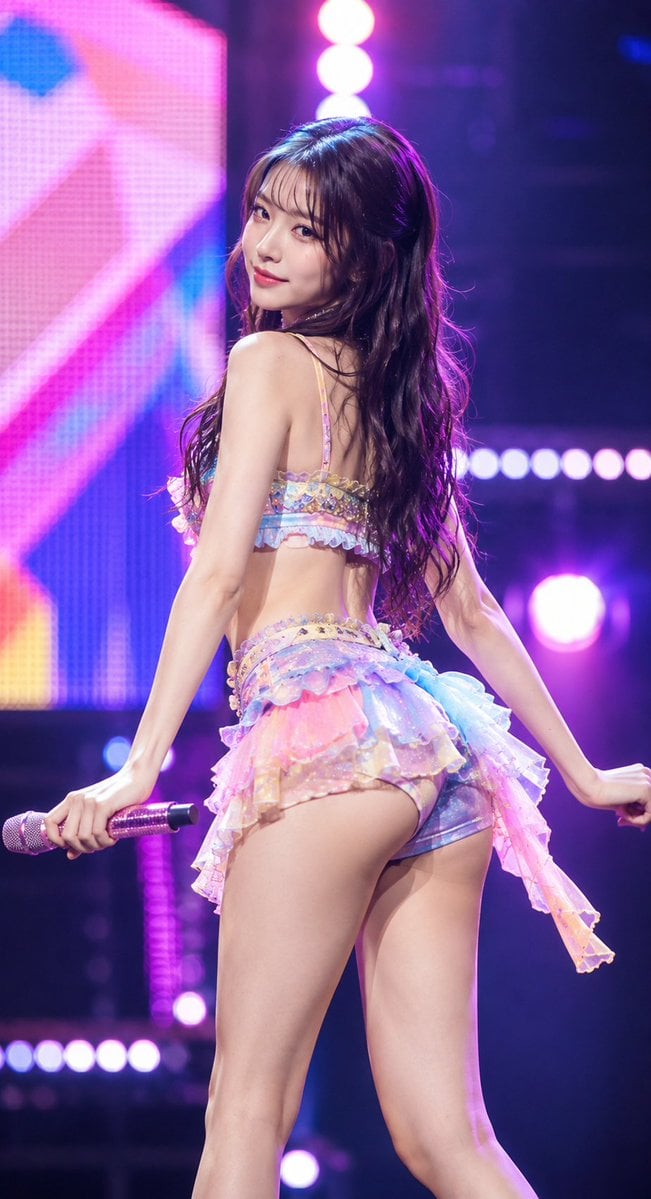
Idol Stage Performance Portrait
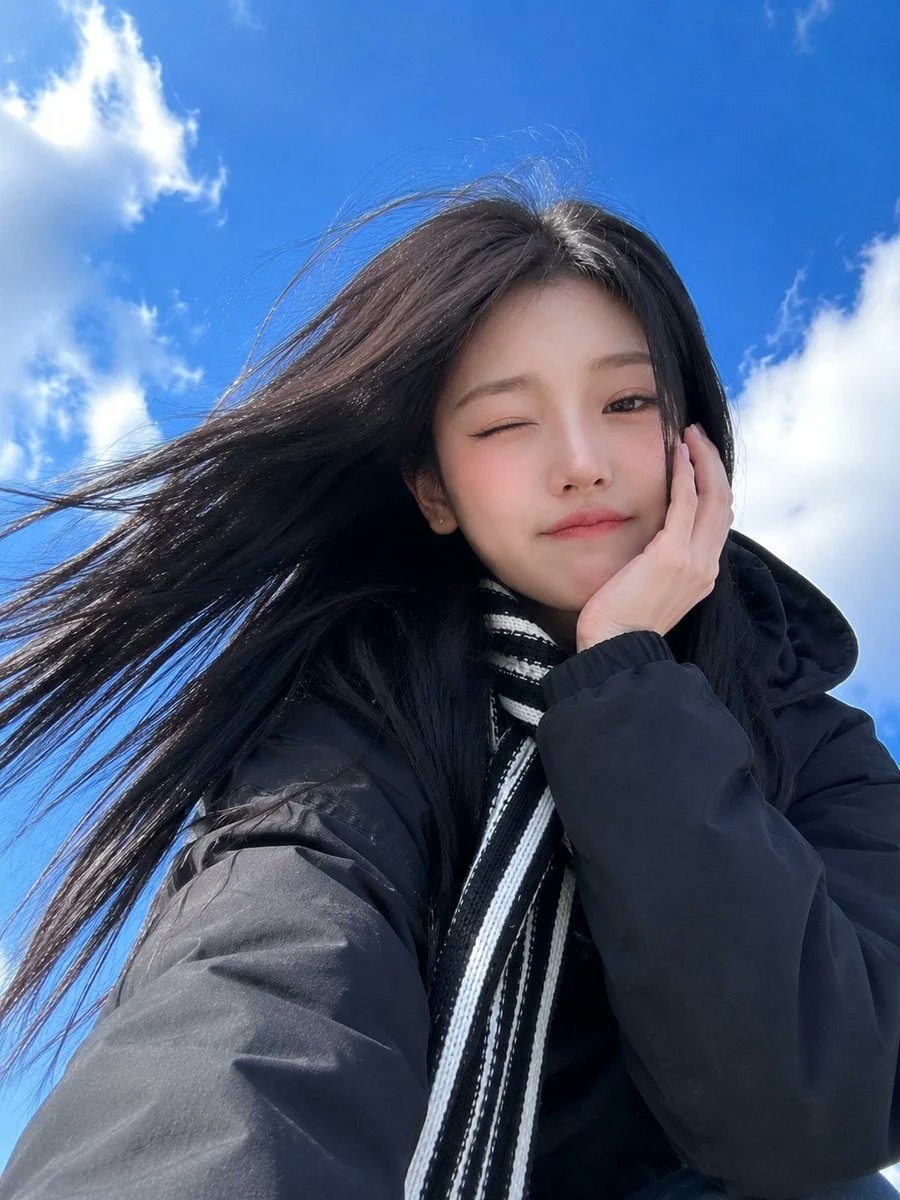
Low-Angle Winter Scarf Selfie
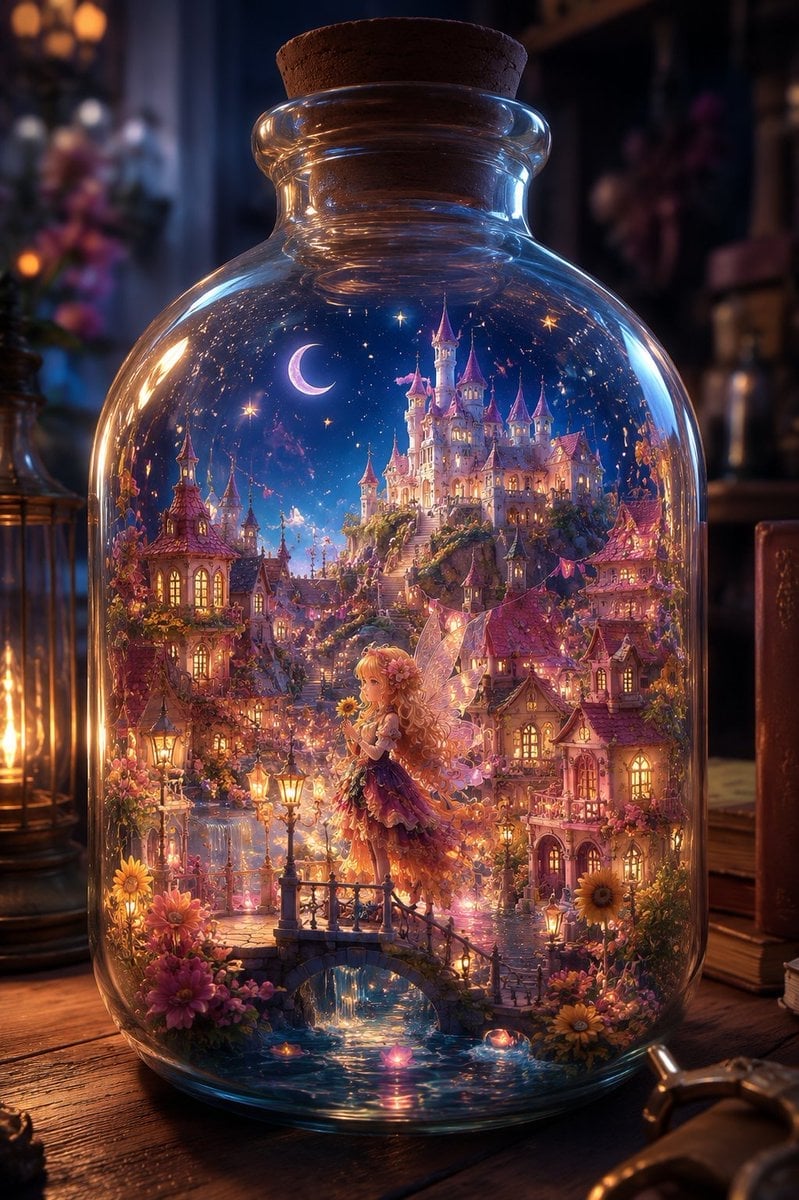
Sunflower Fairy World in a Bottle

Pastel Anime Idol Concert Finale
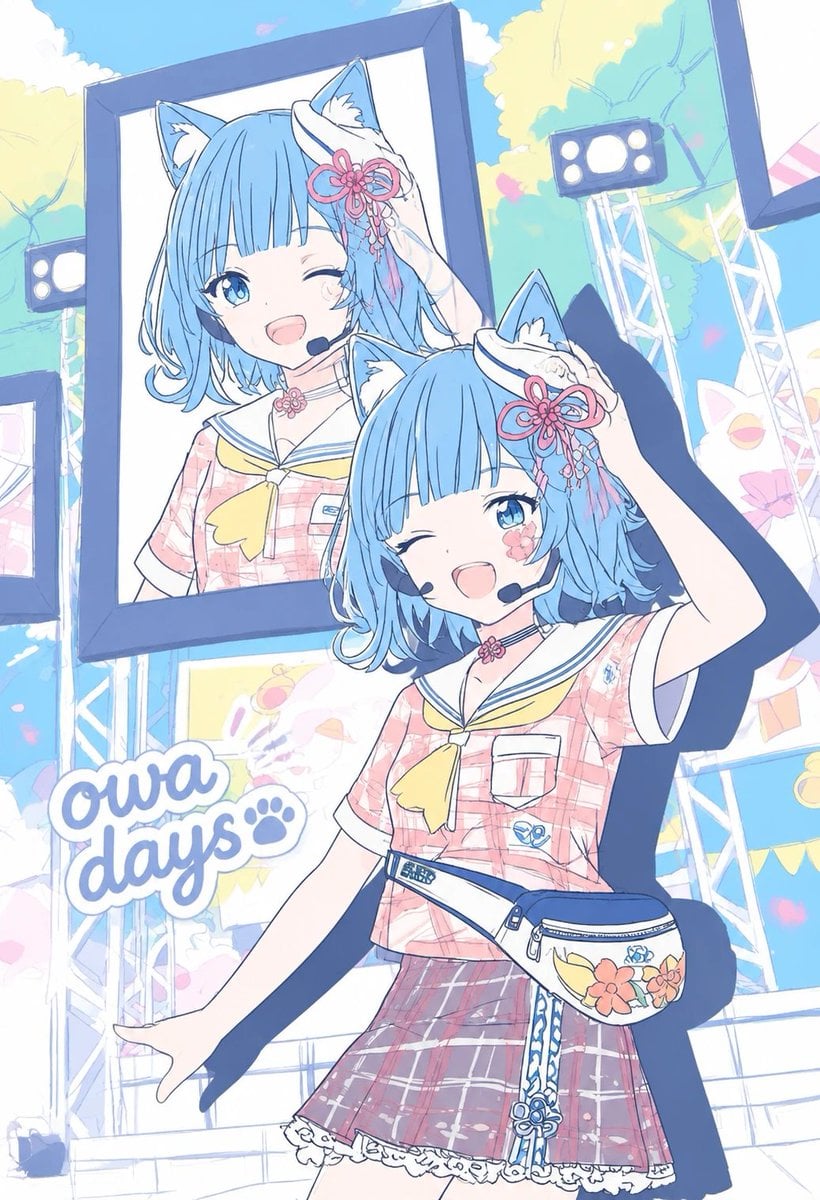
Pastel Cat-Eared Summer Idol Stage
Winking Anime Idol Festival Portrait
High-Angle Café Street Portrait
White Lace Low-Angle Editorial
Ethereal Fairycore Flower Meadow Portrait
Rooftop Gekiga Idol Sniper Scene
Make it yours
High-angle fairy grunge idol in cluttered closet works as-is. These are the safest ways to change it without losing the look.
Change one field
Copy a single group, rewrite it, and generate again so you can see what that field is doing.
Keep the frame, change the subject
Hold the composition and light of High-angle fairy grunge idol in cluttered closet, then swap wardrobe, props or the person for a new take.
| If the result… | Why | Fix |
|---|---|---|
| The result drifts from the preview | Too many fields changed at once. | Reuse High-angle fairy grunge idol in cluttered closet as-is first, then change one group — subject, light, or setting. |
| The model over-stylizes the scene | The prose prompt leaves finish and camera underspecified. | Add one camera or lighting sentence and stay on Nano Banana 2. |
More Nano Banana 2 templates
Other prompts made for Nano Banana 2.

Photorealistic Leaf Shaped Like a Dragon

K-Pop Idol Portrait Grid for Rapid Selection

Poetic Rain Forest Portrait During Golden Hour

Urban Street Portrait with Cartoon Inner Self Duo

Candid Nighttime Photo with Cat Prompt

High-Concept 3D Diorama Generation Prompt

Cinematic Futuristic Studio Portrait Template

Skincare Editorial Photography Collage Prompt

Hyper-Realistic Commercial Product Photography (Splash Effect)

Hyper-Realistic Nightclub Portrait Prompt
More image prompts
Fresh picks from across the catalog.
Vintage 1970s Japanese Soft Vinyl Toy

Chibi Witch Owl Figurine
Watercolor School of Stylized Fish
Romantic Night Park Couple Portrait
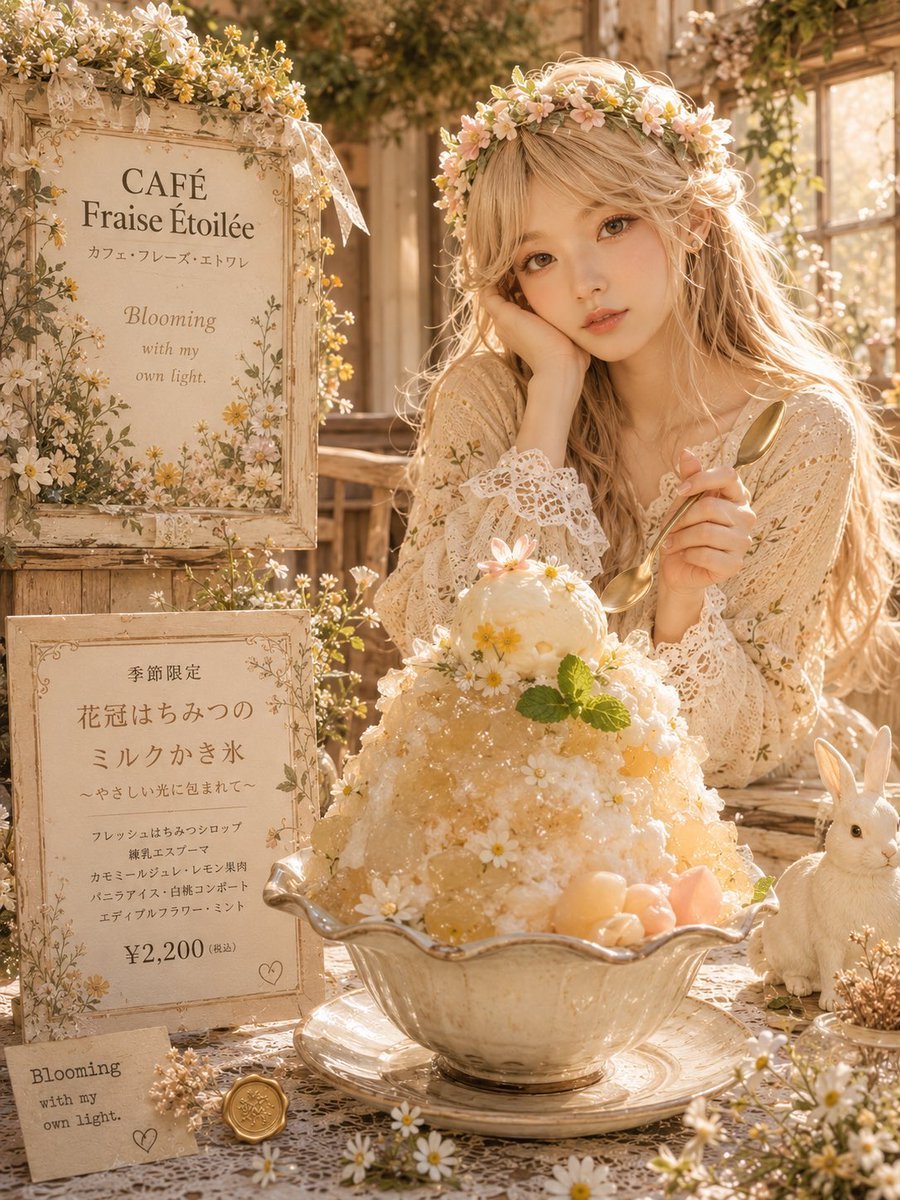
Cottagecore Shaved Ice Café Ad
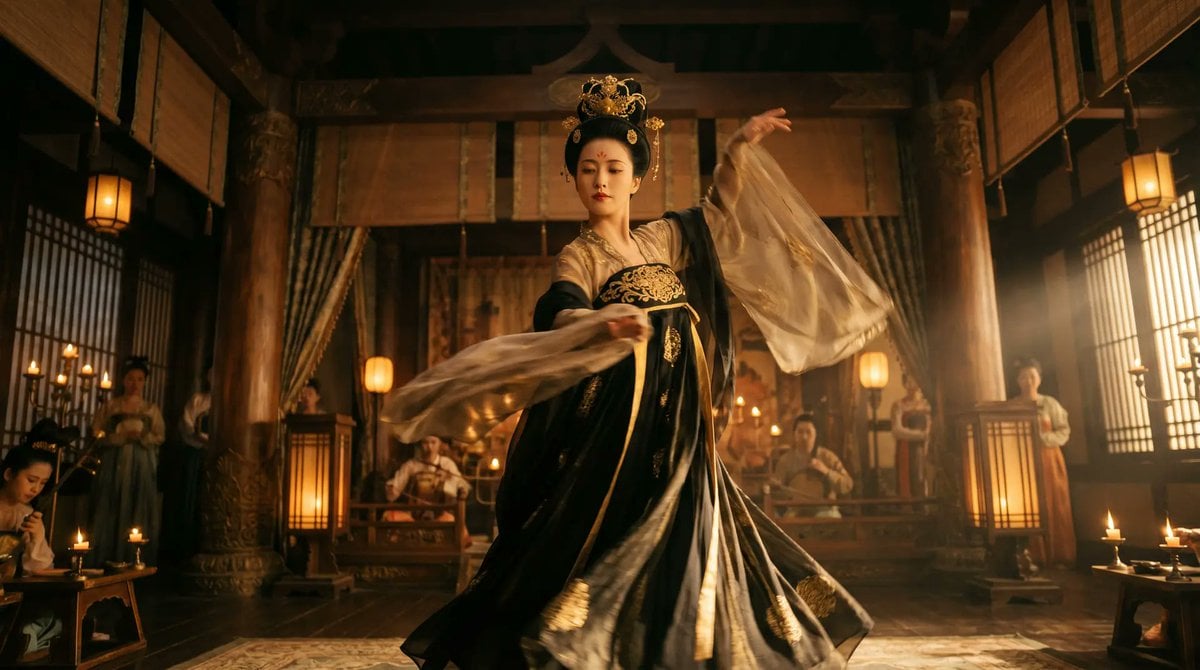
Cinematic Tang Court Dancer at Night
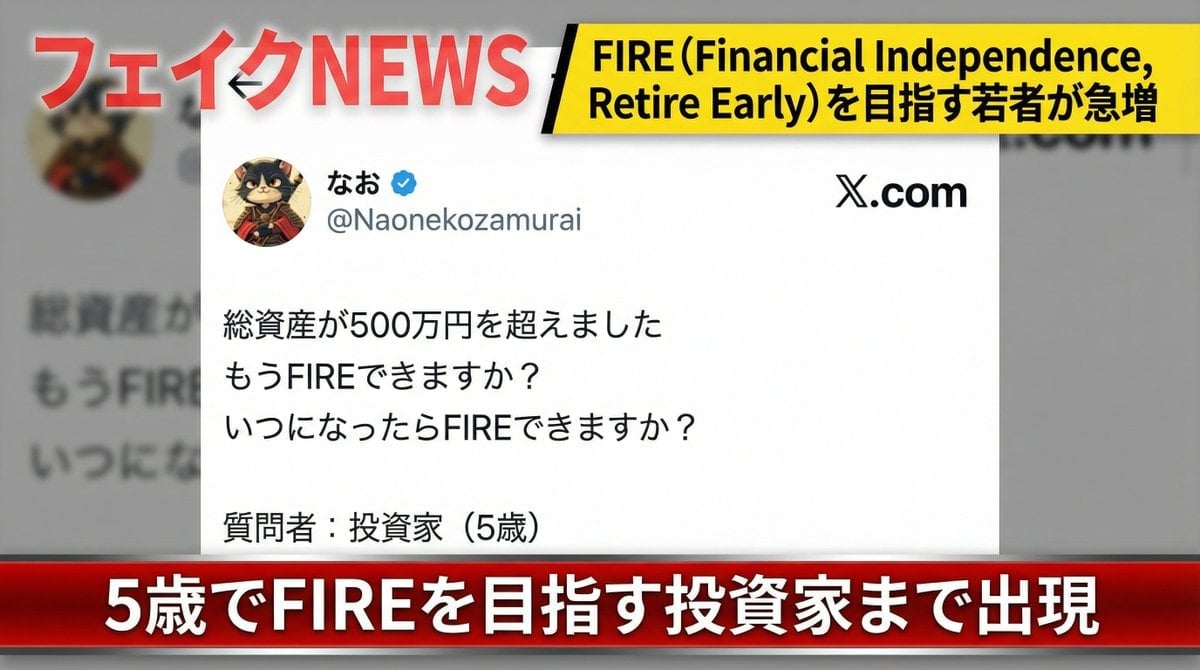
Fake News Image Creation Prompt

Cinematic Firelit Portrait Transformation
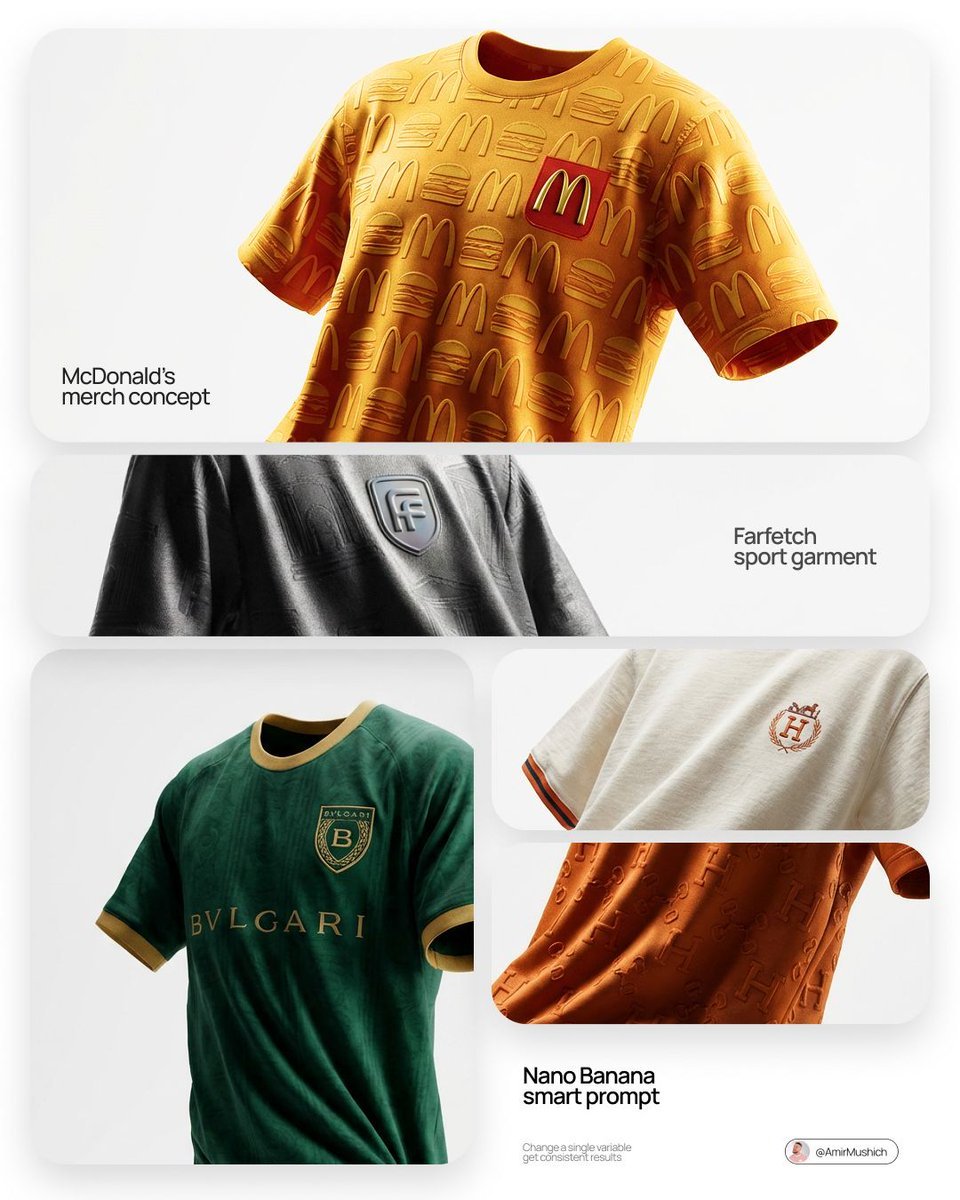
Floating Football Jersey Luxury Editorial
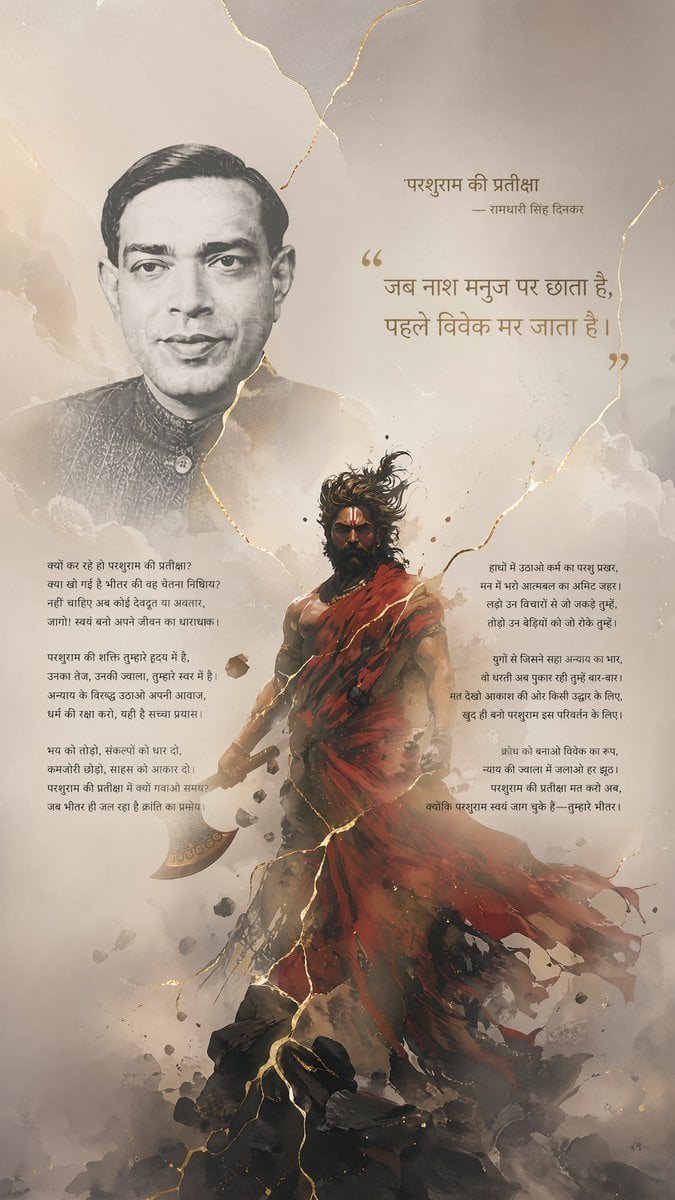
Hindi Poem Poster with Parashurama
Browse template categories
High-angle fairy grunge idol in cluttered closet questions
How do I use the High-angle fairy grunge idol in cluttered closet template?
Add your photo if the template asks for one, edit the prompt if you like — the template's model and format are already selected — and press Generate. Your version opens in PicX Studio.
Can I customize the High-angle fairy grunge idol in cluttered closet template?
Yes. You can change the subject, setting, lighting, mood, format, and available model controls before creating your image.
Is the High-angle fairy grunge idol in cluttered closet template free?
Opening and editing this template is free. Generating uses credits, shown on the Generate button when you are signed in.
Which AI model should I use?
Start with Nano Banana 2, which is the model associated with this template. You can compare another compatible model for a different finish.
Looking for something else? Browse all templates.

Your photo, any look
Thousands of ready templates for every top image and video model, from one credit balance.