
Rooftop Gekiga Idol Sniper Scene
Generates a wide anime manga rooftop scene with three idol characters, Japanese speech bubbles, and a dramatic hardboiled sniper parody composition.
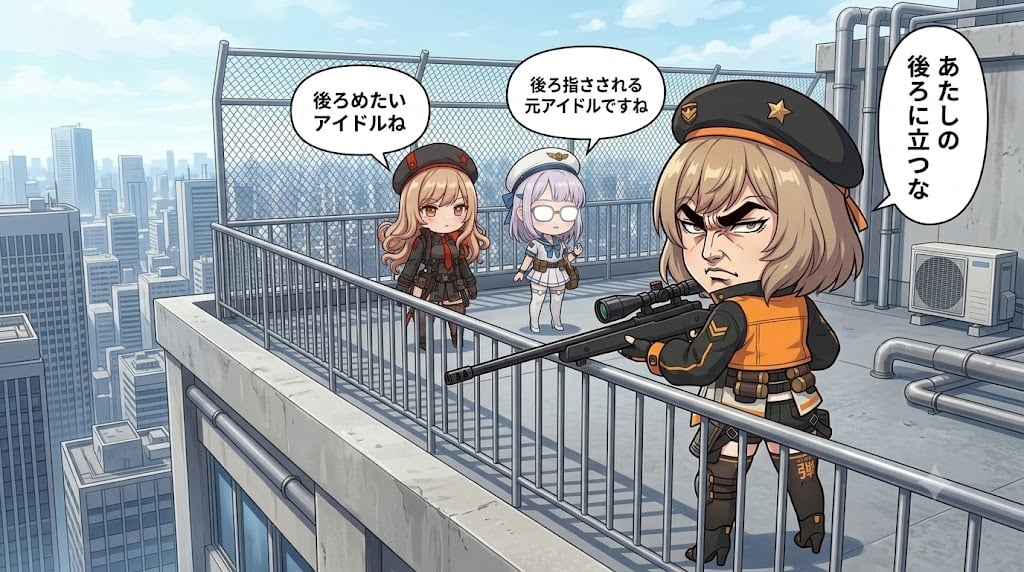
- Prompt included
- Model and format preset
- Premium template
The prompt behind this image
Copy the exact prompt behind Rooftop Gekiga Idol Sniper Scene, or open it in the studio and make it yours.
Goal: Create a wide single-panel anime manga scene on a high-rise rooftop, mixing cute chibi idol characters with a dramatic hardboiled gekiga facial style for the main foreground character. Canvas: 16:9 landscape composition, bright daytime city skyline in the background, clean detailed anime rendering with crisp line art, soft cel shading, and slight manga-comic exaggeration. Setting: A concrete rooftop terrace on top of a tall urban building, with metal safety railings, a chain-link fence along the back edge, exposed silver pipes, an outdoor air-conditioning unit on the right, and many skyscrapers fading into a blue hazy distance under a pale sky. Layout: Place exactly 3 female idol-like characters on the rooftop. The main character stands in the right foreground near the railing, turned partly away from the viewer but looking back over her shoulder with an intense dramatic expression. Two smaller chibi girls stand in the mid-background on the left and center, facing her. Characters: 1) Right foreground: a blonde short-haired girl with a black military-style beret, orange-and-black tactical idol outfit, thigh straps, boots, gloves, and a long scoped sniper rifle held horizontally across the railing. Her face is rendered in exaggerated hardboiled manga style: thick eyebrows, sharp eyes, heavy shadows, stern mouth, and a gritty dramatic expression. 2) Left background: a small chibi girl with light brown wavy hair, red-and-black idol outfit, tiny hat or hair accessories, calm unimpressed expression. 3) Center background: a small chibi girl with pale lavender bobbed hair, round glasses, a white-and-blue sailor-inspired idol outfit and small hat, neutral surprised expression. Speech bubbles: Include exactly 3 white speech bubbles with black Japanese text. Bubble 1 above the left chibi girl says {argument name="left speech text" default="後ろめたいアイドルね"}. Bubble 2 above the center chibi girl says {argument name="center speech text" default="後ろ指さされる元アイドルですね"}. Bubble 3, tall vertical bubble near the right edge beside the foreground girl, says {argument name="right speech text" default="あたしの後ろに立つな"}. Use clean manga lettering and keep the bubbles readable. Style: Cute idol anime proportions for the background girls, chibi proportions overall, but make the foreground girl's face unusually intense and gekiga-inspired. Detailed rooftop perspective with strong depth, railings leading diagonally toward the city. Color palette: cool blue-gray rooftop and skyline contrasted with orange-black tactical clothing. No gore, no muzzle flash, no watermark, no extra characters, no extra text.
How to use Rooftop Gekiga Idol Sniper Scene in 3 steps
- 1Upload ImagePNG, JPG or paste
Add your photo
Upload the photo the template builds on. The prompt, model and format are already set.
- 2…a portrait of your subject in softgolden-hour light, 85mm…
Personalize
Edit the subject and creative details for your destination.
- 3Generate
Generate
Press Generate — your image is created in PicX Studio, so you can compare it with the original and refine one variable at a time.
More like this
Templates with the same subject, style or setup. Open one to see its prompt.

If We Met in 1985

Rooftop Fisheye — Cat-Ear Balaclava at Golden Hour

Spider-Man Rooftop Golden Hour Cinematic Photo

Japanese Negative Film Rooftop Summer Portrait
Rainy Rooftop Sniper Diorama

Japanese Film Reflection Idol
Nano Banana - Rooftop Dinner Night

80s Rooftop Couple
Anime Commander With Giant Sniper Rifle
Idol Stage Performance Portrait

Pastel Anime Idol Concert Finale
Summer Night Rooftop Terrace Portrait
Make it yours
Rooftop Gekiga Idol Sniper Scene works as-is. These are the safest ways to change it without losing the look.
Change one field
Copy a single group, rewrite it, and generate again so you can see what that field is doing.
Keep the frame, change the subject
Hold the composition and light of Rooftop Gekiga Idol Sniper Scene, then swap wardrobe, props or the person for a new take.
| If the result… | Why | Fix |
|---|---|---|
| The result drifts from the preview | Too many fields changed at once. | Reuse Rooftop Gekiga Idol Sniper Scene as-is first, then change one group — subject, light, or setting. |
| The model over-stylizes the scene | The prose prompt leaves finish and camera underspecified. | Add one camera or lighting sentence and stay on GPT Image 2. |
More GPT Image 2 templates
Other prompts made for GPT Image 2.

Six VTuber Japanese Logo Sheet

Realistic Portrait of Woman and Deer

The Vista Modular Condo Poster

AI Model Routing Comparison Infographic

2.5D Anime Art Board

Isometric Productivity Desk Scene

New York Double Exposure Poster

Four-Panel AI Landscape Comparison

Japanese Tatami Lifestyle Magazine Cover

NESCAFÉ Coffee Map Poster
More image prompts
Fresh picks from across the catalog.

Time Traveler Night Market Grid
Futuristic Engineer with Holographic Exosuit

Banner Generation Prompt for Model Comparison
Expressive Woman Emoji Sticker Pack
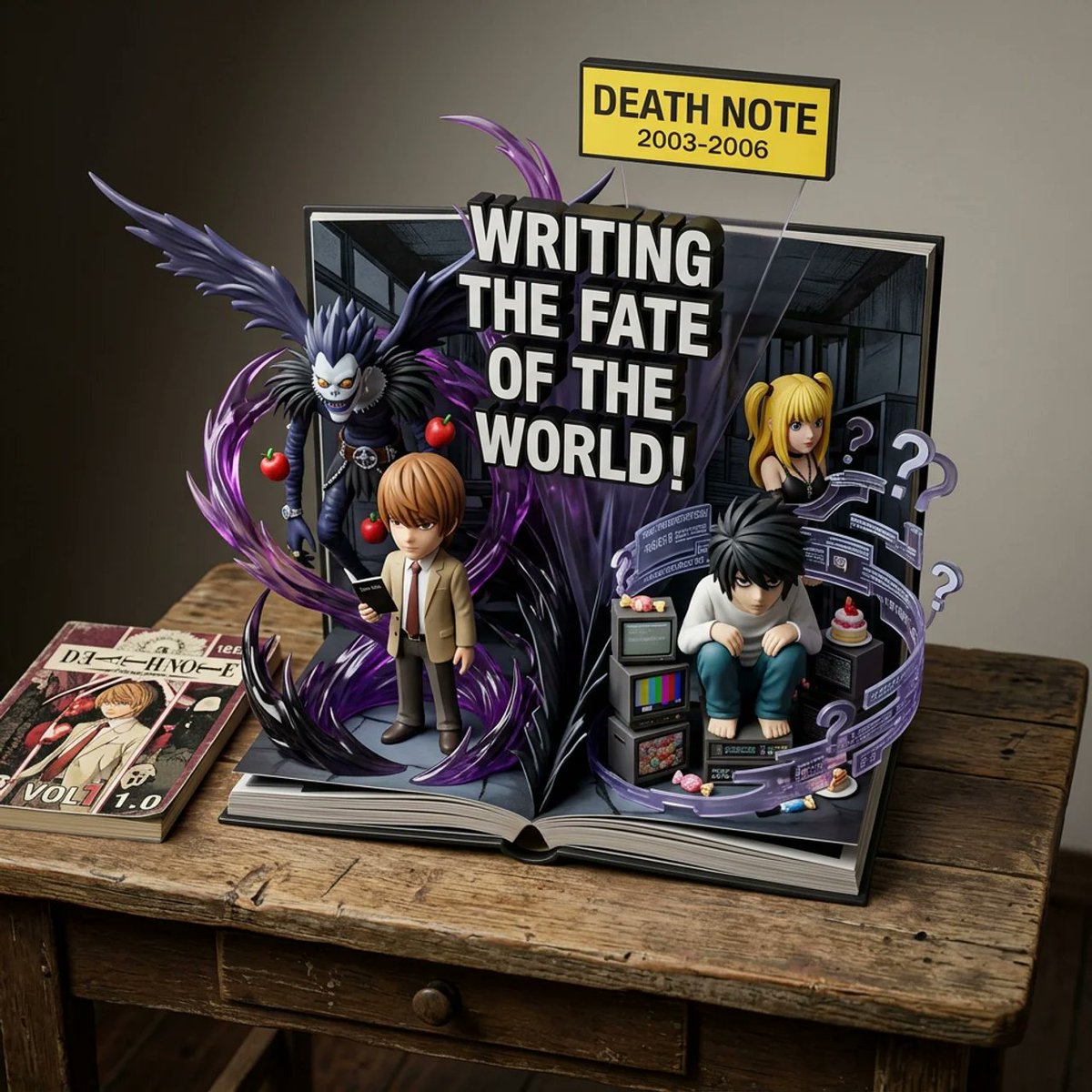
Weighted Prompt for 3D Pop-Up Comic Diorama
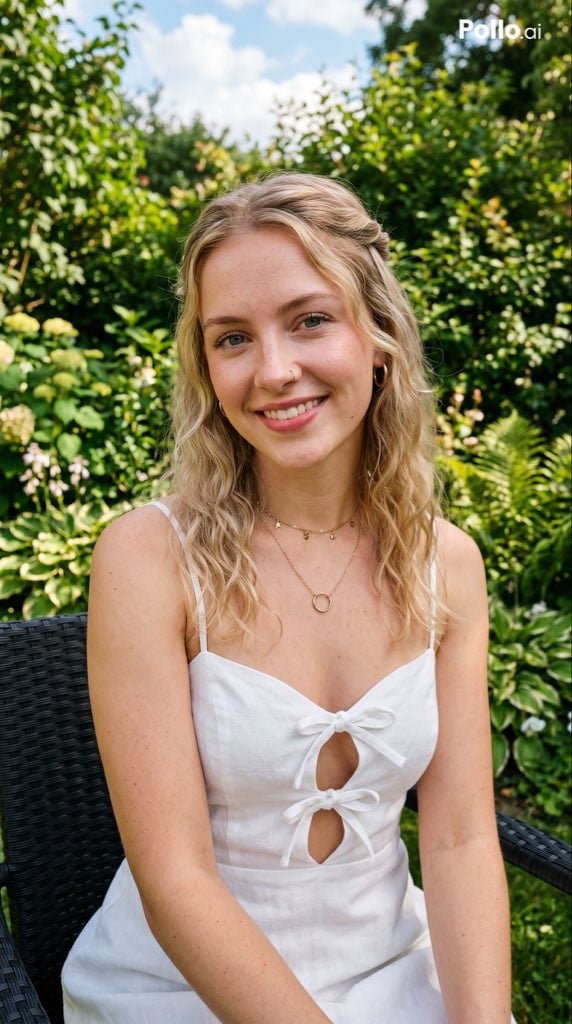
Garden Portrait With White Summer Dress
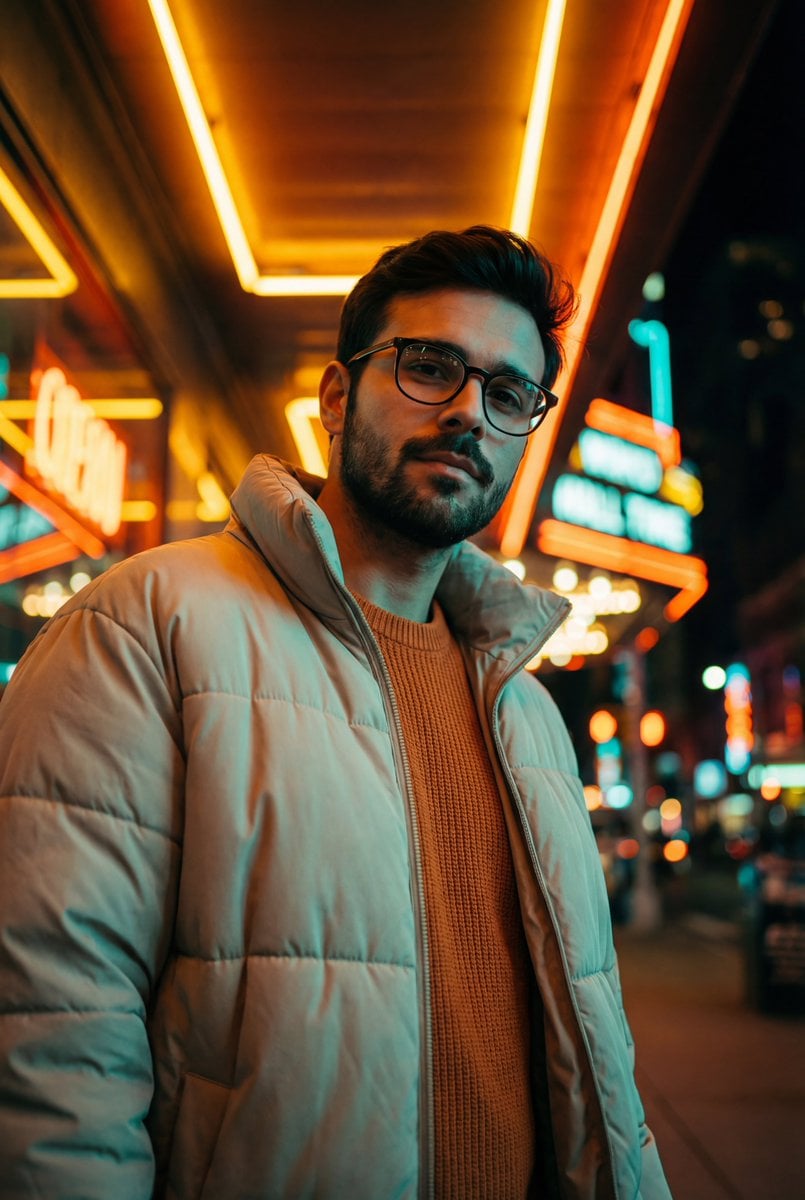
Teal and Orange Neon Urban Portrait
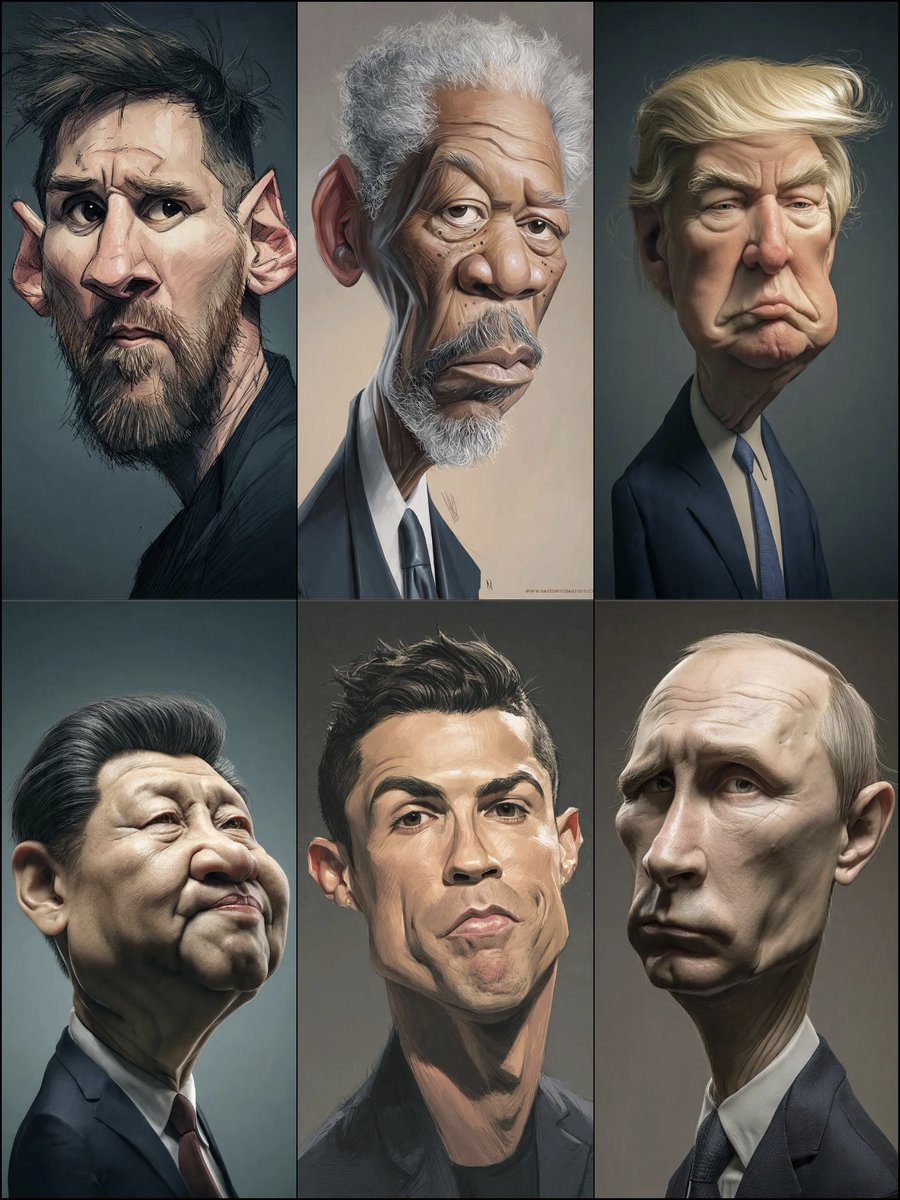
Structured Prompt for Hyperrealistic Caricature Portrait
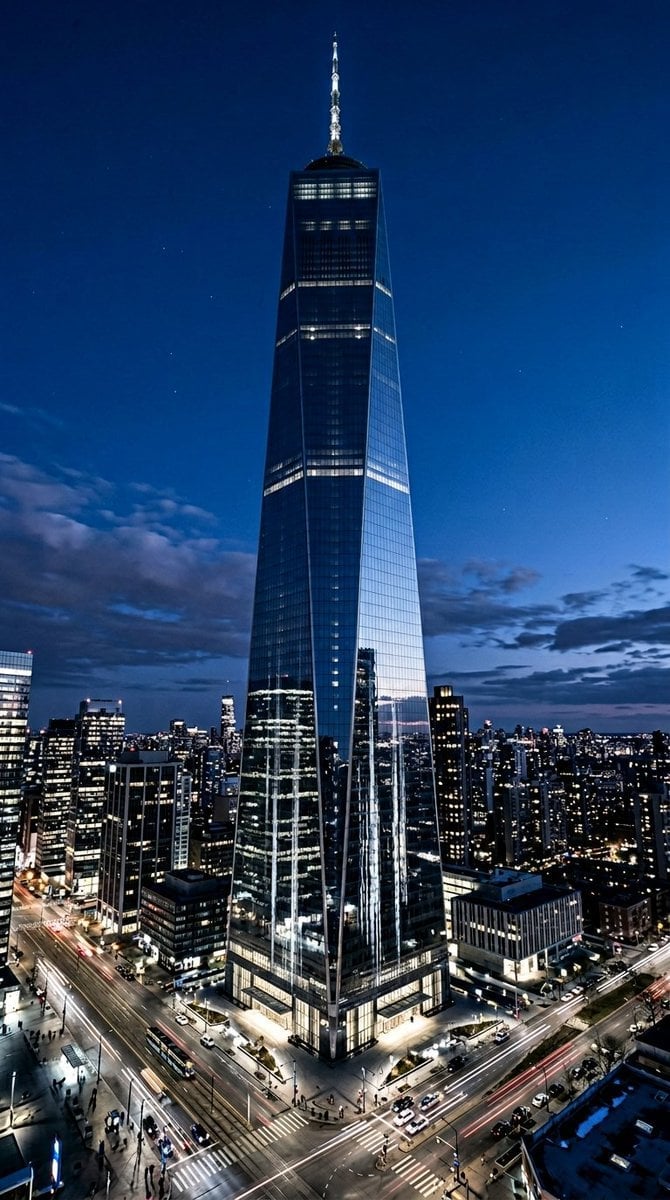
Futuristic Skyscraper Image Prompt (Nano Banana 2)
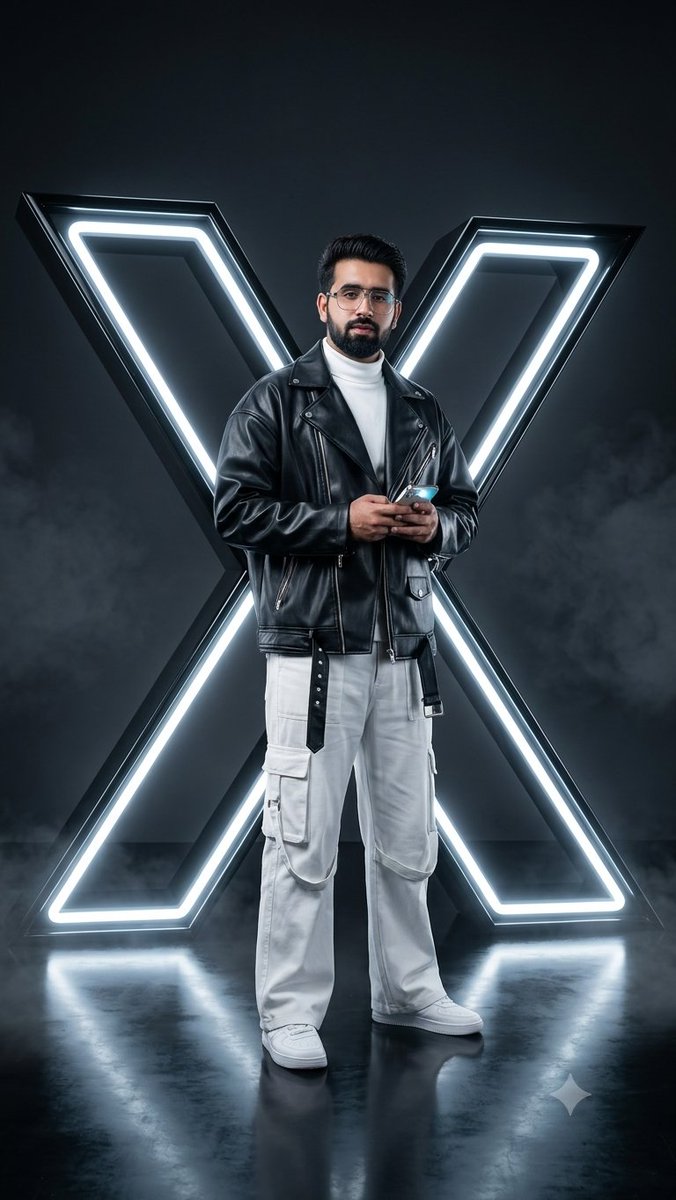
Cyberpunk Neon Twitter Logo Portrait
Browse template categories
Rooftop Gekiga Idol Sniper Scene questions
How do I use the Rooftop Gekiga Idol Sniper Scene template?
Add your photo if the template asks for one, edit the prompt if you like — the template's model and format are already selected — and press Generate. Your version opens in PicX Studio.
Can I customize the Rooftop Gekiga Idol Sniper Scene template?
Yes. You can change the subject, setting, lighting, mood, format, and available model controls before creating your image.
Is the Rooftop Gekiga Idol Sniper Scene template free?
Opening and editing this template is free. Generating uses credits, shown on the Generate button when you are signed in.
Which AI model should I use?
Start with GPT Image 2, which is the model associated with this template. You can compare another compatible model for a different finish.
Looking for something else? Browse all templates.

Your photo, any look
Thousands of ready templates for every top image and video model, from one credit balance.