
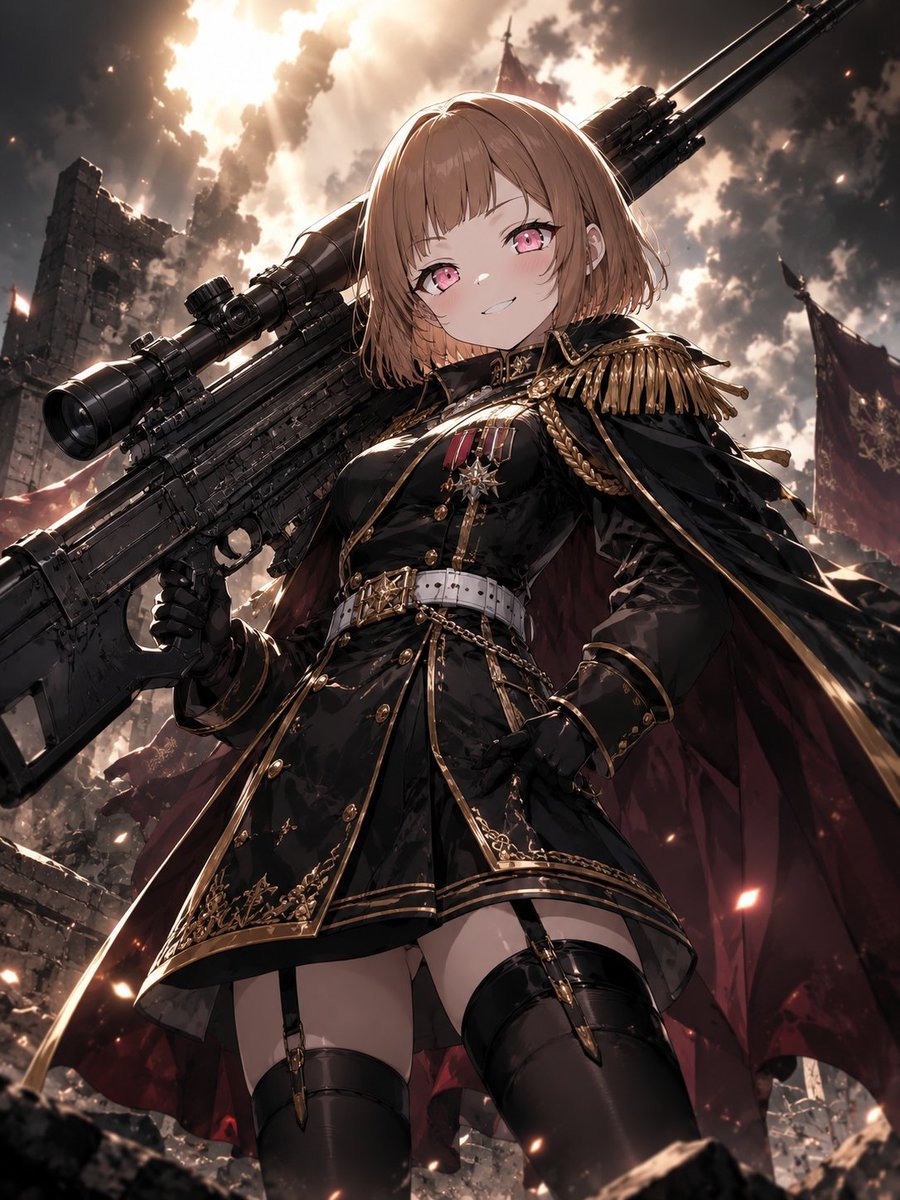
Anime Commander With Giant Sniper Rifle
A cinematic dark-fantasy anime prompt for generating a smug imperial military girl standing in battlefield ruins with an oversized sniper rifle.
- Prompt included
- Model and format preset
- Free template
The prompt behind this image
Copy the exact prompt behind Anime Commander With Giant Sniper Rifle, or open it in the studio and make it yours.
Create a dramatic vertical anime illustration of a smug young female military commander standing in a ruined battlefield, viewed from a low angle for dominance. The character has a short chin-length bob haircut in {argument name="hair color" default="light chestnut brown"}, vivid {argument name="eye color" default="pink"} eyes, pale skin, and a confident half-smile as if calmly promising retaliation. She wears an ornate black imperial officer mini-dress uniform with glossy fabric, high collar, gold trim, gold buttons, decorative braids, epaulettes, medals on the chest, a white belt with gold buckle, black gloves, garter straps, and black thigh-high boots. A dark crimson cape with black exterior billows behind her. She holds one enormous futuristic sniper rifle, nearly as tall as her body, angled diagonally from lower left to upper right across her shoulder; include a long barrel, large scope, tactical rails, heavy mechanical details, and matte black metal. The background is a devastated gothic war zone with crumbling stone walls, rubble in the foreground, torn red banners, distant spires, smoke, glowing embers, and a blazing cloudy sky with strong backlight breaking through the clouds. Use cinematic lighting, high contrast, rim light around the hair and weapon, sparks and ash floating in the air, detailed linework, polished anime rendering, dark fantasy military aesthetic, dynamic perspective, sharp focus on the character, no text, no watermark. Aspect ratio: {argument name="aspect ratio" default="3:4 vertical"}. Overall mood: {argument name="mood" default="vengeful, triumphant, elegant, intimidating"}.
How to use Anime Commander With Giant Sniper Rifle in 3 steps
- 1Upload ImagePNG, JPG or paste
Add your photo
Upload the photo the template builds on. The prompt, model and format are already set.
- 2…a portrait of your subject in softgolden-hour light, 85mm…
Personalize
Edit the subject and creative details for your destination.
- 3Generate
Generate
Press Generate — your image is created in PicX Studio, so you can compare it with the original and refine one variable at a time.
More like this
Templates with the same subject, style or setup. Open one to see its prompt.












Make it yours
Anime Commander With Giant Sniper Rifle works as-is. These are the safest ways to change it without losing the look.
Change one field
Copy a single group, rewrite it, and generate again so you can see what that field is doing.
Keep the frame, change the subject
Hold the composition and light of Anime Commander With Giant Sniper Rifle, then swap wardrobe, props or the person for a new take.
| If the result… | Why | Fix |
|---|---|---|
| The result drifts from the preview | Too many fields changed at once. | Reuse Anime Commander With Giant Sniper Rifle as-is first, then change one group — subject, light, or setting. |
| The model over-stylizes the scene | The prose prompt leaves finish and camera underspecified. | Add one camera or lighting sentence and stay on GPT Image 2. |
More GPT Image 2 templates
Other prompts made for GPT Image 2.

Six VTuber Japanese Logo Sheet

Realistic Portrait of Woman and Deer

The Vista Modular Condo Poster

AI Model Routing Comparison Infographic

2.5D Anime Art Board

Isometric Productivity Desk Scene

New York Double Exposure Poster

Four-Panel AI Landscape Comparison

Japanese Tatami Lifestyle Magazine Cover

NESCAFÉ Coffee Map Poster
More image prompts
Fresh picks from across the catalog.

MacBook Mockup with User from Behind
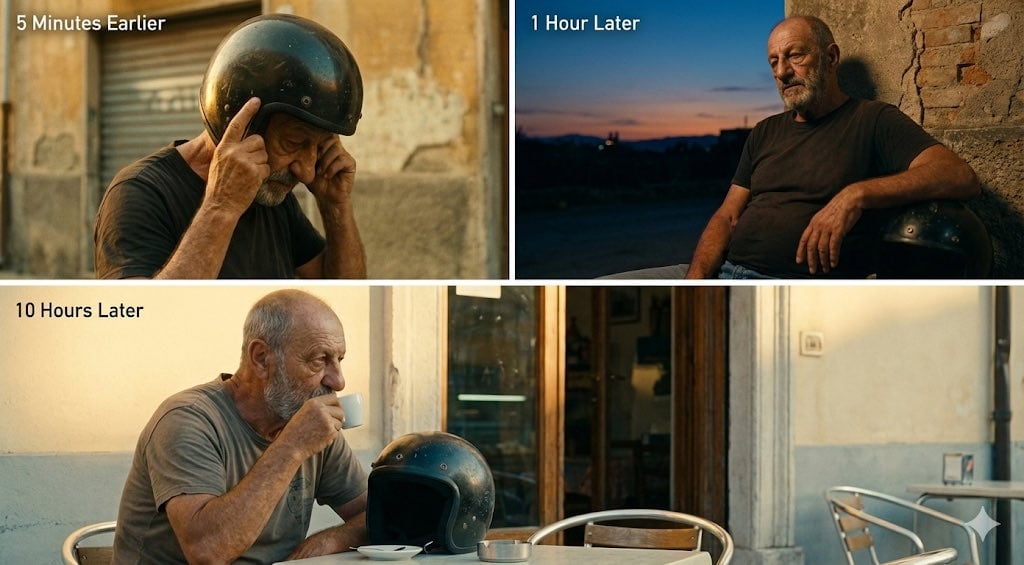
Time-Shifted Image Generation Prompt
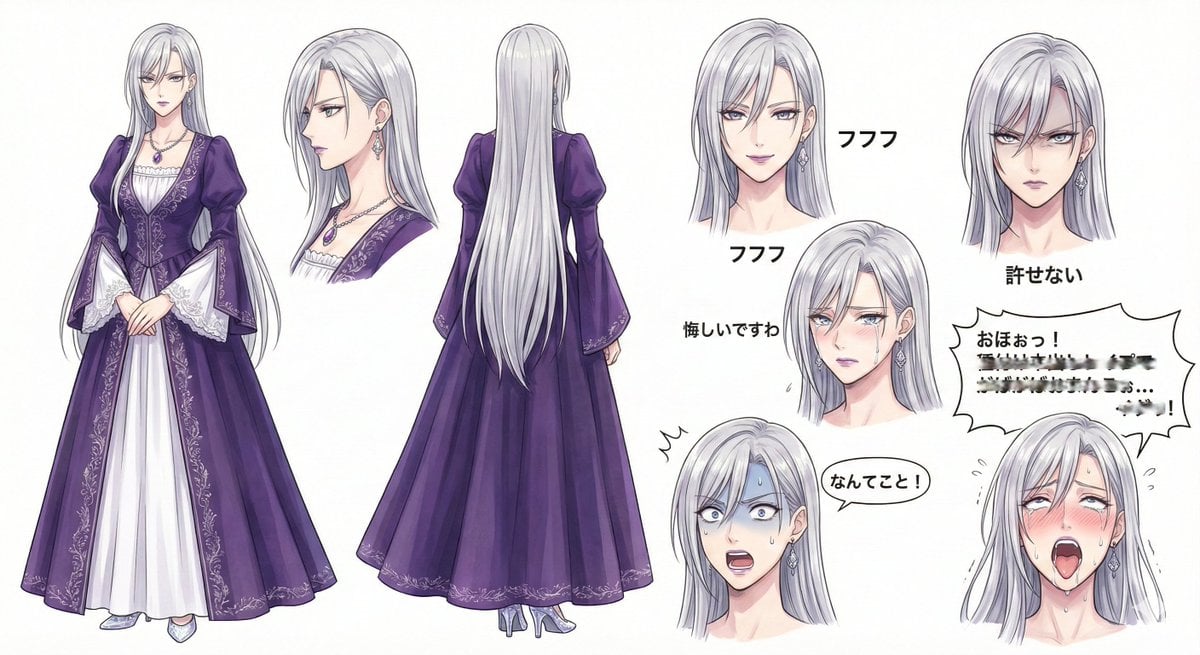
Character Design Sheet for a Villainess
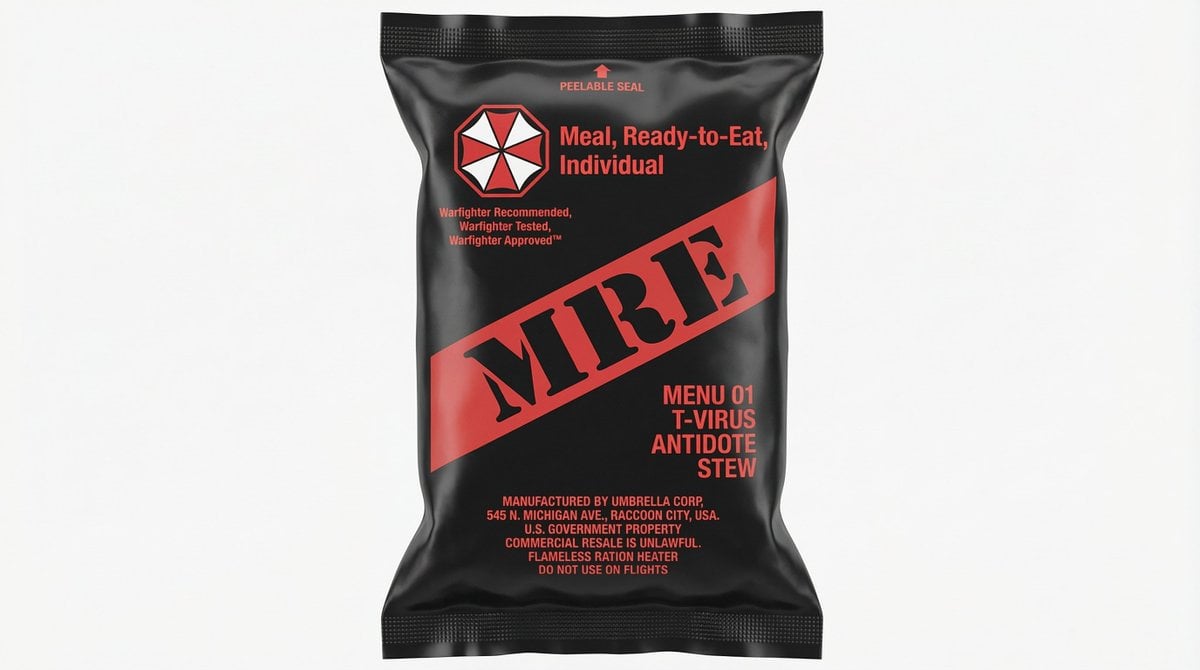
MRE Package Design Prompt (Short)
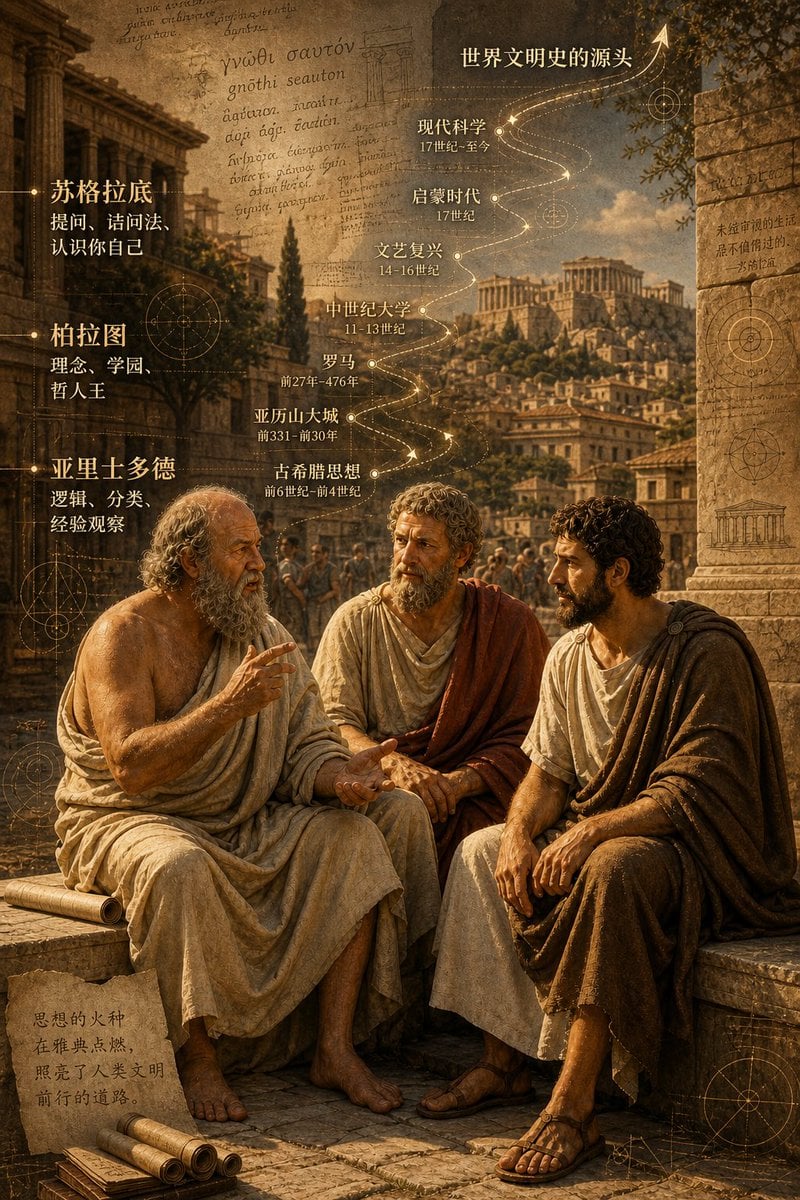
Ancient Greek Philosophers Discussion
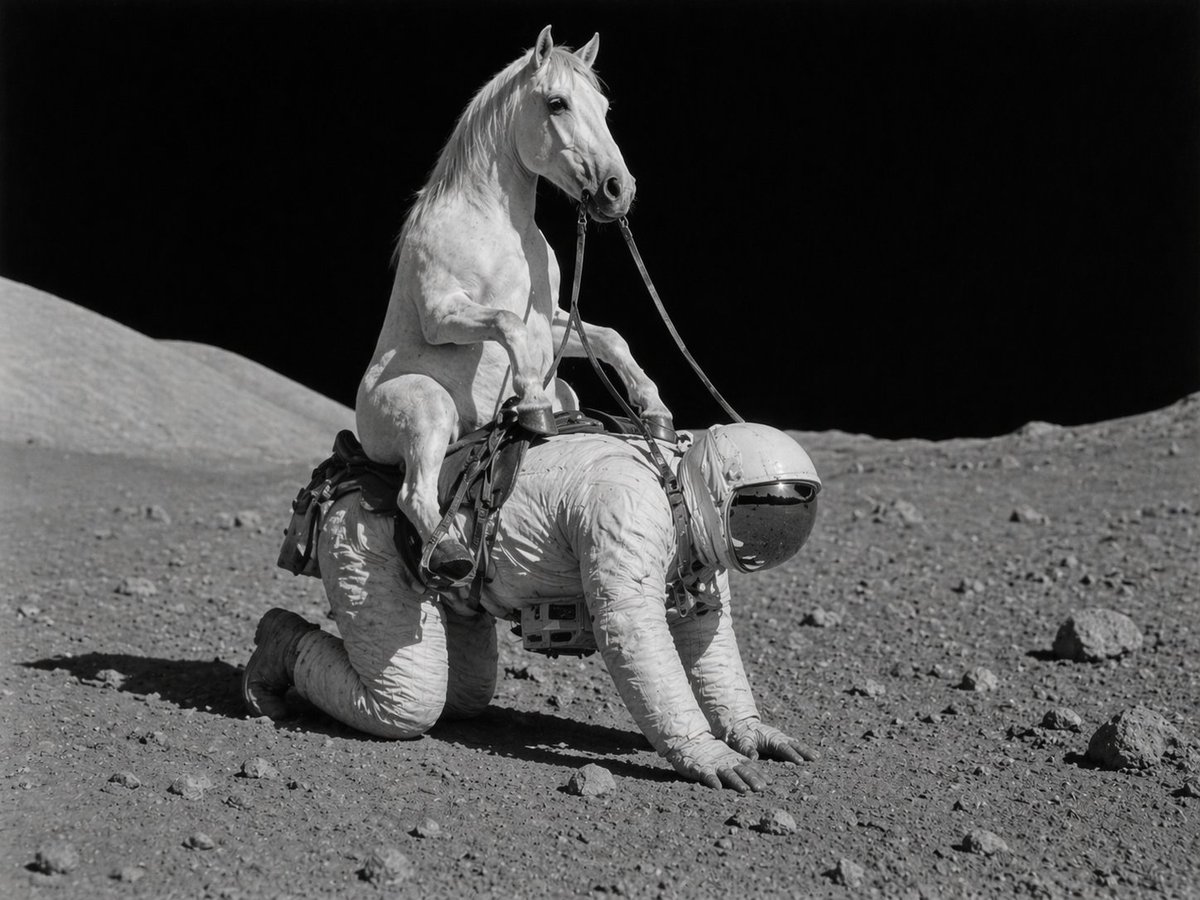
Surreal Lunar Horse Rider
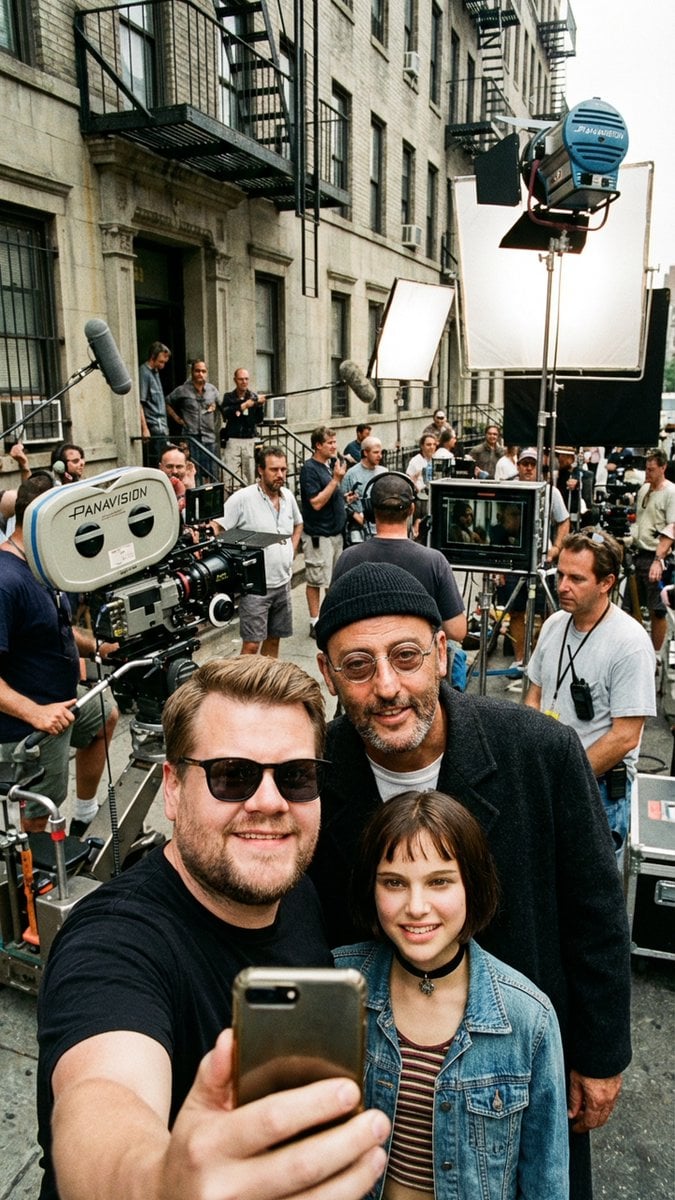
Behind-the-Scenes Selfie Identity Swap Prompt
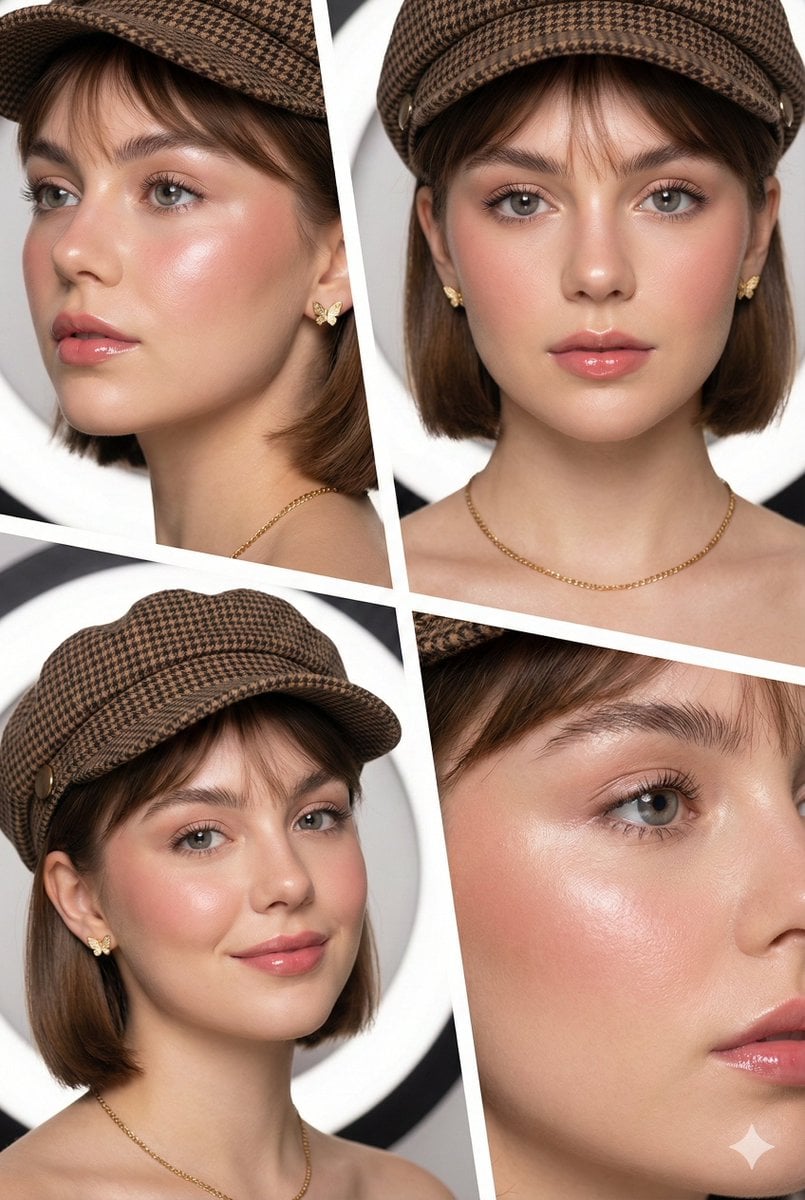
Panel Beauty Editorial Collage
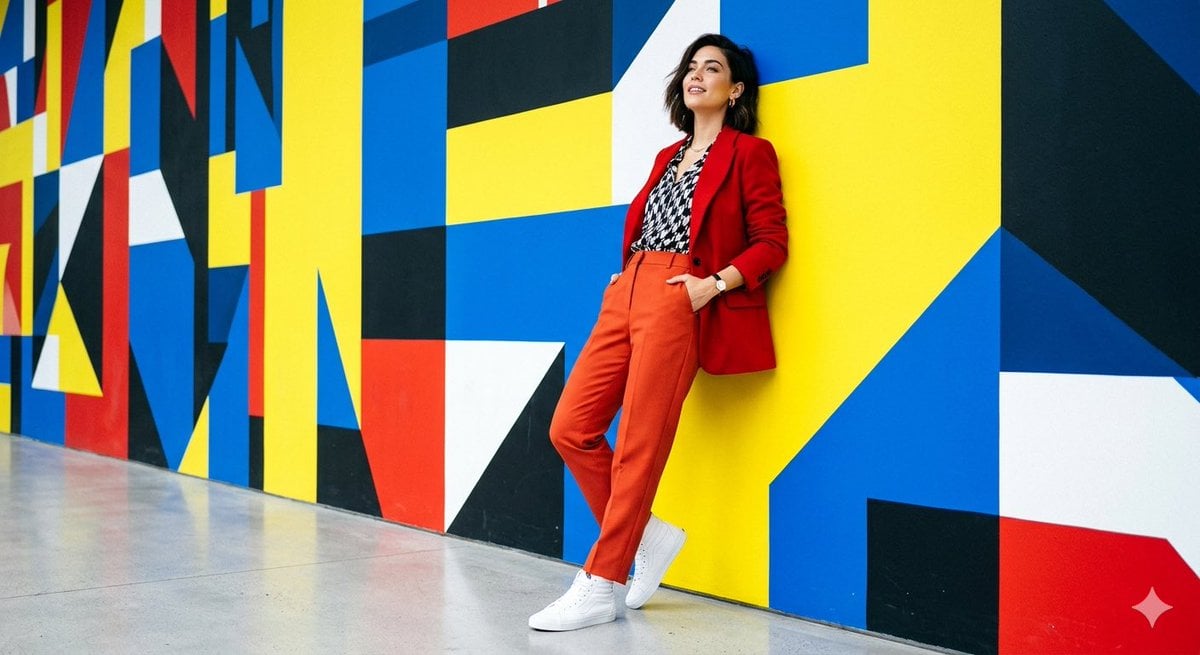
High-Fashion Editorial Shoot
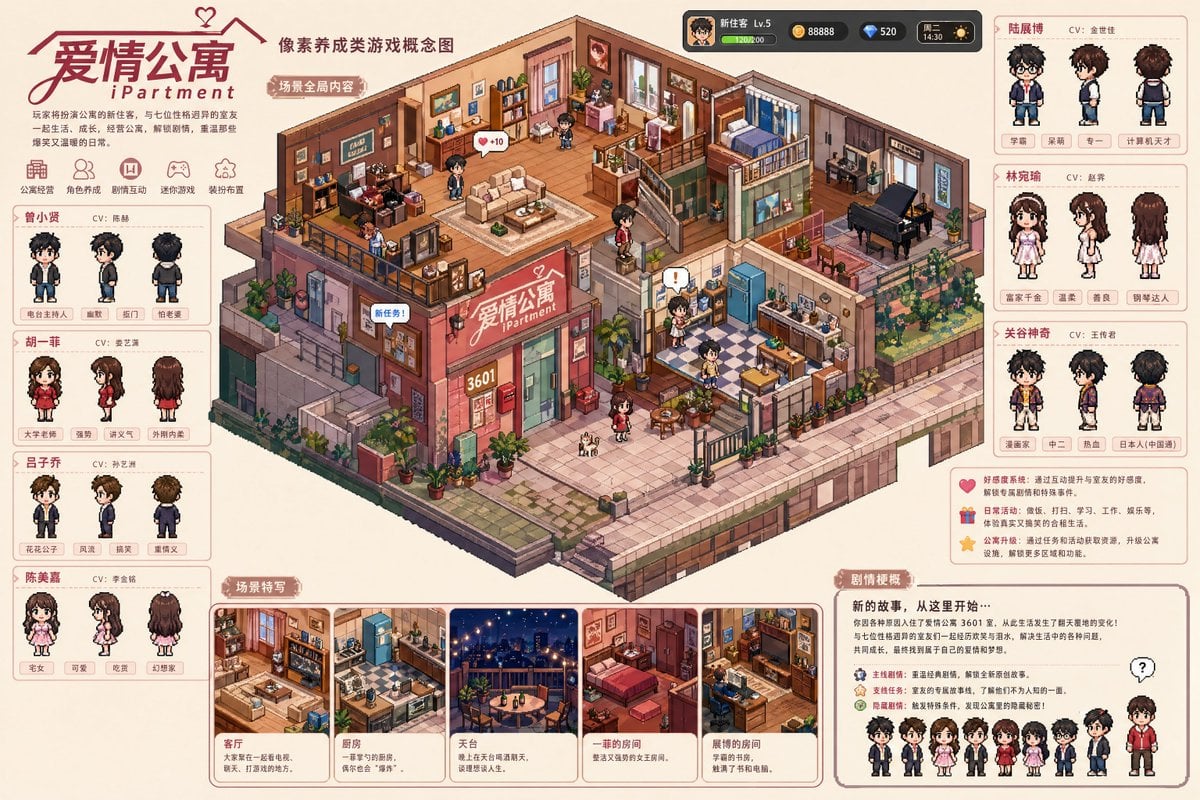
Pixel art game concept prompt
Browse template categories
Anime Commander With Giant Sniper Rifle questions
How do I use the Anime Commander With Giant Sniper Rifle template?
Add your photo if the template asks for one, edit the prompt if you like — the template's model and format are already selected — and press Generate. Your version opens in PicX Studio.
Can I customize the Anime Commander With Giant Sniper Rifle template?
Yes. You can change the subject, setting, lighting, mood, format, and available model controls before creating your image.
Is the Anime Commander With Giant Sniper Rifle template free?
Opening and editing this template is free. Generating uses credits, shown on the Generate button when you are signed in.
Which AI model should I use?
Start with GPT Image 2, which is the model associated with this template. You can compare another compatible model for a different finish.
Looking for something else? Browse all templates.

Your photo, any look
Thousands of ready templates for every top image and video model, from one credit balance.