
Sunflower Fairy World in a Bottle
Generates a whimsical fantasy illustration of a tiny glowing sunflower fairy kingdom enclosed in a corked glass bottle.
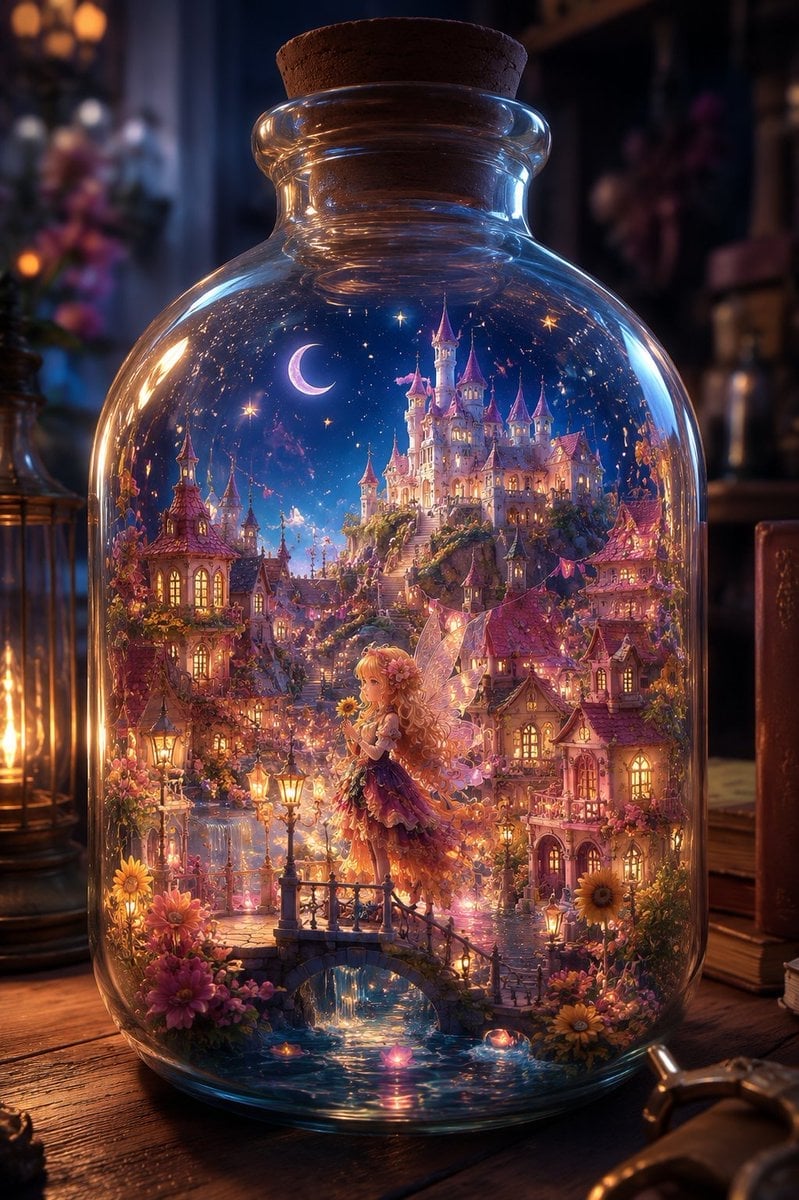
- Prompt included
- Model and format preset
- Free template
The prompt behind this image
Copy the exact prompt behind Sunflower Fairy World in a Bottle, or open it in the studio and make it yours.
Create a highly detailed fantasy illustration of a miniature enchanted world sealed inside a large clear glass apothecary bottle with a cork stopper, standing on an old wooden desk in a dim magical study. Inside the bottle is a glowing fairy-tale sunflower kingdom at night: one tiny sunflower fairy girl with long wavy golden-blonde hair, translucent wings, and a layered flower-petal dress in warm orange, yellow, pink, and purple tones stands on a small arched stone bridge over a sparkling canal, holding or surrounded by sunflowers. Behind her, show a dense miniature village of exactly three main foreground cottage clusters with warm lit windows, red-pink tiled roofs, lanterns, vines, and flowers, rising toward a luminous hilltop castle with many slender towers and pink roofs. Add a crescent moon, starry deep-blue sky, tiny glowing particles, bunting flags, ornate street lamps, reflections in the water, and abundant sunflowers and pink blossoms around the bridge and houses. The glass bottle should dominate the frame, with realistic curved highlights, refraction, thick rim, rounded shoulders, and a visible cork at the top. Outside the bottle, keep the background softly blurred with warm bokeh: one lantern on the left, dark shelves and books on the right, and cozy amber-blue magical lighting. Use an ultra-detailed anime-fantasy storybook style, cinematic depth of field, jewel-like colors, warm golden window light contrasted with cool moonlit blues, intricate architecture, romantic whimsical atmosphere, vertical composition, no text, no watermark.
How to use Sunflower Fairy World in a Bottle in 3 steps
- 1Upload ImagePNG, JPG or paste
Add your photo
Upload the photo the template builds on. The prompt, model and format are already set.
- 2…a portrait of your subject in softgolden-hour light, 85mm…
Personalize
Edit the subject and creative details for your destination.
- 3Generate
Generate
Press Generate — your image is created in PicX Studio, so you can compare it with the original and refine one variable at a time.
More like this
Templates with the same subject, style or setup. Open one to see its prompt.
JSON Seedance - Fairy Macro Flight
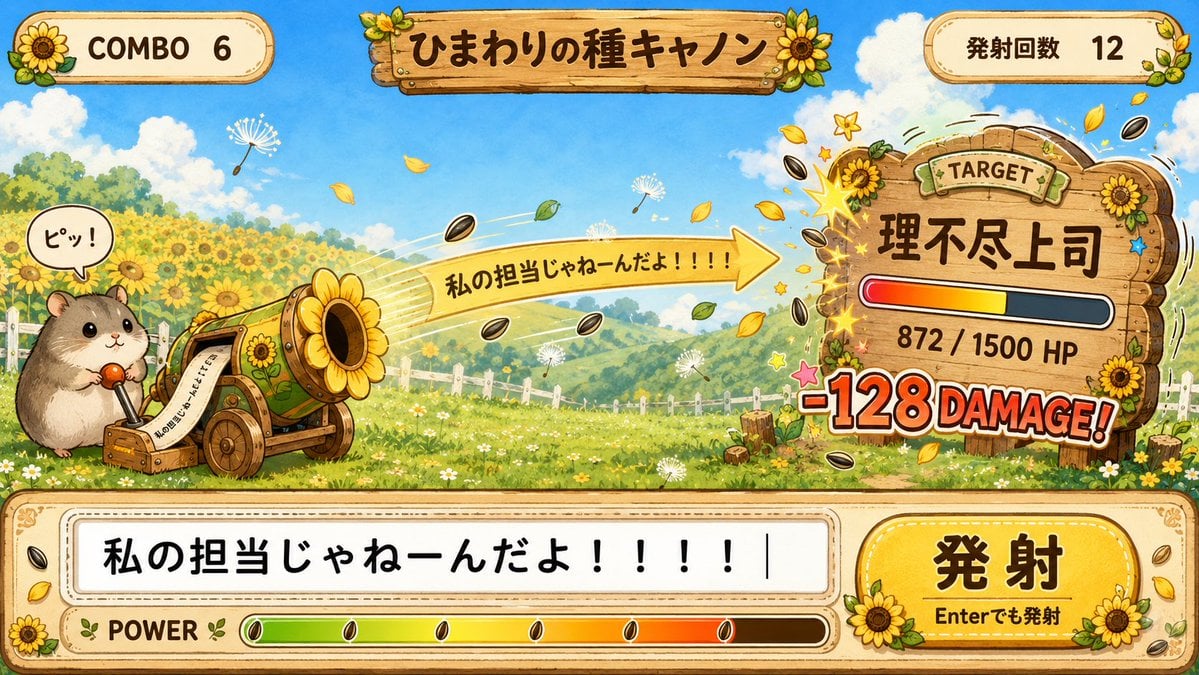
Hamster Sunflower Cannon Game UI
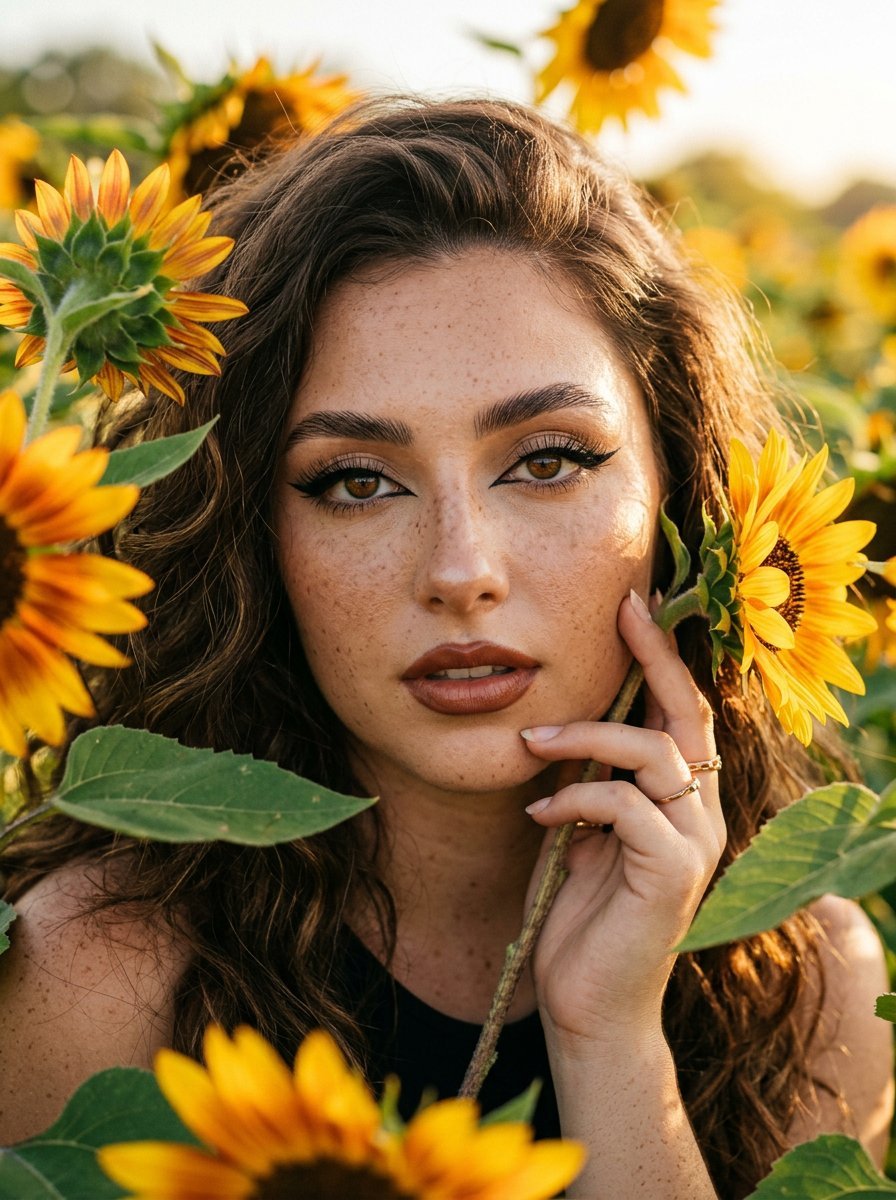
Sunflowers and Cinematic Eye-Lip Portrait
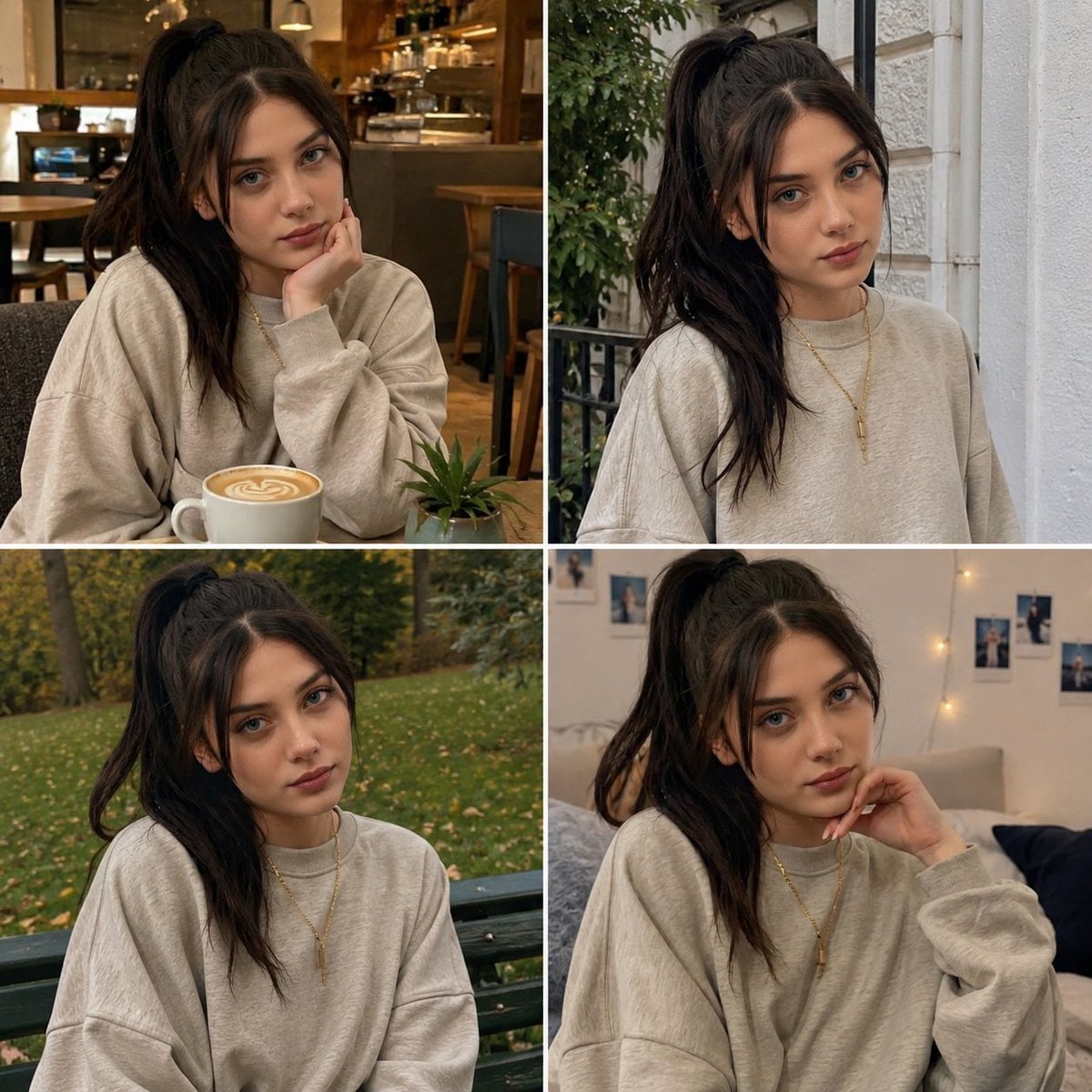
Candid Woman with Sunflower Portrait
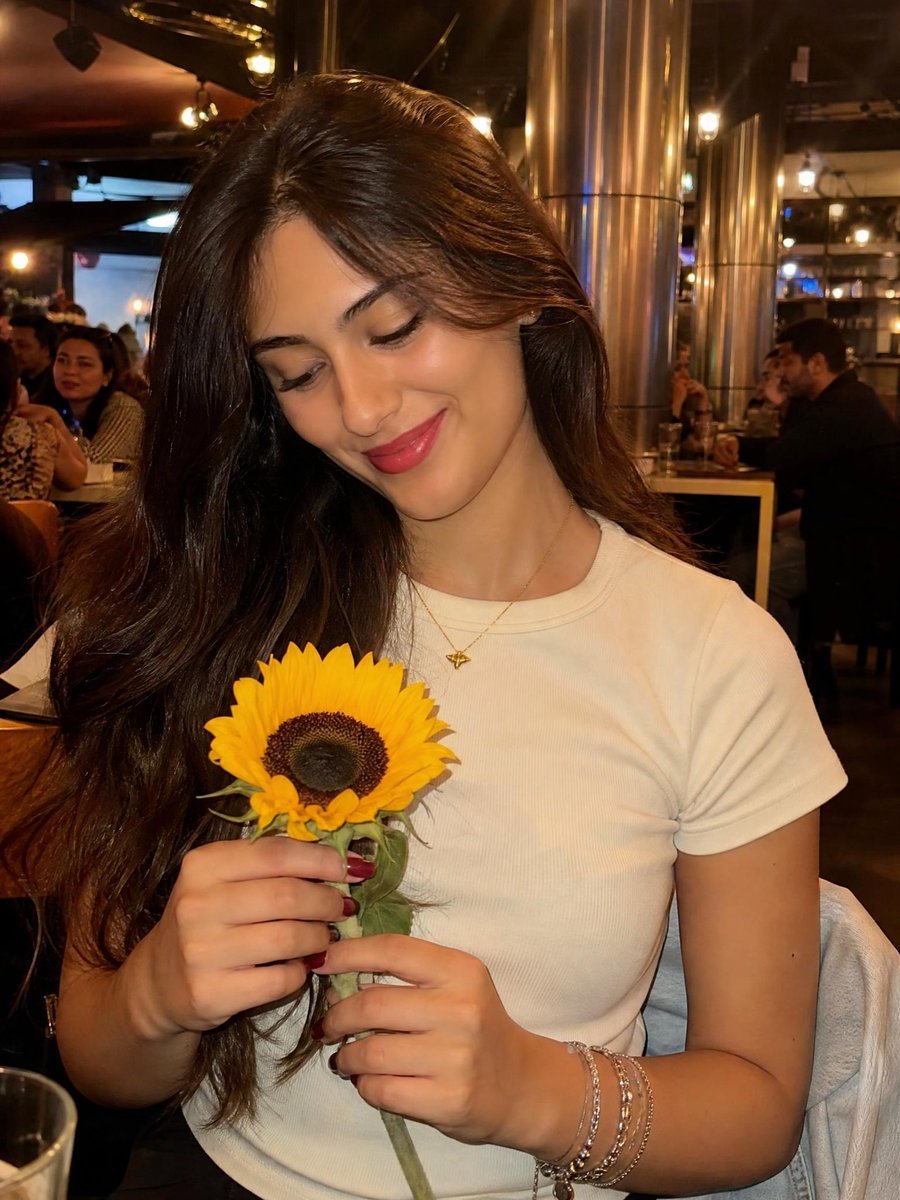
Woman with Sunflower in Warm Restaurant Setting
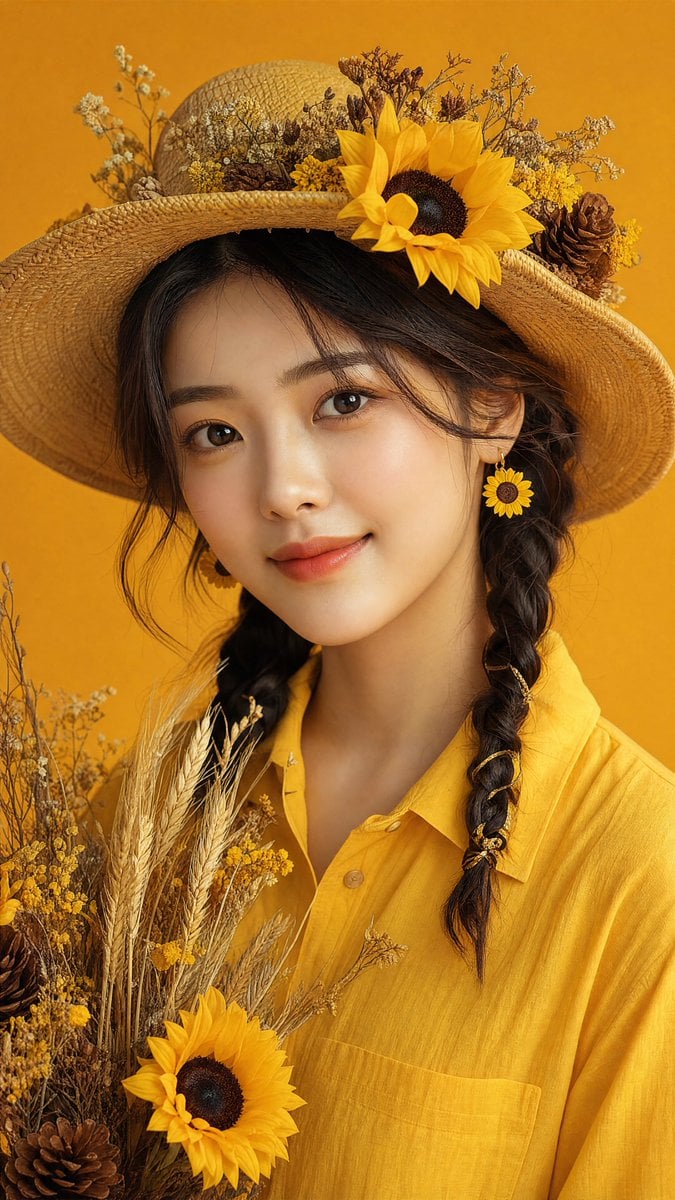
Sunflower Straw Hat Portrait

Hamster Caught by Sunflower Seed Trap

Anime Girl in Sunflower Field
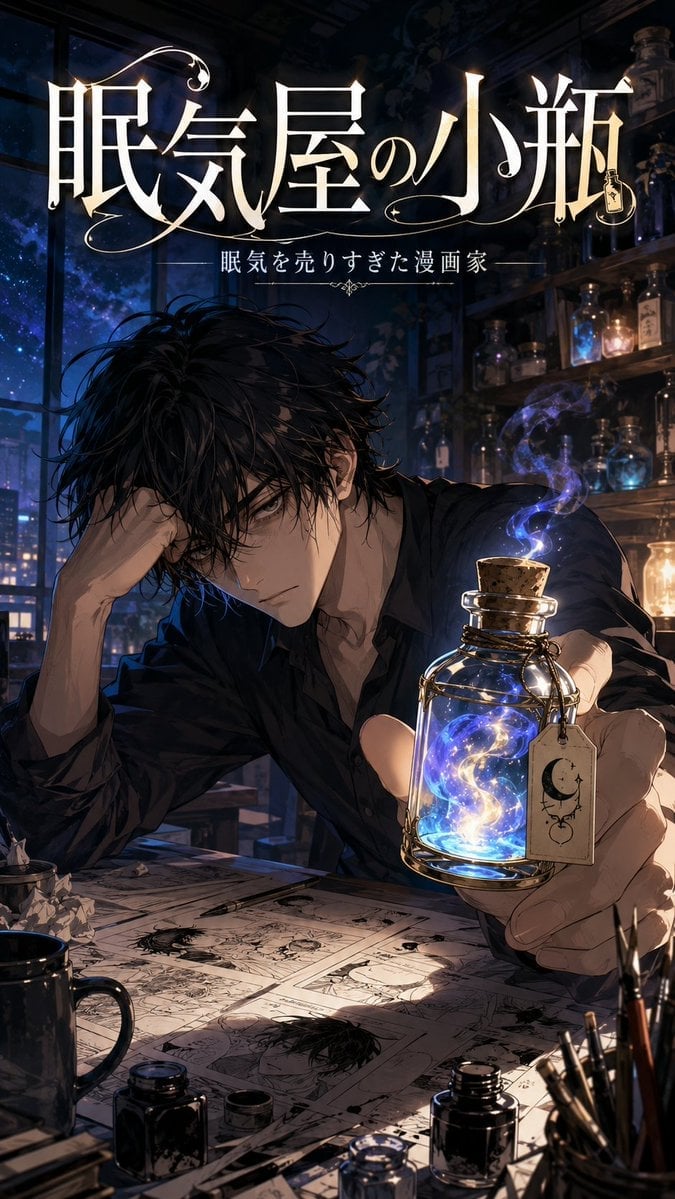
Bottled Sleep Manga Cover

Sunflower Field Frame Portrait
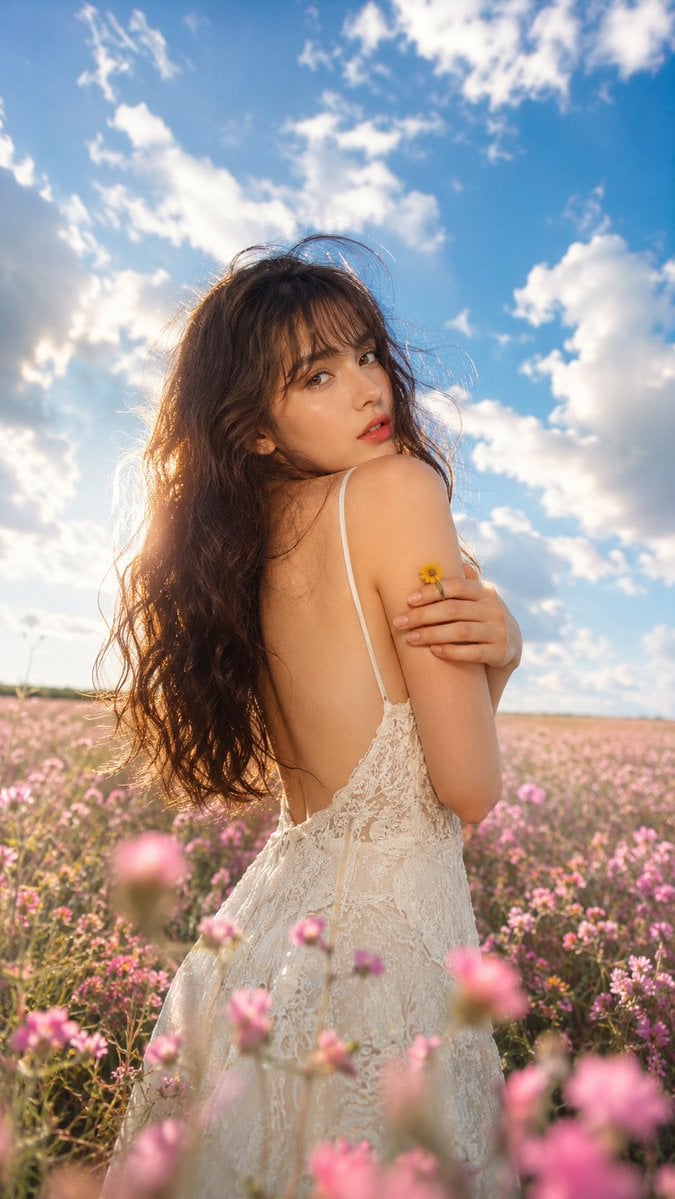
Ethereal Fairycore Flower Meadow Portrait
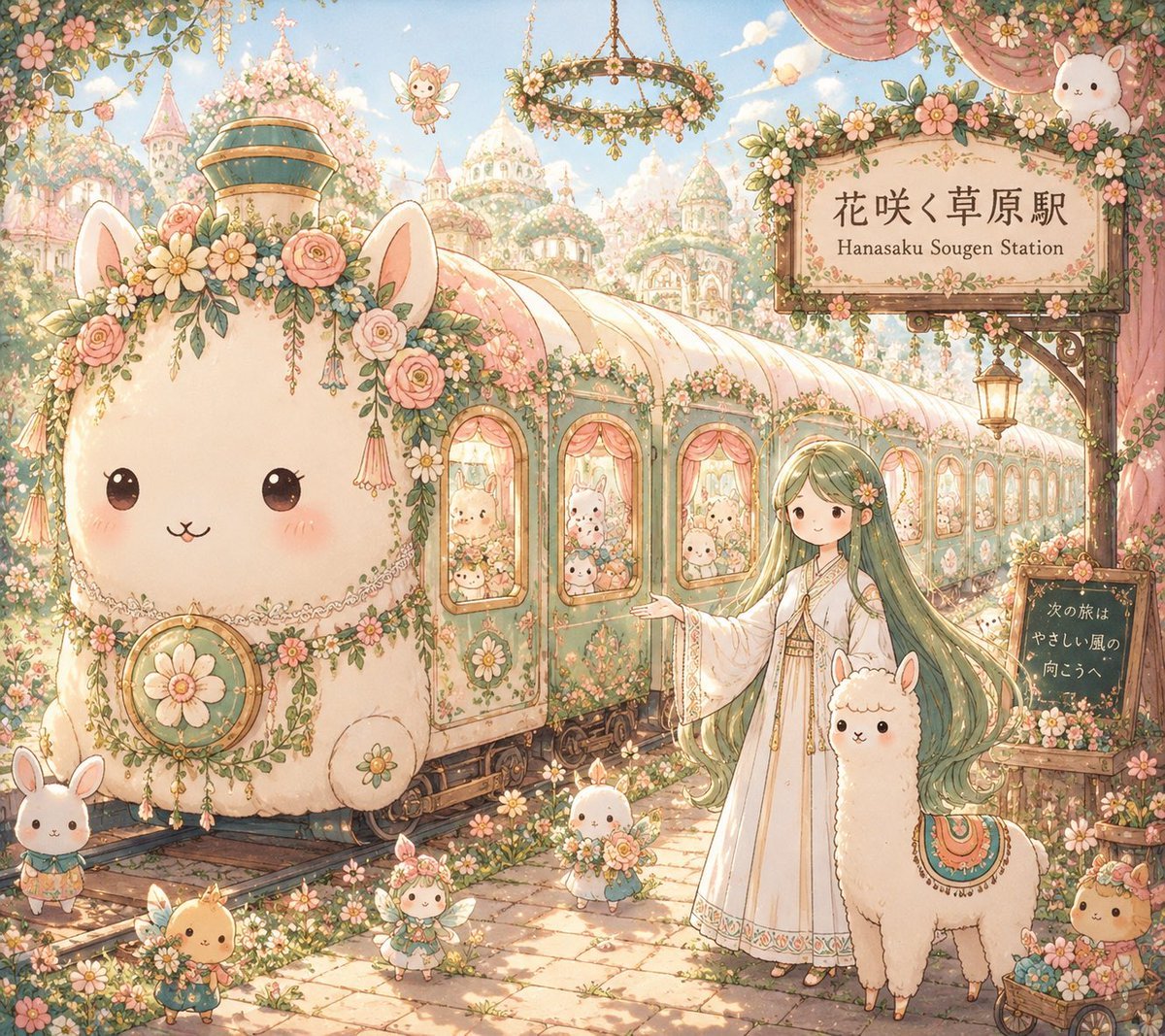
Fantasy Railway World Transformation
Make it yours
Sunflower Fairy World in a Bottle works as-is. These are the safest ways to change it without losing the look.
Change one field
Copy a single group, rewrite it, and generate again so you can see what that field is doing.
Keep the frame, change the subject
Hold the composition and light of Sunflower Fairy World in a Bottle, then swap wardrobe, props or the person for a new take.
| If the result… | Why | Fix |
|---|---|---|
| The result drifts from the preview | Too many fields changed at once. | Reuse Sunflower Fairy World in a Bottle as-is first, then change one group — subject, light, or setting. |
| The model over-stylizes the scene | The prose prompt leaves finish and camera underspecified. | Add one camera or lighting sentence and stay on GPT Image 2. |
More GPT Image 2 templates
Other prompts made for GPT Image 2.

Six VTuber Japanese Logo Sheet

Realistic Portrait of Woman and Deer

The Vista Modular Condo Poster

AI Model Routing Comparison Infographic

2.5D Anime Art Board

Isometric Productivity Desk Scene

New York Double Exposure Poster

Four-Panel AI Landscape Comparison

Japanese Tatami Lifestyle Magazine Cover

NESCAFÉ Coffee Map Poster
More image prompts
Fresh picks from across the catalog.
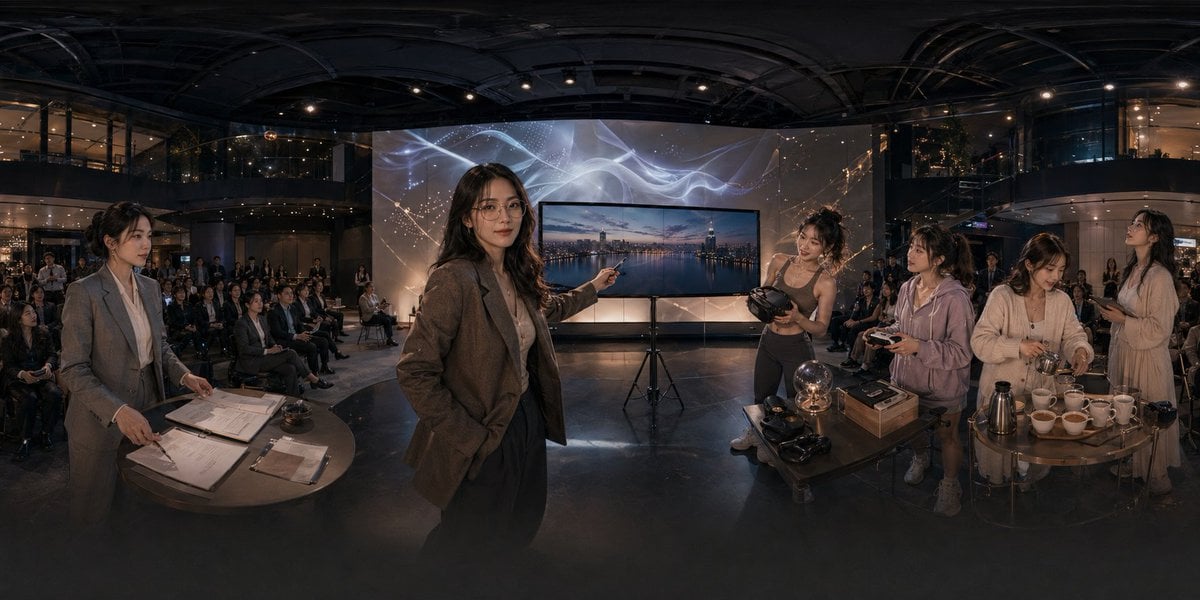
Panoramic Tech Event Atrium Scene
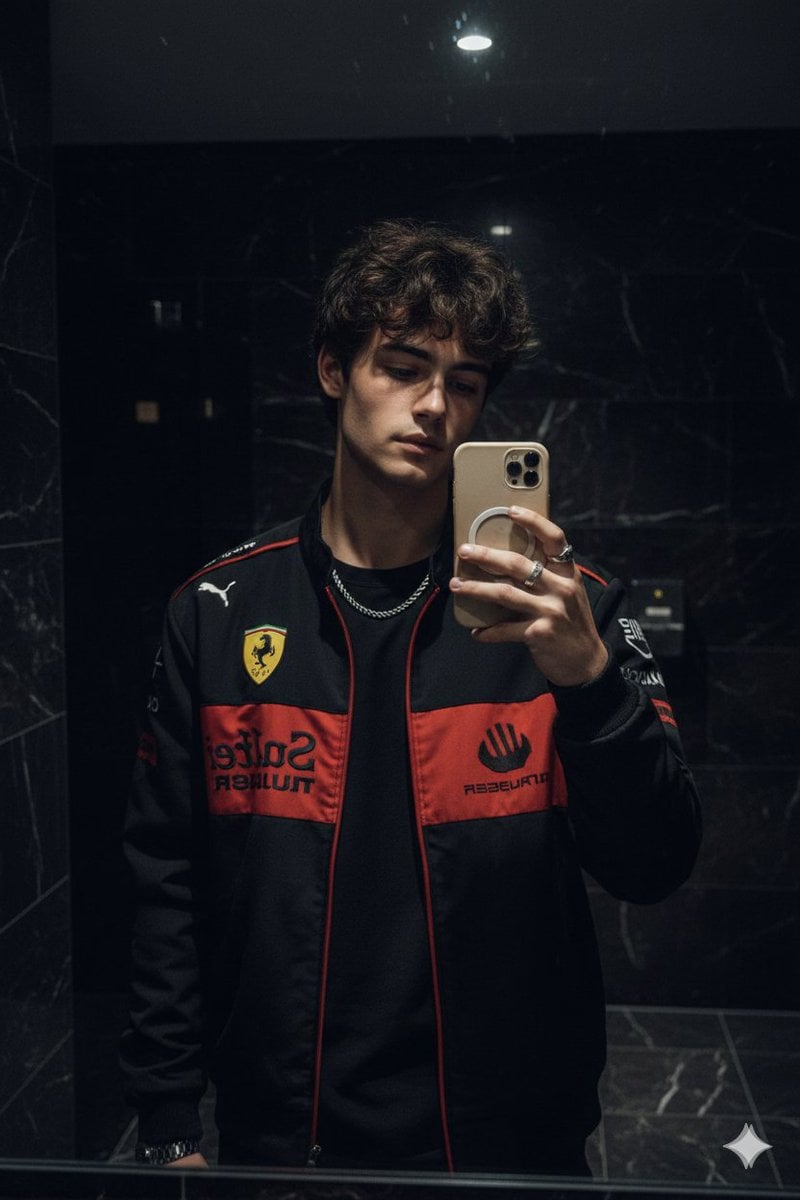
Cinematic Mirror Selfie in Dark Modern Bathroom
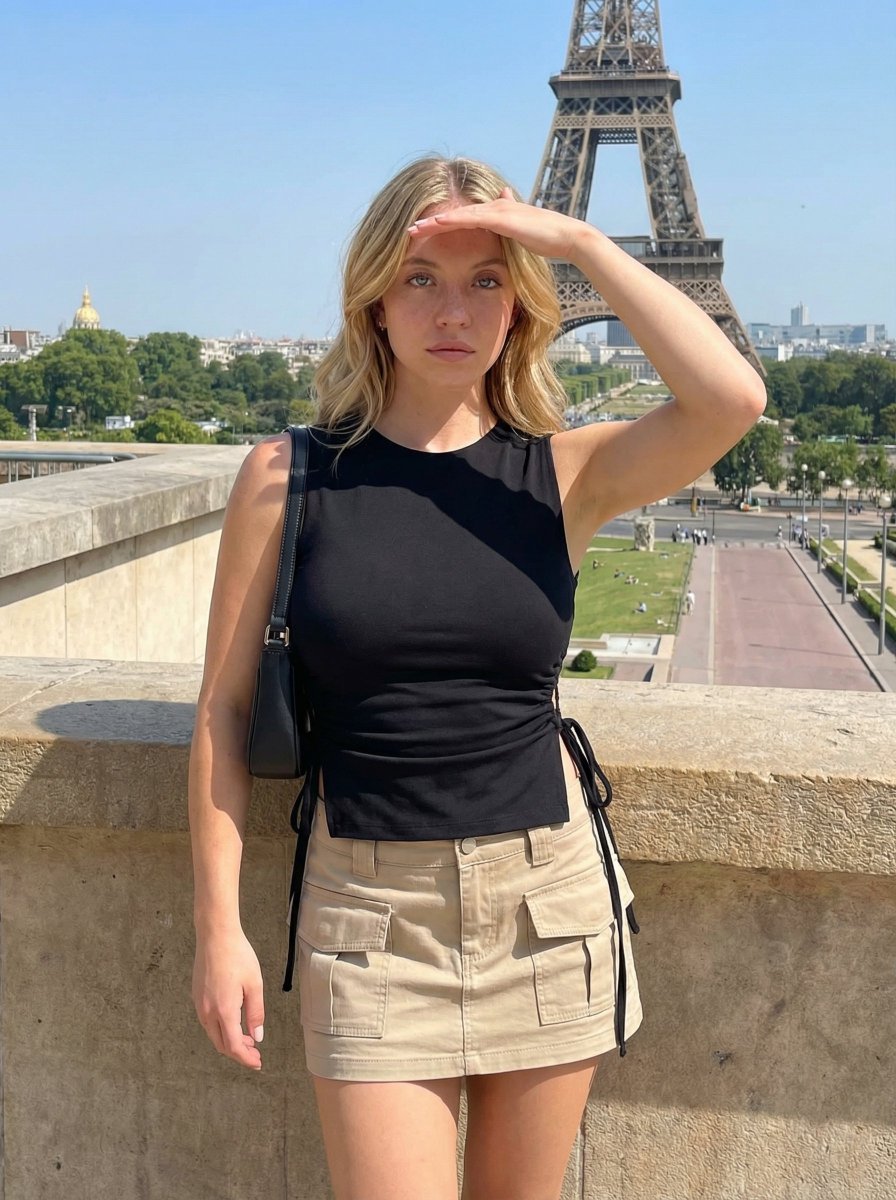
Travel Candid of Woman Shielding Eyes near Eiffel Tower
High-Fashion Corduroy Mini Dress Studio Portrait Prompt
Crude MS Paint Photo Doodle
Fantasy Sky Castle Art Evolution Triptych
Photorealistic Leaf Shaped Like a Lion
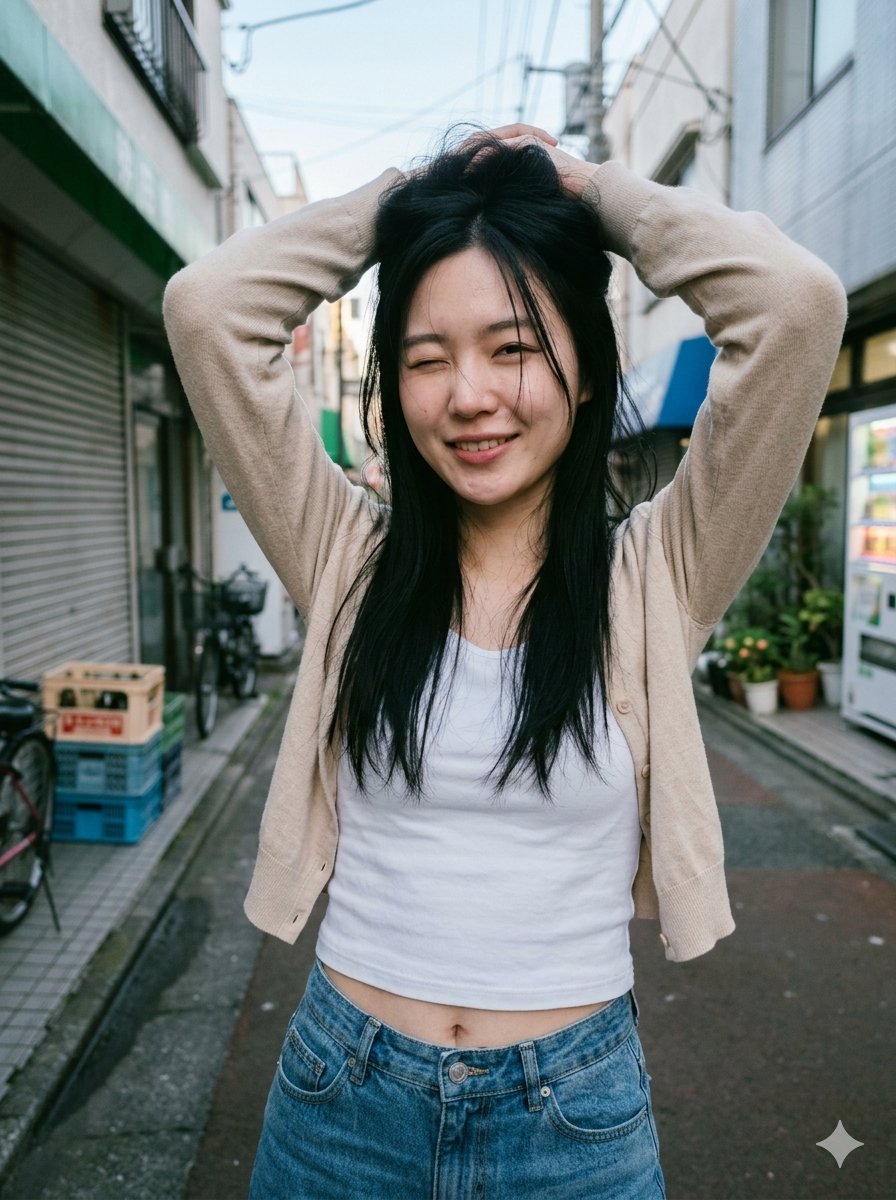
Blurred Face Japanese Alley Portrait
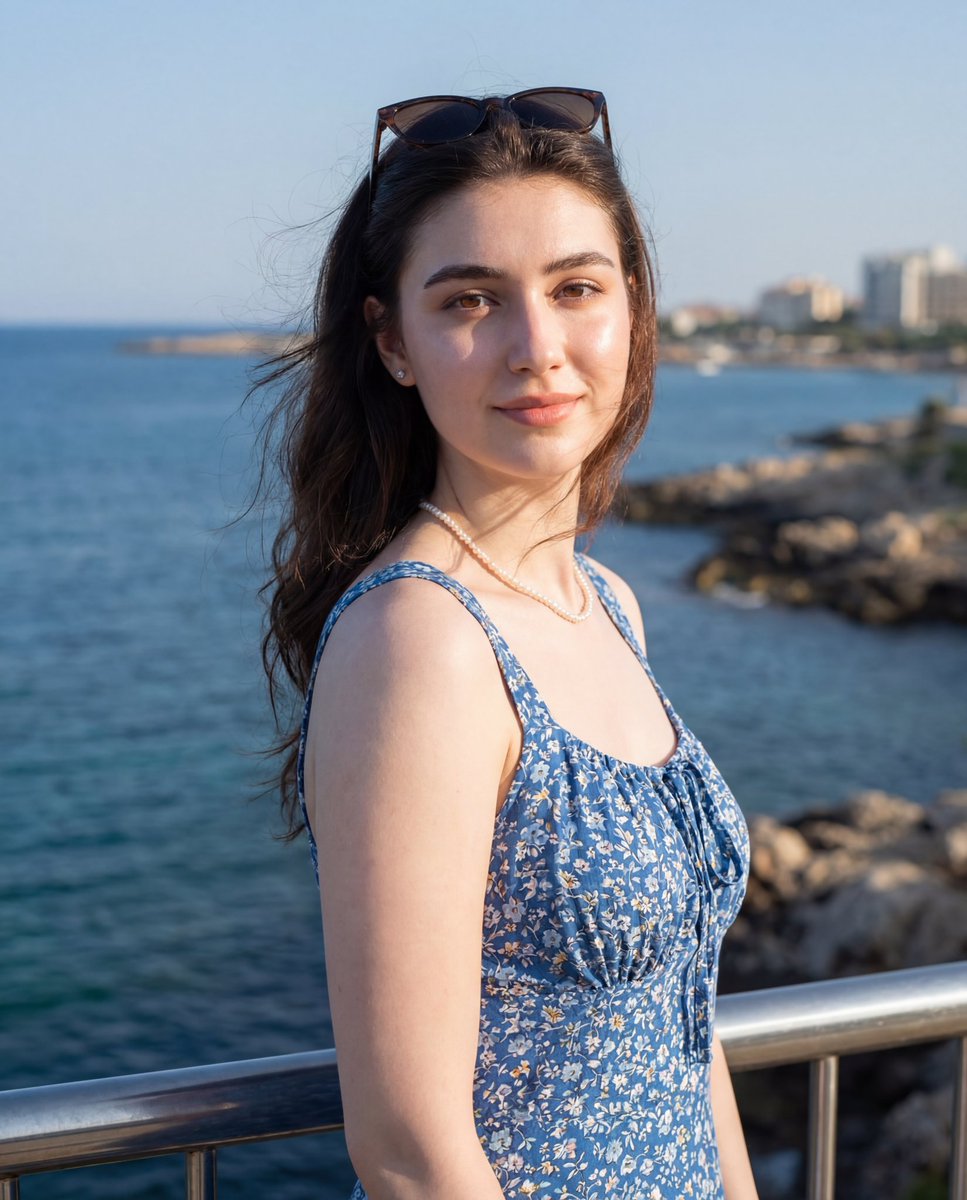
Seaside Travel Lifestyle Portrait
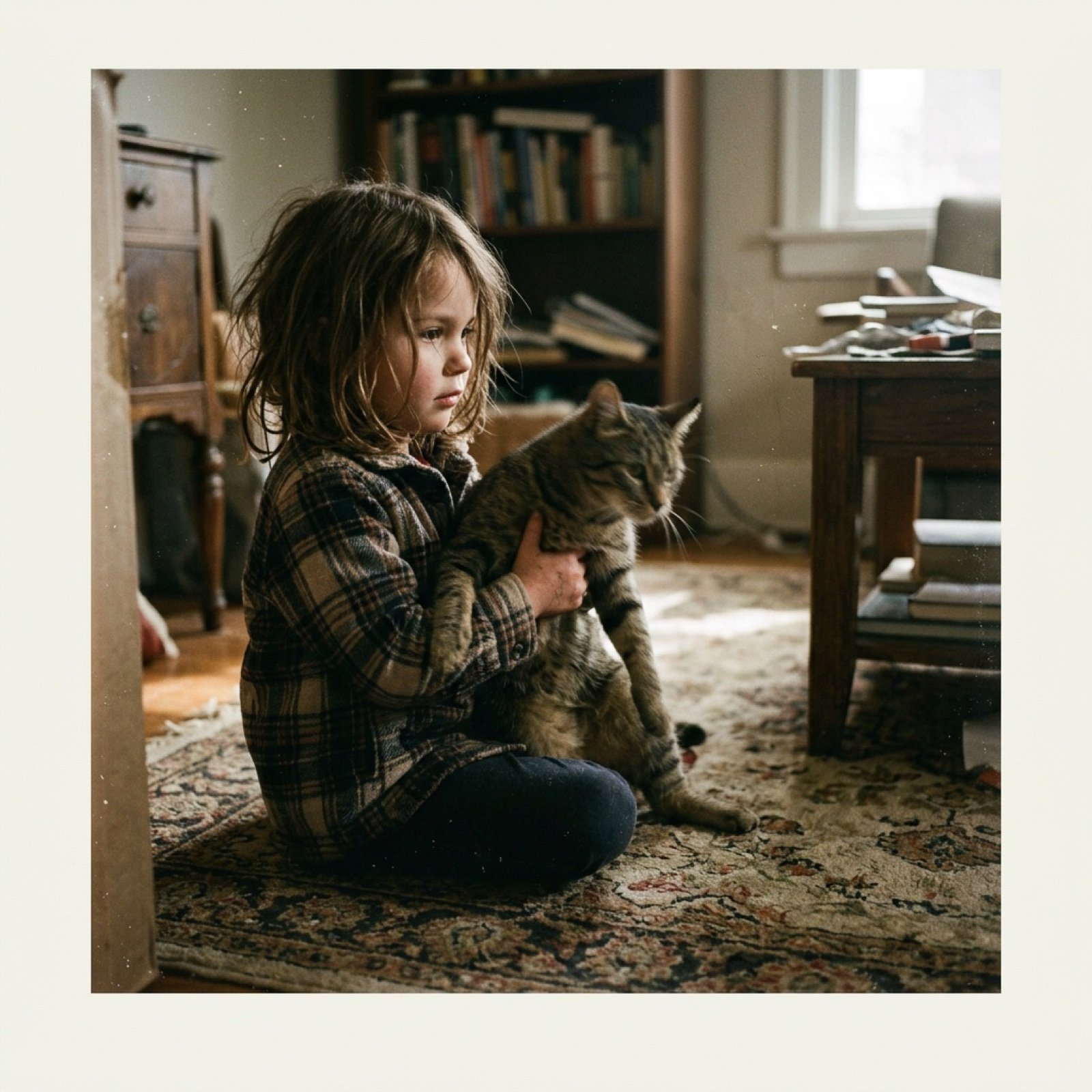
Low-Quality Disposable Camera Aesthetic for Daily Life Photos
Browse template categories
Sunflower Fairy World in a Bottle questions
How do I use the Sunflower Fairy World in a Bottle template?
Add your photo if the template asks for one, edit the prompt if you like — the template's model and format are already selected — and press Generate. Your version opens in PicX Studio.
Can I customize the Sunflower Fairy World in a Bottle template?
Yes. You can change the subject, setting, lighting, mood, format, and available model controls before creating your image.
Is the Sunflower Fairy World in a Bottle template free?
Opening and editing this template is free. Generating uses credits, shown on the Generate button when you are signed in.
Which AI model should I use?
Start with GPT Image 2, which is the model associated with this template. You can compare another compatible model for a different finish.
Looking for something else? Browse all templates.

Your photo, any look
Thousands of ready templates for every top image and video model, from one credit balance.