How do I use the Woman with Sunflower in Warm Restaurant Setting template?
Edit the prompt in the box under the preview — the template's model and format are already selected — and press Generate. Your version appears right on this page.
A detailed realistic prompt for generating a warm, candid portrait of a woman holding a sunflower in a bustling restaurant lounge with metallic accents and ambient lighting.

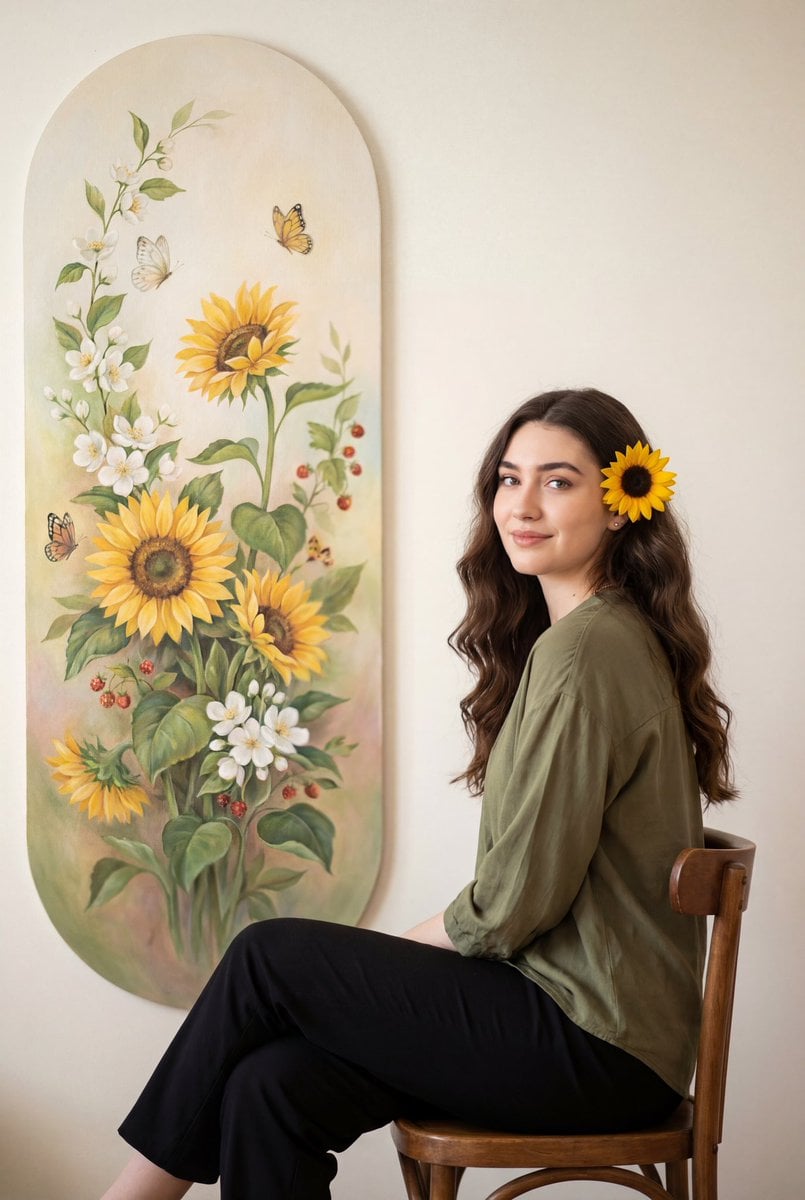
A candid, warm-toned medium shot of a young woman with {argument name="hair style" default="long, voluminous wavy dark brown hair"}, gently looking down at a {argument name="object" default="bright yellow sunflower"} she is holding in both hands. She has a soft smile, subtle makeup with reddish-pink lipstick, dark red manicured nails, and is wearing a simple cream-colored fitted t-shirt, a delicate gold necklace, and stacked silver chain bracelets on her wrist. The setting is a {argument name="setting" default="bustling, warmly lit indoor restaurant or lounge at night"}, featuring large reflective metallic pillars, ambient overhead spotlights, and a softly blurred background of other patrons sitting at tables, creating a cozy and lively atmosphere.
A candid, warm-toned medium shot of a young woman with {argument name="hair style" default="long, voluminous wavy dark brown hair"}, gently looking down at a {argument name="object" default="bright yellow sunflower"} she is holding in both hands. She has a soft smile, subtle makeup with reddish-pink lipstick, dark red manicured nails, and is wearing a simple cream-colored fitted t-shirt, a delicate gold necklace, and stacked silver chain bracelets on her wrist. The setting is a {argument name="setting" default="bustling, warmly lit indoor restaurant or lounge at night"}, featuring large reflective metallic pillars, ambient overhead spotlights, and a softly blurred background of other patrons sitting at tables, creating a cozy and lively atmosphere.
Edit the prompt in the box under the preview — the template's model and format are already selected — and press Generate. Your version appears right on this page.
Yes. You can change the subject, setting, lighting, mood, format, and available model controls before creating your image.
Opening and editing this template is free. Generating uses credits, shown on the Generate button when you are signed in.
Start with GPT Image 2, which is the model associated with this template. You can compare another compatible model for a different finish.
Follow a topic to a crawlable collection of related PicX Studio templates.