
Crude MS Paint Photo Doodle
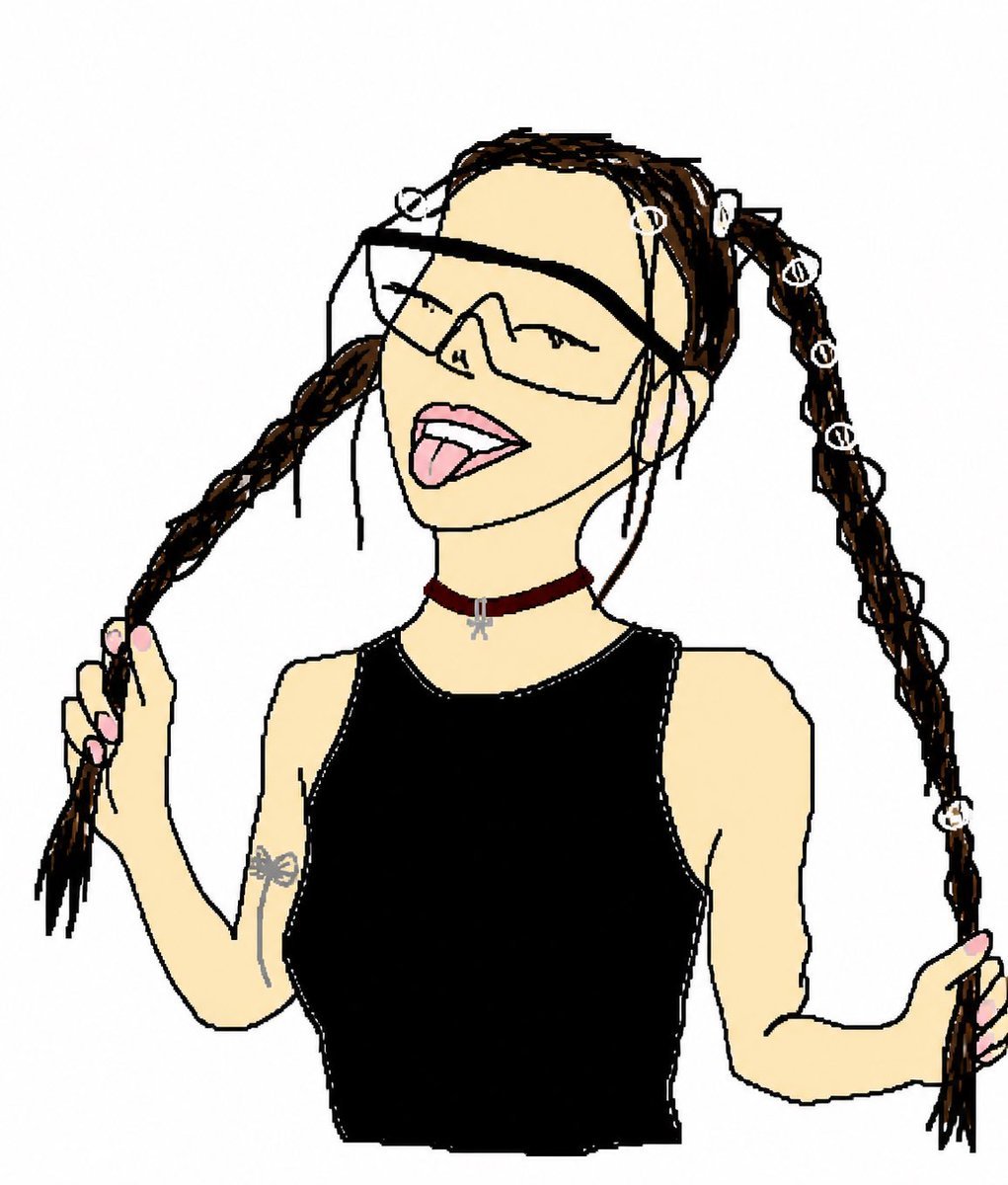
Transforms a reference photo into a funny hand-drawn doodle while preserving the subject’s pose, outfit, and key accessories.
- Prompt included
- Model and format preset
- Free template
The prompt behind this image
Copy the exact prompt behind Crude MS Paint Photo Doodle, or open it in the studio and make it yours.
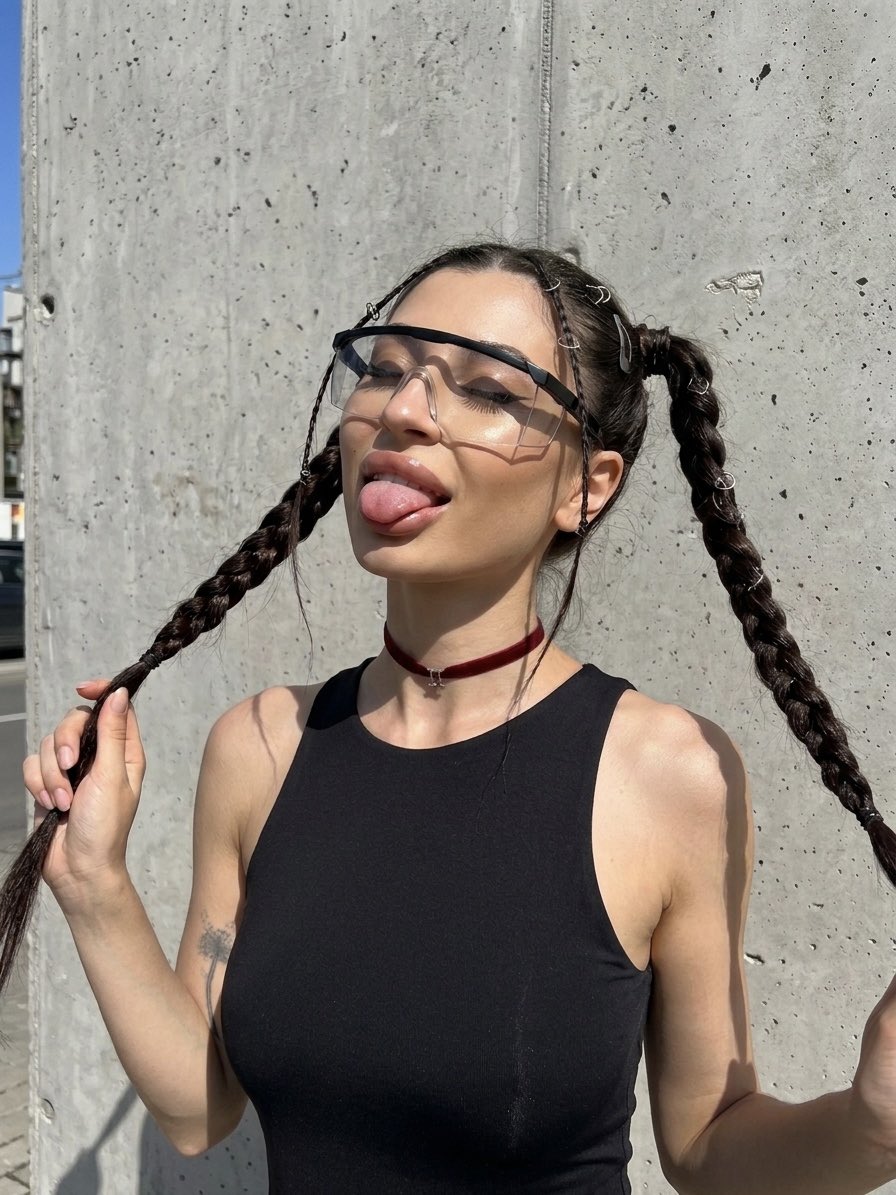
Using REFERENCE_0 as the subject and pose reference, transform the photo into an intentionally crude hand-drawn digital doodle, like a simple MS Paint/cartoon trace made with thick uneven black lines, flat colors, minimal shading, and a plain white background. Preserve the same upper-body framing, twin braided pigtail pose with both hands holding the braids, black sleeveless top, burgundy choker with small silver charm, arm tattoo, pink nails, and the seven visible white loop hair accessories: top-left loop, forehead loop, right-top loop, and four loops down the right braid. Replace the obscured face with a playful cartoon face: oversized angular wraparound sunglasses, closed smiling eyes, open mouth, and tongue sticking out. Remove the concrete wall and street background completely. Make the result look deliberately imperfect, loose, funny, and hand-drawn rather than polished.
Reference images included
Crude MS Paint Photo Doodle needs input media to work. They load alongside the prompt when you open it in the studio.
How to use Crude MS Paint Photo Doodle in 3 steps
- 1Upload ImagePNG, JPG or paste
Add your photo
Upload the photo the template builds on. The prompt, model and format are already set.
- 2…a portrait of your subject in softgolden-hour light, 85mm…
Personalize
Edit the subject and creative details for your destination.
- 3Generate
Generate
Press Generate — your image is created in PicX Studio, so you can compare it with the original and refine one variable at a time.
More like this
Templates with the same subject, style or setup. Open one to see its prompt.

Real Illustration Split Portrait Transition
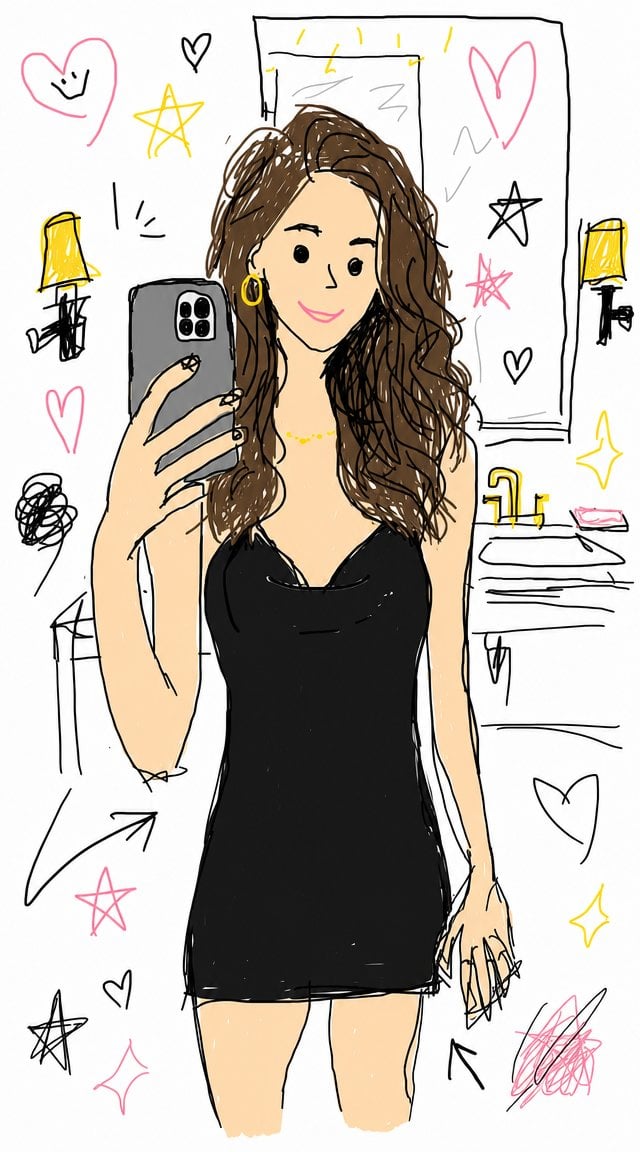
Crude Doodle Mirror Selfie
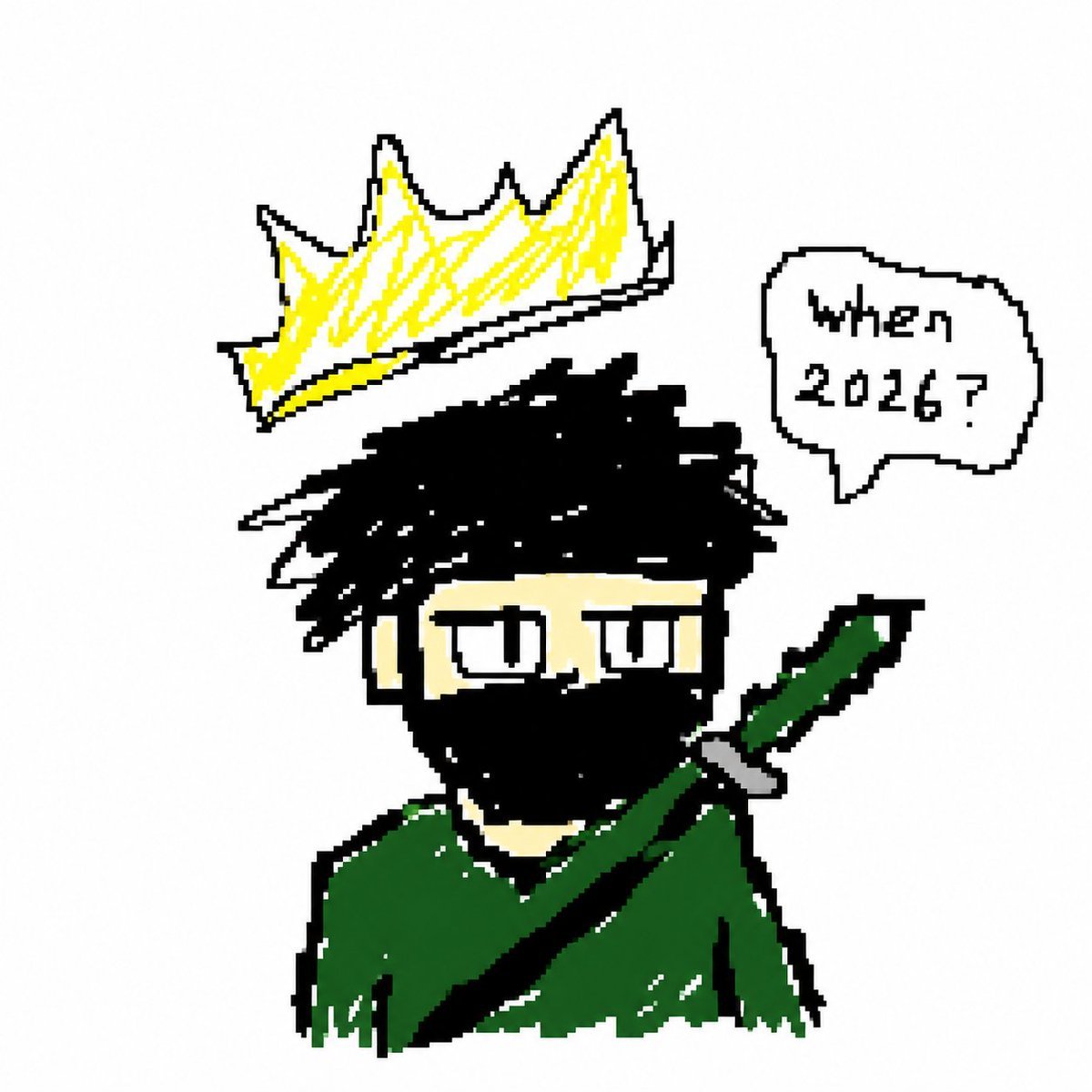
Crude Pixel King Ninja Doodle
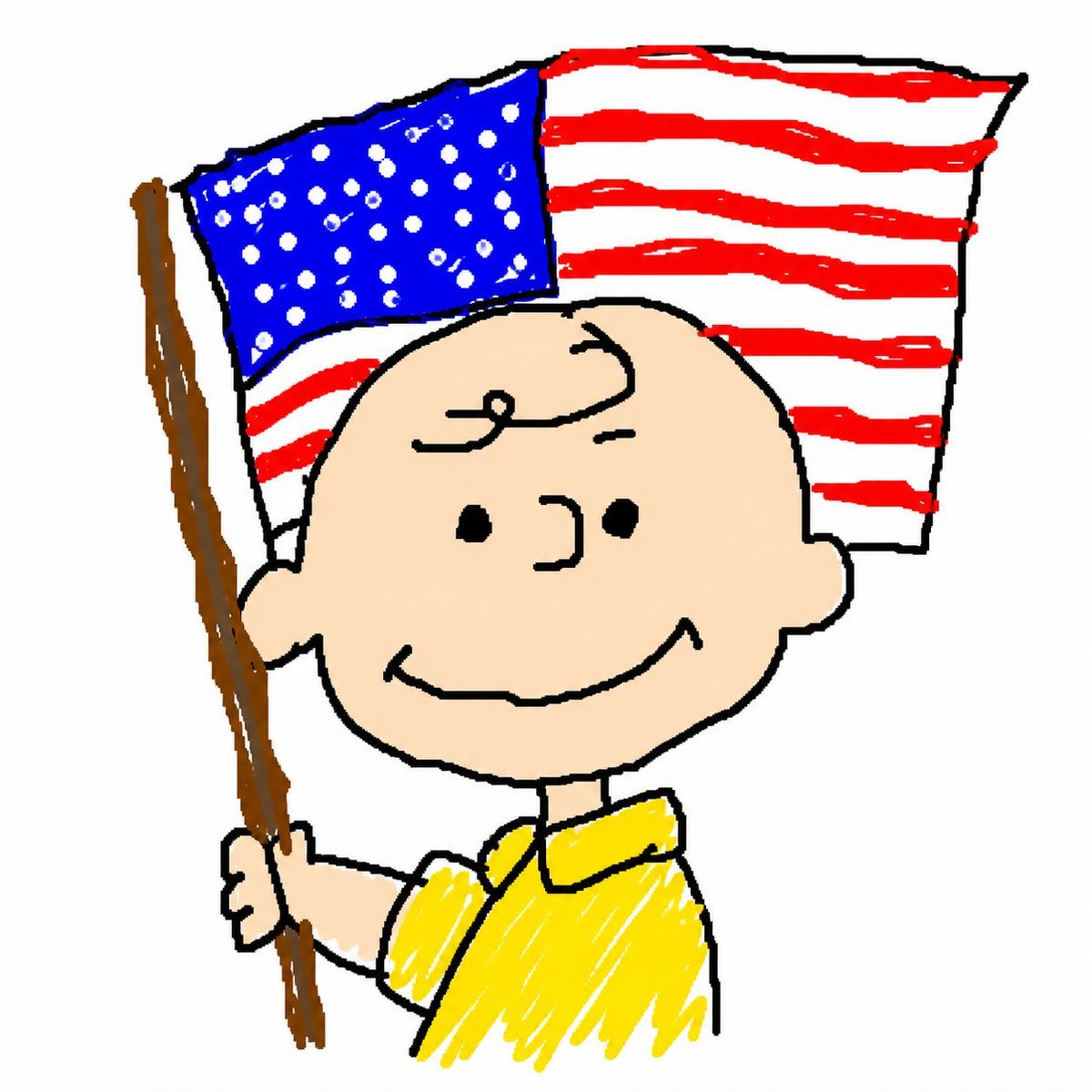
MS Paint Charlie Brown Flag Doodle
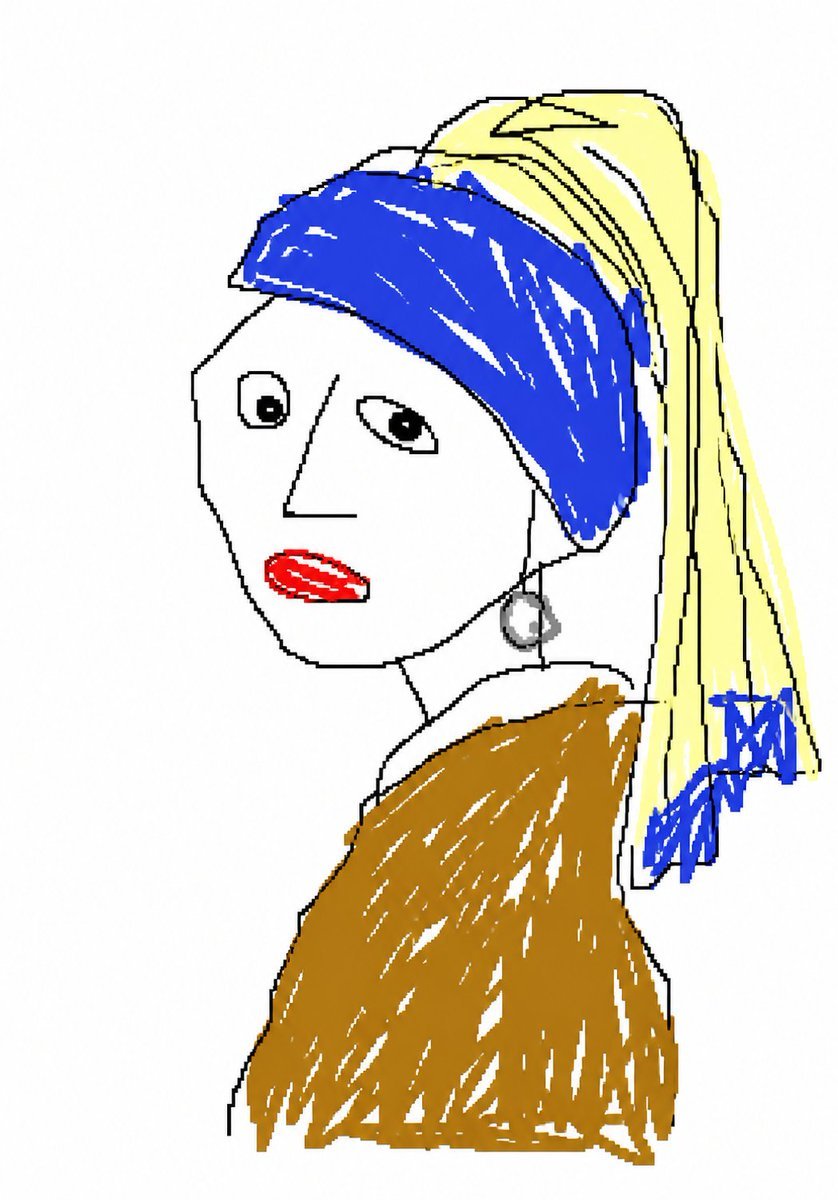
MS Paint Doodle Remake
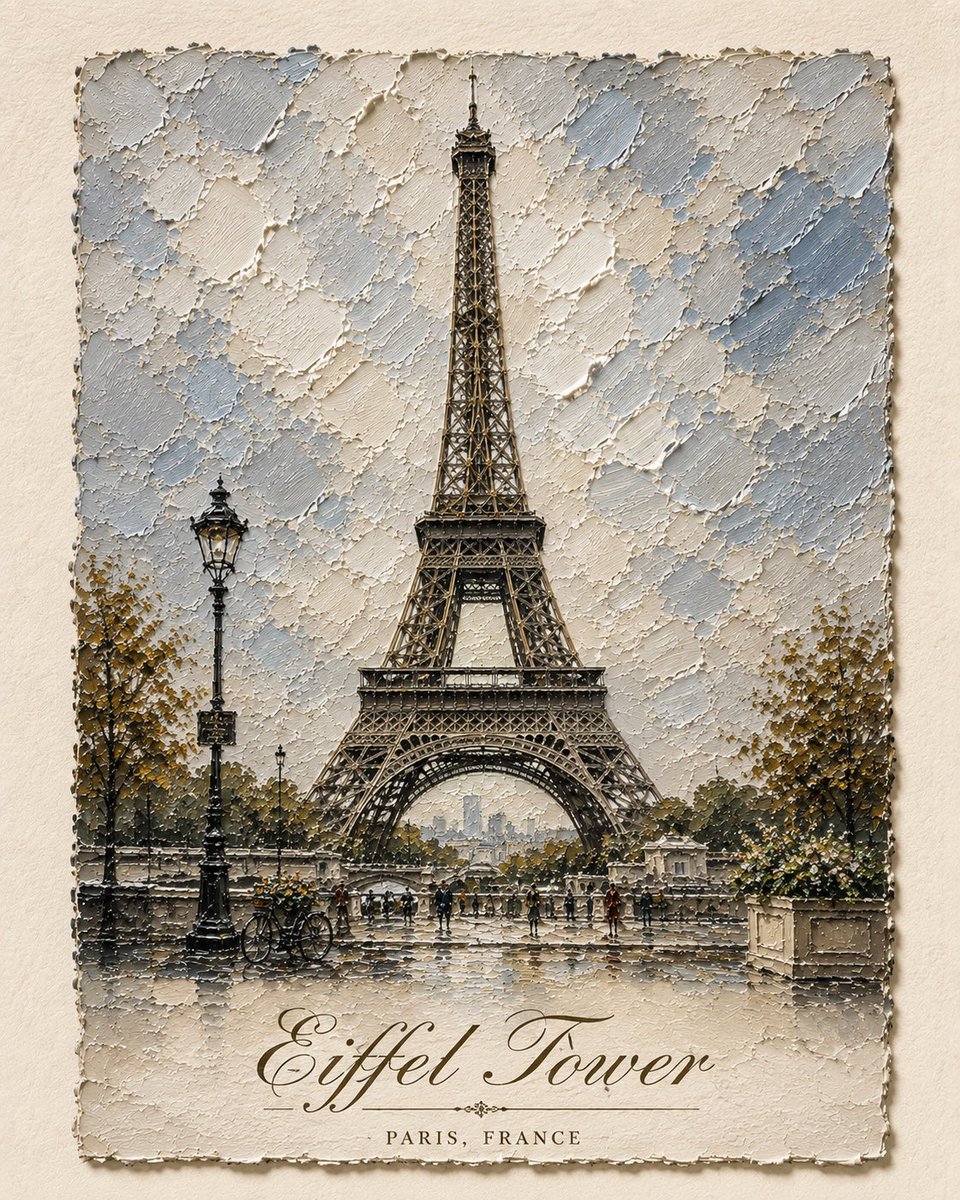
Impasto Oil Architectural Painting
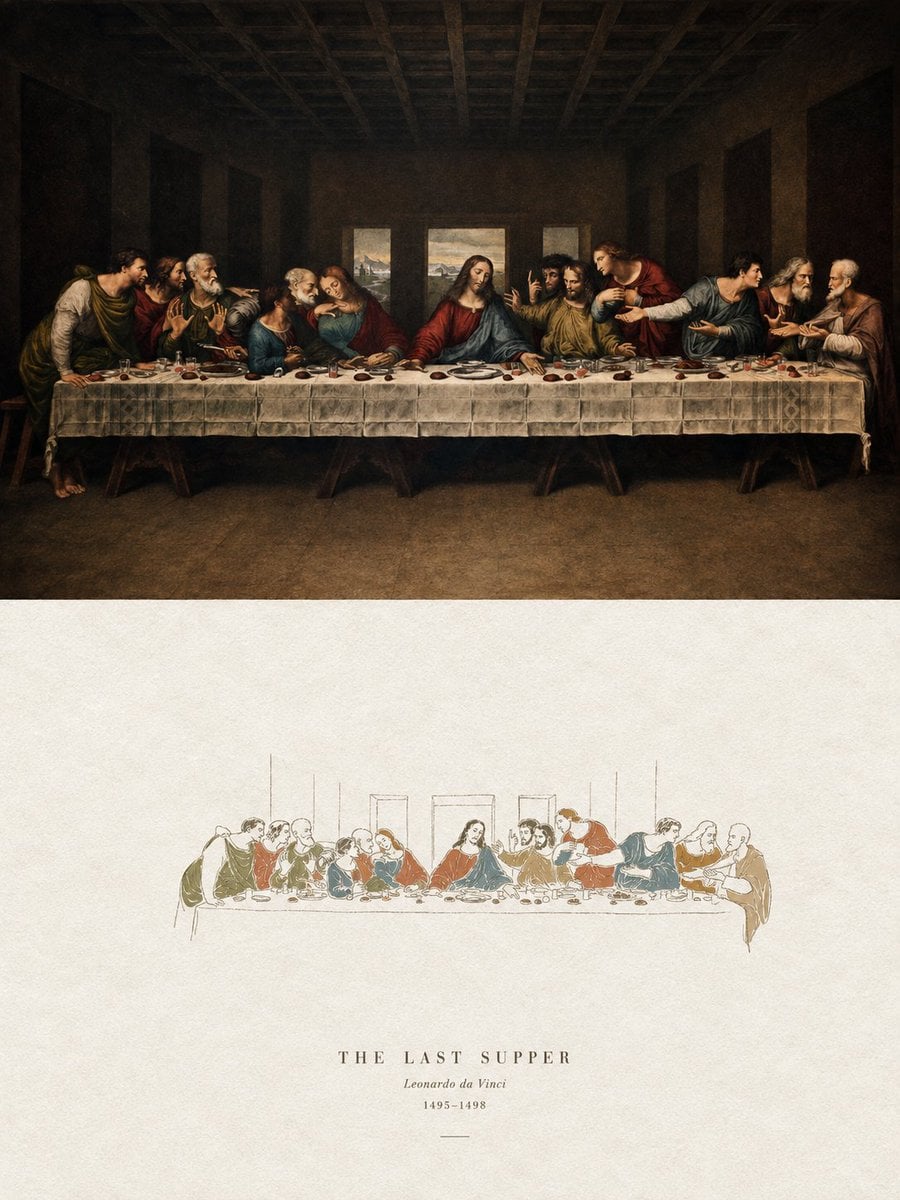
Acrylic Hand-Painted Style Poster Design
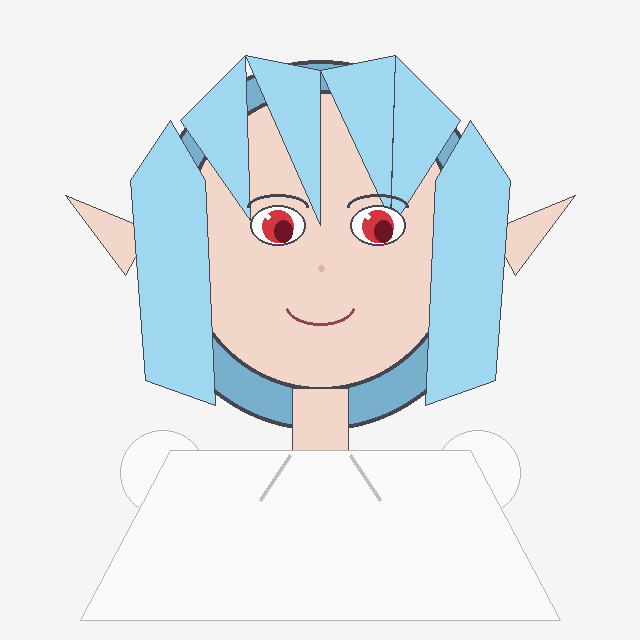
Crude Geometric Blue-Haired Elf Girl
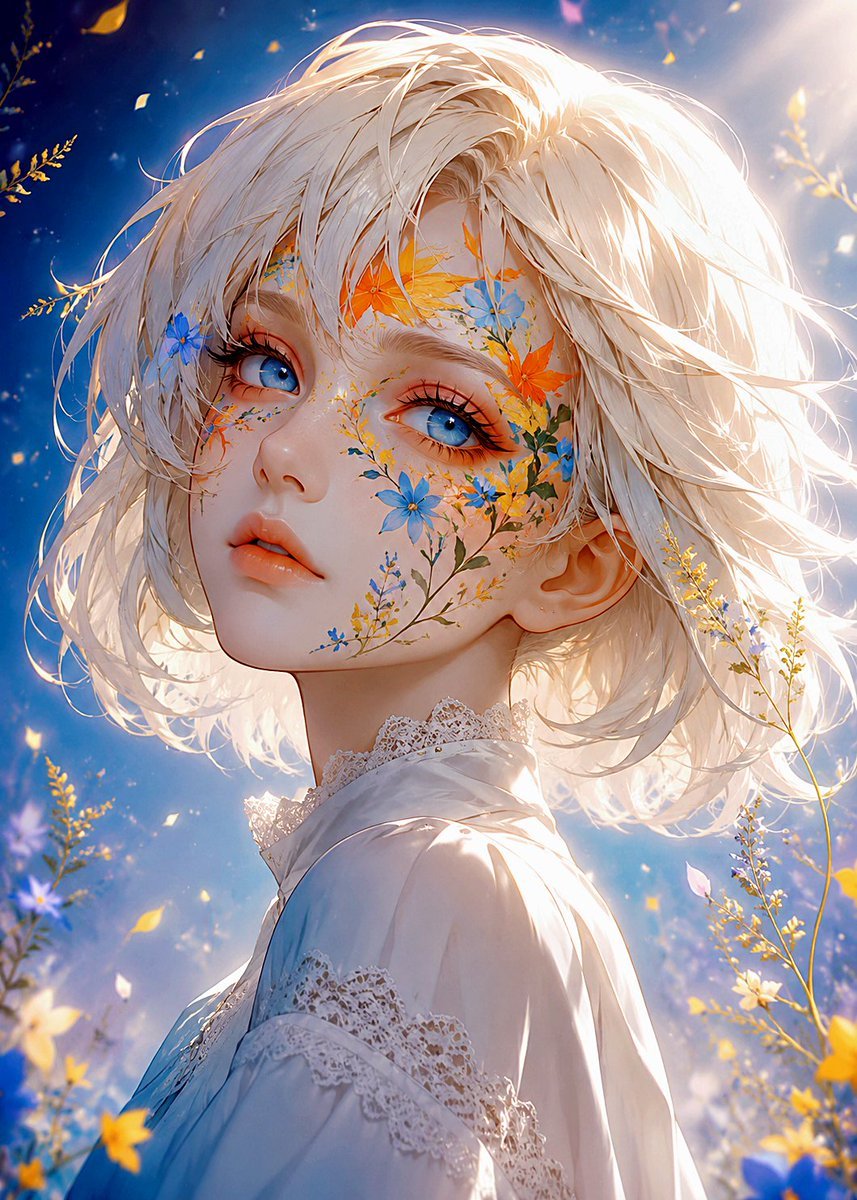
Floral Face Paint Anime Portrait
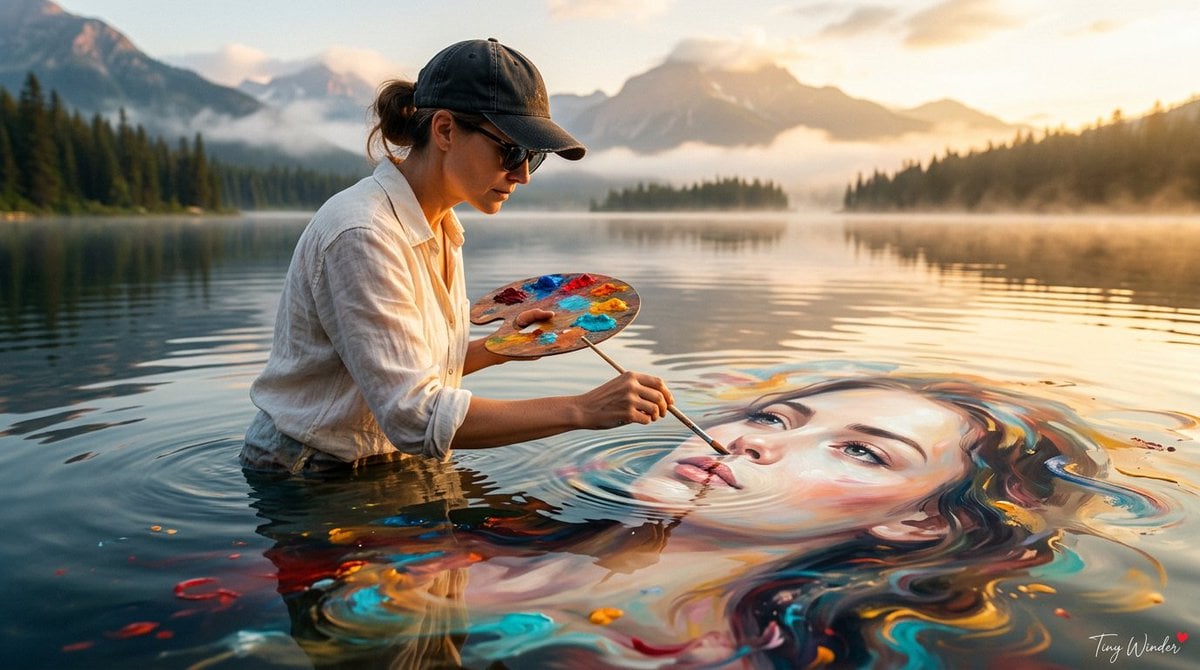
Surreal Fine Art Water Painting Portrait
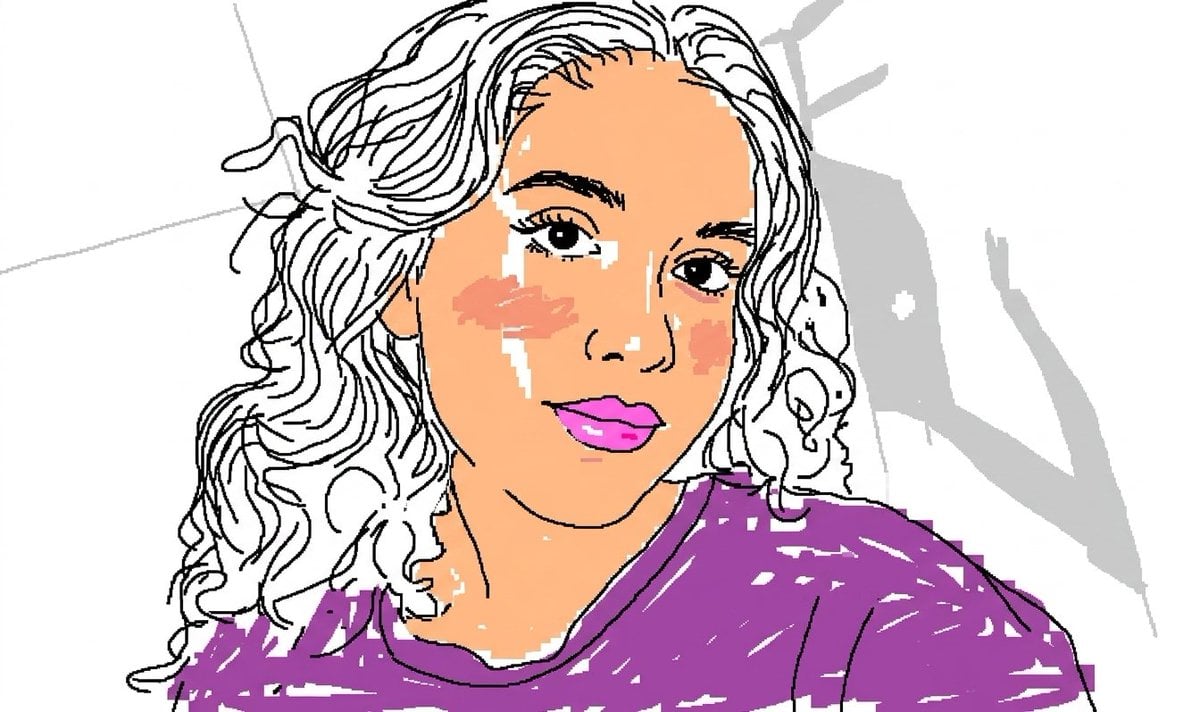
Scribbly MS Paint Redraw
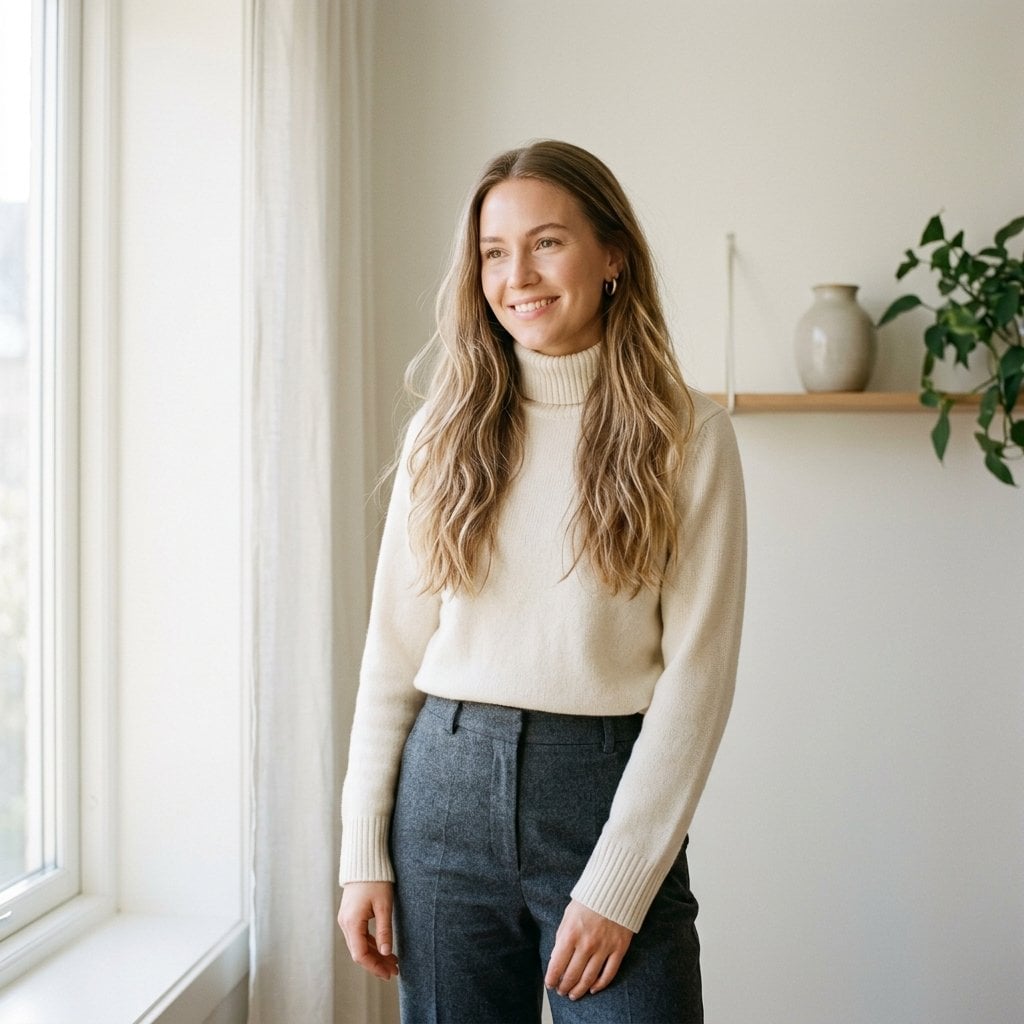
Fashion Oil Painting Aesthetic
Make it yours
Crude MS Paint Photo Doodle works as-is. These are the safest ways to change it without losing the look.
Change one field
Copy a single group, rewrite it, and generate again so you can see what that field is doing.
Keep the frame, change the subject
Hold the composition and light of Crude MS Paint Photo Doodle, then swap wardrobe, props or the person for a new take.
| If the result… | Why | Fix |
|---|---|---|
| The result drifts from the preview | Too many fields changed at once. | Reuse Crude MS Paint Photo Doodle as-is first, then change one group — subject, light, or setting. |
| The model over-stylizes the scene | The prose prompt leaves finish and camera underspecified. | Add one camera or lighting sentence and stay on GPT Image 2. |
More GPT Image 2 templates
Other prompts made for GPT Image 2.

Six VTuber Japanese Logo Sheet

Realistic Portrait of Woman and Deer

The Vista Modular Condo Poster

AI Model Routing Comparison Infographic

2.5D Anime Art Board

Isometric Productivity Desk Scene

New York Double Exposure Poster

Four-Panel AI Landscape Comparison

Japanese Tatami Lifestyle Magazine Cover

NESCAFÉ Coffee Map Poster
More image prompts
Fresh picks from across the catalog.
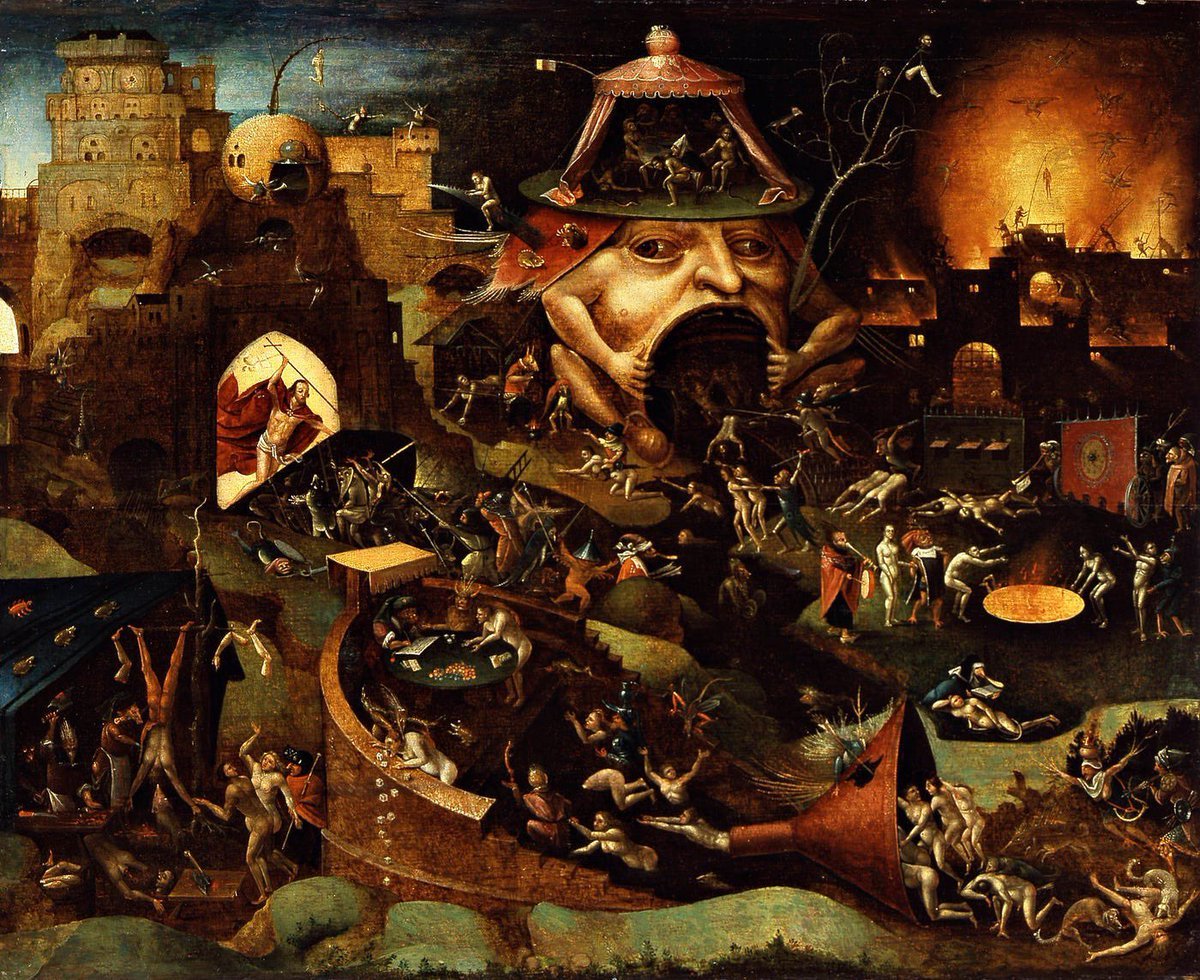
Bosch-inspired Harrowing of Hell follower scene
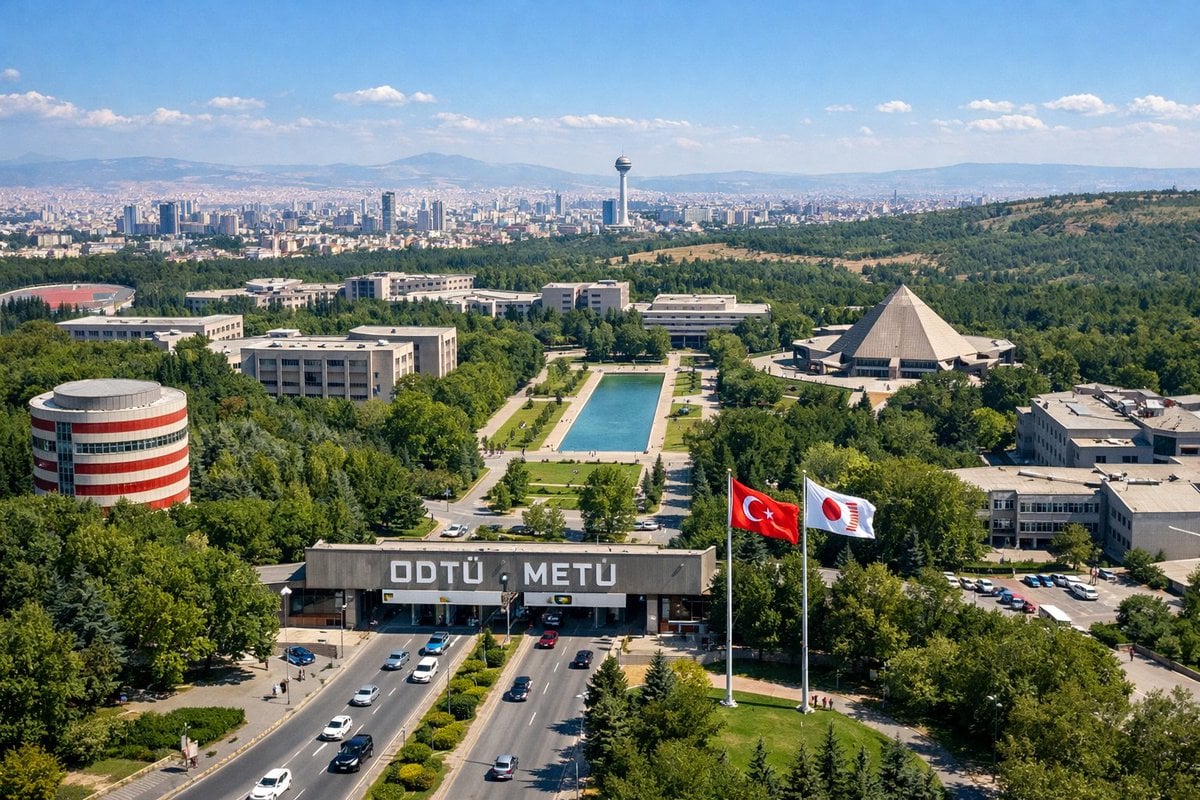
University Campus Aerial View
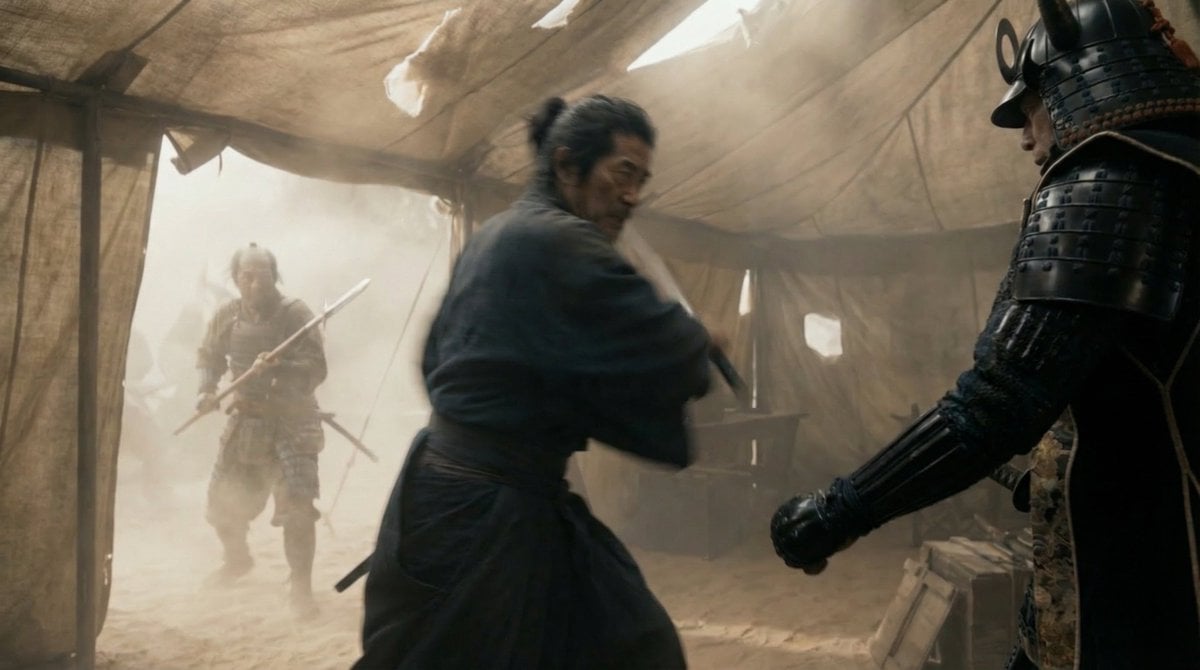
Samurai War Tent Cinematic Shot

untitled
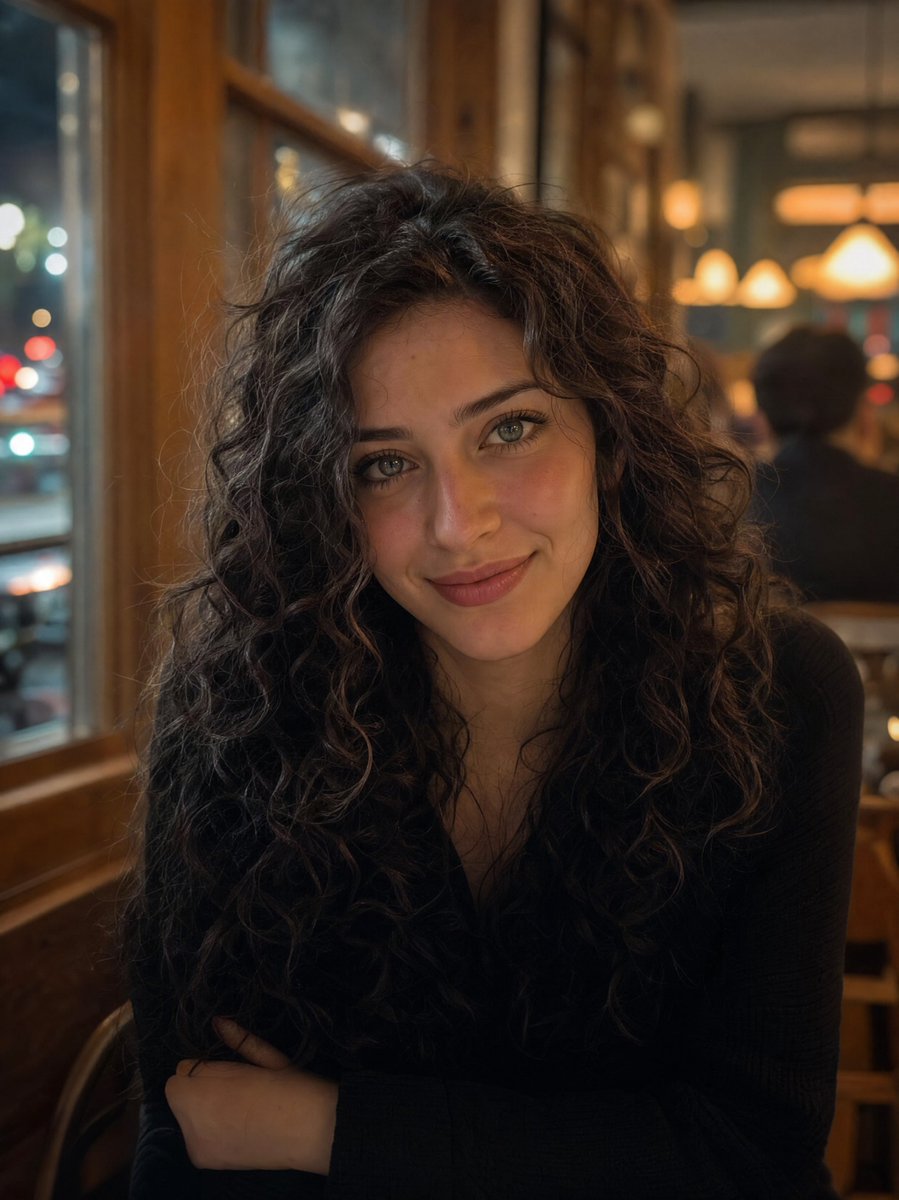
Cozy Night Café Portrait
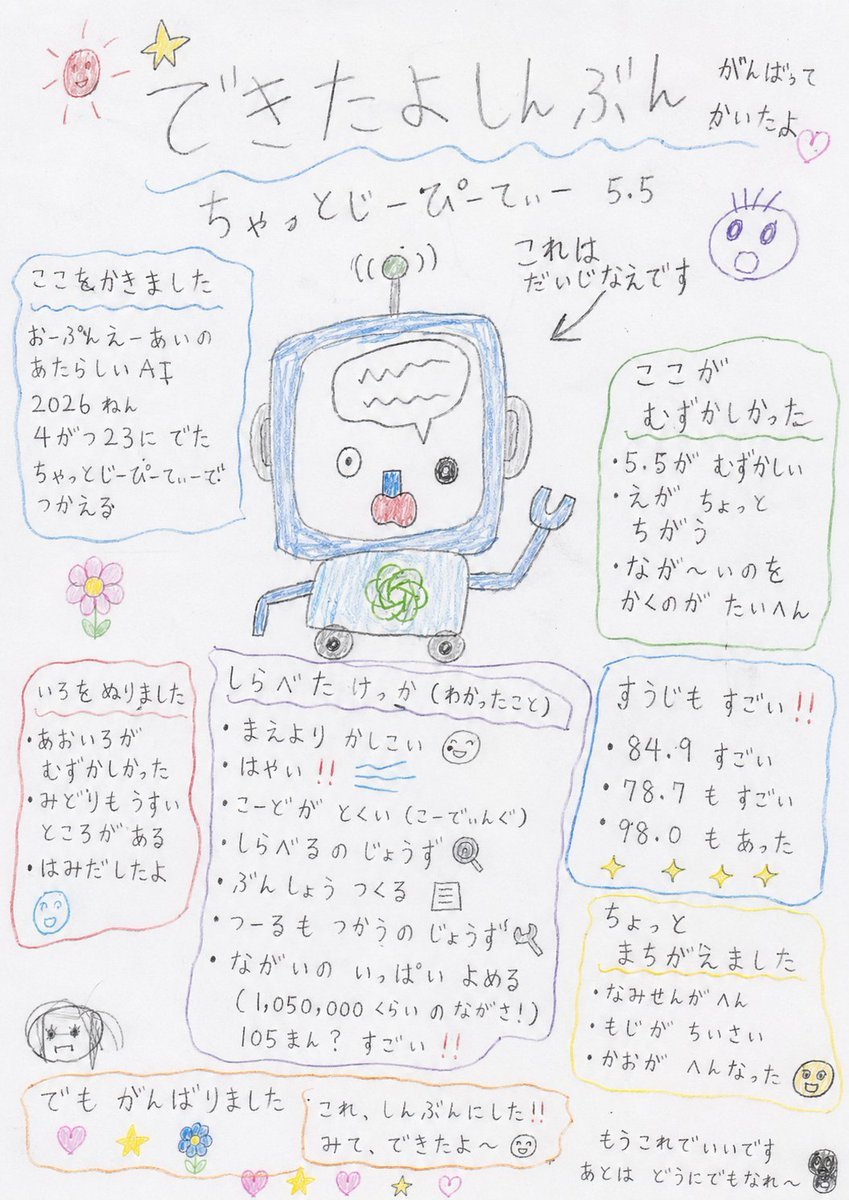
Hand-drawn Kindergarten Newspaper
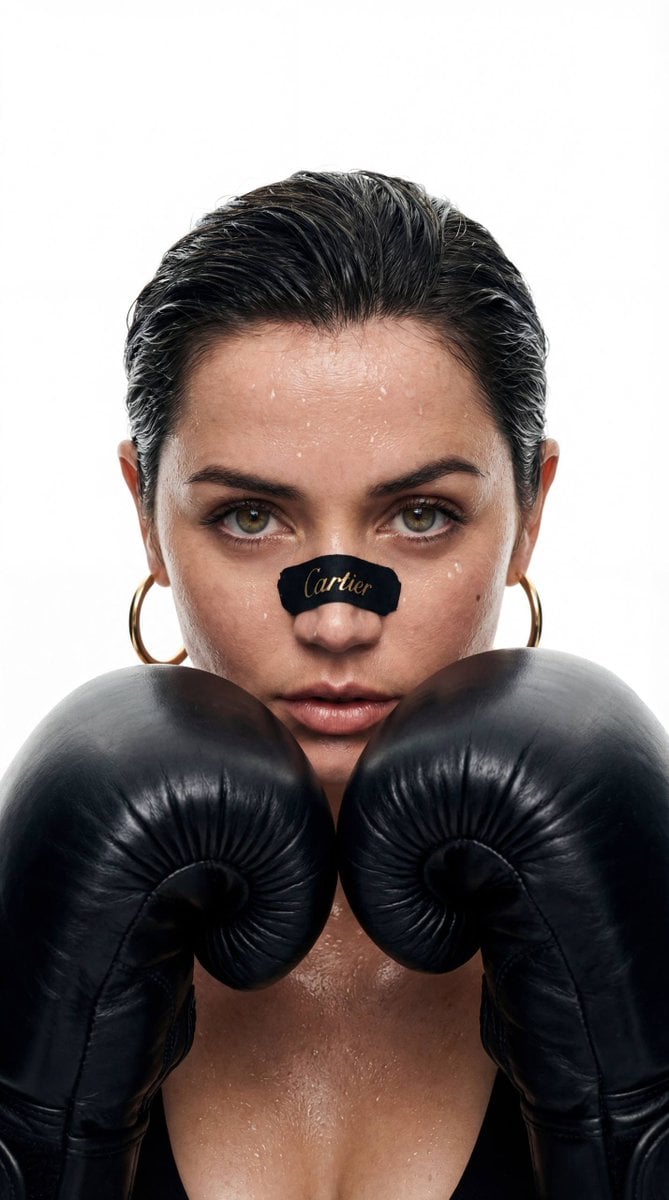
Cinematic Boxer Portrait with Cartier Branding

Cinematic Double Exposure Traveler
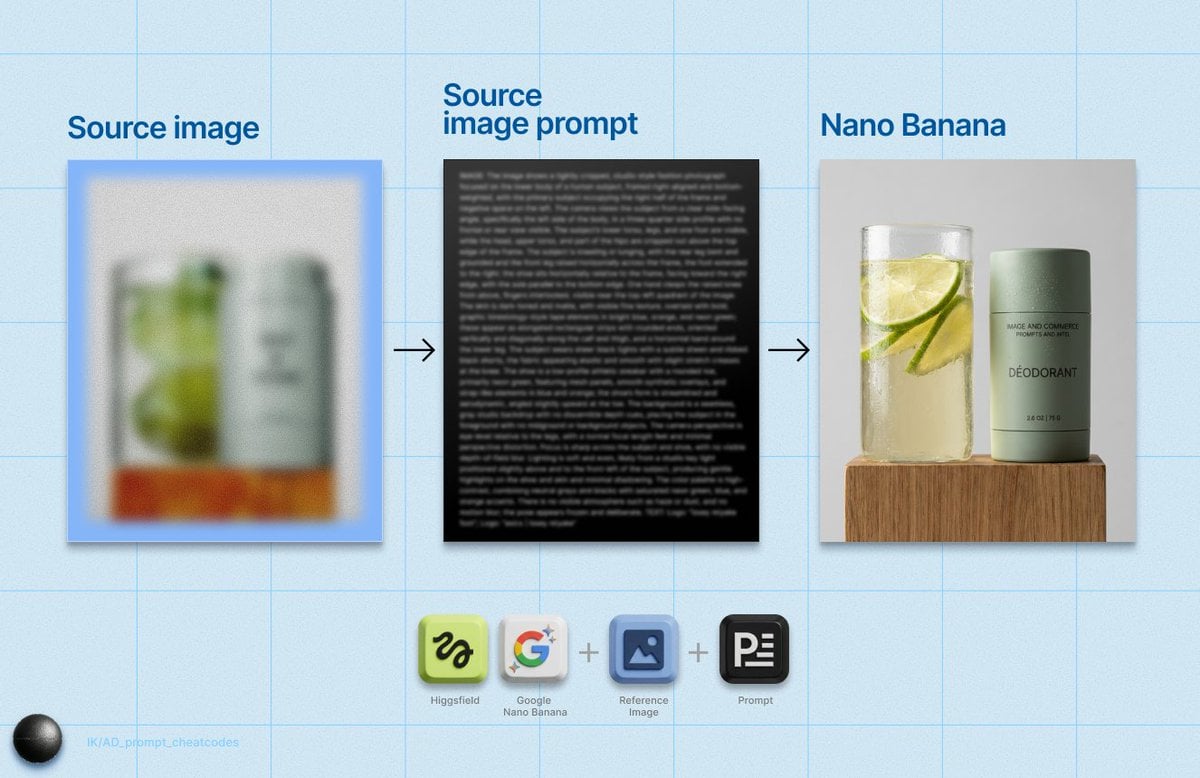
Detailed Product Still Life Photography Prompt
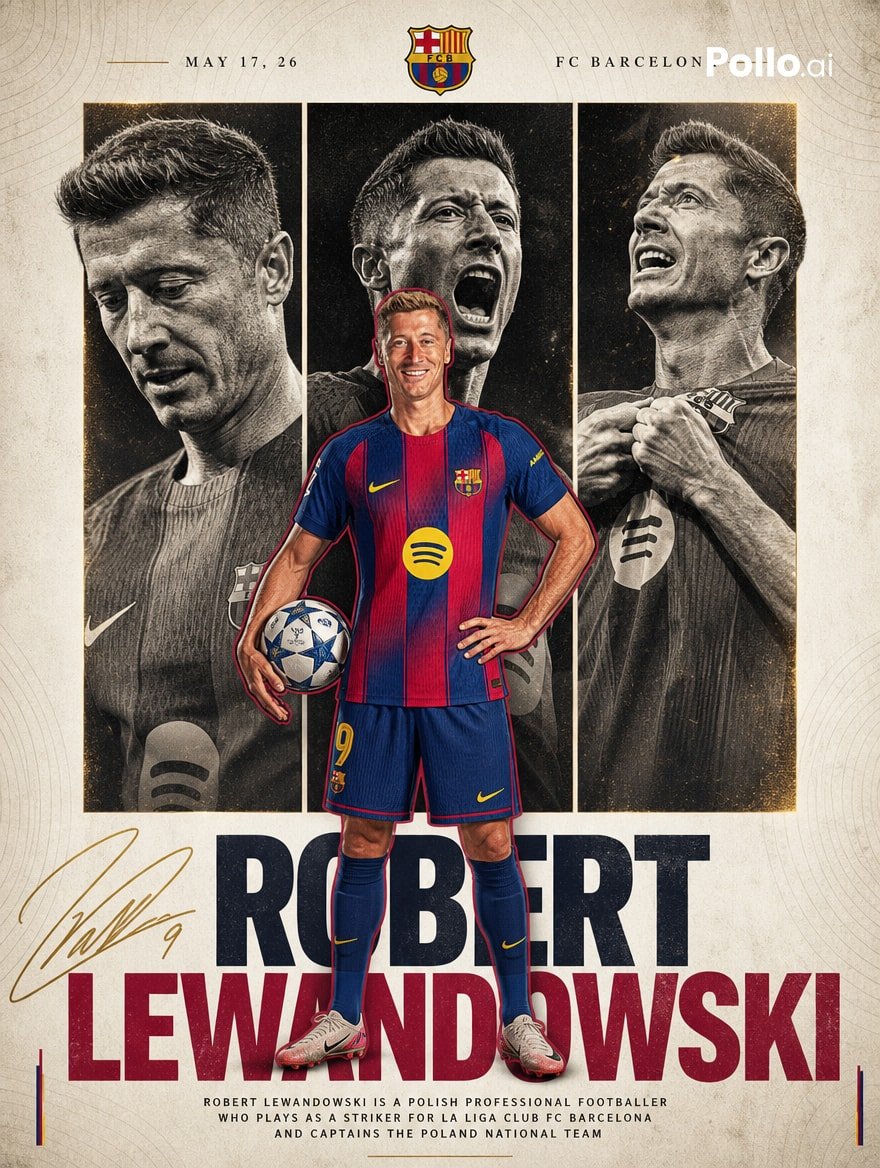
FC Barcelona Lewandowski Poster
Browse template categories
Crude MS Paint Photo Doodle questions
How do I use the Crude MS Paint Photo Doodle template?
Add your photo if the template asks for one, edit the prompt if you like — the template's model and format are already selected — and press Generate. Your version opens in PicX Studio.
Can I customize the Crude MS Paint Photo Doodle template?
Yes. You can change the subject, setting, lighting, mood, format, and available model controls before creating your image.
Is the Crude MS Paint Photo Doodle template free?
Opening and editing this template is free. Generating uses credits, shown on the Generate button when you are signed in.
Which AI model should I use?
Start with GPT Image 2, which is the model associated with this template. You can compare another compatible model for a different finish.
Looking for something else? Browse all templates.

Your photo, any look
Thousands of ready templates for every top image and video model, from one credit balance.