
Scribbly MS Paint Redraw
A prompt that intentionally recreates a high-fidelity face in a clumsy, scribbly MS Paint style with mouse-drawn errors.
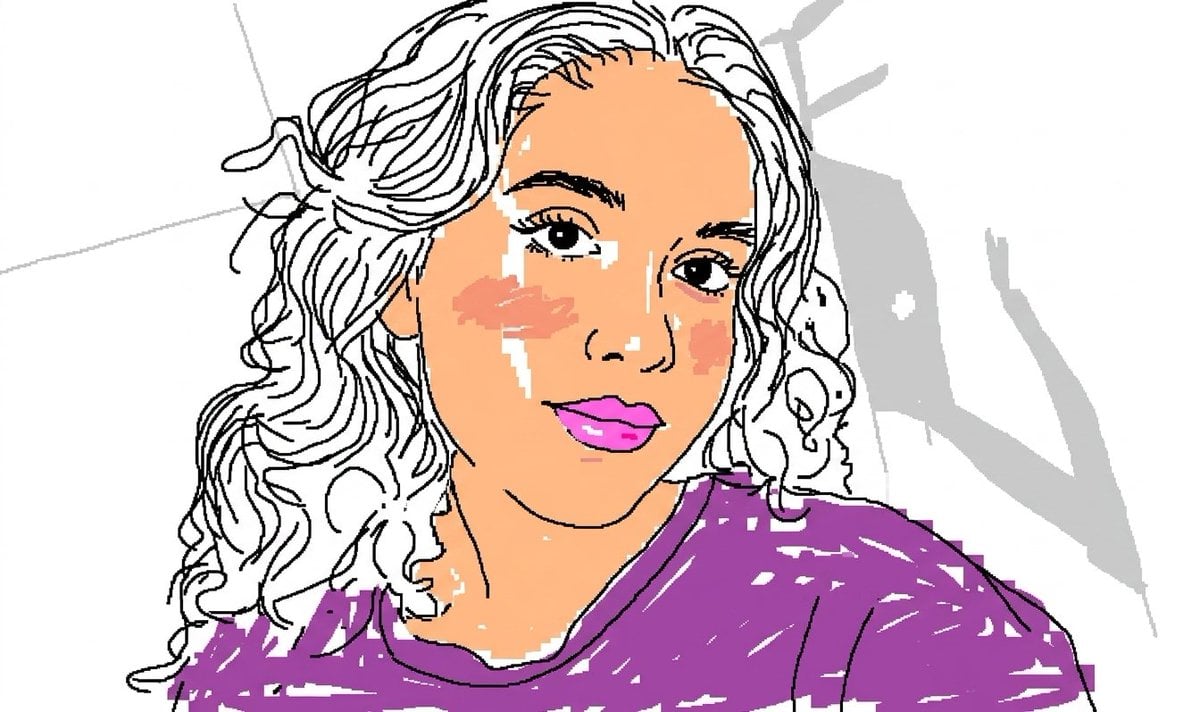
- Prompt included
- Model and format preset
- Premium template
The prompt behind this image
Copy the exact prompt behind Scribbly MS Paint Redraw, or open it in the studio and make it yours.
Take the exact face from the attached reference image as the primary subject. Use the precise facial features, bone structure, eye shape, nose, lips, jawline, skin tone, and expression of the woman shown in the reference photo. Maintain her exact face with high fidelity as the core element, but redraw the entire image in the most {argument name="style" default="clumsy, scribbly, and utterly pathetic way"} possible. Create a terrible amateur {argument name="software" default="MS Paint drawing"} on a {argument name="background" default="pure white background"} using only a mouse, with jagged, uneven lines, horrible proportions, and obvious mistakes everywhere. Make the hair look like it was drawn with the pencil tool in 5-pixel strokes, messy and scribbly with random stray lines sticking out. The eyes should be slightly misaligned, one bigger than the other, with crooked eyelashes and uneven pupils. The nose should be awkwardly shaped, the mouth lopsided and poorly filled. Skin should have visible pixelation, blotchy coloring, and bad airbrush attempts. Add terrible shading that looks like it was done with the spray can tool in MS Paint, with harsh edges and color bleeding. Dress her in a poorly drawn version of the reference outfit using blocky shapes, wrong perspective, and mismatched colors. The hands and fingers must look broken and deformed, with extra or missing fingers. Pose her in a similar position to the reference but make the anatomy completely wrong — shoulders at odd angles, neck too long or too short, head floating unnaturally. Emphasize the low-quality pixel-by-pixel feel with visible compression artifacts, dithering, and 1990s Windows 95 aesthetic. The overall drawing should be vaguely similar to the reference but also not really — kind of matching but off in a confusing, awkward, and hilarious way. Proportions should be ridiculous, symmetry completely broken, colors oversaturated or completely wrong in places. Include random MS Paint artifacts like leftover selection marquees, thick black outlines that don’t match, and clumsy fill bucket overflows. The background must be completely white with no extra elements except maybe a few accidental scribbles or stray pixels. Make it look like a child or a very unskilled adult spent 10 minutes struggling in MS Paint. Prioritize maximum pathetic quality — the worse it looks, the better. Exaggerate every flaw while still keeping the core identity of the exact face from the reference image recognizable but hilariously distorted. Photorealistic accuracy is forbidden. Only crude, low-resolution, mouse-drawn MS Paint style is allowed. Maximum chaos, maximum awkwardness, maximum comedy in the terrible execution.
How to use Scribbly MS Paint Redraw in 3 steps
- 1Upload ImagePNG, JPG or paste
Add your photo
Upload the photo the template builds on. The prompt, model and format are already set.
- 2…a portrait of your subject in softgolden-hour light, 85mm…
Personalize
Edit the subject and creative details for your destination.
- 3Generate
Generate
Press Generate — your image is created in PicX Studio, so you can compare it with the original and refine one variable at a time.
More like this
Templates with the same subject, style or setup. Open one to see its prompt.
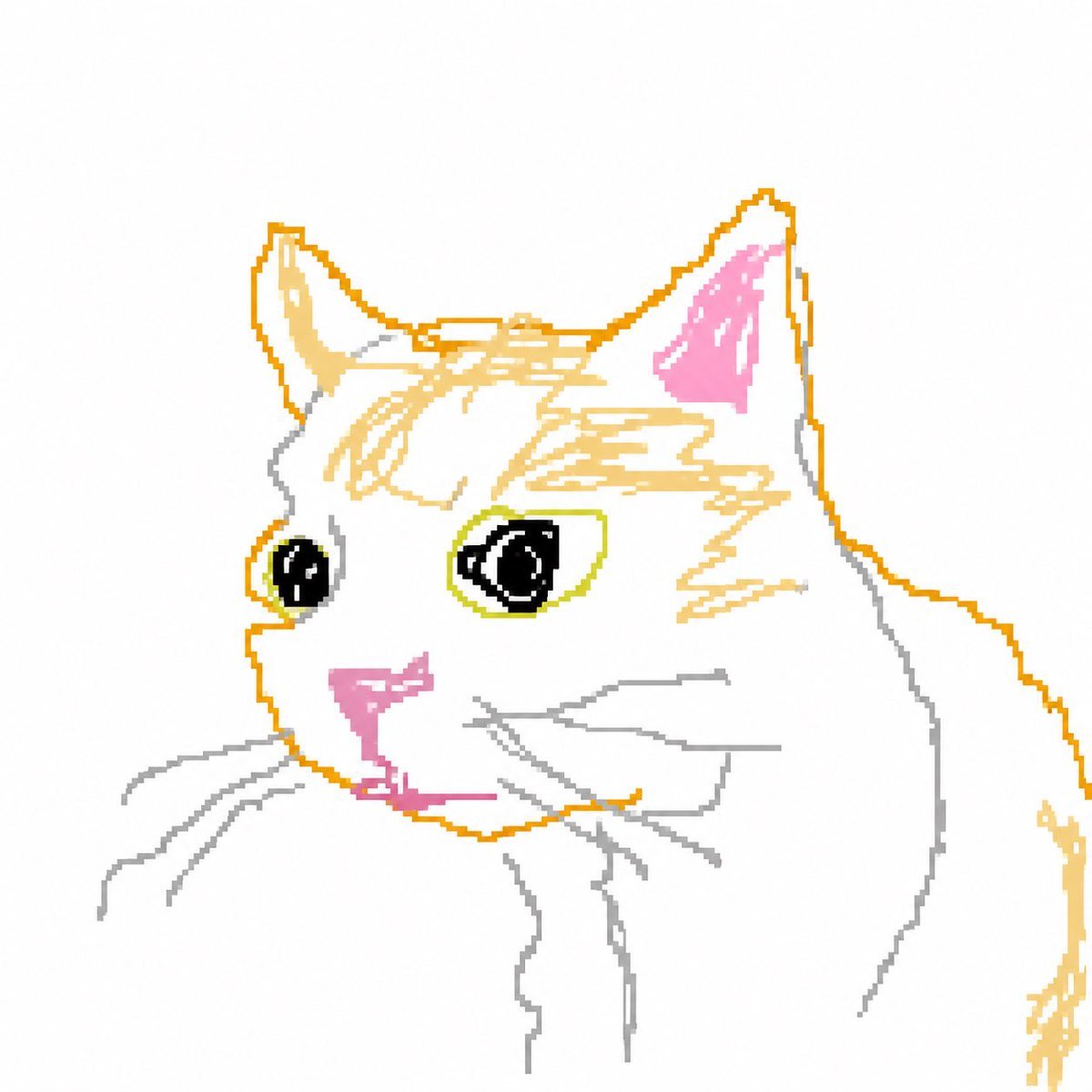
Scribbly MS Paint Transformation
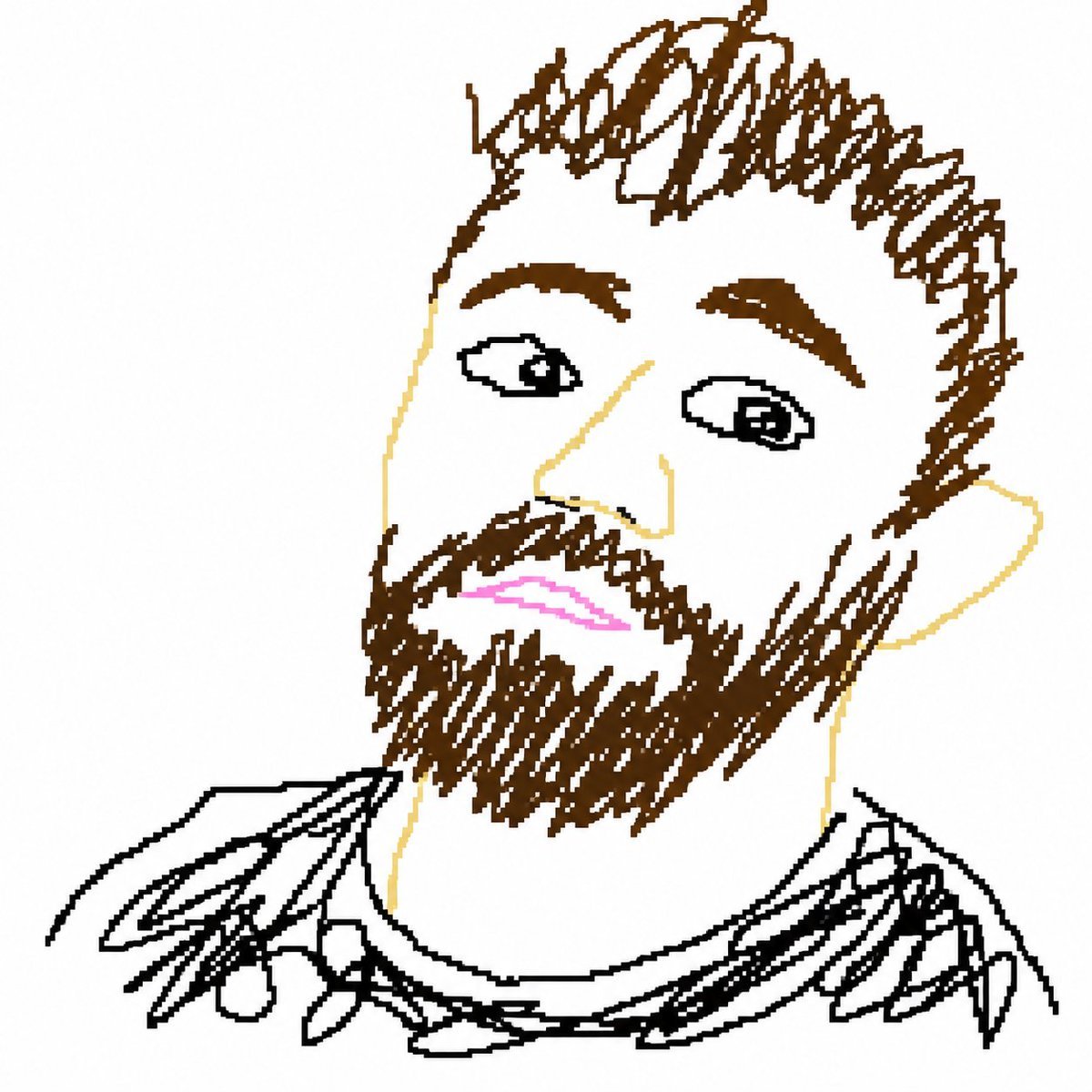
Bad MS Paint Redraw
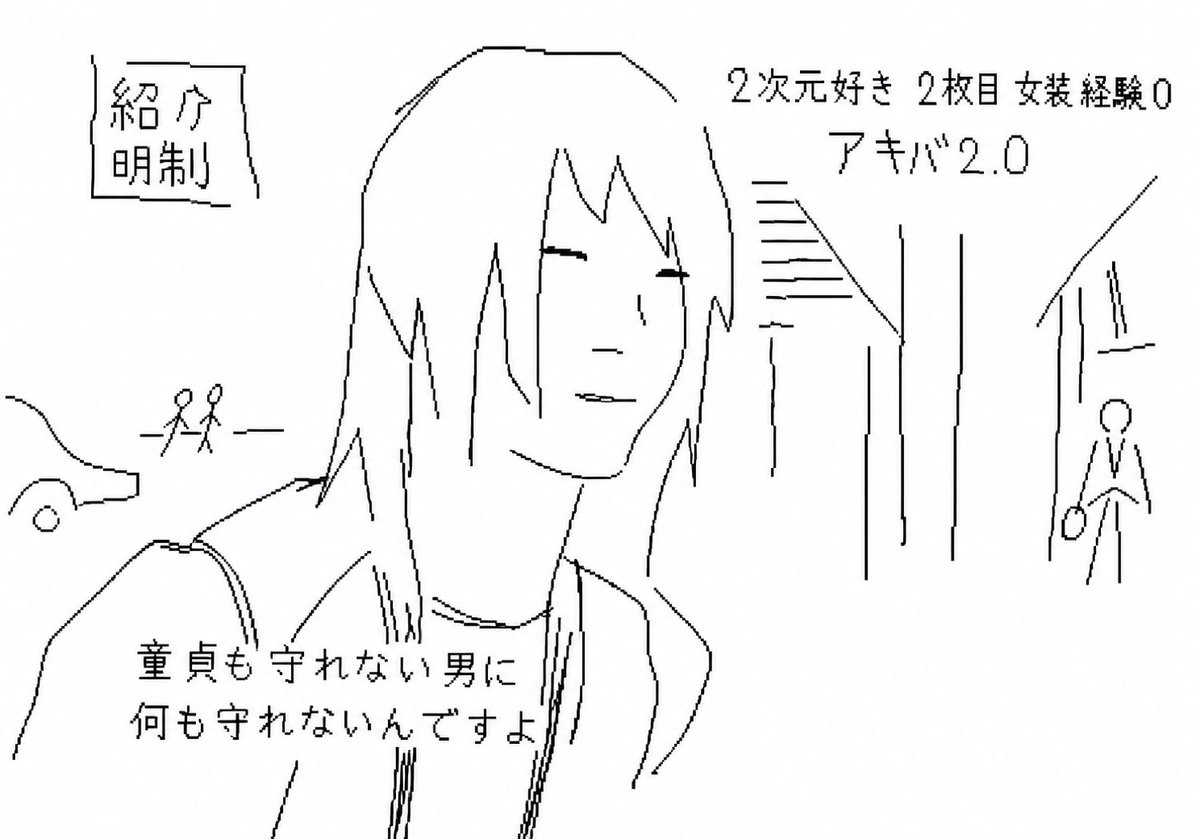
Purposefully Bad MS Paint Redraw
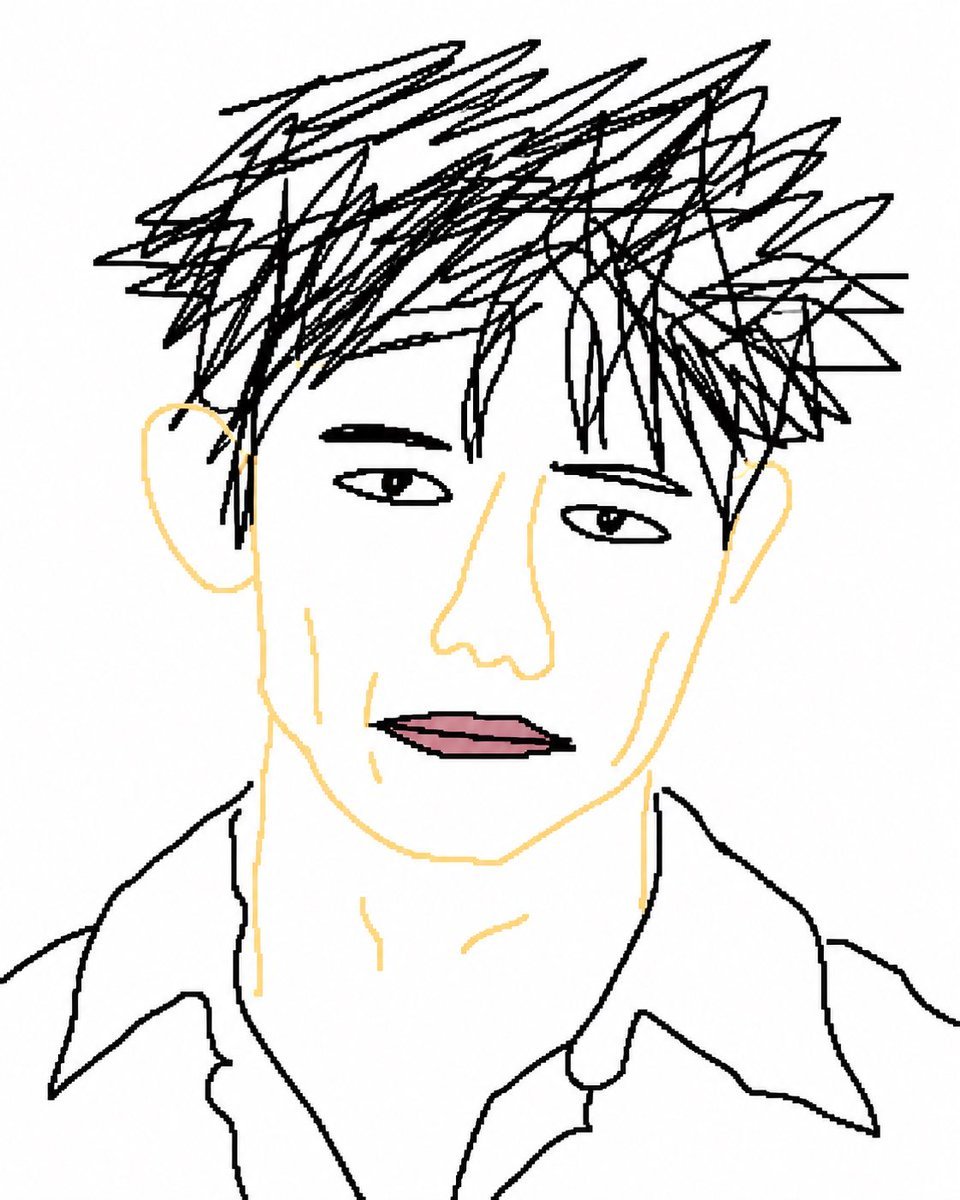
Intentionally Bad MS Paint Redraw
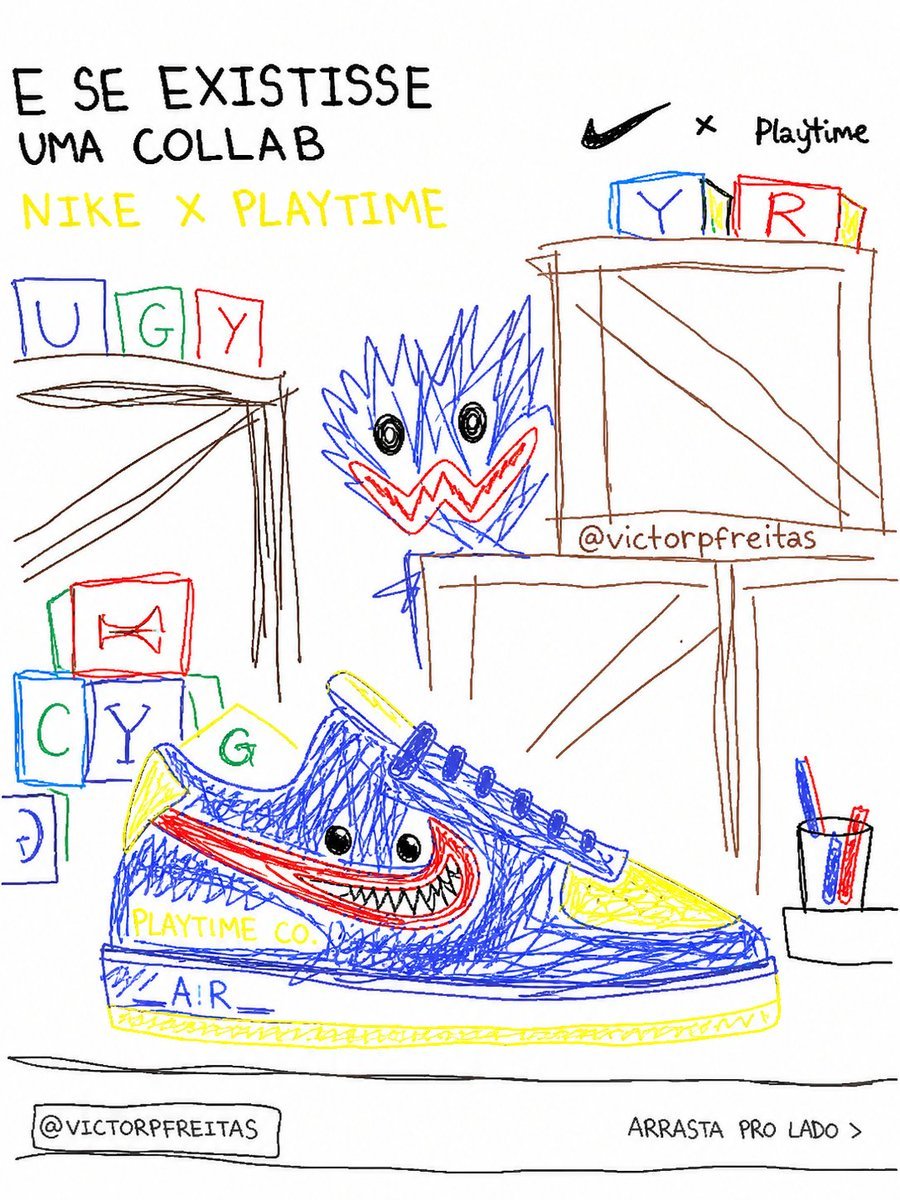
Bad MS Paint Redraw
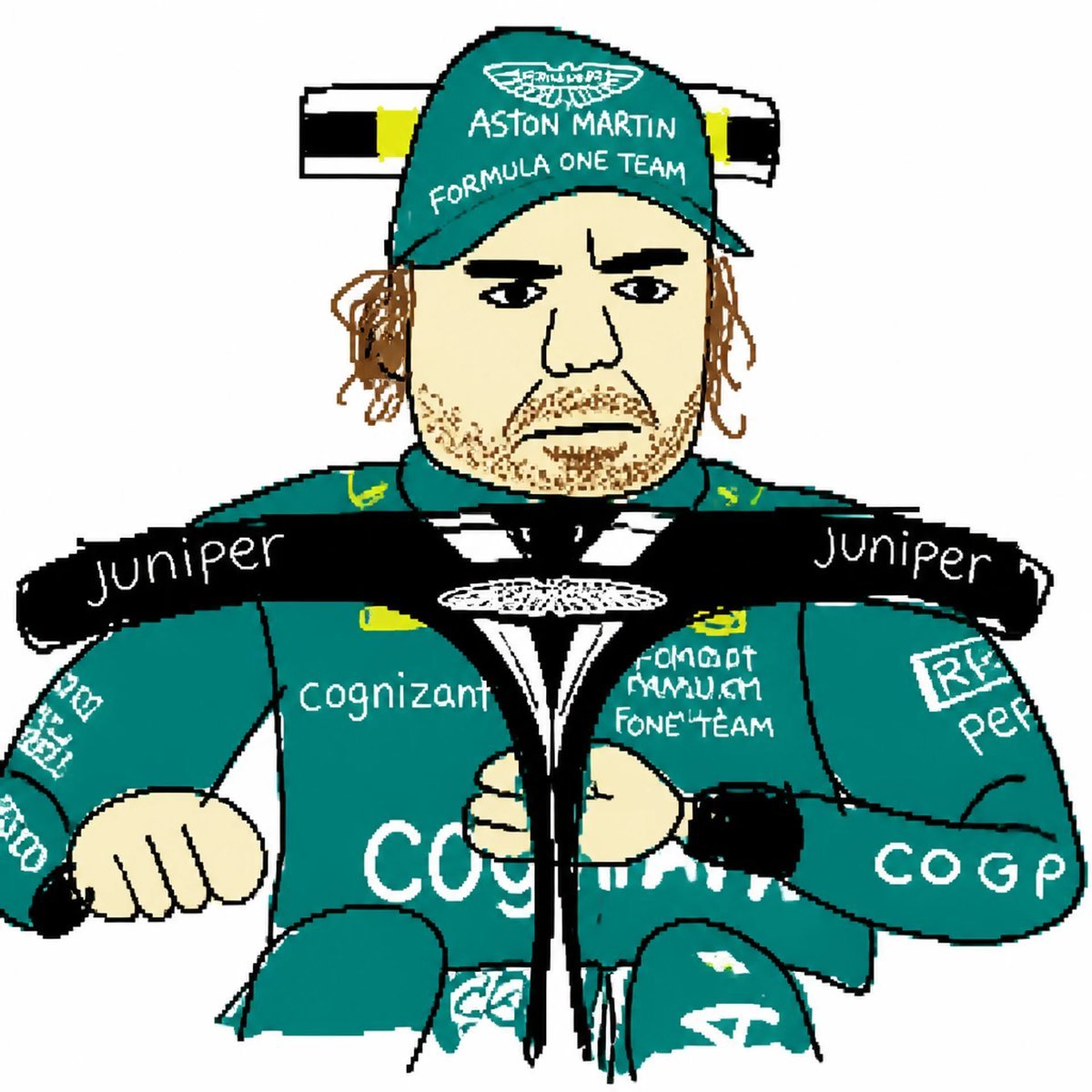
MS Paint Style Redraw
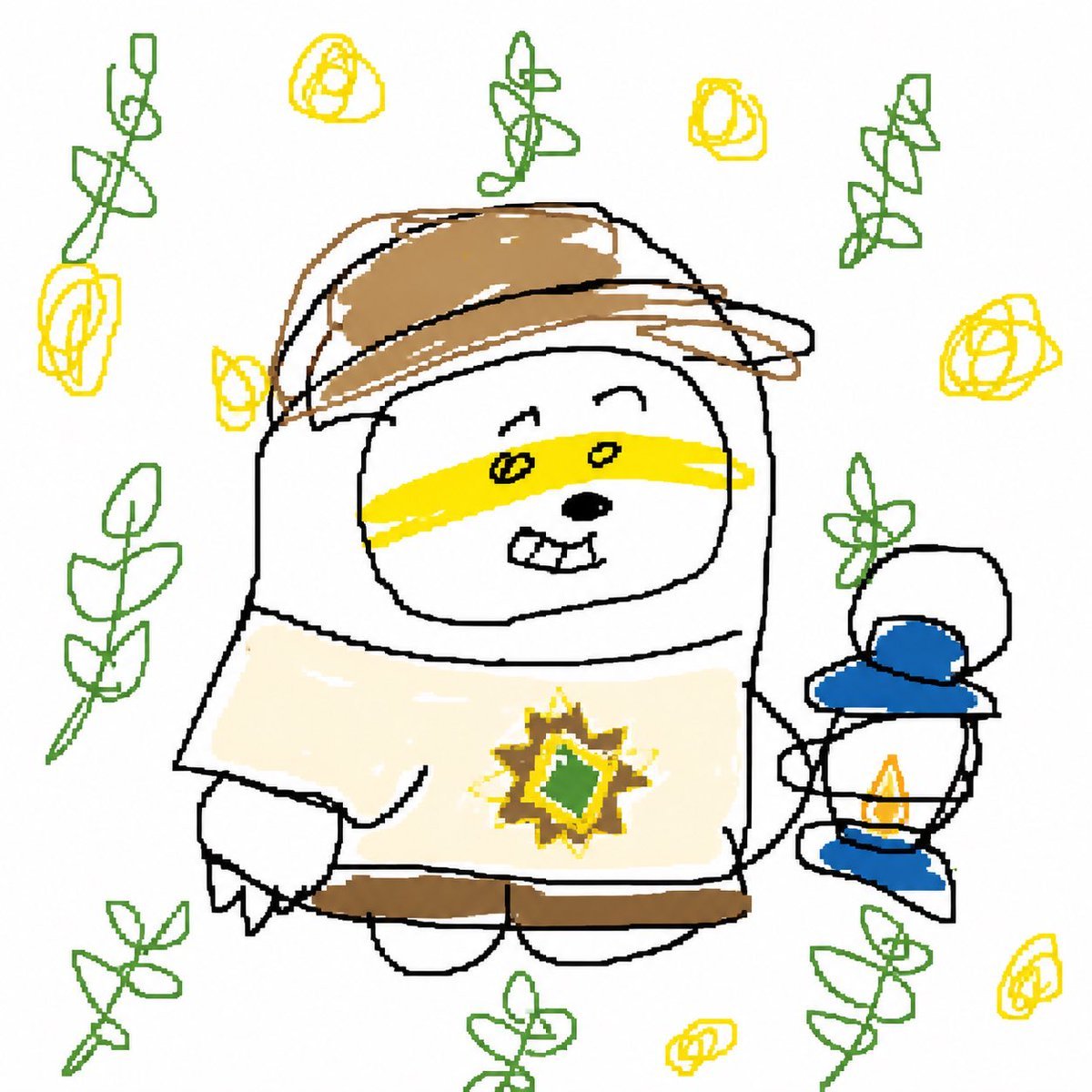
Intentional Low Quality MS Paint Redraw
Clumsy MS Paint Style Redraw
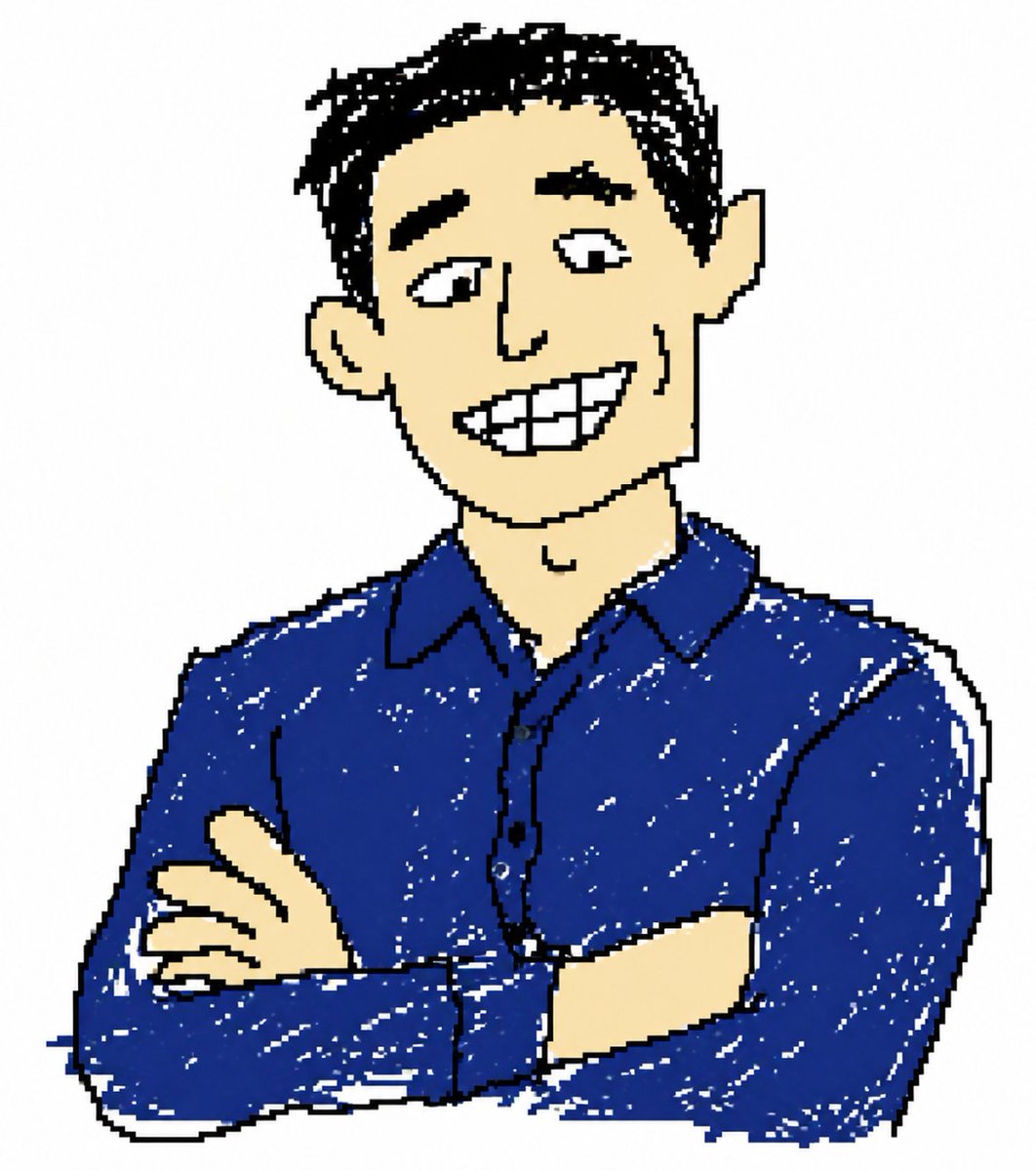
Clumsy MS Paint Style Redraw
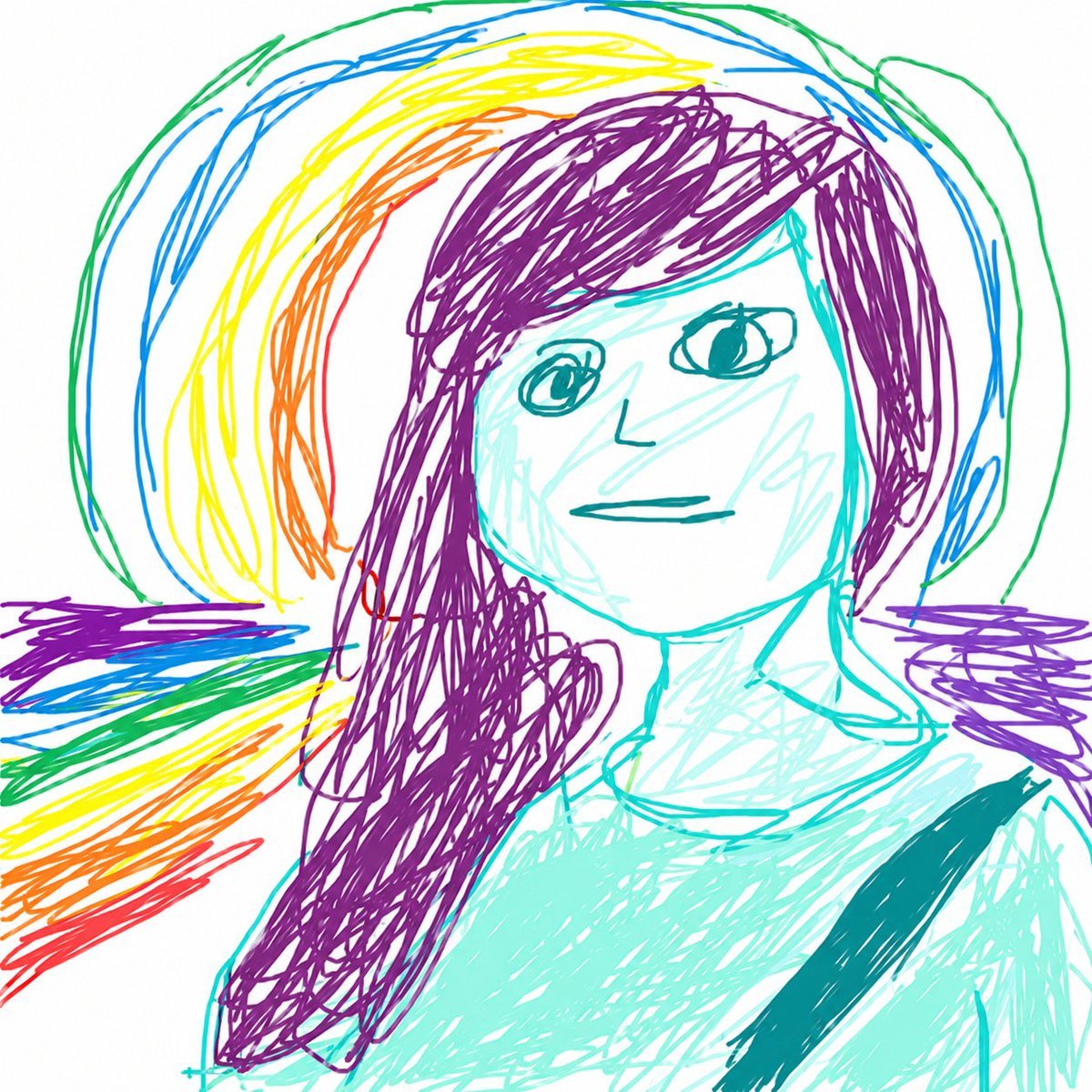
MS Paint Childlike Redraw
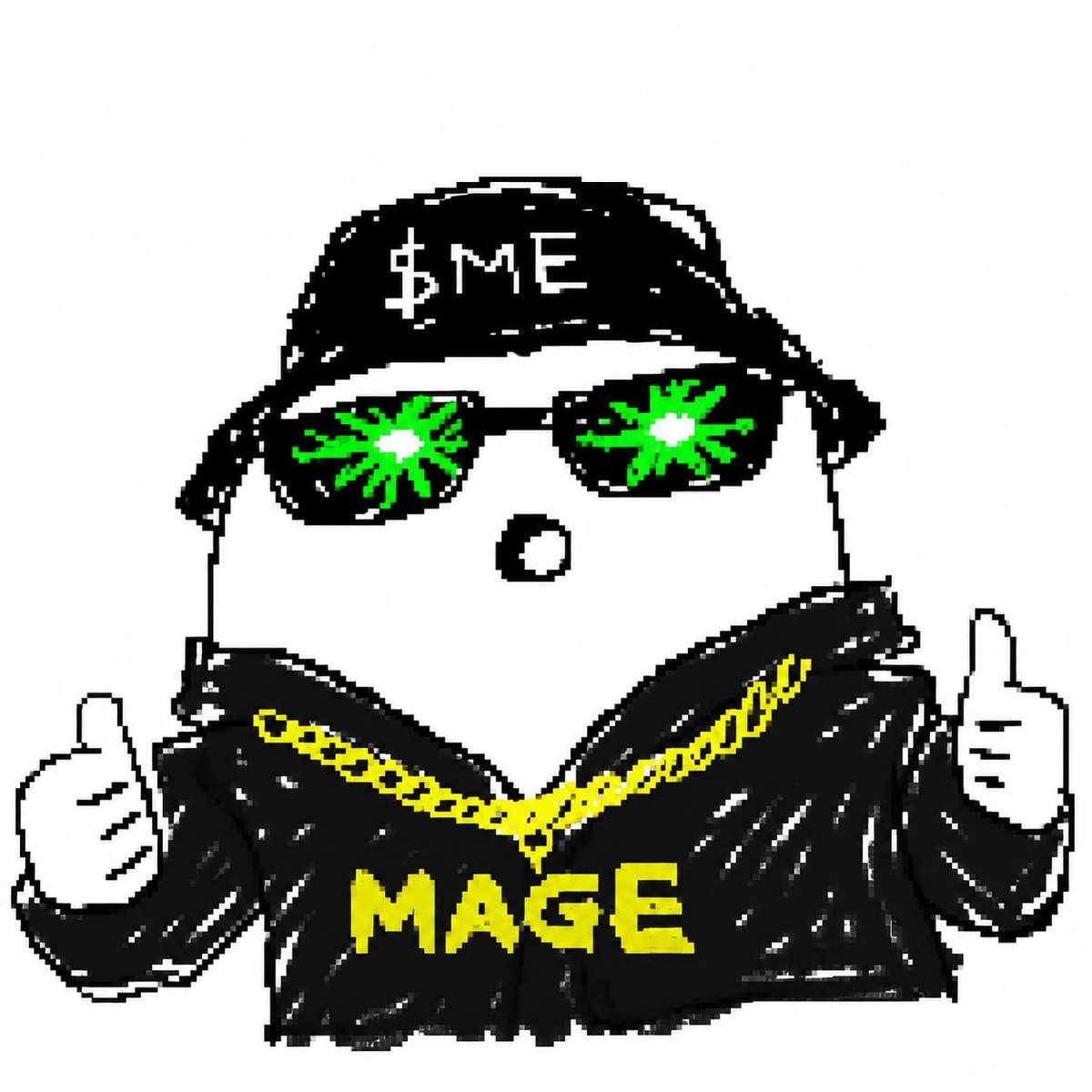
Bad MS Paint Redraw
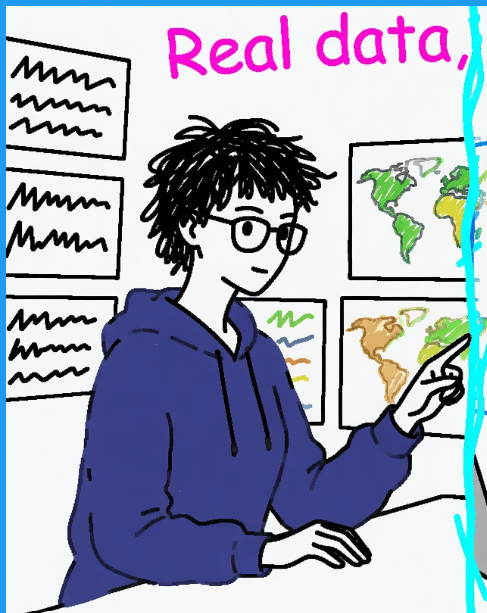
Clumsy MS Paint Style Redraw
Make it yours
Scribbly MS Paint Redraw works as-is. These are the safest ways to change it without losing the look.
Change one field
Copy a single group, rewrite it, and generate again so you can see what that field is doing.
Keep the frame, change the subject
Hold the composition and light of Scribbly MS Paint Redraw, then swap wardrobe, props or the person for a new take.
| If the result… | Why | Fix |
|---|---|---|
| The result drifts from the preview | Too many fields changed at once. | Reuse Scribbly MS Paint Redraw as-is first, then change one group — subject, light, or setting. |
| The model over-stylizes the scene | The prose prompt leaves finish and camera underspecified. | Add one camera or lighting sentence and stay on Nano Banana 2. |
More Nano Banana 2 templates
Other prompts made for Nano Banana 2.

Photorealistic Leaf Shaped Like a Dragon

K-Pop Idol Portrait Grid for Rapid Selection

Poetic Rain Forest Portrait During Golden Hour

Urban Street Portrait with Cartoon Inner Self Duo

Candid Nighttime Photo with Cat Prompt

High-Concept 3D Diorama Generation Prompt

Cinematic Futuristic Studio Portrait Template

Skincare Editorial Photography Collage Prompt

Hyper-Realistic Commercial Product Photography (Splash Effect)

Hyper-Realistic Nightclub Portrait Prompt
More image prompts
Fresh picks from across the catalog.
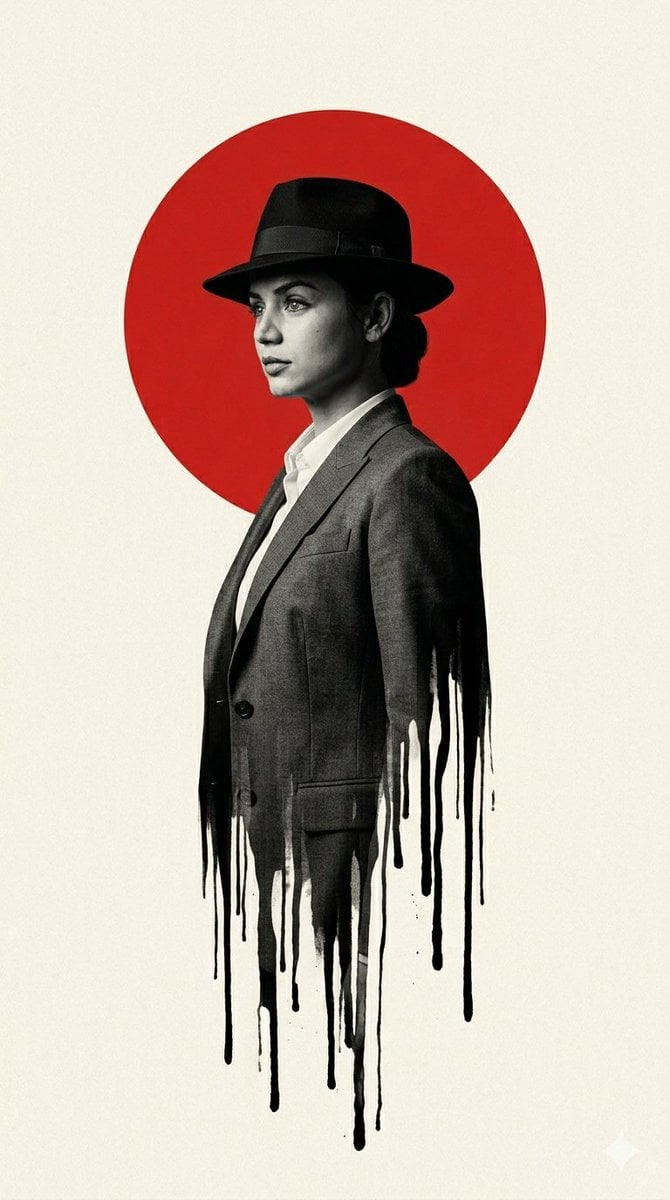
Noir Man With Red Sun Poster
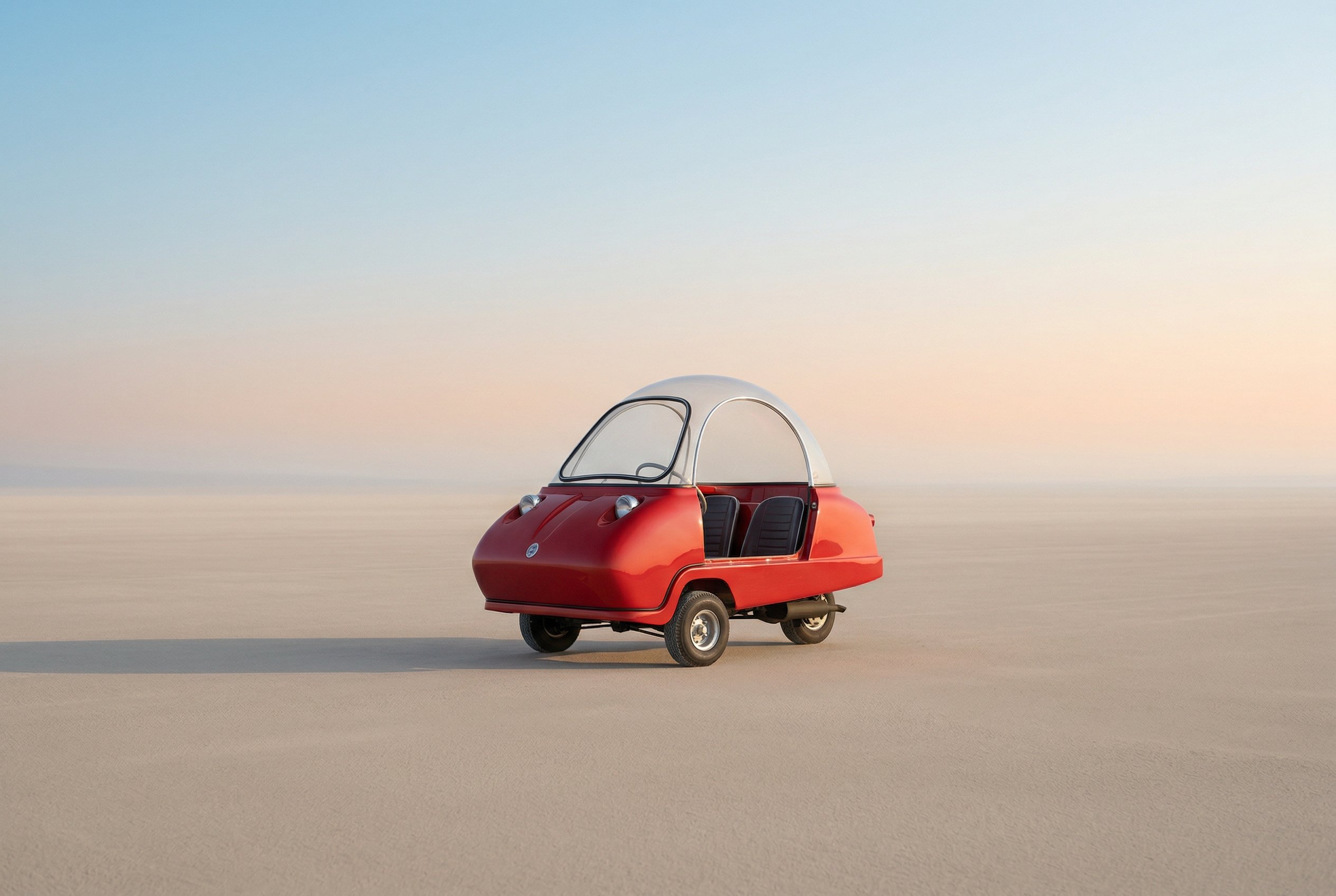
untitled
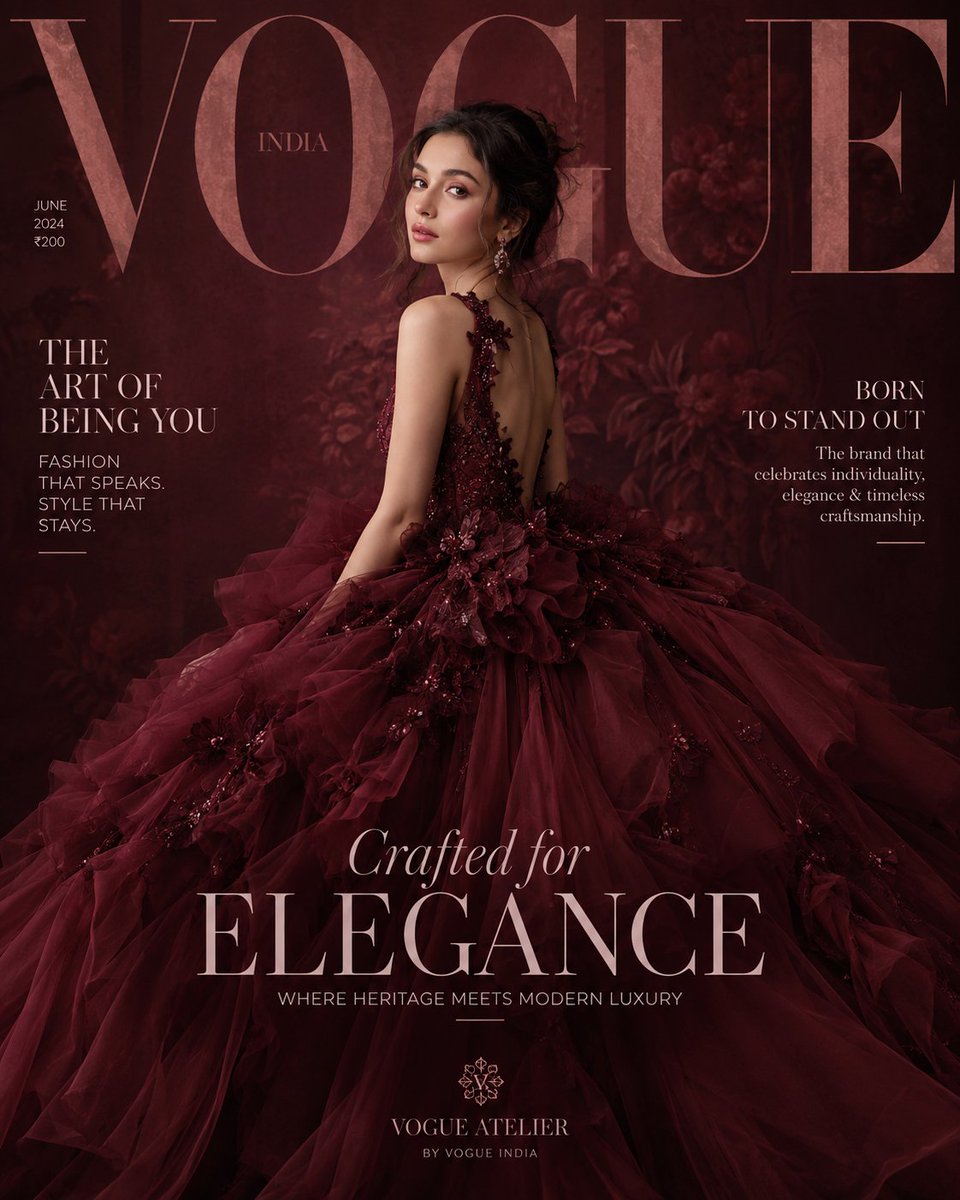
Maroon Dress Fashion Magazine Cover
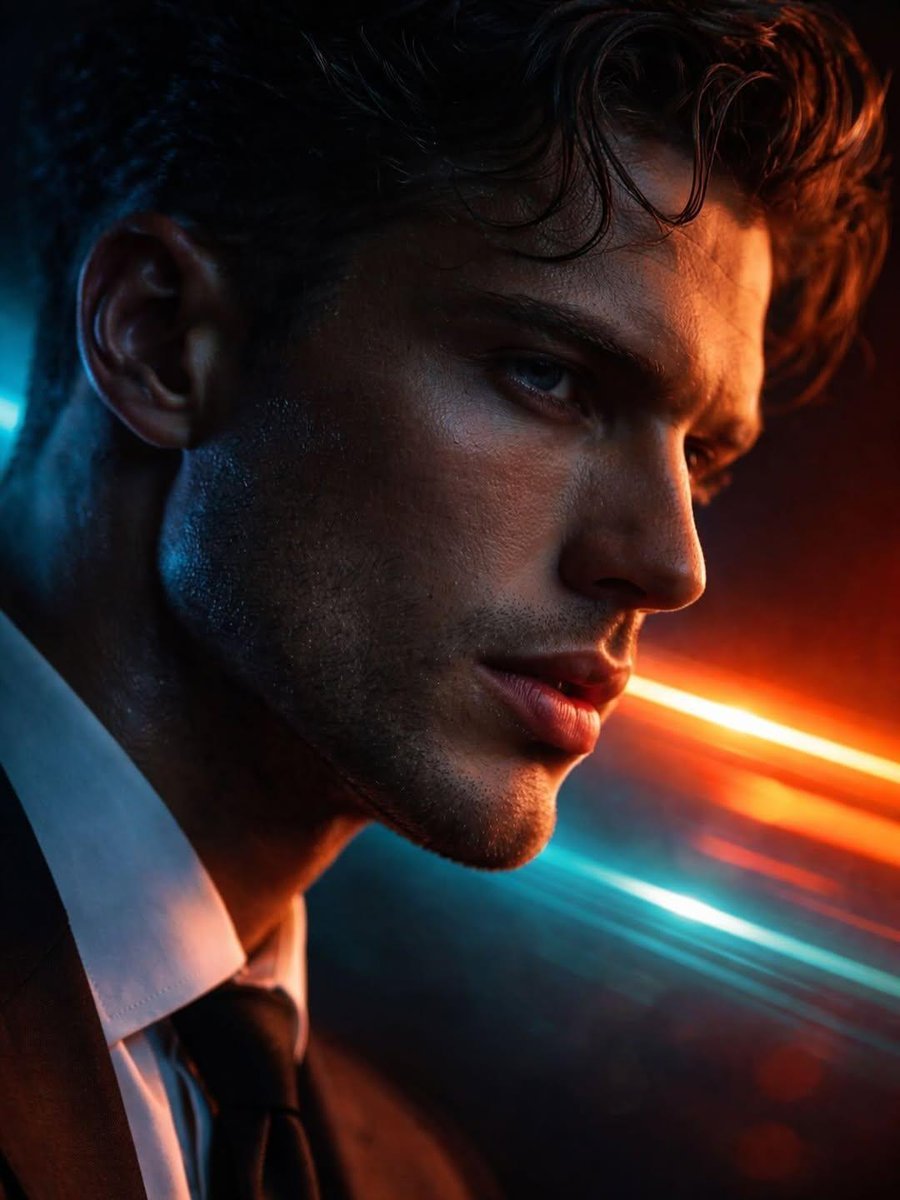
Hyper-realistic Futuristic Noir Portrait Prompt
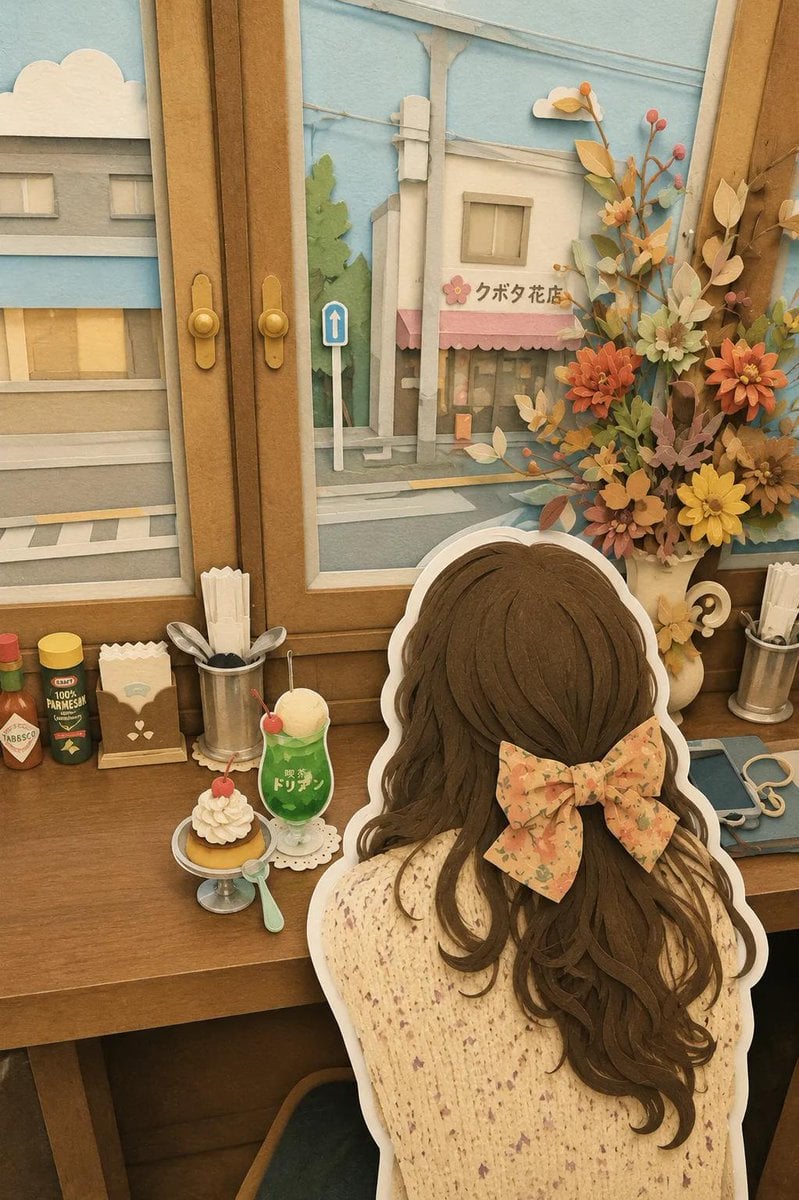
Japanese Paper-Cut Diorama Scene
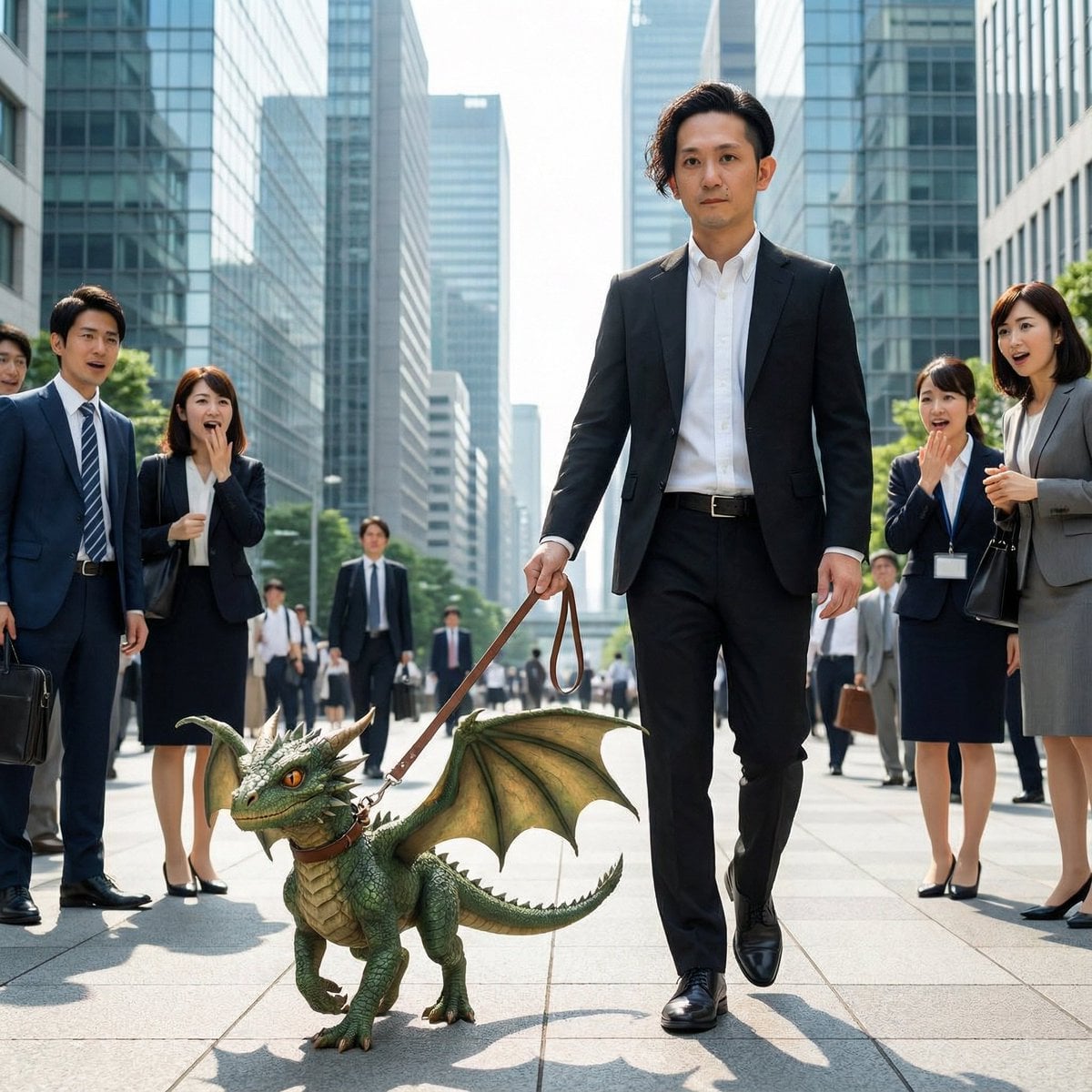
Dragon in the Office District
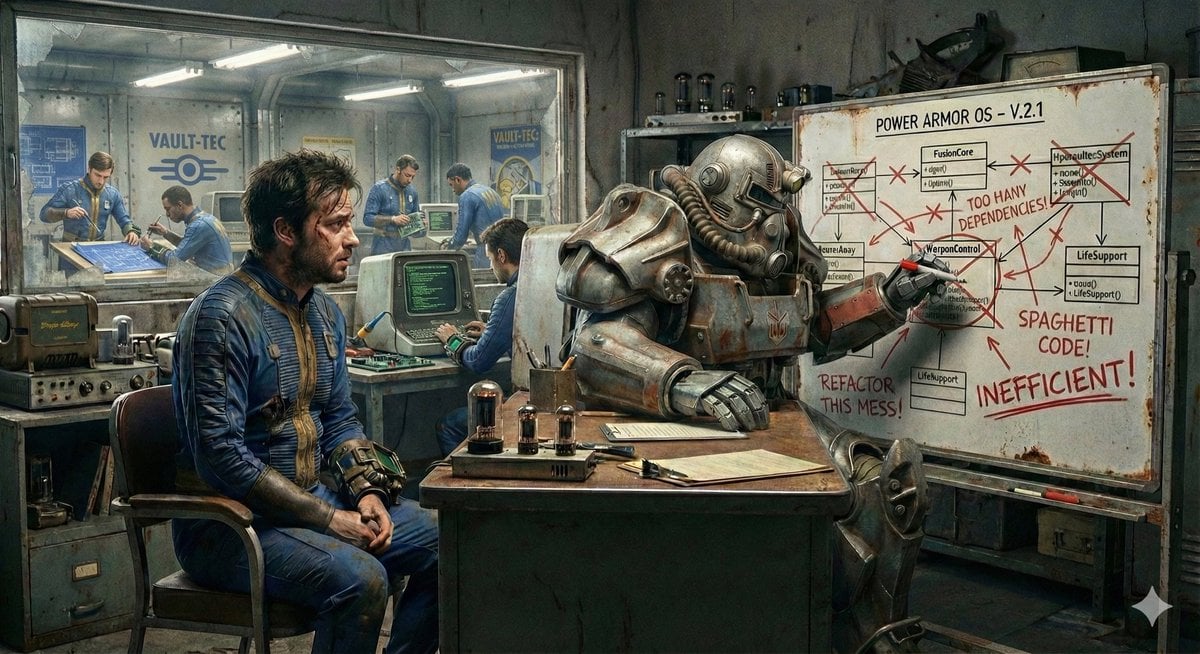
Nano Banana's Understanding of Fallout Terminology
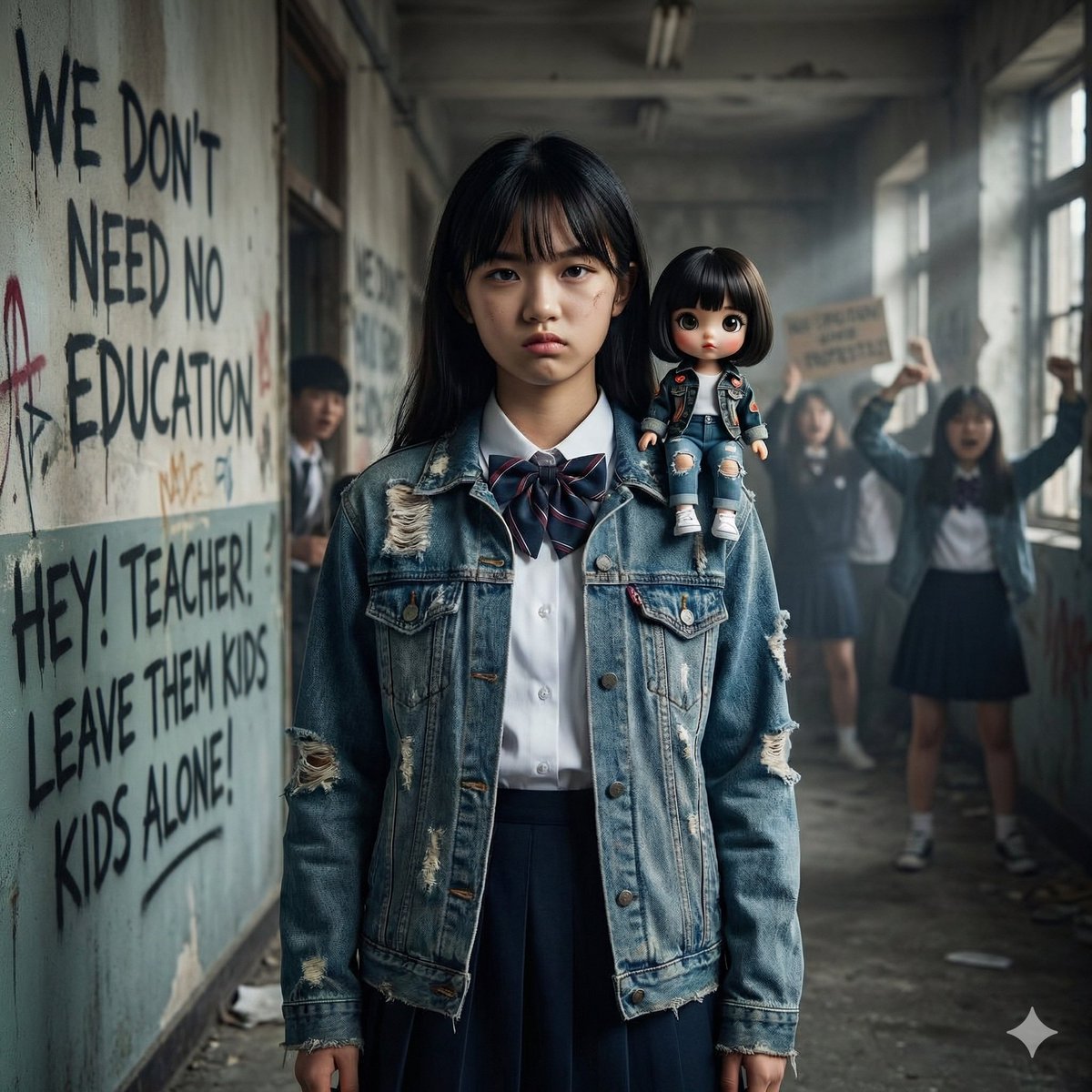
Image Generation from Western Song: Another Brick In The Wall
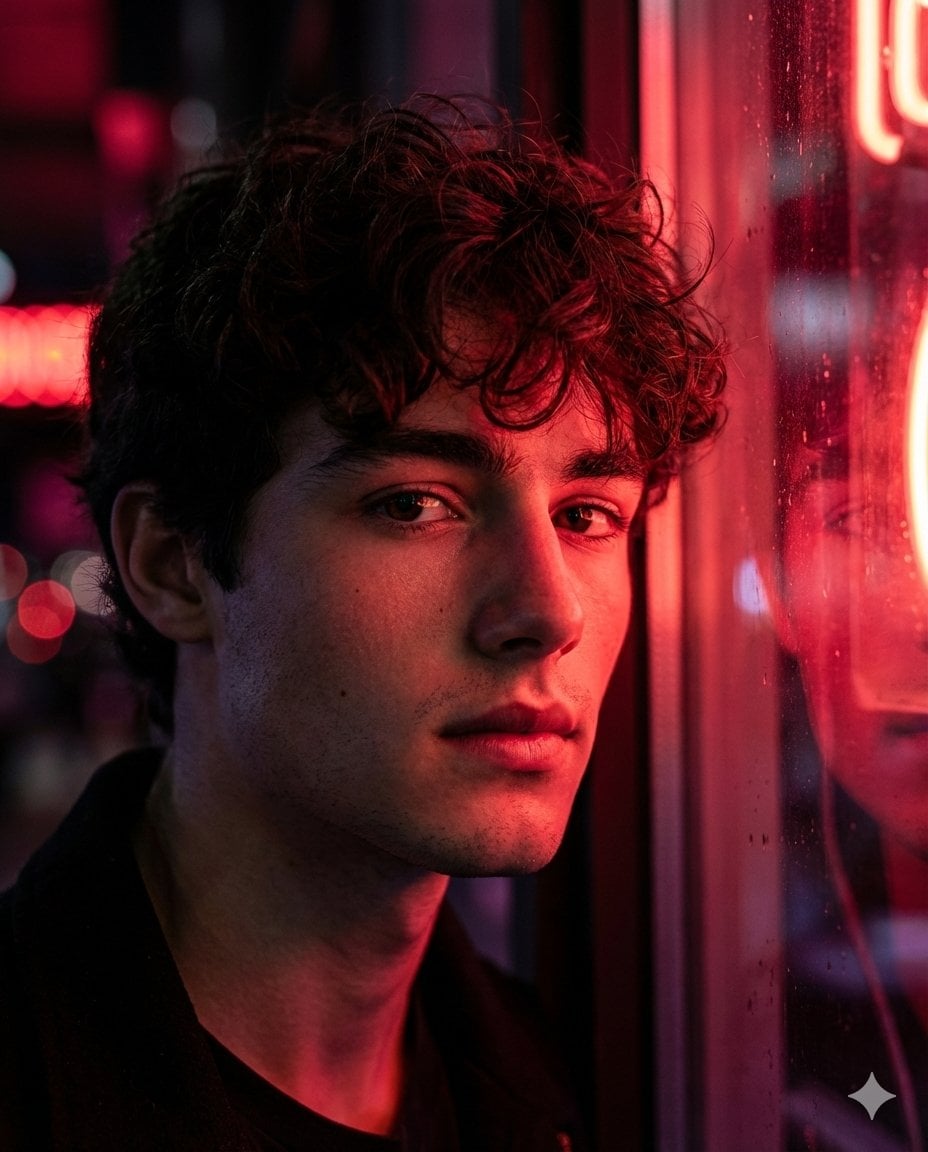
Hyper-Realistic Cinematic Neon Portrait Prompt
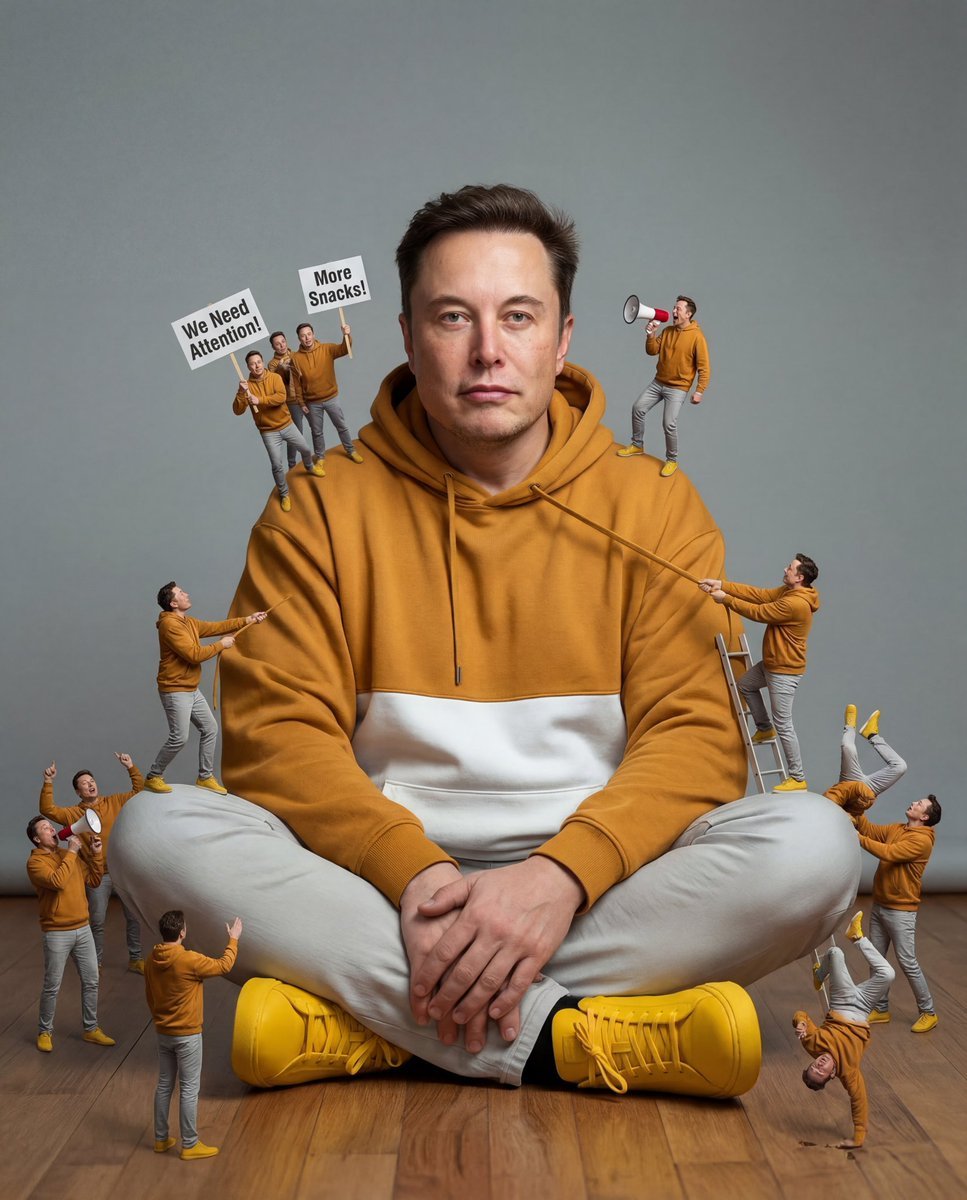
Surreal Comedy Portrait with Miniatures
Browse template categories
Scribbly MS Paint Redraw questions
How do I use the Scribbly MS Paint Redraw template?
Add your photo if the template asks for one, edit the prompt if you like — the template's model and format are already selected — and press Generate. Your version opens in PicX Studio.
Can I customize the Scribbly MS Paint Redraw template?
Yes. You can change the subject, setting, lighting, mood, format, and available model controls before creating your image.
Is the Scribbly MS Paint Redraw template free?
Opening and editing this template is free. Generating uses credits, shown on the Generate button when you are signed in.
Which AI model should I use?
Start with Nano Banana 2, which is the model associated with this template. You can compare another compatible model for a different finish.
Looking for something else? Browse all templates.

Your photo, any look
Thousands of ready templates for every top image and video model, from one credit balance.