How do I use the Hand-drawn Kindergarten Newspaper template?
Edit the prompt in the box under the preview — the template's model and format are already selected — and press Generate. Your version appears right on this page.
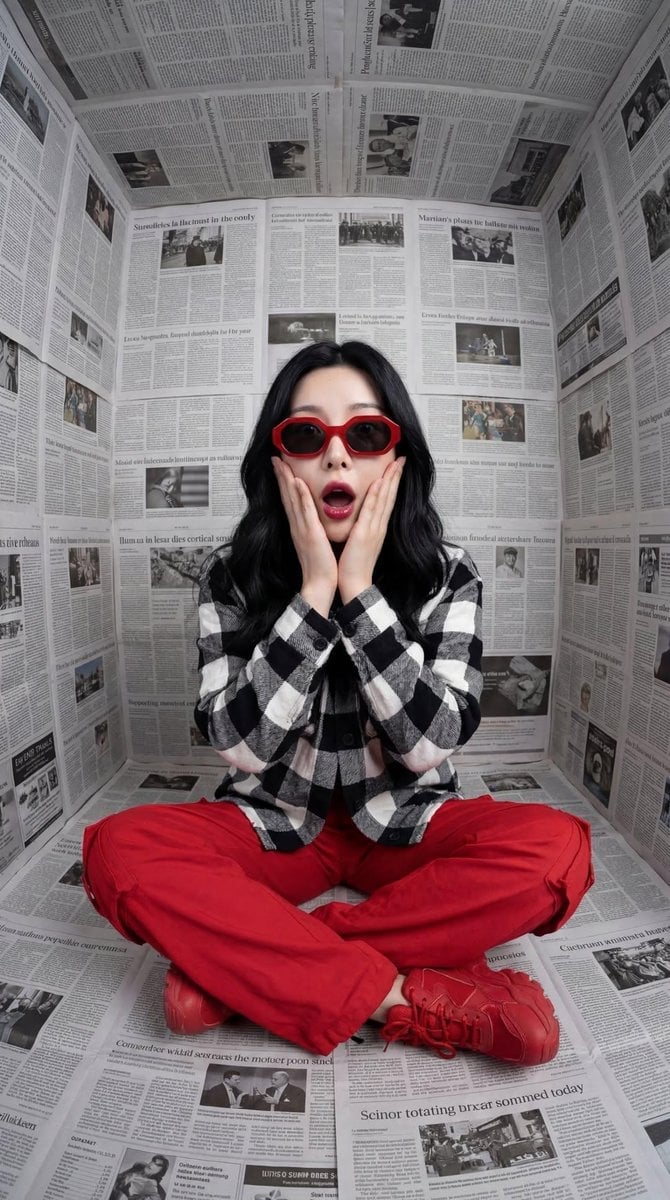
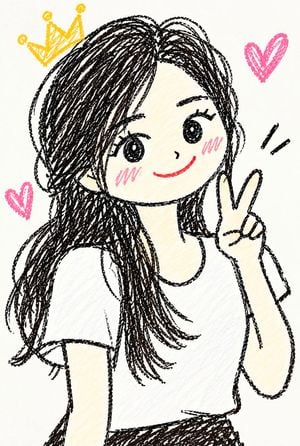
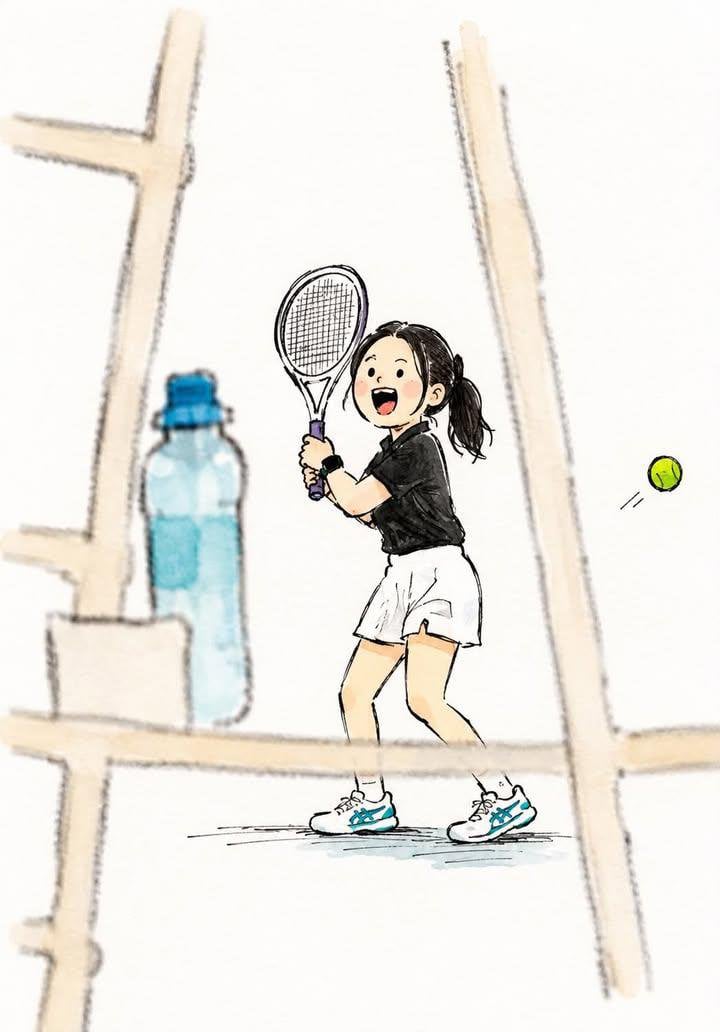
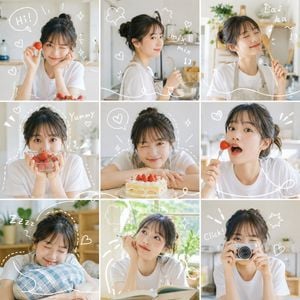
A creative prompt to generate an image that mimics a 'children's newspaper' drawn by a preschooler using crayons and pencils.

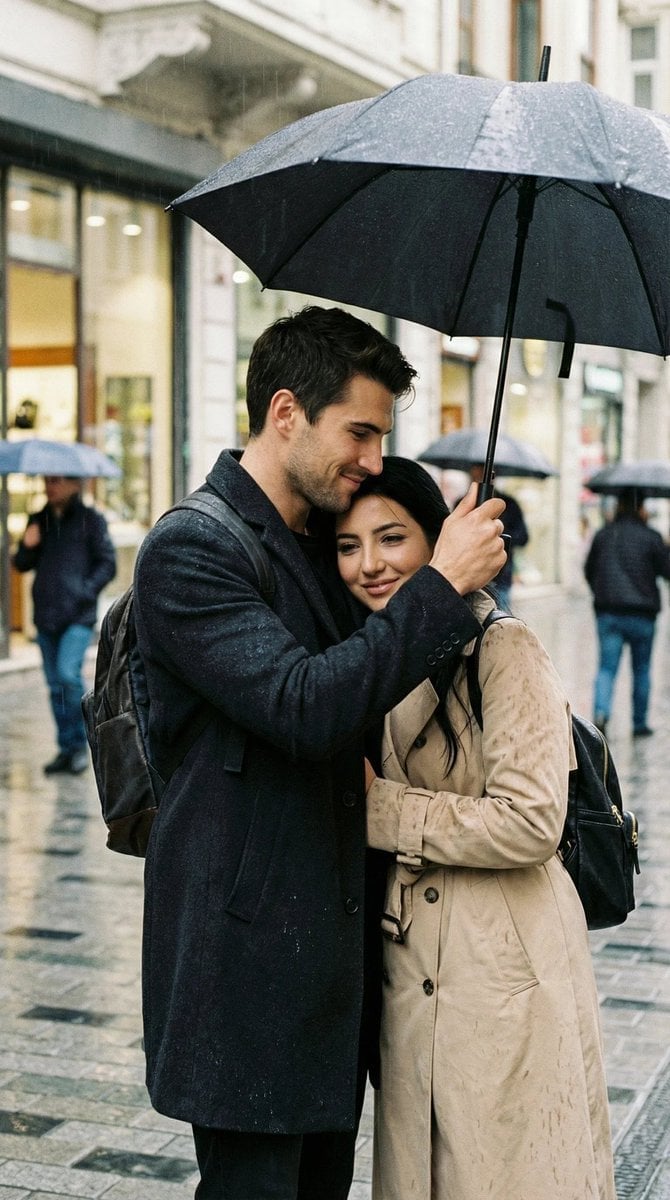
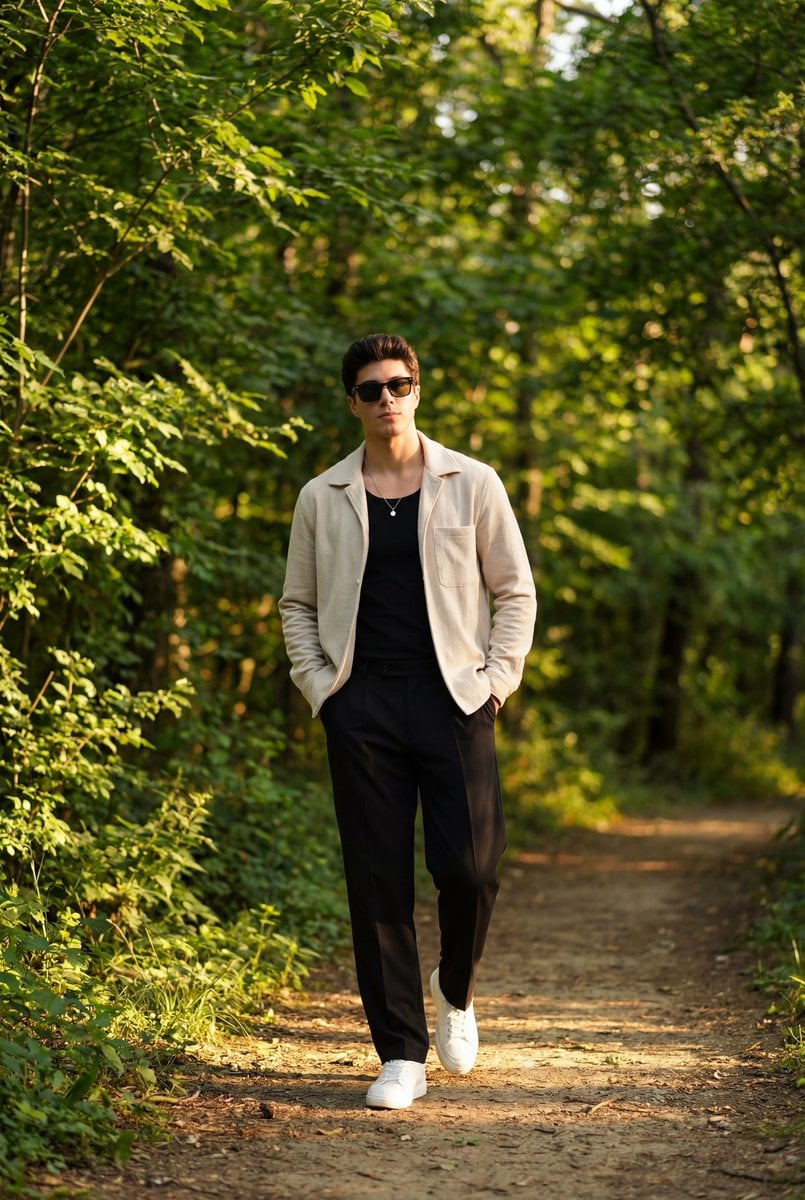
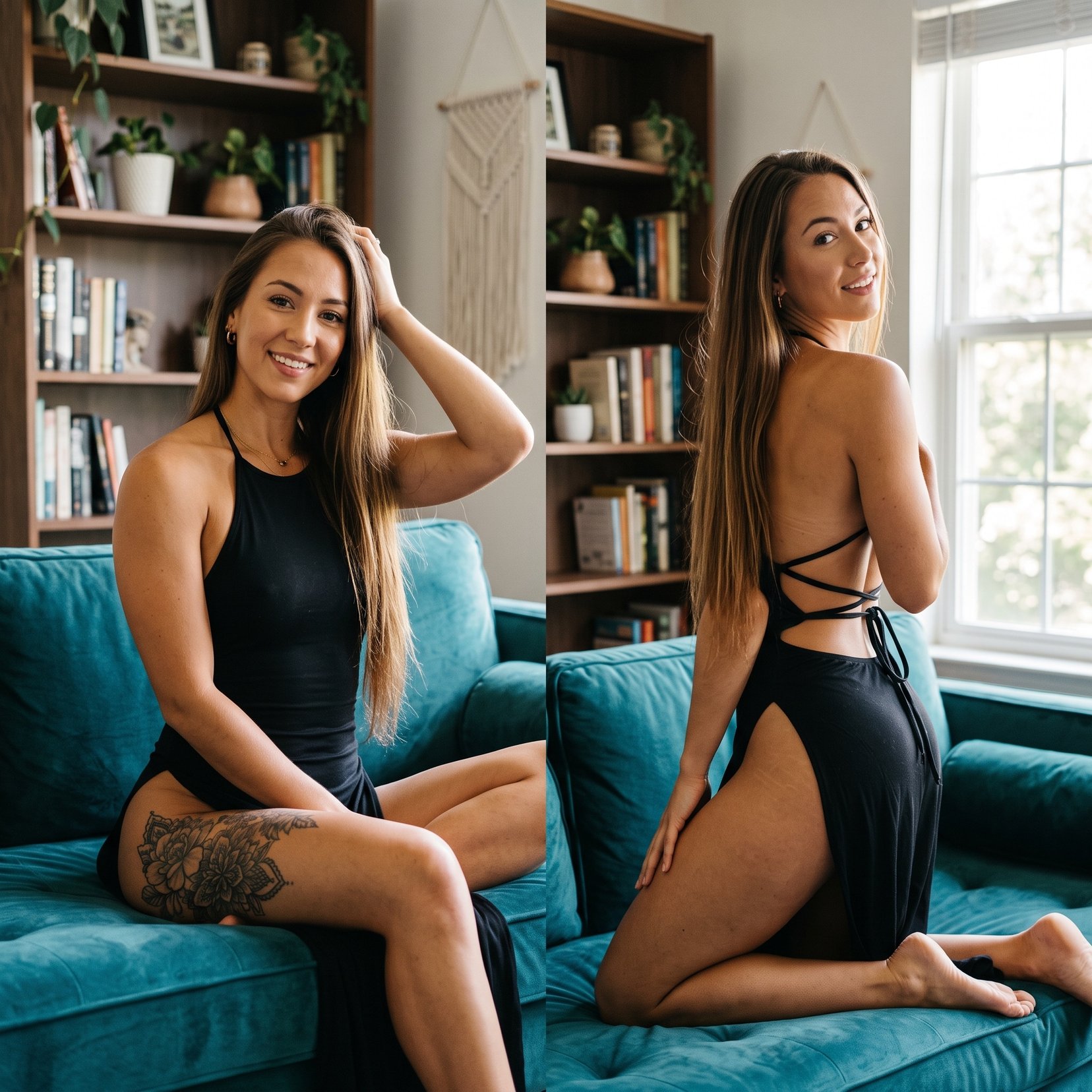
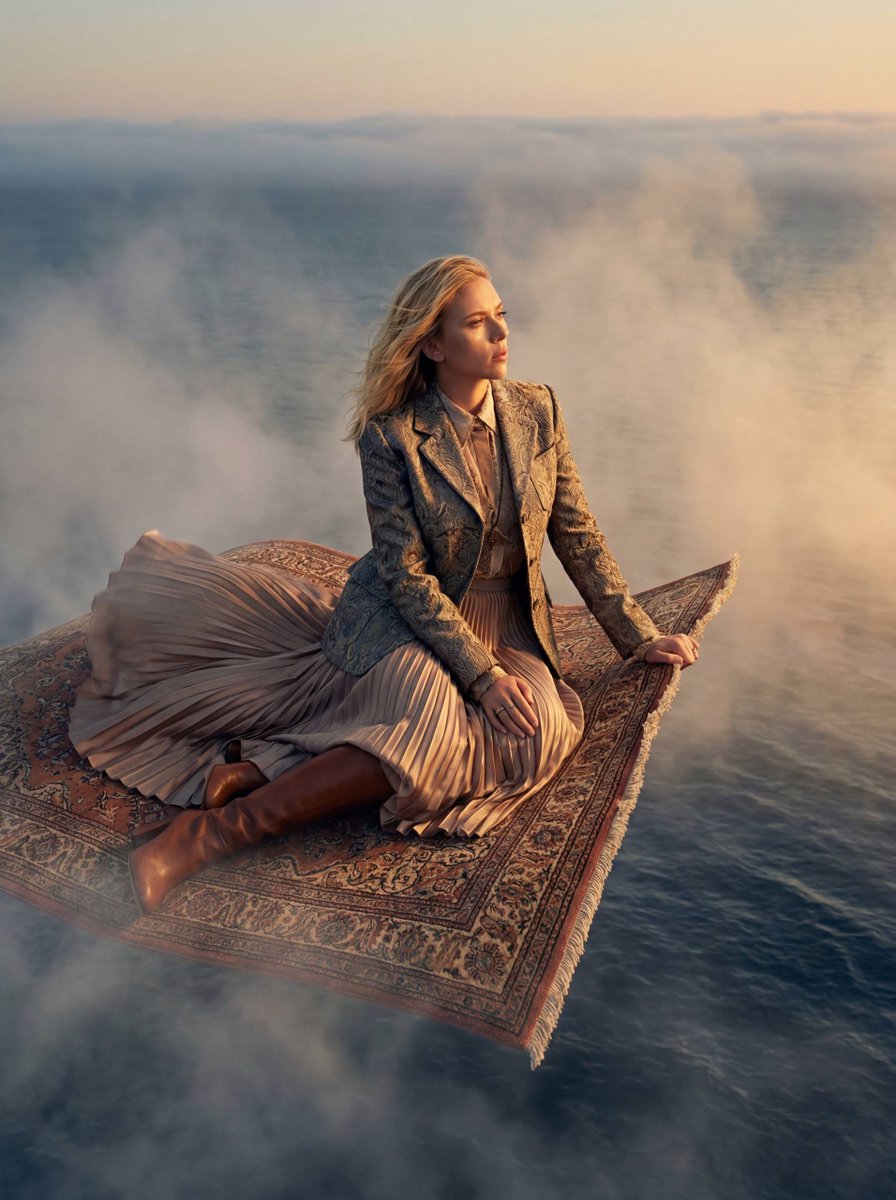
This template uses your photo — add one with the + button.
Please take the results of researching {argument name="theme" default="ChatGPT 5.5"} and turn them into something like a "children's newspaper" made by a kindergartener. It's drawn on white paper with colored pencils and pencil. It's a newspaper, but not a proper, well-made newspaper. A kid did their best to make it look like a newspaper. In the middle there's a badly drawn picture, copied from the original picture. Don't make the picture pretty. Don't make it skillful. Don't make it look neatly cute. Don't make it look like a polished "kid-style" illustration. Please make it a genuinely bad drawing, like something a kindergartener really drew. Make the title look like a kid wrote it. 「{argument name="title" default="できたよしんぶん"}」 「がんばってかいたよ」 「これはだいじなえです」 Odd titles like these are at the top. The characters are mostly hiragana. Their sizes are a little uneven. They aren't lined up straight. They're a bit slanted. Sometimes the letters are too big. Sometimes the letters are too small. Inside the newspaper there are clumsy headlines. 「{argument name="headline" default="ここをかきました"}」 「ここがむずかしかった」 「いろをぬりました」 「ちょっとまちがえました」 「でもがんばりました」 Things like that are written. The lines are wobbly. The square frames aren't straight either. The circles drawn around things are odd circles too. The arrows point in strange directions. It was copied by looking at the original picture. But it didn't come out well at all. The shapes aren't proper. The sizes are uneven too. Where it's big, it's too big. Where it's small, it's too small. Things like the eyes, mouth, and body are in slightly odd places. The positions are a little off. Something about it is just a bit different. The color goes outside the lines. There are spots that aren't colored in. Some areas are colored strongly, others are pale. There are marks where the colored pencil was scrubbed back and forth. In the corner of the newspaper there are also small, clumsy little drawings. A sun, a star, a flower, a heart, a strange face, some unclear circle — things like that. But please don't make it neat. Don't tidy up the layout. Don't make it look designed. Don't make it look like a professional newspaper. Don't make it as polished as a class newsletter. Make it look like a kid, saying "I turned this into a newspaper," "Look, I did it!" is showing it off to you. A little clumsy. Quite clumsy. The writing is clumsy too. The picture is clumsy too. The frame is clumsy too. But the kid did their best to make it. The background is just plain white paper. And in the end, well, they worked hard, so this is good enough. Whatever happens after that, happens.
Please take the results of researching {argument name="theme" default="ChatGPT 5.5"} and turn them into something like a "children's newspaper" made by a kindergartener. It's drawn on white paper with colored pencils and pencil. It's a newspaper, but not a proper, well-made newspaper. A kid did their best to make it look like a newspaper. In the middle there's a badly drawn picture, copied from the original picture. Don't make the picture pretty. Don't make it skillful. Don't make it look neatly cute. Don't make it look like a polished "kid-style" illustration. Please make it a genuinely bad drawing, like something a kindergartener really drew. Make the title look like a kid wrote it. 「{argument name="title" default="できたよしんぶん"}」 「がんばってかいたよ」 「これはだいじなえです」 Odd titles like these are at the top. The characters are mostly hiragana. Their sizes are a little uneven. They aren't lined up straight. They're a bit slanted. Sometimes the letters are too big. Sometimes the letters are too small. Inside the newspaper there are clumsy headlines. 「{argument name="headline" default="ここをかきました"}」 「ここがむずかしかった」 「いろをぬりました」 「ちょっとまちがえました」 「でもがんばりました」 Things like that are written. The lines are wobbly. The square frames aren't straight either. The circles drawn around things are odd circles too. The arrows point in strange directions. It was copied by looking at the original picture. But it didn't come out well at all. The shapes aren't proper. The sizes are uneven too. Where it's big, it's too big. Where it's small, it's too small. Things like the eyes, mouth, and body are in slightly odd places. The positions are a little off. Something about it is just a bit different. The color goes outside the lines. There are spots that aren't colored in. Some areas are colored strongly, others are pale. There are marks where the colored pencil was scrubbed back and forth. In the corner of the newspaper there are also small, clumsy little drawings. A sun, a star, a flower, a heart, a strange face, some unclear circle — things like that. But please don't make it neat. Don't tidy up the layout. Don't make it look designed. Don't make it look like a professional newspaper. Don't make it as polished as a class newsletter. Make it look like a kid, saying "I turned this into a newspaper," "Look, I did it!" is showing it off to you. A little clumsy. Quite clumsy. The writing is clumsy too. The picture is clumsy too. The frame is clumsy too. But the kid did their best to make it. The background is just plain white paper. And in the end, well, they worked hard, so this is good enough. Whatever happens after that, happens.
Edit the prompt in the box under the preview — the template's model and format are already selected — and press Generate. Your version appears right on this page.
Yes. You can change the subject, setting, lighting, mood, format, and available model controls before creating your image.
Opening and editing this template is free. Generating uses credits, shown on the Generate button when you are signed in.
Start with GPT Image 2, which is the model associated with this template. You can compare another compatible model for a different finish.
Follow a topic to a crawlable collection of related PicX Studio templates.