
Hand-Drawn Sketchbook Doodle
A GPT Image 2 prompt for transforming a reference image into an adorable, handmade sketchbook doodle illustration with selective colors.
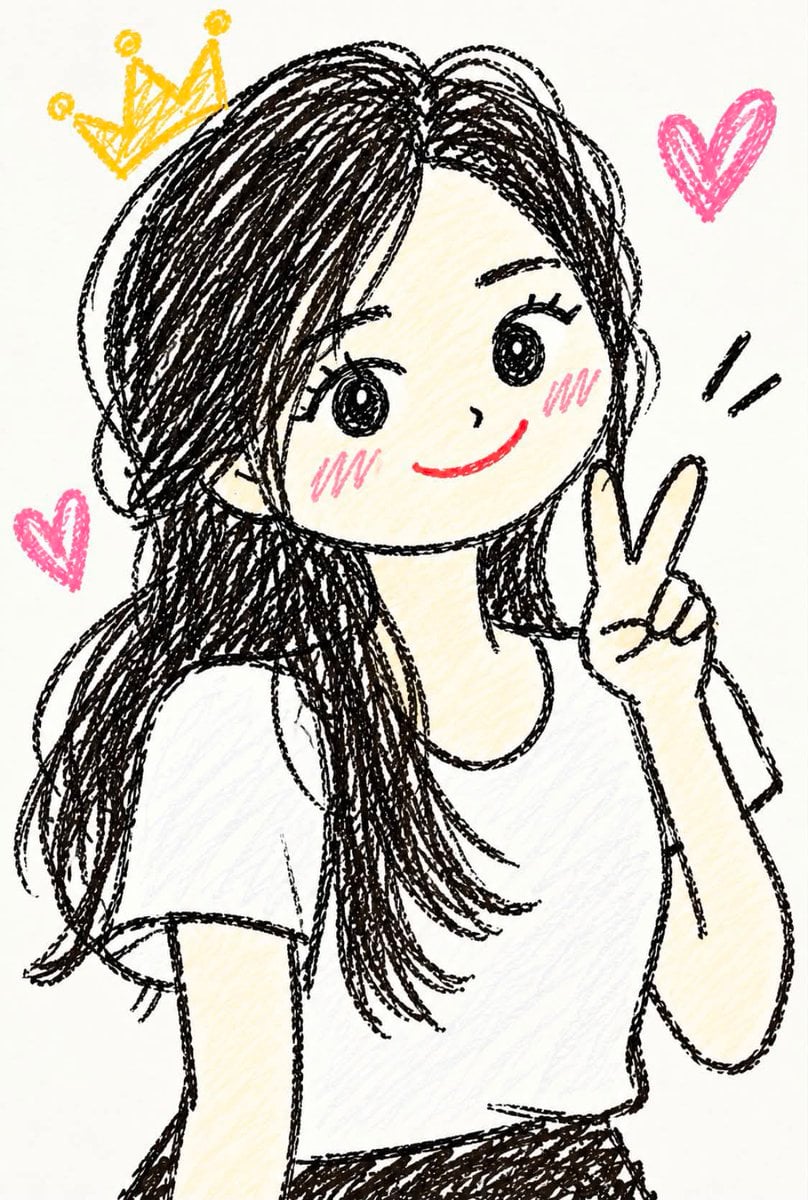
- Prompt included
- Model and format preset
- Free template
The prompt behind this image
Copy the exact prompt behind Hand-Drawn Sketchbook Doodle, or open it in the studio and make it yours.
Use the provided reference image as the main identity and pose reference. Transform the person into a {argument name="style" default="cute, playful, hand-drawn doodle illustration"} while preserving their recognizable identity. STYLE: - Adorable handmade sketchbook doodle aesthetic - Simple {argument name="line art" default="black pen/pencil line art"} with slightly rough, imperfect strokes - Childlike, charming, whimsical drawing style - Minimal coloring with {argument name="colors" default="soft pastel accents"} - White/off-white paper background - Visible hand-drawn texture and natural sketch imperfections - Avoid polished digital vector art or overly clean anime rendering CHARACTER: - Preserve the person's key facial features, face shape, hairstyle, hair length, clothing, accessories, and overall appearance from the reference - Keep the person's recognizable characteristics rather than making them look like a generic character - Use simplified cute proportions with a slightly oversized head and expressive eyes - Large round hand-drawn eyes, tiny nose, small cheerful mouth, and subtle blush on the cheeks - Keep the original hairstyle recognizable while translating it into loose sketchy strokes POSE & EXPRESSION: - Preserve the main pose and body direction from the reference - Give the character a cute, cheerful, playful expression - Natural hand gestures and expressive body language - Add small doodle elements around the character that match the mood, such as hearts, stars, crowns, sparkles, motion lines, flowers, or tiny symbols DRAWING DETAILS: - Black sketch lines should be slightly uneven, textured, and imperfect - Use loose cross-hatching and scribbled shading where appropriate - Pastel pink, yellow, blue, or other soft colors may be used sparingly for cheeks and decorative doodles - Keep the illustration mostly monochrome with selective colorful accents - White background with plenty of negative space - Make it feel like someone personally drew the character with a black marker or pencil on paper COMPOSITION: - Center the character prominently - Keep the framing similar to the reference photo - Add a few cute surrounding doodles without distracting from the character - Clean, simple composition suitable for a profile picture, sticker, social media post, or cute illustration IMPORTANT: Do not make the character photorealistic. Do not make it overly polished, 3D, glossy, or professionally vectorized.
How to use Hand-Drawn Sketchbook Doodle in 3 steps
- 1Upload ImagePNG, JPG or paste
Add your photo
Upload the photo the template builds on. The prompt, model and format are already set.
- 2…a portrait of your subject in softgolden-hour light, 85mm…
Personalize
Edit the subject and creative details for your destination.
- 3Generate
Generate
Press Generate — your image is created in PicX Studio, so you can compare it with the original and refine one variable at a time.
More like this
Templates with the same subject, style or setup. Open one to see its prompt.
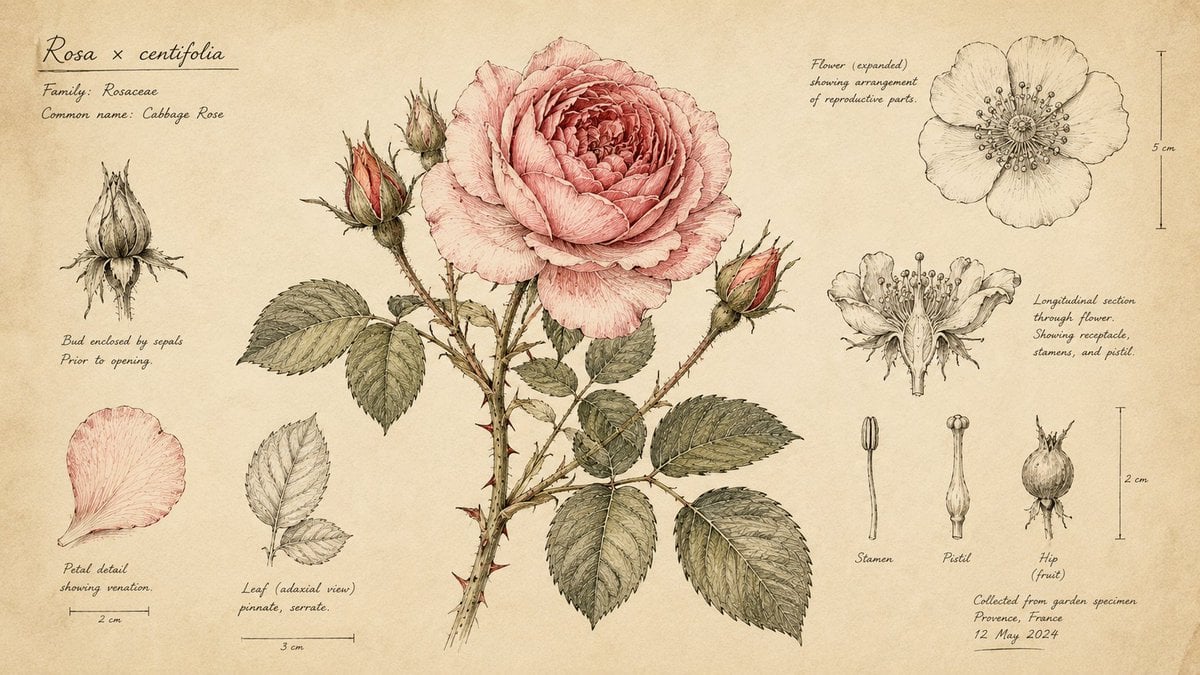
Hand-Drawn Botanical Sketchbook Illustration

Hand-Drawn Doodle Grid Poster
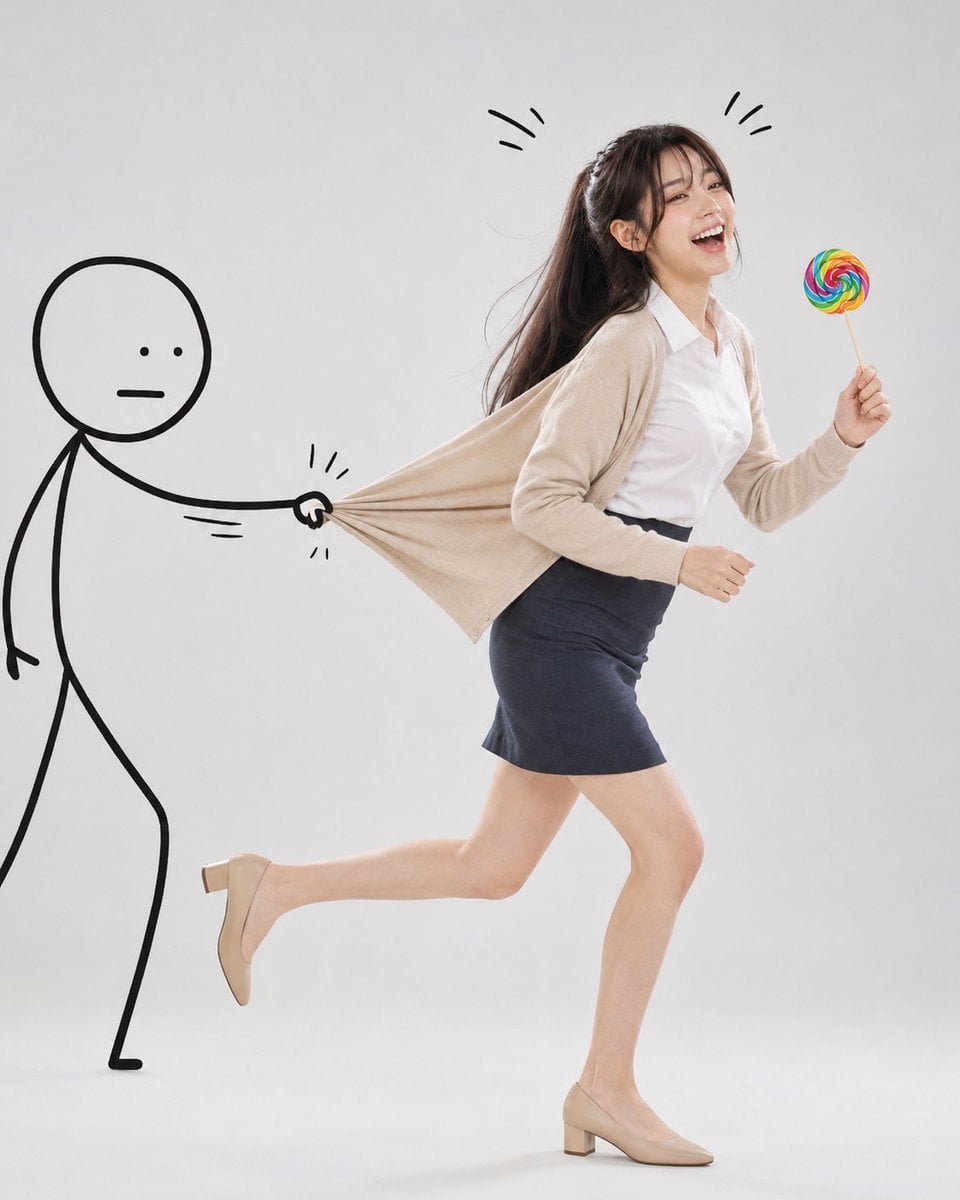
Surreal Studio Photography with Hand-Drawn Doodle
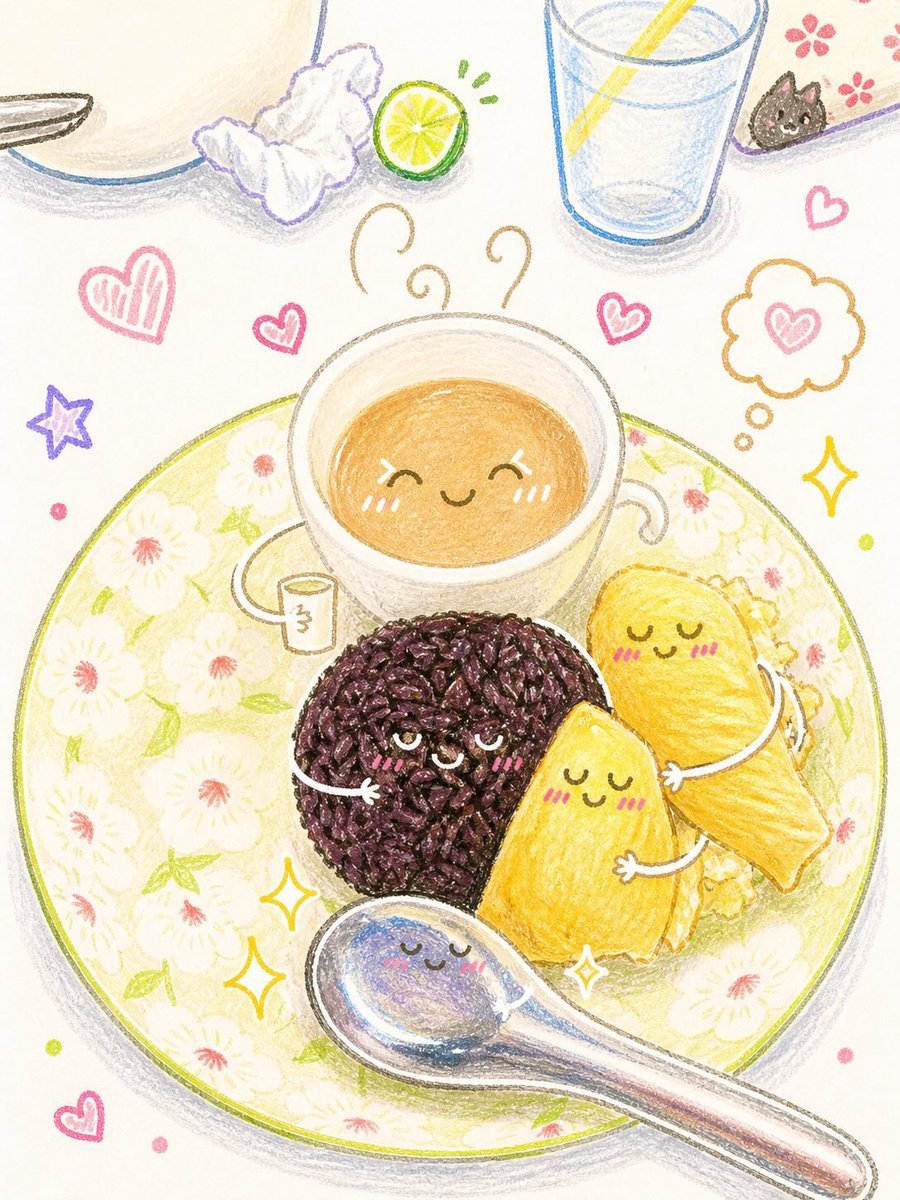
Interactive Hand-Drawn Doodle Art
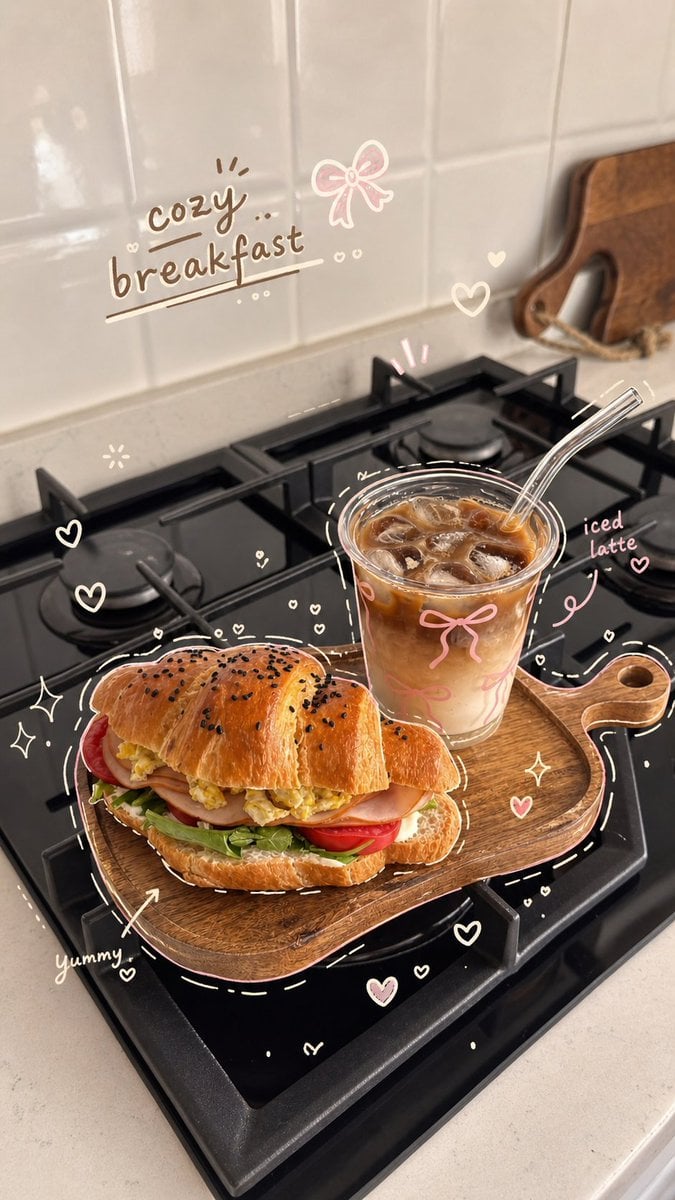
Cozy Hand-Drawn Food Doodle
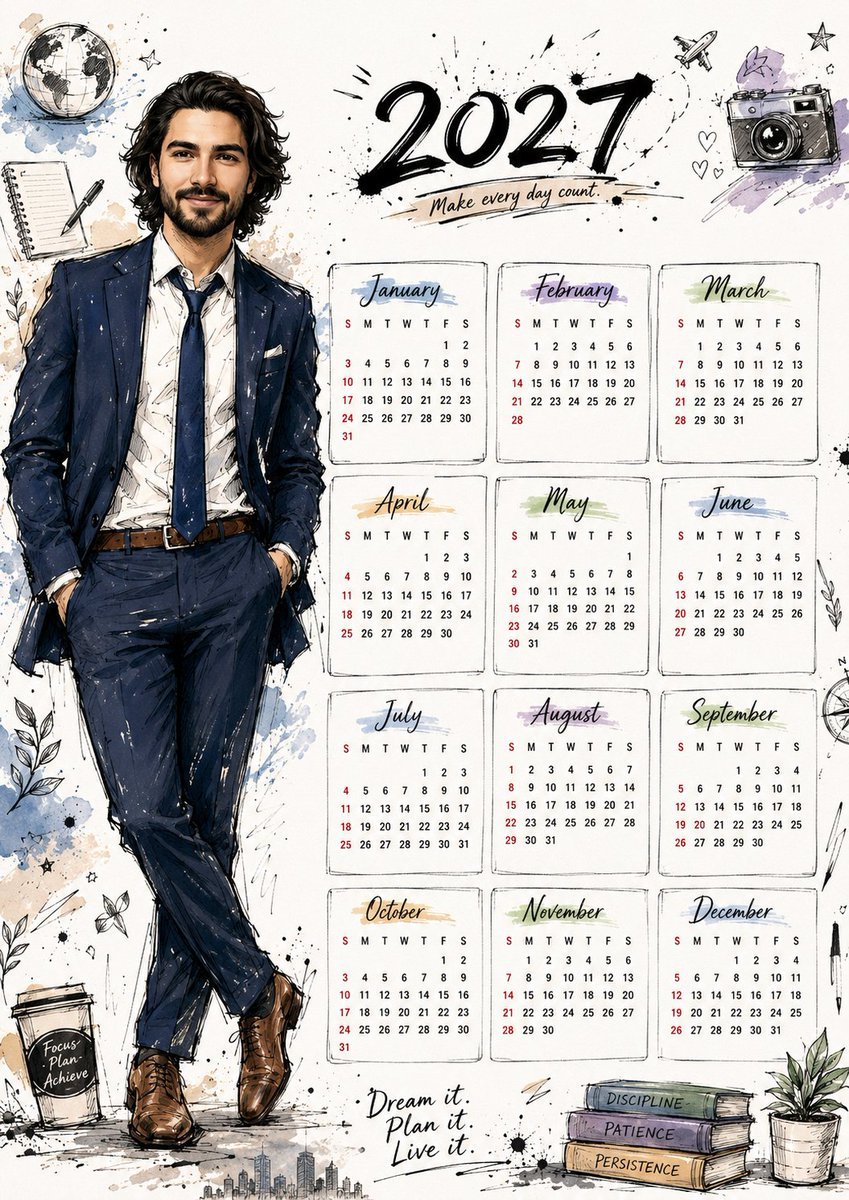
Hand Drawn Doodle Calendar Illustration
Simple Hand-Drawn Koala Mascot

Hand-drawn Breakfast Journal Aesthetic Poster
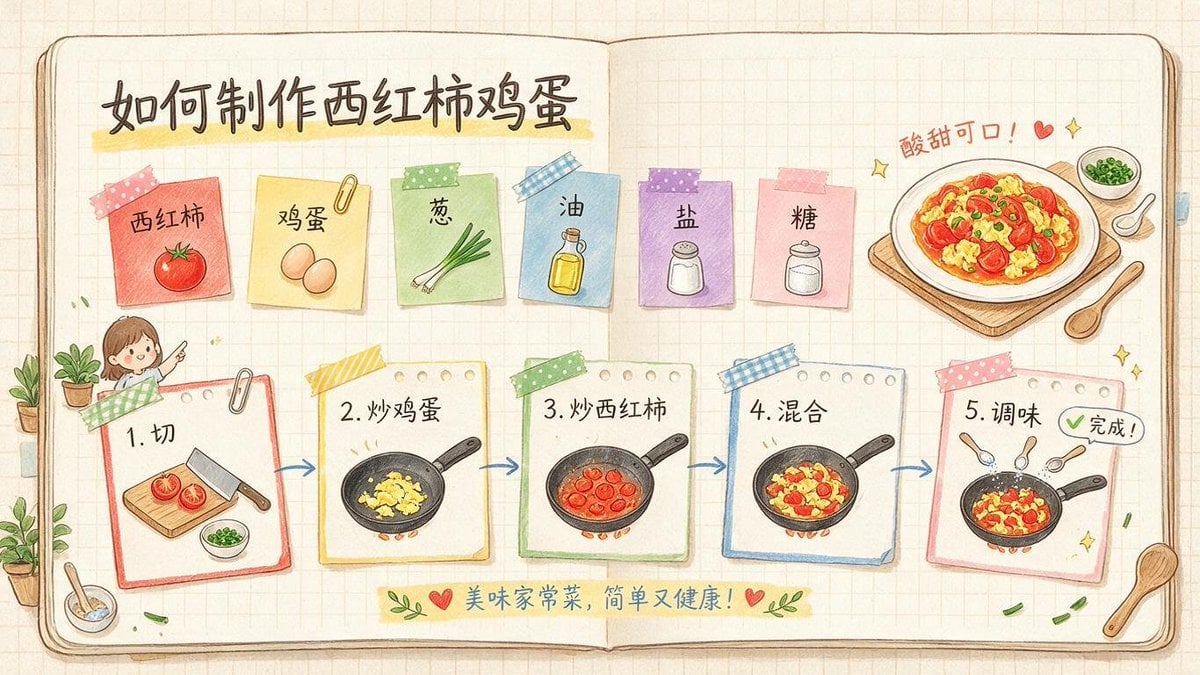
Hand-Drawn Tomato Egg Recipe Infographic

Minimal Hand-Drawn Sketch Watercolor Portrait

Notebook Page Emergence Illusion
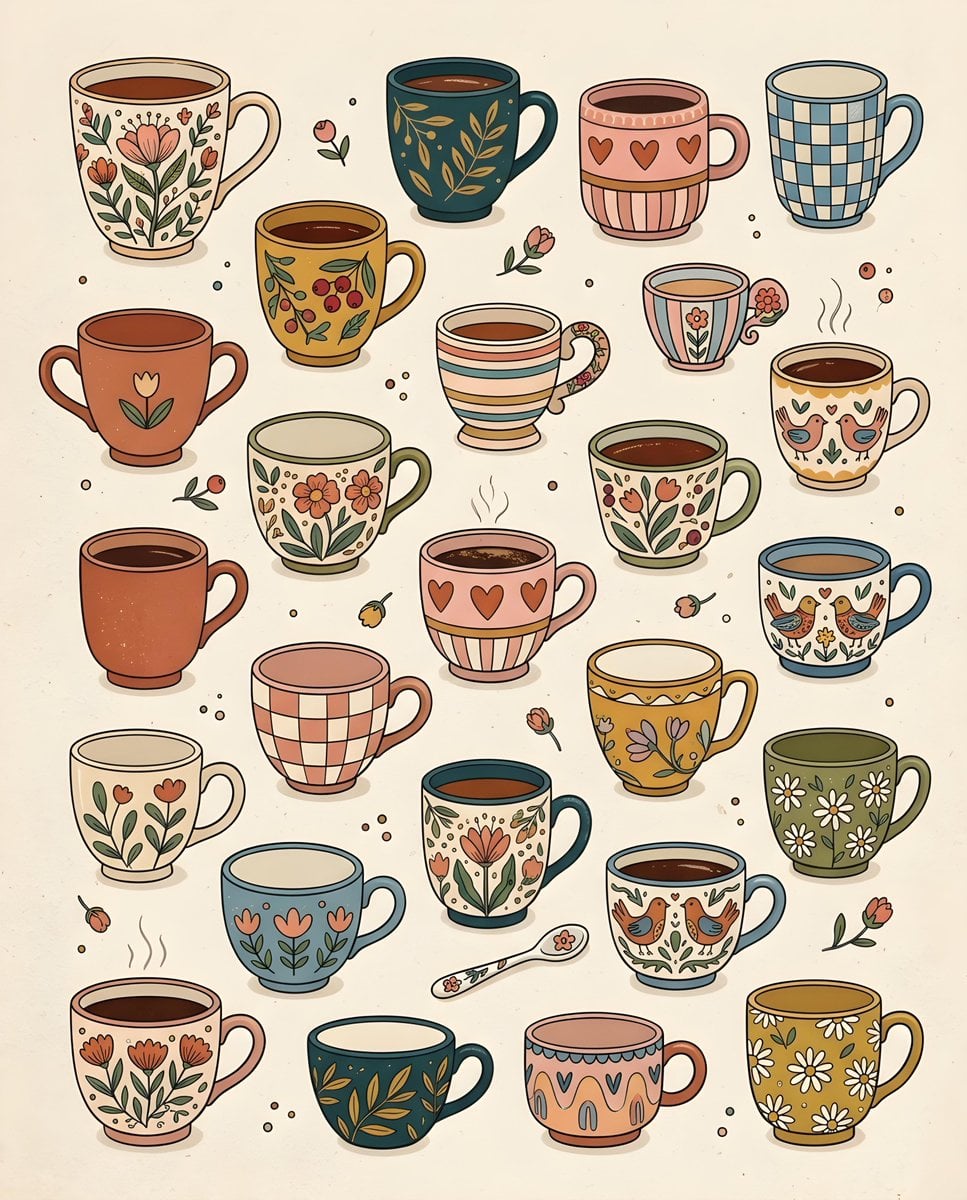
Whimsical Hand-Drawn Teacups
Make it yours
Hand-Drawn Sketchbook Doodle works as-is. These are the safest ways to change it without losing the look.
Change one field
Copy a single group, rewrite it, and generate again so you can see what that field is doing.
Keep the frame, change the subject
Hold the composition and light of Hand-Drawn Sketchbook Doodle, then swap wardrobe, props or the person for a new take.
| If the result… | Why | Fix |
|---|---|---|
| The result drifts from the preview | Too many fields changed at once. | Reuse Hand-Drawn Sketchbook Doodle as-is first, then change one group — subject, light, or setting. |
| The model over-stylizes the scene | The prose prompt leaves finish and camera underspecified. | Add one camera or lighting sentence and stay on GPT Image 2. |
More GPT Image 2 templates
Other prompts made for GPT Image 2.

Six VTuber Japanese Logo Sheet

Realistic Portrait of Woman and Deer

The Vista Modular Condo Poster

AI Model Routing Comparison Infographic

2.5D Anime Art Board

Isometric Productivity Desk Scene

New York Double Exposure Poster

Four-Panel AI Landscape Comparison

Japanese Tatami Lifestyle Magazine Cover

NESCAFÉ Coffee Map Poster
More image prompts
Fresh picks from across the catalog.
Ultra Photorealistic iPhone Mirror Selfie (JSON)
Elegant Strapless Black Dress Fashion Portrait (JSON)
Futuristic Techwear Portrait Transformation Prompt
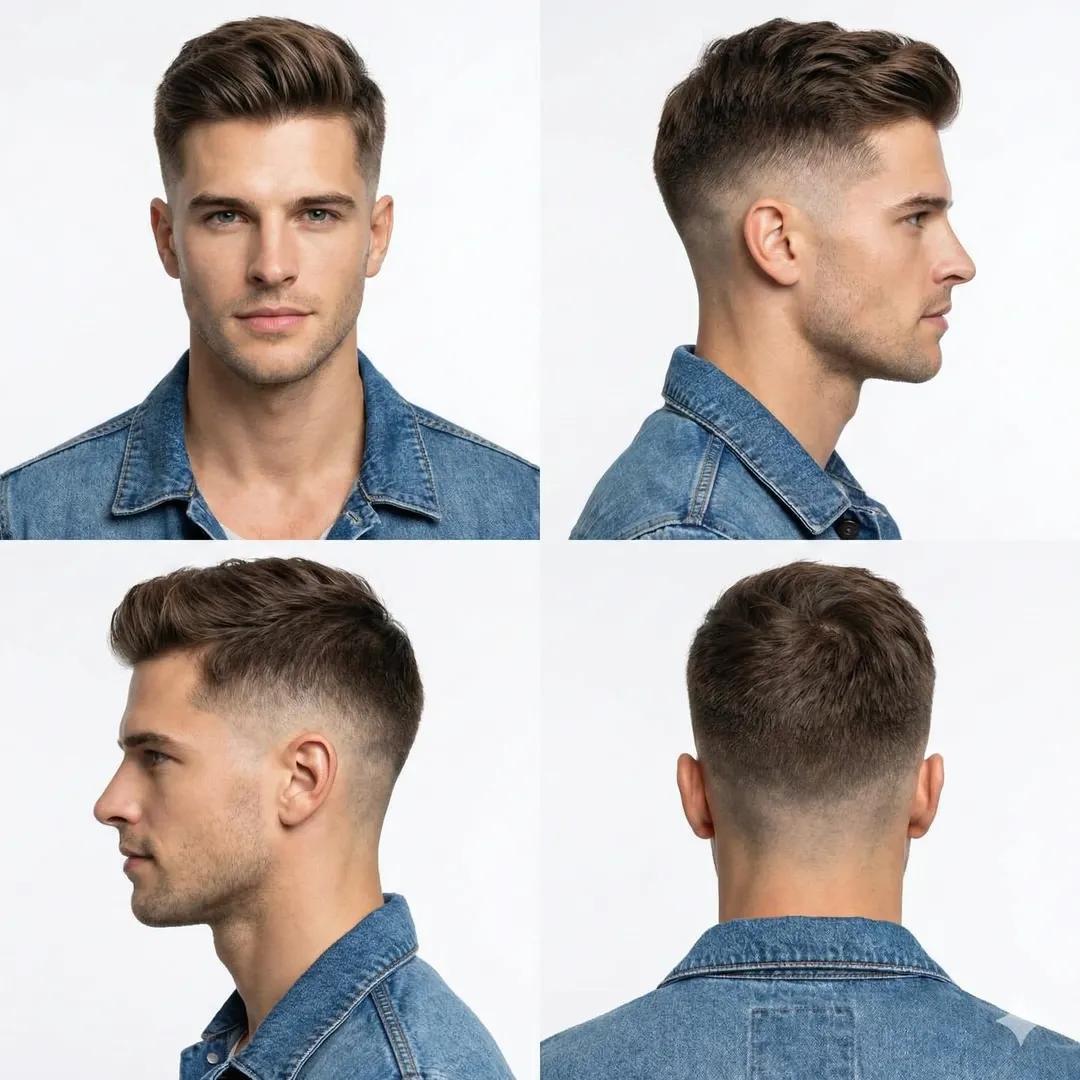
Professional Studio Portrait of a Man with a Skin Fade Haircut
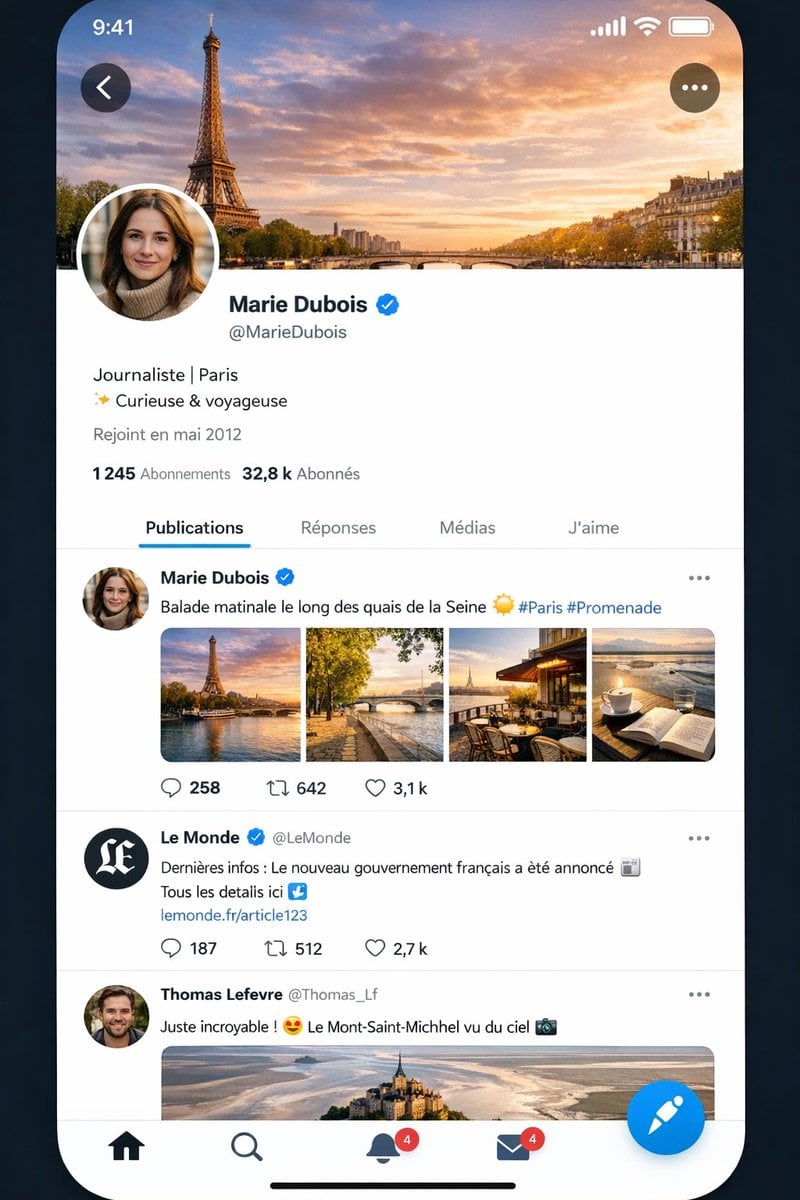
Realistic X-Style French Profile Screen
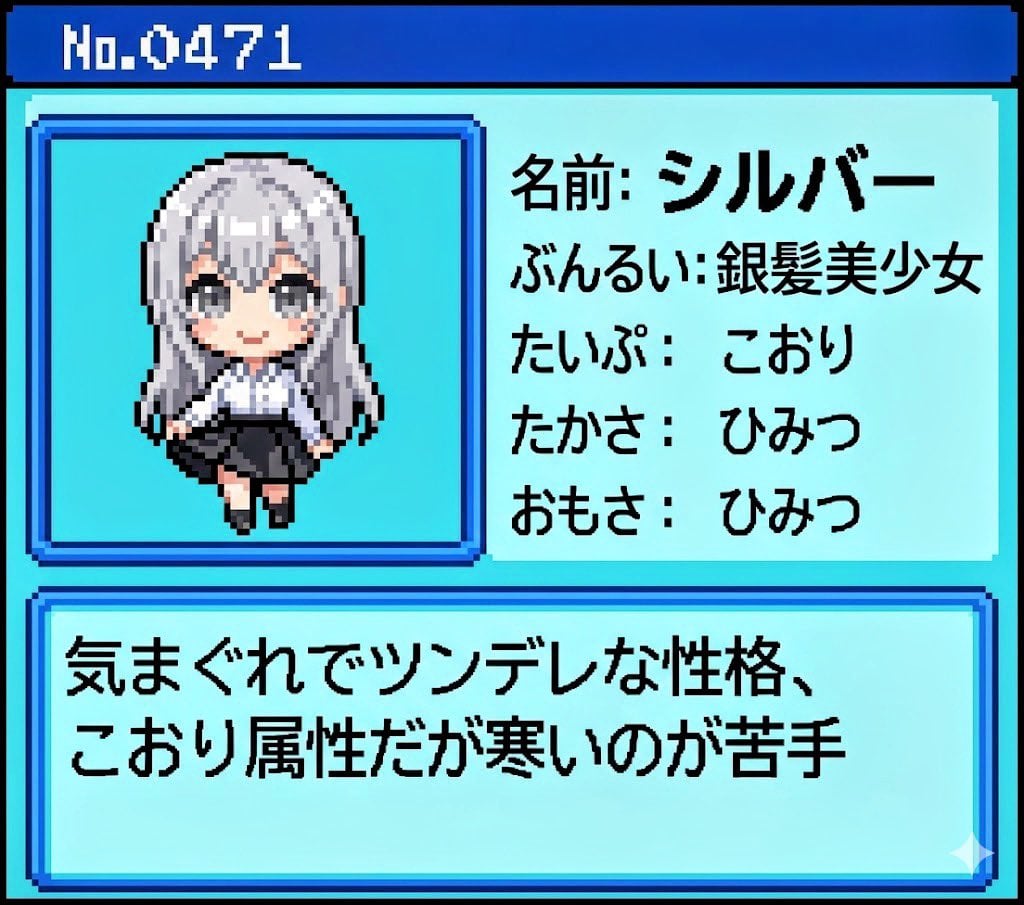
Generating Pokémon Zukan (Illustrated Guide) Style Art
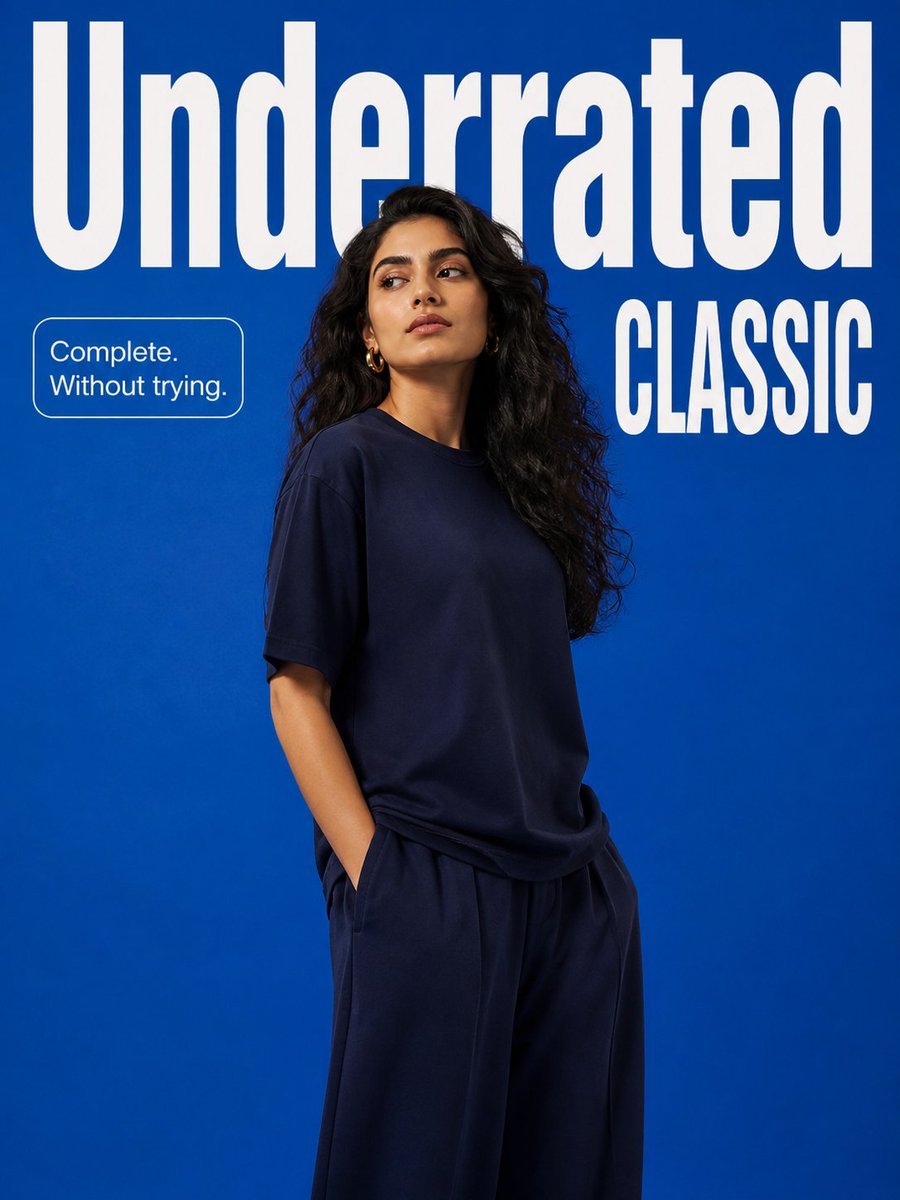
Minimalist Fashion Campaign Typography
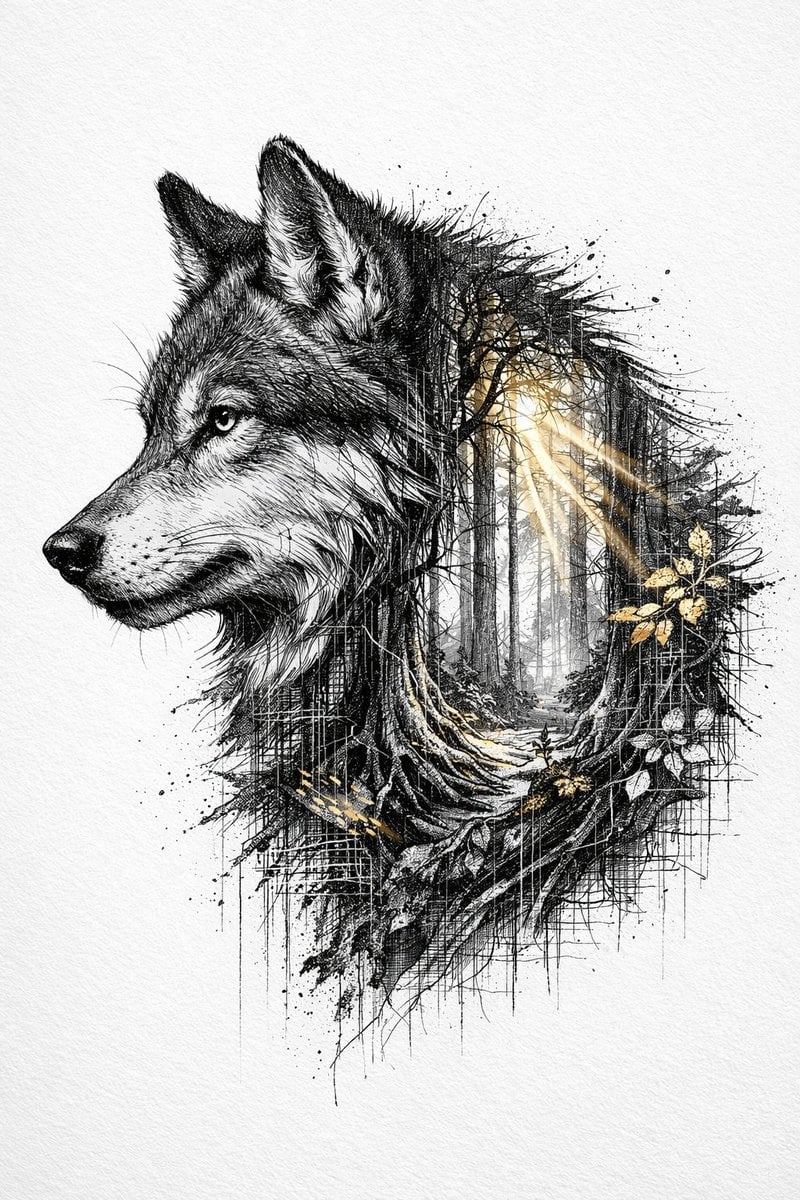
Cinematic Ink-Style Double-Exposure Wolf Portrait
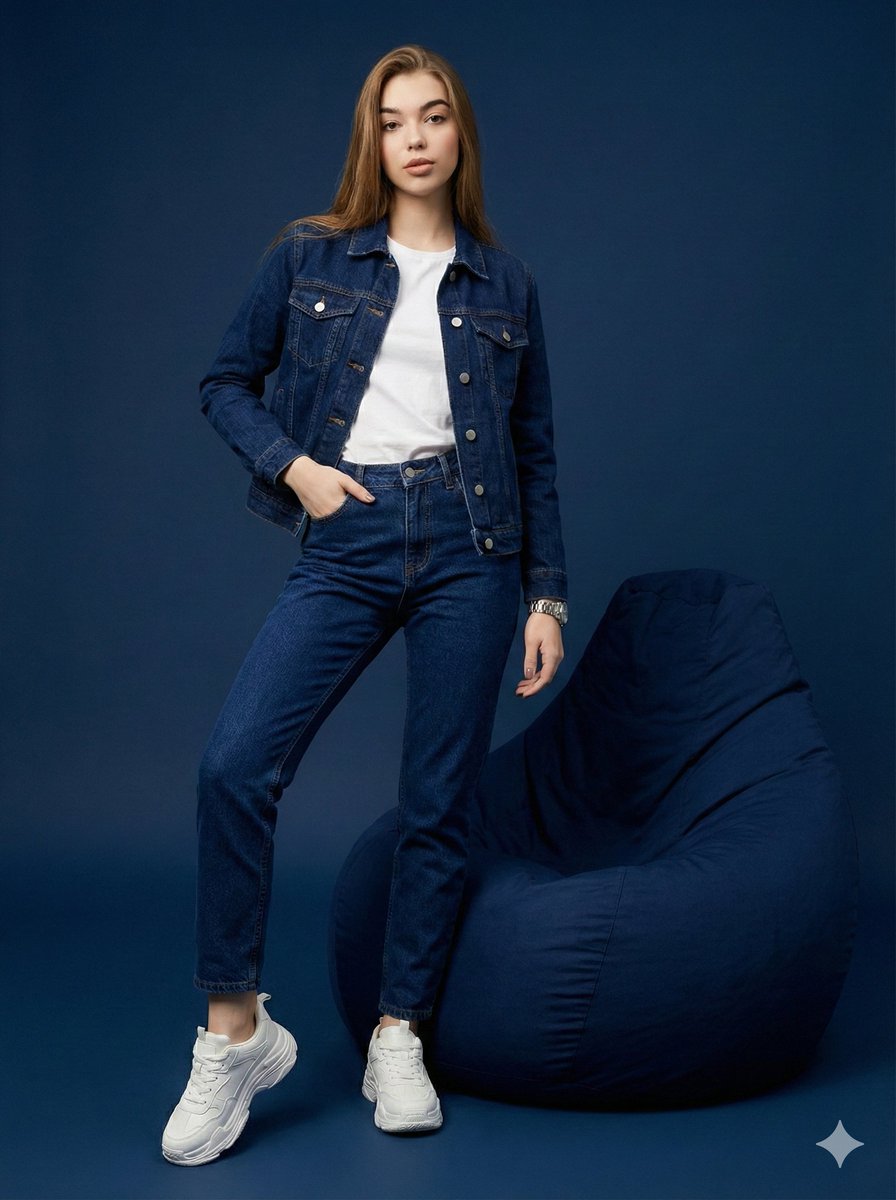
Hyper-Realistic Navy Fashion Photoshoot
Sparkling Eyes Emoji Prompt
Browse template categories
Hand-Drawn Sketchbook Doodle questions
How do I use the Hand-Drawn Sketchbook Doodle template?
Add your photo if the template asks for one, edit the prompt if you like — the template's model and format are already selected — and press Generate. Your version opens in PicX Studio.
Can I customize the Hand-Drawn Sketchbook Doodle template?
Yes. You can change the subject, setting, lighting, mood, format, and available model controls before creating your image.
Is the Hand-Drawn Sketchbook Doodle template free?
Opening and editing this template is free. Generating uses credits, shown on the Generate button when you are signed in.
Which AI model should I use?
Start with GPT Image 2, which is the model associated with this template. You can compare another compatible model for a different finish.
Looking for something else? Browse all templates.

Your photo, any look
Thousands of ready templates for every top image and video model, from one credit balance.