
Grid Photo Collage with Hand-Drawn Elements
A creative grid collage prompt combining realistic shots with playful white hand-drawn lines and icons for a diary-like aesthetic.
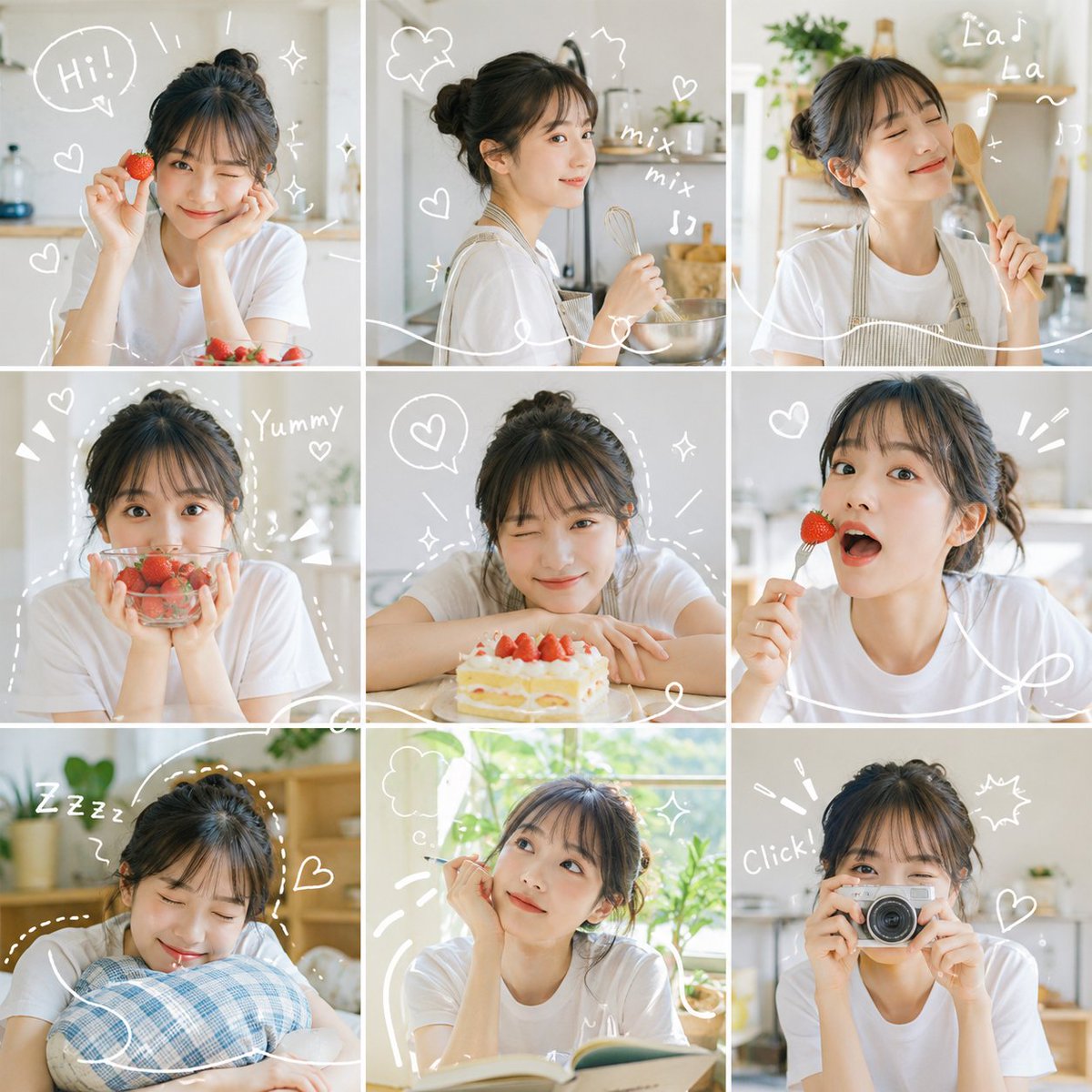
- Prompt included
- Model and format preset
- Free template
The prompt behind this image
Copy the exact prompt behind Grid Photo Collage with Hand-Drawn Elements, or open it in the studio and make it yours.
九宫格照片拼贴,{argument name="人物描述" default="同一个人"}在不同时刻、不同角度、不同距离的样子。每张都像真实拍摄,自然光线、干净背景、明亮清爽的感觉。 {argument name="线条颜色" default="白色"}手绘线条贯穿整个画面,围绕人物、描绘动作、画小爱心✨、闪闪、波浪和运动线。 整体色调明亮饱和,柔和的自然色彩配合小点缀,没有沉闷阴影。最后看起来就像个生动的日记页面,九个时刻各自清晰,但视觉上连成一个有节奏感的故事。
How to use Grid Photo Collage with Hand-Drawn Elements in 3 steps
- 1
Open
The prompt is already in the box next to the preview, with the template's model and format selected.
- 2…a portrait of your subject in softgolden-hour light, 85mm…
Personalize
Edit the subject and creative details for your destination.
- 3Generate
Generate
Press Generate — your image is created in PicX Studio, so you can compare it with the original and refine one variable at a time.
More like this
Templates with the same subject, style or setup. Open one to see its prompt.

Paris Travel Collage Grid - Face Reference

Hand-Drawn Doodle Grid Poster
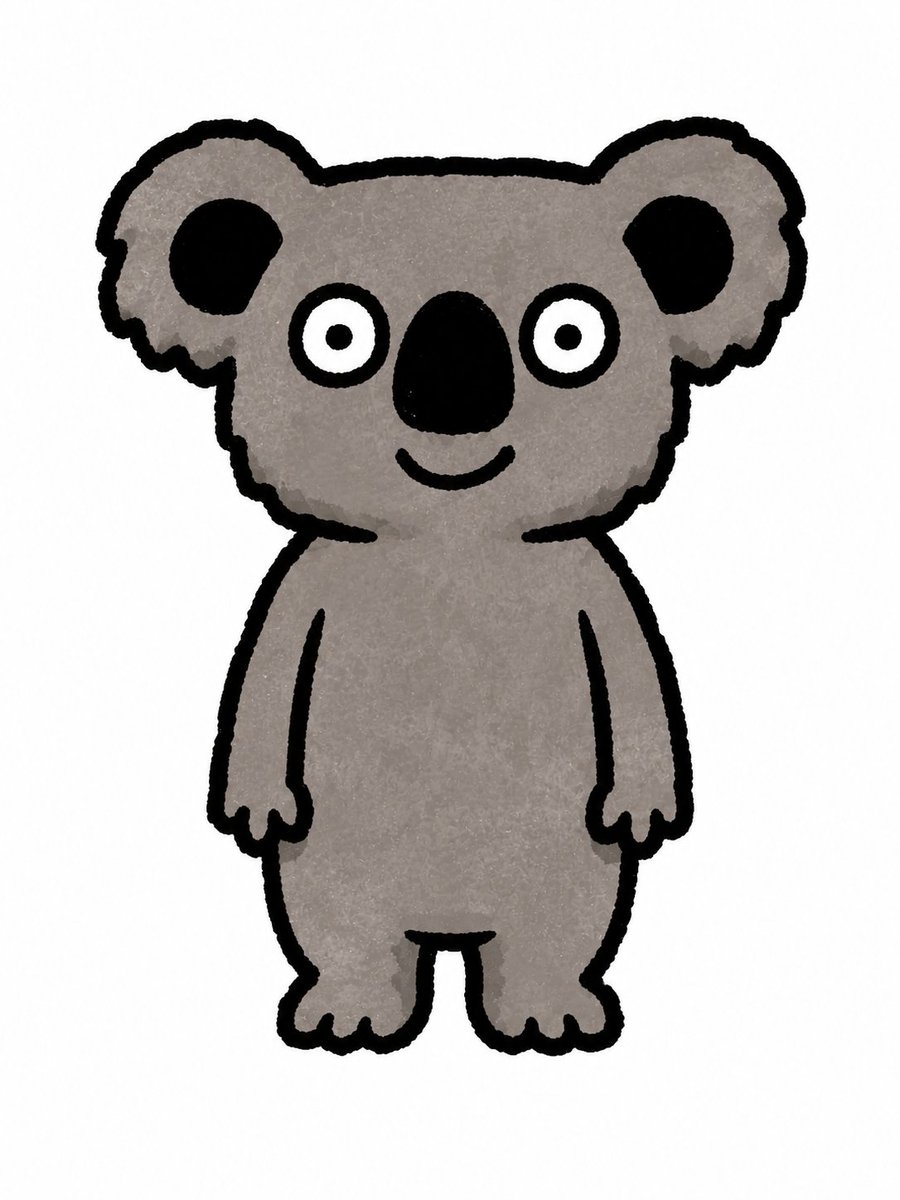
Simple Hand-Drawn Koala Mascot

Hand-drawn Breakfast Journal Aesthetic Poster
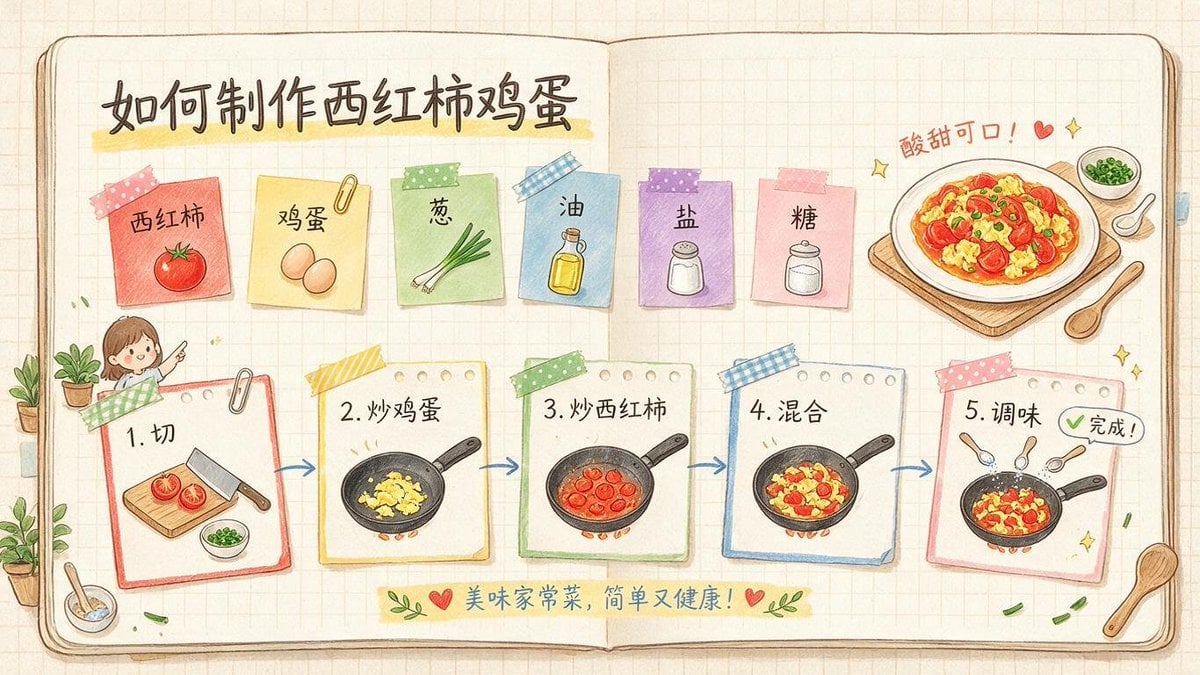
Hand-Drawn Tomato Egg Recipe Infographic
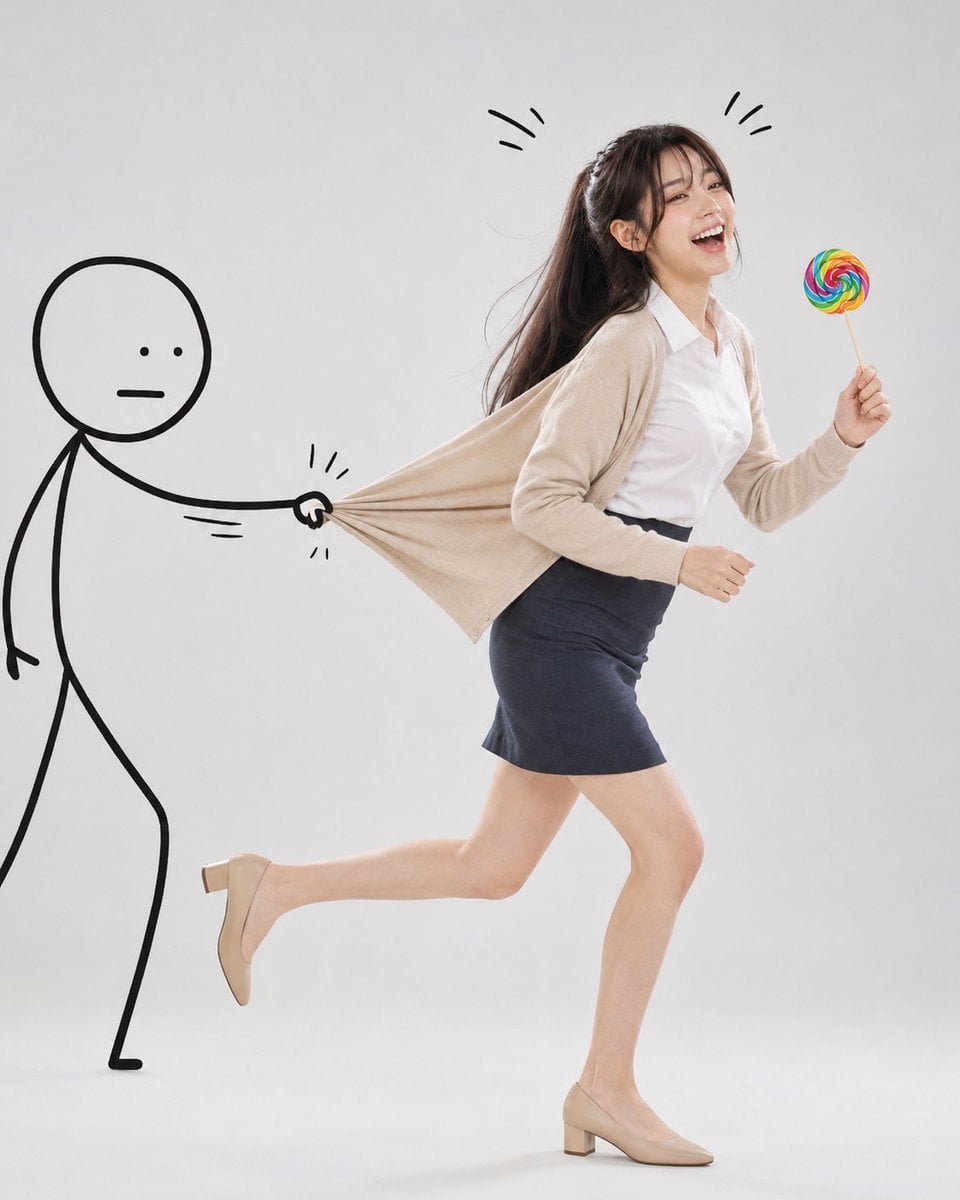
Surreal Studio Photography with Hand-Drawn Doodle

Minimal Hand-Drawn Sketch Watercolor Portrait
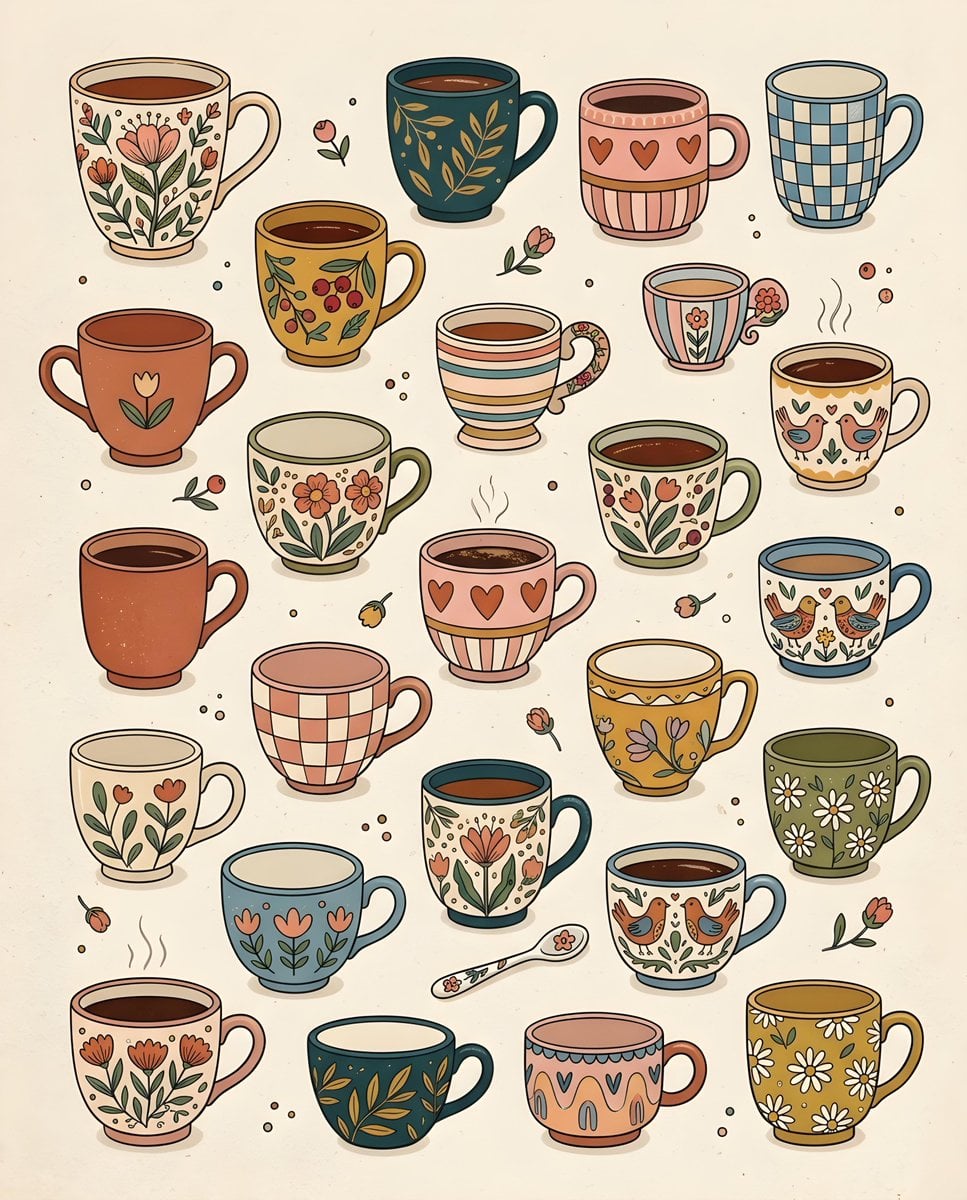
Whimsical Hand-Drawn Teacups

Paper Cut Finale Fireworks

Paper Cut Garden Maze

Paper Cut Rooftop Concert

Paper Cut Bicycle Coast
Make it yours
Grid Photo Collage with Hand-Drawn Elements works as-is. These are the safest ways to change it without losing the look.
Change one field
Copy a single group, rewrite it, and generate again so you can see what that field is doing.
Keep the frame, change the subject
Hold the composition and light of Grid Photo Collage with Hand-Drawn Elements, then swap wardrobe, props or the person for a new take.
| If the result… | Why | Fix |
|---|---|---|
| The result drifts from the preview | Too many fields changed at once. | Reuse Grid Photo Collage with Hand-Drawn Elements as-is first, then change one group — subject, light, or setting. |
| The model over-stylizes the scene | The prose prompt leaves finish and camera underspecified. | Add one camera or lighting sentence and stay on GPT Image 2. |
More GPT Image 2 templates
Other prompts made for GPT Image 2.

Six VTuber Japanese Logo Sheet

Realistic Portrait of Woman and Deer

The Vista Modular Condo Poster

AI Model Routing Comparison Infographic

2.5D Anime Art Board

Isometric Productivity Desk Scene

New York Double Exposure Poster

Four-Panel AI Landscape Comparison

Japanese Tatami Lifestyle Magazine Cover

NESCAFÉ Coffee Map Poster
More image prompts
Fresh picks from across the catalog.
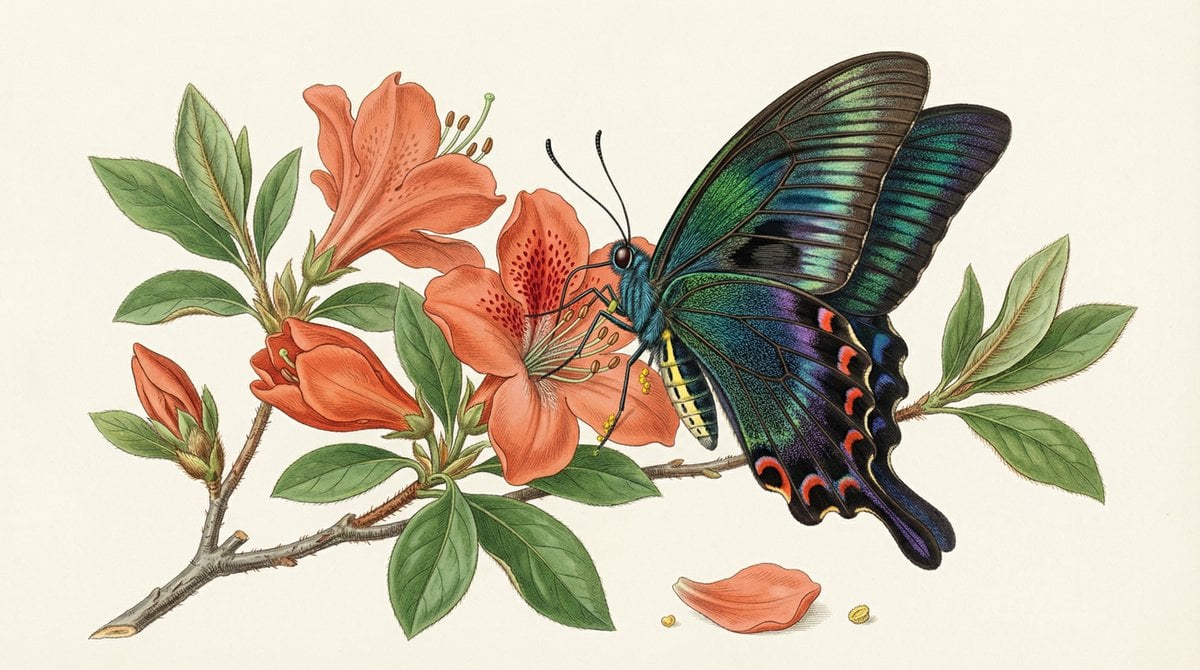
Precise Natural History Illustration Prompt: Chinese Peacock Butterfly
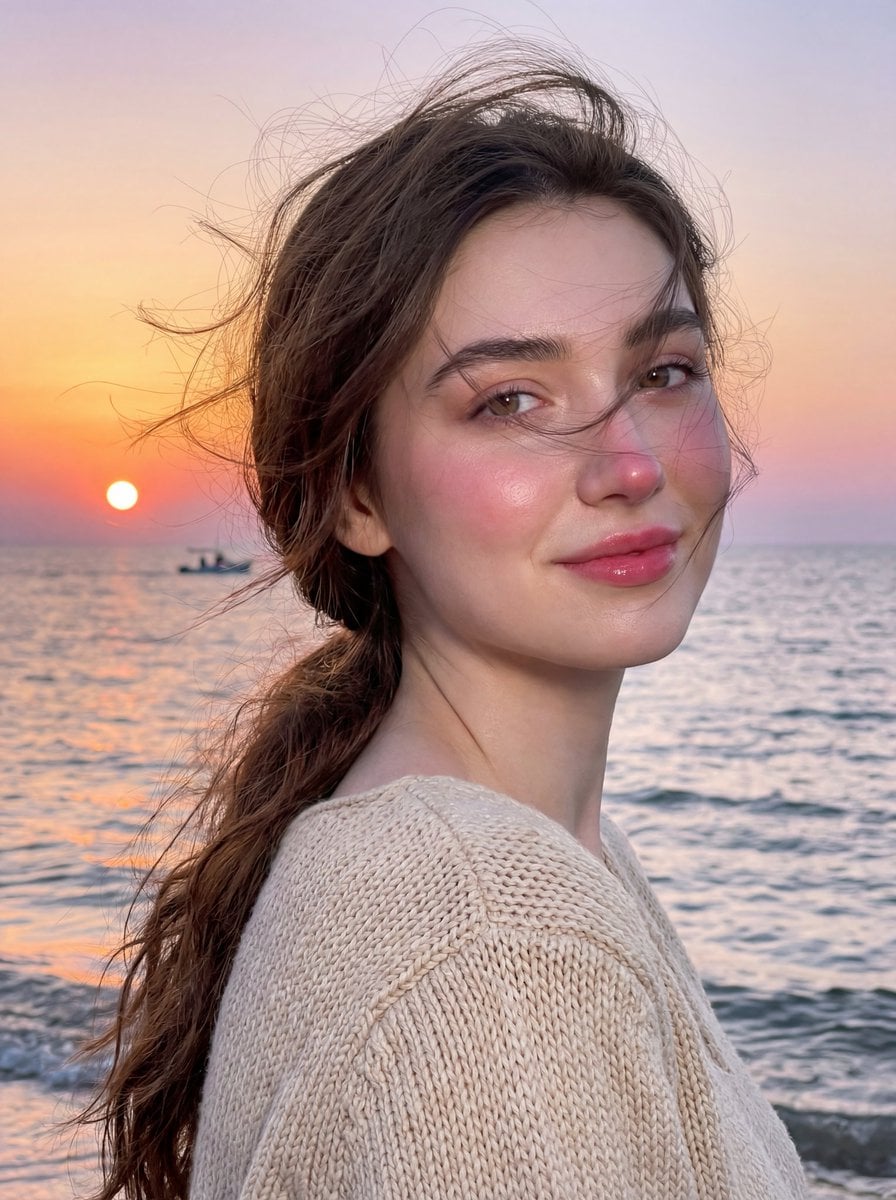
Golden Hour Seaside Portrait with Identity Preservation
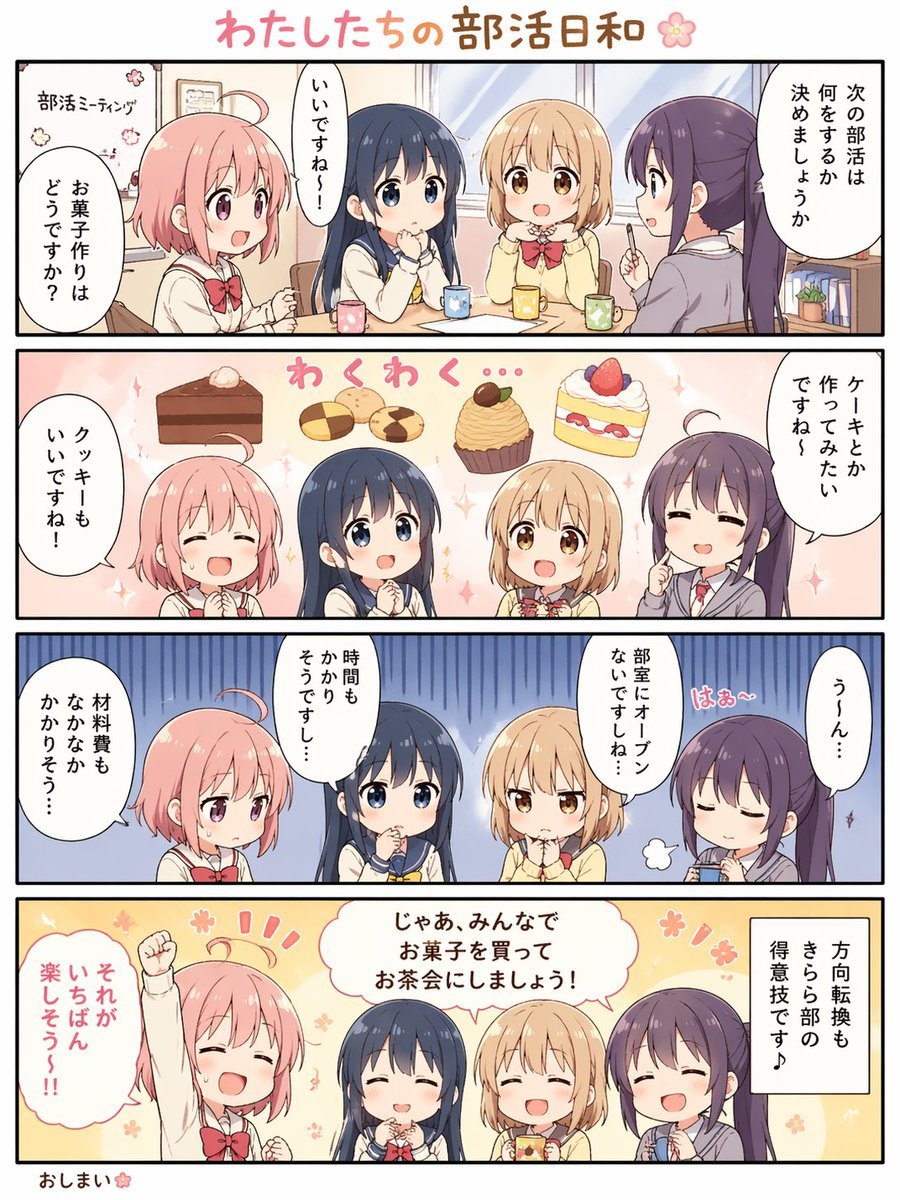
Cute 4-Panel School Club Manga
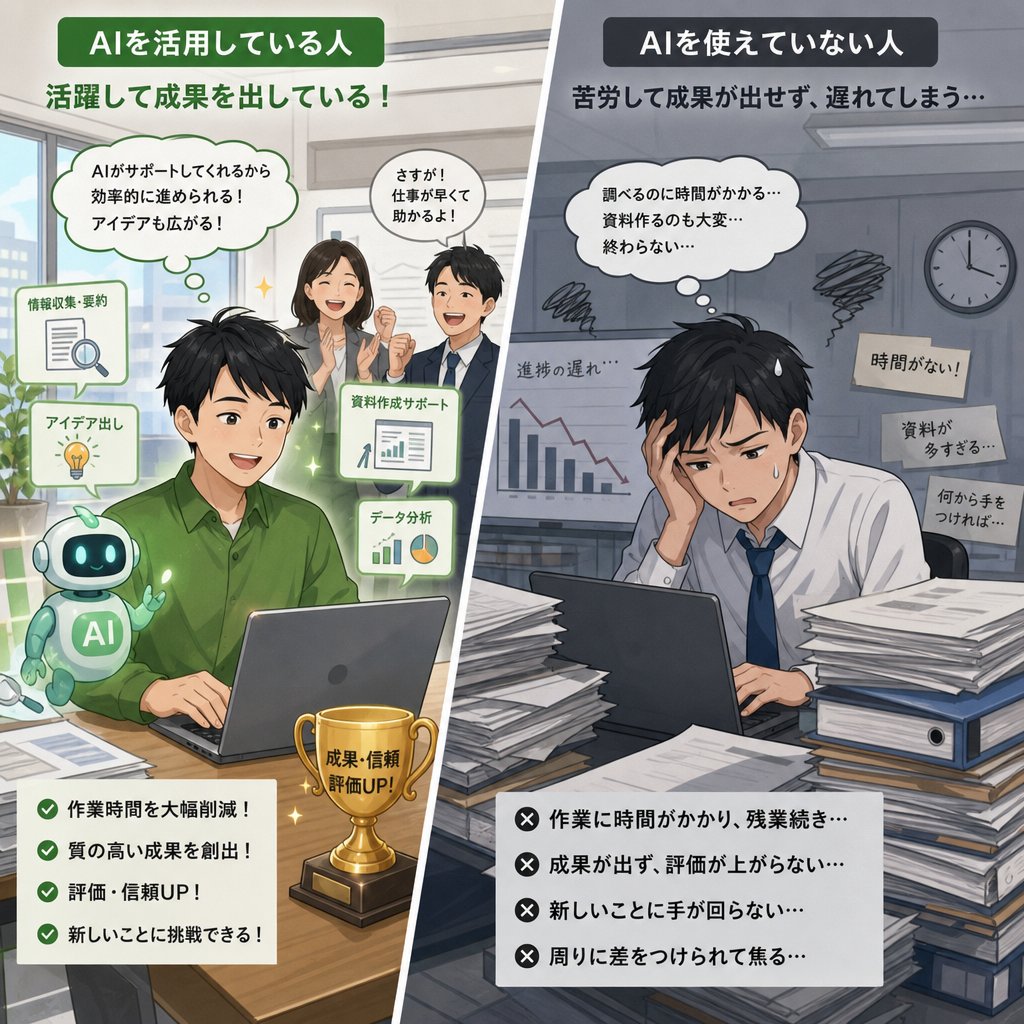
AI Use Comparison Infographic
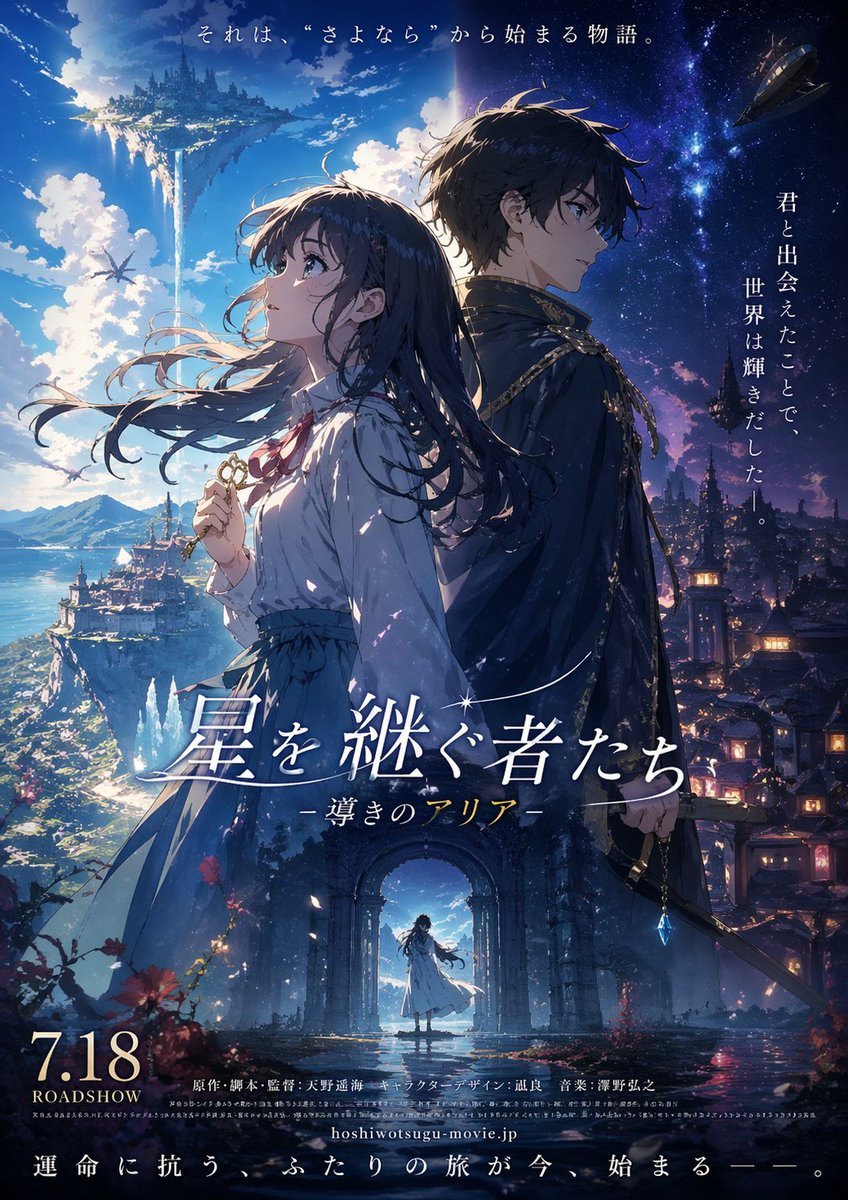
Fictional Anime Movie Poster Generation
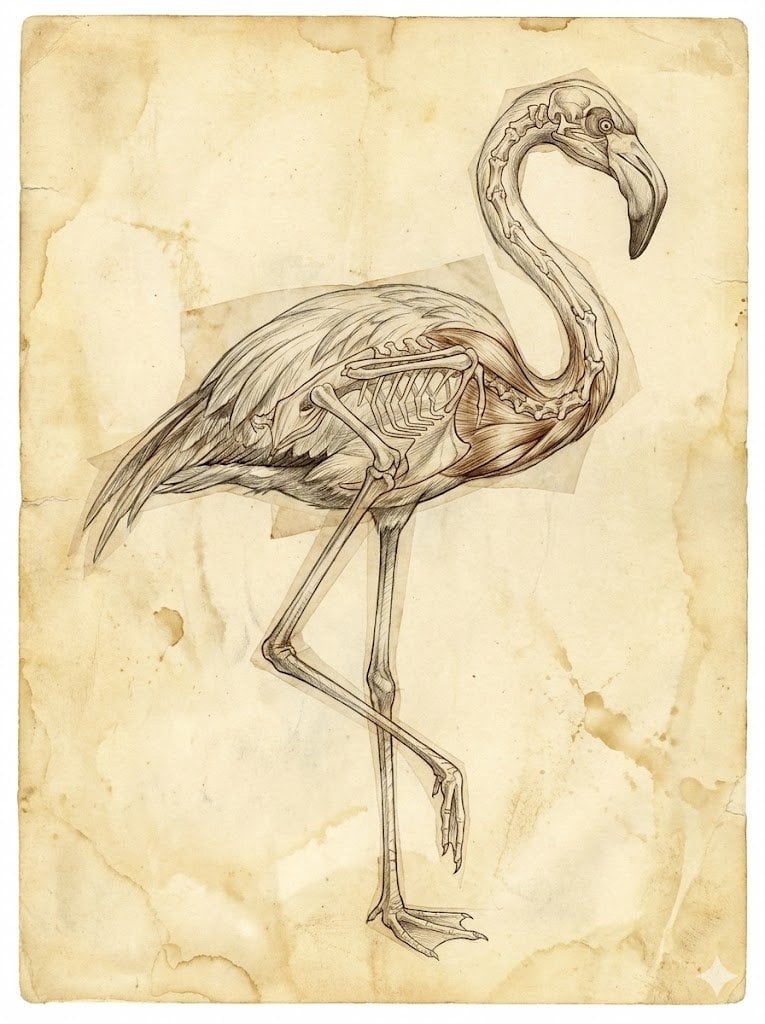
Renaissance Anatomical Study of a Flamingo
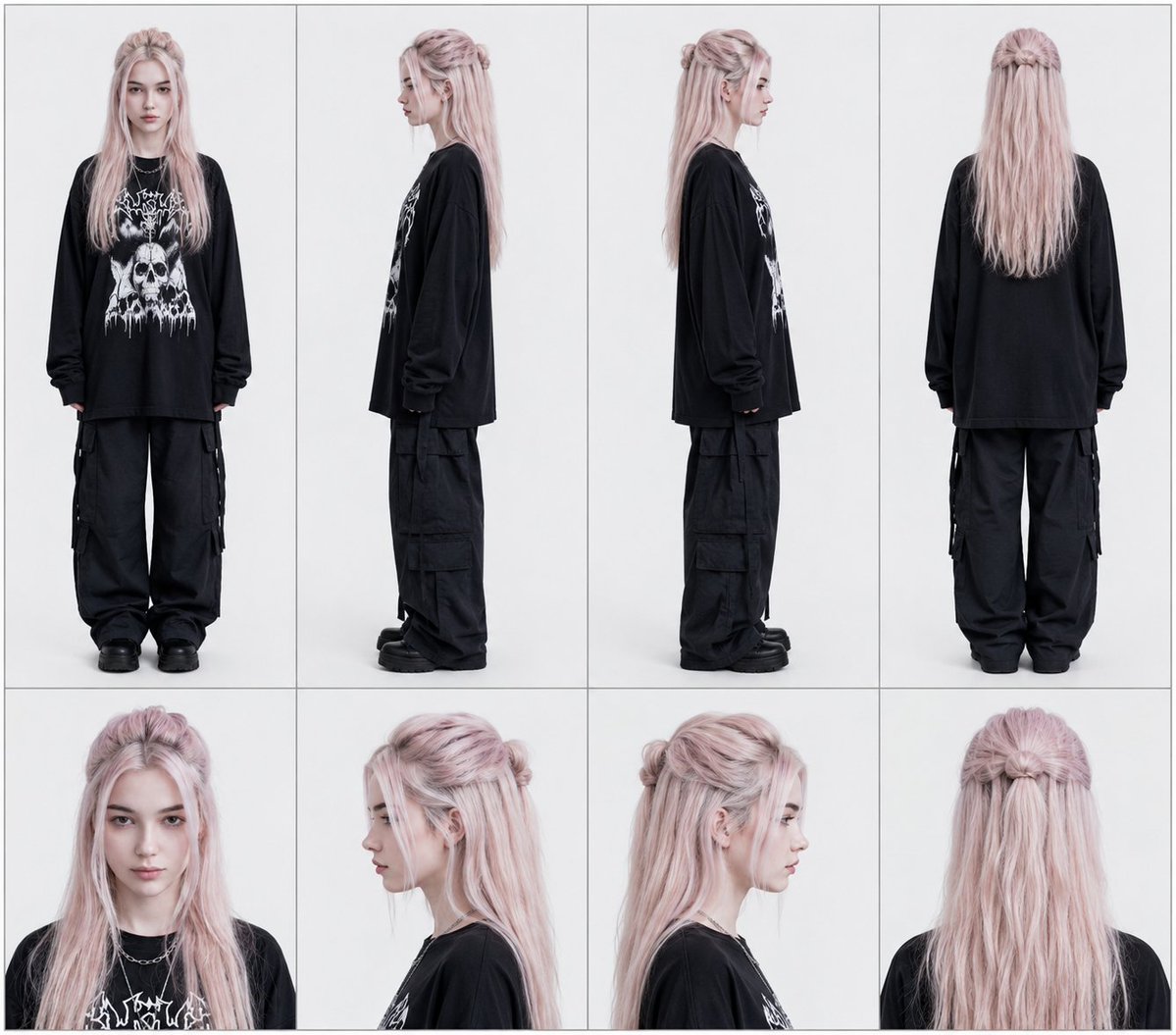
Professional Character Reference Sheet Layout
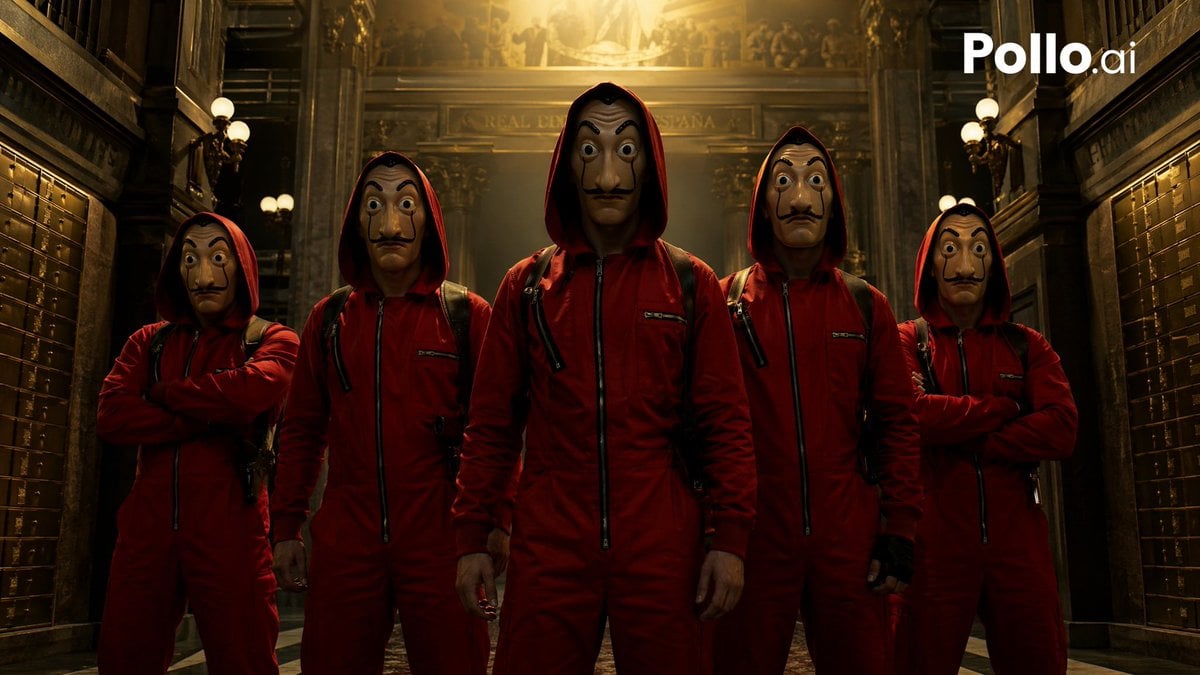
Cinematic Red Heist Team in Bank
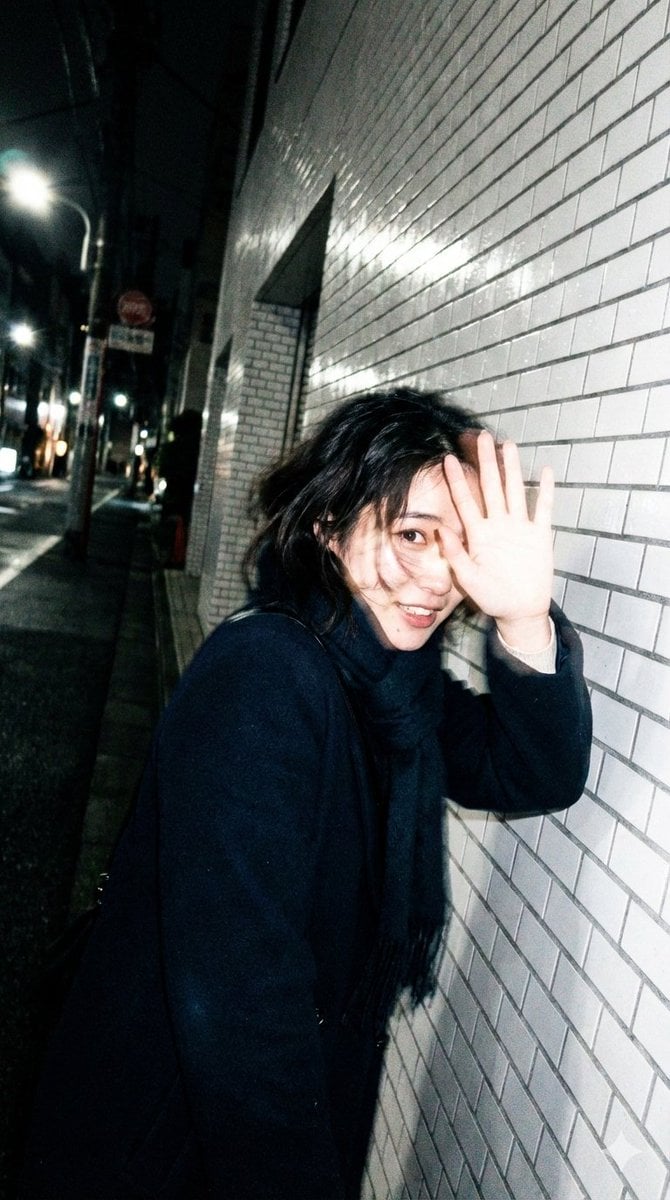
Candid, Imperfect Nighttime Smartphone Photo in Tokyo
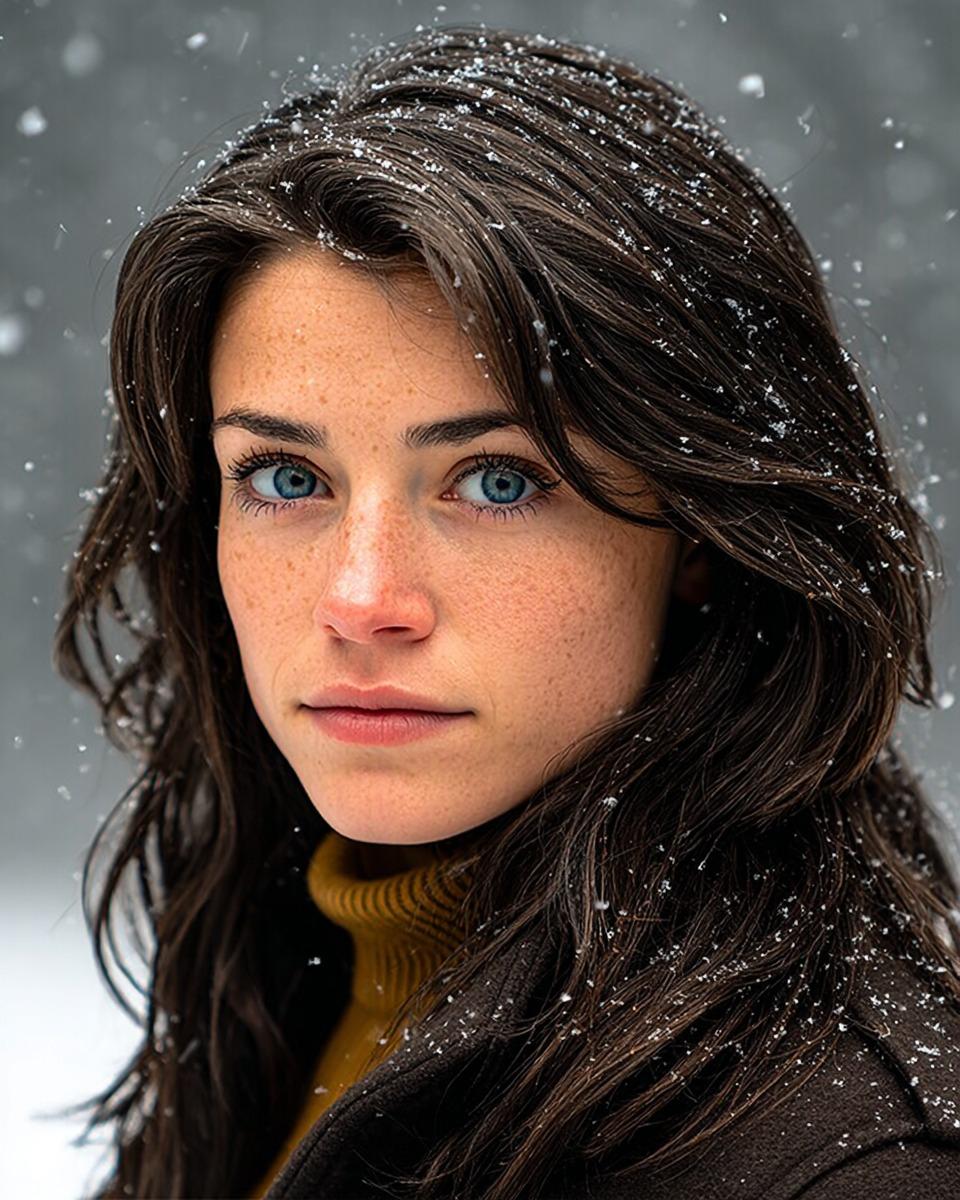
Cinematic Winter Portrait with Hyper-Detail
Browse template categories
Grid Photo Collage with Hand-Drawn Elements questions
How do I use the Grid Photo Collage with Hand-Drawn Elements template?
Add your photo if the template asks for one, edit the prompt if you like — the template's model and format are already selected — and press Generate. Your version opens in PicX Studio.
Can I customize the Grid Photo Collage with Hand-Drawn Elements template?
Yes. You can change the subject, setting, lighting, mood, format, and available model controls before creating your image.
Is the Grid Photo Collage with Hand-Drawn Elements template free?
Opening and editing this template is free. Generating uses credits, shown on the Generate button when you are signed in.
Which AI model should I use?
Start with GPT Image 2, which is the model associated with this template. You can compare another compatible model for a different finish.
Looking for something else? Browse all templates.

Your photo, any look
Thousands of ready templates for every top image and video model, from one credit balance.