
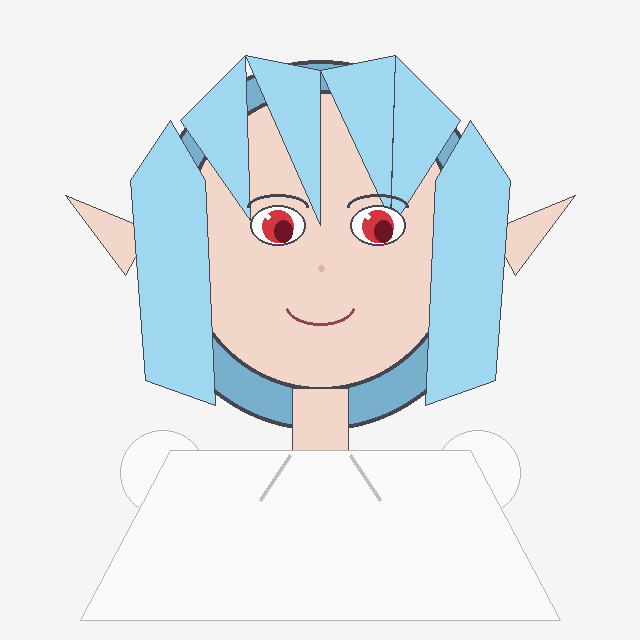
Crude Geometric Blue-Haired Elf Girl
Generates a simple programmatic-looking flat anime bust illustration suitable for recreating a deliberately primitive Pillow-style drawing.
- Prompt included
- Model and format preset
- Free template
The prompt behind this image
Copy the exact prompt behind Crude Geometric Blue-Haired Elf Girl, or open it in the studio and make it yours.
Create a simple flat 2D digital drawing that looks like it was drawn programmatically with basic polygon and line shapes on a plain light gray background. Center a front-facing anime-style girl bust with a large round peach face, pointed elf ears extending left and right, and a small smiling mouth. She has {argument name="hair color" default="light sky blue"} hair made of angular geometric panels: two long rectangular side locks hanging down on both sides, a central split fringe with sharp triangular bangs, and a dark blue curved back-hair shape behind the head. Her eyes are large but simply drawn, with black outlines, white sclera, red irises, dark pupils, and thin gray eyebrows; add a tiny pale pink dot nose. The character wears a plain oversized white trapezoid shirt with very thin gray outlines, a short peach neck, and two faint diagonal gray collar lines; include two simple circular white shoulder or sleeve shapes partially visible behind the shirt. Use minimal shading, thin black/gray outlines, visible polygon edges, and an intentionally crude handmade/Pillow-like aesthetic. Keep the composition symmetrical, with the head occupying the upper center and the shirt filling the lower half. The character should resemble a cute elf-eared anime girl named {argument name="character name" default="a blue-haired elf girl"}, with no text, no watermark, and no detailed background.
How to use Crude Geometric Blue-Haired Elf Girl in 3 steps
- 1Upload ImagePNG, JPG or paste
Add your photo
Upload the photo the template builds on. The prompt, model and format are already set.
- 2…a portrait of your subject in softgolden-hour light, 85mm…
Personalize
Edit the subject and creative details for your destination.
- 3Generate
Generate
Press Generate — your image is created in PicX Studio, so you can compare it with the original and refine one variable at a time.
More like this
Templates with the same subject, style or setup. Open one to see its prompt.
Silver-Haired Girl in Sunny Café

Teen Girl Alpine Lake Mountain View
Rainbow-Haired Cat Girl Art
Blue Decora Anime Girl Poster

Geometric Color-Block Beauty Editorial Portrait
High-Fashion Bauhaus Geometric Cutout Editorial
High-Fashion Bauhaus Geometric Cutout Editorial

Monochrome Portrait Jersey Accent Poster
Crude Doodle Mirror Selfie
Ethereal Blue-Haired Fantasy Portrait
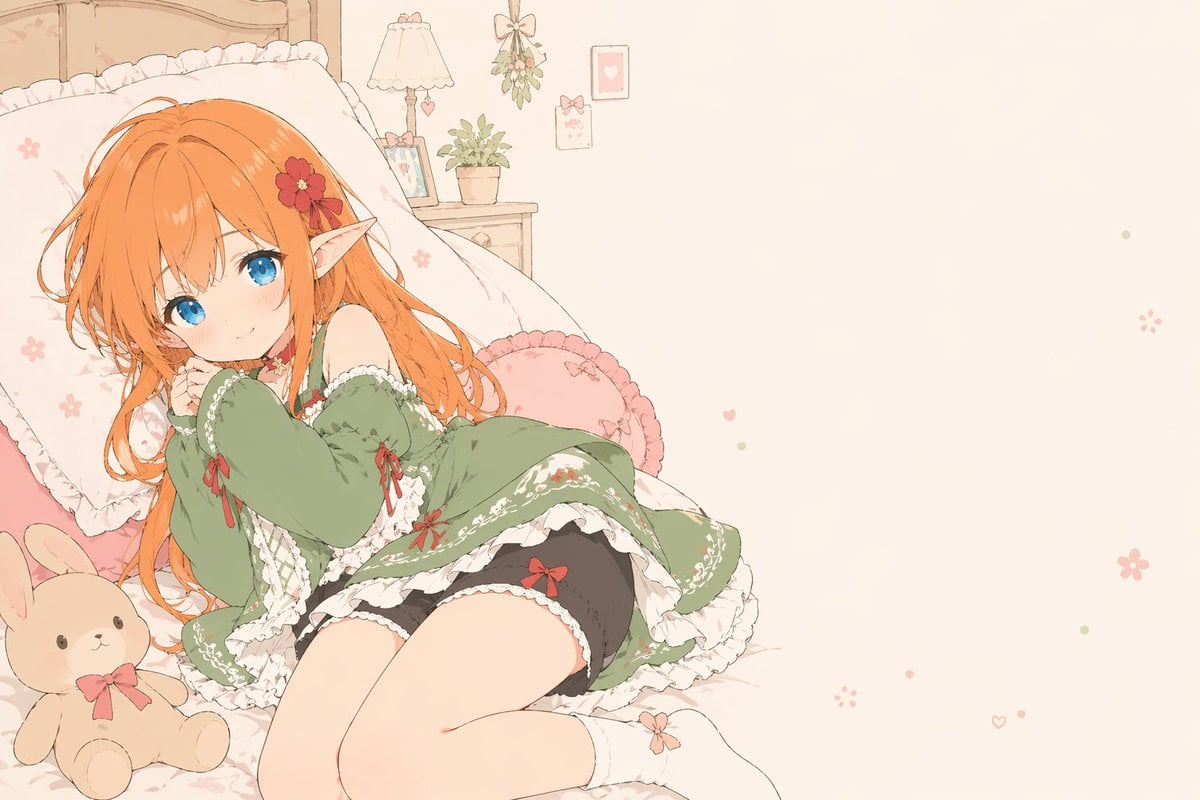
Flat-Color Elf Girl on Frilly Bed
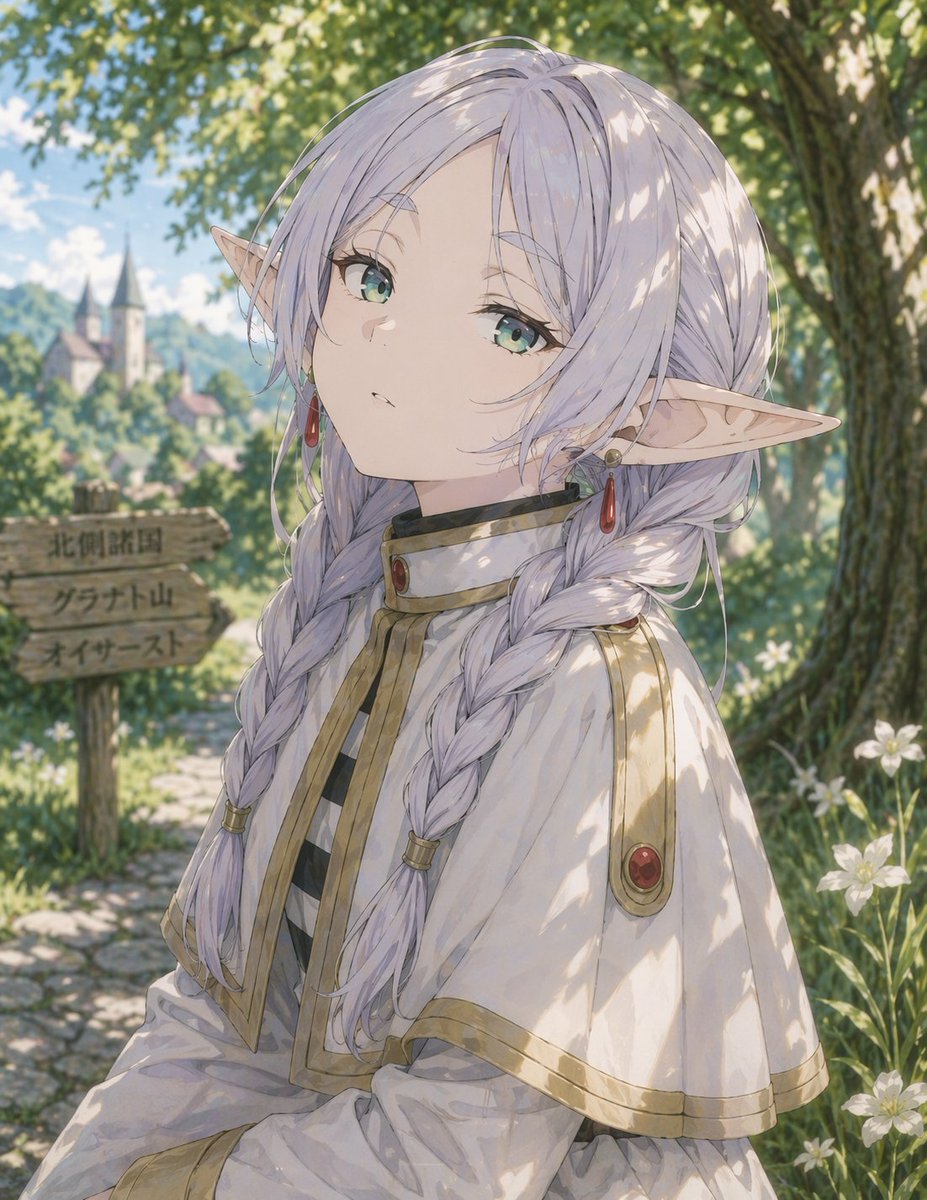
Anime Elf Girl on Forest Path
Make it yours
Crude Geometric Blue-Haired Elf Girl works as-is. These are the safest ways to change it without losing the look.
Change one field
Copy a single group, rewrite it, and generate again so you can see what that field is doing.
Keep the frame, change the subject
Hold the composition and light of Crude Geometric Blue-Haired Elf Girl, then swap wardrobe, props or the person for a new take.
| If the result… | Why | Fix |
|---|---|---|
| The result drifts from the preview | Too many fields changed at once. | Reuse Crude Geometric Blue-Haired Elf Girl as-is first, then change one group — subject, light, or setting. |
| The model over-stylizes the scene | The prose prompt leaves finish and camera underspecified. | Add one camera or lighting sentence and stay on GPT Image 2. |
More GPT Image 2 templates
Other prompts made for GPT Image 2.

Six VTuber Japanese Logo Sheet

Realistic Portrait of Woman and Deer

The Vista Modular Condo Poster

AI Model Routing Comparison Infographic

2.5D Anime Art Board

Isometric Productivity Desk Scene

New York Double Exposure Poster

Four-Panel AI Landscape Comparison

Japanese Tatami Lifestyle Magazine Cover

NESCAFÉ Coffee Map Poster
More image prompts
Fresh picks from across the catalog.
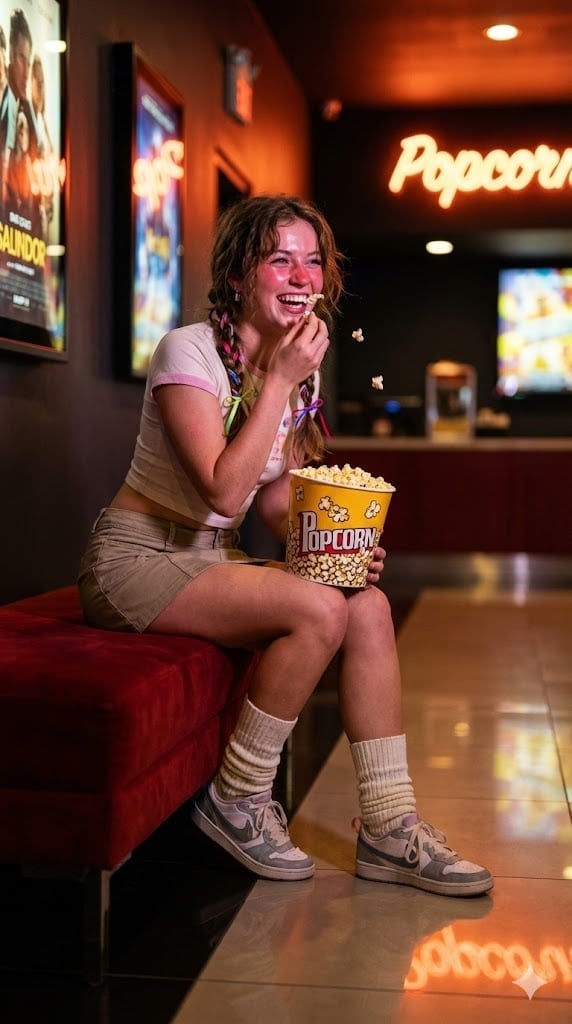
Candid Night Snapshot in a Retro Cinema Lobby
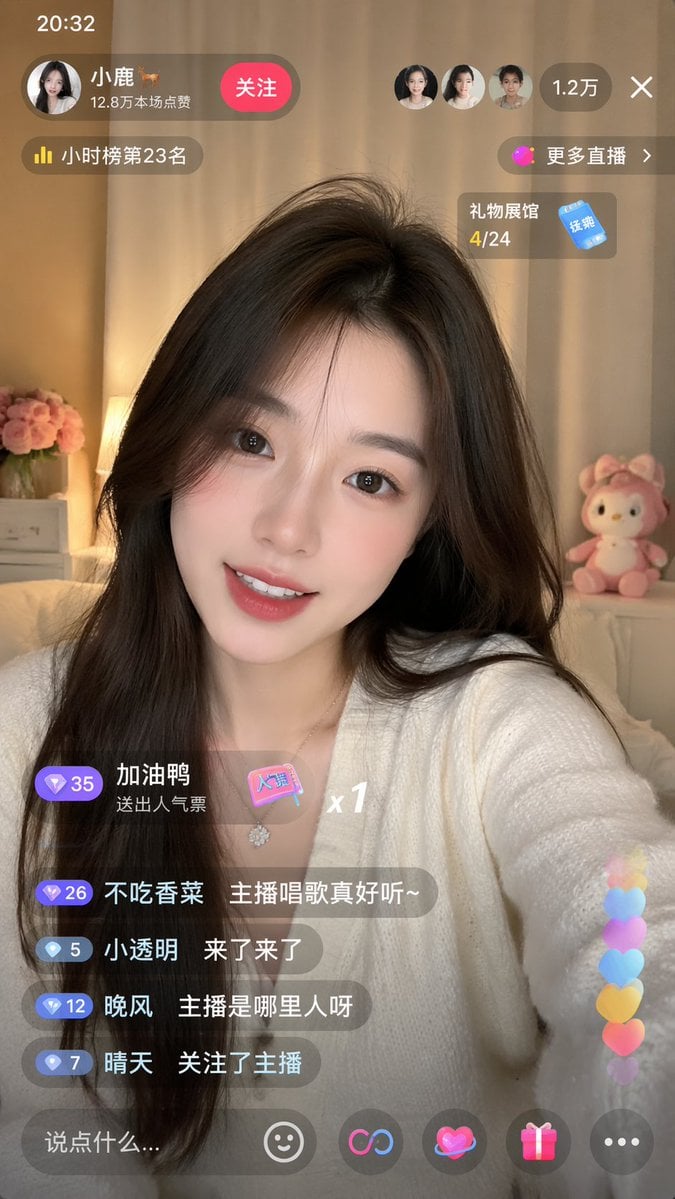
Live-Streaming App Interface Mockup
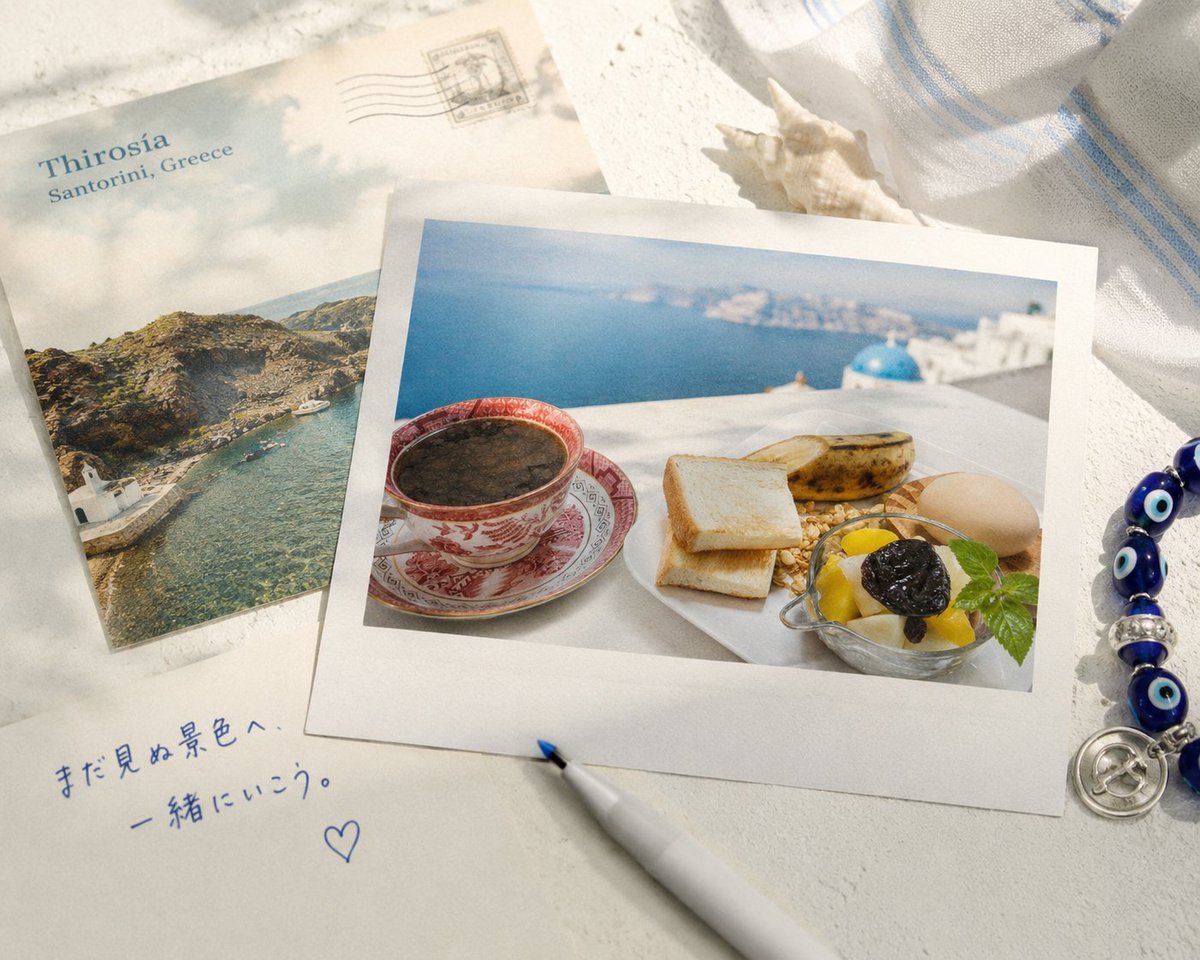
Santorini Breakfast Travel Flat Lay
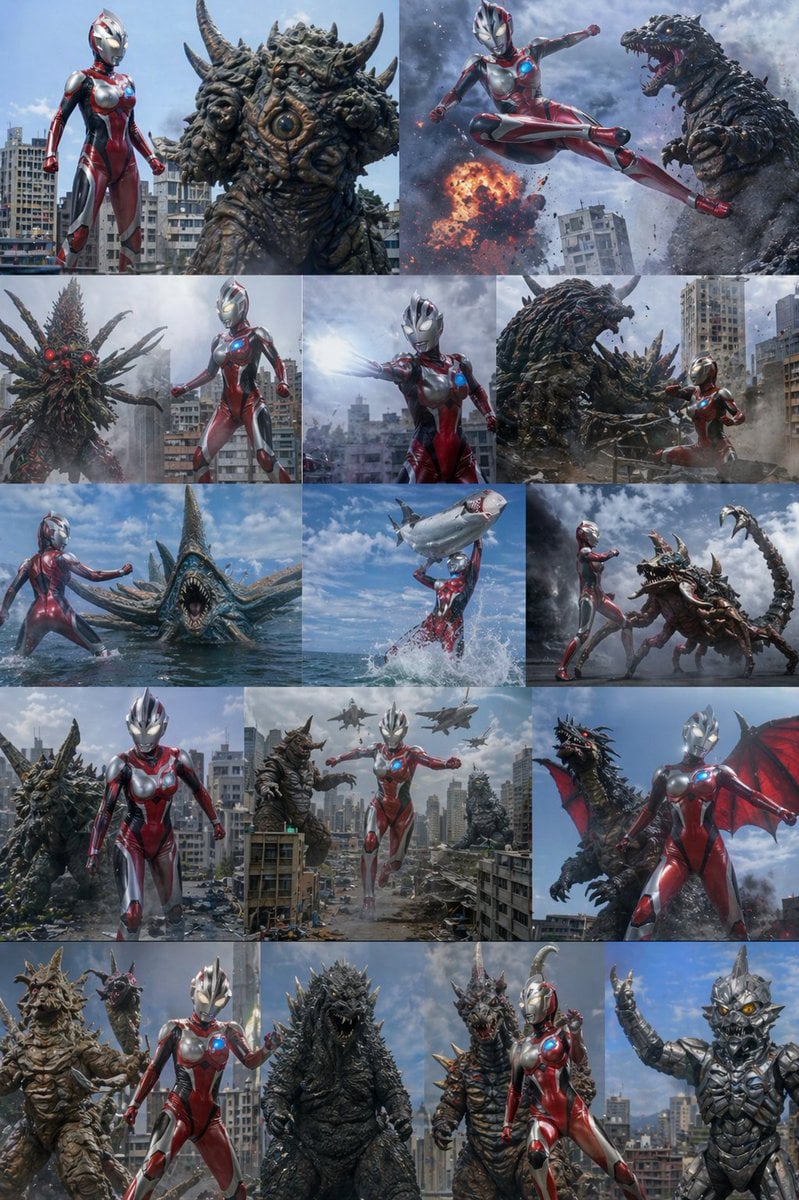
Ultra Woman Kaiju Battle Variations
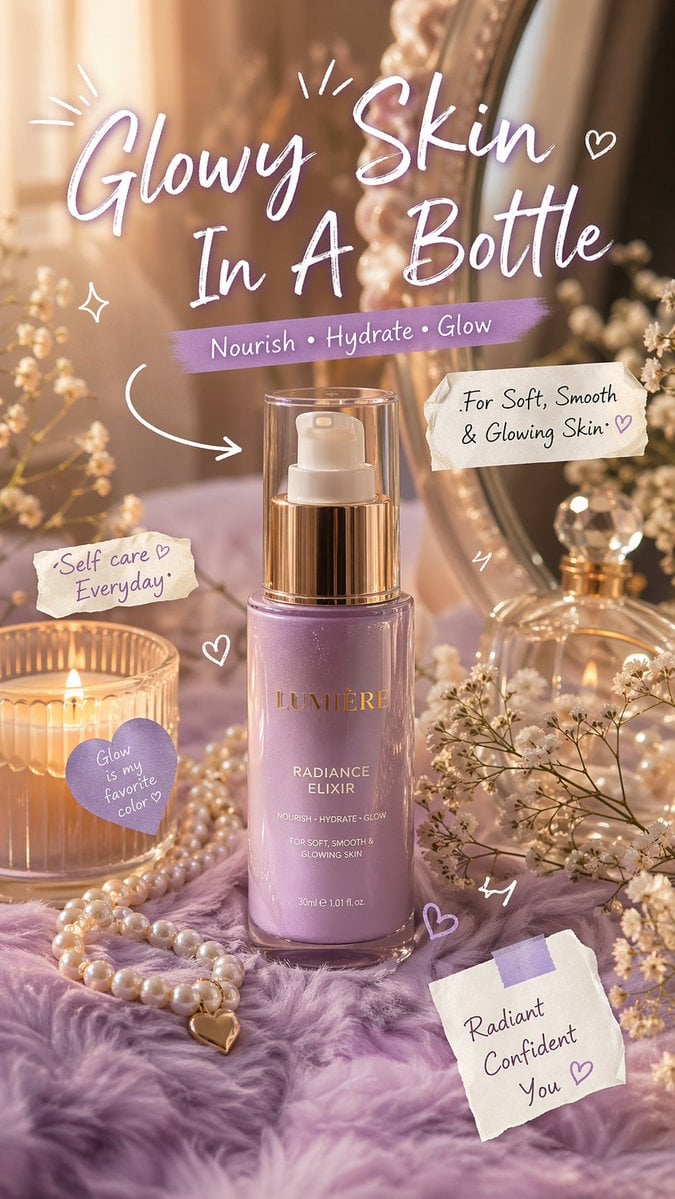
Luxury Lavender Skincare Ad
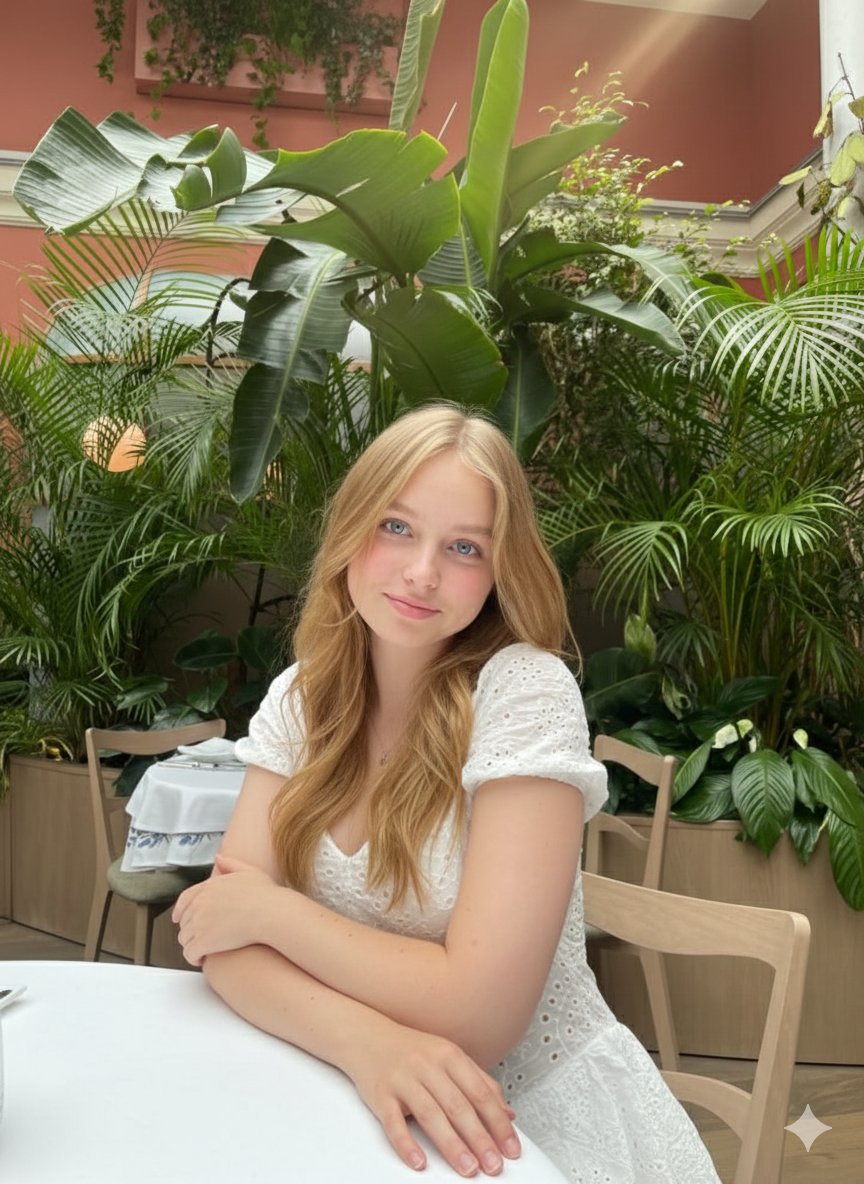
Cinematic Greenhouse Portrait at Golden Hour
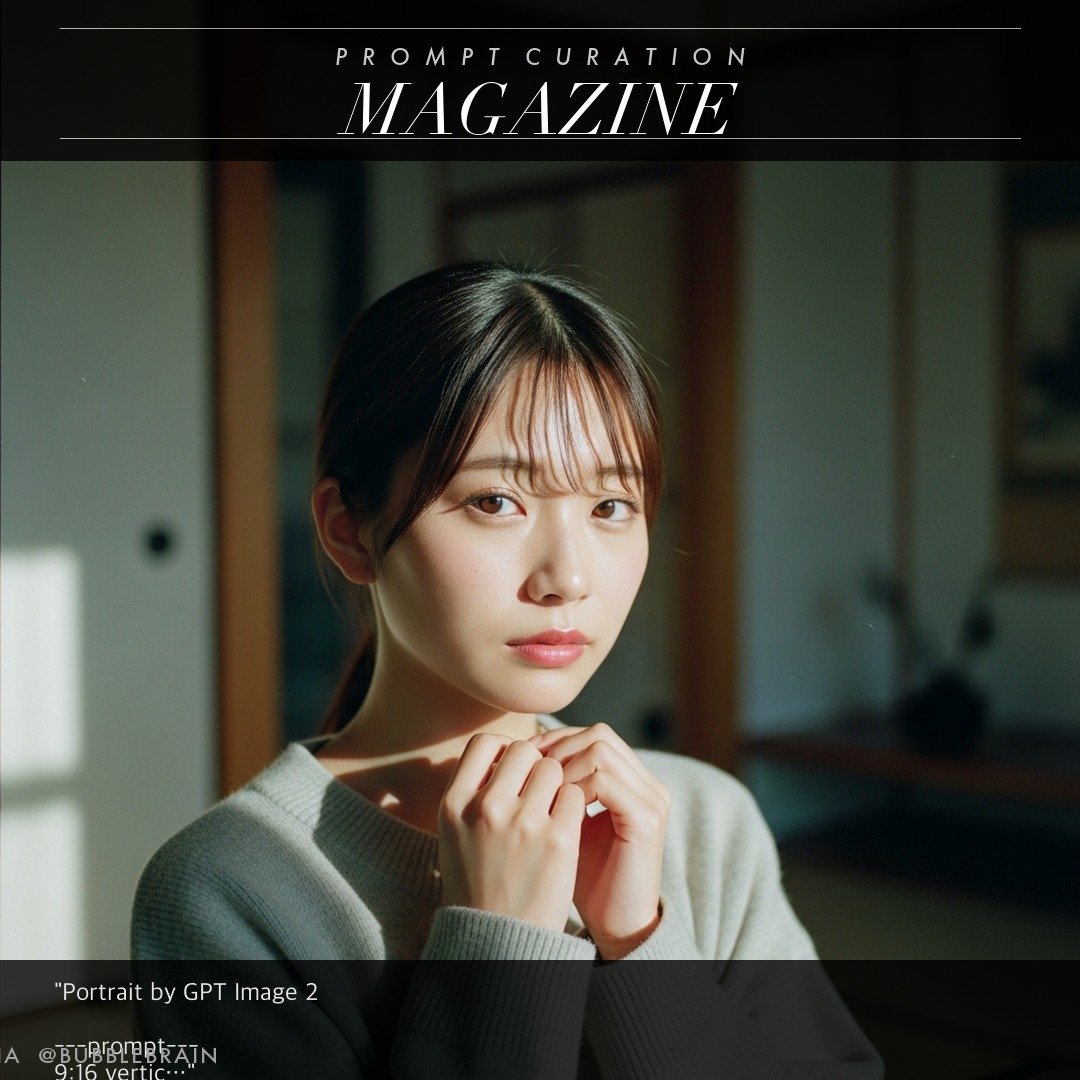
Japanese Fuji film style portrait
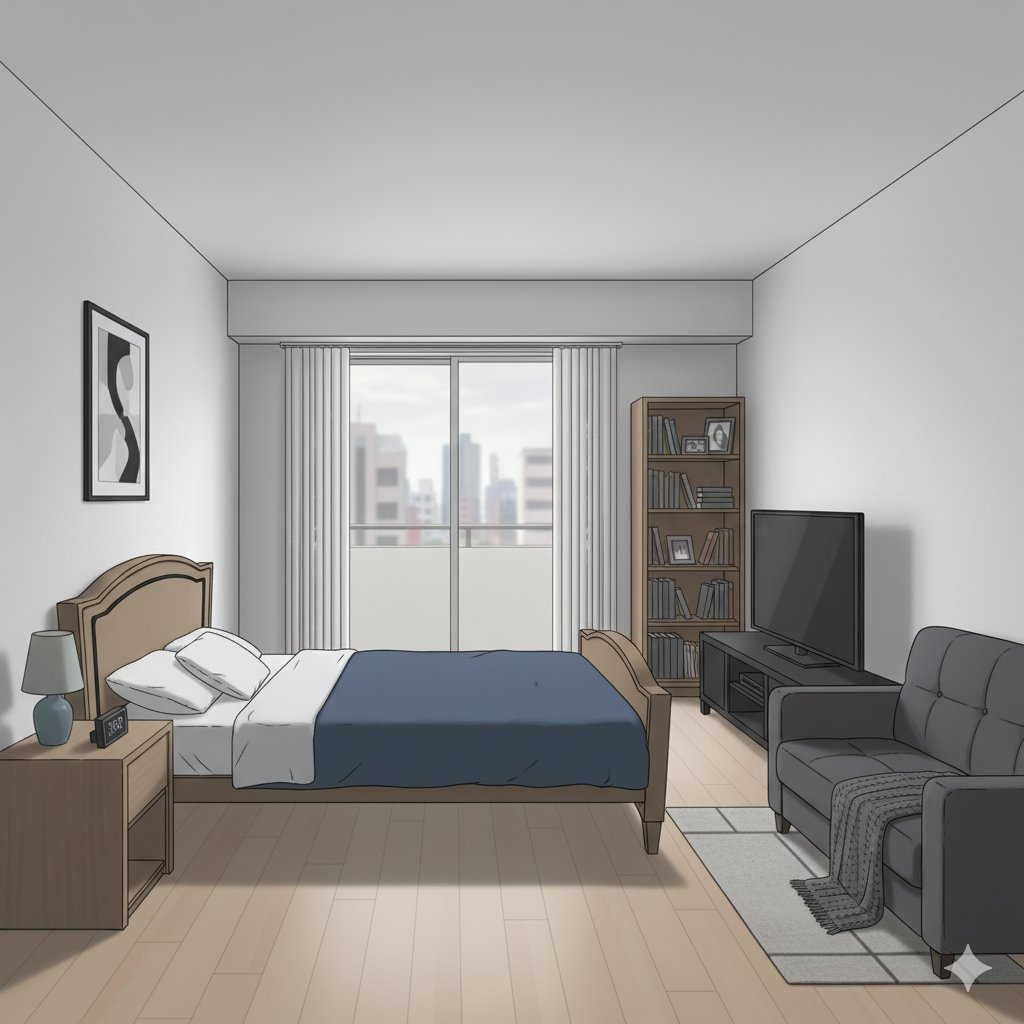
Isometric living room layout based on a sofa photo
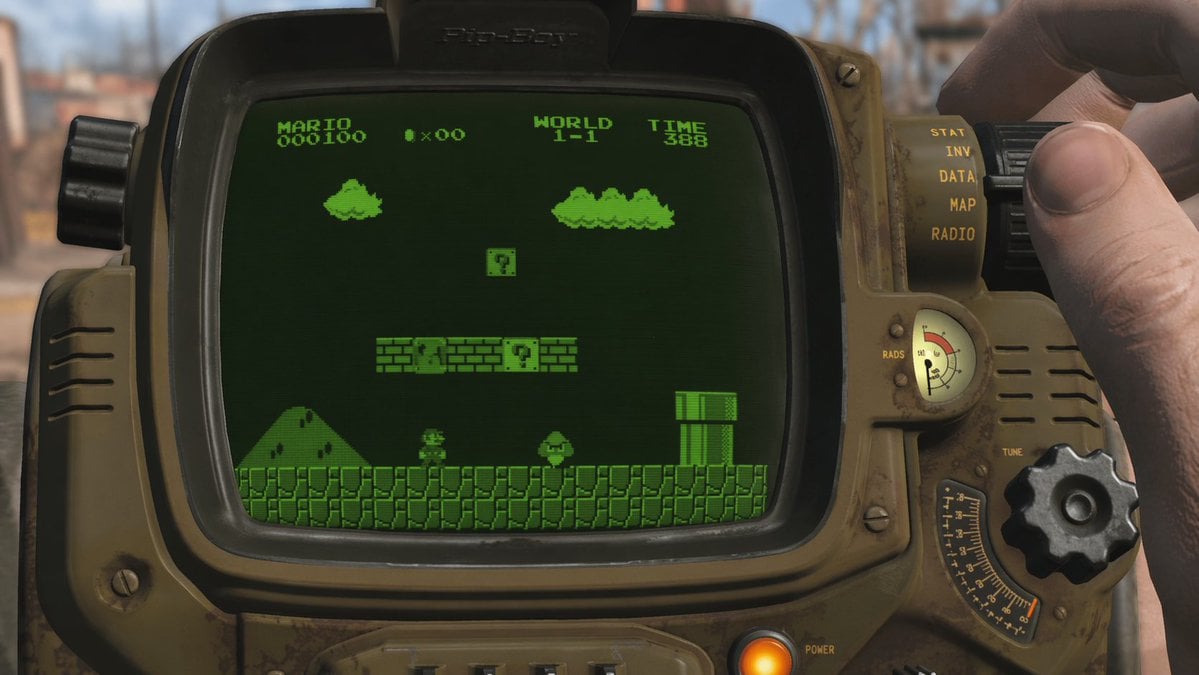
Retro Wrist Computer Playing Classic Platformer
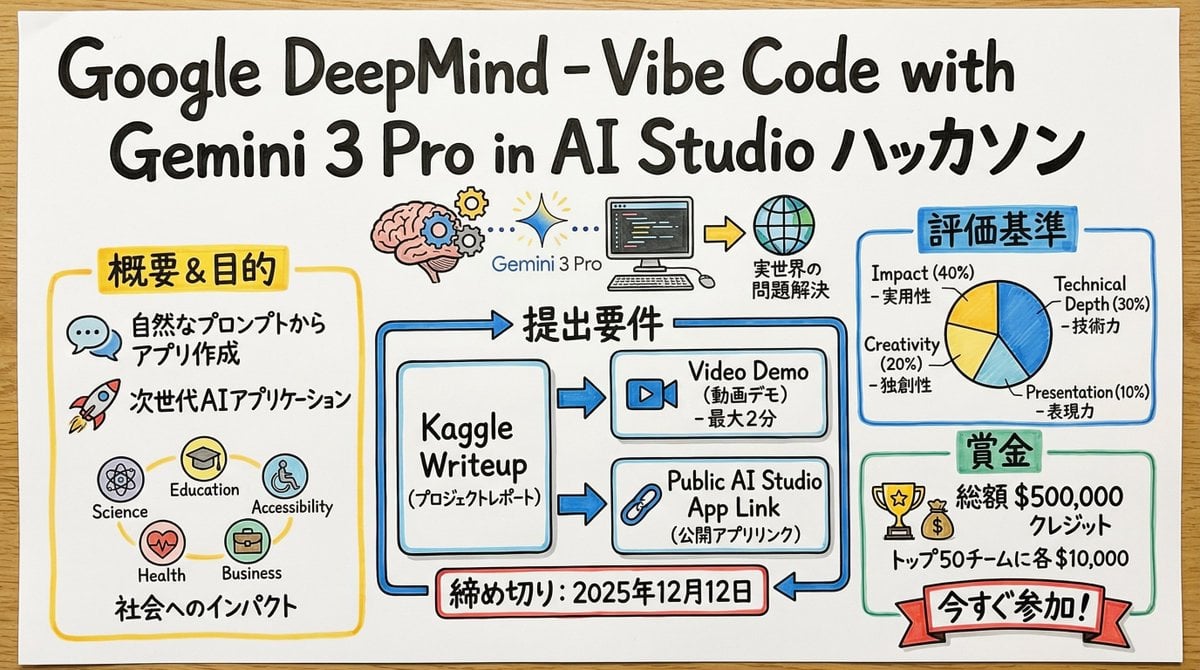
Graphic Recording (GraReco) Prompt for Nano Banana Pro
Browse template categories
Crude Geometric Blue-Haired Elf Girl questions
How do I use the Crude Geometric Blue-Haired Elf Girl template?
Add your photo if the template asks for one, edit the prompt if you like — the template's model and format are already selected — and press Generate. Your version opens in PicX Studio.
Can I customize the Crude Geometric Blue-Haired Elf Girl template?
Yes. You can change the subject, setting, lighting, mood, format, and available model controls before creating your image.
Is the Crude Geometric Blue-Haired Elf Girl template free?
Opening and editing this template is free. Generating uses credits, shown on the Generate button when you are signed in.
Which AI model should I use?
Start with GPT Image 2, which is the model associated with this template. You can compare another compatible model for a different finish.
Looking for something else? Browse all templates.

Your photo, any look
Thousands of ready templates for every top image and video model, from one credit balance.