How do I use the Flat-Color Elf Girl on Frilly Bed template?
Edit the prompt in the box under the preview — the template's model and format are already selected — and press Generate. Your version appears right on this page.
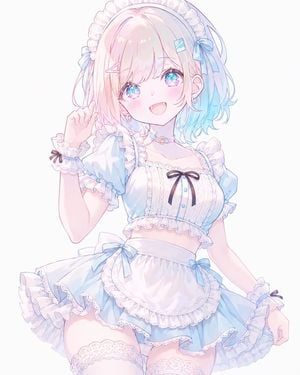
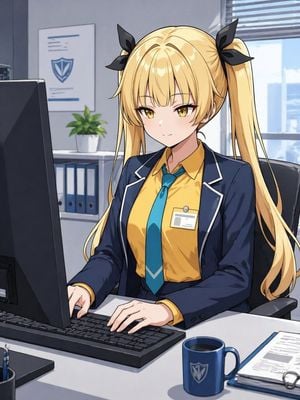
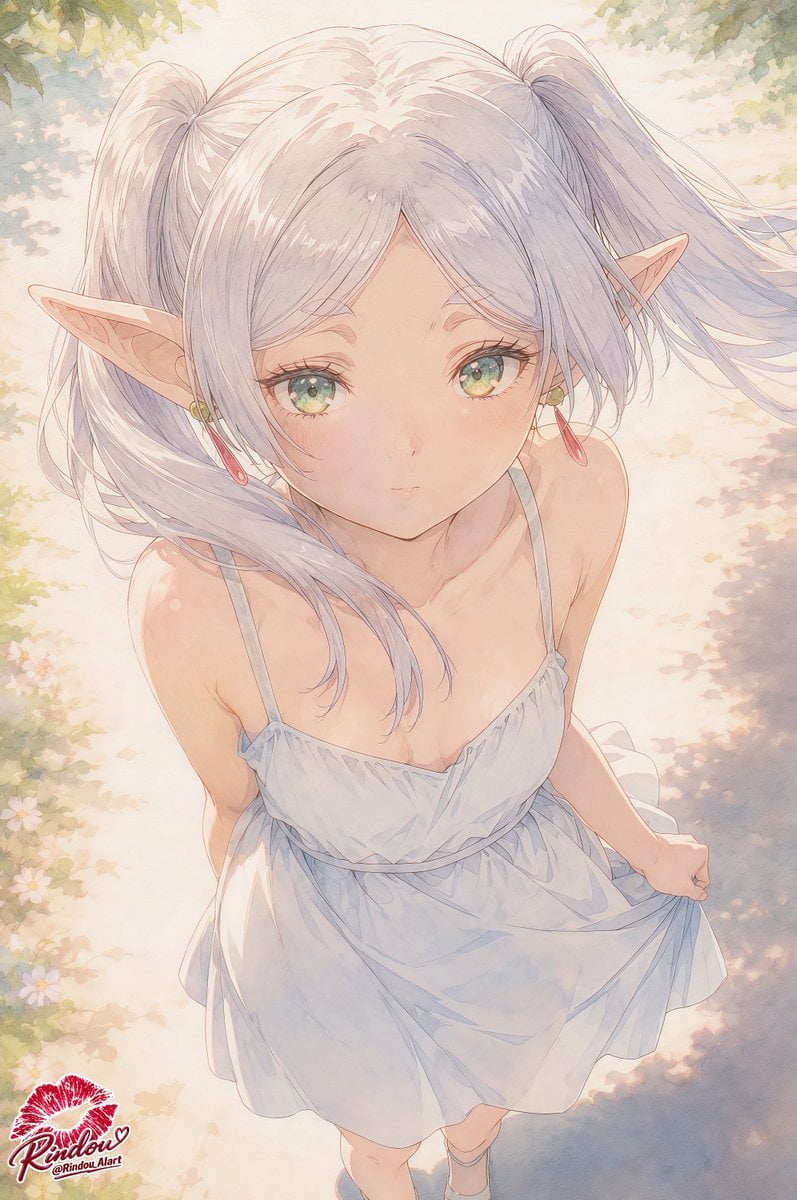
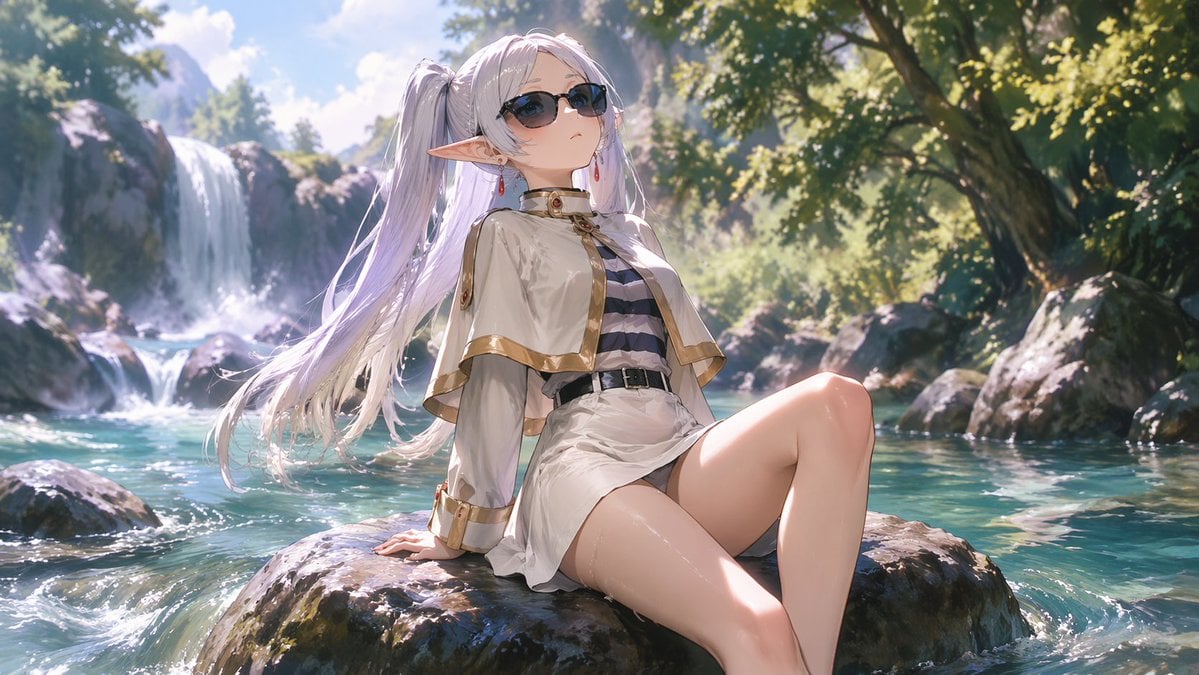
This prompt generates a soft pastel anime bedroom illustration with a lounging elf girl and large negative space, ideal for testing flat-color aesthetic tuning or creating gentle character art.

This template uses your photo — add one with the + button.
A soft flat-color anime illustration of a cute elf girl lounging sideways on a frilly bed in a pastel bedroom, with the composition weighted to the left and a large area of empty cream-colored negative space on the right. She has long slightly tousled {argument name="hair color" default="bright orange"} hair, large vivid {argument name="eye color" default="blue"} eyes, pale skin, and one clearly visible pointed elf ear decorated with a red flower hair clip. Her expression is gentle, shy, and relaxed, with a faint blush, as she rests her cheek against her hands and curls her body slightly on the bed. She wears a romantic off-shoulder {argument name="dress color" default="sage green"} dress with abundant white lace trim, floral embroidery, and 4 small red ribbon bows visible on the dress, paired with black bloomers with 1 red bow visible and white ankle socks with a tiny pink bow detail. The bed has a white ruffled pillow, pink cushions including a round frilled cushion, and a beige bunny plush toy with a pink ribbon sitting near her legs. In the background, show a small bedside table with 1 potted plant, 1 framed photo, and 1 lamp with a fabric shade, plus wall decor consisting of 1 hanging floral ornament and 2 small framed pictures. Scatter a few tiny pastel hearts and flower motifs across the empty right side. Use a delicate clean lineart style, muted pastel palette, very light beige background, flat coloring with minimal shading, airy and sweet shoujo mood, cozy bedroom aesthetic, high detail in frills and fabric, landscape format.
A soft flat-color anime illustration of a cute elf girl lounging sideways on a frilly bed in a pastel bedroom, with the composition weighted to the left and a large area of empty cream-colored negative space on the right. She has long slightly tousled {argument name="hair color" default="bright orange"} hair, large vivid {argument name="eye color" default="blue"} eyes, pale skin, and one clearly visible pointed elf ear decorated with a red flower hair clip. Her expression is gentle, shy, and relaxed, with a faint blush, as she rests her cheek against her hands and curls her body slightly on the bed. She wears a romantic off-shoulder {argument name="dress color" default="sage green"} dress with abundant white lace trim, floral embroidery, and 4 small red ribbon bows visible on the dress, paired with black bloomers with 1 red bow visible and white ankle socks with a tiny pink bow detail. The bed has a white ruffled pillow, pink cushions including a round frilled cushion, and a beige bunny plush toy with a pink ribbon sitting near her legs. In the background, show a small bedside table with 1 potted plant, 1 framed photo, and 1 lamp with a fabric shade, plus wall decor consisting of 1 hanging floral ornament and 2 small framed pictures. Scatter a few tiny pastel hearts and flower motifs across the empty right side. Use a delicate clean lineart style, muted pastel palette, very light beige background, flat coloring with minimal shading, airy and sweet shoujo mood, cozy bedroom aesthetic, high detail in frills and fabric, landscape format.
Edit the prompt in the box under the preview — the template's model and format are already selected — and press Generate. Your version appears right on this page.
Yes. You can change the subject, setting, lighting, mood, format, and available model controls before creating your image.
Opening and editing this template is free. Generating uses credits, shown on the Generate button when you are signed in.
Start with GPT Image 2, which is the model associated with this template. You can compare another compatible model for a different finish.
Follow a topic to a crawlable collection of related PicX Studio templates.