
Cozy Bedroom Mirror Selfie
A structured prompt for an ultra-realistic mirror selfie in a cozy bedroom setting, preserving subject identity from reference images.
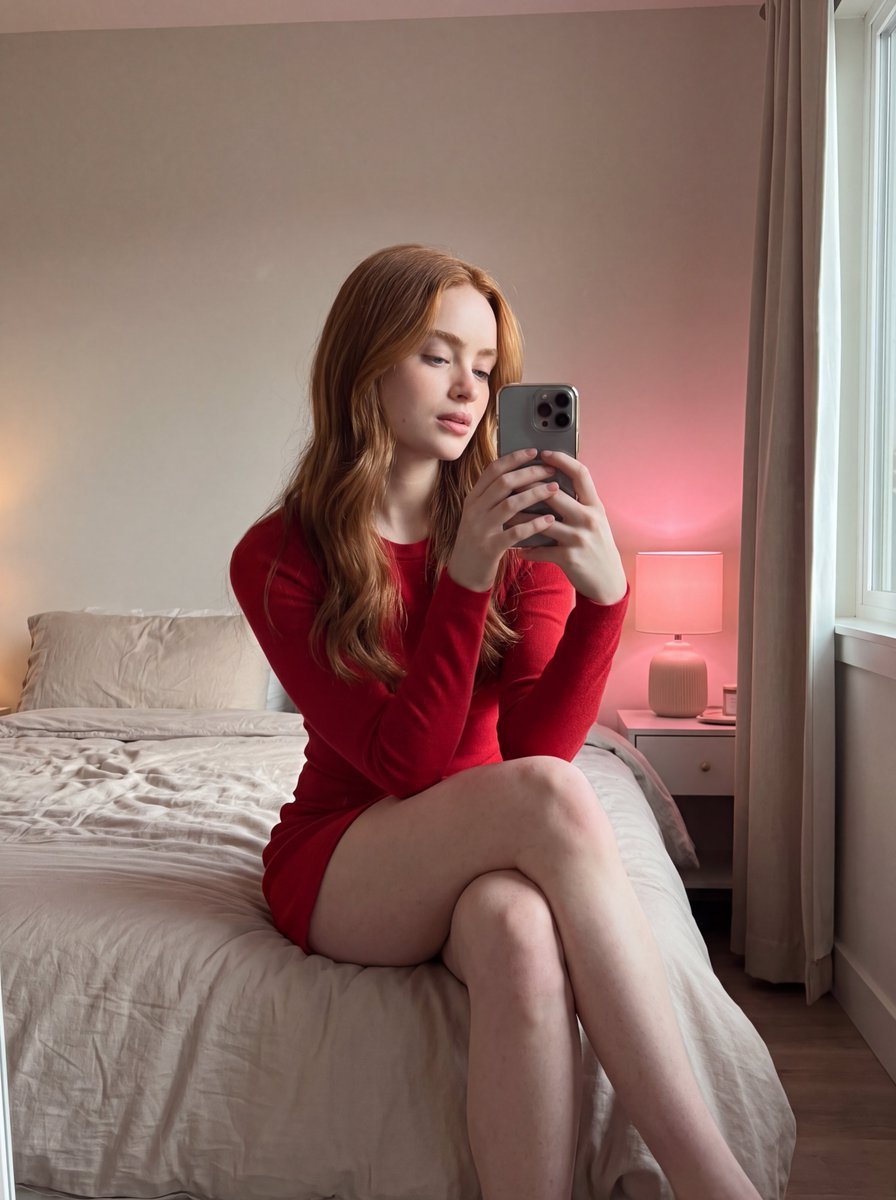
- Prompt included
- Model and format preset
- Free template
The prompt behind this image
Copy the exact prompt behind Cozy Bedroom Mirror Selfie, or open it in the studio and make it yours.
- Scene › Setting
- cozy indoor bedroom
- Scene › Background
- soft neutral wall with window on the side allowing daylight, bedside table with lamp emitting warm pinkish glow, slightly messy bed with natural fabric texture
- Scene › Lighting
- {argument name="lighting" default="mixed natural daylight from window and warm ambient lamp light, realistic soft shadows, balanced exposure with subtle glow"}
- Subject › Type
- female
- Subject › Pose
- seated on bed holding phone in front for mirror selfie, legs crossed naturally, relaxed posture with slight forward lean
- Subject › Expression
- soft relaxed expression with slightly parted lips, looking toward phone screen
- Subject › Face
- {argument name="subject identity" default="Use uploaded reference image, keep identity exact, natural facial proportions, realistic skin texture with subtle imperfections"}
- Subject › Hair
- Use uploaded reference image, keep identity exact, long straight hair with natural fall, exact same hair color preserved
- Subject › Eyes
- Use uploaded reference image, keep identity exact, natural eye color with soft reflections
- Subject › Skin
- natural skin tone with soft highlights, realistic texture, visible pores and imperfections
- Subject › Body
- natural proportions maintained
- Clothing › Outfit
- {argument name="outfit color" default="red"} fitted long sleeve top with soft fabric and matching short skirt, casual indoor style
- Clothing › Footwear
- barefoot
- Clothing › Accessories
- smartphone held in hand, minimal jewelry
- Environment Details › Props
- bed with wrinkled bedsheet, bedside table, lamp, window with curtain
- Environment Details › Textures
- soft fabric folds on bed, matte wall, smooth skin tones, subtle reflections on phone
- Camera › Angle
- eye-level mirror selfie angle
- Camera › Framing
- mid to full body shot with emphasis on legs and upper body
- Camera › Focus
- sharp focus on subject with slight background softness
- Camera › Lens
- 50mm lens with natural perspective
- Style › Realism
- ultra realistic lifestyle photography
- Style › Color Tone
- soft warm tones mixed with natural daylight
- Style › Effects
- realistic lighting, subtle glow from lamp, no beautification
- Style › Details
- high detail textures, natural imperfections preserved, soft shadows and accurate reflections
Raw JSON
{ "scene": { "setting": "cozy indoor bedroom", "background": "soft neutral wall with window on the side allowing daylight, bedside table with lamp emitting warm pinkish glow, slightly messy bed with natural fabric texture", "lighting": "{argument name=\"lighting\" default=\"mixed natural daylight from window and warm ambient lamp light, realistic soft shadows, balanced exposure with subtle glow\"}" }, "subject": { "type": "female", "pose": "seated on bed holding phone in front for mirror selfie, legs crossed naturally, relaxed posture with slight forward lean", "expression": "soft relaxed expression with slightly parted lips, looking toward phone screen", "face": "{argument name=\"subject identity\" default=\"Use uploaded reference image, keep identity exact, natural facial proportions, realistic skin texture with subtle imperfections\"}", "hair": "Use uploaded reference image, keep identity exact, long straight hair with natural fall, exact same hair color preserved", "eyes": "Use uploaded reference image, keep identity exact, natural eye color with soft reflections", "skin": "natural skin tone with soft highlights, realistic texture, visible pores and imperfections", "body": "natural proportions maintained" }, "clothing": { "outfit": "{argument name=\"outfit color\" default=\"red\"} fitted long sleeve top with soft fabric and matching short skirt, casual indoor style", "footwear": "barefoot", "accessories": "smartphone held in hand, minimal jewelry" }, "environment_details": { "props": "bed with wrinkled bedsheet, bedside table, lamp, window with curtain", "textures": "soft fabric folds on bed, matte wall, smooth skin tones, subtle reflections on phone" }, "camera": { "angle": "eye-level mirror selfie angle", "framing": "mid to full body shot with emphasis on legs and upper body", "focus": "sharp focus on subject with slight background softness", "lens": "50mm lens with natural perspective" }, "style": { "realism": "ultra realistic lifestyle photography", "color_tone": "soft warm tones mixed with natural daylight", "effects": "realistic lighting, subtle glow from lamp, no beautification", "details": "high detail textures, natural imperfections preserved, soft shadows and accurate reflections" } }How to use Cozy Bedroom Mirror Selfie in 3 steps
- 1Upload ImagePNG, JPG or paste
Add your photo
Upload the photo the template builds on. The prompt, model and format are already set.
- 2…a portrait of your subject in softgolden-hour light, 85mm…
Personalize
Edit the subject and creative details for your destination.
- 3Generate
Generate
Press Generate — your image is created in PicX Studio, so you can compare it with the original and refine one variable at a time.
More like this
Templates with the same subject, style or setup. Open one to see its prompt.

Rooftop Fisheye — Cat-Ear Balaclava at Golden Hour

Felt & Knit 3D Character — Photo-Exact Face, Pixar-Quality Plush Figurine

Surreal Cat Astronaut — Humanoid Face Freefall

Firefly Pixar Spill — Nano Banana Pro

Smartphone Selfie on Motorboat
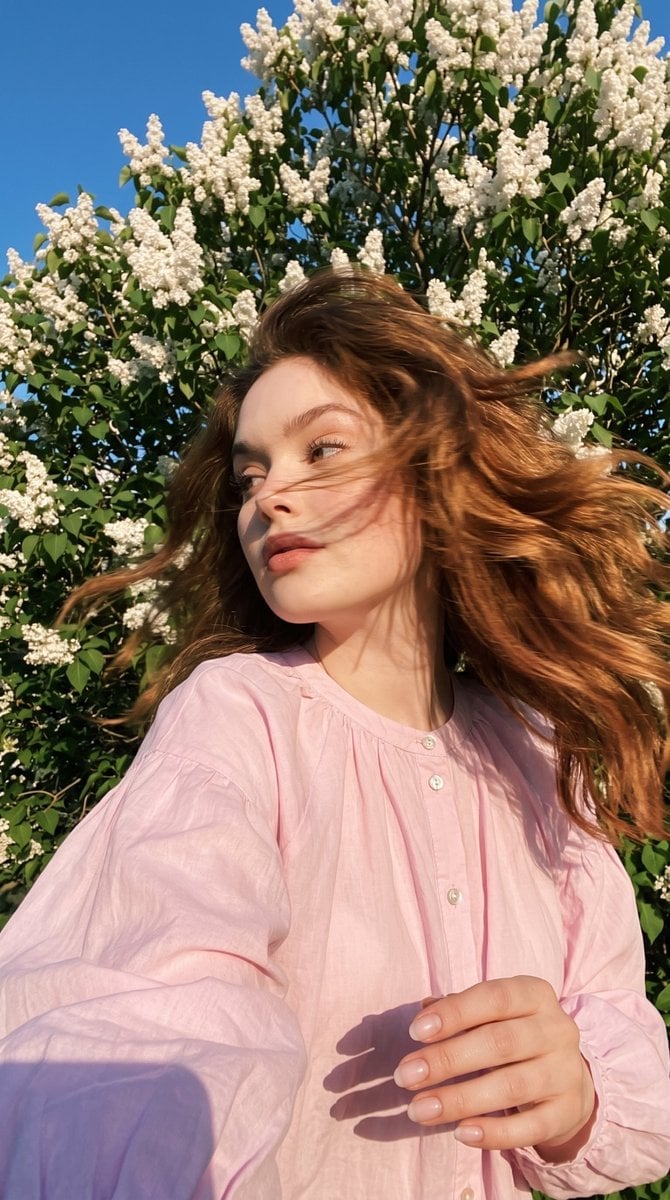
Candid Spring Selfie with Motion Blur
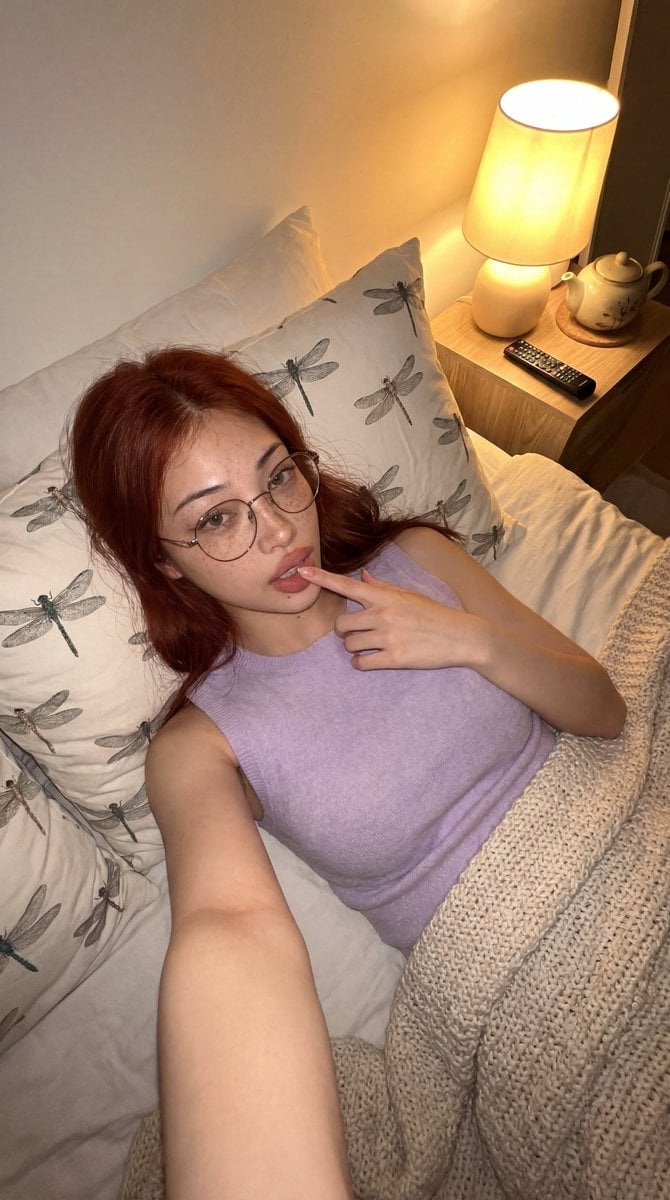
Cozy Bedroom Lifestyle Selfie
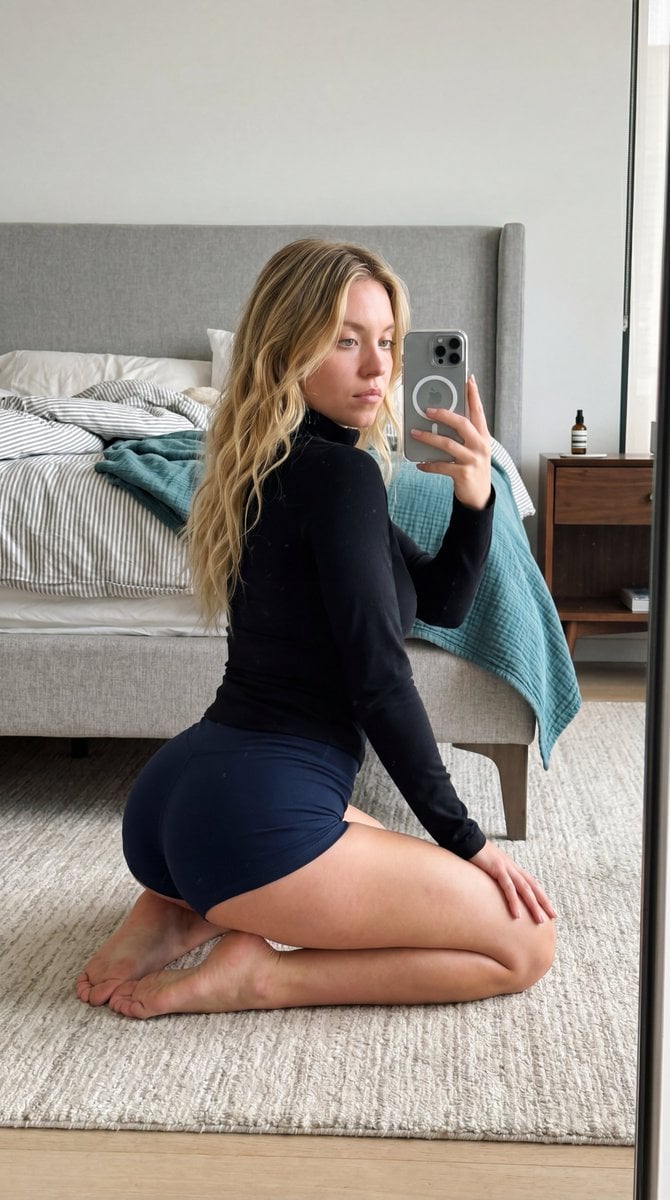
Intimate Bedroom Mirror Selfie
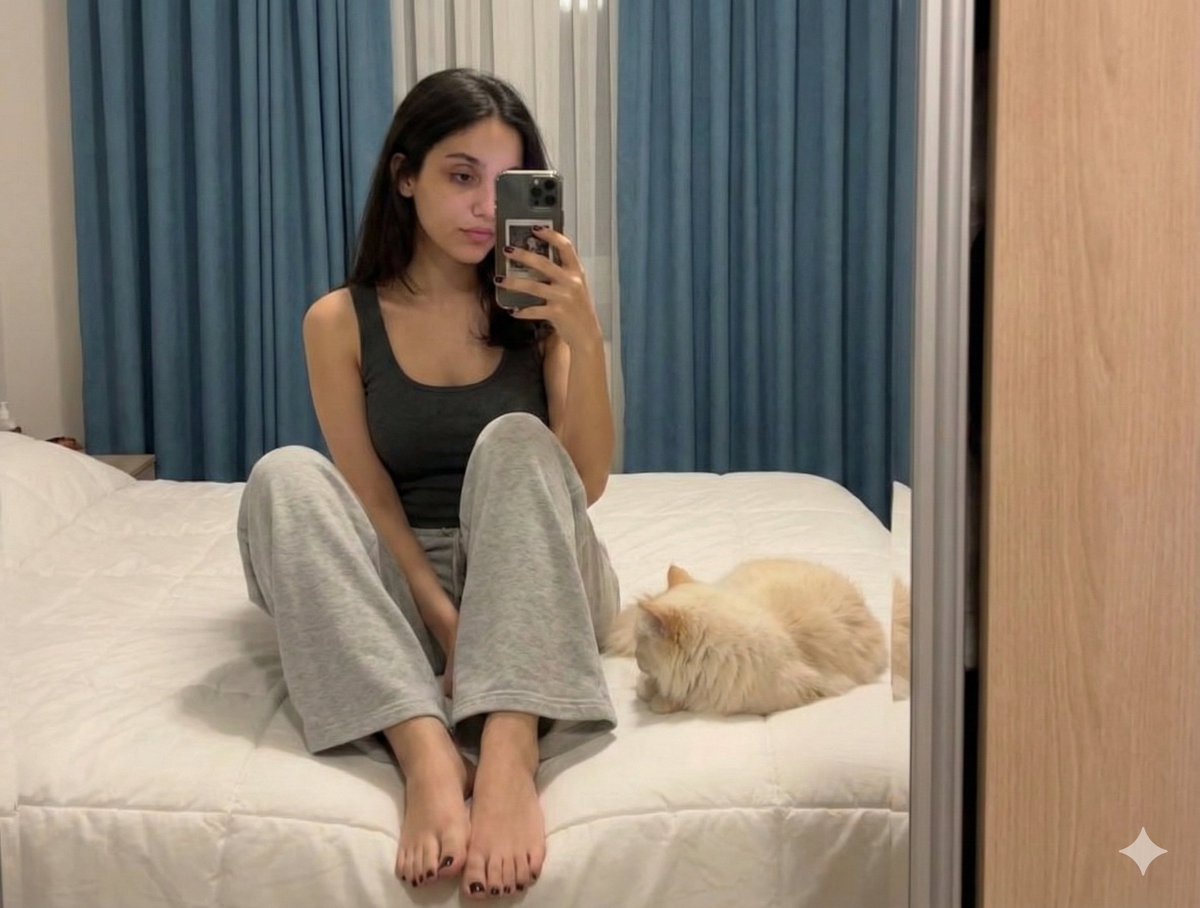
Nano Banana Pro Prompt: Candid Mirror Selfie with Cat
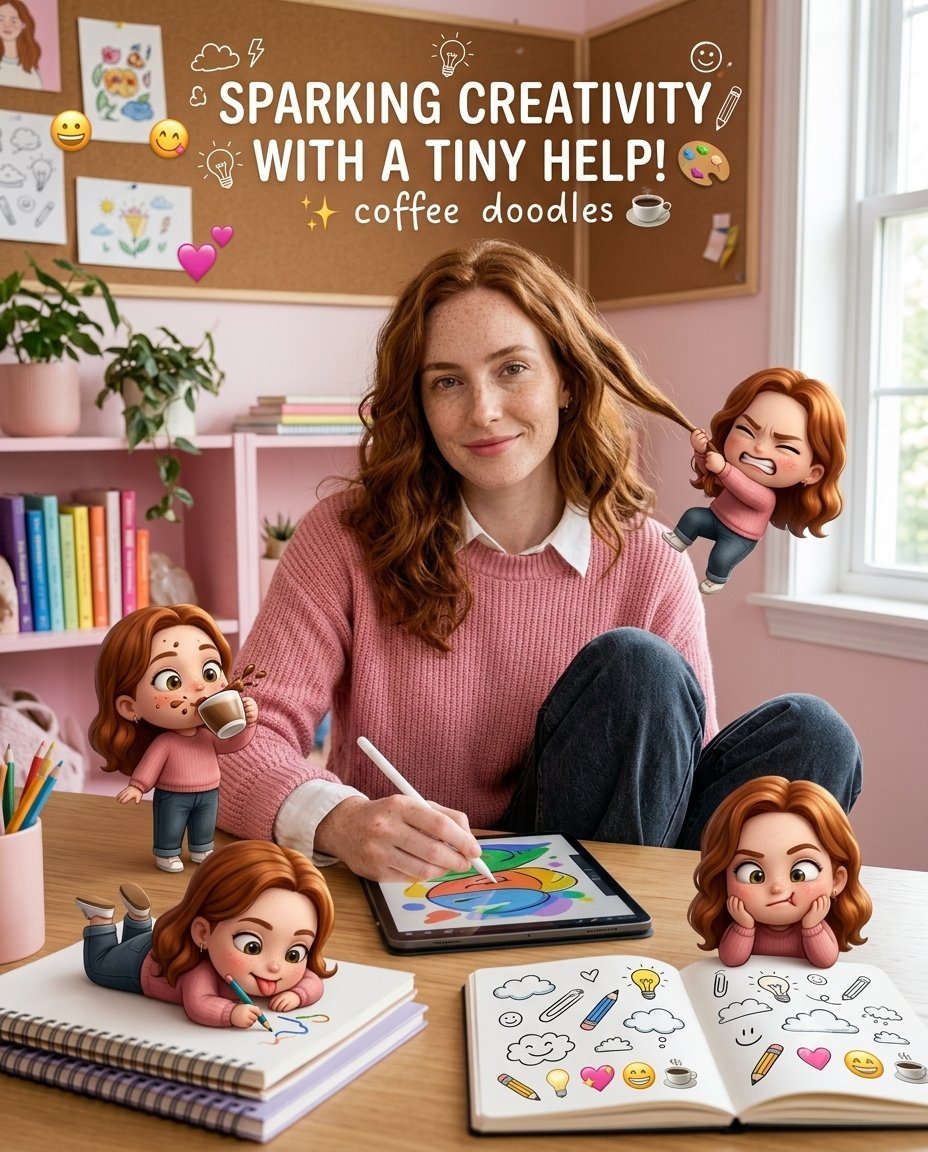
Creative Character in Pink Office
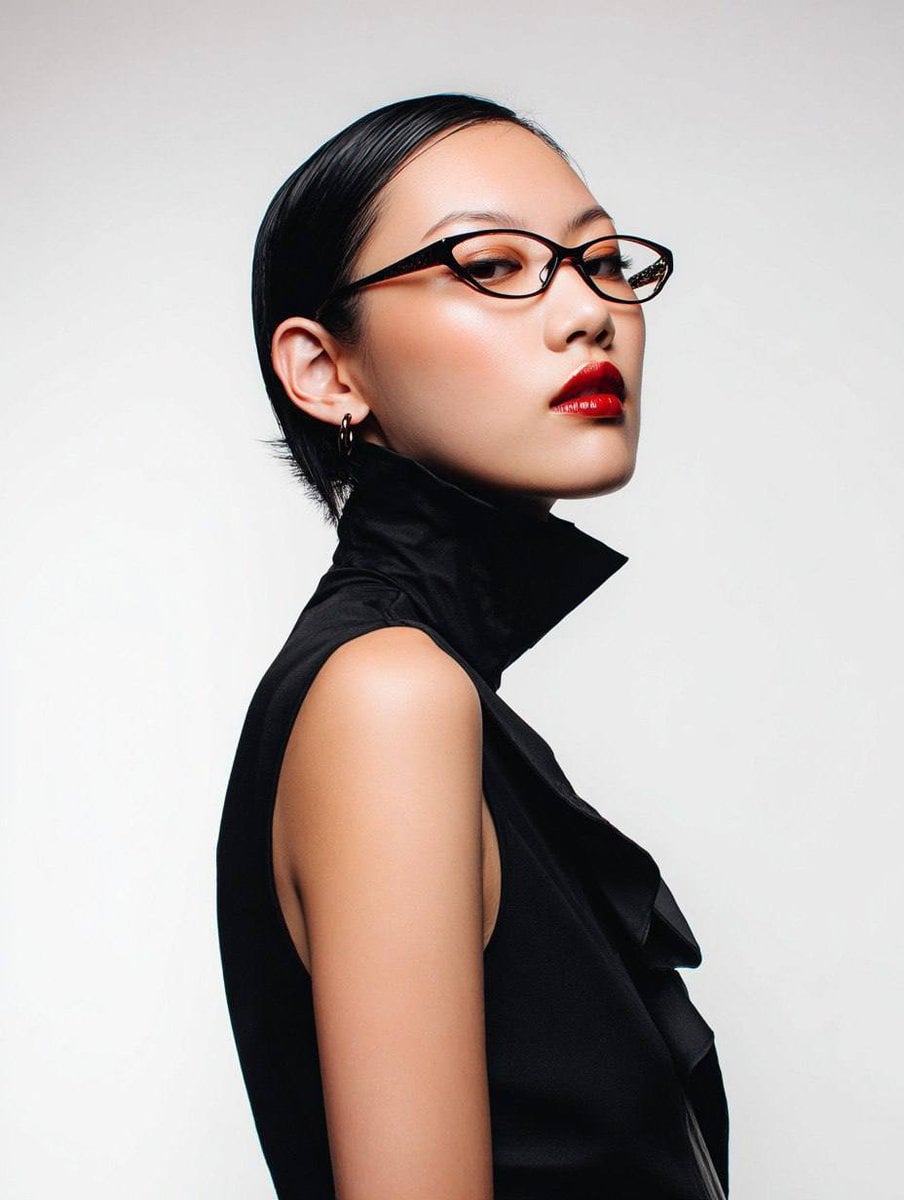
Avant-Garde Asian Fashion Model

Underwater Macro Face Portrait
Make it yours
Cozy Bedroom Mirror Selfie works as-is. These are the safest ways to change it without losing the look.
Swap the setting
Keep the rest of the prompt and replace the location block. The current setting is “cozy indoor bedroom”.
Swap the light
One lighting change is enough to compare takes. Current light: “{argument name="lighting" default="mixed natural daylight from window and warm a”.
Change one field
Copy a single group, rewrite it, and generate again so you can see what that field is doing.
| If the result… | Why | Fix |
|---|---|---|
| The result drifts from the preview | Too many fields changed at once. | Reuse Cozy Bedroom Mirror Selfie as-is first, then change one group — subject, light, or setting. |
| Gemini 3 Pro Image Preview ignores part of the JSON | Some models flatten or skip nested keys. | Keep the same values and paste them as a short paragraph instead. |
More Gemini 3 Pro Image Preview templates
Other prompts made for Gemini 3 Pro Image Preview.

Mushroom Still Life Composition

Whimsical Anthropomorphic Friendly Insect
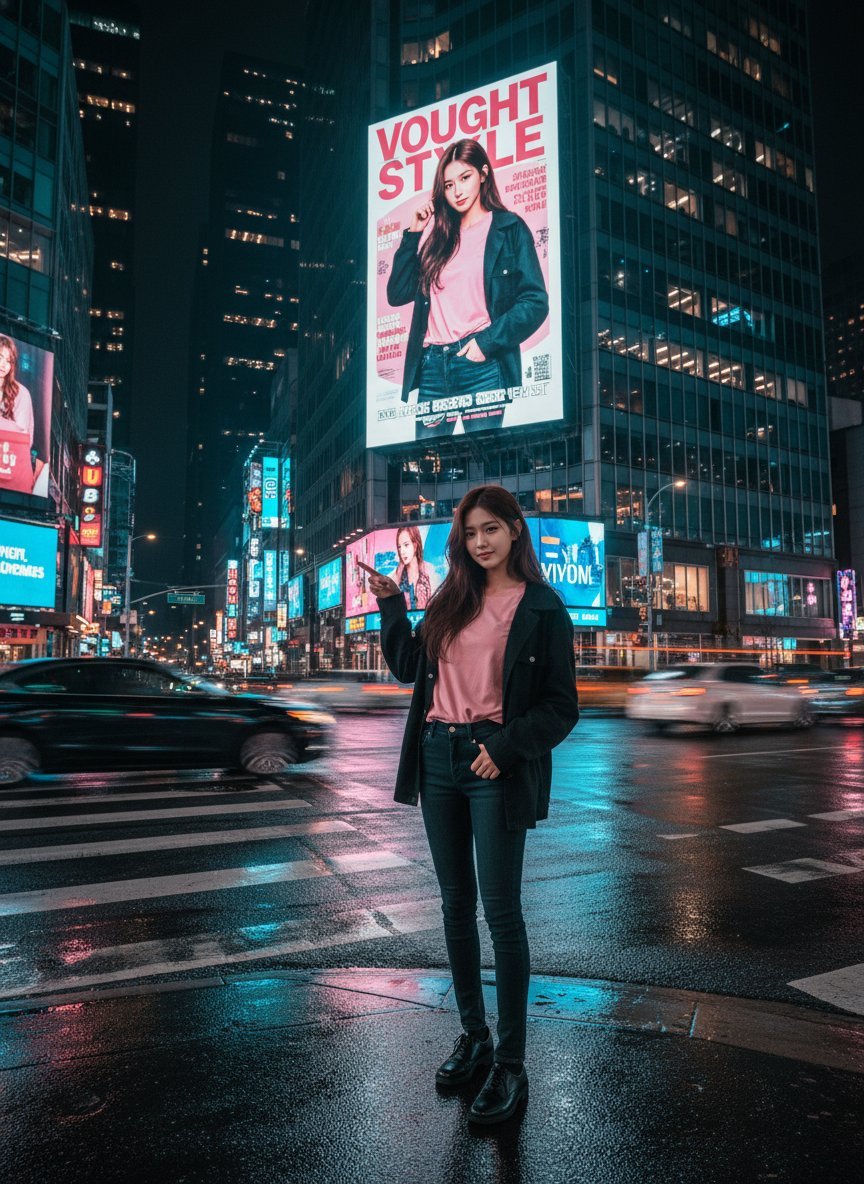
Cinematic Urban Night Billboard Portrait

Pop Art Summer Fruit Fashion Illustration

Ultra-Realistic iPhone Selfie with Motion Blur

Cinematic Mirror Reflection Portrait
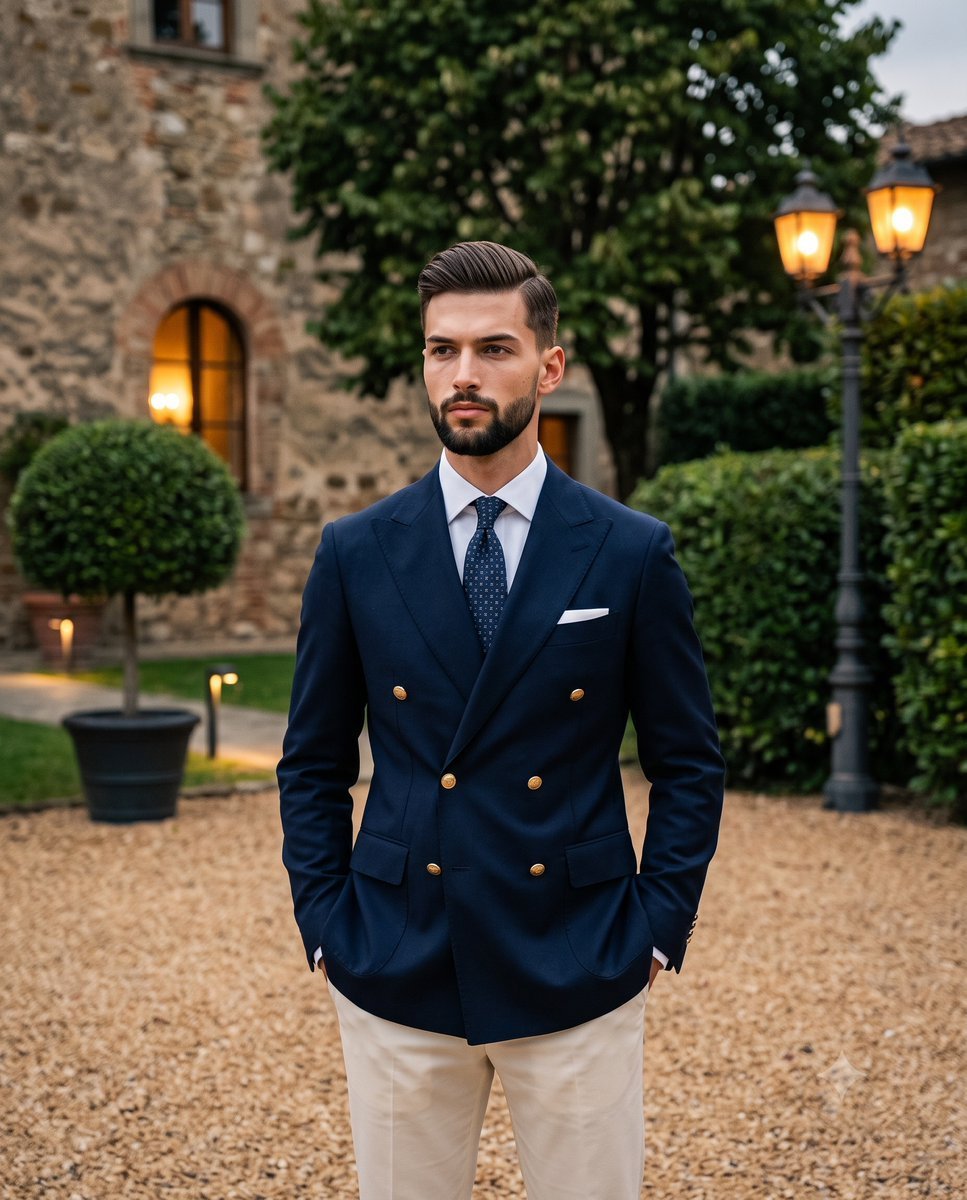
Elegant Men's Twilight Editorial

Coastal Freedom Sunset Portrait
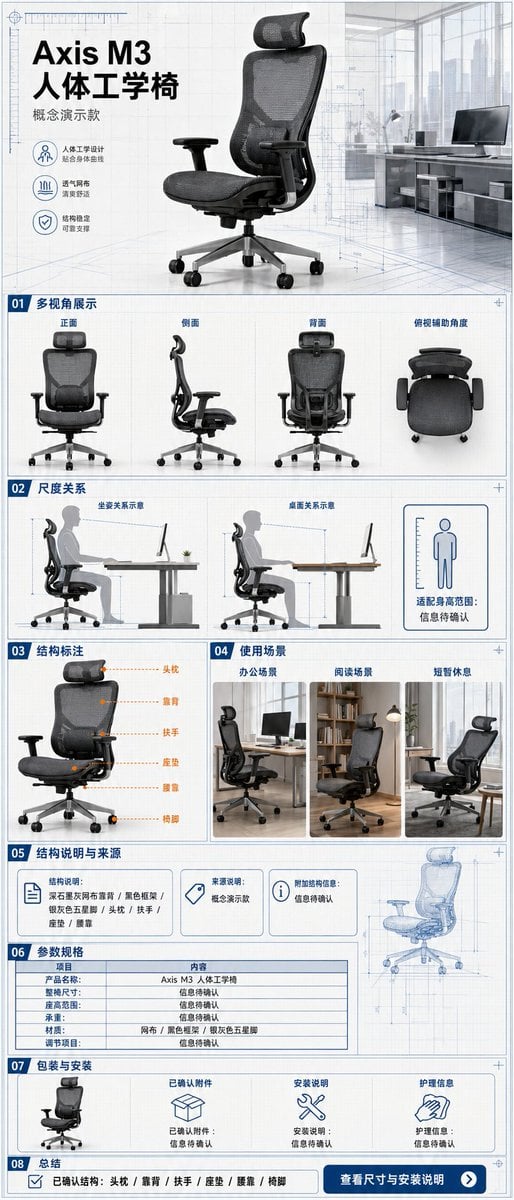
Ergonomic Office Chair E-commerce Mobile Detail Page

Macro Guitar Fret Dressing
More image prompts
Fresh picks from across the catalog.
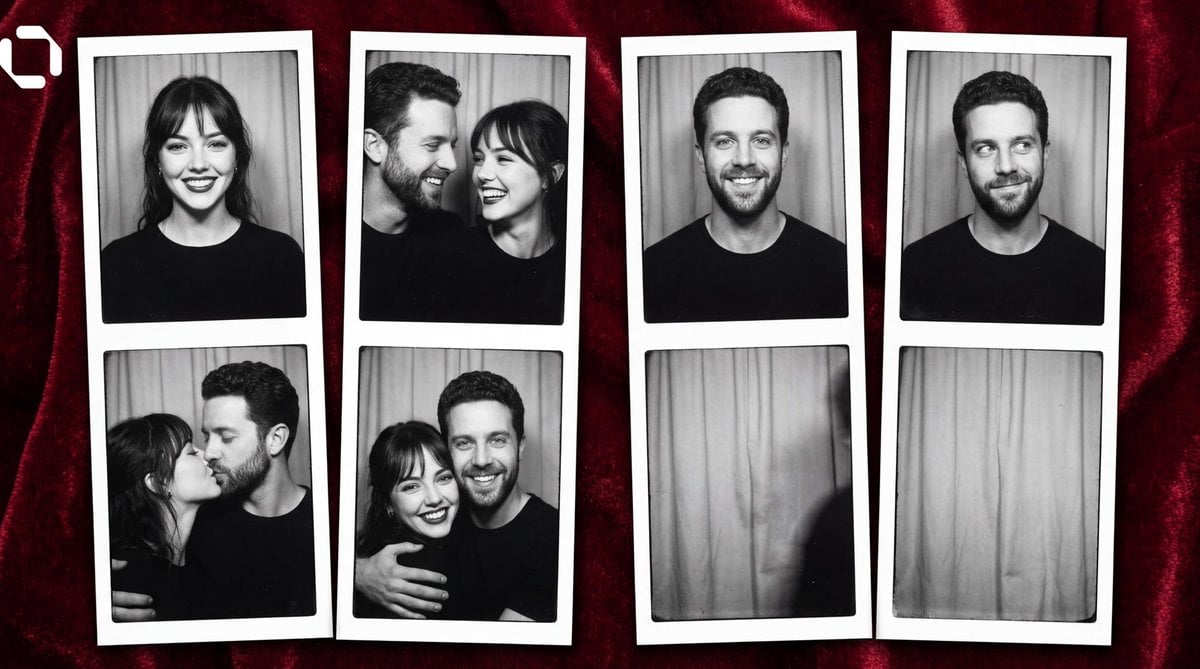
Photo Booth Strip Narrative Prompt for Nano Banana 2

Convenience Store Candid Portrait

Dramatic Low-Key Portrait with Glowing Gemstones
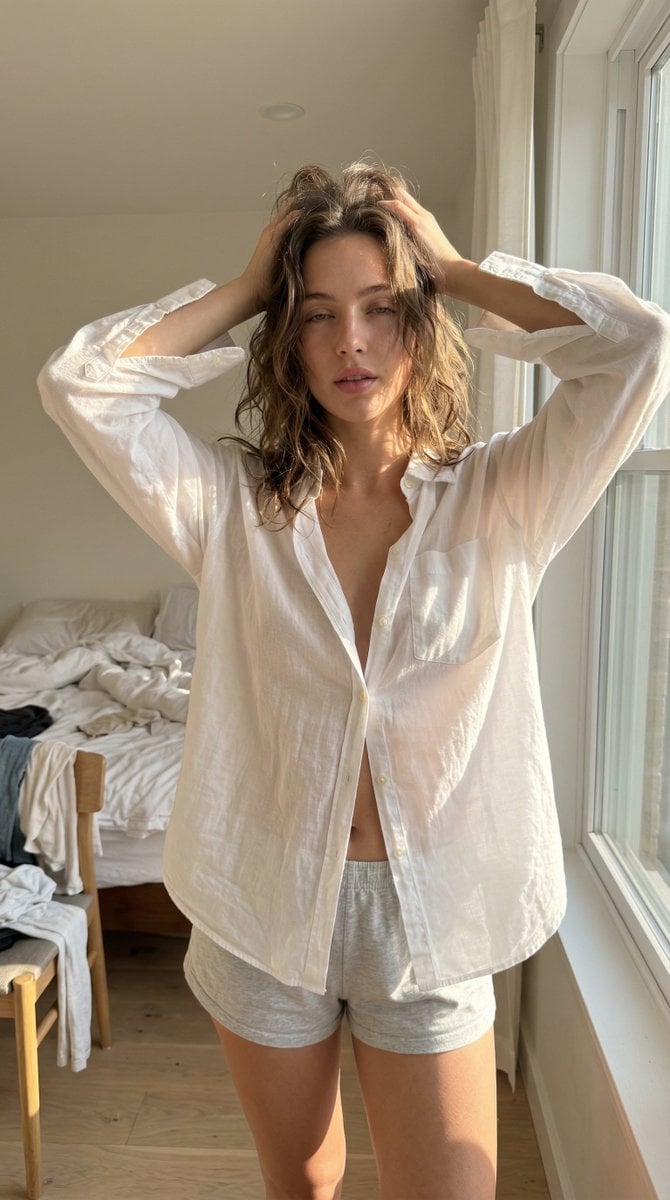
Structured Ultra Photorealistic iPhone Realism Prompt for Nano Banana Pro

Dynamic Split Magazine Cover Thumbnail Prompt
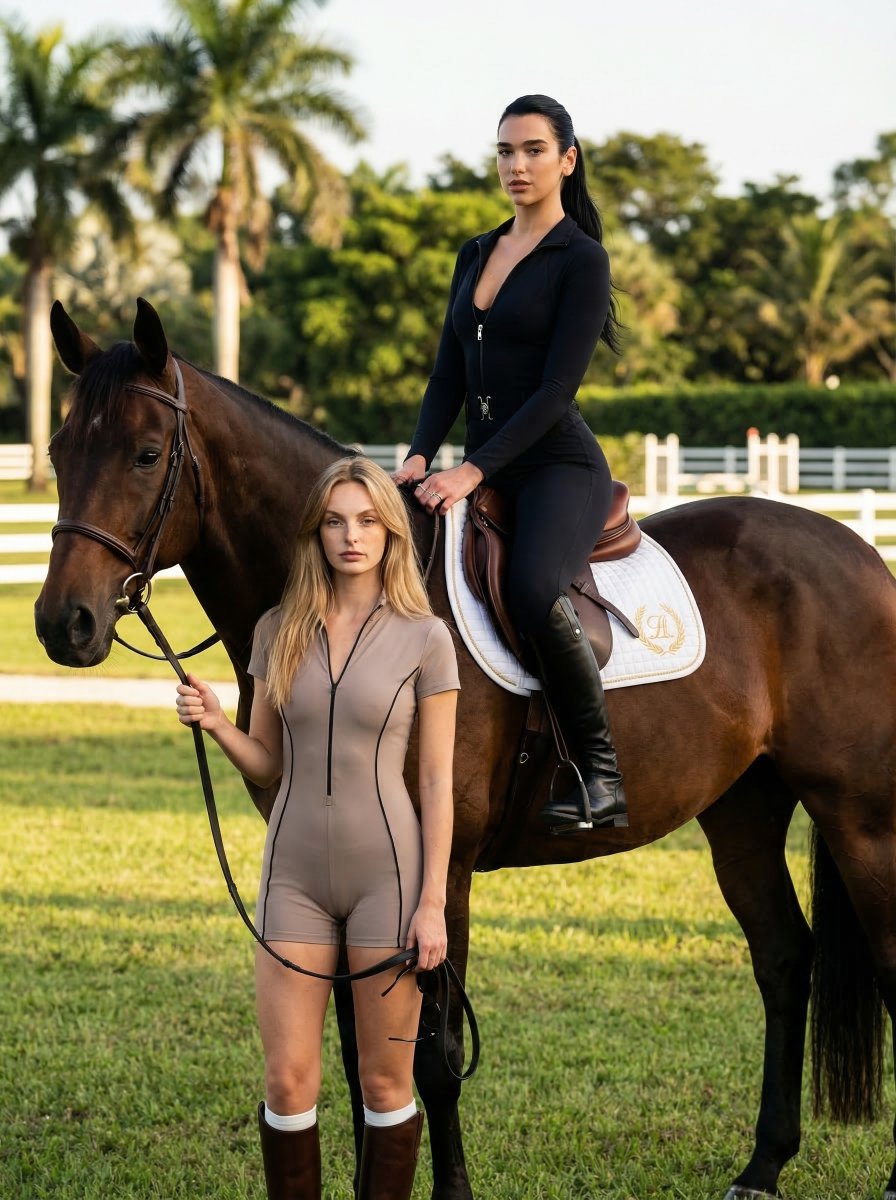
Luxury Equestrian Editorial with Dua Lipa

Retro 1970s Editorial Magazine Cover
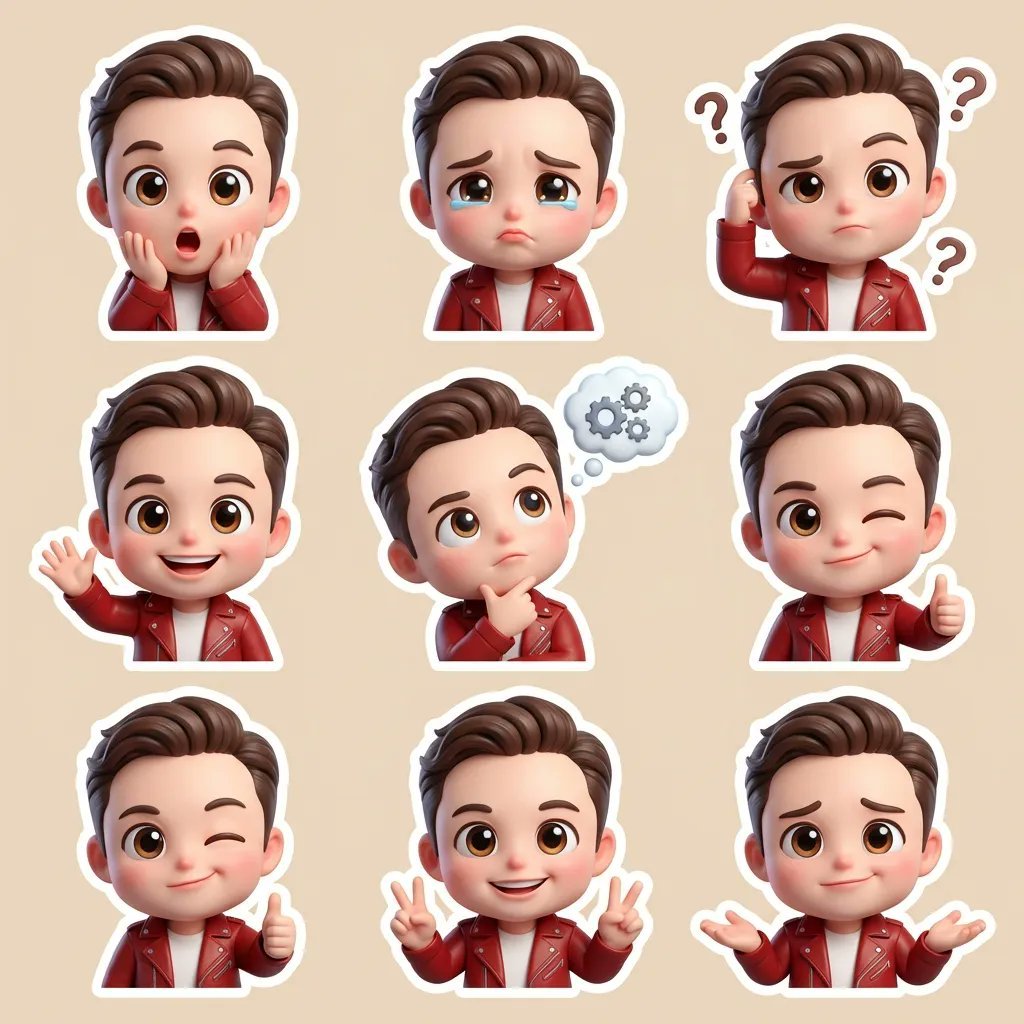
3D Chibi Cartoon Sticker Set Generation Prompt

Ivory Garment Goddess
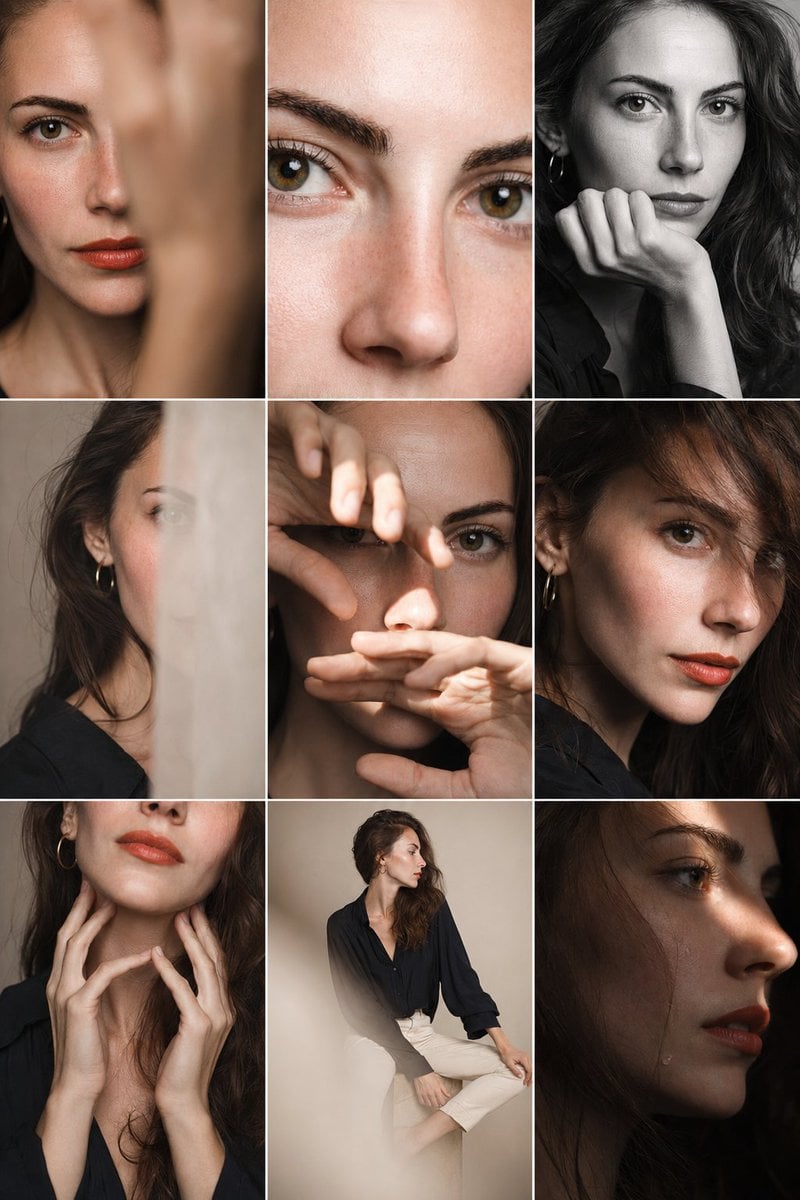
Editorial Portrait Photo Grid
Browse template categories
Cozy Bedroom Mirror Selfie questions
How do I use the Cozy Bedroom Mirror Selfie template?
Add your photo if the template asks for one, edit the prompt if you like — the template's model and format are already selected — and press Generate. Your version opens in PicX Studio.
Can I customize the Cozy Bedroom Mirror Selfie template?
Yes. You can change the subject, setting, lighting, mood, format, and available model controls before creating your image.
Is the Cozy Bedroom Mirror Selfie template free?
Opening and editing this template is free. Generating uses credits, shown on the Generate button when you are signed in.
Which AI model should I use?
Start with Gemini 3 Pro Image Preview, which is the model associated with this template. You can compare another compatible model for a different finish.
Looking for something else? Browse all templates.

Your photo, any look
Thousands of ready templates for every top image and video model, from one credit balance.