
Candid Spring Selfie with Motion Blur
A highly detailed prompt for Nano Banana that captures an authentic, spontaneous candid selfie with realistic motion blur and spring lilac background.
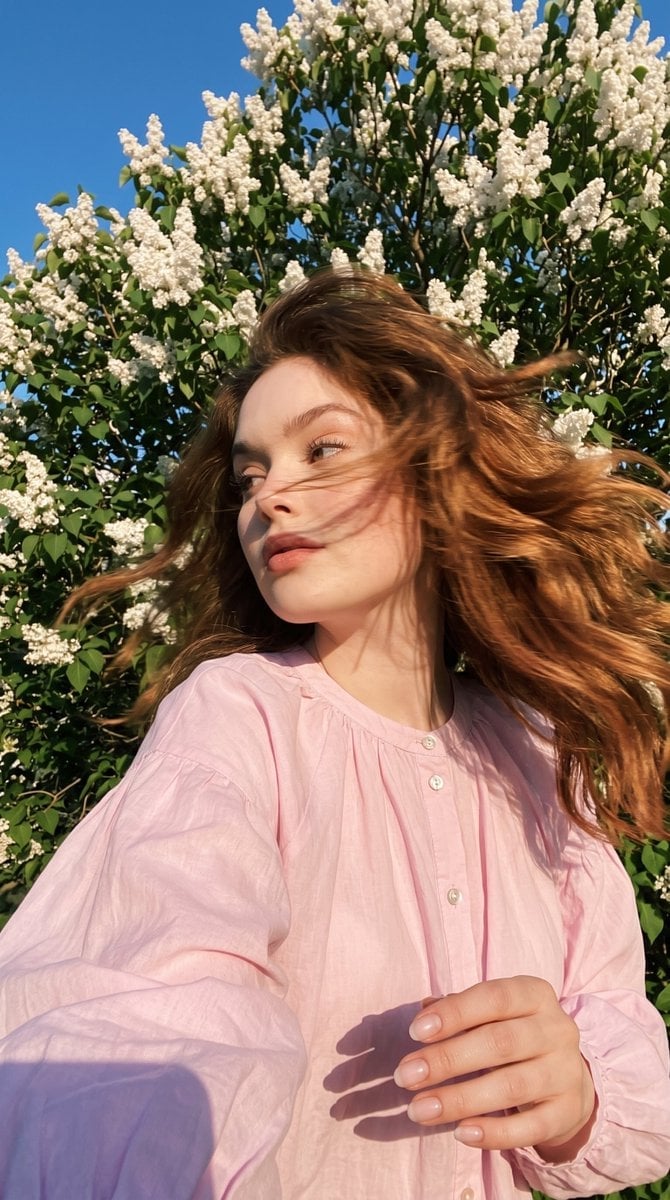
- Prompt included
- Model and format preset
- Premium template
The prompt behind this image
Copy the exact prompt behind Candid Spring Selfie with Motion Blur, or open it in the studio and make it yours.
Do not change the facial features, face shape, body proportions, or the colour, length, or texture of the hair. Preserve a 100% resemblance to the original person. Do not make the subject look younger or idealised. Do not alter the eye shape, lips, nose, or chin. Preserve the natural facial expression, skin texture, pores, and all unique individual characteristics. A photorealistic candid selfie, capturing a spontaneous moment in a vertical frame. A {argument name="subject" default="young woman"} is taking a selfie while leaning slightly toward the phone, which is positioned just below face level, creating a natural low-angle perspective. At the exact moment of capture, she suddenly turns her head to the side as if someone has called her name. Her gaze shifts sideways, and realistic motion blur appears across her face and hair from the quick head movement, while her face remains clearly recognisable. Her smile stays genuine and effortless, making the image feel like an authentic split-second snapshot rather than a posed photograph. Her long, thick, expressive eyelashes remain partially visible through the subtle motion blur. Her long, voluminous, thick hair flows dramatically in the direction of the head turn, creating elegant motion trails with individual strands. Several loose strands cross her face, enhancing the sense of movement. She is wearing a {argument name="clothing" default="light, airy, loose-fitting blouse made from thin cotton"} with a natural fabric texture in a soft pastel pink shade. It features voluminous long sleeves gathered gently at the cuffs, a neat rounded neckline with a short placket, and delicate pearlescent buttons. The fabric moves softly in the breeze, forming natural folds. No prints, logos, or unnecessary decorative elements. Behind her is a lush tree completely covered in blooming {argument name="flowers" default="white lilac flowers"}. The white blossoms remain crisp and clearly defined. A rich, cloudless blue sky creates strong contrast with the white flowers and the soft pink blouse. Several branches are positioned close to the camera, adding natural depth to the composition. Warm spring backlighting shines through her hair and the blossoms, creating a golden rim light around the hair, soft volumetric shadows, and realistic sun flares. The lighting feels natural, lively, and directional, not like studio lighting. The image should look like a genuine candid photo taken on a regular smartphone while in motion: natural wide-angle perspective, a slight tilt to the frame, subtle lens imperfections, delicate 35mm film grain, muted and slightly desaturated colours, realistic skin texture with visible pores, and authentic fabric detail. No excessive sharpness, no HDR, and no glossy fashion-editorial look. --ar 9:16 --raw --style motion 50 Manicure: short, natural oval-shaped nails with a semi-transparent milky pink polish and a natural glossy finish.
How to use Candid Spring Selfie with Motion Blur in 3 steps
- 1Upload ImagePNG, JPG or paste
Add your photo
Upload the photo the template builds on. The prompt, model and format are already set.
- 2…a portrait of your subject in softgolden-hour light, 85mm…
Personalize
Edit the subject and creative details for your destination.
- 3Generate
Generate
Press Generate — your image is created in PicX Studio, so you can compare it with the original and refine one variable at a time.
More like this
Templates with the same subject, style or setup. Open one to see its prompt.

Nano Banana 2 Tulip Field
Emotional Watercolor Grief Art

Smartphone Selfie on Motorboat
Candid Motion Blur Head Turn
Night Flash iPhone Selfie with Motion Blur
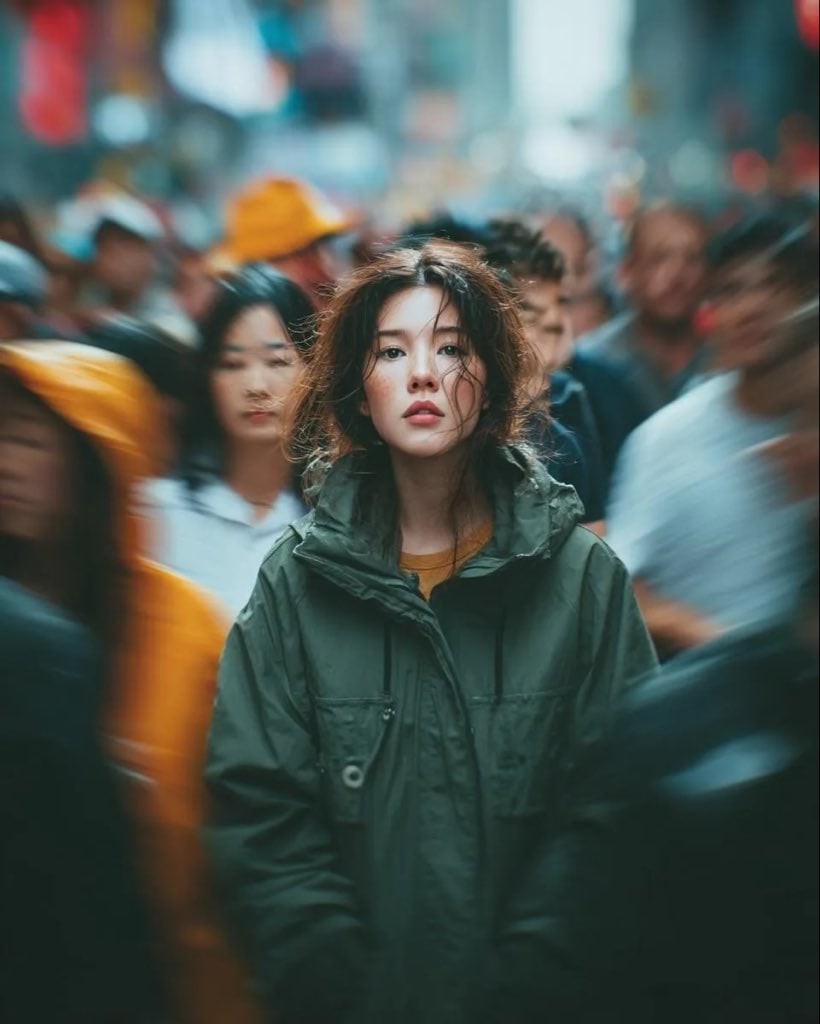
Candid Paparazzi Street Portrait with Motion Blur
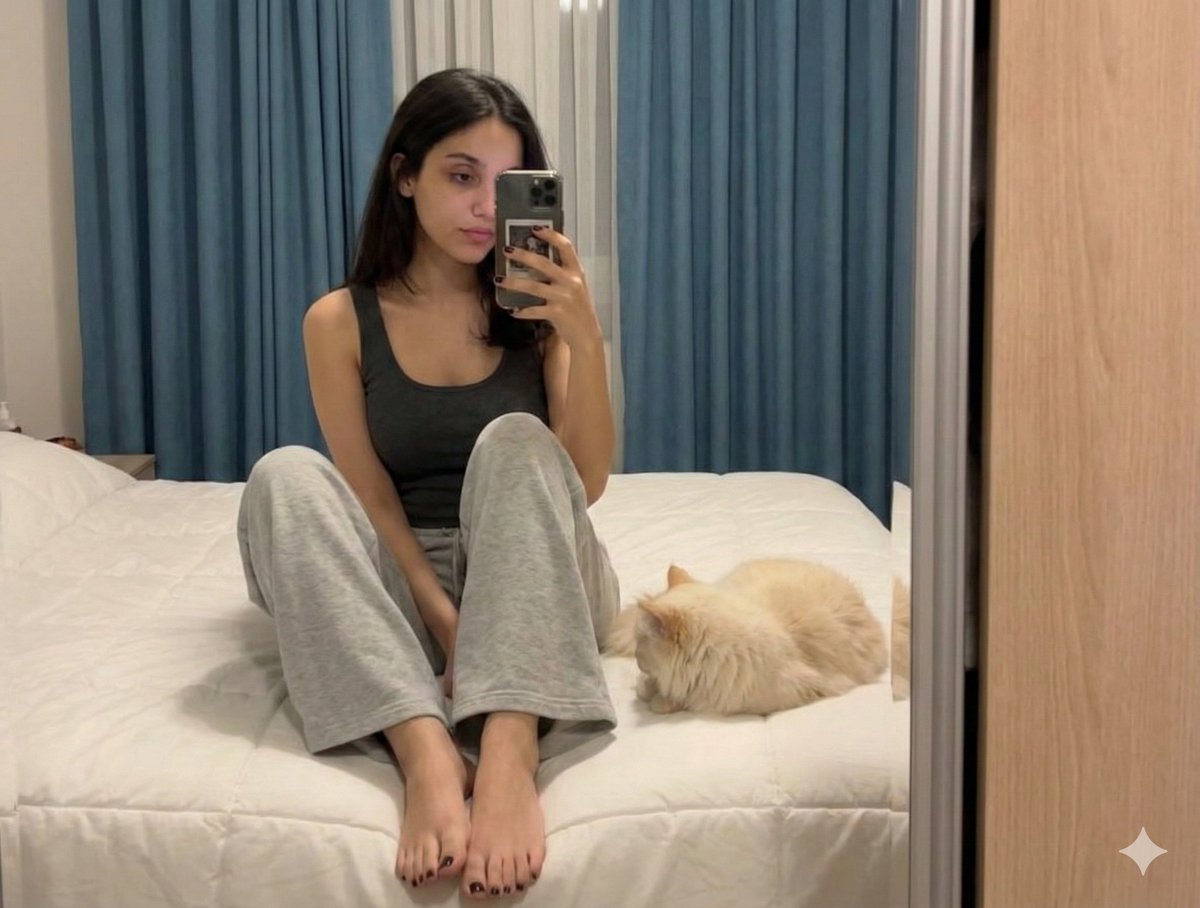
Nano Banana Pro Prompt: Candid Mirror Selfie with Cat

Sunday Afternoon, 1988

Our Song was on a Cassette

The Date After College

80s College Gate

Creative Character in Pink Office
Make it yours
Candid Spring Selfie with Motion Blur works as-is. These are the safest ways to change it without losing the look.
Change one field
Copy a single group, rewrite it, and generate again so you can see what that field is doing.
Keep the frame, change the subject
Hold the composition and light of Candid Spring Selfie with Motion Blur, then swap wardrobe, props or the person for a new take.
| If the result… | Why | Fix |
|---|---|---|
| The result drifts from the preview | Too many fields changed at once. | Reuse Candid Spring Selfie with Motion Blur as-is first, then change one group — subject, light, or setting. |
| The model over-stylizes the scene | The prose prompt leaves finish and camera underspecified. | Add one camera or lighting sentence and stay on Gemini 3 Pro Image Preview. |
More Gemini 3 Pro Image Preview templates
Other prompts made for Gemini 3 Pro Image Preview.

Cinematic Urban Night Billboard Portrait

Ultra-Realistic iPhone Selfie with Motion Blur

Cinematic Mirror Reflection Portrait

Elegant Men's Twilight Editorial

Coastal Freedom Sunset Portrait

Ergonomic Office Chair E-commerce Mobile Detail Page

Macro Guitar Fret Dressing

Cinematic Black and White Studio Portrait

1980s Retro Salon Portrait

Felt Frog Diorama Beach
More image prompts
Fresh picks from across the catalog.
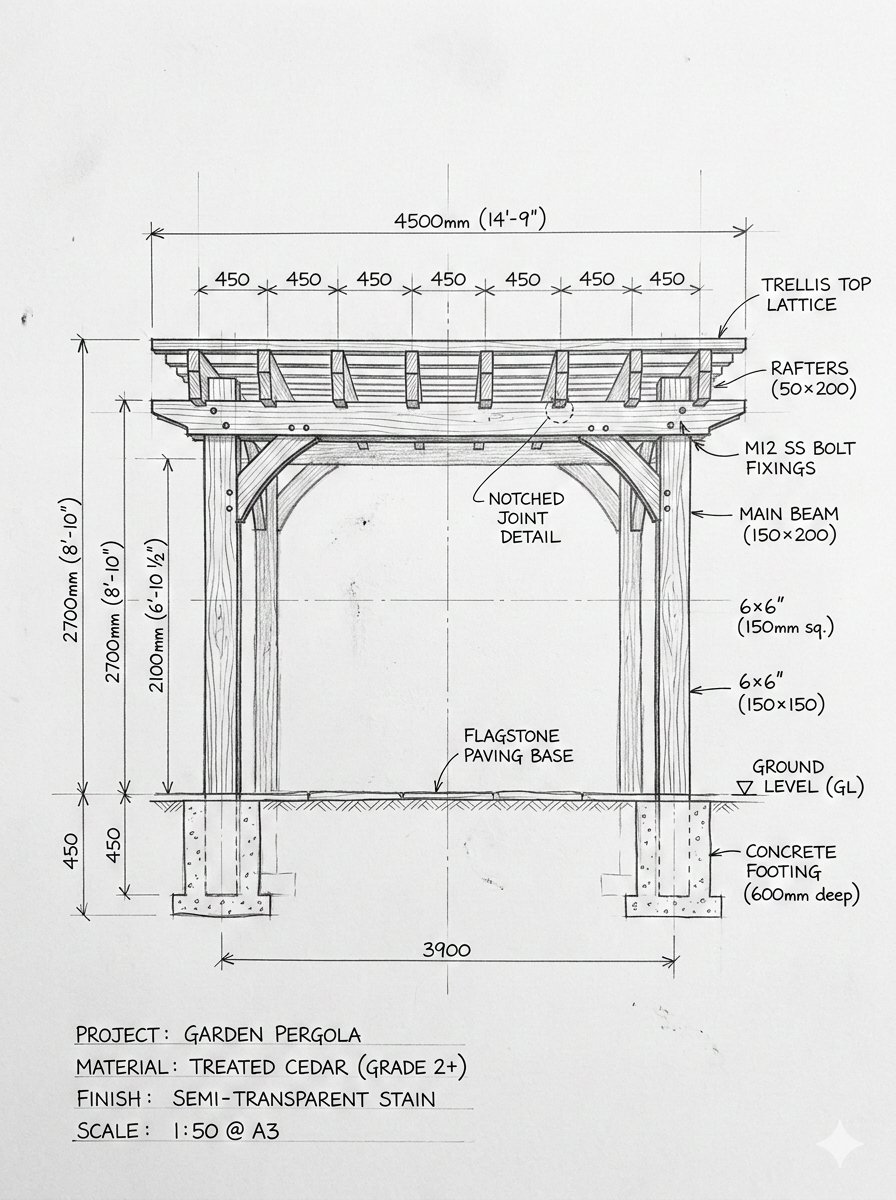
Pergola Blueprint to Photoreal Structure Prompt

Documentary Realism Boxing Portrait

Pixel Art Bonsai Game UI
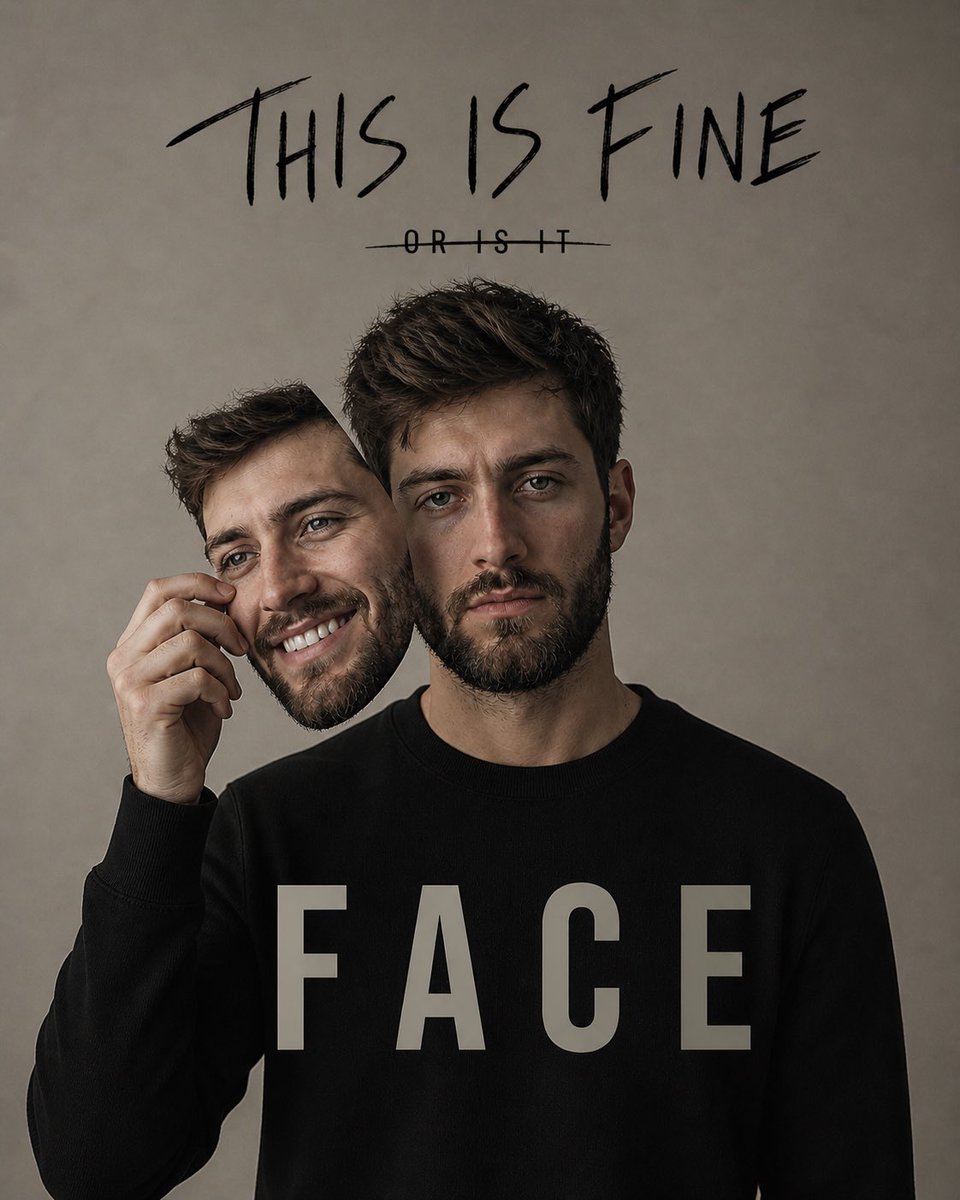
Dual Identity Surreal Portrait

Luxury Watch Fashion Ad

Dramatic Stylized Portrait Conversion Prompt for Nano Banana
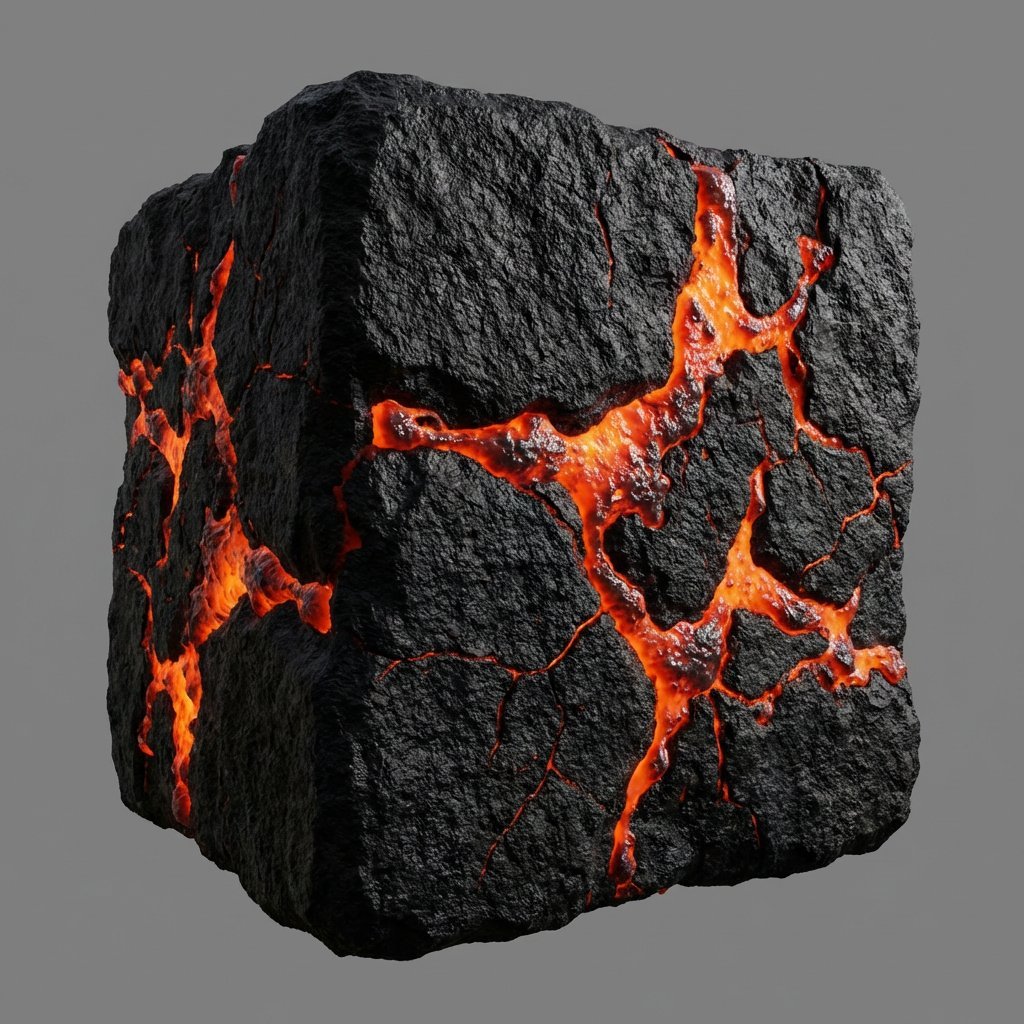
Lava Stone Texture Cube

Chinese Livestream Dorm Selfie UI
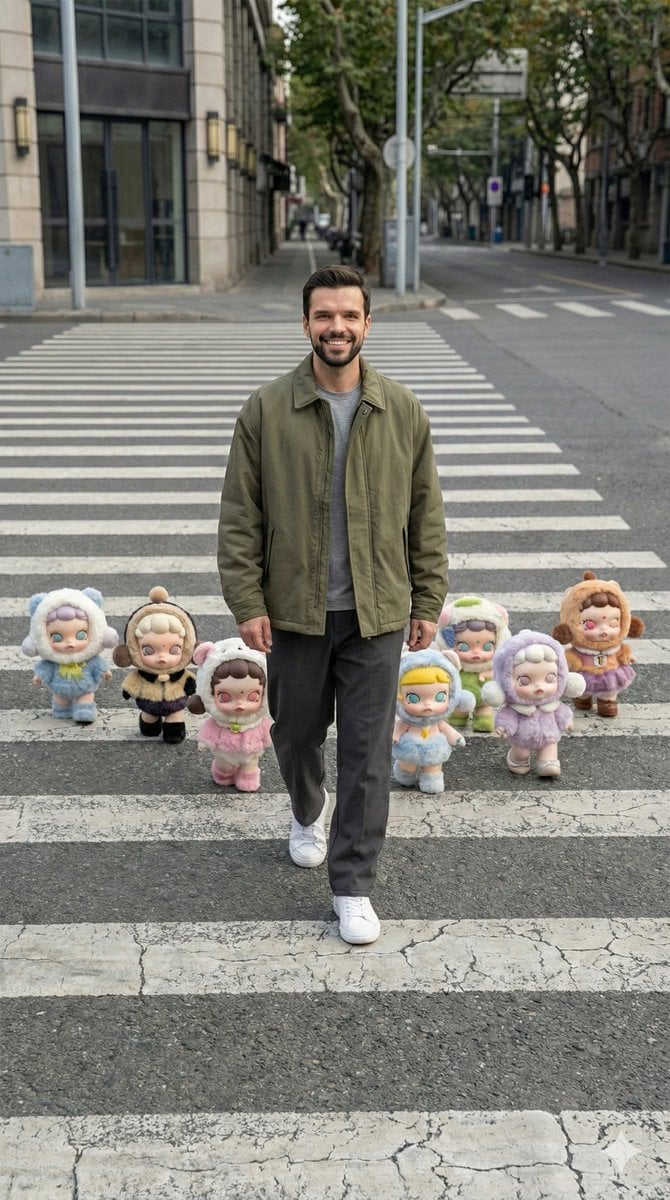
Hyper-Realistic Street Photography with Popmart Figures
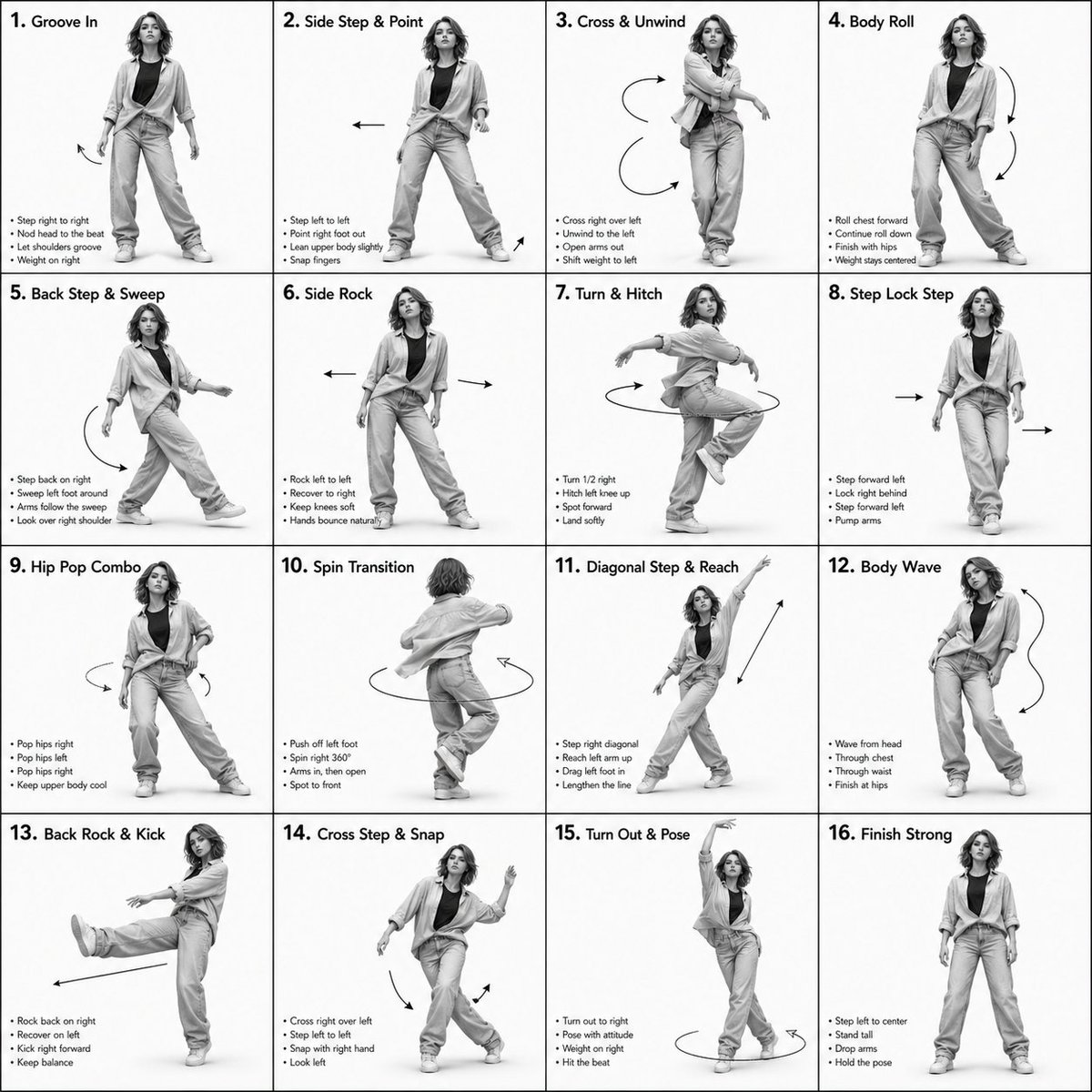
3D Rendered Dance Sequence Guide
Browse template categories
Candid Spring Selfie with Motion Blur questions
How do I use the Candid Spring Selfie with Motion Blur template?
Add your photo if the template asks for one, edit the prompt if you like — the template's model and format are already selected — and press Generate. Your version opens in PicX Studio.
Can I customize the Candid Spring Selfie with Motion Blur template?
Yes. You can change the subject, setting, lighting, mood, format, and available model controls before creating your image.
Is the Candid Spring Selfie with Motion Blur template free?
Opening and editing this template is free. Generating uses credits, shown on the Generate button when you are signed in.
Which AI model should I use?
Start with Gemini 3 Pro Image Preview, which is the model associated with this template. You can compare another compatible model for a different finish.
Looking for something else? Browse all templates.

Your photo, any look
Thousands of ready templates for every top image and video model, from one credit balance.