
Candid Motion Blur Head Turn
A sophisticated prompt for GPT Image 2 designed to simulate a candid 35mm film shot with realistic motion blur from a sudden head turn.
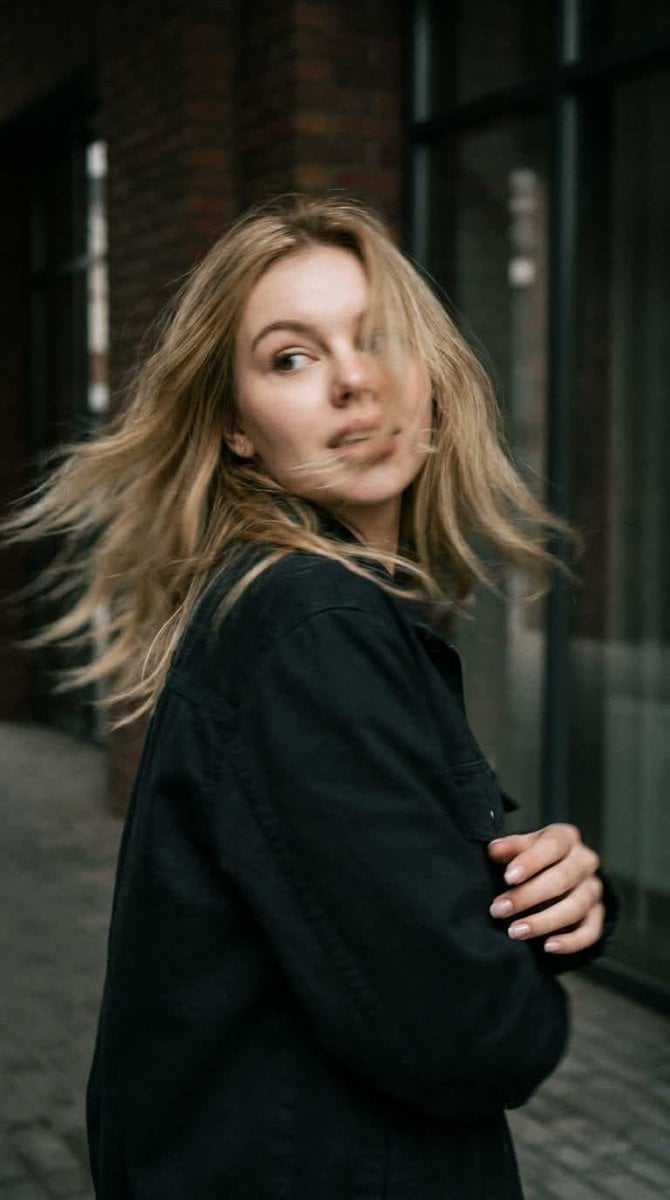
- Prompt included
- Model and format preset
- Premium template
The prompt behind this image
Copy the exact prompt behind Candid Motion Blur Head Turn, or open it in the studio and make it yours.
Preserve the subject's appearance 100%. Do not alter the facial features, facial proportions, eye shape, nose, lips, bone structure, skin texture, hair color, hair length, or hair texture. Maintain the person's unique identity and complete resemblance to the reference, even during motion. A photorealistic candid shot captured in motion. {argument name="framing" default="Close-up, waist-up framing"}. The {argument name="subject" default="woman"} is standing with her back to the camera at the exact moment she sharply turns her head over her shoulder. She suddenly looks back, her gaze directed off to the side. Her expression naturally reflects the movement, creating the feeling of a genuine, unposed snapshot rather than a staged photoshoot. SHARPNESS TECHNIQUE: The rapid head turn creates natural motion blur—subtle blur across the face, hair, and individual strands, with slight softening along the edges of the silhouette due to the speed of the movement. The face remains clearly recognizable, with all key features preserved. Her curls sweep outward with the motion, creating a dynamic trail that conveys realistic movement, as if captured by a real camera with a slightly delayed shutter. The body posture is natural, with slight asymmetry in the composition and realistic movement in the shoulders and neck. No fashion-model posing or studio-like stiffness. Cinematic directional lighting with soft shadows, rich atmospheric depth, and a textured environment. Realistic skin with visible pores and subtle natural imperfections. Captured as if on a real 35mm film camera: pronounced film grain, subtle optical imperfections, a muted, low-saturation color palette, natural depth of field, and the authentic look of a real-life photograph.
How to use Candid Motion Blur Head Turn in 3 steps
- 1Upload ImagePNG, JPG or paste
Add your photo
Upload the photo the template builds on. The prompt, model and format are already set.
- 2…a portrait of your subject in softgolden-hour light, 85mm…
Personalize
Edit the subject and creative details for your destination.
- 3Generate
Generate
Press Generate — your image is created in PicX Studio, so you can compare it with the original and refine one variable at a time.
More like this
Templates with the same subject, style or setup. Open one to see its prompt.

Cinematic Street Fashion Portrait Motion Blur Crowd
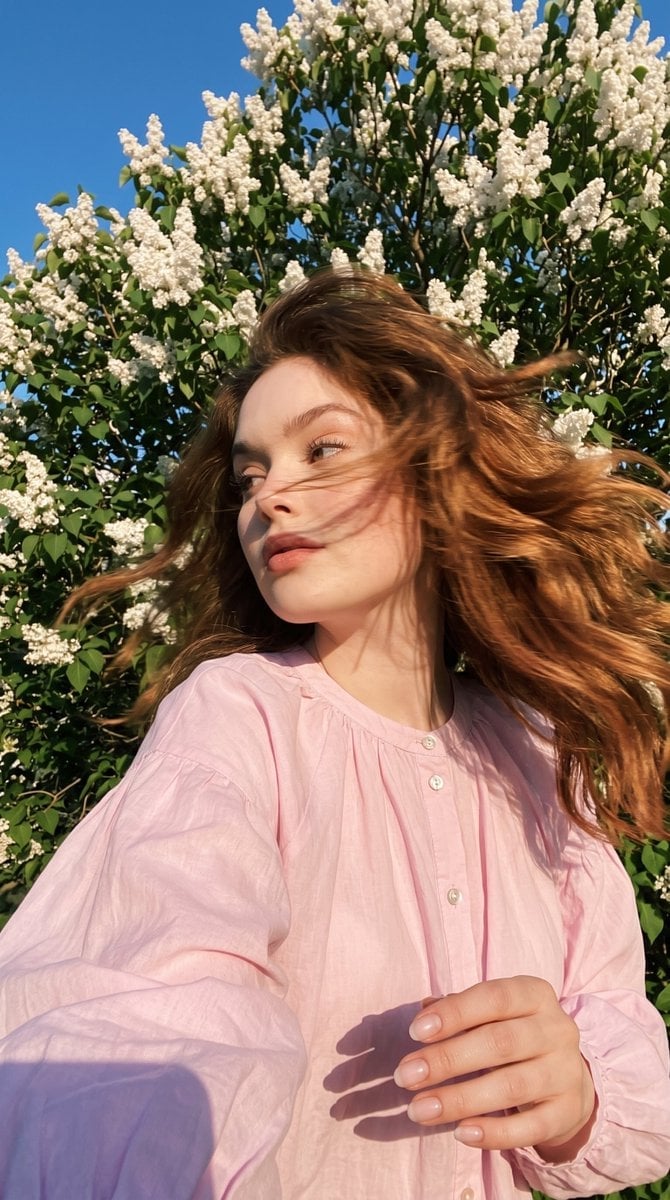
Candid Spring Selfie with Motion Blur
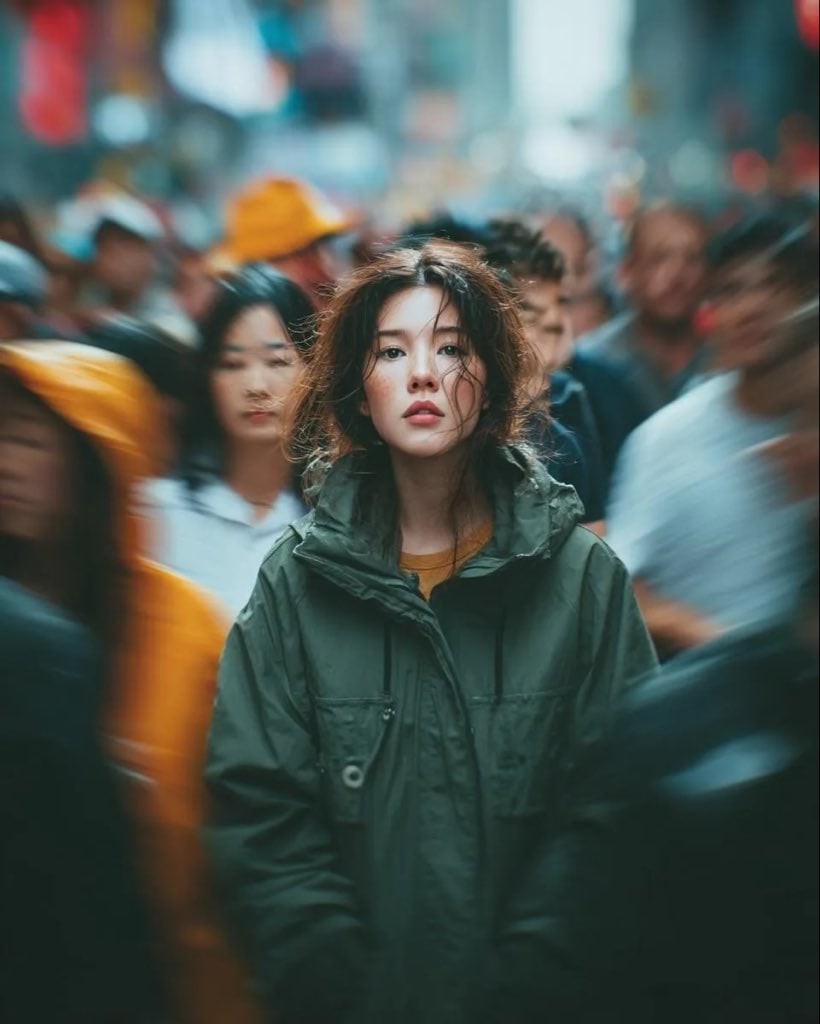
Candid Paparazzi Street Portrait with Motion Blur

Sunday Afternoon, 1988

Our Song was on a Cassette

The Date After College

80s College Gate

Teen Girl Alpine Lake Mountain View

Dramatic motion blur trails, long-exposure photography effect, dynamic
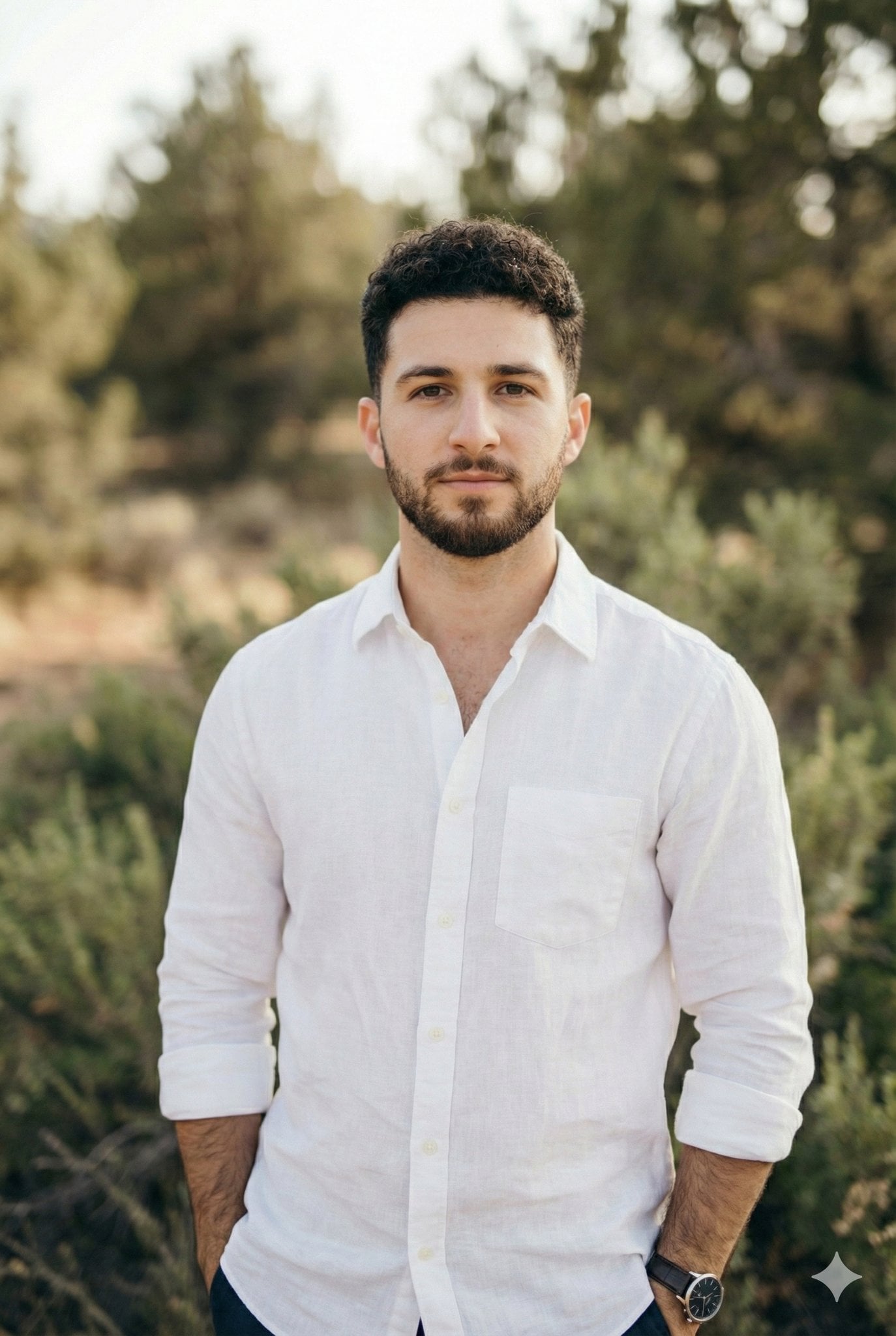
Arms crossed, body angled slightly to the right, head turned slightly
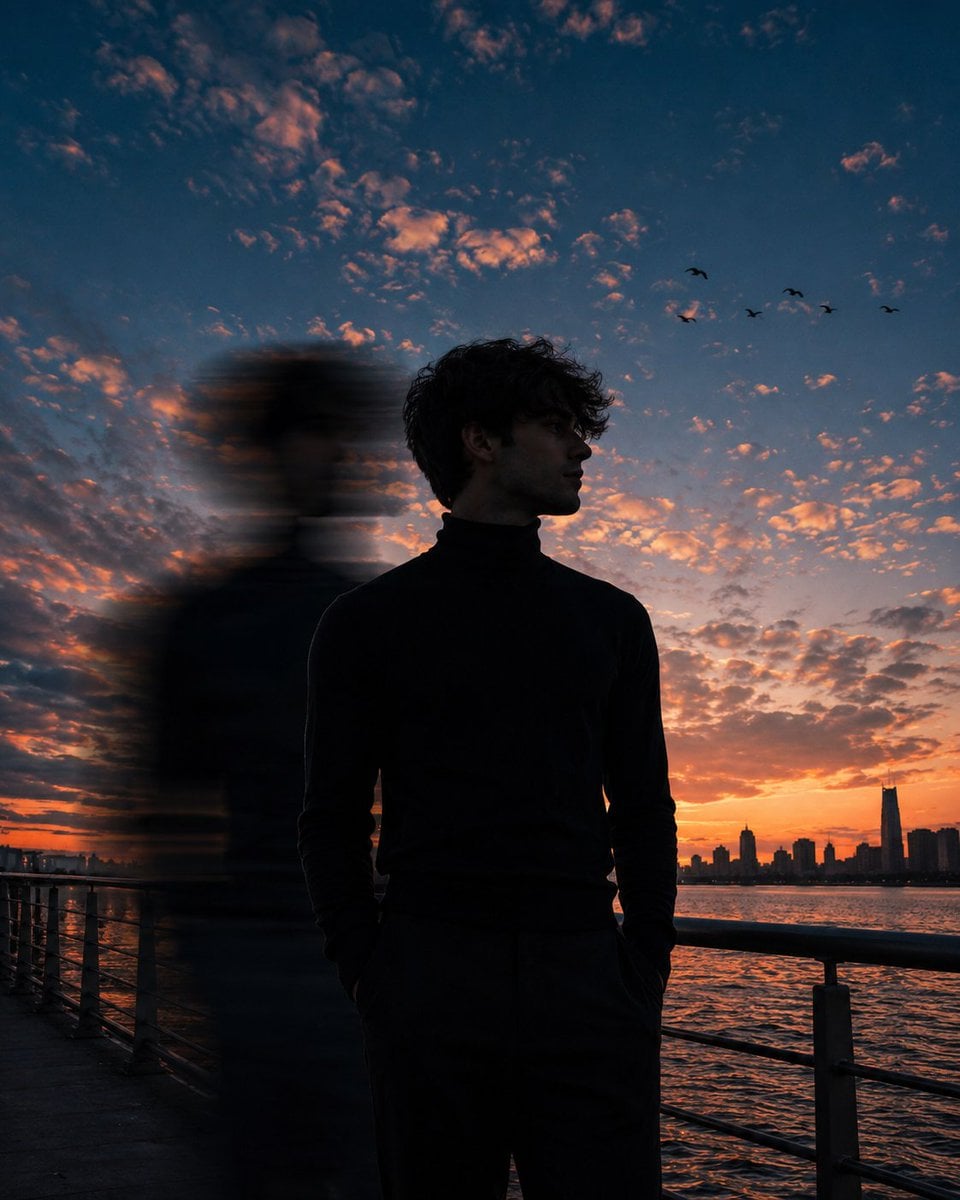
Motion Blur Sunset Portrait
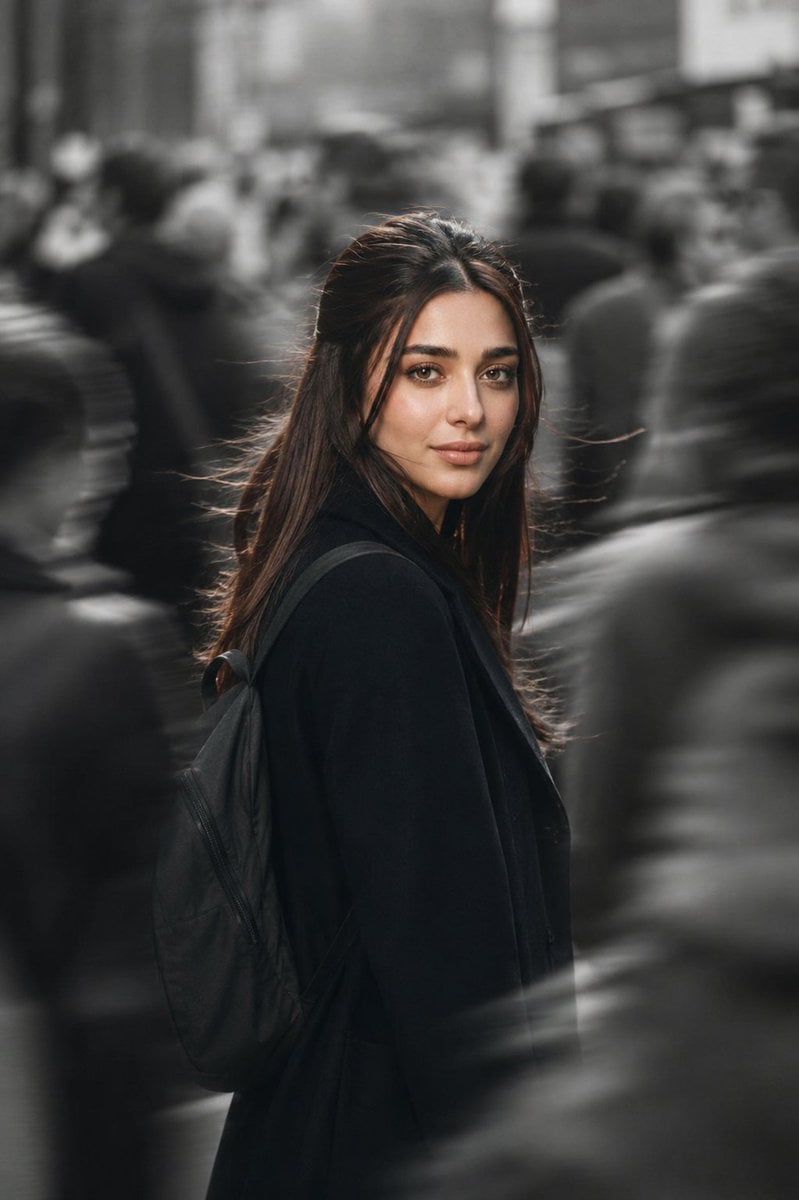
Cinematic City Motion Blur Portrait
Make it yours
Candid Motion Blur Head Turn works as-is. These are the safest ways to change it without losing the look.
Change one field
Copy a single group, rewrite it, and generate again so you can see what that field is doing.
Keep the frame, change the subject
Hold the composition and light of Candid Motion Blur Head Turn, then swap wardrobe, props or the person for a new take.
| If the result… | Why | Fix |
|---|---|---|
| The result drifts from the preview | Too many fields changed at once. | Reuse Candid Motion Blur Head Turn as-is first, then change one group — subject, light, or setting. |
| The model over-stylizes the scene | The prose prompt leaves finish and camera underspecified. | Add one camera or lighting sentence and stay on GPT Image 2. |
More GPT Image 2 templates
Other prompts made for GPT Image 2.

Six VTuber Japanese Logo Sheet

Realistic Portrait of Woman and Deer

The Vista Modular Condo Poster

AI Model Routing Comparison Infographic

2.5D Anime Art Board

Isometric Productivity Desk Scene

New York Double Exposure Poster

Four-Panel AI Landscape Comparison

Japanese Tatami Lifestyle Magazine Cover

NESCAFÉ Coffee Map Poster
More image prompts
Fresh picks from across the catalog.
Dreamy Editorial Portrait
Gen Z Summer Photo Dump Collage
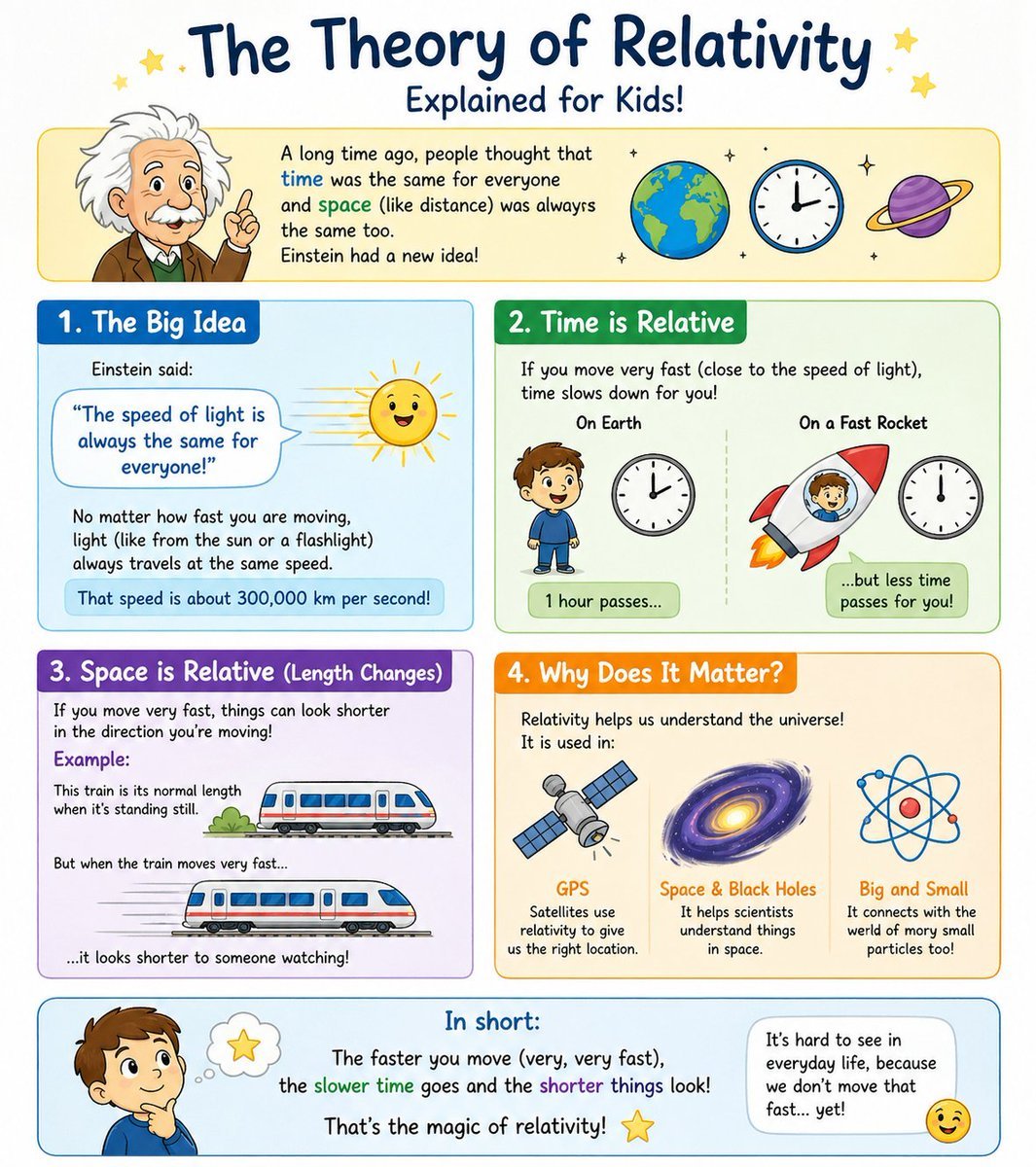
Kids Relativity Infographic Poster
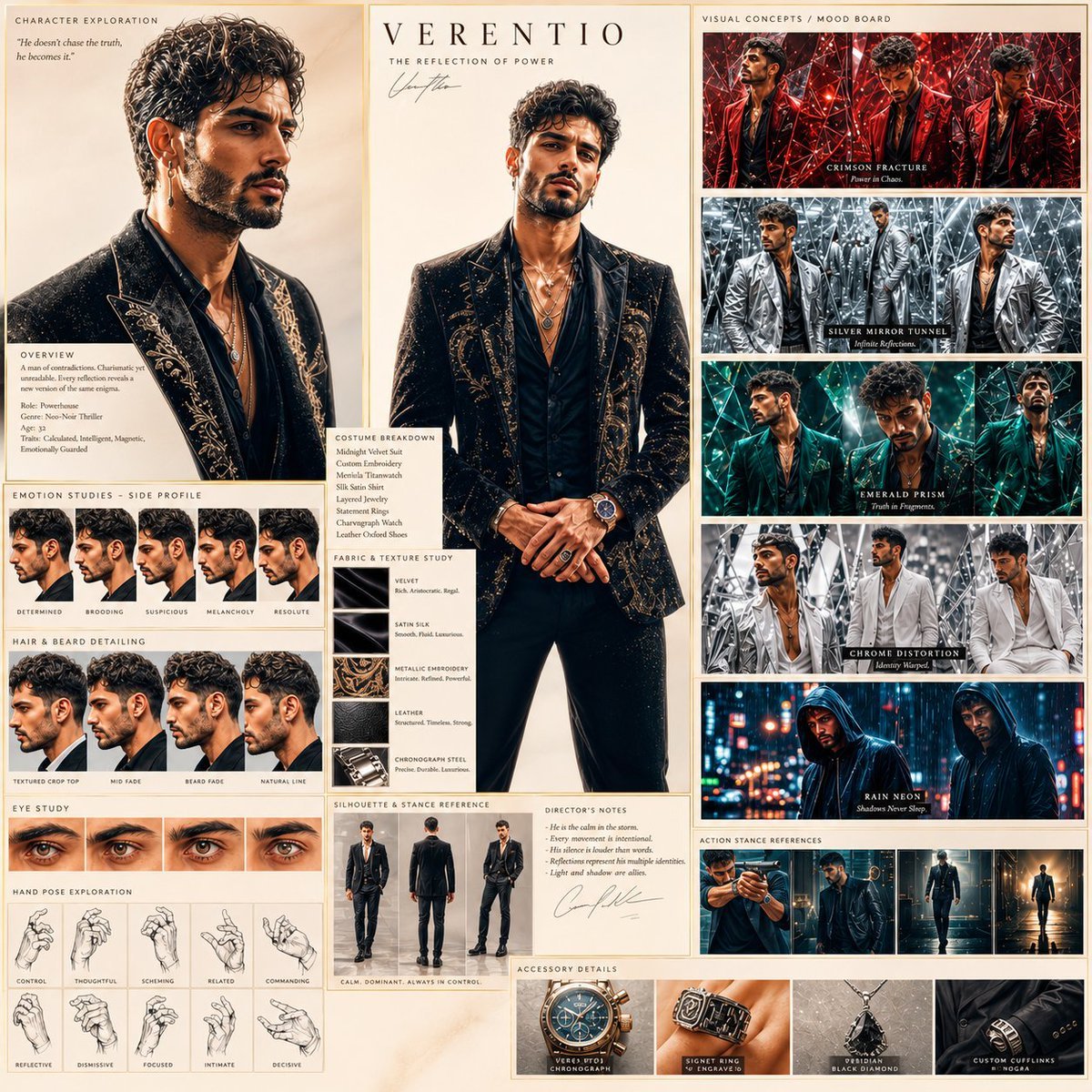
Neo-Noir Character Exploration Sheet
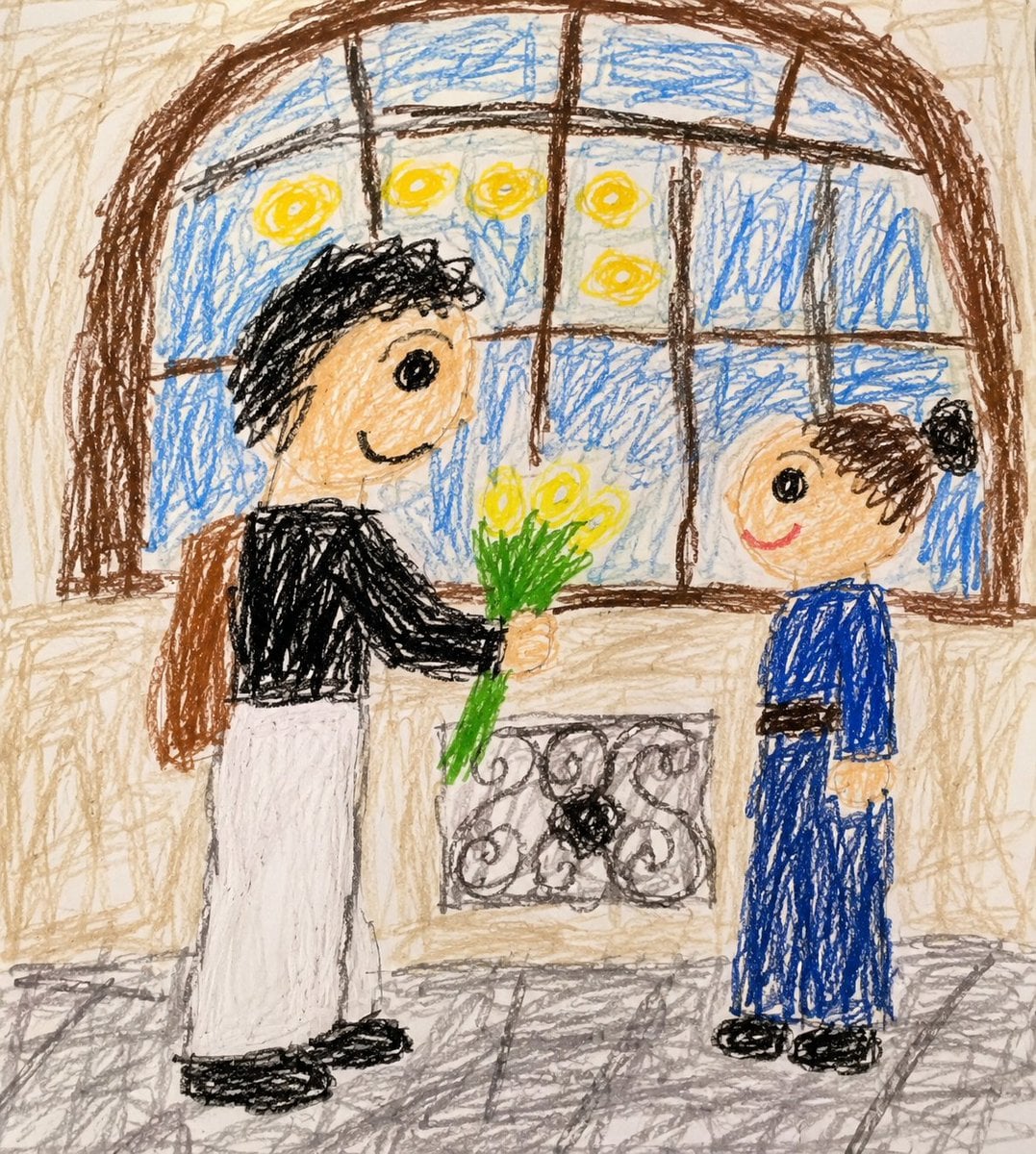
Toddler Crayon Drawing Transformation
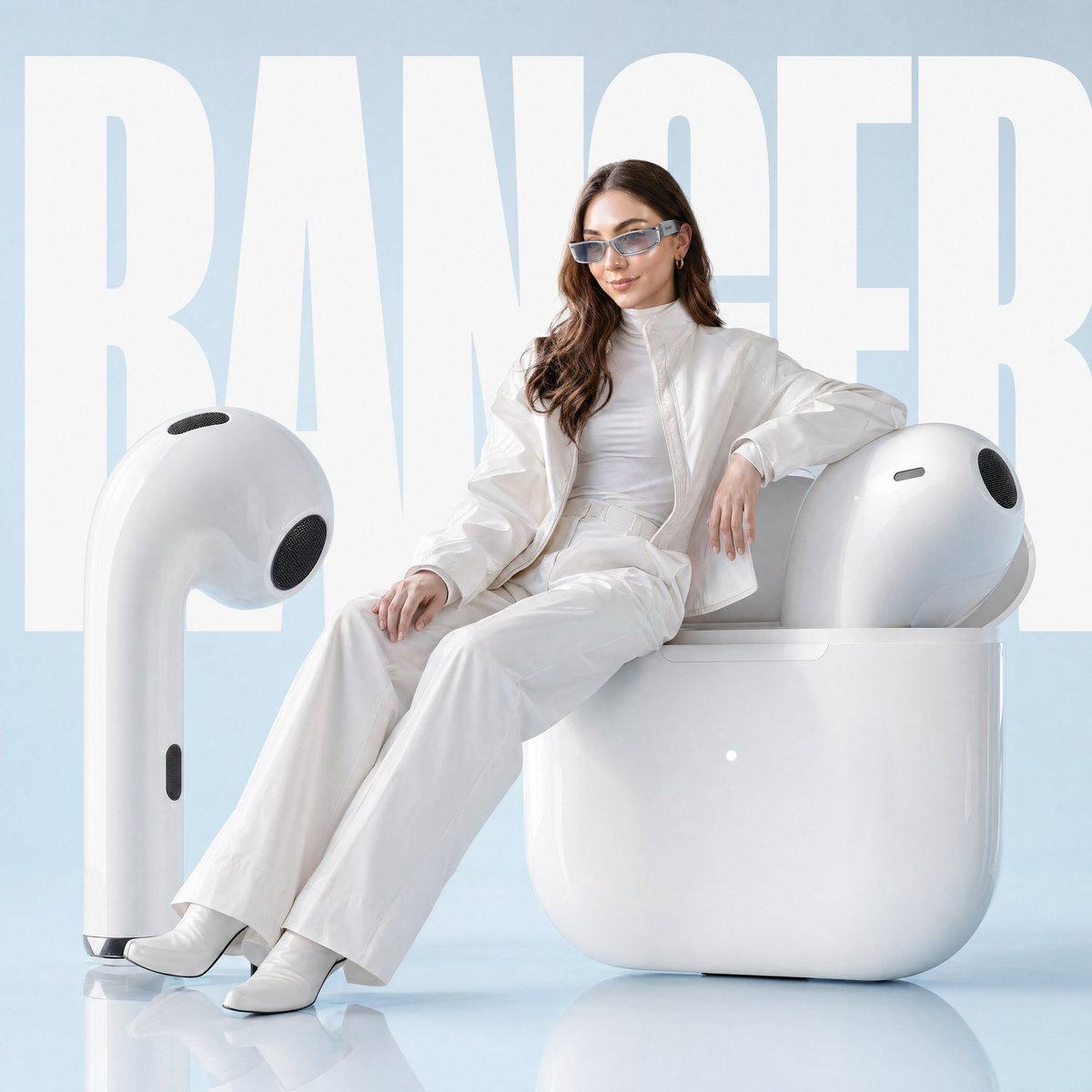
Avant-garde Fashion Advertisement Prompt

Cinematic Fire Effect Asset
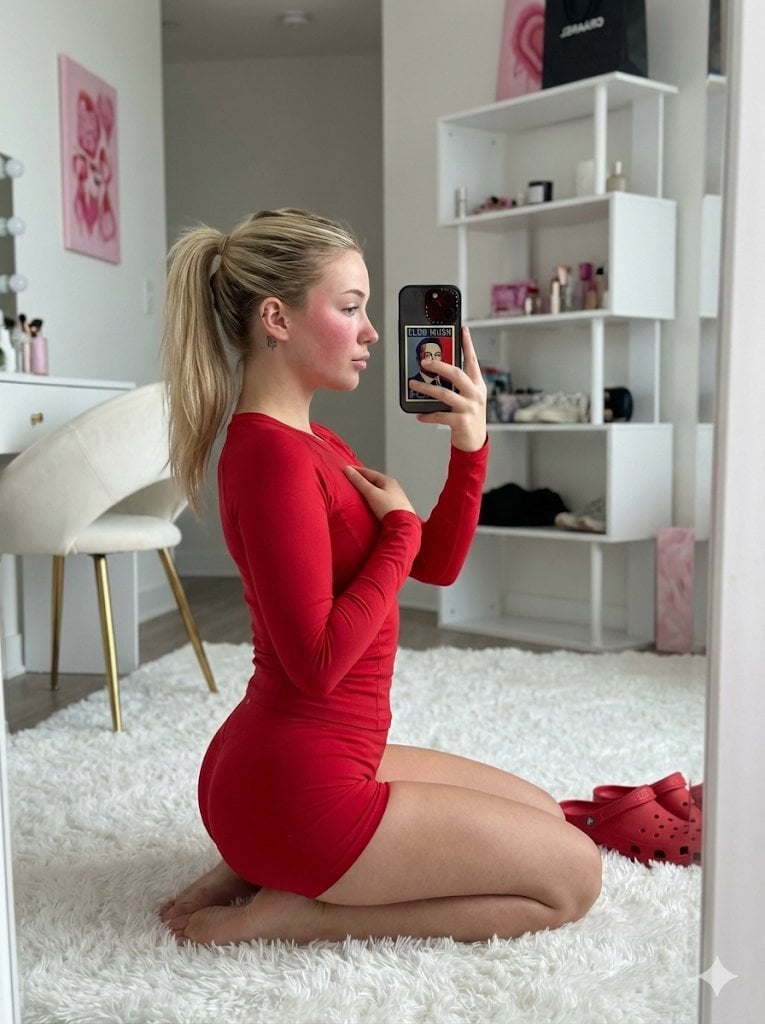
Ultra Photorealistic Mirror Selfie in Red Athletic Wear

Ugly slide introducing Einstein
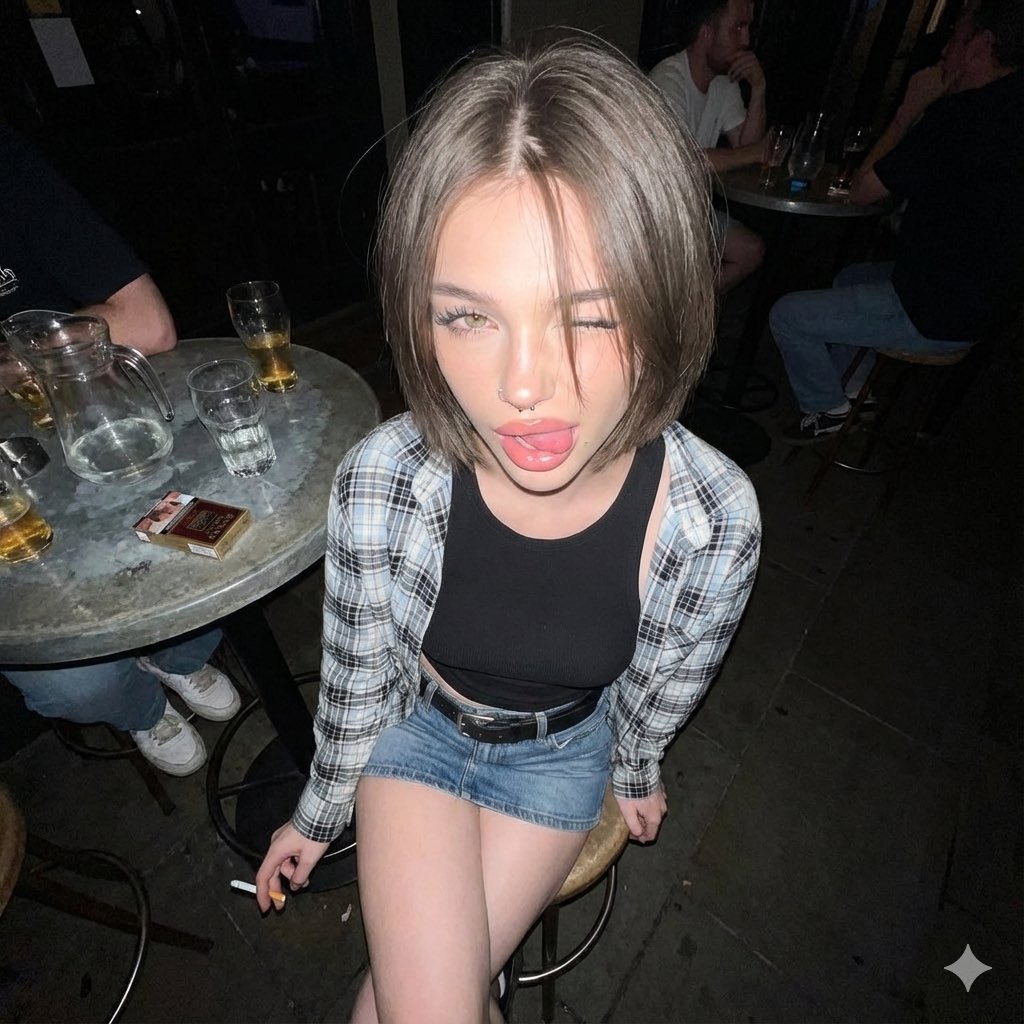
Y2K Grunge Flash Photography Portrait JSON
Browse template categories
Candid Motion Blur Head Turn questions
How do I use the Candid Motion Blur Head Turn template?
Add your photo if the template asks for one, edit the prompt if you like — the template's model and format are already selected — and press Generate. Your version opens in PicX Studio.
Can I customize the Candid Motion Blur Head Turn template?
Yes. You can change the subject, setting, lighting, mood, format, and available model controls before creating your image.
Is the Candid Motion Blur Head Turn template free?
Opening and editing this template is free. Generating uses credits, shown on the Generate button when you are signed in.
Which AI model should I use?
Start with GPT Image 2, which is the model associated with this template. You can compare another compatible model for a different finish.
Looking for something else? Browse all templates.

Your photo, any look
Thousands of ready templates for every top image and video model, from one credit balance.