
Kids Relativity Infographic Poster
A colorful educational poster explains relativity for children using four labeled sections, cute cartoons, and simple visual comparisons for classroom or social media use.
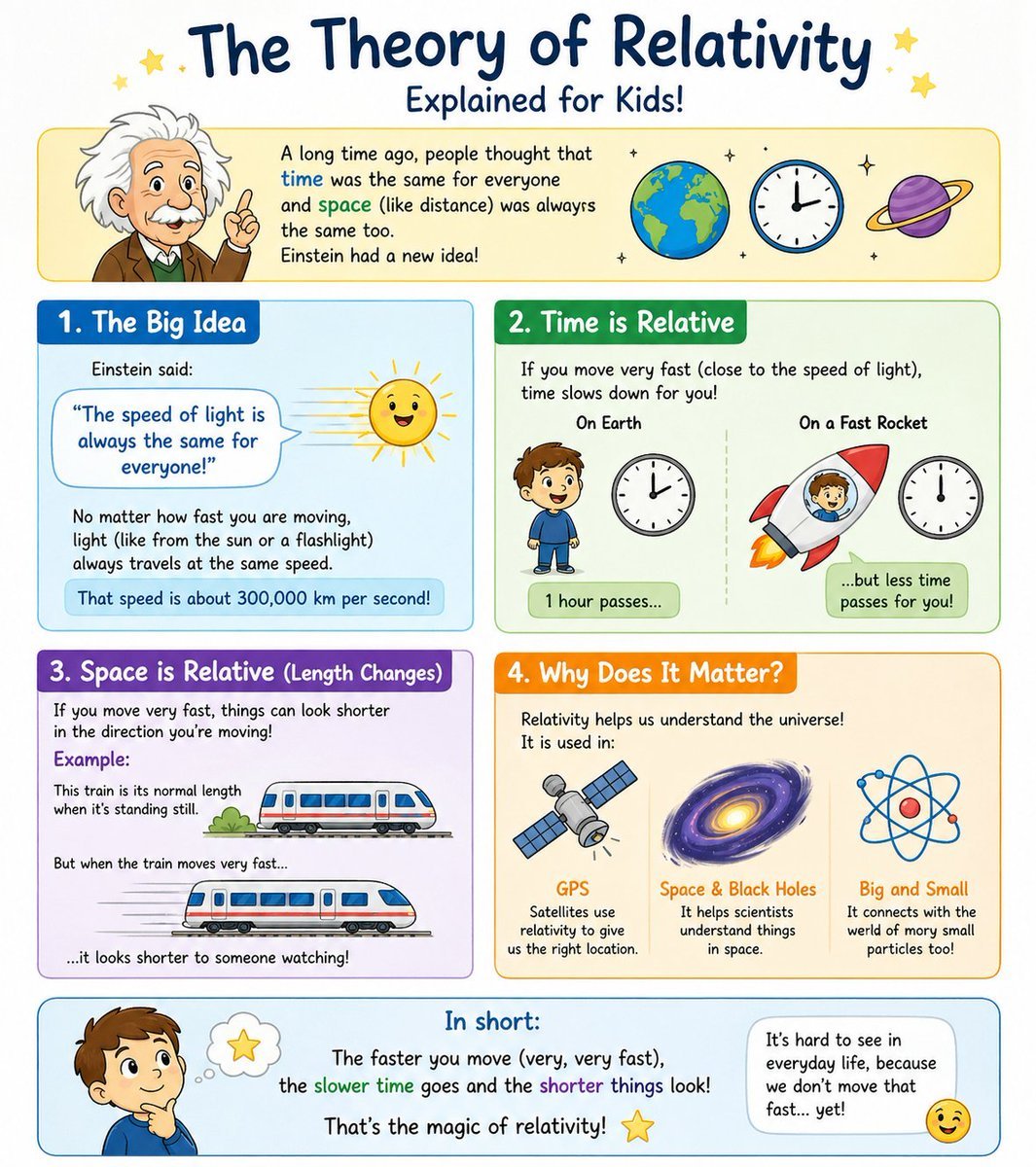
- Prompt included
- Model and format preset
- Free template
The prompt behind this image
Copy the exact prompt behind Kids Relativity Infographic Poster, or open it in the studio and make it yours.
- Type
- children's educational infographic poster
- Topic
- {argument name="topic" default="The Theory of Relativity"}
- Subtitle
- {argument name="subtitle text" default="Explained for Kids!"}
- Style
- cute hand-drawn classroom infographic, bright pastel colors, rounded panels, white background, friendly doodle stars and sparkles, thick outlines, easy-to-understand visual metaphors, playful textbook poster design for elementary school children
- Format
- vertical poster
- Header › Title
- The Theory of Relativity
- Header › Subtitle
- Explained for Kids!
- Header › Icons Count
- 3
- Header › Icons
- Earth globe, round clock, purple ringed planet
- Header › Intro Box › Left Figure
- cartoon Einstein with wild white hair, brown jacket, green vest, white shirt, raising one finger
- Header › Intro Box › Text
- A long time ago, people thought that time was the same for everyone and space (like distance) was always the same too. Einstein had a new idea!
- Layout › Sections › 0 › Title
- 1. The Big Idea
- Layout › Sections › 0 › Position
- upper left
- Layout › Sections › 0 › Count
- 1
- Layout › Sections › 0 › Visuals Count
- 2
- Layout › Sections › 0 › Visuals
- speech bubble with quote, smiling sun with rays
- Layout › Sections › 0 › Text
- Einstein said: "The speed of light is always the same for everyone!" No matter how fast you are moving, light (like from the sun or a flashlight) always travels at the same speed. That speed is about 300,000 km per second!
- Layout › Sections › 0 › Panel Color
- blue
- Layout › Sections › 1 › Title
- 2. Time is Relative
- Layout › Sections › 1 › Position
- upper right
- Layout › Sections › 1 › Count
- 2
- Layout › Sections › 1 › Labels
- On Earth, On a Fast Rocket
- Layout › Sections › 1 › Visuals Count
- 4
- Layout › Sections › 1 › Visuals
- child standing on Earth side, clock on Earth side, child inside red rocket with orange flame, clock on rocket side
Raw JSON
{"type":"children's educational infographic poster","topic":"{argument name=\"topic\" default=\"The Theory of Relativity\"}","subtitle":"{argument name=\"subtitle text\" default=\"Explained for Kids!\"}","style":"cute hand-drawn classroom infographic, bright pastel colors, rounded panels, white background, friendly doodle stars and sparkles, thick outlines, easy-to-understand visual metaphors, playful textbook poster design for elementary school children","format":"vertical poster","header":{"title":"The Theory of Relativity","subtitle":"Explained for Kids!","icons_count":3,"icons":["Earth globe","round clock","purple ringed planet"],"intro_box":{"left_figure":"cartoon Einstein with wild white hair, brown jacket, green vest, white shirt, raising one finger","text":"A long time ago, people thought that time was the same for everyone and space (like distance) was always the same too. Einstein had a new idea!"}},"layout":{"sections":[{"title":"1. The Big Idea","position":"upper left","count":1,"visuals_count":2,"visuals":["speech bubble with quote","smiling sun with rays"],"text":"Einstein said: \"The speed of light is always the same for everyone!\" No matter how fast you are moving, light (like from the sun or a flashlight) always travels at the same speed. That speed is about 300,000 km per second!","panel_color":"blue"},{"title":"2. Time is Relative","position":"upper right","count":2,"labels":["On Earth","On a Fast Rocket"],"visuals_count":4,"visuals":["child standing on Earth side","clock on Earth side","child inside red rocket with orange flame","clock on rocket side"],"text":"If you move very fast (close to the speed of light), time slows down for you! Left caption: 1 hour passes... Right caption: ...but less time passes for you!","panel_color":"green"},{"title":"3. Space is Relative (Length Changes)","position":"middle left","count":2,"labels":["normal train length when standing still","shorter-looking train when moving very fast"],"visuals_count":2,"visuals":["train at rest","stretched-motion train with speed lines"],"text":"If you move very fast, things can look shorter in the direction you're moving! Example: This train is its normal length when it's standing still. But when the train moves very fast... ...it looks shorter to someone watching!","panel_color":"purple"},{"title":"4. Why Does It Matter?","position":"middle right","count":3,"labels":["GPS","Space & Black Holes","Big and Small"],"visuals_count":3,"visuals":["satellite","spiral galaxy or black hole","atom symbol"],"text":"Relativity helps us understand the universe! It is used in: GPS — Satellites use relativity to give us the right location. Space & Black Holes — It helps scientists understand things in space. Big and Small — It connects with the weird world of very small particles too!","panel_color":"orange"}],"footer":{"title":"In short:","left_figure":"thoughtful cartoon boy with hand on chin and a thought bubble containing a yellow star","summary_text":"The faster you move (very, very fast), the slower time goes and the shorter things look! That's the magic of relativity!","right_note":"It's hard to see in everyday life, because we don't move that fast... yet!","extra_icon":"winking smiley face"}},"design_notes":{"section_count":4,"total_main_icons":12,"typography":"large playful handwritten title, rounded child-friendly sans serif body text","palette":["navy blue","sky blue","green","purple","orange","yellow","red","white"],"mood":"curious, cheerful, educational, kid-friendly"}}How to use Kids Relativity Infographic Poster in 3 steps
- 1Upload ImagePNG, JPG or paste
Add your photo
Upload the photo the template builds on. The prompt, model and format are already set.
- 2…a portrait of your subject in softgolden-hour light, 85mm…
Personalize
Edit the subject and creative details for your destination.
- 3Generate
Generate
Press Generate — your image is created in PicX Studio, so you can compare it with the original and refine one variable at a time.
More like this
Templates with the same subject, style or setup. Open one to see its prompt.

Japan Travel Brochure Poster

Gpt2 Infographic Edu Visual Ink Wash Tribute Poster for Chen Uen

Gpt2 Infographic Edu Visual Biomimetic Skyray Aircraft Poster

Morocco Soccer Strength Kids Infographic

Cartoon TV Show Poster Pack

Trendy Cafe Drink Promo Poster

Urban Fashion Editorial Collage Streetwear Poster

Premium Fashion Editorial Cover Layout System

Polo Ralph Lauren Luxury American Heritage Fashion Campaign

Monochrome Halftone Editorial Fashion Poster

Retro Mirror Luxury Fashion Campaign Poster

Luxury Fashion Campaign Typography Poster System
Make it yours
Kids Relativity Infographic Poster works as-is. These are the safest ways to change it without losing the look.
Change one field
Copy a single group, rewrite it, and generate again so you can see what that field is doing.
Keep the frame, change the subject
Hold the composition and light of Kids Relativity Infographic Poster, then swap wardrobe, props or the person for a new take.
| If the result… | Why | Fix |
|---|---|---|
| The result drifts from the preview | Too many fields changed at once. | Reuse Kids Relativity Infographic Poster as-is first, then change one group — subject, light, or setting. |
| GPT Image 2 ignores part of the JSON | Some models flatten or skip nested keys. | Keep the same values and paste them as a short paragraph instead. |
More GPT Image 2 templates
Other prompts made for GPT Image 2.

Six VTuber Japanese Logo Sheet

Realistic Portrait of Woman and Deer

The Vista Modular Condo Poster

AI Model Routing Comparison Infographic

2.5D Anime Art Board

Isometric Productivity Desk Scene

New York Double Exposure Poster

Four-Panel AI Landscape Comparison

Japanese Tatami Lifestyle Magazine Cover

NESCAFÉ Coffee Map Poster
More image prompts
Fresh picks from across the catalog.

Nano Banana 2 Generation Examples and Prompts

Romantic Cinematic Still of a Couple in
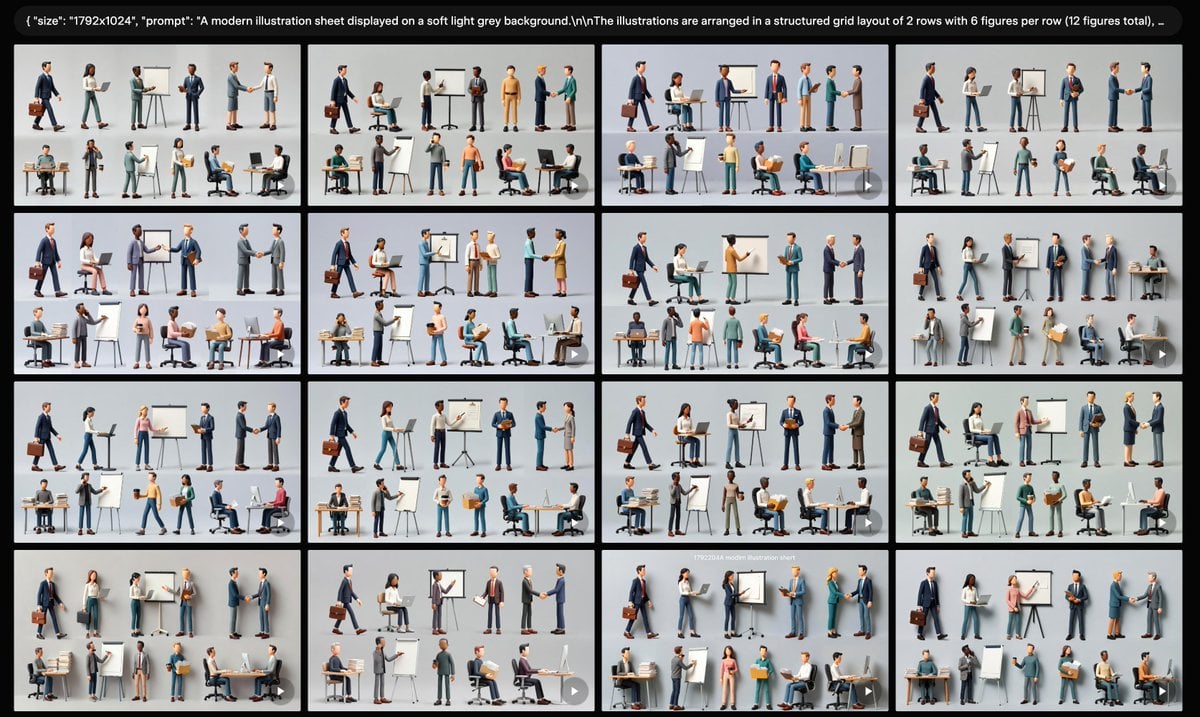
Business Character Sheet Gallery
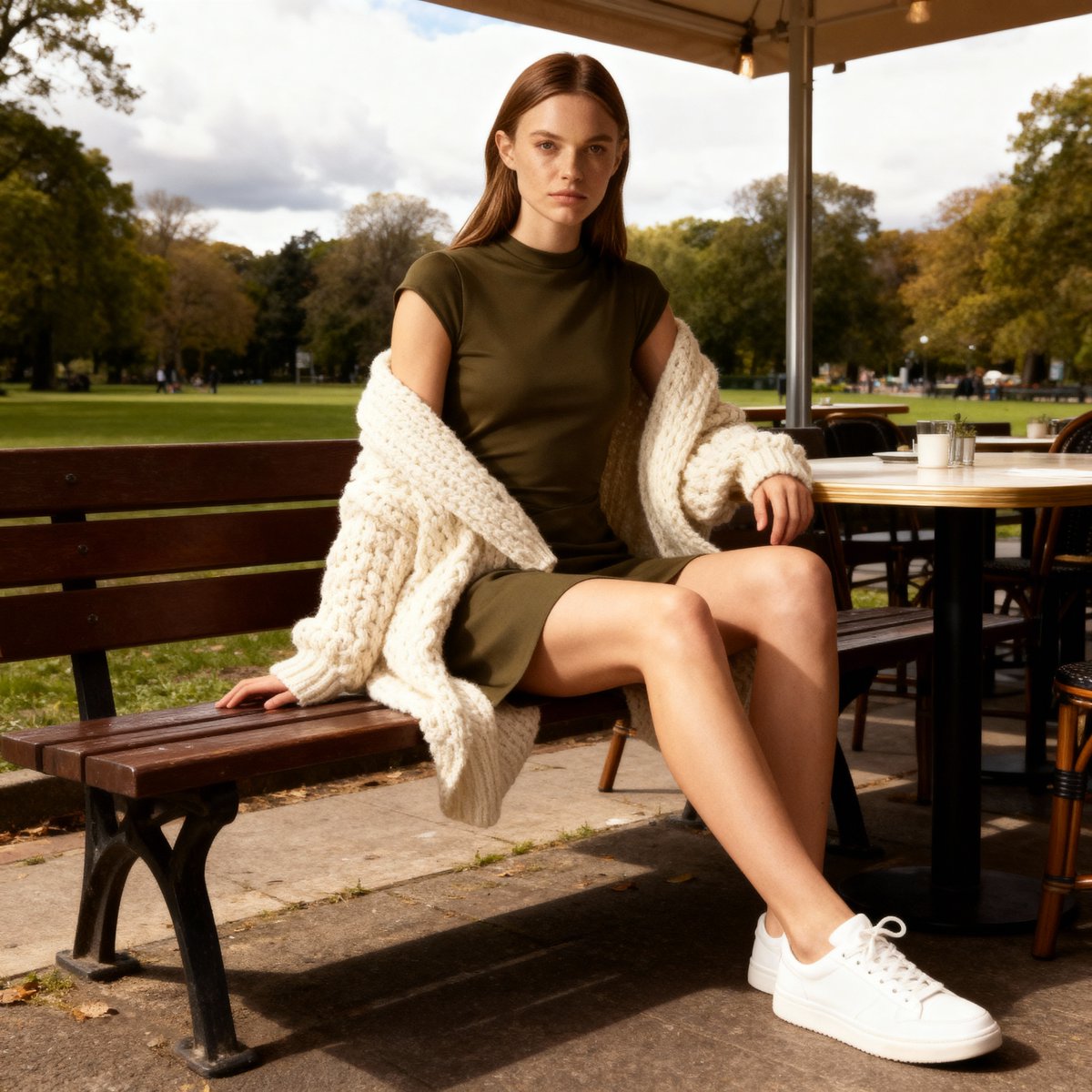
E-commerce Product Listing Prompt: Candid Lifestyle Dress Shot
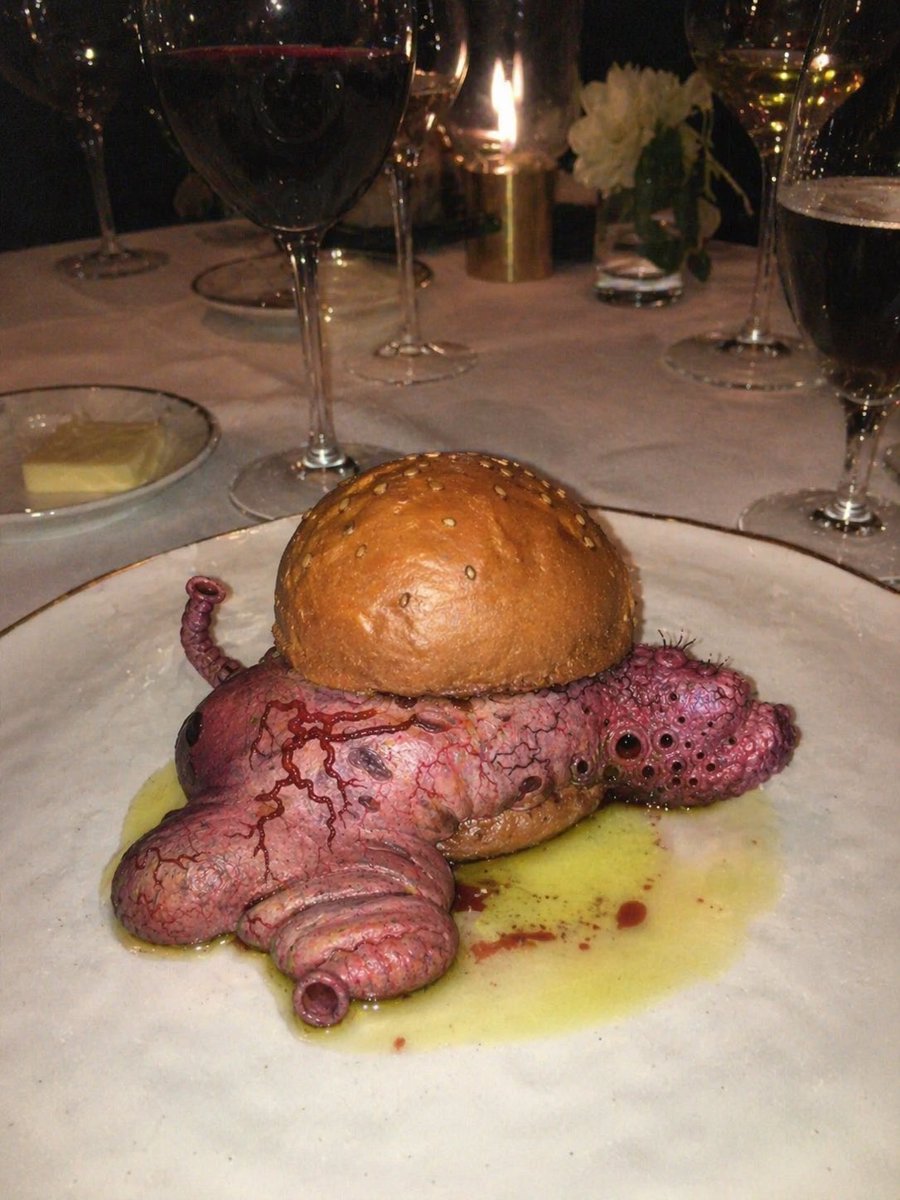
Surreal Octopus Burger Fine Dining Photo
2d to 3d Realistic Cgi Figurine Conversi

Romantic Night Park Couple Portrait

Luxury Perfume Counter Office Lady Scene
Messy Disposable Camera Party Shot Prompt

Gpt2 Avant Garde Tennis Fashion
Browse template categories
Kids Relativity Infographic Poster questions
How do I use the Kids Relativity Infographic Poster template?
Add your photo if the template asks for one, edit the prompt if you like — the template's model and format are already selected — and press Generate. Your version opens in PicX Studio.
Can I customize the Kids Relativity Infographic Poster template?
Yes. You can change the subject, setting, lighting, mood, format, and available model controls before creating your image.
Is the Kids Relativity Infographic Poster template free?
Opening and editing this template is free. Generating uses credits, shown on the Generate button when you are signed in.
Which AI model should I use?
Start with GPT Image 2, which is the model associated with this template. You can compare another compatible model for a different finish.
Looking for something else? Browse all templates.

Your photo, any look
Thousands of ready templates for every top image and video model, from one credit balance.