
Armored Warrior with Black Panther
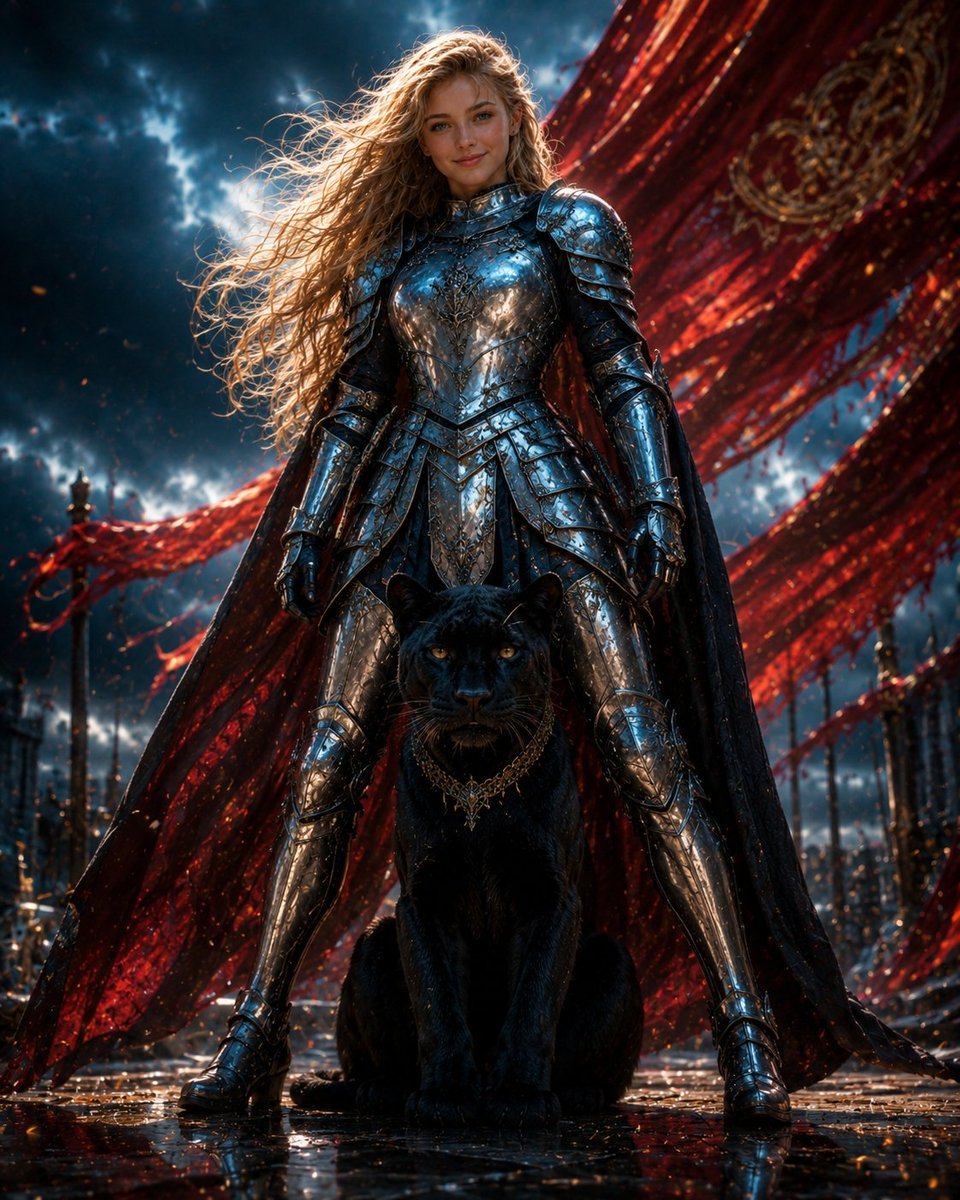
A cinematic fantasy poster prompt featuring a silver-armored heroine standing with a black panther beneath sweeping crimson banners.
- Prompt included
- Model and format preset
- Free template
The prompt behind this image
Copy the exact prompt behind Armored Warrior with Black Panther, or open it in the studio and make it yours.
Create a cinematic dark fantasy portrait of {argument name="character name" default="Luna and me"}: a young female warrior standing powerfully in the center of the frame with her legs apart, protecting a seated black panther directly in front of her. The warrior has {argument name="hair color" default="long windswept golden-blonde hair"}, a calm confident expression, and wears ornate mirror-polished silver full plate armor with engraved filigree, layered pauldrons, gauntlets, greaves, and a dark flowing cape. The panther is a large sleek black leopard with glowing amber eyes, glossy fur, and an ornate gold chain collar, sitting alert between the warrior’s boots. Behind them, enormous torn crimson silk banners sweep diagonally across the sky like dramatic battle standards, embroidered with faint gold patterns. The background is an epic ruined ceremonial plaza or battlefield with dark spires, small fires, floating embers, wet reflective stone ground, and a turbulent blue-black storm sky with breaks of bright light. Use a low-angle heroic composition, centered symmetry, ultra-detailed realistic fantasy art, high contrast lighting, blue highlights on chrome armor, red backlight from the banners, rain-slick reflections, volumetric atmosphere, sharp focus on the woman and panther, and an intense movie-poster mood. No text, no watermark, no extra animals, no extra people.
How to use Armored Warrior with Black Panther in 3 steps
- 1Upload ImagePNG, JPG or paste
Add your photo
Upload the photo the template builds on. The prompt, model and format are already set.
- 2…a portrait of your subject in softgolden-hour light, 85mm…
Personalize
Edit the subject and creative details for your destination.
- 3Generate
Generate
Press Generate — your image is created in PicX Studio, so you can compare it with the original and refine one variable at a time.
More like this
Templates with the same subject, style or setup. Open one to see its prompt.
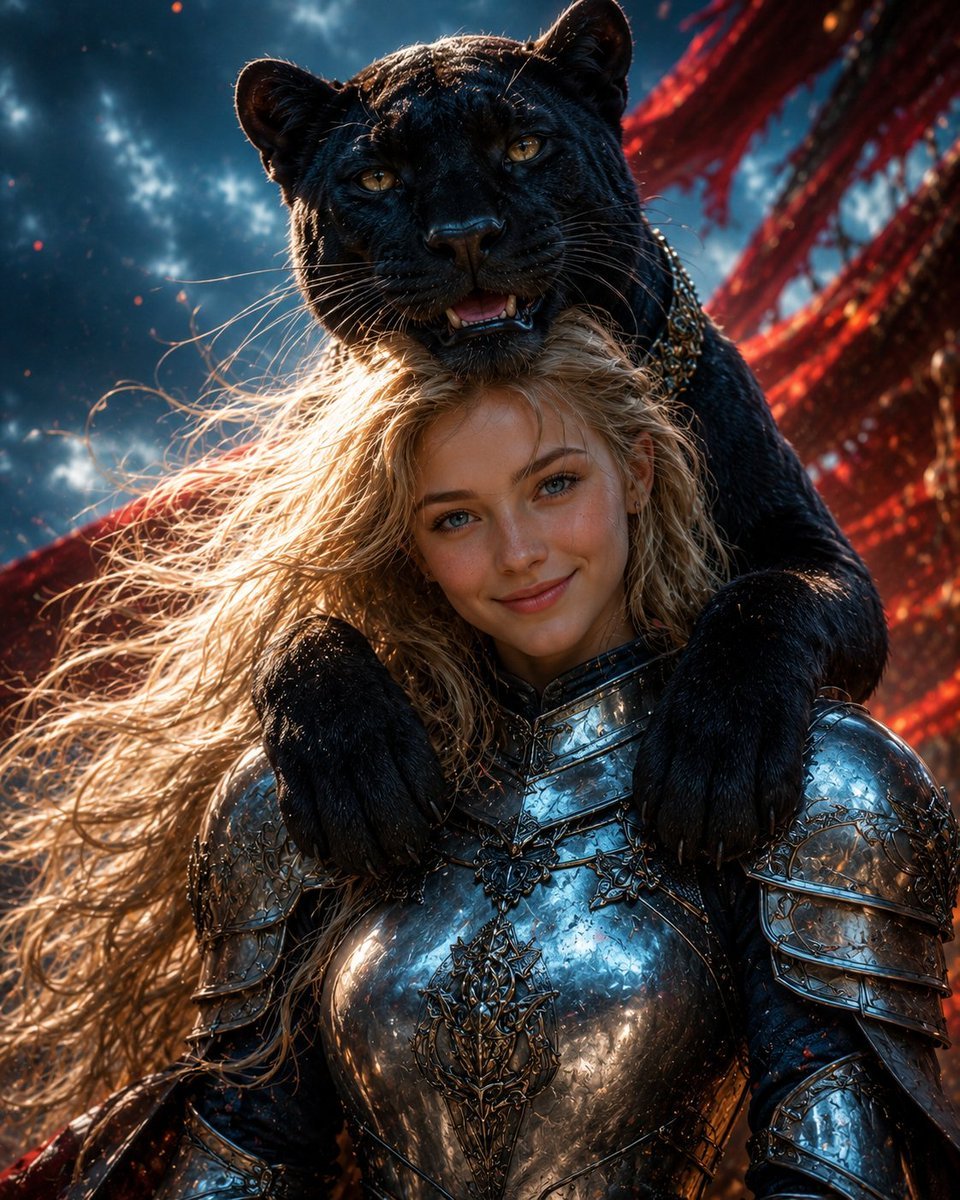
Black Panther and Female Knight Portrait
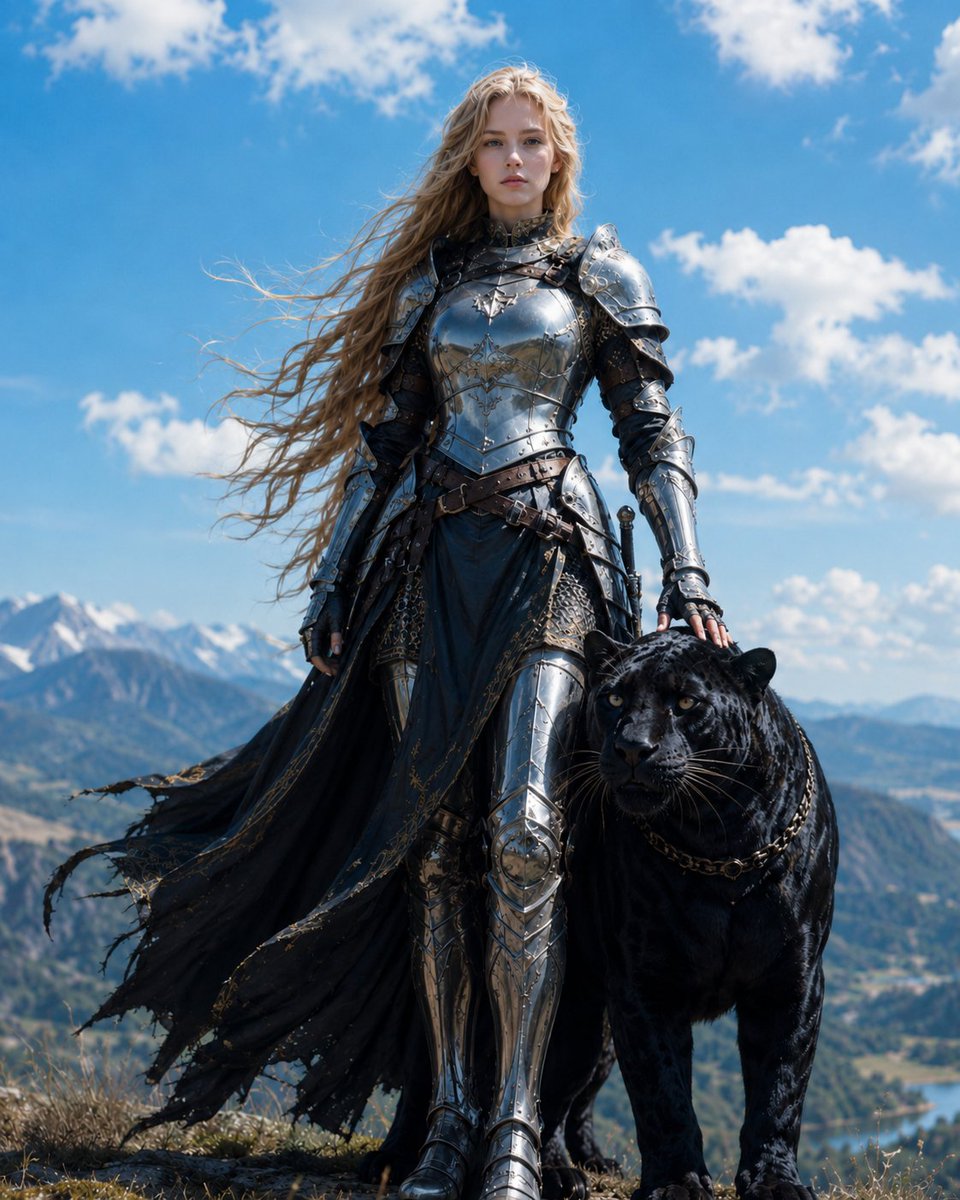
Blonde Knight with Black Panther
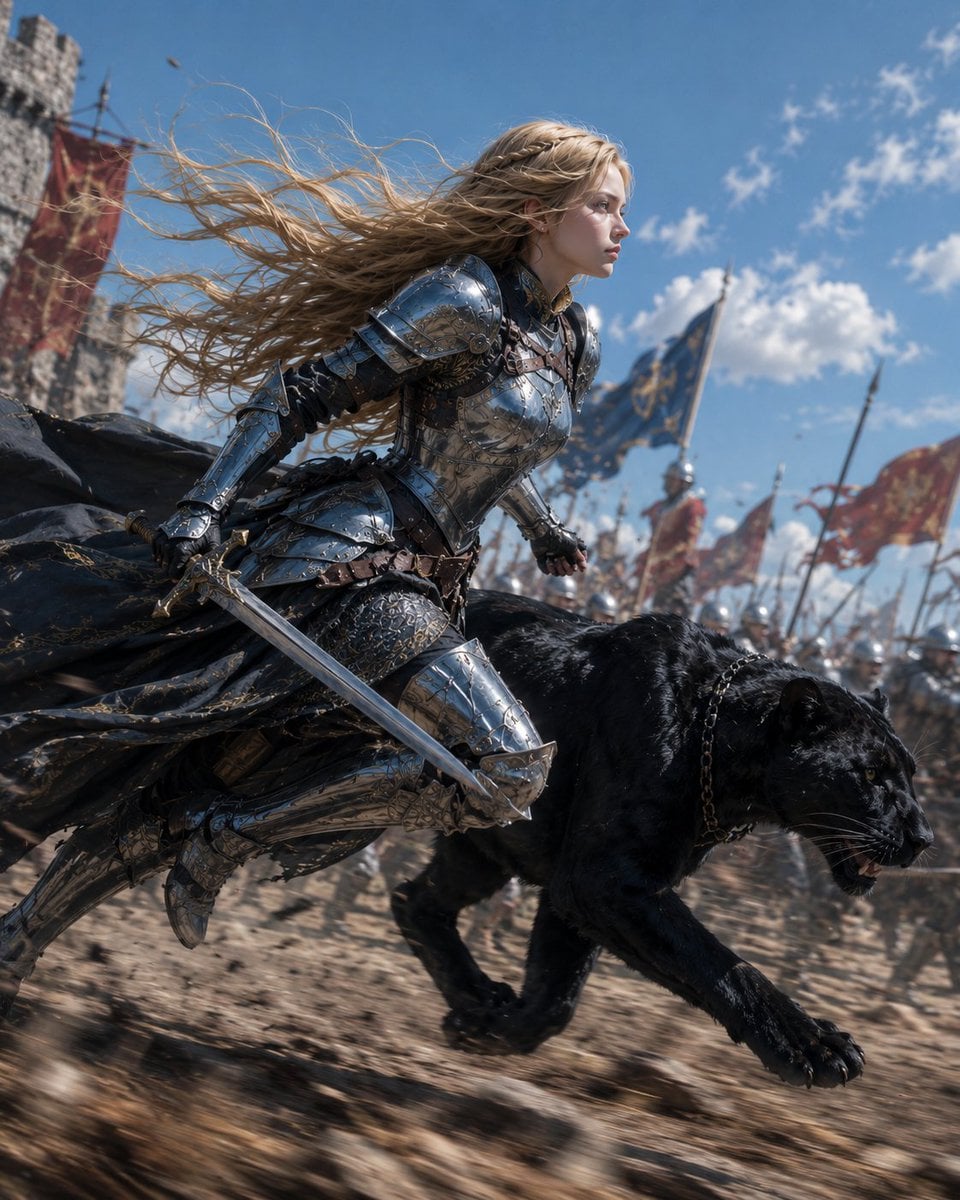
Blonde Knight and Black Panther Battle Charge

Dark Runway Luxury Fashion Magazine Cover

Black Liquid Cyberpunk Portrait Poster
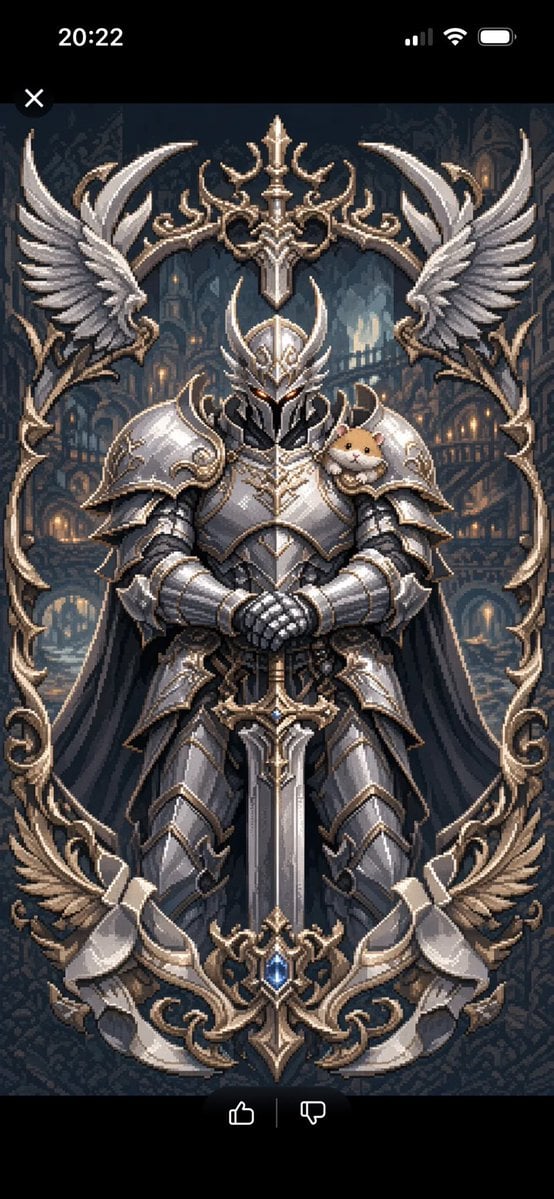
Semi-Pixel Armored Warrior
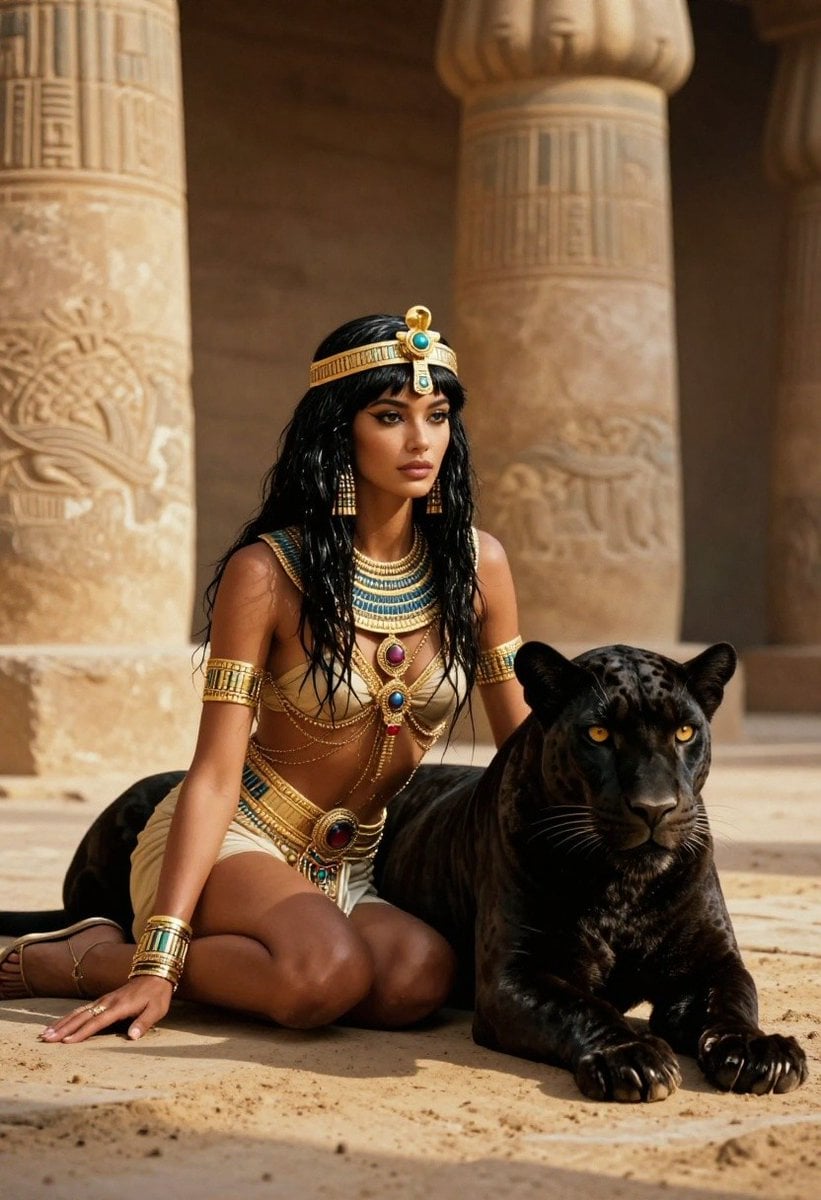
Ancient Egyptian Queen with Black Panther
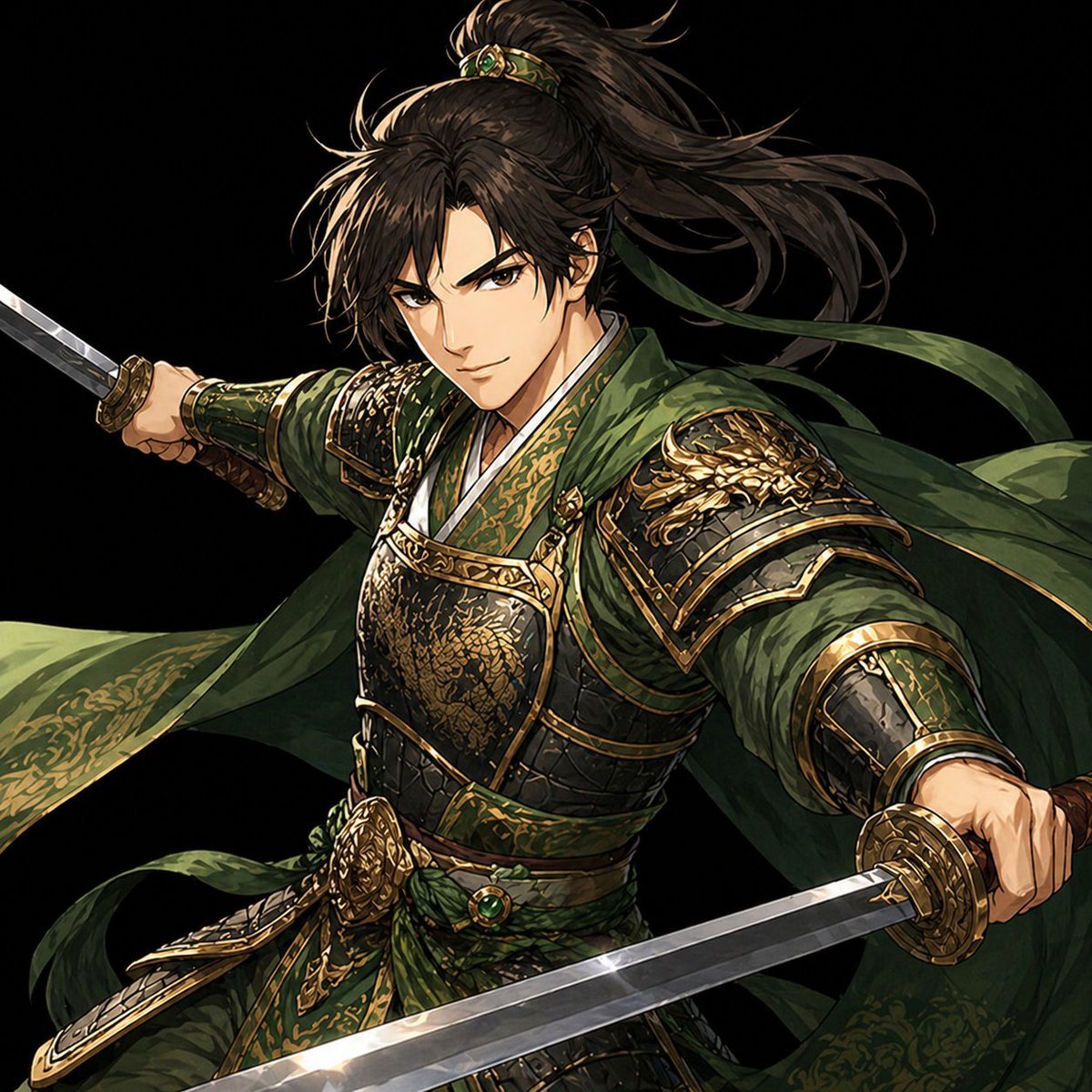
Green Armored Dual-Sword Warrior

Woman in Mall with Chanel Bag - Heart Gesture
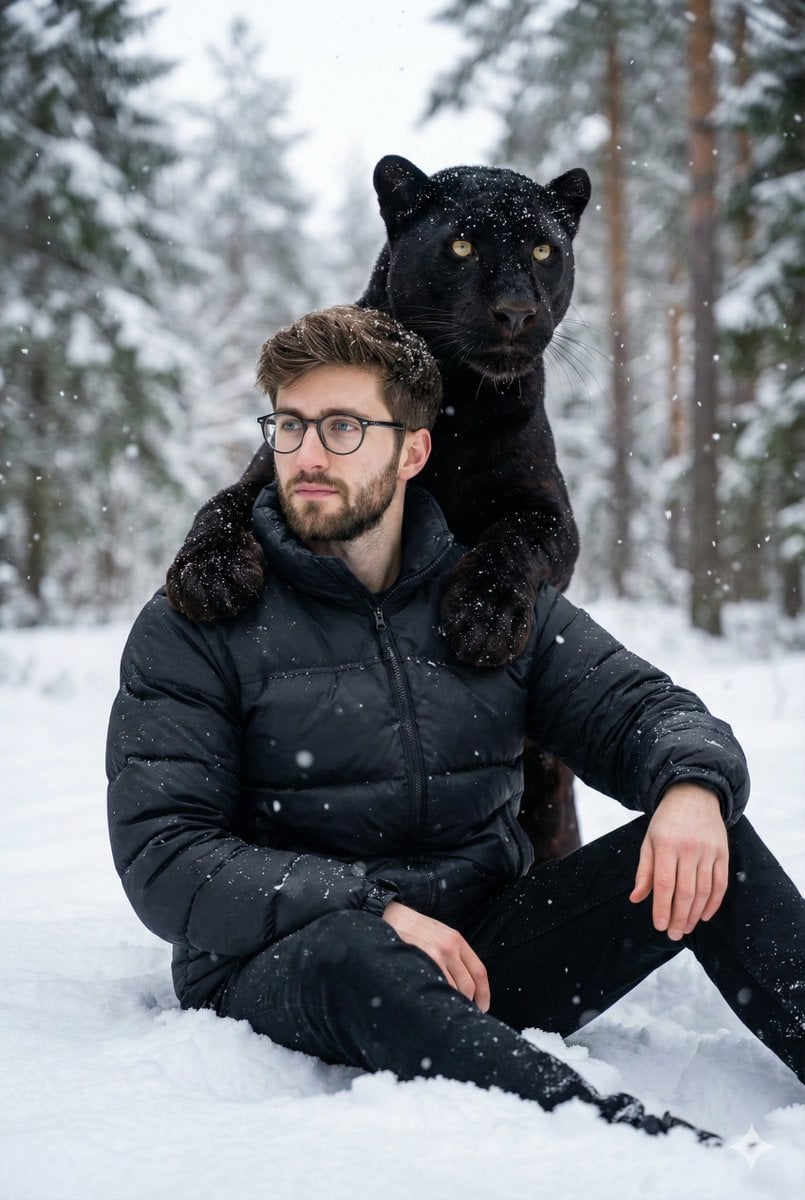
Hyper-realistic 8K image of a man and a black panther in a snowy forest
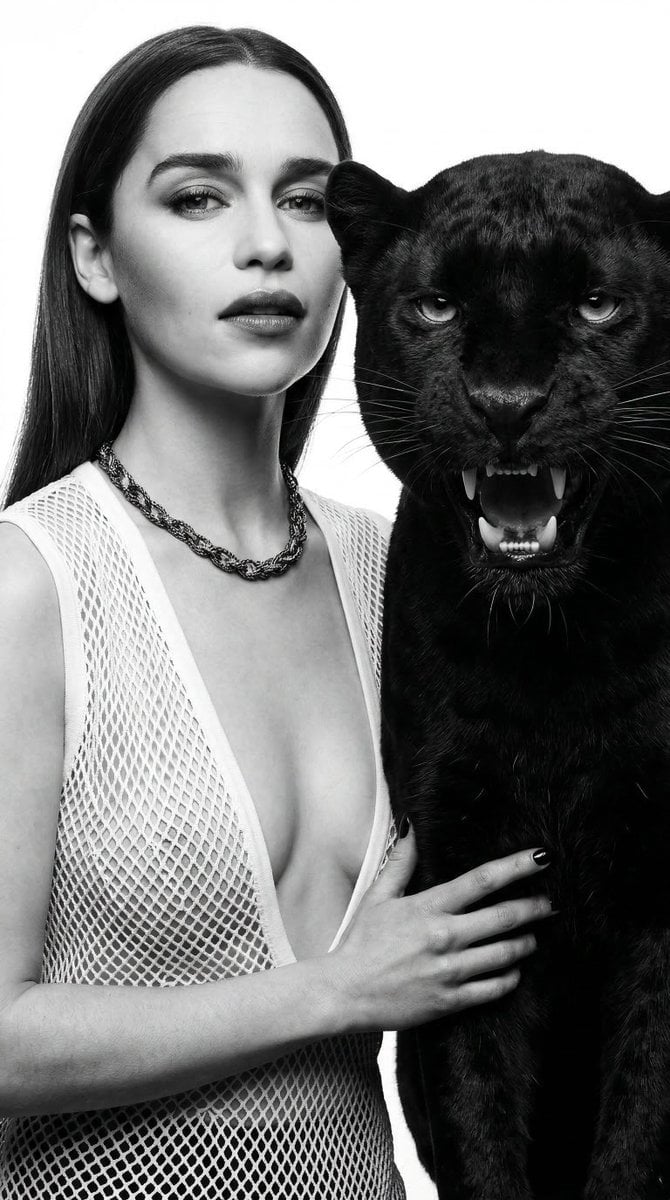
Black and White Panther and Woman Editorial Portrait
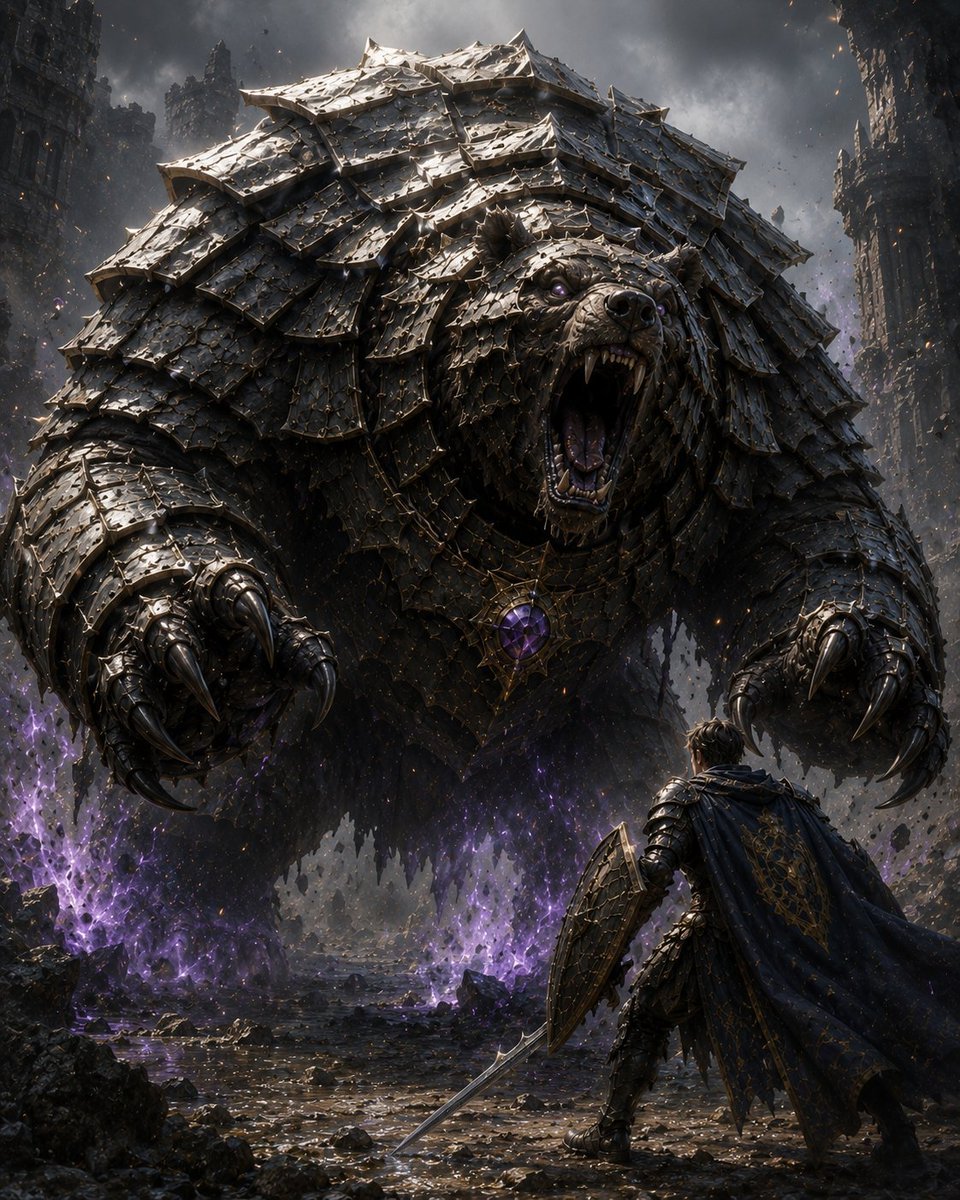
Armored Bear Encounter
Make it yours
Armored Warrior with Black Panther works as-is. These are the safest ways to change it without losing the look.
Change one field
Copy a single group, rewrite it, and generate again so you can see what that field is doing.
Keep the frame, change the subject
Hold the composition and light of Armored Warrior with Black Panther, then swap wardrobe, props or the person for a new take.
| If the result… | Why | Fix |
|---|---|---|
| The result drifts from the preview | Too many fields changed at once. | Reuse Armored Warrior with Black Panther as-is first, then change one group — subject, light, or setting. |
| The model over-stylizes the scene | The prose prompt leaves finish and camera underspecified. | Add one camera or lighting sentence and stay on GPT Image 2. |
More GPT Image 2 templates
Other prompts made for GPT Image 2.

Six VTuber Japanese Logo Sheet

Realistic Portrait of Woman and Deer

The Vista Modular Condo Poster

AI Model Routing Comparison Infographic

2.5D Anime Art Board

Isometric Productivity Desk Scene

New York Double Exposure Poster

Four-Panel AI Landscape Comparison

Japanese Tatami Lifestyle Magazine Cover

NESCAFÉ Coffee Map Poster
More image prompts
Fresh picks from across the catalog.
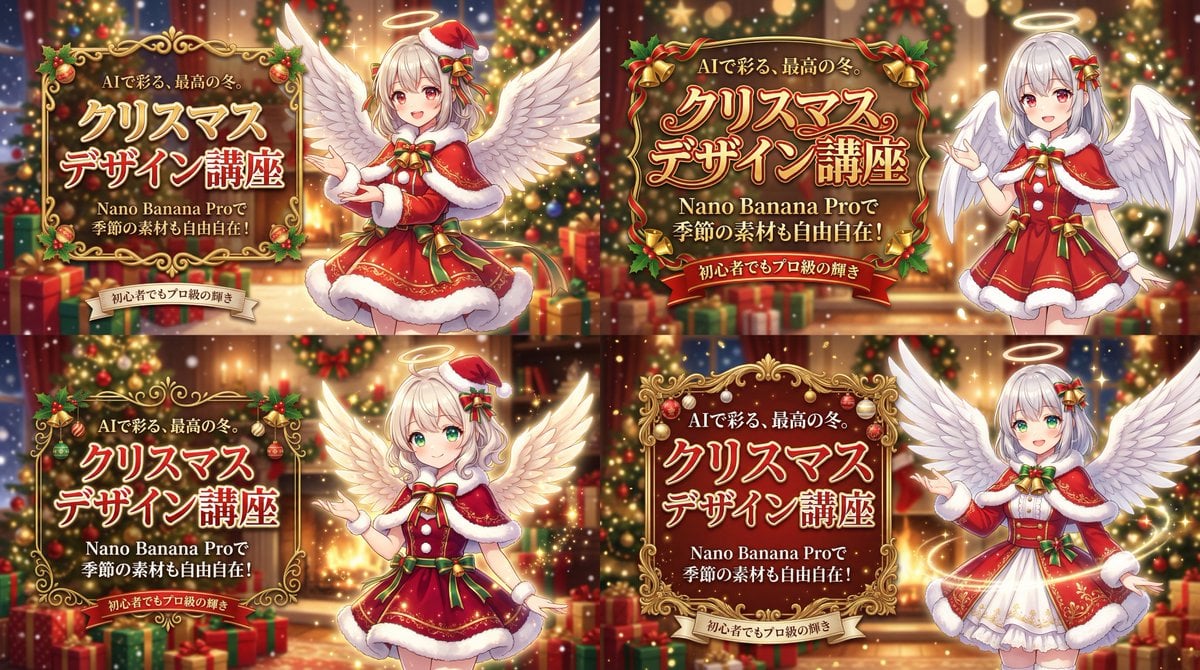
Christmas Angel Design Course Eyecatch Prompt (YAML Structure)
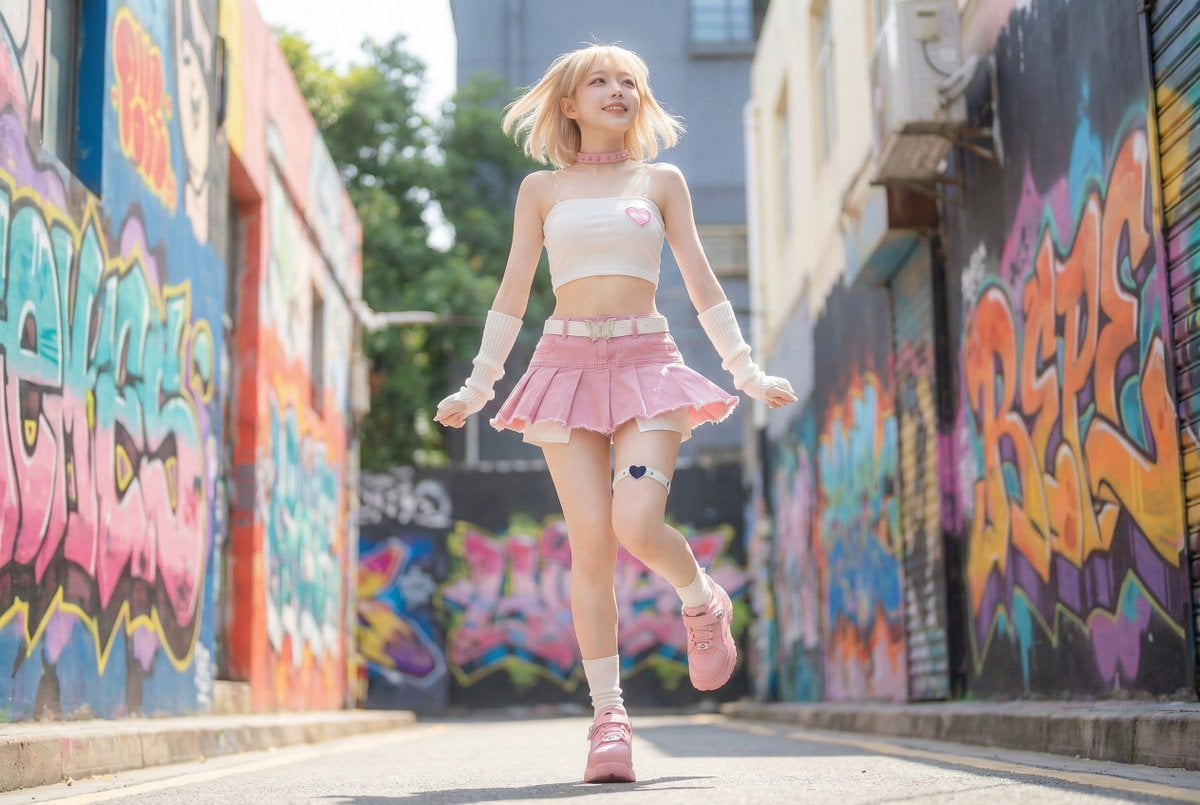
Dynamic Pop Art Video Sequence

ASCII Layout Landing Page Generator
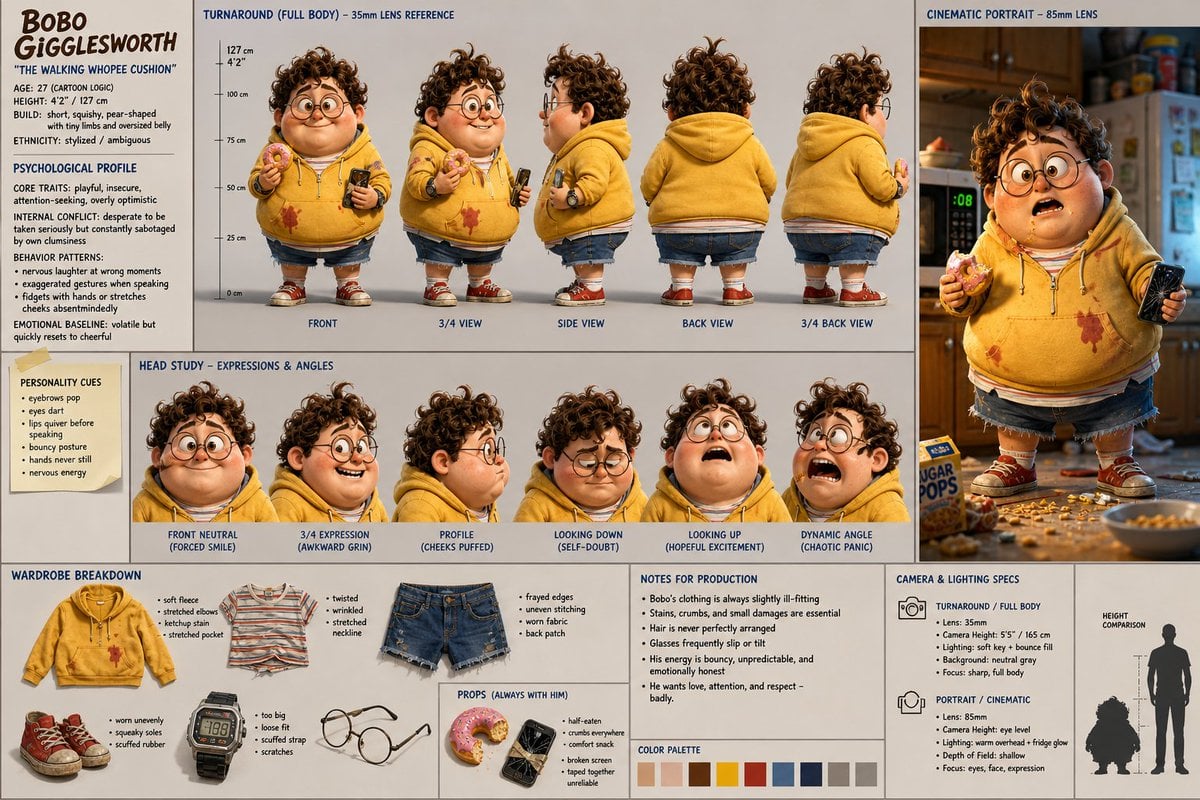
Cinematic Character Design Sheet
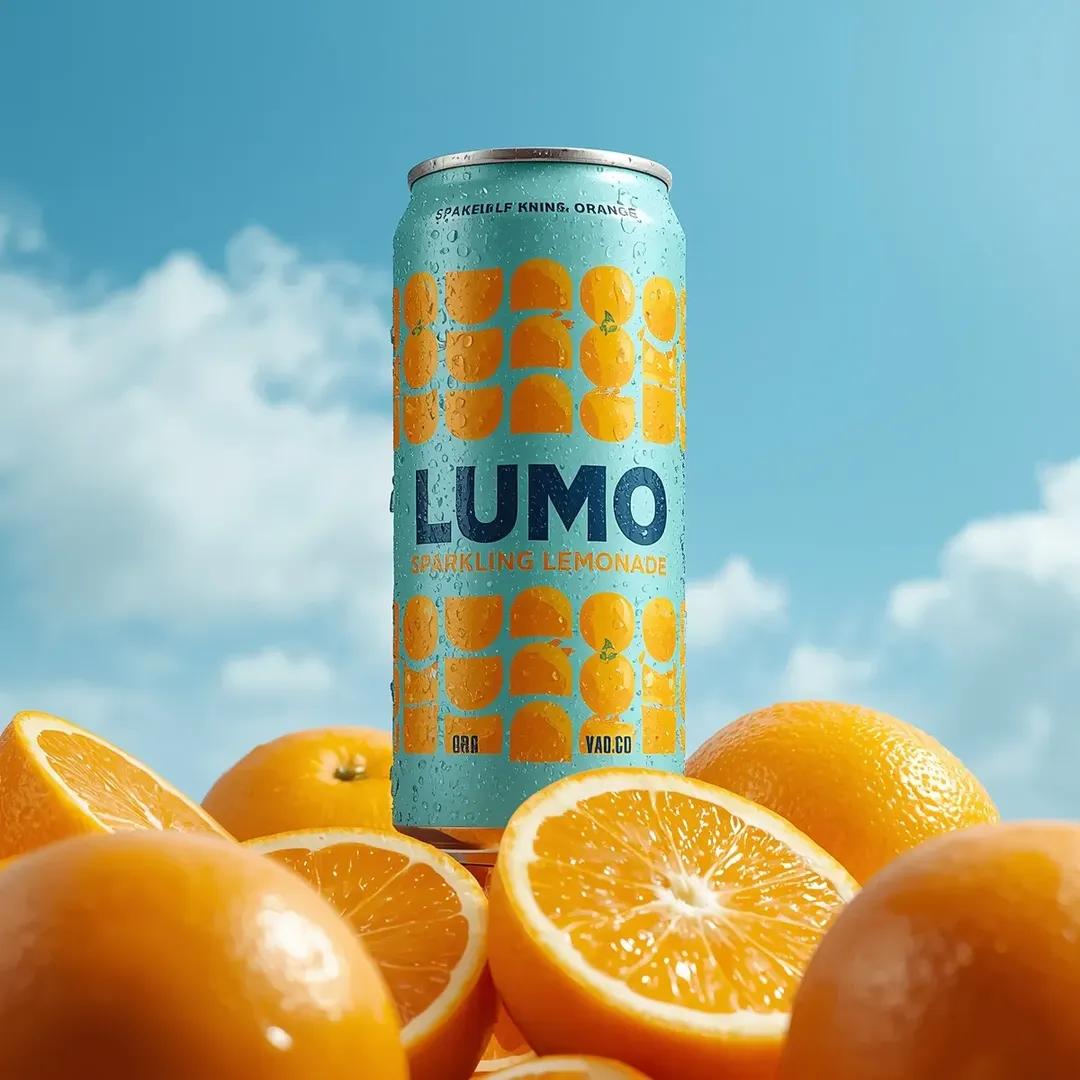
Ultra-Realistic Beverage Advertising Photography (LUMO Soda)

Japanese Kids English LP Hero
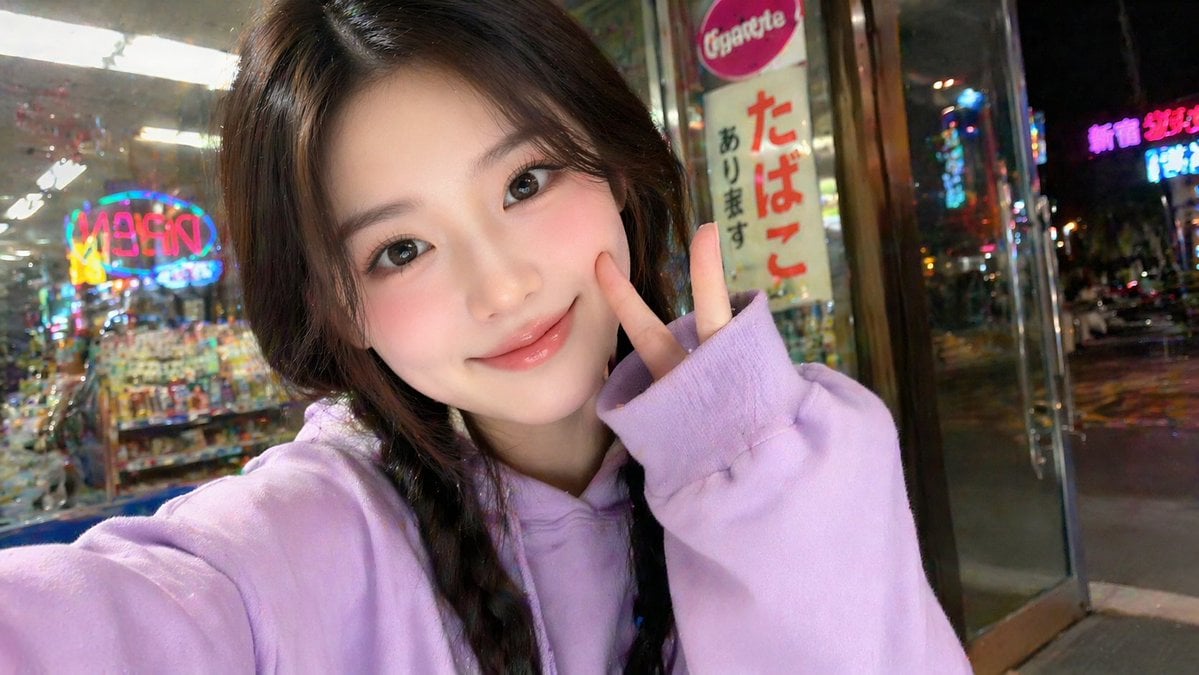
East Asian Girl Influencer Portrait
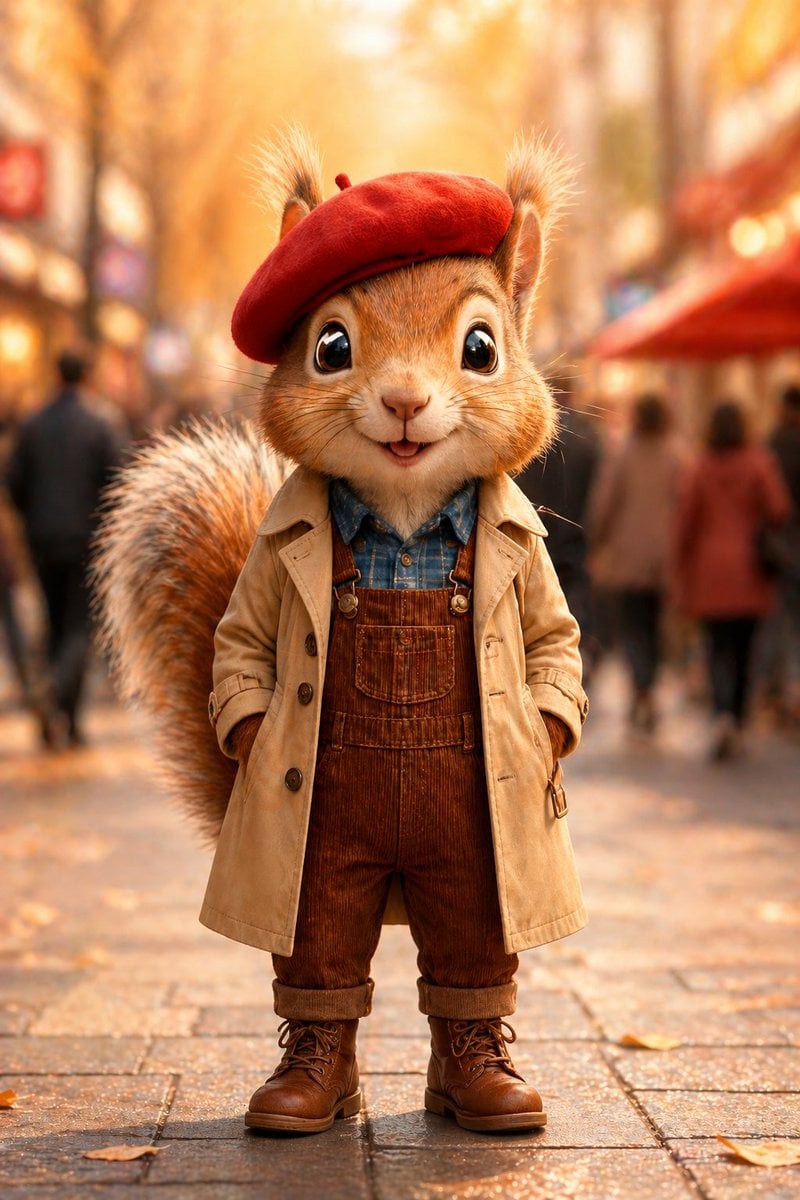
Autumn Squirrel Child Street Portrait
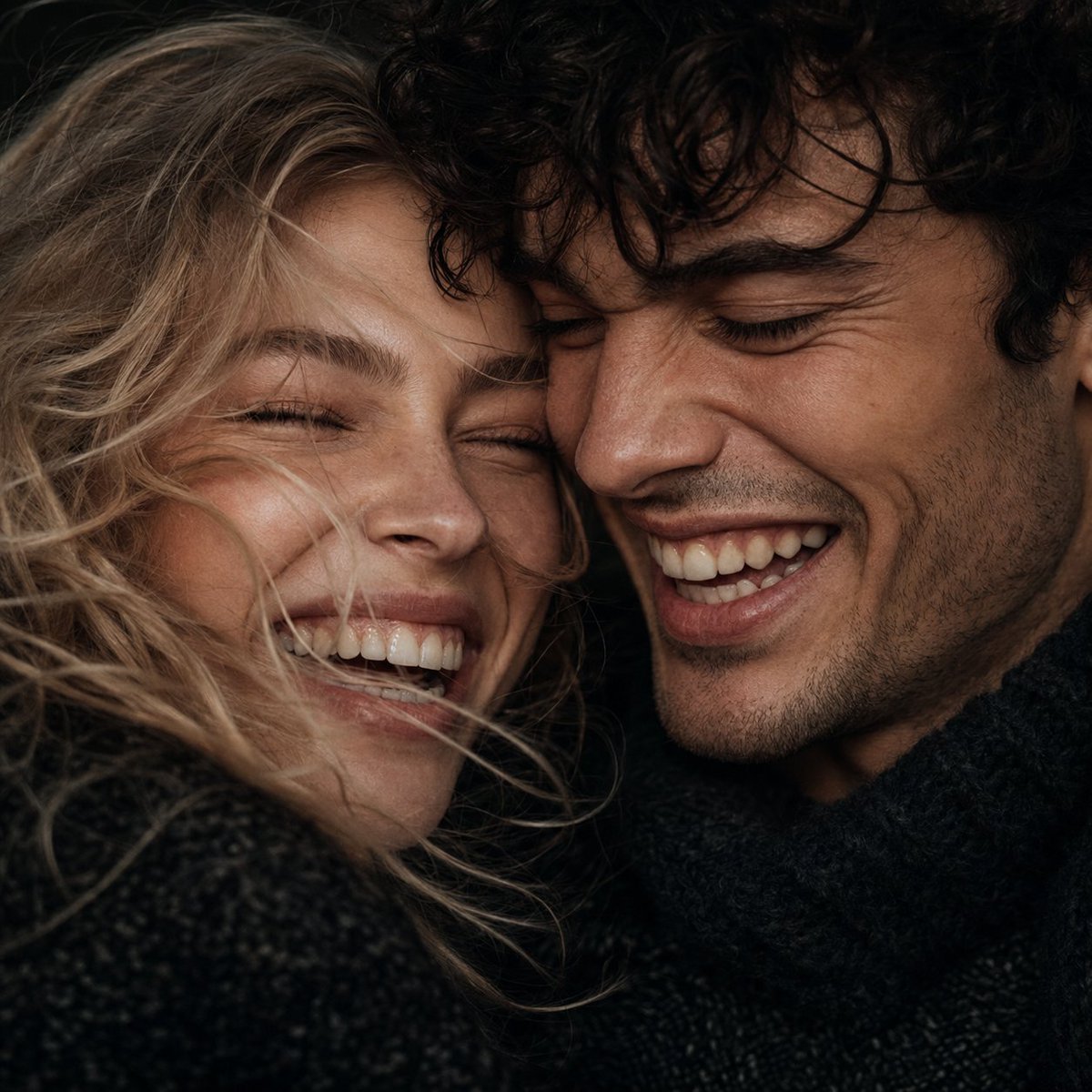
Macro Candid Couple Portrait
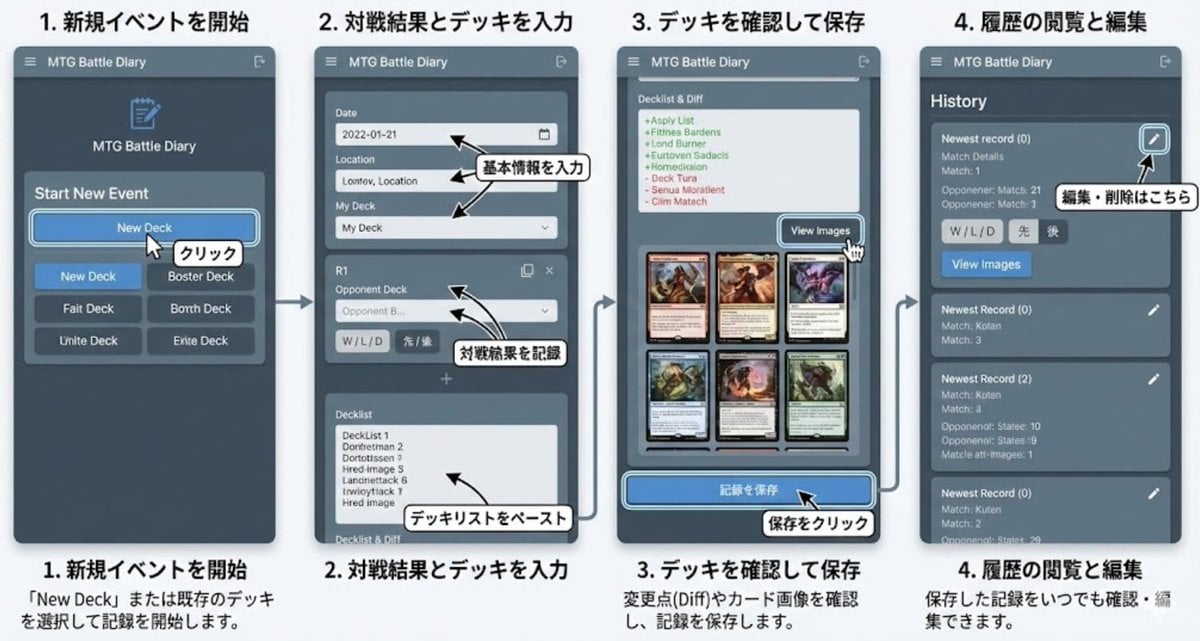
Generate documentation from source code
Browse template categories
Armored Warrior with Black Panther questions
How do I use the Armored Warrior with Black Panther template?
Add your photo if the template asks for one, edit the prompt if you like — the template's model and format are already selected — and press Generate. Your version opens in PicX Studio.
Can I customize the Armored Warrior with Black Panther template?
Yes. You can change the subject, setting, lighting, mood, format, and available model controls before creating your image.
Is the Armored Warrior with Black Panther template free?
Opening and editing this template is free. Generating uses credits, shown on the Generate button when you are signed in.
Which AI model should I use?
Start with GPT Image 2, which is the model associated with this template. You can compare another compatible model for a different finish.
Looking for something else? Browse all templates.

Your photo, any look
Thousands of ready templates for every top image and video model, from one credit balance.