
Blonde Knight with Black Panther
A photorealistic fantasy scene of an armored female knight posing on a mountain ridge with a black panther companion.
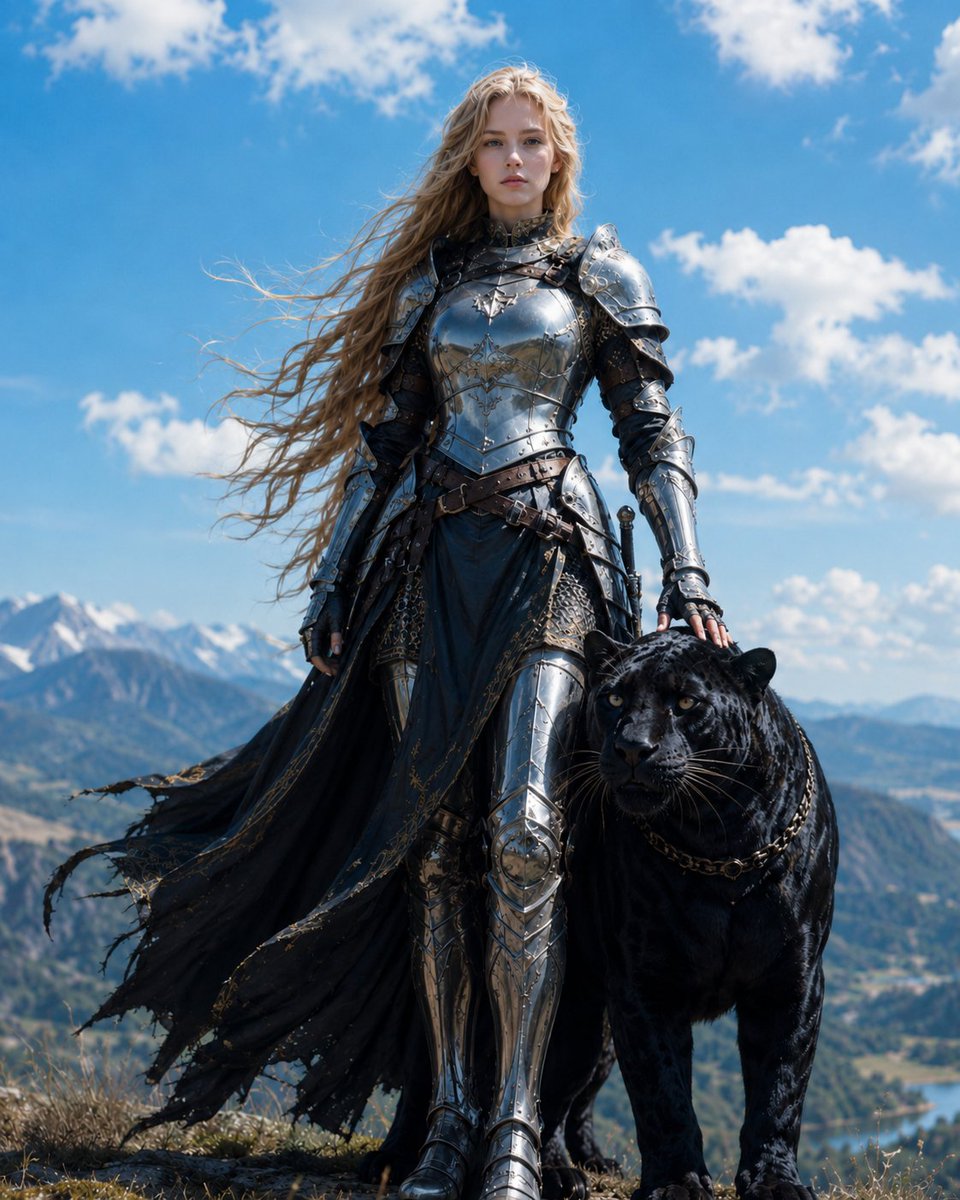
- Prompt included
- Model and format preset
- Free template
The prompt behind this image
Copy the exact prompt behind Blonde Knight with Black Panther, or open it in the studio and make it yours.
Create a cinematic photorealistic fantasy portrait of {argument name="character name" default="Luna and me"}: a young female knight standing full-body on a windswept mountain ridge beside one black panther companion. The knight has {argument name="hair color" default="long wavy blonde hair"} blown dramatically to the left by the wind, a calm serious expression, fair skin, and direct eye contact with the camera. She wears ornate polished silver medieval plate armor with engraved filigree, layered pauldrons, gauntlets, greaves, chainmail details, dark leather belts, and a tattered flowing black cloak or battle skirt with gold-trimmed ragged edges. Her right hand rests gently on the panther’s head or neck. The black panther is large, glossy, muscular, and realistic, with visible rosette markings in its dark fur, amber eyes, long whiskers, rounded ears, and a simple chain collar. Set them on a rocky grassy alpine overlook with a vast valley, distant mountains, snow-capped peaks, and a small lake far below. Use a bright blue sky filled with scattered white clouds, strong natural daylight, crisp high-detail textures, shallow cinematic depth of field, heroic low-angle composition, centered vertical framing, 4:5 aspect ratio, ultra-realistic fantasy film still style. No text, no logo, no watermark, no extra people or animals.
How to use Blonde Knight with Black Panther in 3 steps
- 1Upload ImagePNG, JPG or paste
Add your photo
Upload the photo the template builds on. The prompt, model and format are already set.
- 2…a portrait of your subject in softgolden-hour light, 85mm…
Personalize
Edit the subject and creative details for your destination.
- 3Generate
Generate
Press Generate — your image is created in PicX Studio, so you can compare it with the original and refine one variable at a time.
More like this
Templates with the same subject, style or setup. Open one to see its prompt.
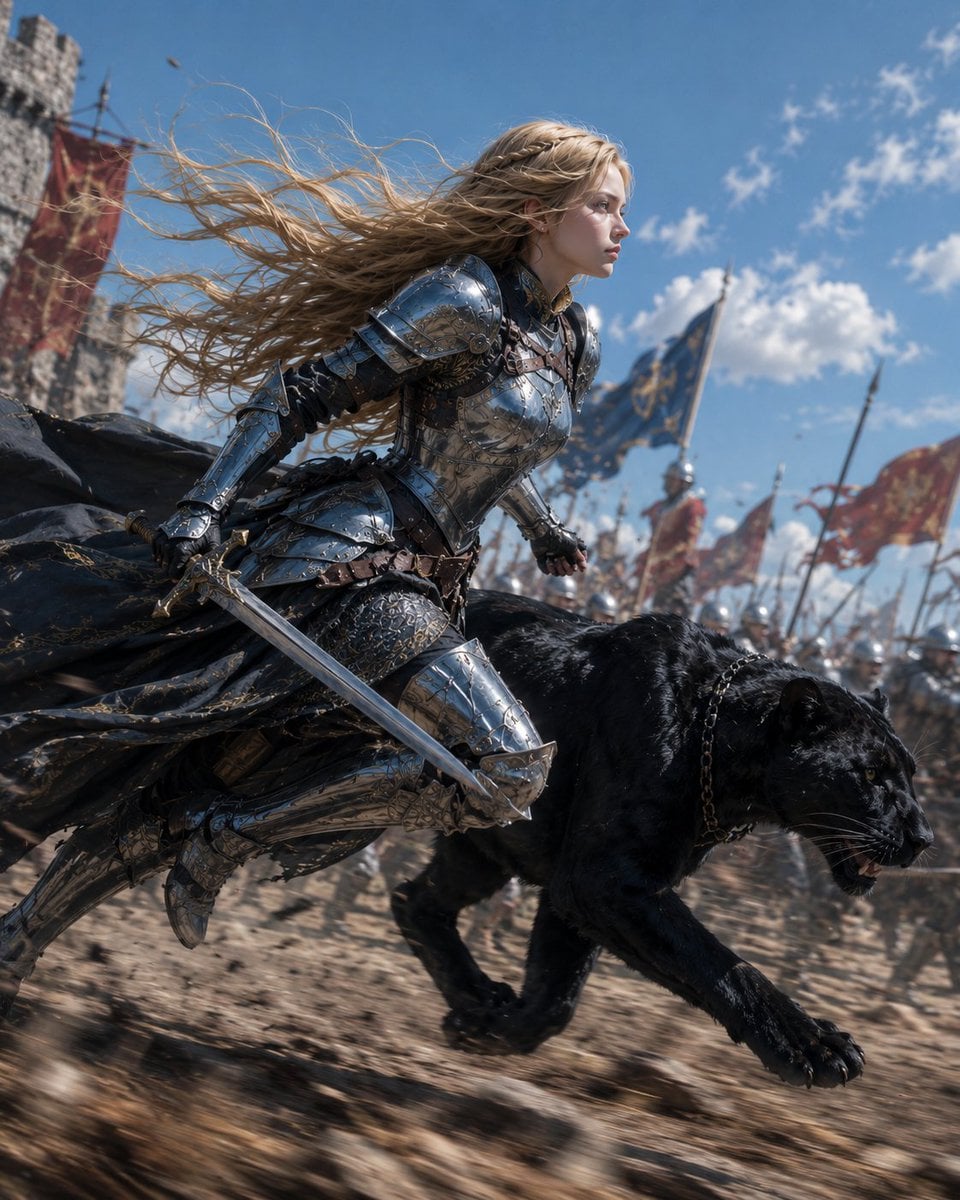
Blonde Knight and Black Panther Battle Charge
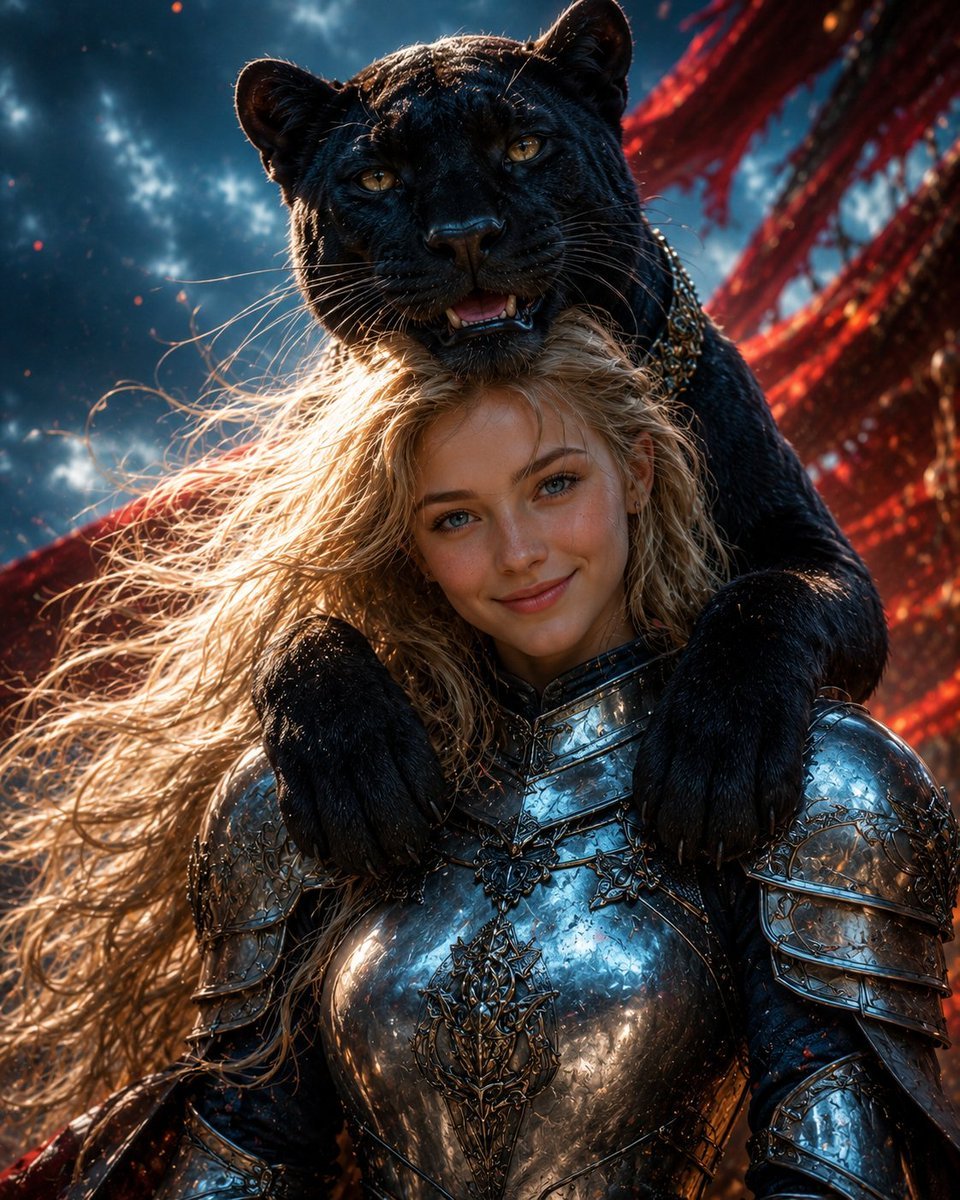
Black Panther and Female Knight Portrait
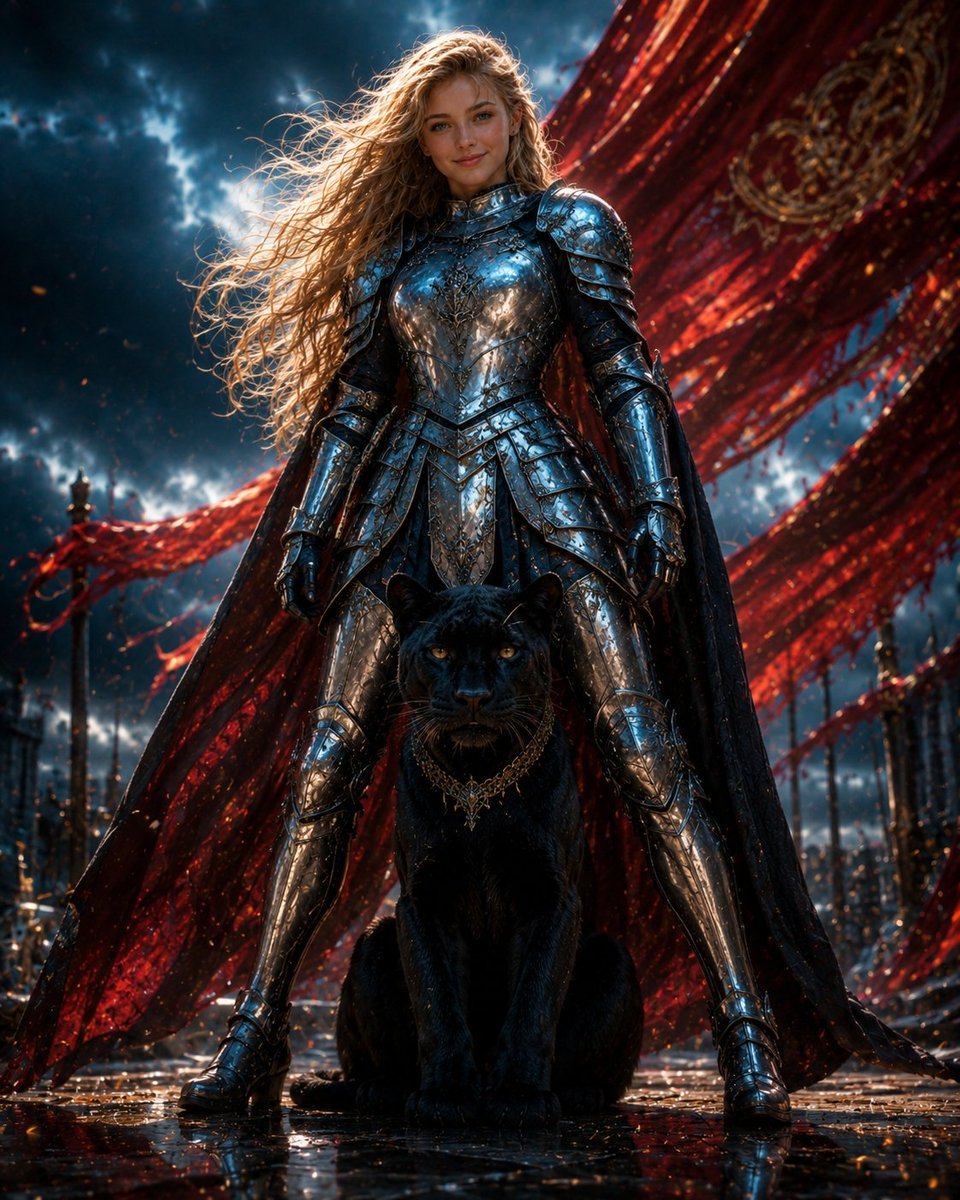
Armored Warrior with Black Panther

Dark Runway Luxury Fashion Magazine Cover

Black Liquid Cyberpunk Portrait Poster
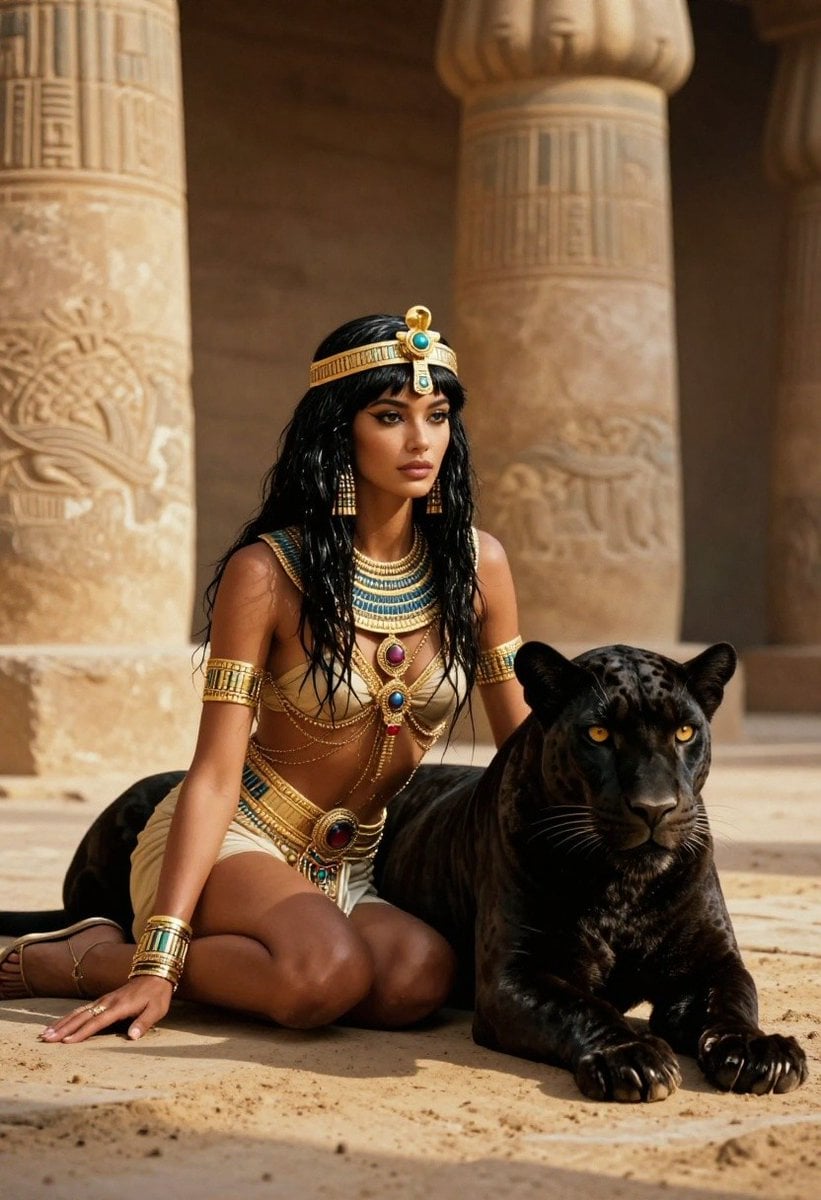
Ancient Egyptian Queen with Black Panther
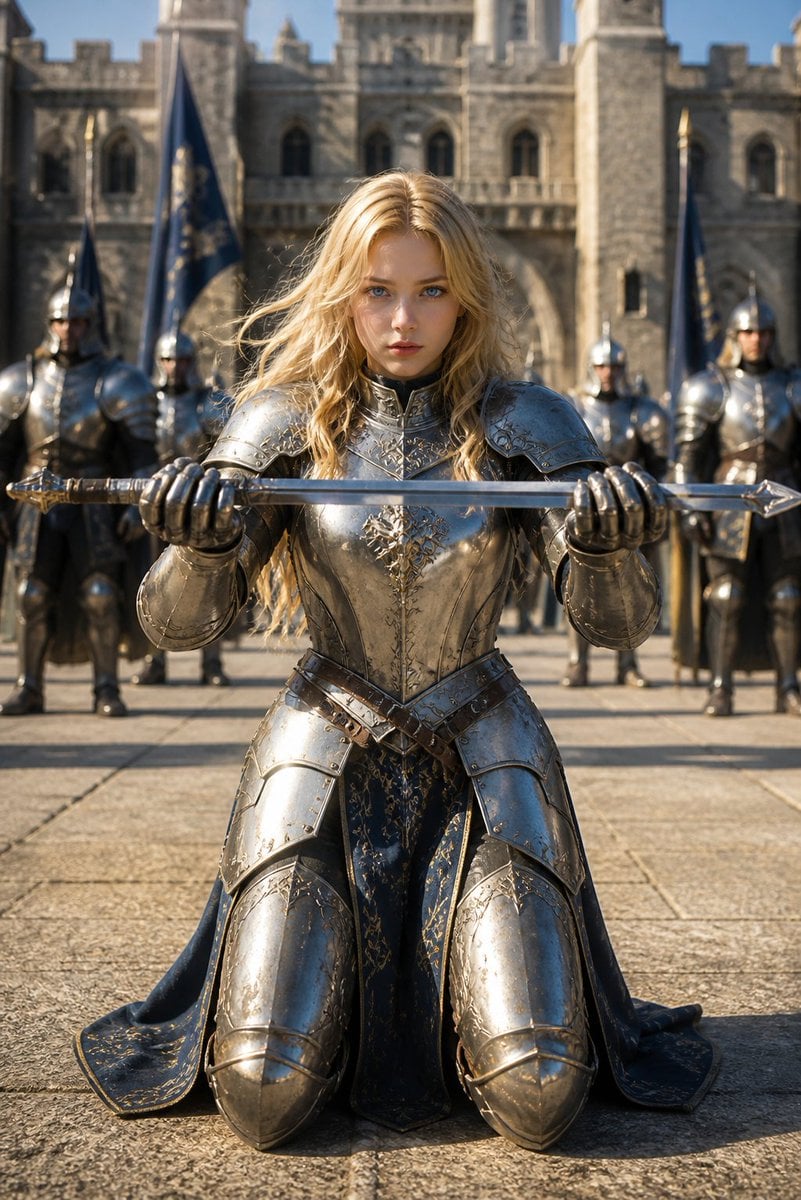
Kneeling Blonde Knight at Castle

Woman in Mall with Chanel Bag - Heart Gesture
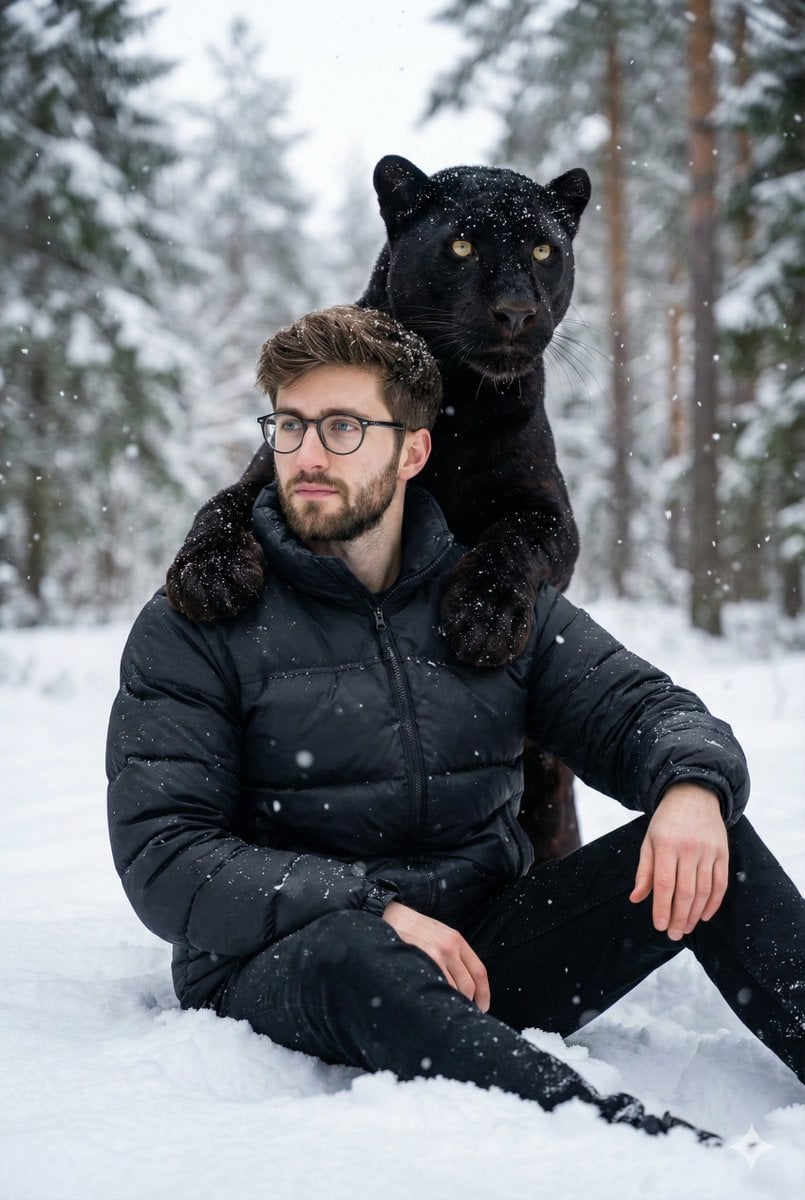
Hyper-realistic 8K image of a man and a black panther in a snowy forest
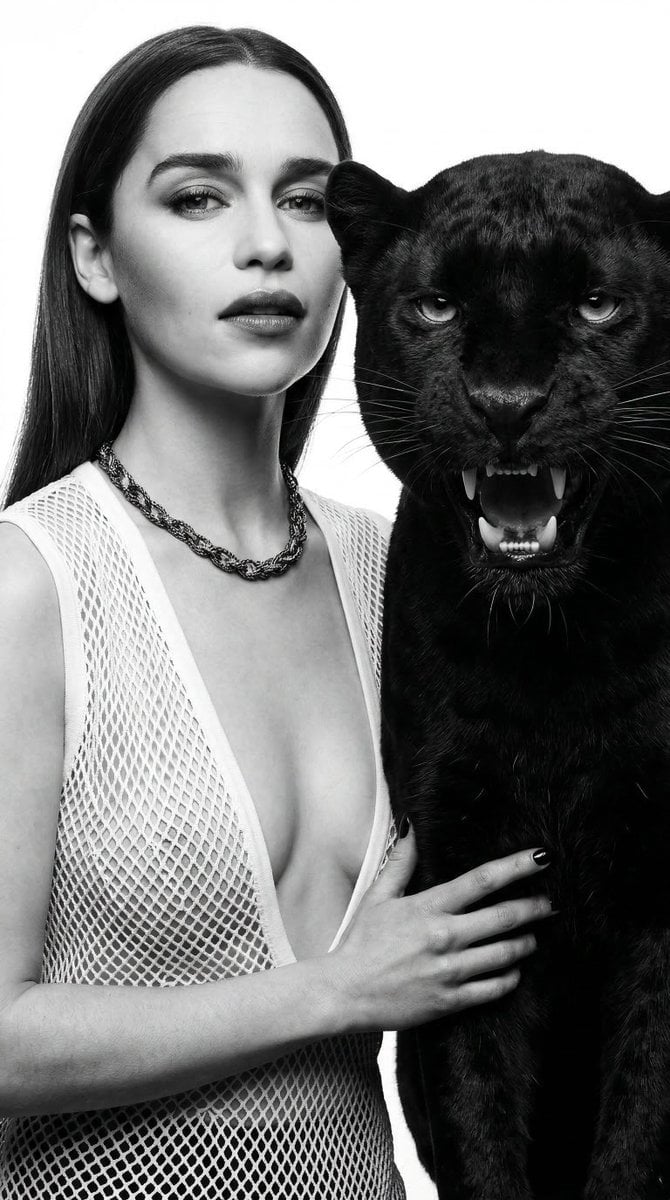
Black and White Panther and Woman Editorial Portrait
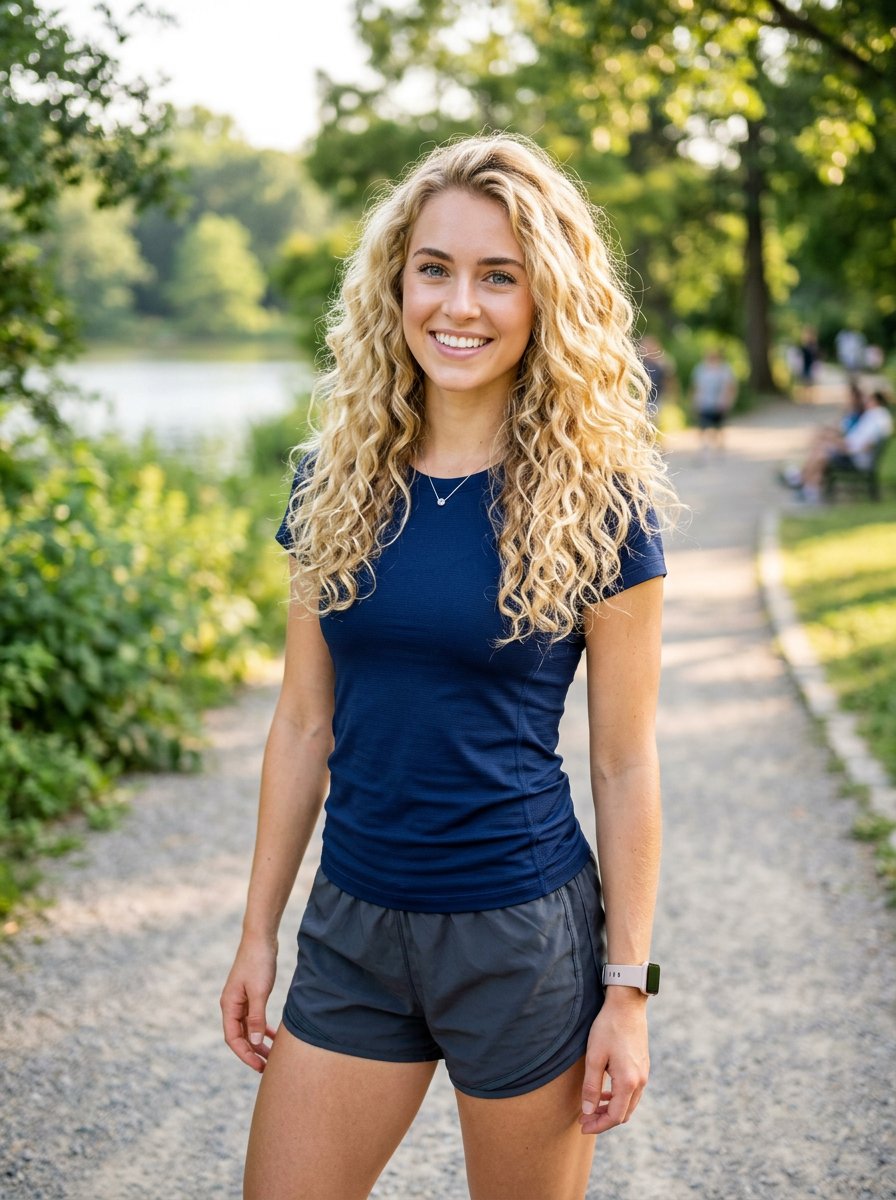
Athletic Blonde Curly Hair Portrait
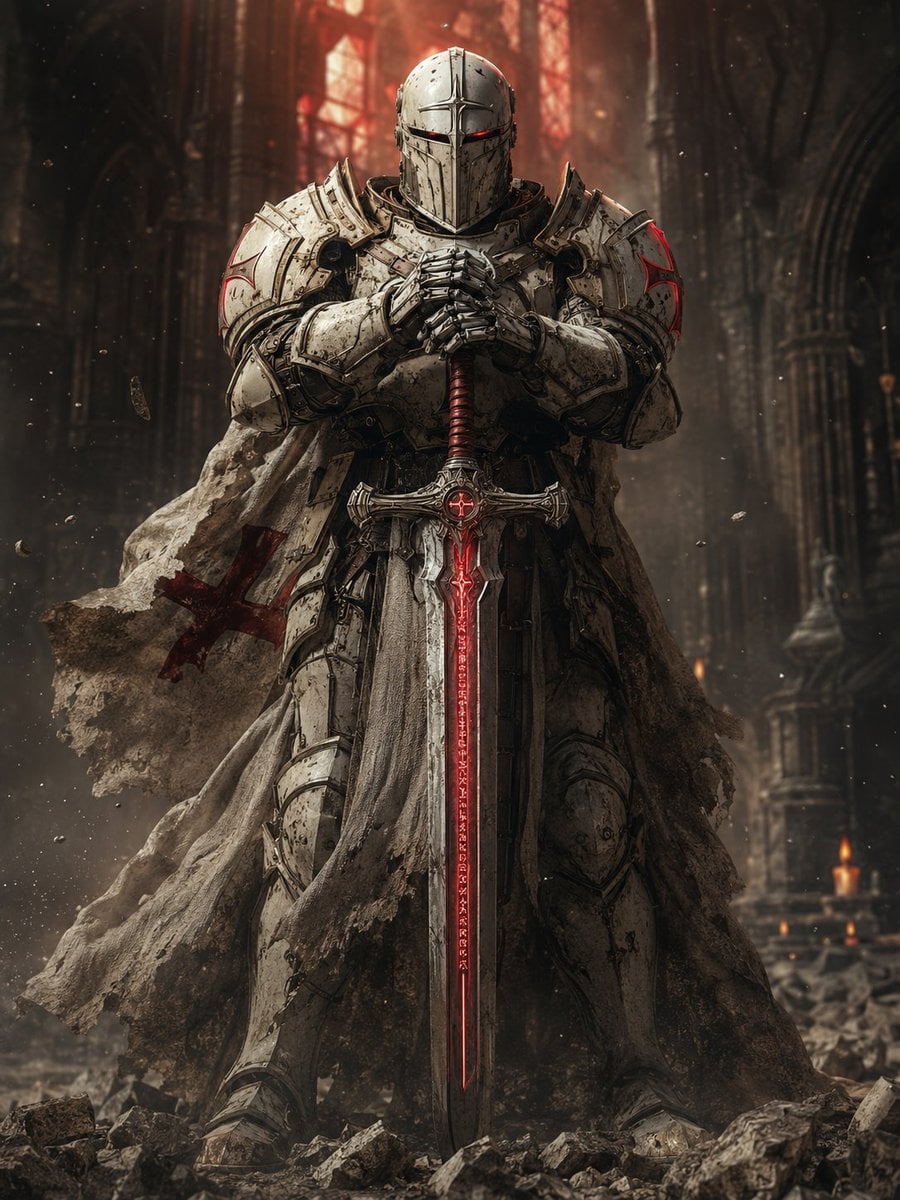
Sci-Fi Knight of the Order
Make it yours
Blonde Knight with Black Panther works as-is. These are the safest ways to change it without losing the look.
Change one field
Copy a single group, rewrite it, and generate again so you can see what that field is doing.
Keep the frame, change the subject
Hold the composition and light of Blonde Knight with Black Panther, then swap wardrobe, props or the person for a new take.
| If the result… | Why | Fix |
|---|---|---|
| The result drifts from the preview | Too many fields changed at once. | Reuse Blonde Knight with Black Panther as-is first, then change one group — subject, light, or setting. |
| The model over-stylizes the scene | The prose prompt leaves finish and camera underspecified. | Add one camera or lighting sentence and stay on GPT Image 2. |
More GPT Image 2 templates
Other prompts made for GPT Image 2.

Six VTuber Japanese Logo Sheet

Realistic Portrait of Woman and Deer

The Vista Modular Condo Poster

AI Model Routing Comparison Infographic

2.5D Anime Art Board

Isometric Productivity Desk Scene

New York Double Exposure Poster

Four-Panel AI Landscape Comparison

Japanese Tatami Lifestyle Magazine Cover

NESCAFÉ Coffee Map Poster
More image prompts
Fresh picks from across the catalog.

Presentation Slide Generation Template using Nano Banana Pro
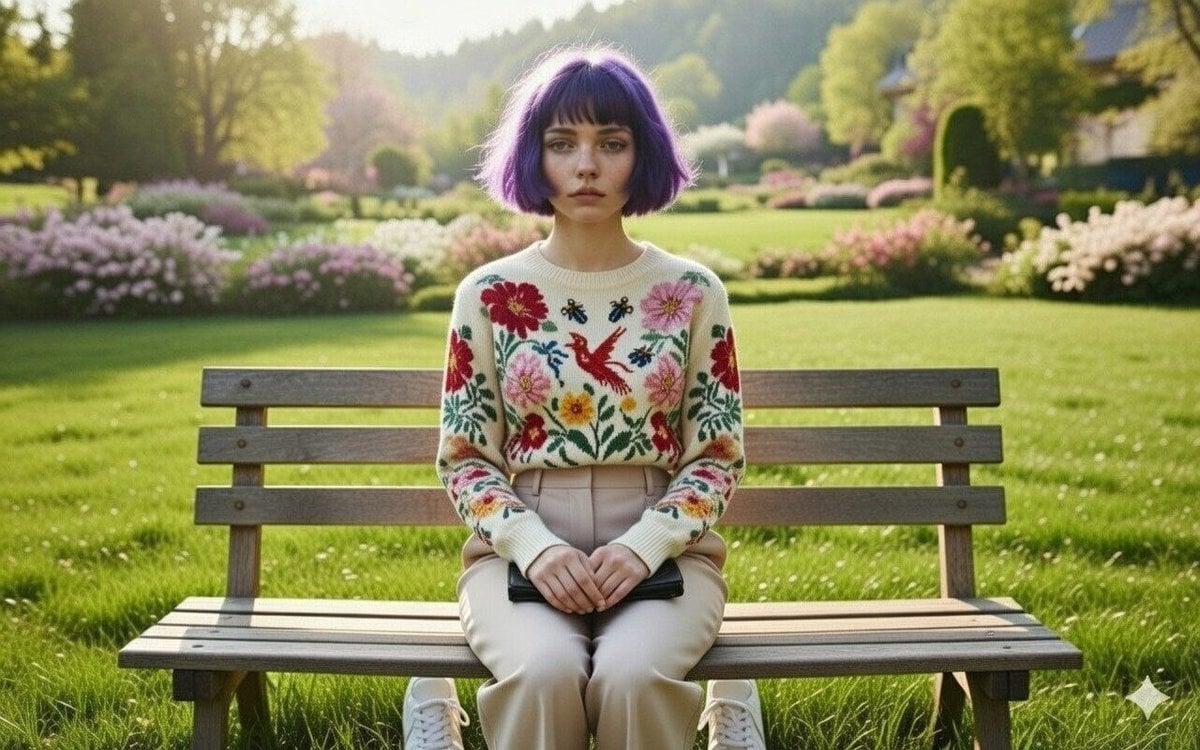
Wareen - The Girl in the Purple Bob
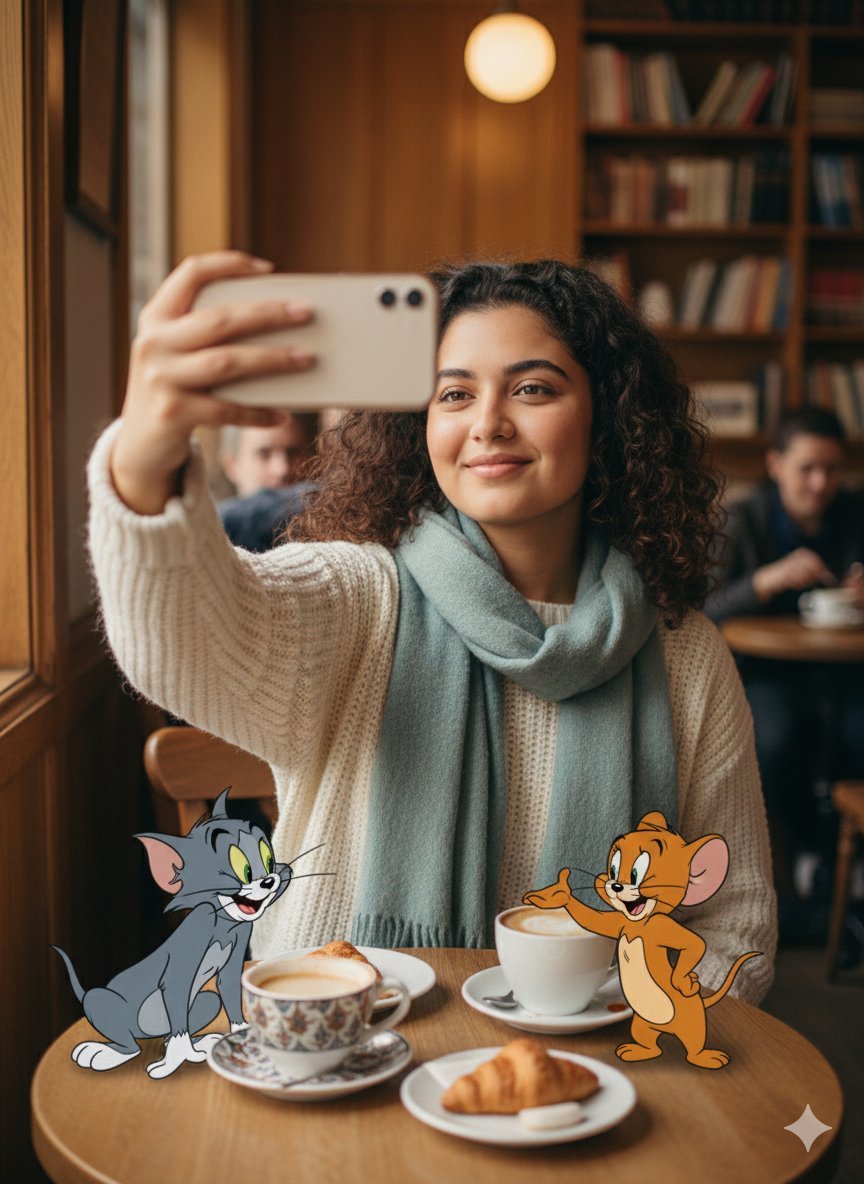
Photorealistic Selfie with Cartoon Crossover
Leprechaun Illustration with Custom Style
Influencer Lifestyle Loungewear Portrait
Polaroid of Japanese Class Graduation Photo
Watercolor Fashion Sketch with Bicycle
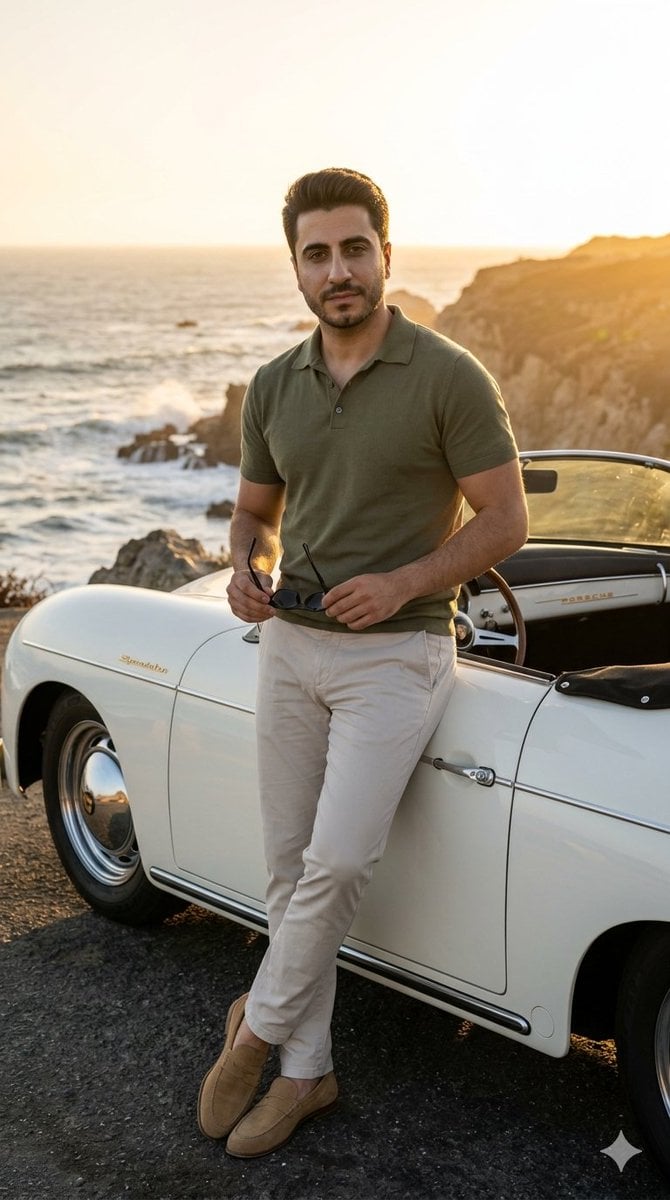
Coastal Road Portrait with Vintage Porsche
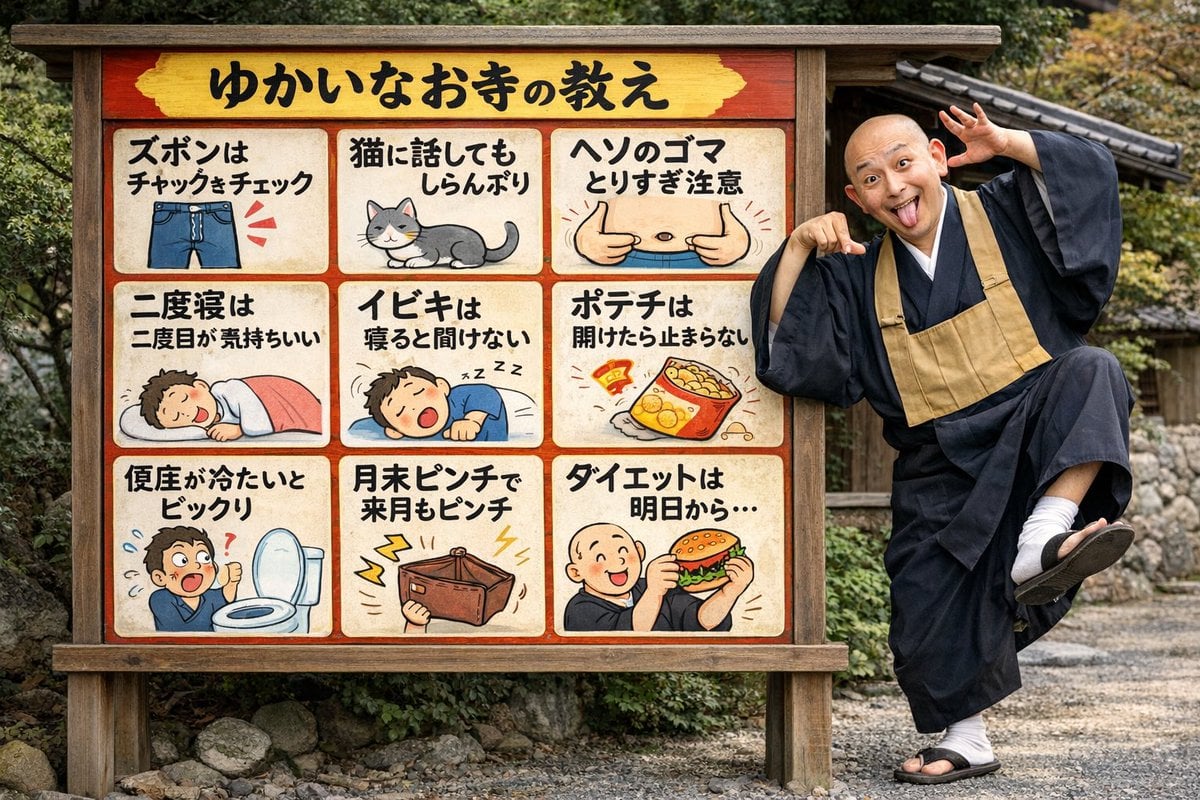
Humorous Temple Signboard with Goofy Monk
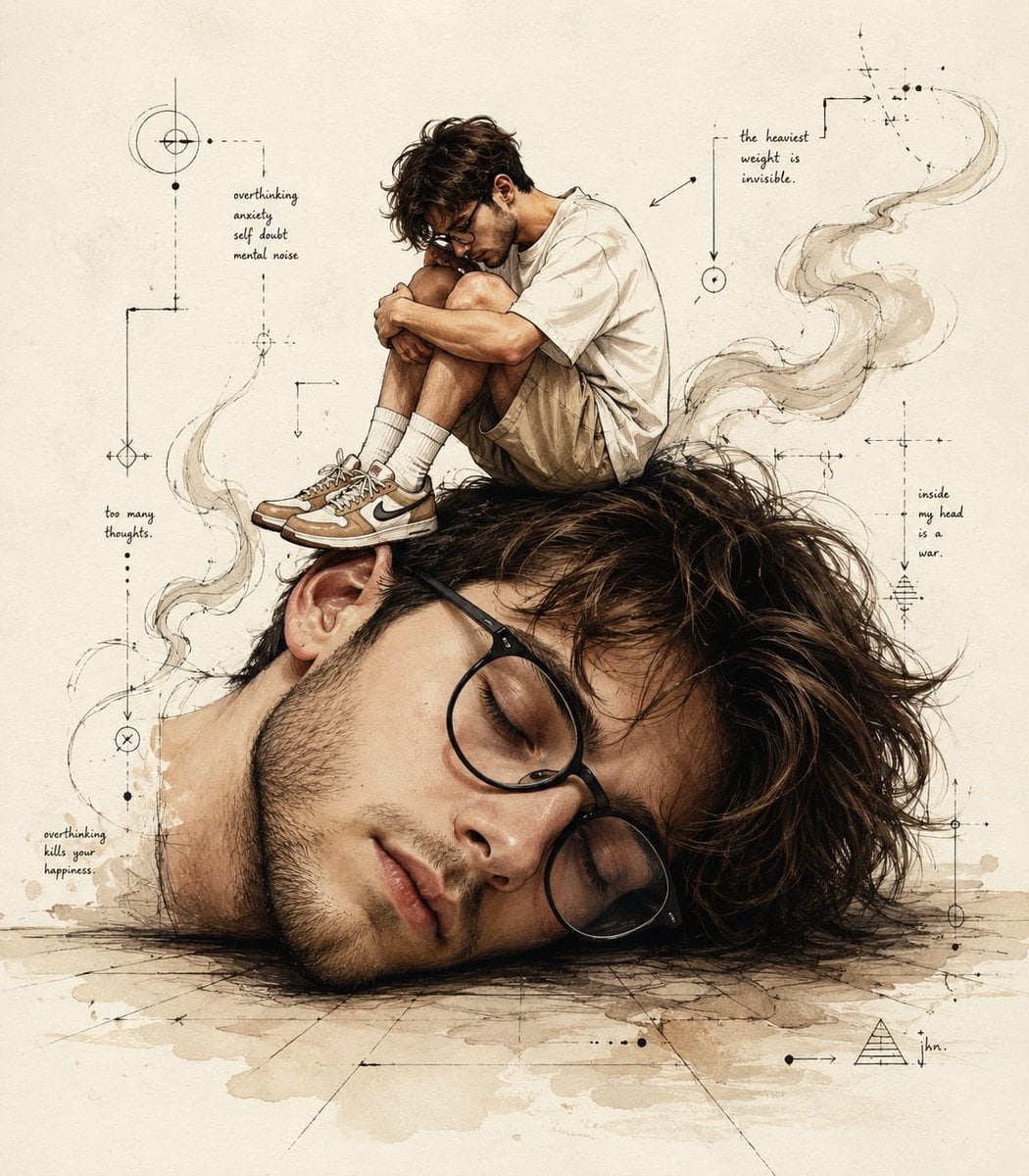
Surreal Conceptual Overthinking Illustration
Browse template categories
Blonde Knight with Black Panther questions
How do I use the Blonde Knight with Black Panther template?
Add your photo if the template asks for one, edit the prompt if you like — the template's model and format are already selected — and press Generate. Your version opens in PicX Studio.
Can I customize the Blonde Knight with Black Panther template?
Yes. You can change the subject, setting, lighting, mood, format, and available model controls before creating your image.
Is the Blonde Knight with Black Panther template free?
Opening and editing this template is free. Generating uses credits, shown on the Generate button when you are signed in.
Which AI model should I use?
Start with GPT Image 2, which is the model associated with this template. You can compare another compatible model for a different finish.
Looking for something else? Browse all templates.

Your photo, any look
Thousands of ready templates for every top image and video model, from one credit balance.