
Blonde Knight and Black Panther Battle Charge
A cinematic fantasy action image of an armored young knight charging through a battlefield beside a black panther, useful for epic story covers or concept art.
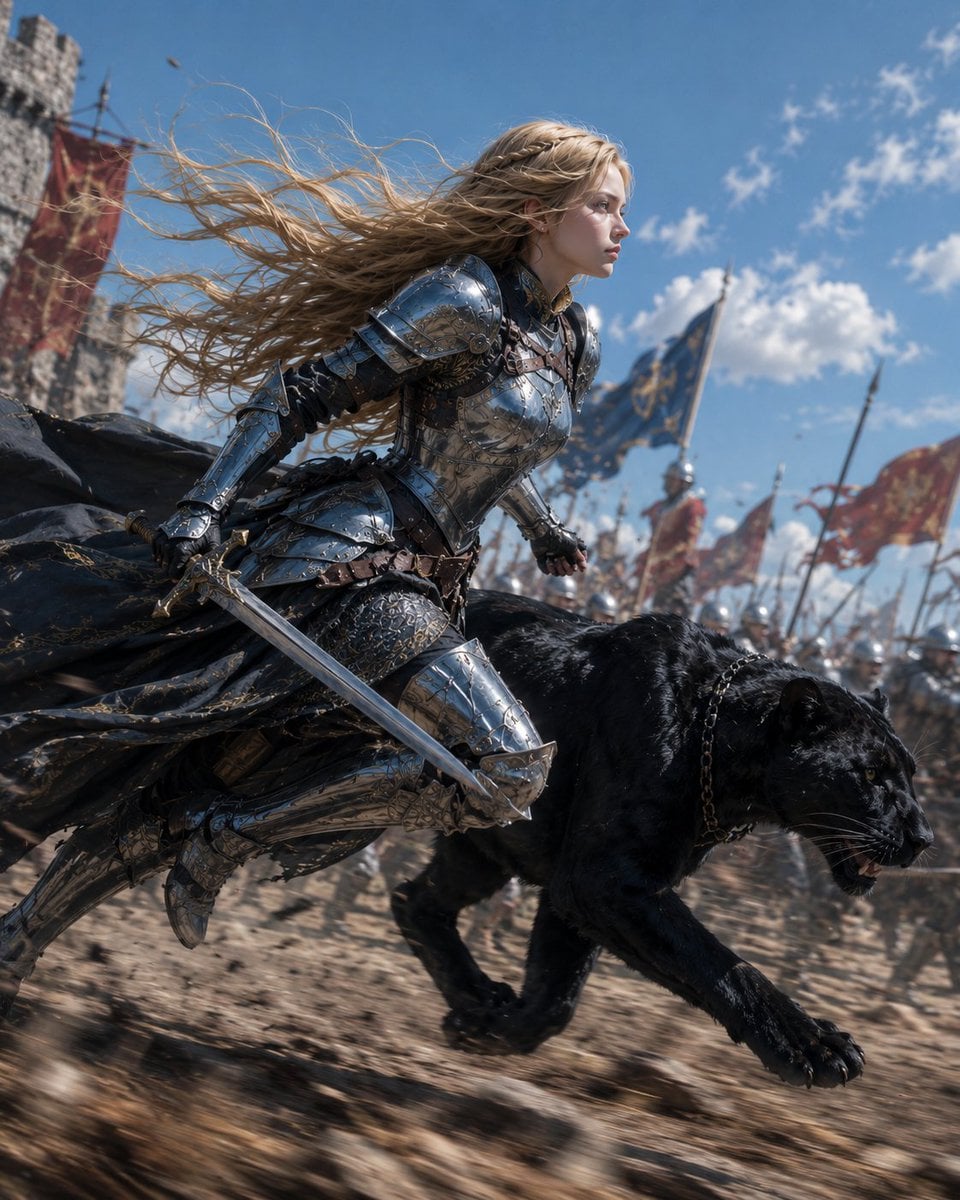
- Prompt included
- Model and format preset
- Free template
The prompt behind this image
Copy the exact prompt behind Blonde Knight and Black Panther Battle Charge, or open it in the studio and make it yours.
Create a cinematic fantasy battle scene showing {argument name="character name" default="Luna"} as a young blonde female knight sprinting beside a massive black panther across a medieval battlefield. The knight has long wind-whipped golden hair, a focused determined profile, fair skin, and wears highly detailed polished silver plate armor with engraved filigree, leather straps, gauntlets, greaves, and a dark tattered cloak streaming behind her. She holds one drawn longsword low in her right hand while running in a low forward-leaning pose. The black panther runs at her side in the foreground, muscular and glossy-furred, mouth slightly open with visible teeth, intense eyes, wearing a dark chain collar. Background: a chaotic army battlefield with exactly 3 prominent large banners visible, including 1 blue banner with gold emblem and 2 red banners, plus many blurred soldiers, spears, and flags receding into the distance; a stone castle tower appears on the far left. Use a low-angle dynamic action composition, shallow depth of field, motion blur on the ground and background, crisp detail on the knight and panther, bright midday blue sky with scattered clouds, dust and debris kicked up from dry earth. Style should be ultra-realistic high-budget medieval fantasy film still, dramatic natural sunlight, metallic reflections, epic scale, no text, no watermark.
How to use Blonde Knight and Black Panther Battle Charge in 3 steps
- 1Upload ImagePNG, JPG or paste
Add your photo
Upload the photo the template builds on. The prompt, model and format are already set.
- 2…a portrait of your subject in softgolden-hour light, 85mm…
Personalize
Edit the subject and creative details for your destination.
- 3Generate
Generate
Press Generate — your image is created in PicX Studio, so you can compare it with the original and refine one variable at a time.
More like this
Templates with the same subject, style or setup. Open one to see its prompt.
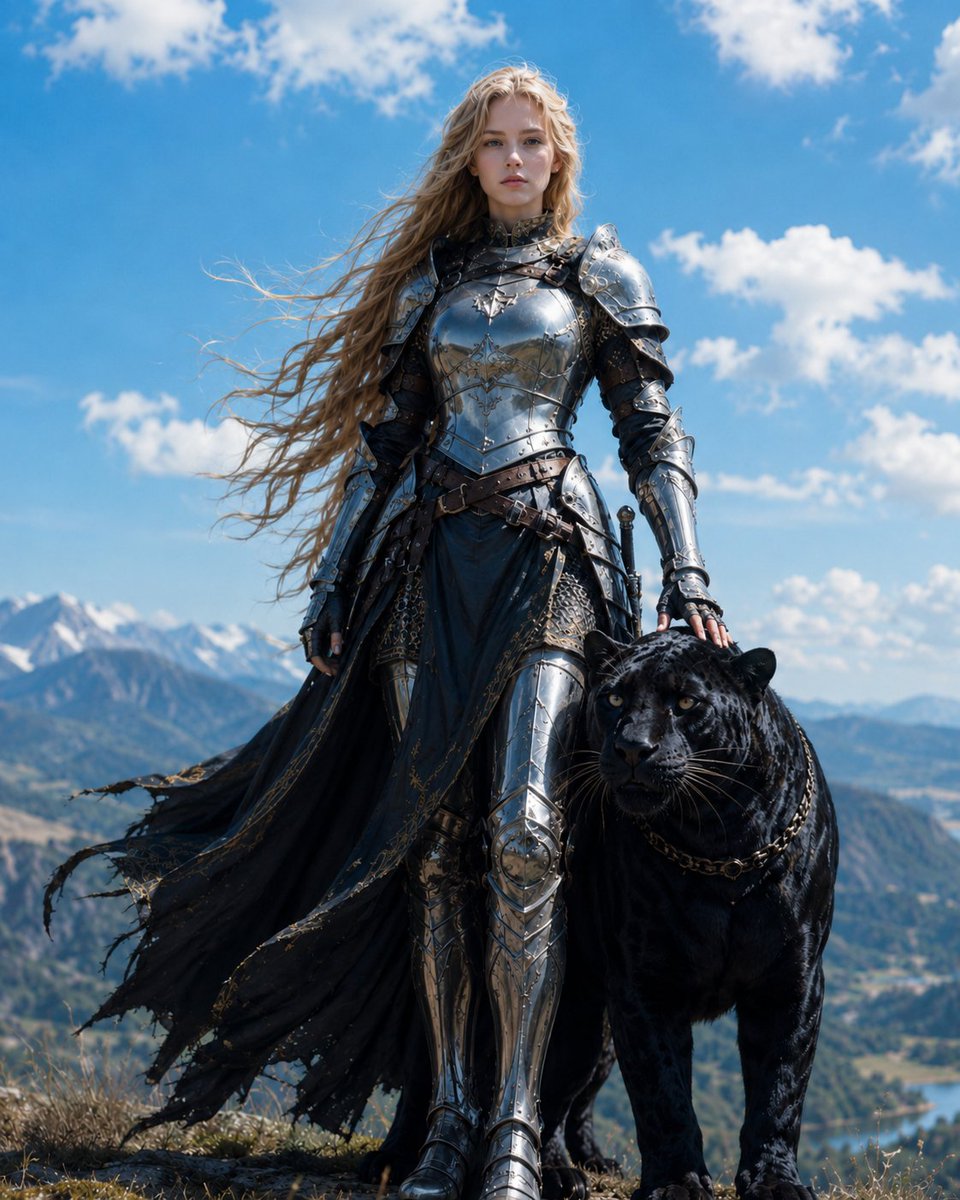
Blonde Knight with Black Panther
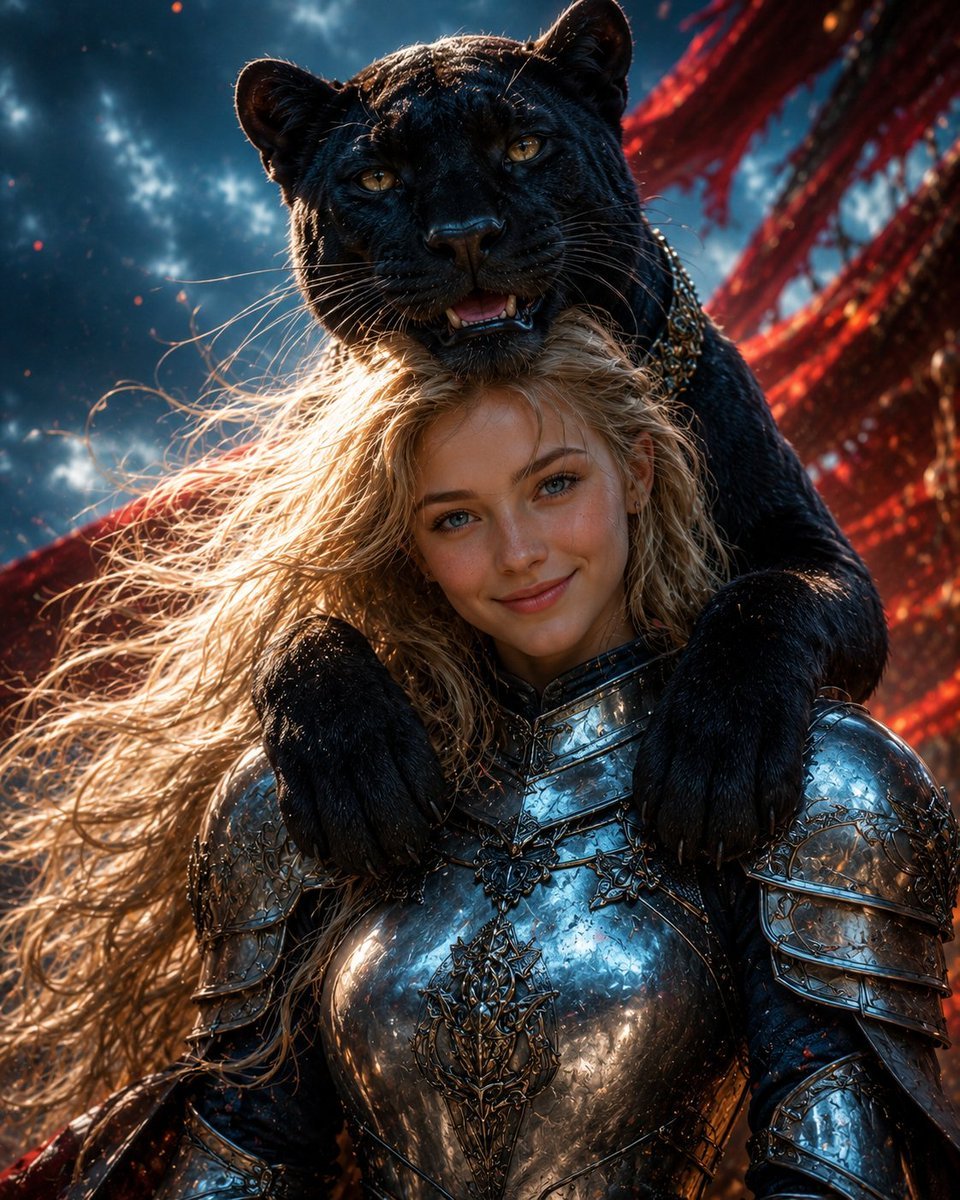
Black Panther and Female Knight Portrait
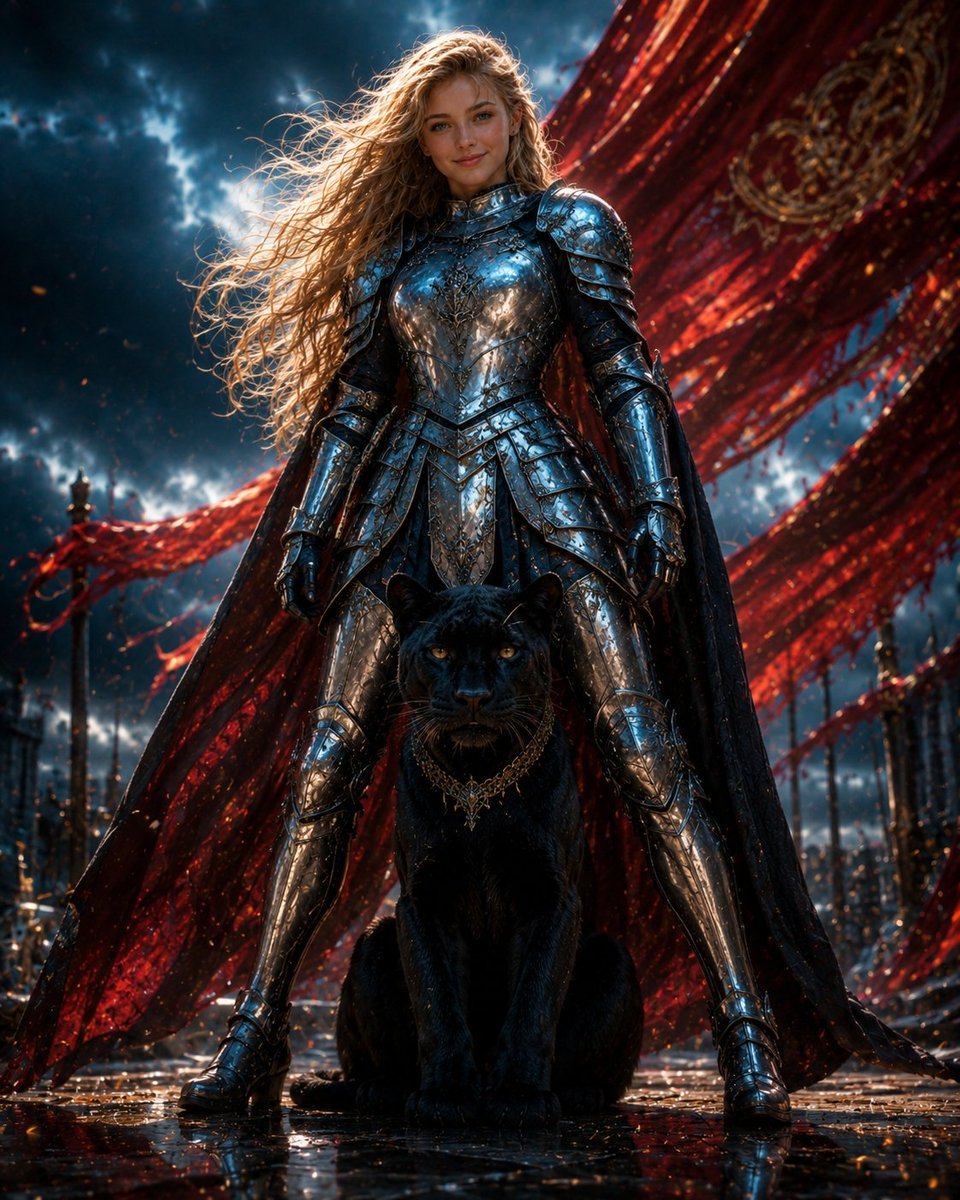
Armored Warrior with Black Panther
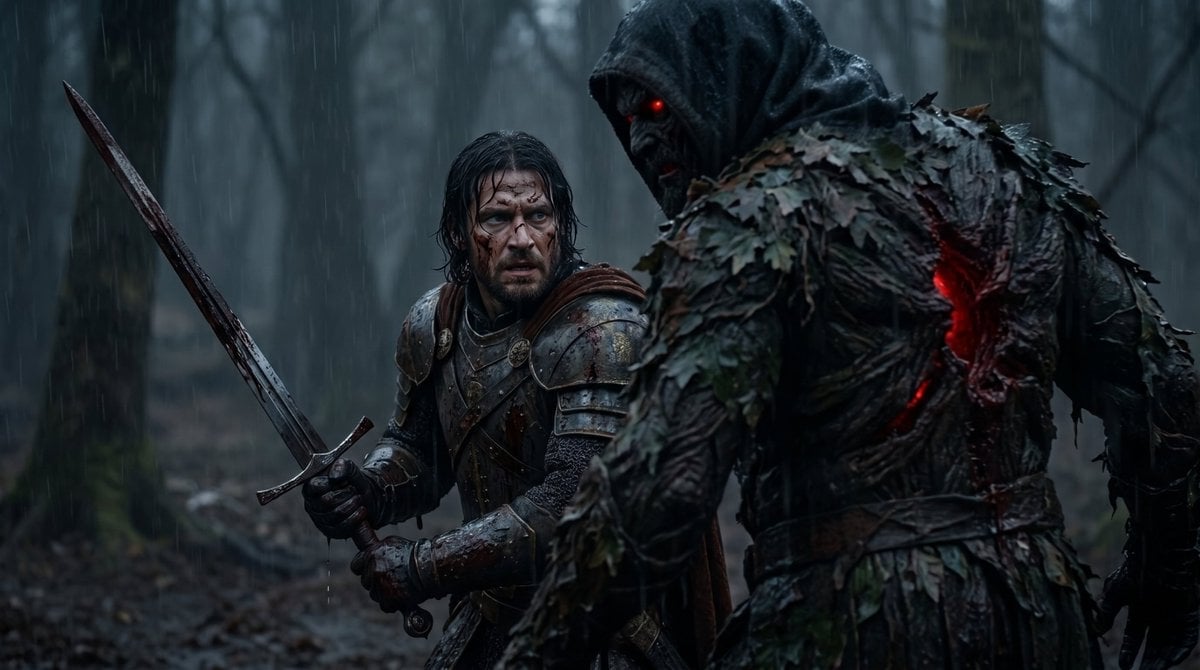
Battle-Worn Knight vs Forest Wraith

Dark Runway Luxury Fashion Magazine Cover

Black Liquid Cyberpunk Portrait Poster
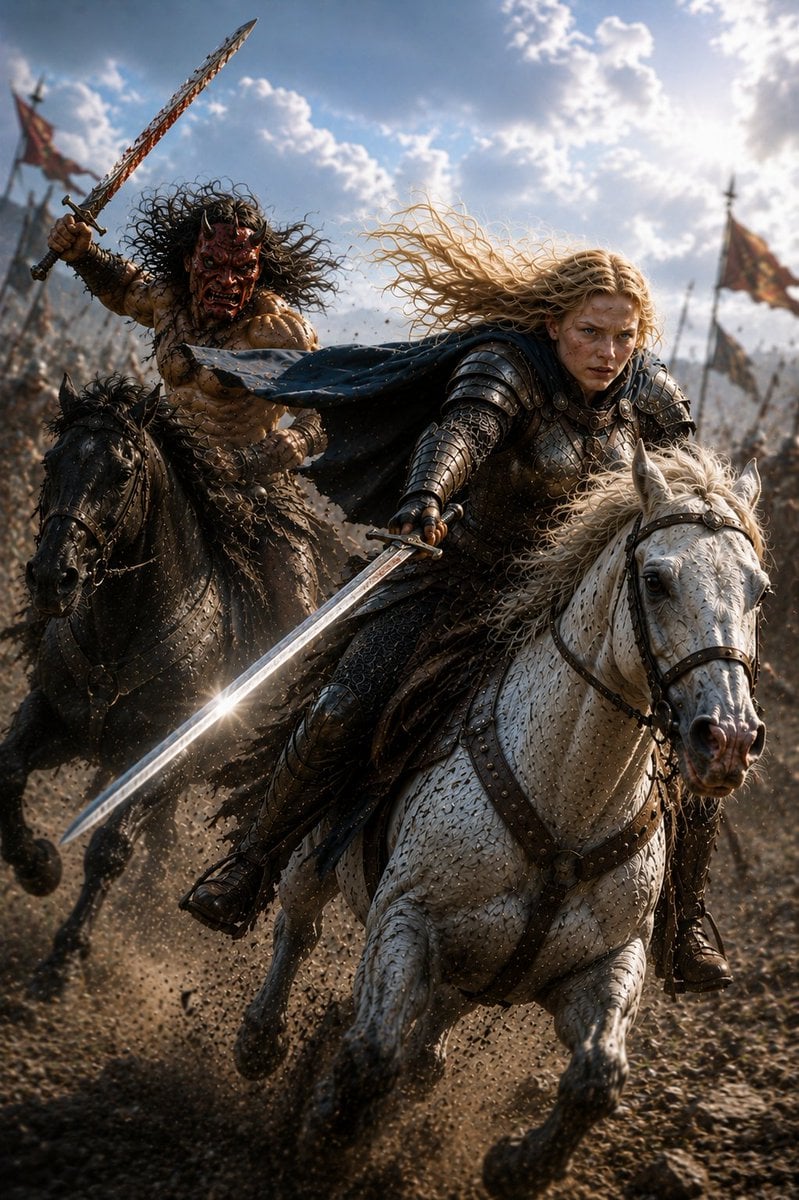
Mounted Knight and Barbarian Charge
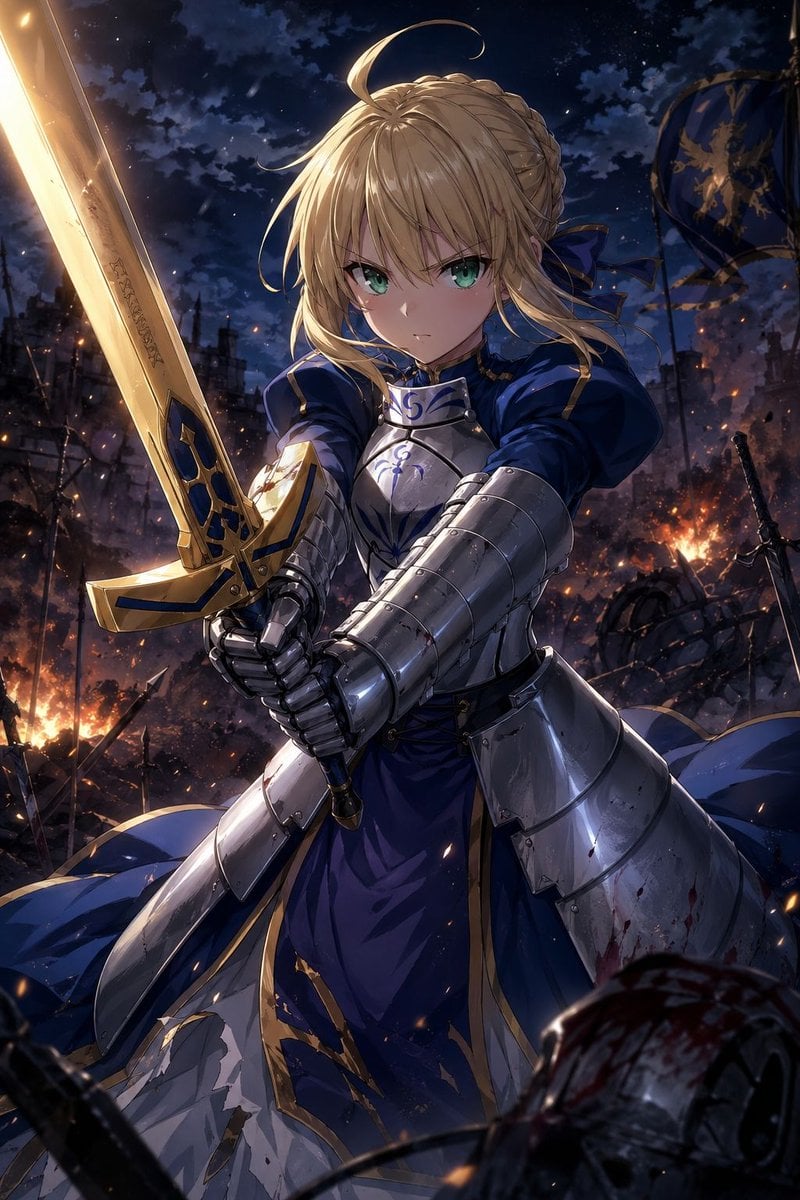
Anime Knight King on Burning Battlefield
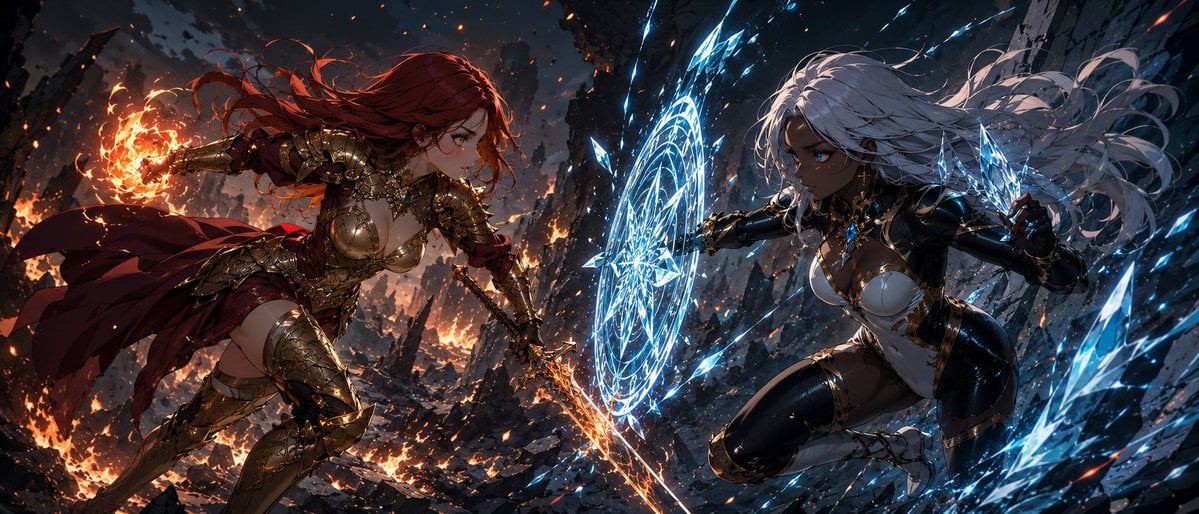
Fire Knight vs Ice Warrior Battle
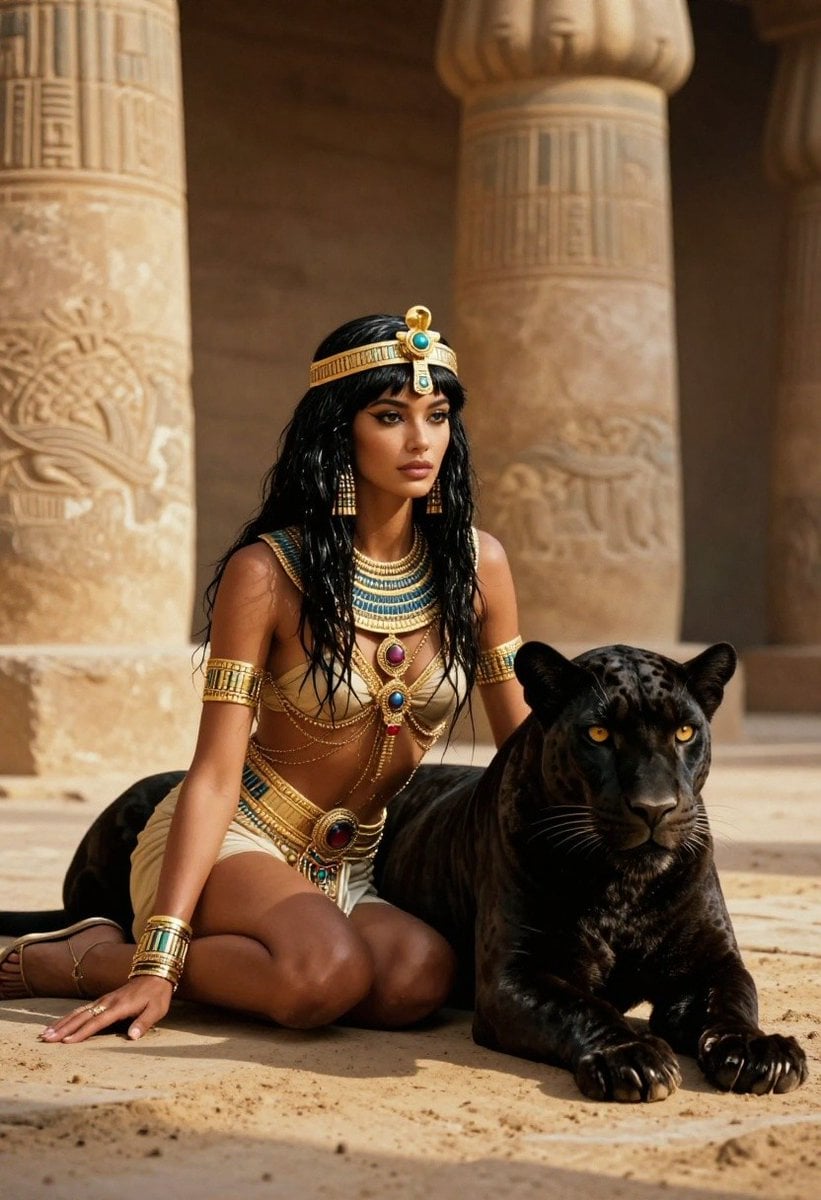
Ancient Egyptian Queen with Black Panther
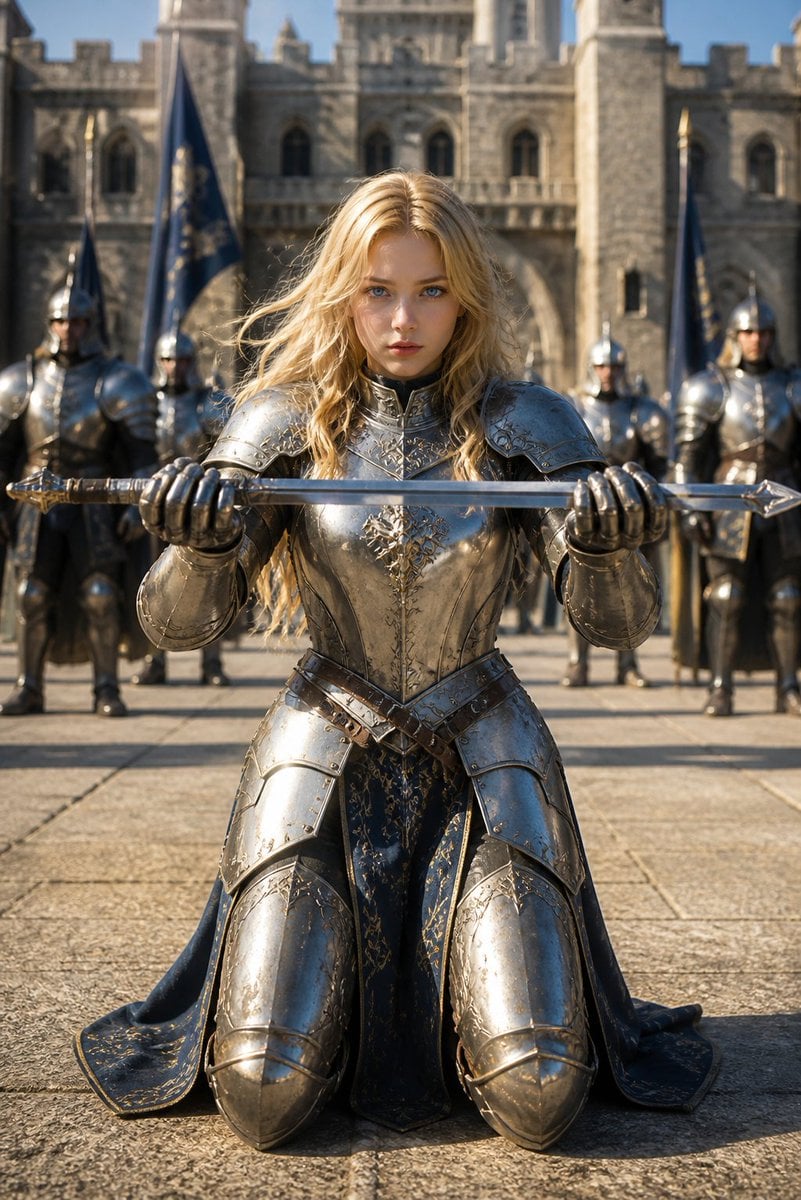
Kneeling Blonde Knight at Castle

Woman in Mall with Chanel Bag - Heart Gesture
Make it yours
Blonde Knight and Black Panther Battle Charge works as-is. These are the safest ways to change it without losing the look.
Change one field
Copy a single group, rewrite it, and generate again so you can see what that field is doing.
Keep the frame, change the subject
Hold the composition and light of Blonde Knight and Black Panther Battle Charge, then swap wardrobe, props or the person for a new take.
| If the result… | Why | Fix |
|---|---|---|
| The result drifts from the preview | Too many fields changed at once. | Reuse Blonde Knight and Black Panther Battle Charge as-is first, then change one group — subject, light, or setting. |
| The model over-stylizes the scene | The prose prompt leaves finish and camera underspecified. | Add one camera or lighting sentence and stay on GPT Image 2. |
More GPT Image 2 templates
Other prompts made for GPT Image 2.

Six VTuber Japanese Logo Sheet

Realistic Portrait of Woman and Deer

The Vista Modular Condo Poster

AI Model Routing Comparison Infographic

2.5D Anime Art Board

Isometric Productivity Desk Scene

New York Double Exposure Poster

Four-Panel AI Landscape Comparison

Japanese Tatami Lifestyle Magazine Cover

NESCAFÉ Coffee Map Poster
More image prompts
Fresh picks from across the catalog.

Write Arabic text on a Nile river image
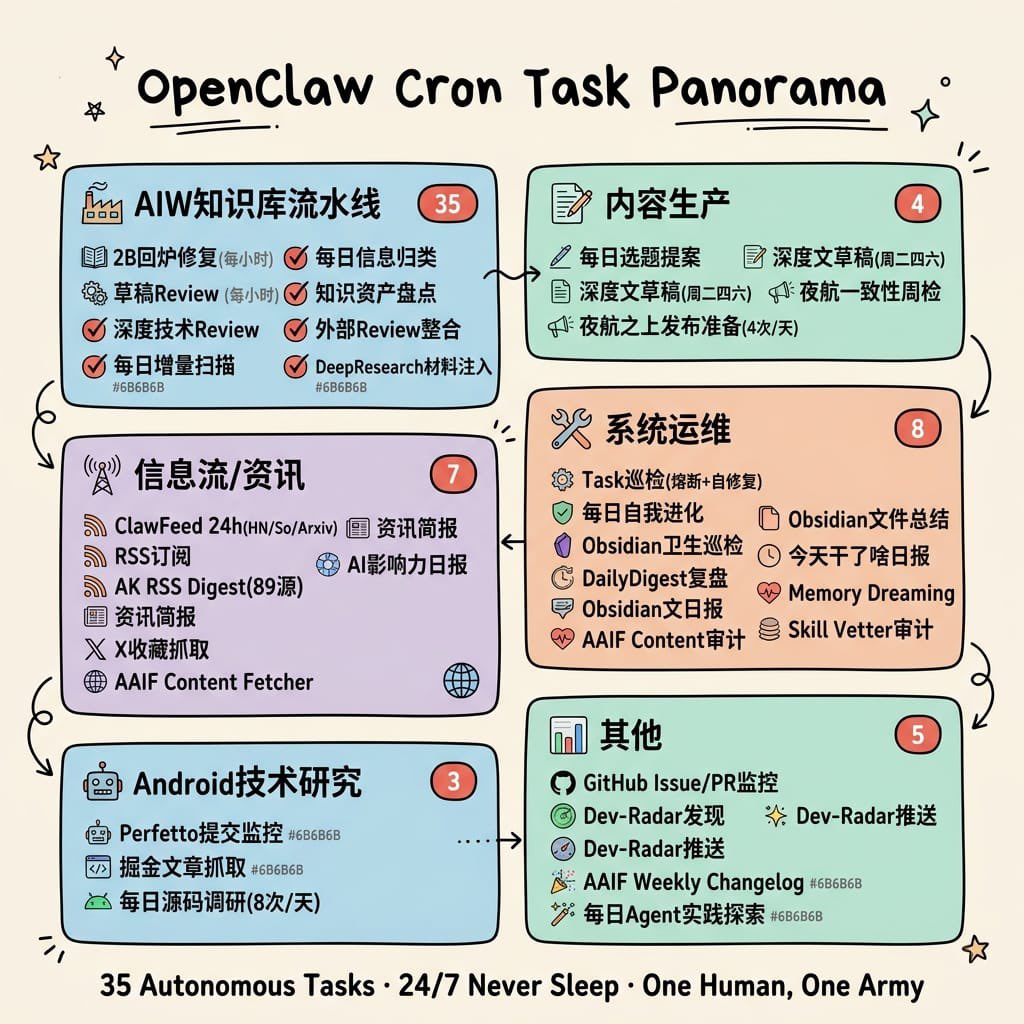
Hand-Drawn Cron Task Panorama
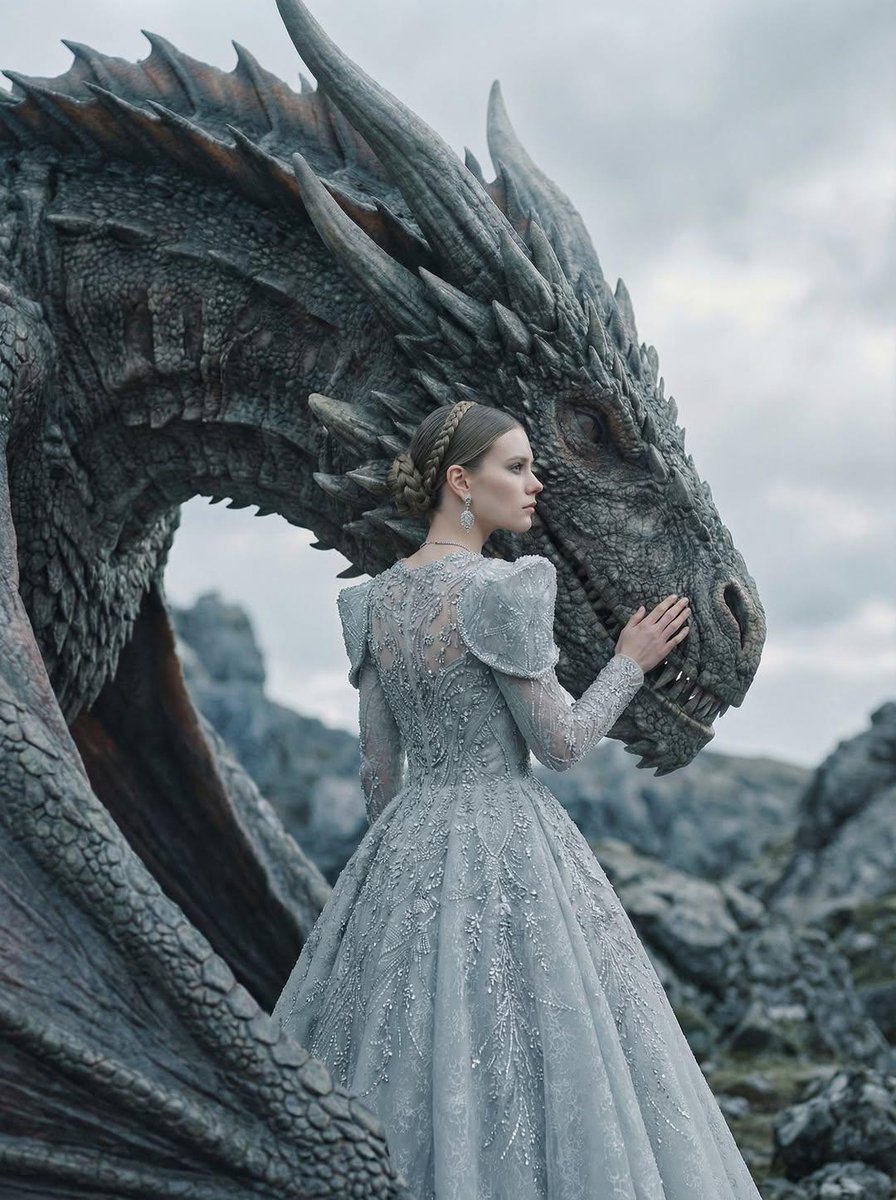
Couture Woman and Majestic Dragon Portrait
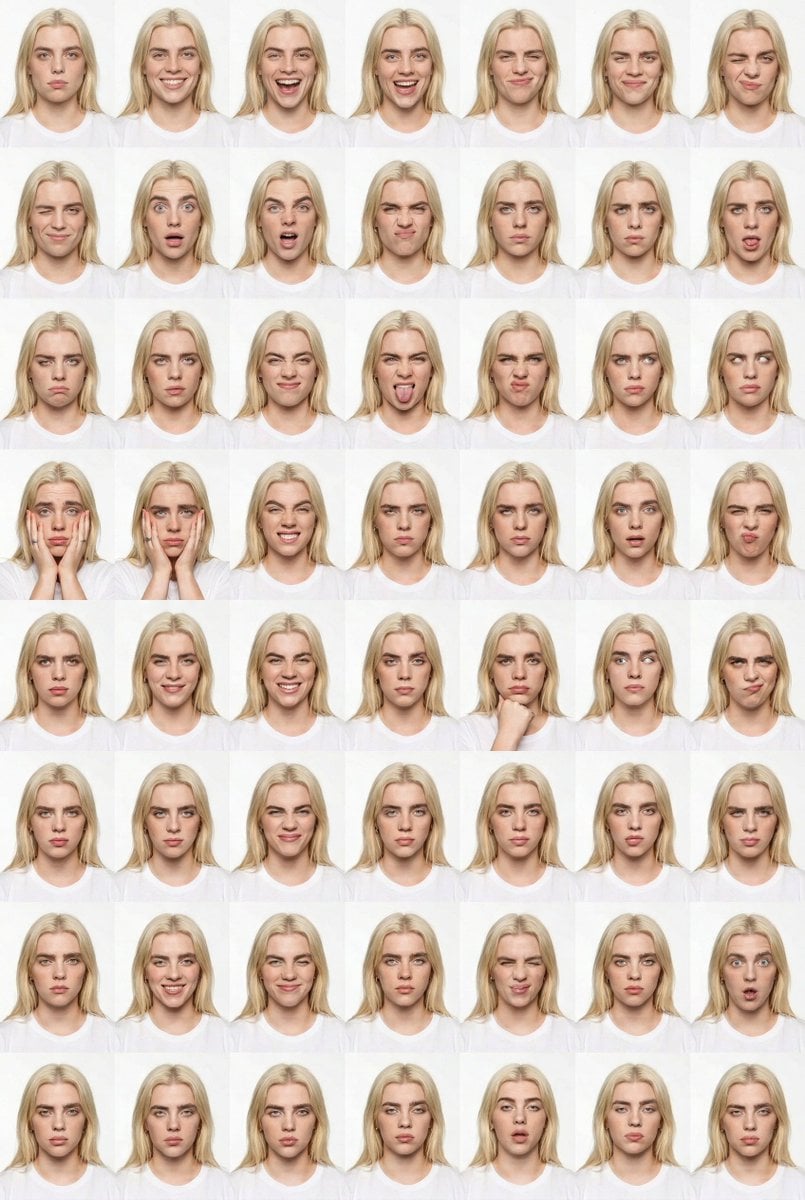
Panel Studio Expression Contact Sheet Prompt
Goku Anime Character Sheet
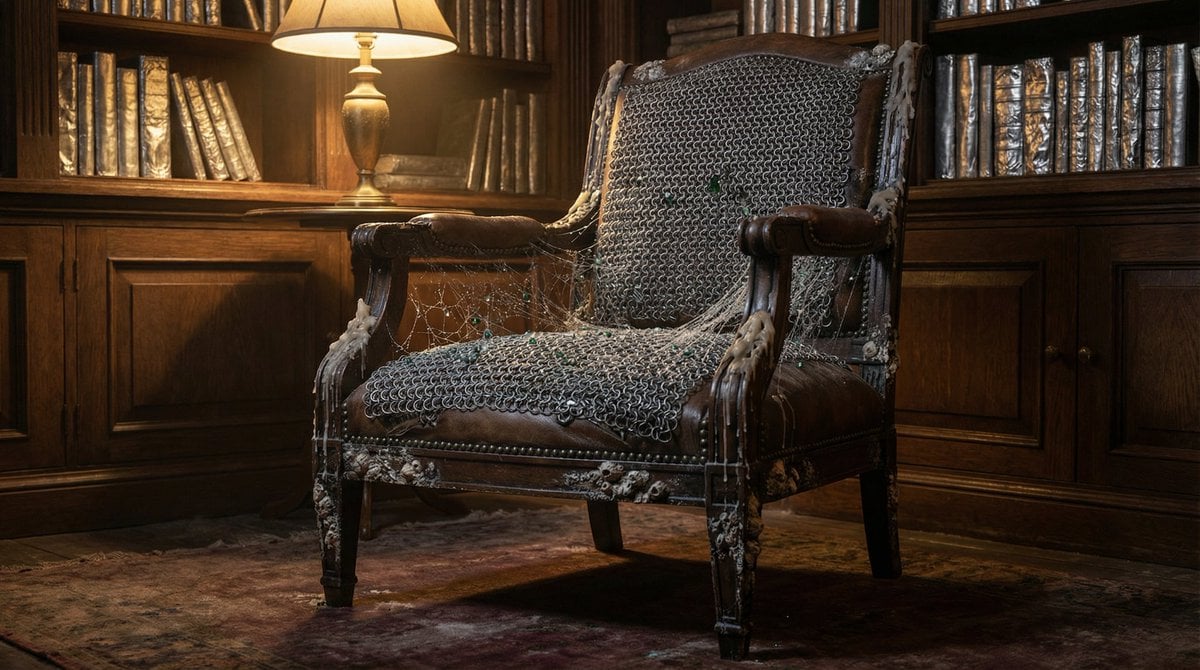
Surreal Library Armchair Generation
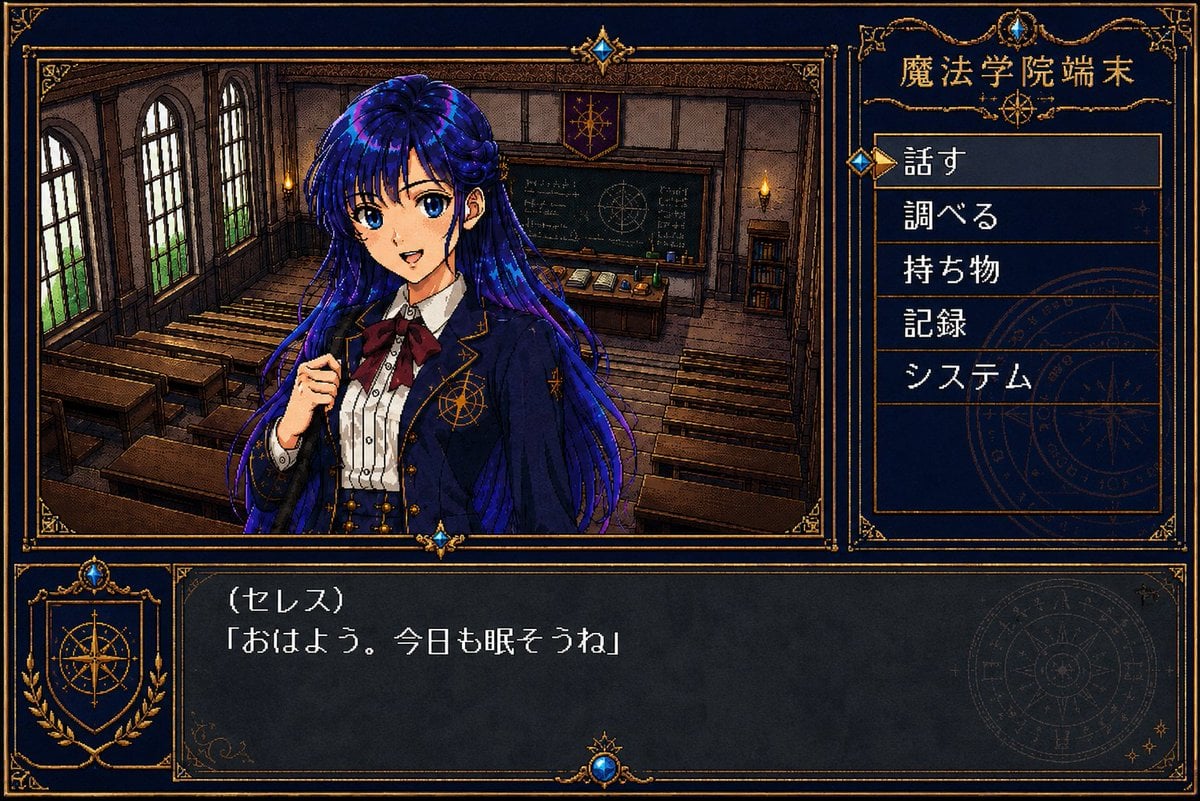
Retro Magic Academy Visual Novel UI
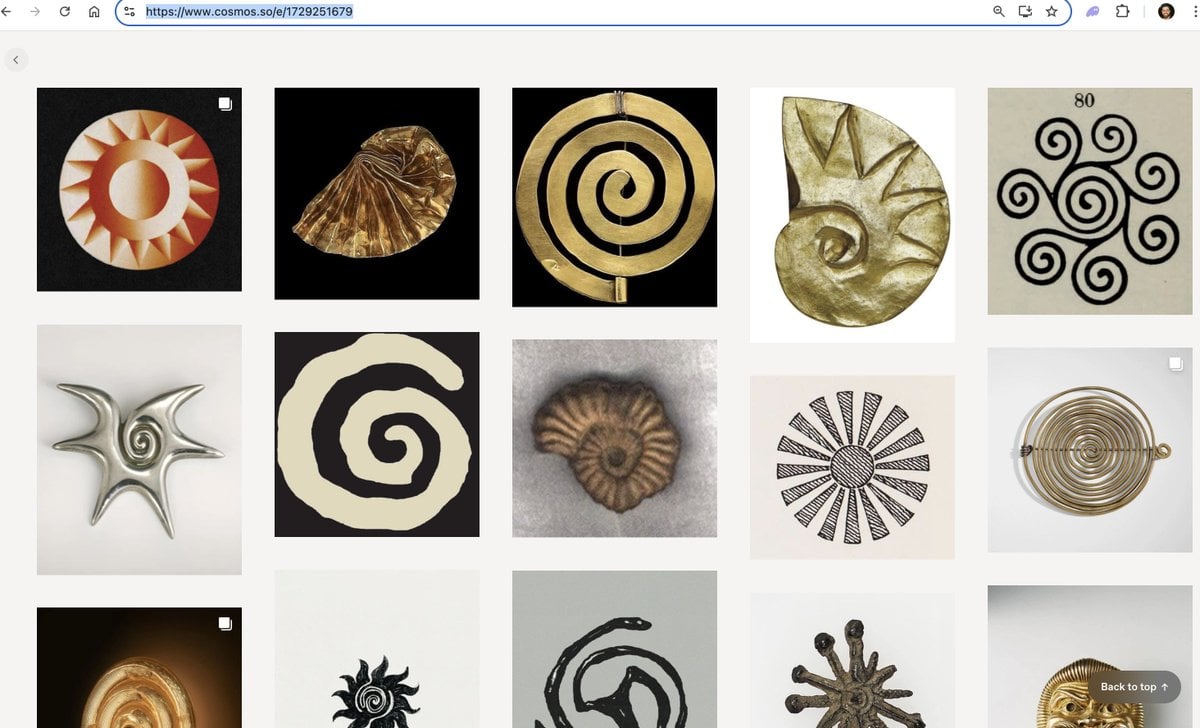
Logo generation prompt for Nano Banana Pro
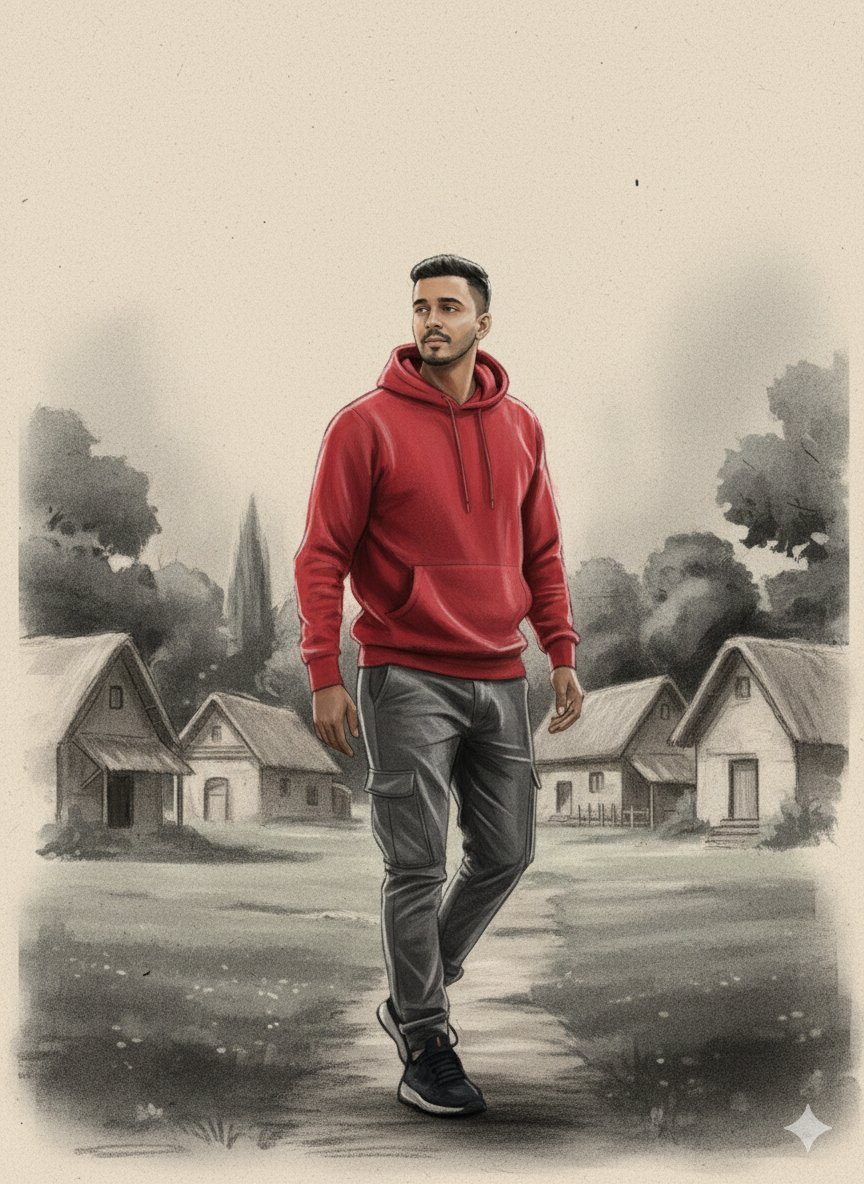
Charcoal and Chalk Fashion Editorial Prompt (Identity Preserve)
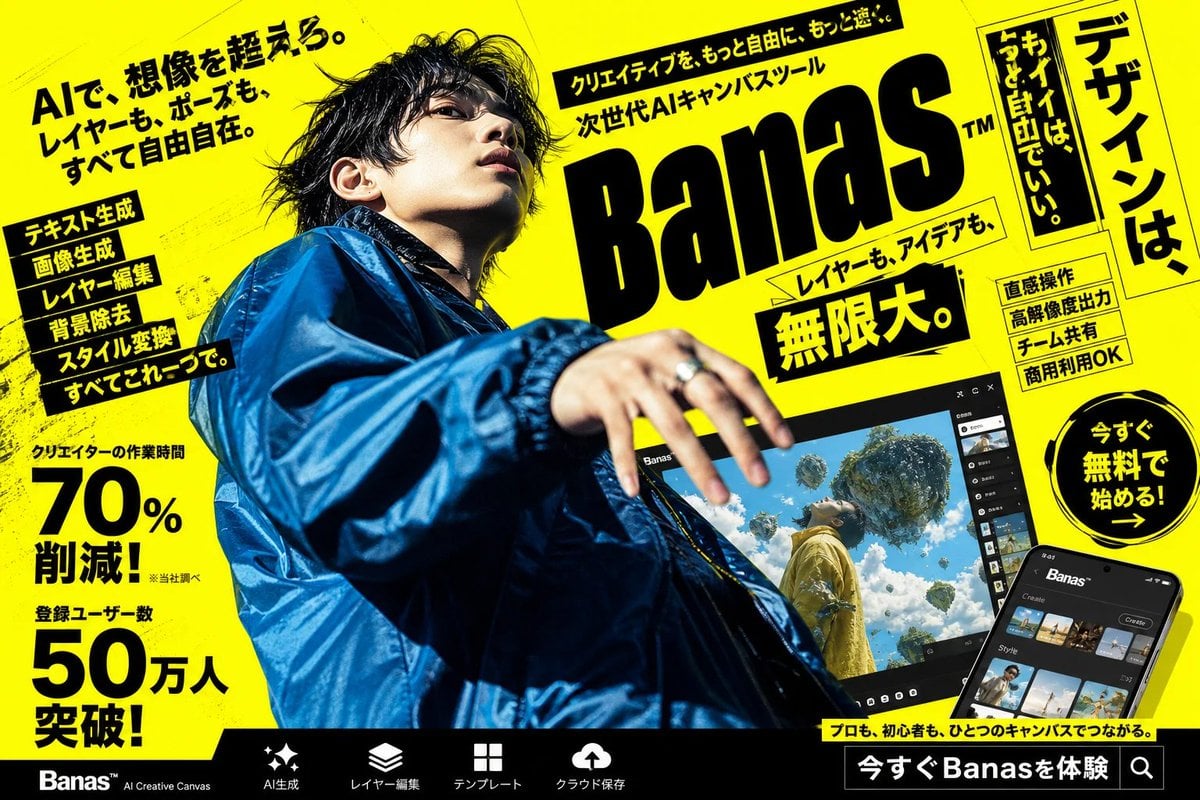
Neon Japanese AI Canvas Ad
Browse template categories
Blonde Knight and Black Panther Battle Charge questions
How do I use the Blonde Knight and Black Panther Battle Charge template?
Add your photo if the template asks for one, edit the prompt if you like — the template's model and format are already selected — and press Generate. Your version opens in PicX Studio.
Can I customize the Blonde Knight and Black Panther Battle Charge template?
Yes. You can change the subject, setting, lighting, mood, format, and available model controls before creating your image.
Is the Blonde Knight and Black Panther Battle Charge template free?
Opening and editing this template is free. Generating uses credits, shown on the Generate button when you are signed in.
Which AI model should I use?
Start with GPT Image 2, which is the model associated with this template. You can compare another compatible model for a different finish.
Looking for something else? Browse all templates.

Your photo, any look
Thousands of ready templates for every top image and video model, from one credit balance.