
Kneeling Blonde Knight at Castle
A photorealistic fantasy scene of a censored blonde female knight kneeling with a sword before castle guards, useful for medieval cosplay or RPG character visuals.
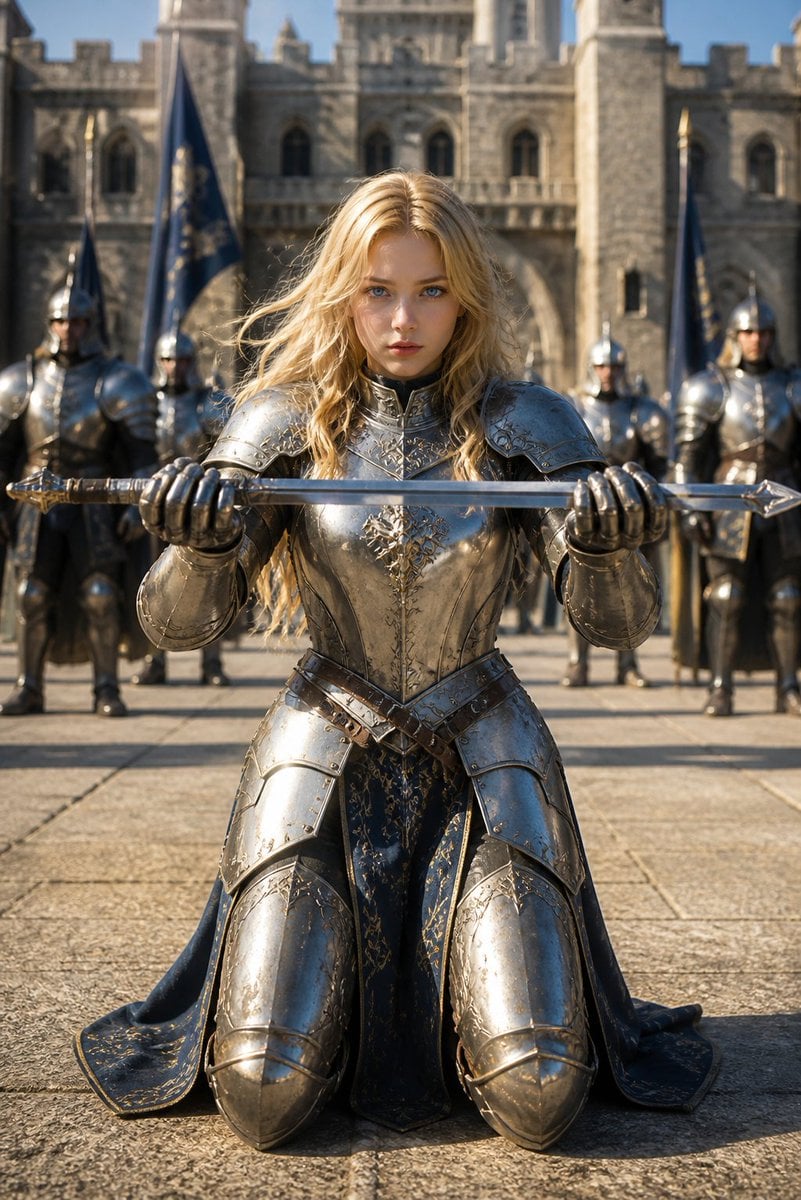
- Prompt included
- Model and format preset
- Free template
The prompt behind this image
Copy the exact prompt behind Kneeling Blonde Knight at Castle, or open it in the studio and make it yours.
Create a cinematic photorealistic medieval fantasy portrait of {argument name="main character" default="a blonde female knight"} kneeling in the center of a stone castle courtyard, facing the camera directly. She wears highly polished ornate silver full plate armor with engraved gold filigree, heavy gauntlets, shoulder pauldrons, breastplate, thigh and knee armor, and a dark navy-blue cloak or tabard with subtle gold embroidery draped behind her. Her long wavy blonde hair falls over the armor, but her face is deliberately hidden by a plain vertical skin-toned rectangular censor block with no facial features. She holds exactly 1 long straight medieval sword horizontally with both hands at chest height, blade stretching across the entire frame, gold-accented hilt on the left and pointed tip on the right. Behind her stand exactly 4 armored guards in reflective silver armor: 1 large guard on the far left, 1 smaller guard left of center, 1 smaller guard right of center, and 1 large guard on the far right; their faces are also indistinct or covered by simple blurred skin-toned rectangles. Include exactly 3 tall dark blue banners with gold markings behind the group: 1 near the far left edge, 1 left of center, and 1 right of center. The background is a grand gray stone castle facade with towers, arched windows, battlements, and an arched entrance, slightly out of focus. Use a low eye-level camera angle, vertical 2:3 composition, centered symmetry, shallow depth of field, bright natural daylight, realistic shadows on the stone pavement, high-detail metal reflections, epic fantasy realism, no modern objects, no text, no watermark.
How to use Kneeling Blonde Knight at Castle in 3 steps
- 1Upload ImagePNG, JPG or paste
Add your photo
Upload the photo the template builds on. The prompt, model and format are already set.
- 2…a portrait of your subject in softgolden-hour light, 85mm…
Personalize
Edit the subject and creative details for your destination.
- 3Generate
Generate
Press Generate — your image is created in PicX Studio, so you can compare it with the original and refine one variable at a time.
More like this
Templates with the same subject, style or setup. Open one to see its prompt.

Minecraft Fantasy Kingdom Voxel Landscape
Kneeling Blue Armored Knight
Holy Knight in a Castle City
Cinematic Medieval Hilltop Castle
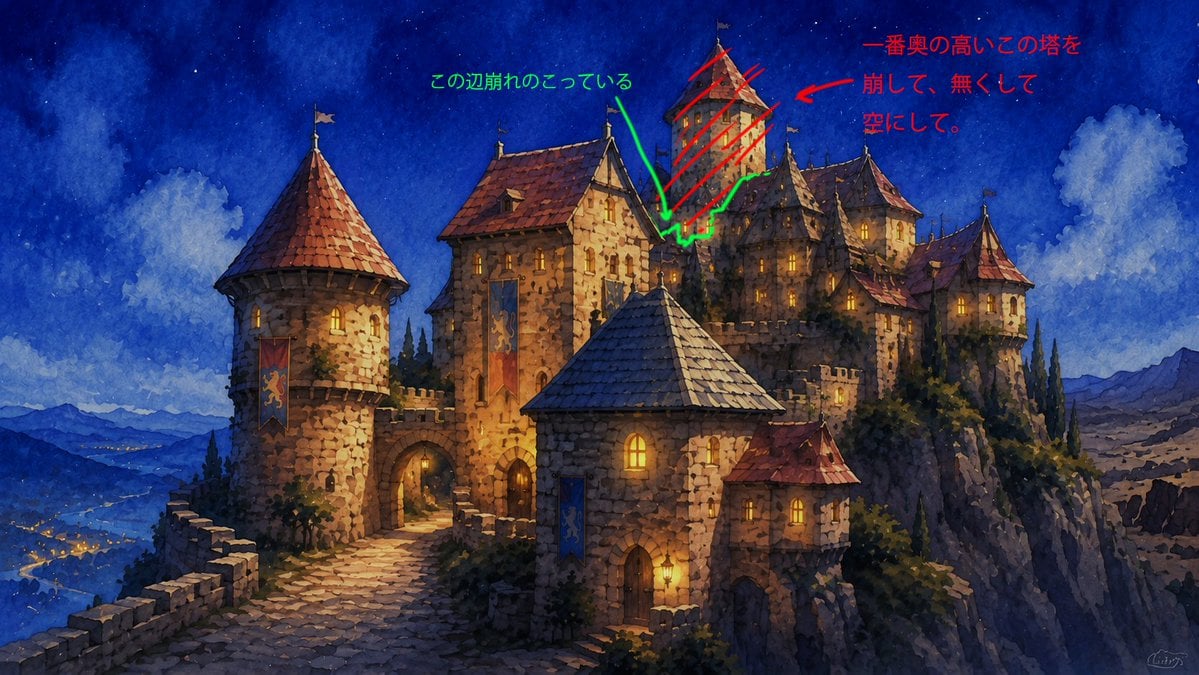
Castle Edit Markup Overlay
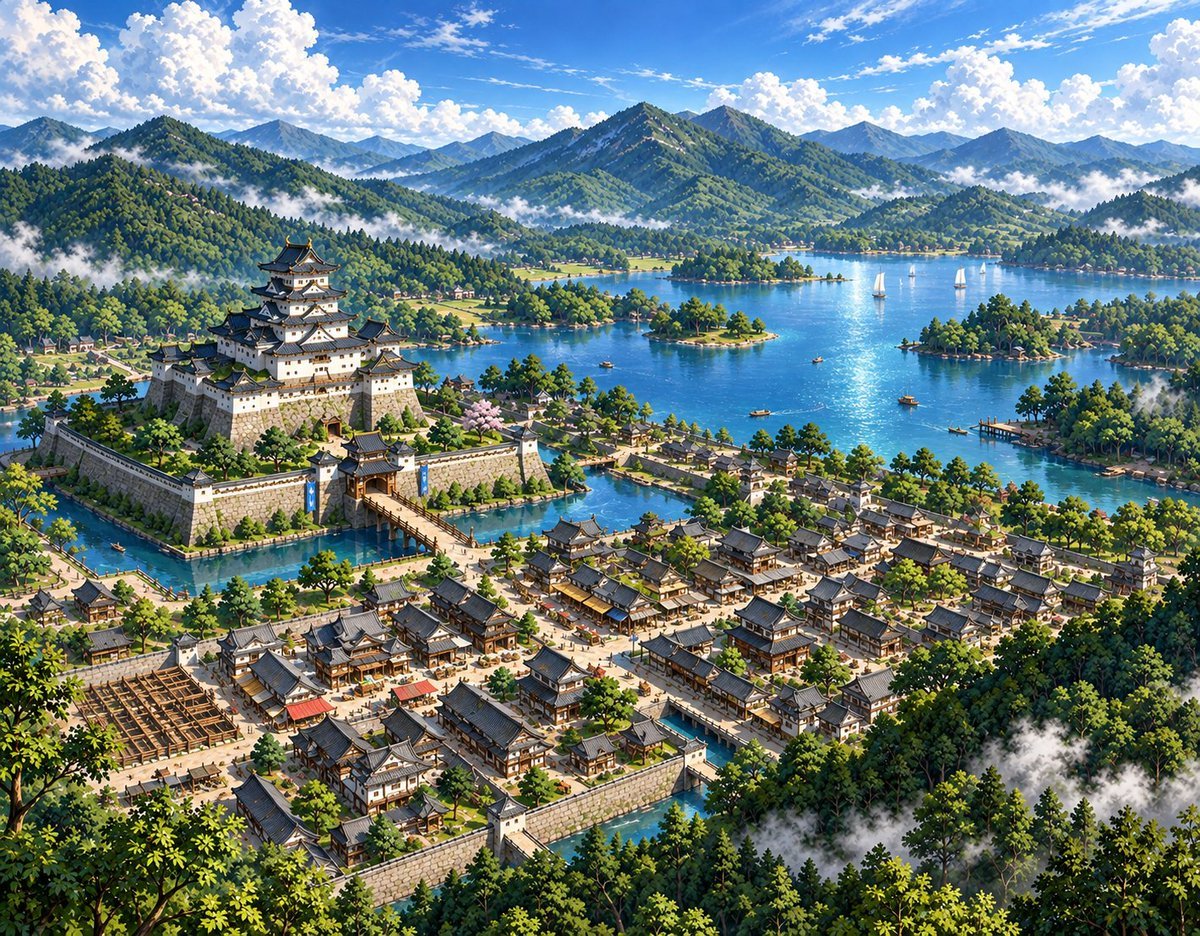
Sketch to Anime Castle Landscape
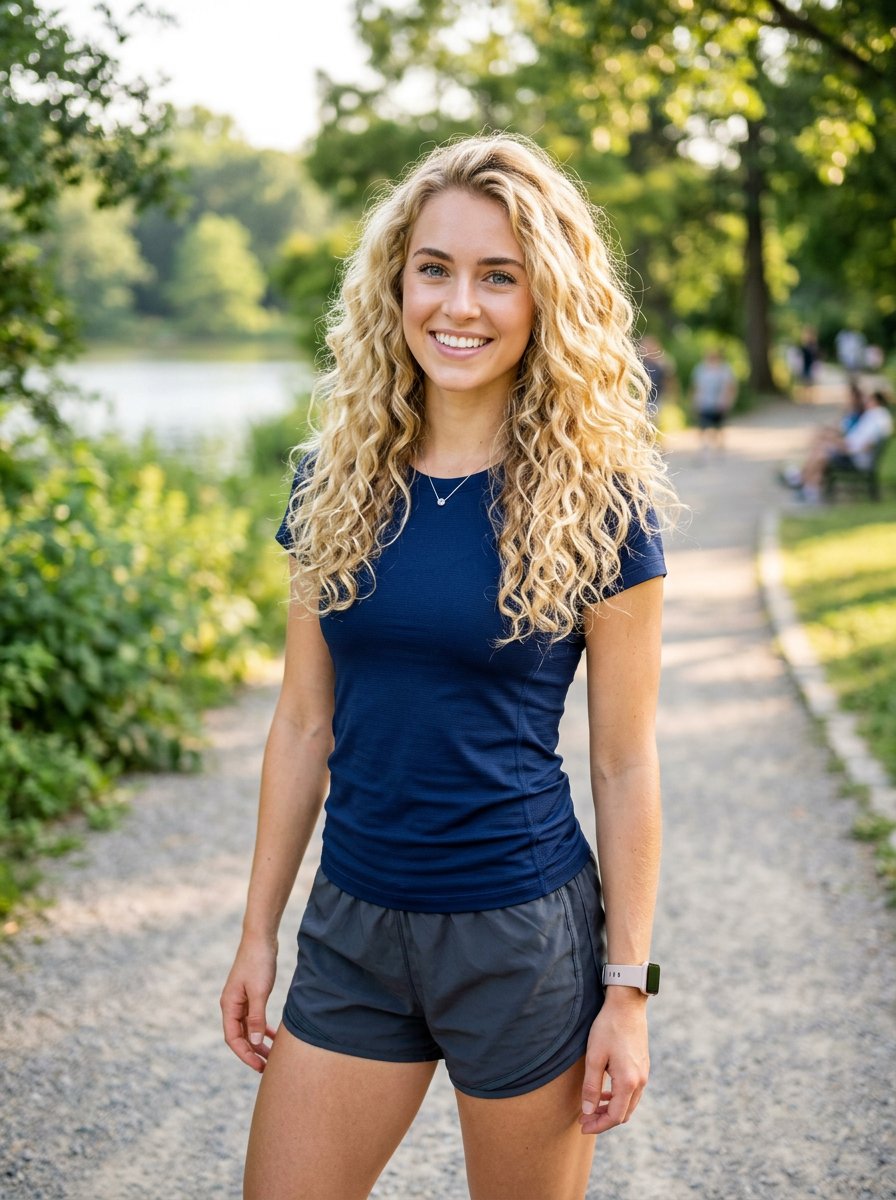
Athletic Blonde Curly Hair Portrait
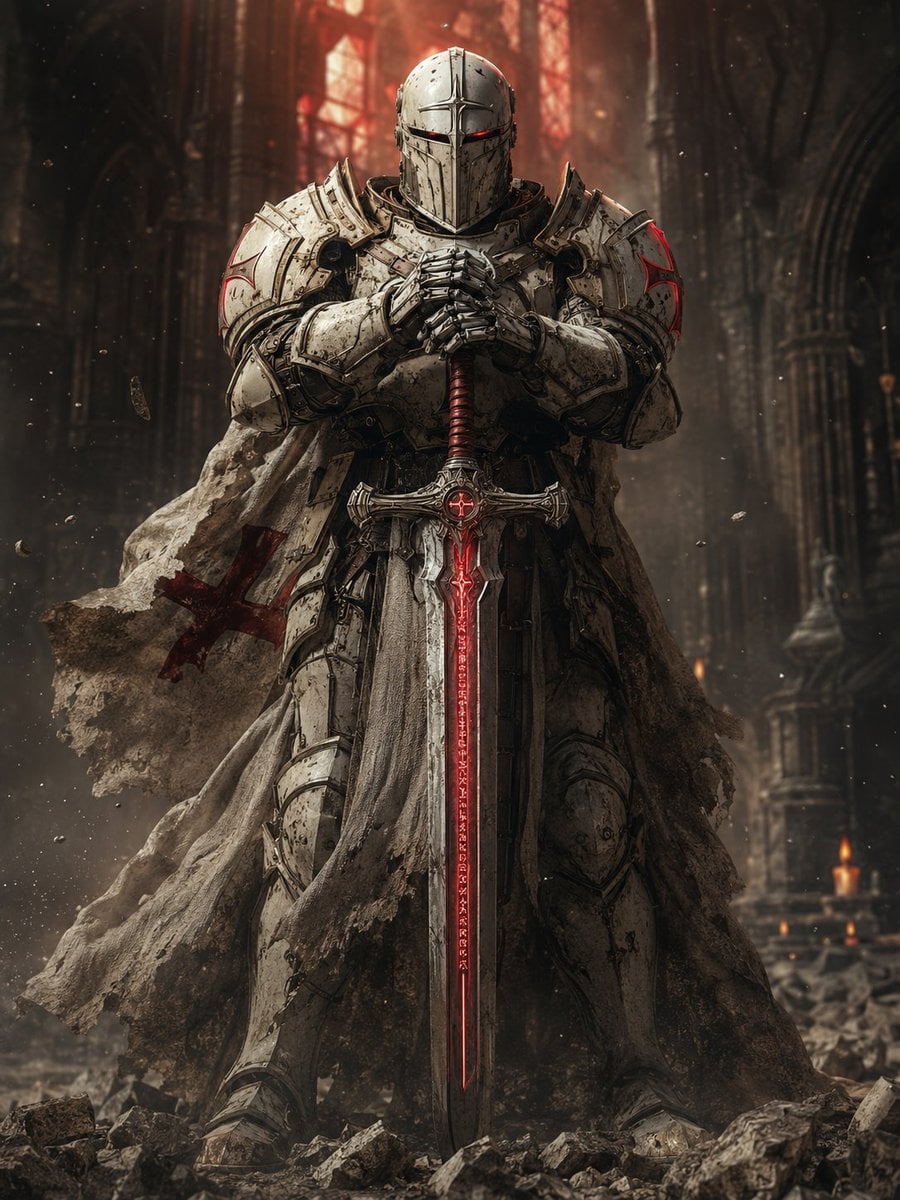
Sci-Fi Knight of the Order

Knight Facing Cathedral Giant
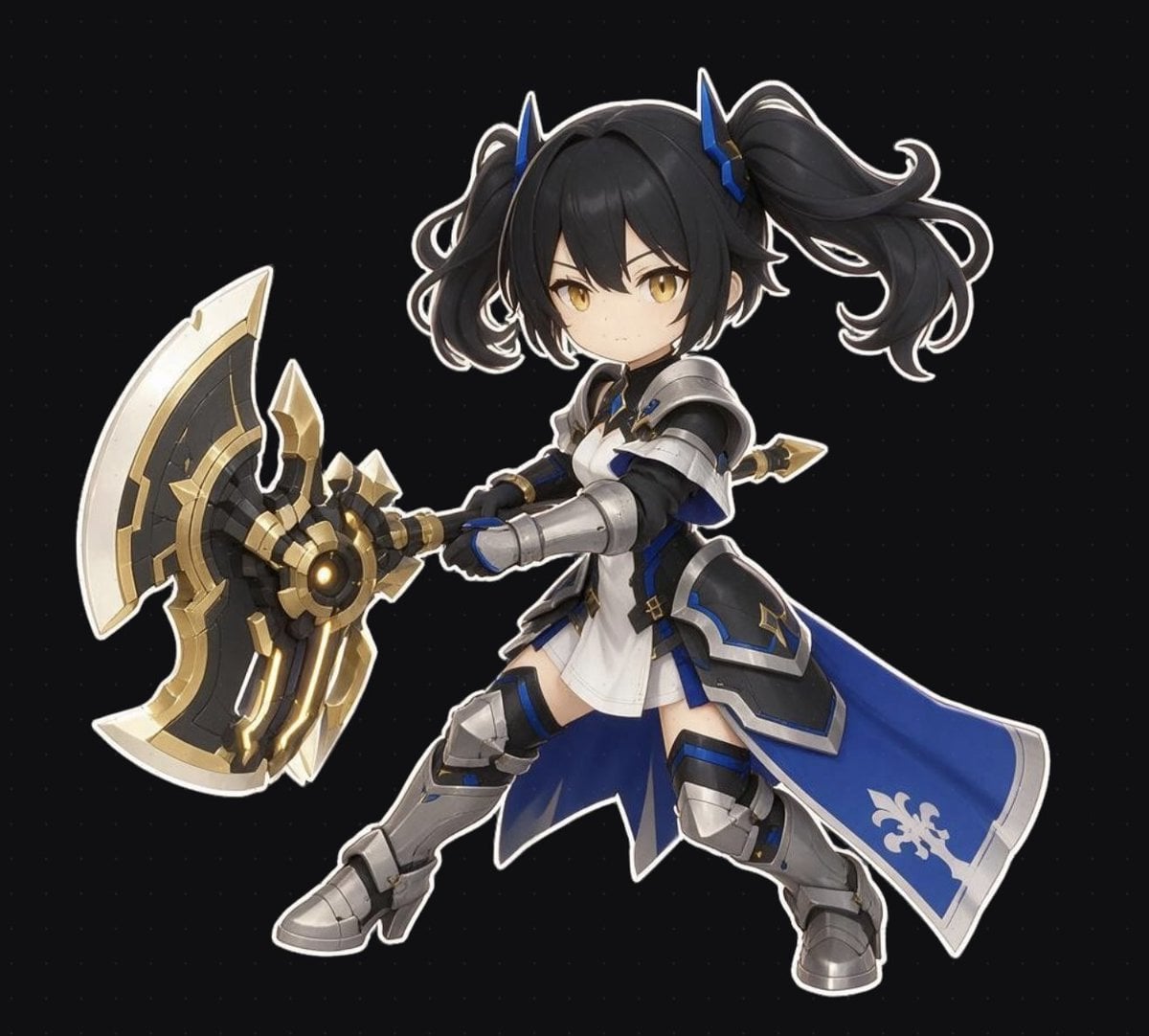
Chibi Fantasy Axe Knight
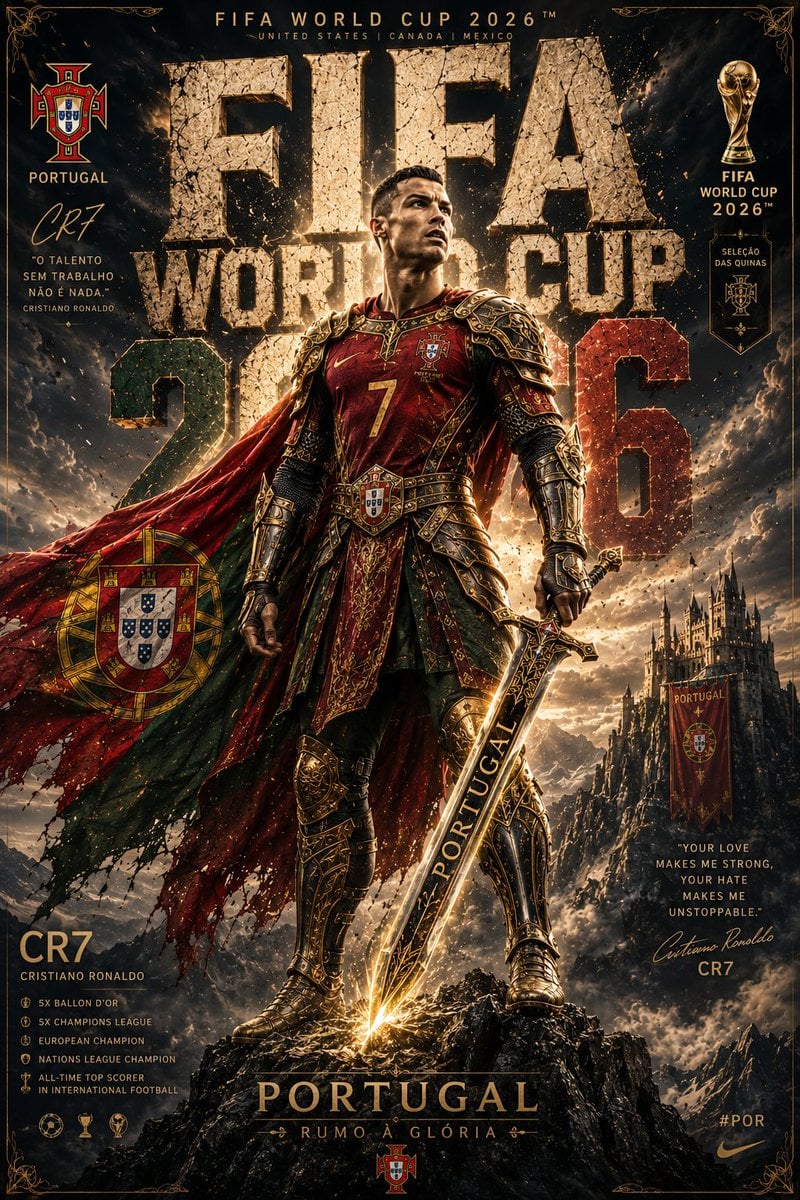
Knight Armor FIFA Hero Poster
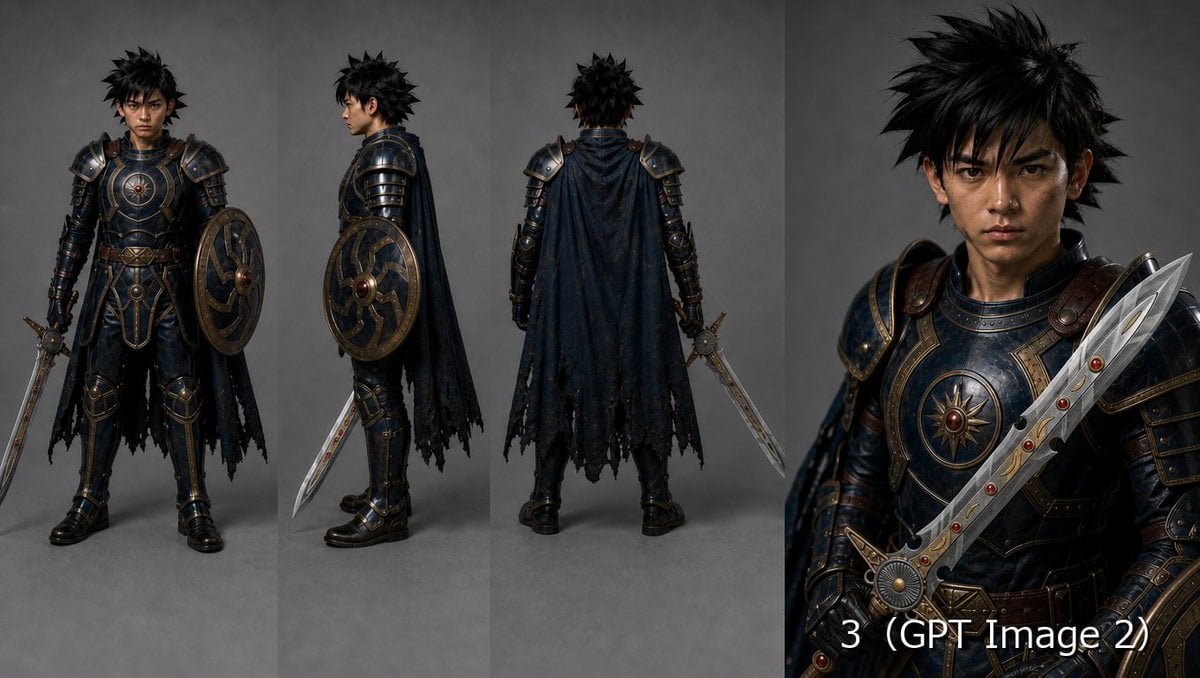
Fantasy Knight Character Turnaround Sheet
Make it yours
Kneeling Blonde Knight at Castle works as-is. These are the safest ways to change it without losing the look.
Change one field
Copy a single group, rewrite it, and generate again so you can see what that field is doing.
Keep the frame, change the subject
Hold the composition and light of Kneeling Blonde Knight at Castle, then swap wardrobe, props or the person for a new take.
| If the result… | Why | Fix |
|---|---|---|
| The result drifts from the preview | Too many fields changed at once. | Reuse Kneeling Blonde Knight at Castle as-is first, then change one group — subject, light, or setting. |
| The model over-stylizes the scene | The prose prompt leaves finish and camera underspecified. | Add one camera or lighting sentence and stay on GPT Image 2. |
More GPT Image 2 templates
Other prompts made for GPT Image 2.

Six VTuber Japanese Logo Sheet

Realistic Portrait of Woman and Deer

The Vista Modular Condo Poster

AI Model Routing Comparison Infographic

2.5D Anime Art Board

Isometric Productivity Desk Scene

New York Double Exposure Poster

Four-Panel AI Landscape Comparison

Japanese Tatami Lifestyle Magazine Cover

NESCAFÉ Coffee Map Poster
More image prompts
Fresh picks from across the catalog.
Soft Blue Anime Girl Portrait
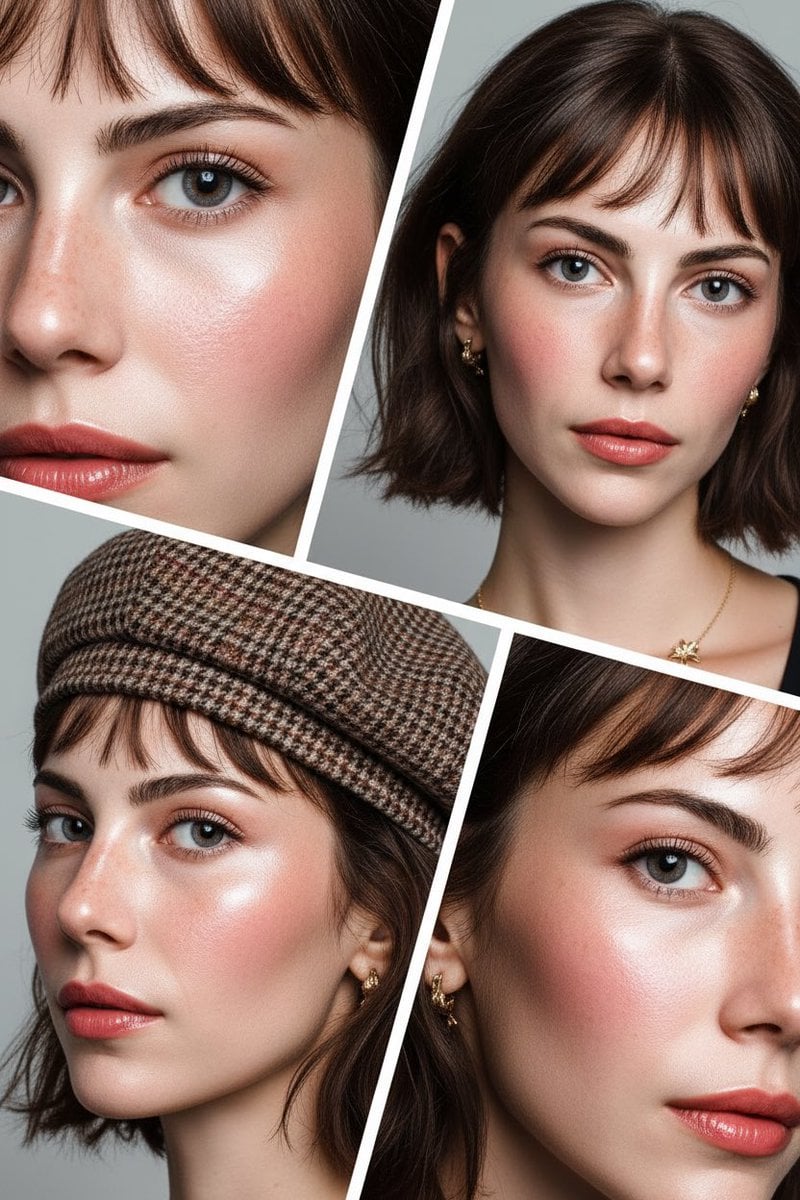
Doll-like Beauty Editorial Collage Prompt (Indonesian)
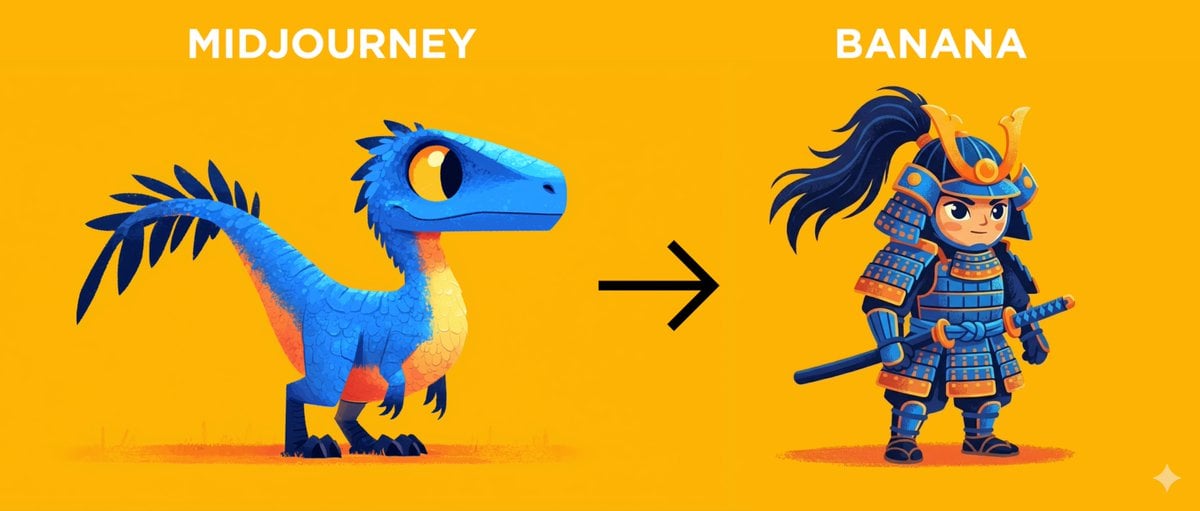
Midjourney Style Transfer for Samurai Image

Chibi Girl Crayon Illustration
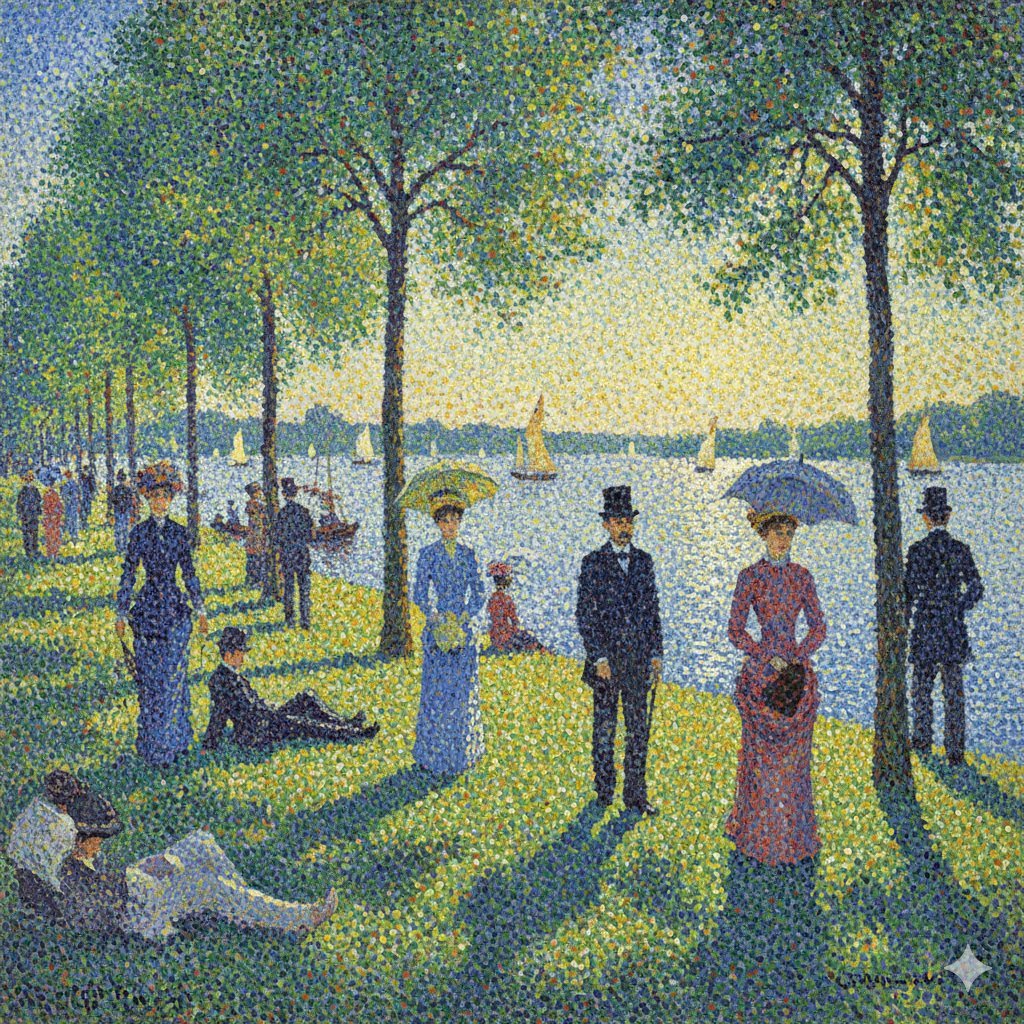
Seurat-style Pointillism Image Generation
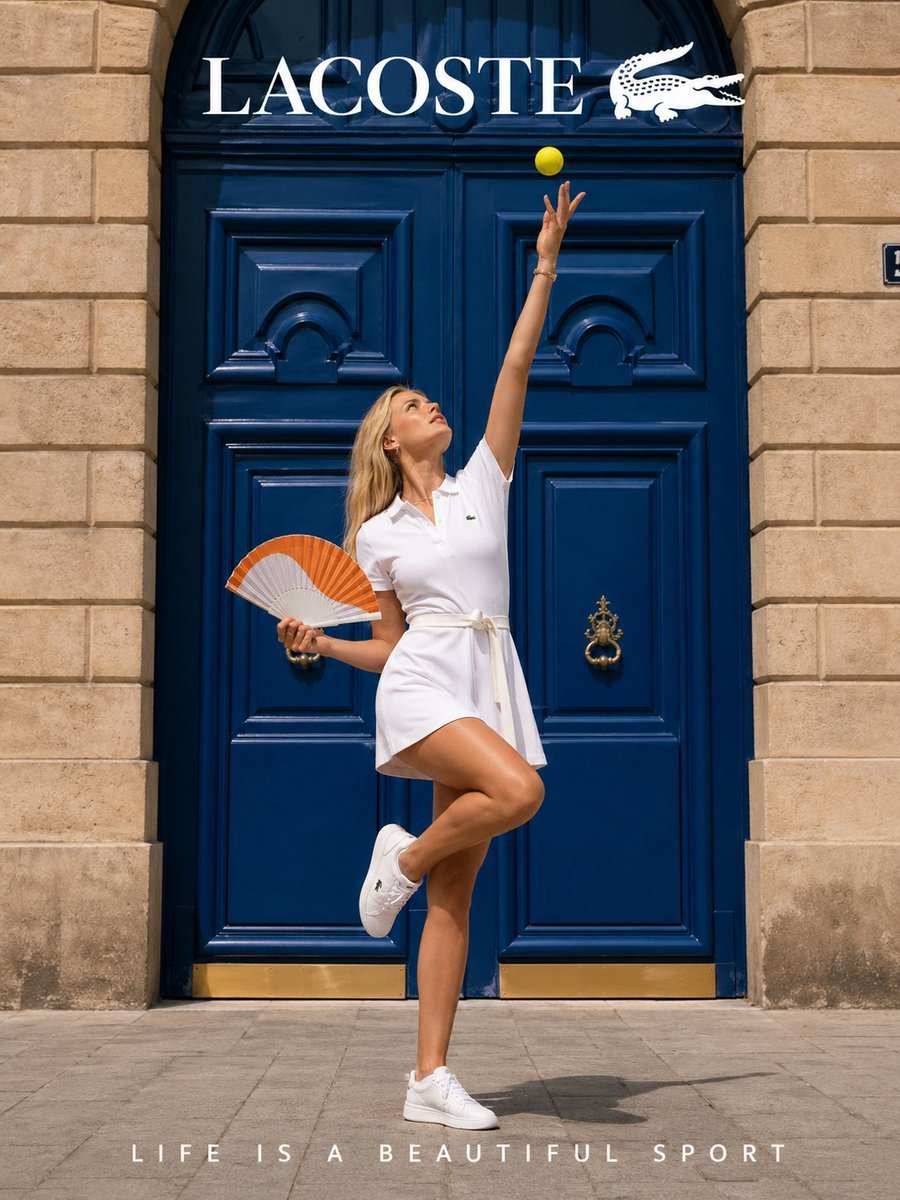
Lacoste High-Fashion Advertisement
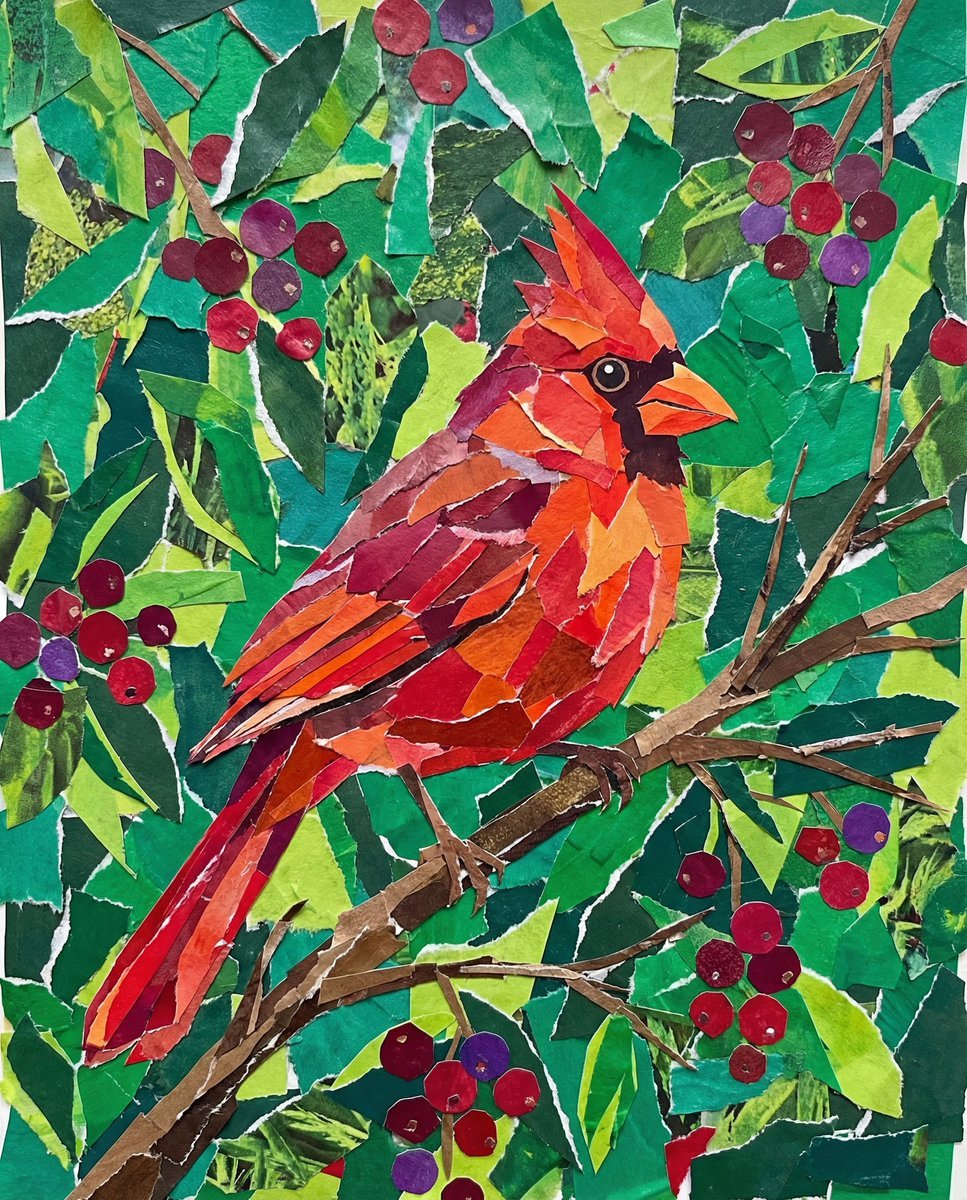
Vibrant Cardinal Collage Prompt
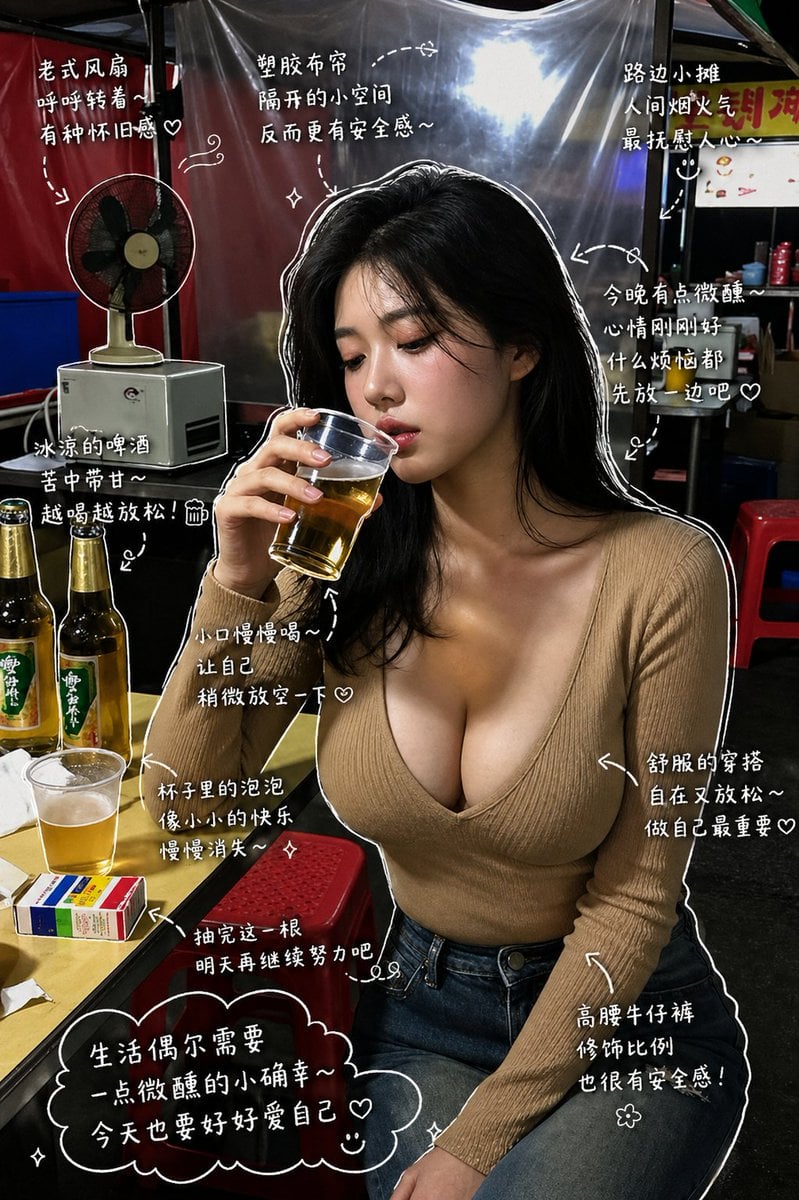
Healing Night Market Beer Photo
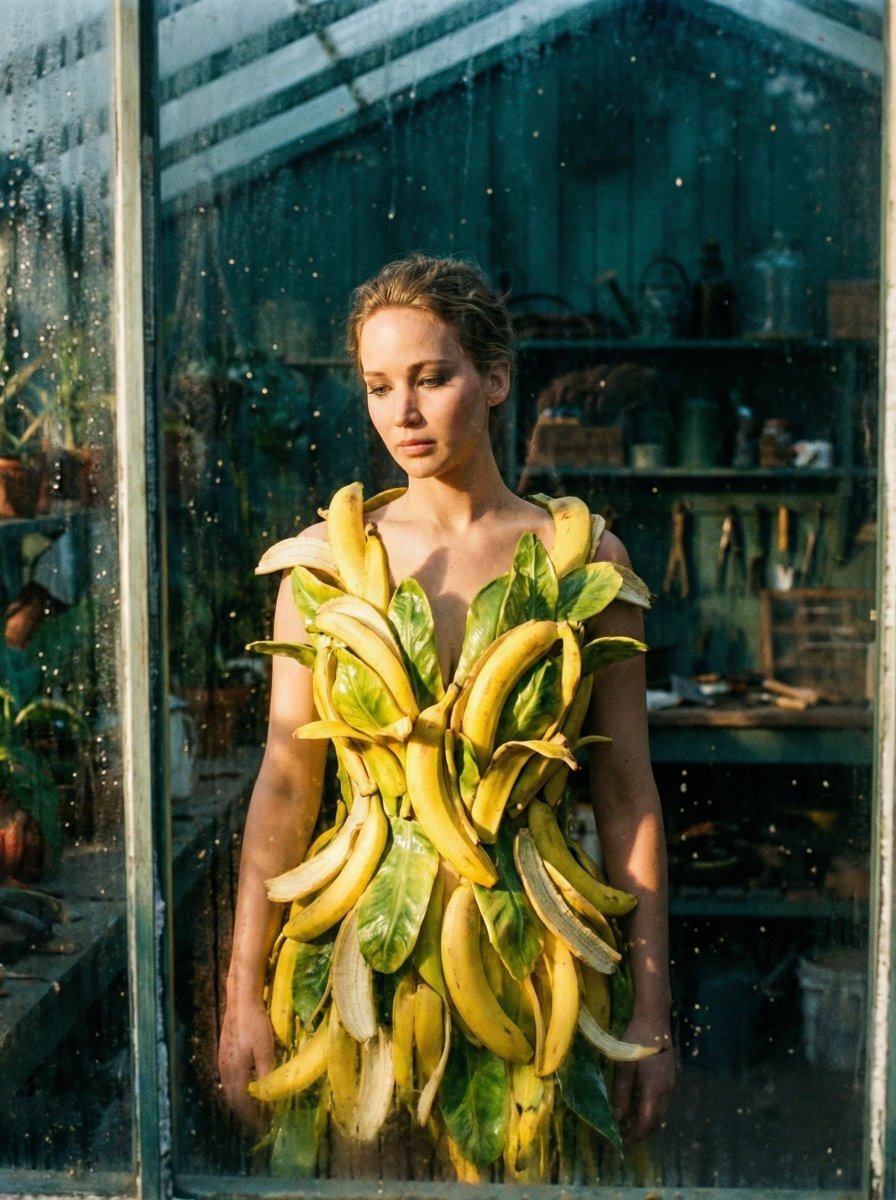
Tropical Melancholy Laboratory Surreal Portrait
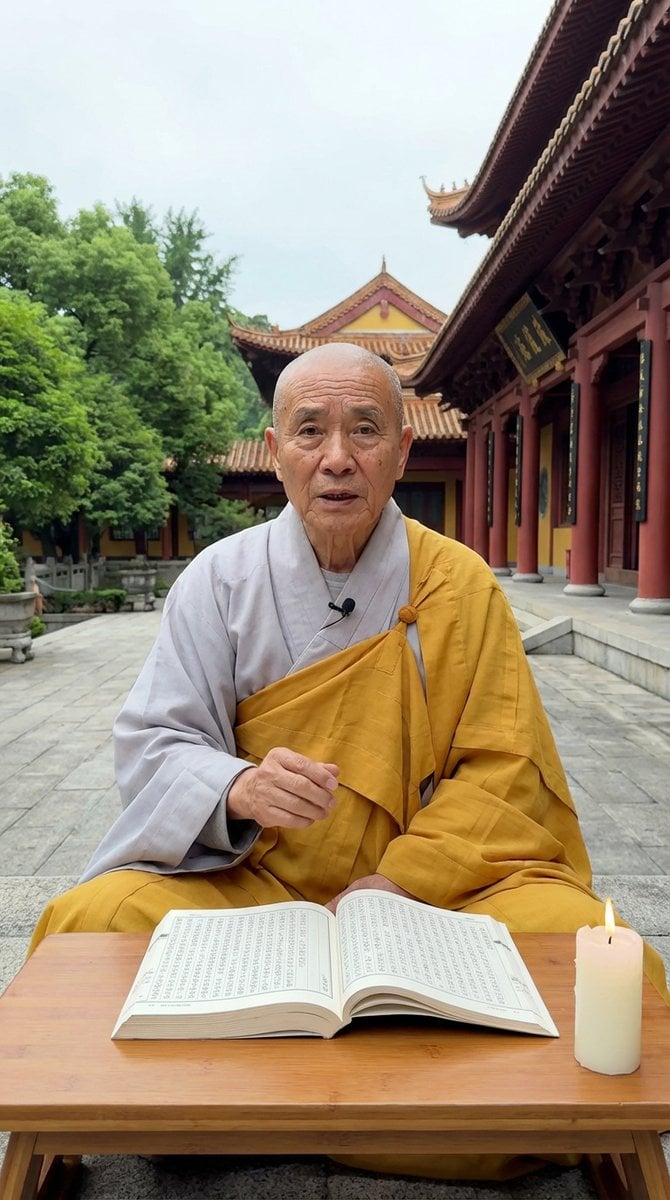
Monk Delivering Life Advice Video Still Prompt
Browse template categories
Kneeling Blonde Knight at Castle questions
How do I use the Kneeling Blonde Knight at Castle template?
Add your photo if the template asks for one, edit the prompt if you like — the template's model and format are already selected — and press Generate. Your version opens in PicX Studio.
Can I customize the Kneeling Blonde Knight at Castle template?
Yes. You can change the subject, setting, lighting, mood, format, and available model controls before creating your image.
Is the Kneeling Blonde Knight at Castle template free?
Opening and editing this template is free. Generating uses credits, shown on the Generate button when you are signed in.
Which AI model should I use?
Start with GPT Image 2, which is the model associated with this template. You can compare another compatible model for a different finish.
Looking for something else? Browse all templates.

Your photo, any look
Thousands of ready templates for every top image and video model, from one credit balance.