
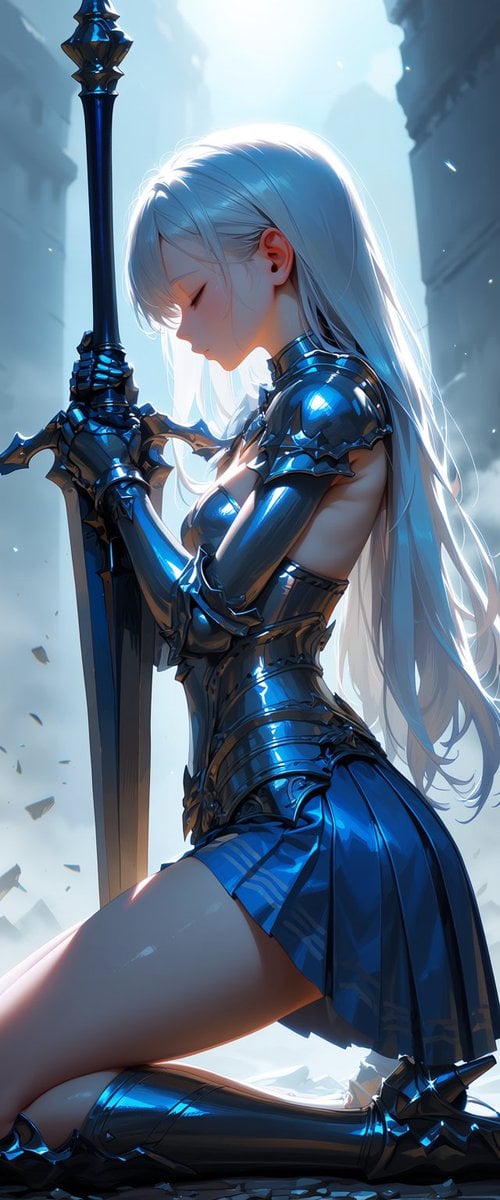
Kneeling Blue Armored Knight
This prompt generates a vertical cinematic anime fantasy portrait of a kneeling female knight with a greatsword, ideal for dramatic character art and dark-fantasy key visuals.
- Prompt included
- Model and format preset
- Free template
The prompt behind this image
Copy the exact prompt behind Kneeling Blue Armored Knight, or open it in the studio and make it yours.
A dramatic vertical fantasy anime illustration of a kneeling female knight in side profile, centered slightly right, holding a massive upright greatsword with both armored hands as if in prayer or solemn resolve. She has very long flowing hair in {argument name="hair color" default="silver-white"}, smooth and luminous, cascading down her back almost to the ground. Her face is mostly hidden by the side angle and lowered head, giving a quiet, introspective mood. She wears sleek reflective metallic armor in {argument name="armor color" default="deep cobalt blue"}, highly polished with glossy highlights, including sculpted shoulder plates, long armored gauntlets, a fitted breastplate with exposed side torso cutouts, a segmented waist guard, and thigh-high armored boots. The lower outfit is a short pleated armored skirt in matching blue metal. Her physique is slim and elegant, with a stylized anime beauty aesthetic. The sword is tall, dark steel with a broad blade and ornate crossguard, extending vertically from the ground near the left side of the image to above the frame. The pose is one-knee kneeling, torso upright, head slightly bowed toward the sword, conveying reverence, mourning, or determination. Set in a ruined stone corridor or ancient city passage with towering blurred walls on both sides, soft fog, floating dust motes, and a cold blue-white backlight pouring from above and behind, creating rim light around her hair and armor. Add subtle debris near the ground, cinematic depth of field, high contrast reflections, ethereal atmosphere, ultra-detailed surfaces, polished metal shading, and a premium heroic dark-fantasy mood in the style of {argument name="illustration style" default="high-detail cinematic anime key art"}.
How to use Kneeling Blue Armored Knight in 3 steps
- 1Upload ImagePNG, JPG or paste
Add your photo
Upload the photo the template builds on. The prompt, model and format are already set.
- 2…a portrait of your subject in softgolden-hour light, 85mm…
Personalize
Edit the subject and creative details for your destination.
- 3Generate
Generate
Press Generate — your image is created in PicX Studio, so you can compare it with the original and refine one variable at a time.
More like this
Templates with the same subject, style or setup. Open one to see its prompt.

Monochrome Portrait Jersey Accent Poster
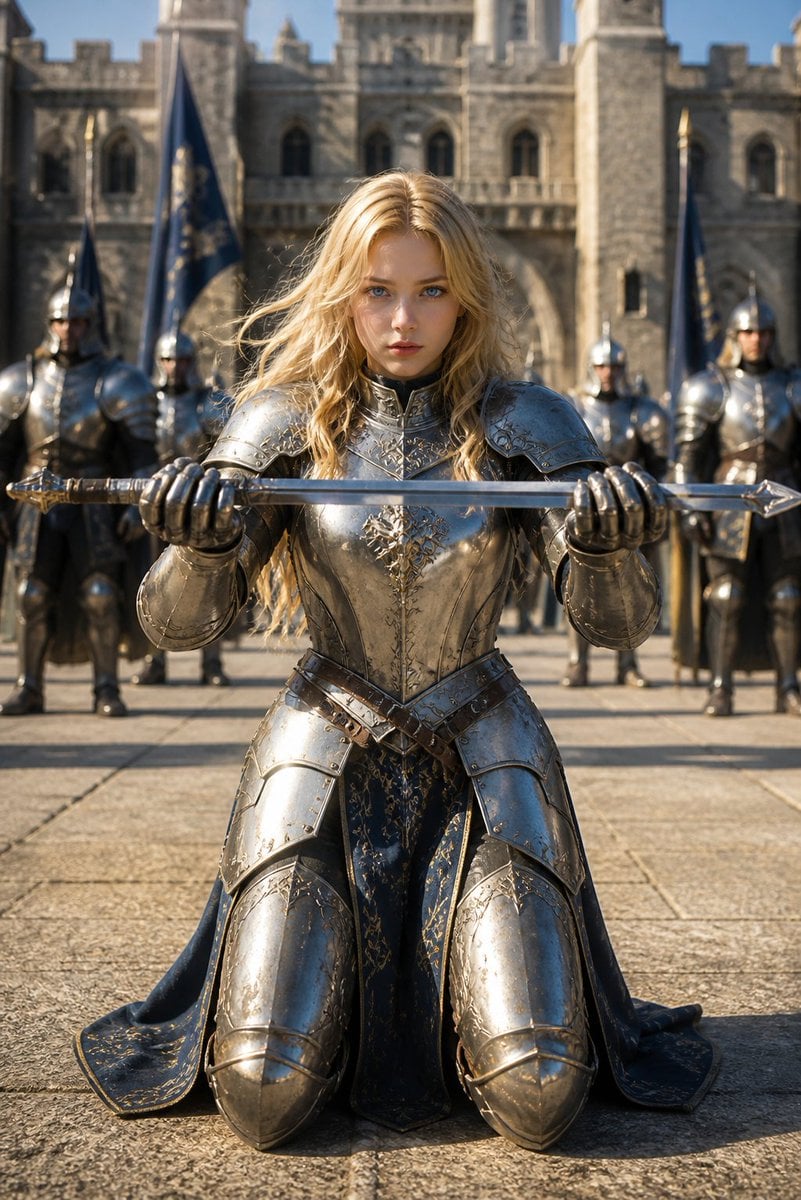
Kneeling Blonde Knight at Castle
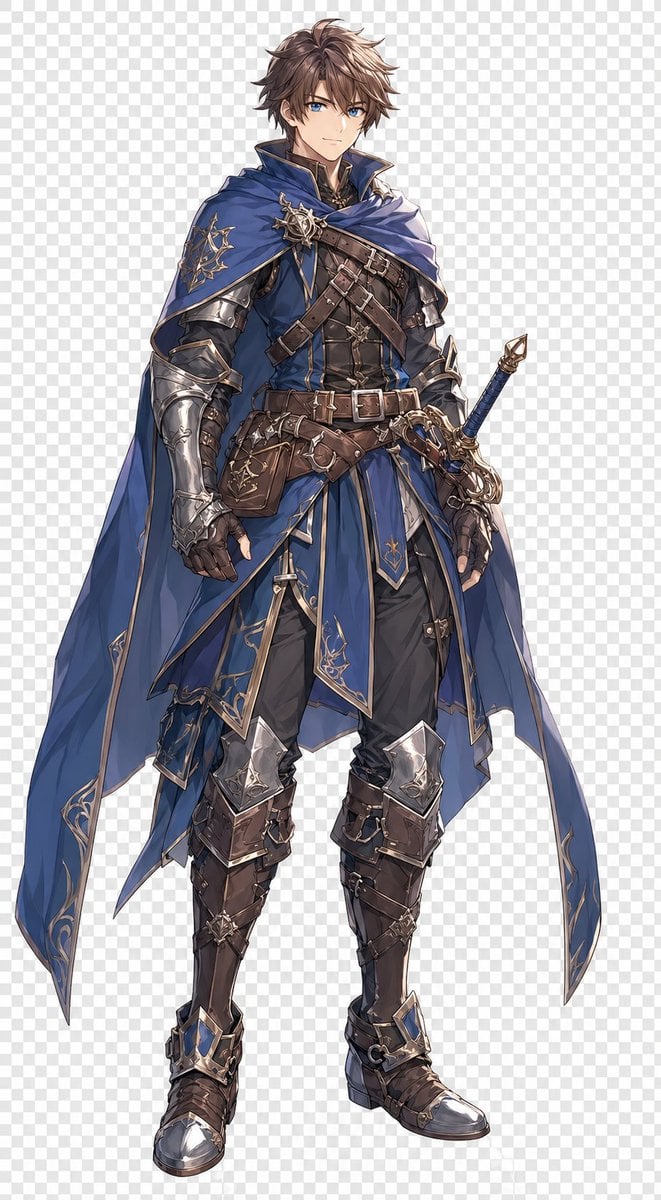
Blue Fantasy Knight Character

Cosmetic Tube Product — Nano Banana 2

Nano Banana - Evening Champagne Blue
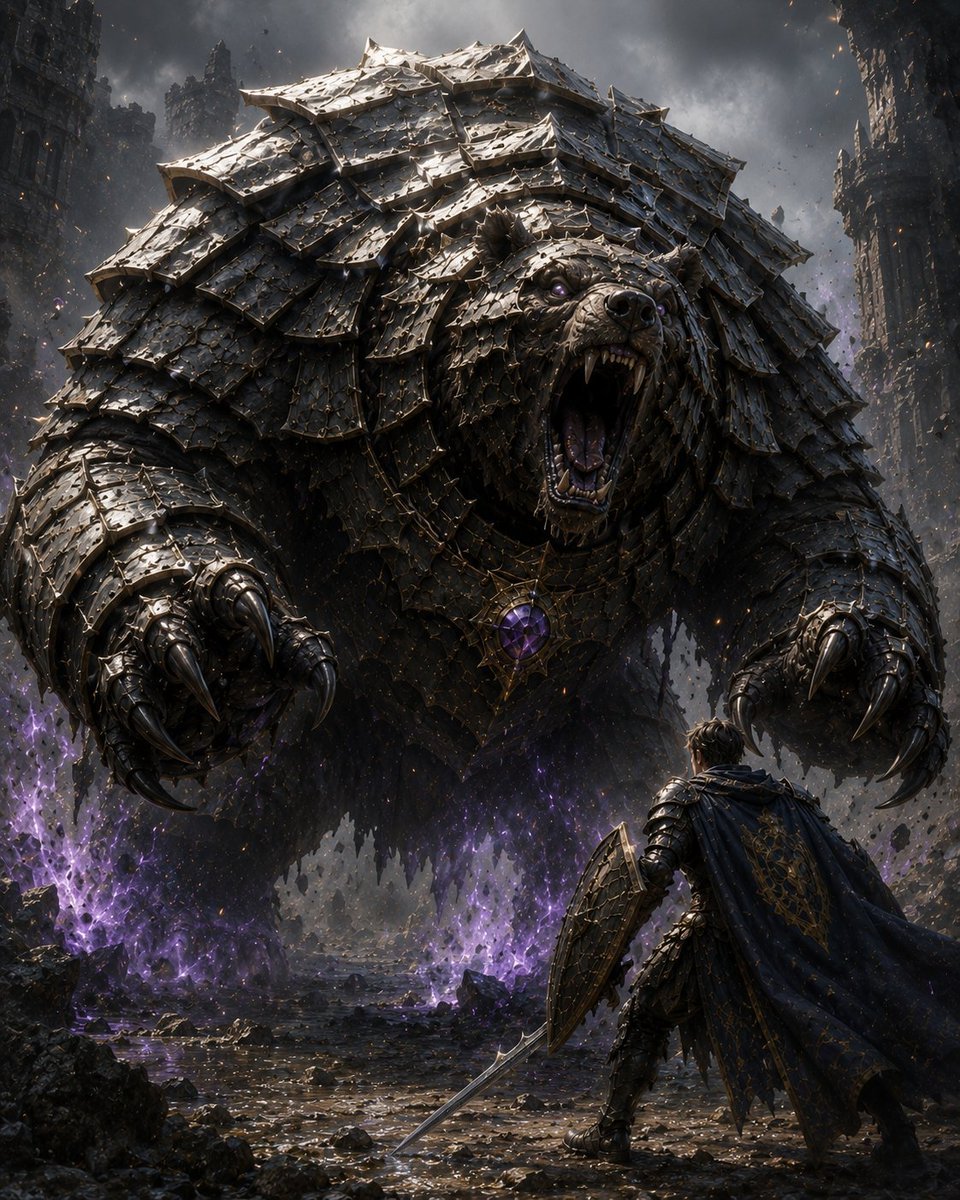
Armored Bear Encounter
Armored Tokusatsu Cosplayers Resting
Holographic Car Blueprint Wireframe
Sci-Fi Knight of the Order
Armored Warrior with Black Panther

Knight Facing Cathedral Giant
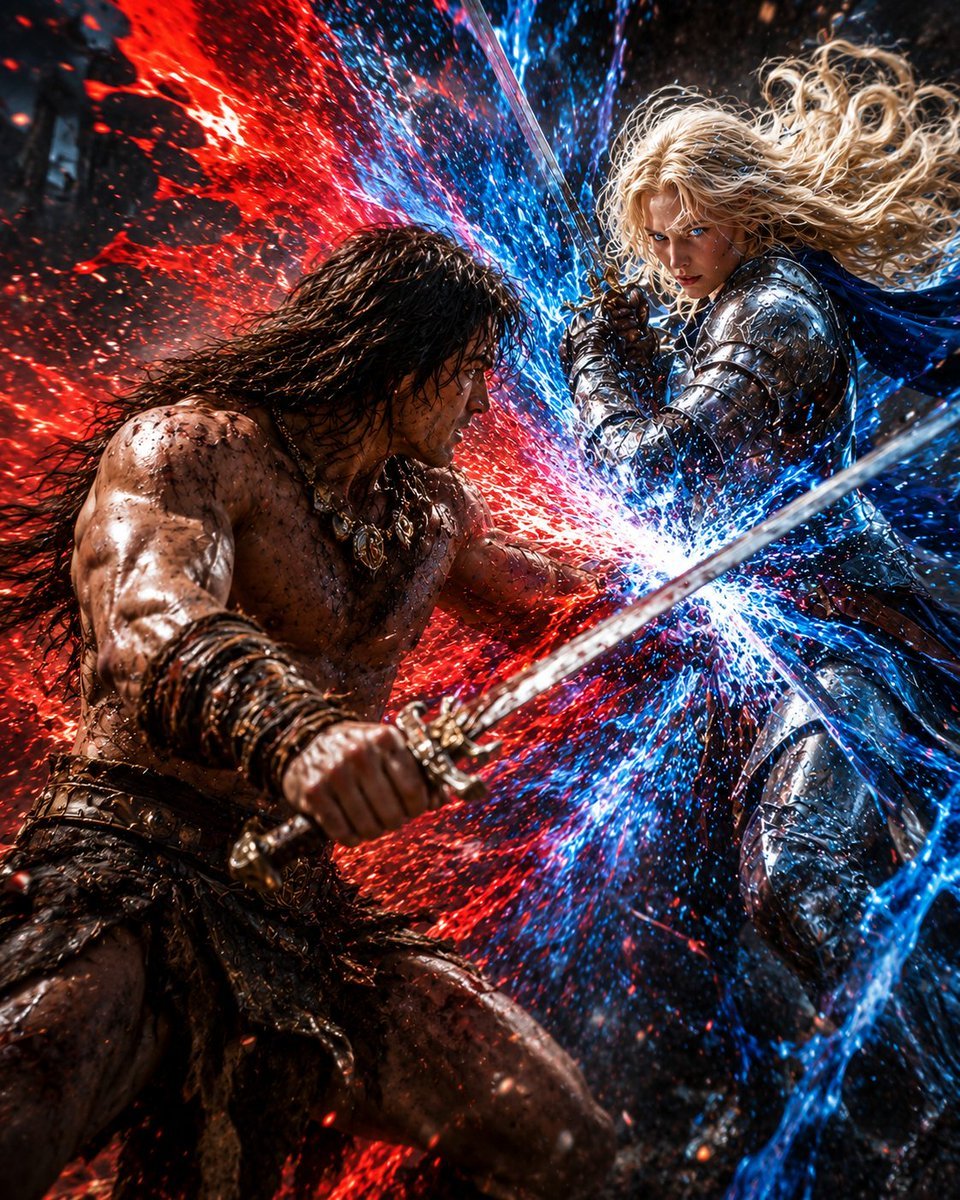
Red and Blue Fantasy Sword Clash
Make it yours
Kneeling Blue Armored Knight works as-is. These are the safest ways to change it without losing the look.
Change one field
Copy a single group, rewrite it, and generate again so you can see what that field is doing.
Keep the frame, change the subject
Hold the composition and light of Kneeling Blue Armored Knight, then swap wardrobe, props or the person for a new take.
| If the result… | Why | Fix |
|---|---|---|
| The result drifts from the preview | Too many fields changed at once. | Reuse Kneeling Blue Armored Knight as-is first, then change one group — subject, light, or setting. |
| The model over-stylizes the scene | The prose prompt leaves finish and camera underspecified. | Add one camera or lighting sentence and stay on GPT Image 2. |
More GPT Image 2 templates
Other prompts made for GPT Image 2.

Six VTuber Japanese Logo Sheet

Realistic Portrait of Woman and Deer

The Vista Modular Condo Poster

AI Model Routing Comparison Infographic

2.5D Anime Art Board

Isometric Productivity Desk Scene

New York Double Exposure Poster

Four-Panel AI Landscape Comparison

Japanese Tatami Lifestyle Magazine Cover

NESCAFÉ Coffee Map Poster
More image prompts
Fresh picks from across the catalog.
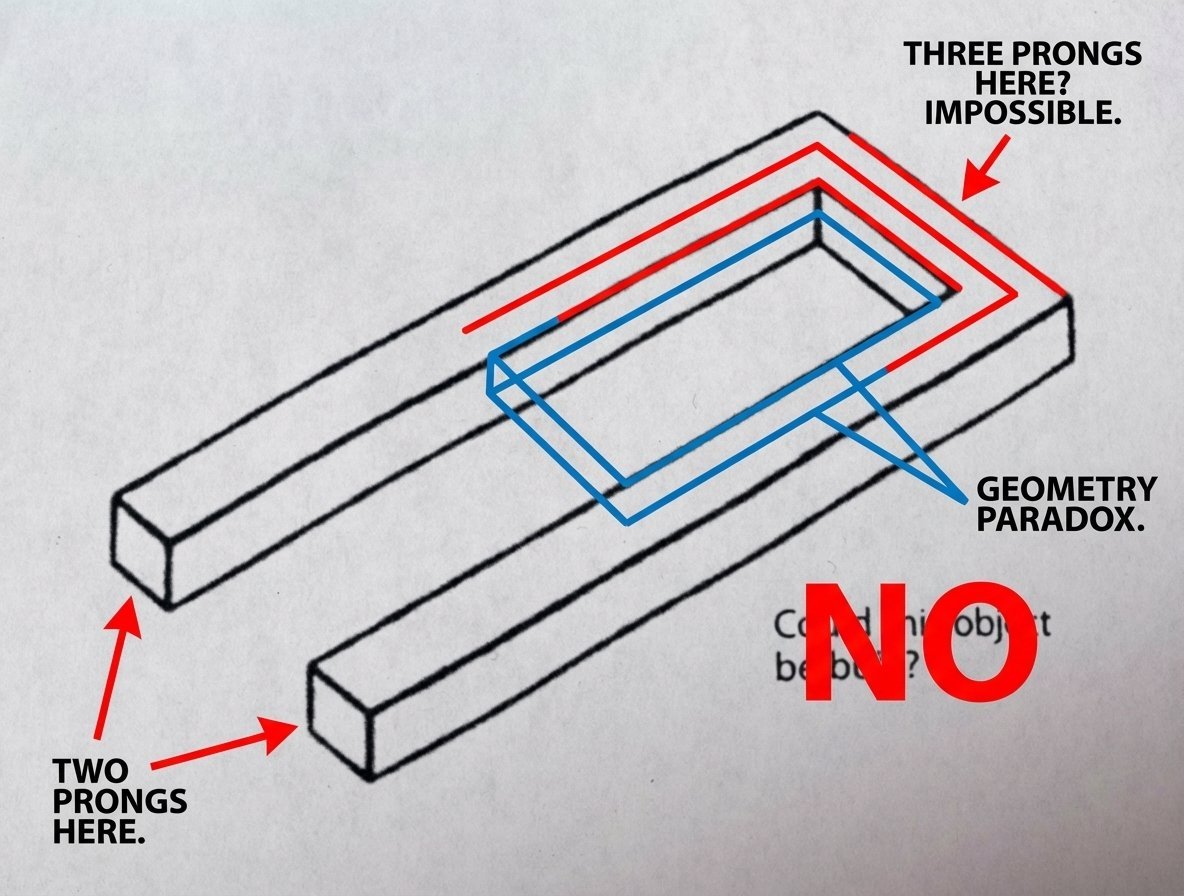
Conceptual Object Feasibility Image Prompt
untitled
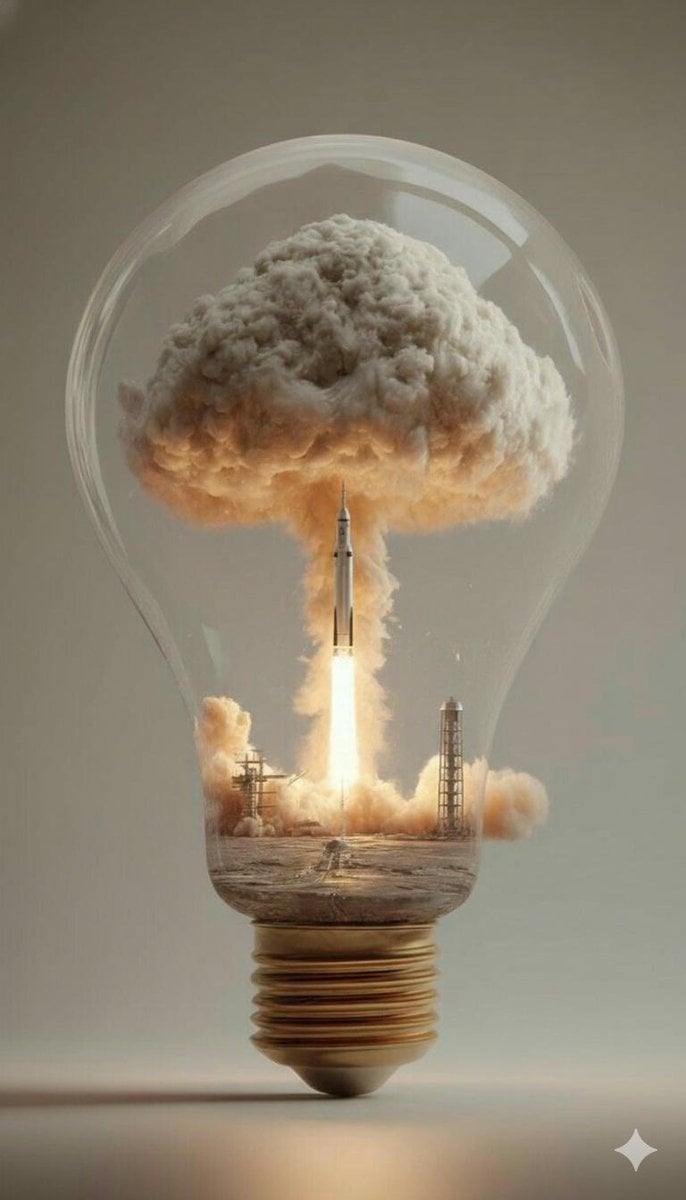
Surreal Rocket Launch in a Lightbulb
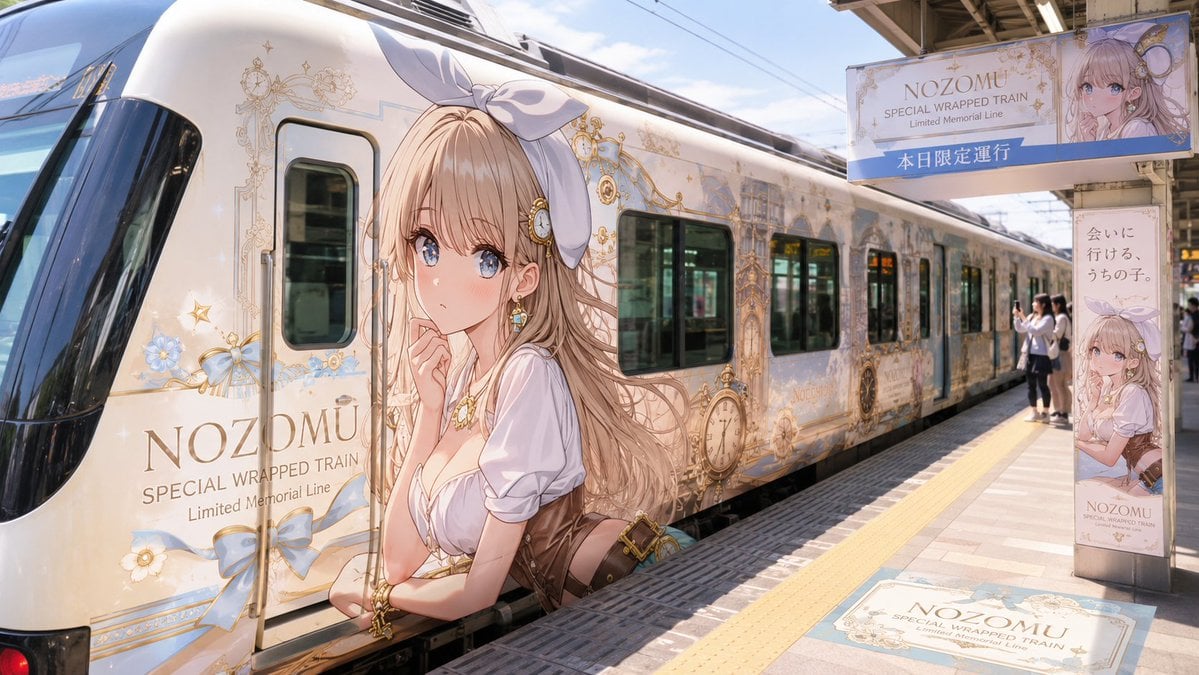
Anime Wrapped Train at Japanese Station
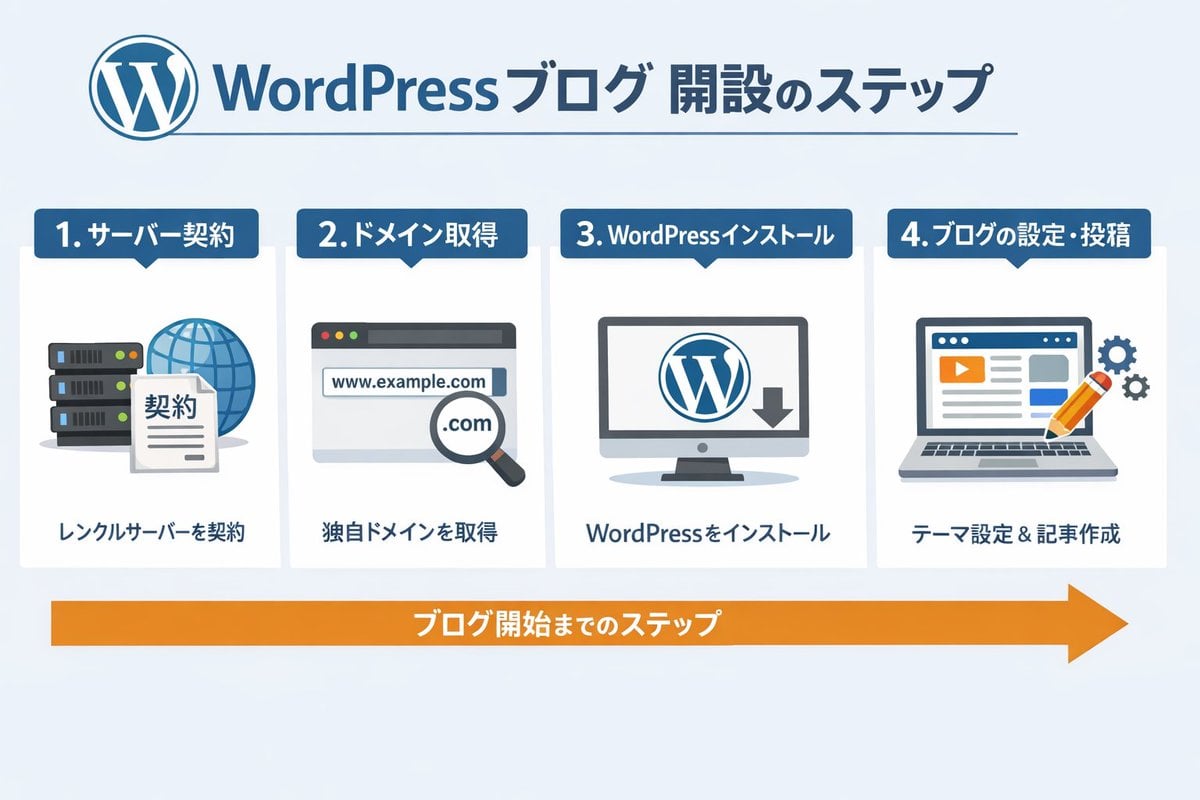
WordPress Blog Setup Diagram Generation Prompt
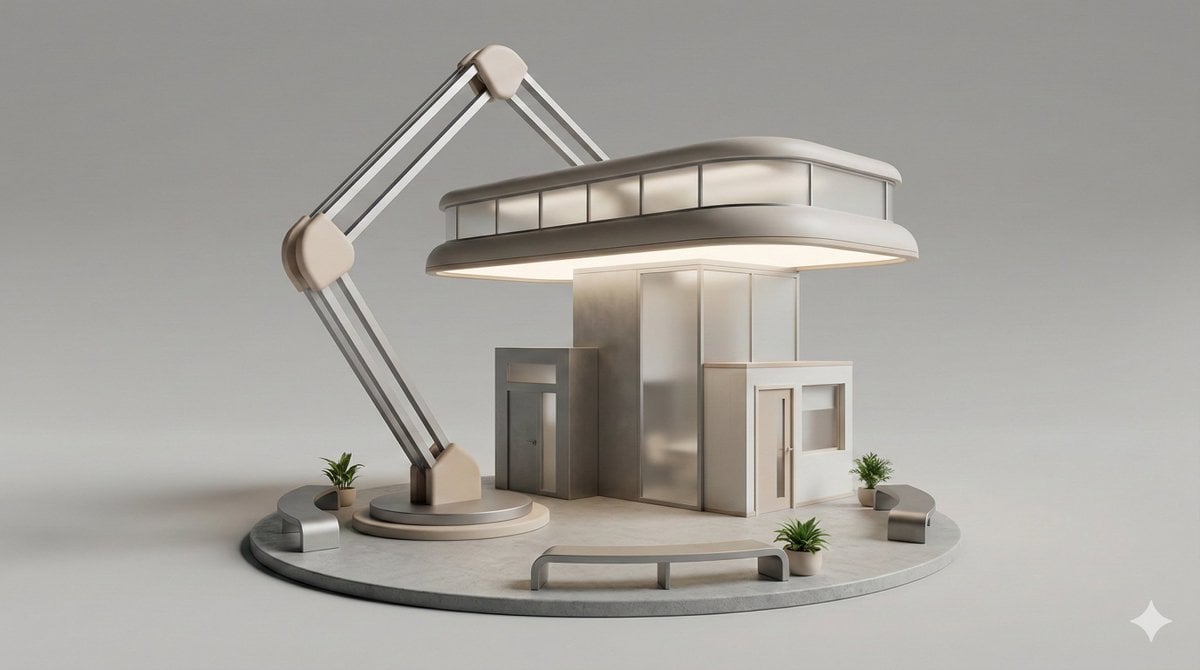
3D Isometric Diorama of a Household Object as Architecture
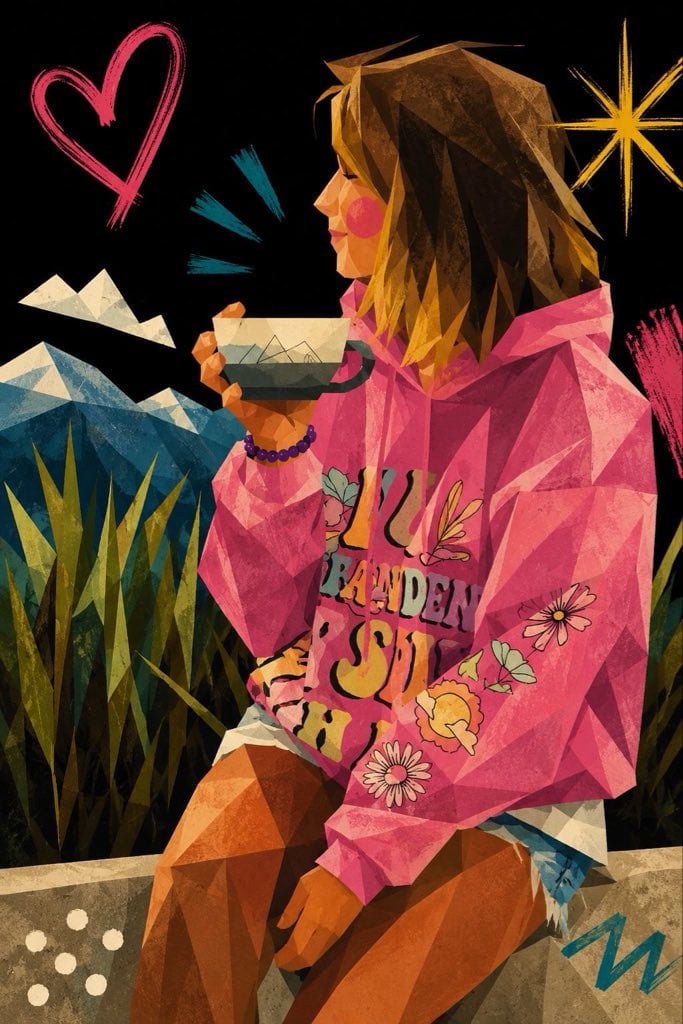
Cubist Minimalist Fashion Portrait
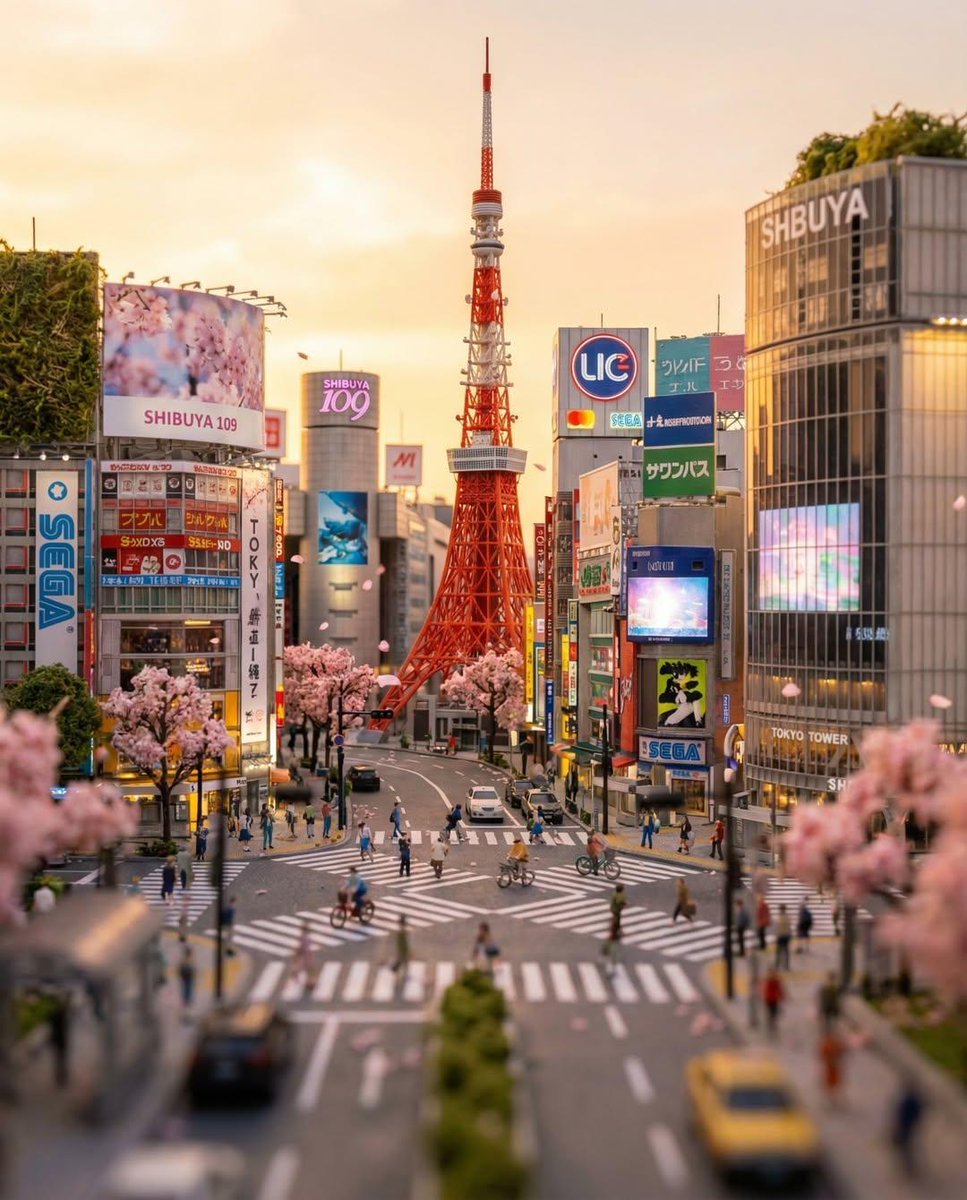
Tilt-Shift Tokyo Diorama at Sunset
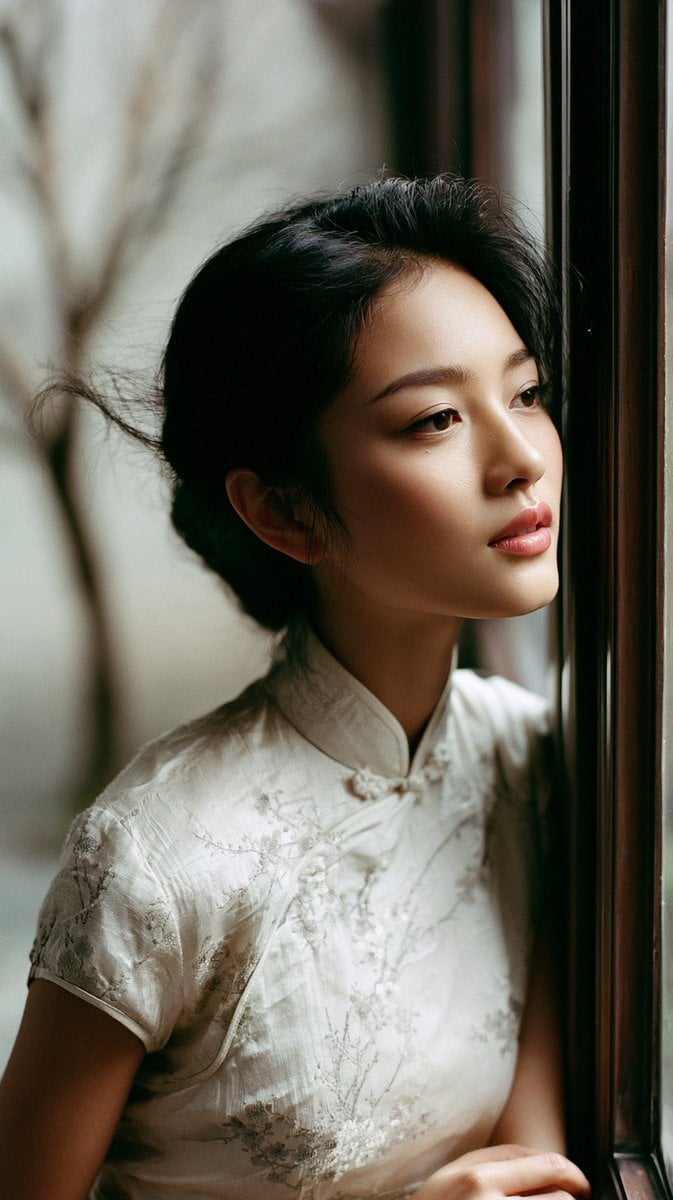
East Asian Woman in Silk Qipao Corridor Portrait
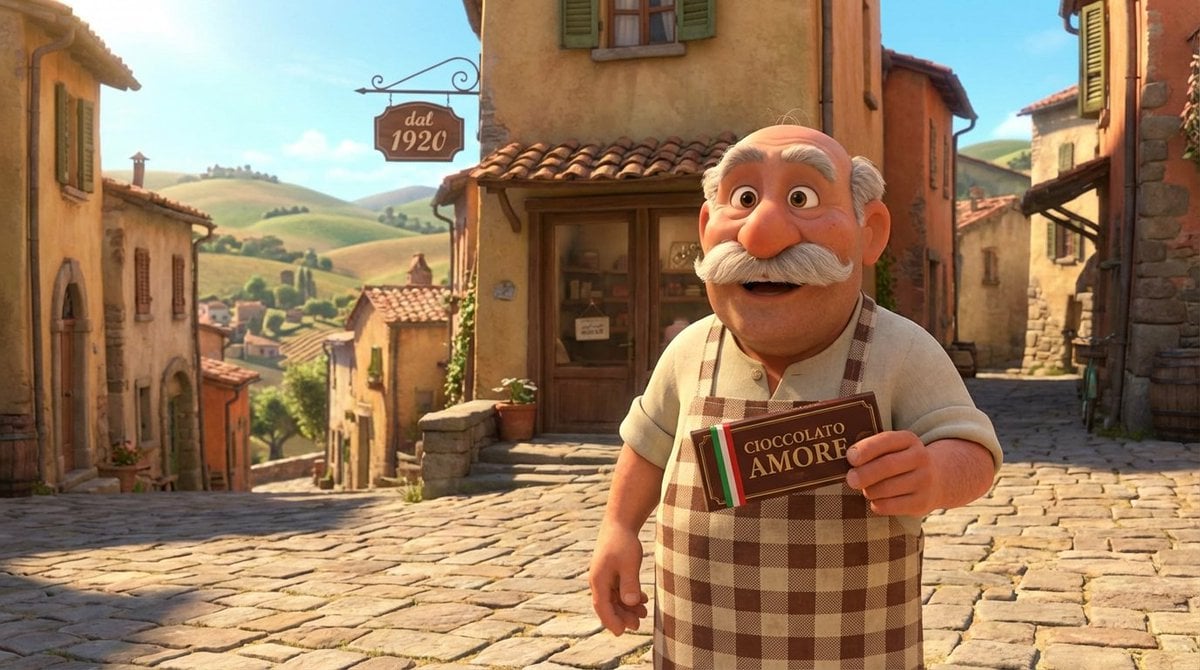
Pixar Style Italian Man in Front of Chocolate Shop
Browse template categories
Kneeling Blue Armored Knight questions
How do I use the Kneeling Blue Armored Knight template?
Add your photo if the template asks for one, edit the prompt if you like — the template's model and format are already selected — and press Generate. Your version opens in PicX Studio.
Can I customize the Kneeling Blue Armored Knight template?
Yes. You can change the subject, setting, lighting, mood, format, and available model controls before creating your image.
Is the Kneeling Blue Armored Knight template free?
Opening and editing this template is free. Generating uses credits, shown on the Generate button when you are signed in.
Which AI model should I use?
Start with GPT Image 2, which is the model associated with this template. You can compare another compatible model for a different finish.
Looking for something else? Browse all templates.

Your photo, any look
Thousands of ready templates for every top image and video model, from one credit balance.