
Blue Fantasy Knight Character
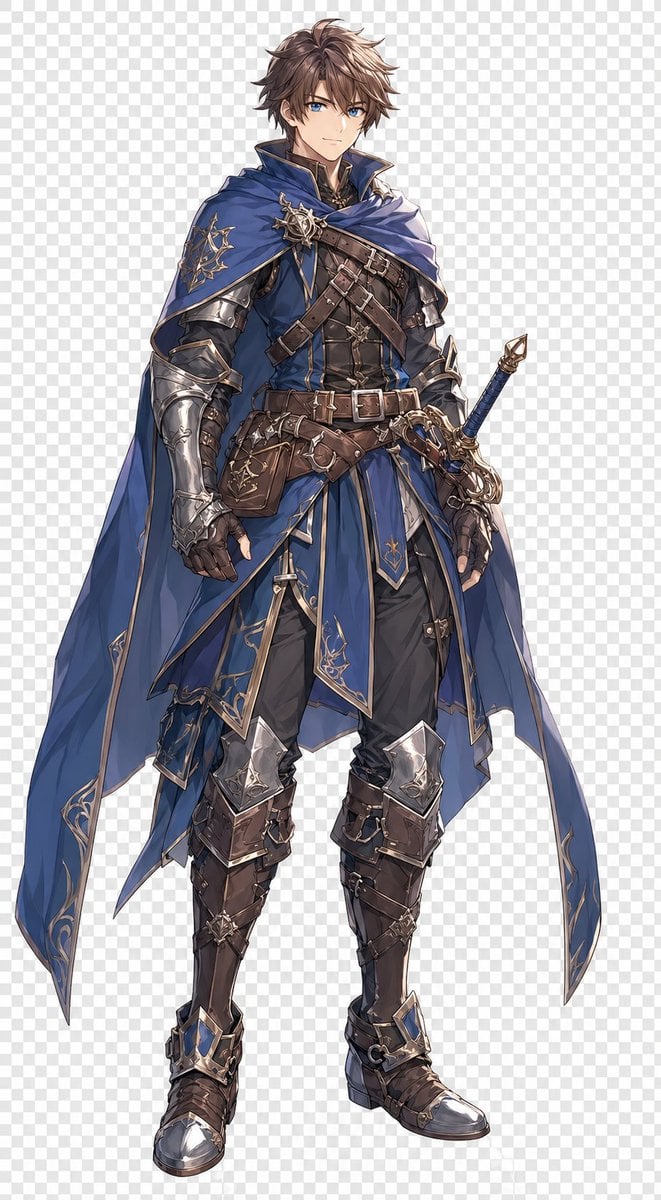
This prompt generates a full-body anime-style male fantasy knight character cutout, useful for JRPG concept art, character sheets, and polished standalone hero illustrations.
- Prompt included
- Model and format preset
- Free template
The prompt behind this image
Copy the exact prompt behind Blue Fantasy Knight Character, or open it in the studio and make it yours.
A full-body anime fantasy character design of a young adult male knight-adventurer standing front-facing in a neutral pose on a transparent background with a visible gray checkerboard transparency pattern. He has tousled medium-short {argument name="hair color" default="warm brown"} hair with layered, slightly spiky strands and a refined heroic build. His face is intentionally obscured by a soft rectangular blur block centered over the face area. He wears an elaborate royal-blue and dark leather outfit with silver armor and gold filigree trim: 1 long asymmetrical blue cape draped over both shoulders and flowing down both sides, 1 high-collared blue tunic with fitted black-brown leather torso panels, 2 crossed chest straps with buckles, 1 wide layered belt system around the waist, 1 leather side pouch hanging at the left hip, 1 set of silver pauldrons and arm guards, 2 armored gauntlets, 1 split blue tabard skirt with gold edging over dark trousers, 2 silver knee guards, and 2 tall brown armored boots with metallic toe caps and blue gem-like accents. Add intricate fantasy ornamentation throughout, including gold embroidery on the cape and tunic, engraved silver armor details, multiple buckles and straps, and a sunburst-like brooch clasp at the right shoulder. A decorative sword in a blue scabbard hangs at his right hip, with an ornate gold-and-silver hilt visible. The illustration should be clean, highly detailed, polished game character concept art in a refined JRPG style, centered composition, full figure visible from head to toe, crisp linework, soft painterly shading, elegant fantasy aesthetic, no scenery, isolated character cutout.
How to use Blue Fantasy Knight Character in 3 steps
- 1Upload ImagePNG, JPG or paste
Add your photo
Upload the photo the template builds on. The prompt, model and format are already set.
- 2…a portrait of your subject in softgolden-hour light, 85mm…
Personalize
Edit the subject and creative details for your destination.
- 3Generate
Generate
Press Generate — your image is created in PicX Studio, so you can compare it with the original and refine one variable at a time.
More like this
Templates with the same subject, style or setup. Open one to see its prompt.
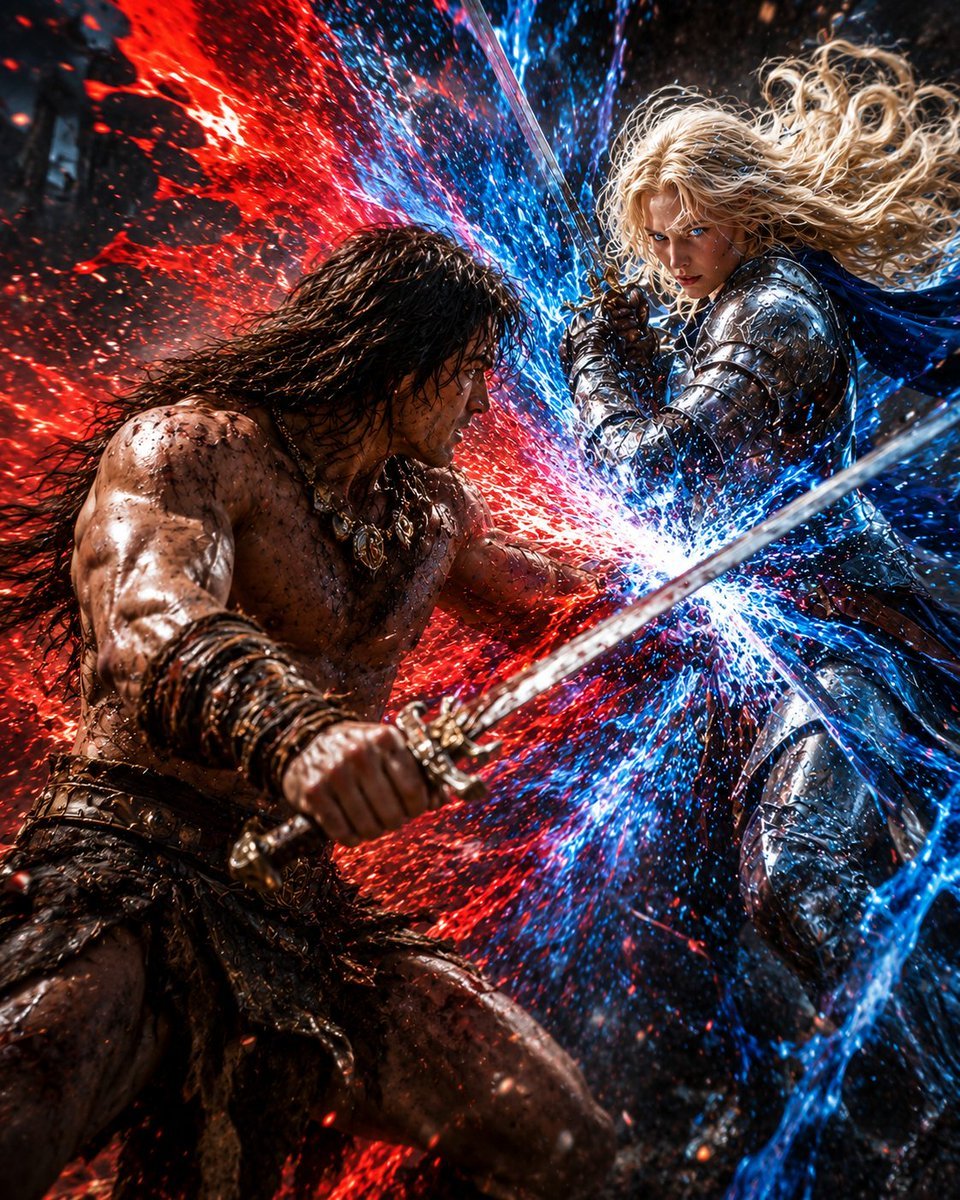
Red and Blue Fantasy Sword Clash
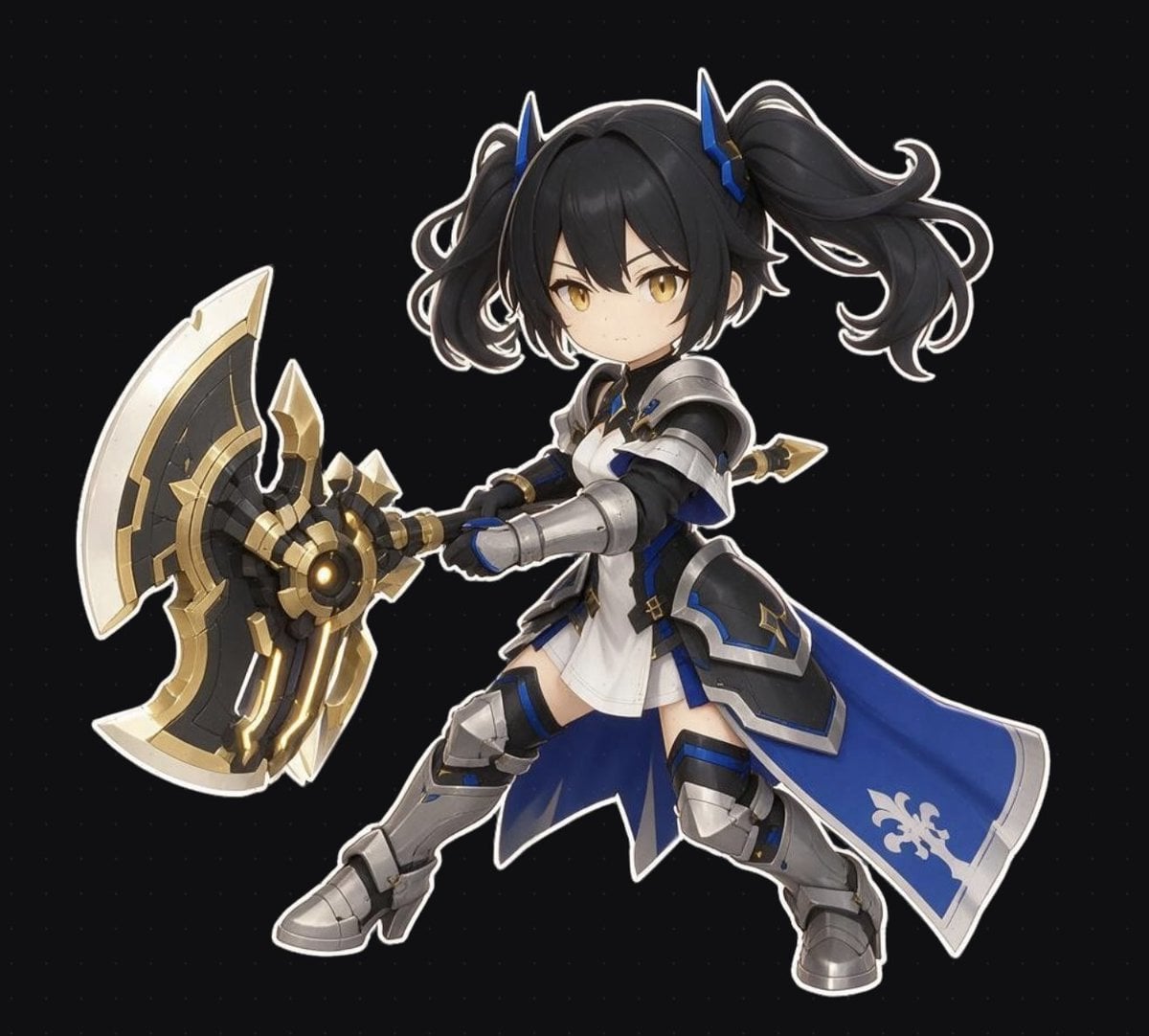
Chibi Fantasy Axe Knight
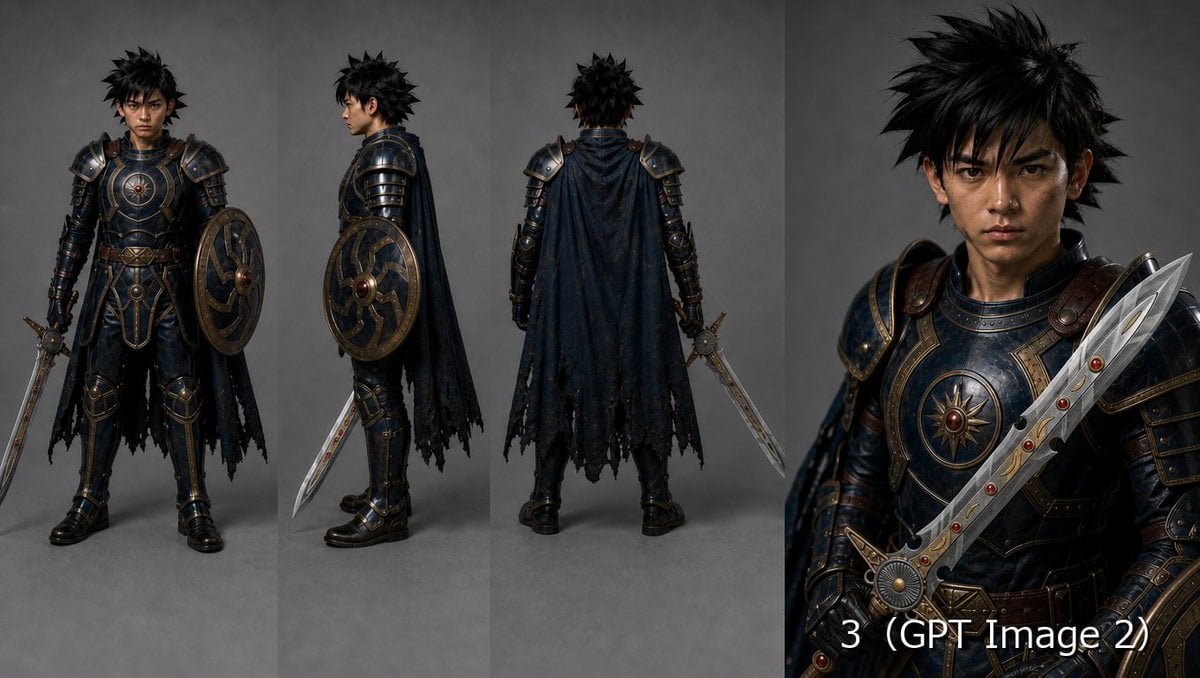
Fantasy Knight Character Turnaround Sheet

Anime Fantasy Celestial Movie Poster
Anime Fantasy Celestial Movie Poster

Monochrome Portrait Jersey Accent Poster

Minecraft Fantasy Kingdom Voxel Landscape

Unfinished Sketch Comes Alive Portrait

Open Travel Journal Overhead Still Life

Tiny Woman Miniature Fantasy Macro Scene
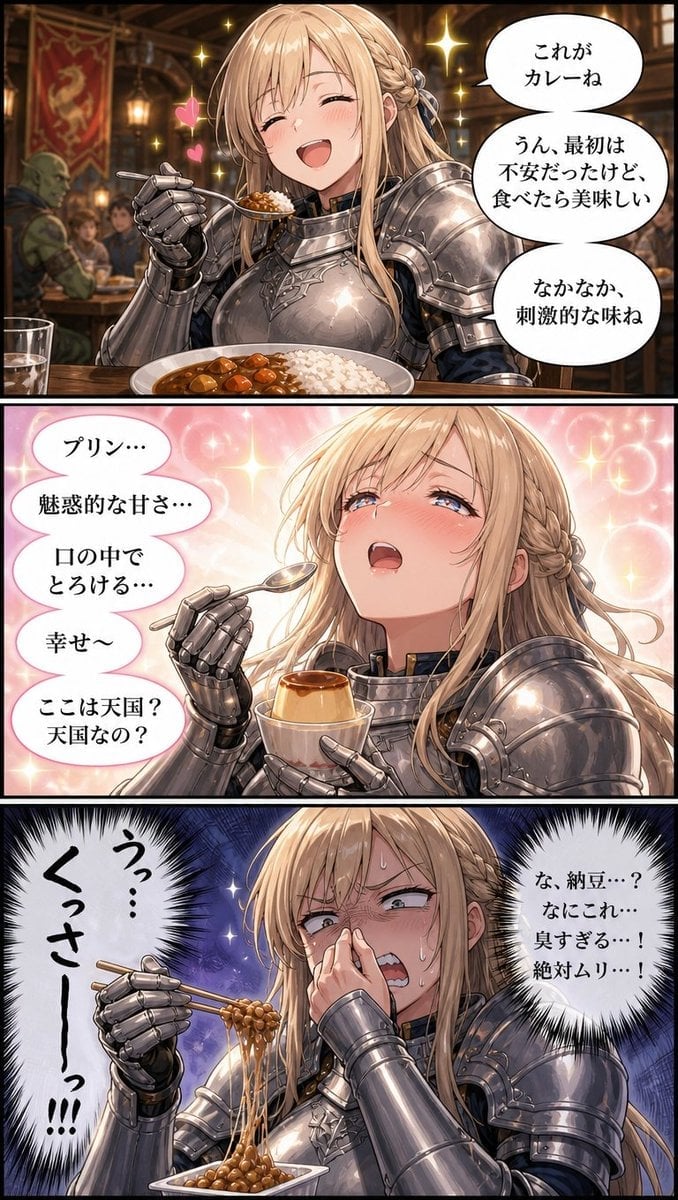
Fantasy Knight Food Reaction Manga
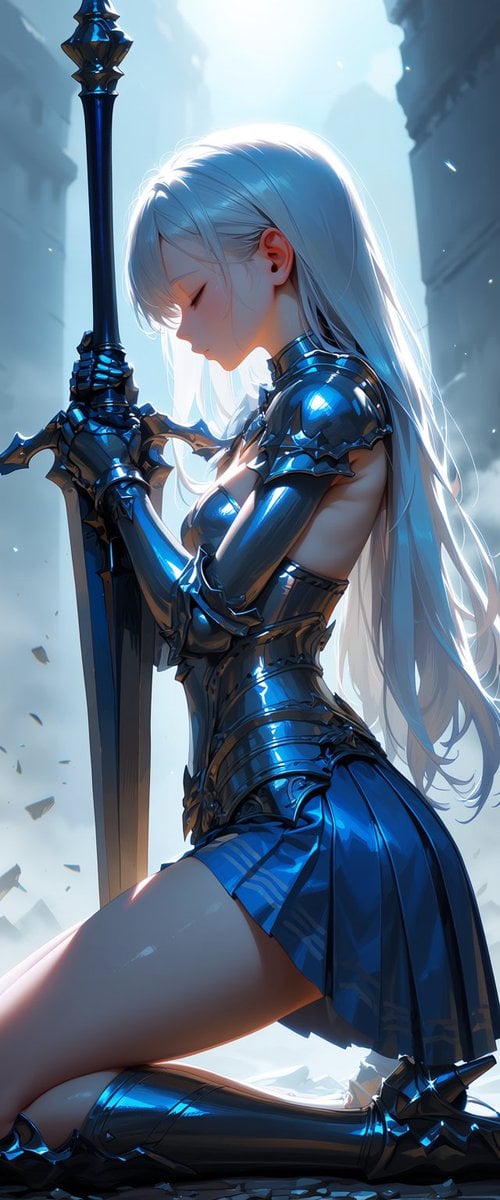
Kneeling Blue Armored Knight
Make it yours
Blue Fantasy Knight Character works as-is. These are the safest ways to change it without losing the look.
Change one field
Copy a single group, rewrite it, and generate again so you can see what that field is doing.
Keep the frame, change the subject
Hold the composition and light of Blue Fantasy Knight Character, then swap wardrobe, props or the person for a new take.
| If the result… | Why | Fix |
|---|---|---|
| The result drifts from the preview | Too many fields changed at once. | Reuse Blue Fantasy Knight Character as-is first, then change one group — subject, light, or setting. |
| The model over-stylizes the scene | The prose prompt leaves finish and camera underspecified. | Add one camera or lighting sentence and stay on GPT Image 2. |
More GPT Image 2 templates
Other prompts made for GPT Image 2.

Six VTuber Japanese Logo Sheet

Realistic Portrait of Woman and Deer

The Vista Modular Condo Poster

AI Model Routing Comparison Infographic

2.5D Anime Art Board

Isometric Productivity Desk Scene

New York Double Exposure Poster

Four-Panel AI Landscape Comparison

Japanese Tatami Lifestyle Magazine Cover

NESCAFÉ Coffee Map Poster
More image prompts
Fresh picks from across the catalog.

untitled
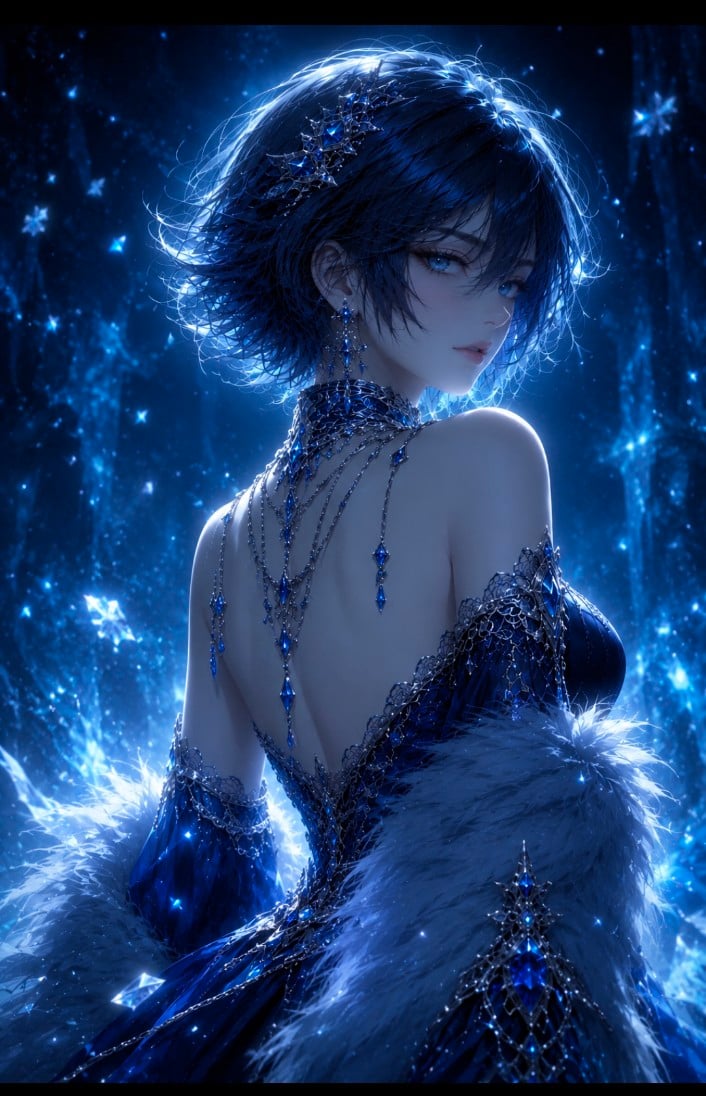
Dark Fantasy Anime Gothic Portrait
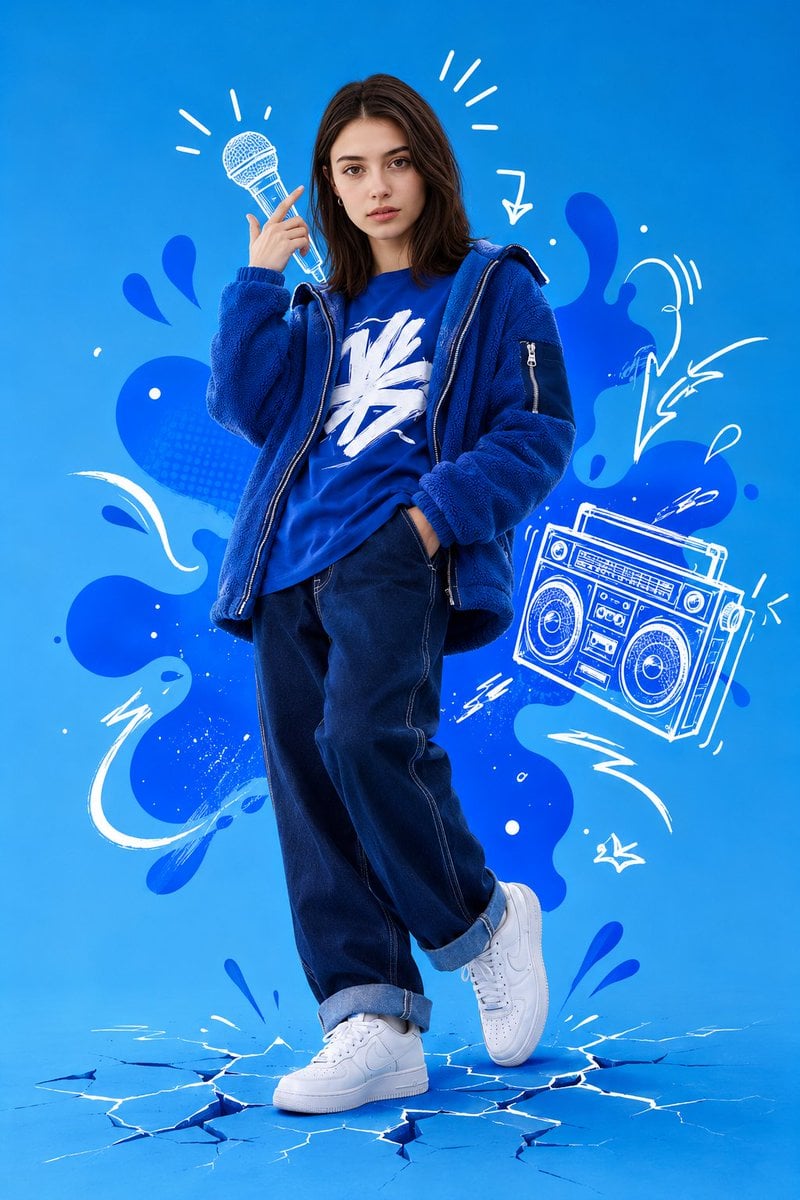
Mixed Media Street Art Portrait
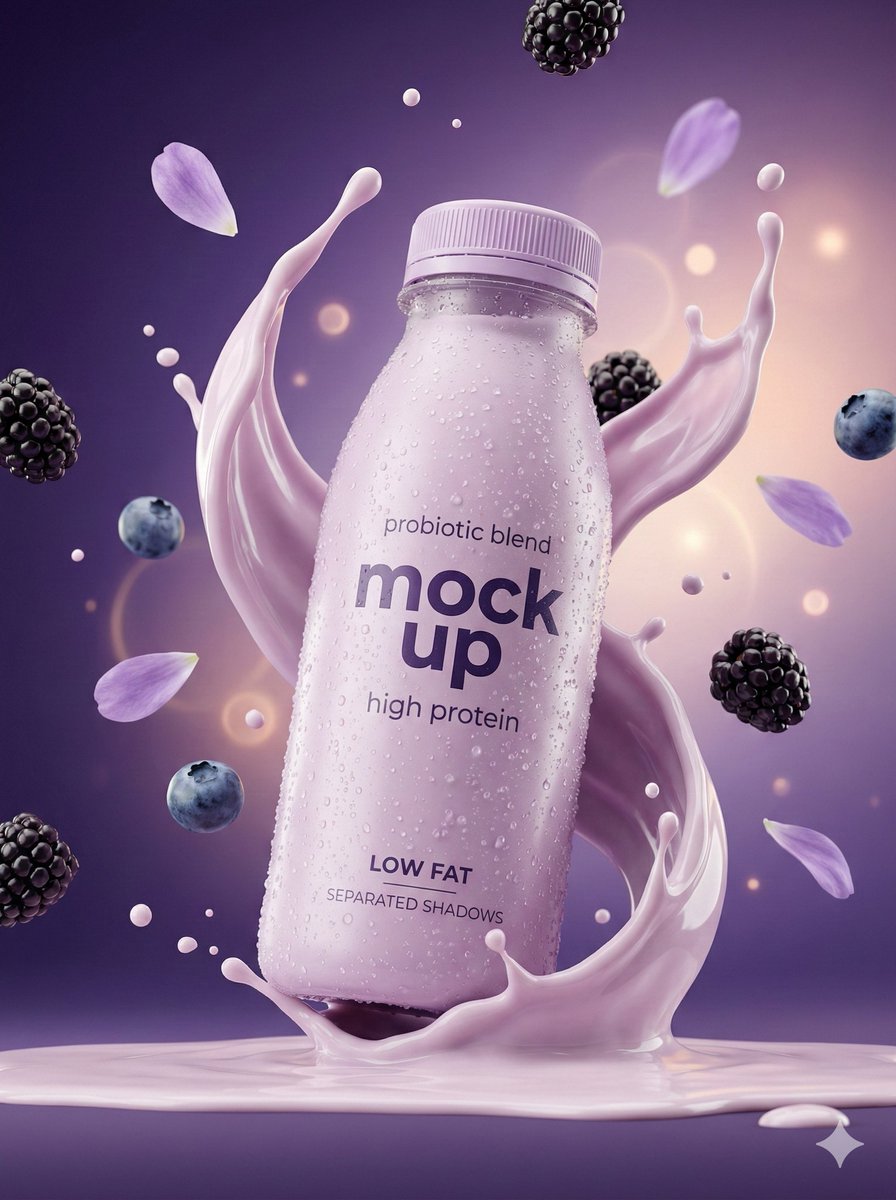
Hyper-Realistic Commercial Product Photography Showcase (Yogurt & Electrolyte)
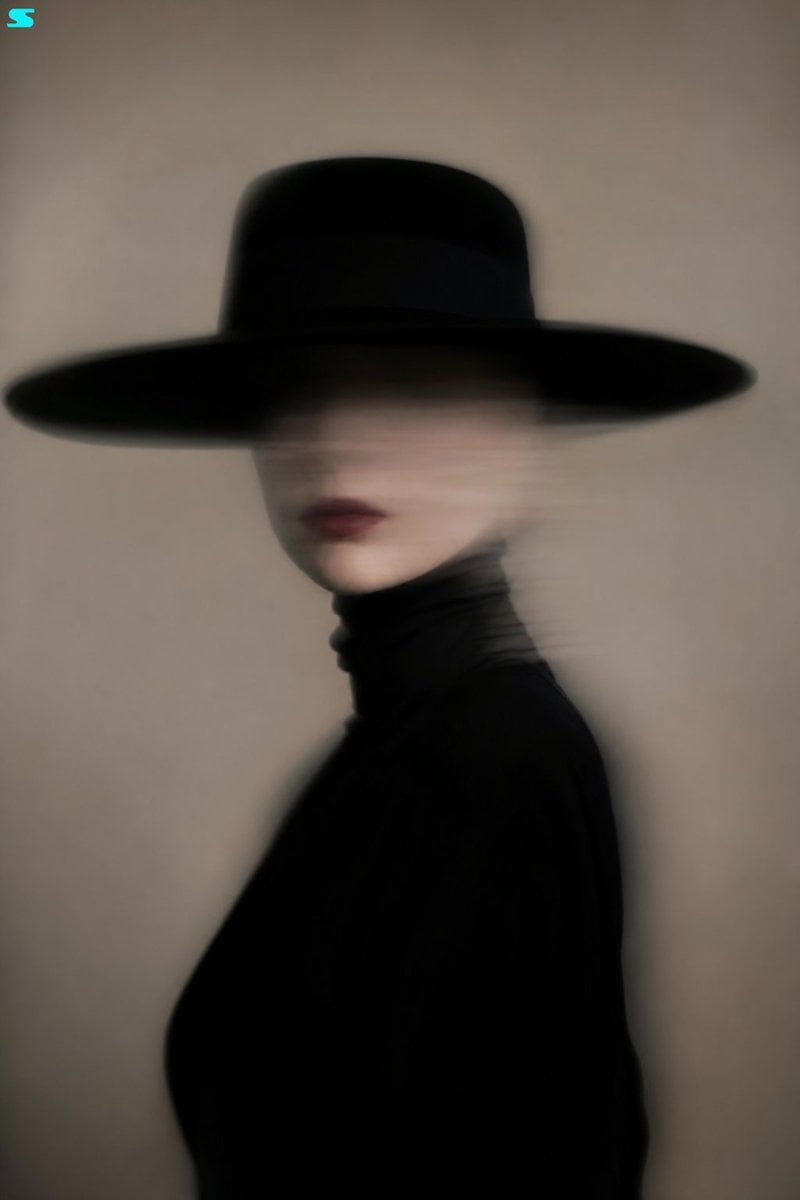
Surreal Minimalist Fashion Portrait
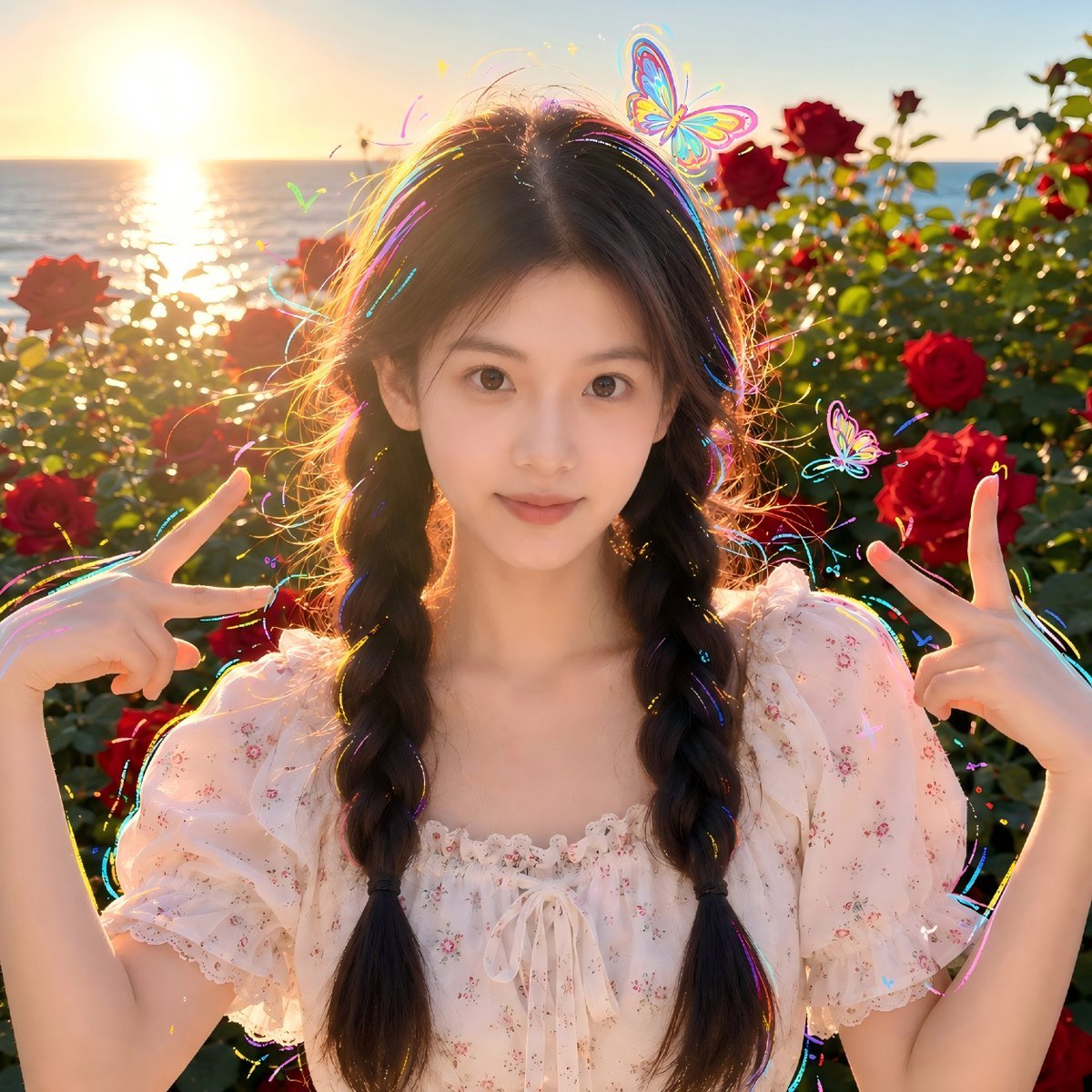
Sunset Seaside Rose Portrait
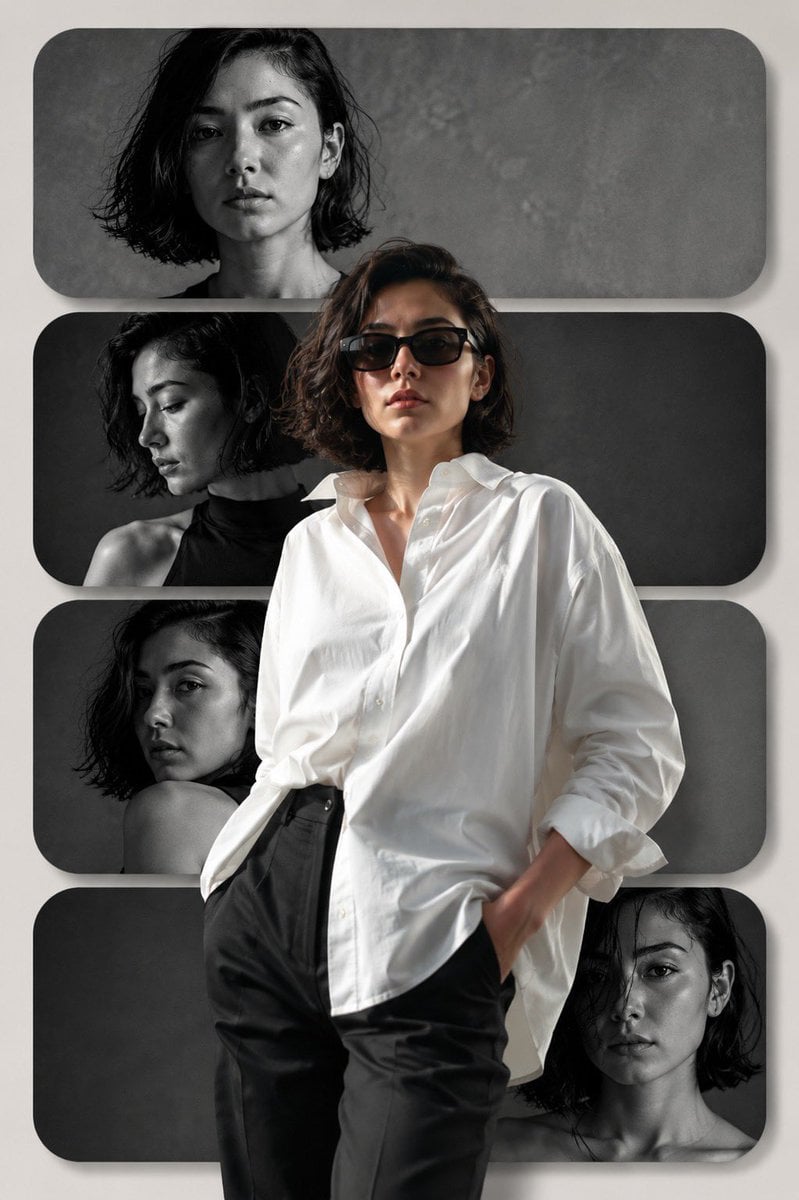
Editorial Fashion Collage Poster
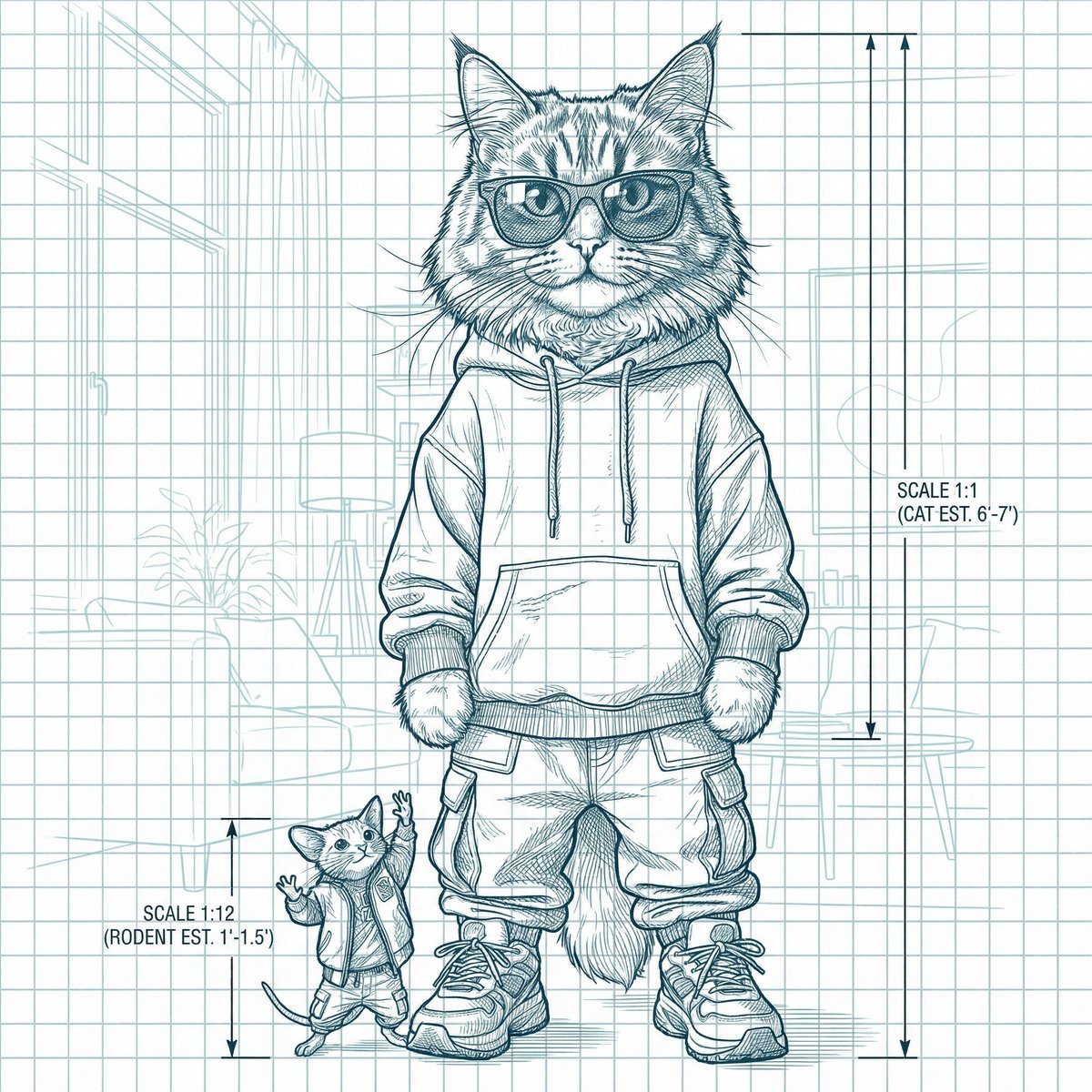
Blueprint-style technical schematic generation
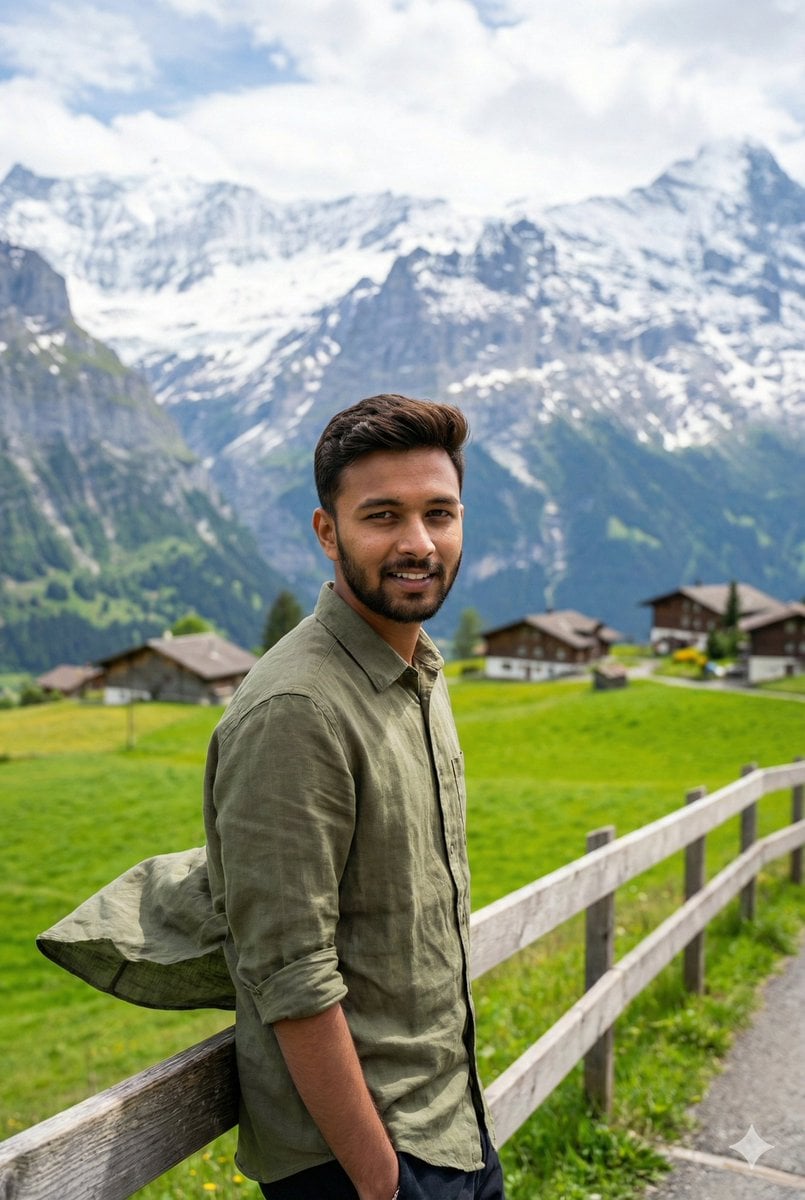
Serene Mountain Trail Portrait
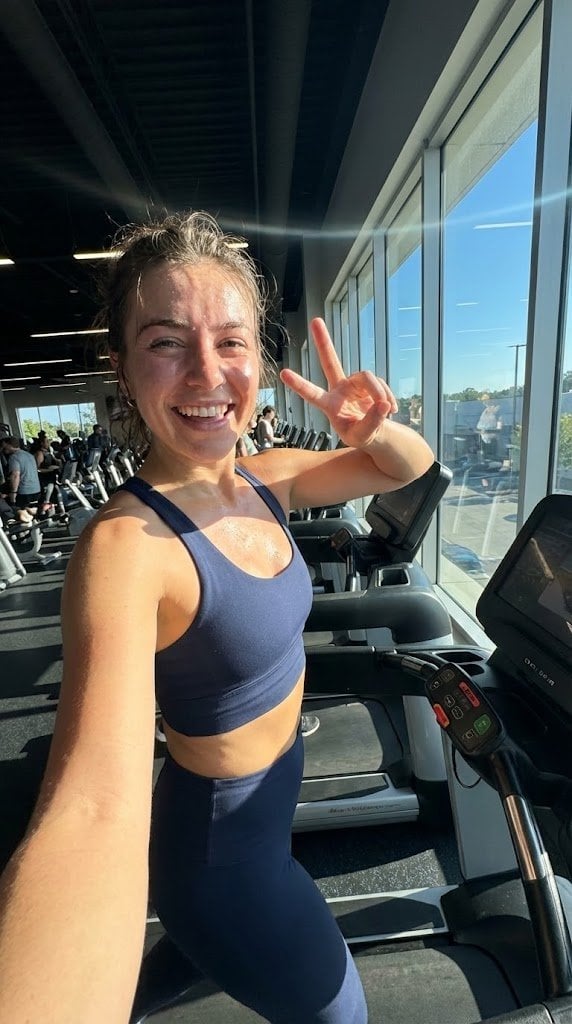
System JSON prompt template for ultra-realistic iPhone-style AI influencers
Browse template categories
Blue Fantasy Knight Character questions
How do I use the Blue Fantasy Knight Character template?
Add your photo if the template asks for one, edit the prompt if you like — the template's model and format are already selected — and press Generate. Your version opens in PicX Studio.
Can I customize the Blue Fantasy Knight Character template?
Yes. You can change the subject, setting, lighting, mood, format, and available model controls before creating your image.
Is the Blue Fantasy Knight Character template free?
Opening and editing this template is free. Generating uses credits, shown on the Generate button when you are signed in.
Which AI model should I use?
Start with GPT Image 2, which is the model associated with this template. You can compare another compatible model for a different finish.
Looking for something else? Browse all templates.

Your photo, any look
Thousands of ready templates for every top image and video model, from one credit balance.