
Mixed Media Street Art Portrait
A sophisticated prompt that blends realistic photography with vector illustration for a modern editorial look.
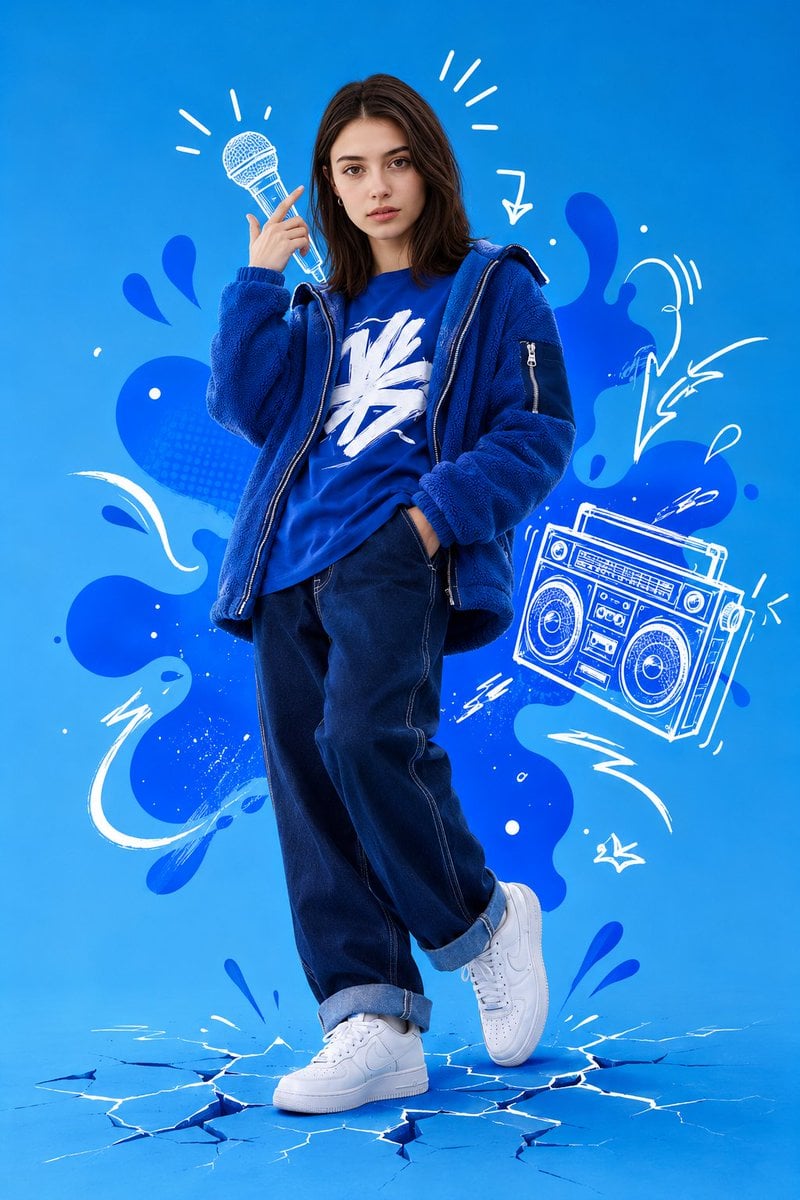
- Prompt included
- Model and format preset
- Free template
The prompt behind this image
Copy the exact prompt behind Mixed Media Street Art Portrait, or open it in the studio and make it yours.
Create a high-quality mixed media image that blends realistic photography with vector illustration. Use the attached image strictly for facial identity matching only: the face shape, glasses, eyes, nose, lips, and hair texture must match exactly, while clothing, pose, lighting, and background must not be copied from the reference. The result should be a high-resolution full-body studio portrait of a {argument name="subject" default="person"} in a dynamic, confident pose against a {argument name="background color" default="solid bright blue"} background, combining realistic photography with white hand-drawn vector doodles and abstract blue liquid shapes for a modern street-art editorial look. The environment is a studio graphic design composition with an energetic, urban, creative, cool atmosphere. Use artificial studio lighting that is soft, diffused, neutral white, and dominant from the front-right, with an even, shadow-free background. The palette should focus on a bright blue background, {argument name="clothing" default="deep blue clothing"}, and white graphic accents with high contrast. Use a low-angle, slightly upward camera view, full-body framing from head to toe, deep focus, and keep the face and upper torso as the focal point, with asymmetrical balance and graphics filling the negative space. The subject stands with relaxed confidence, body angled slightly right, head tilted slightly left, one hand raised near the face, and legs casually crossed, with a neutral, calm, confident expression. Outfit: monochromatic blue streetwear, including an open blue fleece-style jacket, a blue t-shirt with a large white abstract graphic symbol, dark blue denim jeans with visible white contrast stitching and rolled cuffs, and clean white low-top sneakers. Add white hand-drawn doodles: a microphone outline near the raised hand, a floating boombox to the side, radiating sound or motion lines around the head, cracked ground beneath the feet, and abstract blue liquid shapes behind the subject. Maintain shar separation between photo and vector layers. Low noise, low compression artifacts, standard port lens feel around 35-50mm
How to use Mixed Media Street Art Portrait in 3 steps
- 1Upload ImagePNG, JPG or paste
Add your photo
Upload the photo the template builds on. The prompt, model and format are already set.
- 2…a portrait of your subject in softgolden-hour light, 85mm…
Personalize
Edit the subject and creative details for your destination.
- 3Generate
Generate
Press Generate — your image is created in PicX Studio, so you can compare it with the original and refine one variable at a time.
More like this
Templates with the same subject, style or setup. Open one to see its prompt.
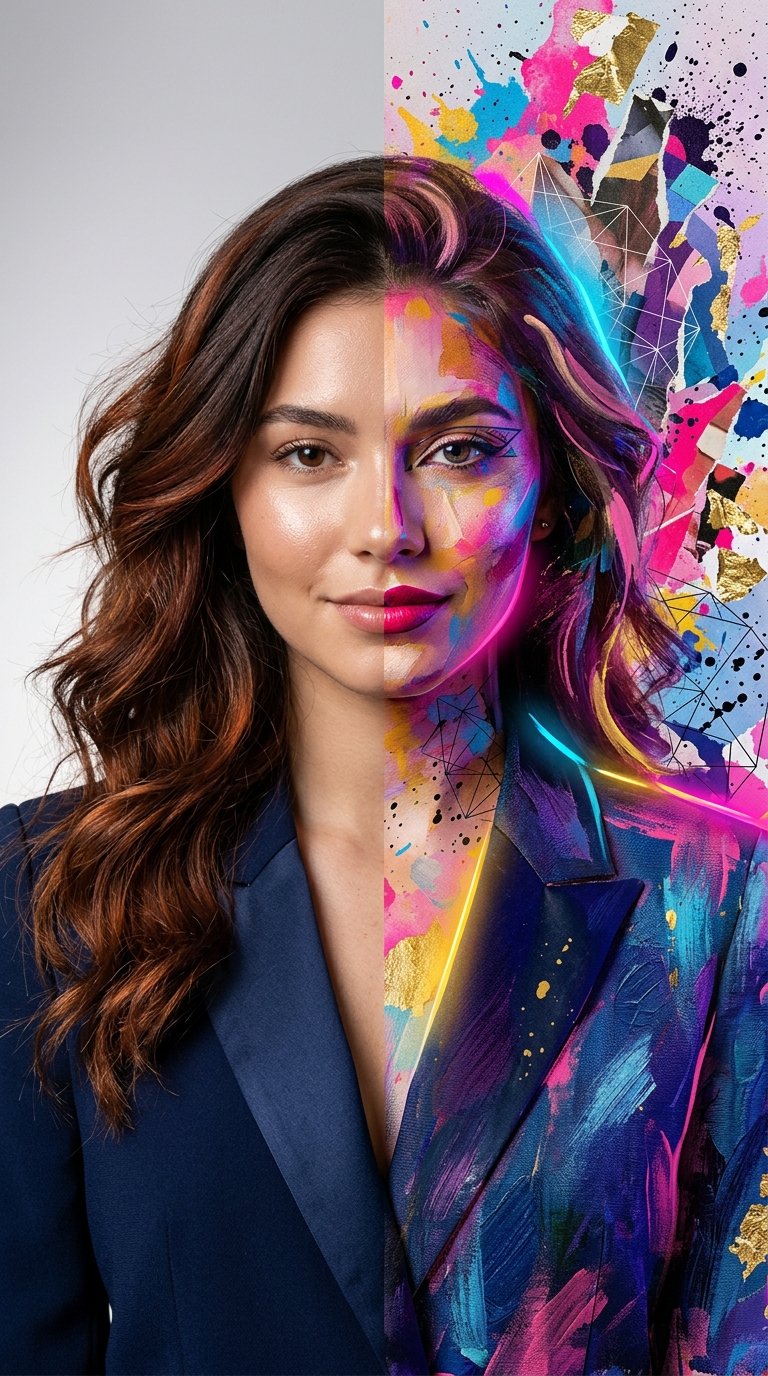
Split Portrait - Mixed Media
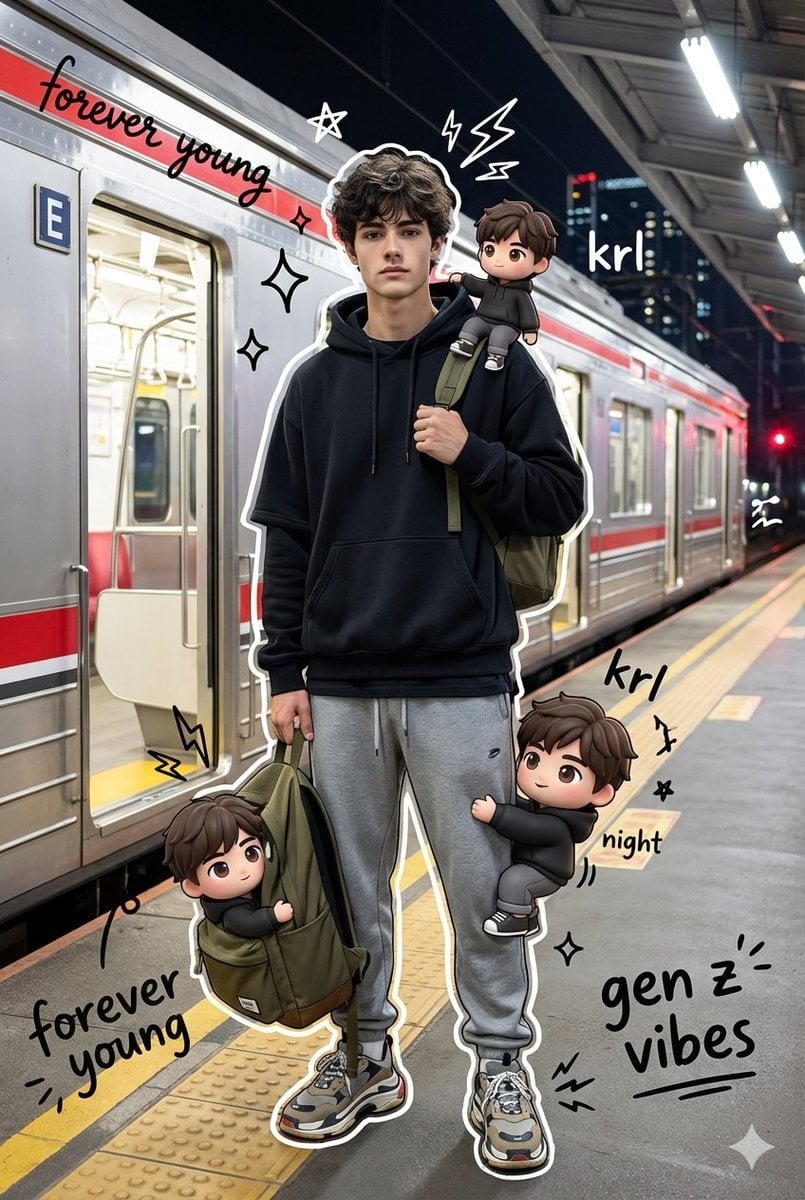
Mixed Media Chibi Streetwear Portrait
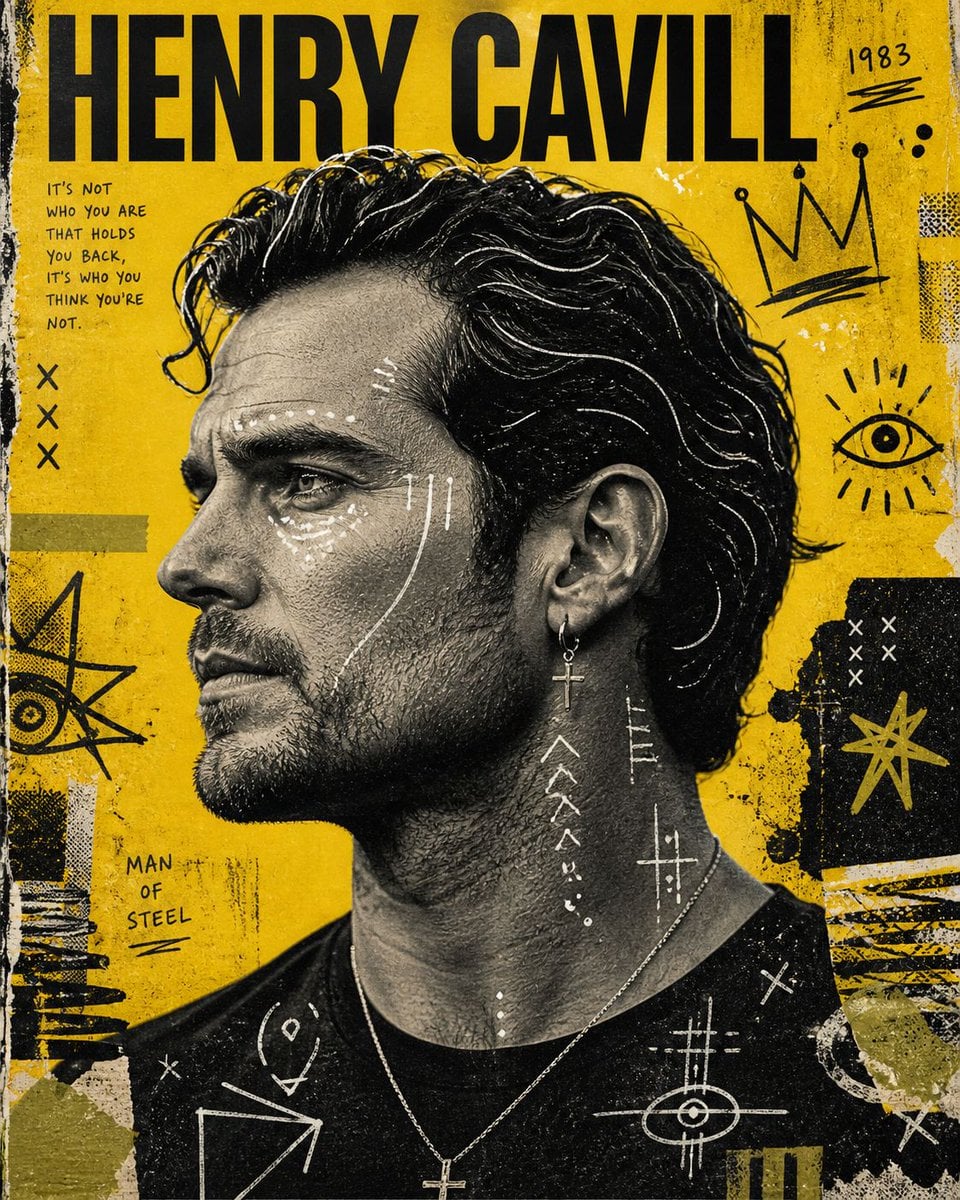
Raw Mixed-Media Street Art Poster
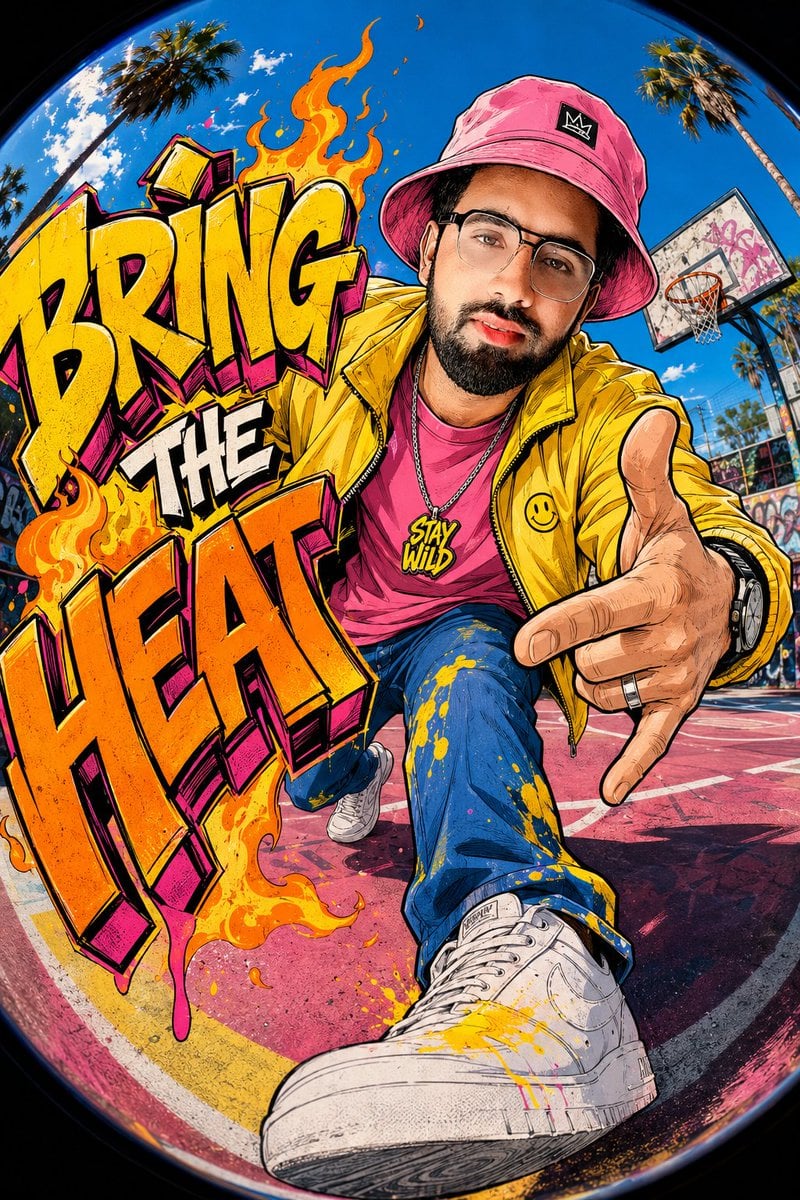
Mixed-Media Street Art Fisheye
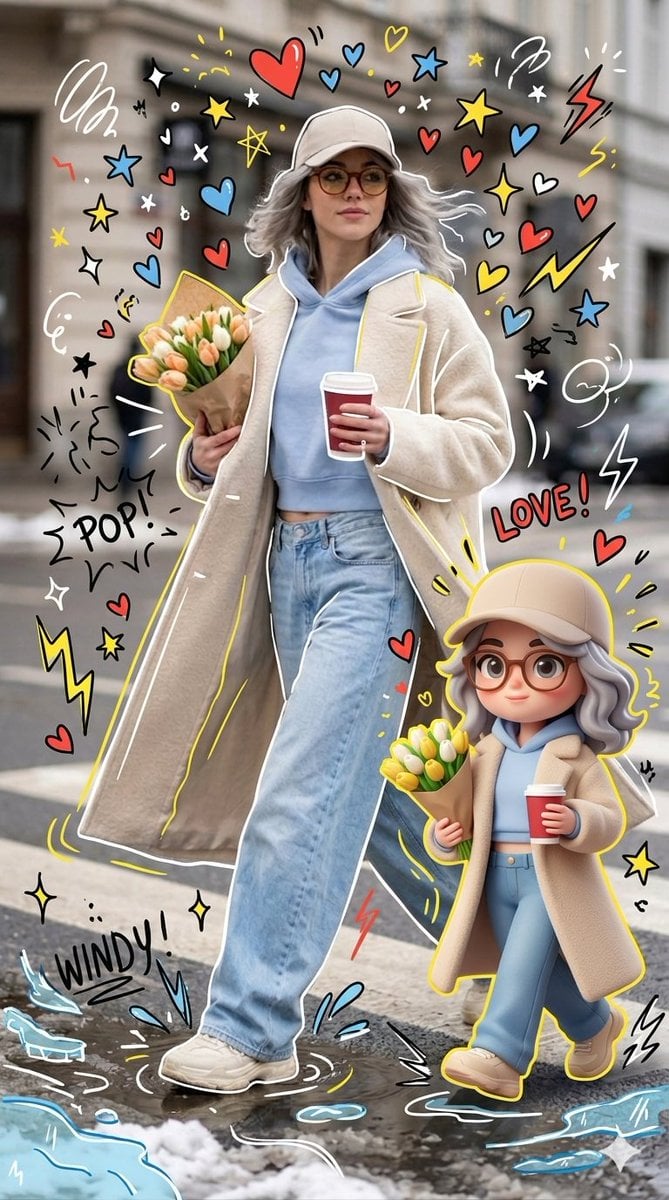
Mixed-media Chibi portrait
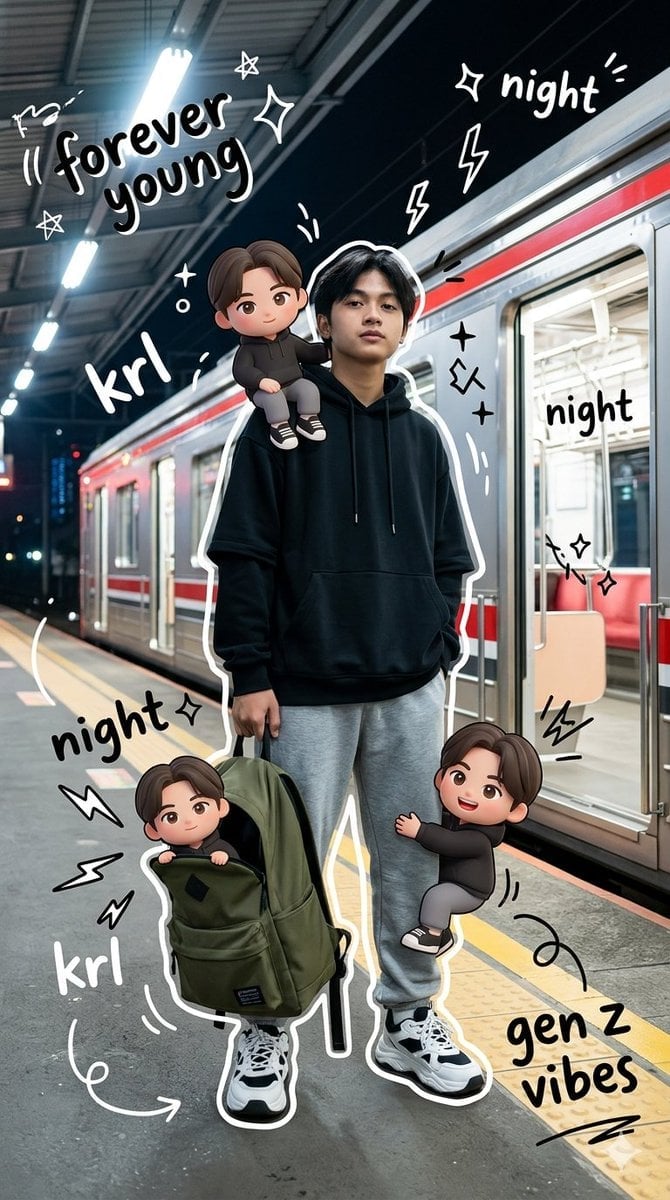
Gen Z Mixed-Media Portrait with Chibi Effects
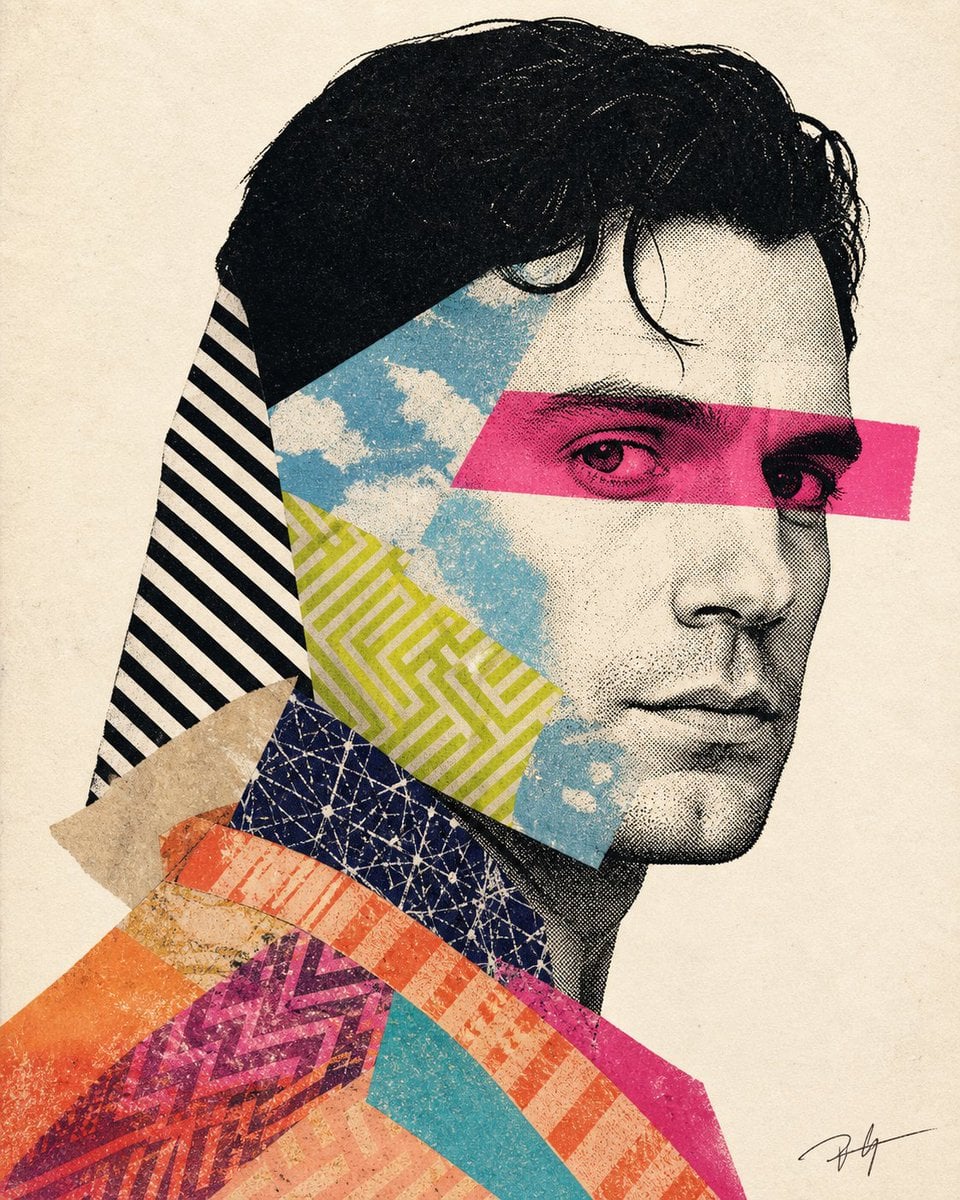
Mixed-media collage portrait illustration
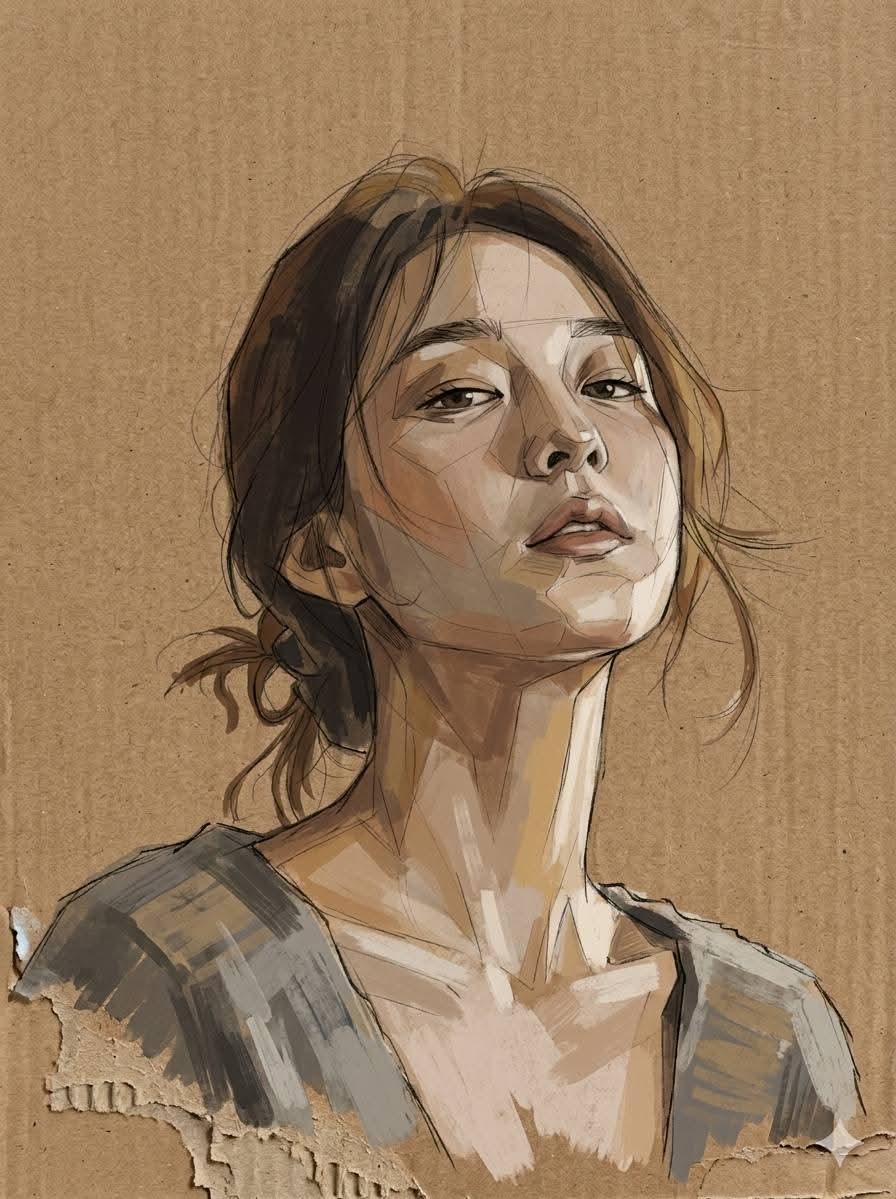
Cardboard Mixed Media Portrait
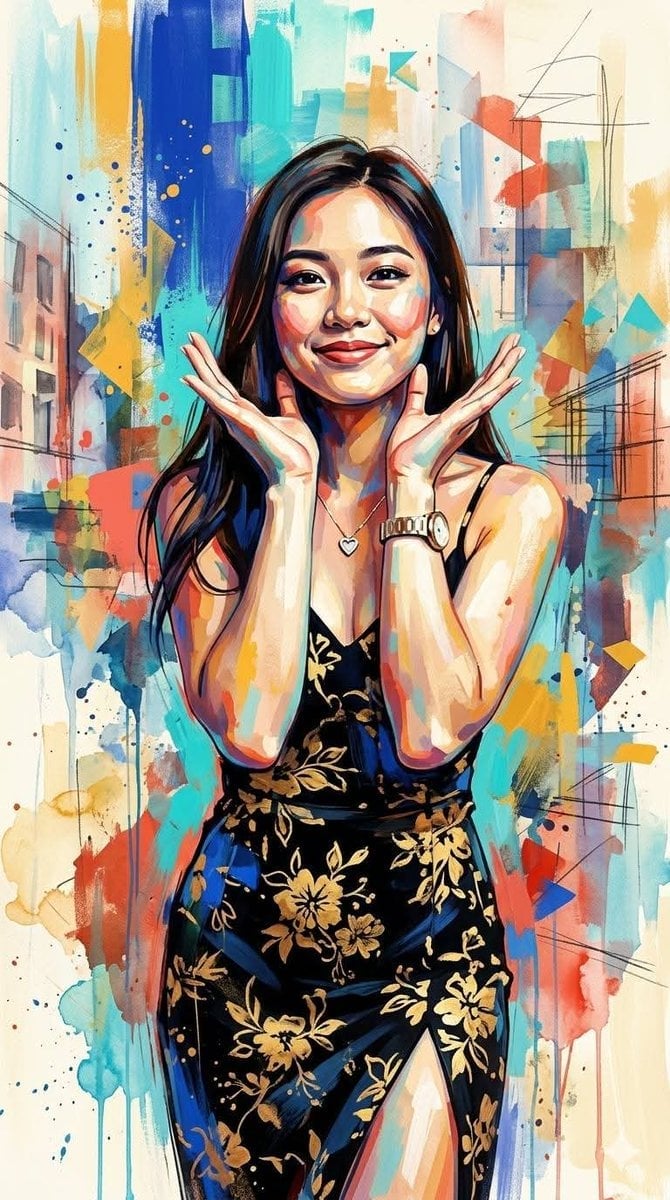
Contemporary Mixed-Media Abstract Portrait
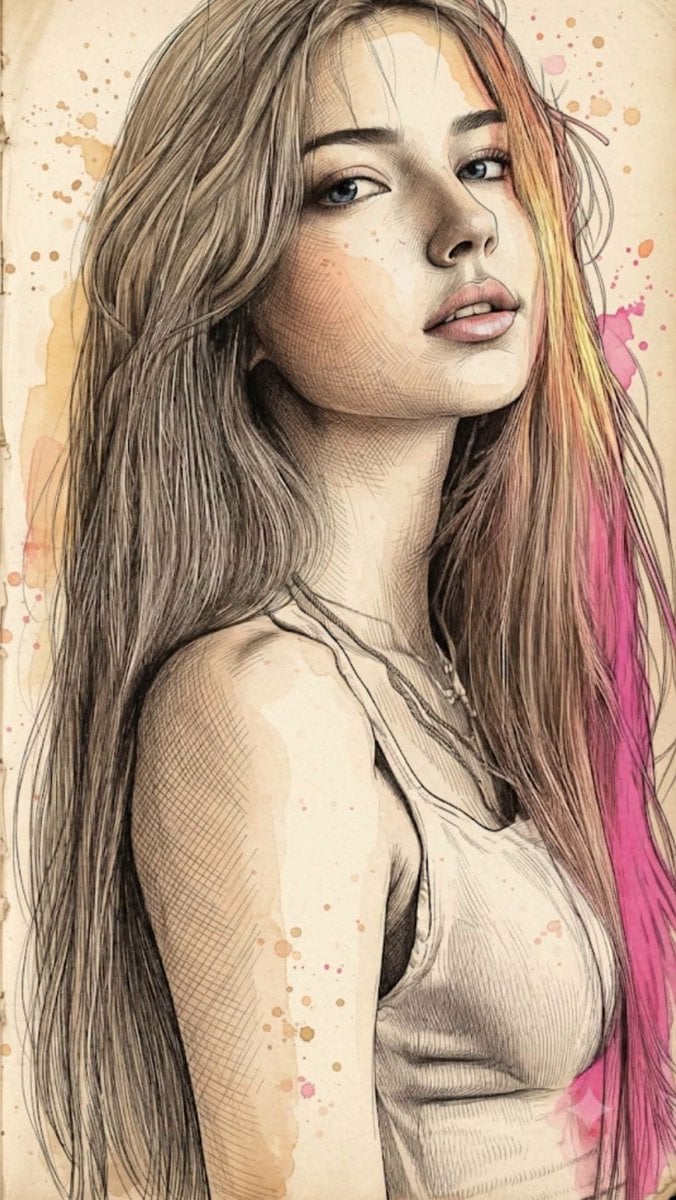
Fine Art Mixed-Media Portrait Illustration
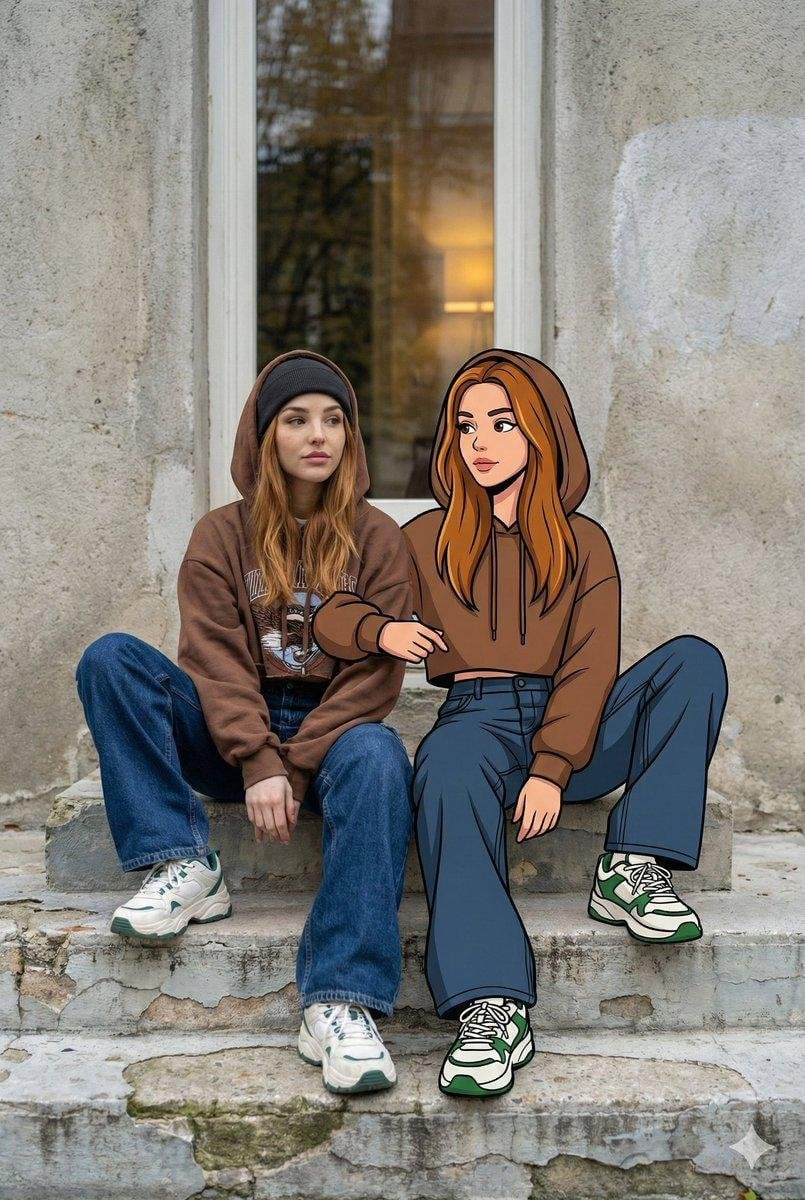
Mixed Reality Street Portrait
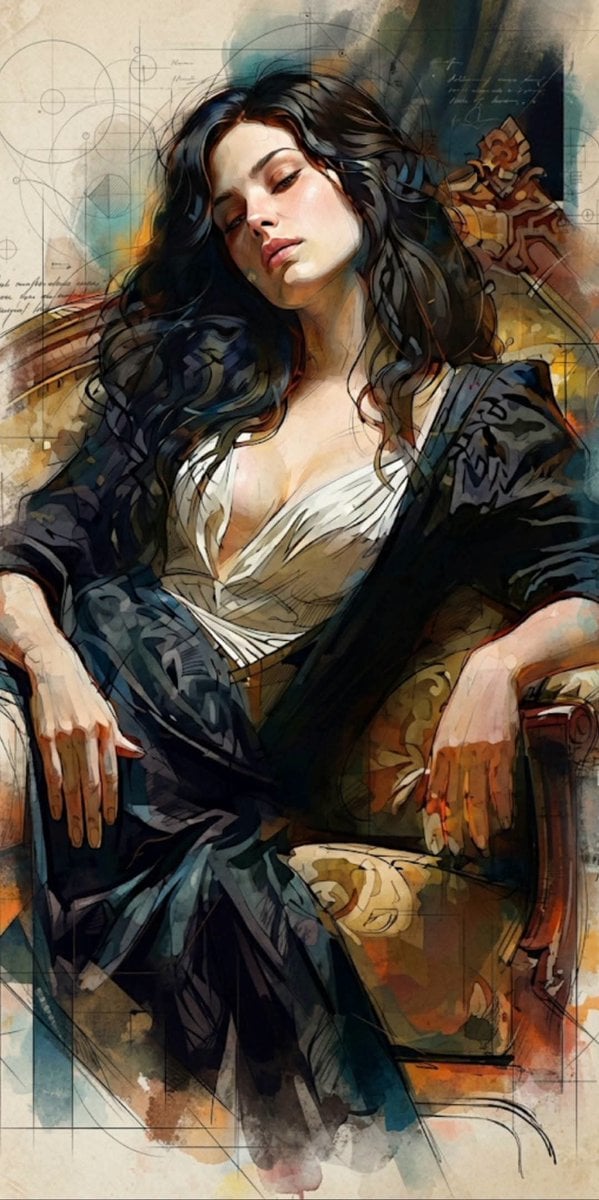
Mixed Media Cinematic Portrait Illustration
Make it yours
Mixed Media Street Art Portrait works as-is. These are the safest ways to change it without losing the look.
Change one field
Copy a single group, rewrite it, and generate again so you can see what that field is doing.
Keep the frame, change the subject
Hold the composition and light of Mixed Media Street Art Portrait, then swap wardrobe, props or the person for a new take.
| If the result… | Why | Fix |
|---|---|---|
| The result drifts from the preview | Too many fields changed at once. | Reuse Mixed Media Street Art Portrait as-is first, then change one group — subject, light, or setting. |
| The model over-stylizes the scene | The prose prompt leaves finish and camera underspecified. | Add one camera or lighting sentence and stay on GPT Image 2. |
More GPT Image 2 templates
Other prompts made for GPT Image 2.

Six VTuber Japanese Logo Sheet

Realistic Portrait of Woman and Deer

The Vista Modular Condo Poster

AI Model Routing Comparison Infographic

2.5D Anime Art Board

Isometric Productivity Desk Scene

New York Double Exposure Poster

Four-Panel AI Landscape Comparison

Japanese Tatami Lifestyle Magazine Cover

NESCAFÉ Coffee Map Poster
More image prompts
Fresh picks from across the catalog.
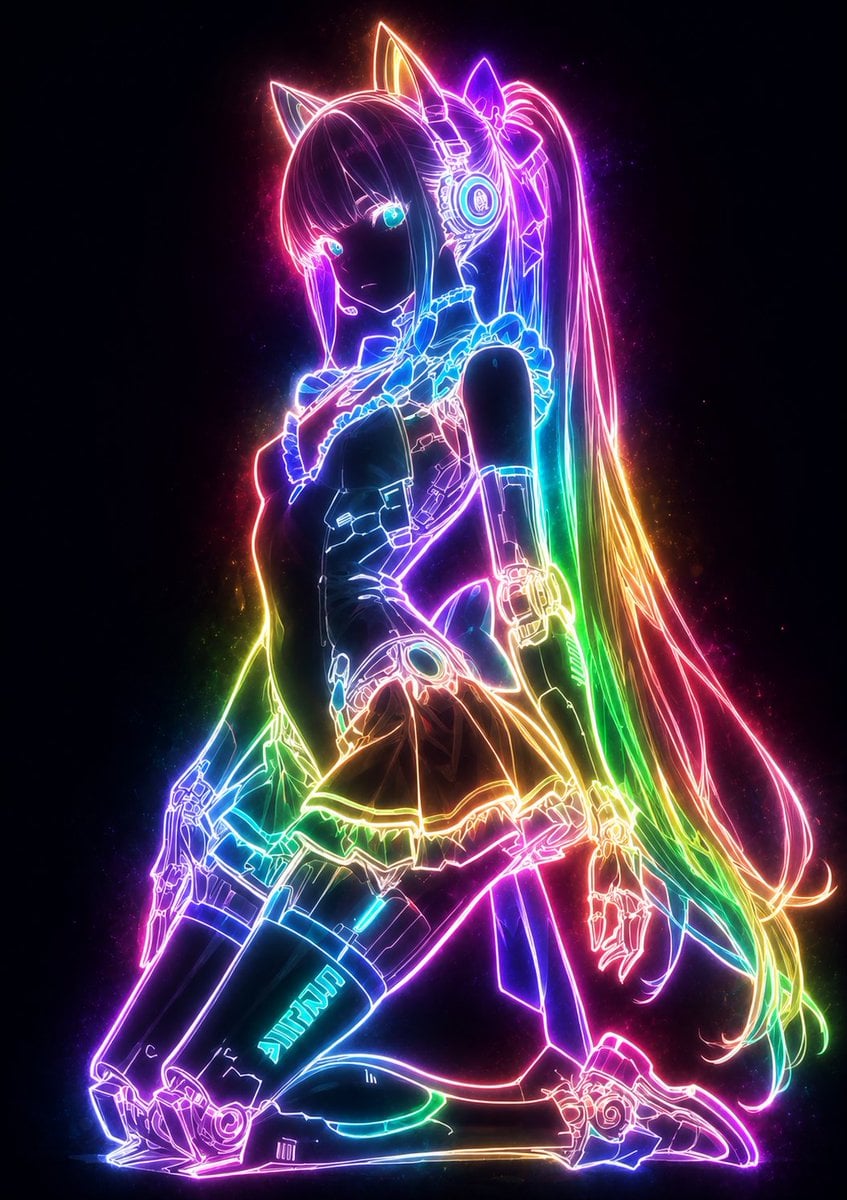
Mystical Luminous Outline Style
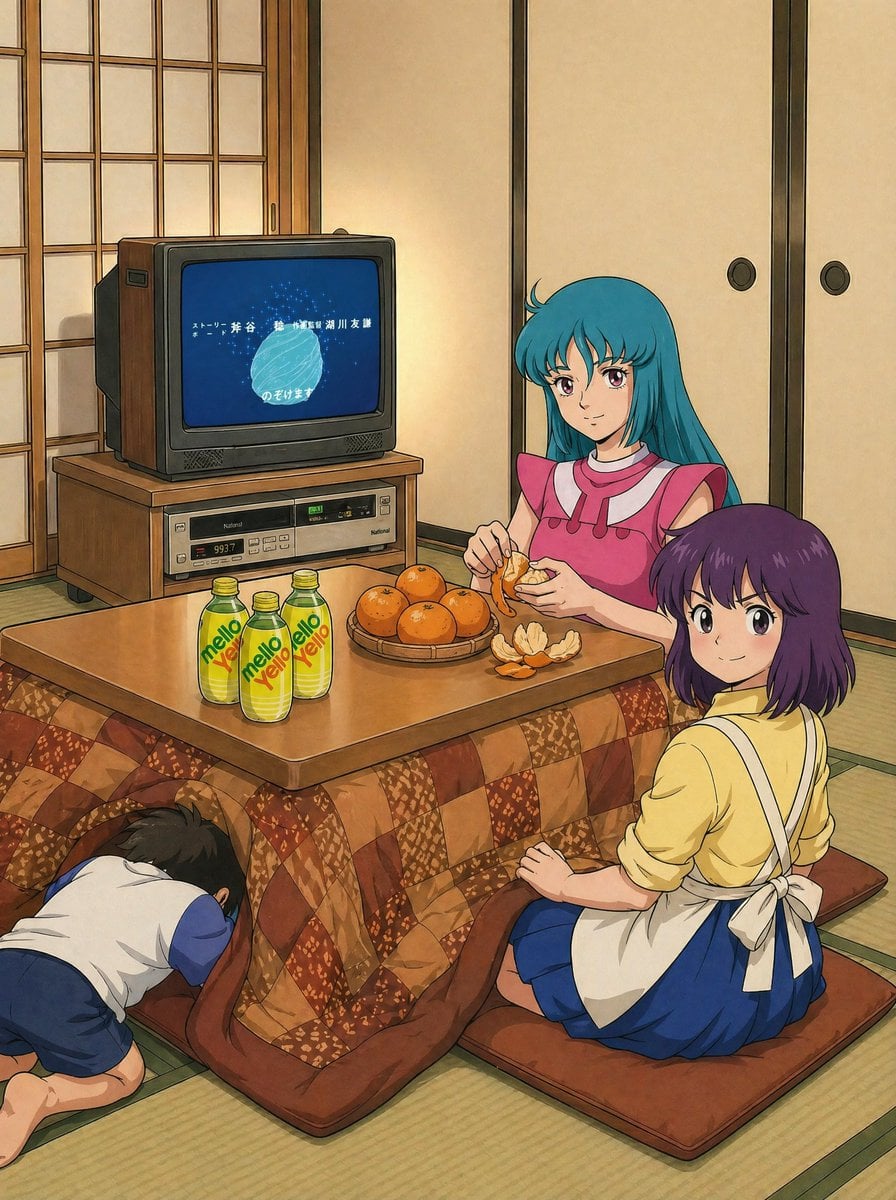
Retro Anime Kotatsu Family Scene
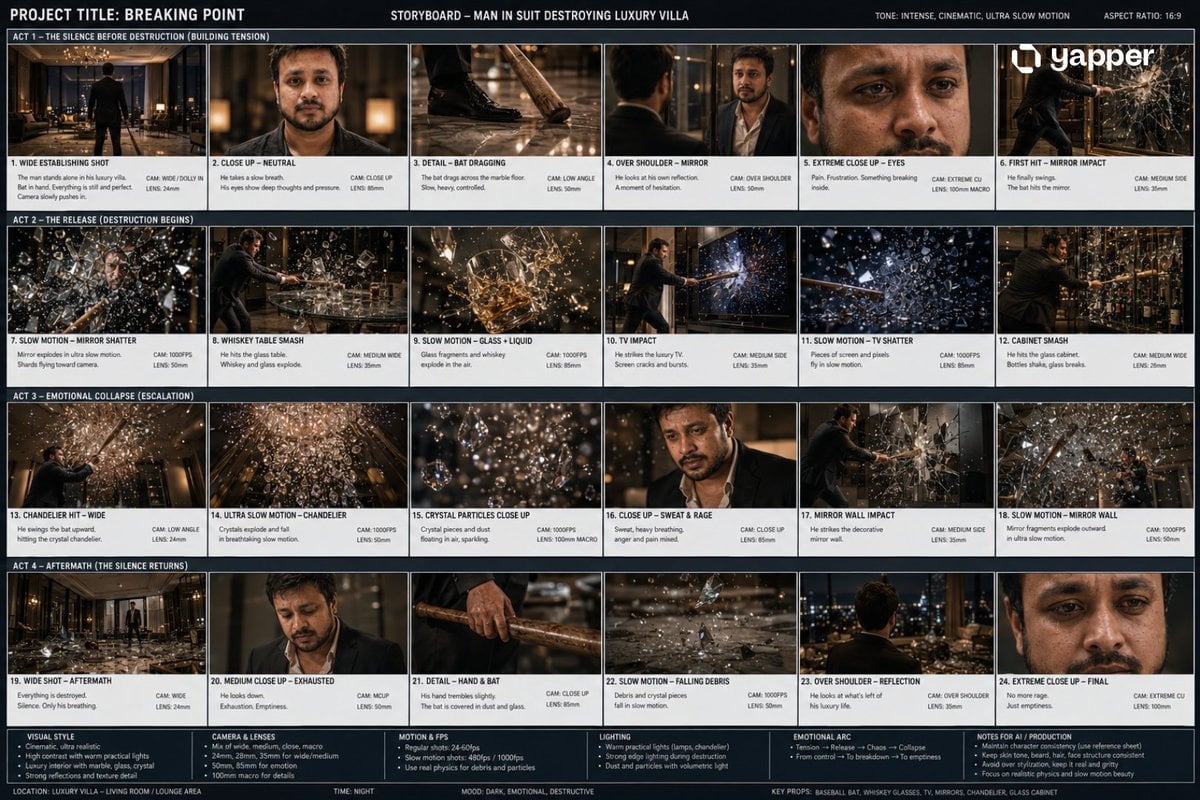
Cinematic Luxury Villa Scene
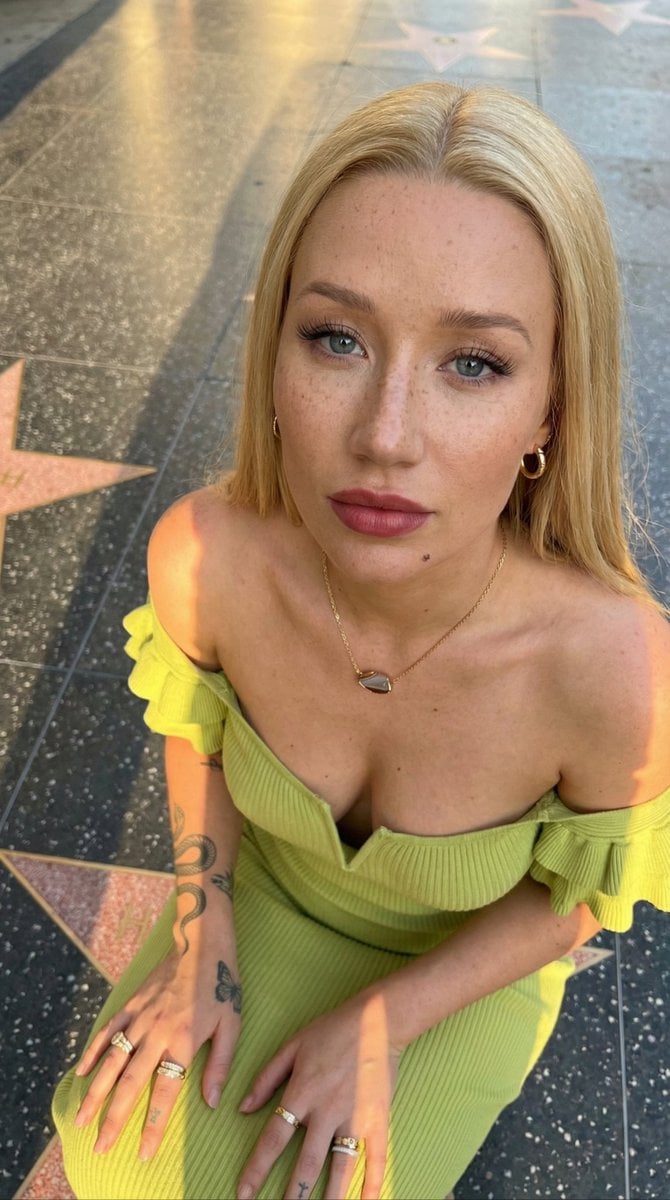
Iggy Azalea Walk of Fame Portrait Prompt
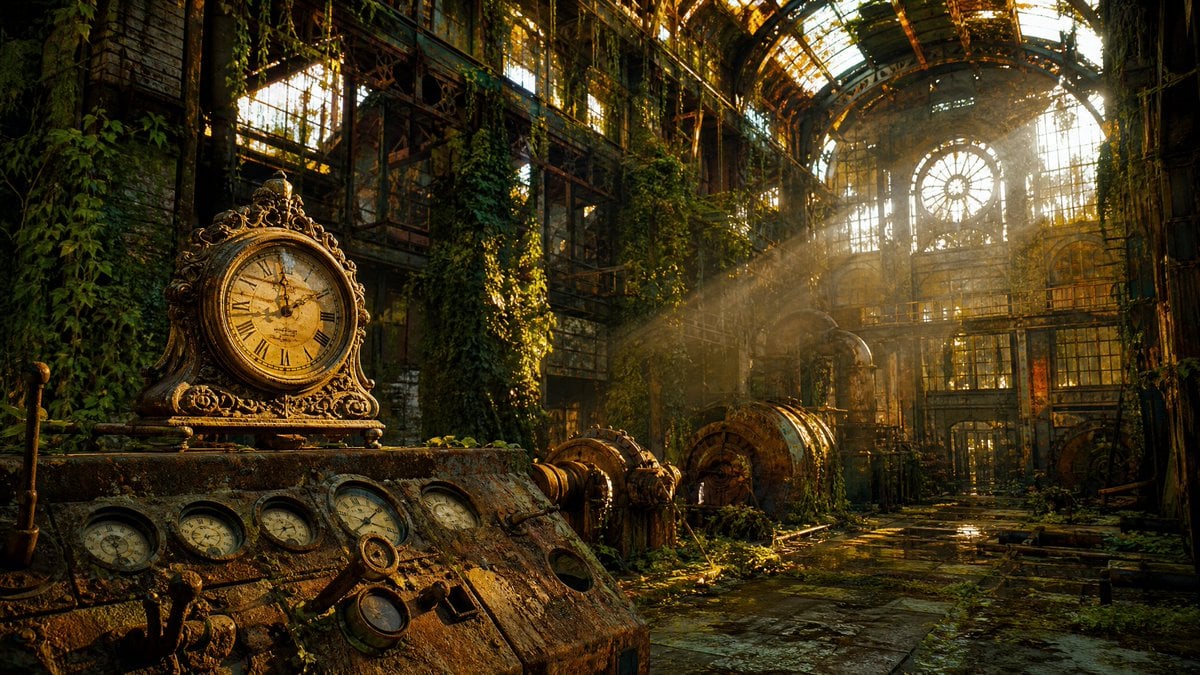
Rusted Decadent Clockwork Ruin
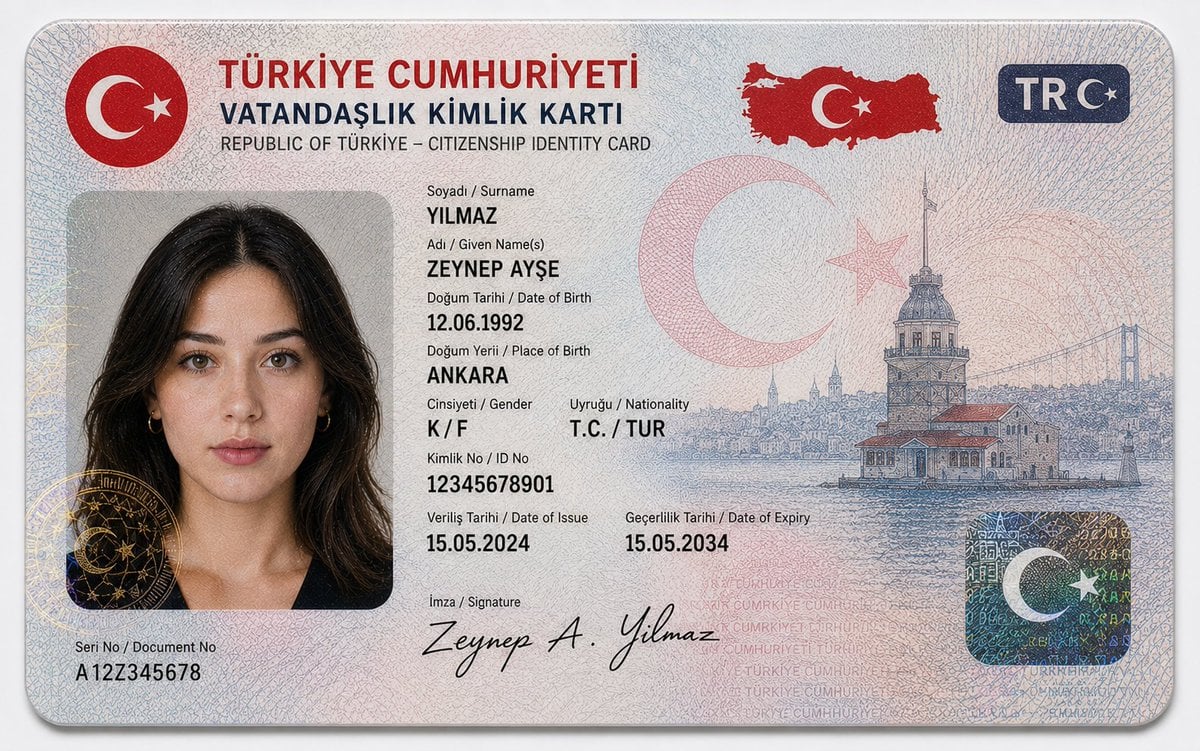
German Citizenship Identity Card Mockup
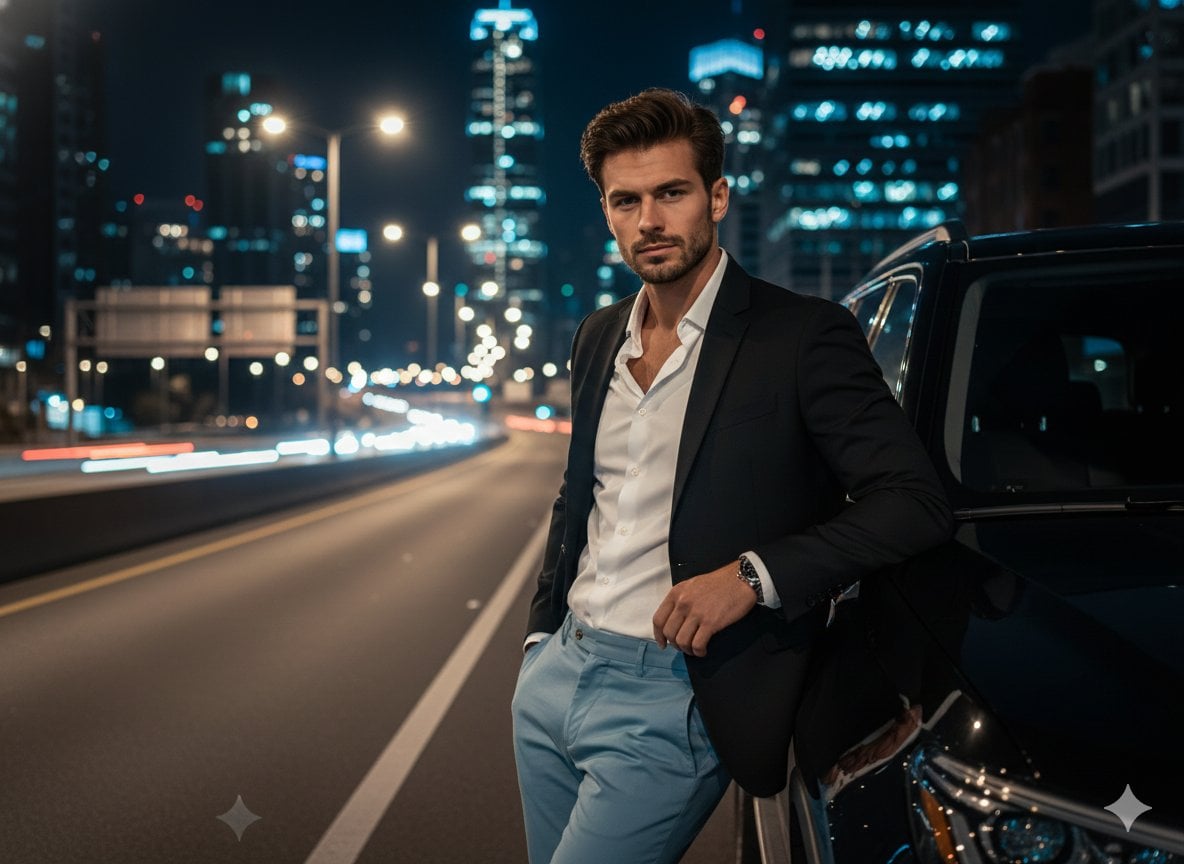
Cinematic Night Urban Portrait with Luxury SUV
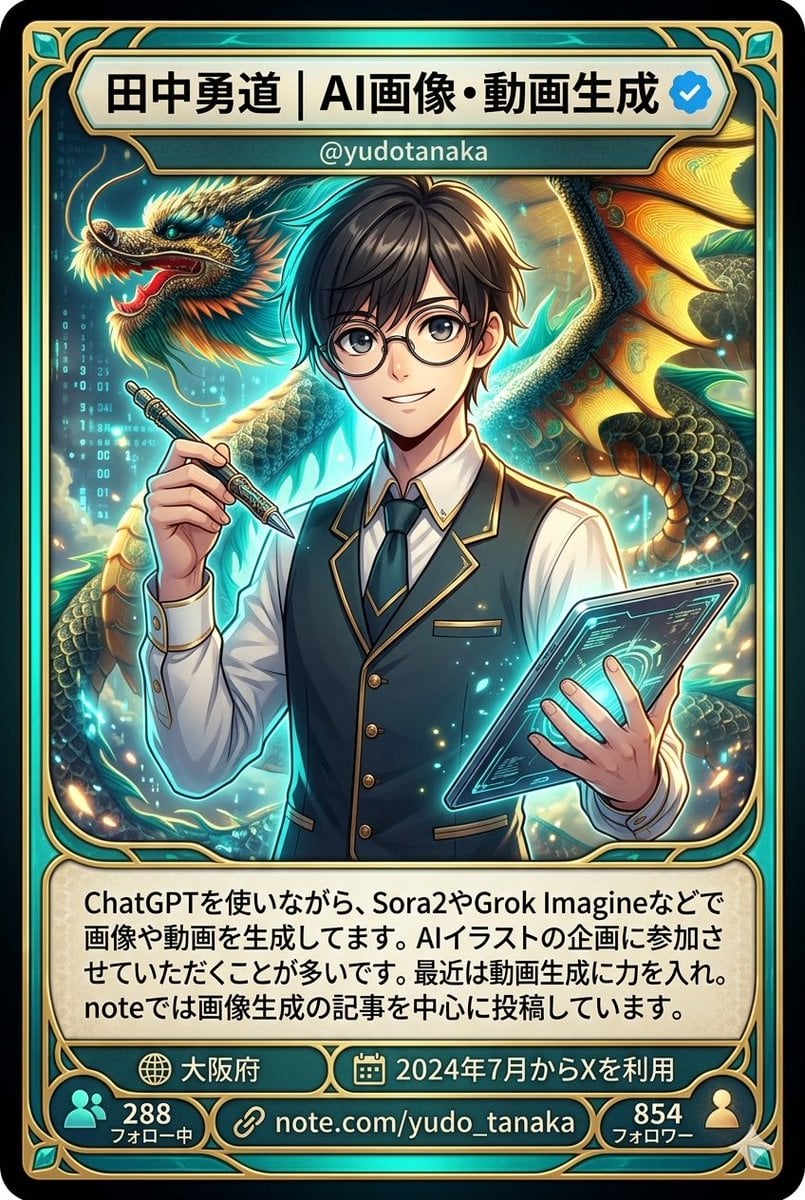
Character Card Generation from Profile Image
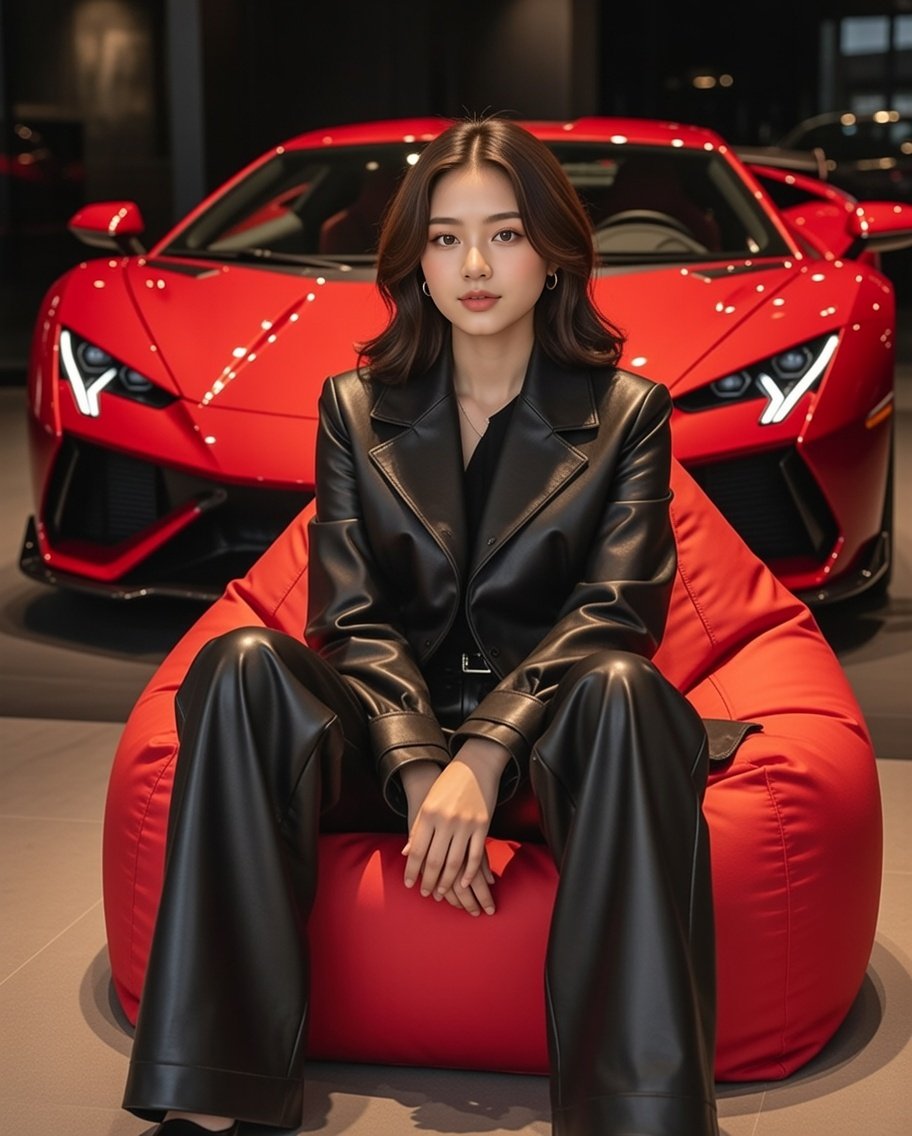
Luxury Showroom Scene with Red Supercar and All-Black Outfit
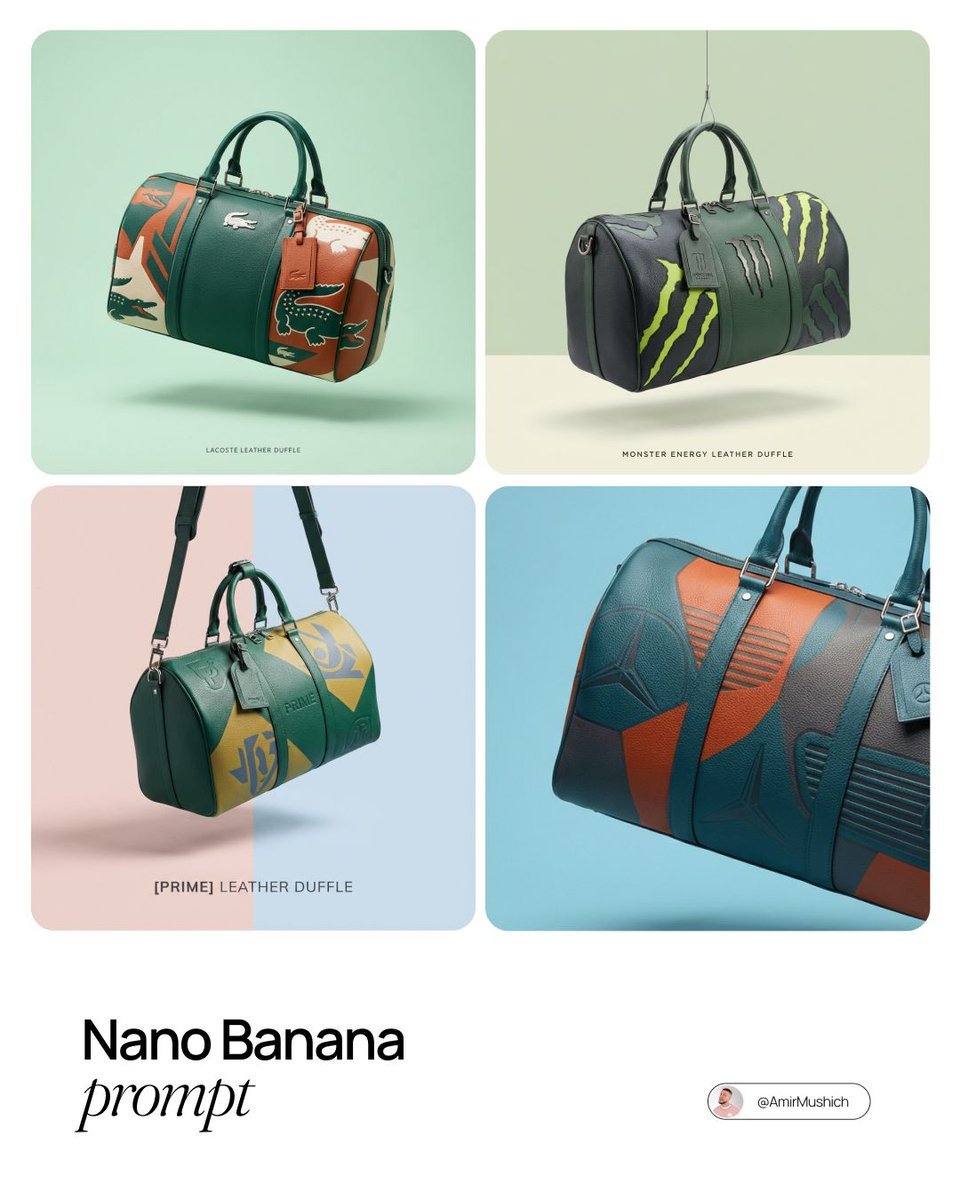
Brand-to-Duffle Design Conversion
Browse template categories
Mixed Media Street Art Portrait questions
How do I use the Mixed Media Street Art Portrait template?
Add your photo if the template asks for one, edit the prompt if you like — the template's model and format are already selected — and press Generate. Your version opens in PicX Studio.
Can I customize the Mixed Media Street Art Portrait template?
Yes. You can change the subject, setting, lighting, mood, format, and available model controls before creating your image.
Is the Mixed Media Street Art Portrait template free?
Opening and editing this template is free. Generating uses credits, shown on the Generate button when you are signed in.
Which AI model should I use?
Start with GPT Image 2, which is the model associated with this template. You can compare another compatible model for a different finish.
Looking for something else? Browse all templates.

Your photo, any look
Thousands of ready templates for every top image and video model, from one credit balance.