
Mystical Luminous Outline Style
A detailed instruction to transform an existing illustration into a mystical glowing style where only the outlines emit soft neon light against a dark background.
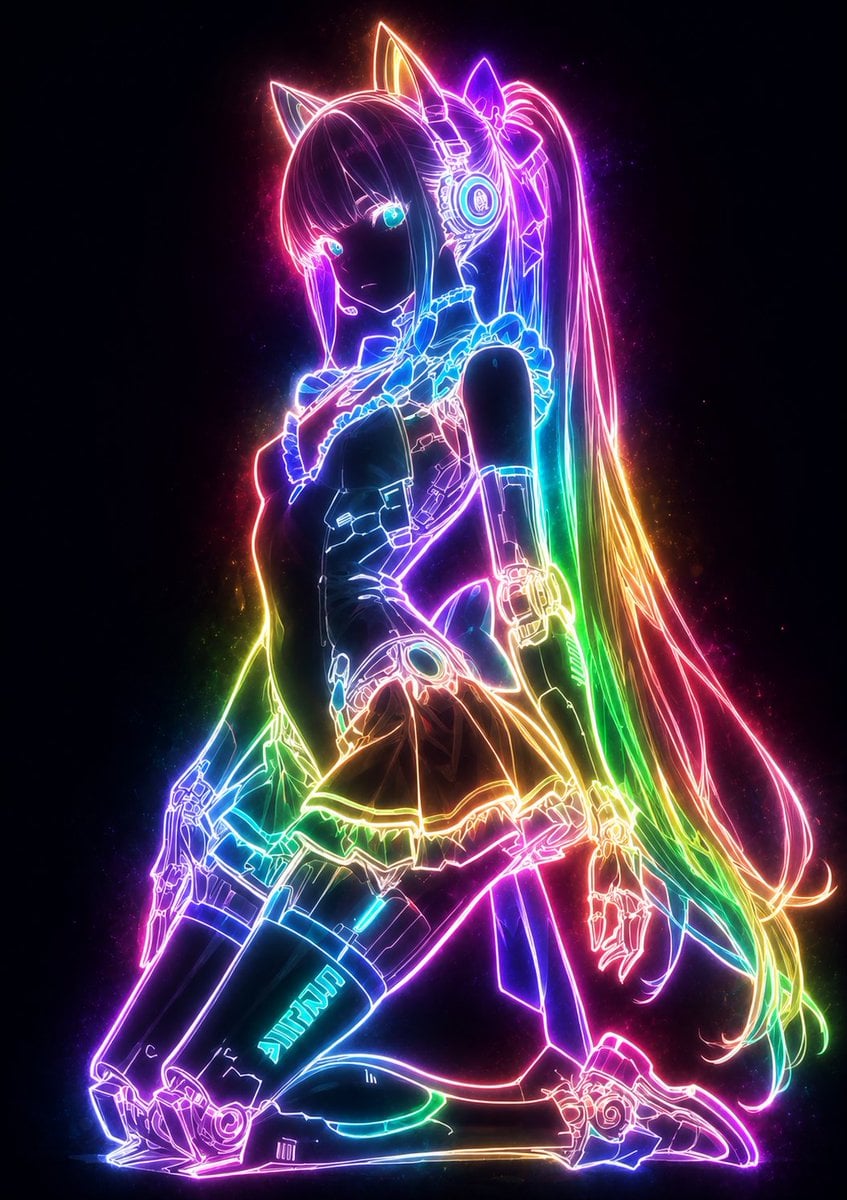
- Prompt included
- Model and format preset
- Free template
The prompt behind this image
Copy the exact prompt behind Mystical Luminous Outline Style, or open it in the studio and make it yours.
Please convert this illustration into a mysterious, fantastical glowing style. 【Glow color: {argument name="glow color" default="rainbow"}】 Make it so that only the lines — the character's outline, the lines of the costume, the details of the accessories, the flow of the hair, and so on — glow strongly with the beautiful light of the 【glow color】. The lines should glow gently from within, emitting a soft neon light that seems to slowly rise up, scattering faint particles of light while gently illuminating their surroundings. Rather than glowing as flat areas, only the lines should take the leading role and glow, while everything else (the skin, hair, and colored areas of the costume, etc.) should be kept extremely subdued, only slightly translucent. The glow of the lines should create very strong contrast against a dark background, emphasizing how the light spectrum of the 【glow color】 spreads out gently. Render each of the character's lines so they emit a fantastical, divine radiance, with the light beautifully flowing along the lines. Finish it with an overall cool, mysterious mood — a breathtakingly beautiful silhouette in which only the magical, fantastical outline of 【glow color】 light rises up. Faithfully preserve, without breaking any of them, the original illustration's composition, the character's expression, pose, silhouette, and key features.
How to use Mystical Luminous Outline Style in 3 steps
- 1Upload ImagePNG, JPG or paste
Add your photo
Upload the photo the template builds on. The prompt, model and format are already set.
- 2…a portrait of your subject in softgolden-hour light, 85mm…
Personalize
Edit the subject and creative details for your destination.
- 3Generate
Generate
Press Generate — your image is created in PicX Studio, so you can compare it with the original and refine one variable at a time.
More like this
Templates with the same subject, style or setup. Open one to see its prompt.
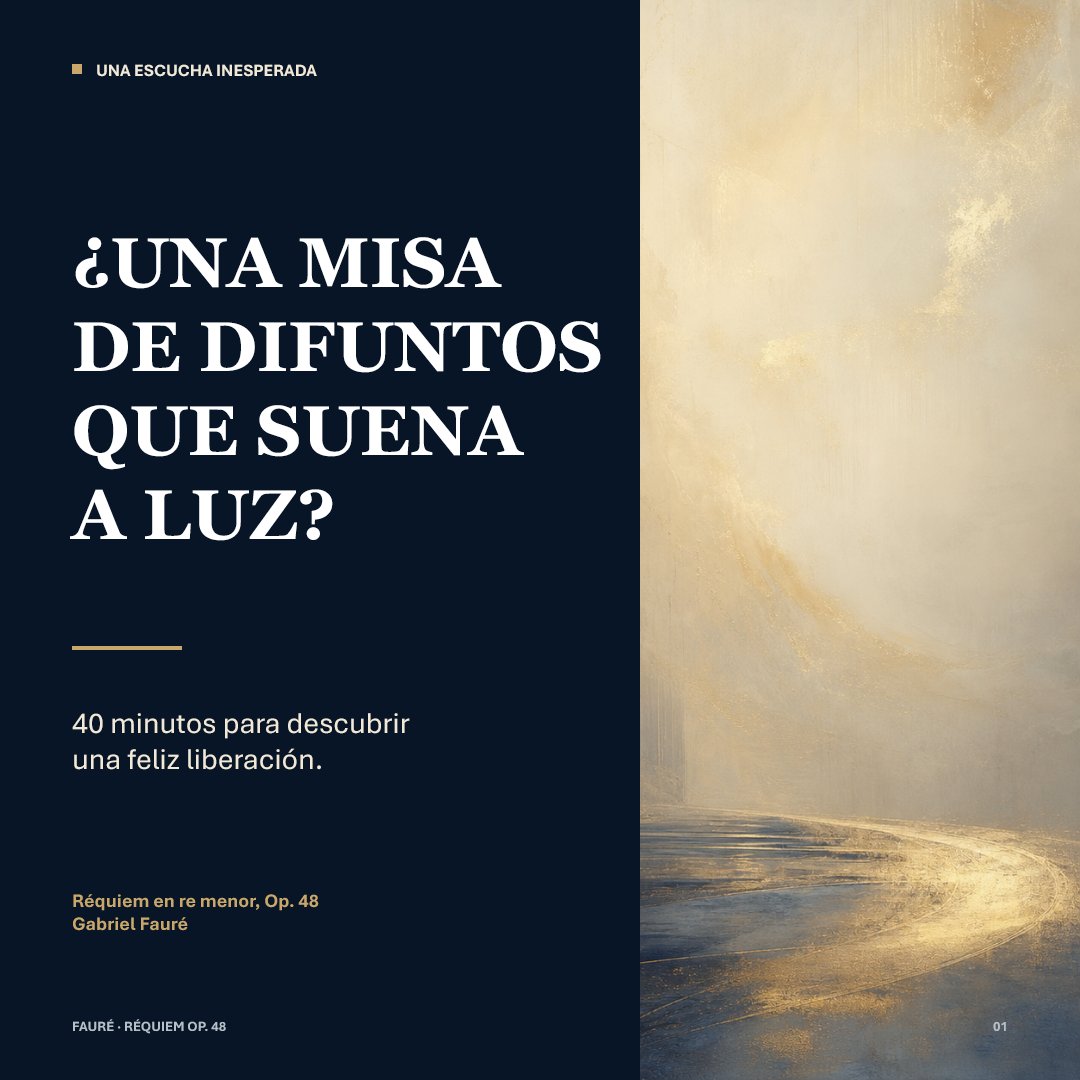
Luminous Fauré Requiem Poster

Monochrome Macro Luminous Portrait
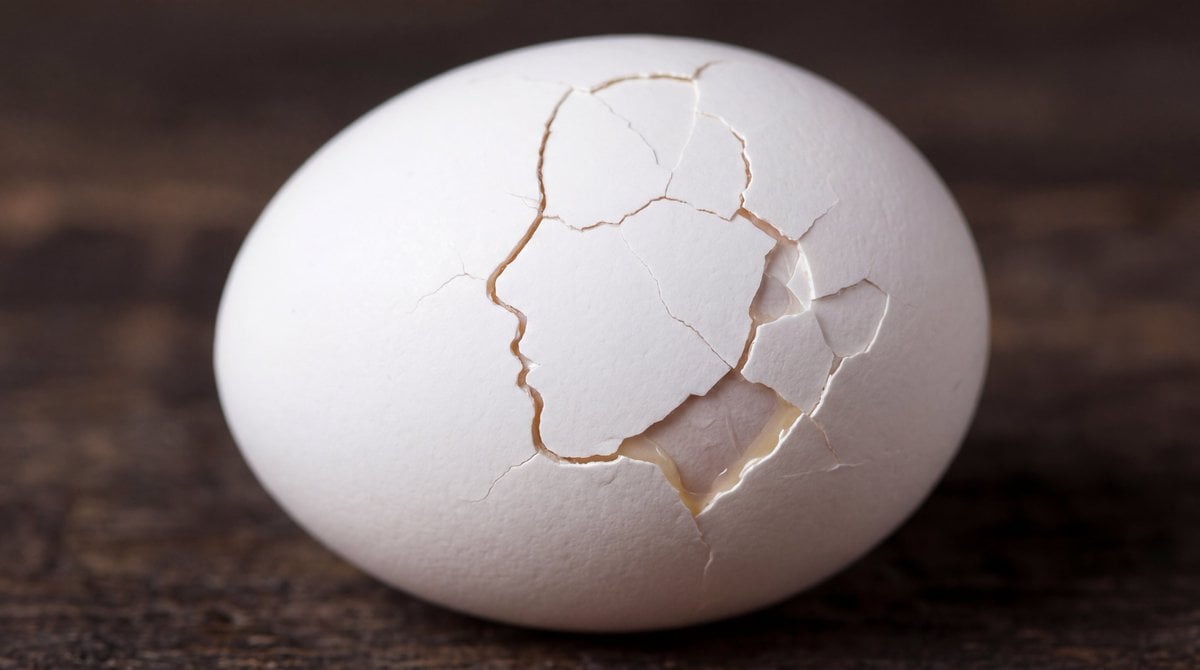
Cracked Egg with Shape Outline
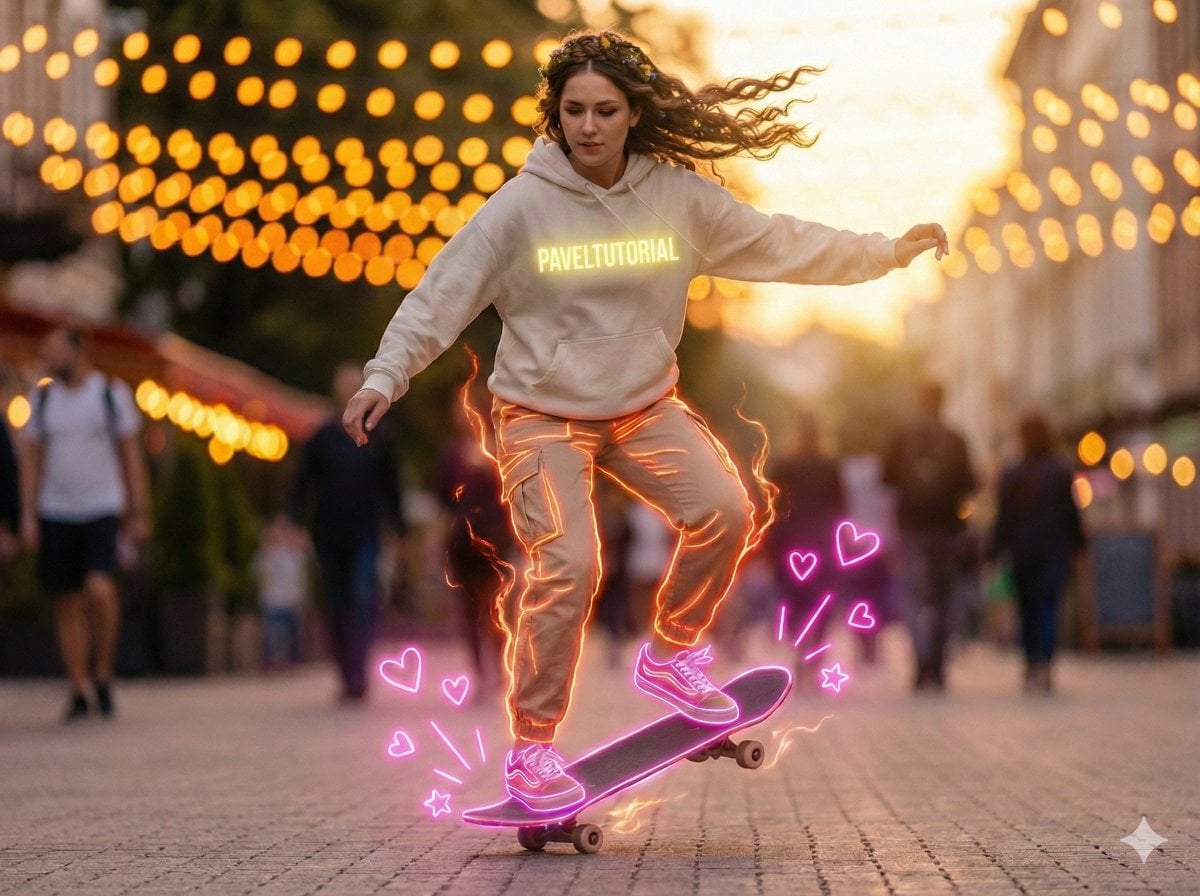
Neon-Outlined Skateboarder Action Shot
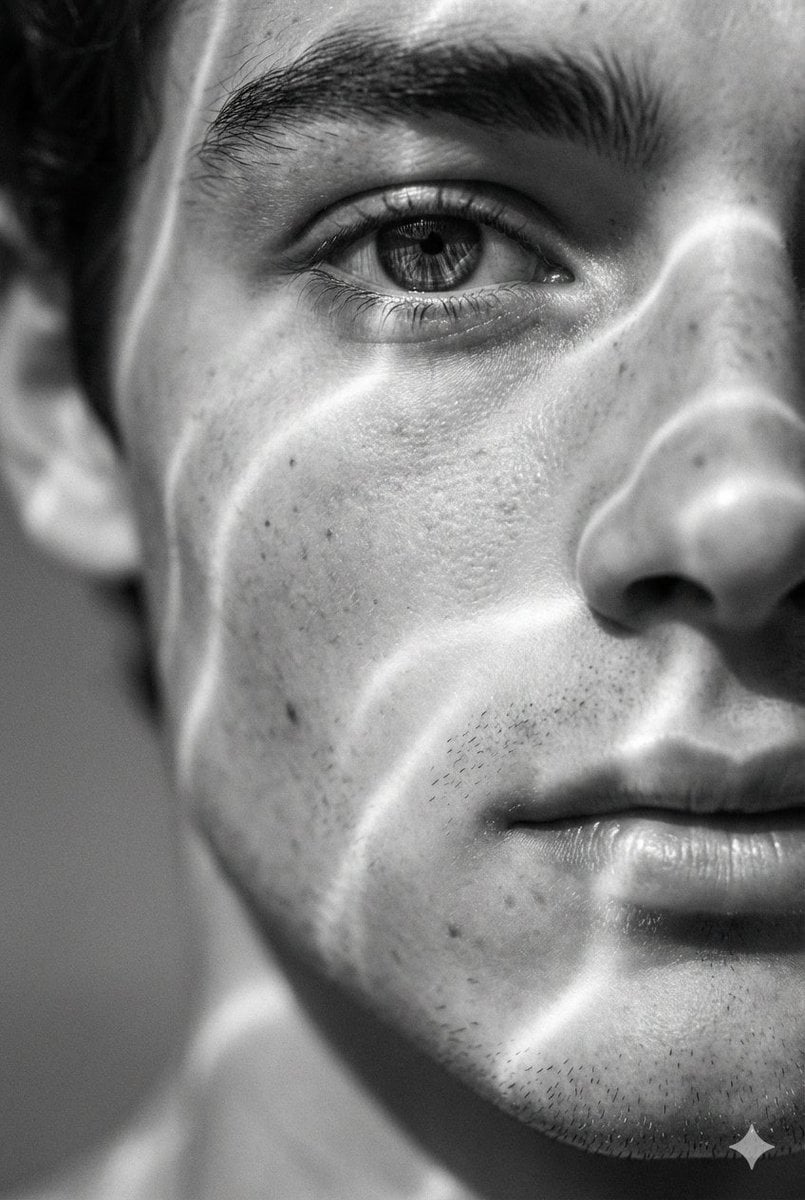
Surreal Black and White Close-Up Portrait with Luminous Lines
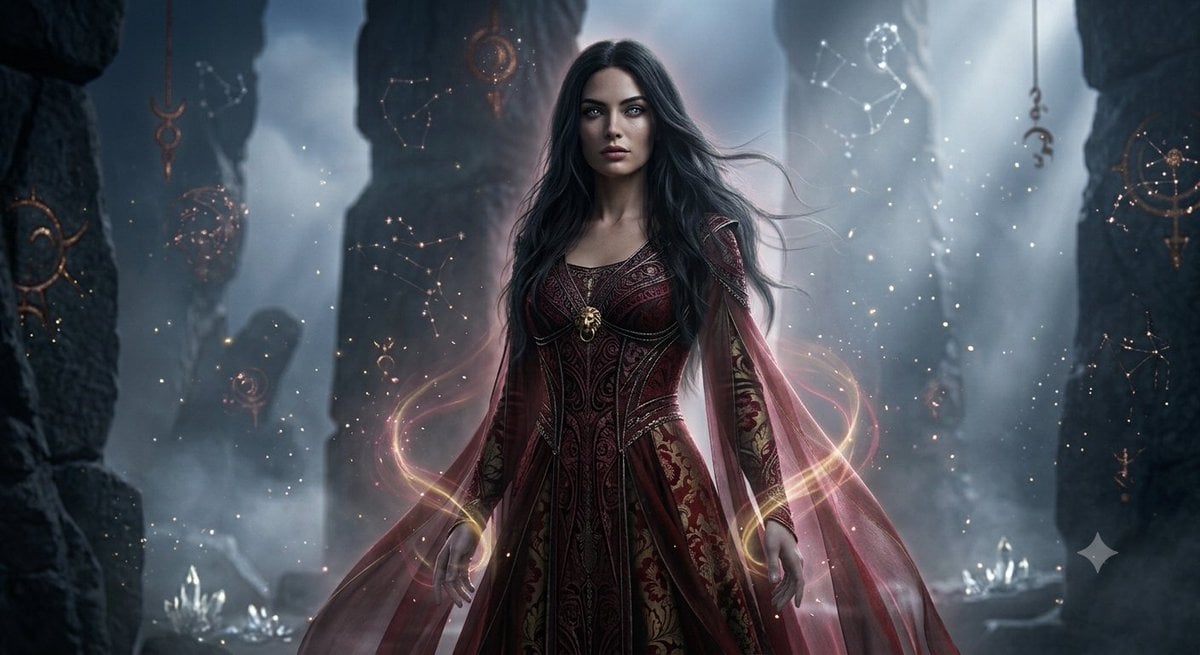
Mystical Ancient Guardian Portrait
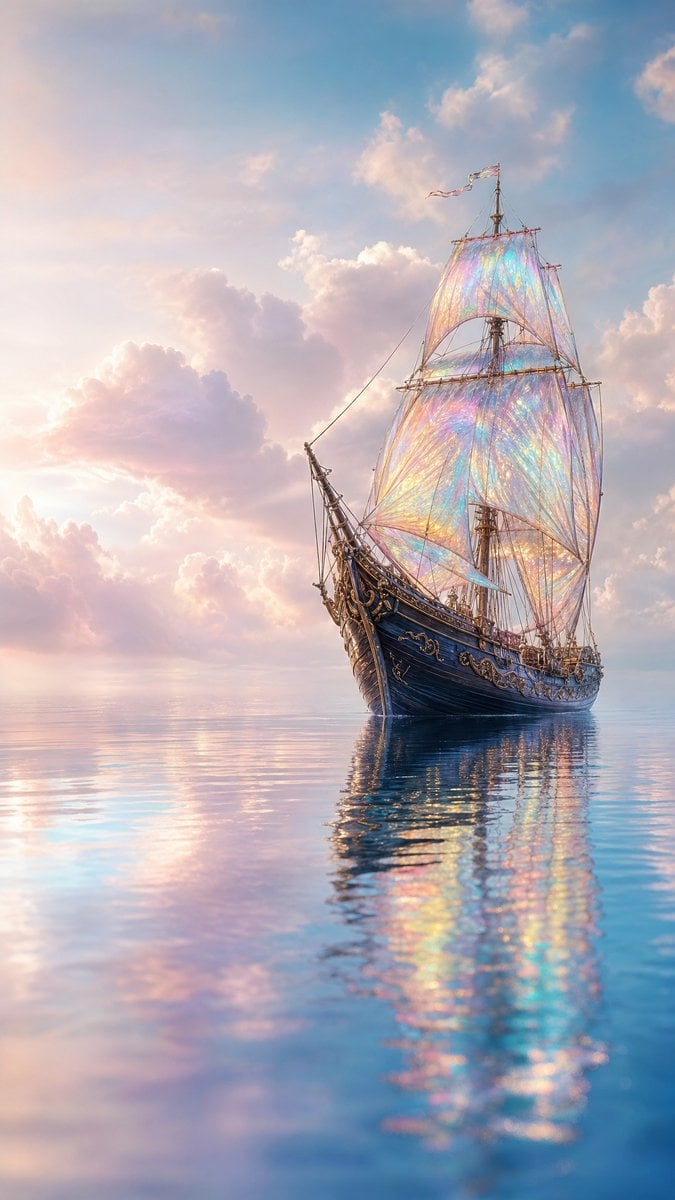
Mystical Sailing Ship at Sea
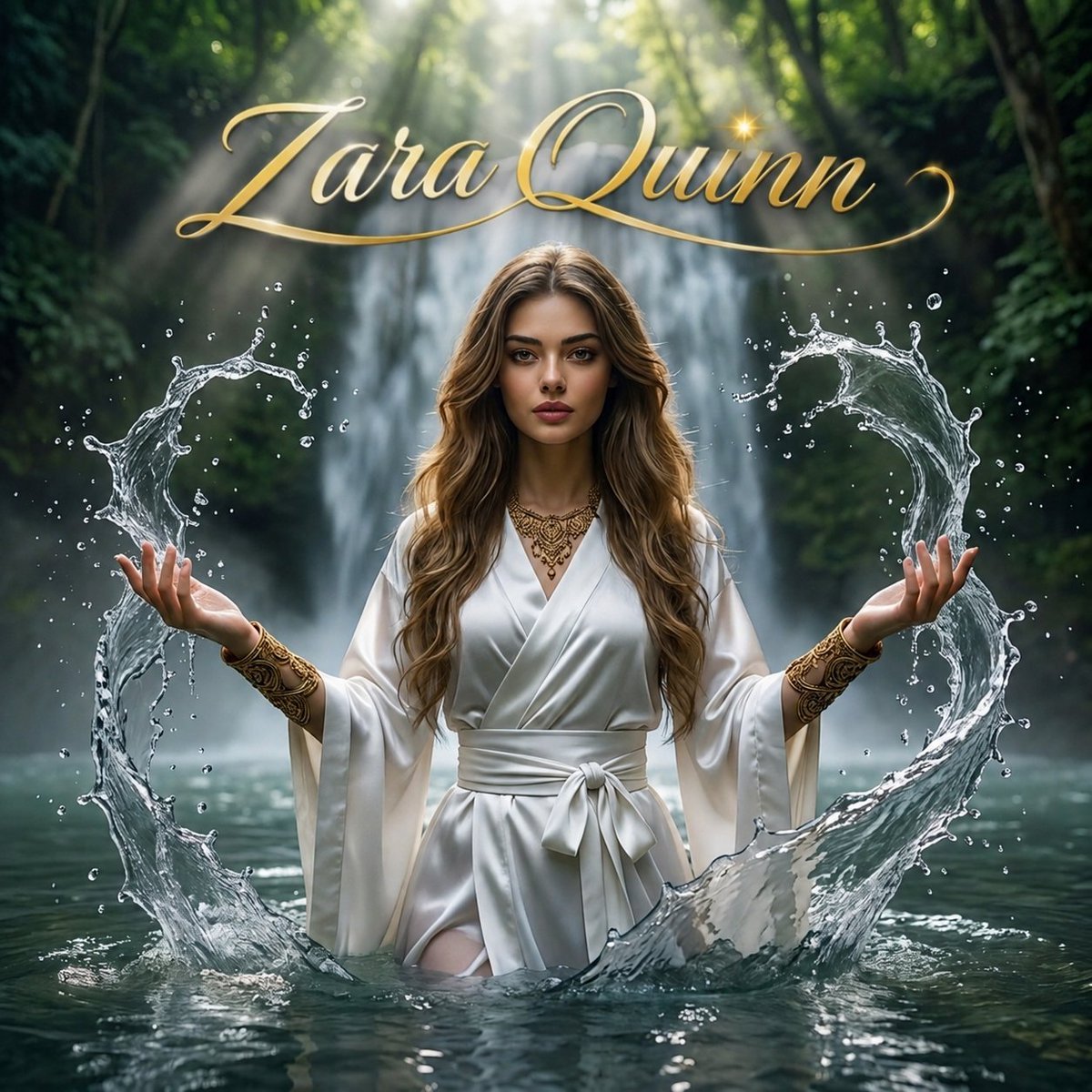
Mystical Waterfall Fantasy Portrait
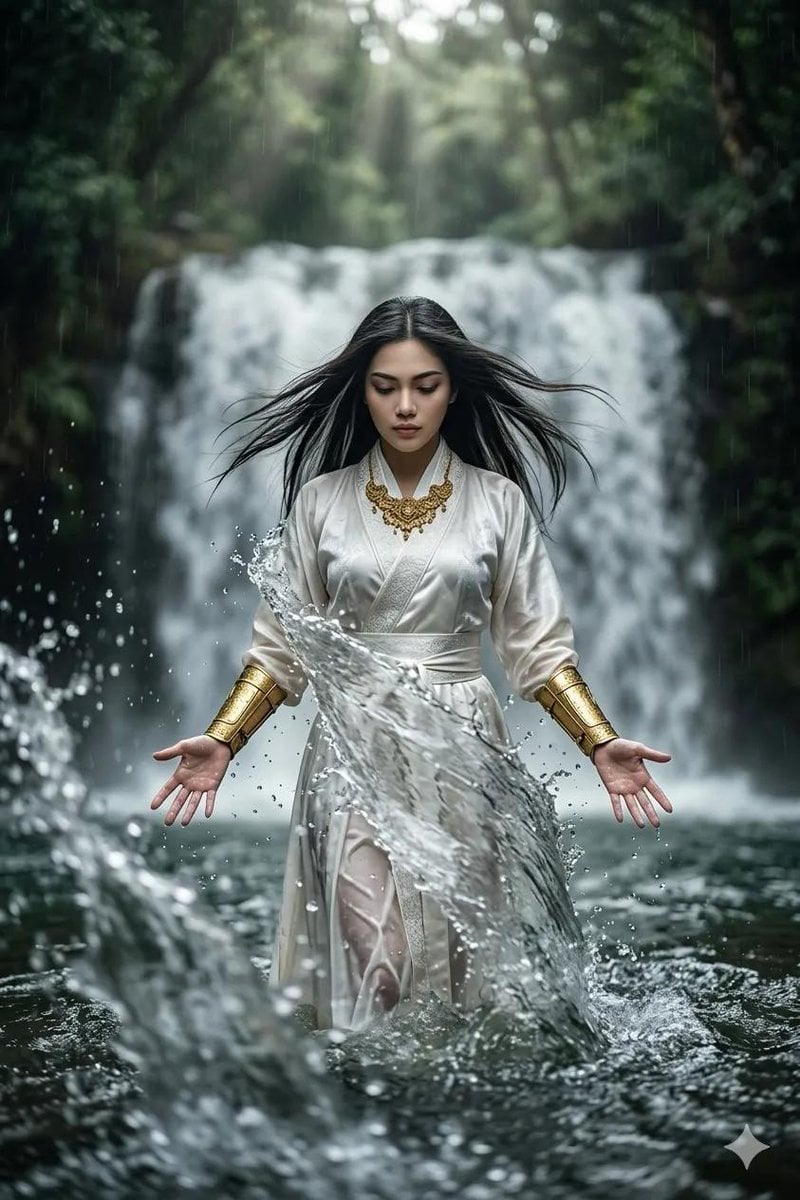
Mystical Woman by Cascading Waterfall
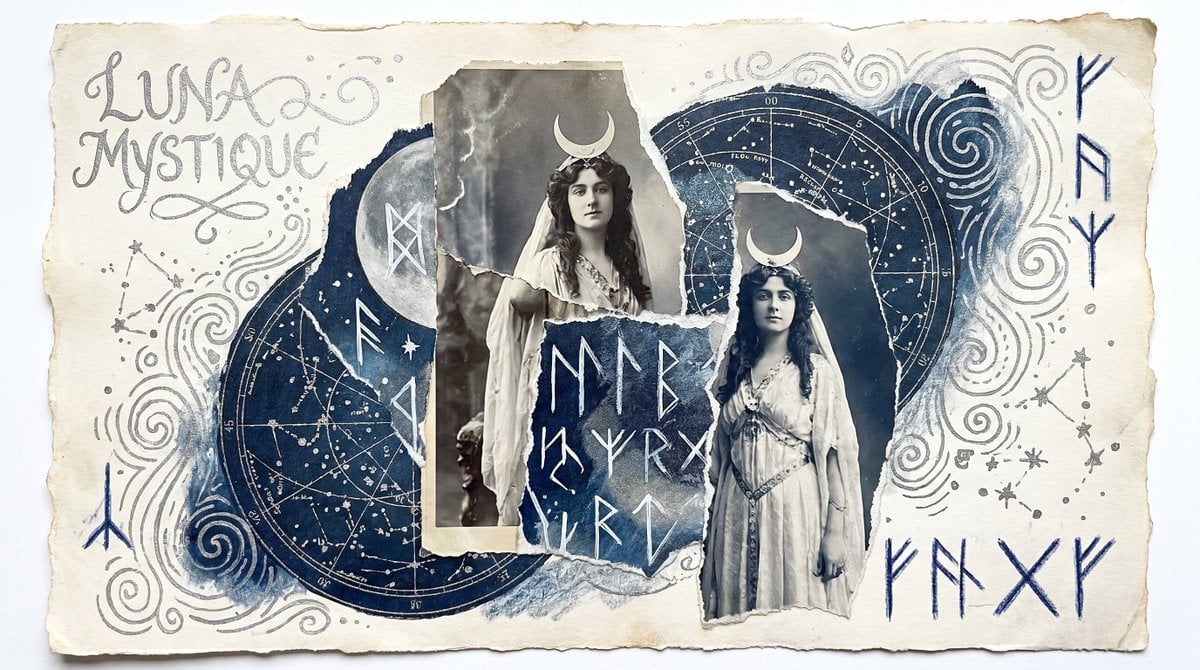
Mystical Lunar Goddess Collage
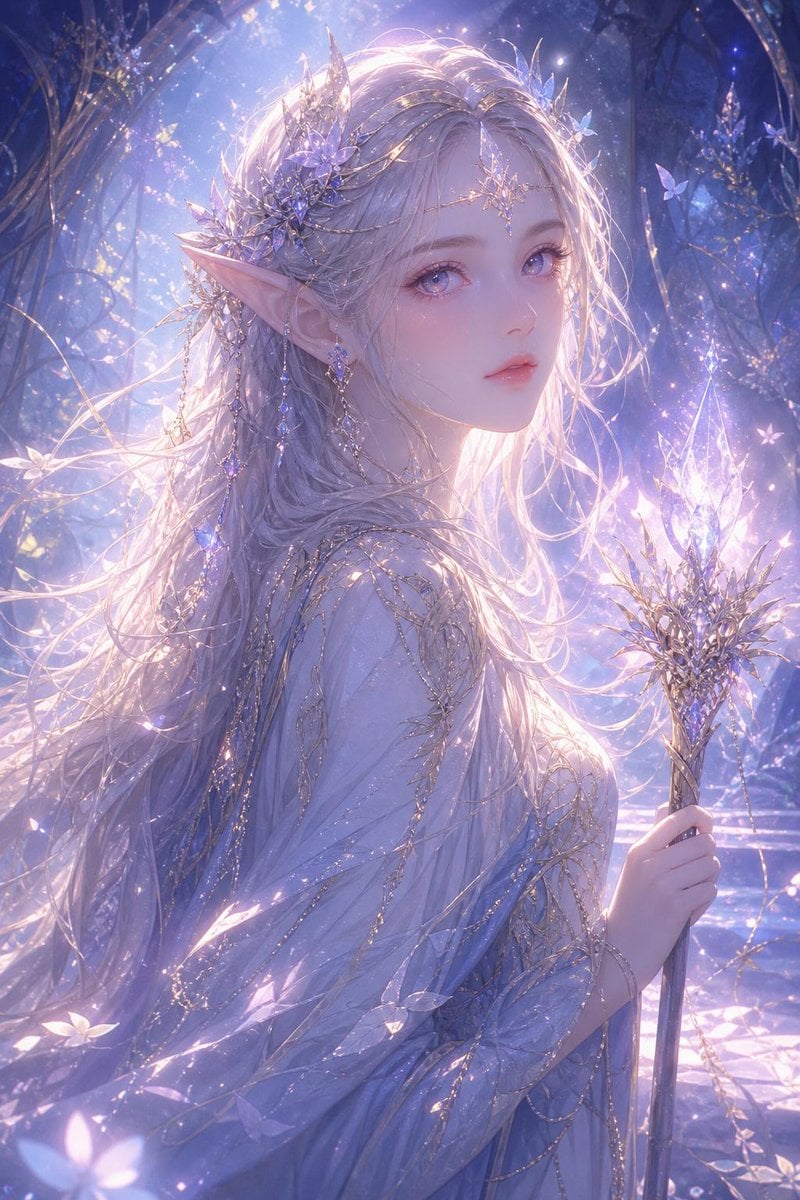
Mystical Glowing Elf Portrait
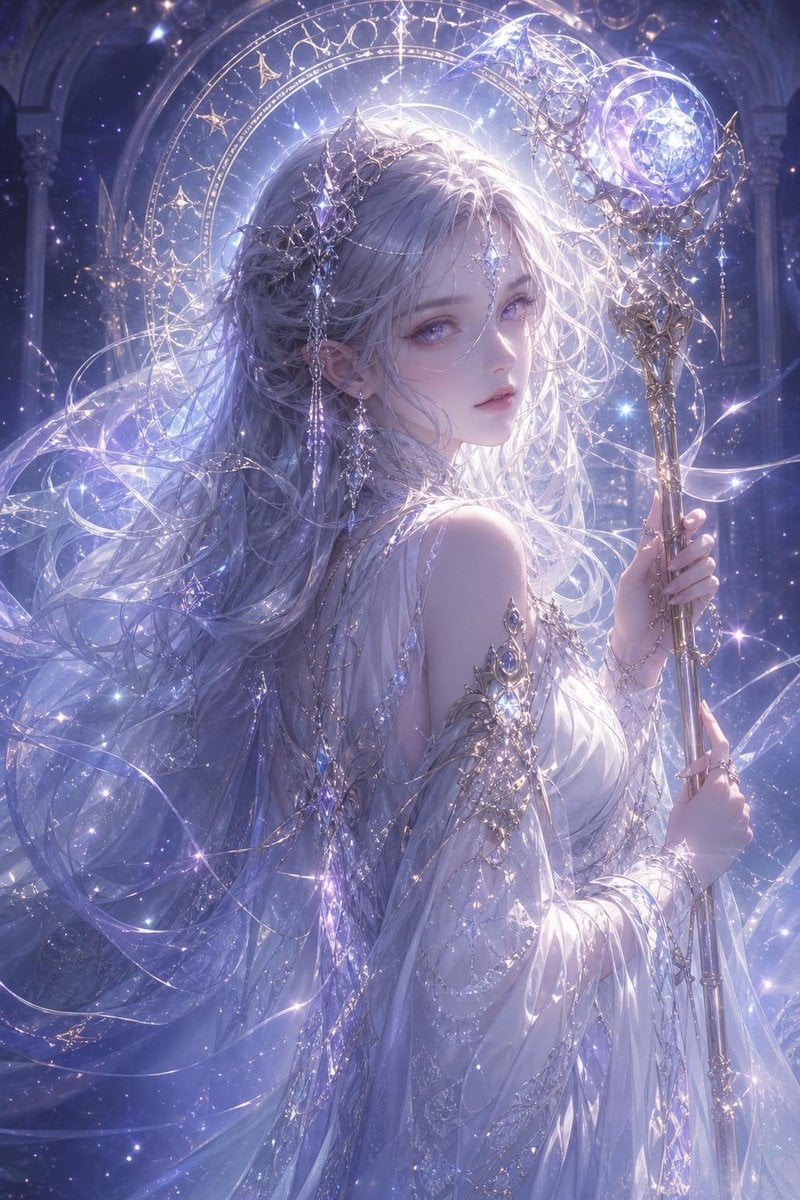
Mystical Silver-Haired Fantasy Woman
Make it yours
Mystical Luminous Outline Style works as-is. These are the safest ways to change it without losing the look.
Change one field
Copy a single group, rewrite it, and generate again so you can see what that field is doing.
Keep the frame, change the subject
Hold the composition and light of Mystical Luminous Outline Style, then swap wardrobe, props or the person for a new take.
| If the result… | Why | Fix |
|---|---|---|
| The result drifts from the preview | Too many fields changed at once. | Reuse Mystical Luminous Outline Style as-is first, then change one group — subject, light, or setting. |
| The model over-stylizes the scene | The prose prompt leaves finish and camera underspecified. | Add one camera or lighting sentence and stay on GPT Image 2. |
More GPT Image 2 templates
Other prompts made for GPT Image 2.

Realistic Portrait of Woman and Deer

The Vista Modular Condo Poster

AI Model Routing Comparison Infographic

2.5D Anime Art Board

Isometric Productivity Desk Scene

New York Double Exposure Poster

Four-Panel AI Landscape Comparison

Japanese Tatami Lifestyle Magazine Cover

NESCAFÉ Coffee Map Poster

Brutalist Cogito Chinese Typography Poster
More image prompts
Fresh picks from across the catalog.
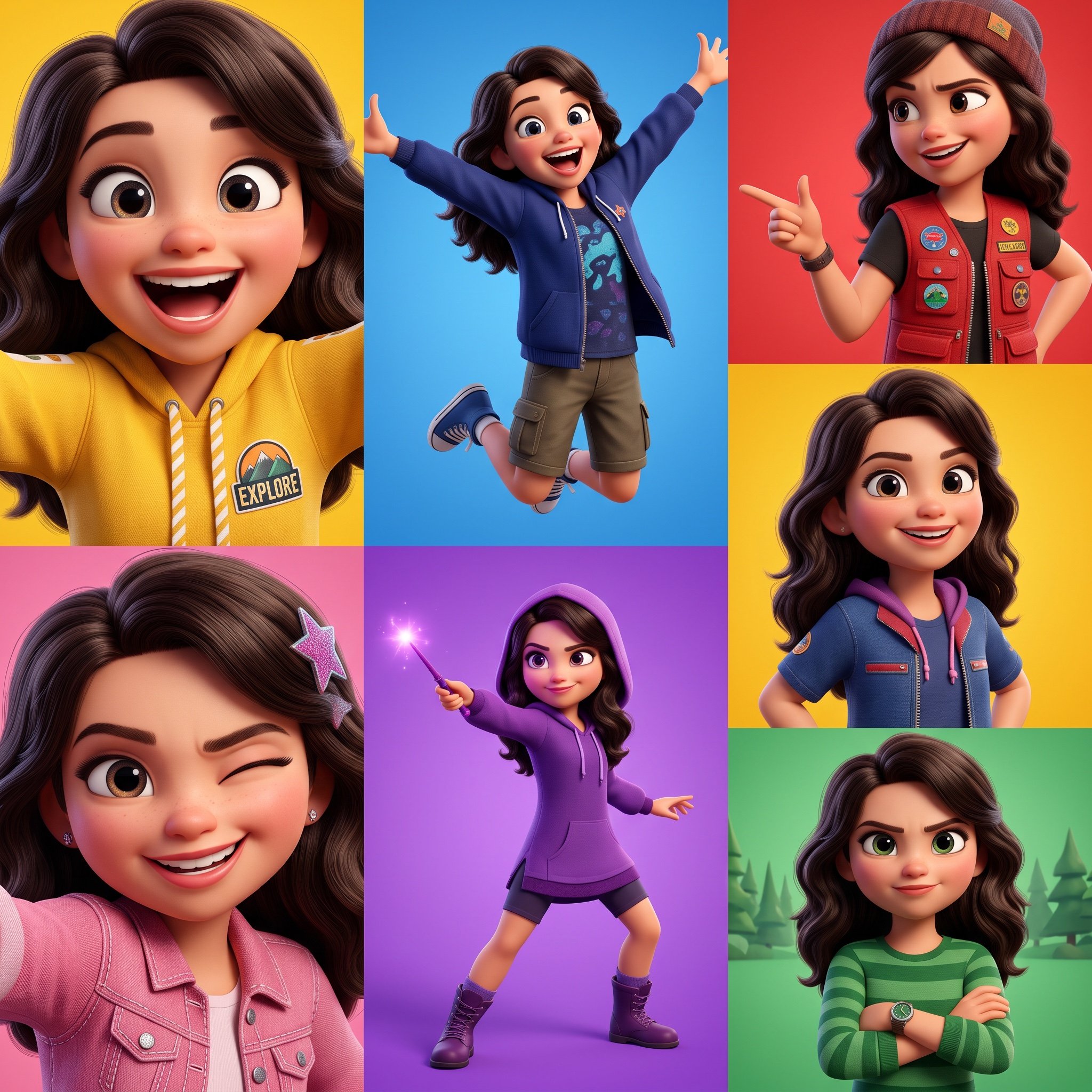
3D Pixar-Style Animated Character Grid Prompt
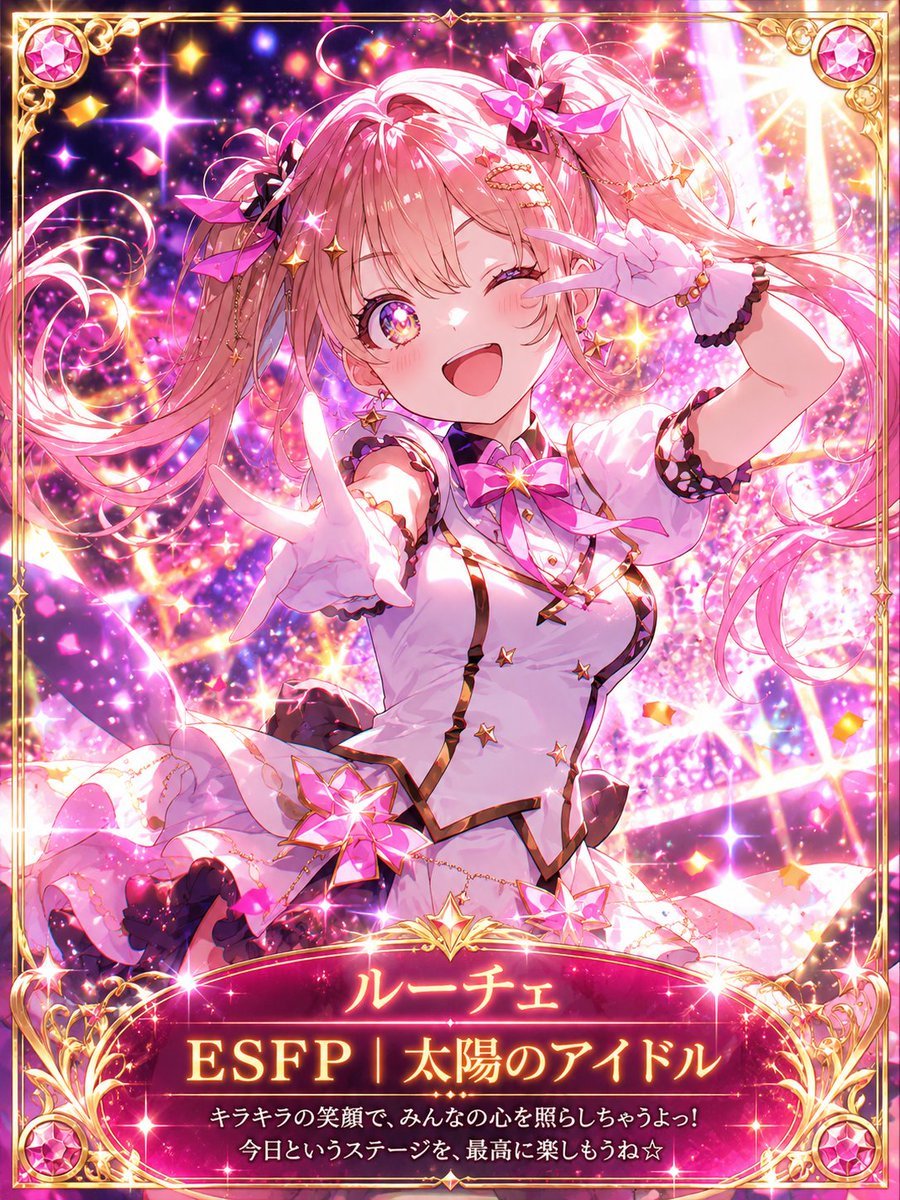
MBTI Fantasy Card: ESFP Entertainer
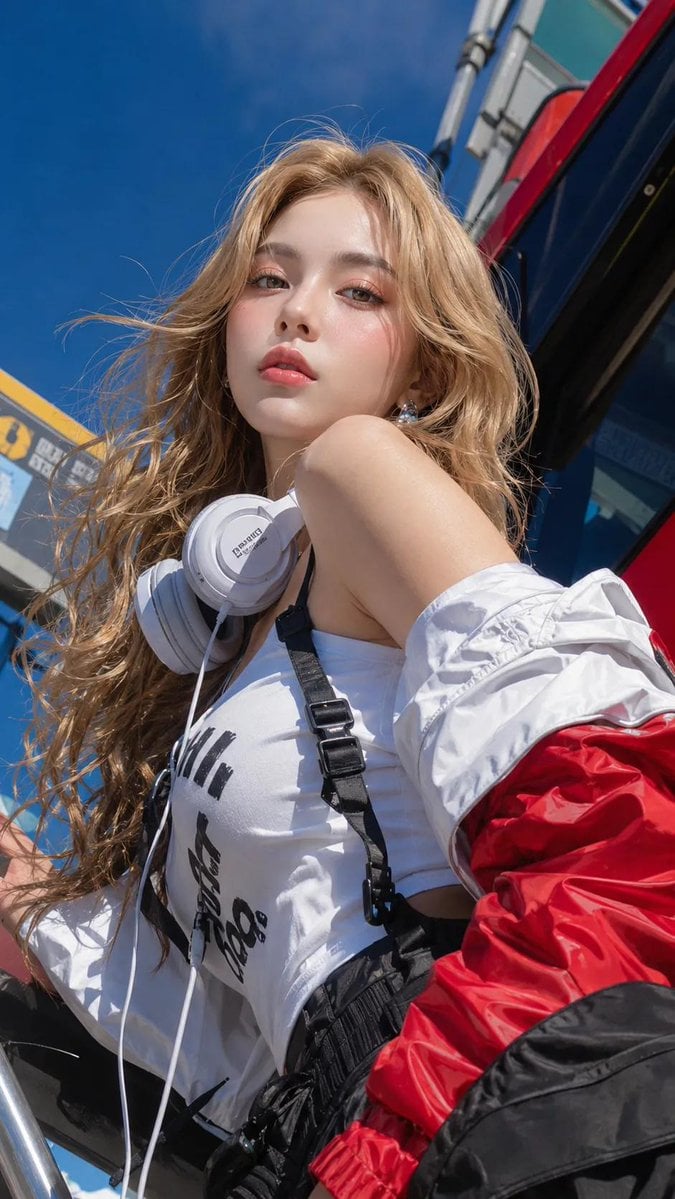
Absolute Face Preservation Urban Streetwear
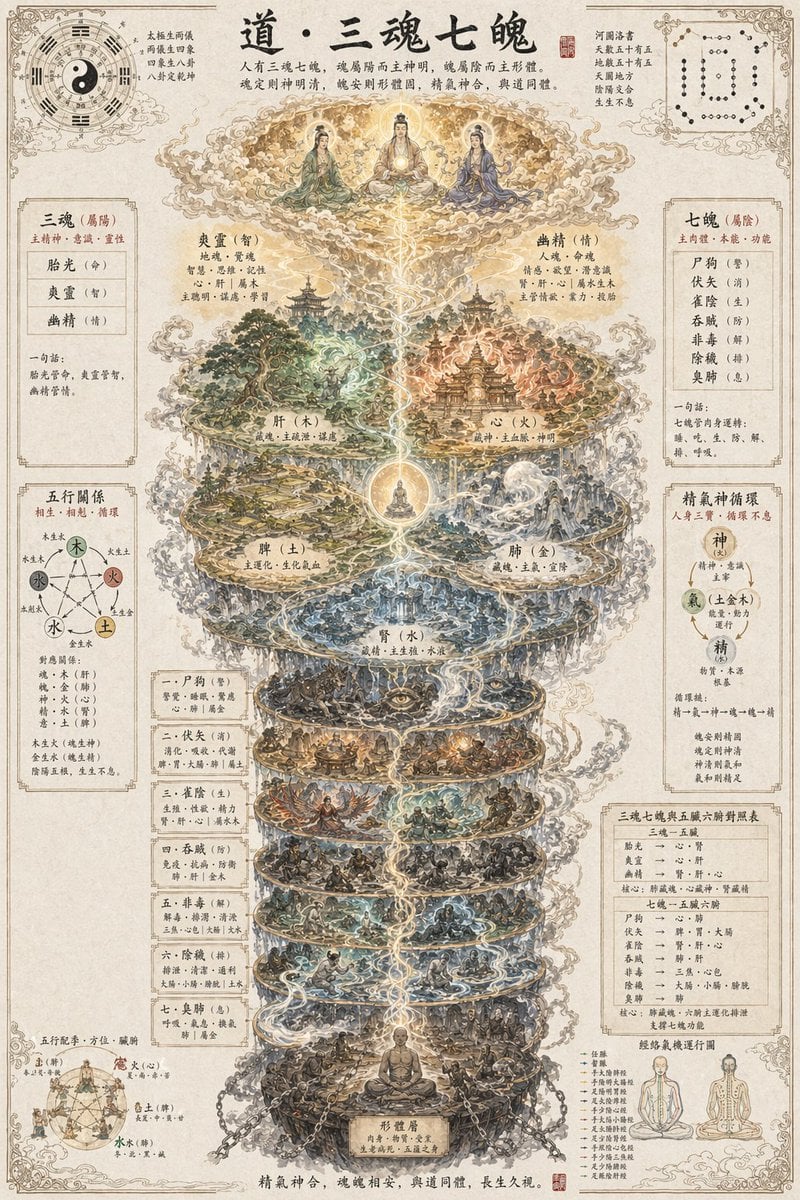
Taoist Three Souls Seven Po Poster
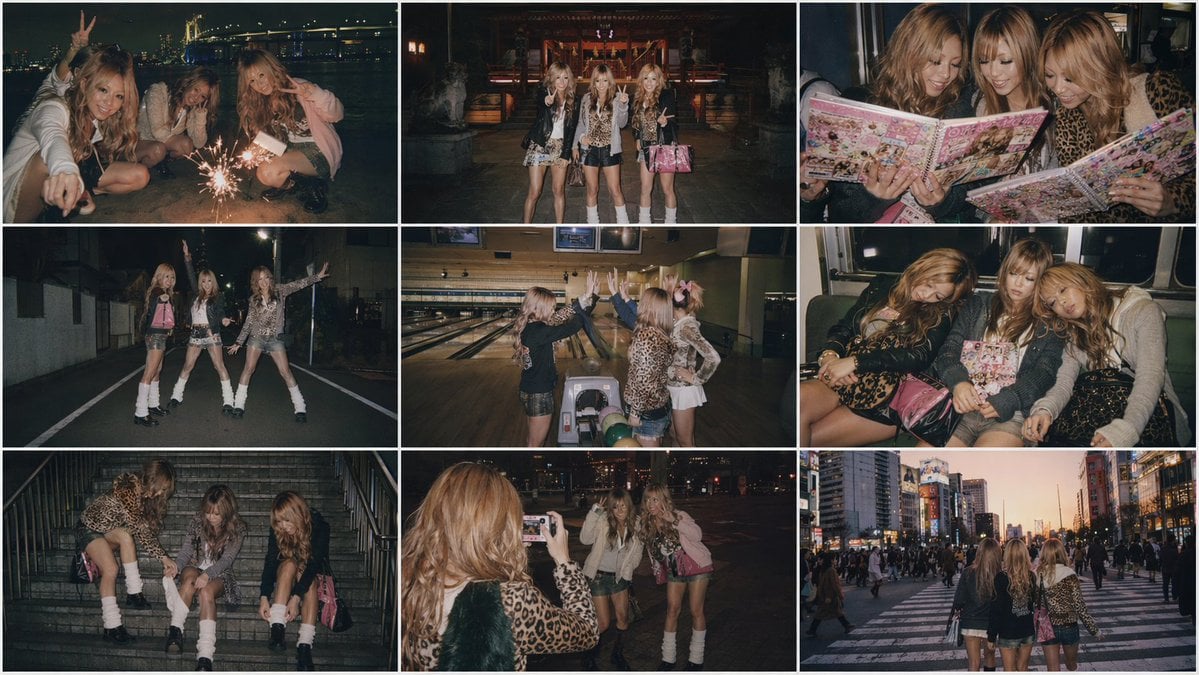
Nostalgic Japanese Gal Grid Images
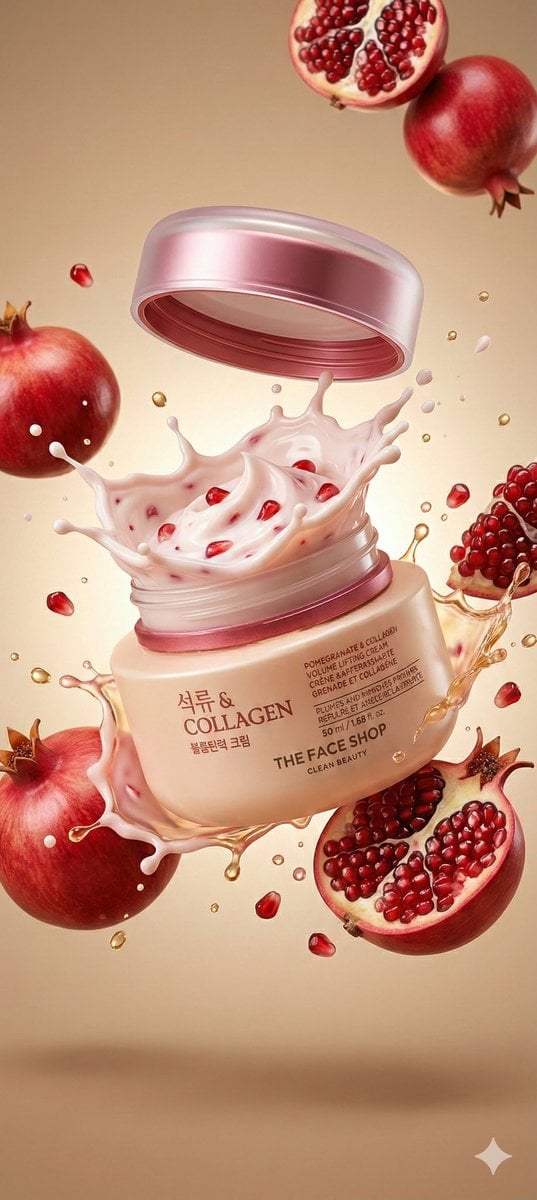
Cosmetic Jar Explosion Product Photography Prompt
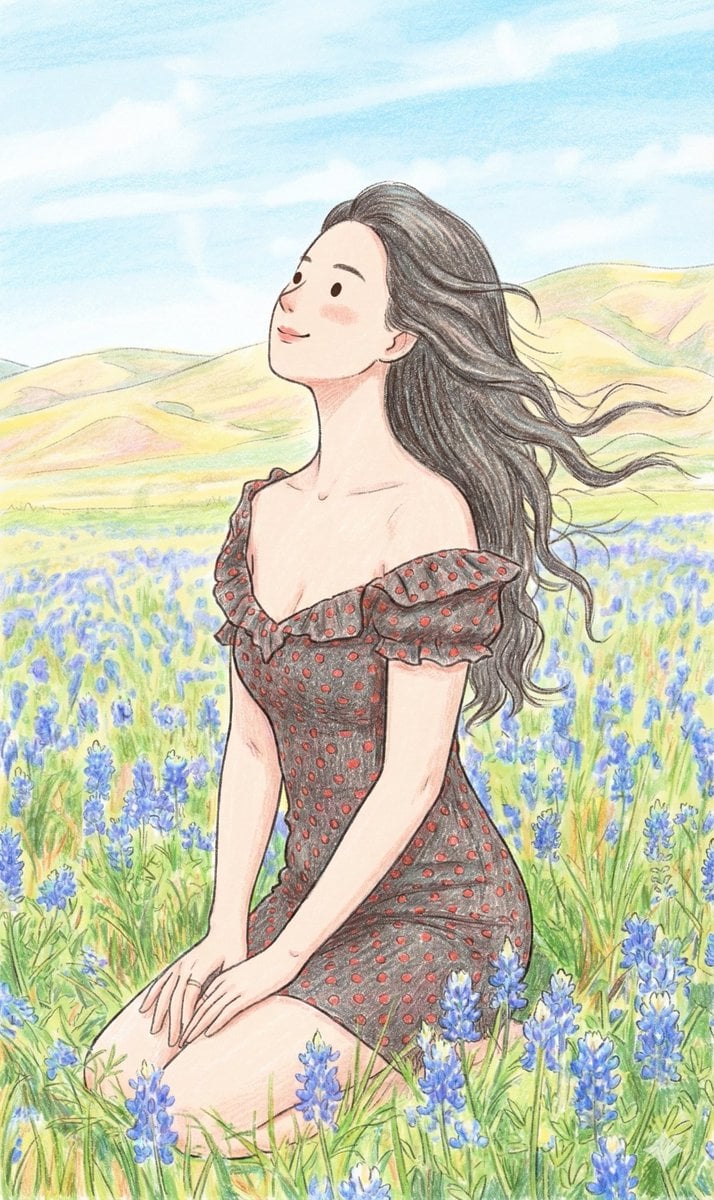
Nano Banana Prompt: Cozy Storybook Illustration Style
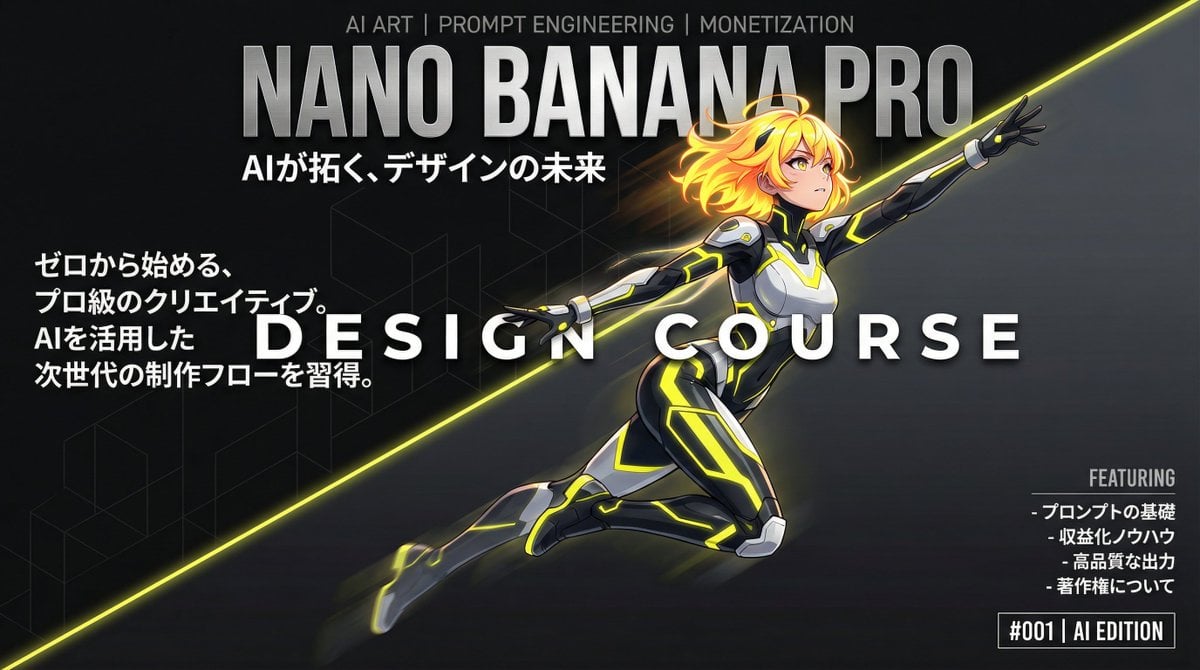
Dynamic Split Magazine Cover Thumbnail Prompt
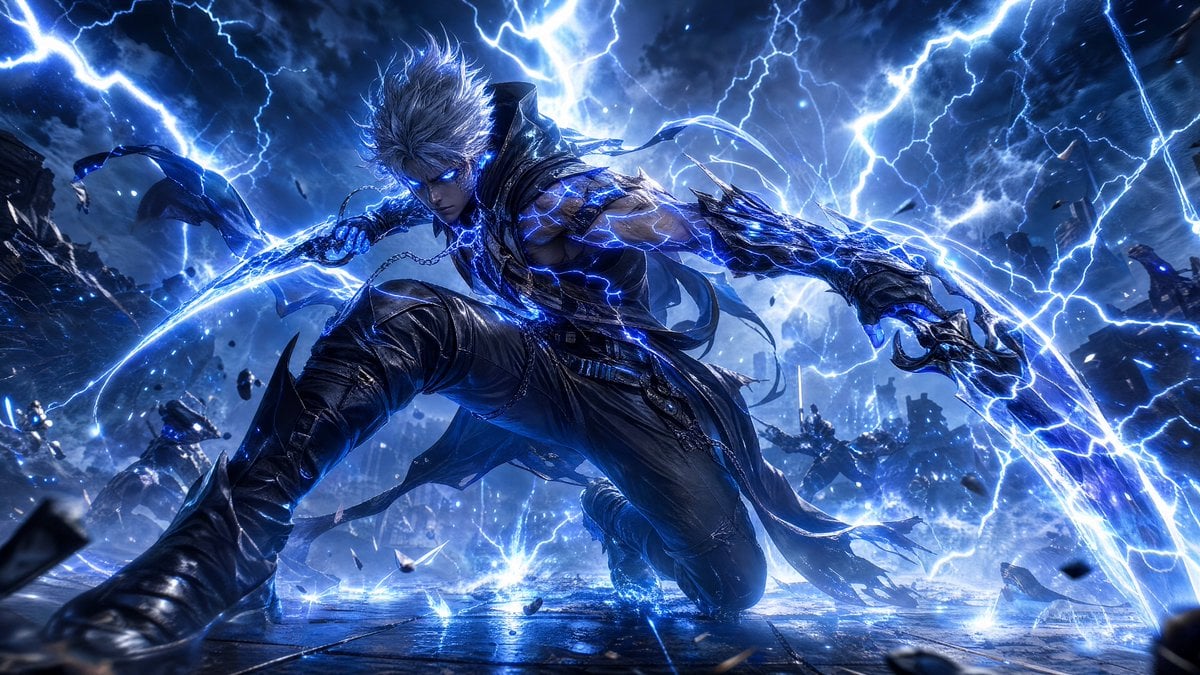
Storm-Born Lightning Rogue Character

Cyberpunk AI Entrepreneur Portrait
Browse template categories
Mystical Luminous Outline Style questions
How do I use the Mystical Luminous Outline Style template?
Add your photo if the template asks for one, edit the prompt if you like — the template's model and format are already selected — and press Generate. Your version opens in PicX Studio.
Can I customize the Mystical Luminous Outline Style template?
Yes. You can change the subject, setting, lighting, mood, format, and available model controls before creating your image.
Is the Mystical Luminous Outline Style template free?
Opening and editing this template is free. Generating uses credits, shown on the Generate button when you are signed in.
Which AI model should I use?
Start with GPT Image 2, which is the model associated with this template. You can compare another compatible model for a different finish.
Looking for something else? Browse all templates.

Your photo, any look
Thousands of ready templates for every top image and video model, from one credit balance.