
Luminous Fauré Requiem Poster
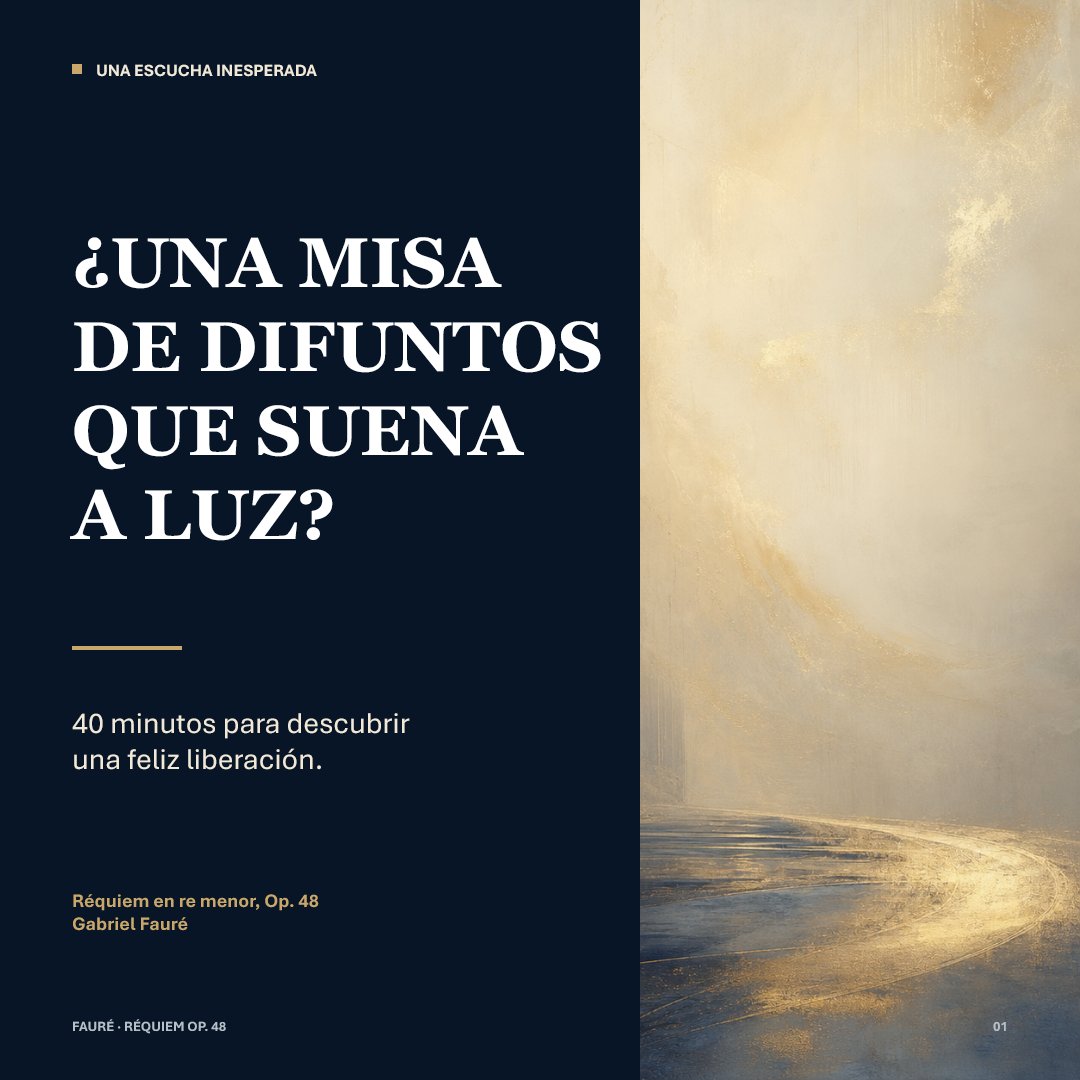
A square editorial social post design for presenting Fauré’s Requiem as a serene, light-filled musical discovery.
- Prompt included
- Model and format preset
- Premium template
The prompt behind this image
Copy the exact prompt behind Luminous Fauré Requiem Poster, or open it in the studio and make it yours.
Goal: Create a refined square social-media editorial poster about {argument name="musical work" default="Requiem in D minor, Op. 48"} by {argument name="composer" default="Gabriel Fauré"}, presenting a calm, luminous interpretation of a requiem rather than a dark one. Canvas: 1:1 square format, 768 x 768 px. Divide the composition vertically into 2 panels: a dark navy text panel on the left occupying about 59% of the width, and an atmospheric abstract painting panel on the right occupying about 41%. Layout: Left panel uses generous margins and elegant editorial spacing. Top-left has 1 small gold square bullet followed by a small uppercase section label. The main headline sits in the upper-middle, large and dominant, broken into 4 stacked lines. Below it is 1 short horizontal gold divider line. Under the divider is a 2-line subtitle. Near the lower-left is a small gold work/composer credit in 2 lines. At the very bottom-left is a tiny footer label. Bottom-right of the whole poster has a tiny page number. Text content: Include exactly 7 text elements: 1) top label: “UNA ESCUCHA INESPERADA”; 2) main headline in Spanish, all caps with inverted question mark: “¿UNA MISA / DE DIFUNTOS / QUE SUENA / A LUZ?”; 3) subtitle: “40 minutos para descubrir / una feliz liberación.”; 4) credit line: “Réquiem en re menor, Op. 48”; 5) composer line: “Gabriel Fauré”; 6) footer: “FAURÉ · RÉQUIEM OP. 48”; 7) page number: “01”. Allow the headline to be customized as {argument name="headline text" default="¿UNA MISA DE DIFUNTOS QUE SUENA A LUZ?"} and the subtitle as {argument name="subtitle text" default="40 minutos para descubrir una feliz liberación."} while preserving the same line-break rhythm. Typography: Main headline in a bold high-contrast classical serif, white, all caps, with dramatic thick-thin strokes. Supporting text in a clean modern sans serif, mostly white; the work/composer credit is muted gold. Use strong typographic hierarchy and precise alignment. Visual style: Minimal, museum-quality, literary and sacred-music themed. Left background is deep midnight navy, almost black. Accent color is warm antique gold. Right panel is a soft abstract luminous landscape or chapel-like passage: creamy beige, pale gold, mist, subtle brush texture, a glowing curved path of light near the bottom leading into a bright hazy vertical space. No figures, no instruments, no literal church interior; keep it ethereal and serene. Constraints: Keep exactly the 2-panel composition and exactly the 7 text elements listed. No extra logos, watermarks, icons, or decorative ornaments beyond the single gold square bullet and one gold divider line. Ensure the Spanish headline is crisp and legible.
How to use Luminous Fauré Requiem Poster in 3 steps
- 1Upload ImagePNG, JPG or paste
Add your photo
Upload the photo the template builds on. The prompt, model and format are already set.
- 2…a portrait of your subject in softgolden-hour light, 85mm…
Personalize
Edit the subject and creative details for your destination.
- 3Generate
Generate
Press Generate — your image is created in PicX Studio, so you can compare it with the original and refine one variable at a time.
More like this
Templates with the same subject, style or setup. Open one to see its prompt.

Japan Travel Brochure Poster
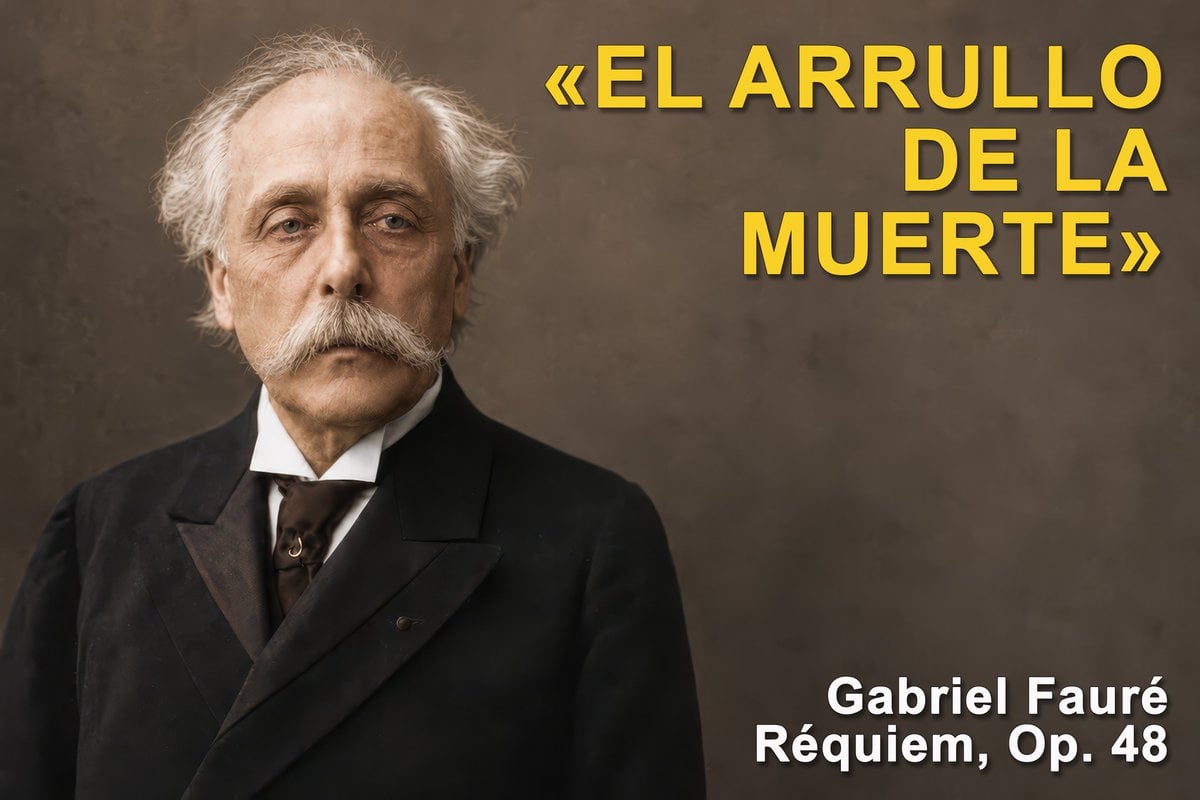
Gabriel Fauré Requiem Essay Thumbnail
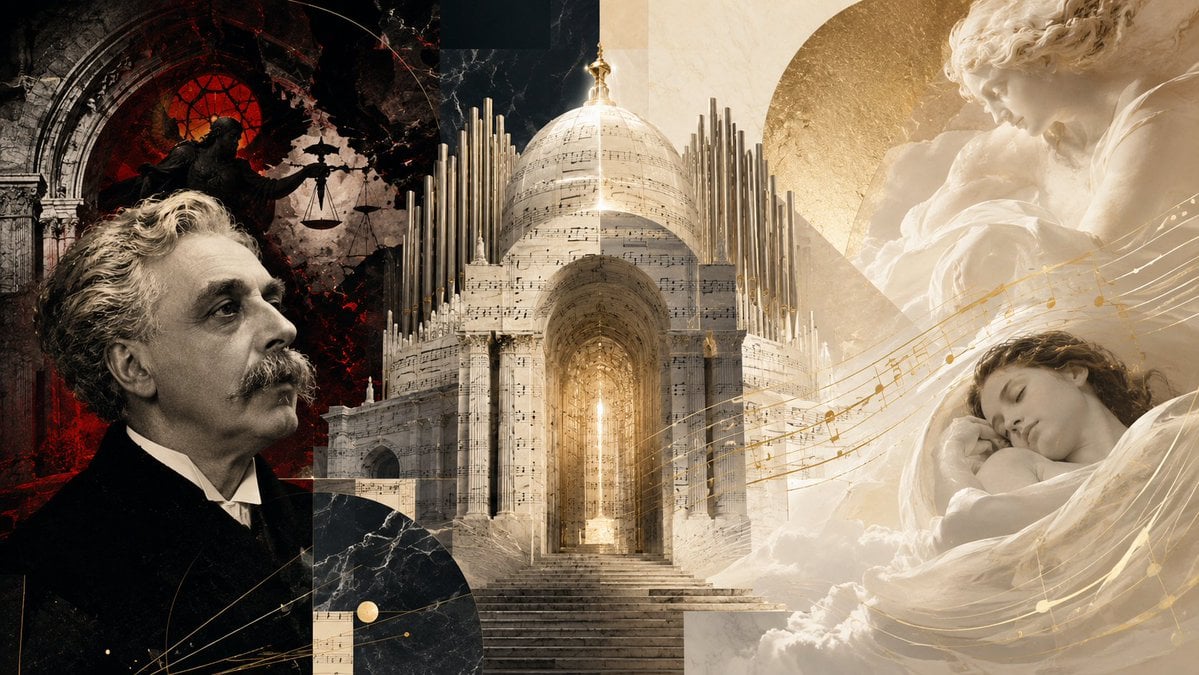
Fauré Requiem Sacred Collage
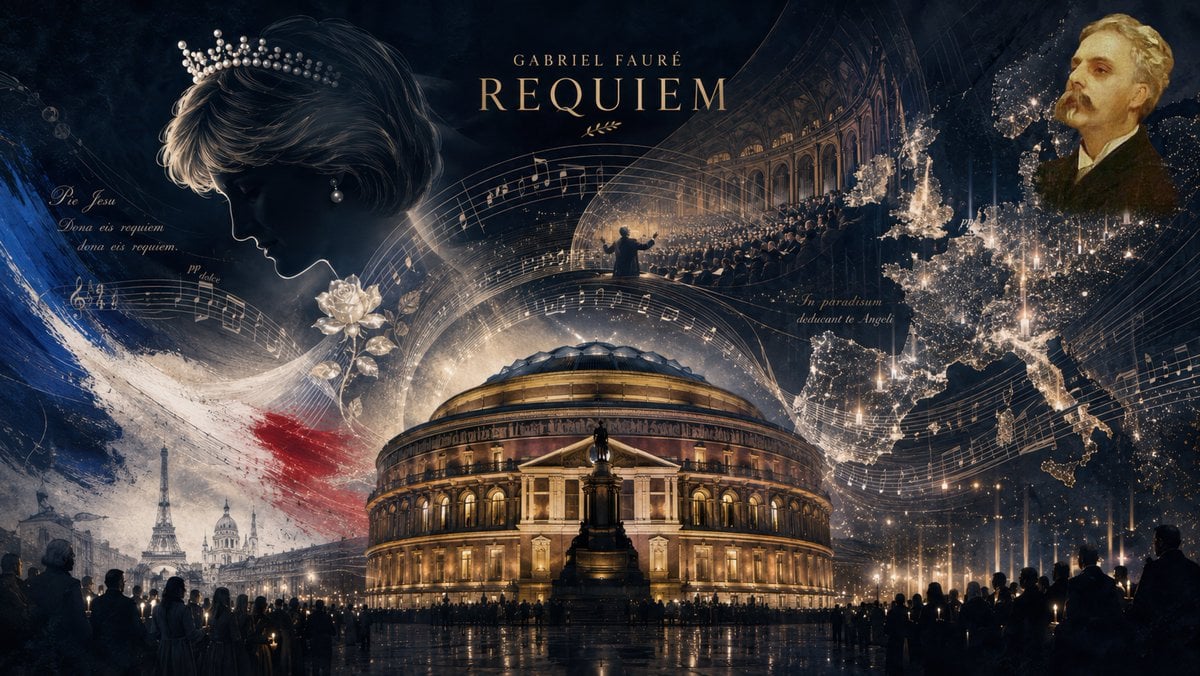
Fauré Requiem Memorial Collage

Cartoon TV Show Poster Pack

Trendy Cafe Drink Promo Poster

Urban Fashion Editorial Collage Streetwear Poster

Premium Fashion Editorial Cover Layout System

Polo Ralph Lauren Luxury American Heritage Fashion Campaign

Monochrome Halftone Editorial Fashion Poster

Retro Mirror Luxury Fashion Campaign Poster

Luxury Fashion Campaign Typography Poster System
Make it yours
Luminous Fauré Requiem Poster works as-is. These are the safest ways to change it without losing the look.
Change one field
Copy a single group, rewrite it, and generate again so you can see what that field is doing.
Keep the frame, change the subject
Hold the composition and light of Luminous Fauré Requiem Poster, then swap wardrobe, props or the person for a new take.
| If the result… | Why | Fix |
|---|---|---|
| The result drifts from the preview | Too many fields changed at once. | Reuse Luminous Fauré Requiem Poster as-is first, then change one group — subject, light, or setting. |
| The model over-stylizes the scene | The prose prompt leaves finish and camera underspecified. | Add one camera or lighting sentence and stay on GPT Image 2. |
More GPT Image 2 templates
Other prompts made for GPT Image 2.

Six VTuber Japanese Logo Sheet

Realistic Portrait of Woman and Deer

The Vista Modular Condo Poster

AI Model Routing Comparison Infographic

2.5D Anime Art Board

Isometric Productivity Desk Scene

New York Double Exposure Poster

Four-Panel AI Landscape Comparison

Japanese Tatami Lifestyle Magazine Cover

NESCAFÉ Coffee Map Poster
More image prompts
Fresh picks from across the catalog.

Home Appliance Commercial Poster
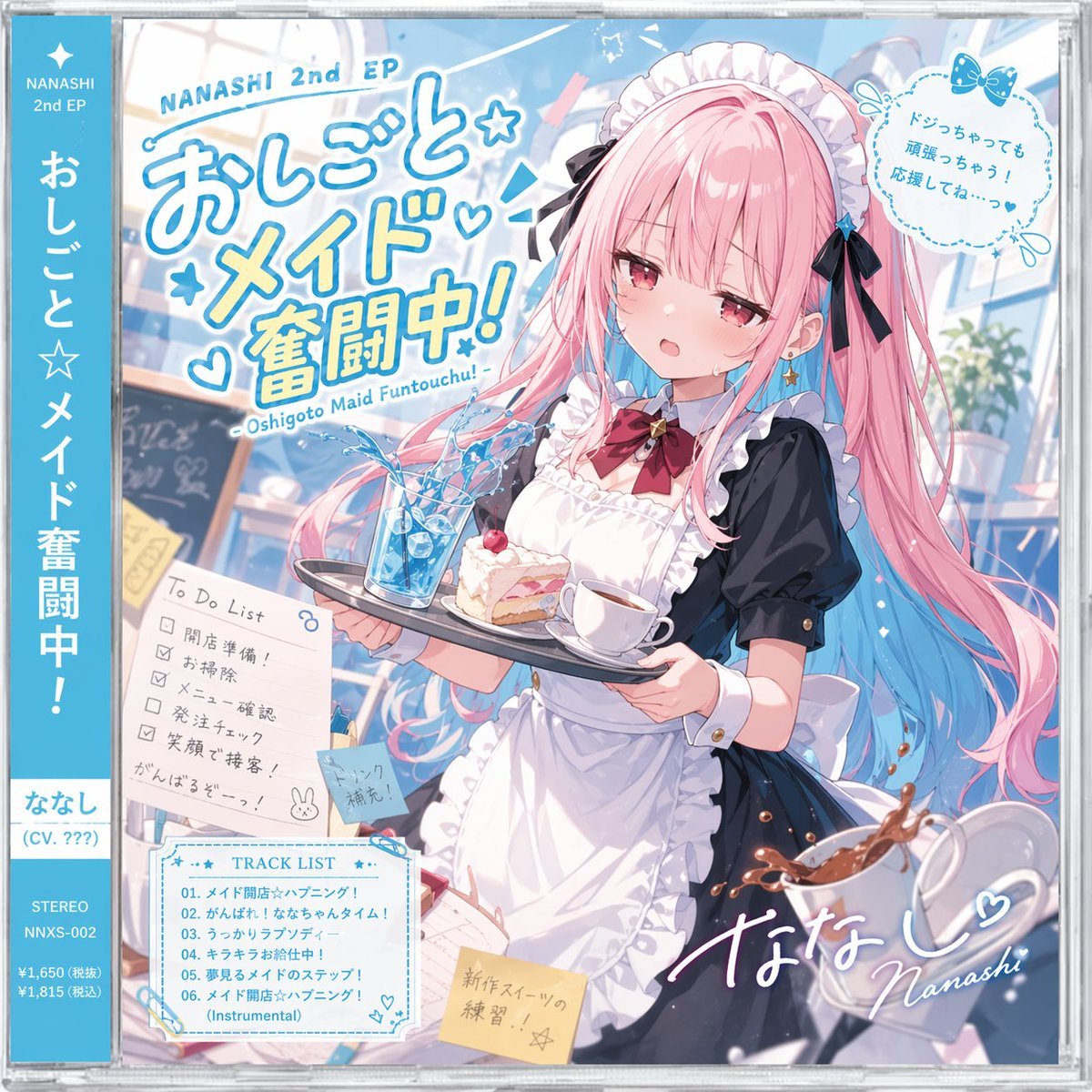
Anime Maid CD Album Cover
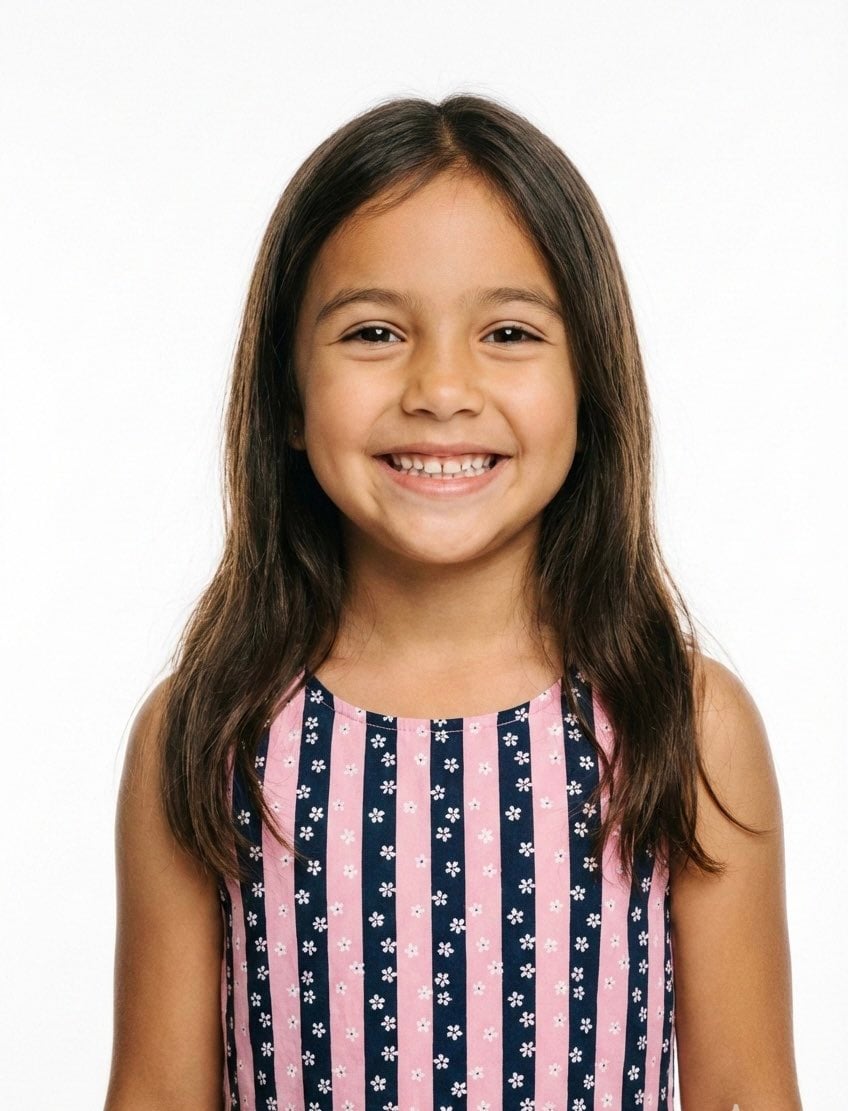
Classical Realism Oil Painting Portrait Prompt
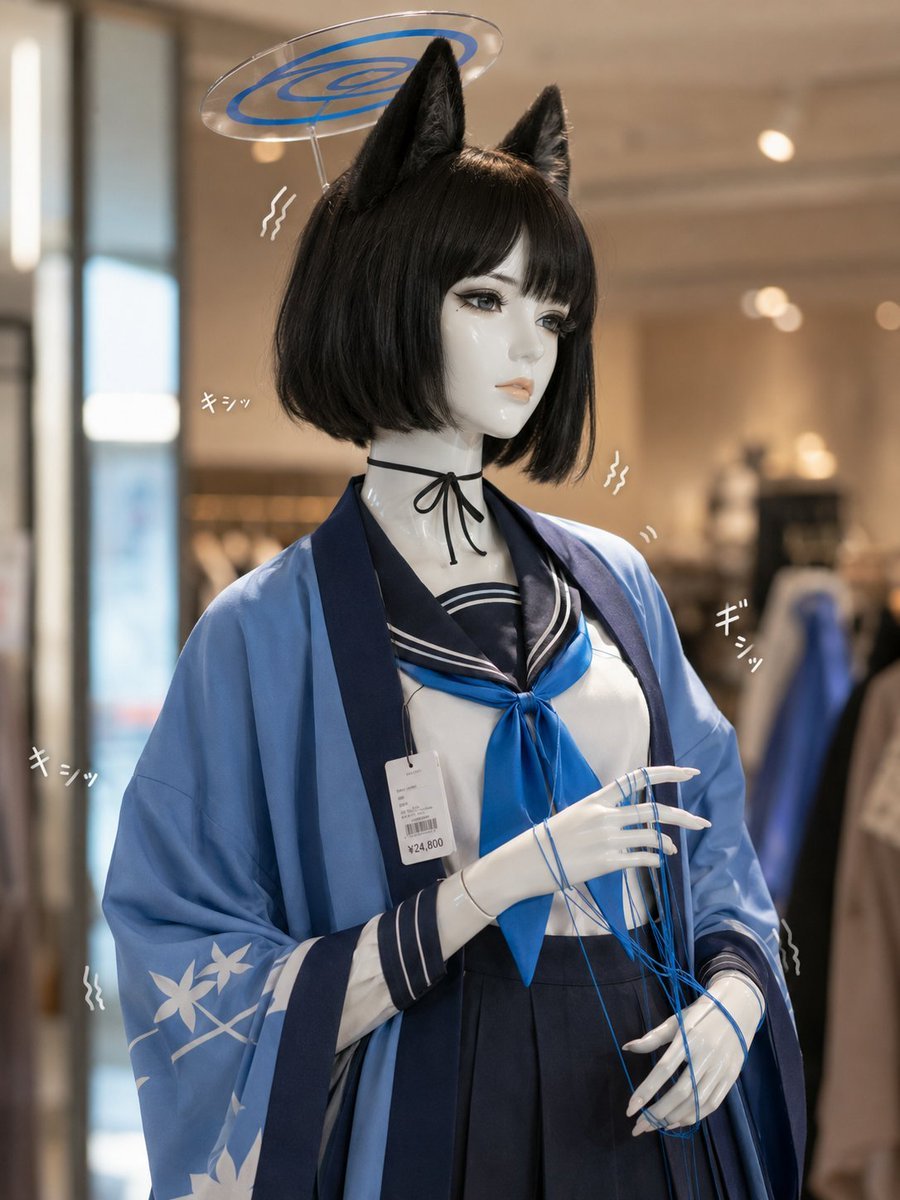
Photoreal Anime Mannequin Display
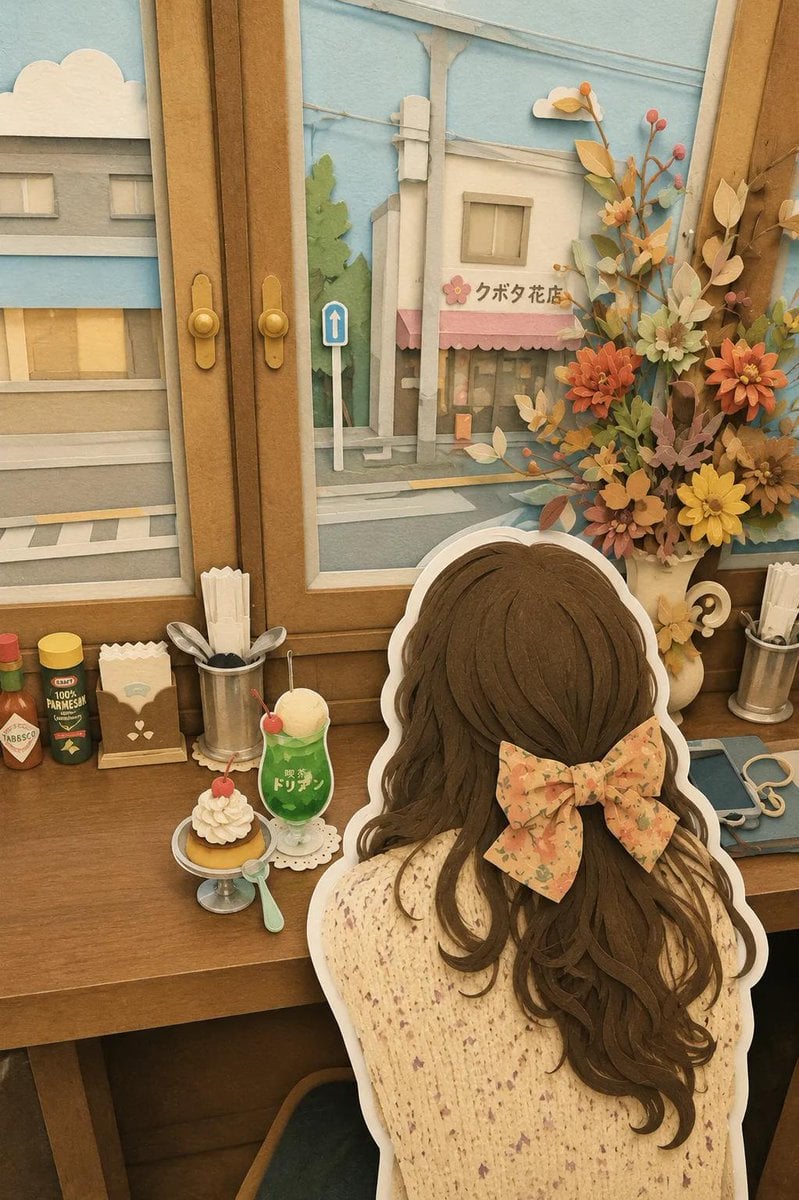
Japanese Paper-Cut Diorama Scene

Monochromatic South Asian Traditional Wear Editorial
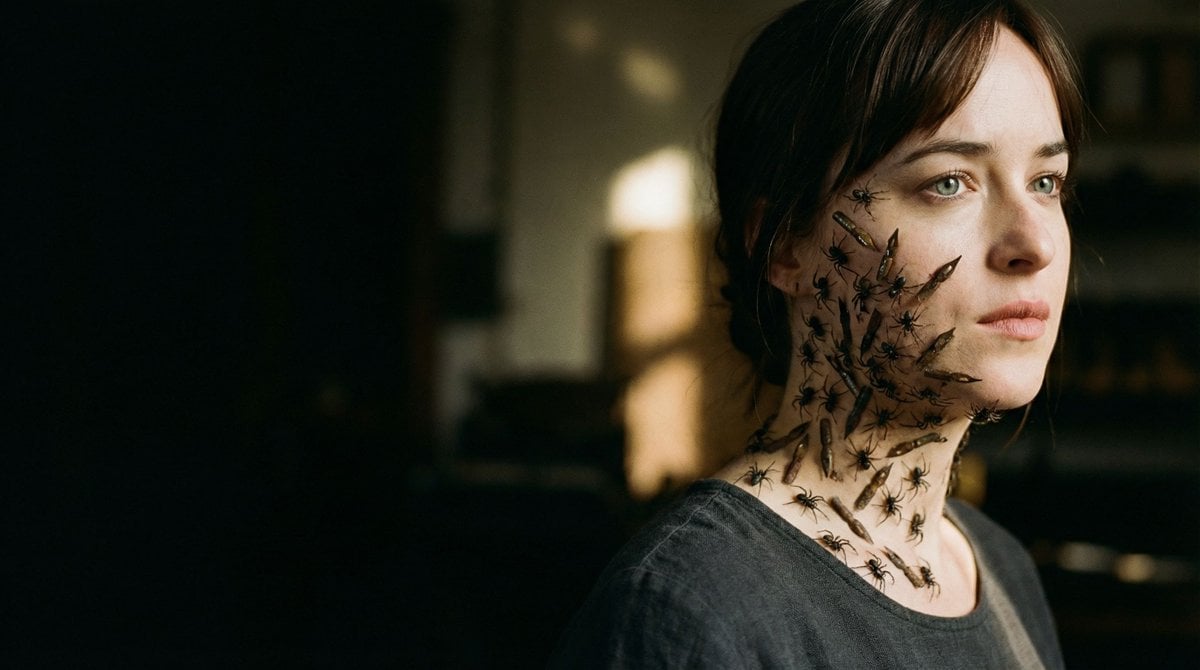
Editorial Surrealist Portrait: The Ink Lament
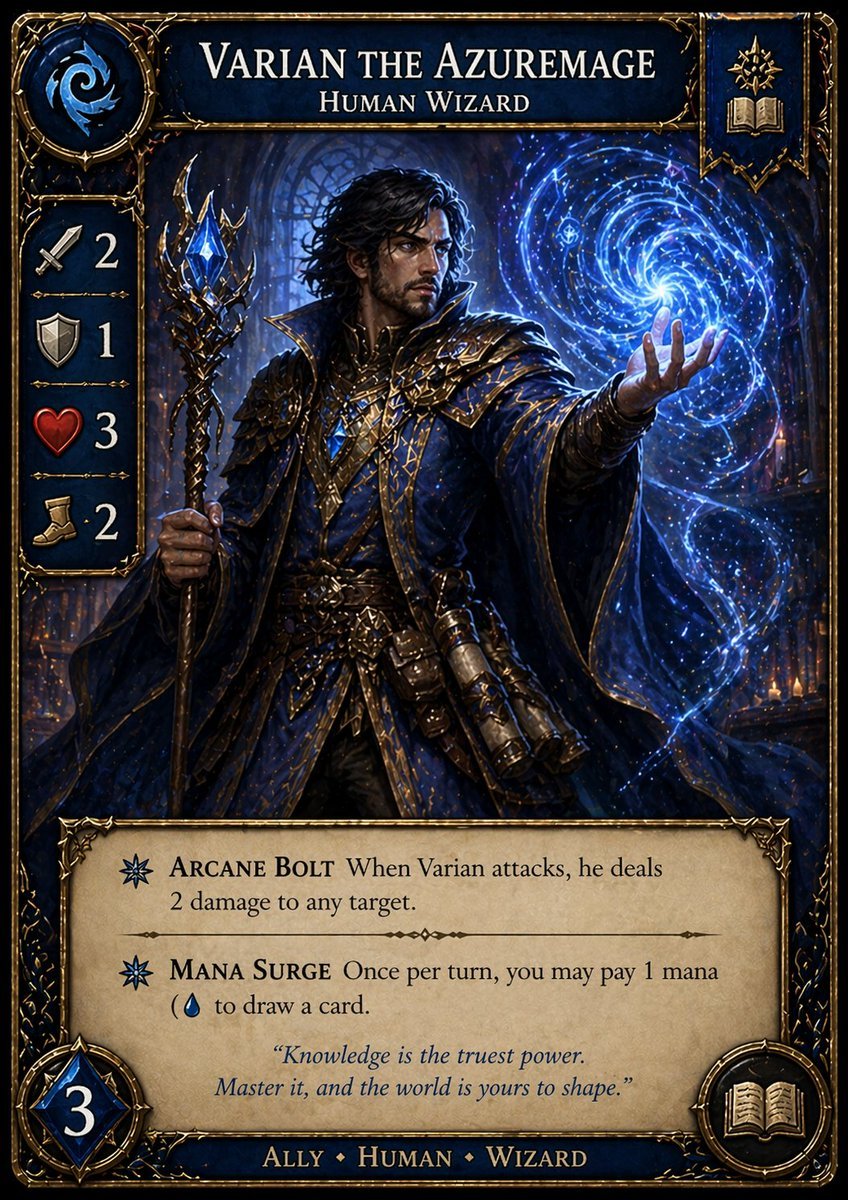
Fantasy Wizard Trading Card

Maximalist Kawaii Angel Sticker Collage

Fantasy RPG Ad Truck in Tokyo District
Browse template categories
Luminous Fauré Requiem Poster questions
How do I use the Luminous Fauré Requiem Poster template?
Add your photo if the template asks for one, edit the prompt if you like — the template's model and format are already selected — and press Generate. Your version opens in PicX Studio.
Can I customize the Luminous Fauré Requiem Poster template?
Yes. You can change the subject, setting, lighting, mood, format, and available model controls before creating your image.
Is the Luminous Fauré Requiem Poster template free?
Opening and editing this template is free. Generating uses credits, shown on the Generate button when you are signed in.
Which AI model should I use?
Start with GPT Image 2, which is the model associated with this template. You can compare another compatible model for a different finish.
Looking for something else? Browse all templates.

Your photo, any look
Thousands of ready templates for every top image and video model, from one credit balance.