
Fauré Requiem Memorial Collage
A cinematic poster prompt for creating a solemn European memorial concert collage centered on Gabriel Fauré’s Requiem.
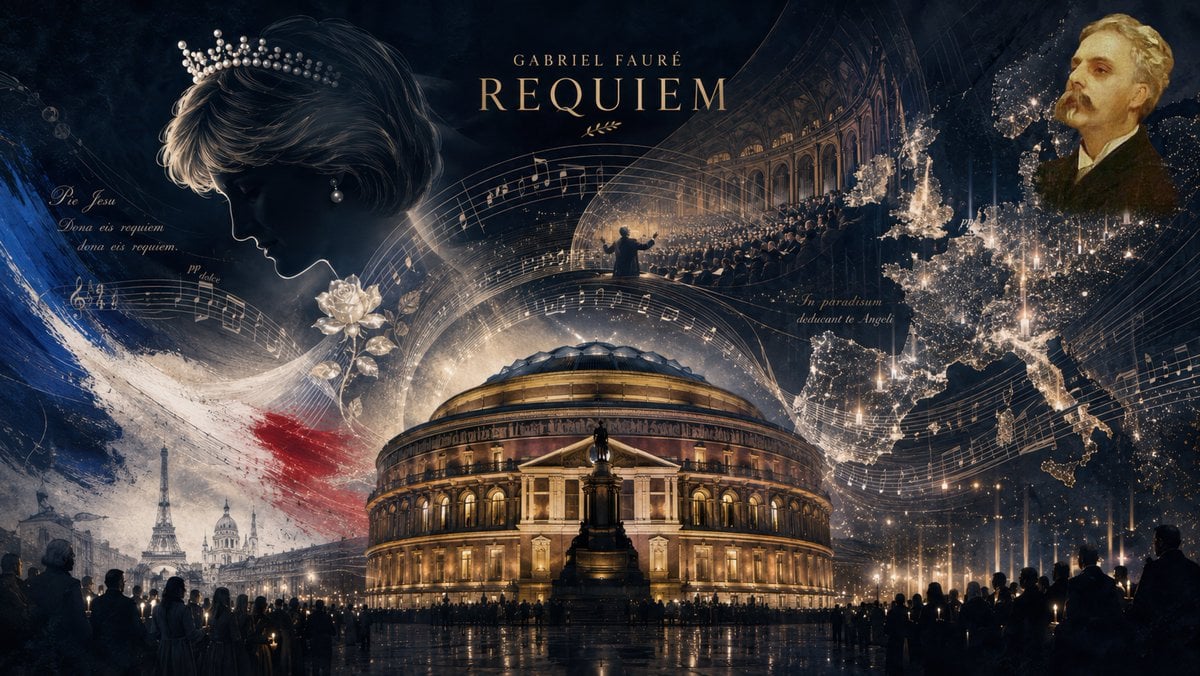
- Prompt included
- Model and format preset
- Premium template
The prompt behind this image
Copy the exact prompt behind Fauré Requiem Memorial Collage, or open it in the studio and make it yours.
Goal: Create a dramatic widescreen cinematic historical-music collage poster about {argument name="composer and work title" default="Gabriel Fauré Requiem"}, evoking mourning, royal tragedy, European remembrance, and sacred choral music. Canvas: 16:9 horizontal poster, dark navy and black background with warm gold highlights, high-detail digital matte painting, layered double-exposure composition, luminous particles, rain-wet reflections, orchestral grandeur, no modern UI or borders. Layout: Center the Royal Albert Hall at night as the main architectural subject, glowing amber from within, with a wet reflective plaza and a silhouetted crowd holding candle-like lights along the bottom edge. Above the hall, place the title text in elegant serif gold lettering: small spaced text “GABRIEL FAURÉ” and large text “REQUIEM”, with a small decorative laurel flourish beneath. Use sweeping curved musical staves and handwritten score notation to arc across the entire image from left to right, visually wrapping around the hall. Discrete key elements to include, exactly 8 major visual motifs: 1) a large mourning profile of {argument name="royal figure" default="Princess Diana"} on the upper left, head bowed, wearing a pearl tiara and pearl earring, rendered in cool moonlit tones; 2) a single white rose near the left-center foreground; 3) a tricolor French flag brushstroke in blue, white, and red sweeping diagonally behind the rose and above the Paris skyline; 4) a small Paris scene in the lower left with the Eiffel Tower and Sacré-Cœur visible through mist; 5) the illuminated Royal Albert Hall dominating the center foreground; 6) an arched inset view of a conductor and choir performing inside a grand concert hall in the upper center-right; 7) a glowing dotted map of Europe on the right, made of golden city lights and shimmering particles; 8) a formal painted portrait of {argument name="composer portrait" default="Gabriel Fauré"} in the upper right, elderly man with blond-gray hair and mustache in a dark suit. Text and score details: Add small elegant handwritten Latin fragments integrated into the sheet music, including “Pie Jesu”, “Dona eis requiem”, “dona eis requiem.”, “pp dolce”, and near the Europe map “In paradisum deducant te Angeli”. Keep these as subtle decorative calligraphy, not large captions. The main title must remain the most legible text. Visual style: Somber, reverent, epic, museum-quality editorial illustration; deep blue-black palette with gold candlelight, ivory sheet music, silver highlights, and muted French red/blue accents. Use fine engraving-like textures, smoky atmosphere, glittering dust, soft volumetric light, and cinematic contrast. The mood should feel like a European memorial concert on a rainy night. Constraints: Do not add extra titles, logos, watermarks, captions, or unrelated instruments. Keep all figures as silhouettes or painterly portraits except the royal profile and composer portrait. Avoid cartoon style; make it refined, realistic, and emotionally solemn.
How to use Fauré Requiem Memorial Collage in 3 steps
- 1Upload ImagePNG, JPG or paste
Add your photo
Upload the photo the template builds on. The prompt, model and format are already set.
- 2…a portrait of your subject in softgolden-hour light, 85mm…
Personalize
Edit the subject and creative details for your destination.
- 3Generate
Generate
Press Generate — your image is created in PicX Studio, so you can compare it with the original and refine one variable at a time.
More like this
Templates with the same subject, style or setup. Open one to see its prompt.
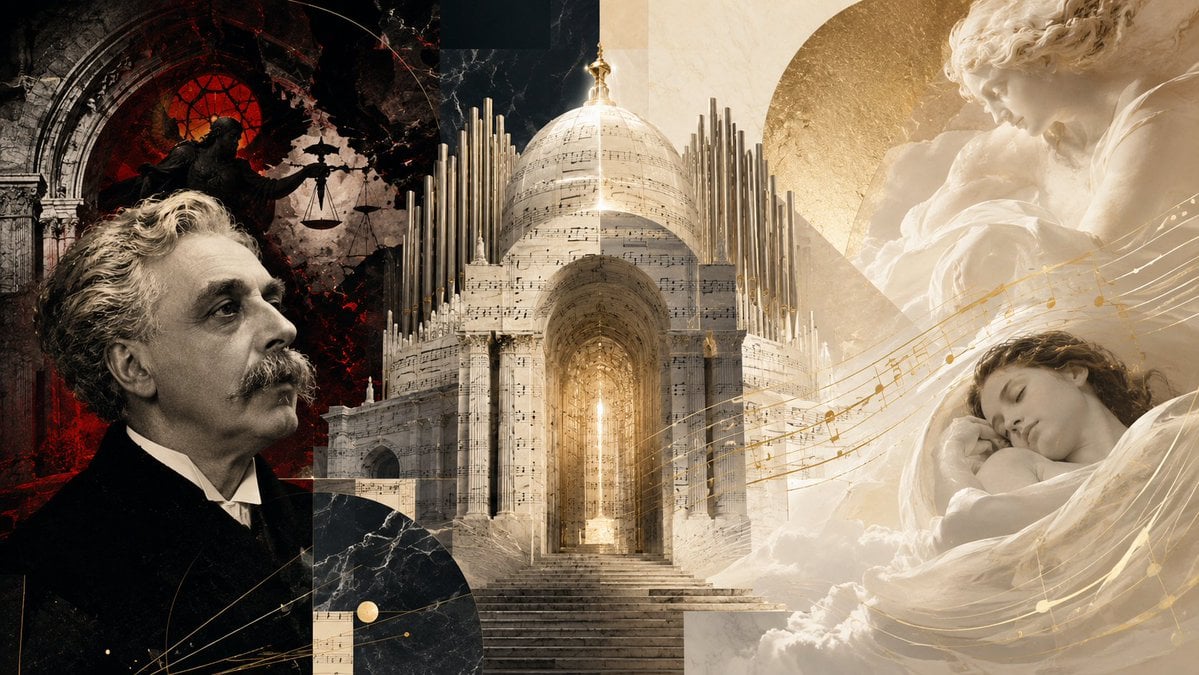
Fauré Requiem Sacred Collage
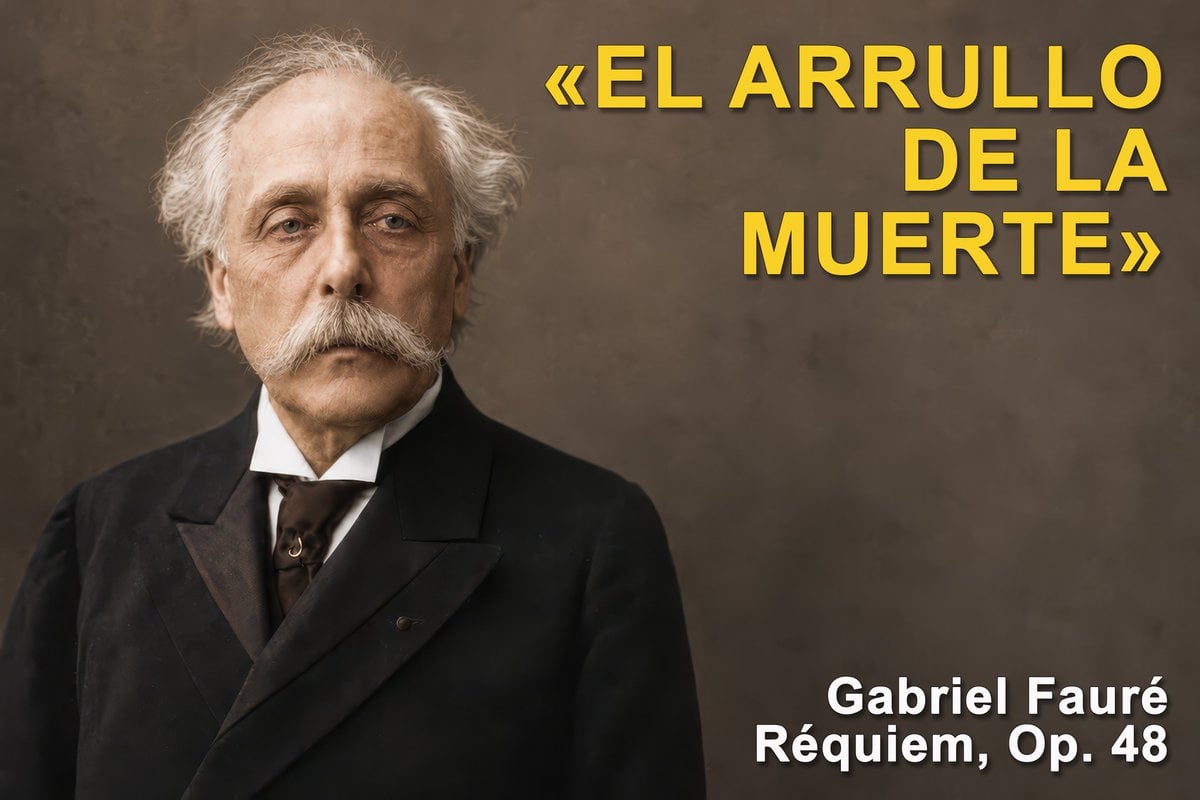
Gabriel Fauré Requiem Essay Thumbnail
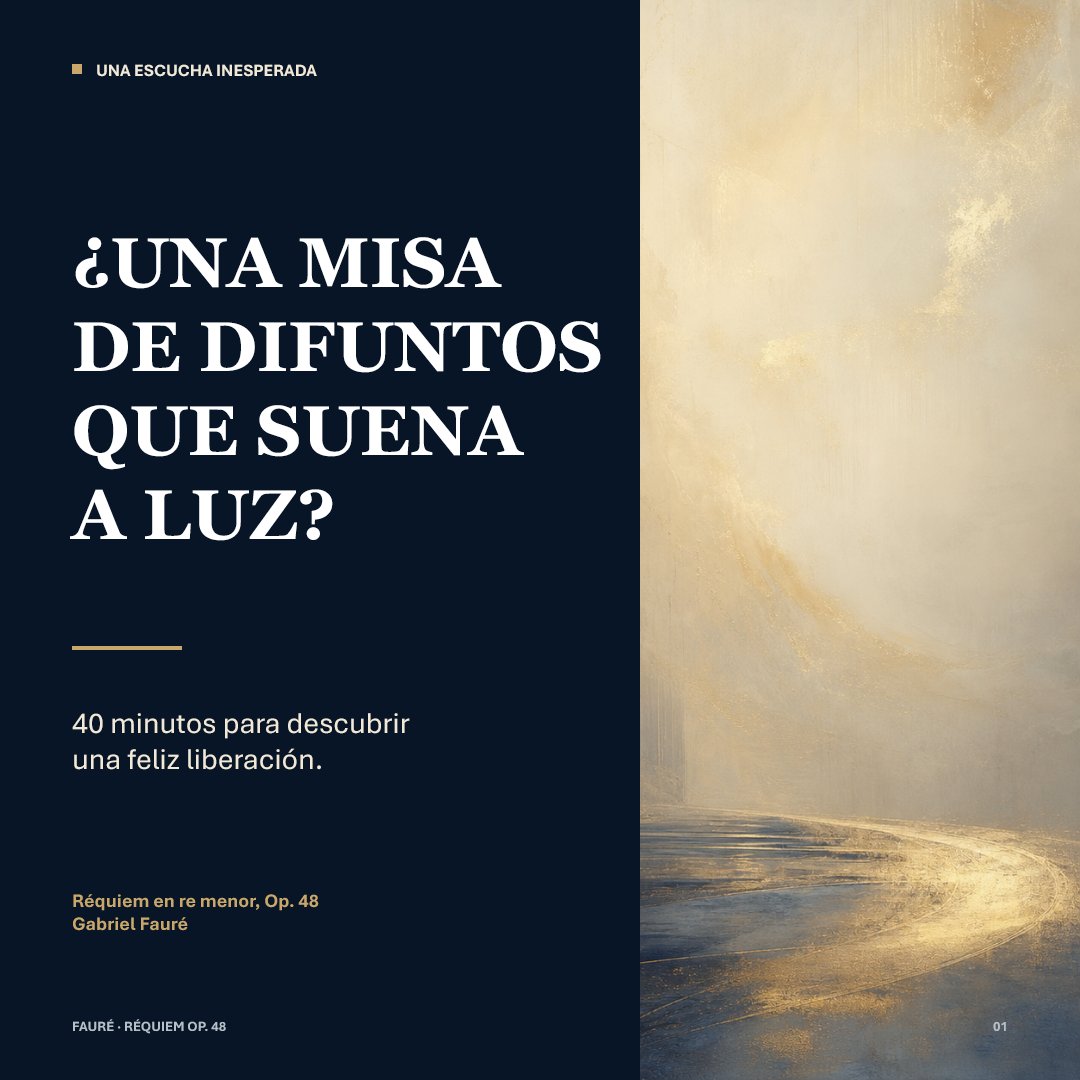
Luminous Fauré Requiem Poster

Paper Cut Finale Fireworks

Paper Cut Garden Maze

Paper Cut Rooftop Concert

Paper Cut Bicycle Coast

Paper Cut Castle Gate

Paper Cut Kitchen Chaos

Paper Cut Carnival Ride

Paper Cut Rainy Bus Stop

Paper Cut Space Dock
Make it yours
Fauré Requiem Memorial Collage works as-is. These are the safest ways to change it without losing the look.
Change one field
Copy a single group, rewrite it, and generate again so you can see what that field is doing.
Keep the frame, change the subject
Hold the composition and light of Fauré Requiem Memorial Collage, then swap wardrobe, props or the person for a new take.
| If the result… | Why | Fix |
|---|---|---|
| The result drifts from the preview | Too many fields changed at once. | Reuse Fauré Requiem Memorial Collage as-is first, then change one group — subject, light, or setting. |
| The model over-stylizes the scene | The prose prompt leaves finish and camera underspecified. | Add one camera or lighting sentence and stay on GPT Image 2. |
More GPT Image 2 templates
Other prompts made for GPT Image 2.

Six VTuber Japanese Logo Sheet

Realistic Portrait of Woman and Deer

The Vista Modular Condo Poster

AI Model Routing Comparison Infographic

2.5D Anime Art Board

Isometric Productivity Desk Scene

New York Double Exposure Poster

Four-Panel AI Landscape Comparison

Japanese Tatami Lifestyle Magazine Cover

NESCAFÉ Coffee Map Poster
More image prompts
Fresh picks from across the catalog.
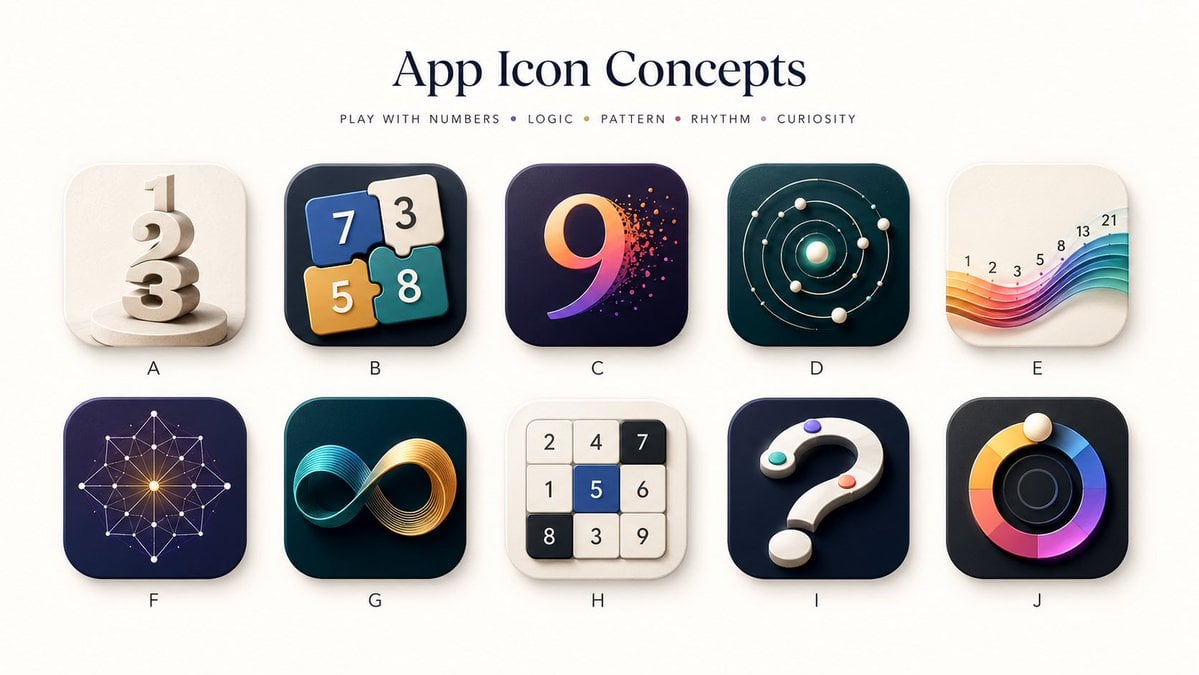
Number Puzzle App Icon Concepts
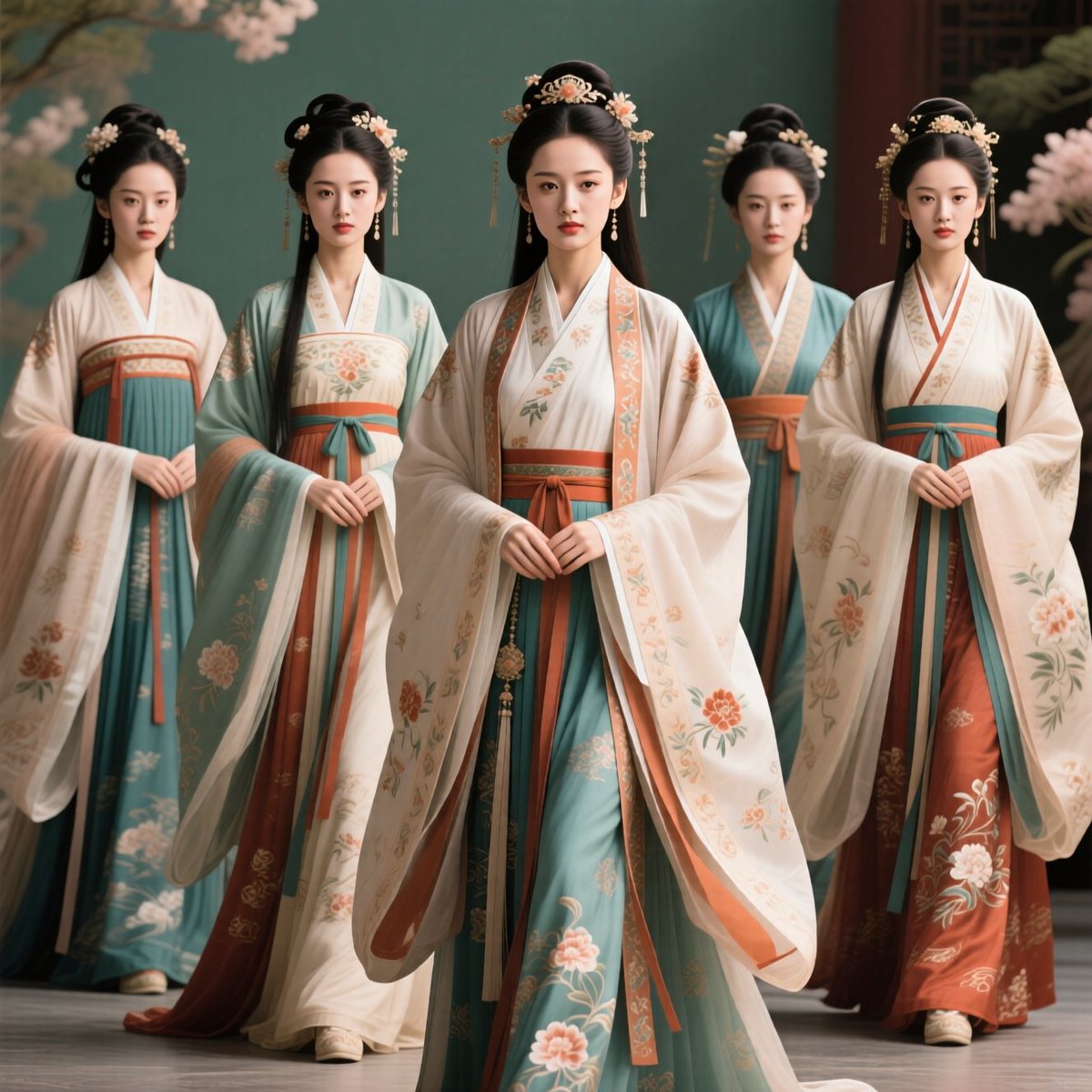
Five Hanfu Noblewomen Portrait

Ultra Realistic Cinematic Winter
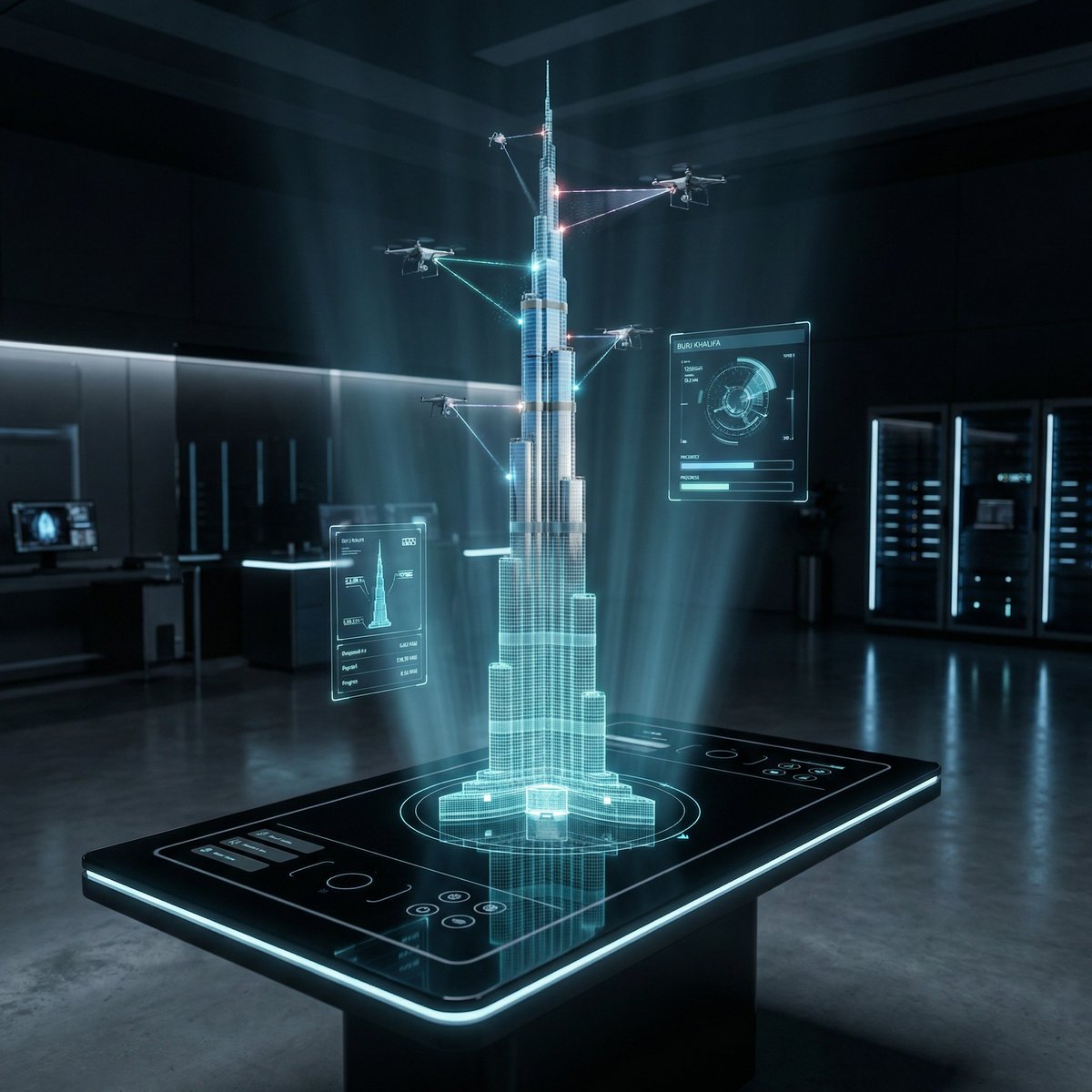
Futuristic Holographic Burj Khalifa Blueprint

Cute Japanese Hamster Infographic

Smartphone Selfie with Flowers

Avant-garde Sports Fashion Advertisement
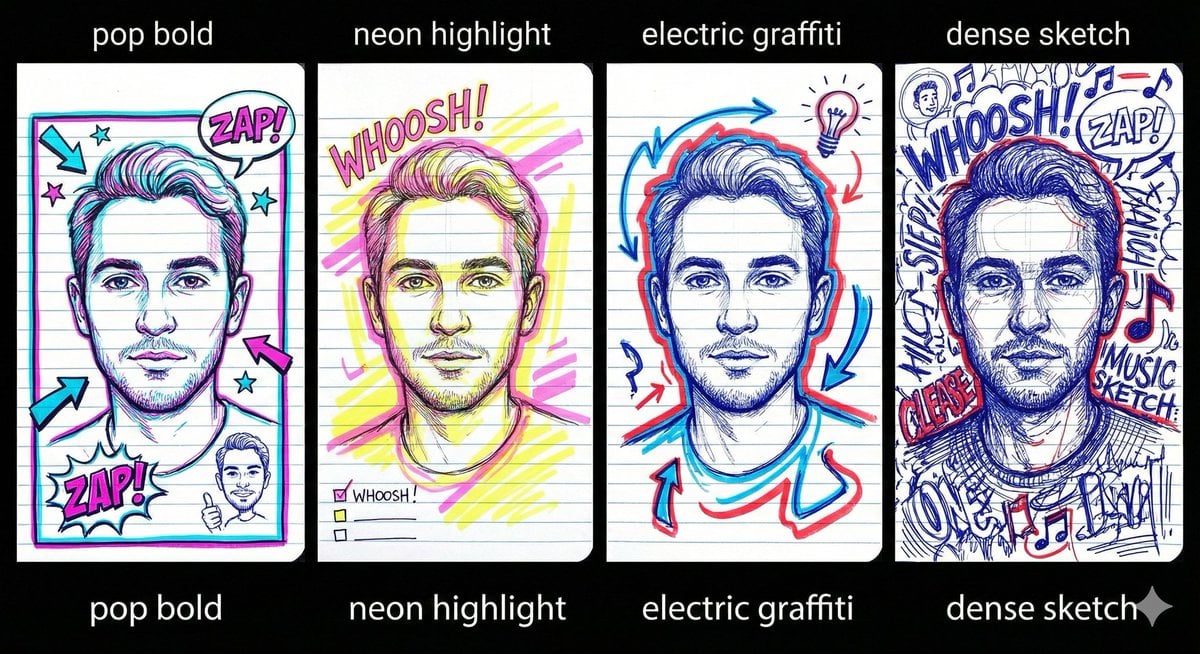
Chaotic Student Doodle Sketch Prompt
Japanese Classroom Short Video Screenshot
Cinematic Fashion Editorial of a Man with a Luxury Car and Dog
Browse template categories
Fauré Requiem Memorial Collage questions
How do I use the Fauré Requiem Memorial Collage template?
Add your photo if the template asks for one, edit the prompt if you like — the template's model and format are already selected — and press Generate. Your version opens in PicX Studio.
Can I customize the Fauré Requiem Memorial Collage template?
Yes. You can change the subject, setting, lighting, mood, format, and available model controls before creating your image.
Is the Fauré Requiem Memorial Collage template free?
Opening and editing this template is free. Generating uses credits, shown on the Generate button when you are signed in.
Which AI model should I use?
Start with GPT Image 2, which is the model associated with this template. You can compare another compatible model for a different finish.
Looking for something else? Browse all templates.

Your photo, any look
Thousands of ready templates for every top image and video model, from one credit balance.