
Five Hanfu Noblewomen Portrait
Generates a cinematic group portrait of five women in ornate traditional Hanfu with floral embroidery and an elegant palace backdrop.
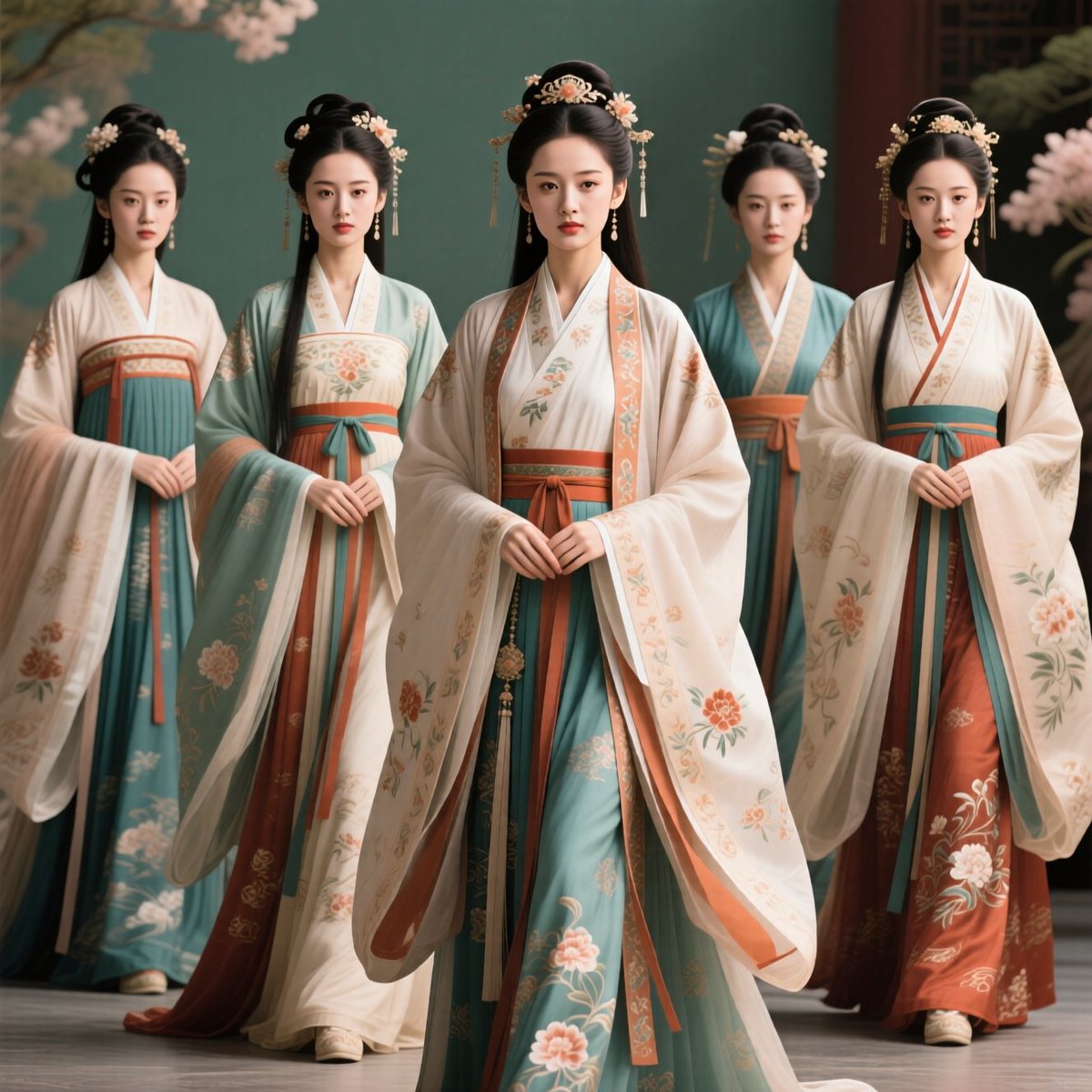
- Prompt included
- Model and format preset
- Free template
The prompt behind this image
Copy the exact prompt behind Five Hanfu Noblewomen Portrait, or open it in the studio and make it yours.
Create a refined cinematic group portrait of exactly five young noblewomen in traditional Chinese Hanfu standing in a shallow V formation, with the central woman slightly forward and tallest. Their faces should be intentionally anonymized with soft rectangular skin-toned blur masks, while the clothing and hair remain highly detailed. Each woman wears an elegant layered Hanfu with wide flowing sleeves, cream and ivory outer robes, teal-blue skirts, muted coral-red sashes, and delicate floral embroidery; include exactly five distinct outfits: left woman in ivory robe with teal skirt and coral band, second woman in pale aqua robe with cream chest panel and red skirt accents, center woman in the most ornate ivory robe with peach floral borders over teal and coral layers, fourth woman partly behind in teal upper robe with ivory collar and orange sash, right woman in ivory robe over deep teal and rust-red skirt with large floral embroidery. Style their hair in traditional high black updos with long straight hair sections and ornate gold-and-flower hairpins, dangling ornaments, and small white blossoms. Set them indoors against a soft teal-green wall with dark wooden architectural details on the right and blurred pale pink cherry blossoms framing the upper corners. Use warm diffused studio lighting, soft shadows, shallow depth of field, realistic fabric texture, embroidered details, serene ceremonial atmosphere, symmetrical composition, full-body to three-quarter framing, painterly photorealism, no text, no watermark. Overall color palette: {argument name="color palette" default="ivory, teal, coral, rust red, soft pink, warm gold"}. Main clothing style: {argument name="traditional clothing style" default="Chinese Hanfu"}. Number of women: {argument name="number of women" default="five"}. Background setting: {argument name="background setting" default="elegant teal indoor palace backdrop with cherry blossoms"}. Face treatment: {argument name="face treatment" default="soft anonymized rectangular blur masks over the faces"}.
How to use Five Hanfu Noblewomen Portrait in 3 steps
- 1Upload ImagePNG, JPG or paste
Add your photo
Upload the photo the template builds on. The prompt, model and format are already set.
- 2…a portrait of your subject in softgolden-hour light, 85mm…
Personalize
Edit the subject and creative details for your destination.
- 3Generate
Generate
Press Generate — your image is created in PicX Studio, so you can compare it with the original and refine one variable at a time.
More like this
Templates with the same subject, style or setup. Open one to see its prompt.

Found Photograph: Us, 1970

80s Couple Studio Portrait

80s Bollywood Star

80s Golden Hour Cinema

Me in 1985

1985 Studio Portrait

Hyper-Realistic Minecraft POV Portrait

Rooftop Fisheye — Cat-Ear Balaclava at Golden Hour

Rainy Café Window Moody Portrait

untitled

2025 Aesthetic Photography

Nano Banana Is So Addictive
Make it yours
Five Hanfu Noblewomen Portrait works as-is. These are the safest ways to change it without losing the look.
Change one field
Copy a single group, rewrite it, and generate again so you can see what that field is doing.
Keep the frame, change the subject
Hold the composition and light of Five Hanfu Noblewomen Portrait, then swap wardrobe, props or the person for a new take.
| If the result… | Why | Fix |
|---|---|---|
| The result drifts from the preview | Too many fields changed at once. | Reuse Five Hanfu Noblewomen Portrait as-is first, then change one group — subject, light, or setting. |
| The model over-stylizes the scene | The prose prompt leaves finish and camera underspecified. | Add one camera or lighting sentence and stay on GPT Image 2. |
More GPT Image 2 templates
Other prompts made for GPT Image 2.

Six VTuber Japanese Logo Sheet

Realistic Portrait of Woman and Deer

The Vista Modular Condo Poster

AI Model Routing Comparison Infographic

2.5D Anime Art Board

Isometric Productivity Desk Scene

New York Double Exposure Poster

Four-Panel AI Landscape Comparison

Japanese Tatami Lifestyle Magazine Cover

NESCAFÉ Coffee Map Poster
More image prompts
Fresh picks from across the catalog.
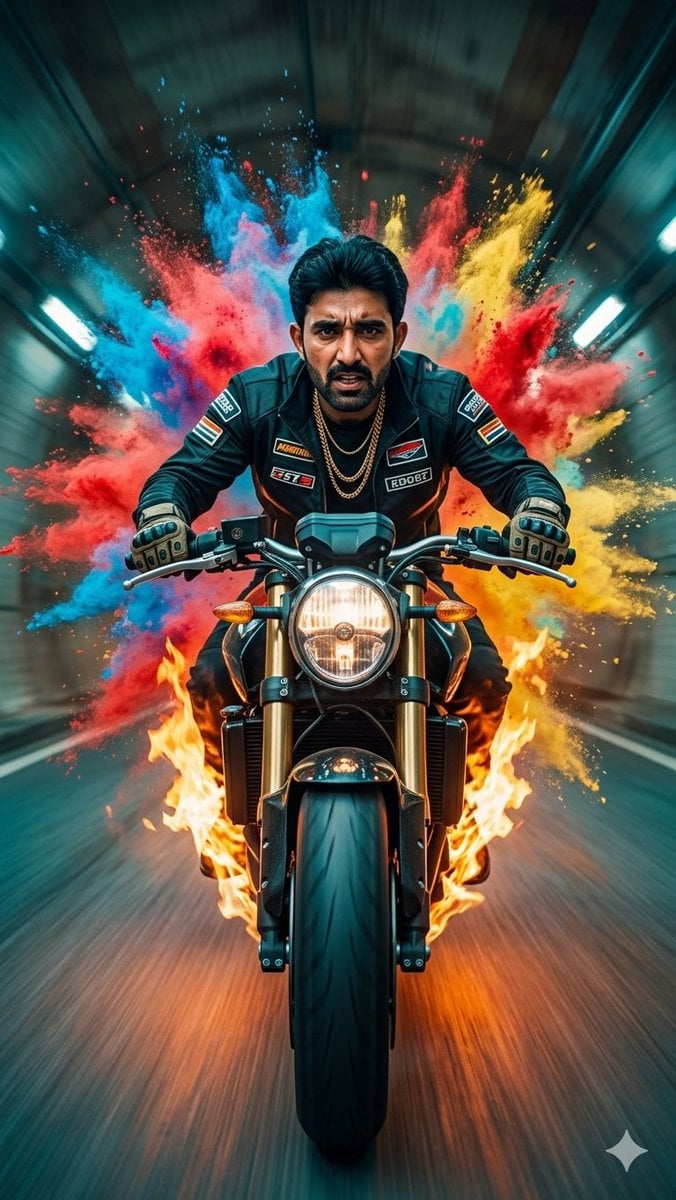
Cinematic Biker Powder Explosion
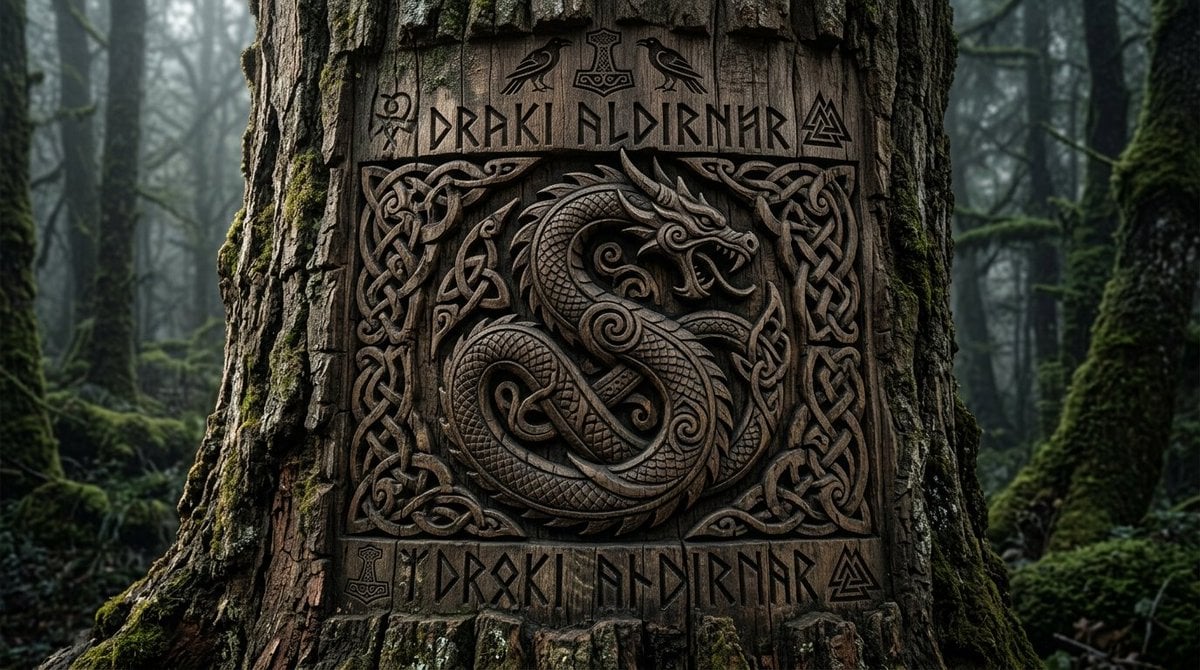
Viking Tree Carvings

Cyberpunk City Highway HDRI
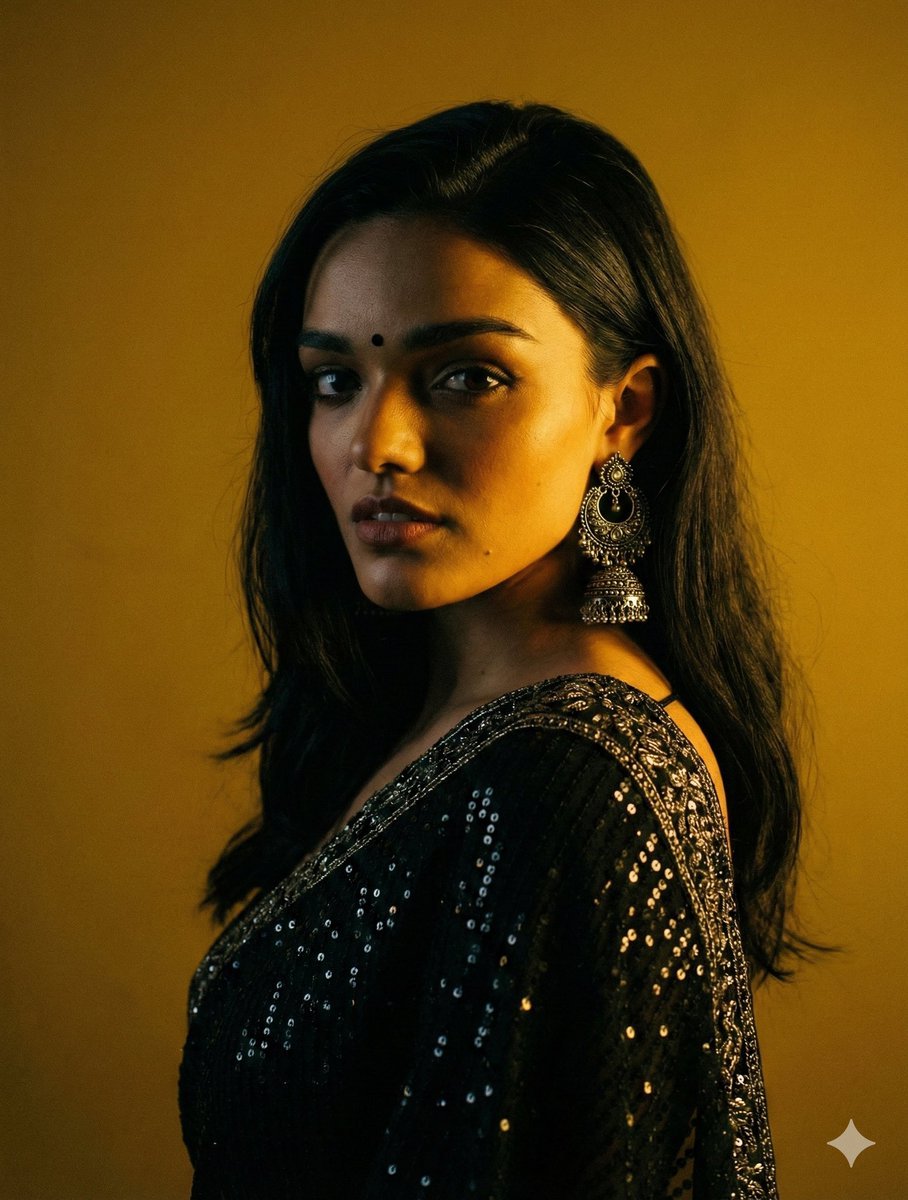
Cinematic Chiaroscuro Portrait in Saree
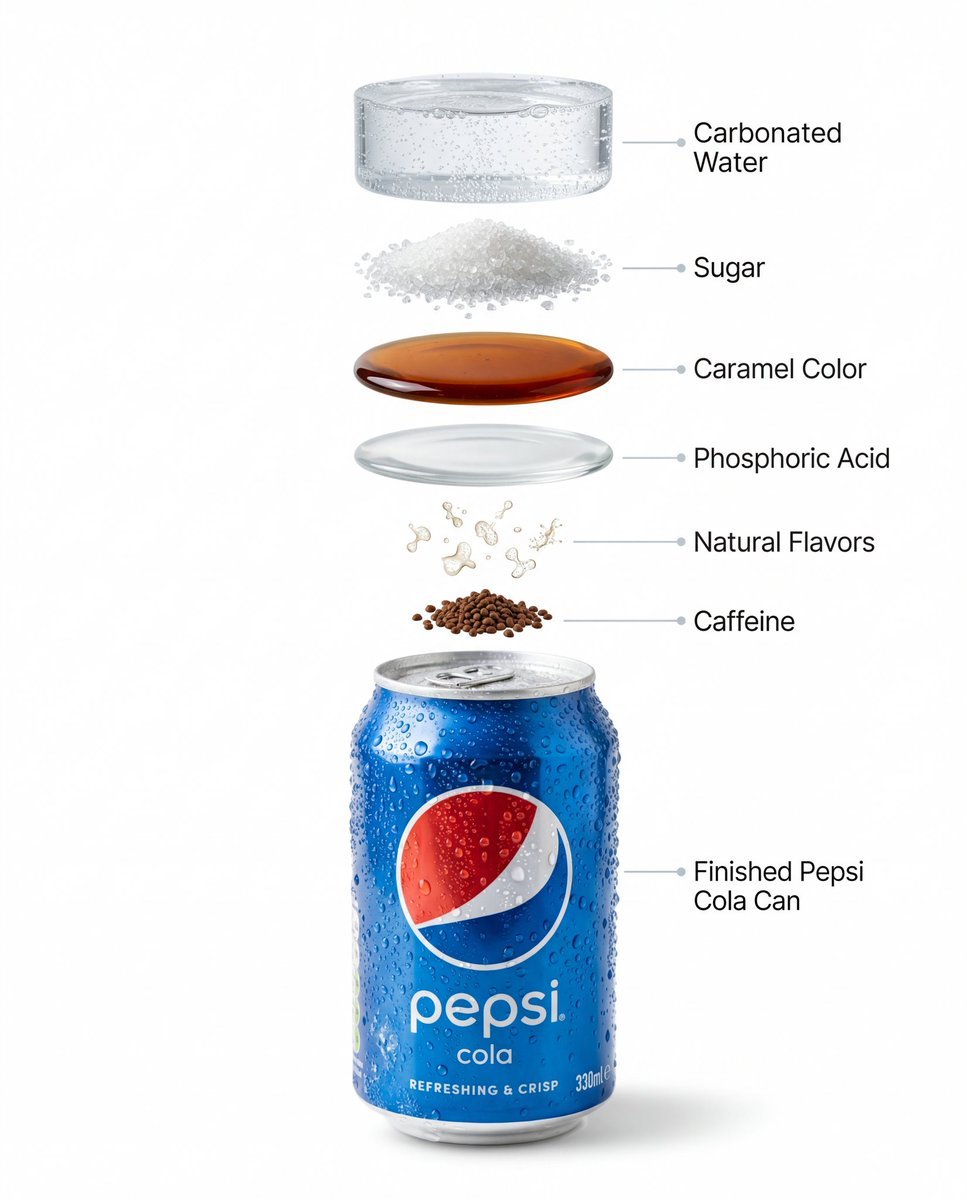
Hyper-Realistic Product Photography and Infographic Prompts for Pepsi
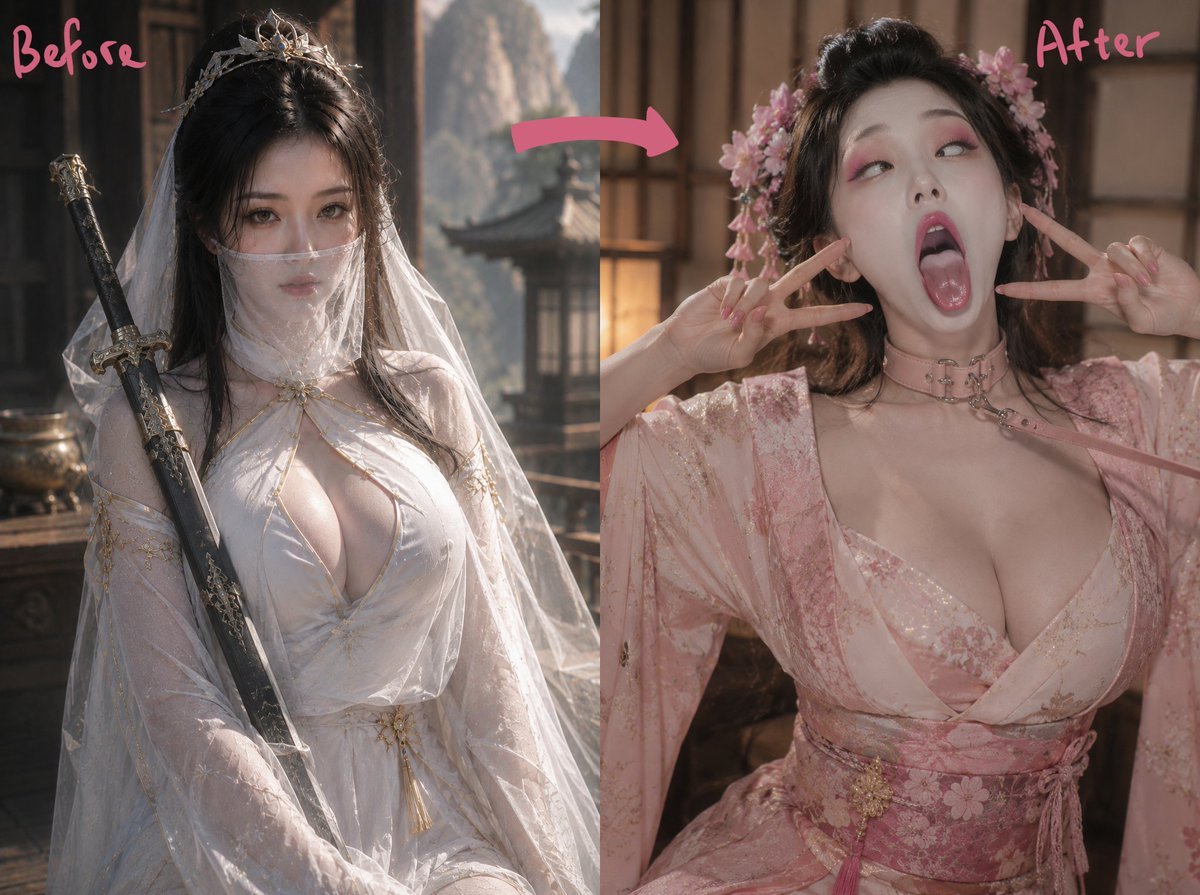
Ancient Fantasy Before After Diptych
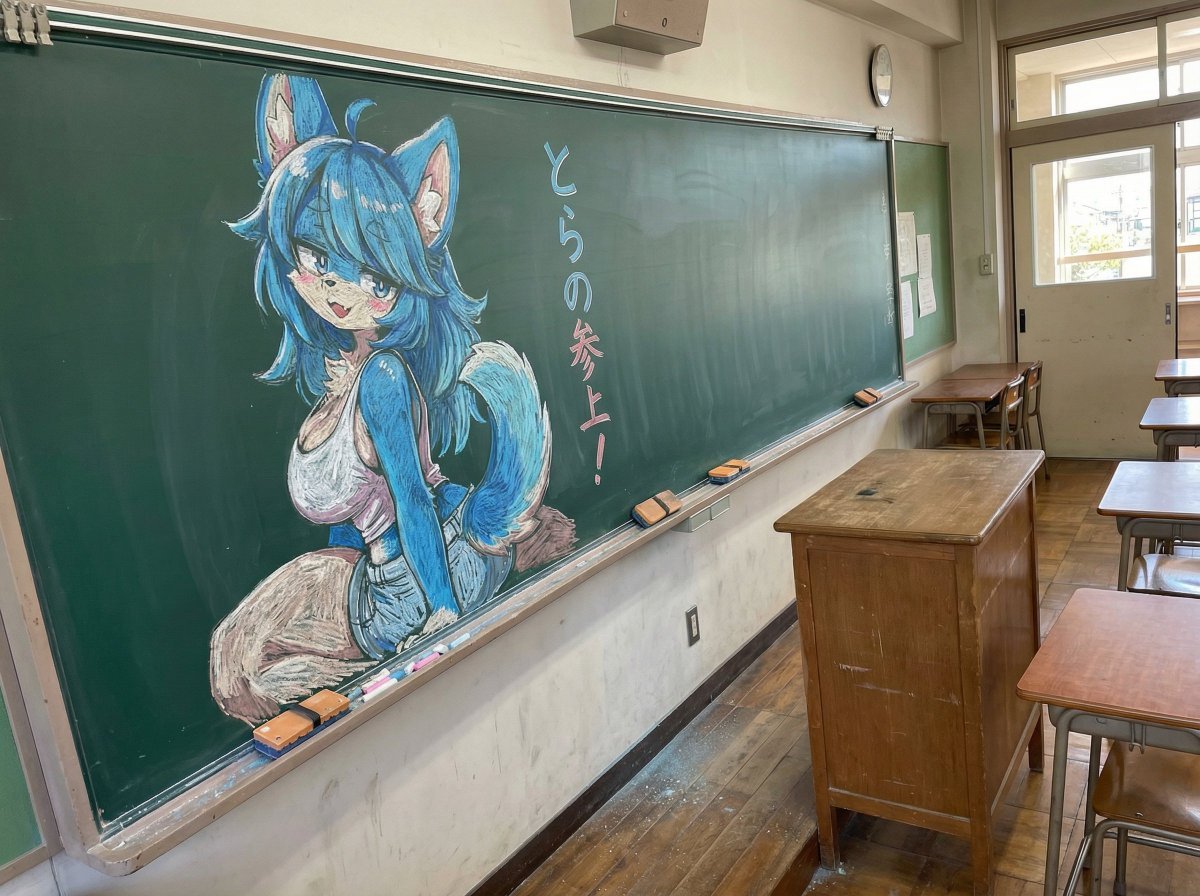
Chalk drawing of an illustration on a classroom blackboard
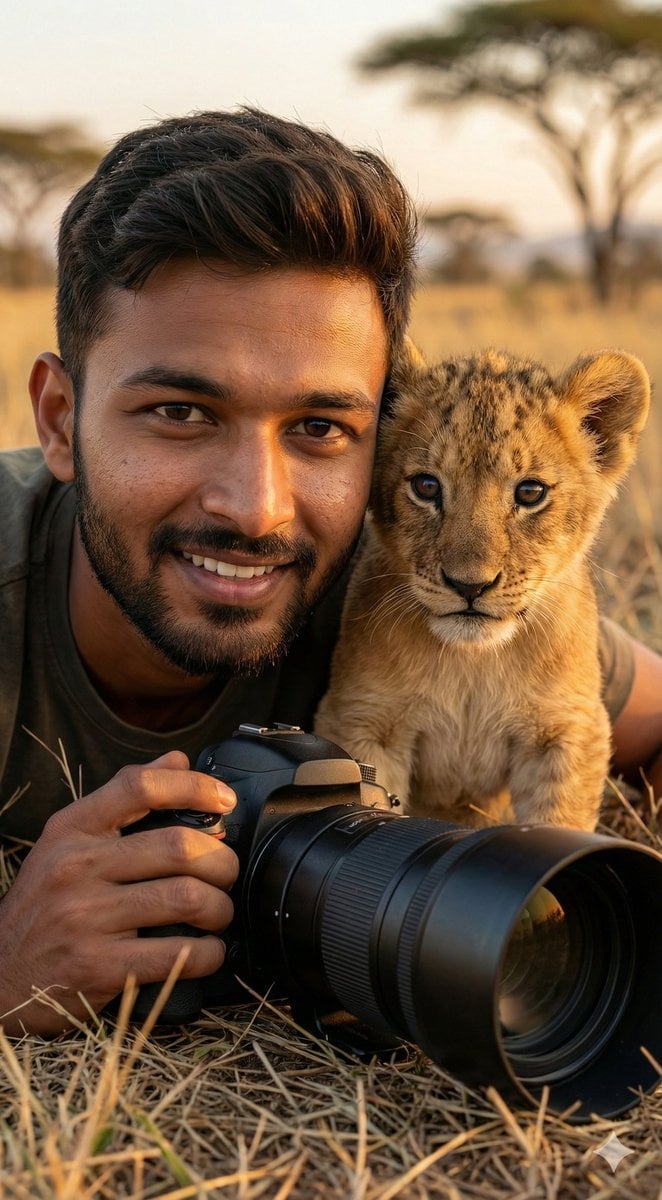
Hyper-Real Wildlife Photography Close-Up Prompt
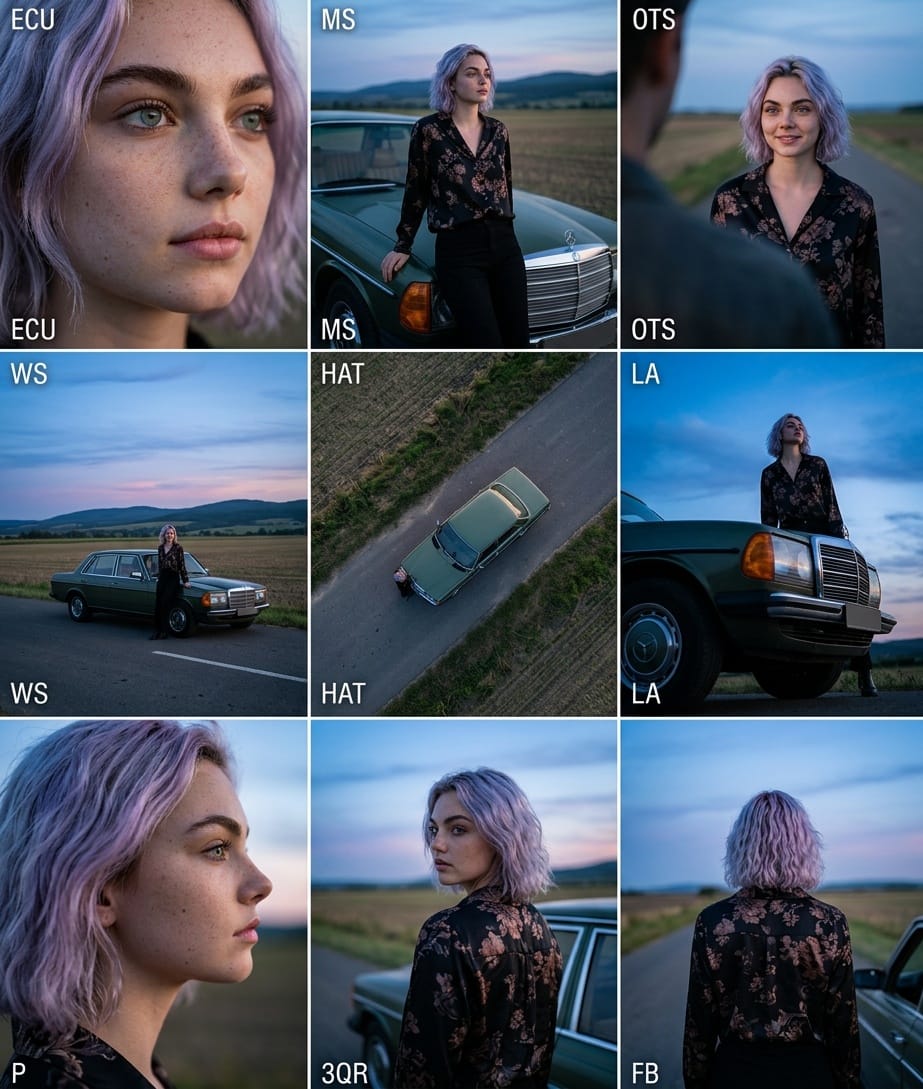
Cinematic 3x3 Grid Camera Angle Prompt
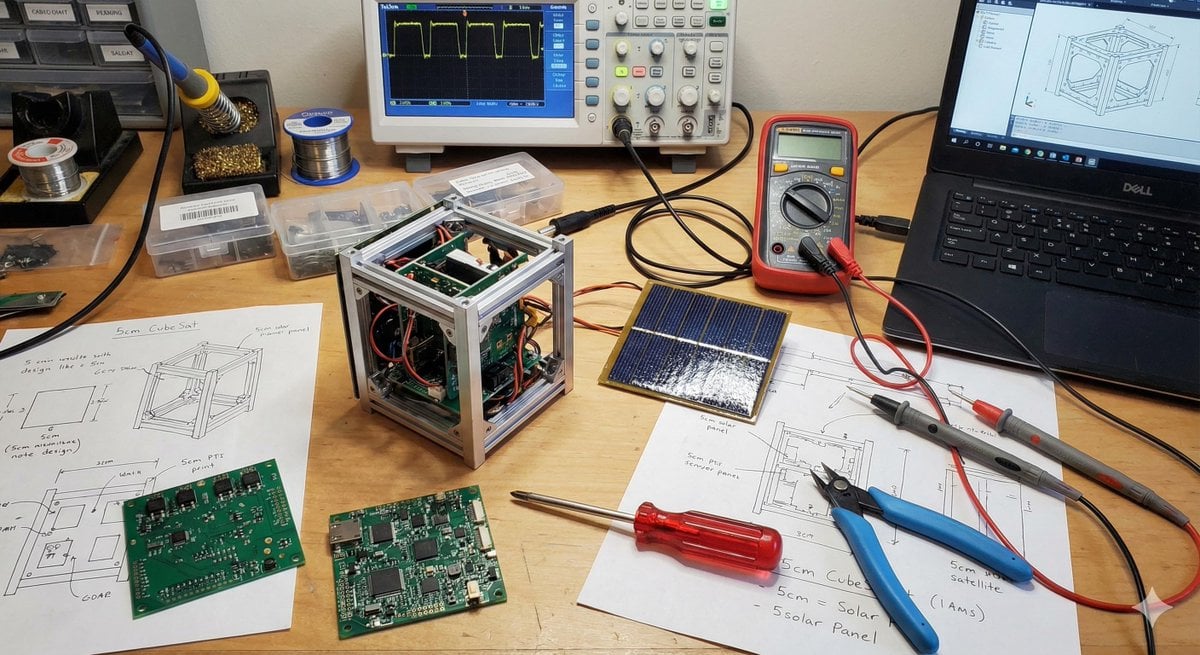
Generating Cubesat Satellite Images
Browse template categories
Five Hanfu Noblewomen Portrait questions
How do I use the Five Hanfu Noblewomen Portrait template?
Add your photo if the template asks for one, edit the prompt if you like — the template's model and format are already selected — and press Generate. Your version opens in PicX Studio.
Can I customize the Five Hanfu Noblewomen Portrait template?
Yes. You can change the subject, setting, lighting, mood, format, and available model controls before creating your image.
Is the Five Hanfu Noblewomen Portrait template free?
Opening and editing this template is free. Generating uses credits, shown on the Generate button when you are signed in.
Which AI model should I use?
Start with GPT Image 2, which is the model associated with this template. You can compare another compatible model for a different finish.
Looking for something else? Browse all templates.

Your photo, any look
Thousands of ready templates for every top image and video model, from one credit balance.