
Fauré Requiem Sacred Collage
A cinematic historical collage depicting Gabriel Fauré, a luminous requiem monument, Catholic judgment imagery, and a peaceful angelic vision of death.
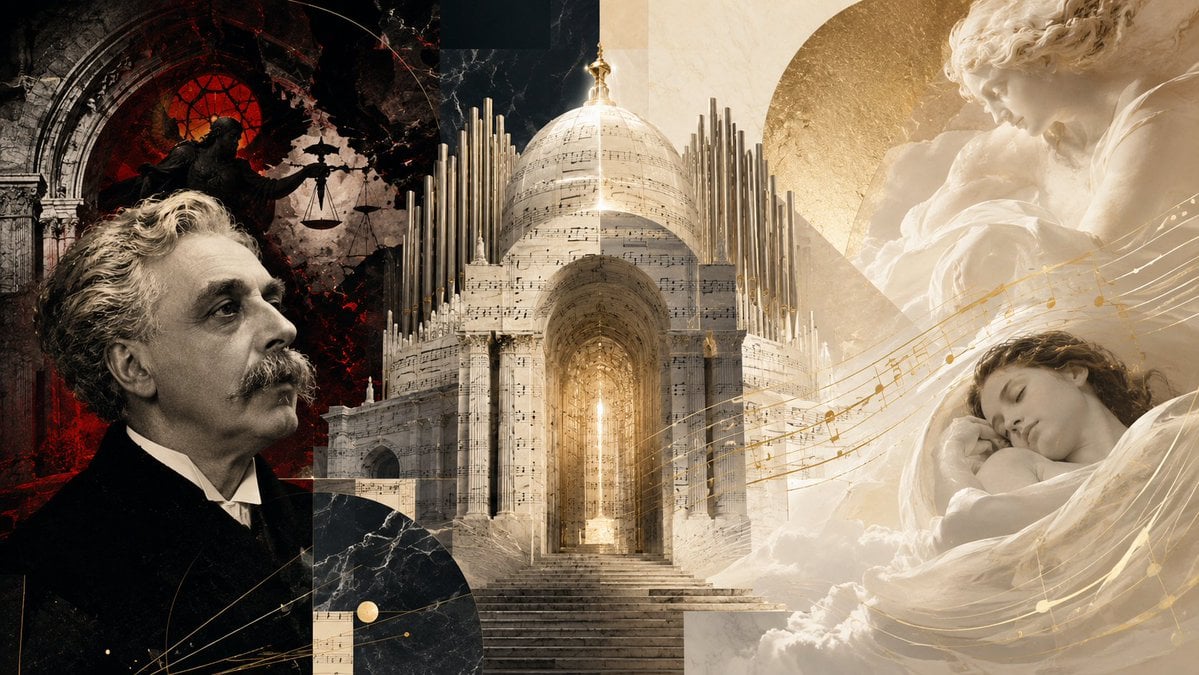
- Prompt included
- Model and format preset
- Free template
The prompt behind this image
Copy the exact prompt behind Fauré Requiem Sacred Collage, or open it in the studio and make it yours.
Create a wide cinematic editorial collage about {argument name="composer name" default="Gabriel Fauré"} and the concept of a gentle requiem rather than divine punishment. Use a 16:9 horizontal canvas with a dramatic split composition: the left third is dark, black and crimson, with a realistic sepia portrait of an older 19th-century French composer in a black suit, white shirt, curled gray hair and mustache, looking upward in profile toward the center. Behind him, show a ruined Gothic church arch with a glowing red circular stained-glass window and a shadowy statue of justice holding scales, creating an atmosphere of judgment and wrath. The center of the image is a luminous monumental funerary cathedral or mausoleum made of pale marble and translucent sheet music, with a grand arched entrance, stairs leading upward, a glowing golden light inside, a large domed roof, and many vertical organ pipes rising around it like architecture. The right third becomes soft ivory and gold: include a large classical marble angel or mother figure above, tenderly holding a child, and below it a peaceful sleeping young person wrapped in white fabric and clouds, suggesting death as sleep. Add flowing golden musical staff lines and notes sweeping diagonally from the central monument across the sleeping figure, tying the composition together. Use exactly four main symbolic zones: 1) composer portrait, 2) dark Catholic judgment scene, 3) central requiem monument with organ pipes and sheet music, 4) serene angelic sleep scene. Visual style should be high-end historical photomontage, baroque sacred art, marble sculpture, antique paper texture, dramatic chiaroscuro on the left, soft heavenly diffusion on the right, warm gold accents, subtle dust, cracks, and layered geometric collage shapes. No text, no captions, no watermark, no modern objects.
How to use Fauré Requiem Sacred Collage in 3 steps
- 1Upload ImagePNG, JPG or paste
Add your photo
Upload the photo the template builds on. The prompt, model and format are already set.
- 2…a portrait of your subject in softgolden-hour light, 85mm…
Personalize
Edit the subject and creative details for your destination.
- 3Generate
Generate
Press Generate — your image is created in PicX Studio, so you can compare it with the original and refine one variable at a time.
More like this
Templates with the same subject, style or setup. Open one to see its prompt.
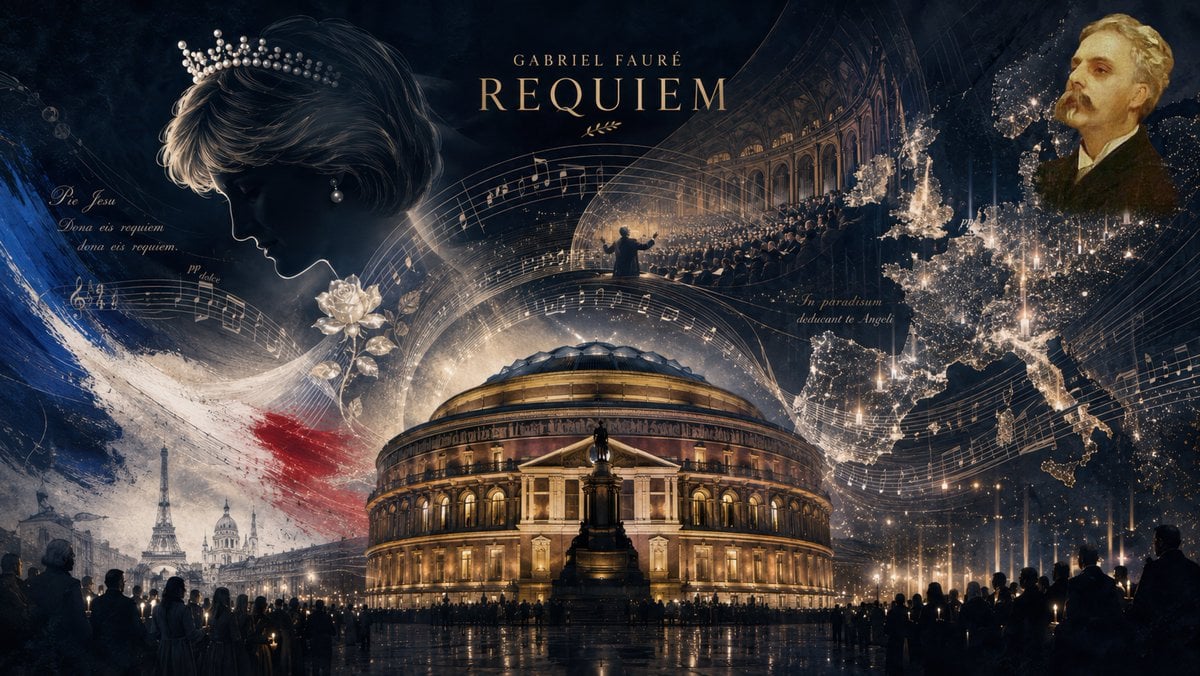
Fauré Requiem Memorial Collage
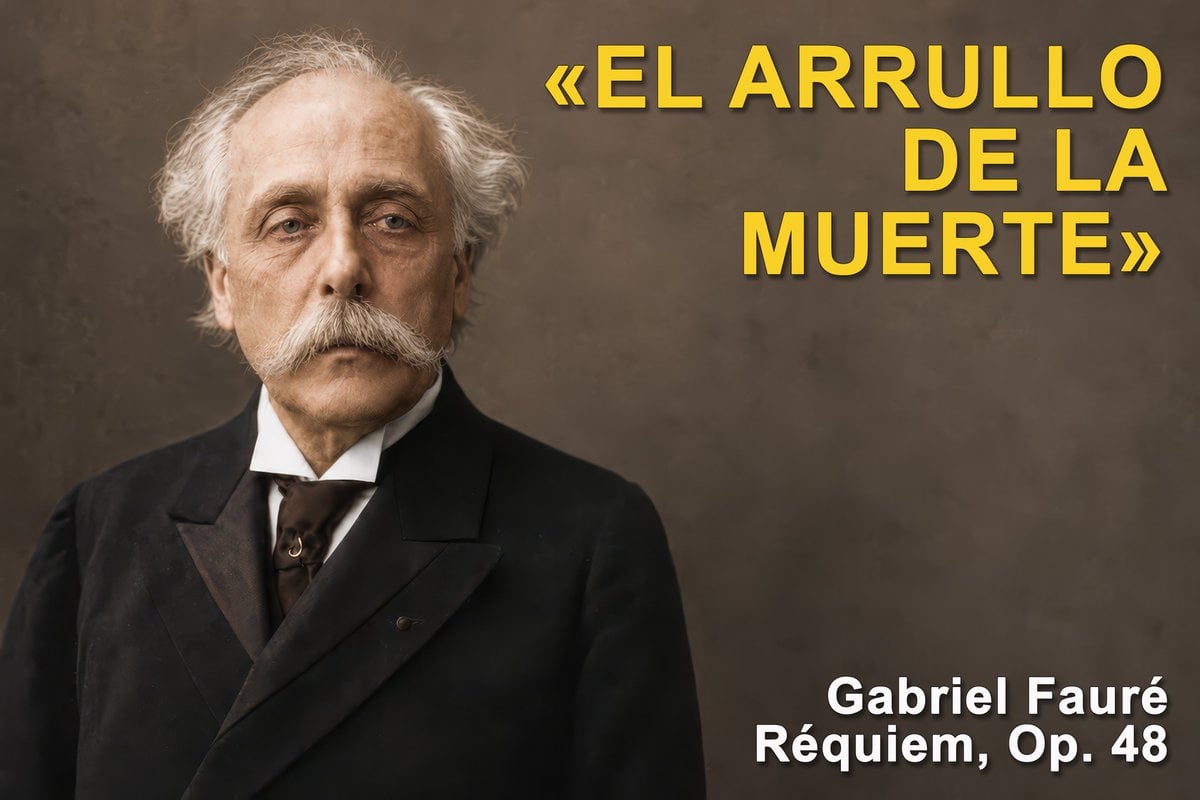
Gabriel Fauré Requiem Essay Thumbnail
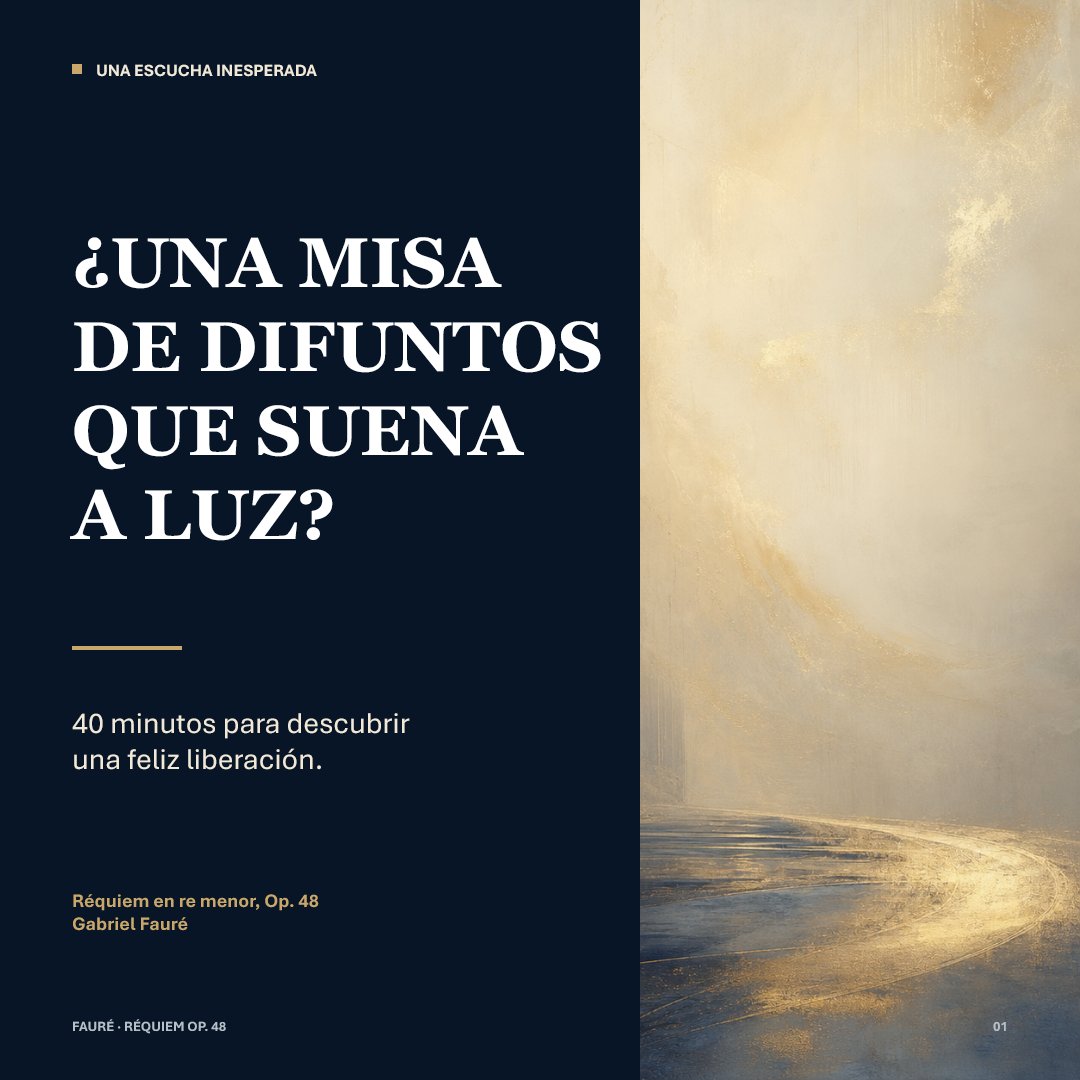
Luminous Fauré Requiem Poster

Paper Cut Finale Fireworks

Paper Cut Garden Maze

Paper Cut Rooftop Concert

Paper Cut Bicycle Coast

Paper Cut Castle Gate

Paper Cut Kitchen Chaos

Paper Cut Carnival Ride

Paper Cut Rainy Bus Stop

Paper Cut Space Dock
Make it yours
Fauré Requiem Sacred Collage works as-is. These are the safest ways to change it without losing the look.
Change one field
Copy a single group, rewrite it, and generate again so you can see what that field is doing.
Keep the frame, change the subject
Hold the composition and light of Fauré Requiem Sacred Collage, then swap wardrobe, props or the person for a new take.
| If the result… | Why | Fix |
|---|---|---|
| The result drifts from the preview | Too many fields changed at once. | Reuse Fauré Requiem Sacred Collage as-is first, then change one group — subject, light, or setting. |
| The model over-stylizes the scene | The prose prompt leaves finish and camera underspecified. | Add one camera or lighting sentence and stay on GPT Image 2. |
More GPT Image 2 templates
Other prompts made for GPT Image 2.

Six VTuber Japanese Logo Sheet

Realistic Portrait of Woman and Deer

The Vista Modular Condo Poster

AI Model Routing Comparison Infographic

2.5D Anime Art Board

Isometric Productivity Desk Scene

New York Double Exposure Poster

Four-Panel AI Landscape Comparison

Japanese Tatami Lifestyle Magazine Cover

NESCAFÉ Coffee Map Poster
More image prompts
Fresh picks from across the catalog.
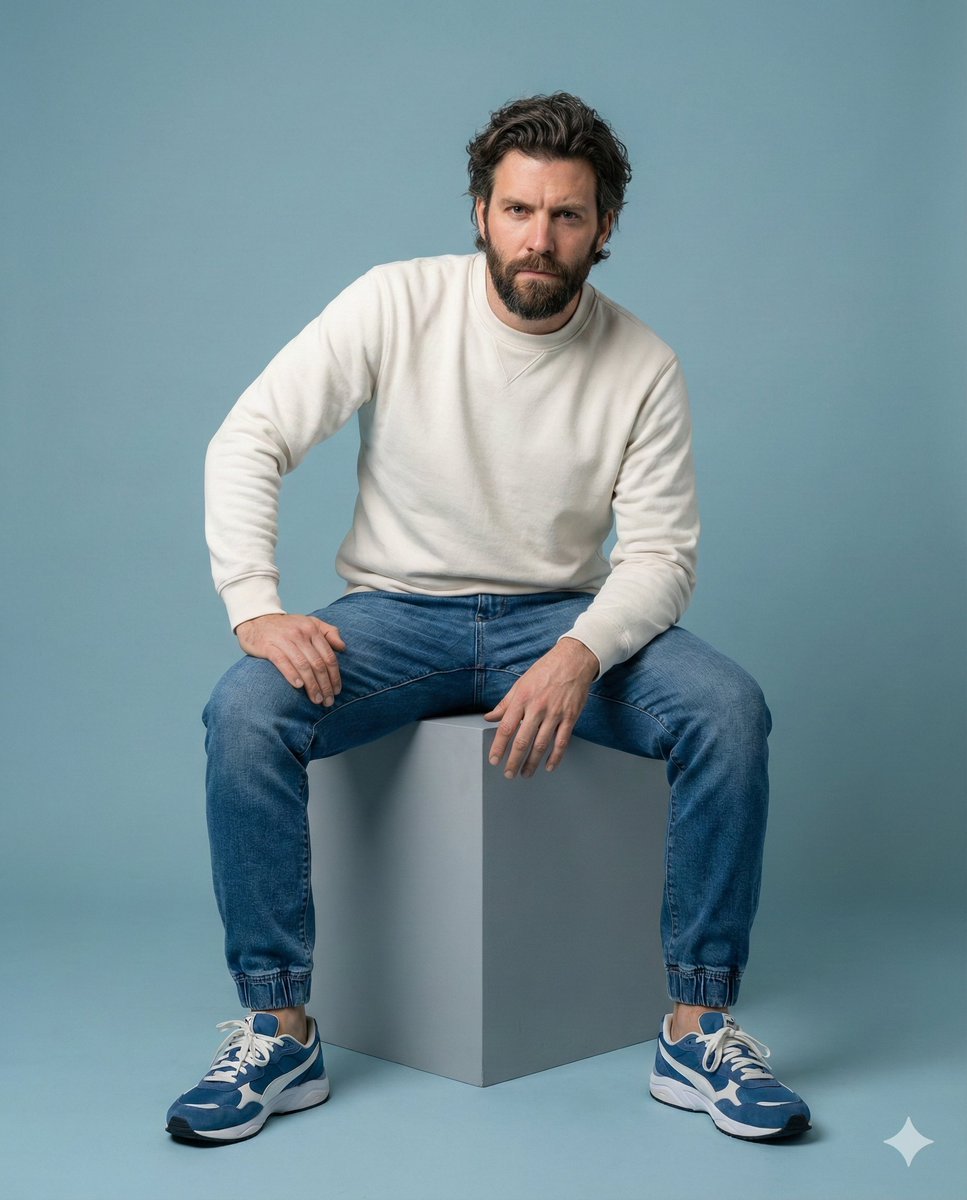
Minimalist Studio Portrait of a Man

AI Chat Screenshot with Ad Design Grids
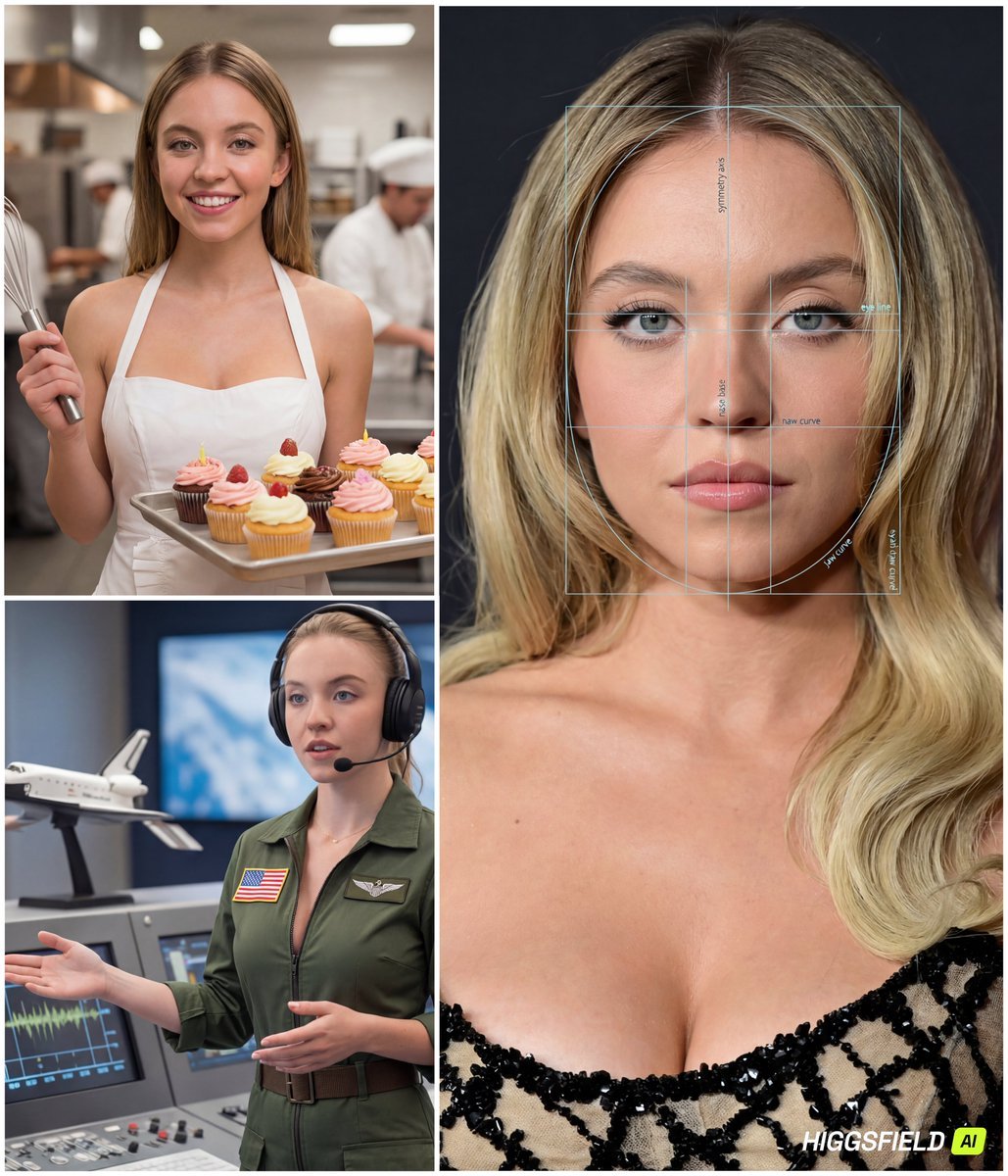
Face-to-Career Matching Composite Image Generator
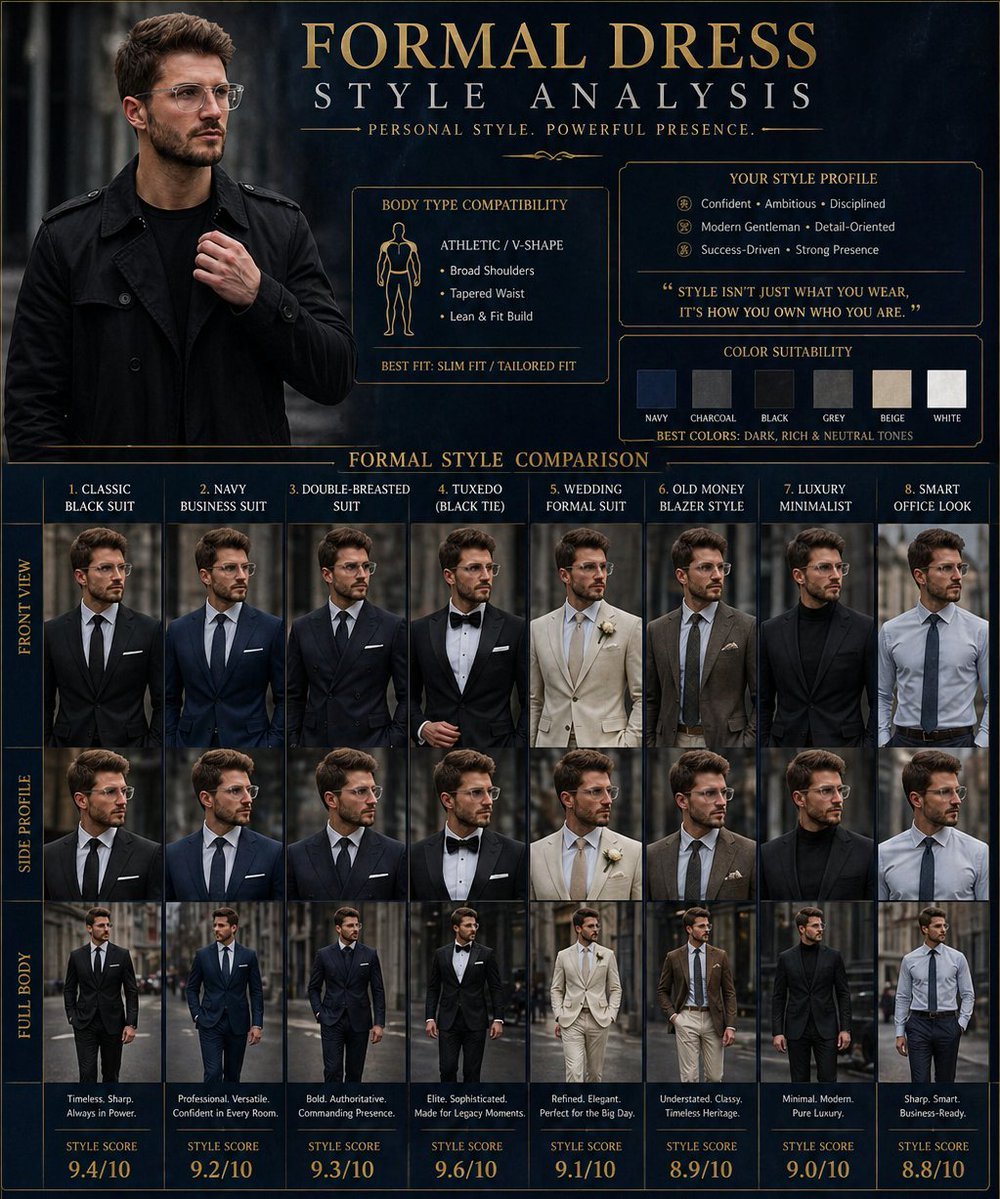
Formal Dress Style Analysis Poster

Cinematic Sci-Fi Landscape and Fintech UI Design Prompts
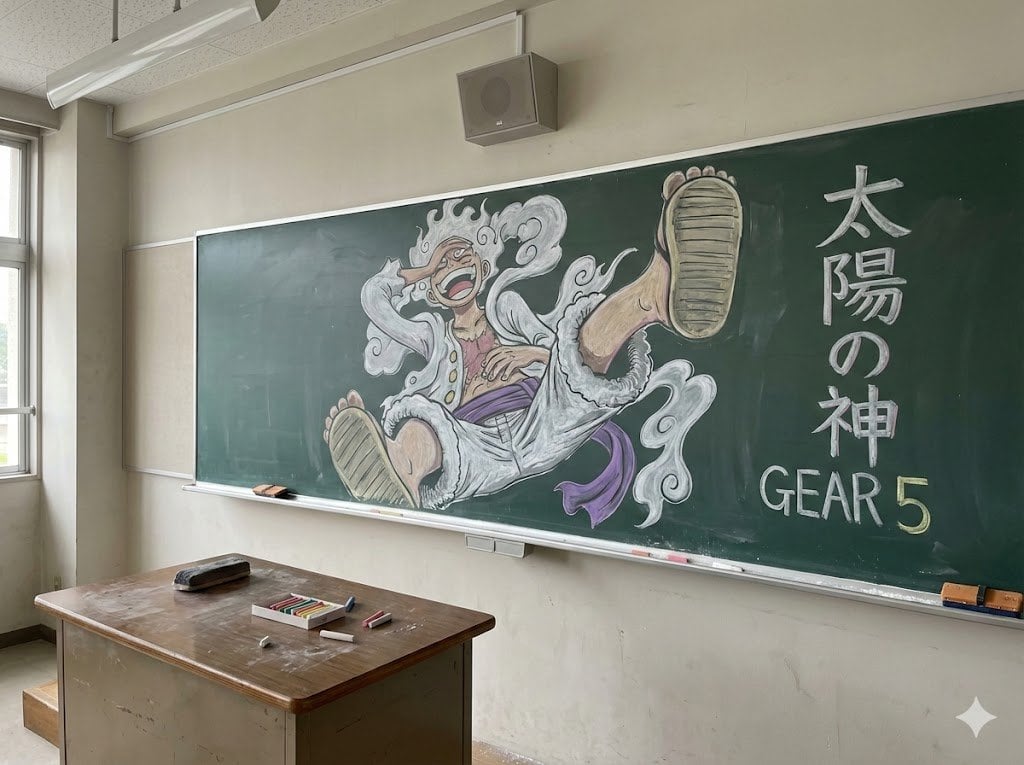
Japanese Classroom Gear 5 Chalk Art
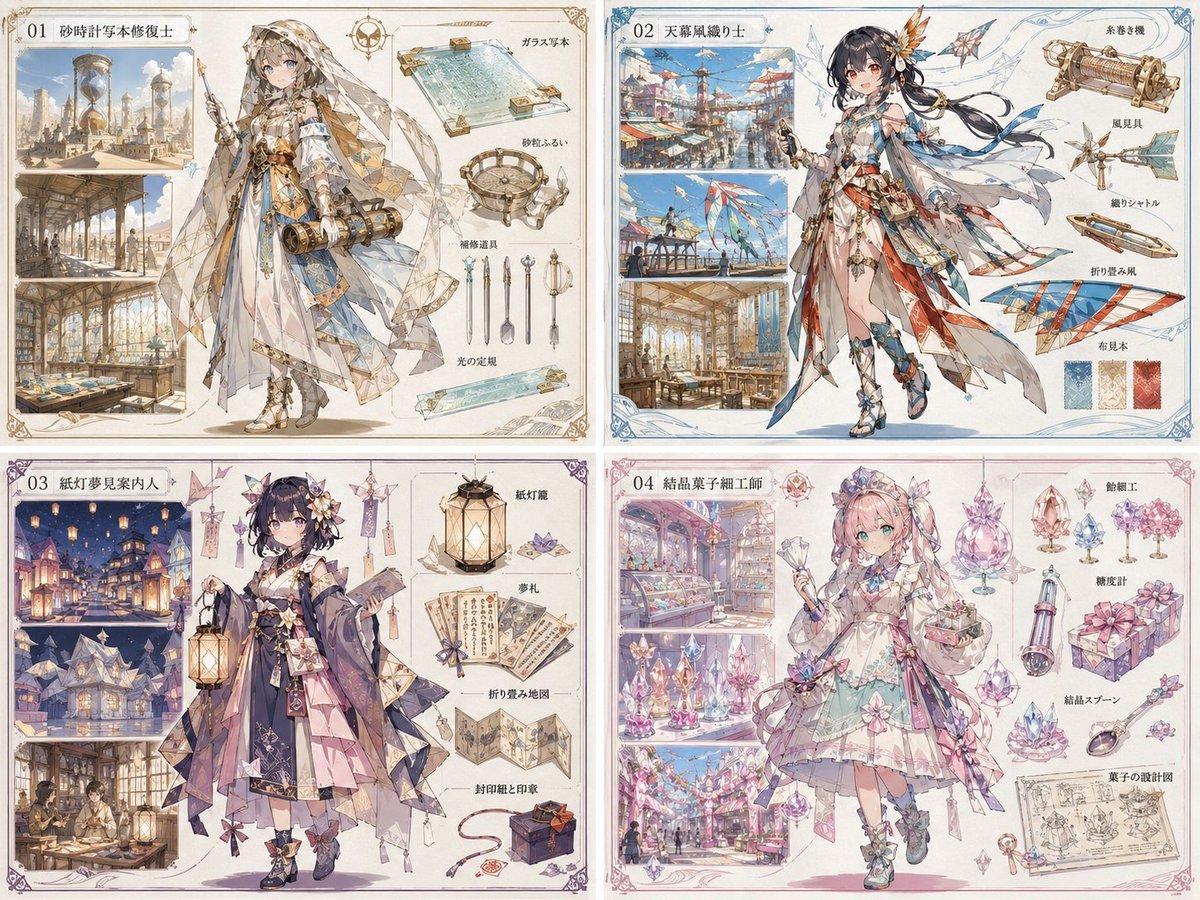
Anime World Building and Character Sheet
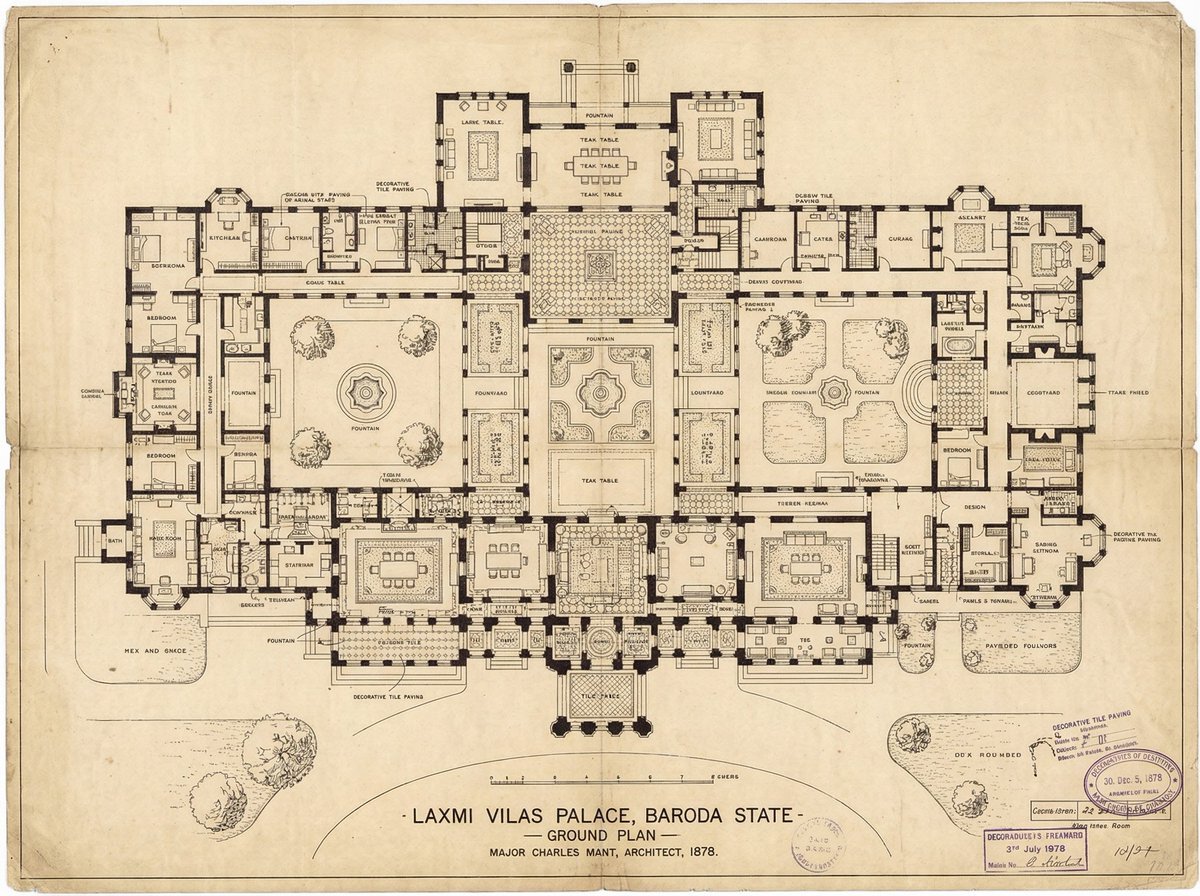
Generate detailed construction plan of Laxmi Vilas Palace from image

Whiteboard-style slide explaining a research paper

Complex Image Generation Prompt with Reference Control
Browse template categories
Fauré Requiem Sacred Collage questions
How do I use the Fauré Requiem Sacred Collage template?
Add your photo if the template asks for one, edit the prompt if you like — the template's model and format are already selected — and press Generate. Your version opens in PicX Studio.
Can I customize the Fauré Requiem Sacred Collage template?
Yes. You can change the subject, setting, lighting, mood, format, and available model controls before creating your image.
Is the Fauré Requiem Sacred Collage template free?
Opening and editing this template is free. Generating uses credits, shown on the Generate button when you are signed in.
Which AI model should I use?
Start with GPT Image 2, which is the model associated with this template. You can compare another compatible model for a different finish.
Looking for something else? Browse all templates.

Your photo, any look
Thousands of ready templates for every top image and video model, from one credit balance.