
Cinematic Sci-Fi Landscape and Fintech UI Design Prompts
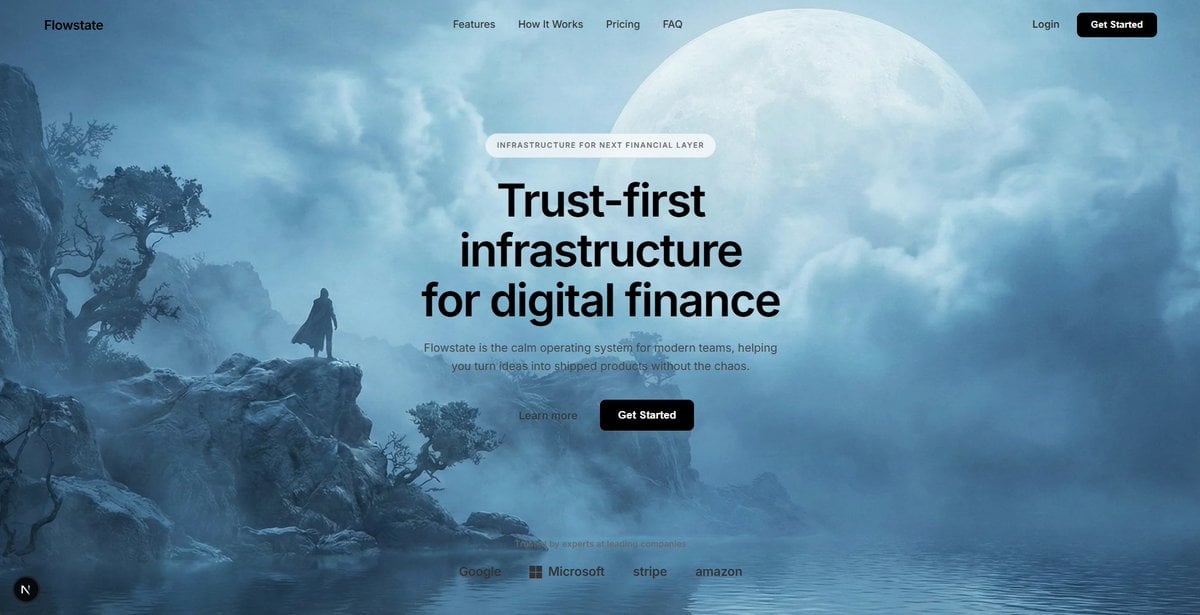
This tweet provides two separate prompts: one for Nano Banana Pro (4k) to generate a cinematic sci-fi landscape featuring a massive celestial moon, rocky coastline, and heavy blue atmospheric mist; and a second prompt…
- Prompt included
- Model and format preset
- Free template
The prompt behind this image
Copy the exact prompt behind Cinematic Sci-Fi Landscape and Fintech UI Design Prompts, or open it in the studio and make it yours.
This one for Nano Banana Pro 4k: Cinematic sci-fi landscape, a massive pale celestial moon dominating the sky partially obscured by layers of thick clouds, a rugged rocky coastline with sparse ancient vegetation on the left, calm water in the foreground reflecting the scene, a solitary silhouette of a person standing on a rock ledge for scale, heavy atmospheric blue mist and fog, soft diffuse lighting, ethereal and dreamlike mood, cool color palette of icy blues and whites, high-quality digital matte painting, 4k resolution, photorealistic concept art. This for the frontend: High-fidelity UI design overlay for a modern fintech SaaS landing page, minimalist navigation bar with "Flowstate" logo and centered menu links, "Get Started" button in top right, centered hero section layout, pill-shaped transparent badge reading "INFRASTRUCTURE FOR NEXT FINANCIAL LAYER", large bold sans-serif headline "Trust-first infrastructure for digital finance", clean paragraph subtext below, primary solid black rounded button next to a secondary text link button, bottom row featuring monochrome trusted company logos (Google, Microsoft, Stripe), glassmorphism effects, white typography, transparent background, sleek Figma interface design
How to use Cinematic Sci-Fi Landscape and Fintech UI Design Prompts in 3 steps
- 1
Open
The prompt is already in the box next to the preview, with the template's model and format selected.
- 2…a portrait of your subject in softgolden-hour light, 85mm…
Personalize
Edit the subject and creative details for your destination.
- 3Generate
Generate
Press Generate — your image is created in PicX Studio, so you can compare it with the original and refine one variable at a time.
More like this
Templates with the same subject, style or setup. Open one to see its prompt.

Teen Girl Alpine Lake Mountain View

Mountain Lake Sunset Landscape

Ghibli Final Takeoff Field

Ghibli Rainy Tram Interior

Ghibli Star Observatory

Ghibli Tiny House On Back

Ghibli Lantern River Festival

Ghibli Whale Bone Beach

Ghibli Abandoned Amusement

Ghibli Shadow Puppet Theater

Ghibli Bakery Morning Rush

Ghibli Paper Crane Flock
Make it yours
Cinematic Sci-Fi Landscape and Fintech UI Design Prompts works as-is. These are the safest ways to change it without losing the look.
Change one field
Copy a single group, rewrite it, and generate again so you can see what that field is doing.
Keep the frame, change the subject
Hold the composition and light of Cinematic Sci-Fi Landscape and Fintech UI Design Prompts, then swap wardrobe, props or the person for a new take.
| If the result… | Why | Fix |
|---|---|---|
| The result drifts from the preview | Too many fields changed at once. | Reuse Cinematic Sci-Fi Landscape and Fintech UI Design Prompts as-is first, then change one group — subject, light, or setting. |
| The model over-stylizes the scene | The prose prompt leaves finish and camera underspecified. | Add one camera or lighting sentence and stay on Nano Banana 2. |
More Nano Banana 2 templates
Other prompts made for Nano Banana 2.

Photorealistic Leaf Shaped Like a Dragon

K-Pop Idol Portrait Grid for Rapid Selection

Poetic Rain Forest Portrait During Golden Hour

Urban Street Portrait with Cartoon Inner Self Duo

Candid Nighttime Photo with Cat Prompt

High-Concept 3D Diorama Generation Prompt

Cinematic Futuristic Studio Portrait Template

Skincare Editorial Photography Collage Prompt

Hyper-Realistic Commercial Product Photography (Splash Effect)

Hyper-Realistic Nightclub Portrait Prompt
More image prompts
Fresh picks from across the catalog.

Cinematic Action Scene Identity Preservation Prompt
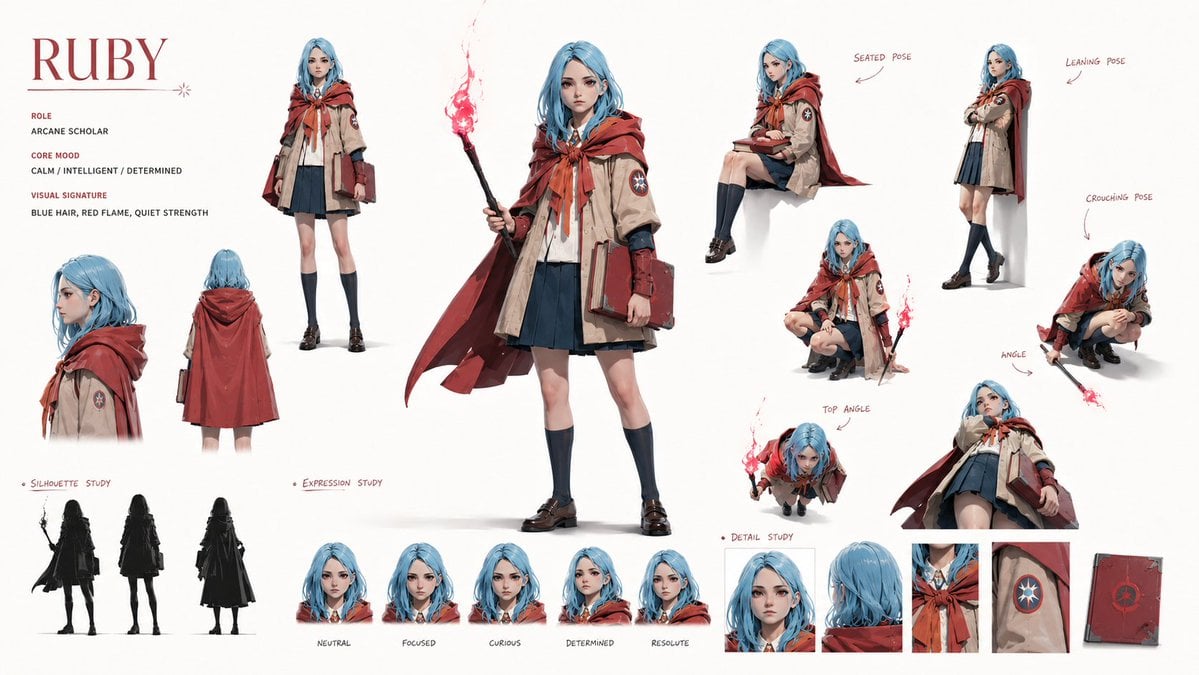
Character Identity Board
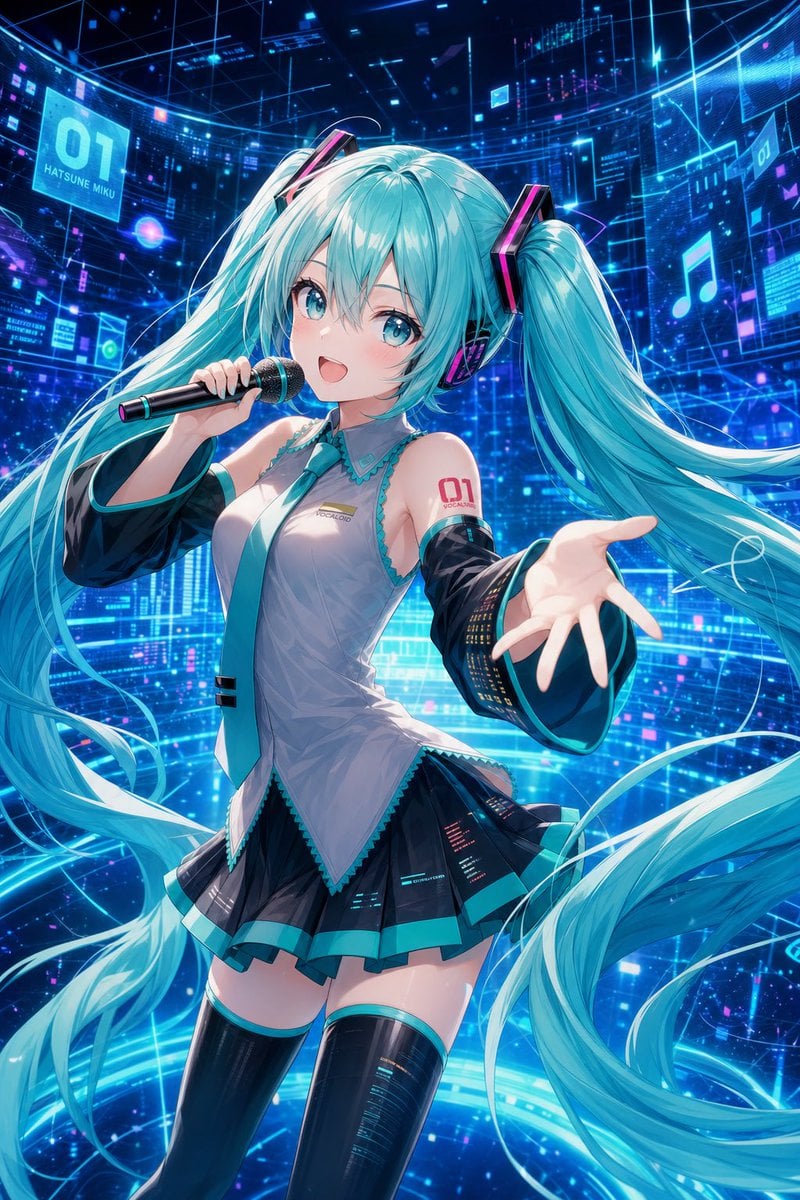
Cyber Vocaloid Concert Idol
Style Transfer with Nano Banana Pro
untitled
Misty Lotus Pond Heron Sunrise
Black Leggings Side Pose Mirror Selfie
Food Plating and Processing for Instagram
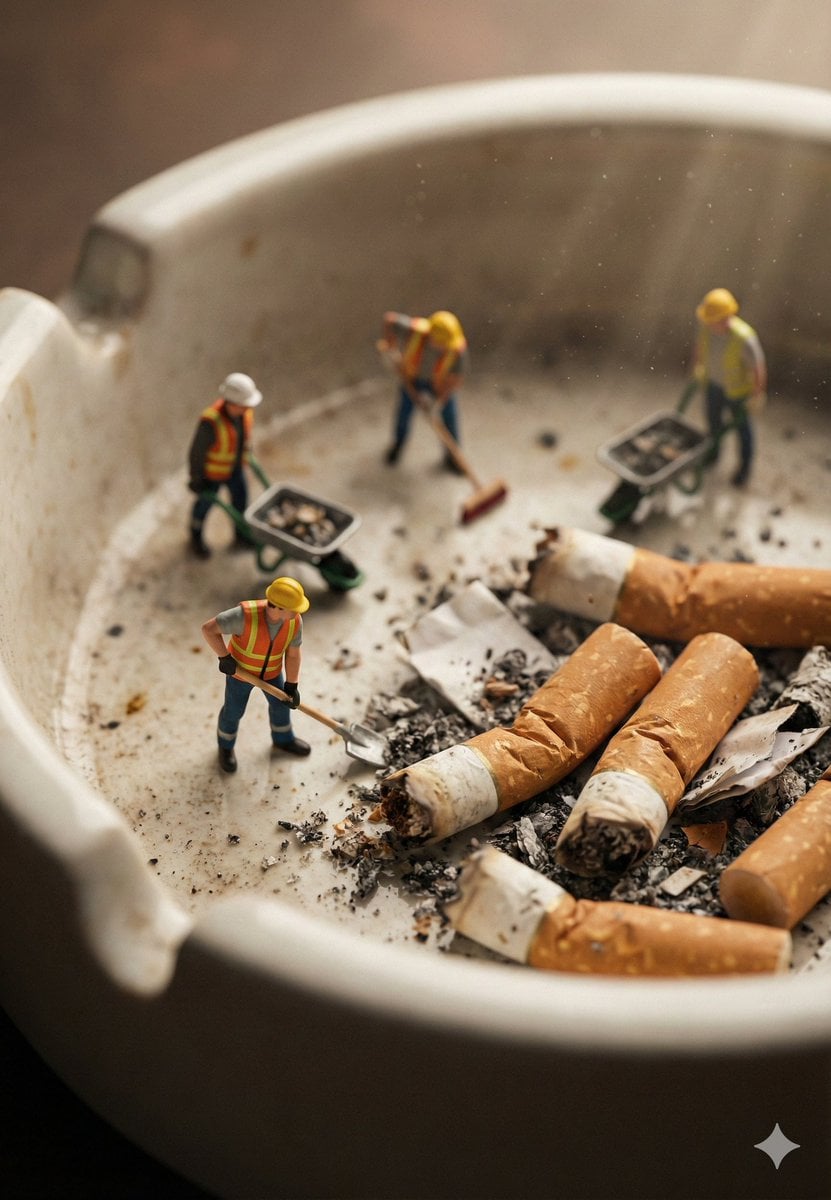
Macro Photography of Miniature Workers Cleaning Ashtray
System Prompt for High-Control Photorealistic Image Generation
Browse template categories
Cinematic Sci-Fi Landscape and Fintech UI Design Prompts questions
How do I use the Cinematic Sci-Fi Landscape and Fintech UI Design Prompts template?
Add your photo if the template asks for one, edit the prompt if you like — the template's model and format are already selected — and press Generate. Your version opens in PicX Studio.
Can I customize the Cinematic Sci-Fi Landscape and Fintech UI Design Prompts template?
Yes. You can change the subject, setting, lighting, mood, format, and available model controls before creating your image.
Is the Cinematic Sci-Fi Landscape and Fintech UI Design Prompts template free?
Opening and editing this template is free. Generating uses credits, shown on the Generate button when you are signed in.
Which AI model should I use?
Start with Nano Banana 2, which is the model associated with this template. You can compare another compatible model for a different finish.
Looking for something else? Browse all templates.

Your photo, any look
Thousands of ready templates for every top image and video model, from one credit balance.