
Dynamic Split Magazine Cover Thumbnail Prompt
A highly structured JSON prompt for generating practical, eye-catching thumbnails/eyecatch images in the style of a high-end magazine cover.
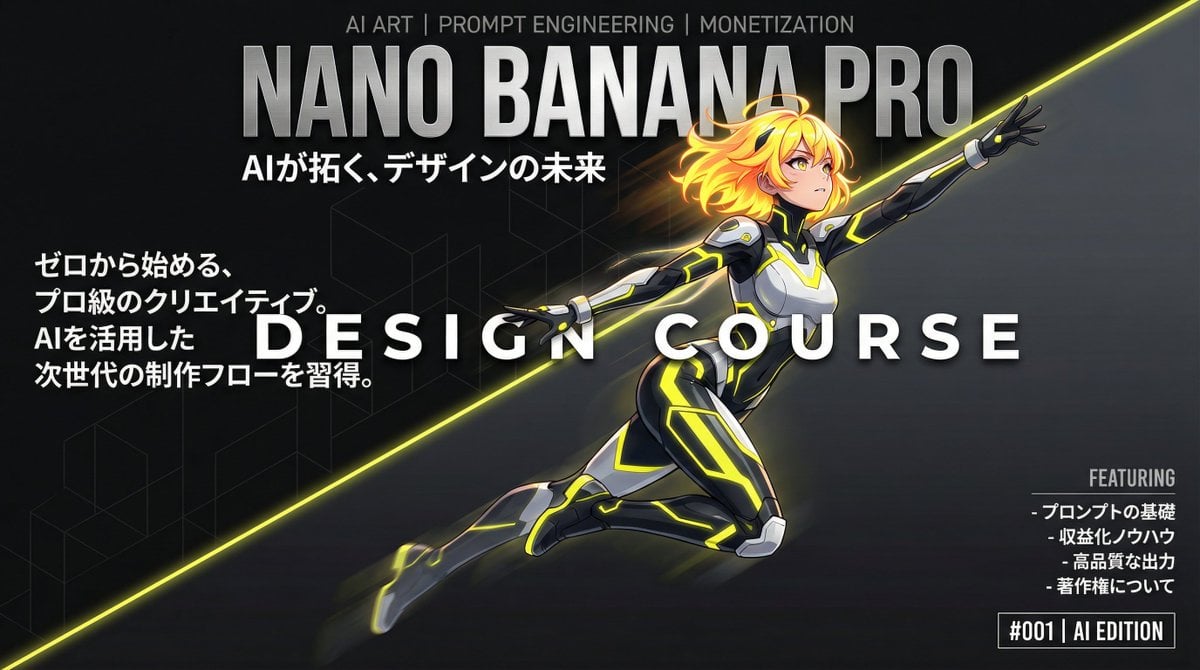
- Prompt included
- Model and format preset
- Free template
The prompt behind this image
Copy the exact prompt behind Dynamic Split Magazine Cover Thumbnail Prompt, or open it in the studio and make it yours.
metadata: title: "Nano Banana Pro Design Course Eyecatch - Dynamic Split Magazine Cover" model_context: "High-End Magazine Cover aesthetic with Dynamic Diagonal Split and Anime Art" image_structure: composition_type: "Magazine Cover Layout with Diagonal Split Background" visual_flow: "Dynamic Diagonal Split (Bottom-Left to Top-Right) matching Character's Motion. Text layers overlap this flow." layers: layer_background_split: shape: "Full screen, diagonally split from bottom-left corner to top-right corner." area_top_left: color: "Deepest Matte Black (#0A0A0A) with subtle, minimalist geometric texture." mood: "Dark, quiet, foundational space behind the character." area_bottom_right: color: "Dark Charcoal Grey (#222222) transitioning to a slightly lighter dark grey gradient towards the top right." mood: "Brighter dark space, suggesting light and future direction." divider: style: "A sharp, clean diagonal line, potentially with a very subtle, thin glowing edge (matching character's accent color) to define the motion path." layer_masthead_top: location: "Top section, spanning the full width." elements: - type: "Small Top Text" text: "AI ART | PROMPT ENGINEERING | MONETIZATION" style: "Small, Light Grey text. Ensures readability against the split background." - type: "Main Brand Logo (Huge)" text: "NANO BANANA PRO" style: "Massive, bold, White or Metallic Silver sans-serif font. The character's head overlaps the bottom of these letters." - type: "Tagline" text: "AIが拓く、デザインの未来" style: "Medium size White text below the main logo." layer_character_main: location: "Center, following the diagonal split from bottom-left towards top-right." content: "High-quality Japanese Kawaii Anime Girl (Nano Banana Pro generation result)." style: "2D Cel-shaded anime art, cinematic quality, highly detailed." details: subject: "Dynamic anime girl with futuristic creative gear." appearance: hair: "Vibrant neon yellow/orange glowing against the dark background." clothing: "Sleek black/white futuristic suit with prominent glowing neon yellow stripes matching the motion direction." pose: "Dynamic flying/ascending pose, body aligned with the diagonal split, looking towards the top right. Motion blur effects on extremities to enhance speed." depth_effect: "Head overlaps masthead. Body interweaves with the main title. The character pops out against both dark background zones." layer_foreground_text: elements: - type: "Main Feature Title (Interwoven)" text: "D E S I G N C O U R S E" location: "Center, across the character's body, following the diagonal flow." style: "Large, bold, White sans-serif text. Character elements pass through/over/behind letters for 3D effect." - type: "Teaser Text Block (Left)" location: "Middle Left (mostly over the darker Top-Left background area)." text: "ゼロから始める、\nプロ級のクリエイティブ。\nAIを活用した\n次世代の制作フローを習得。"
How to use Dynamic Split Magazine Cover Thumbnail Prompt in 3 steps
- 1
Open
The prompt is already in the box next to the preview, with the template's model and format selected.
- 2…a portrait of your subject in softgolden-hour light, 85mm…
Personalize
Edit the subject and creative details for your destination.
- 3Generate
Generate
Press Generate — your image is created in PicX Studio, so you can compare it with the original and refine one variable at a time.
More like this
Templates with the same subject, style or setup. Open one to see its prompt.

Off Duty Fashion Magazine Cover

Japanese Tatami Lifestyle Magazine Cover

Ethereal Bloom Magazine Cover

Tropical Macaw Magazine Cover

Anime Mahjong Magazine Cover

Neon Anime Fireworks Magazine Cover

High-Fashion Magazine Cover Portrait

Open Magazine Luxury Fashion Editorial Layout

Monochrome Halftone Editorial Fashion Poster

Korean Model Floating Magazine Pages Campaign

Blue Hour Editorial Fashion Portrait

Automotive Blueprint Split Composition
Make it yours
Dynamic Split Magazine Cover Thumbnail Prompt works as-is. These are the safest ways to change it without losing the look.
Change one field
Copy a single group, rewrite it, and generate again so you can see what that field is doing.
Keep the frame, change the subject
Hold the composition and light of Dynamic Split Magazine Cover Thumbnail Prompt, then swap wardrobe, props or the person for a new take.
| If the result… | Why | Fix |
|---|---|---|
| The result drifts from the preview | Too many fields changed at once. | Reuse Dynamic Split Magazine Cover Thumbnail Prompt as-is first, then change one group — subject, light, or setting. |
| The model over-stylizes the scene | The prose prompt leaves finish and camera underspecified. | Add one camera or lighting sentence and stay on Nano Banana 2. |
More Nano Banana 2 templates
Other prompts made for Nano Banana 2.

Photorealistic Leaf Shaped Like a Dragon

K-Pop Idol Portrait Grid for Rapid Selection

Poetic Rain Forest Portrait During Golden Hour

Urban Street Portrait with Cartoon Inner Self Duo

Candid Nighttime Photo with Cat Prompt

High-Concept 3D Diorama Generation Prompt

Cinematic Futuristic Studio Portrait Template

Skincare Editorial Photography Collage Prompt

Hyper-Realistic Commercial Product Photography (Splash Effect)

Hyper-Realistic Nightclub Portrait Prompt
More image prompts
Fresh picks from across the catalog.
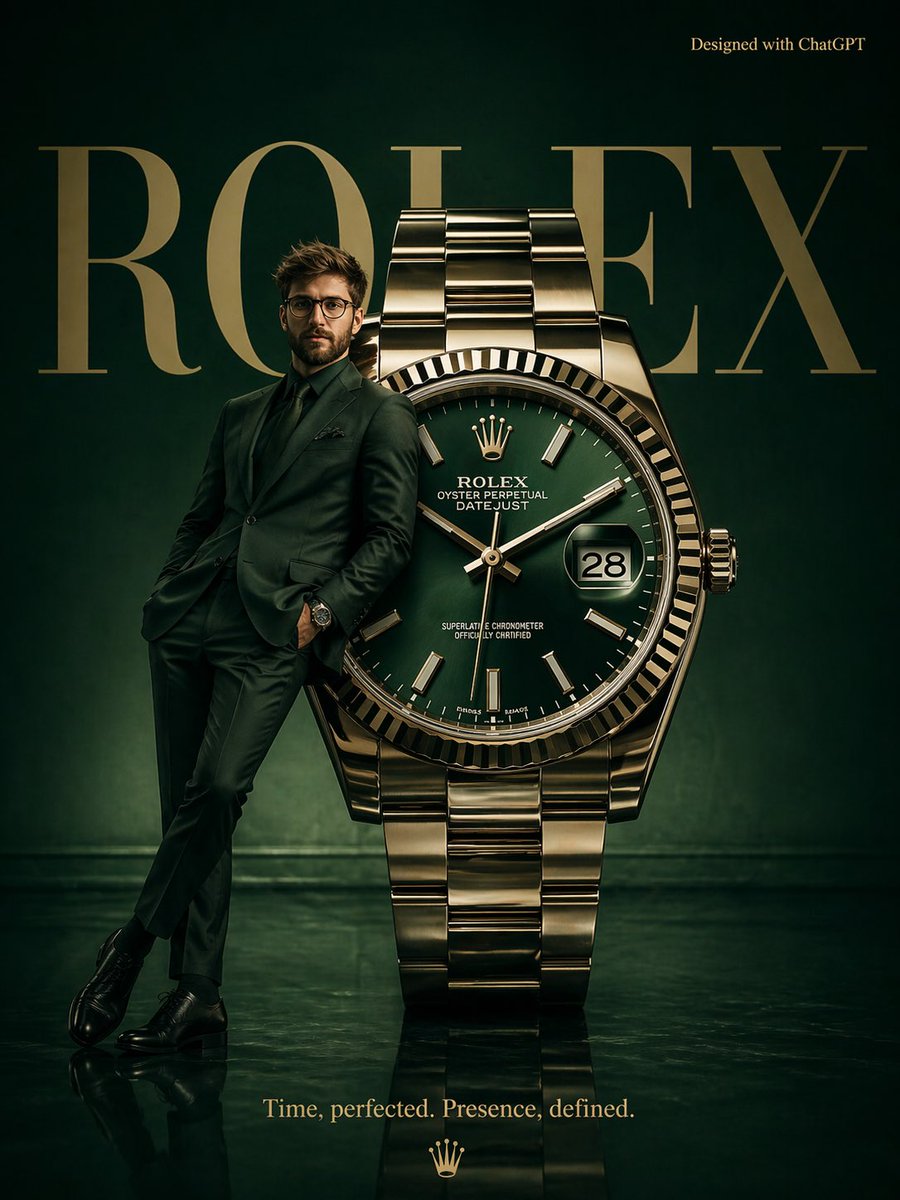
Surrealist Rolex Advertisement Poster
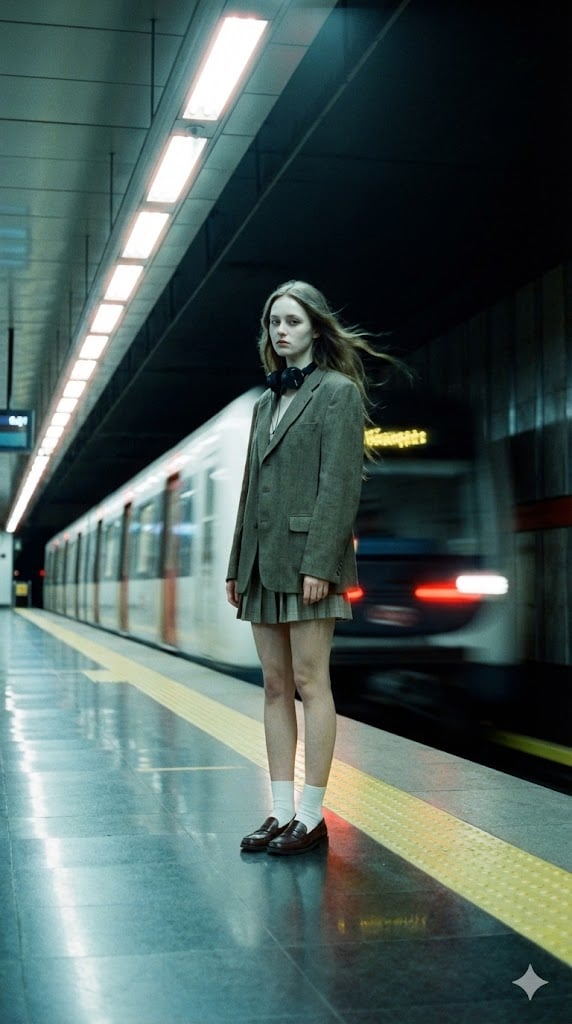
Long-Exposure Subway Fashion Prompt
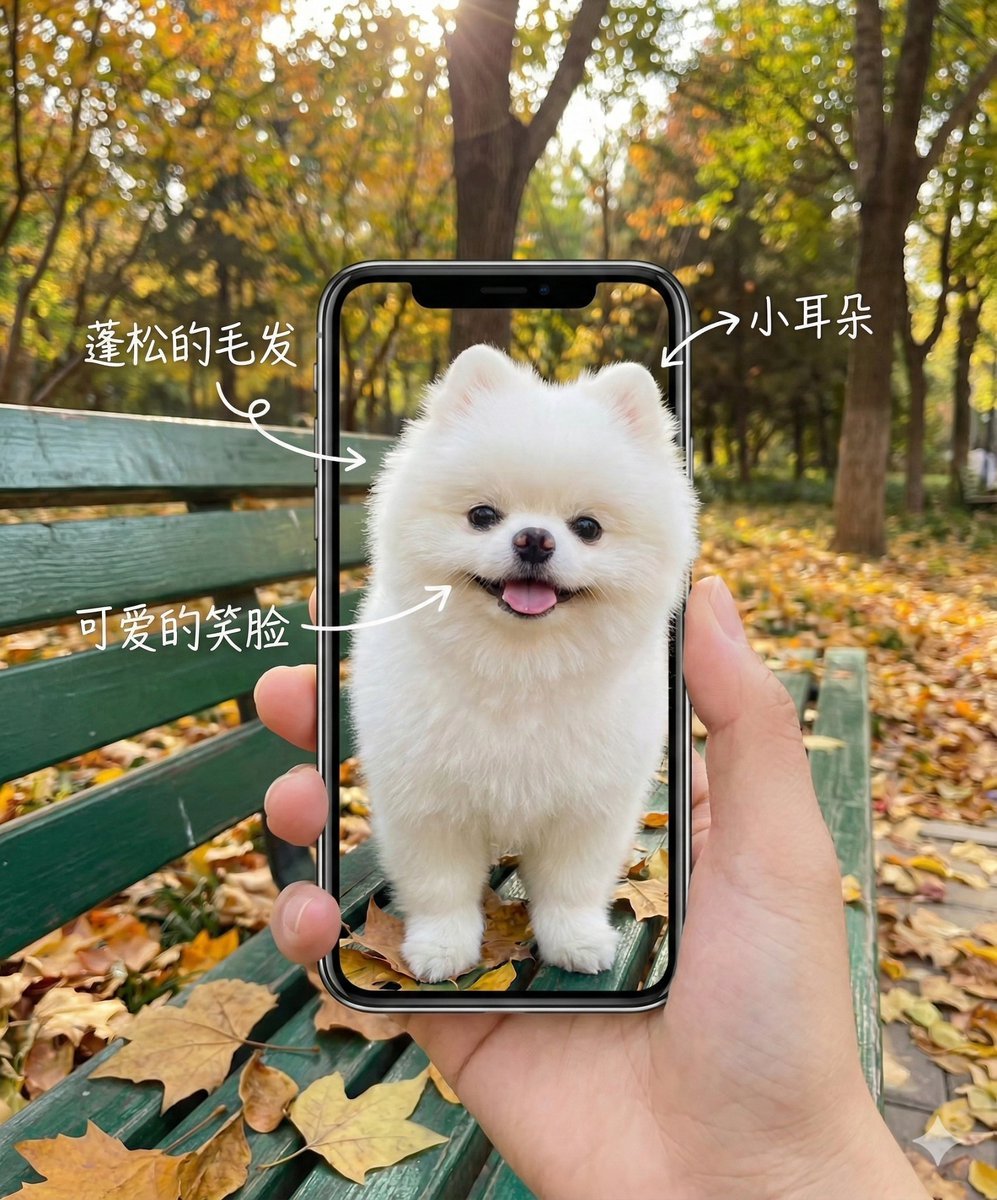
Smartphone Screen Illusion Portrait Template
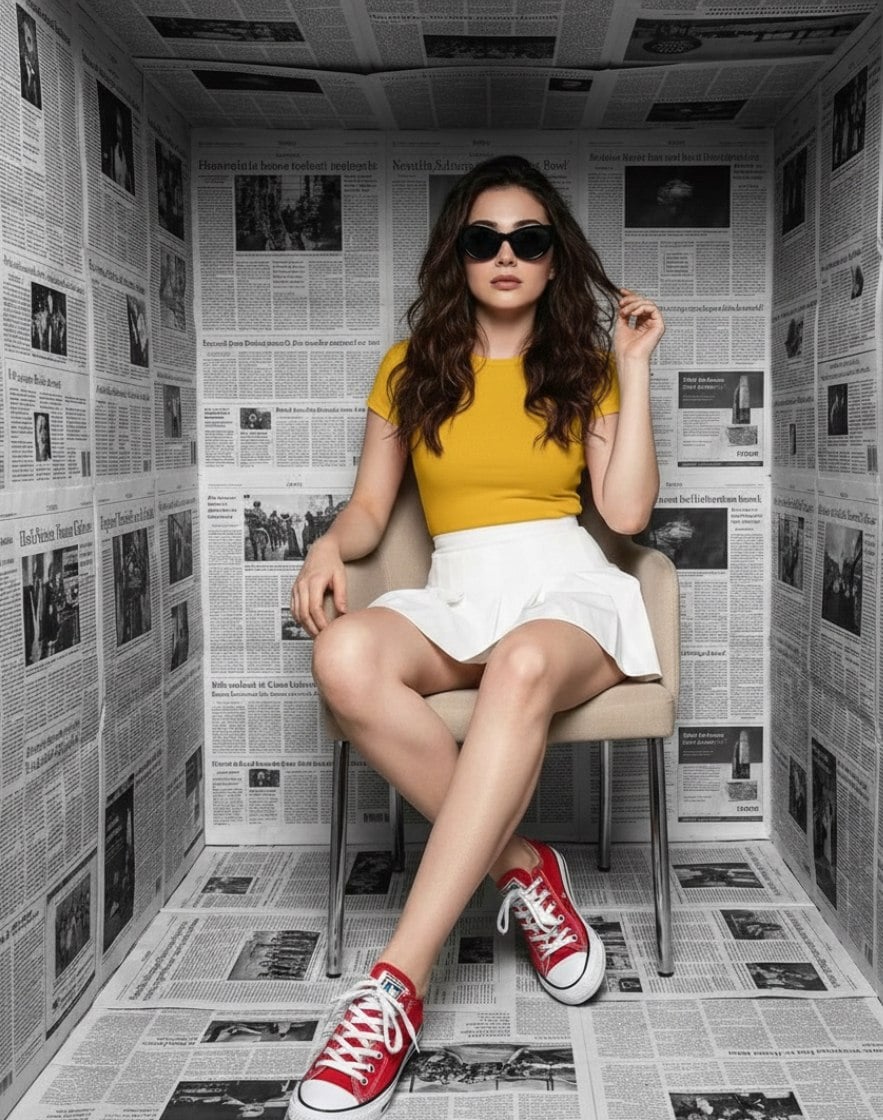
High-Fashion Studio Photoshoot in Newspaper Cube Room
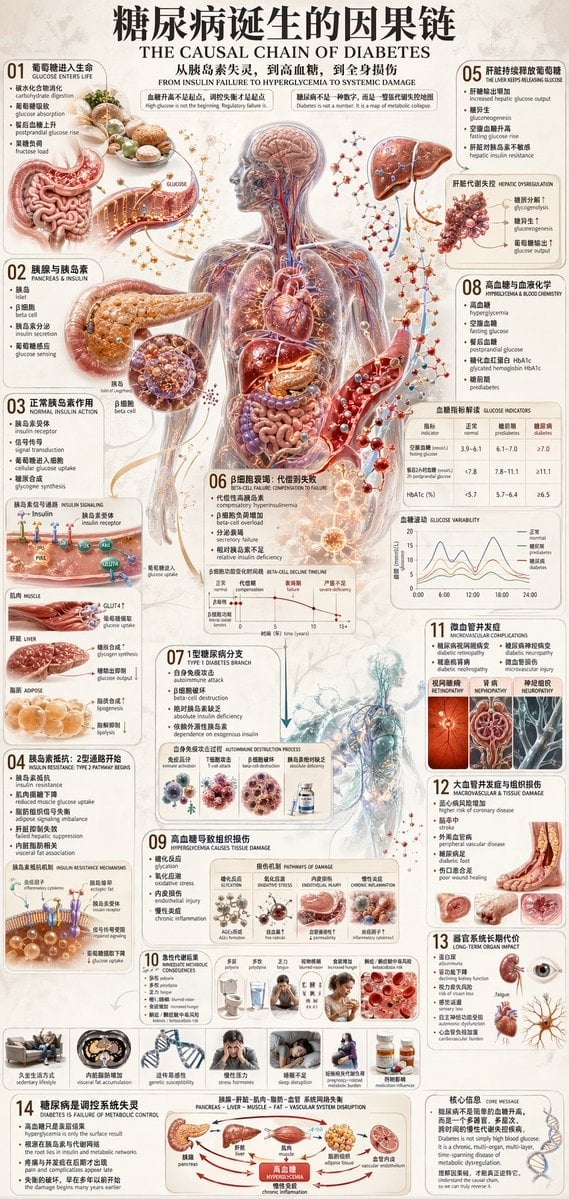
Diabetes Causal Chain Infographic
Mixed Media Fashion Film - Seedance 2.0
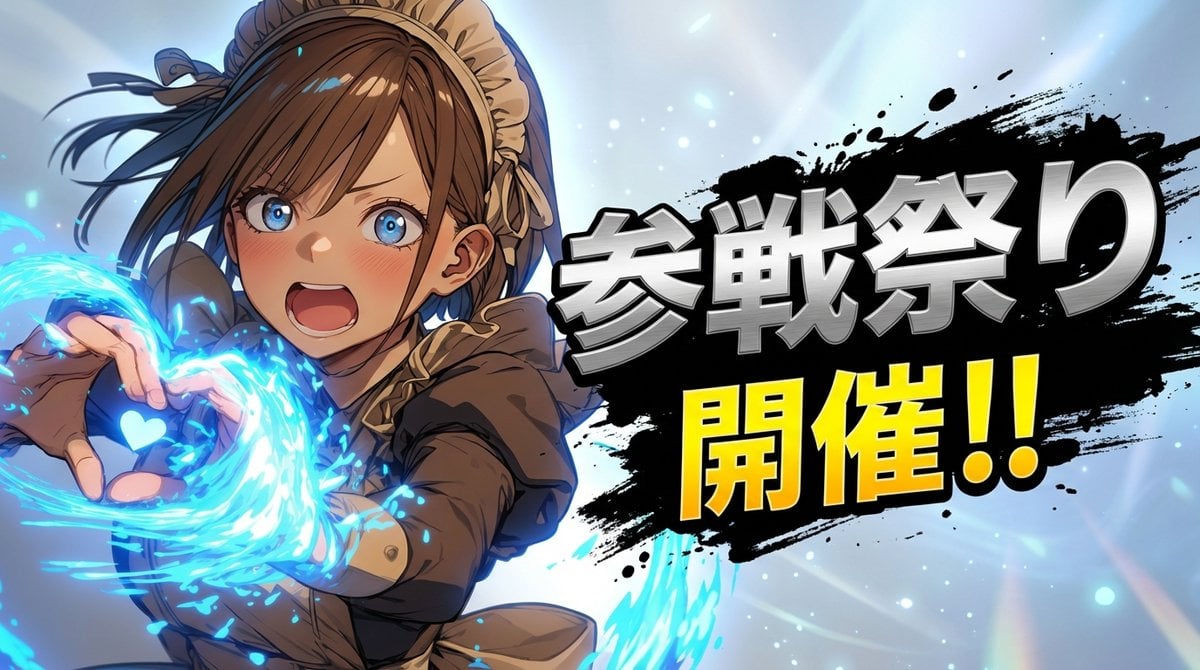
Character 'Participation Screen' Reveal Prompt
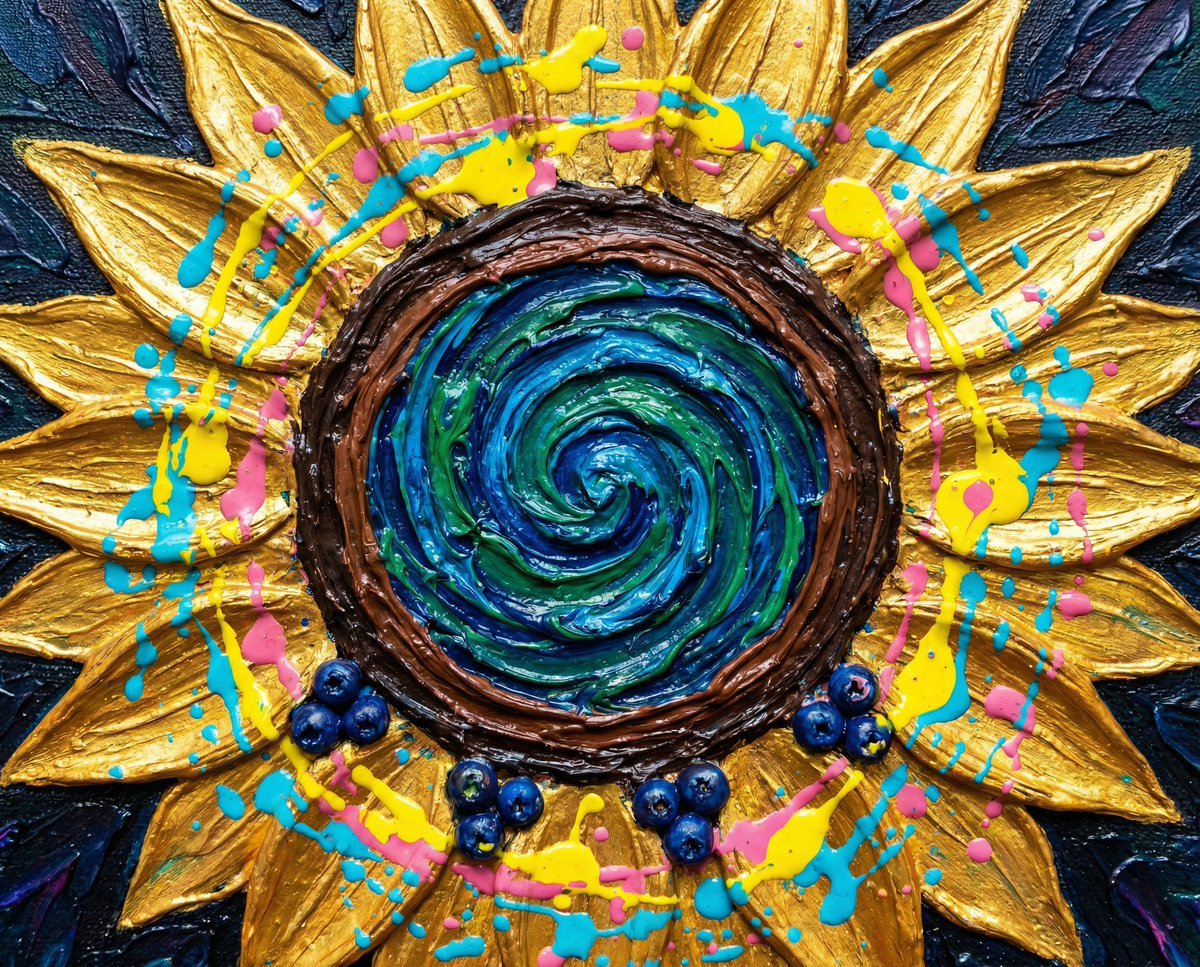
Psychedelic Impasto Sunflower Abstract
Korean English Learning App Promo
Urban lifestyle portrait prompt
Browse template categories
Dynamic Split Magazine Cover Thumbnail Prompt questions
How do I use the Dynamic Split Magazine Cover Thumbnail Prompt template?
Add your photo if the template asks for one, edit the prompt if you like — the template's model and format are already selected — and press Generate. Your version opens in PicX Studio.
Can I customize the Dynamic Split Magazine Cover Thumbnail Prompt template?
Yes. You can change the subject, setting, lighting, mood, format, and available model controls before creating your image.
Is the Dynamic Split Magazine Cover Thumbnail Prompt template free?
Opening and editing this template is free. Generating uses credits, shown on the Generate button when you are signed in.
Which AI model should I use?
Start with Nano Banana 2, which is the model associated with this template. You can compare another compatible model for a different finish.
Looking for something else? Browse all templates.

Your photo, any look
Thousands of ready templates for every top image and video model, from one credit balance.