
Korean English Learning App Promo
A polished promotional poster showing four smartphone screens for a Korean English-learning app, suitable for app marketing, landing pages, or social media announcements.
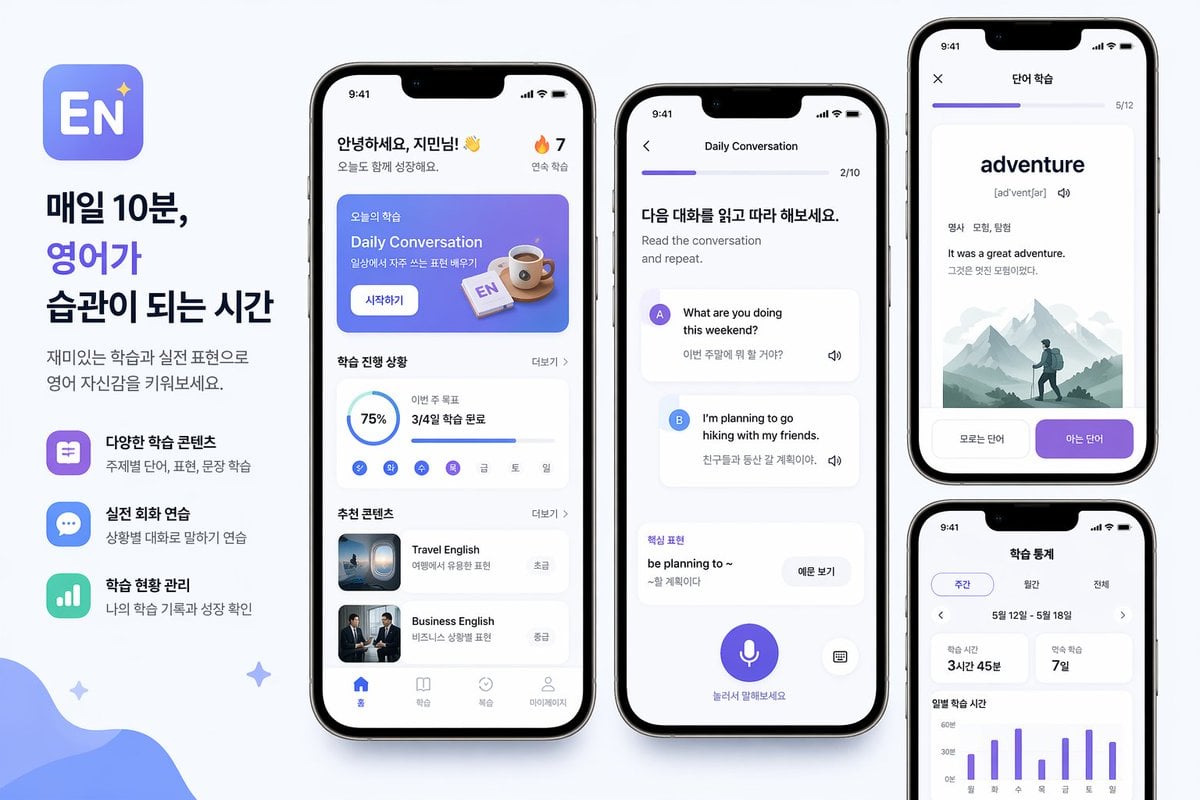
- Prompt included
- Model and format preset
- Free template
The prompt behind this image
Copy the exact prompt behind Korean English Learning App Promo, or open it in the studio and make it yours.
- Type
- mobile app promo poster mockup
- Style
- clean modern Korean edtech marketing graphic, soft light gray background, premium iPhone-style device renders, rounded UI cards, subtle shadows, blue and purple gradient accent palette, minimalist sans-serif typography
- Subject
- English learning mobile app advertisement layout
- Branding › App Icon
- rounded square icon with a blue-to-purple gradient background, large white letters EN, small sparkle star in the top right
- Branding › Headline
- 매일 10분,, 영어가, 습관이 되는 시간
- Branding › Body
- 재미있는 학습과 실전 표현으로 영어 자신감을 키워보세요.
- Layout › Canvas
- wide horizontal poster
- Layout › Sections › 0 › Title
- left marketing text column
- Layout › Sections › 0 › Position
- far left
- Layout › Sections › 0 › Count
- 3
- Layout › Sections › 0 › Labels
- 다양한 학습 콘텐츠, 실전 회화 연습, 학습 현황 관리
- Layout › Sections › 1 › Title
- main app home screen
- Layout › Sections › 1 › Position
- center-left phone
- Layout › Sections › 1 › Count
- 6
- Layout › Sections › 1 › Labels
- header greeting, today lesson banner, progress card, weekday mini tracker, recommended content card 1, recommended content card 2
- Layout › Sections › 2 › Title
- conversation practice screen
- Layout › Sections › 2 › Position
- center phone
- Layout › Sections › 2 › Count
- 6
- Layout › Sections › 2 › Labels
- top progress bar, instruction header, speaker A message card, speaker B message card, key phrase card, bottom microphone button
- Layout › Sections › 3 › Title
- word learning screen
- Layout › Sections › 3 › Position
- top-right phone
- Layout › Sections › 3 › Count
- 5
- Layout › Sections › 3 › Labels
- top progress bar, large vocabulary word, part-of-speech and meaning line, example sentence block, 2 bottom choice buttons
- Layout › Sections › 4 › Title
- study statistics screen
Raw JSON
{"type":"mobile app promo poster mockup","style":"clean modern Korean edtech marketing graphic, soft light gray background, premium iPhone-style device renders, rounded UI cards, subtle shadows, blue and purple gradient accent palette, minimalist sans-serif typography","subject":"English learning mobile app advertisement layout","branding":{"app icon":"rounded square icon with a blue-to-purple gradient background, large white letters EN, small sparkle star in the top right","headline":["매일 10분,","영어가","습관이 되는 시간"],"body":"재미있는 학습과 실전 표현으로 영어 자신감을 키워보세요."},"layout":{"canvas":"wide horizontal poster","sections":[{"title":"left marketing text column","position":"far left","count":3,"labels":["다양한 학습 콘텐츠","실전 회화 연습","학습 현황 관리"]},{"title":"main app home screen","position":"center-left phone","count":6,"labels":["header greeting","today lesson banner","progress card","weekday mini tracker","recommended content card 1","recommended content card 2"]},{"title":"conversation practice screen","position":"center phone","count":6,"labels":["top progress bar","instruction header","speaker A message card","speaker B message card","key phrase card","bottom microphone button"]},{"title":"word learning screen","position":"top-right phone","count":5,"labels":["top progress bar","large vocabulary word","part-of-speech and meaning line","example sentence block","2 bottom choice buttons"]},{"title":"study statistics screen","position":"bottom-right phone","count":5,"labels":["tab selector","date range row","2 summary stat cards","weekly bar chart","chart labels"]}],"phone_count":4},"screens":{"home":{"status_bar_time":"9:41","greeting":"안녕하세요, {argument name=\"character name\" default=\"지민님\"}! 👋","streak":"🔥 7","banner":{"korean_label":"오늘의 학습","title":"Daily Conversation","subtitle":"일상에서 자주 쓰는 표현 배우기","button":"시작하기","illustration":"coffee cup and small EN flashcard on a blue gradient panel"},"progress":{"section_title":"학습 진행 상황","completion":"75%","monthly_goal_text":"이번 주 목표","monthly_goal_value":"3/4일 학습 완료","weekday_count":7,"weekday_labels":["월","화","수","목","금","토","일"]},"recommendations":{"section_title":"추천 콘텐츠","items":[{"title":"Travel English","subtitle":"여행에서 유용한 표현","level":"초급","thumbnail":"airplane window or travel scene"},{"title":"Business English","subtitle":"비즈니스 상황별 표현","level":"중급","thumbnail":"two business people in suits"}]},"bottom_nav":{"count":4,"labels":["홈","학습","복습","마이페이지"]}},"conversation":{"title":"Daily Conversation","progress":"2/10","header":"다음 대화를 읽고 따라 해보세요.","subheader":"Read the conversation and repeat.","messages":[{"speaker":"A","bubble_text":"What are you doing this weekend?","translation":"이번 주말에 뭐 할 거야?"},{"speaker":"B","bubble_text":"I'm planning to go hiking with my friends.","translation":"친구들과 등산 갈 계획이야."}],"phrase_box":{"label":"핵심 표현","phrase":"be planning to ~","meaning":"~할 계획이다","button":"이문 보기"},"bottom_hint":"눌러서 말해보세요","controls":{"microphone":true,"keyboard":true}},"vocabulary":{"title":"단어 학습","progress":"5/12","word":"{argument name=\"vocabulary word\" default=\"adventure\"}","pronunciation":"[ədˈventʃər]","meta":"명사 모험, 탐험","example_en":"It was a great adventure.","example_ko":"그것은 멋진 모험이었다.","illustration":"misty mountain landscape with a lone hiker wearing a backpack","buttons":["모르는 단어","아는 단어"]},"stats":{"title":"학습 통계","tabs":{"count":3,"labels":["주간","월간","전체"]},"date_range":"5월 12일 - 5월 18일","summary_cards":[{"label":"학습 시간","value":"3시간 45분"},{"label":"연속 학습","value":"7일"}],"chart":{"type":"weekly vertical bar chart","bar_count":7,"x_labels":["월","화","수","목","금","토","일"],"y_labels":["0분","30분","60분"]}}},"decor":{"background_shapes":["large soft blue organic wave in the bottom-left corner","3 small sparkle stars scattered around the composition"]},"rendering":"high-resolution product marketing render, straight-on front view phones, balanced spacing, crisp Korean UI text, polished app-store presentation"}How to use Korean English Learning App Promo in 3 steps
- 1Upload ImagePNG, JPG or paste
Add your photo
Upload the photo the template builds on. The prompt, model and format are already set.
- 2…a portrait of your subject in softgolden-hour light, 85mm…
Personalize
Edit the subject and creative details for your destination.
- 3Generate
Generate
Press Generate — your image is created in PicX Studio, so you can compare it with the original and refine one variable at a time.
More like this
Templates with the same subject, style or setup. Open one to see its prompt.

Trendy Cafe Drink Promo Poster
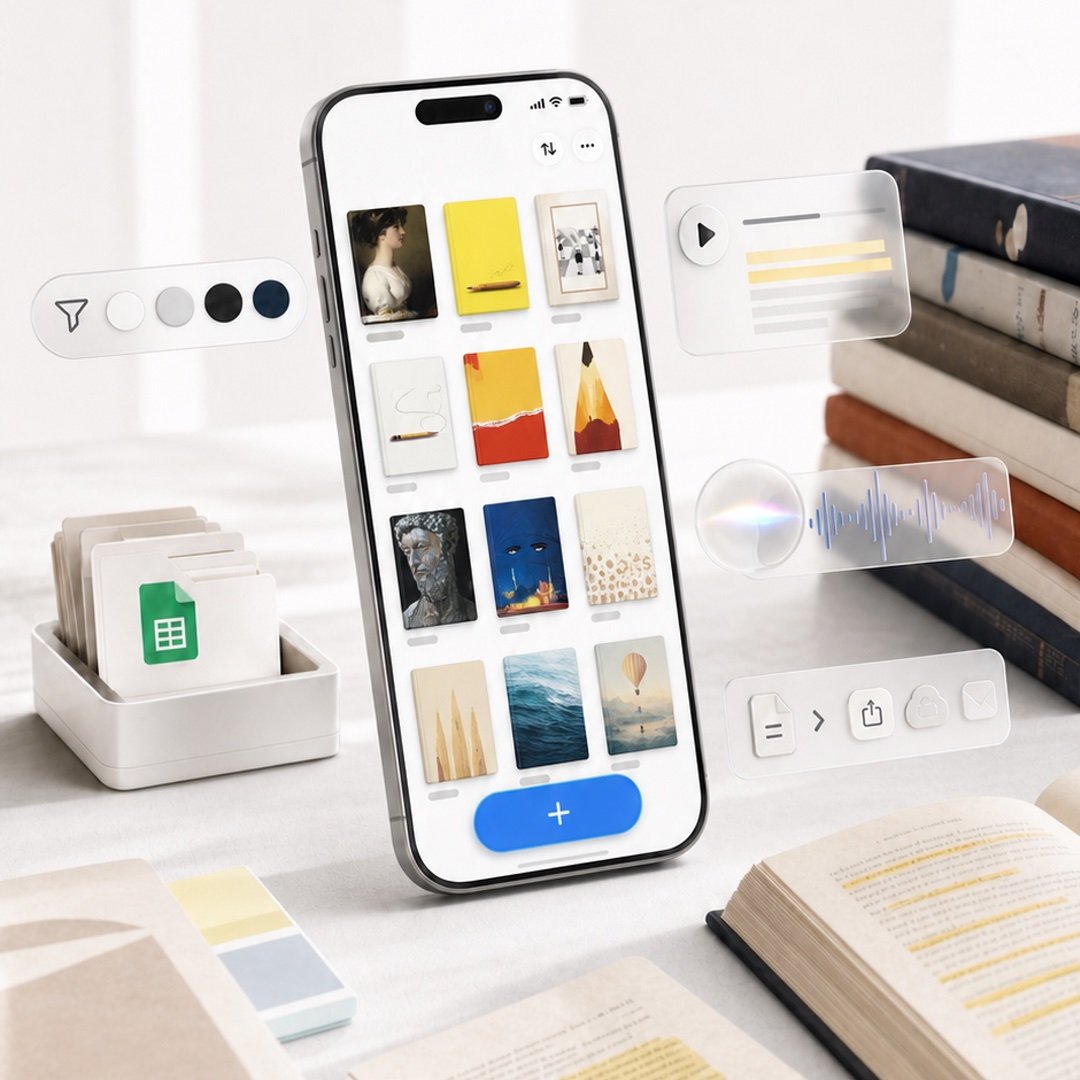
Highlighted App Promo Cover

Retro Pop-Art K-Fashion Ultraluxury Campaign Poster

Urban Fashion Editorial Collage Streetwear Poster

Korean Luxury Fashion Editorial 2x2 Grid Series

Korean Streetwear Minimalist Campaign Portrait

Cinematic Korean Streetwear Street Portrait

Korean Model Floating Magazine Pages Campaign

Blue Backdrop Luxury Fashion Portrait Campaign
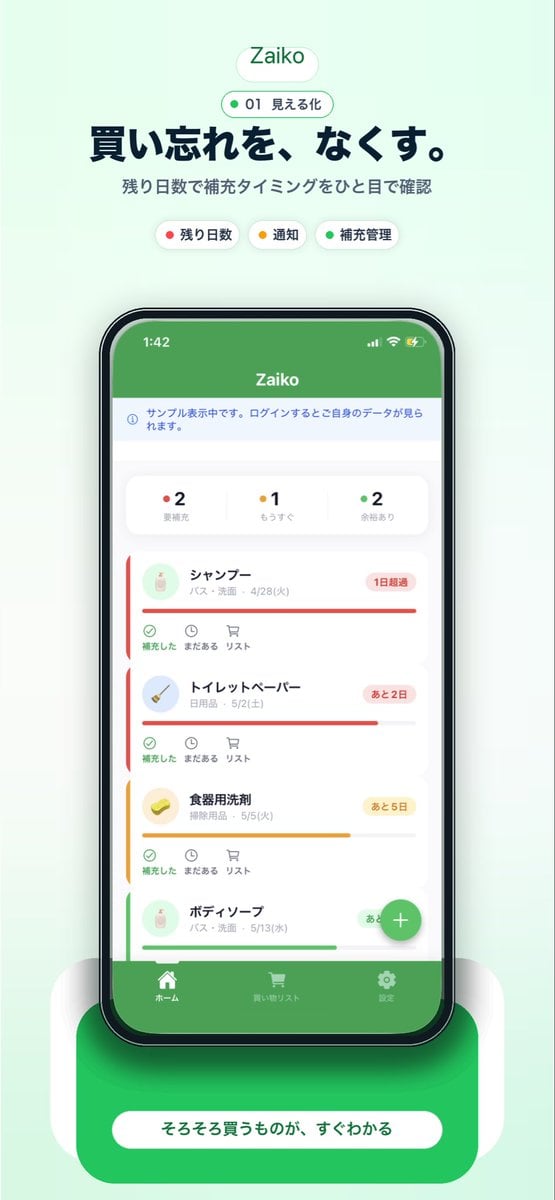
Japanese Inventory App Promo Poster
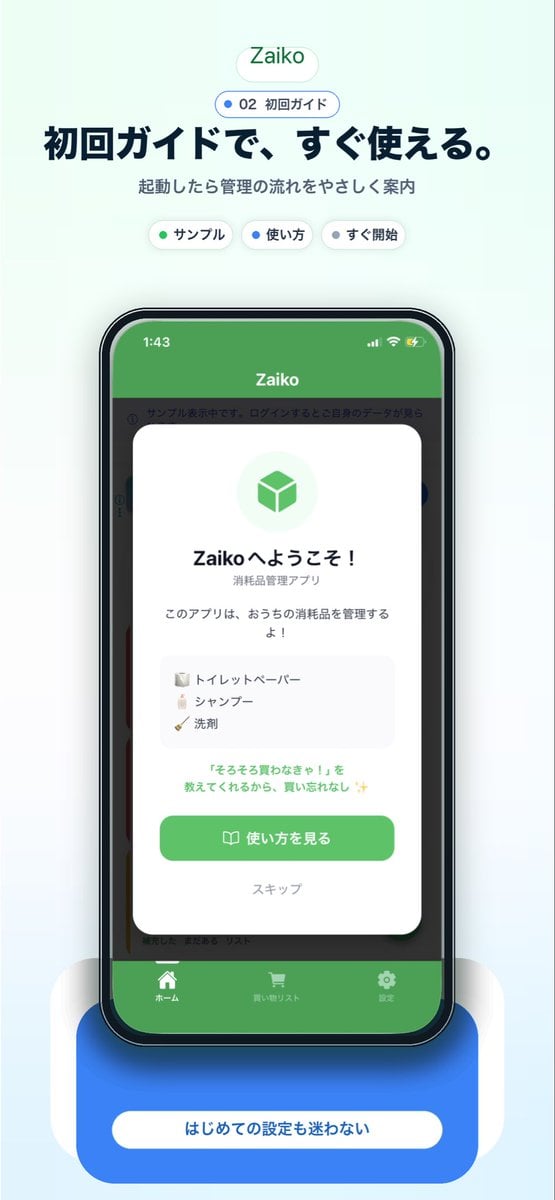
Japanese app onboarding promo mockup
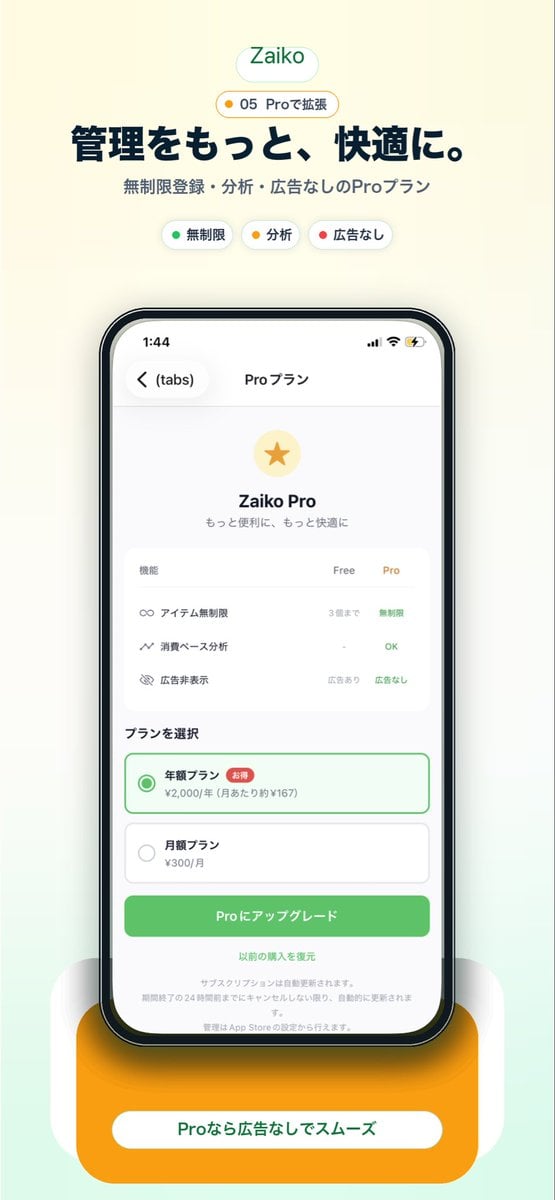
Japanese Pro Plan App Promo
Make it yours
Korean English Learning App Promo works as-is. These are the safest ways to change it without losing the look.
Swap the setting
Keep the rest of the prompt and replace the location block. The current setting is “large soft blue organic wave in the bottom-left corner, 3 small sparkle stars sc”.
Change one field
Copy a single group, rewrite it, and generate again so you can see what that field is doing.
Keep the frame, change the subject
Hold the composition and light of Korean English Learning App Promo, then swap wardrobe, props or the person for a new take.
| If the result… | Why | Fix |
|---|---|---|
| The result drifts from the preview | Too many fields changed at once. | Reuse Korean English Learning App Promo as-is first, then change one group — subject, light, or setting. |
| GPT Image 2 ignores part of the JSON | Some models flatten or skip nested keys. | Keep the same values and paste them as a short paragraph instead. |
More GPT Image 2 templates
Other prompts made for GPT Image 2.

Six VTuber Japanese Logo Sheet

Realistic Portrait of Woman and Deer

The Vista Modular Condo Poster

AI Model Routing Comparison Infographic

2.5D Anime Art Board

Isometric Productivity Desk Scene

New York Double Exposure Poster

Four-Panel AI Landscape Comparison

Japanese Tatami Lifestyle Magazine Cover

NESCAFÉ Coffee Map Poster
More image prompts
Fresh picks from across the catalog.

Overtime Zone Pachislot Machine

Pair Fashion Generation Prompt
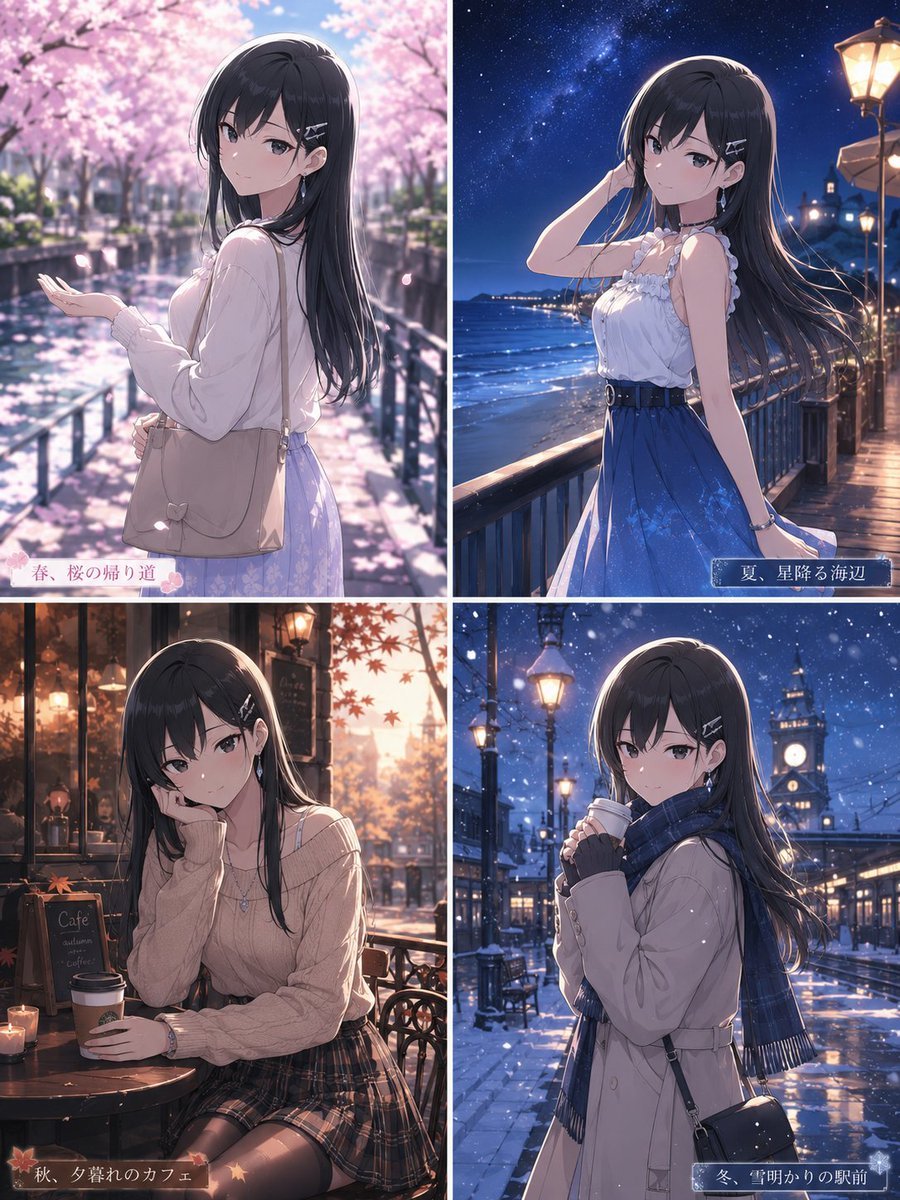
Four Seasons Anime Girl Collage
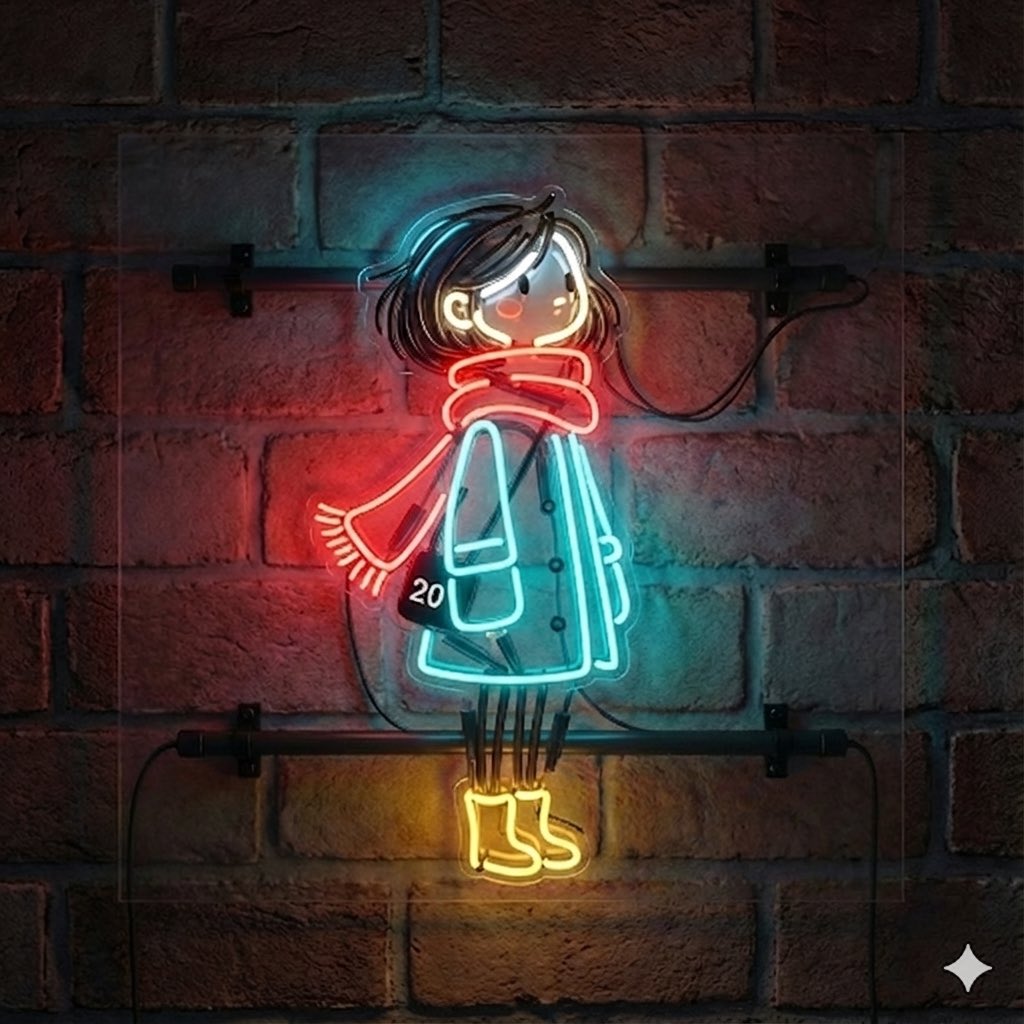
Image-to-Neon Light Transformation
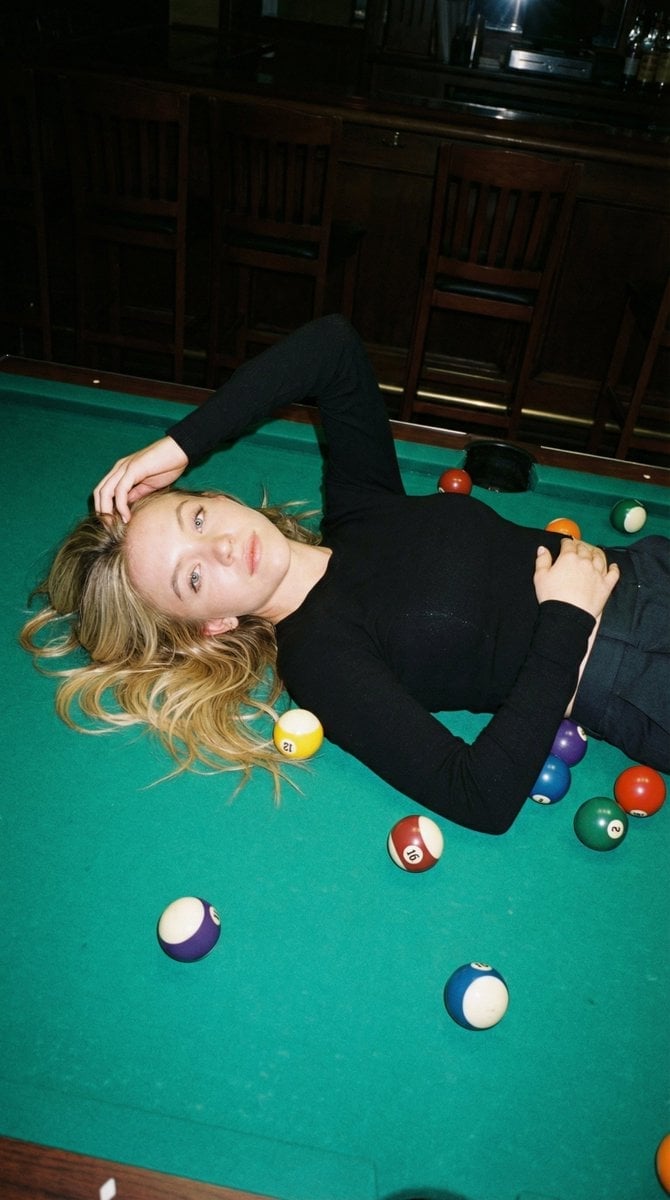
Editorial Nightlife Candid on a Billiards Table
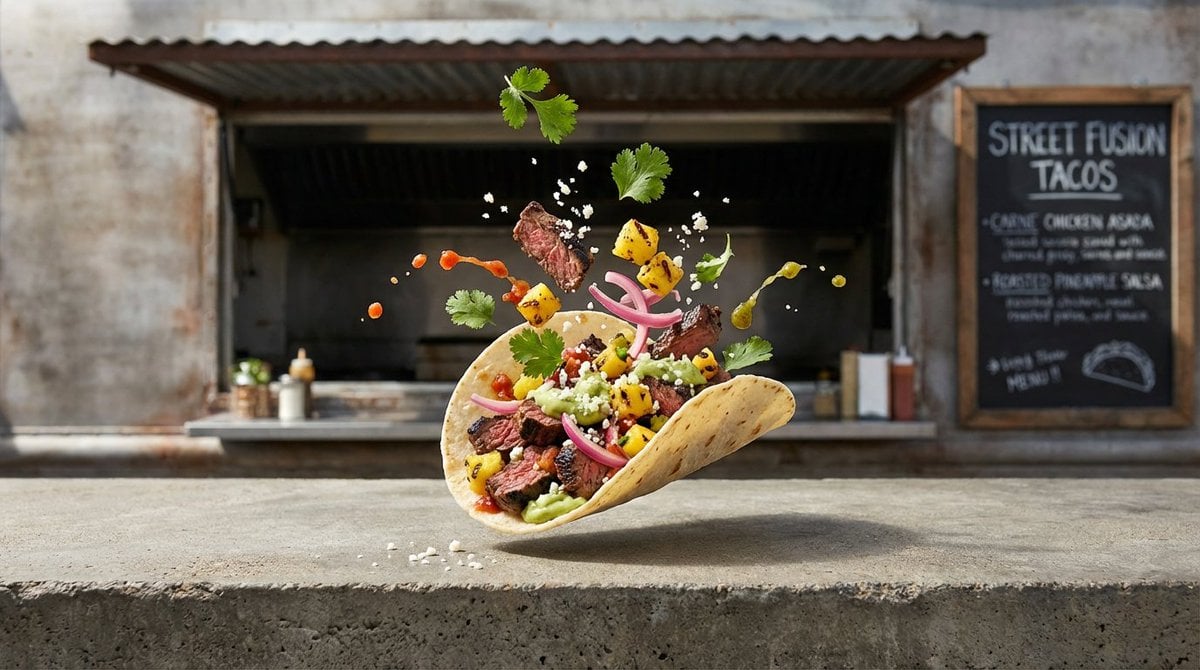
Four High-Detail Composite Photography Prompts
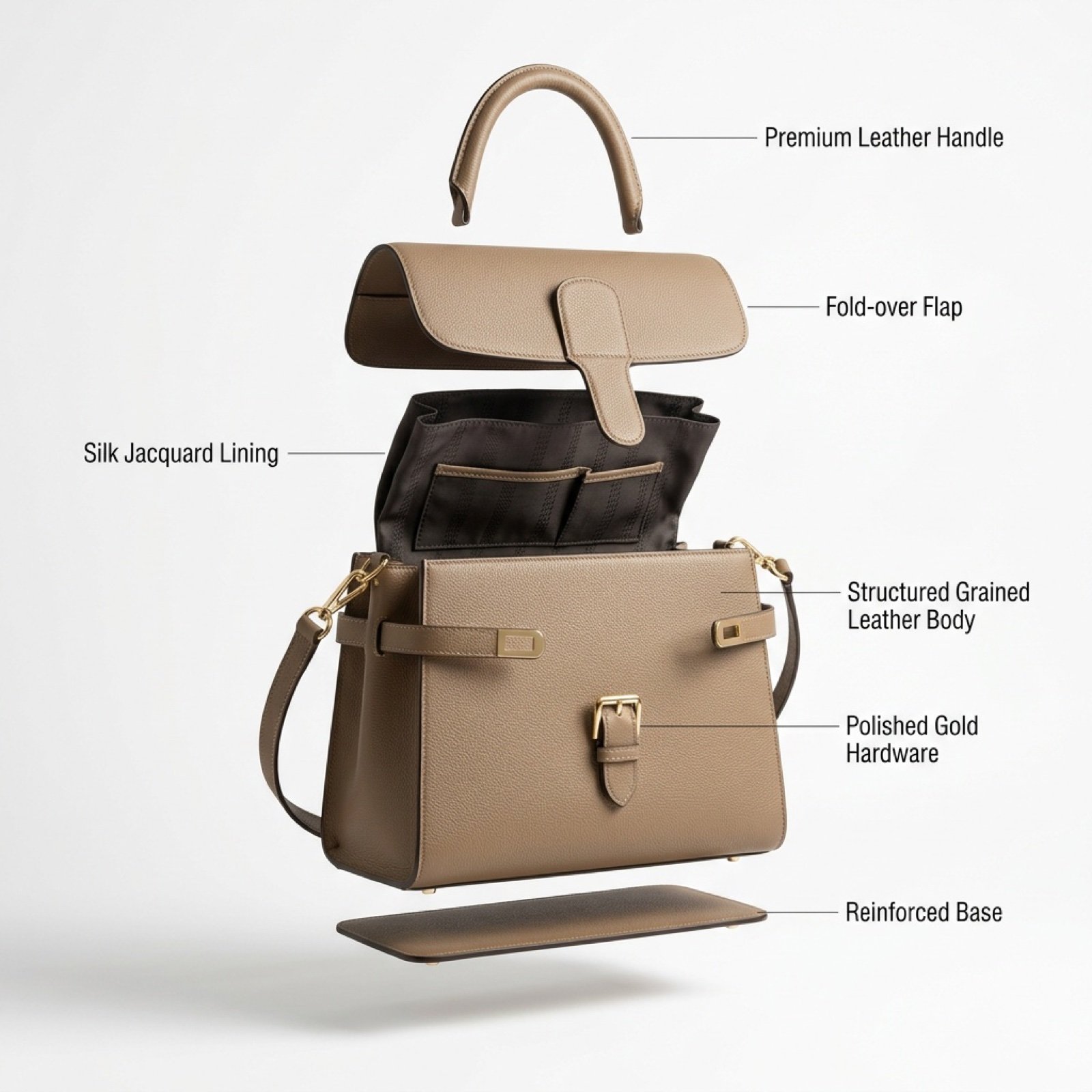
Luxury Handbag Exploded View Animation Prompt
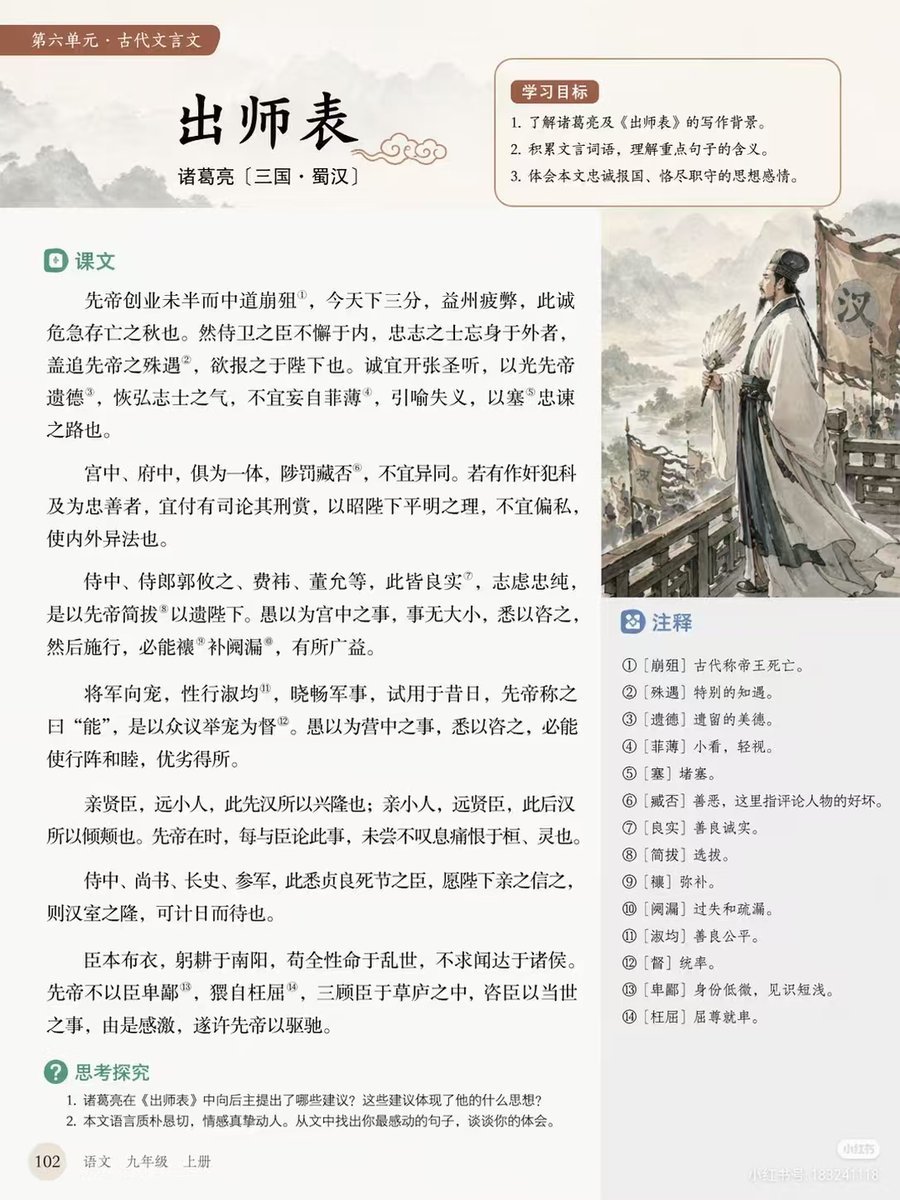
Chinese Literature Textbook Page Layout
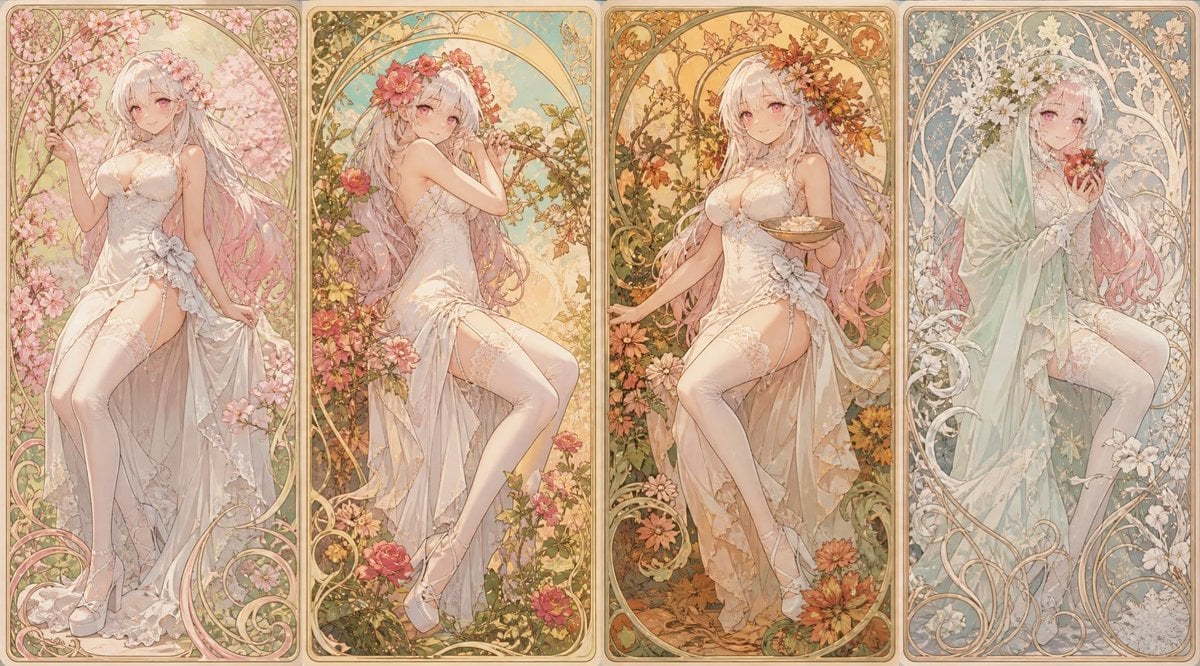
Mucha Style Seasonal Art Nouveau

Surreal Landmark Dining Portrait
Browse template categories
Korean English Learning App Promo questions
How do I use the Korean English Learning App Promo template?
Add your photo if the template asks for one, edit the prompt if you like — the template's model and format are already selected — and press Generate. Your version opens in PicX Studio.
Can I customize the Korean English Learning App Promo template?
Yes. You can change the subject, setting, lighting, mood, format, and available model controls before creating your image.
Is the Korean English Learning App Promo template free?
Opening and editing this template is free. Generating uses credits, shown on the Generate button when you are signed in.
Which AI model should I use?
Start with GPT Image 2, which is the model associated with this template. You can compare another compatible model for a different finish.
Looking for something else? Browse all templates.

Your photo, any look
Thousands of ready templates for every top image and video model, from one credit balance.