
Armored Tokusatsu Cosplayers Resting
A cinematic mansion photo scene of three exhausted tokusatsu-inspired android cosplayers in ornate wearable armor suits.
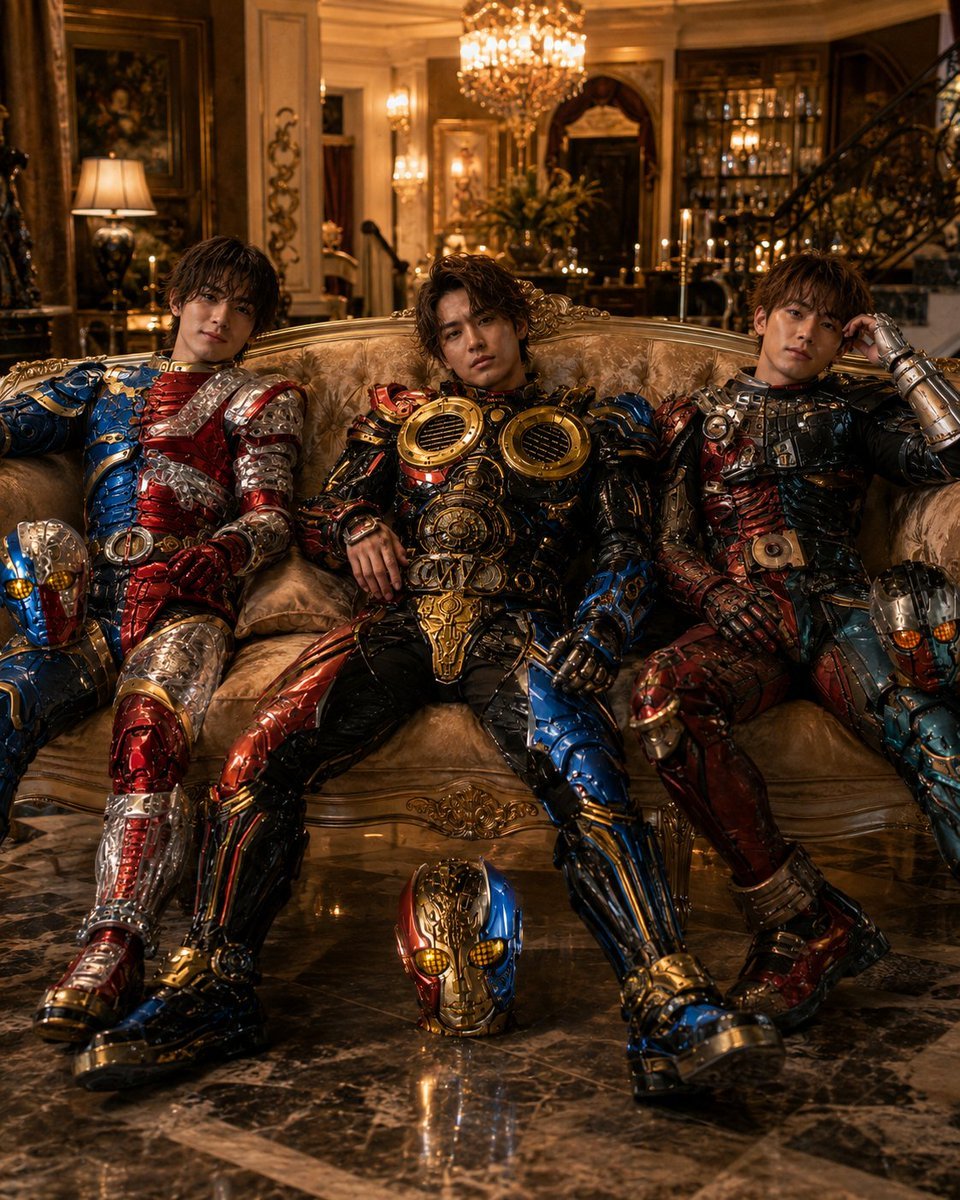
- Prompt included
- Model and format preset
- Free template
The prompt behind this image
Copy the exact prompt behind Armored Tokusatsu Cosplayers Resting, or open it in the studio and make it yours.
Create a cinematic ultra-detailed photo-realistic scene of {argument name="number of cosplayers" default="three"} young male cosplayers wearing elaborate wearable android armor inspired by classic Japanese tokusatsu heroes, seated exhausted on an ornate antique gold brocade sofa inside a lavish baroque mansion lounge. The three armored figures are arranged left, center, and right, slouching as if the heavy suits are difficult to move in: the left cosplayer wears asymmetrical glossy red, blue, and silver segmented armor; the center cosplayer wears the heaviest black, red, blue, and gold mechanical armor with two large circular chest vents; the right cosplayer wears darker red, black, teal, and silver armor with exposed mechanical paneling and rests one hand near his head. Show exactly 3 removable robot helmets: one red-blue-silver helmet partly visible near the left figure’s leg, one red-blue-gold helmet centered on the reflective marble floor in front of the sofa, and one teal-red-silver helmet partly visible at the far right edge. The armor should look like real cosplay suits made from polished metal, resin, leather straps, bolts, pistons, wires, layered plates, and weathered chrome, with practical wearability but bulky stiffness. Use {argument name="setting" default="an opulent chandelier-lit mansion lounge with a grand staircase, liquor shelves, framed paintings, marble columns, candles, and warm table lamps"}. Lighting is warm amber and luxurious, with sparkling chandeliers, deep shadows, specular highlights on the armor, and reflections on the dark marble floor. Camera angle is slightly low and frontal, medium-wide portrait composition, 4:5 aspect ratio, dramatic editorial fashion photography, shallow depth of field, high dynamic range, realistic Japanese faces, relaxed tired expressions, no masks worn on faces, no text, no watermark. Overall mood: glamorous but humorous, as if the cosplayers discovered the suits are too heavy and are taking a break.
How to use Armored Tokusatsu Cosplayers Resting in 3 steps
- 1Upload ImagePNG, JPG or paste
Add your photo
Upload the photo the template builds on. The prompt, model and format are already set.
- 2…a portrait of your subject in softgolden-hour light, 85mm…
Personalize
Edit the subject and creative details for your destination.
- 3Generate
Generate
Press Generate — your image is created in PicX Studio, so you can compare it with the original and refine one variable at a time.
More like this
Templates with the same subject, style or setup. Open one to see its prompt.
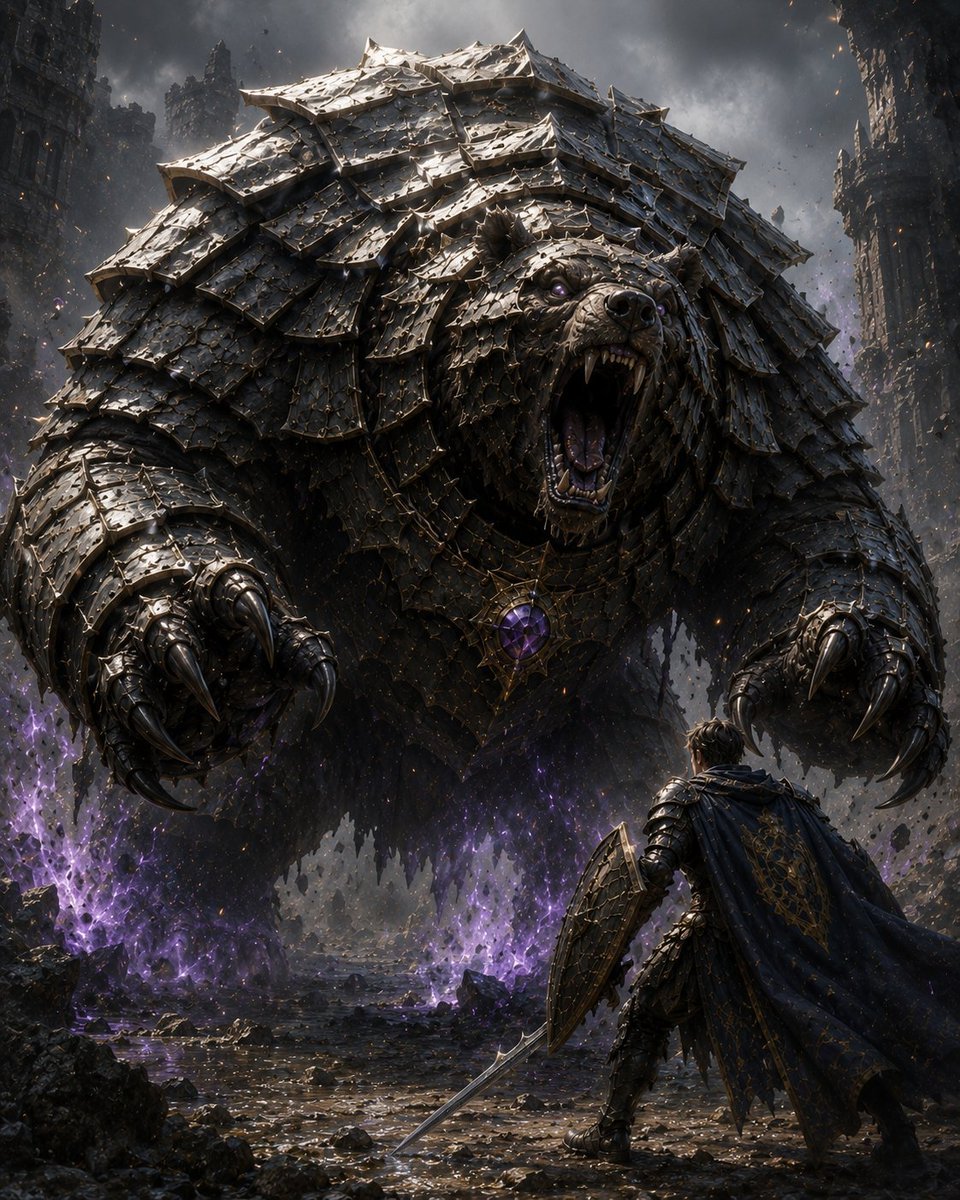
Armored Bear Encounter
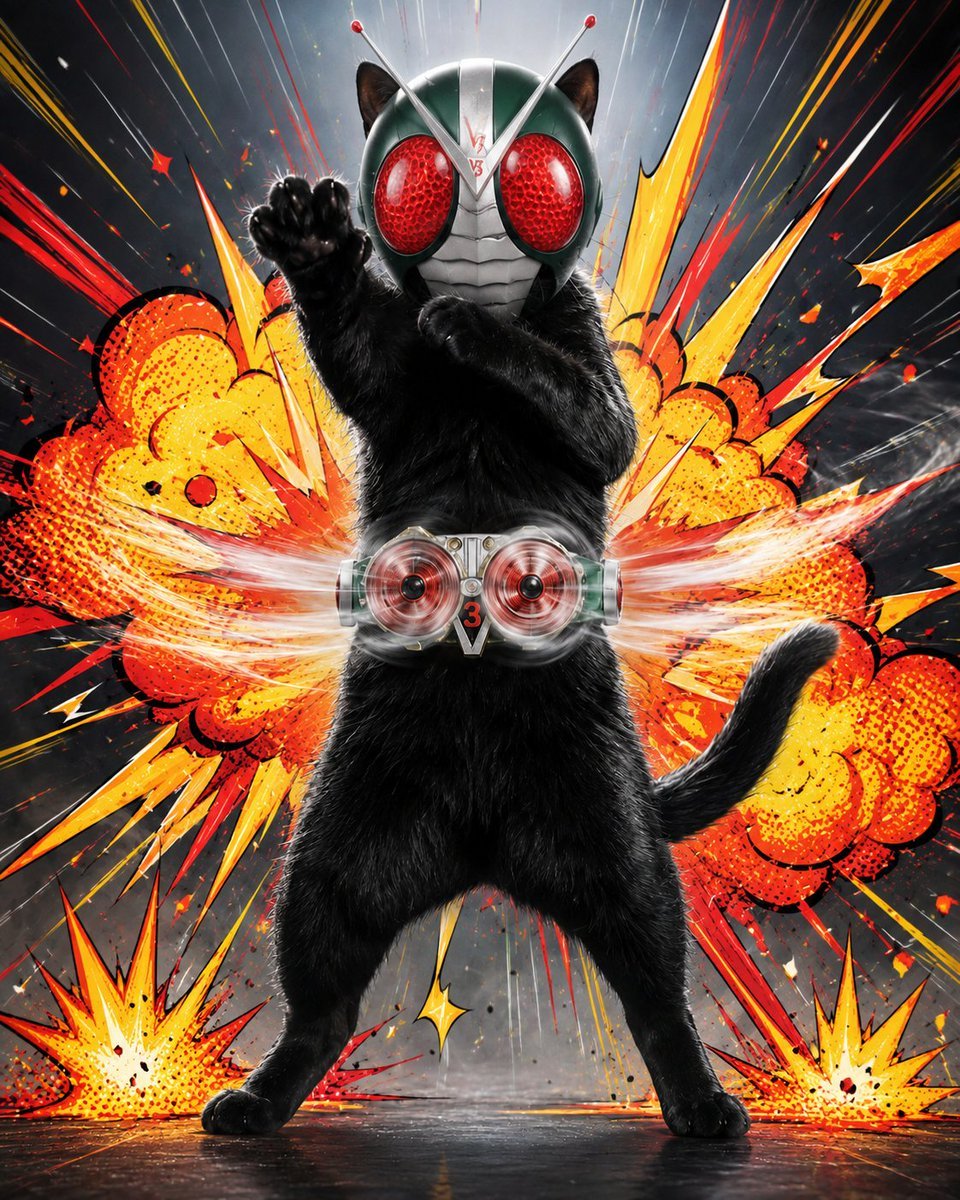
Masked Black Cat Tokusatsu Hero
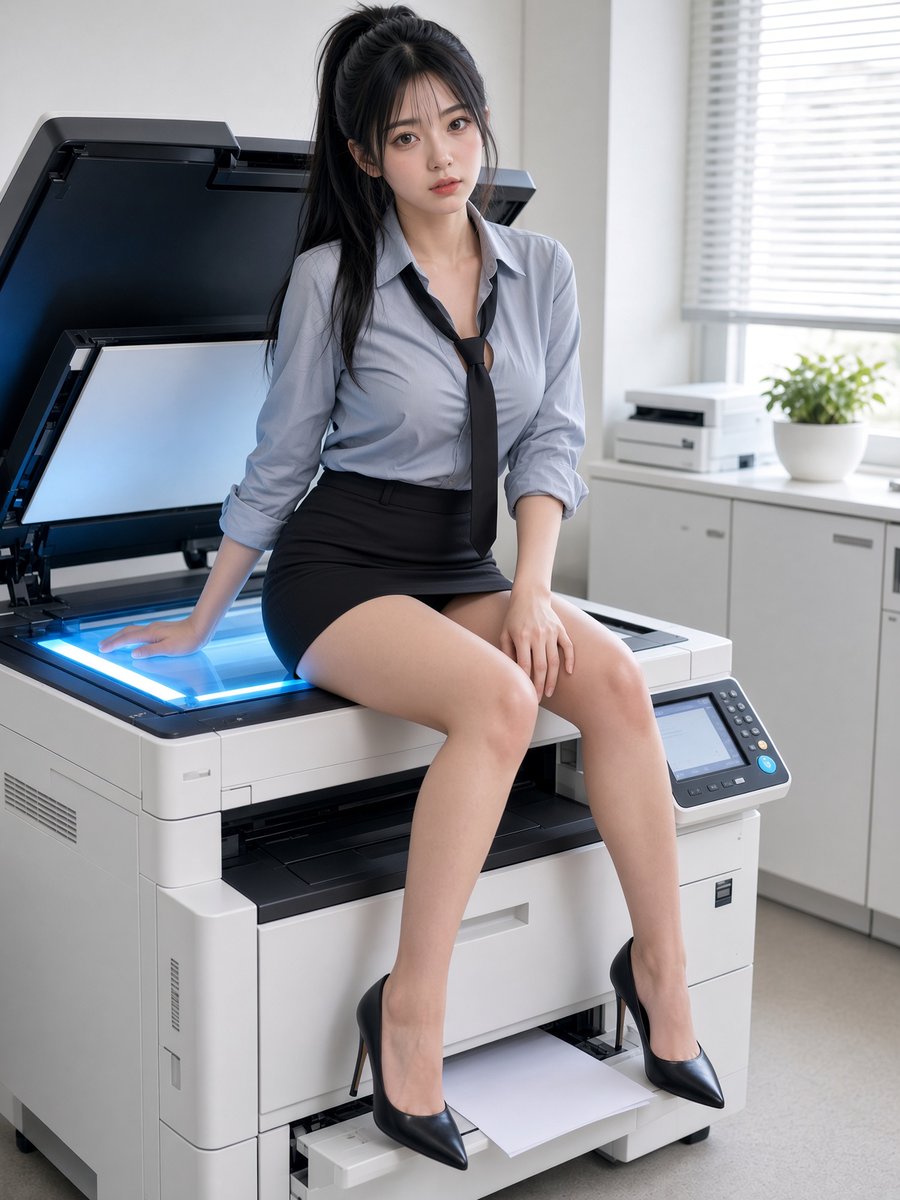
Office Worker Resting on Copier
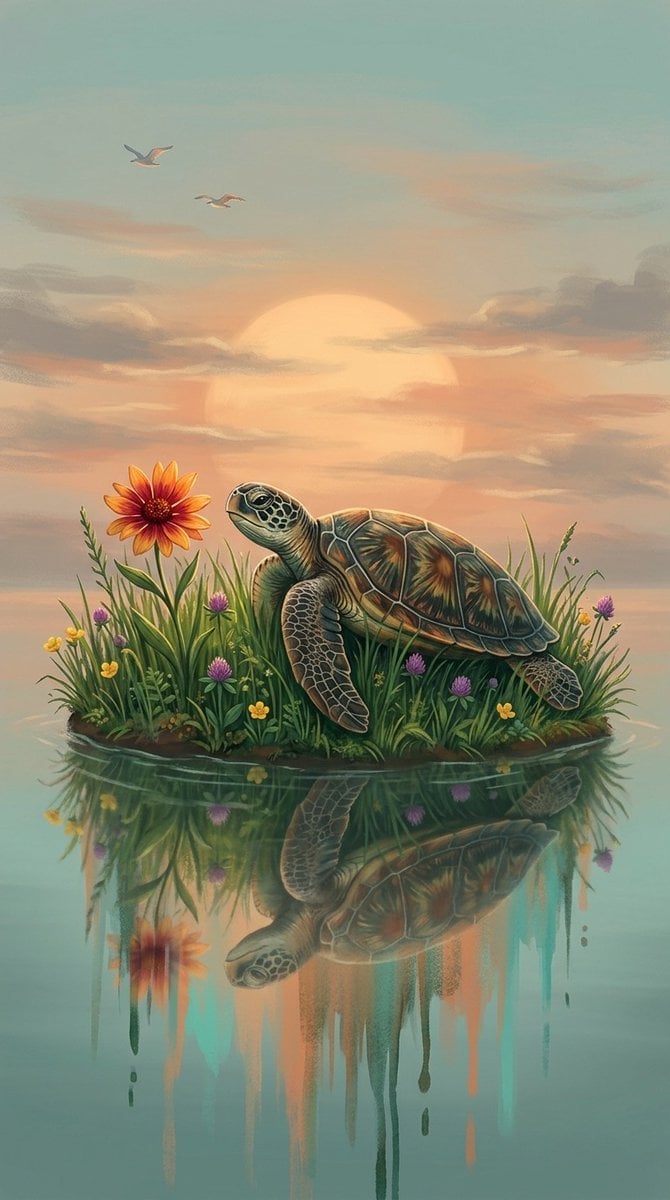
A digital fantasy illustration of a small turtle resting on a grassy
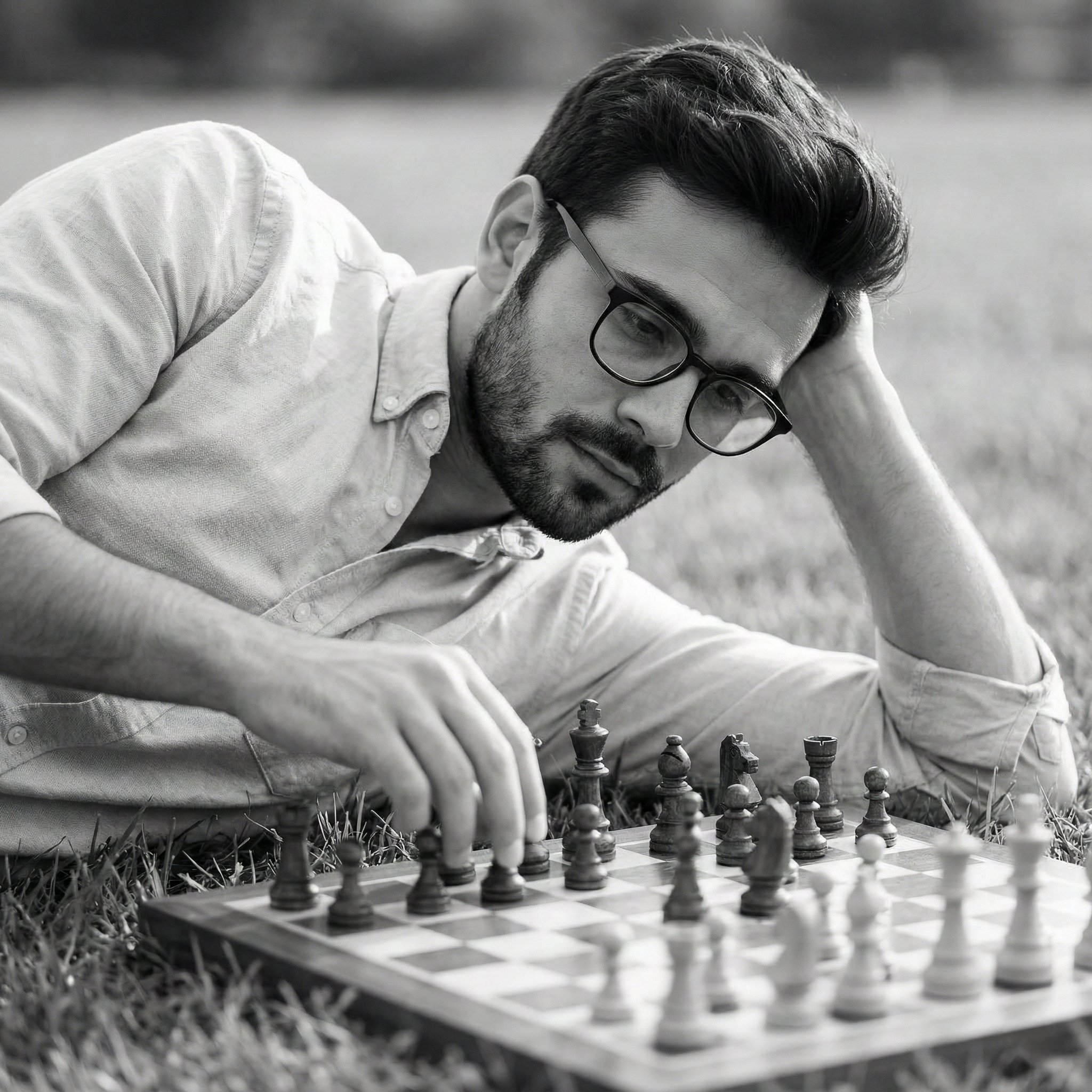
A monochrome, contemplative portrait of a man lying on grass, resting
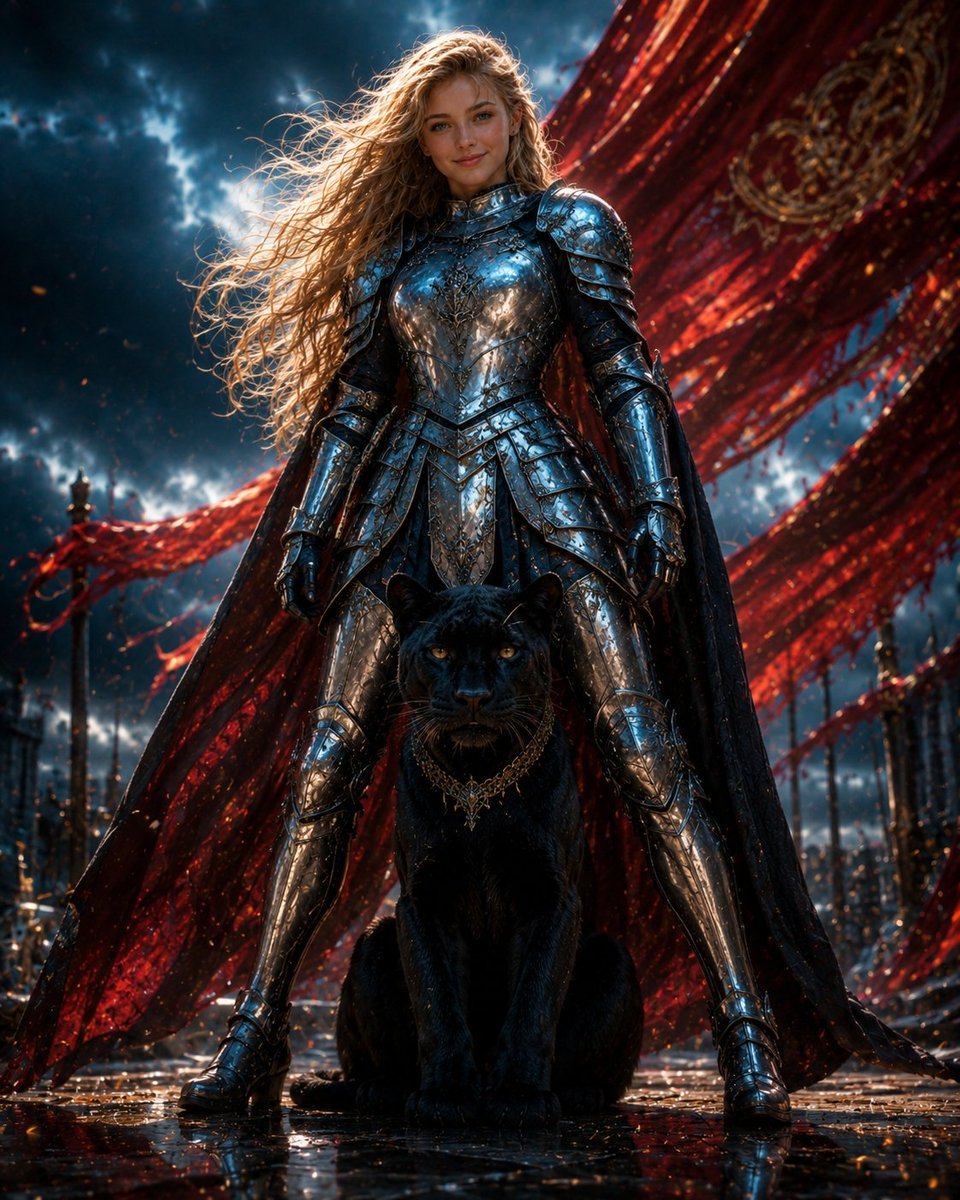
Armored Warrior with Black Panther
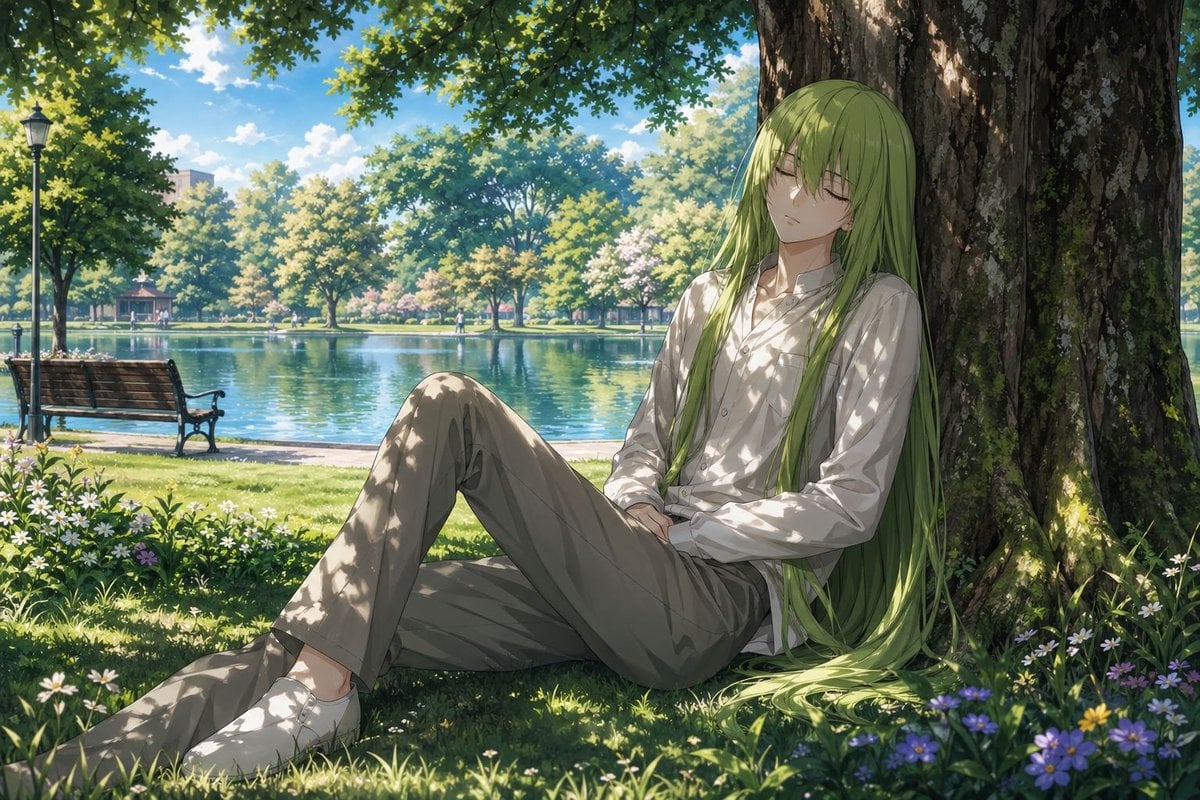
Enkidu Resting by a Lakeside Tree
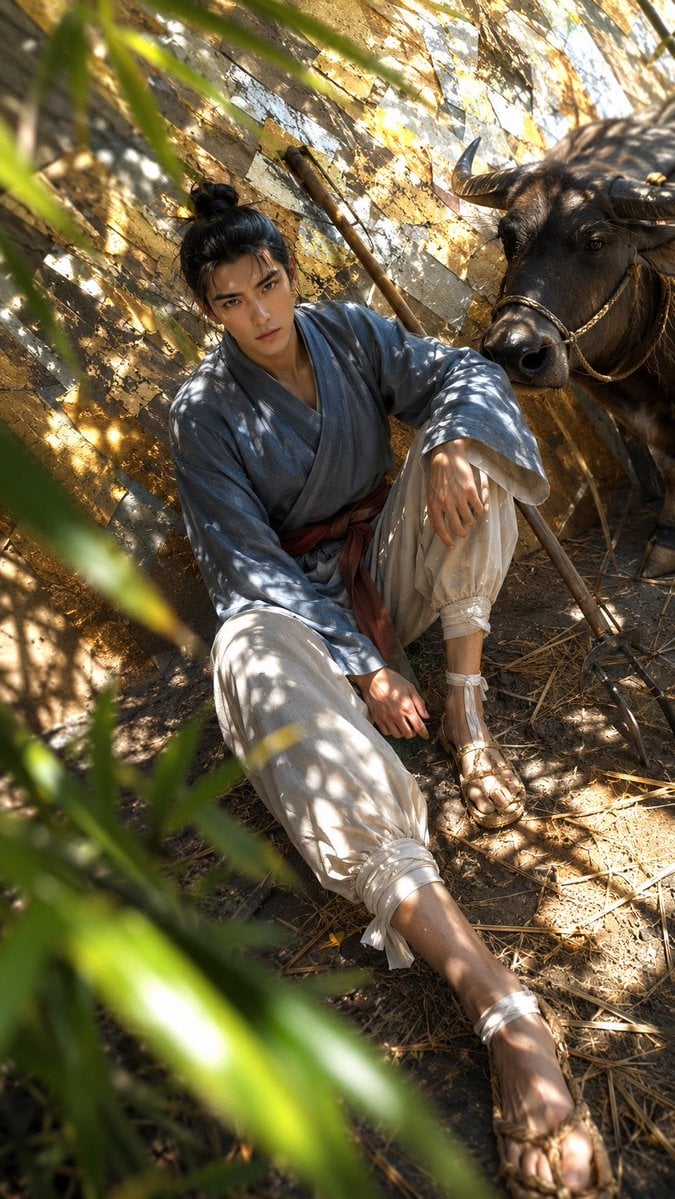
Hikoboshi Resting with Ox
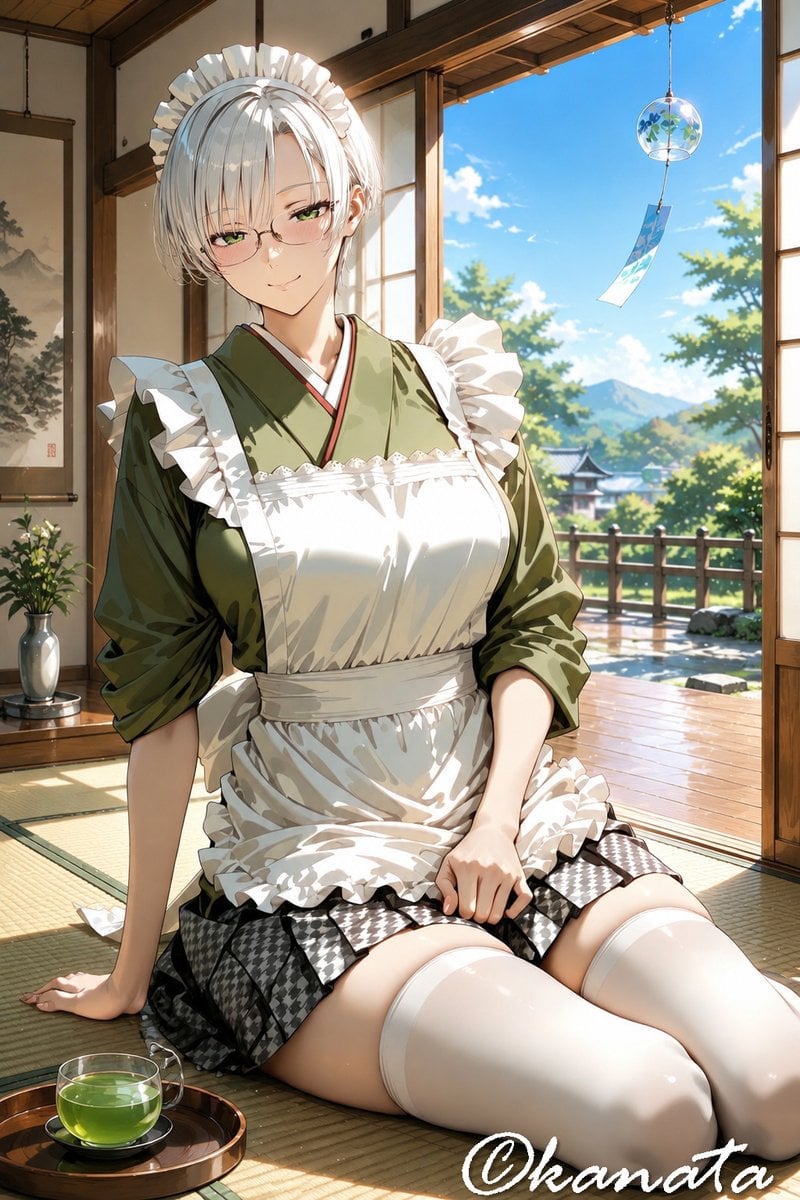
Summer Japanese Maid Resting
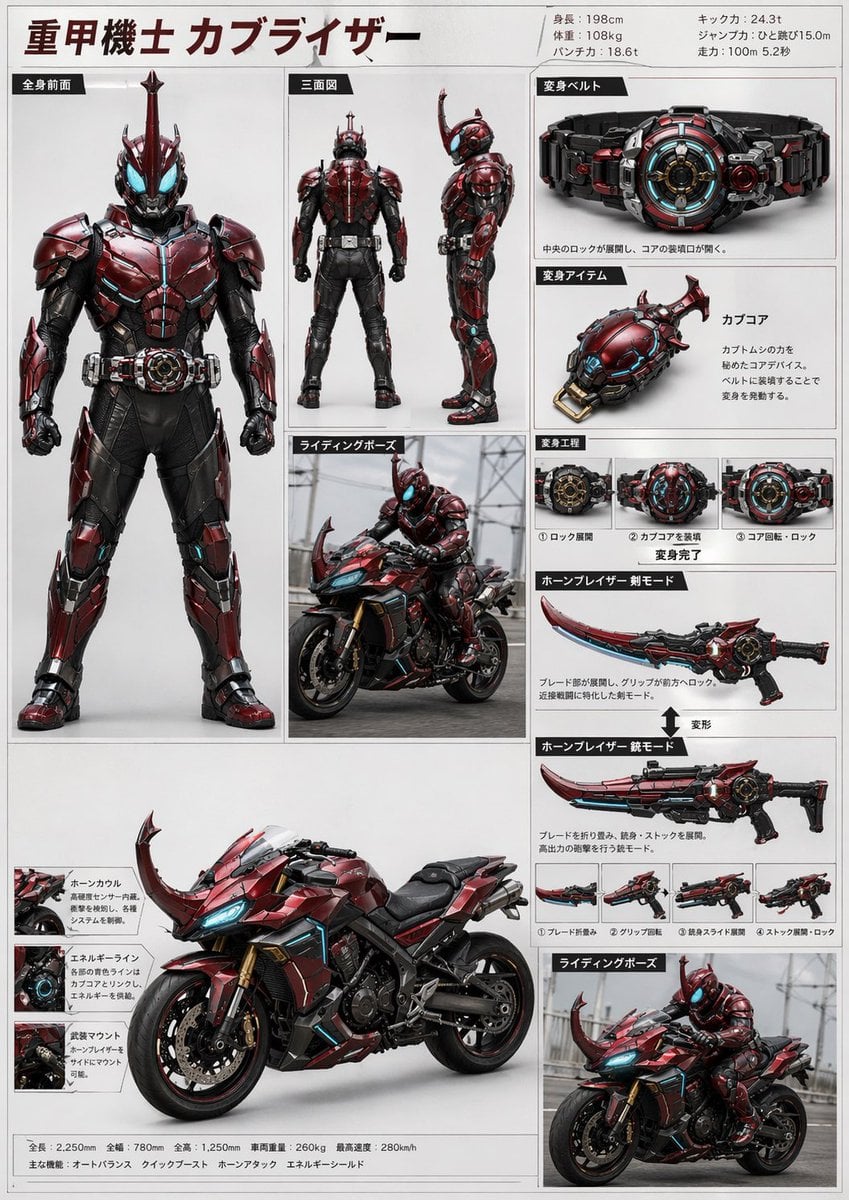
Tokusatsu Hero Reference Sheet
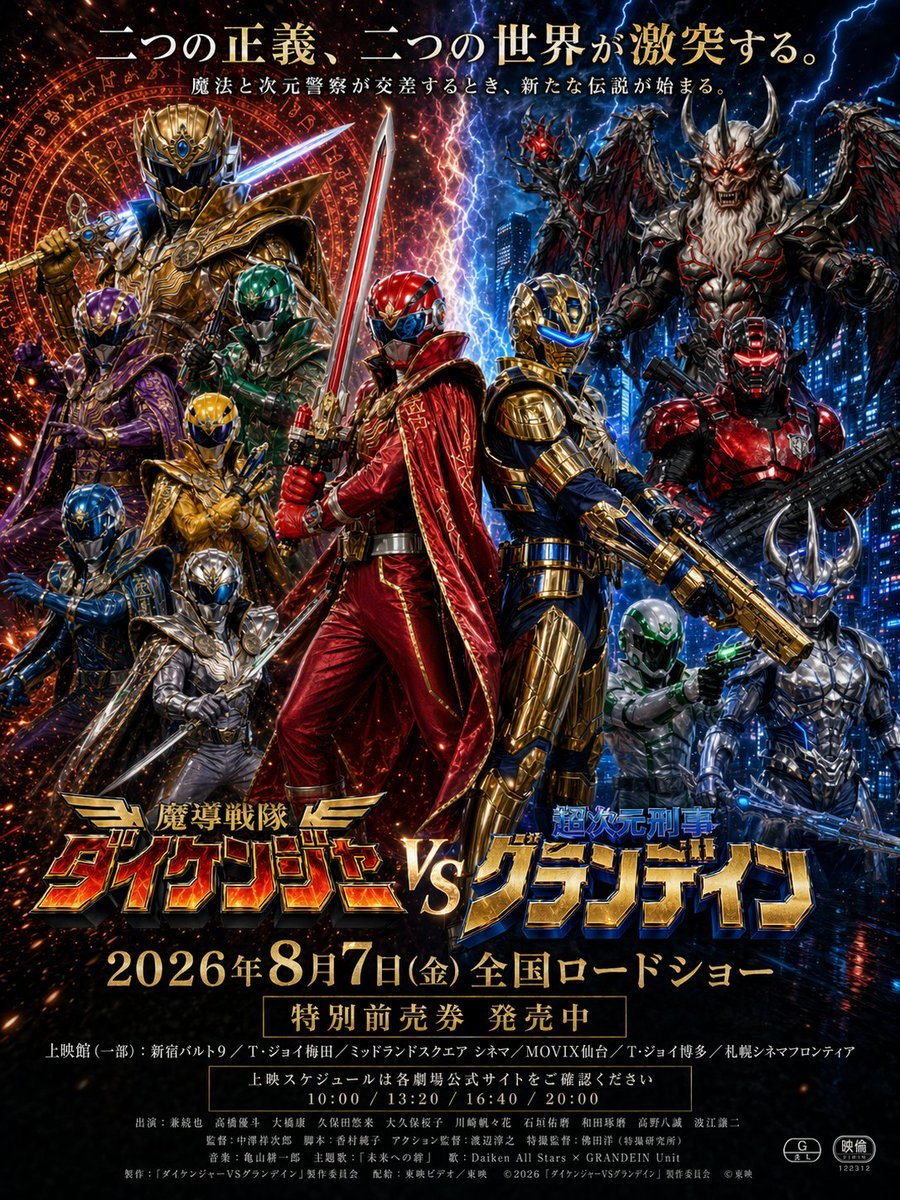
Tokusatsu Movie Poster Generator
Kneeling Blue Armored Knight
Make it yours
Armored Tokusatsu Cosplayers Resting works as-is. These are the safest ways to change it without losing the look.
Change one field
Copy a single group, rewrite it, and generate again so you can see what that field is doing.
Keep the frame, change the subject
Hold the composition and light of Armored Tokusatsu Cosplayers Resting, then swap wardrobe, props or the person for a new take.
| If the result… | Why | Fix |
|---|---|---|
| The result drifts from the preview | Too many fields changed at once. | Reuse Armored Tokusatsu Cosplayers Resting as-is first, then change one group — subject, light, or setting. |
| The model over-stylizes the scene | The prose prompt leaves finish and camera underspecified. | Add one camera or lighting sentence and stay on GPT Image 2. |
More GPT Image 2 templates
Other prompts made for GPT Image 2.

Six VTuber Japanese Logo Sheet

Realistic Portrait of Woman and Deer

The Vista Modular Condo Poster

AI Model Routing Comparison Infographic

2.5D Anime Art Board

Isometric Productivity Desk Scene

New York Double Exposure Poster

Four-Panel AI Landscape Comparison

Japanese Tatami Lifestyle Magazine Cover

NESCAFÉ Coffee Map Poster
More image prompts
Fresh picks from across the catalog.
Cinematic Portrait with Fire in Hand
3D Xuanzang Historical Archive Poster
Professional Character Reference Sheet Layout
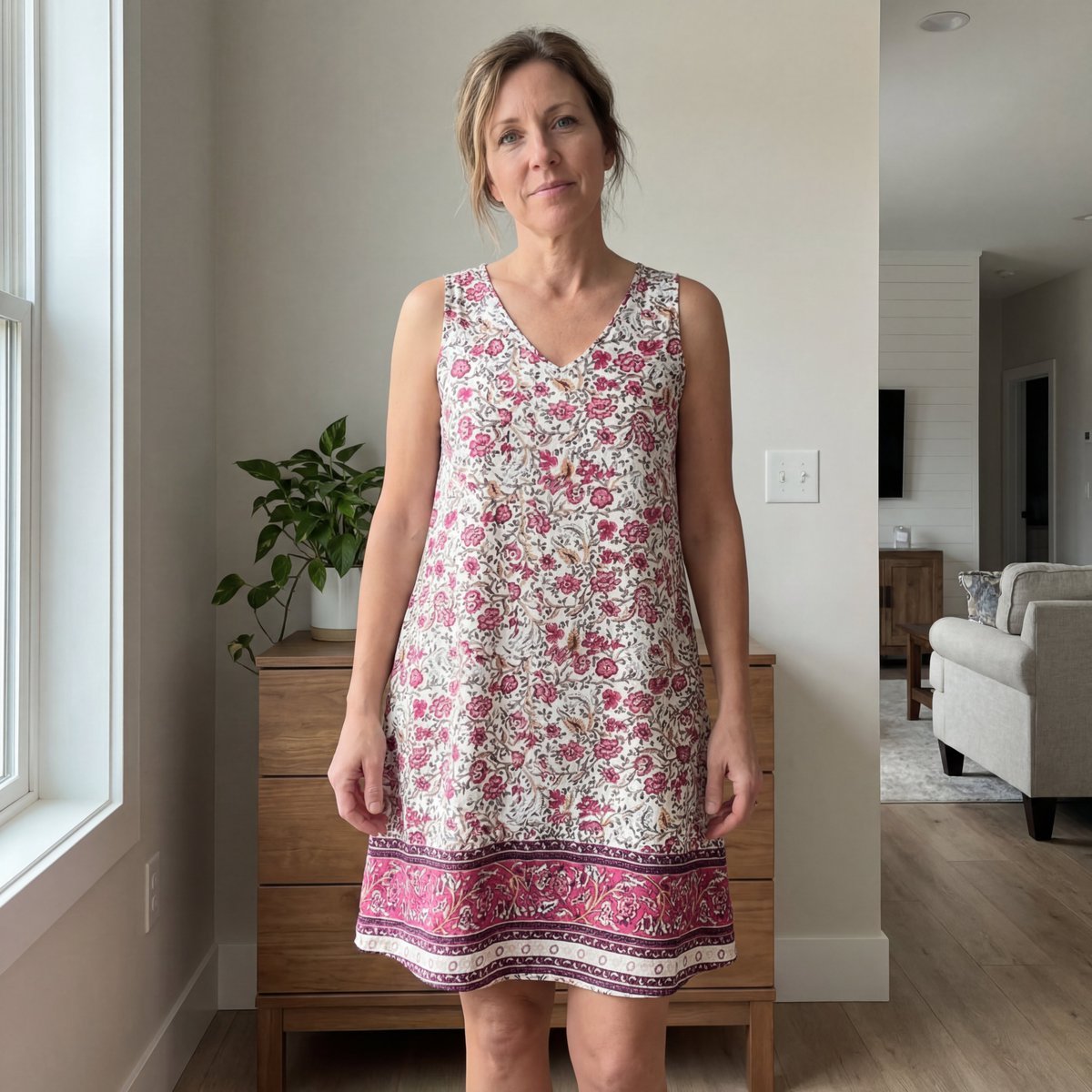
E-commerce Try-On Photo Generation Prompt
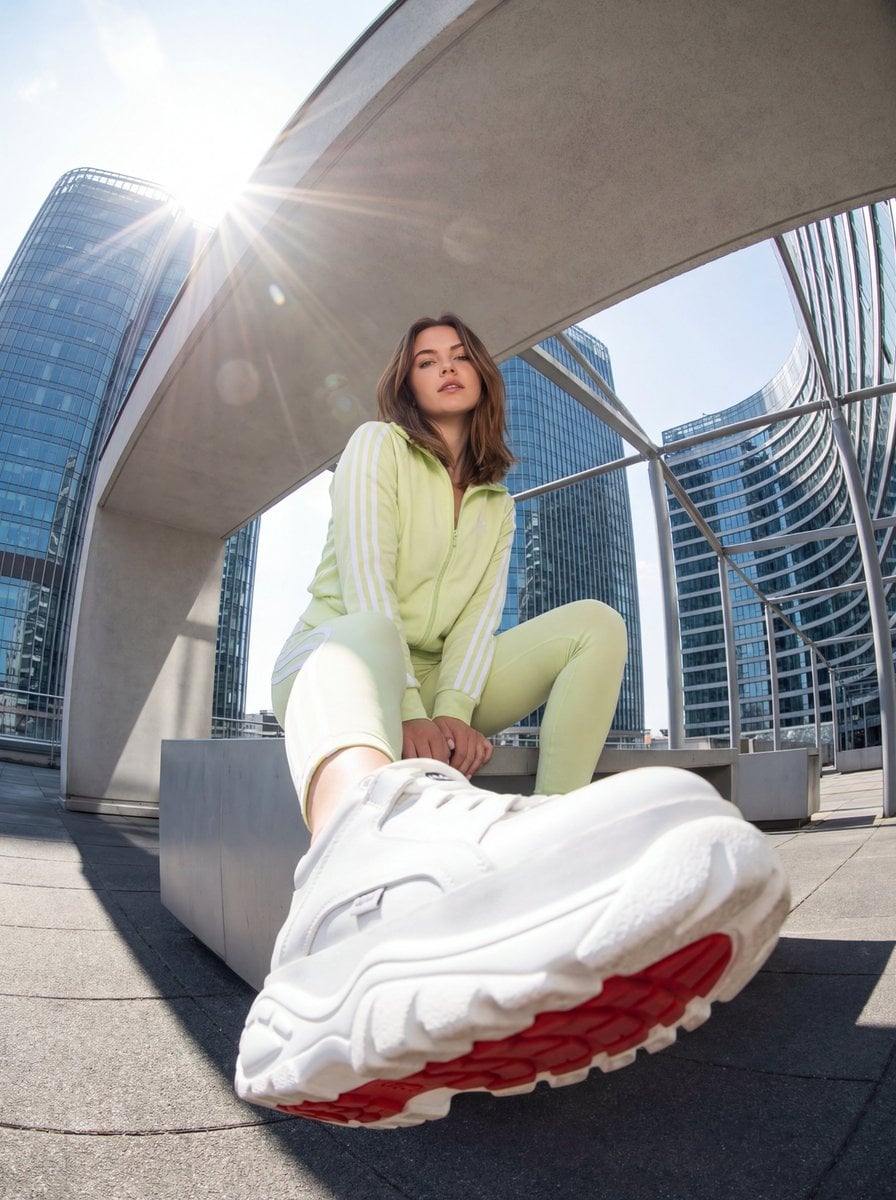
Urban Streetwear Photo with Extreme Fisheye Perspective
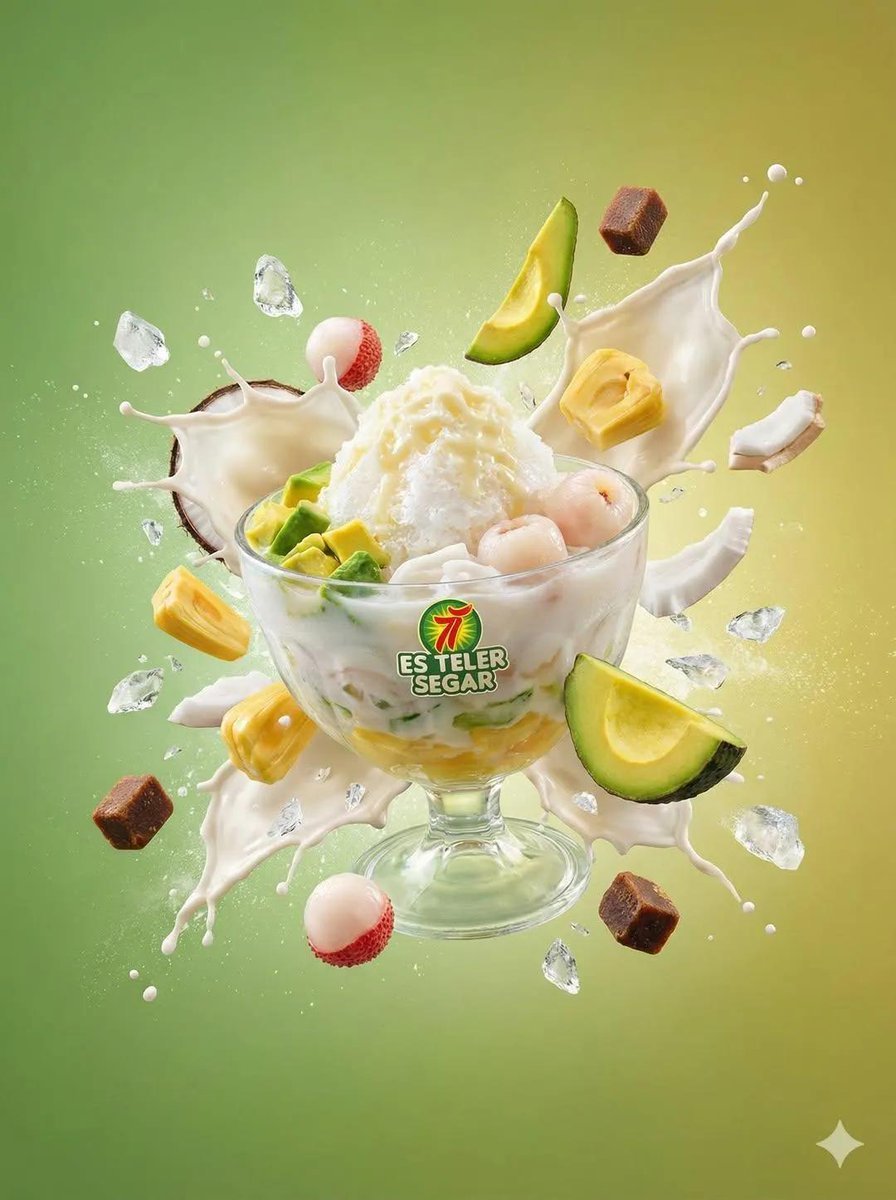
Tropical Dessert Product Photography with Milk Splash
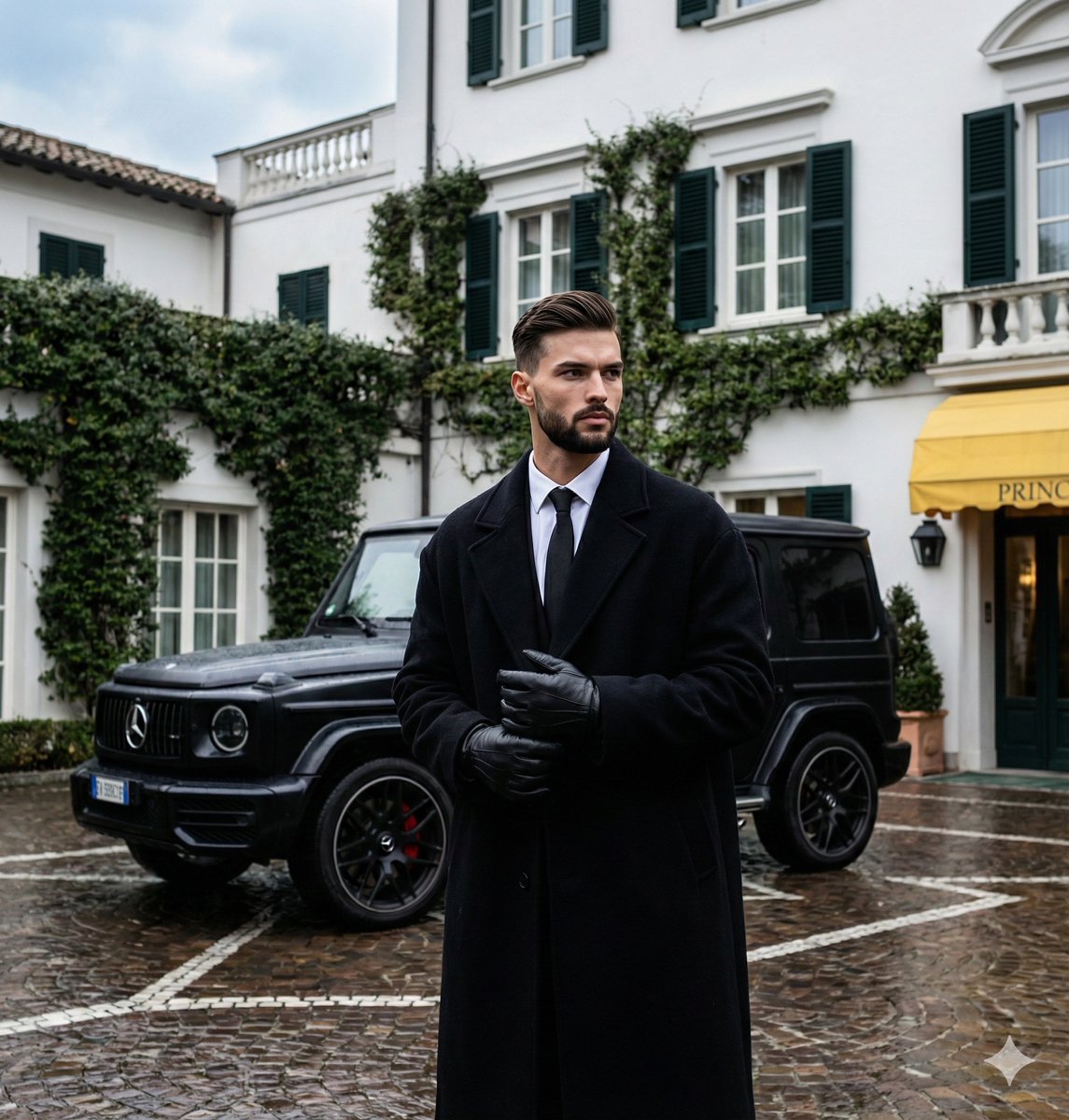
Monochromatic Luxury Editorial Portrait
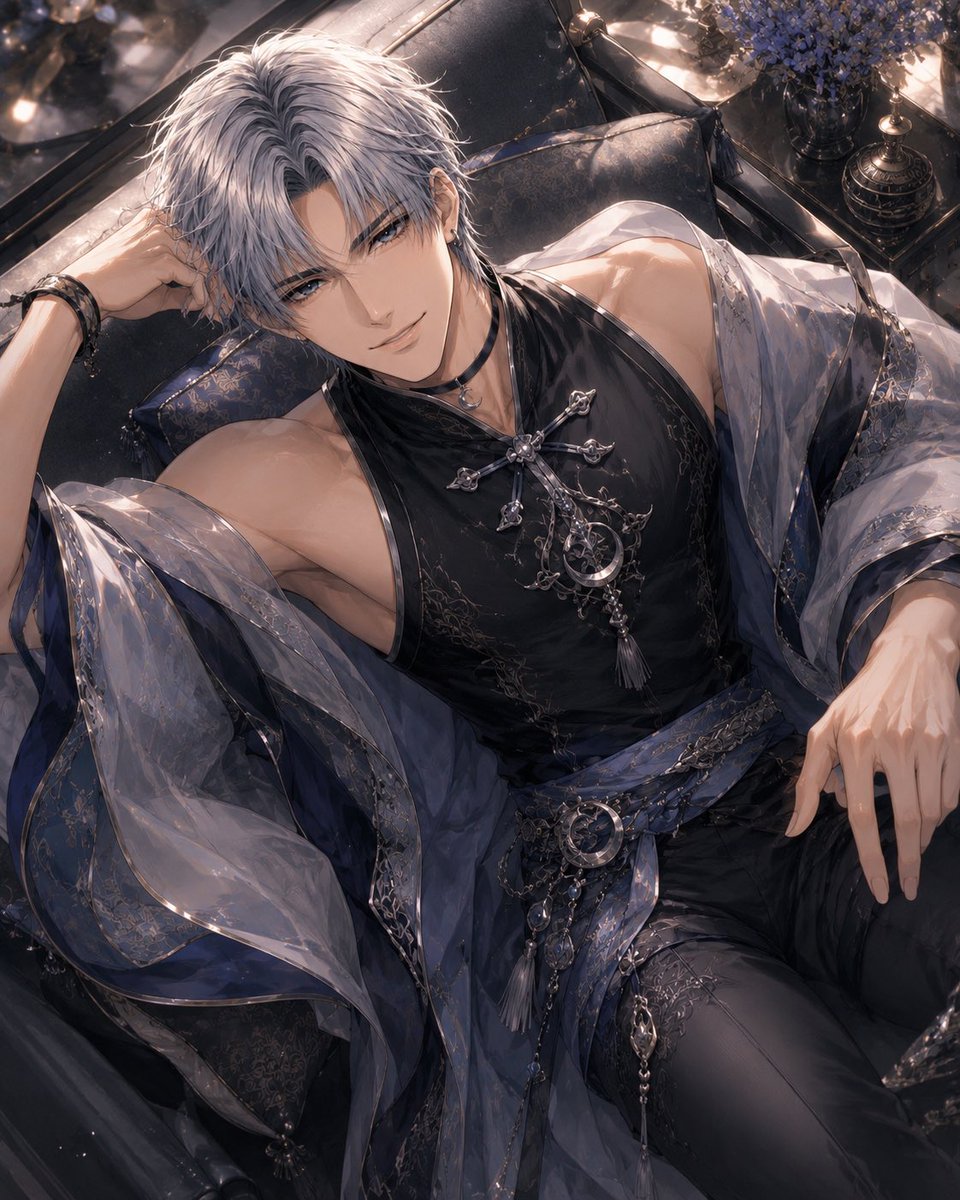
Silver-Haired Gothic Fantasy Reclining Man
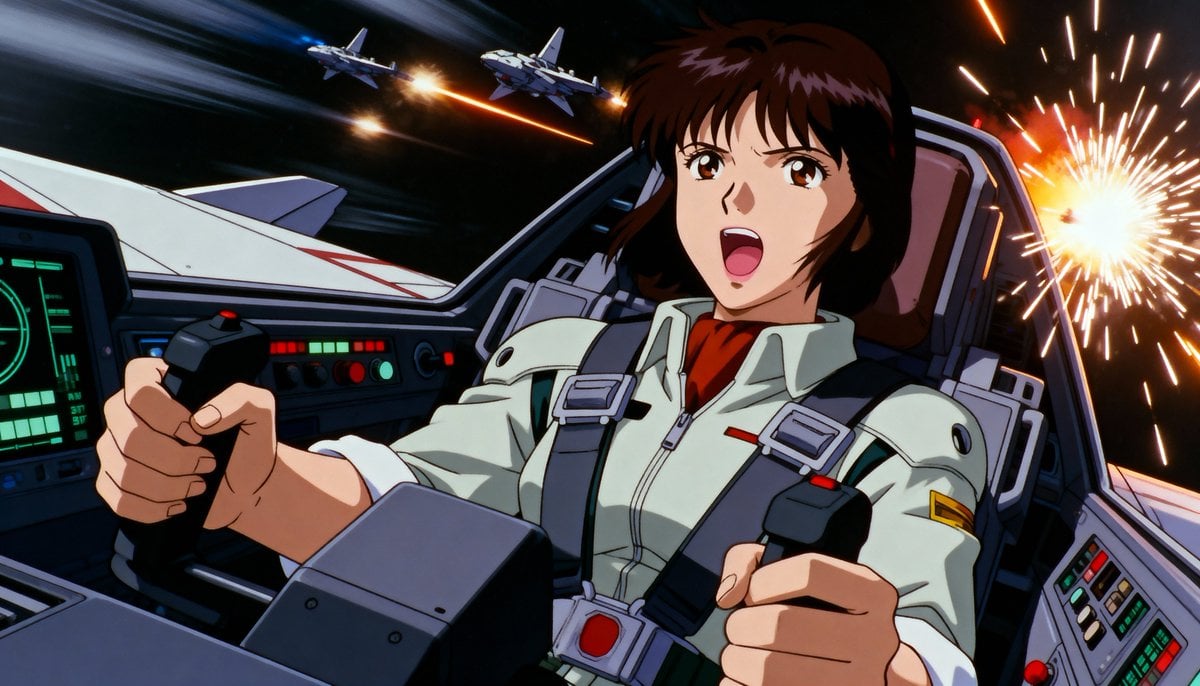
Live-action version of an existing image
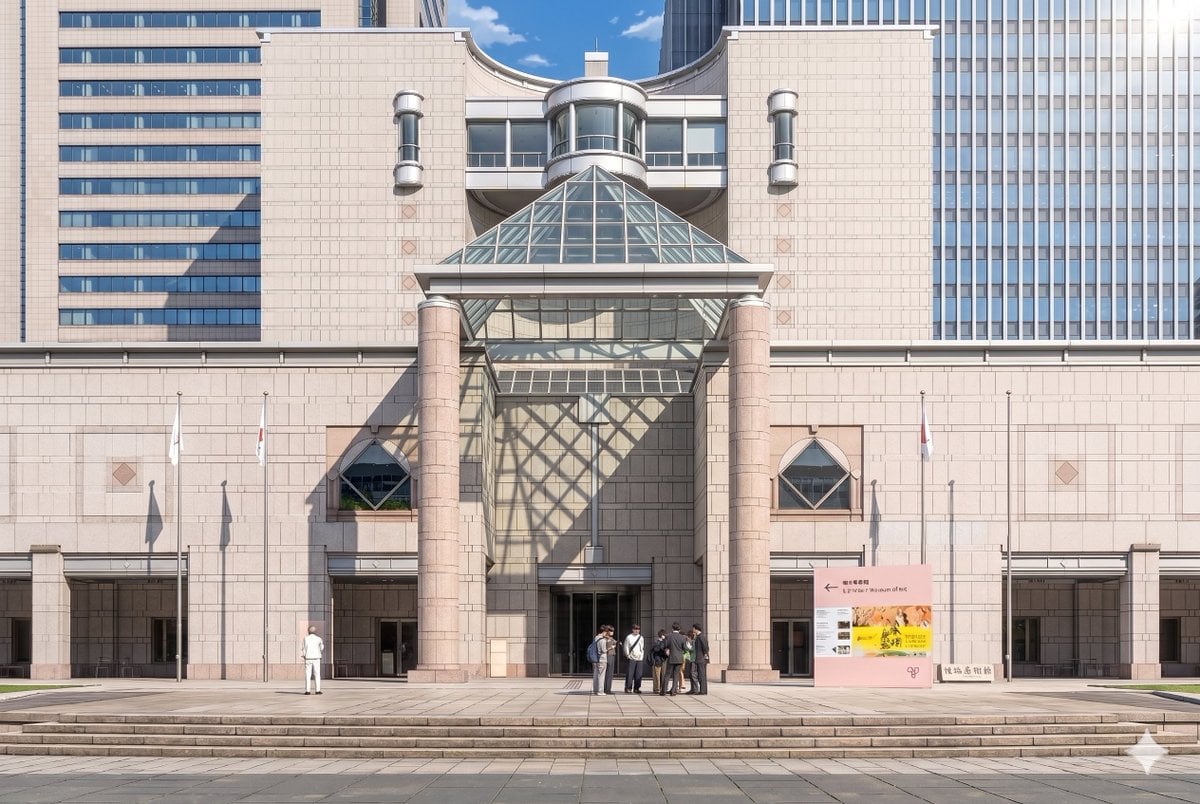
Anime Museum Background Conversion
Browse template categories
Armored Tokusatsu Cosplayers Resting questions
How do I use the Armored Tokusatsu Cosplayers Resting template?
Add your photo if the template asks for one, edit the prompt if you like — the template's model and format are already selected — and press Generate. Your version opens in PicX Studio.
Can I customize the Armored Tokusatsu Cosplayers Resting template?
Yes. You can change the subject, setting, lighting, mood, format, and available model controls before creating your image.
Is the Armored Tokusatsu Cosplayers Resting template free?
Opening and editing this template is free. Generating uses credits, shown on the Generate button when you are signed in.
Which AI model should I use?
Start with GPT Image 2, which is the model associated with this template. You can compare another compatible model for a different finish.
Looking for something else? Browse all templates.

Your photo, any look
Thousands of ready templates for every top image and video model, from one credit balance.