
Monochromatic Luxury Editorial Portrait
A highly structured prompt defining the composition, color profile, and lighting for a sophisticated, high-contrast editorial photograph.
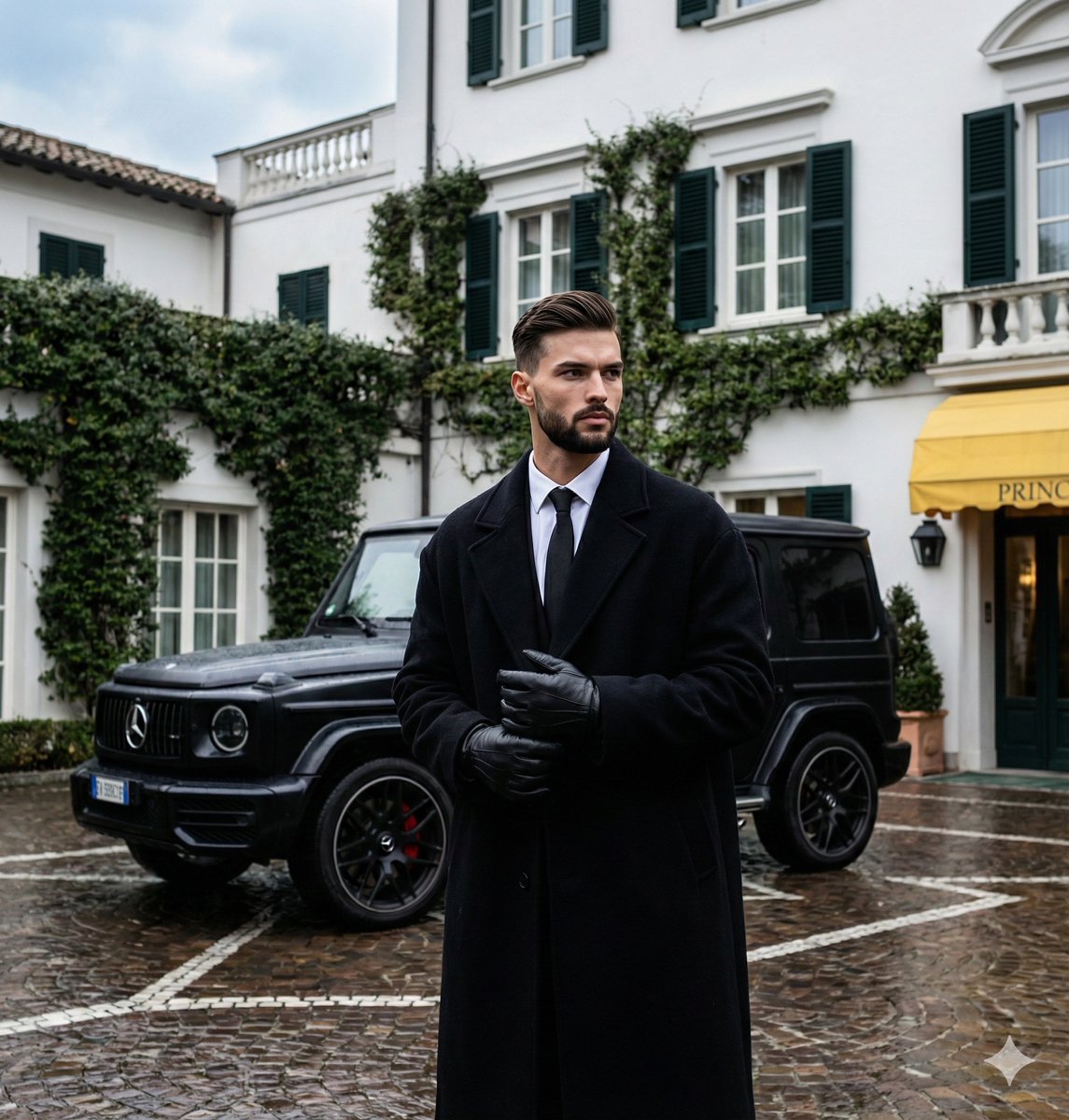
- Prompt included
- Model and format preset
- Premium template
The prompt behind this image
Copy the exact prompt behind Monochromatic Luxury Editorial Portrait, or open it in the studio and make it yours.
{ "metadata": { "image_type": "photograph", "primary_purpose": "editorial/social media" }, "composition": { "rule_applied": "center composition", "aspect_ratio": "9:16 format", "layout": "layered multi-element", "focal_points": [ "Subject's face and clasped gloved hands in the foreground", "Black luxury SUV in the midground directly behind the subject" ], "visual_hierarchy": "Eye starts at the subject's face, moves down to his clasped hands and the lines of his coat, then pushes back to the black SUV, and finally sweeps up to the pure white building and ivy.", "balance": "symmetric overall placement with asymmetric head turn and background details" }, "color_profile": { "dominant_colors": [ { "color": "Deep Black", "hex": "#121212", "percentage": "45%", "role": "primary subject and prominent midground vehicle" }, { "color": "Pure White", "hex": "#FFFFFF", "percentage": "25%", "role": "background architecture" }, { "color": "Dark Olive Green", "hex": "#3D4A32", "percentage": "15%", "role": "background foliage" }, { "color": "Wet Stone Gray", "hex": "#4A4542", "percentage": "15%", "role": "foreground/floor" } ], "color_palette": "monochromatic with green accents", "temperature": "cool overall feeling", "saturation": "moderate", "contrast": "high contrast between white background and black subject/vehicle" }, "lighting": { "type": "natural window/overcast daylight", "source_count": "single source", "direction": "diffused from above", "directionality": "diffused", "quality": "soft light", "intensity": "moody", "contrast_ratio": "low contrast (flat) on subjects, high contrast globally", "mood": "dramatic/sophisticated", "shadows": { "type": "soft gradual edges", "density": "gray", "placement": "under the vehicle and softly beneath the subject's chin/coat", "length": "short" }, "highlights": { "treatment": "preserved", "placement": "on the wet cobblestone floor, car's metallic surfaces, and leather gloves" }, "ambient_fill": "present", "light_temperature": "cool (blue) overcast cast" }, "technical_specs": { "medium": "digital photography", "style": "realistic", "texture": "sharp", "sharpness": "tack sharp on subject", "grain": "none", "depth_of_field": "medium - subject is isolated but background is highly legible", "perspective": "straight on" }, "artistic_elements": { "genre": "editorial/street fashion", "influences": [ "Old Money aesthetic", "Luxury lifestyle editorial", "Dark Academia" ], "mood": "sophisticated", "atmosphere": "Cold, damp European winter morning suggesting wealth and refined fashion", "visual_style": "structured" }, "typography": { "present": true, "fonts": [ { "type": "serif", "weight": "bold", "characteristics": "vintage classic luxury" } ], "placement": "background corner on yellow awning", "integration": "subtle background element" }, "subject_analysis": { "primary_subject":
How to use Monochromatic Luxury Editorial Portrait in 3 steps
- 1
Open
The prompt is already in the box next to the preview, with the template's model and format selected.
- 2…a portrait of your subject in softgolden-hour light, 85mm…
Personalize
Edit the subject and creative details for your destination.
- 3Generate
Generate
Press Generate — your image is created in PicX Studio, so you can compare it with the original and refine one variable at a time.
More like this
Templates with the same subject, style or setup. Open one to see its prompt.

untitled

Caution Tape Fashion — Industrial Editorial

Luxury Fashion Editorial Portrait
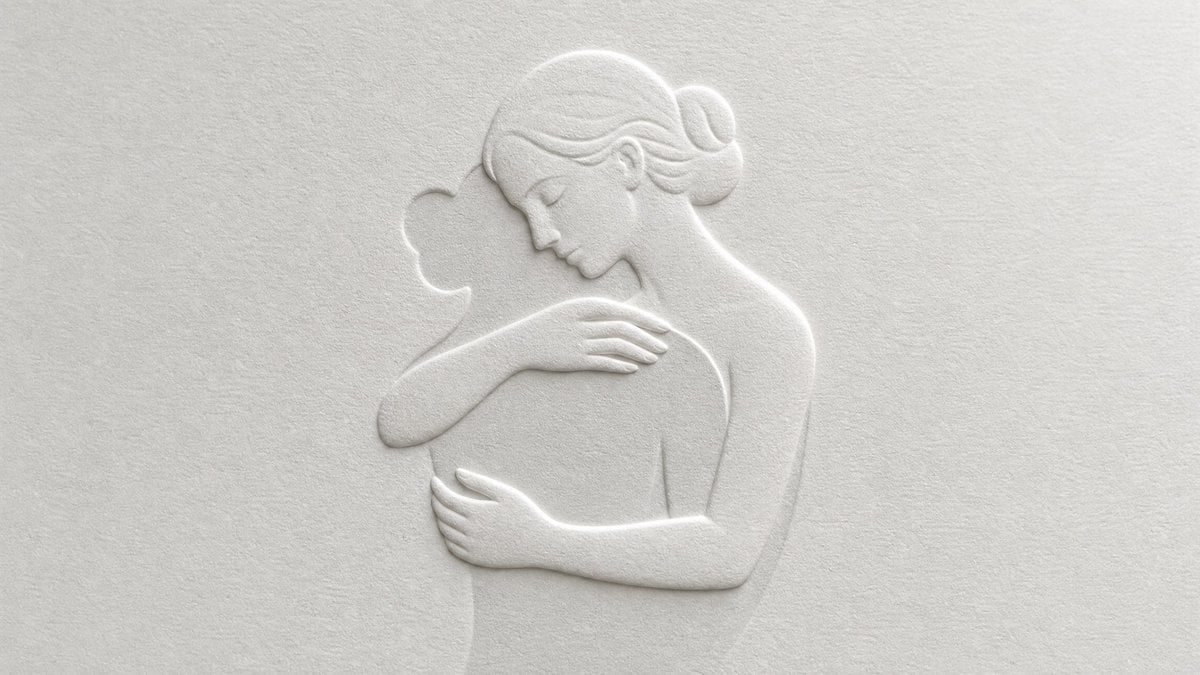
Master Blind Embossed Paper Art — White-on-White Monochromatic Luxury Stationery
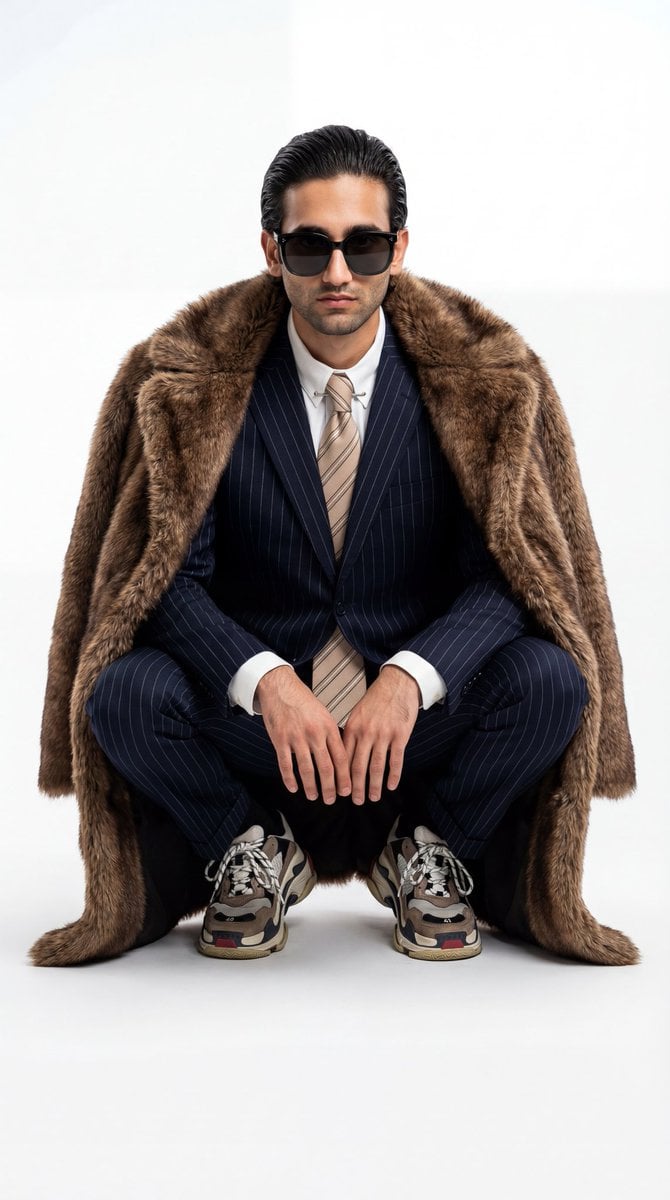
Ultra-Realistic Luxury Fashion Editorial Portrait
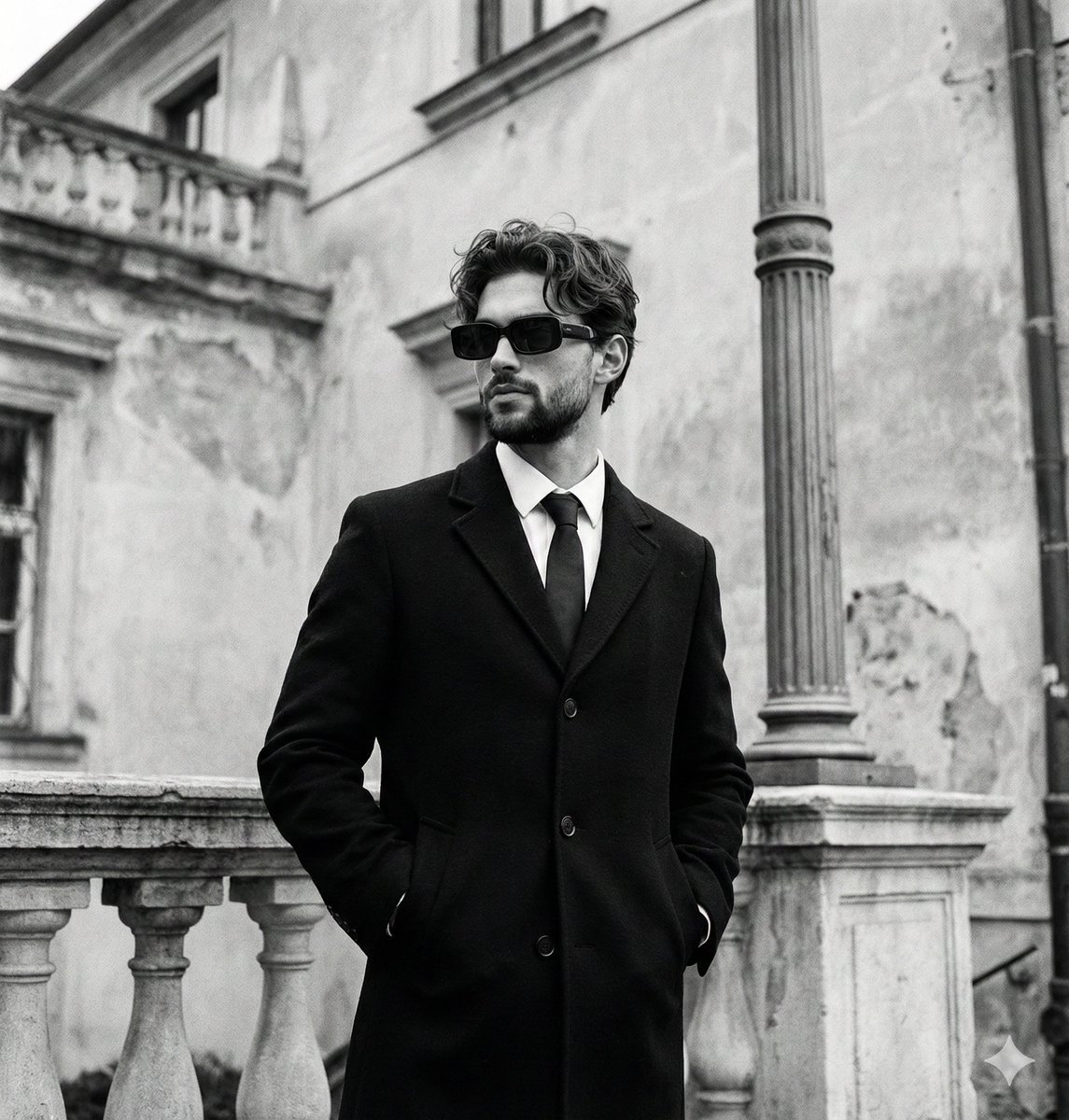
Monochromatic Editorial Portrait of a Stylish Man

Couture Fashion Editorial Woman and Drag

Nano Banana 2 Editorial Fashion Portrait

19 Luxury Helicopter Travel — California Series

08 Rodeo Drive Luxury Exit — California Series

Found Photograph: Us, 1970

80s Couple Studio Portrait
Make it yours
Monochromatic Luxury Editorial Portrait works as-is. These are the safest ways to change it without losing the look.
Change one field
Copy a single group, rewrite it, and generate again so you can see what that field is doing.
Keep the frame, change the subject
Hold the composition and light of Monochromatic Luxury Editorial Portrait, then swap wardrobe, props or the person for a new take.
| If the result… | Why | Fix |
|---|---|---|
| The result drifts from the preview | Too many fields changed at once. | Reuse Monochromatic Luxury Editorial Portrait as-is first, then change one group — subject, light, or setting. |
| The model over-stylizes the scene | The prose prompt leaves finish and camera underspecified. | Add one camera or lighting sentence and stay on Nano Banana 2. |
More Nano Banana 2 templates
Other prompts made for Nano Banana 2.

Photorealistic Leaf Shaped Like a Dragon

K-Pop Idol Portrait Grid for Rapid Selection

Poetic Rain Forest Portrait During Golden Hour

Urban Street Portrait with Cartoon Inner Self Duo

Candid Nighttime Photo with Cat Prompt

High-Concept 3D Diorama Generation Prompt

Cinematic Futuristic Studio Portrait Template

Skincare Editorial Photography Collage Prompt

Hyper-Realistic Commercial Product Photography (Splash Effect)

Hyper-Realistic Nightclub Portrait Prompt
More image prompts
Fresh picks from across the catalog.
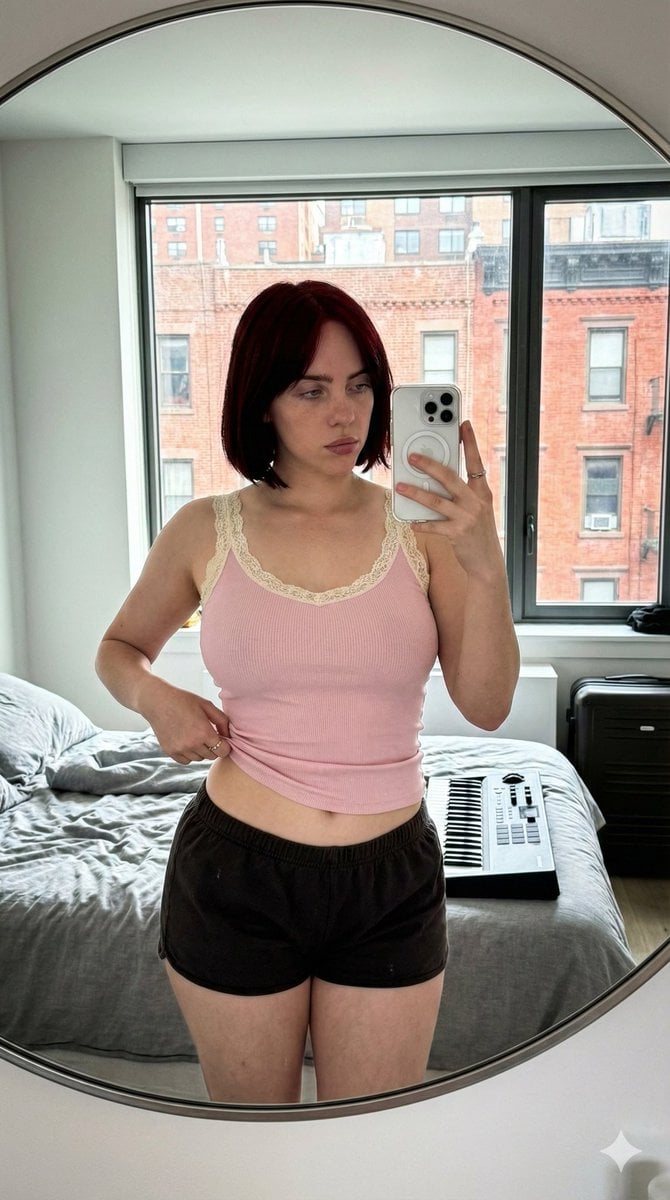
Ultra-Wide Candid Mirror Documentation Portrait Prompt
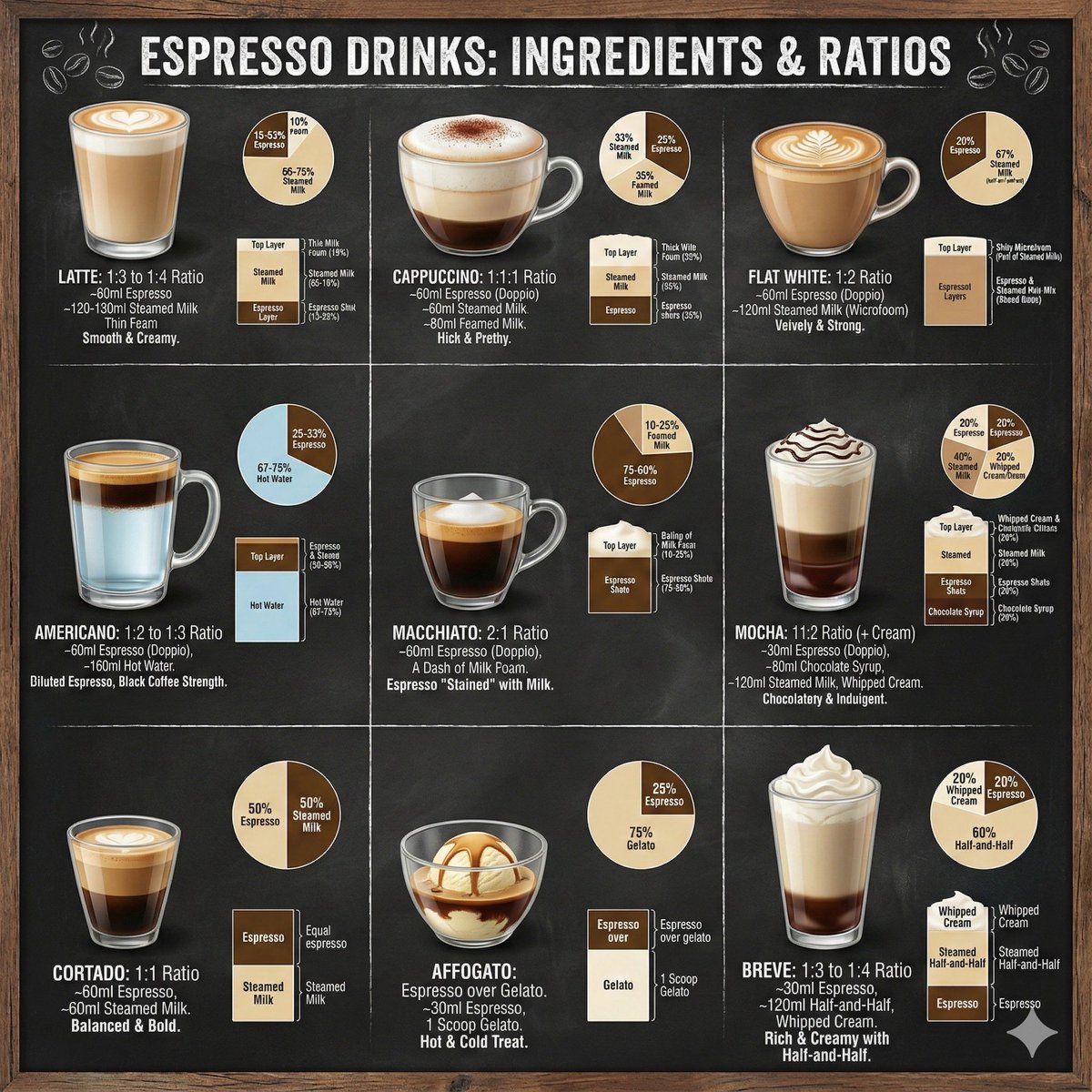
Coffee drinks infographic
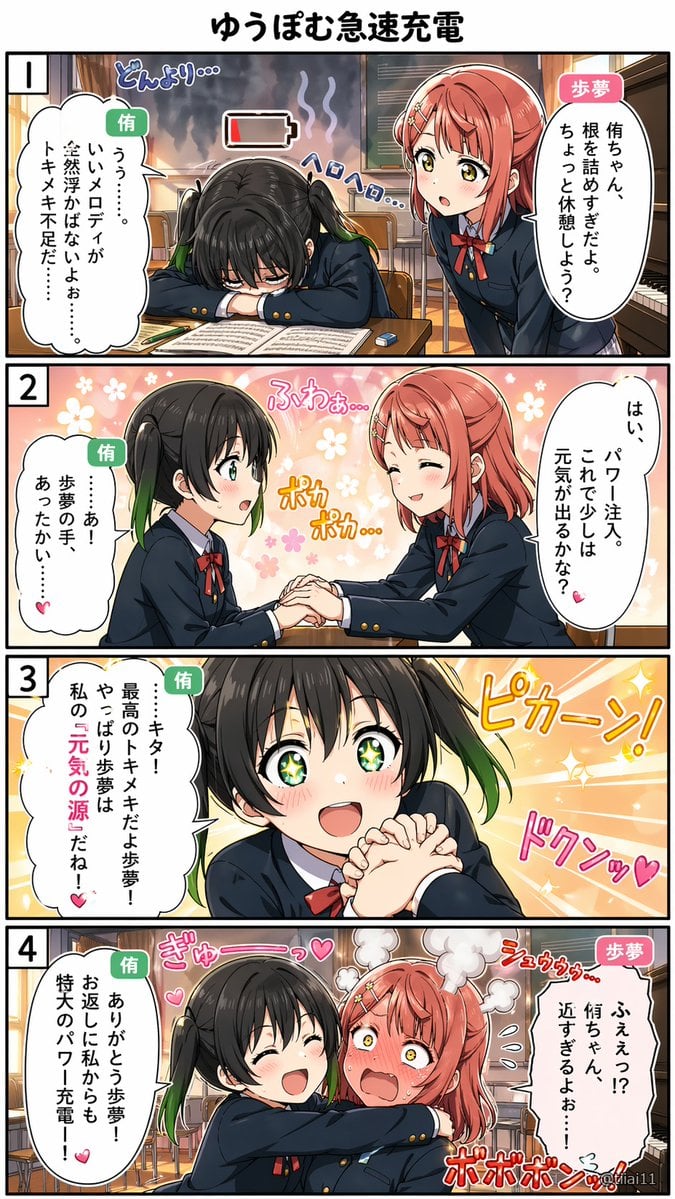
Panel Yuri School Manga
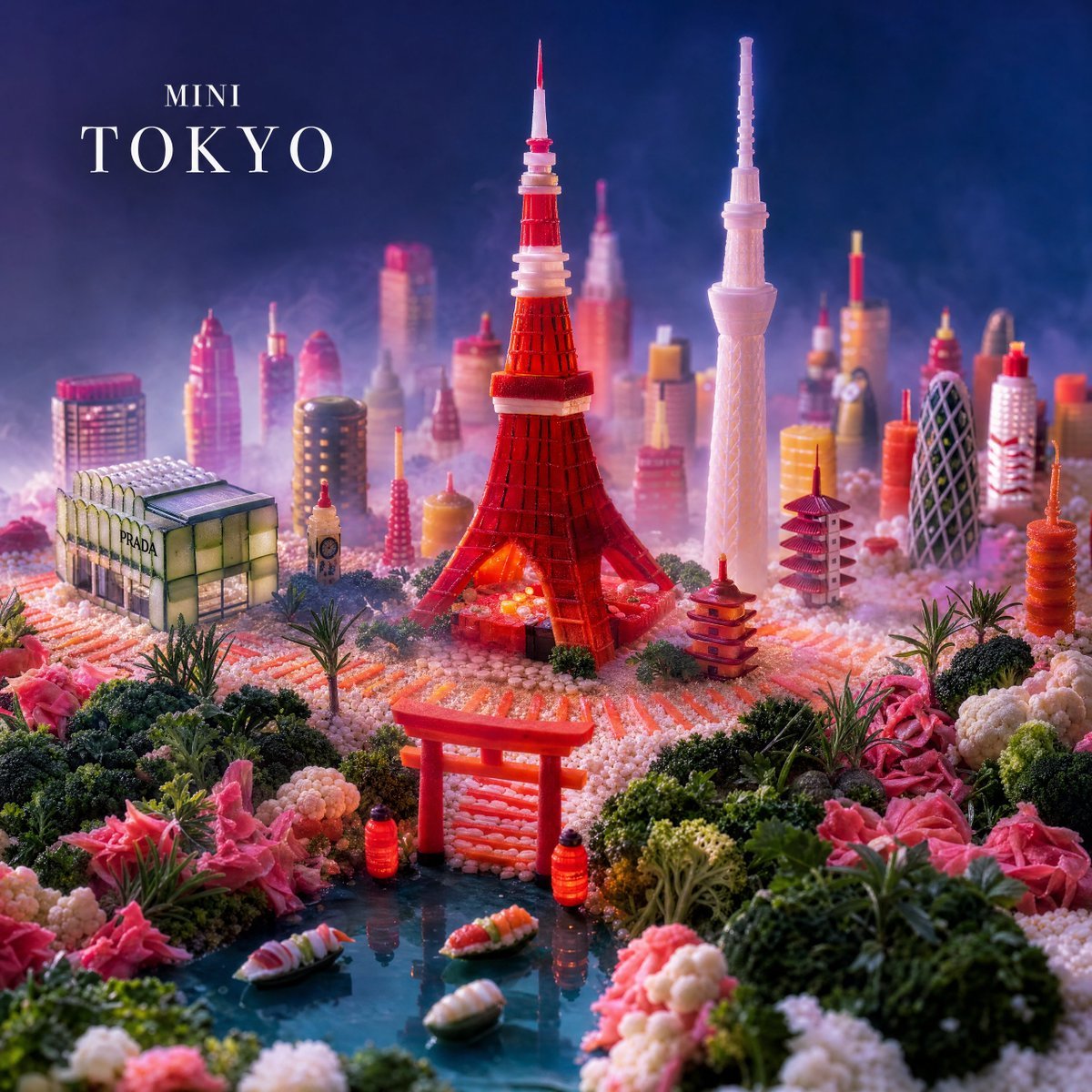
Mini Tokyo Food Landscape
Image-to-Sketch Cartoon Transformation Prompt
Cinematic City Crash Explosion
Luxury Commercial Shot of Floating Grapefruit Sparkling Can
Pastel Kitten Café iPhone Lock Screen
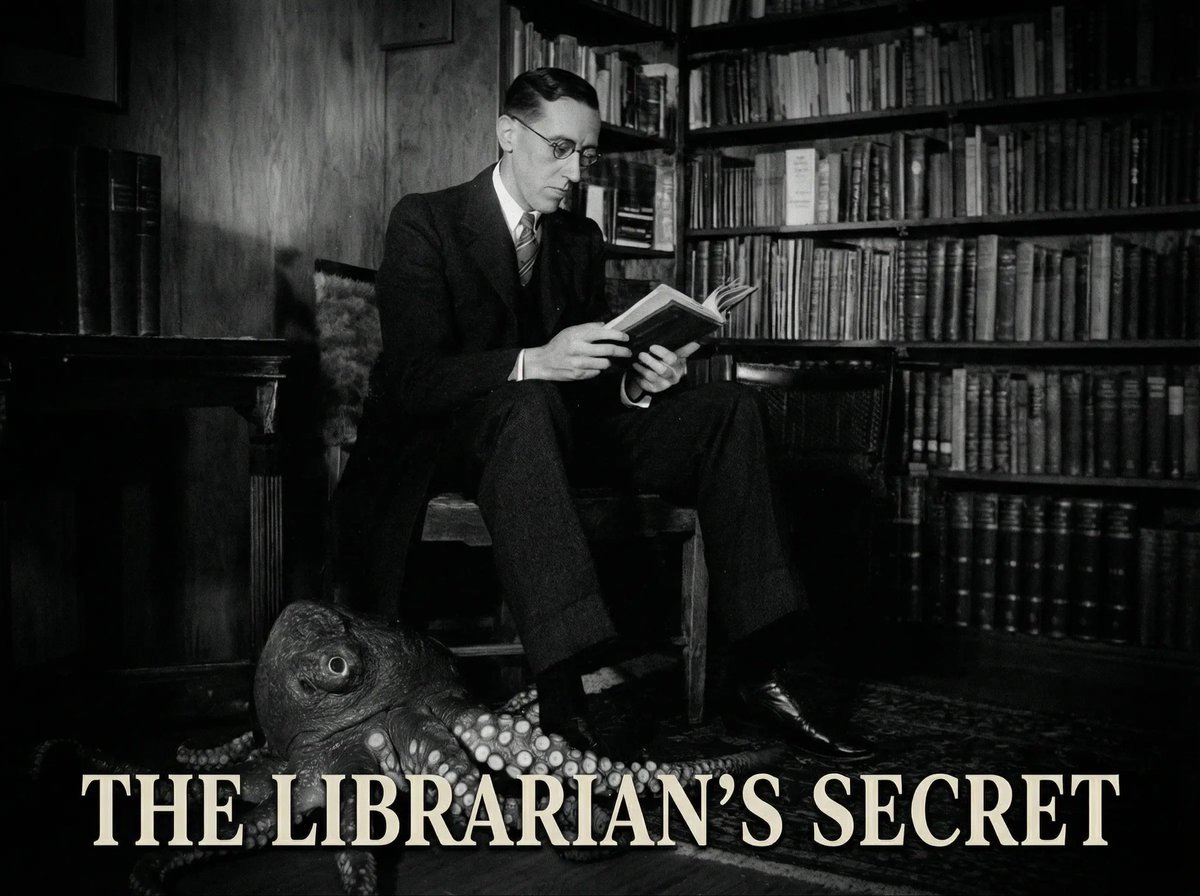
Reference to an External Prompt for 1940s Movie Still
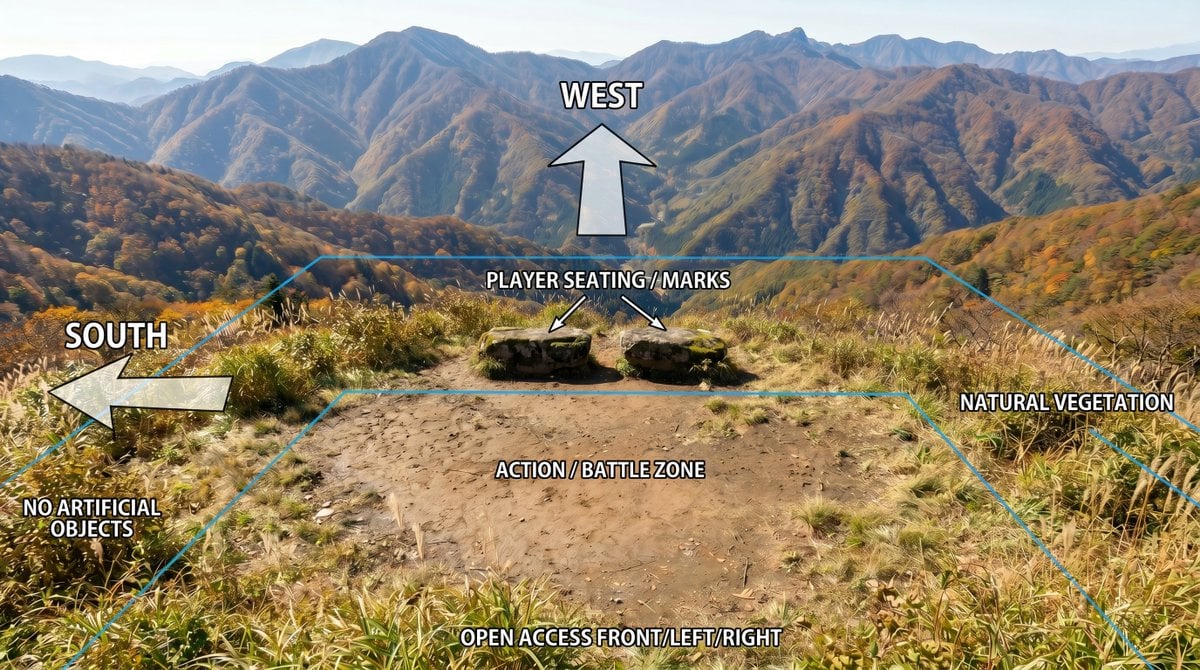
Annotated Mountain Location Diagram
Browse template categories
Monochromatic Luxury Editorial Portrait questions
How do I use the Monochromatic Luxury Editorial Portrait template?
Add your photo if the template asks for one, edit the prompt if you like — the template's model and format are already selected — and press Generate. Your version opens in PicX Studio.
Can I customize the Monochromatic Luxury Editorial Portrait template?
Yes. You can change the subject, setting, lighting, mood, format, and available model controls before creating your image.
Is the Monochromatic Luxury Editorial Portrait template free?
Opening and editing this template is free. Generating uses credits, shown on the Generate button when you are signed in.
Which AI model should I use?
Start with Nano Banana 2, which is the model associated with this template. You can compare another compatible model for a different finish.
Looking for something else? Browse all templates.

Your photo, any look
Thousands of ready templates for every top image and video model, from one credit balance.