How do I use the Polaroid of Japanese Class Graduation Photo template?
Choose the primary action to open PicX Studio with the available template settings. Review the model and format, personalize the creative direction, and generate when ready.
This prompt generates a nostalgic realistic instant-film photograph of a Japanese high school class group portrait, ideal for school memory, graduation, or retro snapshot visuals. Change the subject, setting, or lighting one variable at a time.
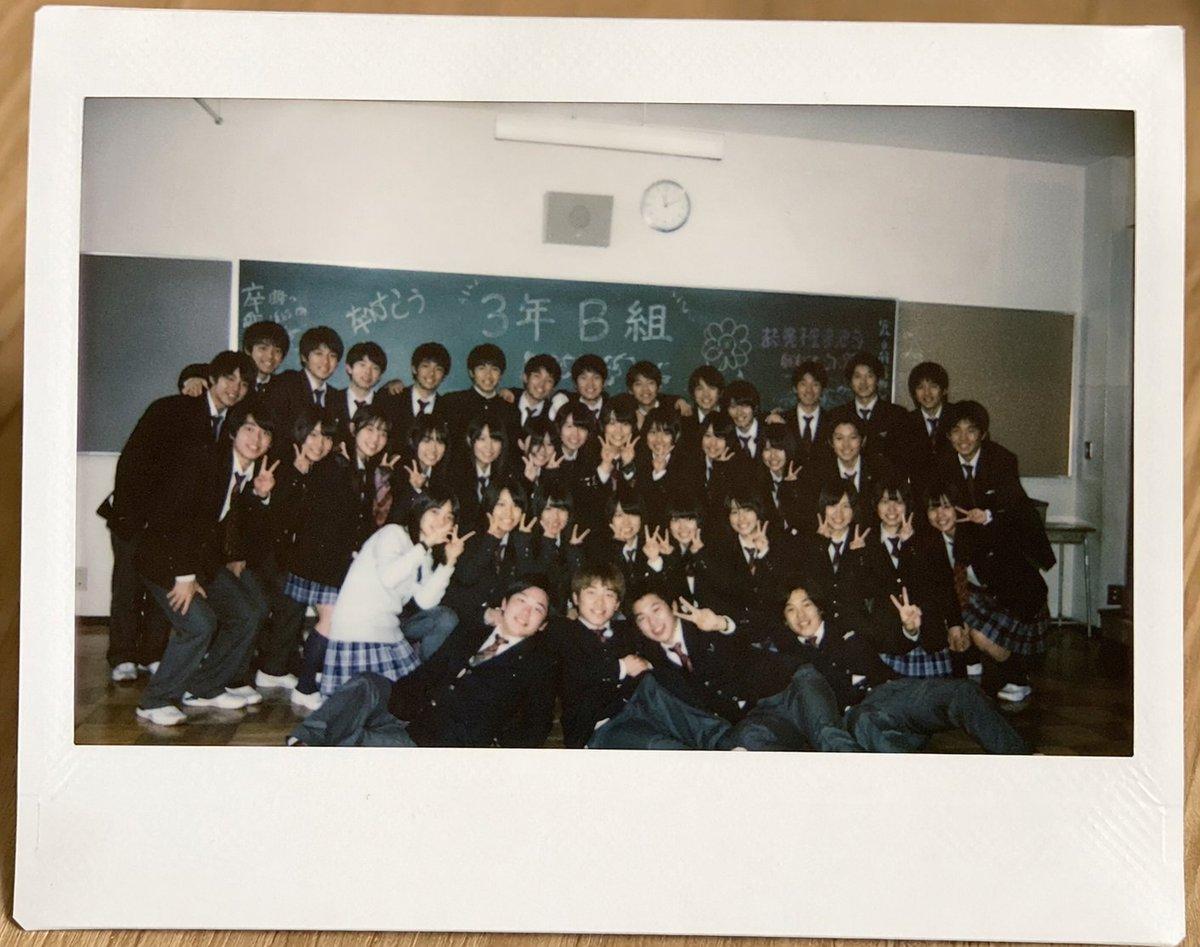
A realistic instant film Polaroid photo lying flat on a light wooden tabletop, photographed from directly above. The instant print has a thick white border with a wider bottom margin and slight natural wear, with the photo area showing an indoor Japanese high school classroom group portrait. Inside the photo, about 35 graduating students in dark school uniforms are gathered in 4 loose rows in front of a green chalkboard, posing casually and tightly packed together. Most are teenage boys in black gakuran-style jackets or dark blazers with white shirts and ties, and several teenage girls wear dark blazers with blue plaid skirts. One girl near the front left stands out in a white cardigan and blue plaid skirt. Many students hold up peace signs, some crouch in front, and a few sit or recline on the wooden floor in the front row. Faces are intentionally obscured with soft square mosaic blurs, but the overall feeling is candid, nostalgic, and celebratory. On the chalkboard, hand-drawn Japanese graduation messages in chalk include large central text reading "3年B組" and celebratory doodles and writing around it such as graduation-themed congratulations. The classroom has white walls, a round wall clock above the chalkboard, a fluorescent ceiling light fixture, and subdued indoor lighting. The image should feel like a slightly dim early-2000s or 2010s snapshot with mild grain, soft focus, authentic flash photography, and natural color fading, emphasizing a sentimental end-of-school memory preserved as a physical instant print.
Choose the primary action to open PicX Studio with the available template settings. Review the model and format, personalize the creative direction, and generate when ready.
Yes. You can change the subject, setting, lighting, mood, format, and available model controls before creating your image.
This template is free to open and customize. Generation usage is shown in PicX Studio before you create.
Start with GPT Image 2, which is the model associated with this template. You can compare another compatible model for a different finish.
© 2026 PicX Studio. All rights reserved.

Follow a topic to a crawlable collection of related PicX Studio templates.
43,474 public templates available. Verified via the PicX Studio public templates API; refreshed hourly.




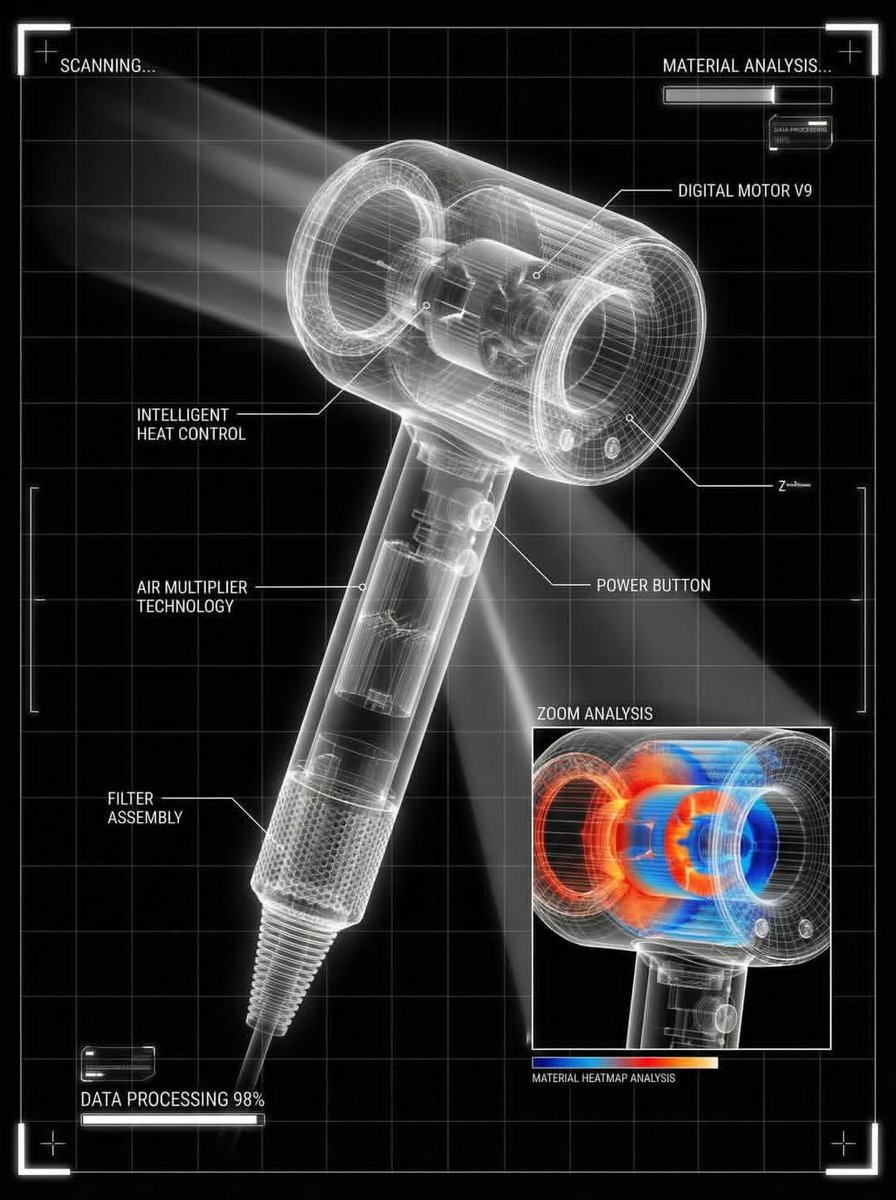
![Act as a Master of Material Science and World-Class 3D Visualizer — [BRAND NAME]. Act as a Master of Material Science and World-Class 3D Visualizer.
PHASE 1: DY](https://images.meigen.ai/tweets/2021588846849282513/0.jpg)









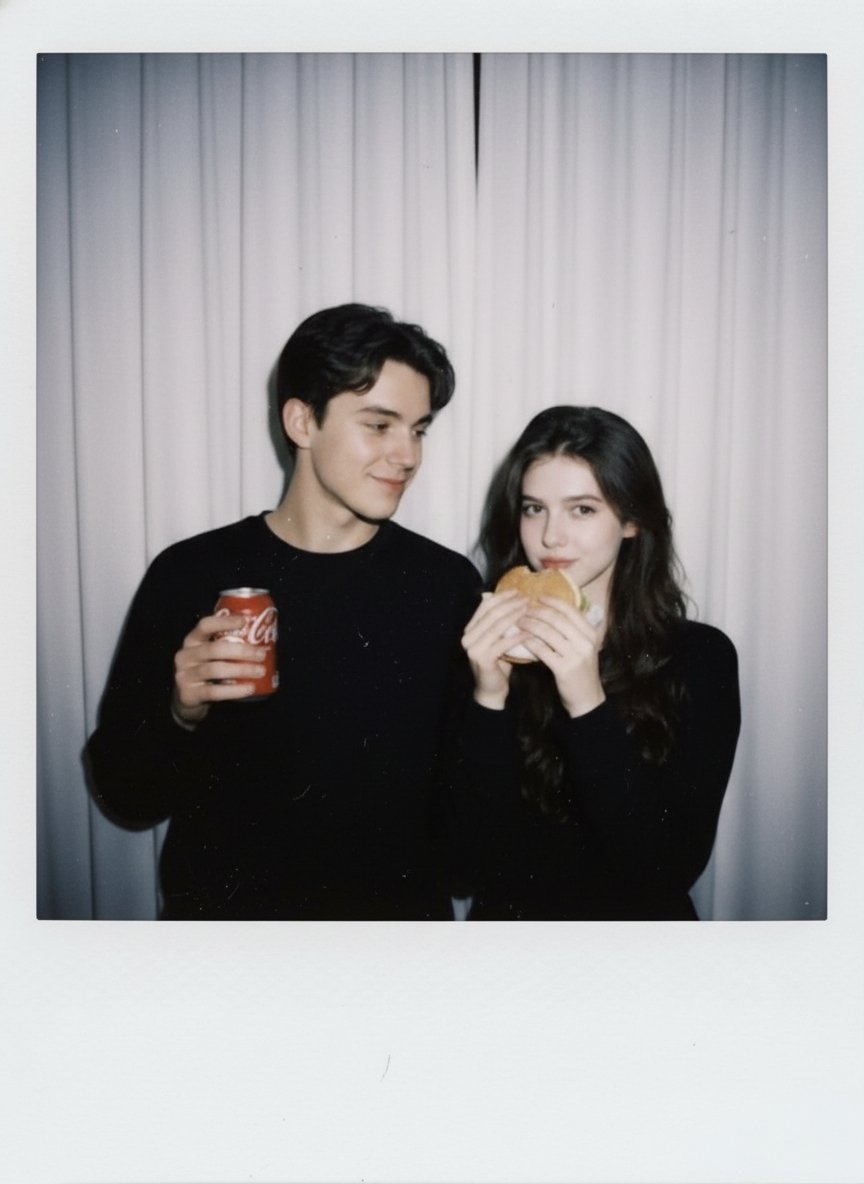



![Minimalist Flat Vector Travel Poster — Premium minimalist flat-vector travel poster for {argument name="city name" default="[CITY_NAME]"}, 3:4 vertical format.](https://cms-assets.youmind.com/media/1787917359711_3ug846_HQX205cbMAA6F6S-300x400.jpg)























![147-turn-iconic-landmarks-into-tiny-worlds-w — A miniature isometric architectural diorama of [LANDMARK NAME], accurately reflecting its real-world structure an](/_next/image?url=https%3A%2F%2Fcdn.picxstudio.com%2Fuploads%2Fpost147_img0_afe75173-4929-4642-a489-261f2dfbc234.jpg&w=828&q=100)

![High-Fashion Red Carpet Portrait with Reference Image Lock Prompt — [reference_image_instructions]
face = "Use 100% face copy of the uploaded photo as reference](https://pbs.twimg.com/media/G9ABmXtaUAACgVF.jpg)



![Professional Character Sheet Template — [レイアウト]
1枚の整理されたキャラクターシートとして構成する。
背景は白またはごく薄いグレー。
見やすく、余白が整った清潔なレイアウト。
各パネルには濃紺または落ち着いた青系の見出しラベルを付ける。
装飾は控えめで、情報が見やすいことを](https://cms-assets.youmind.com/media/1779354362259_i2qb7l_HIxdXbNbAAAPn7n.png)




![Cinematic 12-Panel Timeline of a Subject's Epic Day — "In the Day of {argument name="subject" default="[SUBJECT]"}": Design a 12-panel (4x3) cinematic tim…](https://pbs.twimg.com/media/G9ltpR5XQAAtZM5.jpg)
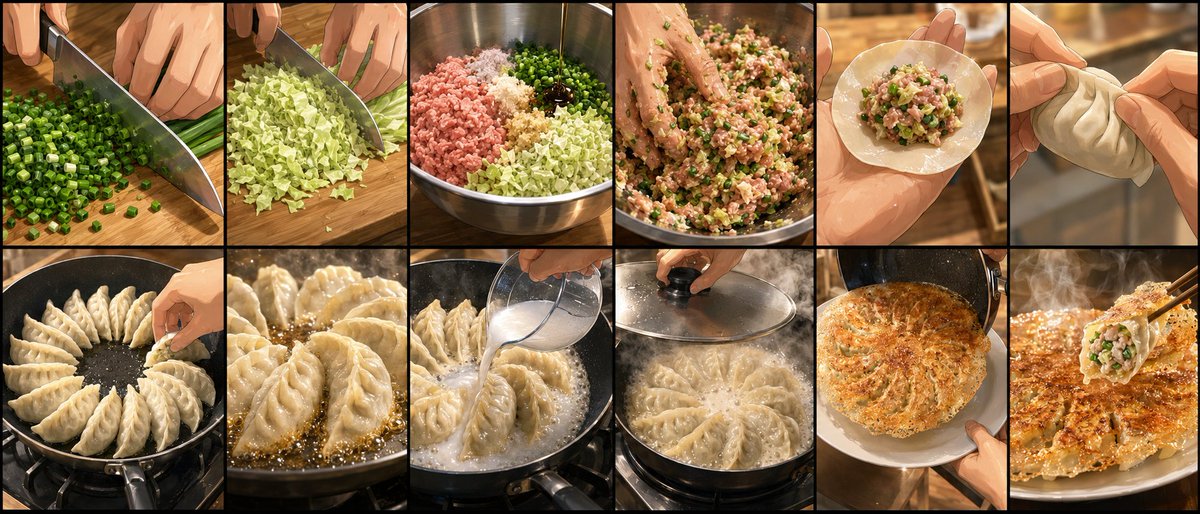



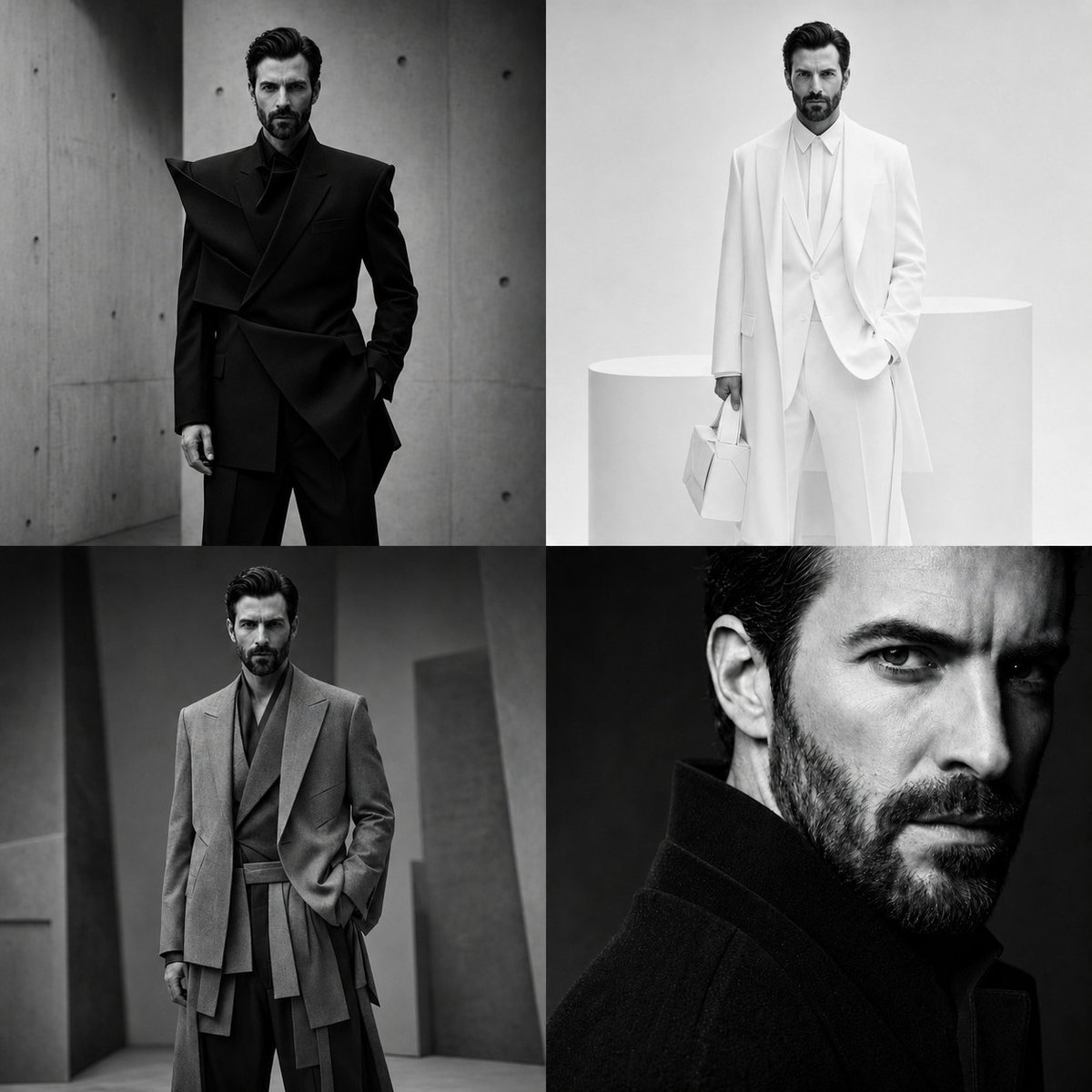


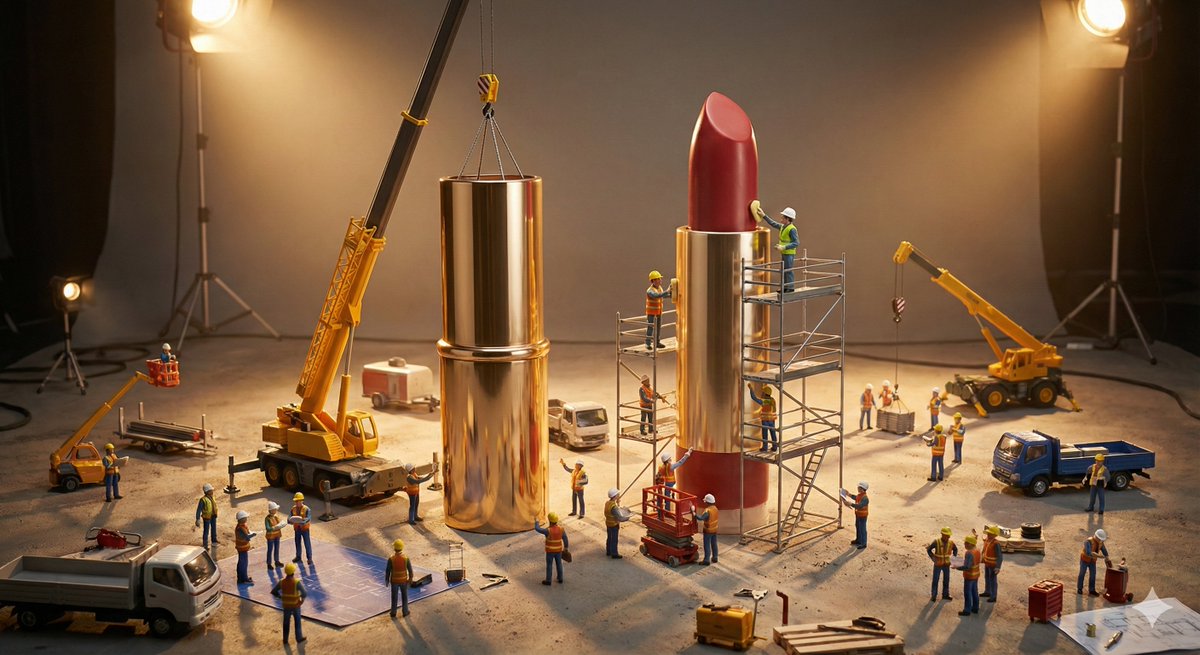




![Luxury Furniture Product Photography — {argument name="furniture piece" default="[FURNITURE PIECE]"} {argument name="color or feature" default="[Color / Feature](https://pbs.twimg.com/media/G-E_s0eaoAA5kI_.jpg)
