
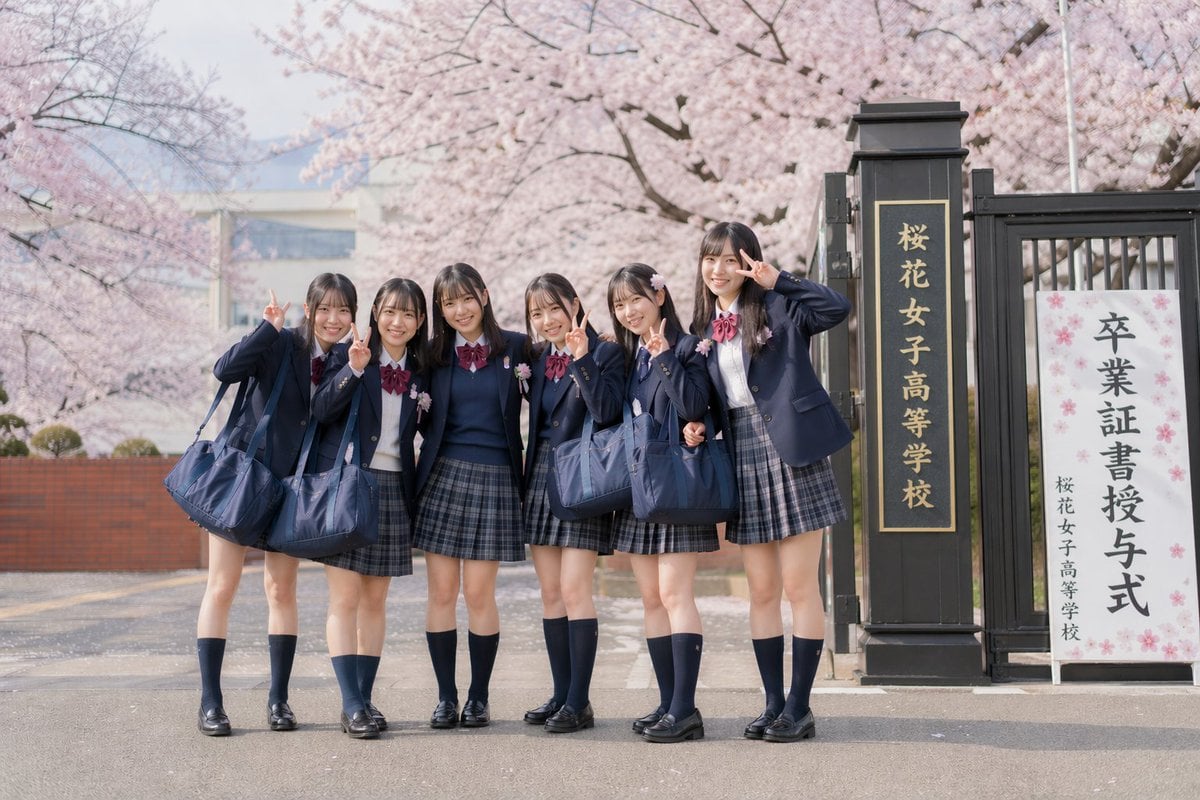
Japanese Graduation Photo Under Sakura
This prompt generates a realistic nostalgic group portrait of 6 Japanese schoolgirls in uniform posing with peace signs at a cherry-blossom-lined school graduation entrance.
- Prompt included
- Model and format preset
- Free template
The prompt behind this image
Copy the exact prompt behind Japanese Graduation Photo Under Sakura, or open it in the studio and make it yours.
A soft, realistic Japanese graduation-day photo in the style of vintage film photography, showing 6 teenage schoolgirls standing together outdoors in front of a school gate under full-bloom cherry blossoms. They wear matching Japanese high school uniforms: navy blazers, white shirts, burgundy ribbon bows, gray-blue plaid pleated skirts, navy knee-high socks, and black loafers, each carrying a large navy school bag. The group stands close together on the road at the entrance, with relaxed celebratory body language and a candid class-photo feel. At least 5 of the girls are making peace signs near their faces, and one girl on the far right raises her hand in a playful salute-like pose. Emphasize natural, flattering leg shapes, neat straight dark hair with soft bangs, youthful styling, and believable proportions. The composition is front-facing and full-body, with the students centered slightly left and the school gate on the right. Include a tall black gate pillar with vertical gold Japanese text reading "桜花女子高等学校" and a white ceremonial signboard beside it with large Japanese text reading "卒業証書授与式" and smaller school-name text below. Background filled with pale pink sakura trees in bloom, shallow depth of field, soft pastel tones, gentle spring haze, overcast bright daylight, subtle film grain, muted contrast, and an understated nostalgic atmosphere like an old-fashioned commemorative photograph.
How to use Japanese Graduation Photo Under Sakura in 3 steps
- 1Upload ImagePNG, JPG or paste
Add your photo
Upload the photo the template builds on. The prompt, model and format are already set.
- 2…a portrait of your subject in softgolden-hour light, 85mm…
Personalize
Edit the subject and creative details for your destination.
- 3Generate
Generate
Press Generate — your image is created in PicX Studio, so you can compare it with the original and refine one variable at a time.
More like this
Templates with the same subject, style or setup. Open one to see its prompt.

Minecraft Japanese Research Lab Exploration

Japanese Architectural Concrete Studio Fashion Campaign

Japanese Minimalist Concrete Studio Fashion Editorial

Blue Backdrop Luxury Fashion Portrait Campaign
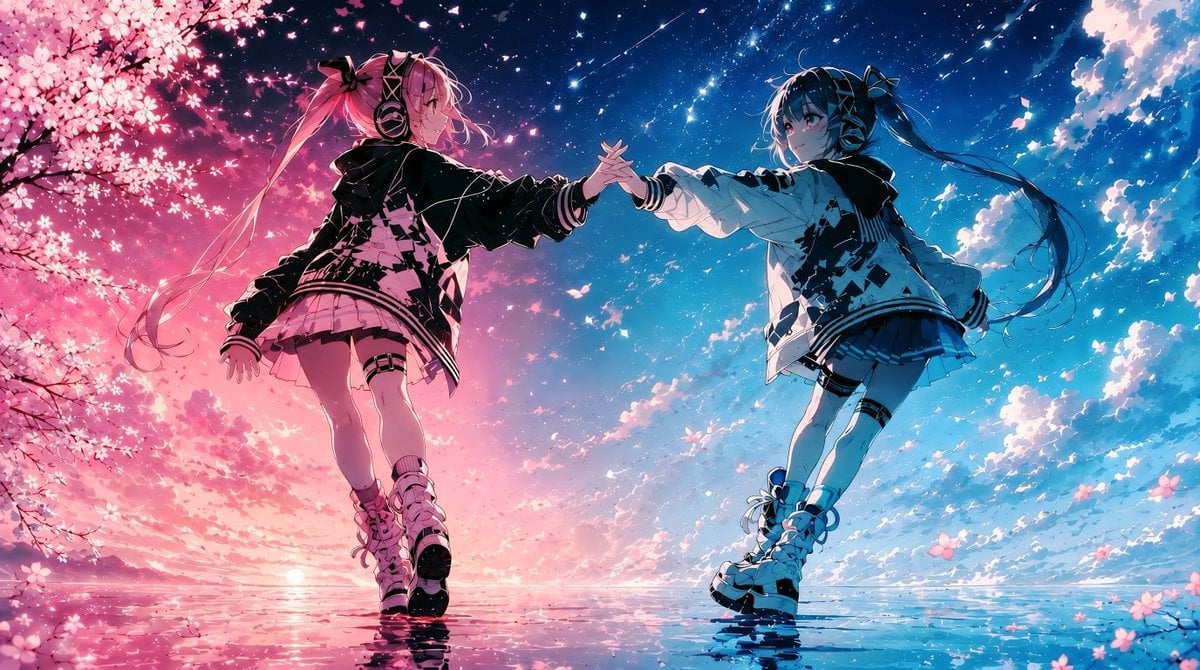
Twin Idols Under Sakura Stars
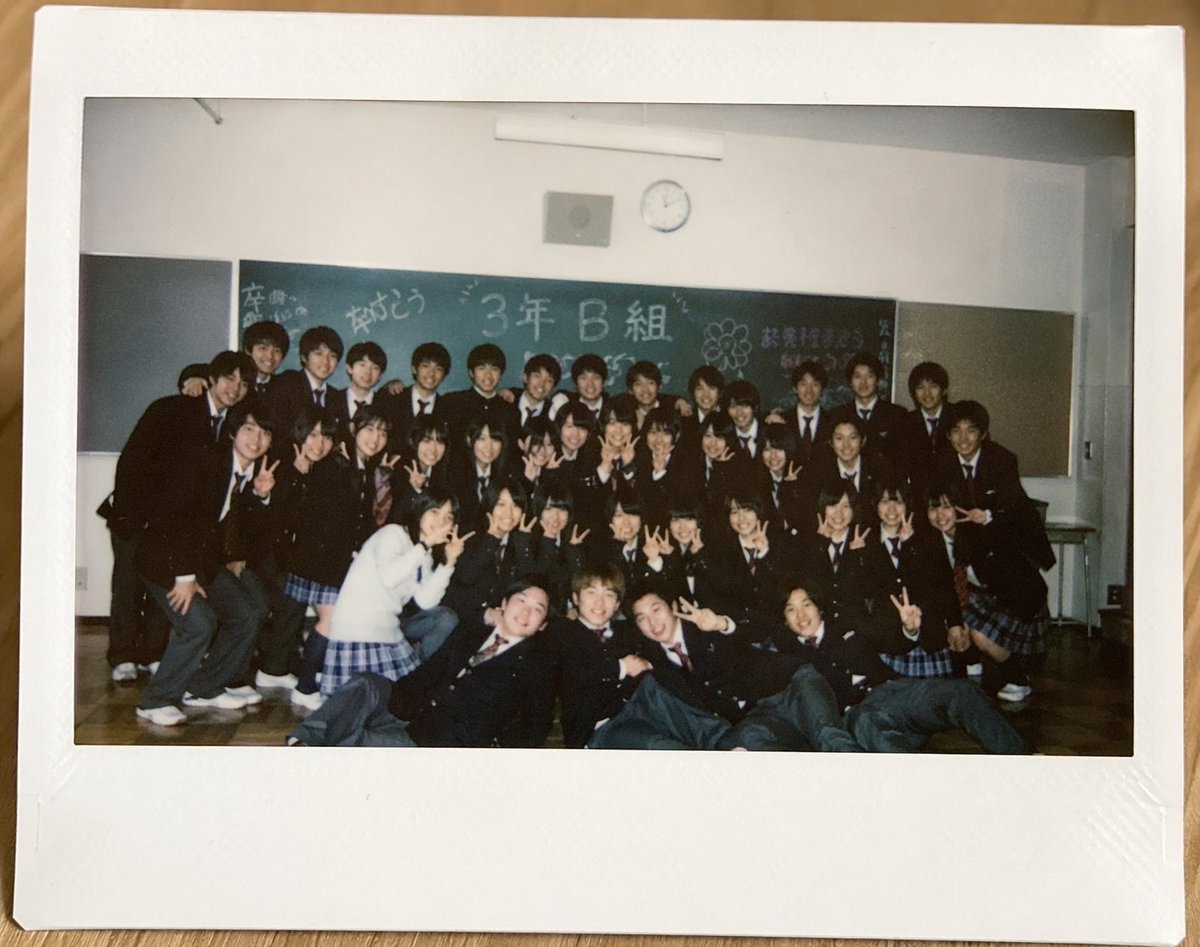
Polaroid of Japanese Class Graduation Photo

Japanese Film Reflection Idol
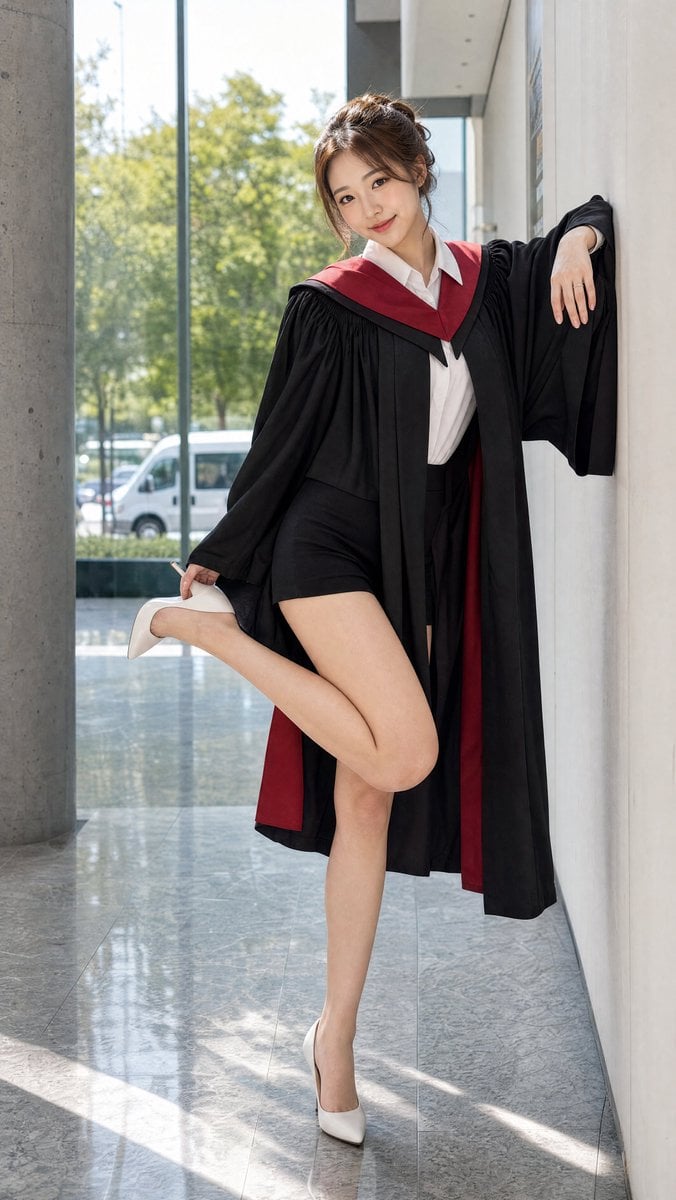
Graduation Portrait in Modern University

Celestial Sakura Kimono Maiden

Six VTuber Japanese Logo Sheet
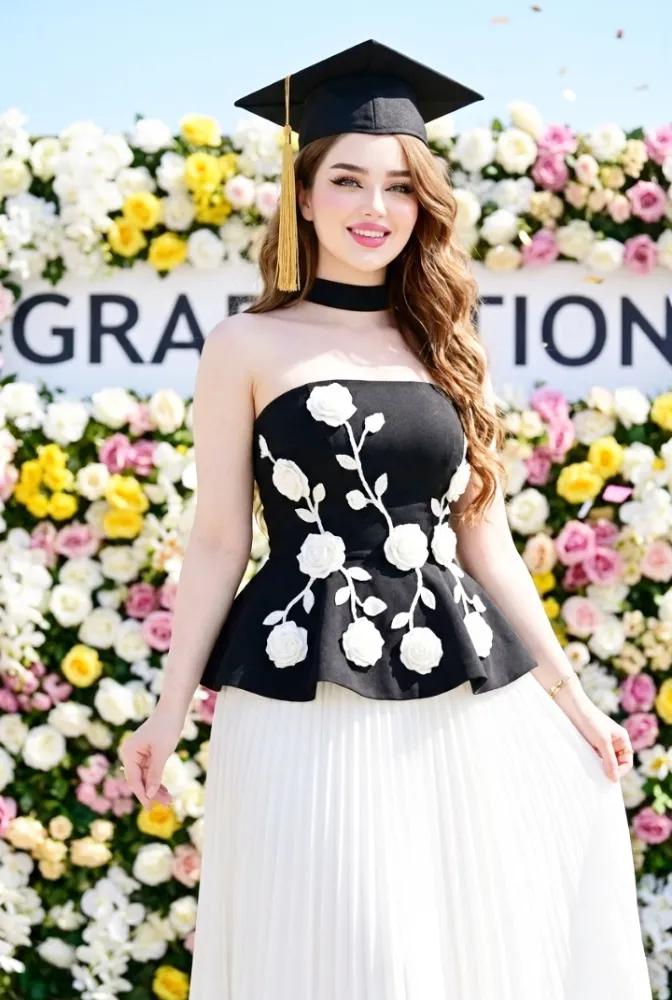
Elegant Graduation Fashion Portrait
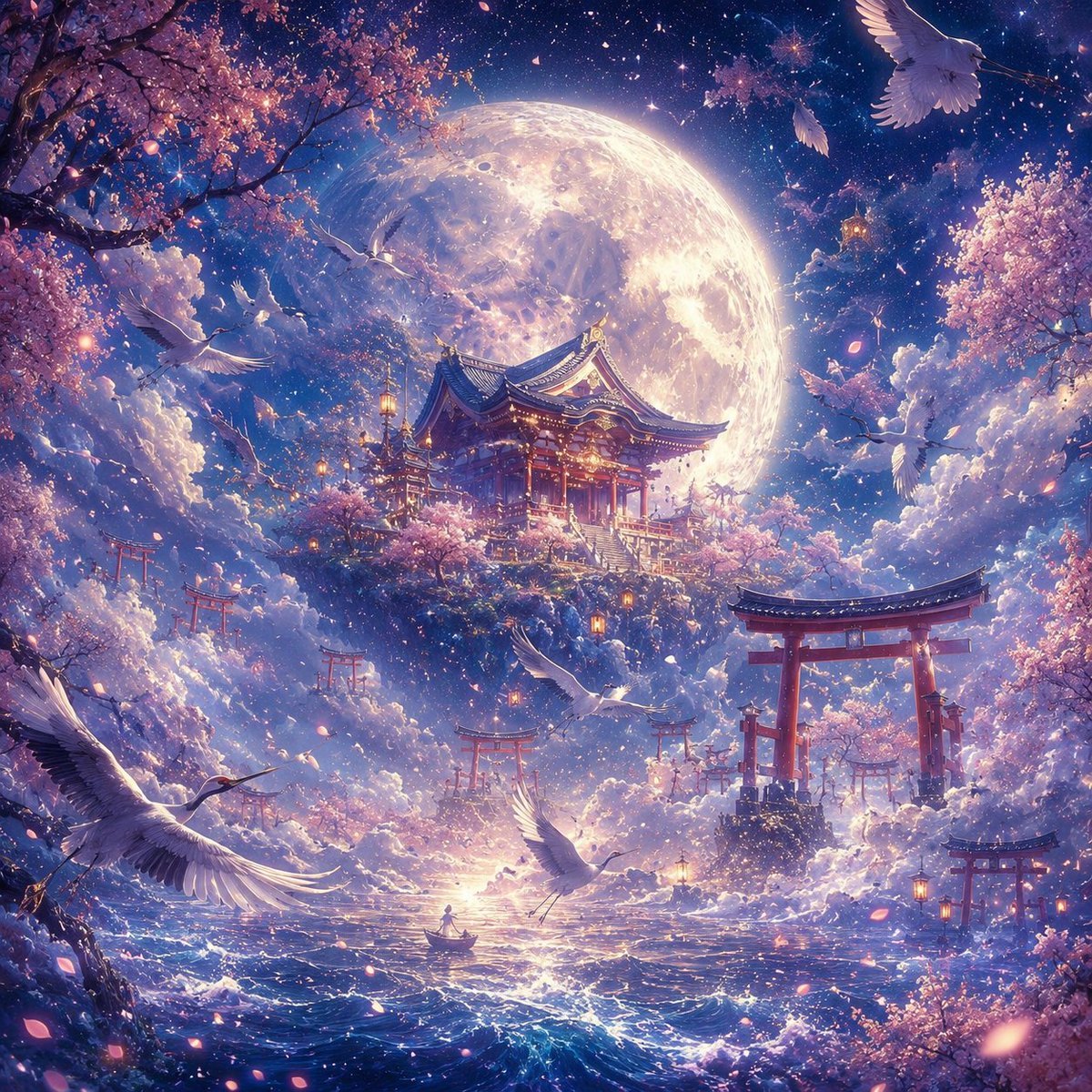
Moonlit Sakura Shrine Fantasy
Make it yours
Japanese Graduation Photo Under Sakura works as-is. These are the safest ways to change it without losing the look.
Change one field
Copy a single group, rewrite it, and generate again so you can see what that field is doing.
Keep the frame, change the subject
Hold the composition and light of Japanese Graduation Photo Under Sakura, then swap wardrobe, props or the person for a new take.
| If the result… | Why | Fix |
|---|---|---|
| The result drifts from the preview | Too many fields changed at once. | Reuse Japanese Graduation Photo Under Sakura as-is first, then change one group — subject, light, or setting. |
| The model over-stylizes the scene | The prose prompt leaves finish and camera underspecified. | Add one camera or lighting sentence and stay on GPT Image 2. |
More GPT Image 2 templates
Other prompts made for GPT Image 2.

Realistic Portrait of Woman and Deer

The Vista Modular Condo Poster

AI Model Routing Comparison Infographic

2.5D Anime Art Board

Isometric Productivity Desk Scene

New York Double Exposure Poster

Four-Panel AI Landscape Comparison

NESCAFÉ Coffee Map Poster

Brutalist Cogito Chinese Typography Poster

Cinematic Luxury Terrace Portrait
More image prompts
Fresh picks from across the catalog.

Vogue Fashion Magazine Cover
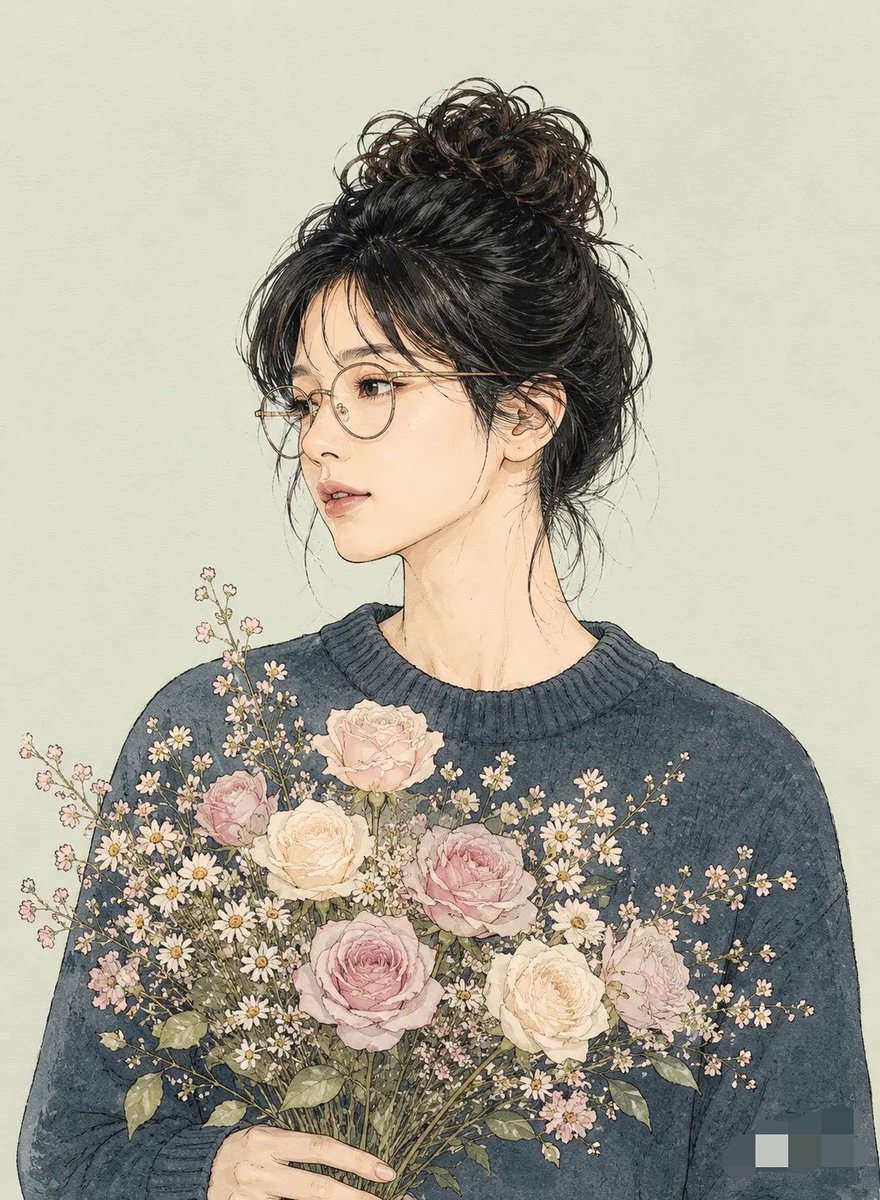
Miki Style Line Art Portrait
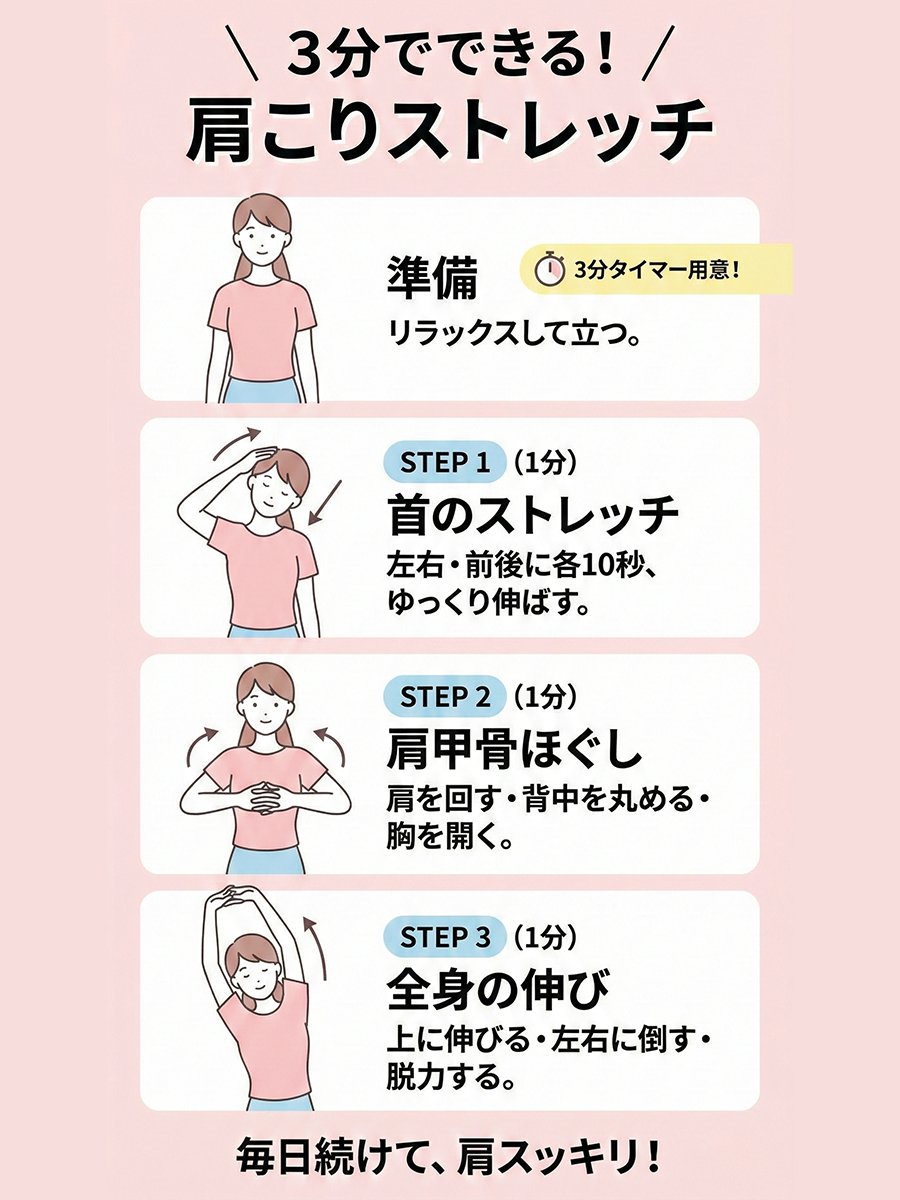
Shoulder-stretch infographic for neck and shoulder stiffness
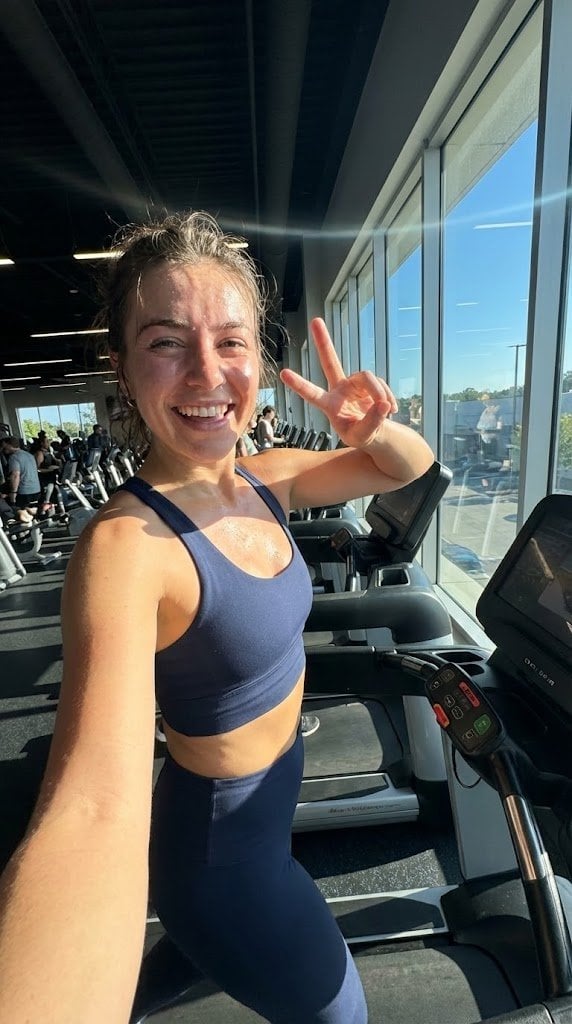
System JSON prompt template for ultra-realistic iPhone-style AI influencers

High-Angle Close-up Portrait on Hollywood Walk of Fame

Fashion Editorial Grid Prompt (Red Satin Heart Glasses)
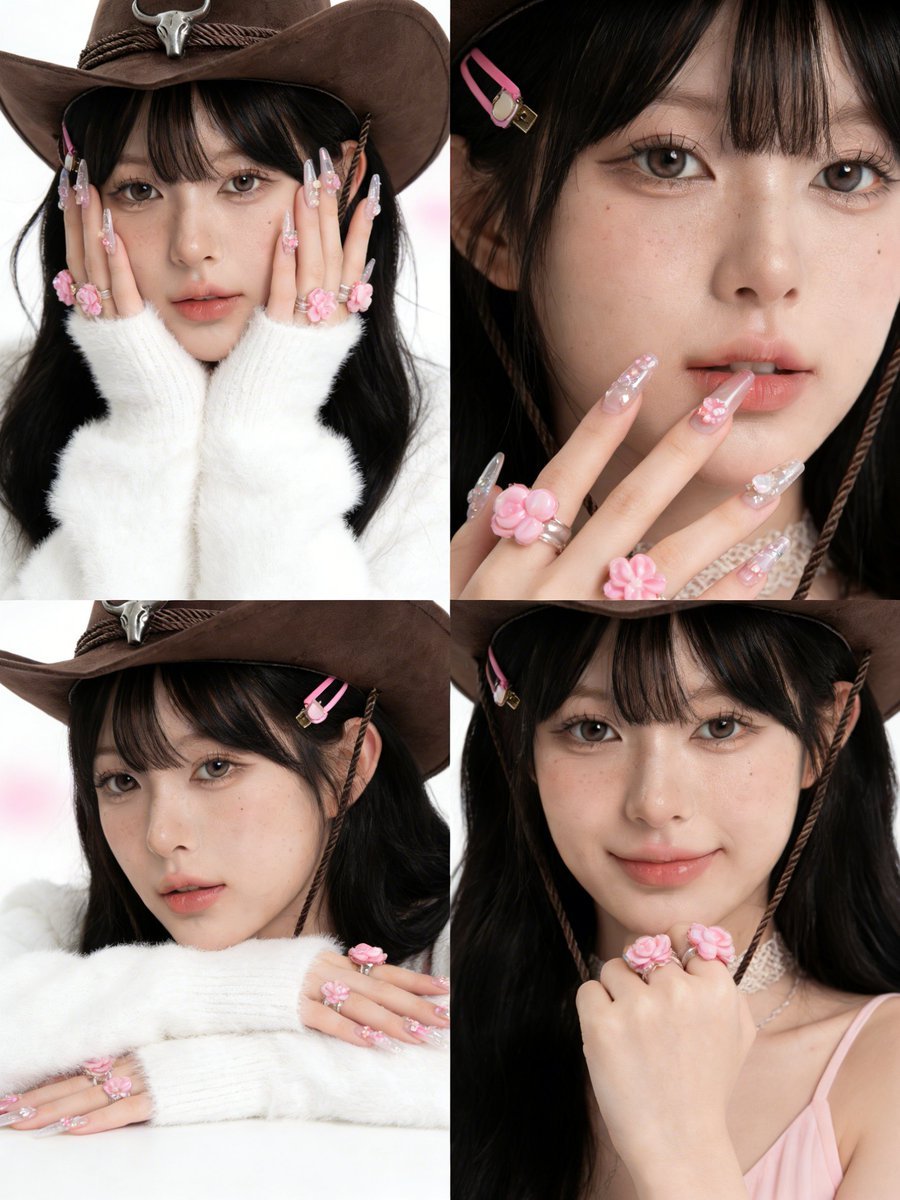
Simplified Korean Aesthetic Portrait Prompt for Seedream 4.5 (Doubao)
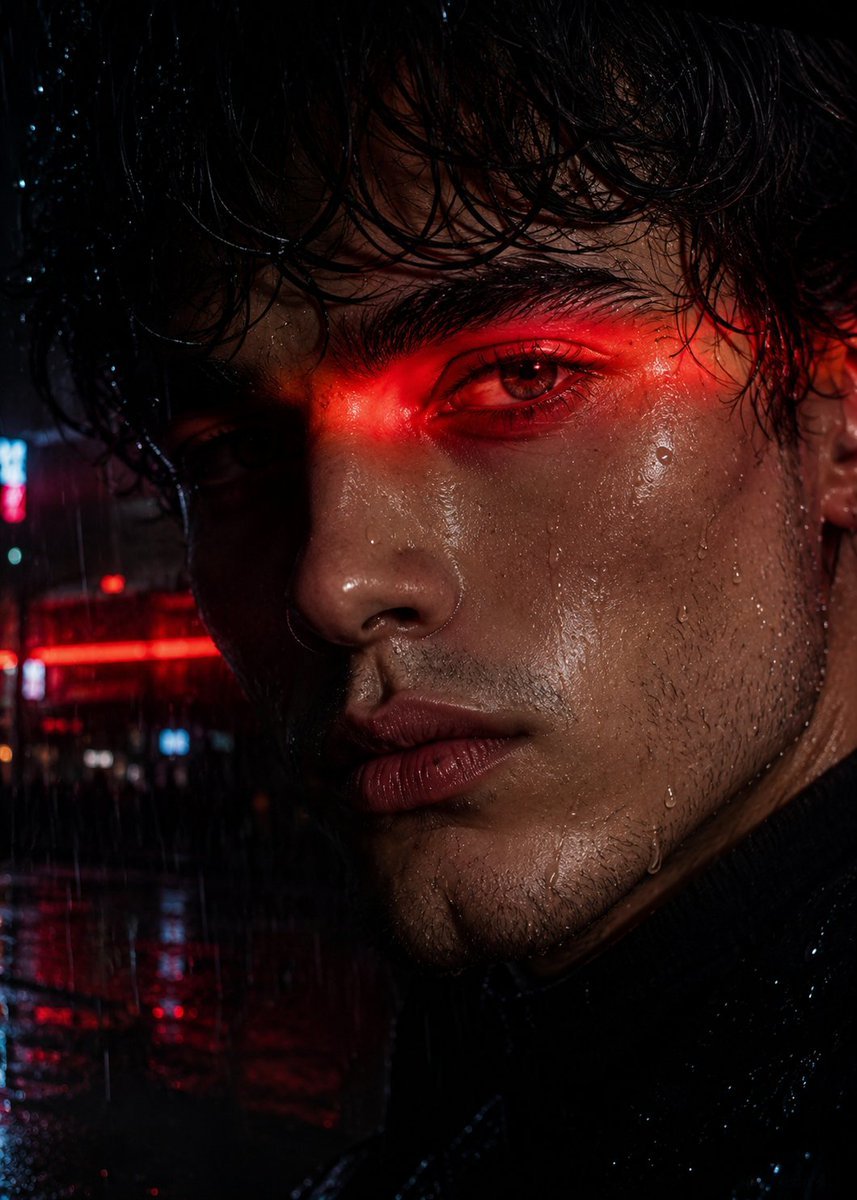
Neo-Noir Close-up Portrait

Y2K Surveillance Footage Style Prompt
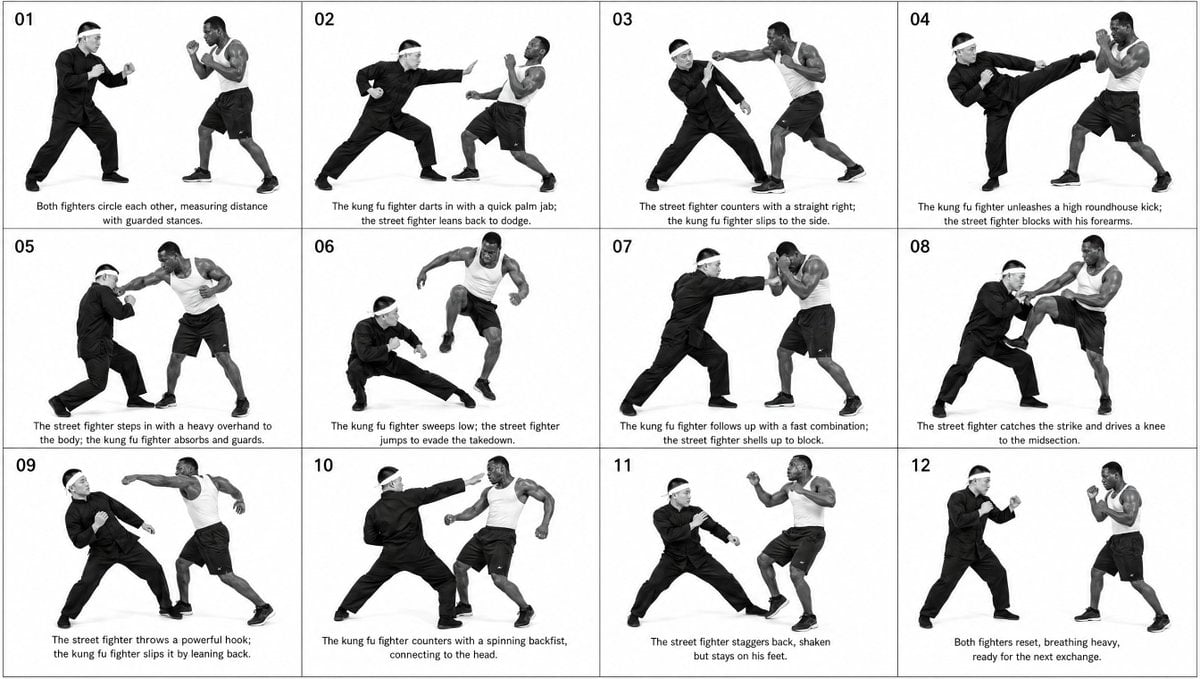
Panel Martial Arts Storyboard
Browse template categories
Japanese Graduation Photo Under Sakura questions
How do I use the Japanese Graduation Photo Under Sakura template?
Add your photo if the template asks for one, edit the prompt if you like — the template's model and format are already selected — and press Generate. Your version opens in PicX Studio.
Can I customize the Japanese Graduation Photo Under Sakura template?
Yes. You can change the subject, setting, lighting, mood, format, and available model controls before creating your image.
Is the Japanese Graduation Photo Under Sakura template free?
Opening and editing this template is free. Generating uses credits, shown on the Generate button when you are signed in.
Which AI model should I use?
Start with GPT Image 2, which is the model associated with this template. You can compare another compatible model for a different finish.
Looking for something else? Browse all templates.

Your photo, any look
Thousands of ready templates for every top image and video model, from one credit balance.