
Moonlit Sakura Shrine Fantasy
A richly detailed prompt for generating a magical moonlit Japanese shrine scene with cherry blossoms, cranes, torii gates, and an ethereal ocean.
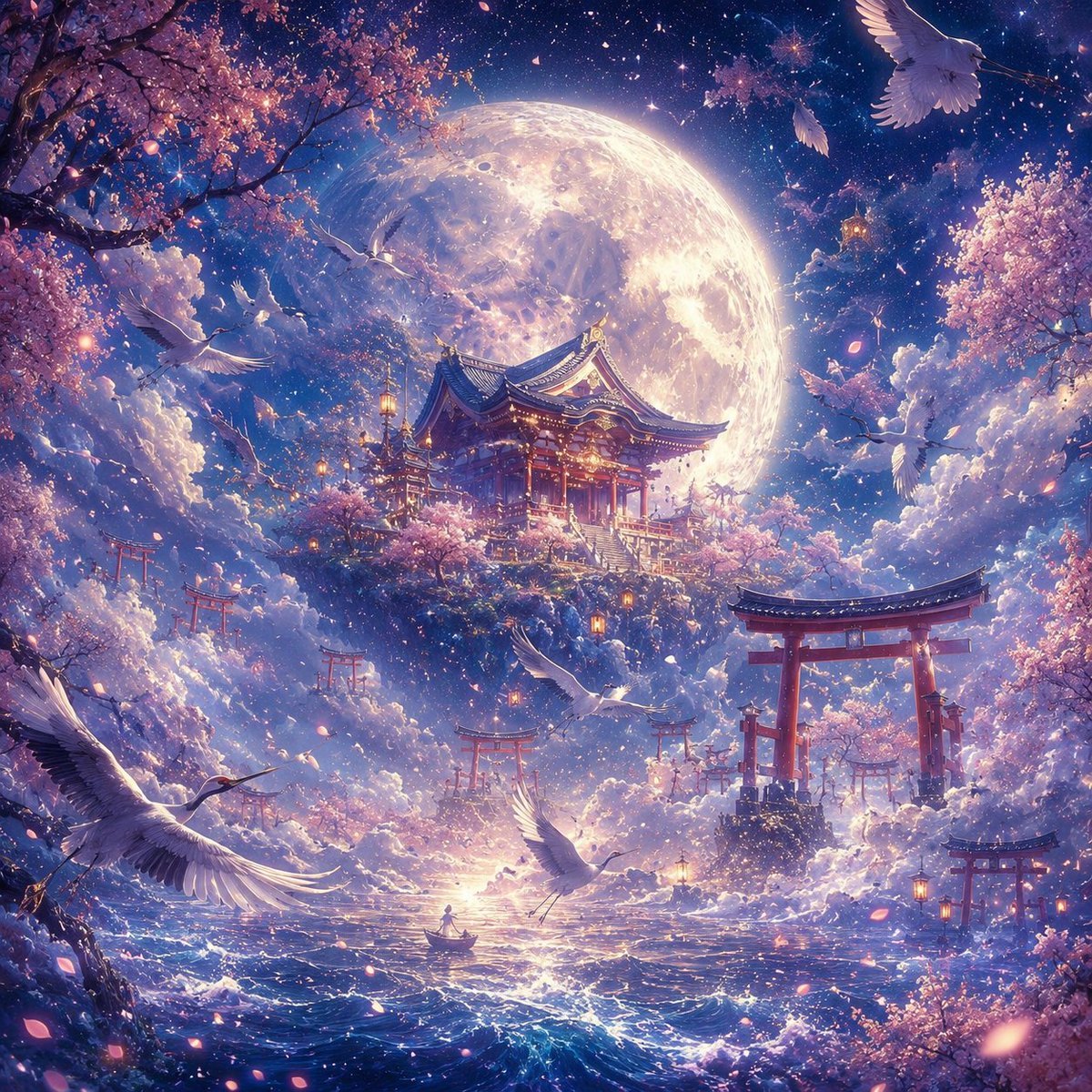
- Prompt included
- Model and format preset
- Premium template
The prompt behind this image
Copy the exact prompt behind Moonlit Sakura Shrine Fantasy, or open it in the studio and make it yours.
Create an ultra-detailed square fantasy anime landscape illustration of a dreamlike Japanese shrine realm at night, centered on a glowing traditional Shinto-style shrine with red pillars and ornate curved blue roofs, perched on a floating cherry-blossom-covered island above a moonlit ocean. Behind it, place an enormous luminous full moon filling much of the sky, with visible craters and a radiant halo; the sky is deep indigo and violet, full of stars, nebula-like clouds, and sparkling magical particles. Surround the scene with abundant {argument name="flowering tree type" default="pink cherry blossoms"} branches framing the upper left, right edge, and lower corners, with petals drifting through the air. Include exactly eight visible white cranes: one large crane in the lower left foreground, one crane flying upward near the lower center, one crane at mid-left in front of the moonlit clouds, one crane crossing the center near the shrine, one crane at mid-right near the clouds, one large crane in the upper right corner, and two smaller distant cranes silhouetted near the moon and upper sky. Include exactly six red torii gates: one large gate on the right foreground island, one small gate on the left misty hillside, one small gate below the shrine near the center, two small gates receding into the right-middle distance, and one small gate at the far lower right. Add warm glowing lanterns hanging from branches and shrine eaves, soft golden lights on the shrine stairs, and a tiny boat with a single seated figure on the shining water near the bottom center for scale. The ocean should be dark blue with sparkling highlights, foamy waves, and a bright moon reflection leading toward the boat. Use a highly polished cinematic fantasy art style with intricate architectural detail, volumetric clouds, romantic lighting, pastel pinks and purples, luminous blues, golden accents, ethereal mist, and a sense of sacred wonder. Main mood: {argument name="mood" default="magical, serene, and awe-inspiring"}. Main setting: {argument name="setting" default="a celestial Japanese shrine floating among clouds and sea under a giant moon"}. Avoid text, logos, borders, modern objects, or photorealistic harshness.
How to use Moonlit Sakura Shrine Fantasy in 3 steps
- 1Upload ImagePNG, JPG or paste
Add your photo
Upload the photo the template builds on. The prompt, model and format are already set.
- 2…a portrait of your subject in softgolden-hour light, 85mm…
Personalize
Edit the subject and creative details for your destination.
- 3Generate
Generate
Press Generate — your image is created in PicX Studio, so you can compare it with the original and refine one variable at a time.
More like this
Templates with the same subject, style or setup. Open one to see its prompt.
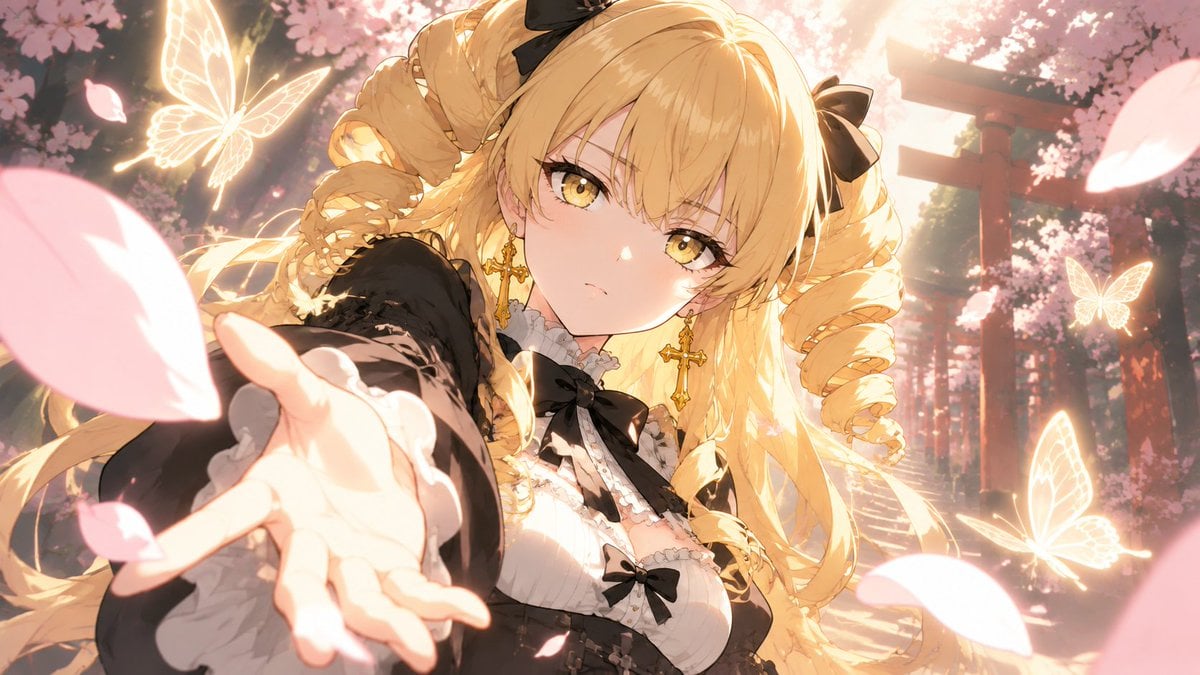
Blonde Gothic Lolita Sakura Shrine
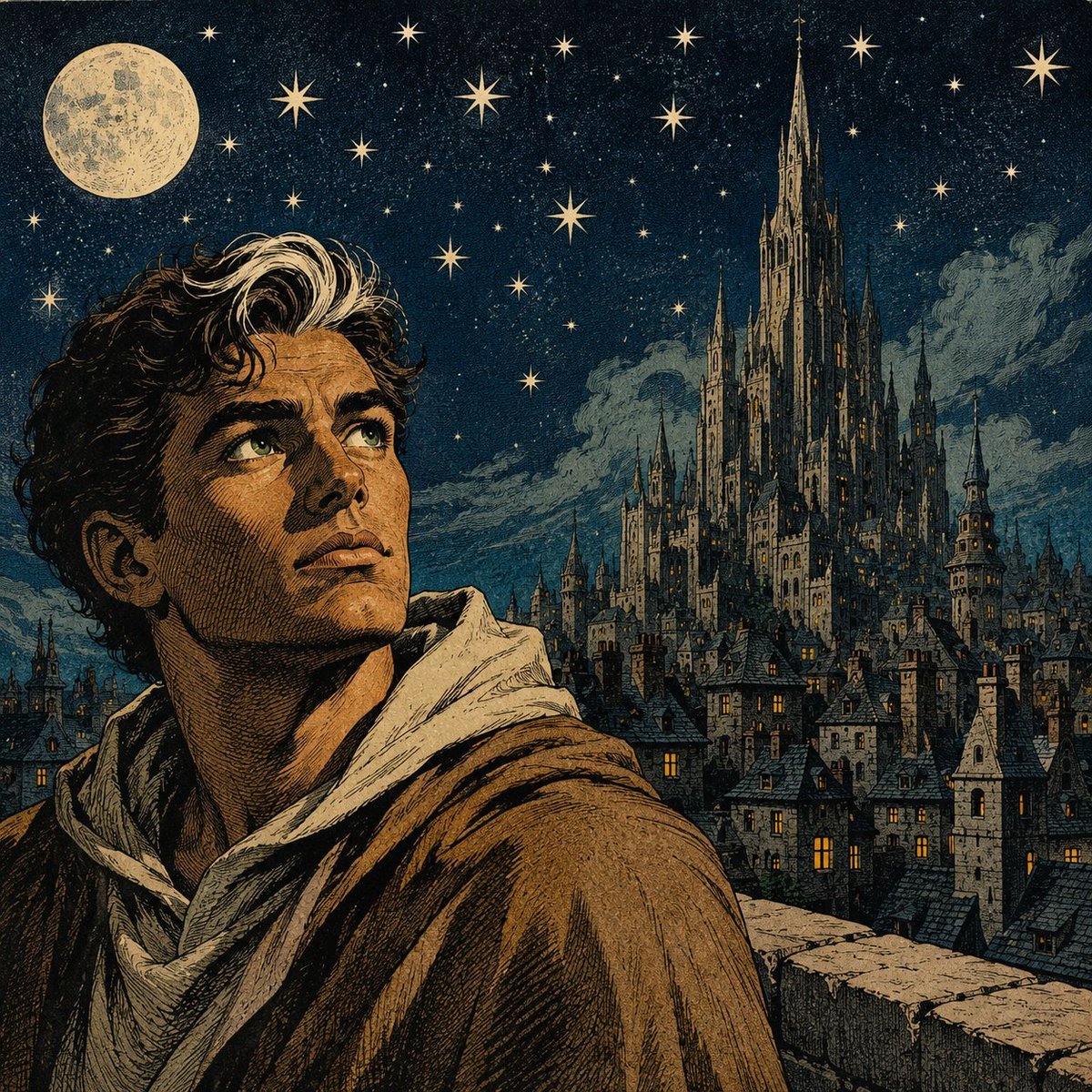
Moonlit Gothic Fantasy Traveler
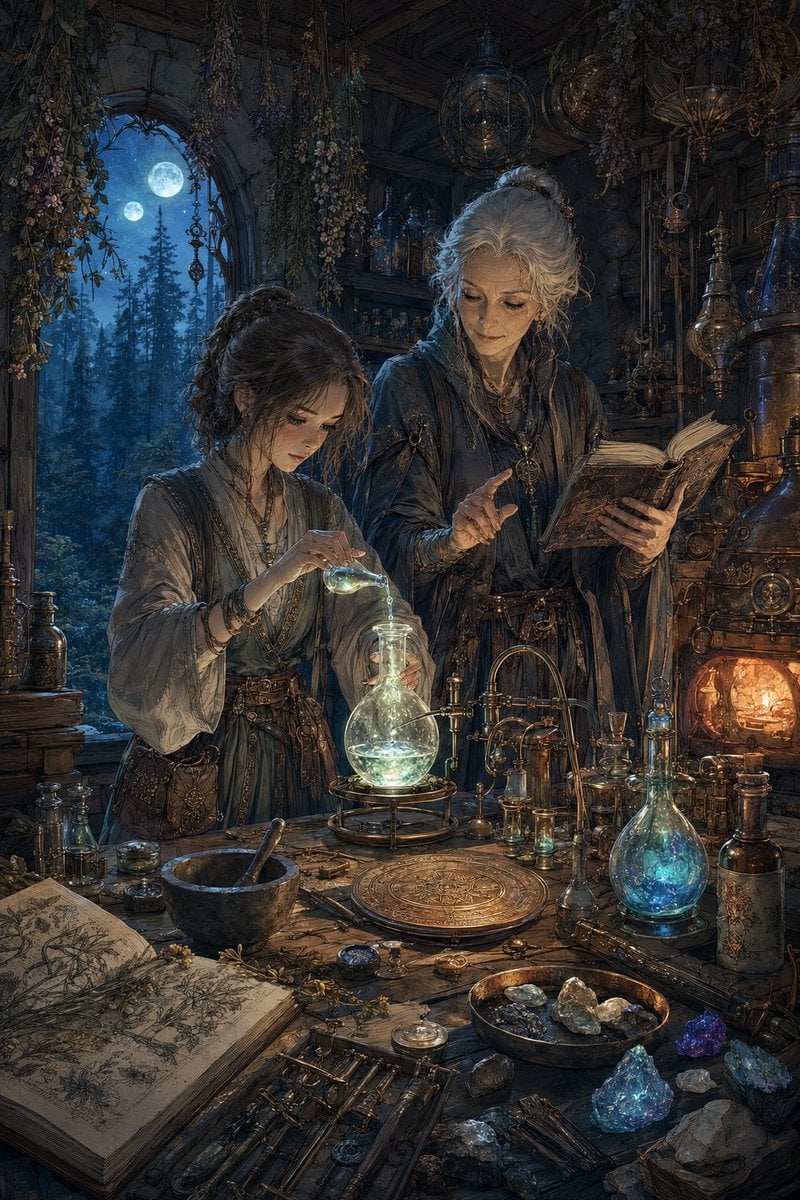
Moonlit Fantasy Alchemy Workshop
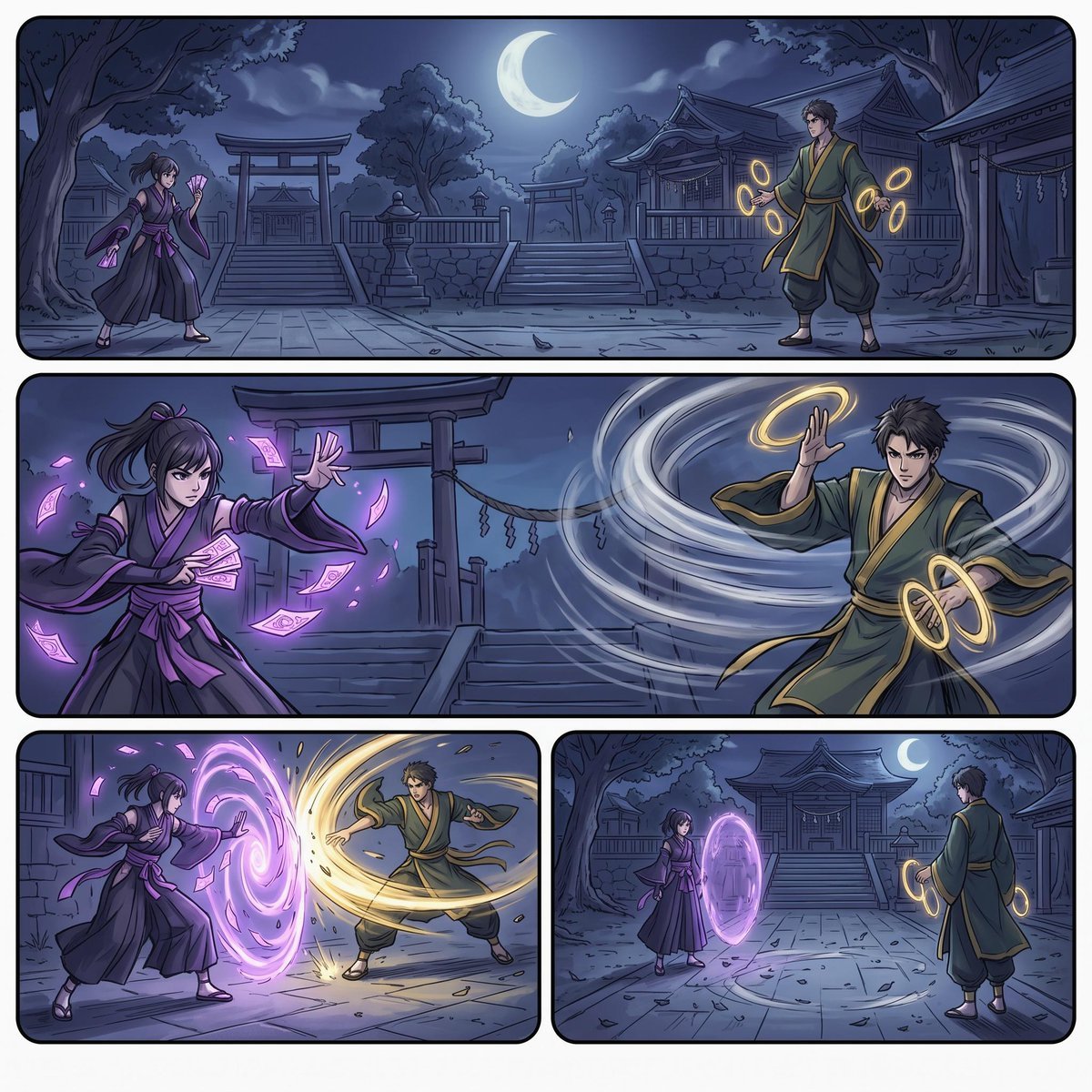
Moonlit Shrine Sorcerer Duel Comic

Anime Fantasy Celestial Movie Poster
Anime Fantasy Celestial Movie Poster

Minecraft Fantasy Kingdom Voxel Landscape

Unfinished Sketch Comes Alive Portrait

Open Travel Journal Overhead Still Life

Tiny Woman Miniature Fantasy Macro Scene
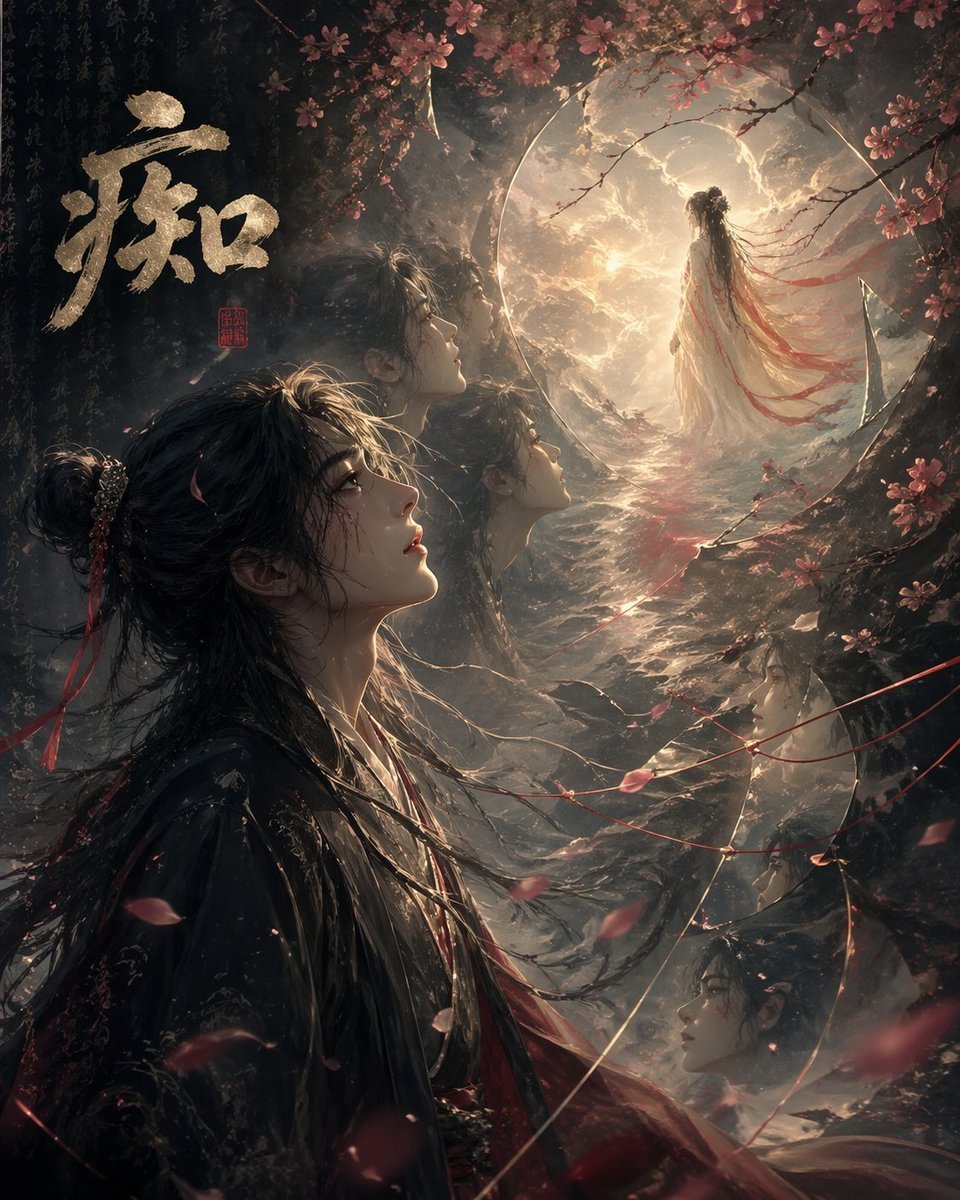
Chinese Obsession Moonlit Fantasy
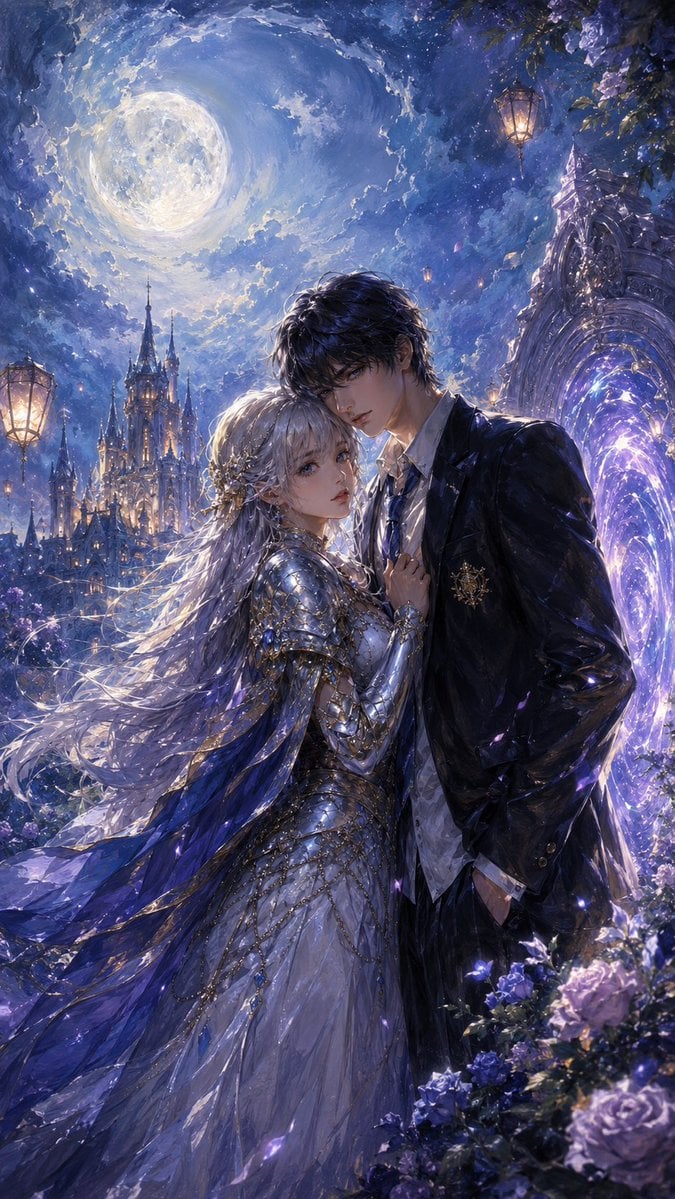
Moonlit Gothic Fantasy Couple
Make it yours
Moonlit Sakura Shrine Fantasy works as-is. These are the safest ways to change it without losing the look.
Change one field
Copy a single group, rewrite it, and generate again so you can see what that field is doing.
Keep the frame, change the subject
Hold the composition and light of Moonlit Sakura Shrine Fantasy, then swap wardrobe, props or the person for a new take.
| If the result… | Why | Fix |
|---|---|---|
| The result drifts from the preview | Too many fields changed at once. | Reuse Moonlit Sakura Shrine Fantasy as-is first, then change one group — subject, light, or setting. |
| The model over-stylizes the scene | The prose prompt leaves finish and camera underspecified. | Add one camera or lighting sentence and stay on GPT Image 2. |
More GPT Image 2 templates
Other prompts made for GPT Image 2.

Six VTuber Japanese Logo Sheet

Realistic Portrait of Woman and Deer

The Vista Modular Condo Poster

AI Model Routing Comparison Infographic

2.5D Anime Art Board

Isometric Productivity Desk Scene

New York Double Exposure Poster

Four-Panel AI Landscape Comparison

Japanese Tatami Lifestyle Magazine Cover

NESCAFÉ Coffee Map Poster
More image prompts
Fresh picks from across the catalog.
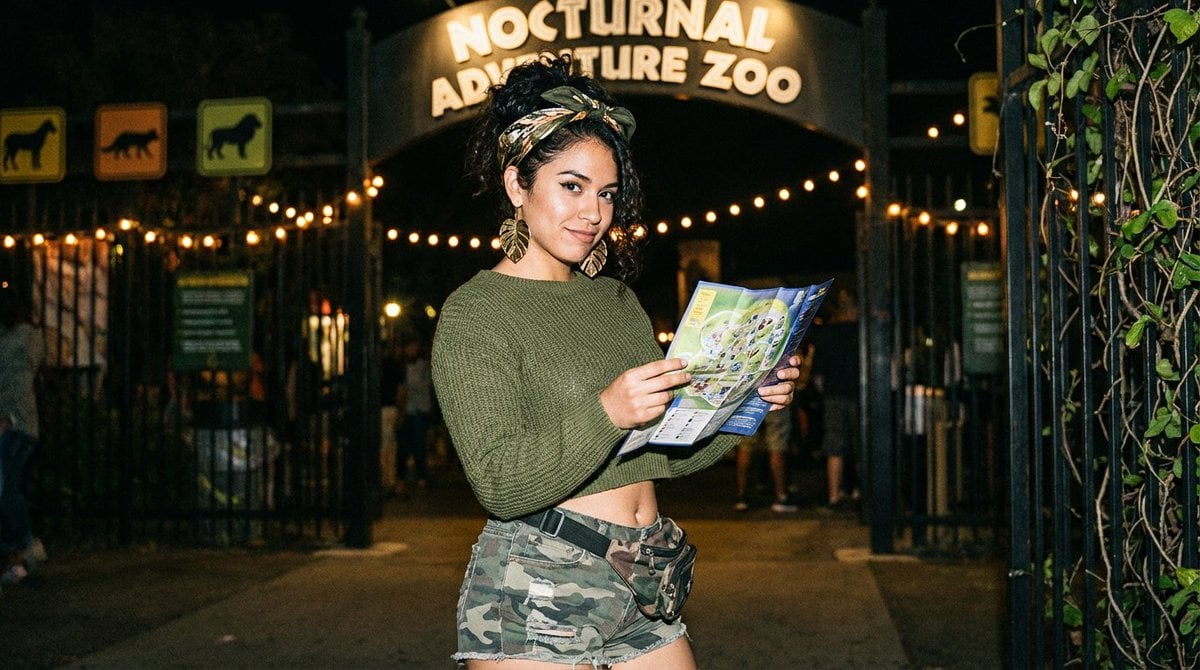
Y2K Grunge Night Zoo Snapshot
Moe Anime Style Claude Meme

Wooden Beer Mug Render
Architectural Blueprint Generation
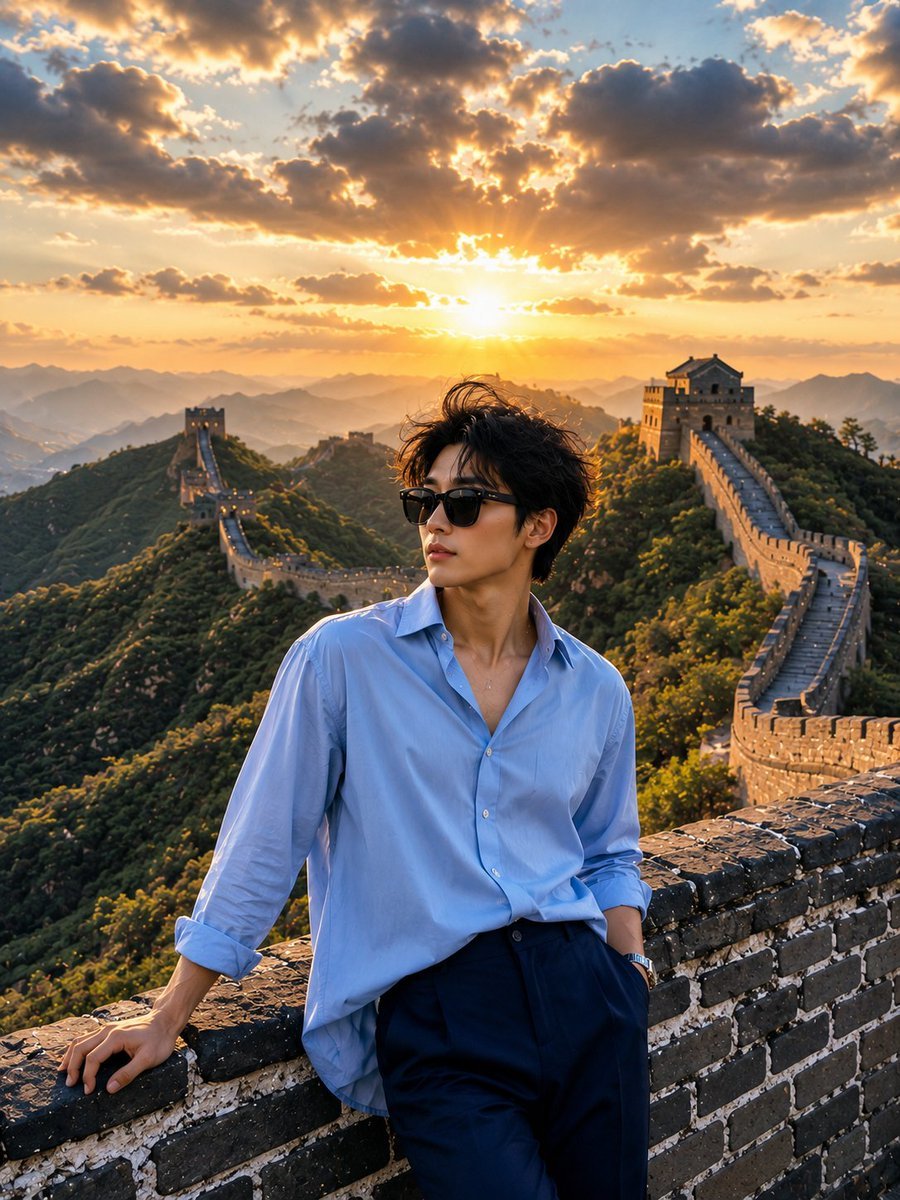
Great Wall Travel Photography
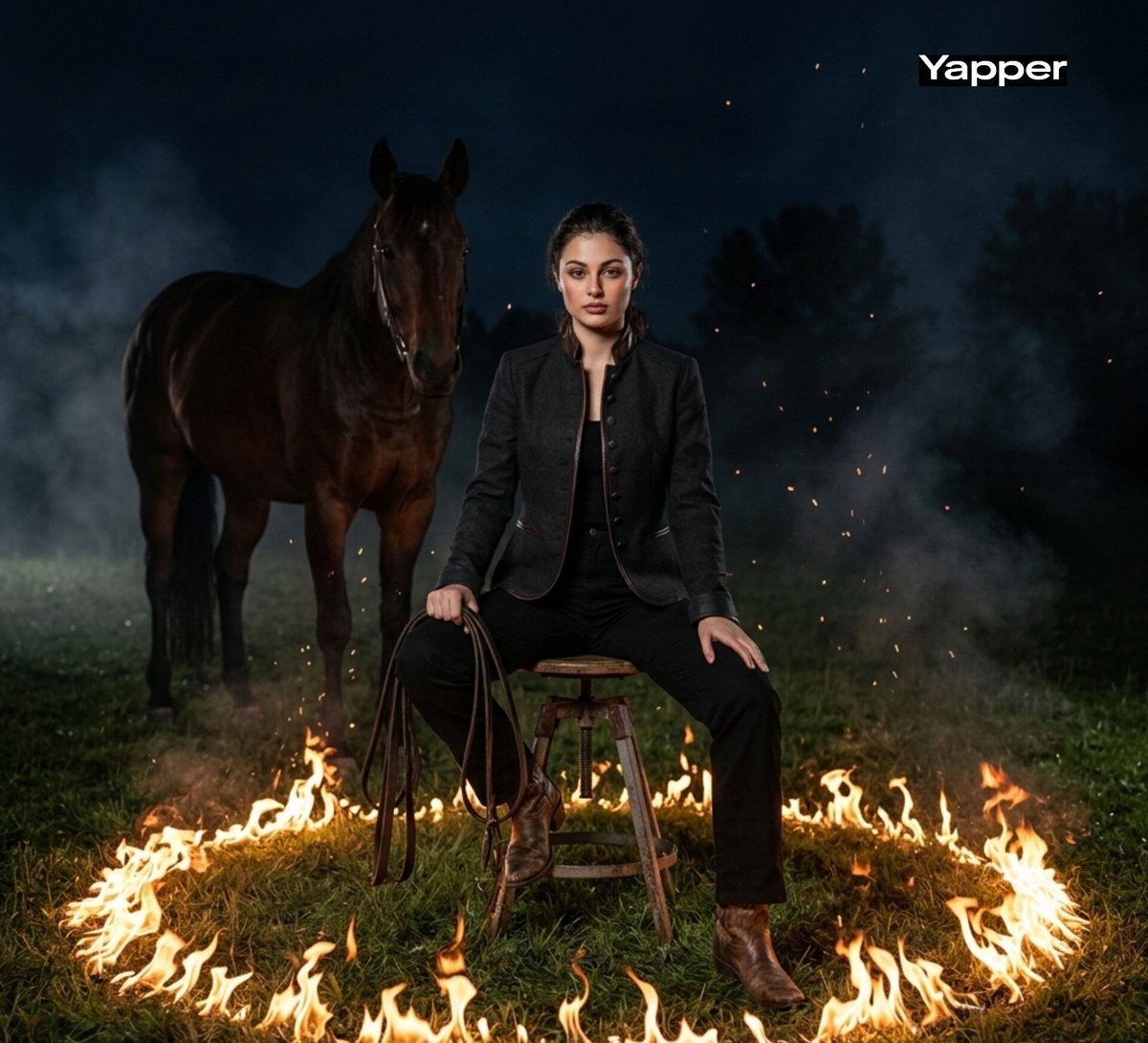
Cinematic Dark Western Portrait with Fire

Modern Loft Lifestyle Editorial Portrait Prompt
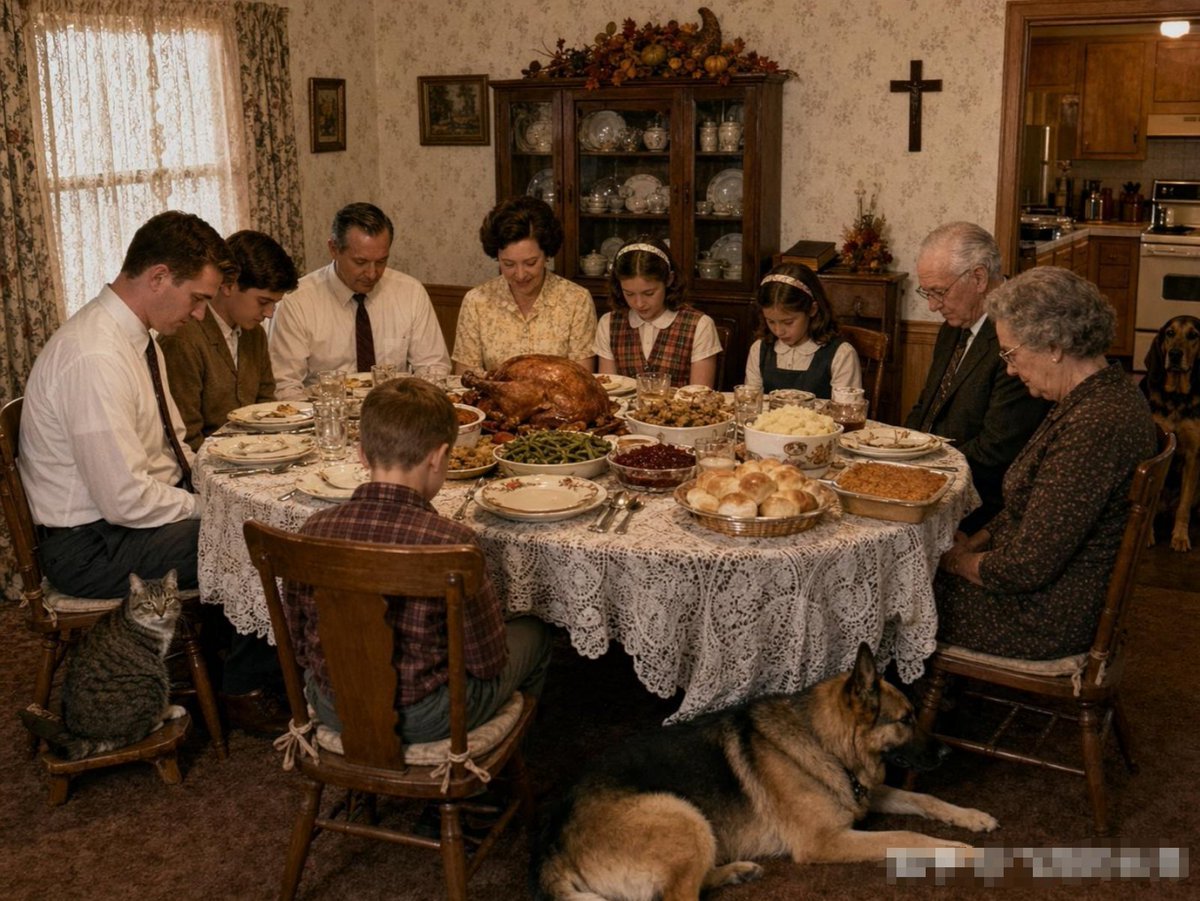
Uncanny Thanksgiving Family Dinner
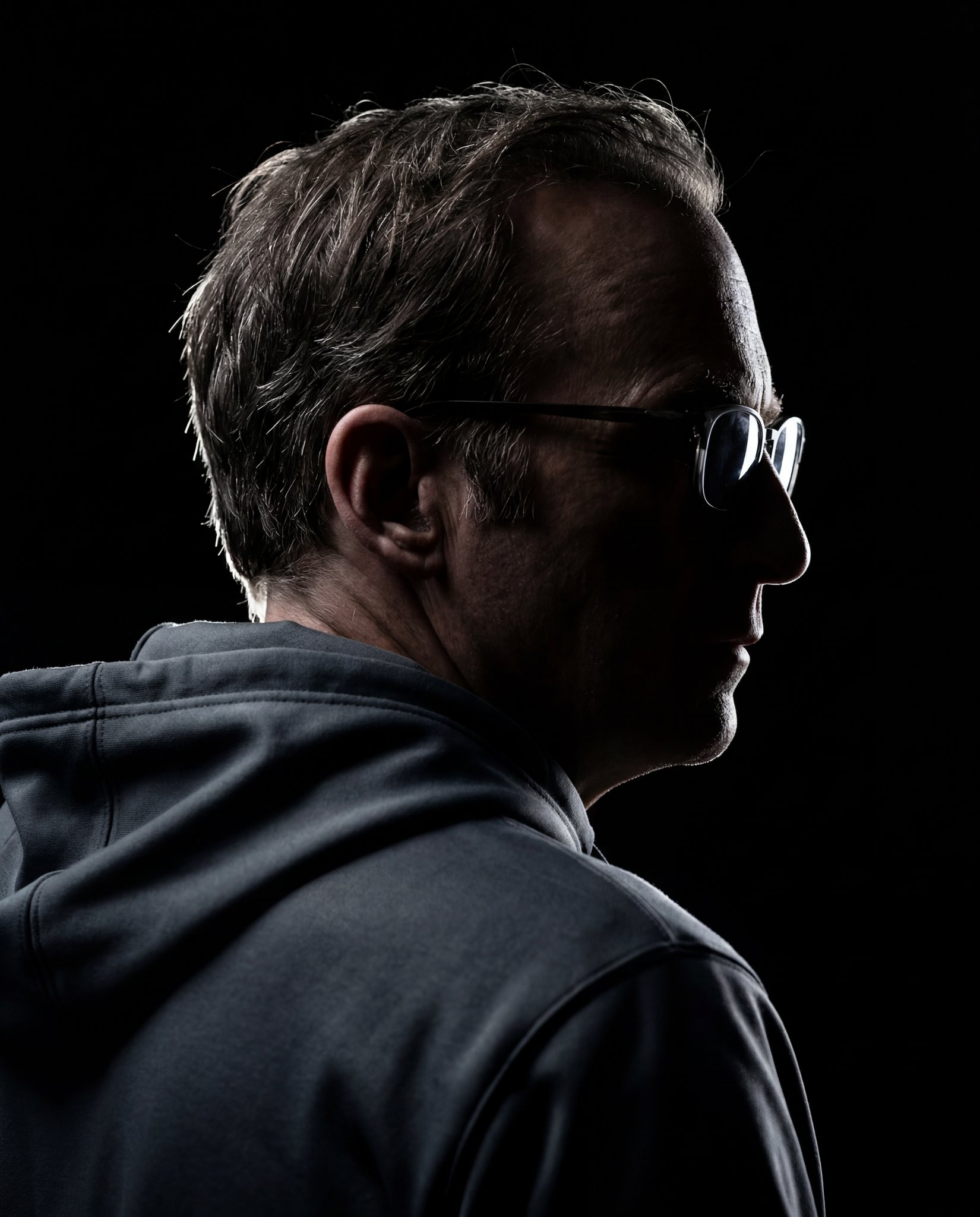
Gemini Nano Banana 2
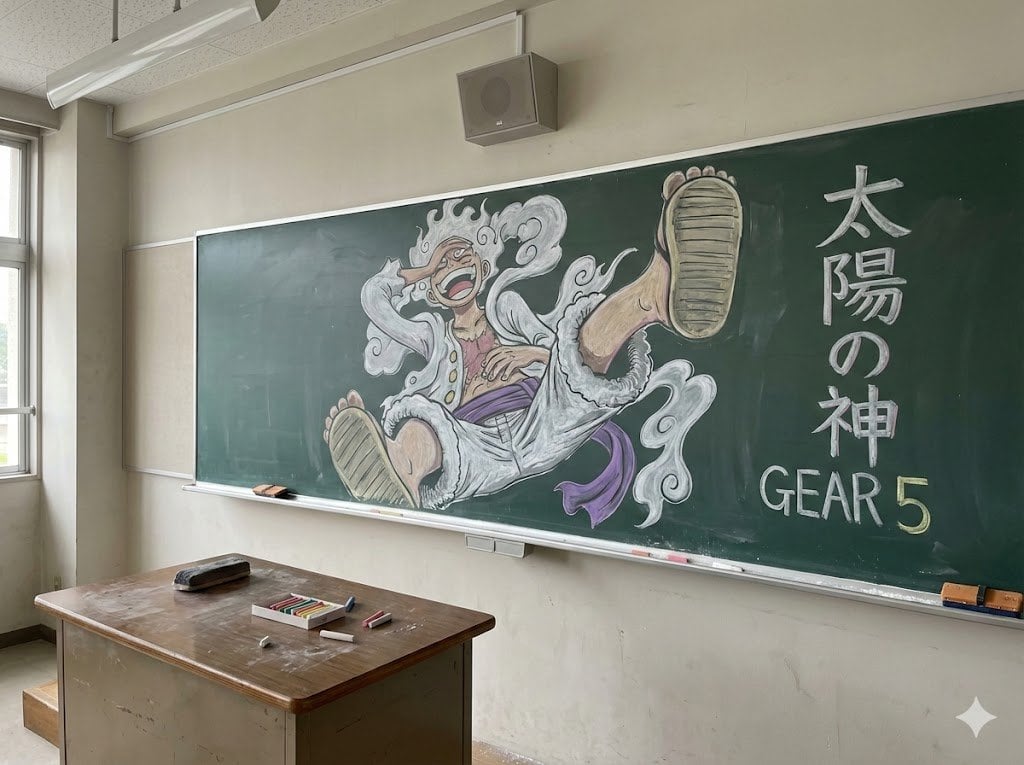
Japanese Classroom Gear 5 Chalk Art
Browse template categories
Moonlit Sakura Shrine Fantasy questions
How do I use the Moonlit Sakura Shrine Fantasy template?
Add your photo if the template asks for one, edit the prompt if you like — the template's model and format are already selected — and press Generate. Your version opens in PicX Studio.
Can I customize the Moonlit Sakura Shrine Fantasy template?
Yes. You can change the subject, setting, lighting, mood, format, and available model controls before creating your image.
Is the Moonlit Sakura Shrine Fantasy template free?
Opening and editing this template is free. Generating uses credits, shown on the Generate button when you are signed in.
Which AI model should I use?
Start with GPT Image 2, which is the model associated with this template. You can compare another compatible model for a different finish.
Looking for something else? Browse all templates.

Your photo, any look
Thousands of ready templates for every top image and video model, from one credit balance.