
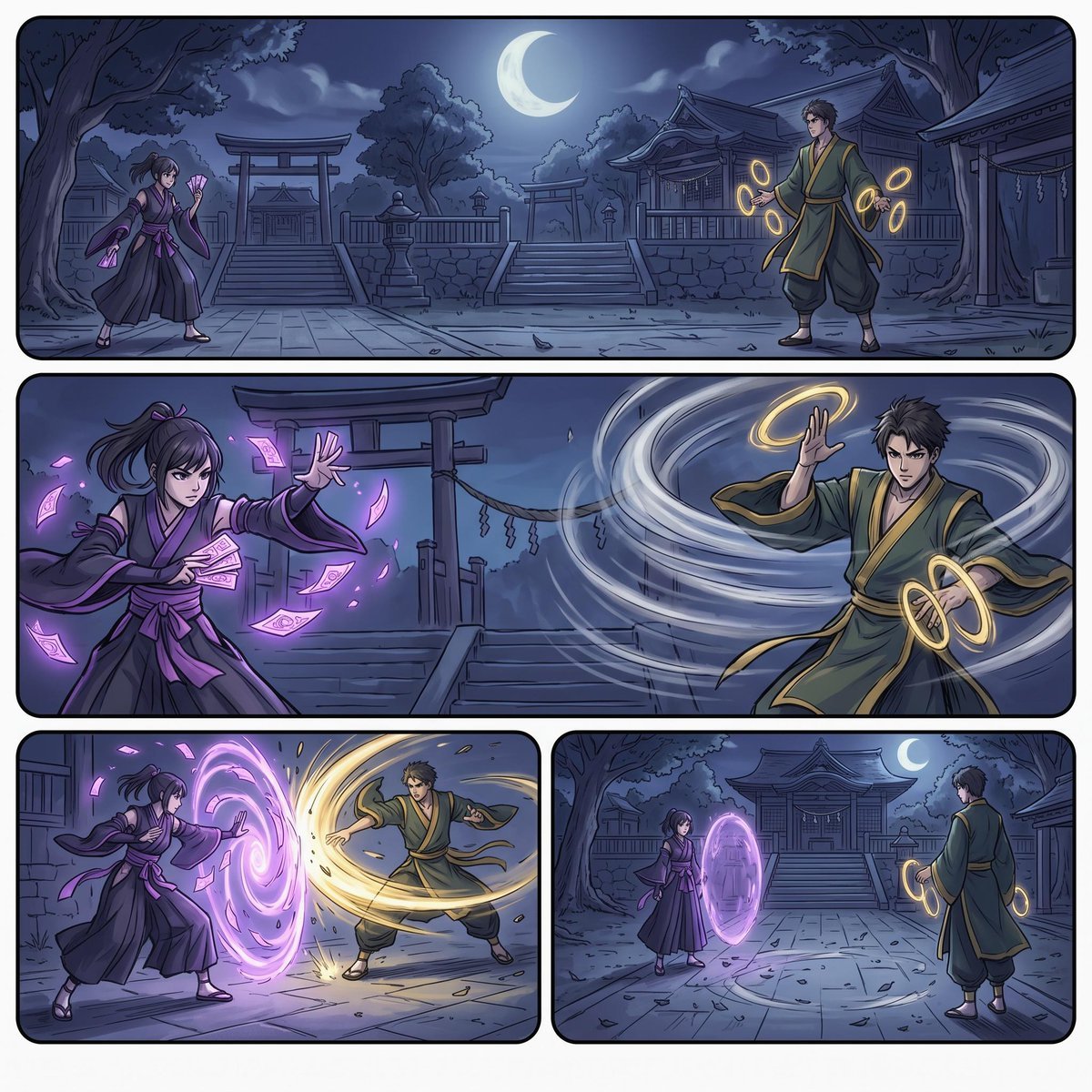
Moonlit Shrine Sorcerer Duel Comic
A structured prompt for generating a four-panel anime comic page of two sorcerers battling with violet talismans and golden wind magic in a nighttime shrine courtyard.
- Prompt included
- Model and format preset
- Premium template
The prompt behind this image
Copy the exact prompt behind Moonlit Shrine Sorcerer Duel Comic, or open it in the studio and make it yours.
Goal: Create a cinematic anime manga-style action comic page showing a magical duel at a moonlit Shinto shrine, with two rival sorcerers facing off using contrasting energy powers. Canvas: Square 1:1 comic page with a thin white outer margin and four rounded-rectangle panels separated by white gutters. Use clean inked line art, cel-shaded anime coloring, dramatic night lighting, cool blue shadows, and glowing spell effects. Layout: Use exactly 4 panels. Panel 1 is a wide establishing shot across the full top half-width area, showing the shrine courtyard under a crescent moon. Panel 2 is another wide horizontal panel beneath it, a close action standoff. Panels 3 and 4 are two smaller equal-width panels along the bottom row. Characters: Two young adult Japanese-style fantasy sorcerers. The left character is a female spellcaster named {argument name="female character name" default="purple-robed shrine mage"}, wearing layered black and deep purple kimono-style robes, a purple sash, sandals, and dark hair tied back with purple ribbons; she casts glowing magenta paper talismans and violet barrier magic. The right character is a male spellcaster named {argument name="male character name" default="green-robed wind sorcerer"}, wearing a dark green kimono robe with gold trim, loose hakama pants, sandals, short dark tousled hair, and glowing golden ring-like charms around his hands; he controls pale white wind spirals and golden energy loops. Keep both faces slightly simplified or softly obscured, not detailed portraits. Panel details: Panel 1: wide establishing view of the shrine courtyard at night, stone paving, stairs, torii gates, lanterns, trees, shrine buildings, and a bright crescent moon centered high in the sky; the female mage stands on the left with violet talismans, the male wind sorcerer stands on the right with golden rings, both poised before the duel. Panel 2: close-up action composition, female on the left thrusting one hand forward while magenta paper talismans swirl around her, male on the right raising one hand defensively while a huge white wind vortex sweeps across the frame from right to left, with golden rings around his wrists. Panel 3: bottom-left impact panel, the female mage projects a bright purple circular portal or shield, while the male sorcerer counters with a sweeping golden wind arc that strikes the barrier, scattering dust, leaves, and sparks. Panel 4: bottom-right aftermath panel, both characters stand farther apart in the shrine courtyard; a vertical glowing purple oval barrier floats between them, the male watches from the right with golden hand loops, the moon and shrine steps visible behind them. Visual style: polished anime comic illustration, dynamic perspective, expressive cloth motion, speed lines, glowing particles, transparent magical rings, high contrast between violet magic and golden wind, detailed shrine architecture, rounded black panel borders, no speech bubbles, no captions, no readable text, no logos, no watermark. Customization: Set the environment as {argument name="setting" default="a moonlit Shinto shrine courtyard"}, the female magic color as {argument name="female magic color" default="violet magenta"}, and the male magic color as {argument name="male magic color" default="gold and pale white"}.
How to use Moonlit Shrine Sorcerer Duel Comic in 3 steps
- 1Upload ImagePNG, JPG or paste
Add your photo
Upload the photo the template builds on. The prompt, model and format are already set.
- 2…a portrait of your subject in softgolden-hour light, 85mm…
Personalize
Edit the subject and creative details for your destination.
- 3Generate
Generate
Press Generate — your image is created in PicX Studio, so you can compare it with the original and refine one variable at a time.
More like this
Templates with the same subject, style or setup. Open one to see its prompt.
Moonlit Sakura Shrine Fantasy

Pop Art Superhero Explosion Poster

Hero Portrait Comic Multi-Panel Poster

Spider-Man Noir Detective Rain Alley

Gpt2 E Commerce Main Image 9 Panel Product Tvc Storyboard
Fox Shrine Maiden Postcard
Blonde Gothic Lolita Sakura Shrine
Fox Shrine Maiden on Hover Scooter
Mandarin Spawn at Shinto Shrine
Stormy Police Mech Duel
Police Robot Pruning Shrine Trees

Moonlit Fox Mask Night Market
Make it yours
Moonlit Shrine Sorcerer Duel Comic works as-is. These are the safest ways to change it without losing the look.
Change one field
Copy a single group, rewrite it, and generate again so you can see what that field is doing.
Keep the frame, change the subject
Hold the composition and light of Moonlit Shrine Sorcerer Duel Comic, then swap wardrobe, props or the person for a new take.
| If the result… | Why | Fix |
|---|---|---|
| The result drifts from the preview | Too many fields changed at once. | Reuse Moonlit Shrine Sorcerer Duel Comic as-is first, then change one group — subject, light, or setting. |
| The model over-stylizes the scene | The prose prompt leaves finish and camera underspecified. | Add one camera or lighting sentence and stay on GPT Image 2. |
More GPT Image 2 templates
Other prompts made for GPT Image 2.

Six VTuber Japanese Logo Sheet

Realistic Portrait of Woman and Deer

The Vista Modular Condo Poster

AI Model Routing Comparison Infographic

2.5D Anime Art Board

Isometric Productivity Desk Scene

New York Double Exposure Poster

Four-Panel AI Landscape Comparison

Japanese Tatami Lifestyle Magazine Cover

NESCAFÉ Coffee Map Poster
More image prompts
Fresh picks from across the catalog.
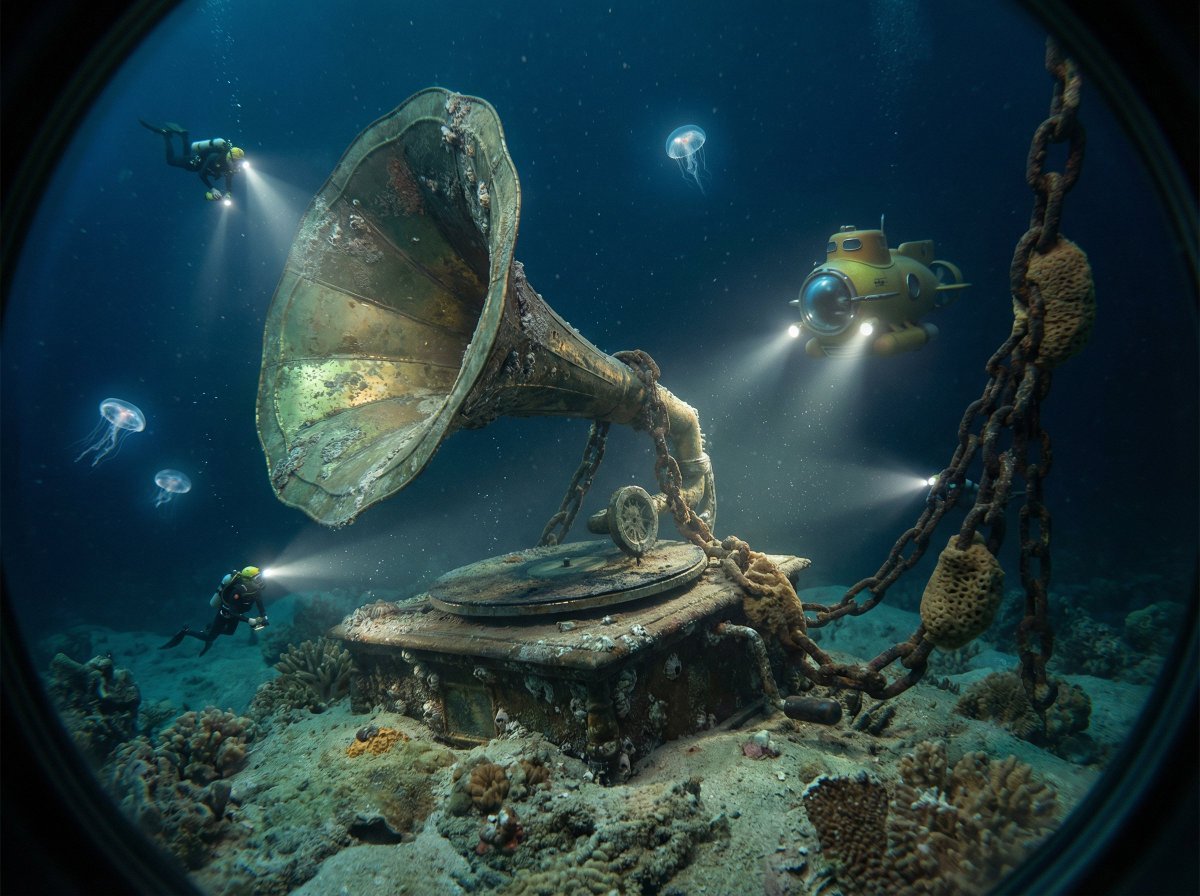
Ocean Artifact Discovery Scene

Refining Image Generation for Natural Expression
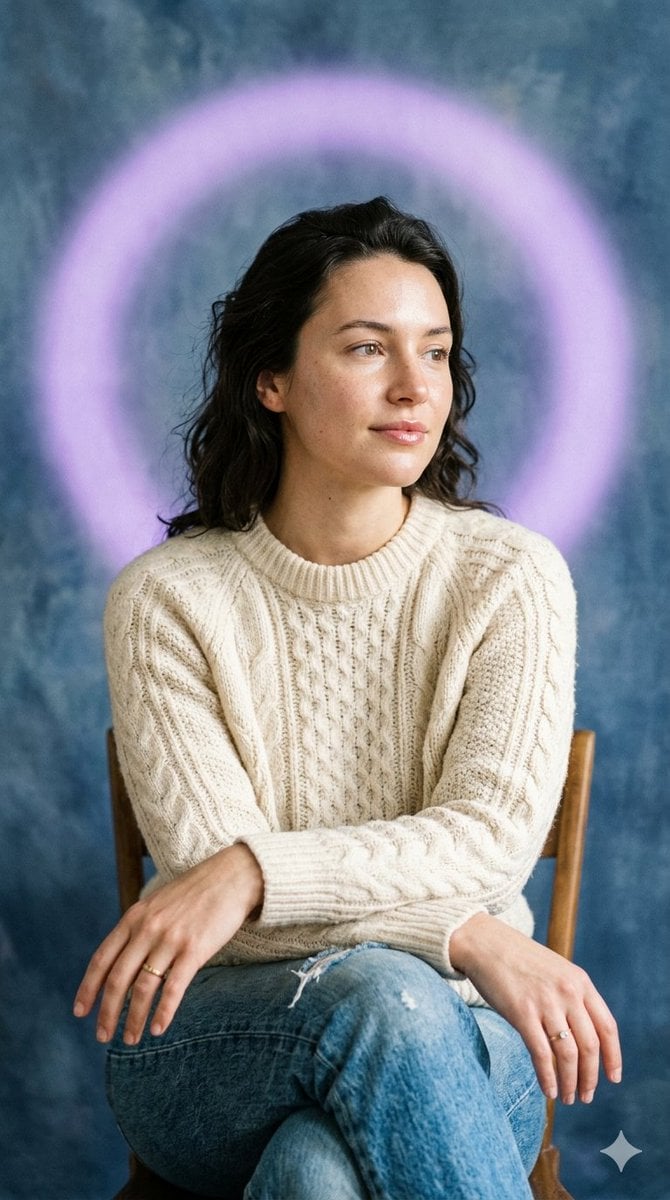
Editorial Introspective Studio Portrait
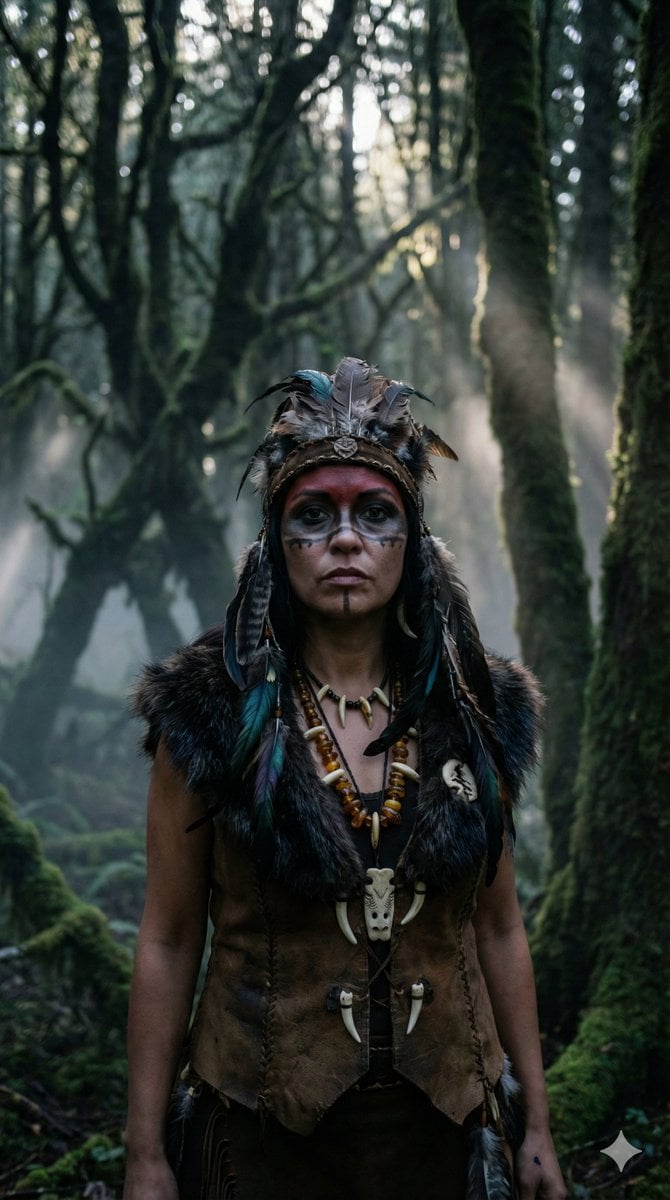
Hyper-Realistic Shaman Portrait Prompt
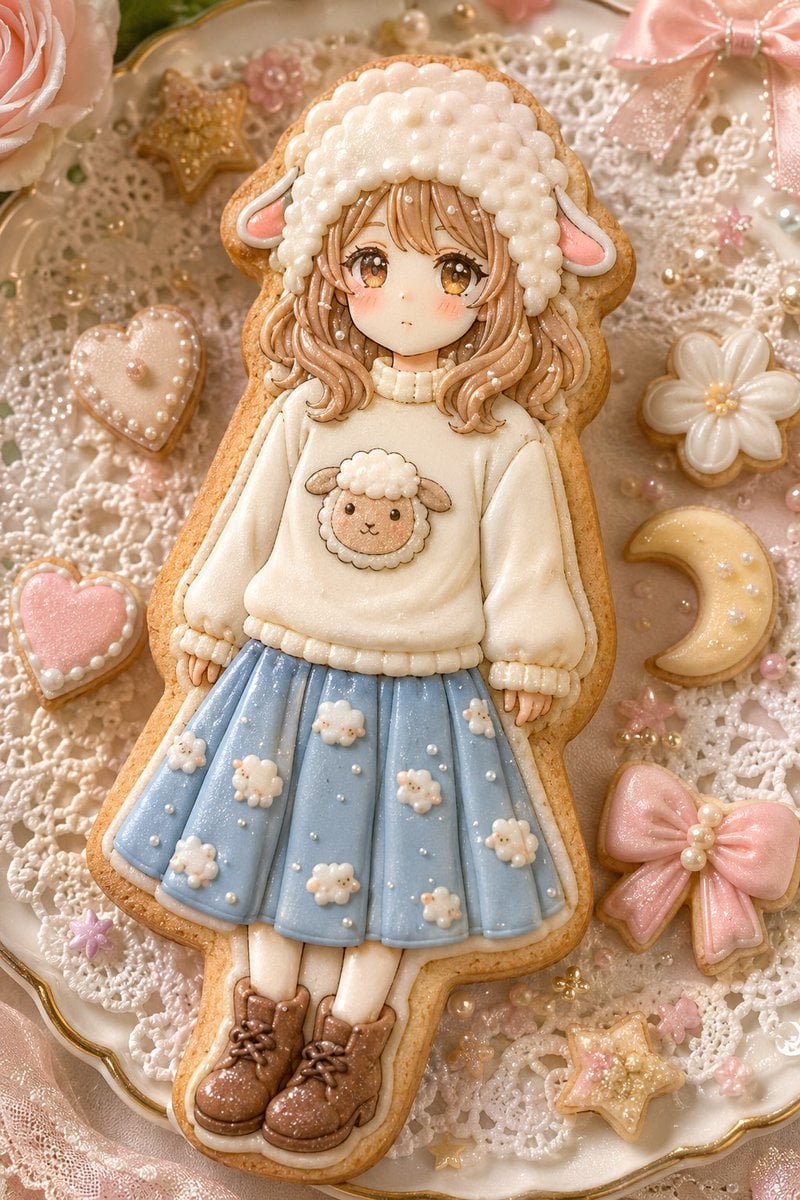
Kawaii Sheep Girl Icing Cookie
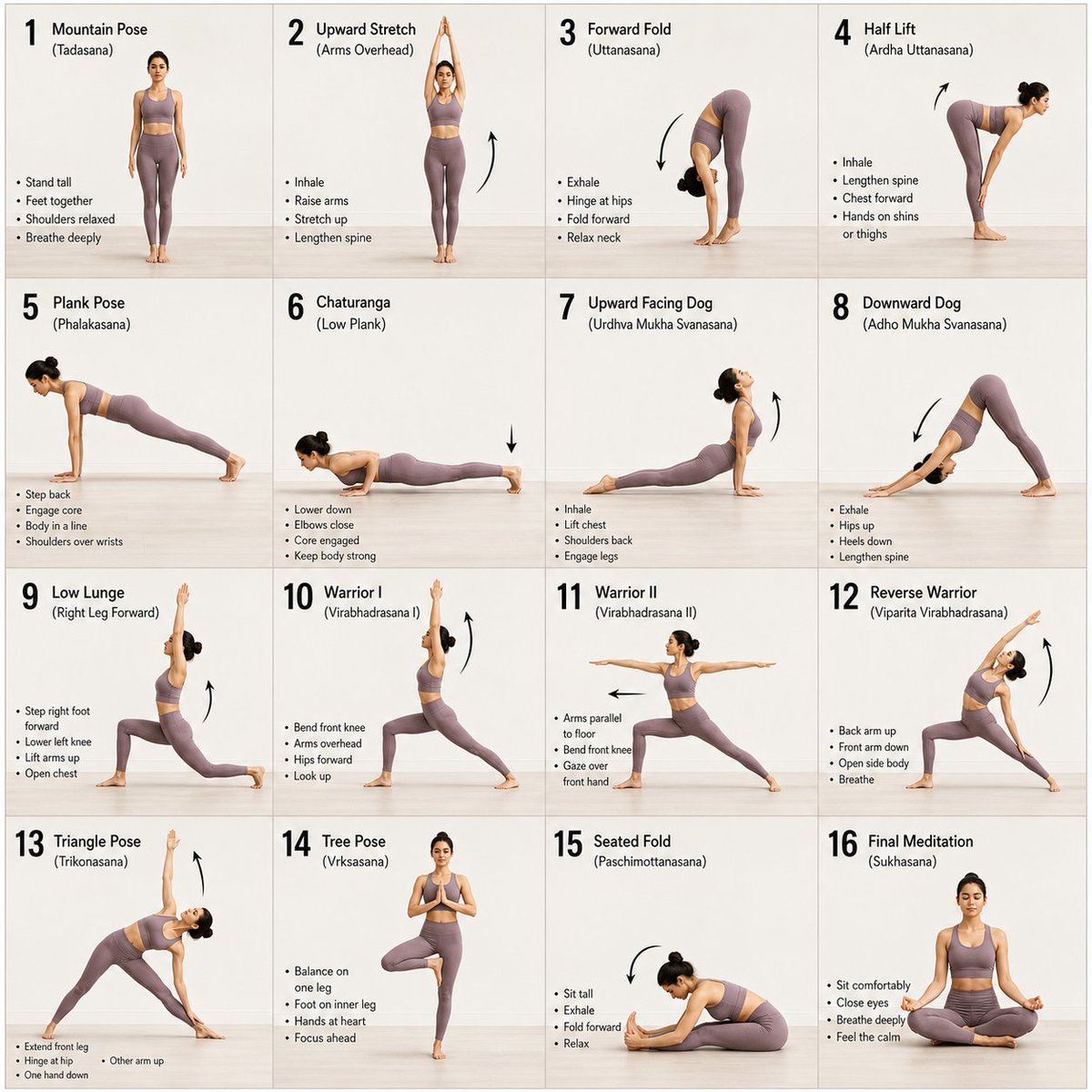
Panel Yoga Instructional Storyboard
Ensuring Nano Banana Pro is used for Chinese prompts
Mini Clone Cafe Selfie Composite
Dark Fantasy Portrait with Shadow Demon
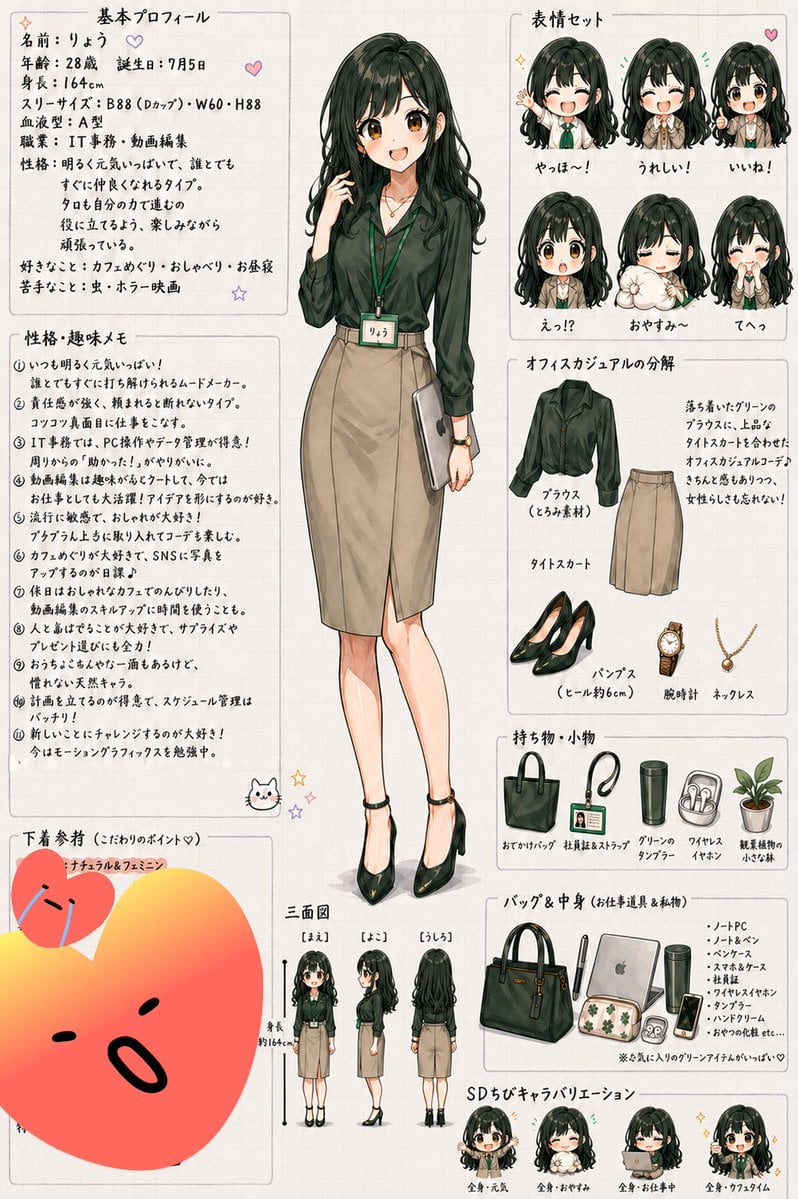
Japanese Office Lady Character Sheet
Browse template categories
Moonlit Shrine Sorcerer Duel Comic questions
How do I use the Moonlit Shrine Sorcerer Duel Comic template?
Add your photo if the template asks for one, edit the prompt if you like — the template's model and format are already selected — and press Generate. Your version opens in PicX Studio.
Can I customize the Moonlit Shrine Sorcerer Duel Comic template?
Yes. You can change the subject, setting, lighting, mood, format, and available model controls before creating your image.
Is the Moonlit Shrine Sorcerer Duel Comic template free?
Opening and editing this template is free. Generating uses credits, shown on the Generate button when you are signed in.
Which AI model should I use?
Start with GPT Image 2, which is the model associated with this template. You can compare another compatible model for a different finish.
Looking for something else? Browse all templates.

Your photo, any look
Thousands of ready templates for every top image and video model, from one credit balance.