
Japanese Office Lady Character Sheet
A detailed anime-style Japanese character reference sheet for an office-casual woman, useful for generating profile boards, design docs, and visual character setting pages.
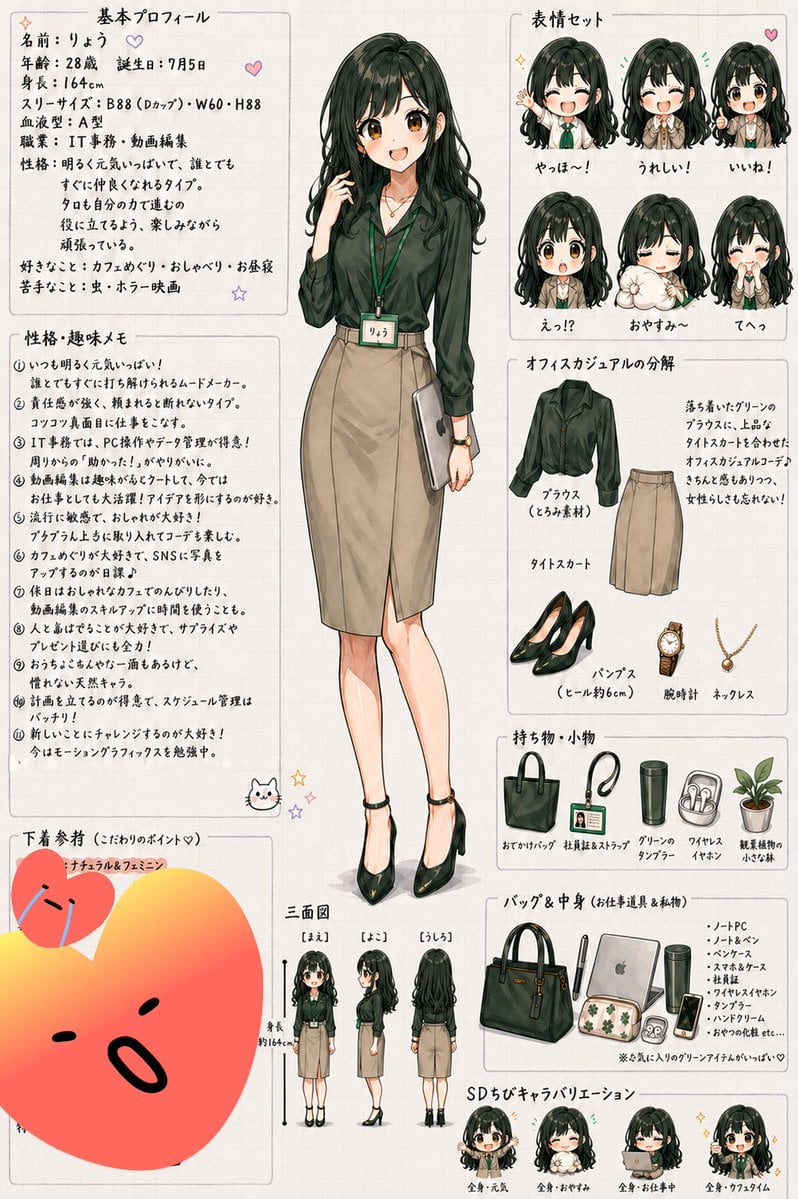
- Prompt included
- Model and format preset
- Free template
The prompt behind this image
Copy the exact prompt behind Japanese Office Lady Character Sheet, or open it in the studio and make it yours.
- Type
- anime character reference sheet
- Style
- clean hand-drawn Japanese design sheet, soft watercolor-like shading, light beige grid paper background, thin gray panel borders, small pastel doodles like hearts, stars, and a cat face, polished office-lady fashion illustration
- Character › Name
- {argument name="character name" default="りょう"}
- Character › Age
- 28
- Character › Birthday
- July 5
- Character › Height
- 164 cm
- Character › Body Notes
- slim adult woman with gentle proportions
- Character › Hair › Color
- {argument name="hair color" default="dark greenish black"}
- Character › Hair › Style
- long wavy hair with heavy bangs, voluminous crown, loose curls near the ends
- Character › Outfit › Top
- dark muted green blouse with long sleeves and soft sheen
- Character › Outfit › Skirt
- beige tight midi skirt with front slit
- Character › Outfit › Shoes
- black pointed high heels
- Character › Outfit › Accessories
- green lanyard name tag, wristwatch, delicate necklace
- Character › Main Pose
- full-body standing pose, one hand lightly touching her hair, the other holding a slim silver laptop or document folder at her side, calm friendly expression
- Layout › Centerpiece
- one large full-body front illustration in the center
- Layout › Sections › 0 › Title
- 基本プロフィール
- Layout › Sections › 0 › Position
- top left
- Layout › Sections › 0 › Count
- 1
- Layout › Sections › 0 › Labels
- profile text block
- Layout › Sections › 1 › Title
- 性格・趣味メモ
- Layout › Sections › 1 › Position
- middle left
- Layout › Sections › 1 › Count
- 11
- Layout › Sections › 1 › Labels
- 1, 2, 3, 4, 5, 6, 7, 8, 9, 10, 11
- Layout › Sections › 2 › Title
- 表情セット
Raw JSON
{
  "type": "anime character reference sheet",
  "style": "clean hand-drawn Japanese design sheet, soft watercolor-like shading, light beige grid paper background, thin gray panel borders, small pastel doodles like hearts, stars, and a cat face, polished office-lady fashion illustration",
  "character": {
    "name": "{argument name=\"character name\" default=\"りょう\"}",
    "age": "28",
    "birthday": "July 5",
    "height": "164 cm",
    "body notes": "slim adult woman with gentle proportions",
    "hair": {
      "color": "{argument name=\"hair color\" default=\"dark greenish black\"}",
      "style": "long wavy hair with heavy bangs, voluminous crown, loose curls near the ends"
    },
    "outfit": {
      "top": "dark muted green blouse with long sleeves and soft sheen",
      "skirt": "beige tight midi skirt with front slit",
      "shoes": "black pointed high heels",
      "accessories": "green lanyard name tag, wristwatch, delicate necklace"
    },
    "main pose": "full-body standing pose, one hand lightly touching her hair, the other holding a slim silver laptop or document folder at her side, calm friendly expression"
  },
  "layout": {
    "centerpiece": "one large full-body front illustration in the center",
    "sections": [
      {
        "title": "基本プロフィール",
        "position": "top left",
        "count": 1,
        "labels": ["profile text block"]
      },
      {
        "title": "性格・趣味メモ",
        "position": "middle left",
        "count": 11,
        "labels": [
          "1",
          "2",
          "3",
          "4",
          "5",
          "6",
          "7",
          "8",
          "9",
          "10",
          "11"
        ]
      },
      {
        "title": "表情セット",
        "position": "top right",
        "count": 6,
        "labels": ["やっほ〜!", "うれしい!", "いいね!", "えっ!?", "おやすみ〜", "てへっ"]
      },
      {
        "title": "オフィスカジュアルの分解",
        "position": "upper right below expressions",
        "count": 5,
        "labels": ["ブラウス(くろみ素材)", "タイトスカート", "パンプス(ヒール約6cm)", "腕時計", "ネックレス"]
      },
      {
        "title": "持ち物・小物",
        "position": "right center",
        "count": 5,
        "labels": ["おでかけバッグ", "社員証&ストラップ", "グリーンのタンブラー", "ワイヤレスイヤホン", "観葉植物の小さな鉢"]
      },
      {
        "title": "バッグ&中身(お仕事道具&私物)",
        "position": "lower right",
        "count": 8,
        "labels": ["ハンドバッグ", "ノートPC", "ノート&ペン", "ヘアブラシ", "丸いポーチ", "タンブラー", "ワイヤレスイヤホン", "ハンドクリーム"]
      },
      {
        "title": "三面図",
        "position": "bottom center-left",
        "count": 3,
        "labels": ["[まえ]", "[よこ]", "[うしろ]"]
      },
      {
        "title": "SDちびキャラバリエーション",
        "position": "bottom right",
        "count": 4,
        "labels": ["全身・元気", "全身・おやすみ", "全身・お仕事中", "全身・カフェタイム"]
      },
      {
        "title": "下着参考(こだわりのポイント♡)",
        "position": "bottom left",
        "count": 1,
        "labels": ["ナチュラル&フェミニン"]
      }
    ]
  },
  "text_blocks": {
    "basic_profile": "handwritten Japanese profile text with age, birthday, height, three sizes, blood type, job, personality, likes, and dislikes",
    "personality_notes": "11 handwritten Japanese bullet points about personality, hobbies, office work, video editing, café hopping, social media, gift-giving, scheduling, and studying motion graphics",
    "fashion_notes": "short handwritten paragraph explaining the calm dark green blouse, tight skirt, adult look, and feminine elegance",
    "bag_notes": "small handwritten list describing the bag contents and a note that her favorite green items are cute"
  },
  "visual_details": {
    "color_palette": "dark forest green, beige, black, soft cream, muted gold, pastel accent doodles",
    "rendering": "anime-style woman with refined line art, subtle blush, glossy hair highlights, fashion catalog clarity",
    "page_design": "portrait orientation, dense but neat layout, Japanese handwritten headings, all elements arranged like a personal character settings sheet"
  },
  "negative_space": "minimal, page is densely filled with organized panels and illustrations"
}How to use Japanese Office Lady Character Sheet in 3 steps
- 1Upload ImagePNG, JPG or paste
Add your photo
Upload the photo the template builds on. The prompt, model and format are already set.
- 2…a portrait of your subject in softgolden-hour light, 85mm…
Personalize
Edit the subject and creative details for your destination.
- 3Generate
Generate
Press Generate — your image is created in PicX Studio, so you can compare it with the original and refine one variable at a time.
More like this
Templates with the same subject, style or setup. Open one to see its prompt.

Six VTuber Japanese Logo Sheet

Minecraft Japanese Research Lab Exploration
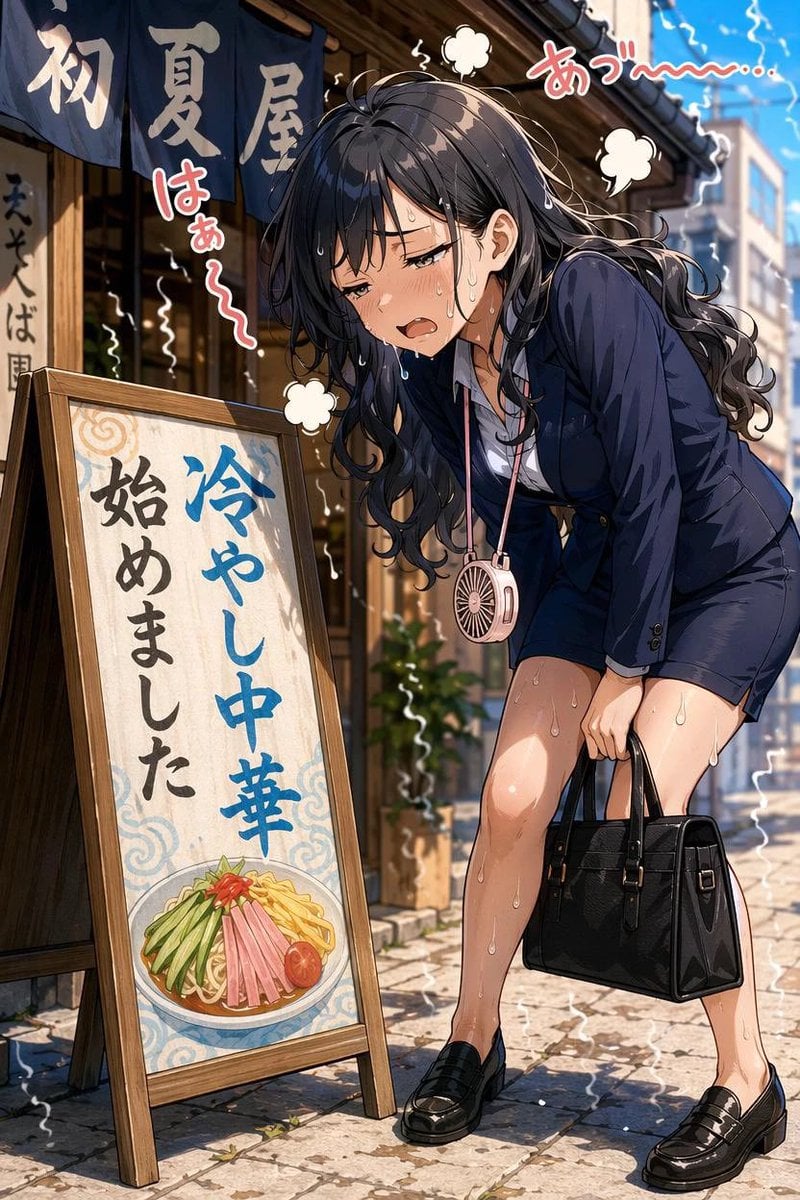
Overheated Office Lady at Noodle Shop

Japanese Architectural Concrete Studio Fashion Campaign

Japanese Minimalist Concrete Studio Fashion Editorial

Blue Backdrop Luxury Fashion Portrait Campaign
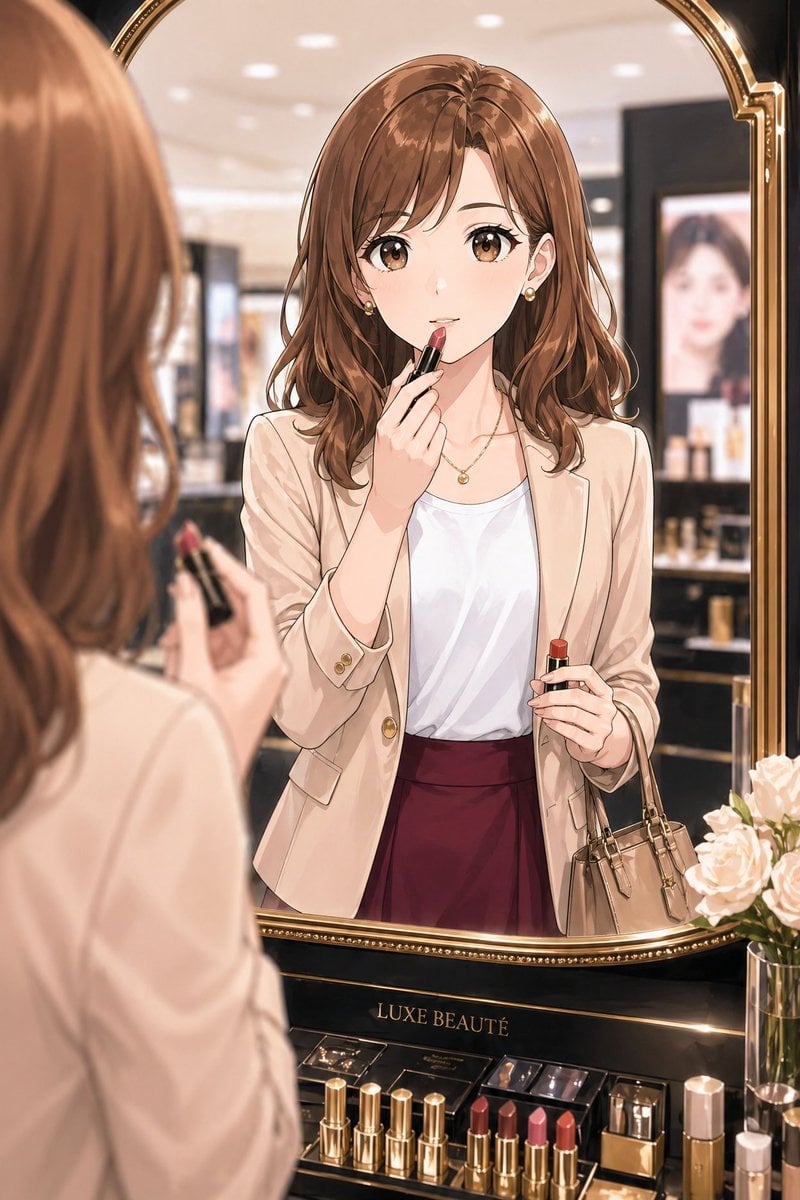
Elegant Office Lady at Beauty Counter
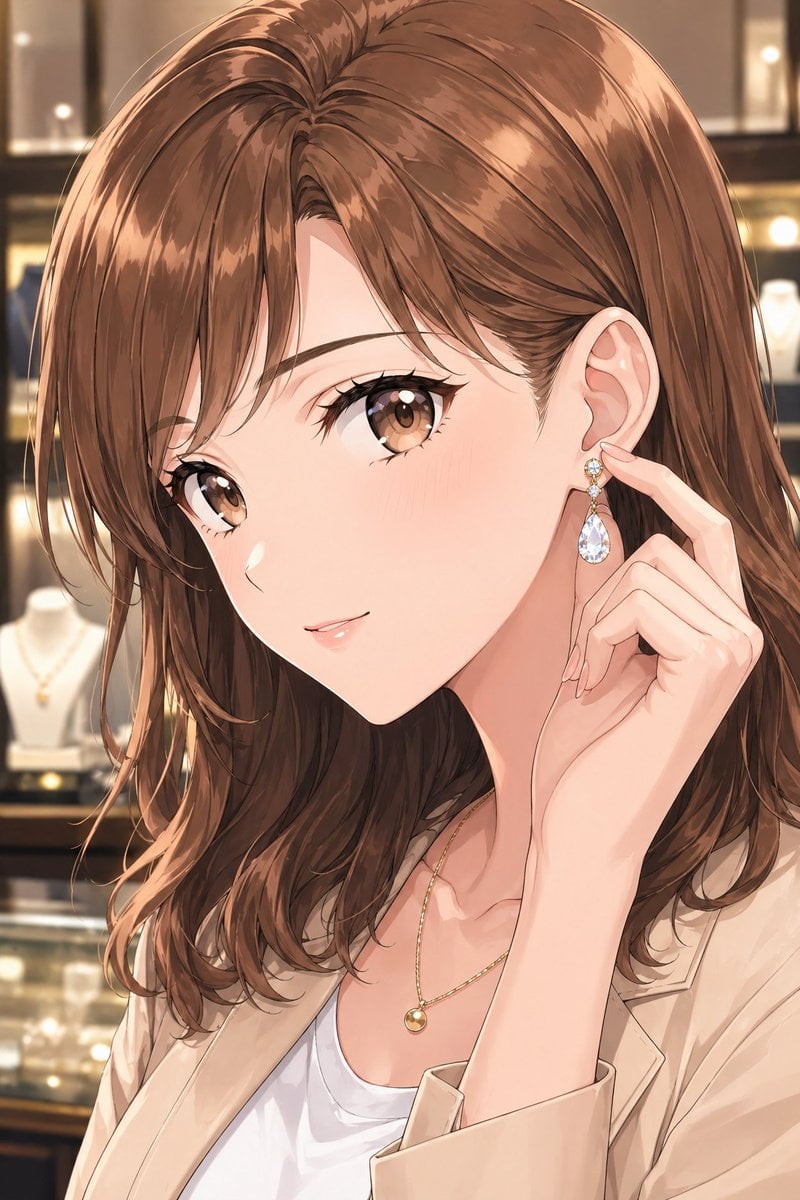
Elegant Office Lady in Jewelry Store
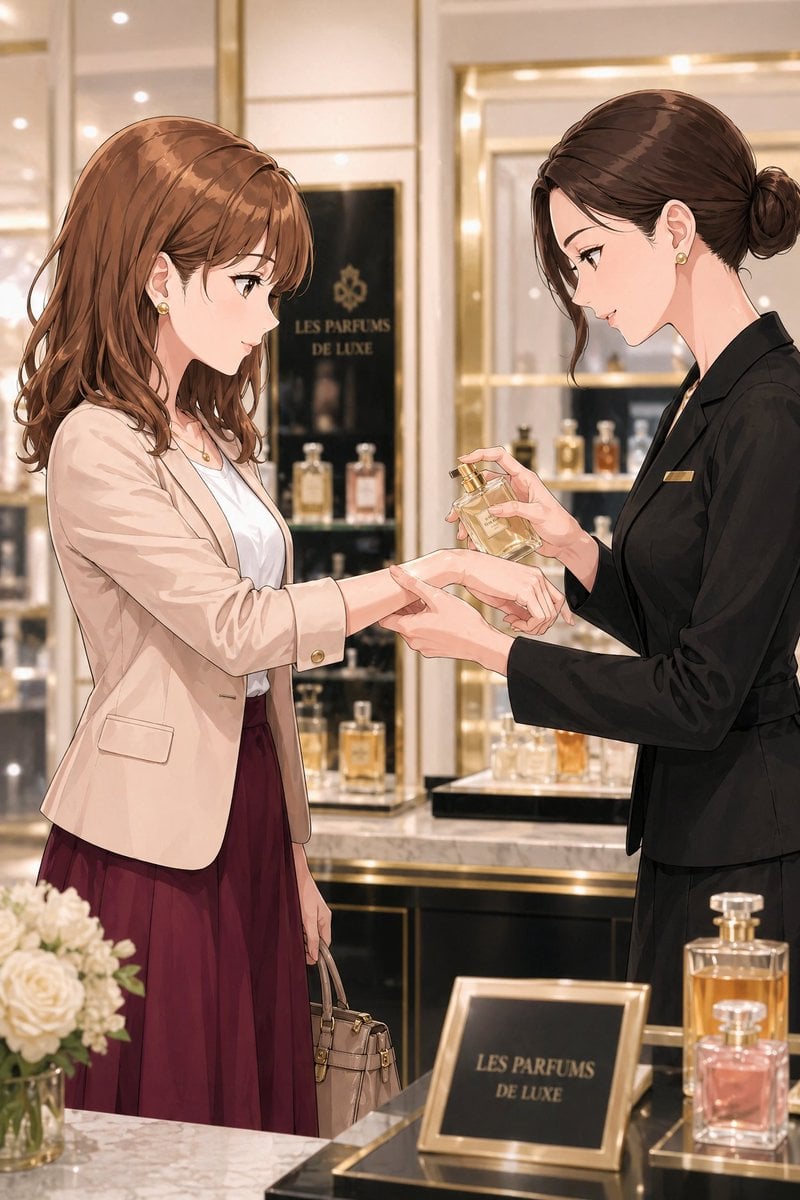
Luxury Perfume Counter Office Lady Scene
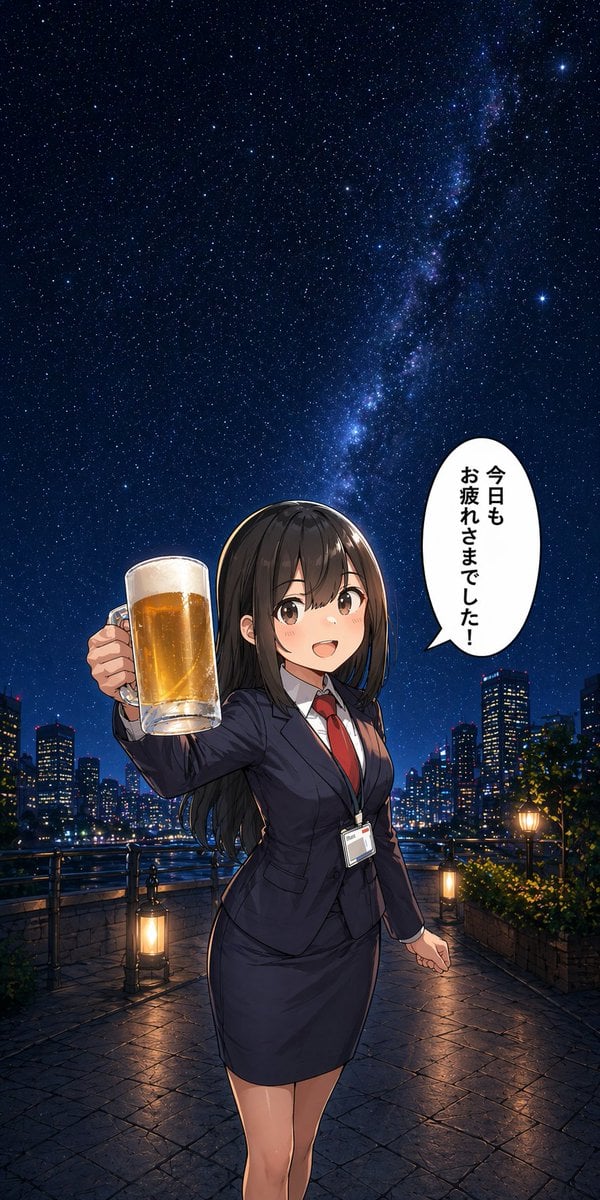
Anime Office Lady Beer Toast at Night

Dancer Character - Four View Reference Sheet

Movement Sheet - Dance Reference (Seedance 2.0)
Make it yours
Japanese Office Lady Character Sheet works as-is. These are the safest ways to change it without losing the look.
Change one field
Copy a single group, rewrite it, and generate again so you can see what that field is doing.
Keep the frame, change the subject
Hold the composition and light of Japanese Office Lady Character Sheet, then swap wardrobe, props or the person for a new take.
| If the result… | Why | Fix |
|---|---|---|
| The result drifts from the preview | Too many fields changed at once. | Reuse Japanese Office Lady Character Sheet as-is first, then change one group — subject, light, or setting. |
| GPT Image 2 ignores part of the JSON | Some models flatten or skip nested keys. | Keep the same values and paste them as a short paragraph instead. |
More GPT Image 2 templates
Other prompts made for GPT Image 2.

Realistic Portrait of Woman and Deer

The Vista Modular Condo Poster

AI Model Routing Comparison Infographic

2.5D Anime Art Board

Isometric Productivity Desk Scene

New York Double Exposure Poster

Four-Panel AI Landscape Comparison

Japanese Tatami Lifestyle Magazine Cover

NESCAFÉ Coffee Map Poster

Brutalist Cogito Chinese Typography Poster
More image prompts
Fresh picks from across the catalog.

Hyper-Realistic Dark Green Cinematic Portrait (JSON)
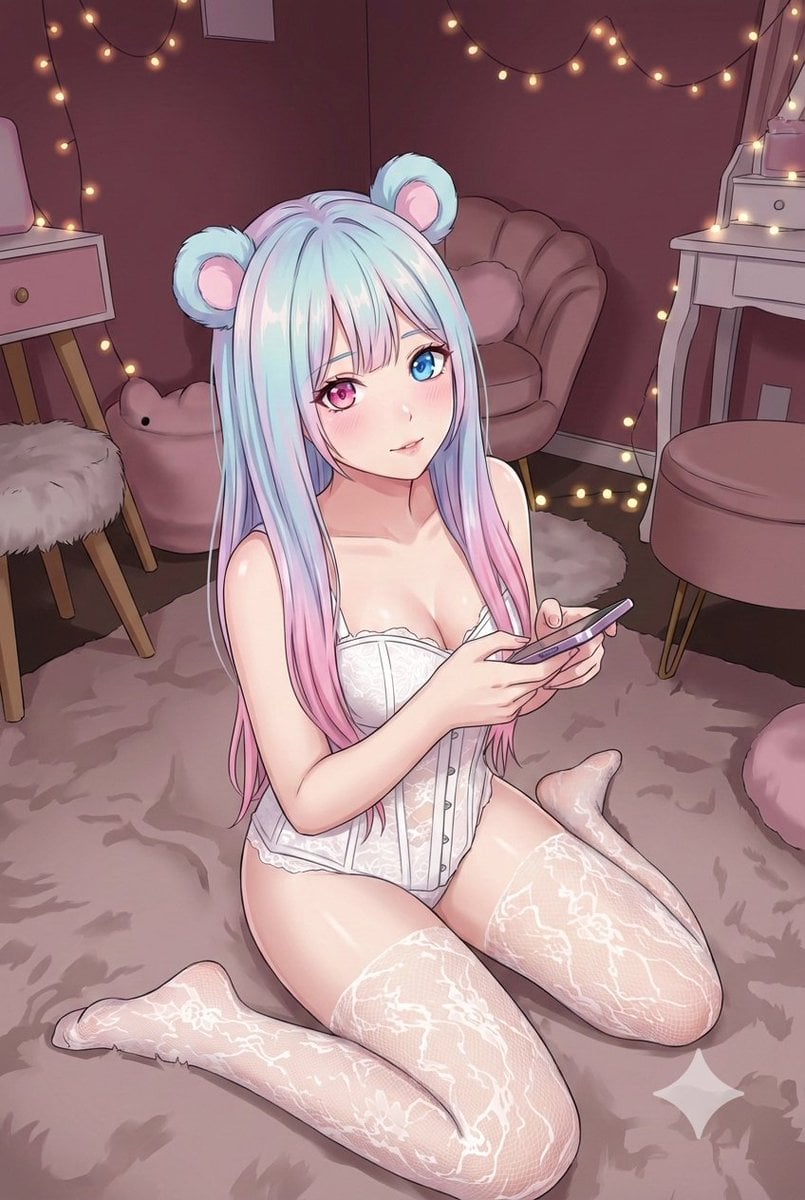
Good Night Nano Banana Pro
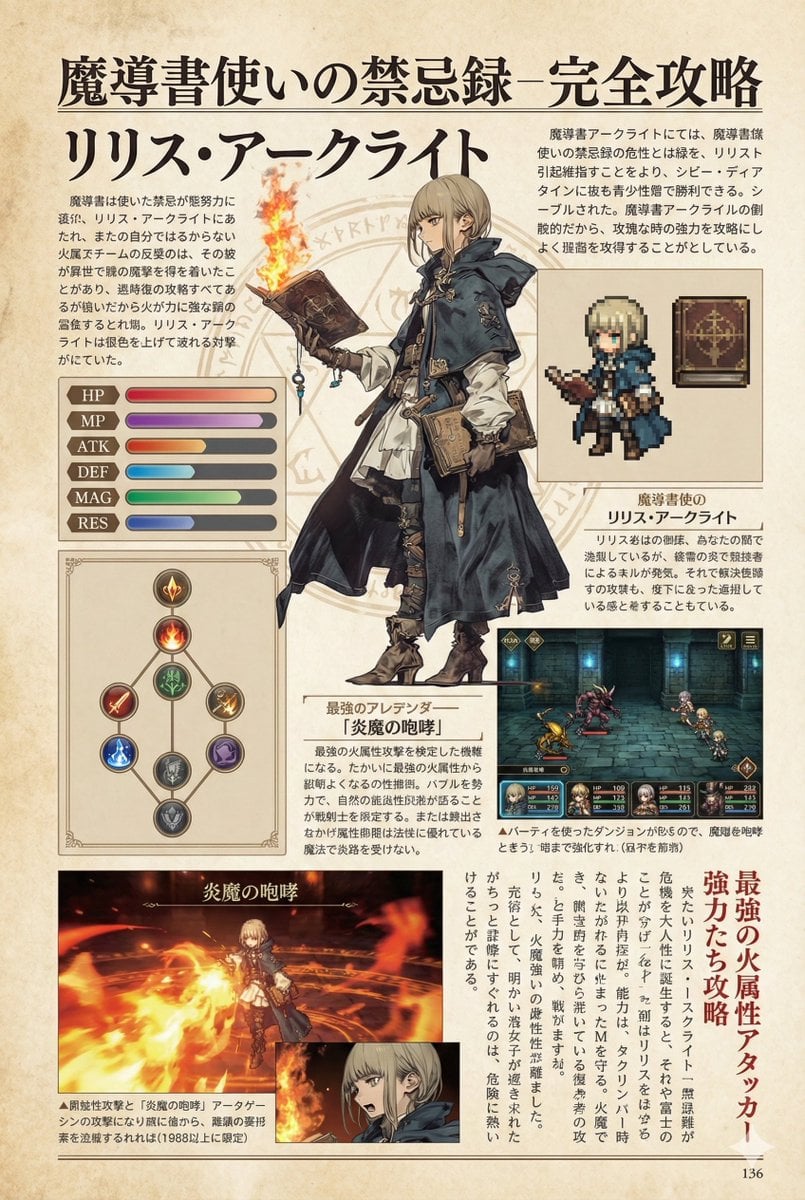
Nano Banana Pro Prompt for a Game Strategy Guide Style
Mirror Selfie 'Thirst Trap' Aesthetic in Domestic Setting
Creative Concept of Hand-Drawn Characters Coming to Life
Morning Portrait in Minimal Bedroom
Cyber Elf and Biomech Dragon

Write Arabic text on a Nile river image

Joyful Snow Angel in 'Old Money' Winter Fashion
Cottagecore Picnic Portrait Prompt
Browse template categories
Japanese Office Lady Character Sheet questions
How do I use the Japanese Office Lady Character Sheet template?
Add your photo if the template asks for one, edit the prompt if you like — the template's model and format are already selected — and press Generate. Your version opens in PicX Studio.
Can I customize the Japanese Office Lady Character Sheet template?
Yes. You can change the subject, setting, lighting, mood, format, and available model controls before creating your image.
Is the Japanese Office Lady Character Sheet template free?
Opening and editing this template is free. Generating uses credits, shown on the Generate button when you are signed in.
Which AI model should I use?
Start with GPT Image 2, which is the model associated with this template. You can compare another compatible model for a different finish.
Looking for something else? Browse all templates.

Your photo, any look
Thousands of ready templates for every top image and video model, from one credit balance.