
Cyber Elf and Biomech Dragon
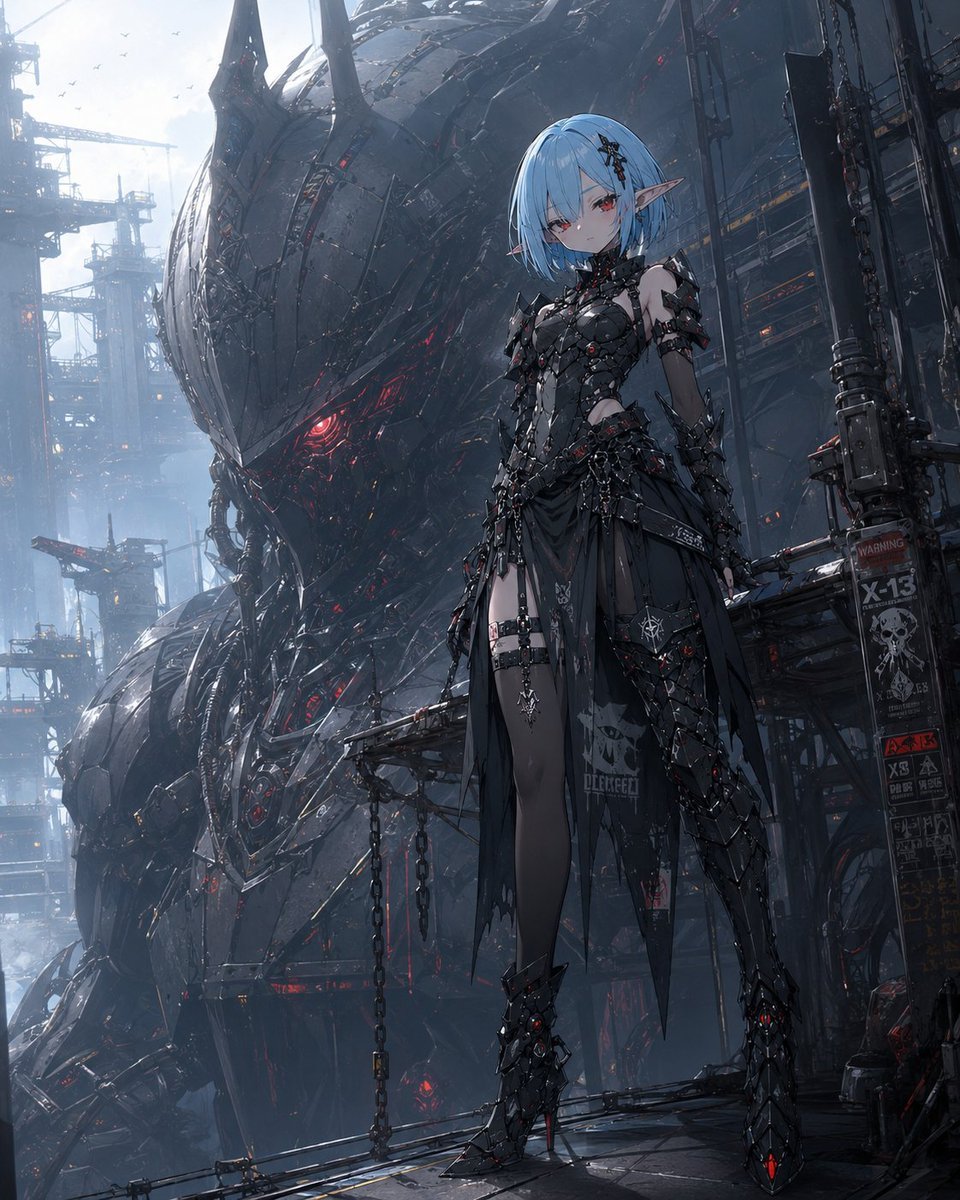
A cinematic anime concept-art prompt for creating a gothic cyber elf warrior posed before a colossal biomechanical machine in a dystopian industrial dockyard.
- Prompt included
- Model and format preset
- Free template
The prompt behind this image
Copy the exact prompt behind Cyber Elf and Biomech Dragon, or open it in the studio and make it yours.
Create a high-detail anime sci-fi fantasy illustration of a full-body gothic cyber elf girl standing confidently on an industrial catwalk in a dark futuristic megastructure. The character has {argument name="hair color" default="pale icy blue"} short bob hair with straight bangs, small black hair ornaments on one side, long pointed elf ears, pale skin, and red eyes with a calm, slightly melancholic expression. She wears an elaborate black armored gothic outfit: spiked segmented chest armor, asymmetrical shoulder and arm armor, chains, straps, black lace-like mechanical details, a torn sheer black skirt with printed skull graphics, thigh straps, dark stockings, and sharp high-heeled armored boots with small glowing red accents. Behind her looms an enormous biomechanical dragon-like war machine or alien battleship head, made of black gunmetal plates, jagged horn-like fins, layered armor, cables, and glowing crimson slits and reactor details. The setting is a vast dystopian industrial dockyard with scaffolding, cranes, pipes, hanging chains, warning signs, platforms, misty blue-gray atmosphere, and tiny birds in the bright hazy sky. Use a vertical portrait composition, character placed slightly right of center, the colossal machine filling the left and rear background for scale. Visual style: ultra-polished modern Japanese anime concept art, cinematic lighting, intricate mechanical detail, dark gunmetal palette with red emissive highlights, cool blue ambient fog, sharp linework, painterly rendering, dramatic depth, no extra characters, no watermark, no readable logo text except small industrial warning markings.
How to use Cyber Elf and Biomech Dragon in 3 steps
- 1Upload ImagePNG, JPG or paste
Add your photo
Upload the photo the template builds on. The prompt, model and format are already set.
- 2…a portrait of your subject in softgolden-hour light, 85mm…
Personalize
Edit the subject and creative details for your destination.
- 3Generate
Generate
Press Generate — your image is created in PicX Studio, so you can compare it with the original and refine one variable at a time.
More like this
Templates with the same subject, style or setup. Open one to see its prompt.

Minecraft Fantasy Kingdom Voxel Landscape
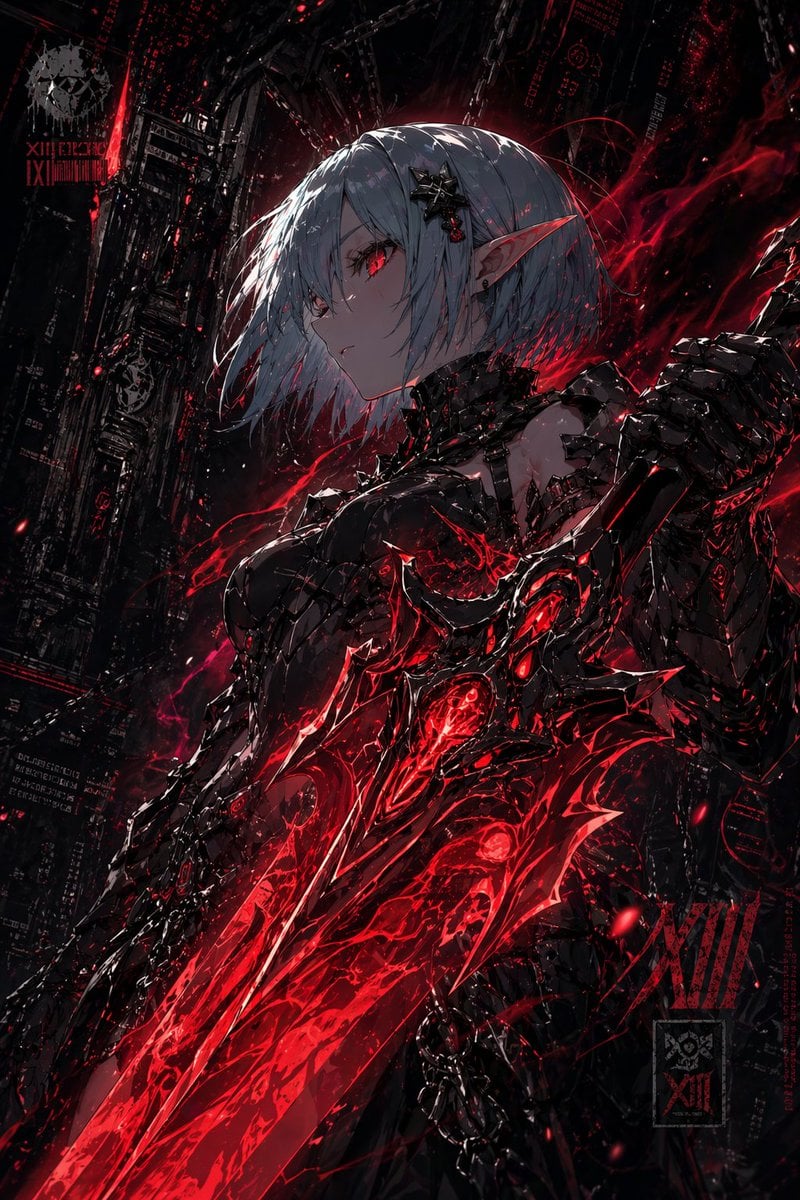
Dark Cyber Elf With Crimson Blade
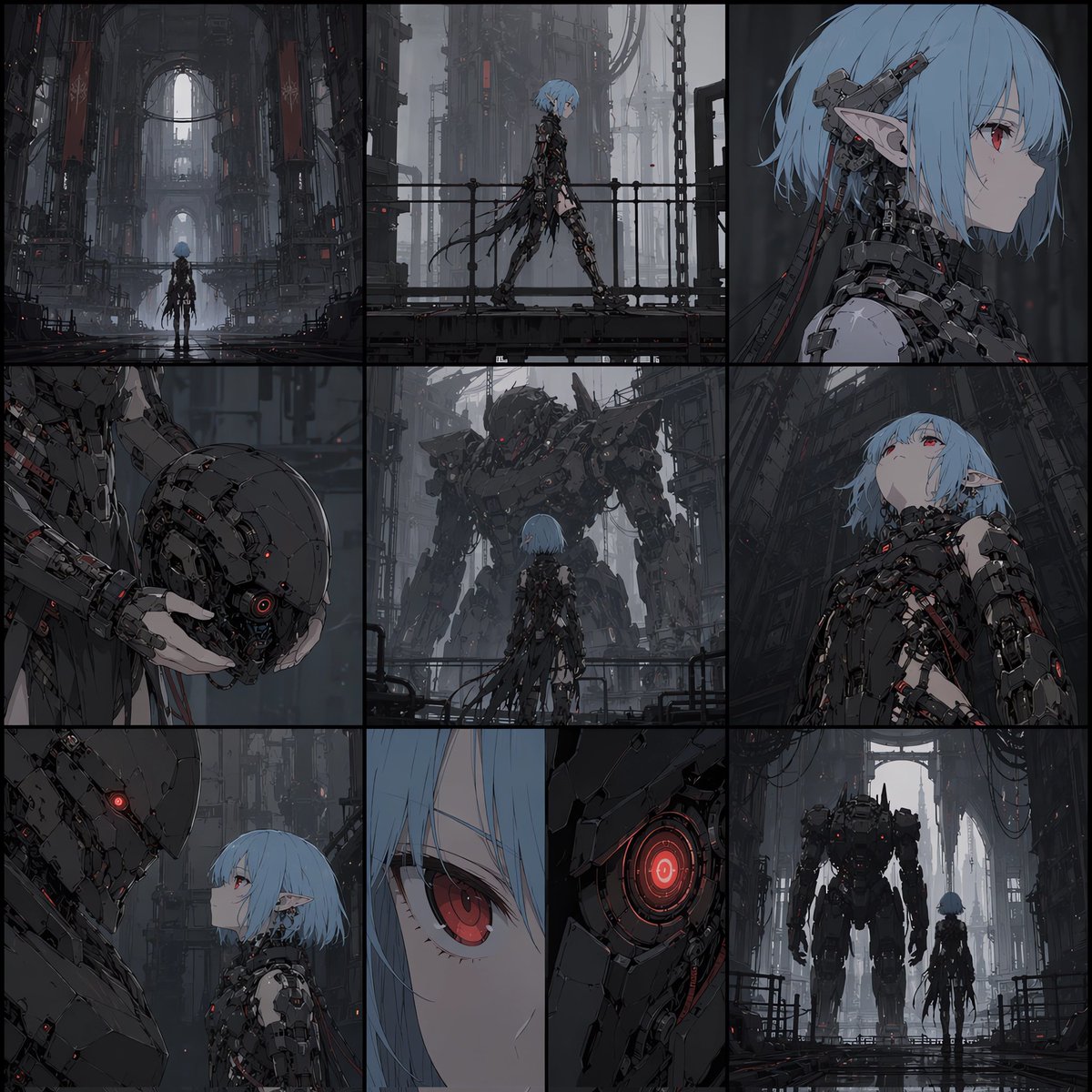
Cyberpunk Android Elf Storyboard
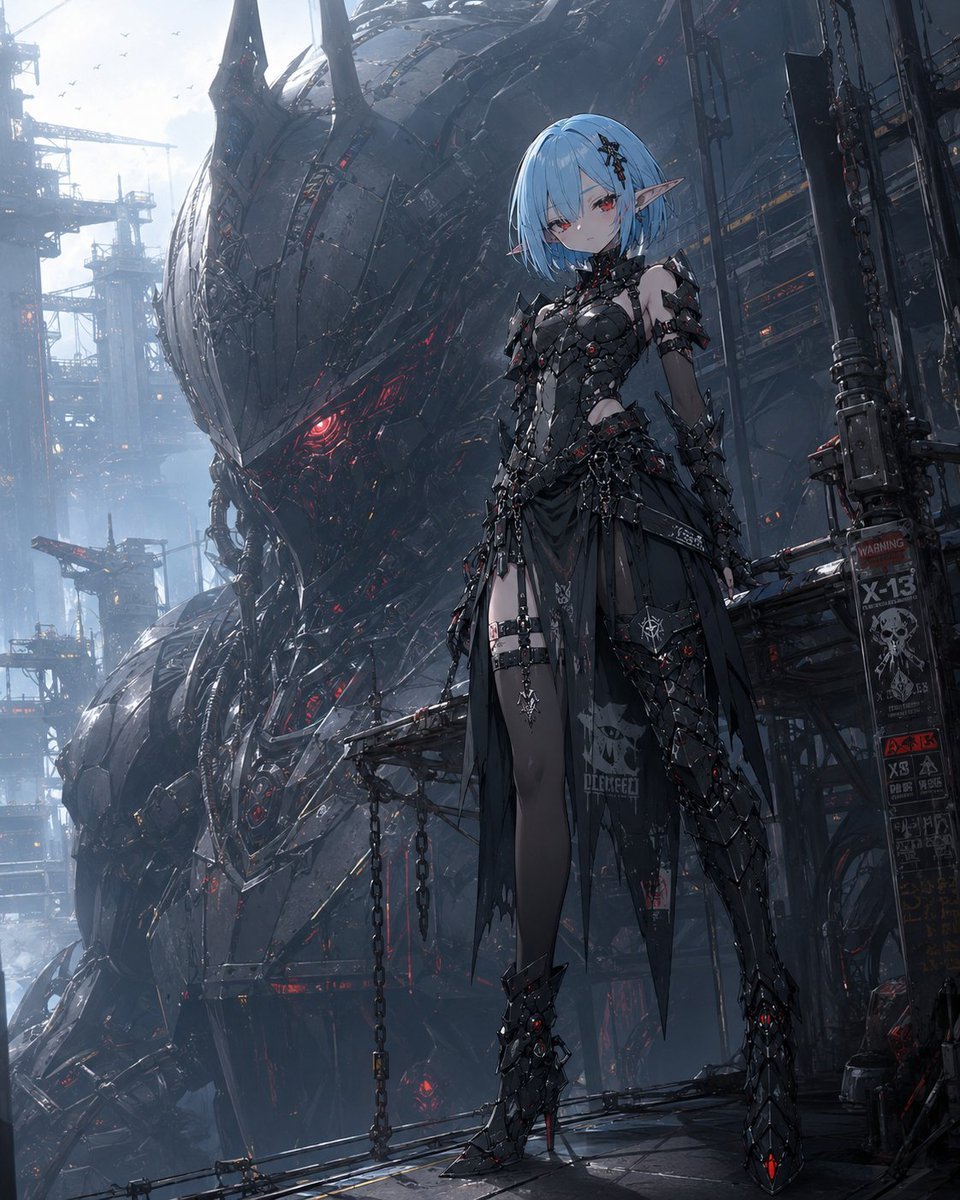
Cyberpunk Elf and War Machine
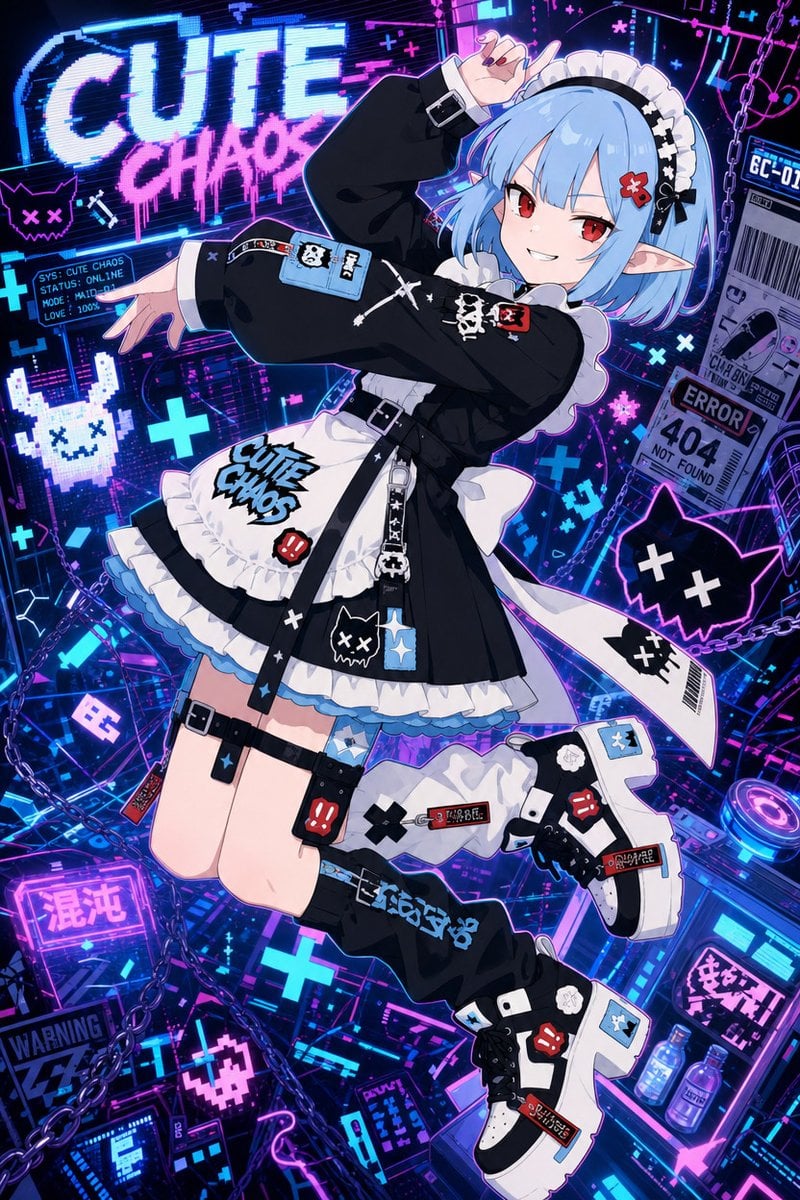
Cute Chaos Cyberpunk Maid Elf
Seedance - Dragon vs Python Battle
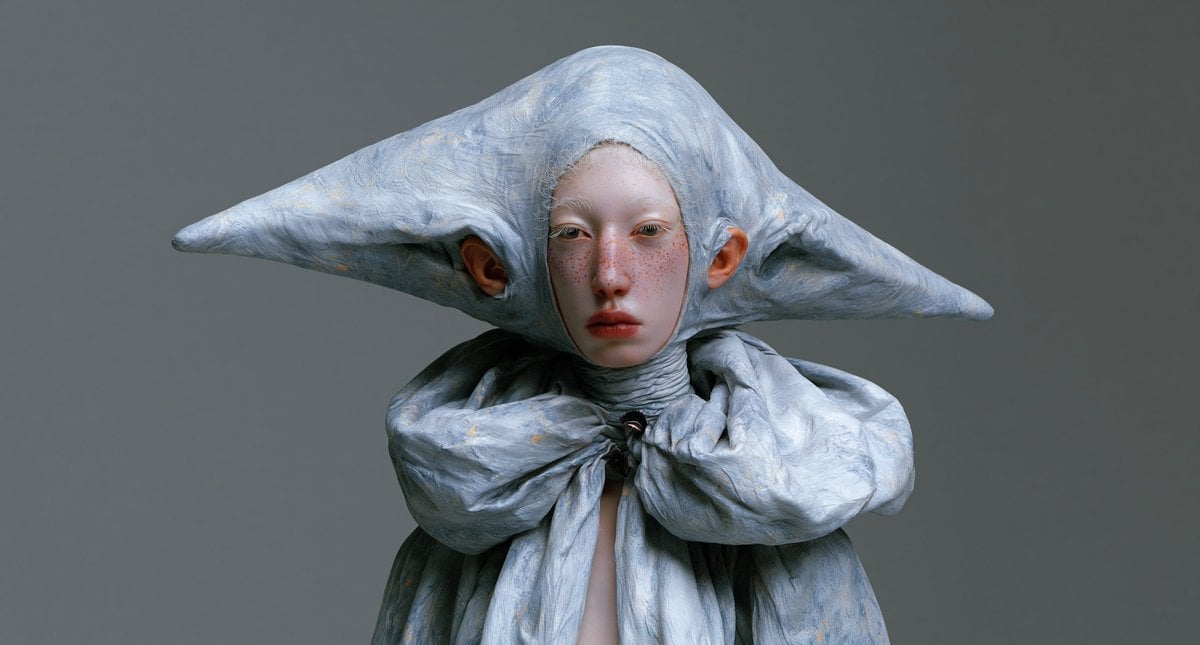
Surreal Elf Couture Portrait

Anime Elf Maid Turnaround Sheet

Cyber Samurai Empress Portrait
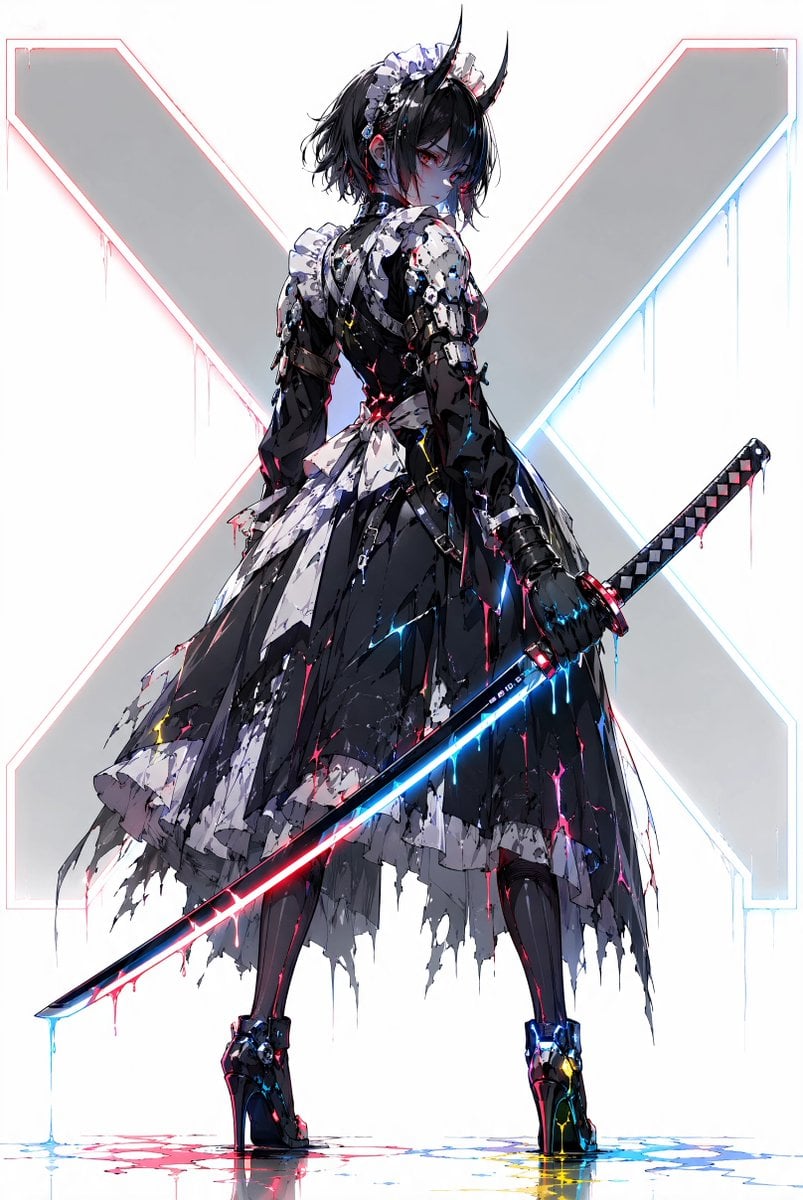
Cyber Demon Maid Katana
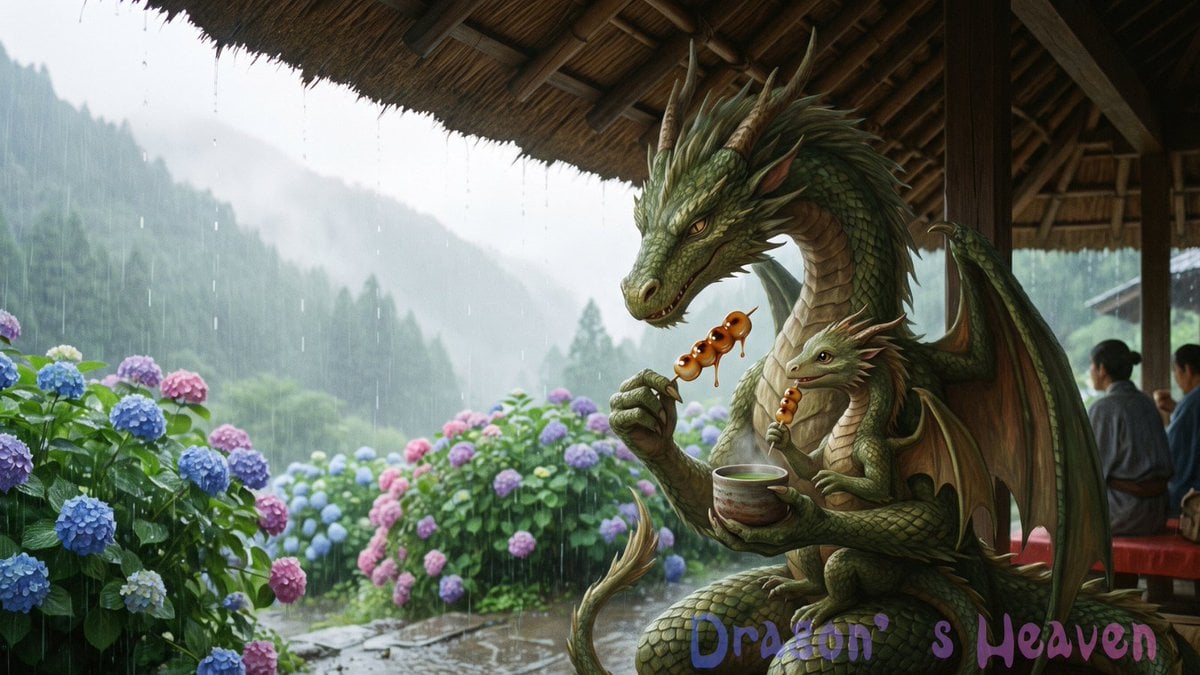
Rainy Dragon Family Eating Dango
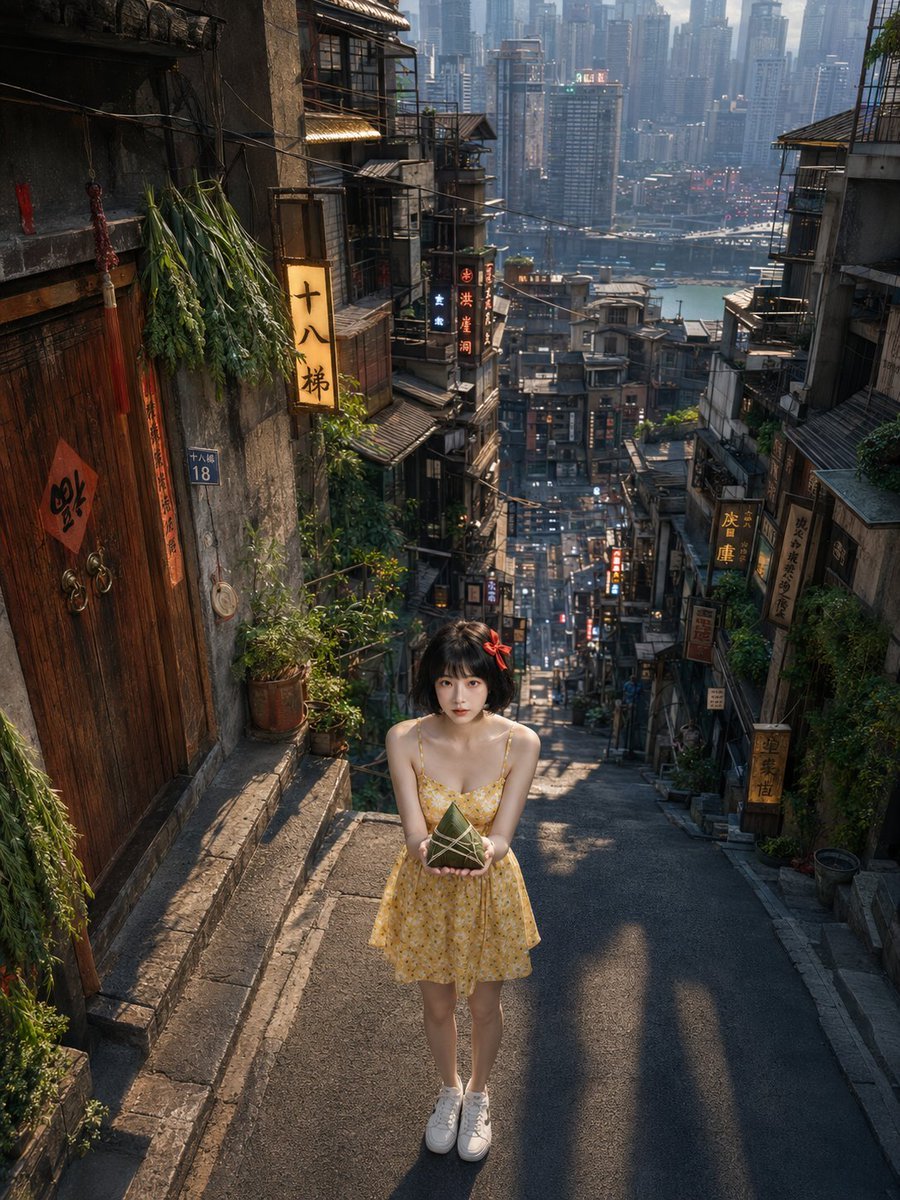
Dragon Boat Festival Chongqing Street Portrait
Make it yours
Cyber Elf and Biomech Dragon works as-is. These are the safest ways to change it without losing the look.
Change one field
Copy a single group, rewrite it, and generate again so you can see what that field is doing.
Keep the frame, change the subject
Hold the composition and light of Cyber Elf and Biomech Dragon, then swap wardrobe, props or the person for a new take.
| If the result… | Why | Fix |
|---|---|---|
| The result drifts from the preview | Too many fields changed at once. | Reuse Cyber Elf and Biomech Dragon as-is first, then change one group — subject, light, or setting. |
| The model over-stylizes the scene | The prose prompt leaves finish and camera underspecified. | Add one camera or lighting sentence and stay on GPT Image 2. |
More GPT Image 2 templates
Other prompts made for GPT Image 2.

Six VTuber Japanese Logo Sheet

Realistic Portrait of Woman and Deer

The Vista Modular Condo Poster

AI Model Routing Comparison Infographic

2.5D Anime Art Board

Isometric Productivity Desk Scene

New York Double Exposure Poster

Four-Panel AI Landscape Comparison

Japanese Tatami Lifestyle Magazine Cover

NESCAFÉ Coffee Map Poster
More image prompts
Fresh picks from across the catalog.
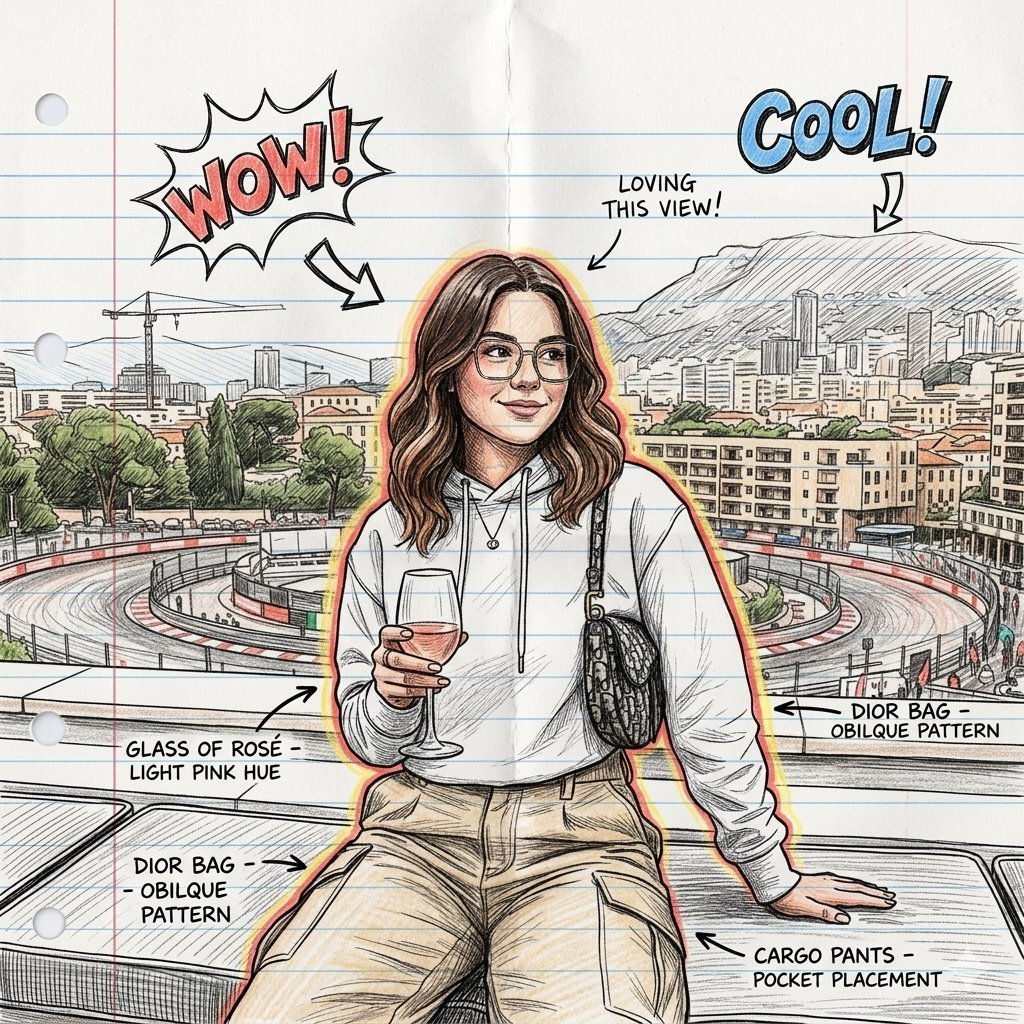
Hand-Drawn Sketch Illustration from Reference Image

Flashy suspicious info-product style thumbnail

Tilt-Shift Travel Map Diorama
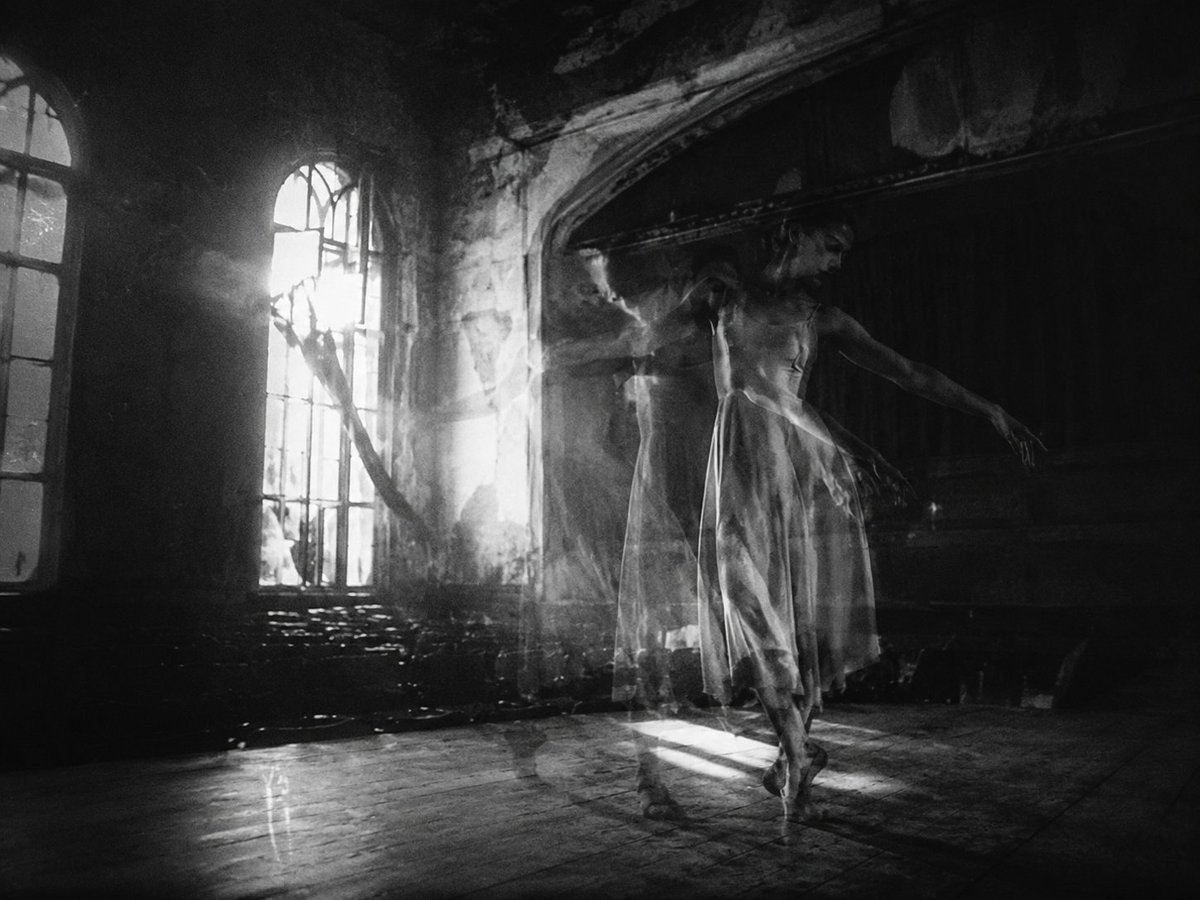
Ghostly Ballerina in Abandoned Theater
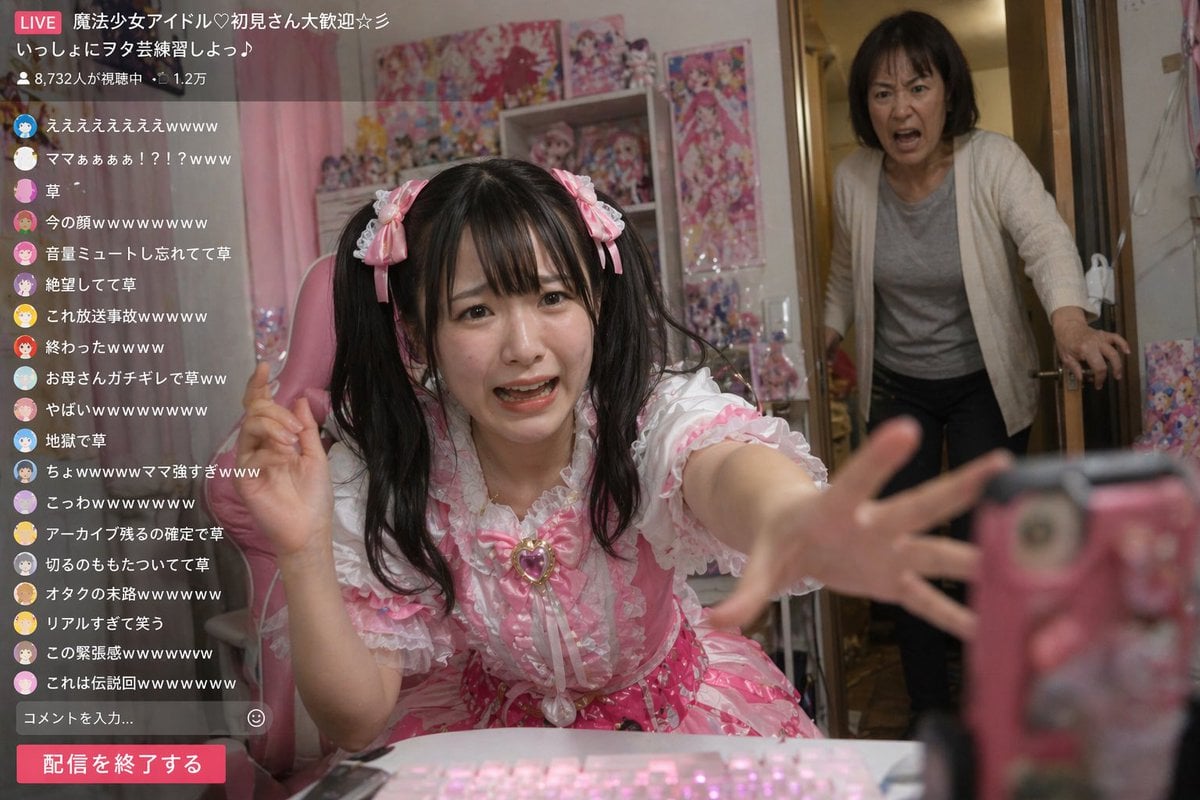
Awkward Idol Stream Situation
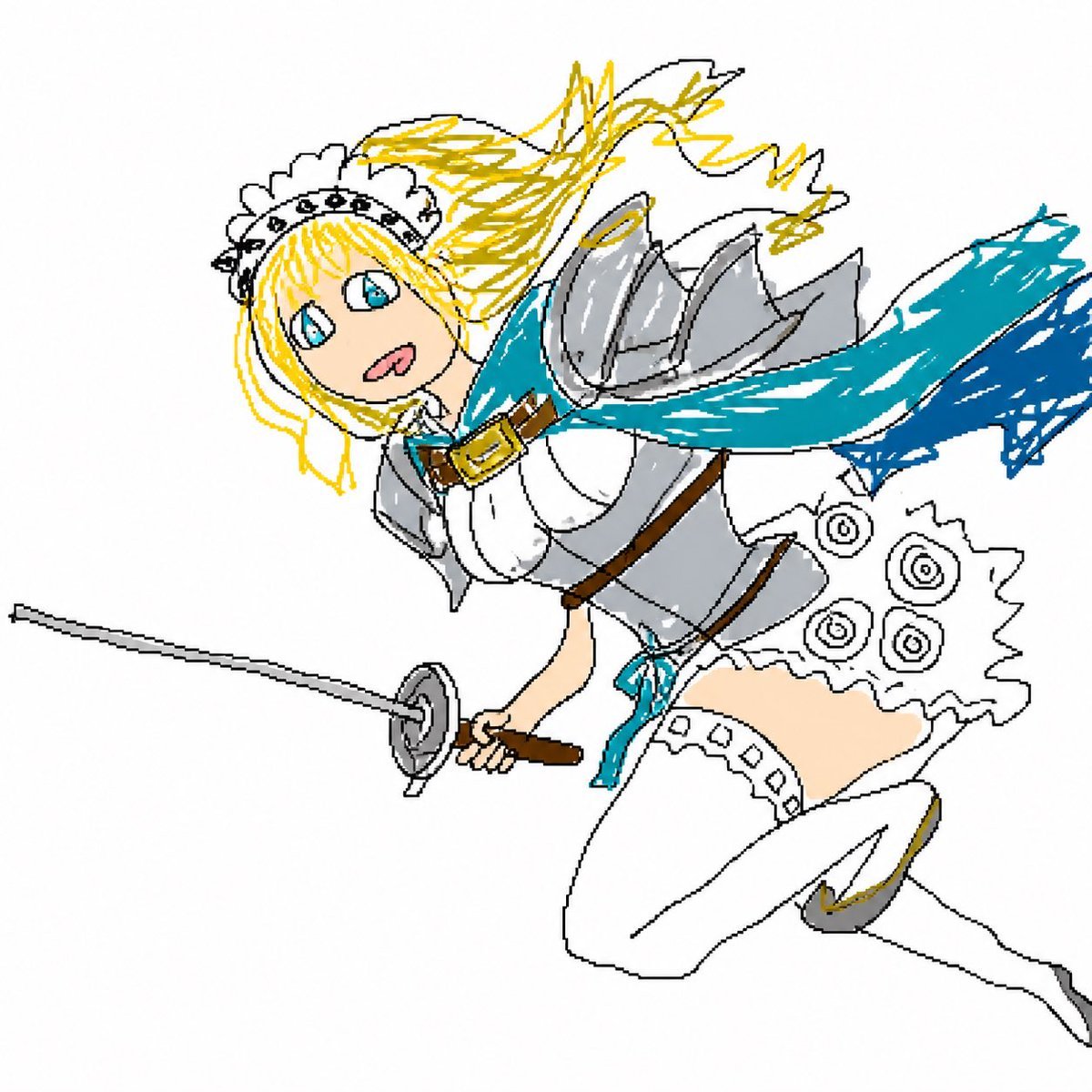
Flying Maid Knight Doodle

Neon Luxury Mirror Selfie
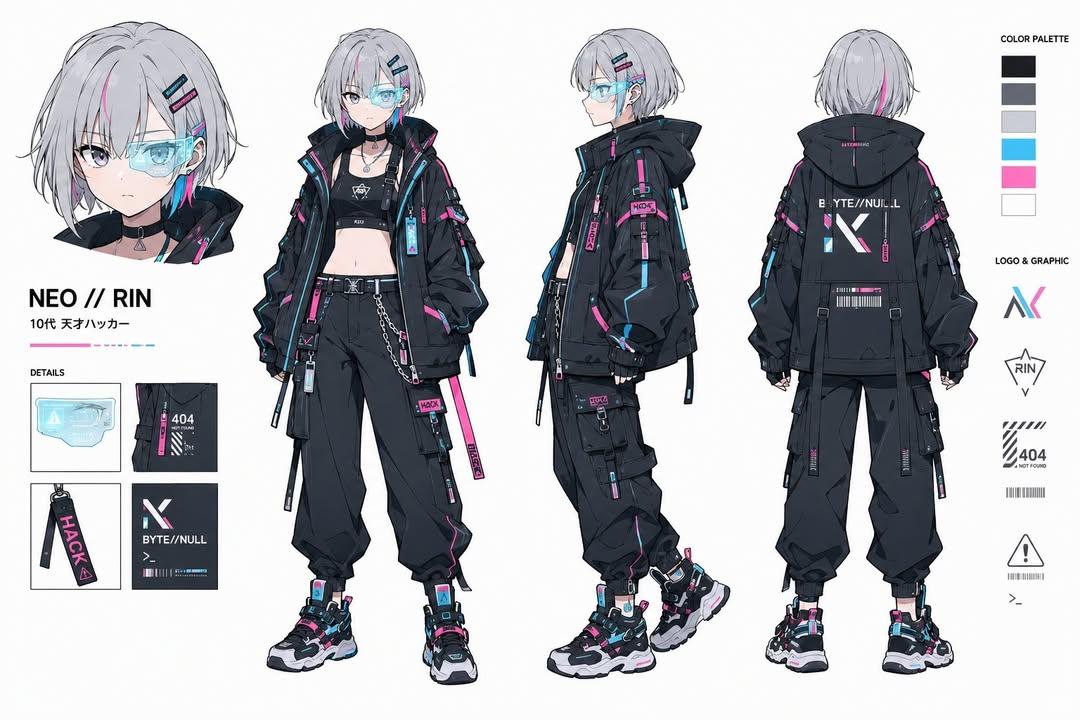
Cyberpunk Hacker Girl Character Design Sheet
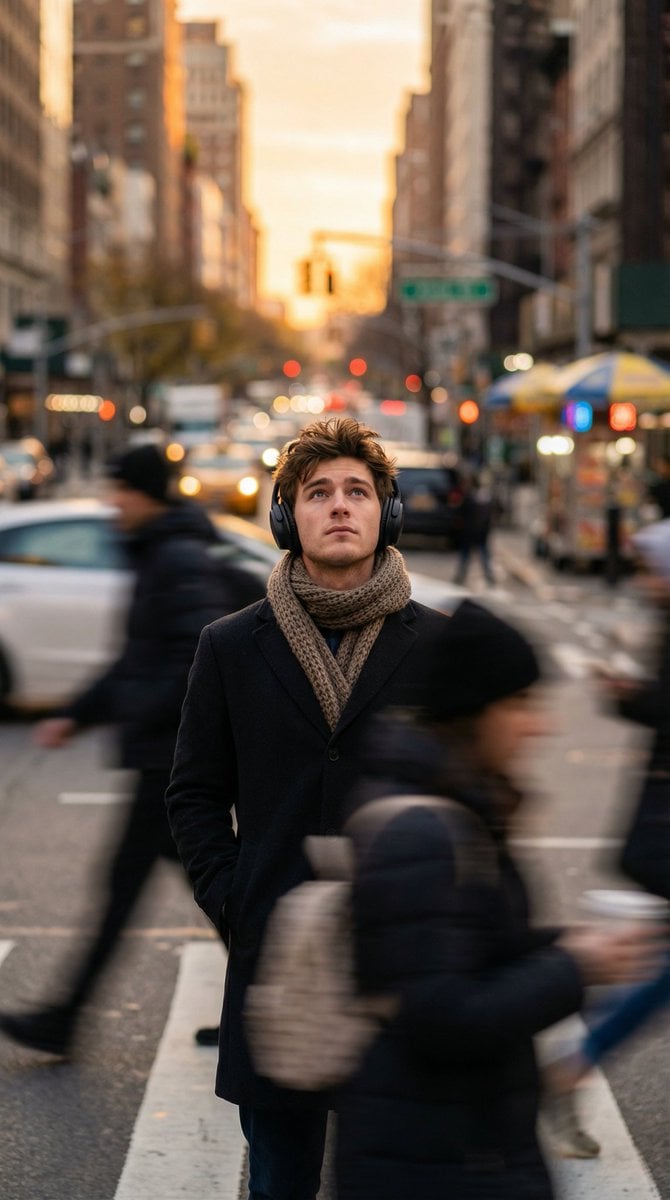
Introspective Man in Motion-Blurred City Crowd
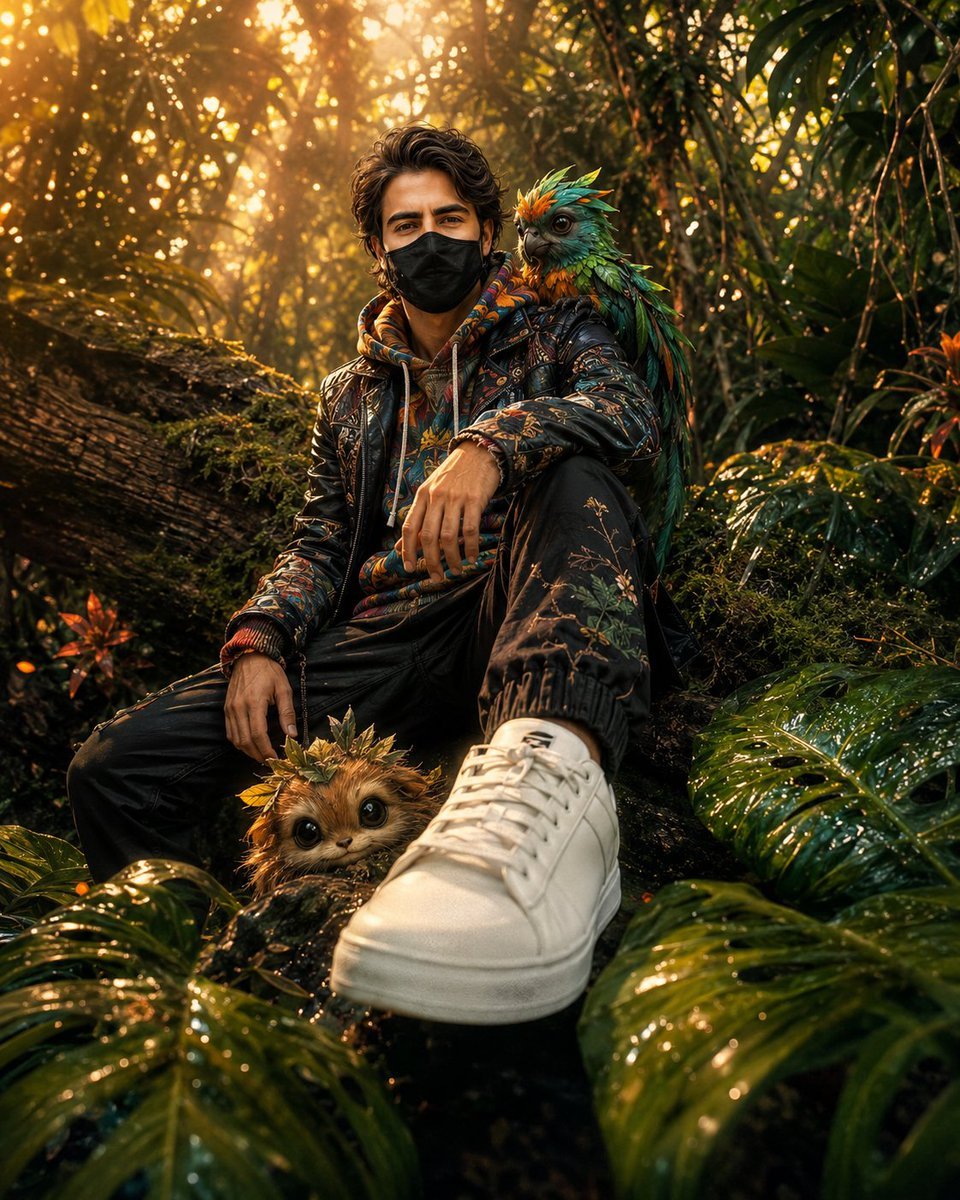
Hyper-Realistic Fantasy Jungle Adventure
Browse template categories
Cyber Elf and Biomech Dragon questions
How do I use the Cyber Elf and Biomech Dragon template?
Add your photo if the template asks for one, edit the prompt if you like — the template's model and format are already selected — and press Generate. Your version opens in PicX Studio.
Can I customize the Cyber Elf and Biomech Dragon template?
Yes. You can change the subject, setting, lighting, mood, format, and available model controls before creating your image.
Is the Cyber Elf and Biomech Dragon template free?
Opening and editing this template is free. Generating uses credits, shown on the Generate button when you are signed in.
Which AI model should I use?
Start with GPT Image 2, which is the model associated with this template. You can compare another compatible model for a different finish.
Looking for something else? Browse all templates.

Your photo, any look
Thousands of ready templates for every top image and video model, from one credit balance.