
Mandarin Spawn at Shinto Shrine
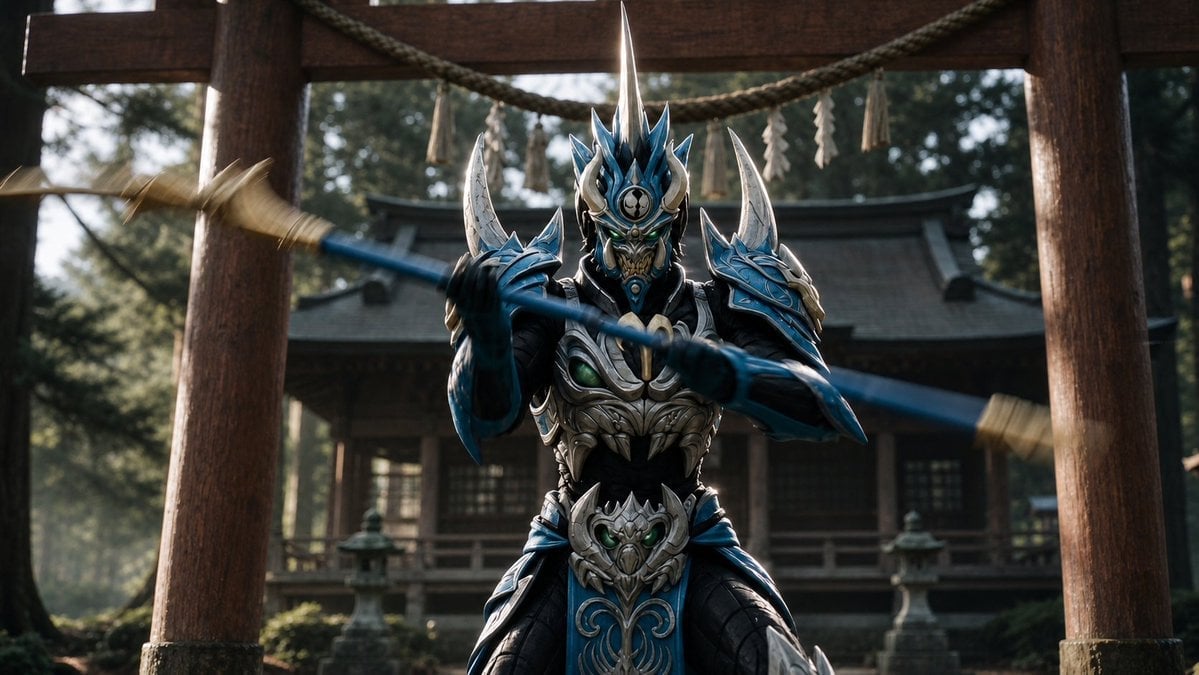
A cinematic fantasy prompt for generating a photorealistic armored demonic samurai warrior posed with a spear at an ancient Japanese shrine.
- Prompt included
- Model and format preset
- Free template
The prompt behind this image
Copy the exact prompt behind Mandarin Spawn at Shinto Shrine, or open it in the studio and make it yours.
Create a cinematic widescreen photorealistic fantasy action shot of {argument name="character name" default="Mandarin Spawn"}, a demonic samurai warlord in ornate blue, silver, and black armor, standing centered beneath a large wooden Shinto torii gate in front of an old Japanese shrine. The warrior faces the camera in a powerful battle stance, wearing a terrifying sculpted oni-style helmet with a tall central silver spike, blue flame-like crown spikes, curved silver horns, glowing green eyes, and an intricate metallic mask. His armor is highly detailed: two large crescent shoulder horns, layered blue pauldrons, silver skeletal chest plating with dark gaps, claw-like decorative motifs, green jewel accents, segmented black arm and waist armor, and a blue hanging waist panel with silver filigree. He grips a long blue polearm or spear horizontally across the foreground with both hands, creating strong motion blur at both ends of the weapon as if spinning or striking. The composition is low-angle and centered, with the torii gate’s thick wooden pillars framing him on the left and right; a thick sacred rope with hanging paper streamers stretches across the top. Behind him, show a shadowed traditional shrine building, stone lanterns, moss, trees, and soft forest haze. Use dramatic natural morning light filtering through trees, shallow depth of field, realistic textures, metallic reflections, dark moody contrast, high detail, sharp focus on the warrior’s helmet and torso, blurred background, no text, no watermark. Use {argument name="armor color" default="deep metallic blue and polished silver"}, {argument name="weapon" default="long blue spear"}, {argument name="setting" default="ancient Japanese shrine courtyard"}, and {argument name="mood" default="dark heroic supernatural battle atmosphere"}.
How to use Mandarin Spawn at Shinto Shrine in 3 steps
- 1Upload ImagePNG, JPG or paste
Add your photo
Upload the photo the template builds on. The prompt, model and format are already set.
- 2…a portrait of your subject in softgolden-hour light, 85mm…
Personalize
Edit the subject and creative details for your destination.
- 3Generate
Generate
Press Generate — your image is created in PicX Studio, so you can compare it with the original and refine one variable at a time.
More like this
Templates with the same subject, style or setup. Open one to see its prompt.
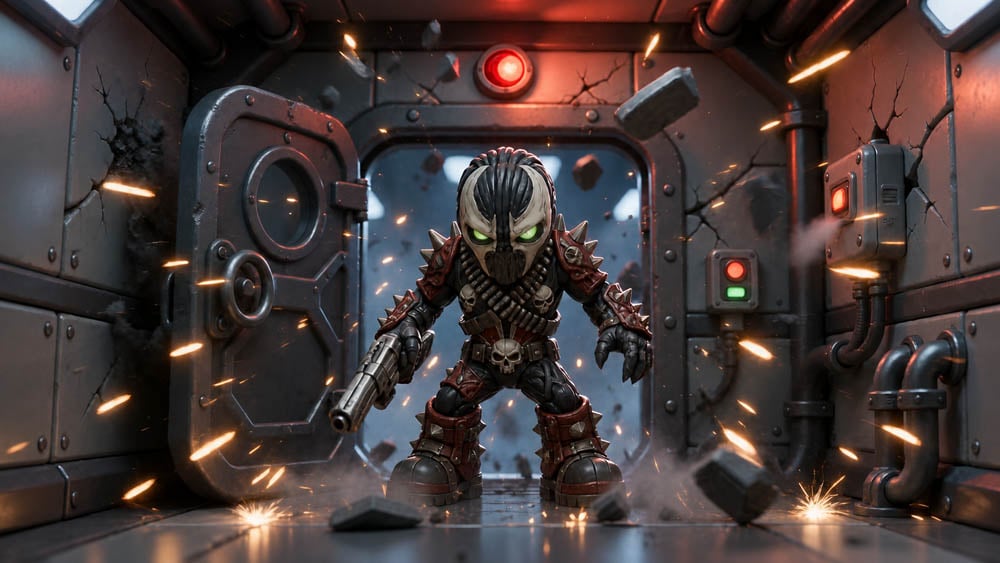
SD Spawn Sci-Fi Corridor Action Scene

Future Spawn Flying Demon Drone
Cosmic Spawn Brand Poster
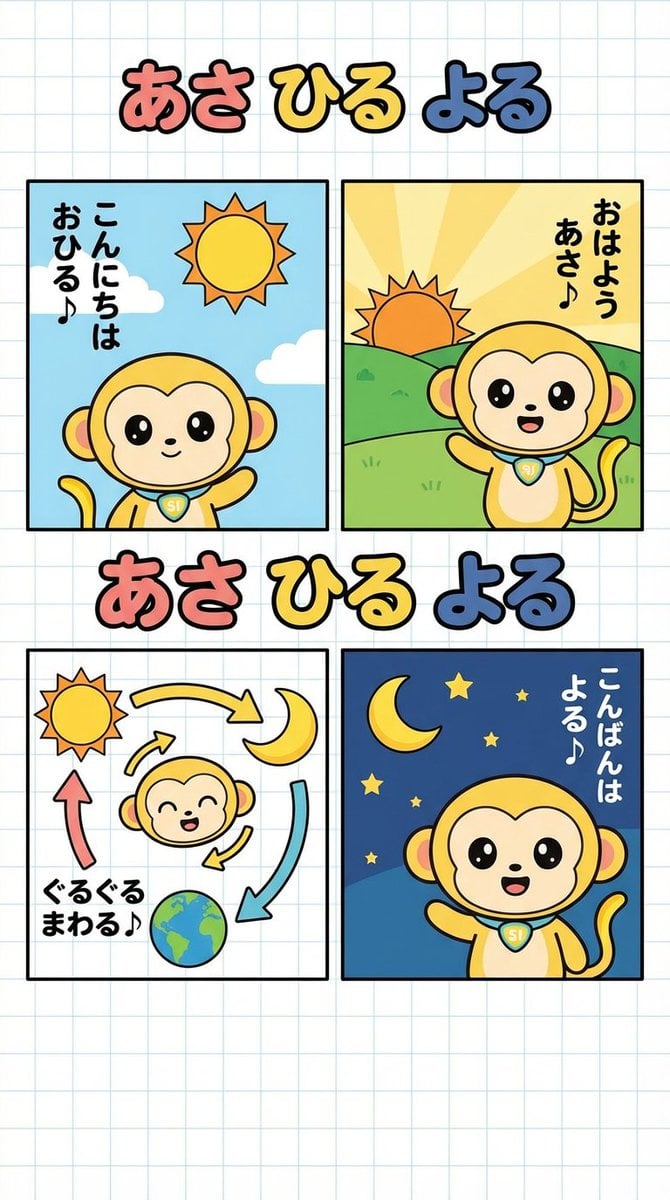
Four-Panel Comic: Morning, Noon, Night, Mandarin Orange Theme
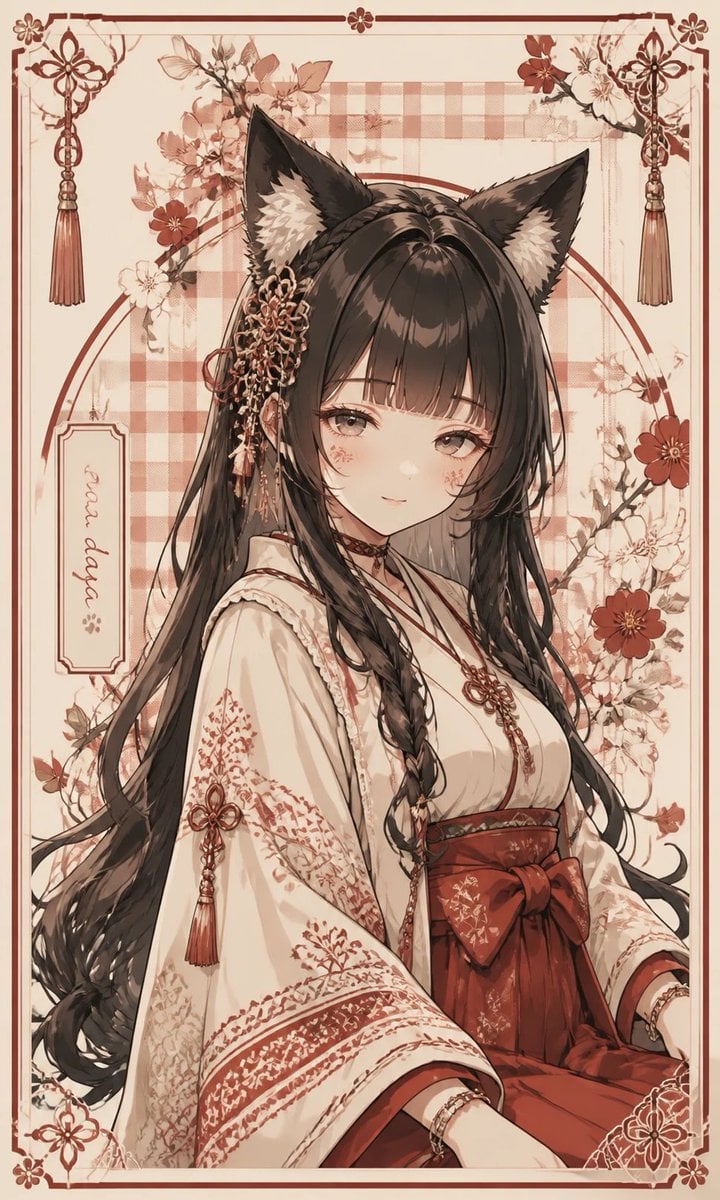
Fox Shrine Maiden Postcard
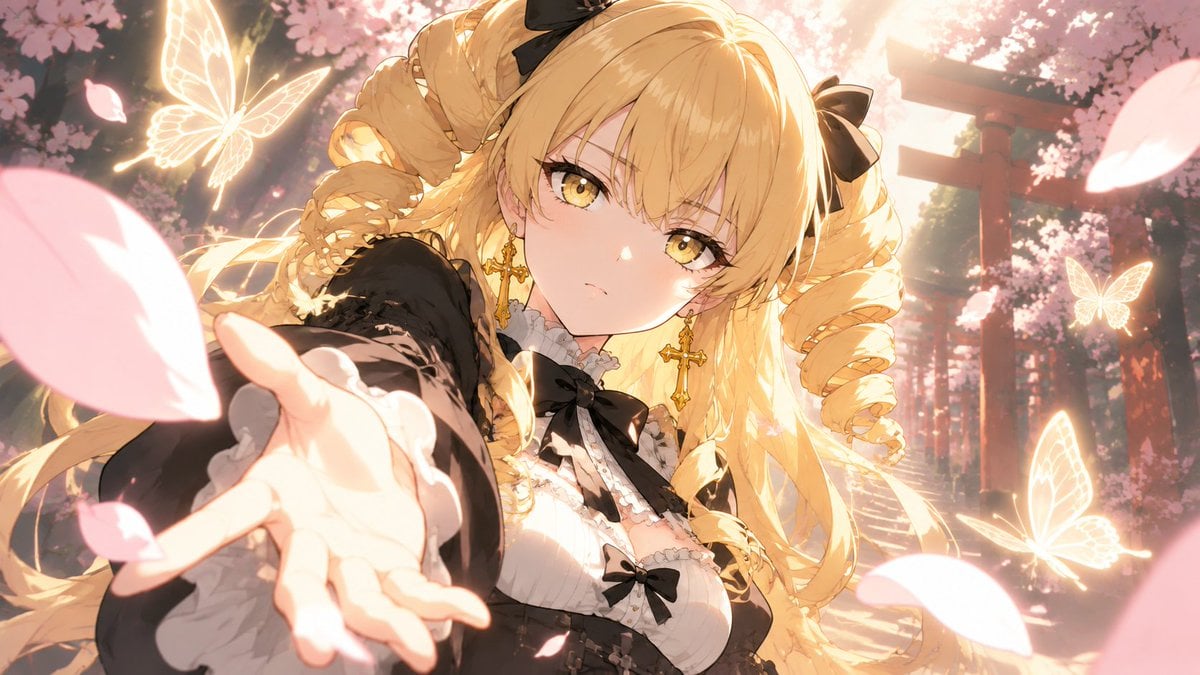
Blonde Gothic Lolita Sakura Shrine
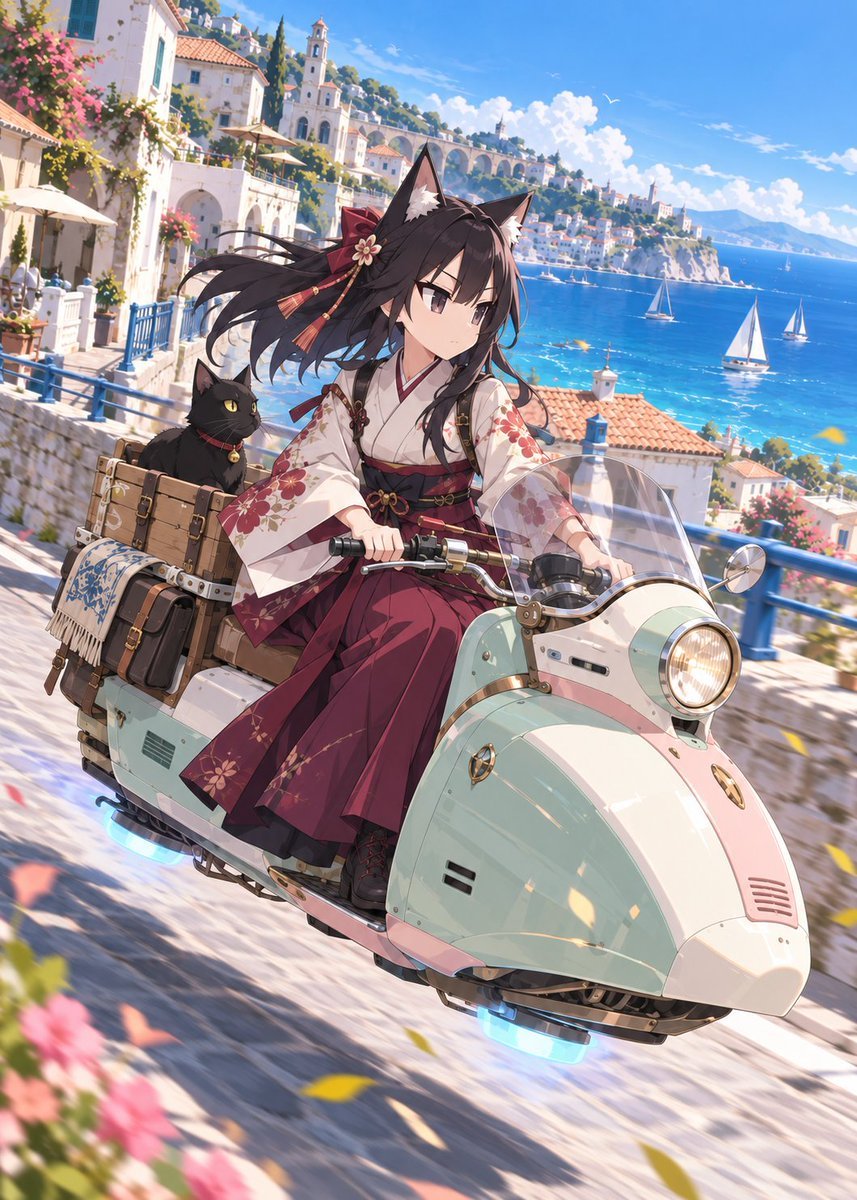
Fox Shrine Maiden on Hover Scooter
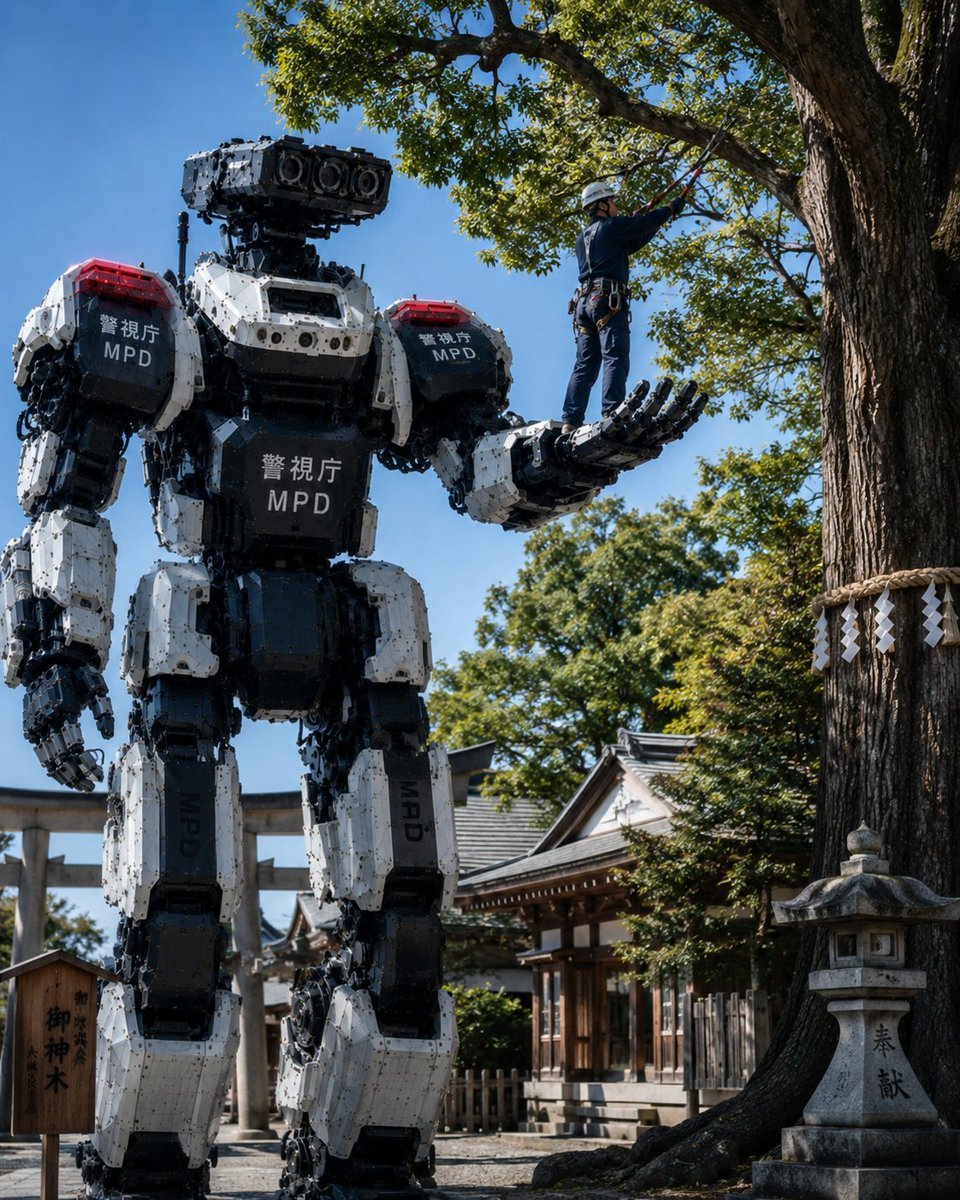
Police Robot Pruning Shrine Trees
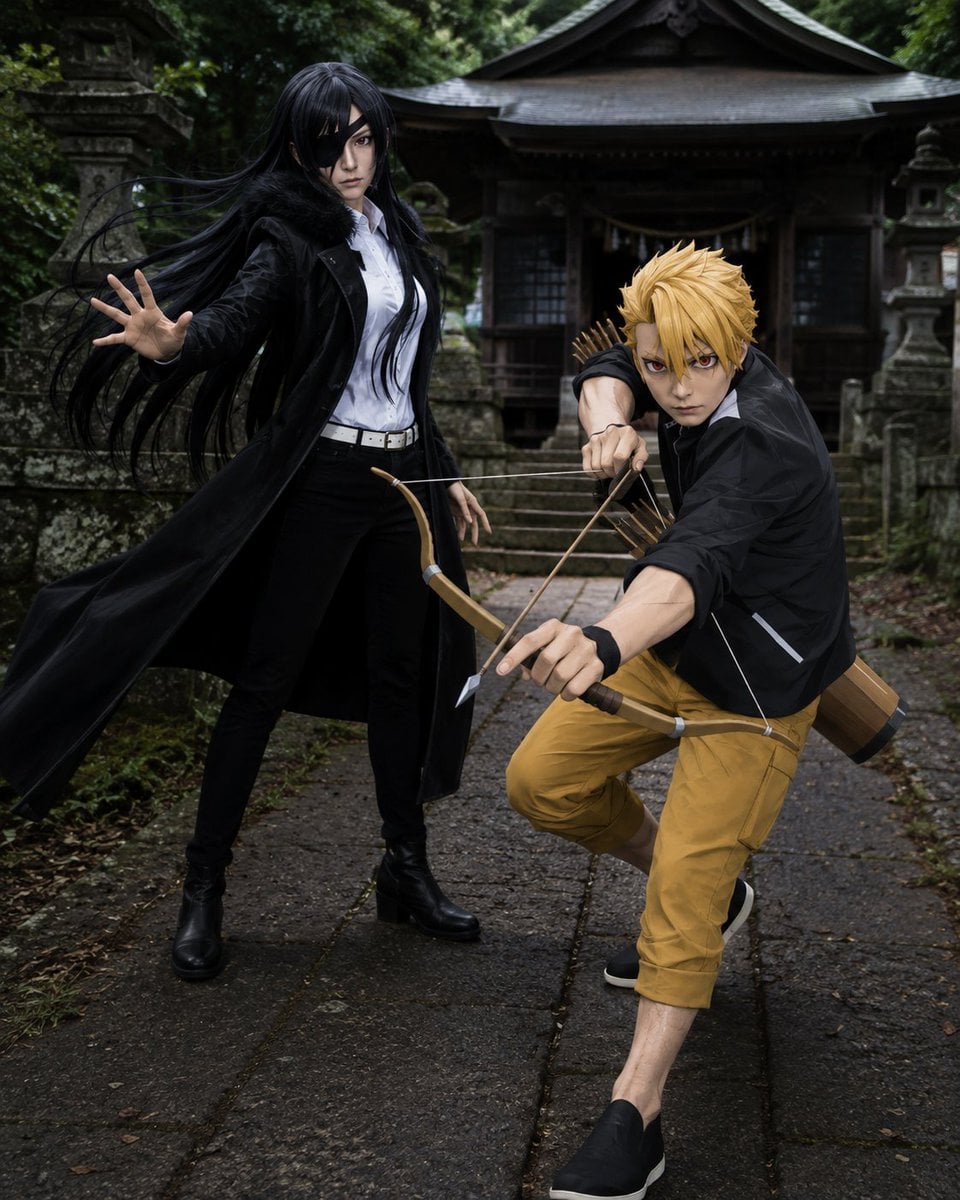
Anime Cosplay Duo at Forest Shrine
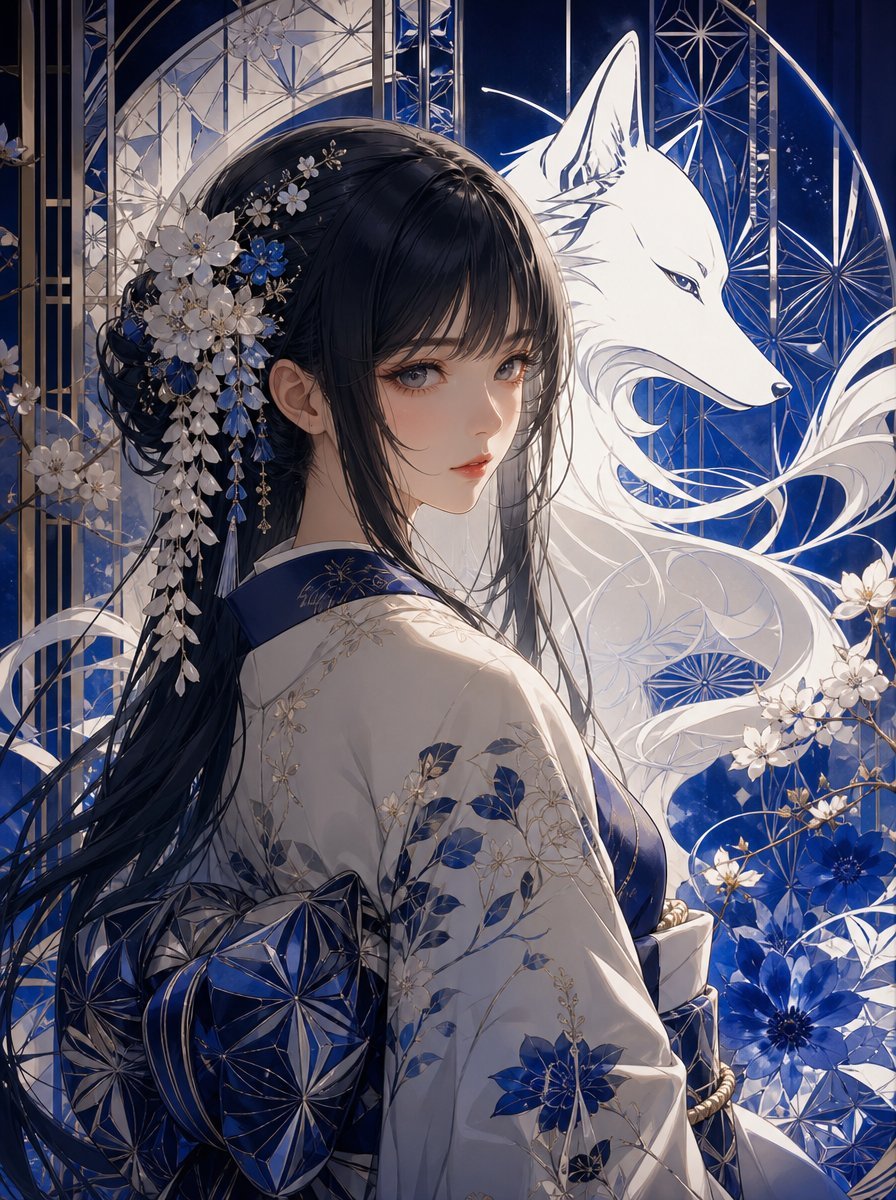
Blue Kiriko Fox Shrine Maiden
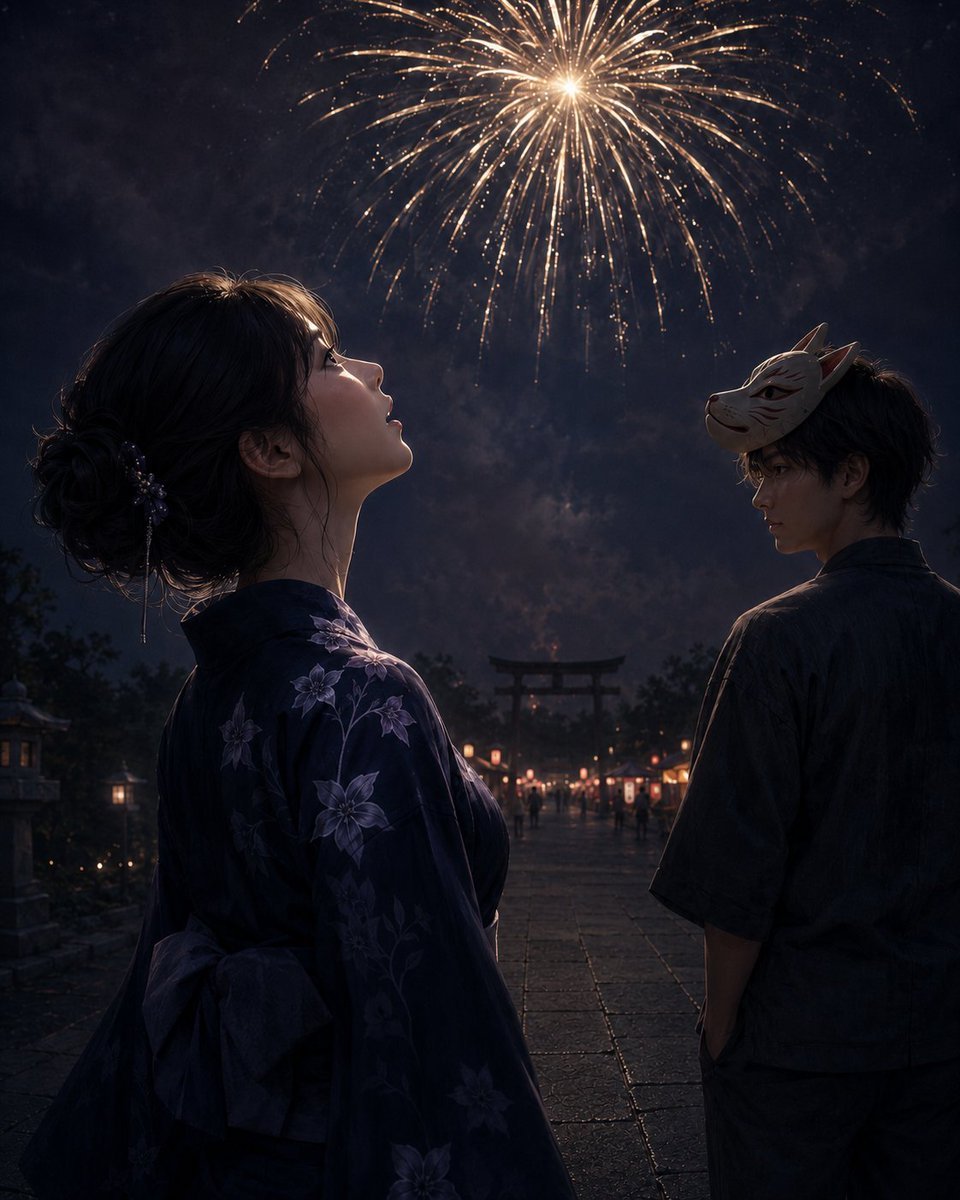
Fireworks at a Shrine Festival
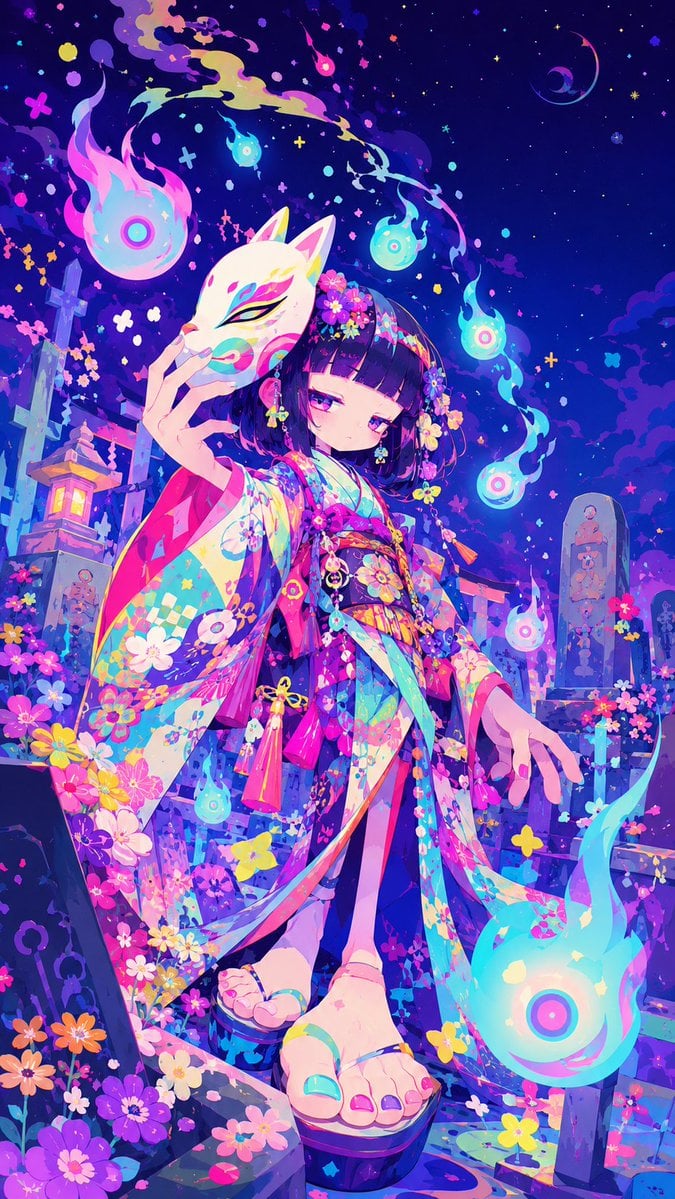
Neon Kitsune Shrine Maiden
Make it yours
Mandarin Spawn at Shinto Shrine works as-is. These are the safest ways to change it without losing the look.
Change one field
Copy a single group, rewrite it, and generate again so you can see what that field is doing.
Keep the frame, change the subject
Hold the composition and light of Mandarin Spawn at Shinto Shrine, then swap wardrobe, props or the person for a new take.
| If the result… | Why | Fix |
|---|---|---|
| The result drifts from the preview | Too many fields changed at once. | Reuse Mandarin Spawn at Shinto Shrine as-is first, then change one group — subject, light, or setting. |
| The model over-stylizes the scene | The prose prompt leaves finish and camera underspecified. | Add one camera or lighting sentence and stay on GPT Image 2. |
More GPT Image 2 templates
Other prompts made for GPT Image 2.

Six VTuber Japanese Logo Sheet

Realistic Portrait of Woman and Deer

The Vista Modular Condo Poster

AI Model Routing Comparison Infographic

2.5D Anime Art Board

Isometric Productivity Desk Scene

New York Double Exposure Poster

Four-Panel AI Landscape Comparison

Japanese Tatami Lifestyle Magazine Cover

NESCAFÉ Coffee Map Poster
More image prompts
Fresh picks from across the catalog.

K-Beauty Morning Glow Portrait
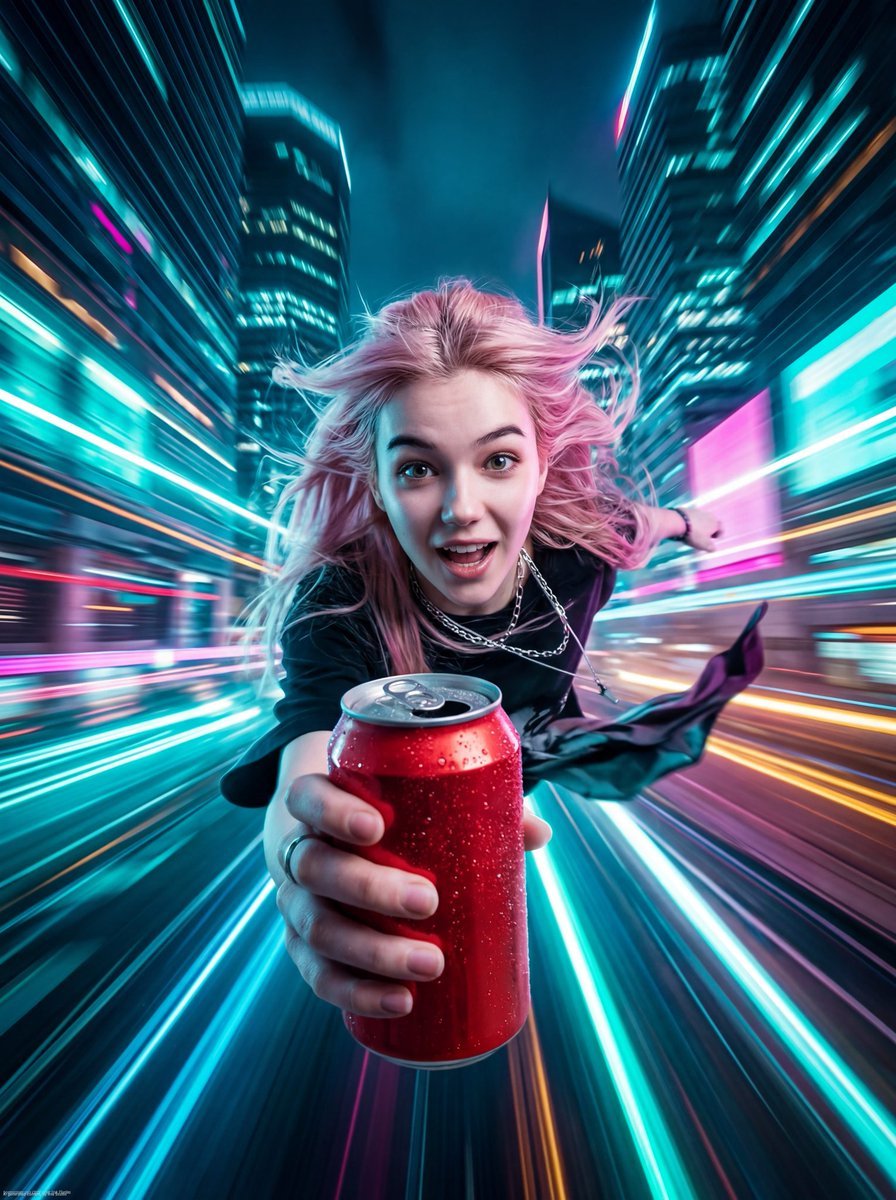
Image and Video Prompt for Nano Banana 2 + Kling 3.0

Brutalist Poster Generation Prompt

Intimate Photorealistic FaceTime Portrait Prompt
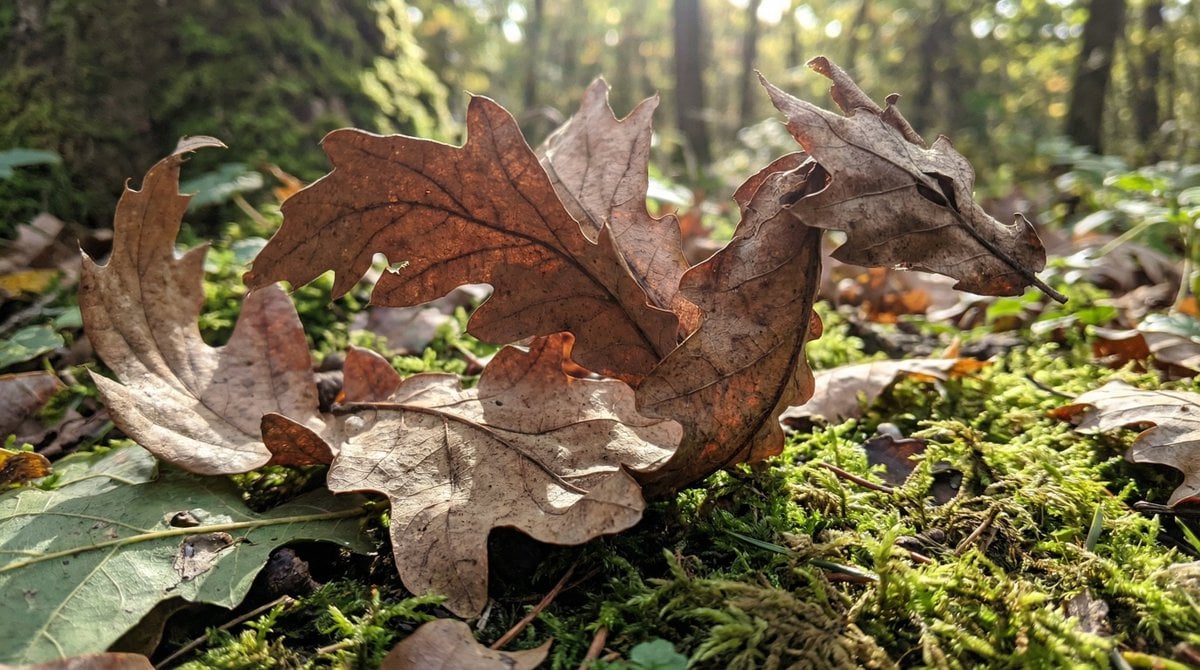
Dragon-Shaped Leaf
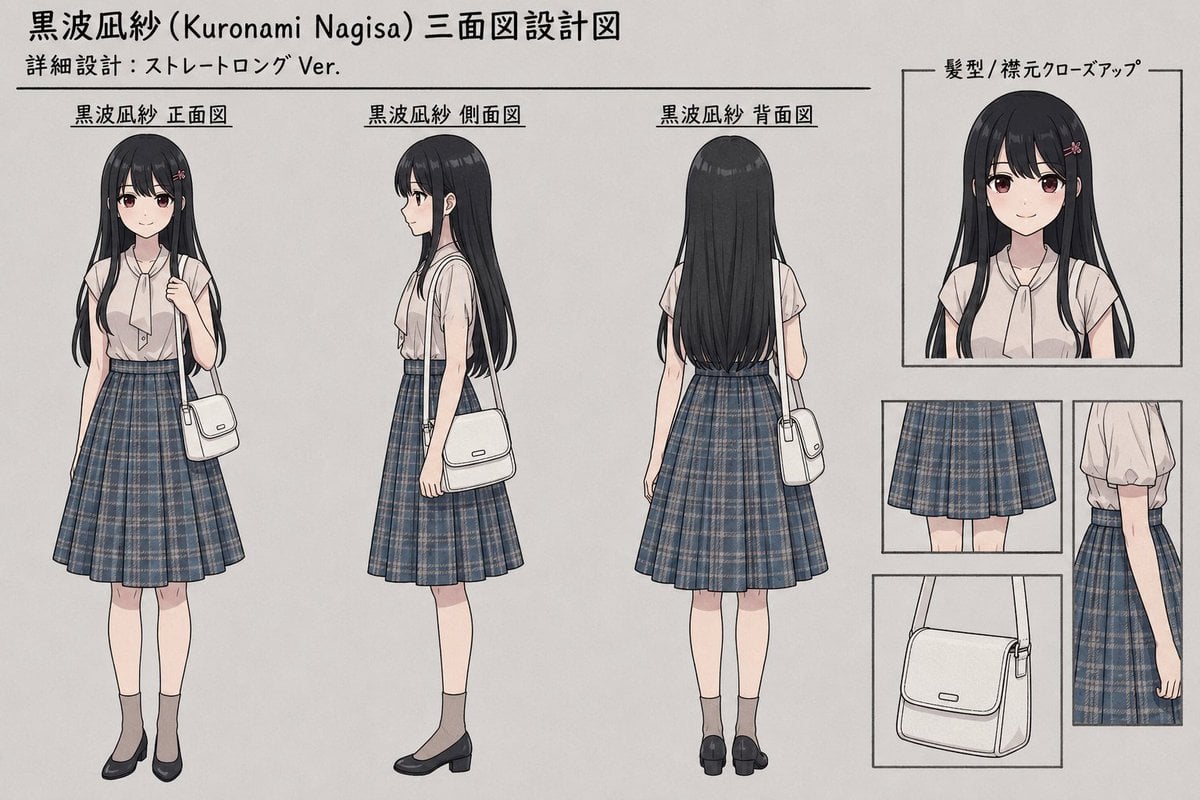
Anime Three-View Character Sheet
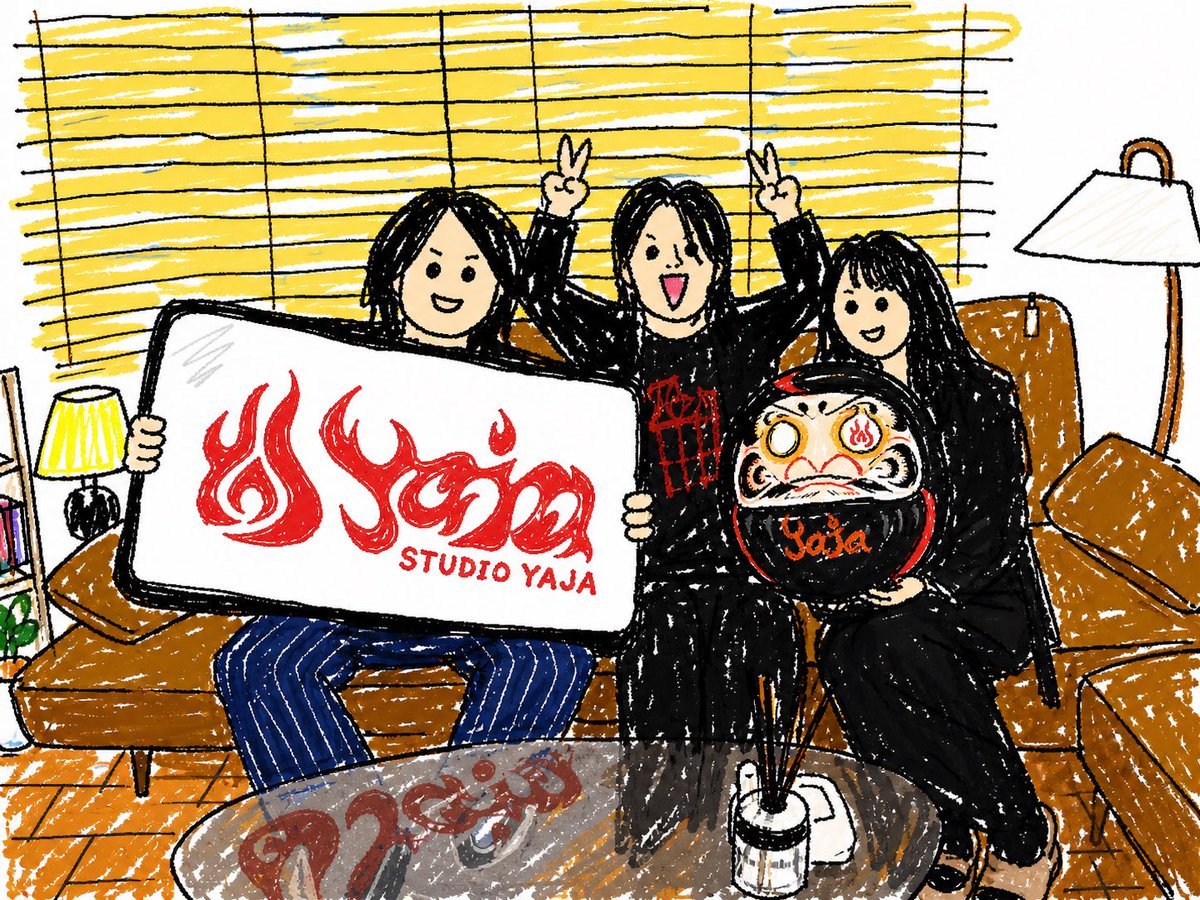
Crayon Friends Studio Celebration

Ultra-Cinematic Luxury Cold Brew Product Photography
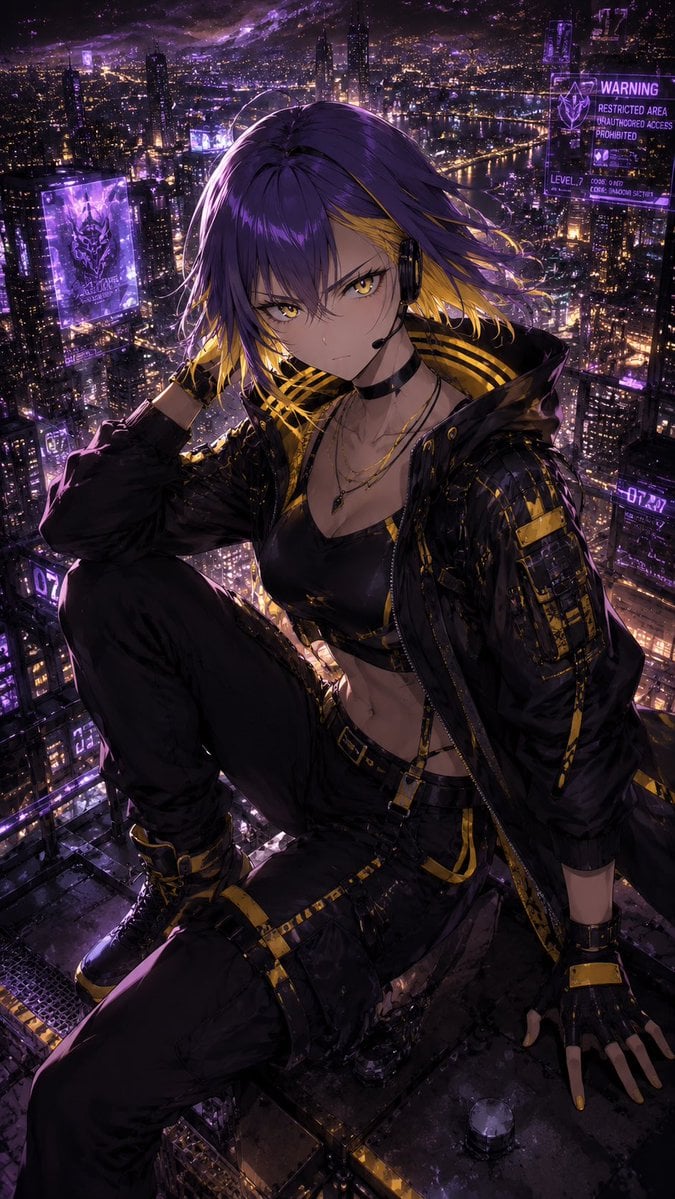
Consistent Character Illustration with Stylish Pose
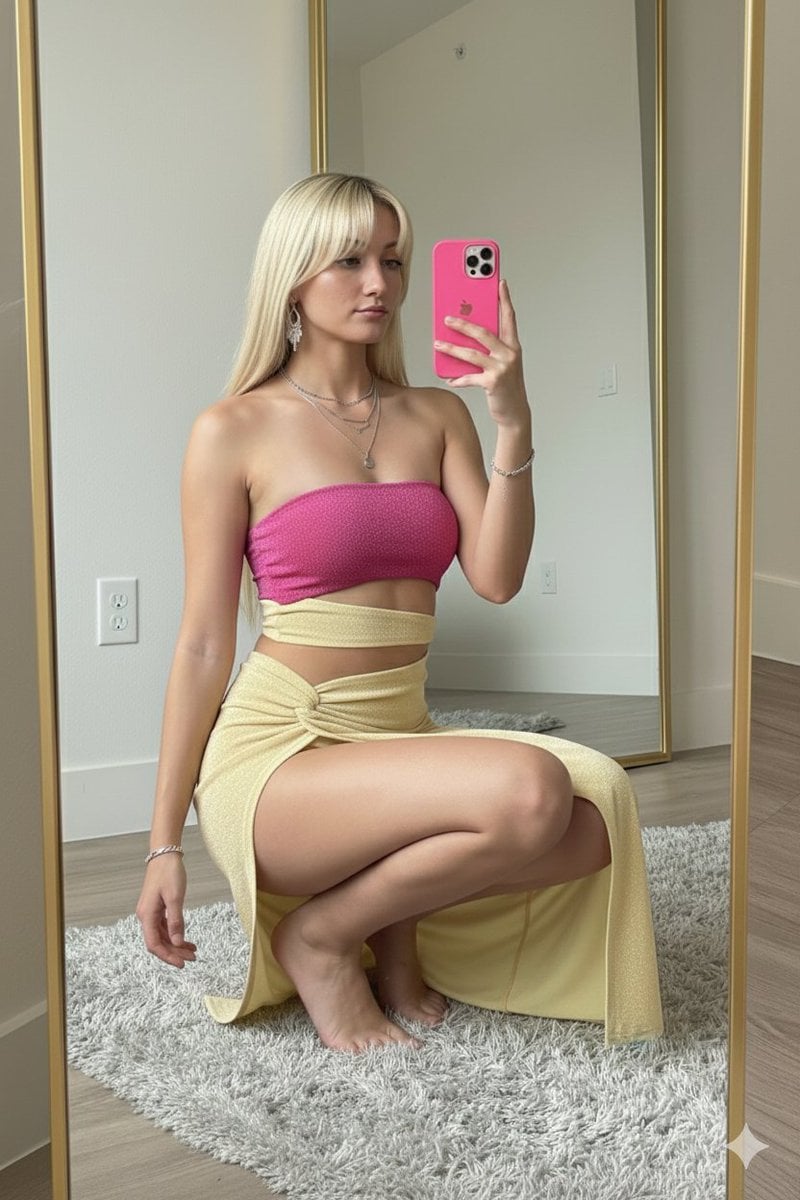
High-Fashion Mirror Selfie in Pink Shimmer Set
Browse template categories
Mandarin Spawn at Shinto Shrine questions
How do I use the Mandarin Spawn at Shinto Shrine template?
Add your photo if the template asks for one, edit the prompt if you like — the template's model and format are already selected — and press Generate. Your version opens in PicX Studio.
Can I customize the Mandarin Spawn at Shinto Shrine template?
Yes. You can change the subject, setting, lighting, mood, format, and available model controls before creating your image.
Is the Mandarin Spawn at Shinto Shrine template free?
Opening and editing this template is free. Generating uses credits, shown on the Generate button when you are signed in.
Which AI model should I use?
Start with GPT Image 2, which is the model associated with this template. You can compare another compatible model for a different finish.
Looking for something else? Browse all templates.

Your photo, any look
Thousands of ready templates for every top image and video model, from one credit balance.