
Fireworks at a Shrine Festival
A cinematic anime-realistic festival scene with two young people under fireworks on a wet shrine path, ideal for emotional short-story cover art.
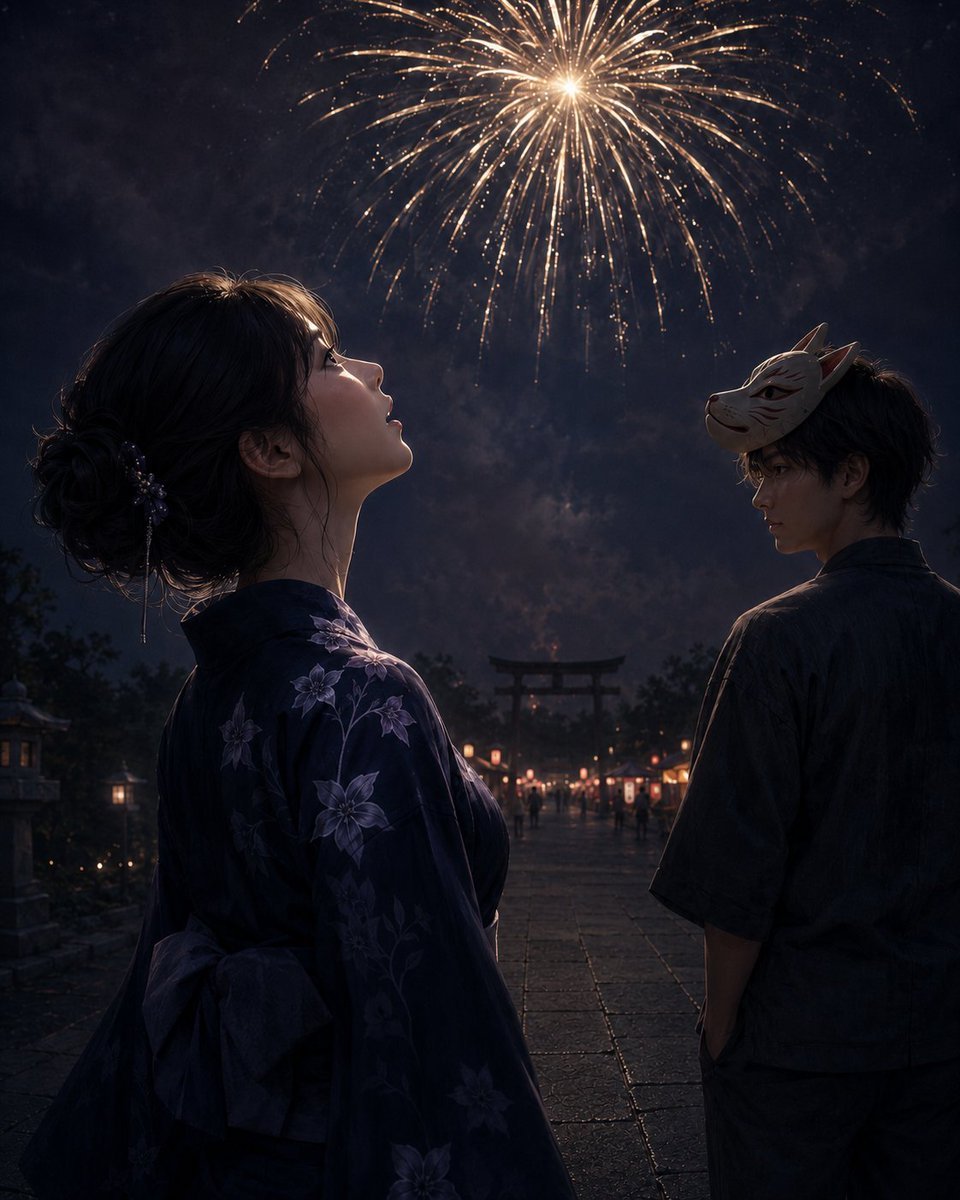
- Prompt included
- Model and format preset
- Free template
The prompt behind this image
Copy the exact prompt behind Fireworks at a Shrine Festival, or open it in the studio and make it yours.
Create a cinematic, realistic anime-style night scene at a Japanese summer festival shrine approach. In the foreground left, show a young woman in side profile from the waist up, gazing upward with parted lips at a large golden firework blooming high in the dark smoky sky; she wears a deep navy yukata patterned with pale purple bellflower blossoms, with an obi bow visible at her back, and her dark hair is gathered in a loose low bun with delicate hair ornaments. In the foreground right, slightly farther back, show a young man turned partly away but glancing back over his shoulder, wearing a dark casual yukata or festival shirt, with a pale fox mask tilted on the side of his head. The wet stone-paved shrine path recedes between them toward a distant torii gate at center, lined with warm glowing festival lanterns and small stalls, with tiny blurred figures in the background. The atmosphere should feel quiet and bittersweet after leaving the crowded festival, with lantern reflections on damp stones, deep blue-black shadows, rim lighting from the fireworks, soft smoke, and highly detailed painterly realism. Use a vertical 4:5 composition, dramatic low-light contrast, shallow depth of field, no text, no watermark. Customize the woman as {argument name="woman appearance" default="young Japanese woman with dark hair in a loose low bun"}, the man as {argument name="man appearance" default="young Japanese man with tousled dark hair and a fox mask"}, the yukata pattern as {argument name="yukata flower pattern" default="pale purple bellflower blossoms"}, the setting as {argument name="festival setting" default="wet stone shrine approach with lanterns and a distant torii gate"}, and the sky feature as {argument name="firework color" default="large golden firework"}.
How to use Fireworks at a Shrine Festival in 3 steps
- 1Upload ImagePNG, JPG or paste
Add your photo
Upload the photo the template builds on. The prompt, model and format are already set.
- 2…a portrait of your subject in softgolden-hour light, 85mm…
Personalize
Edit the subject and creative details for your destination.
- 3Generate
Generate
Press Generate — your image is created in PicX Studio, so you can compare it with the original and refine one variable at a time.
More like this
Templates with the same subject, style or setup. Open one to see its prompt.
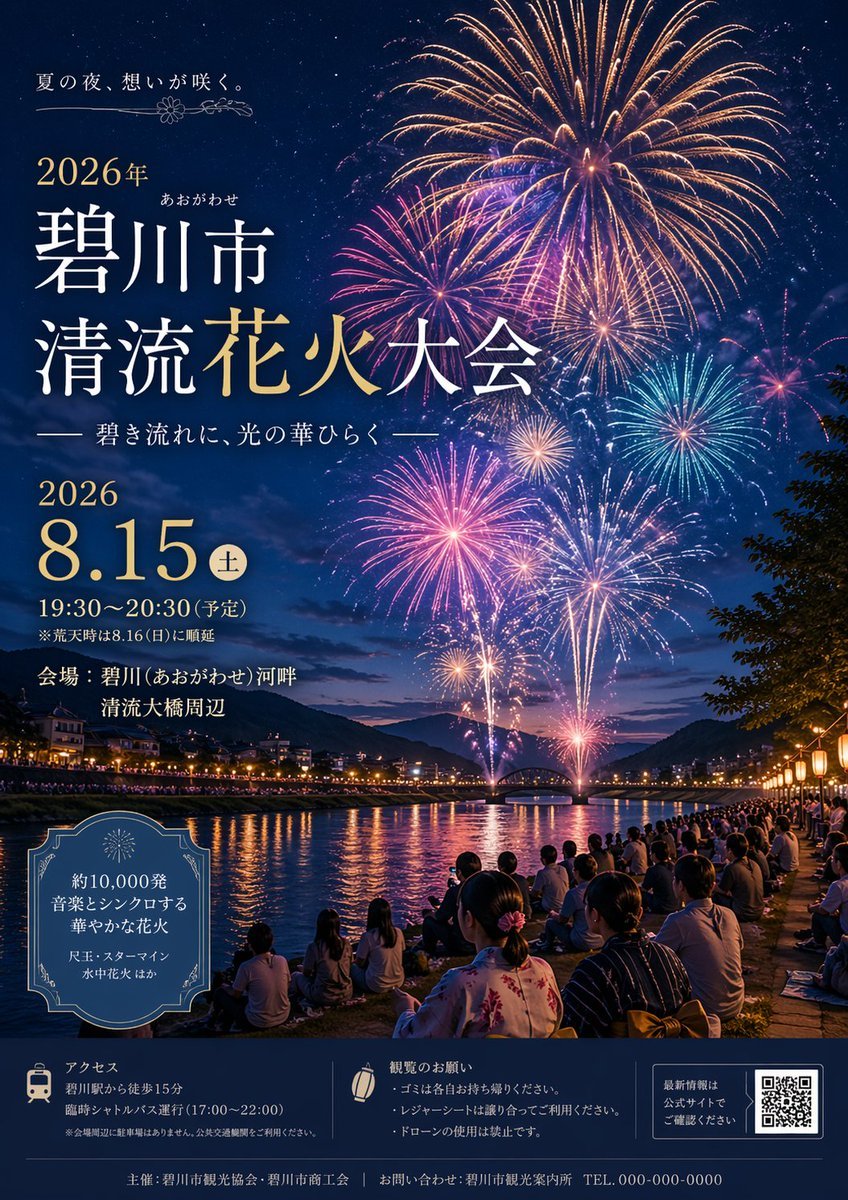
Japanese Fireworks Festival Poster
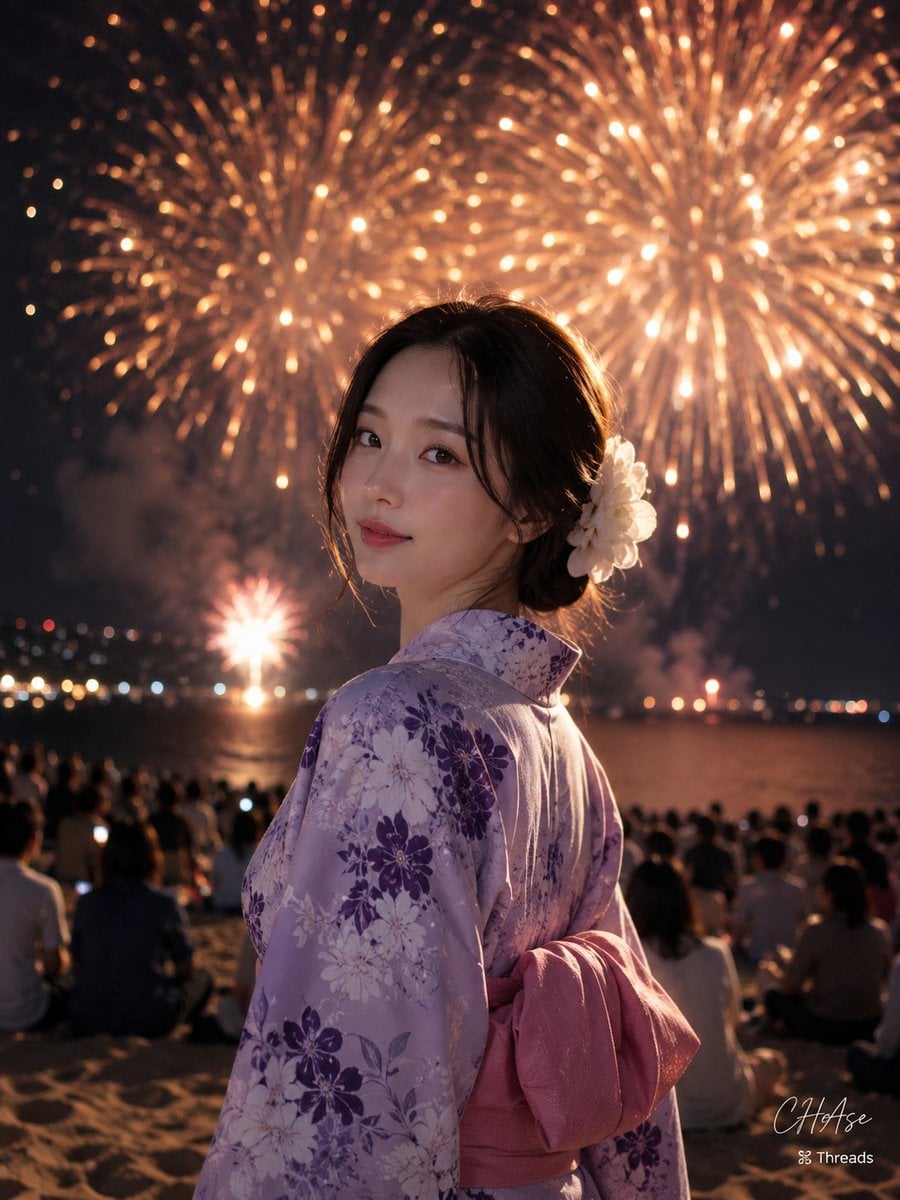
Elegant Japanese Yukata at Beach Fireworks Festival
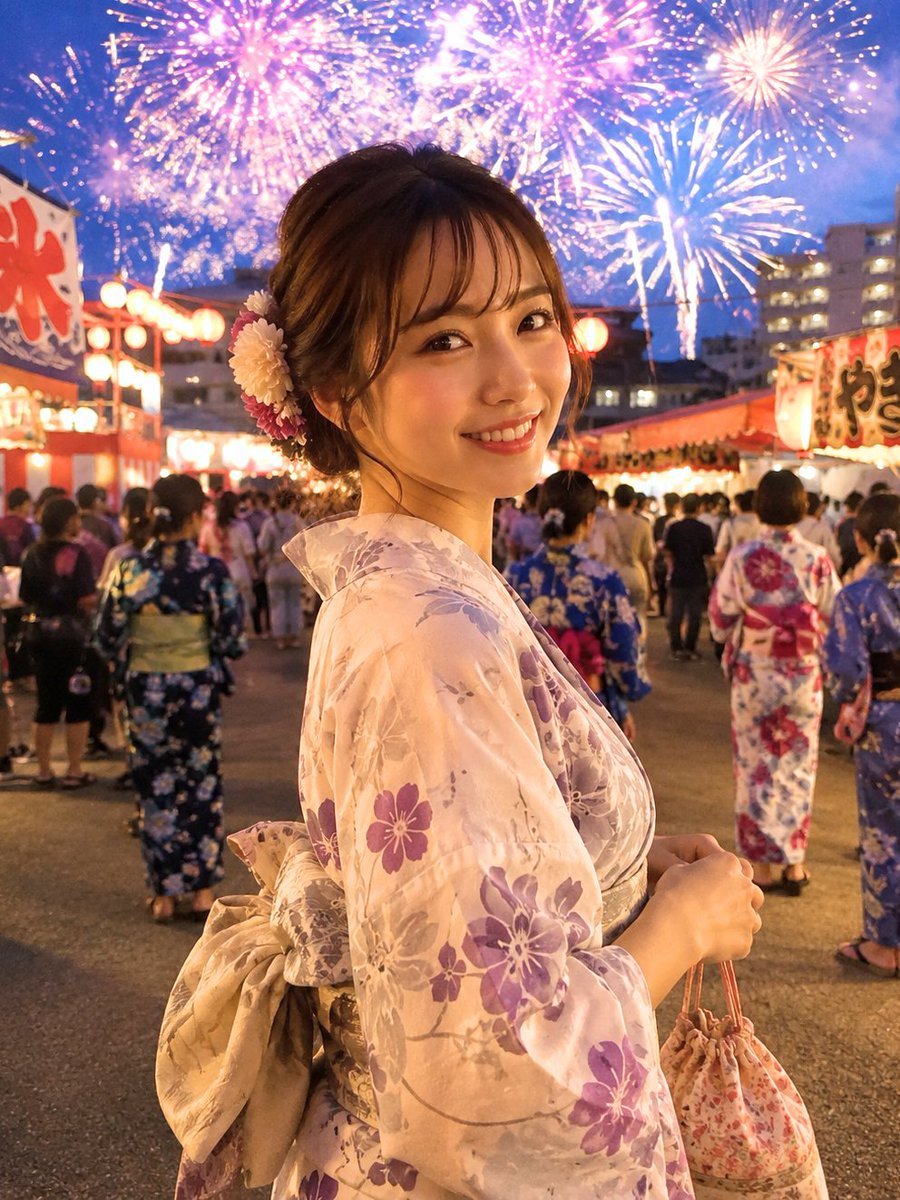
Japanese Fireworks Festival Yukata Portrait
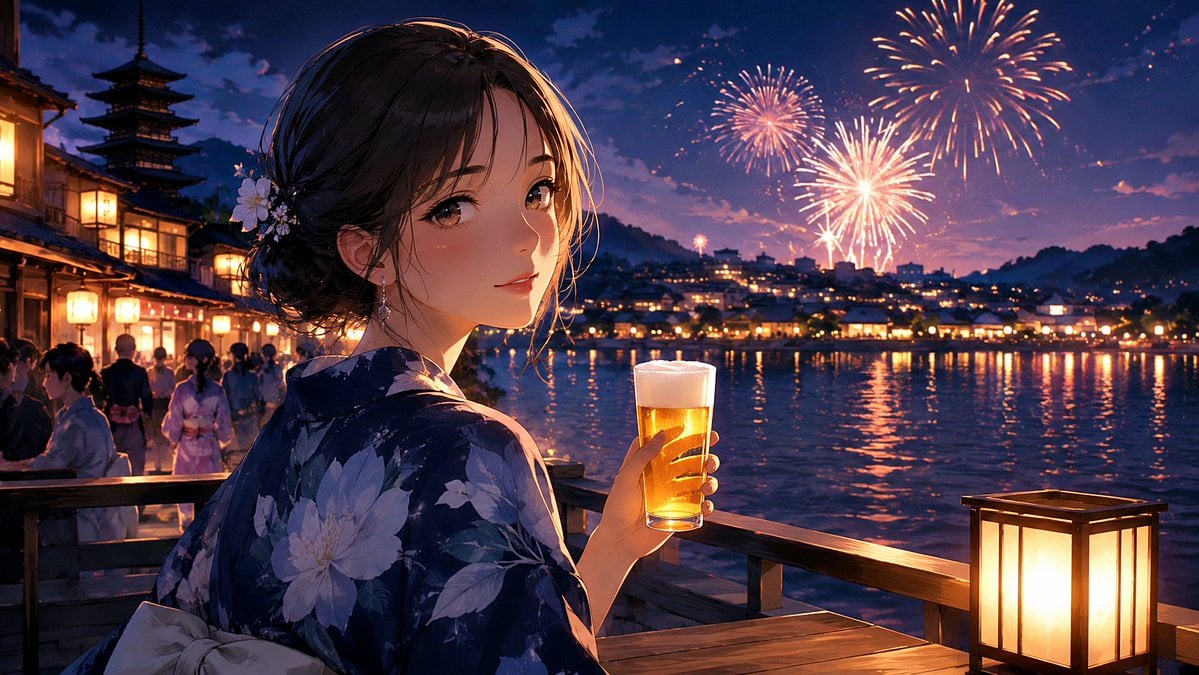
Kyoto Summer Festival Fireworks

FIFA 2026 — Golden Trophy Stadium Night
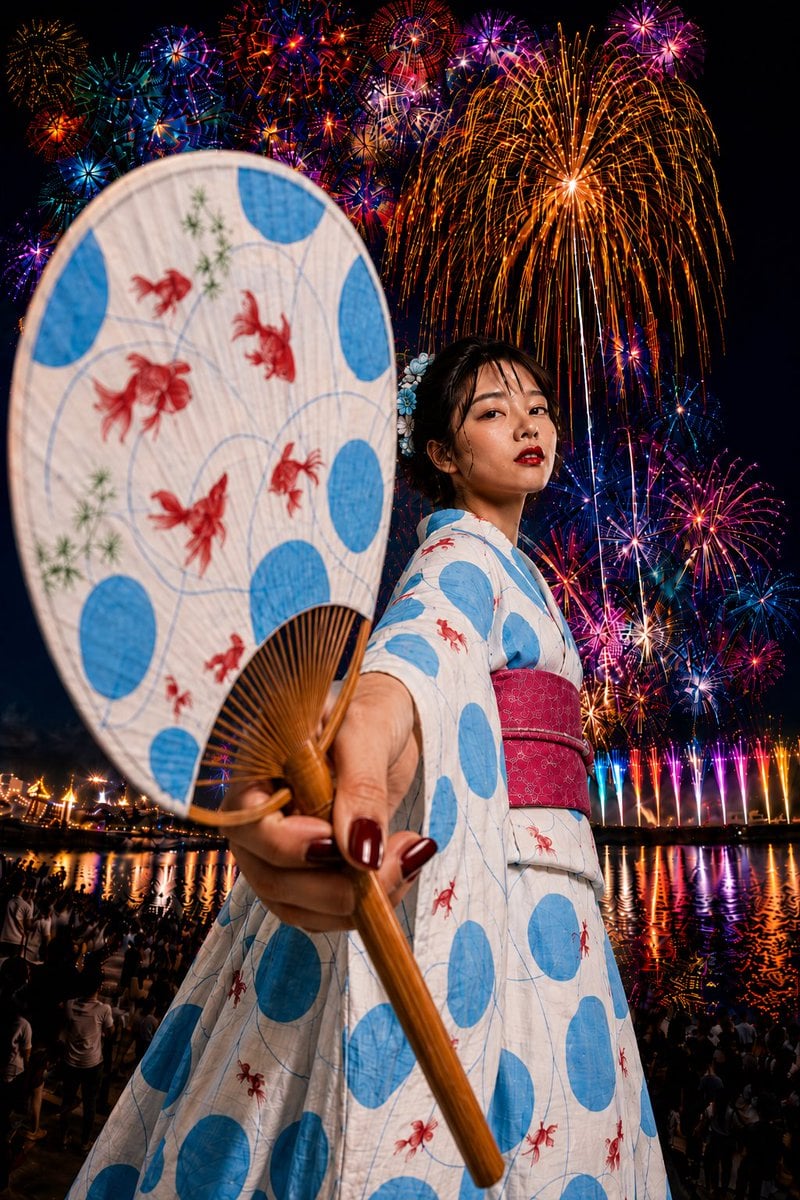
Goldfish Yukata Fireworks Festival Portrait
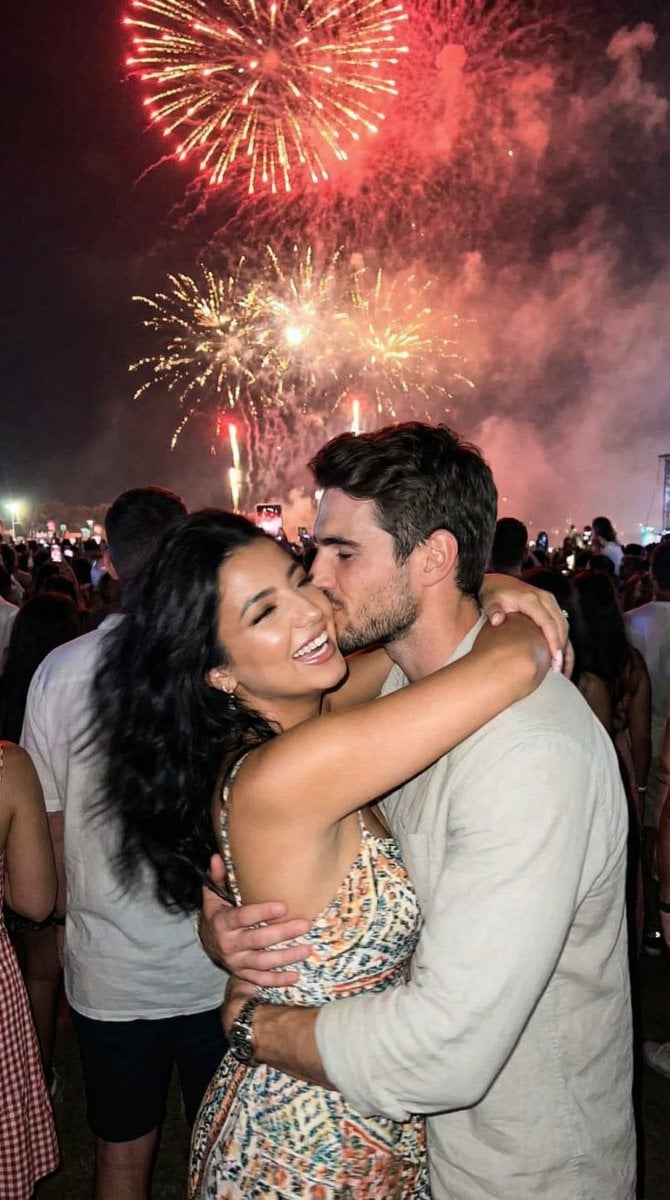
Candid Smartphone Snapshot of Festival Kiss with Fireworks
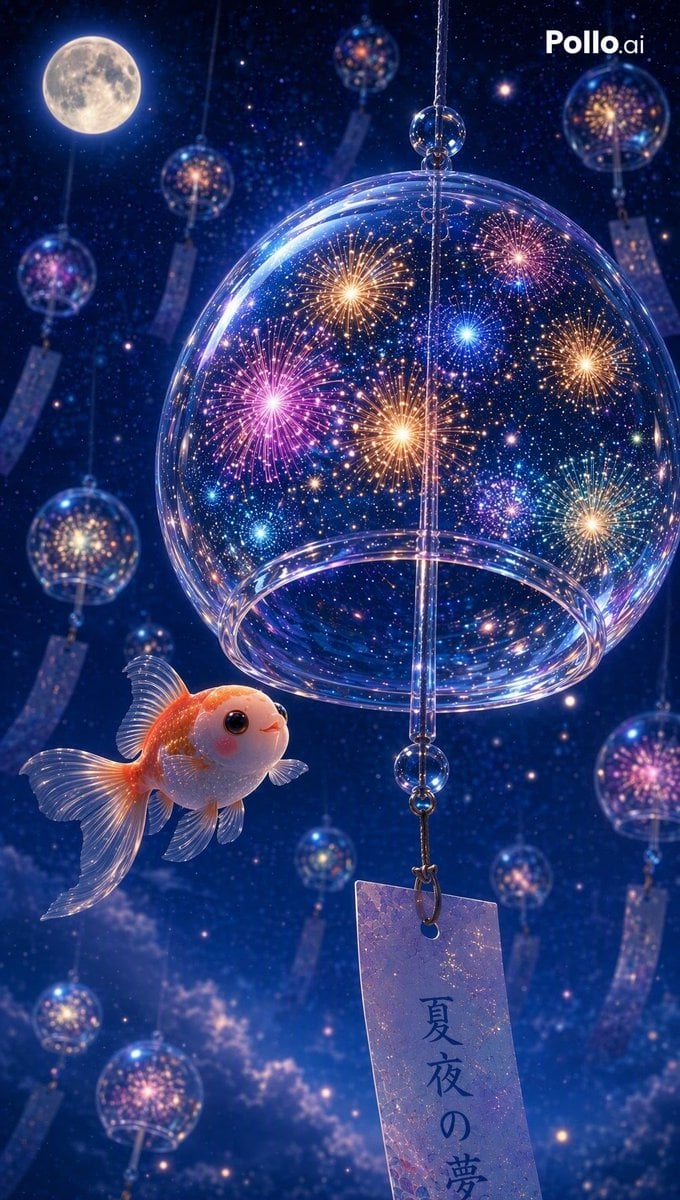
Fireworks Inside a Wind Chime
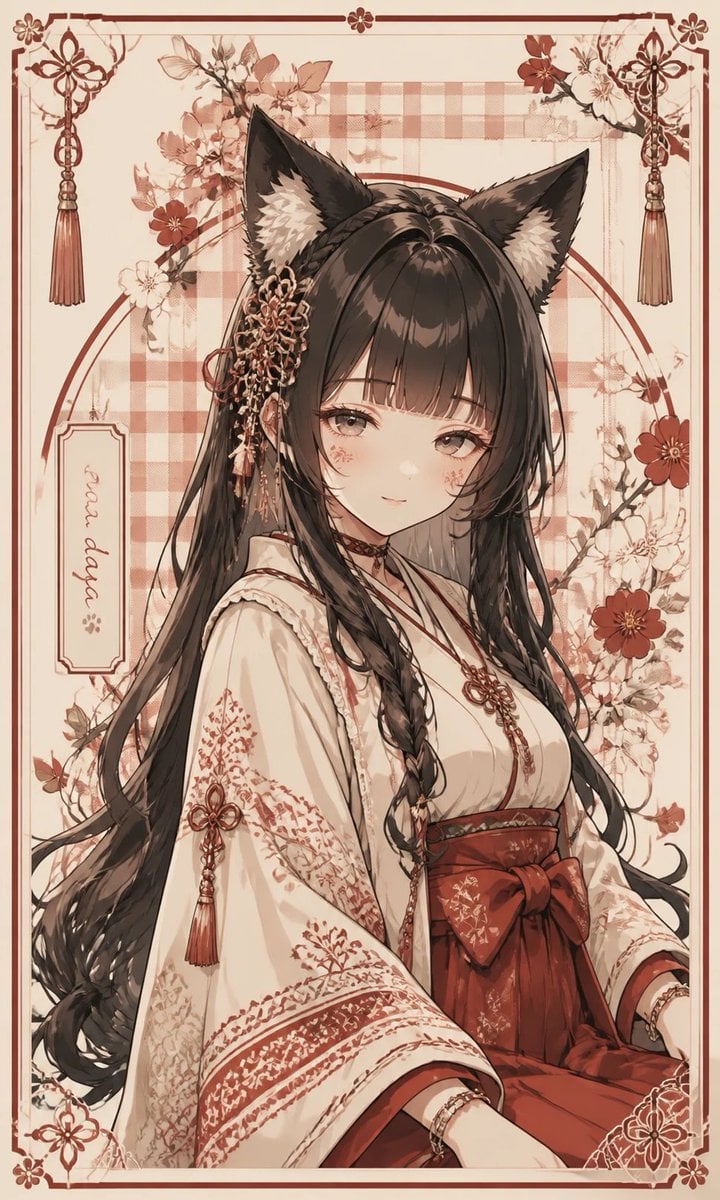
Fox Shrine Maiden Postcard
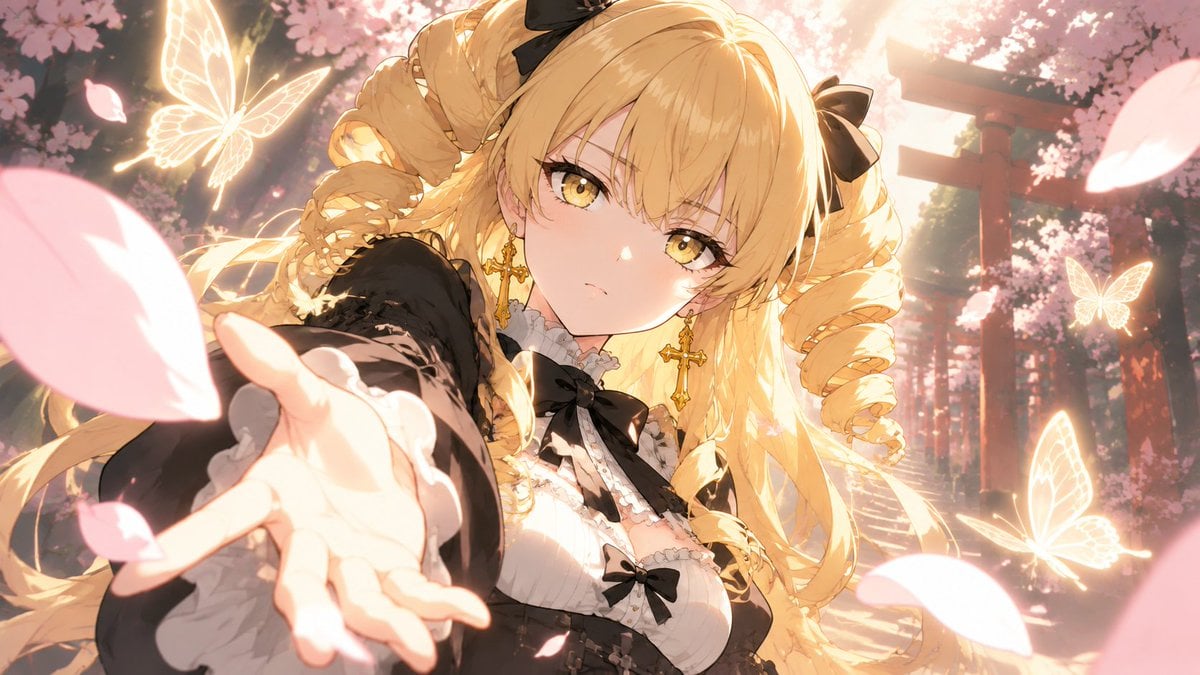
Blonde Gothic Lolita Sakura Shrine
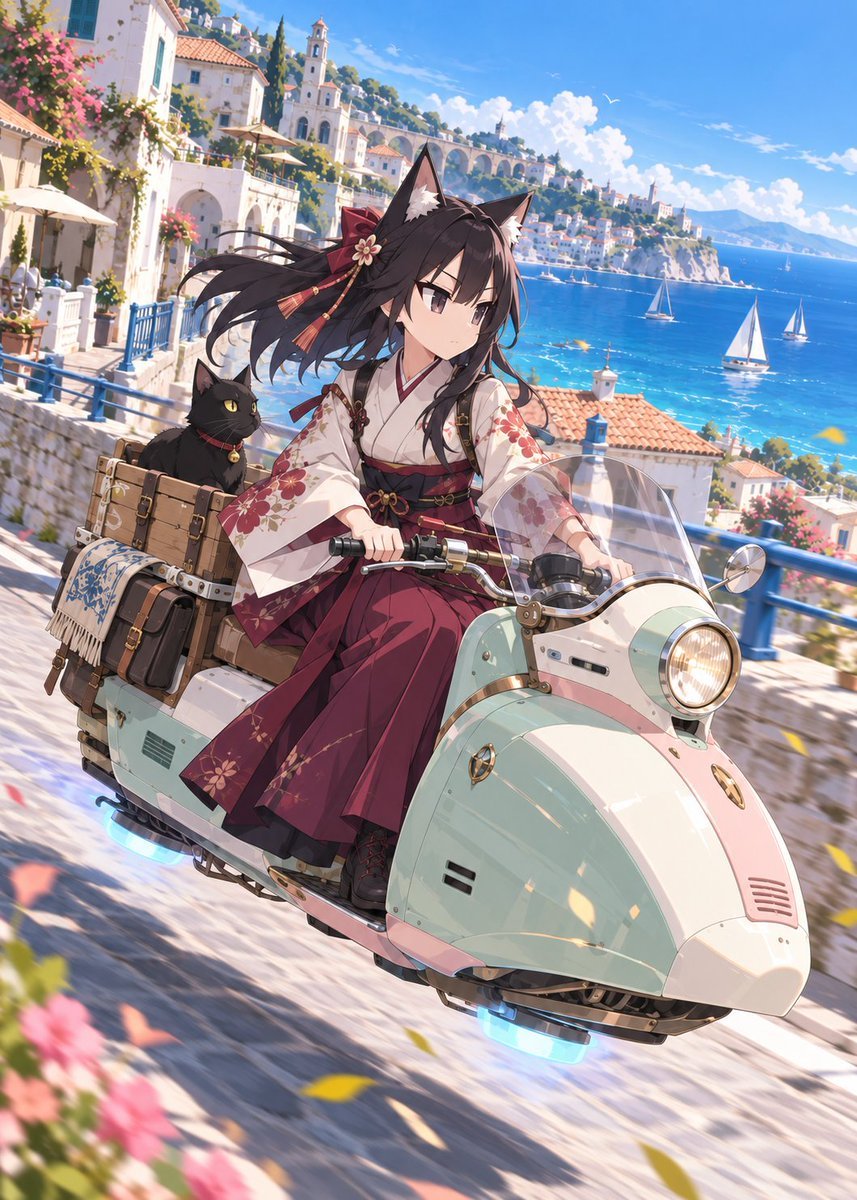
Fox Shrine Maiden on Hover Scooter
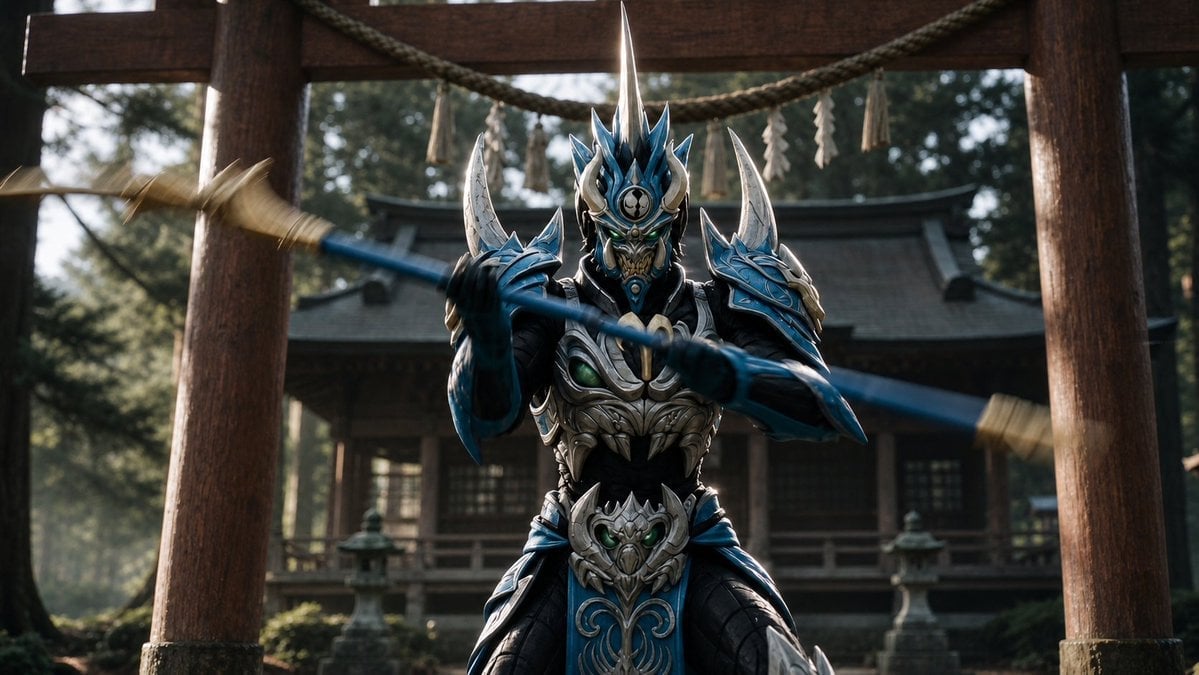
Mandarin Spawn at Shinto Shrine
Make it yours
Fireworks at a Shrine Festival works as-is. These are the safest ways to change it without losing the look.
Change one field
Copy a single group, rewrite it, and generate again so you can see what that field is doing.
Keep the frame, change the subject
Hold the composition and light of Fireworks at a Shrine Festival, then swap wardrobe, props or the person for a new take.
| If the result… | Why | Fix |
|---|---|---|
| The result drifts from the preview | Too many fields changed at once. | Reuse Fireworks at a Shrine Festival as-is first, then change one group — subject, light, or setting. |
| The model over-stylizes the scene | The prose prompt leaves finish and camera underspecified. | Add one camera or lighting sentence and stay on GPT Image 2. |
More GPT Image 2 templates
Other prompts made for GPT Image 2.

Six VTuber Japanese Logo Sheet

Realistic Portrait of Woman and Deer

The Vista Modular Condo Poster

AI Model Routing Comparison Infographic

2.5D Anime Art Board

Isometric Productivity Desk Scene

New York Double Exposure Poster

Four-Panel AI Landscape Comparison

Japanese Tatami Lifestyle Magazine Cover

NESCAFÉ Coffee Map Poster
More image prompts
Fresh picks from across the catalog.

Cyber Projector Numbers Beauty Portrait Prompt (JSON format)
Y2K Grunge Flash Photography Portrait JSON
Cybernetic Butler Concerned Speech
AI Manga Nano Banana Pro
Banana Plantation Portrait in Red Mini Dress
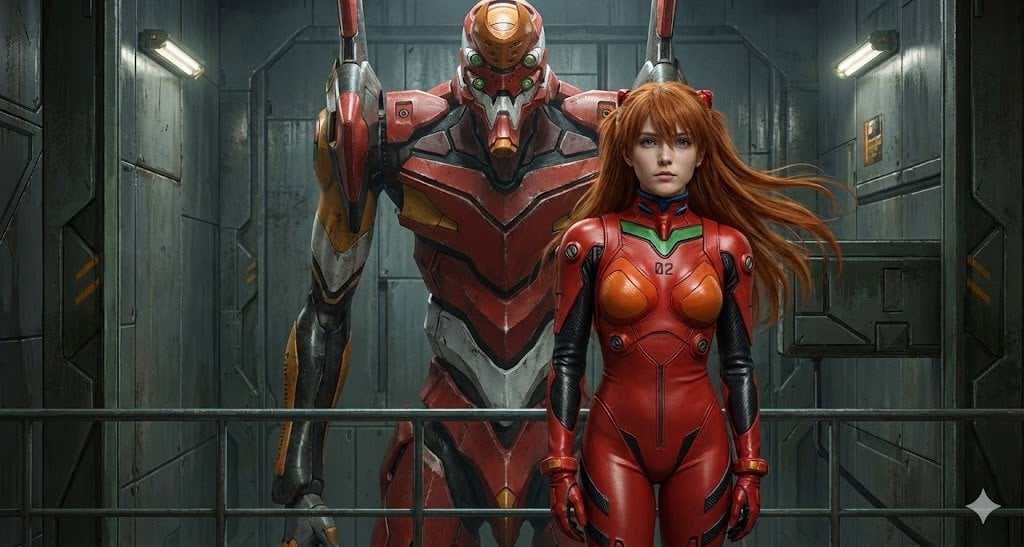
Guts and Griffith on movie set

Surreal Editorial Fashion Model with Rhino
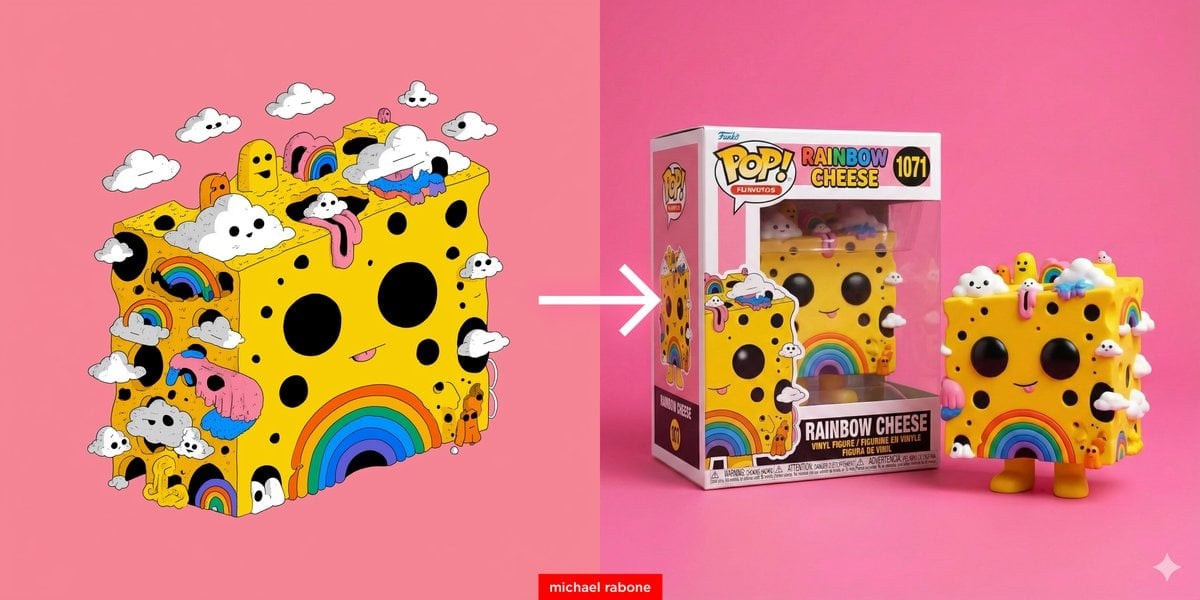
Cartoon to Funko Pop Transformation Prompt
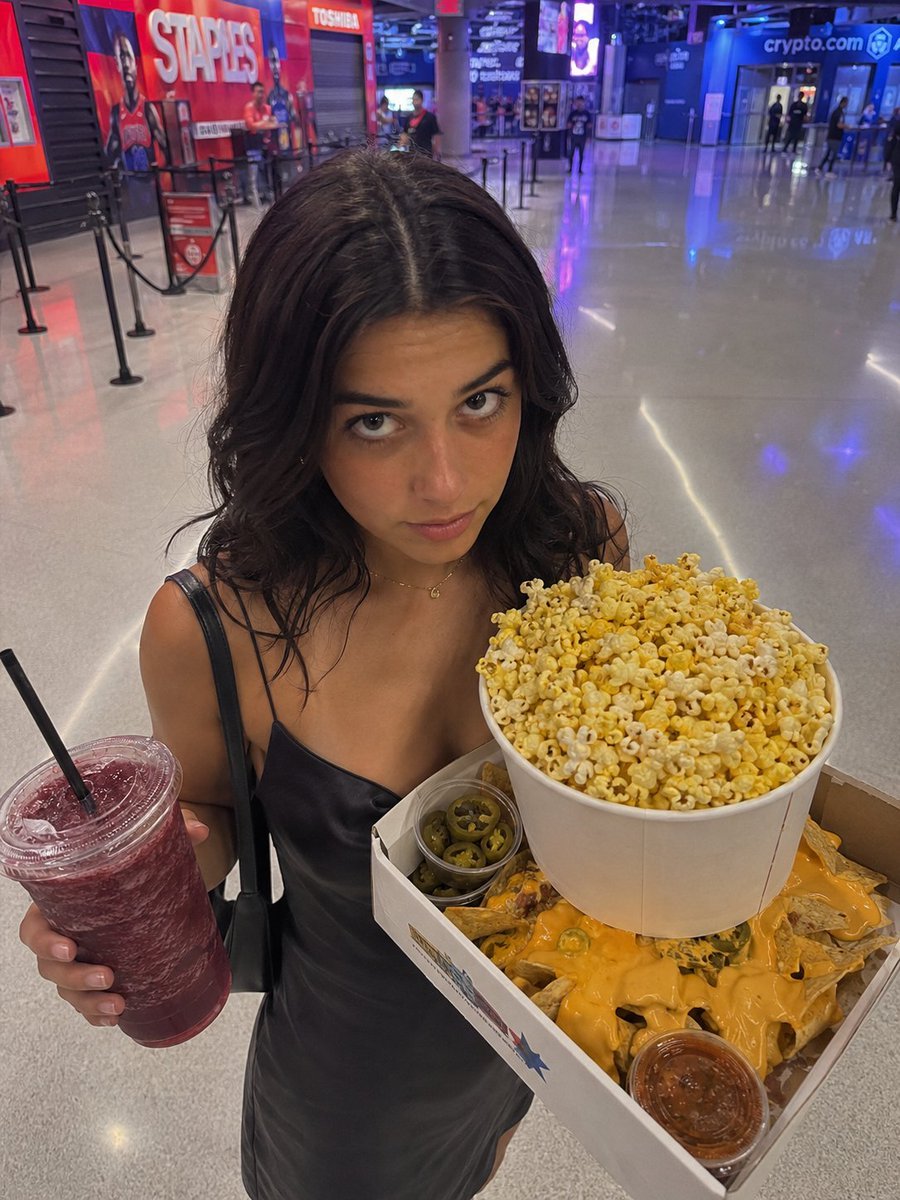
Arena Snack Snapshot

Air France ad fix prompt
Browse template categories
Fireworks at a Shrine Festival questions
How do I use the Fireworks at a Shrine Festival template?
Add your photo if the template asks for one, edit the prompt if you like — the template's model and format are already selected — and press Generate. Your version opens in PicX Studio.
Can I customize the Fireworks at a Shrine Festival template?
Yes. You can change the subject, setting, lighting, mood, format, and available model controls before creating your image.
Is the Fireworks at a Shrine Festival template free?
Opening and editing this template is free. Generating uses credits, shown on the Generate button when you are signed in.
Which AI model should I use?
Start with GPT Image 2, which is the model associated with this template. You can compare another compatible model for a different finish.
Looking for something else? Browse all templates.

Your photo, any look
Thousands of ready templates for every top image and video model, from one credit balance.