How do I use the Japanese Fireworks Festival Yukata Portrait template?
Edit the prompt in the box under the preview — the template's model and format are already selected — and press Generate. Your version appears right on this page.
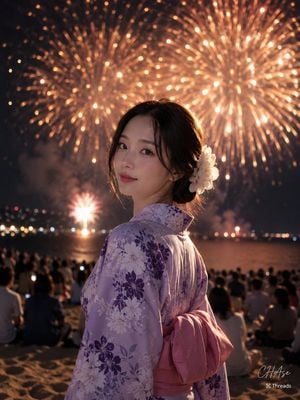
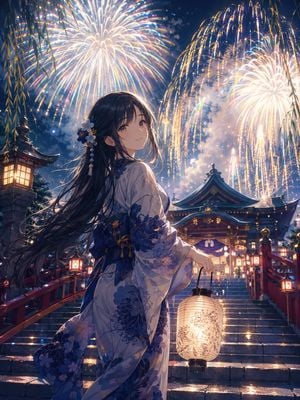
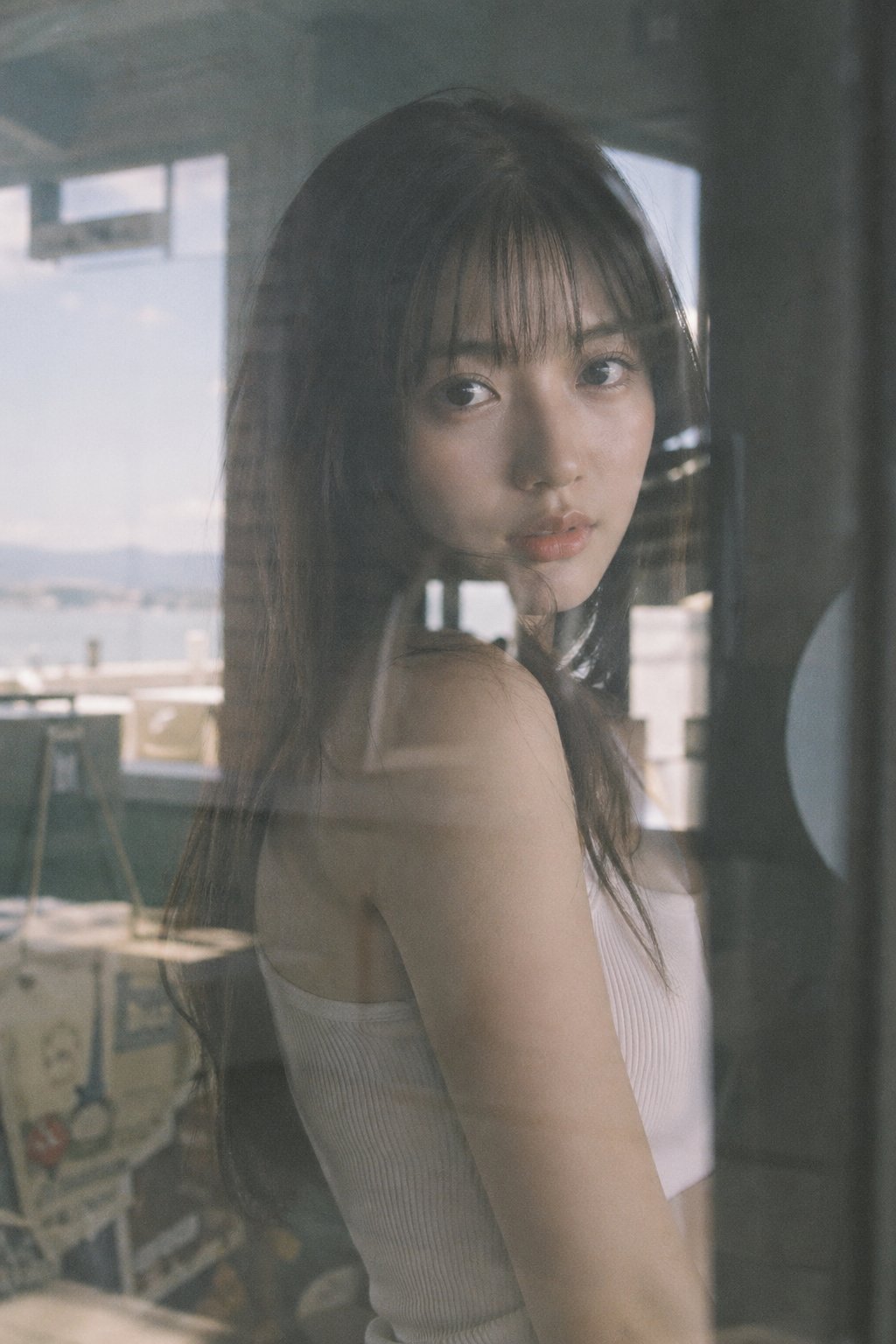
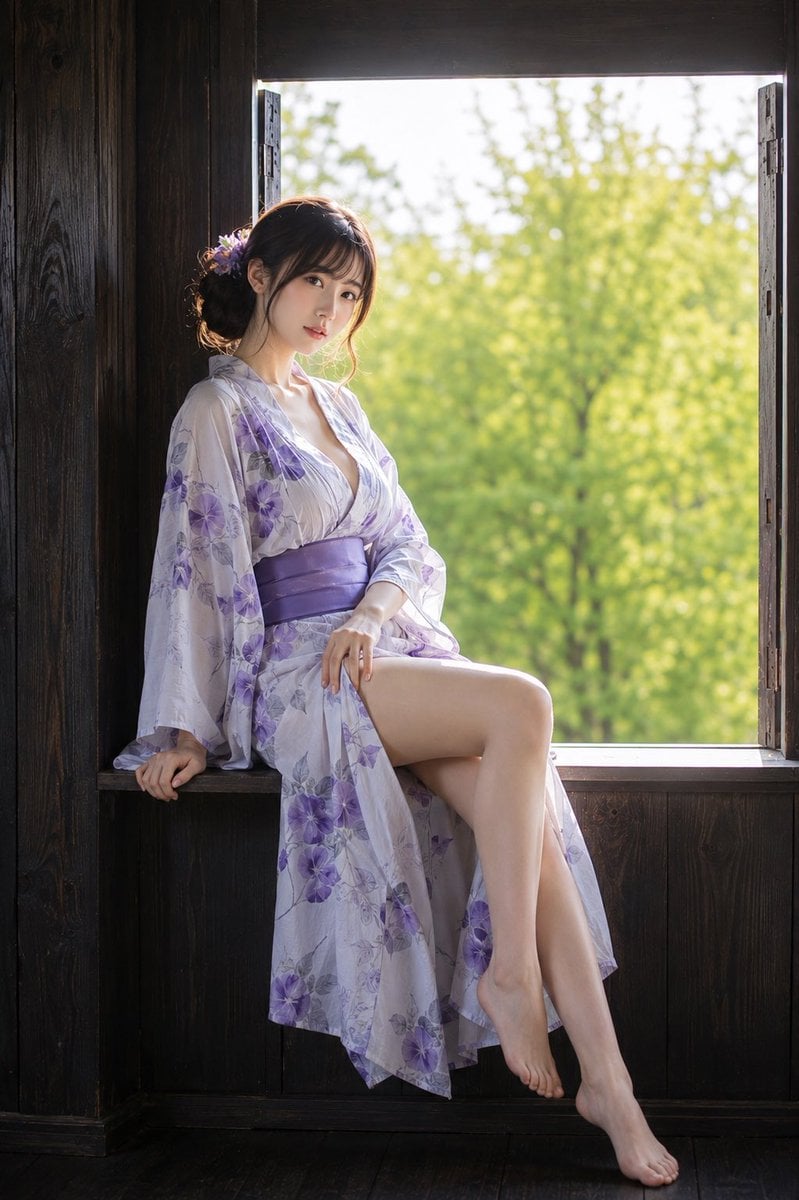
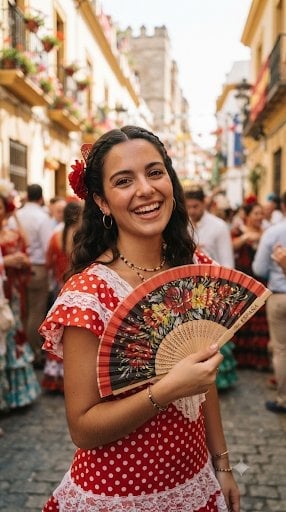
A photorealistic vertical portrait of a smiling Japanese woman in a floral yukata at a crowded summer fireworks festival.

This template uses your photo — add one with the + button.
Create a highly realistic vertical portrait photo of {argument name="character name" default="a beautiful Japanese woman in her 20s"} at a summer evening fireworks festival in Japan. She is shown from the waist up in a three-quarter back-facing pose, turning her head over her shoulder to smile warmly at the camera, with natural expressive eyes, soft skin texture, and an approachable candid expression. She wears a pale cream-pink yukata with purple and lavender floral patterns, a large beige obi bow tied at the back, and small pink and cream chrysanthemum hair ornaments tucked into a low updo with loose bangs and face-framing strands. Her right hand holds a small floral drawstring kinchaku pouch with thin red cords. The setting is a crowded Japanese matsuri street at dusk, lined with glowing food stalls and red-and-white festival banners, warm paper lanterns, and many festivalgoers in colorful yukata walking away in the background. Above her, the blue twilight sky is filled with large bright fireworks bursts in pink, purple, white, and gold, slightly blurred by depth of field but still dramatic and luminous. Use a close 3/4 portrait composition, subject centered slightly right, shallow depth of field, realistic lens perspective, warm lantern light on her face and yukata, cool blue ambient evening light in the sky, cinematic color grading, crisp detail on the woman and soft bokeh background. Emphasize photorealism, natural human proportions, realistic fabric folds, authentic Japanese summer festival atmosphere, and a joyful romantic mood. Avoid extra text, logos, watermarks, distorted hands, plastic skin, over-smoothed face, or anime styling.
Create a highly realistic vertical portrait photo of {argument name="character name" default="a beautiful Japanese woman in her 20s"} at a summer evening fireworks festival in Japan. She is shown from the waist up in a three-quarter back-facing pose, turning her head over her shoulder to smile warmly at the camera, with natural expressive eyes, soft skin texture, and an approachable candid expression. She wears a pale cream-pink yukata with purple and lavender floral patterns, a large beige obi bow tied at the back, and small pink and cream chrysanthemum hair ornaments tucked into a low updo with loose bangs and face-framing strands. Her right hand holds a small floral drawstring kinchaku pouch with thin red cords. The setting is a crowded Japanese matsuri street at dusk, lined with glowing food stalls and red-and-white festival banners, warm paper lanterns, and many festivalgoers in colorful yukata walking away in the background. Above her, the blue twilight sky is filled with large bright fireworks bursts in pink, purple, white, and gold, slightly blurred by depth of field but still dramatic and luminous. Use a close 3/4 portrait composition, subject centered slightly right, shallow depth of field, realistic lens perspective, warm lantern light on her face and yukata, cool blue ambient evening light in the sky, cinematic color grading, crisp detail on the woman and soft bokeh background. Emphasize photorealism, natural human proportions, realistic fabric folds, authentic Japanese summer festival atmosphere, and a joyful romantic mood. Avoid extra text, logos, watermarks, distorted hands, plastic skin, over-smoothed face, or anime styling.
Edit the prompt in the box under the preview — the template's model and format are already selected — and press Generate. Your version appears right on this page.
Yes. You can change the subject, setting, lighting, mood, format, and available model controls before creating your image.
Opening and editing this template is free. Generating uses credits, shown on the Generate button when you are signed in.
Start with GPT Image 2, which is the model associated with this template. You can compare another compatible model for a different finish.
Follow a topic to a crawlable collection of related PicX Studio templates.