
Summer Yukata Garden Portrait
A detailed anime illustration prompt for creating a serene summer scene of a white-haired young man in yukata standing in a sunlit Japanese garden.
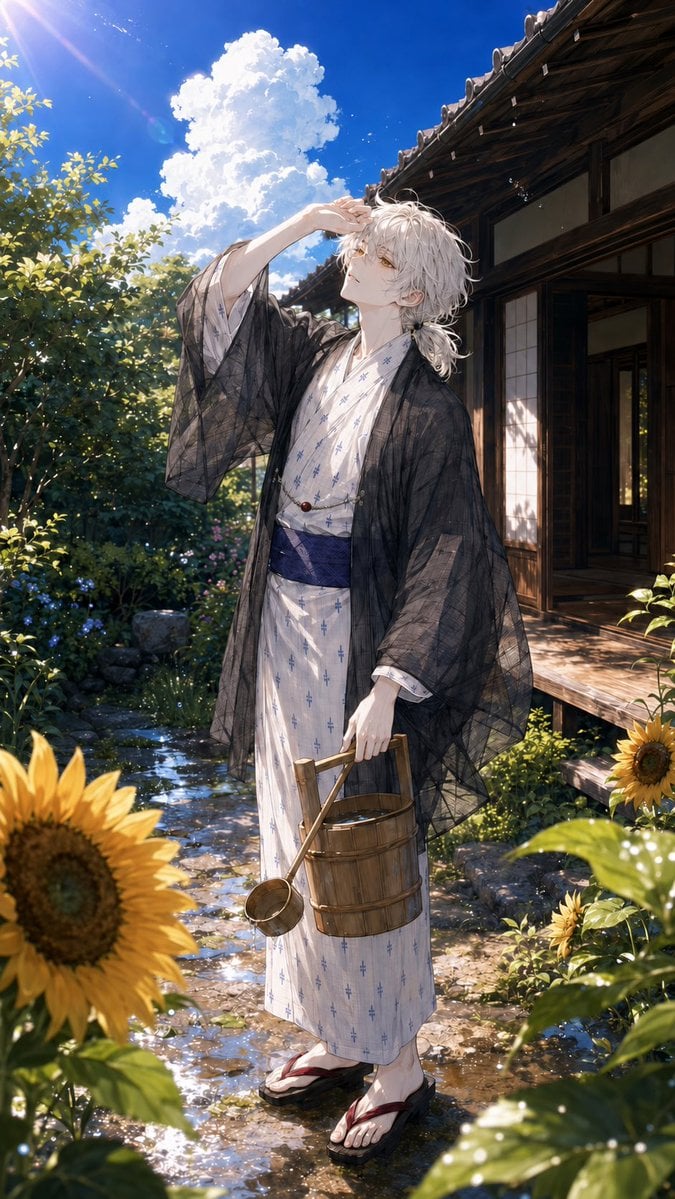
- Prompt included
- Model and format preset
- Free template
The prompt behind this image
Copy the exact prompt behind Summer Yukata Garden Portrait, or open it in the studio and make it yours.
Create a vertical, highly detailed anime-style summer illustration of a beautiful young man standing in a traditional Japanese garden beside an old wooden house. The character is {argument name="character name" default="a graceful white-haired young man"}, full body, slim and elegant, with tousled {argument name="hair color" default="silver-white"} hair tied loosely at the back, pale skin, and warm golden eyes. He wears a white yukata with a subtle small blue cross-like pattern, a deep indigo obi, red-and-black geta sandals, and a sheer black summer haori draped over his shoulders. Pose him standing in a shallow sunlit garden stream or wet stone path, one hand raised to shade his eyes from the bright sun while he gazes upward, the other hand holding a wooden water bucket and a bamboo ladle. The scene includes exactly 2 prominent sunflowers in the foreground, one large sunflower at the lower left and one smaller sunflower at the lower right, surrounded by lush green leaves, garden stones, small flowers, and sparkling water reflections. In the background, show a traditional Japanese wooden veranda with sliding doors and a dark tiled roof on the right, dense summer foliage on the left, a vivid deep blue sky, and towering bright white cumulonimbus clouds. Use dramatic midday sunlight from the upper left with lens flare, glittering highlights, translucent fabric effects, soft shadows, and a dreamy nostalgic July-ending atmosphere. Ultra-detailed linework, painterly anime rendering, delicate facial features, cinematic composition, vibrant summer colors, high resolution, no text, no watermark.
How to use Summer Yukata Garden Portrait in 3 steps
- 1Upload ImagePNG, JPG or paste
Add your photo
Upload the photo the template builds on. The prompt, model and format are already set.
- 2…a portrait of your subject in softgolden-hour light, 85mm…
Personalize
Edit the subject and creative details for your destination.
- 3Generate
Generate
Press Generate — your image is created in PicX Studio, so you can compare it with the original and refine one variable at a time.
More like this
Templates with the same subject, style or setup. Open one to see its prompt.
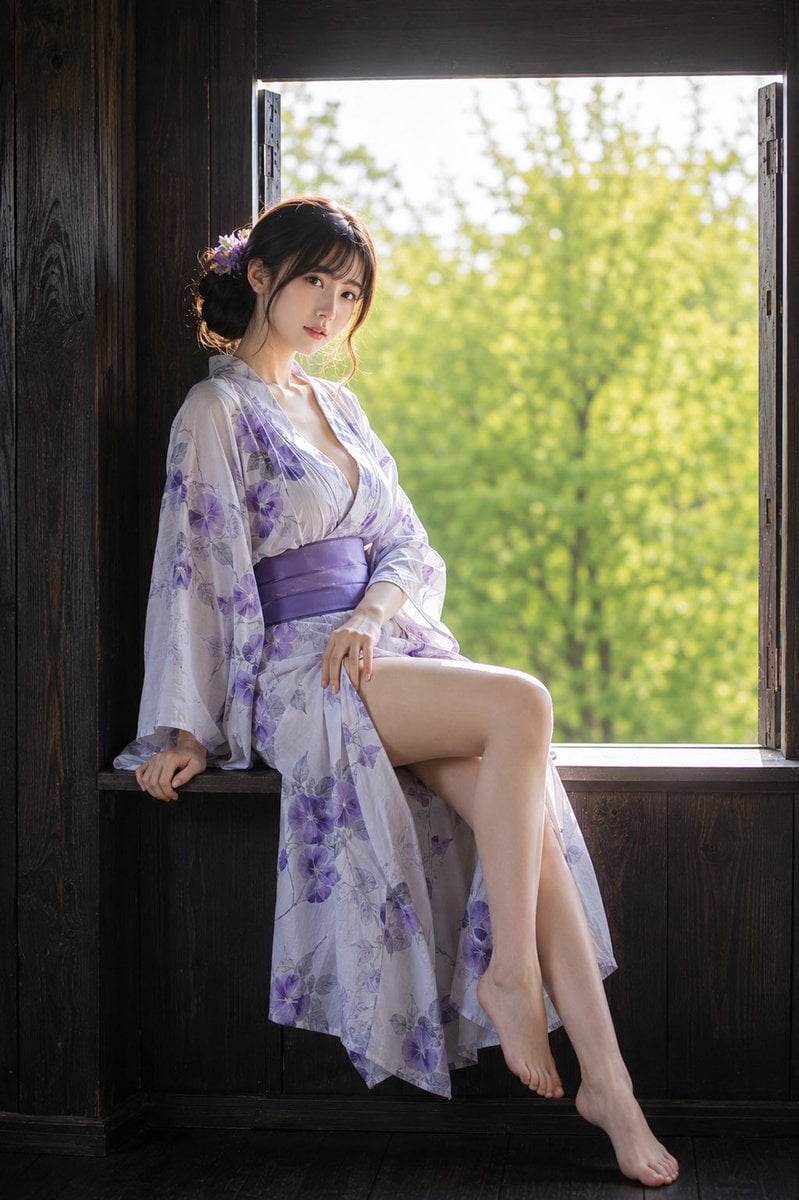
Japanese Summer Yukata Portrait
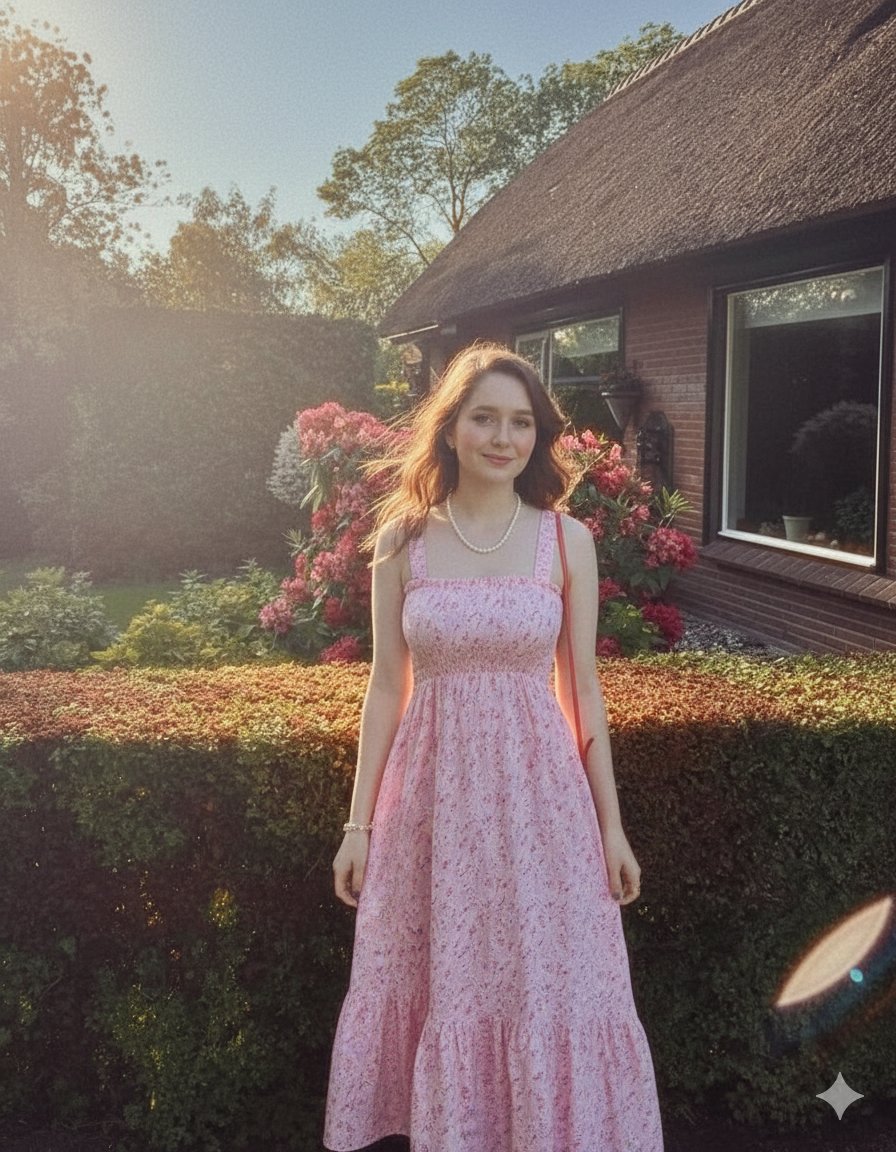
Elegant Summer Portrait in an English Country Garden

Found Photograph: Us, 1970

80s Couple Studio Portrait

80s Bollywood Star

80s Golden Hour Cinema

Me in 1985

1985 Studio Portrait

Hyper-Realistic Minecraft POV Portrait
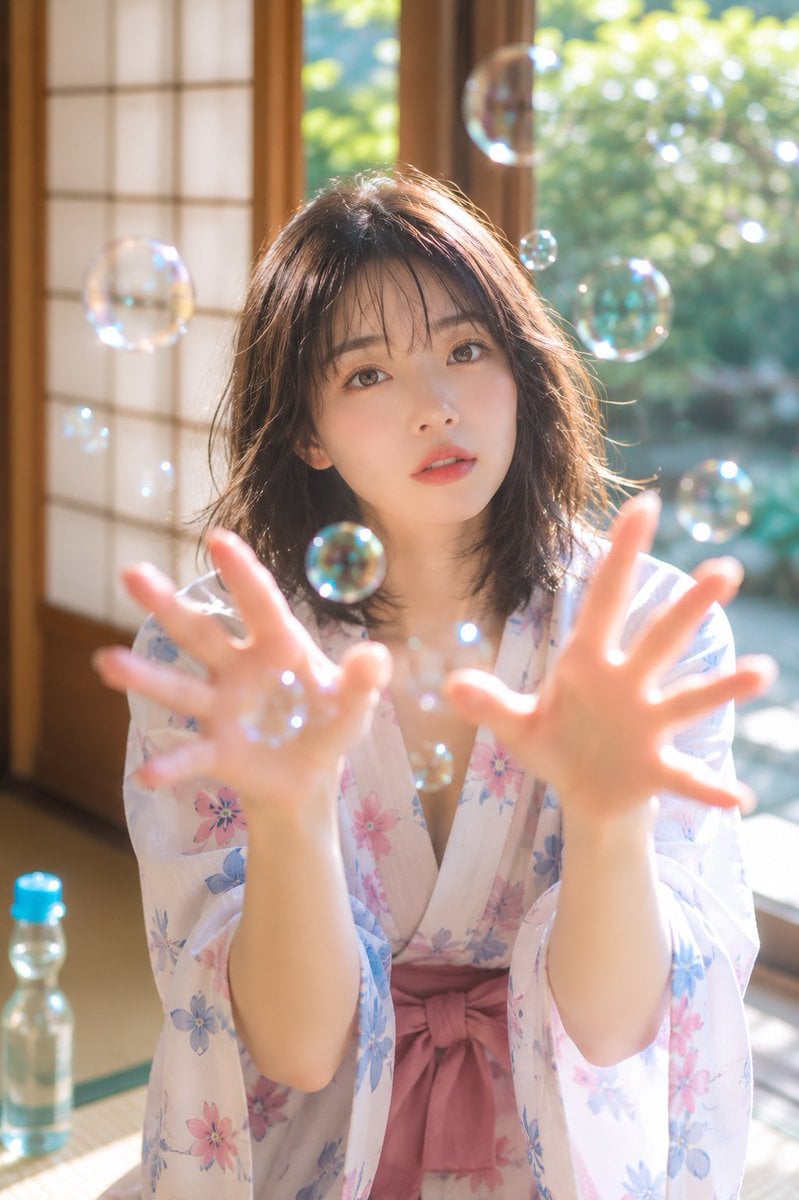
Summer Bubbles in Yukata
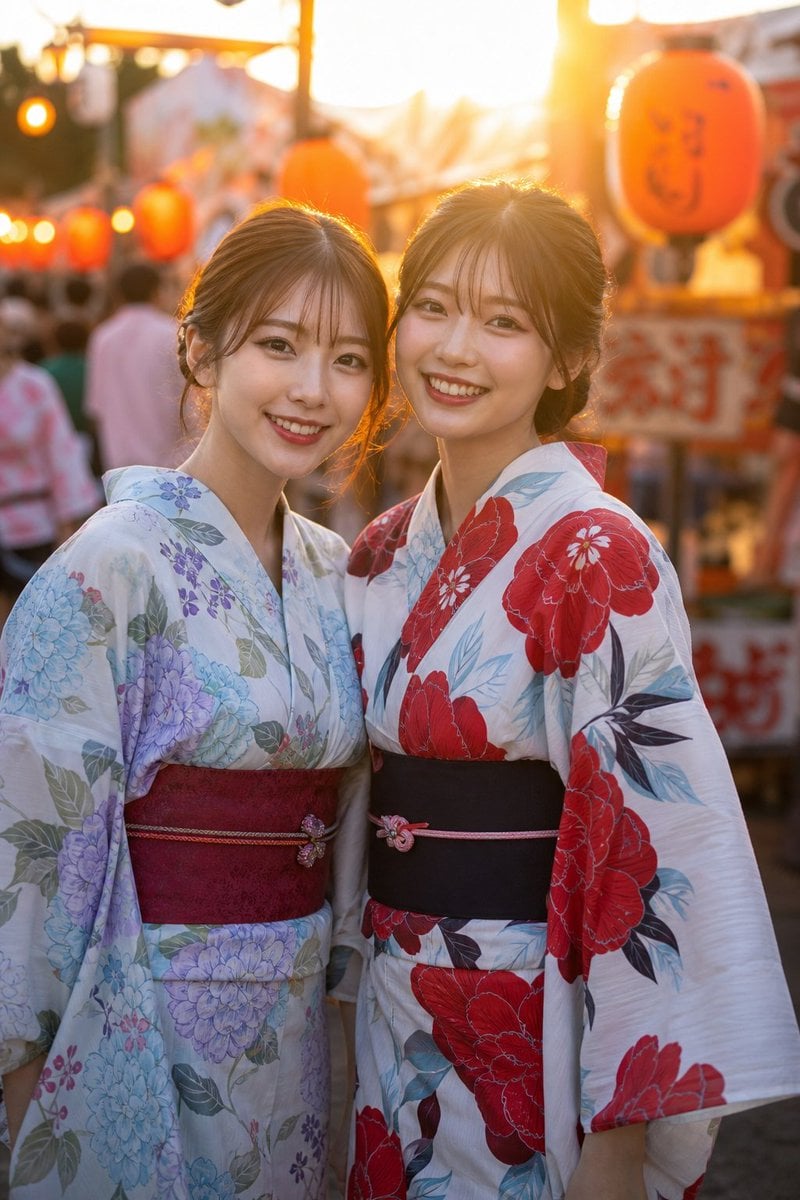
Two Friends in Yukata at Summer Festival
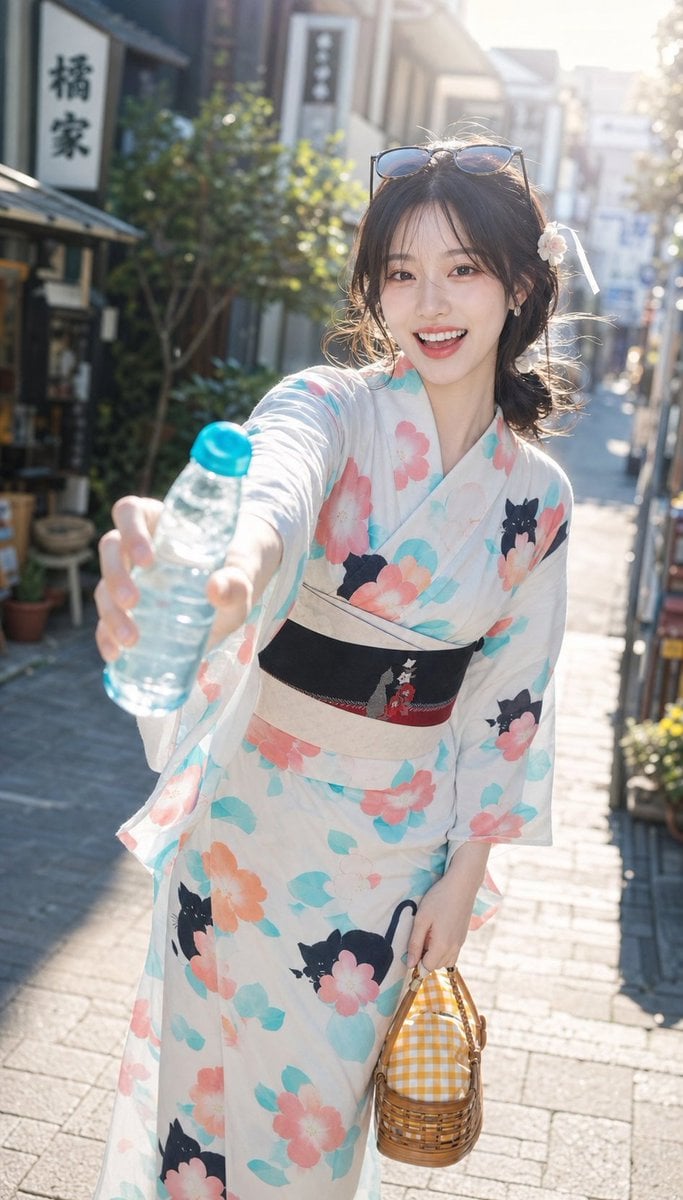
Japanese Yukata Summer Festival Snapshot
Make it yours
Summer Yukata Garden Portrait works as-is. These are the safest ways to change it without losing the look.
Change one field
Copy a single group, rewrite it, and generate again so you can see what that field is doing.
Keep the frame, change the subject
Hold the composition and light of Summer Yukata Garden Portrait, then swap wardrobe, props or the person for a new take.
| If the result… | Why | Fix |
|---|---|---|
| The result drifts from the preview | Too many fields changed at once. | Reuse Summer Yukata Garden Portrait as-is first, then change one group — subject, light, or setting. |
| The model over-stylizes the scene | The prose prompt leaves finish and camera underspecified. | Add one camera or lighting sentence and stay on GPT Image 2. |
More GPT Image 2 templates
Other prompts made for GPT Image 2.

Six VTuber Japanese Logo Sheet

Realistic Portrait of Woman and Deer

The Vista Modular Condo Poster

AI Model Routing Comparison Infographic

2.5D Anime Art Board

Isometric Productivity Desk Scene

New York Double Exposure Poster

Four-Panel AI Landscape Comparison

Japanese Tatami Lifestyle Magazine Cover

NESCAFÉ Coffee Map Poster
More image prompts
Fresh picks from across the catalog.

Surreal Aerial View of Giant Coffee Cup on Palm Jumeirah
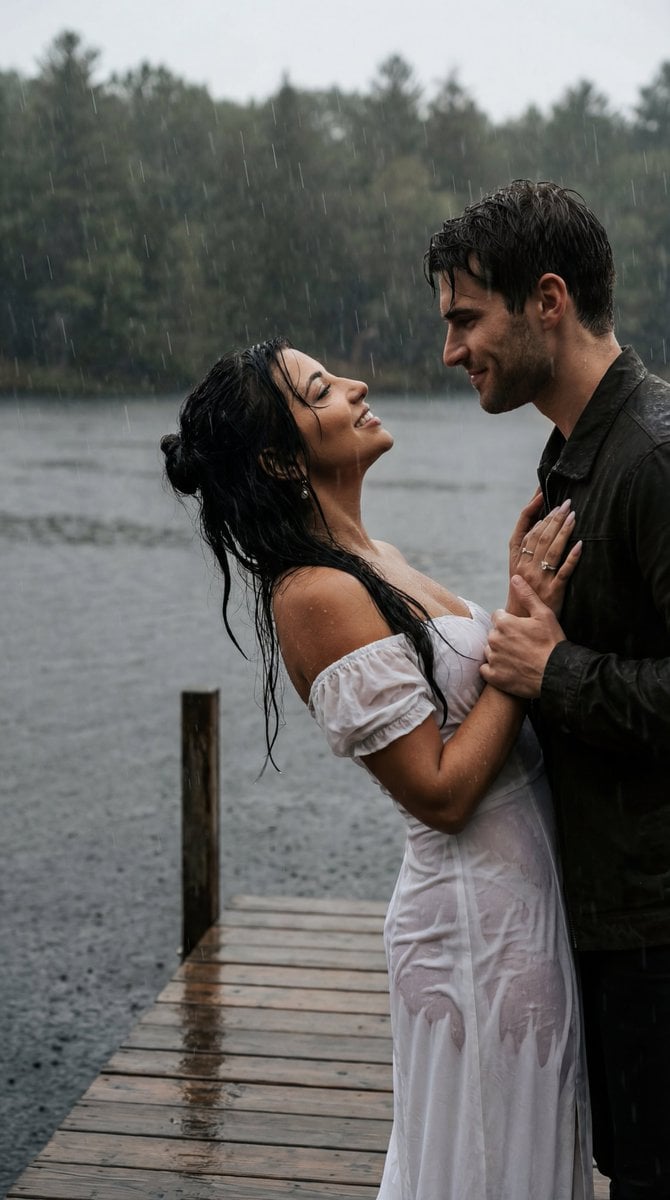
Cinematic Rainy Lakeside Couple Scene Prompt (Reference Lock)

X Ayzalnooor24521 Gemini Nano Banana Pro
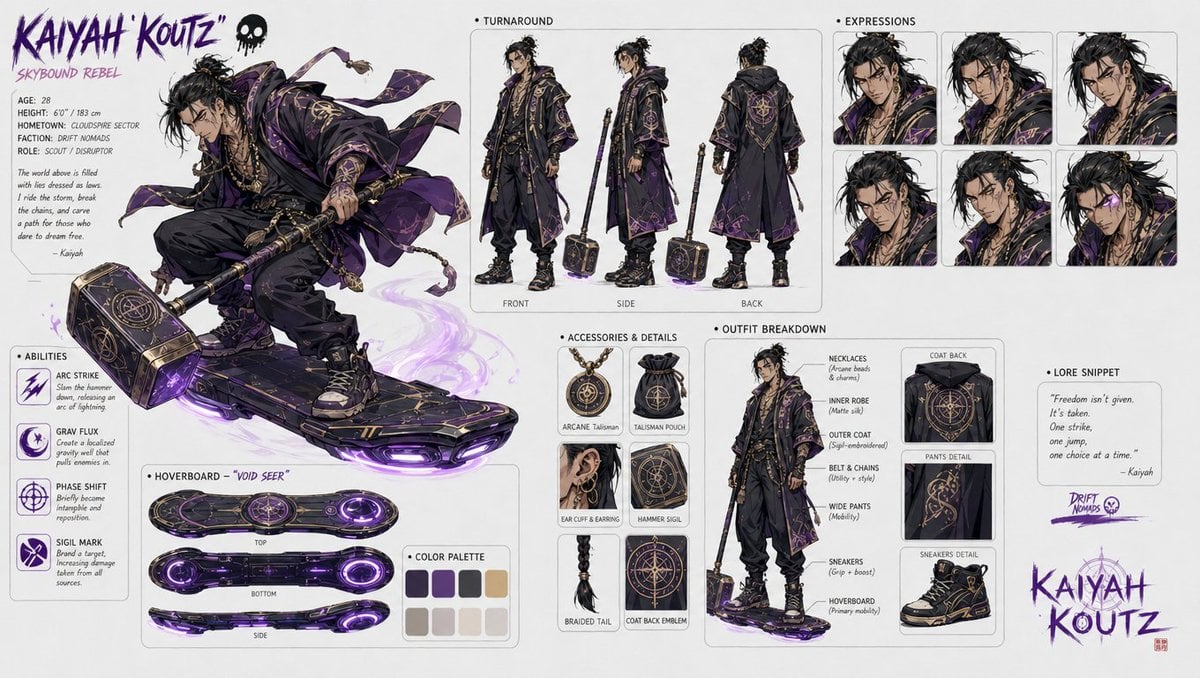
Character design refinement
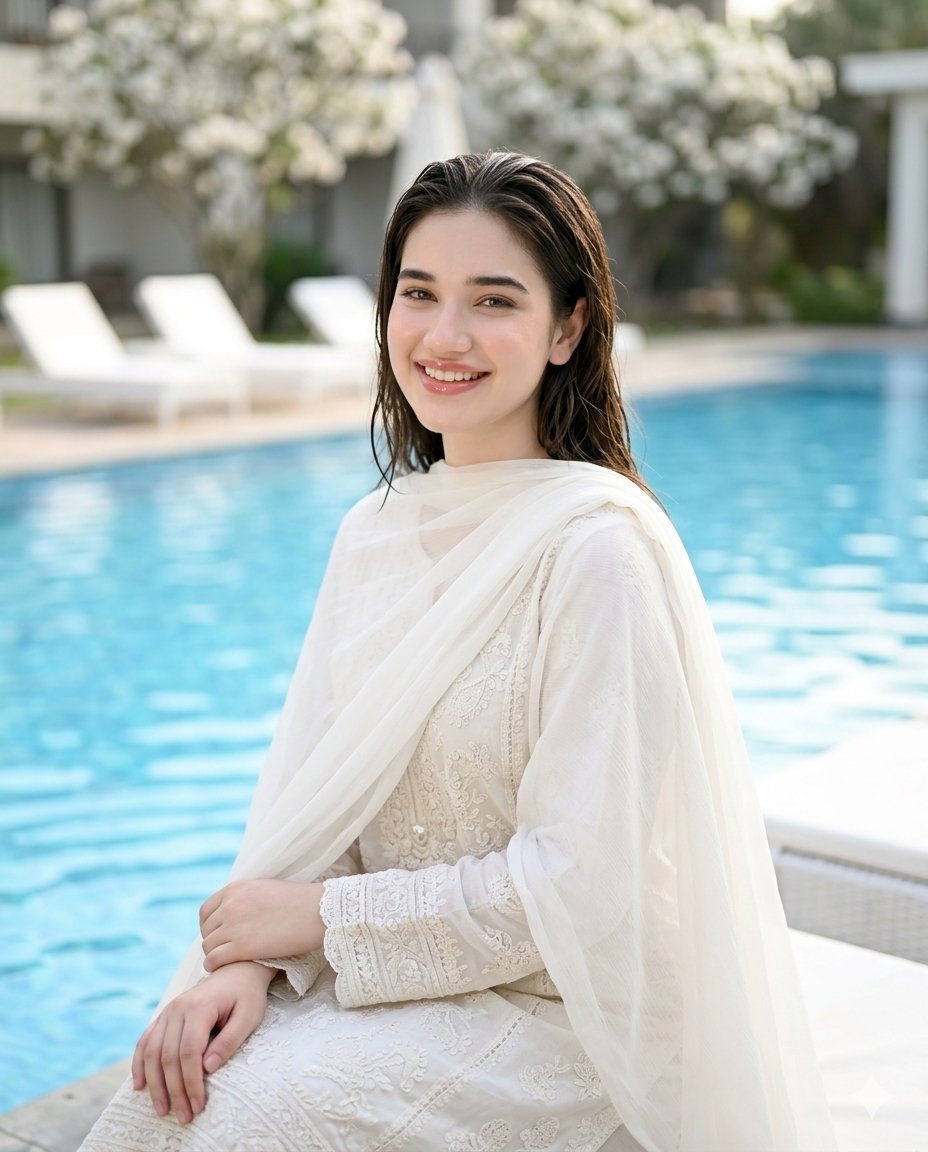
Poolside White Pakistani Fashion Portrait
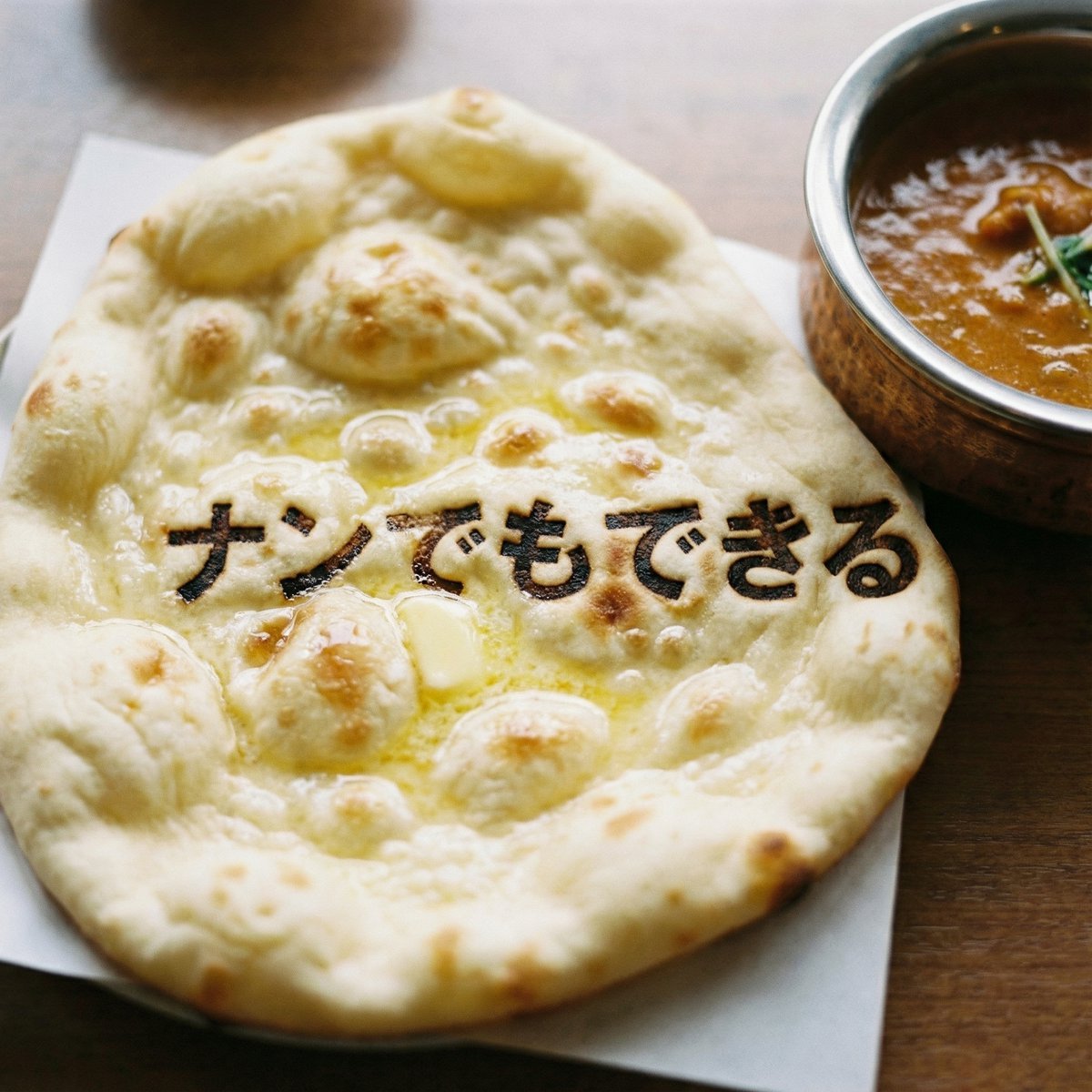
Photorealistic naan bread pun image
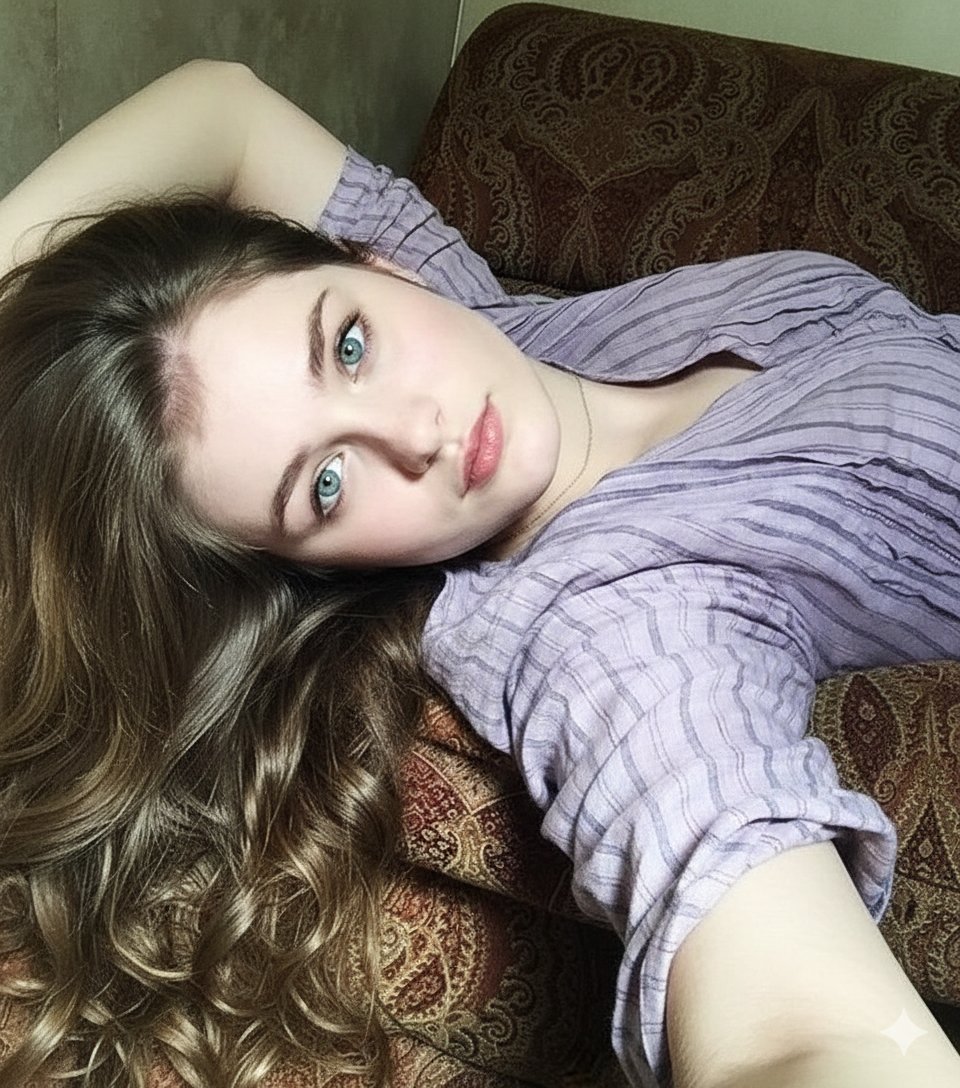
8K Photorealistic Close-Up Selfie Prompt on Ornate Couch
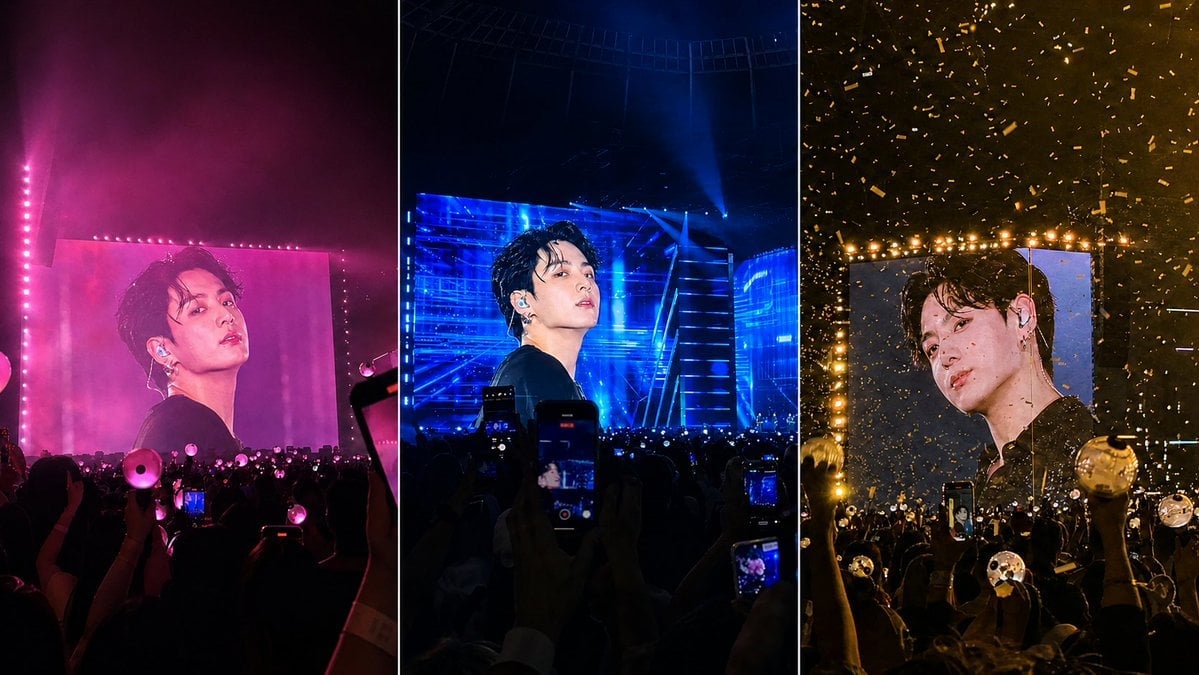
K-Pop Jumbotron Concert Collage

Winter Fashion Portrait with Face Consistency

Sunkissed Glamour Tight Crop Selfie at Golden Hour
Browse template categories
Summer Yukata Garden Portrait questions
How do I use the Summer Yukata Garden Portrait template?
Add your photo if the template asks for one, edit the prompt if you like — the template's model and format are already selected — and press Generate. Your version opens in PicX Studio.
Can I customize the Summer Yukata Garden Portrait template?
Yes. You can change the subject, setting, lighting, mood, format, and available model controls before creating your image.
Is the Summer Yukata Garden Portrait template free?
Opening and editing this template is free. Generating uses credits, shown on the Generate button when you are signed in.
Which AI model should I use?
Start with GPT Image 2, which is the model associated with this template. You can compare another compatible model for a different finish.
Looking for something else? Browse all templates.

Your photo, any look
Thousands of ready templates for every top image and video model, from one credit balance.