
Character design refinement
A transformation prompt for modifying an existing character sheet into an older, male version with an arcane and minimalistic style.
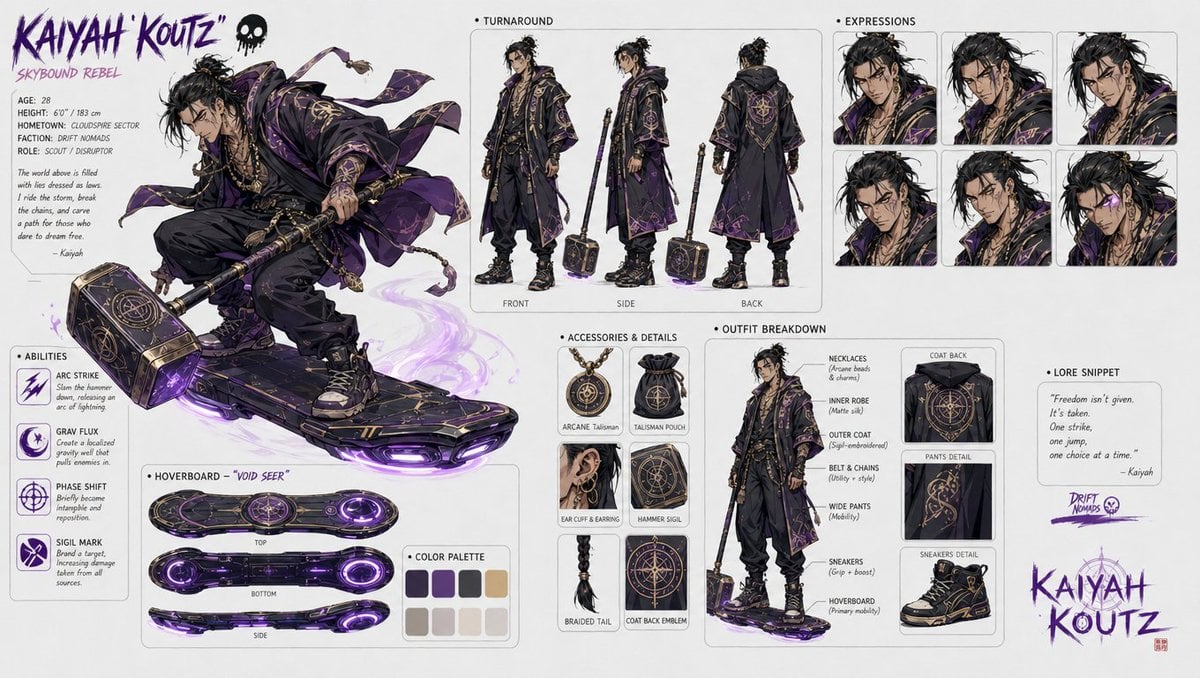
- Prompt included
- Model and format preset
- Free template
The prompt behind this image
Copy the exact prompt behind Character design refinement, or open it in the studio and make it yours.
change the {argument name="subject" default="character design"} but keep the style, make him {argument name="gender" default="male"}, make the design look more {argument name="age" default="adult"}, change his color palette , make the style a bit more {argument name="style" default="arcane style"}, he is wieldying a big hammer on his board, his style is not as graffity and more minimalistic and elegant, he is asian
Reference images included
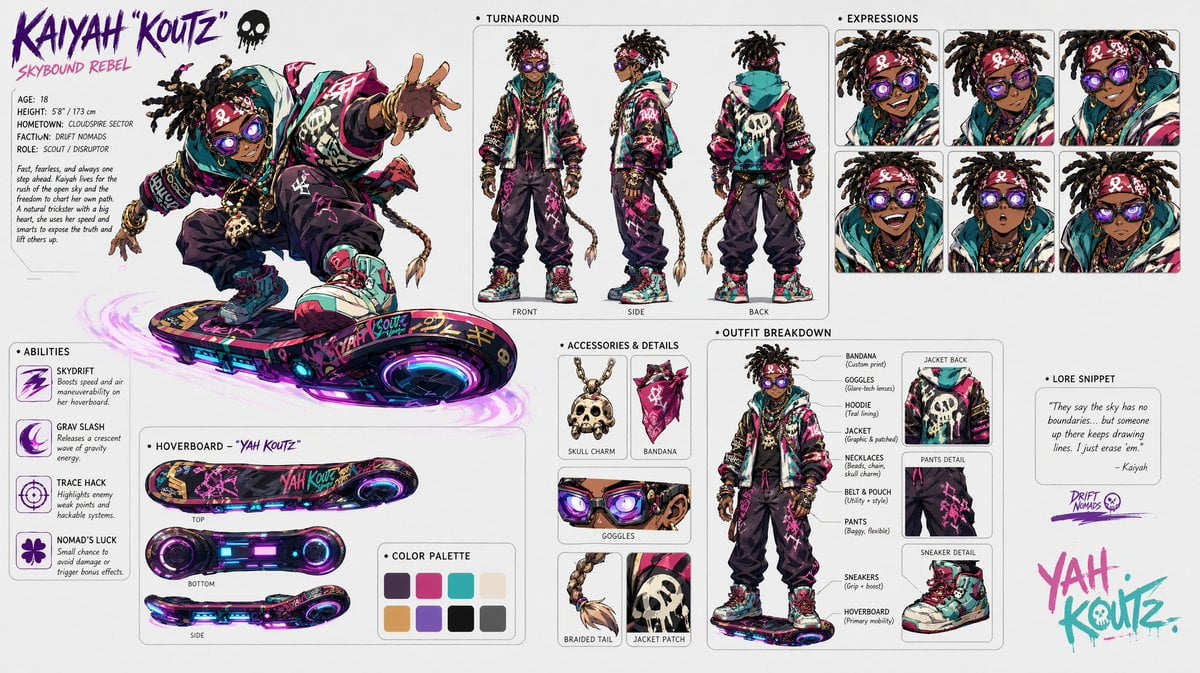
Character design refinement needs input media to work. They load alongside the prompt when you open it in the studio.
How to use Character design refinement in 3 steps
- 1Upload ImagePNG, JPG or paste
Add your photo
Upload the photo the template builds on. The prompt, model and format are already set.
- 2…a portrait of your subject in softgolden-hour light, 85mm…
Personalize
Edit the subject and creative details for your destination.
- 3Generate
Generate
Press Generate — your image is created in PicX Studio, so you can compare it with the original and refine one variable at a time.
More like this
Templates with the same subject, style or setup. Open one to see its prompt.
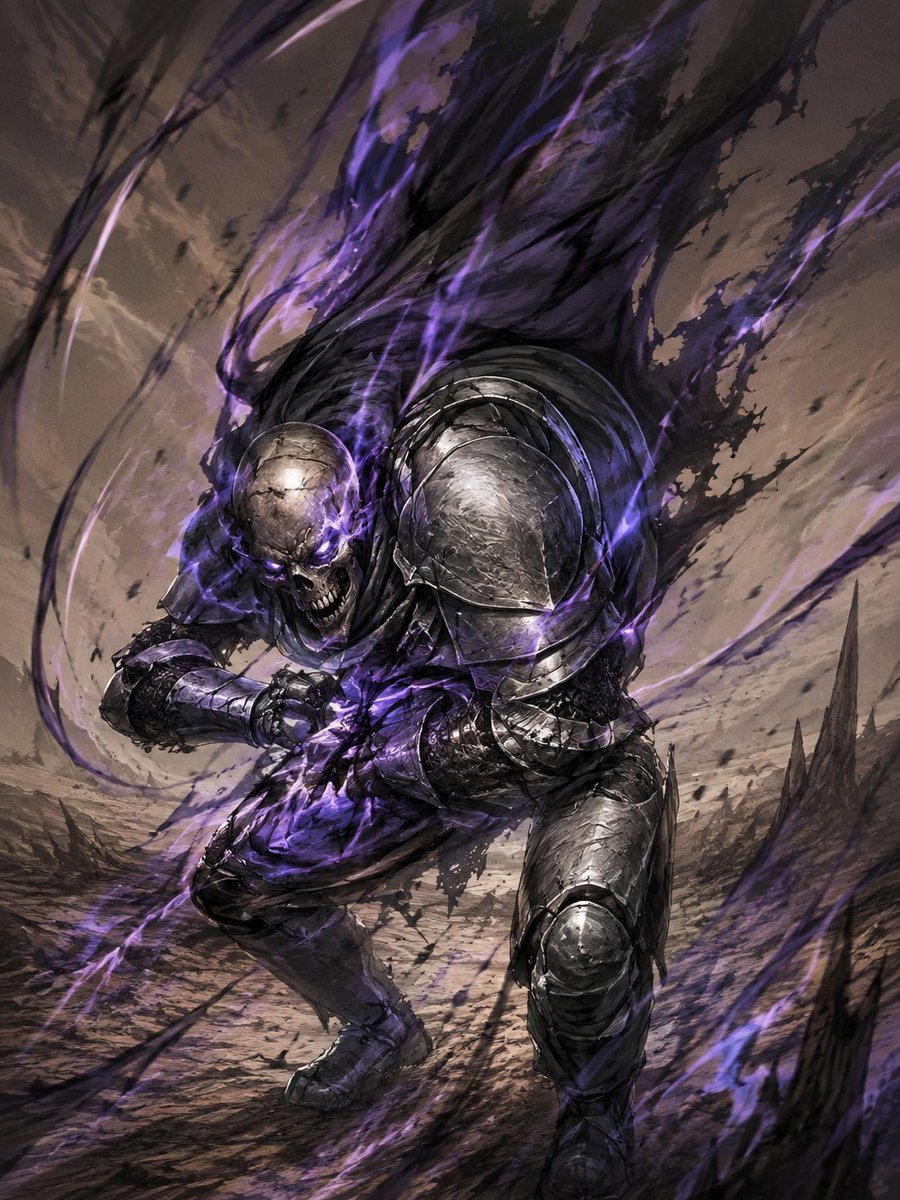
Dark Fantasy Sketch Refinement
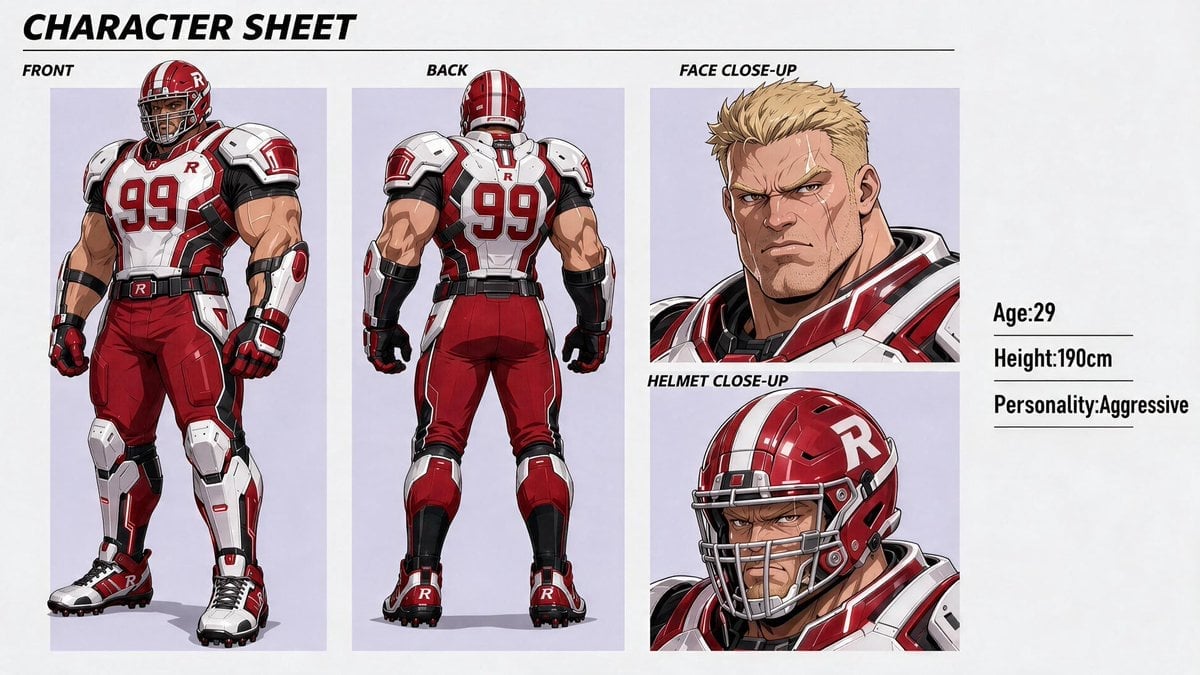
Clean Anime Character Sheet Refinement
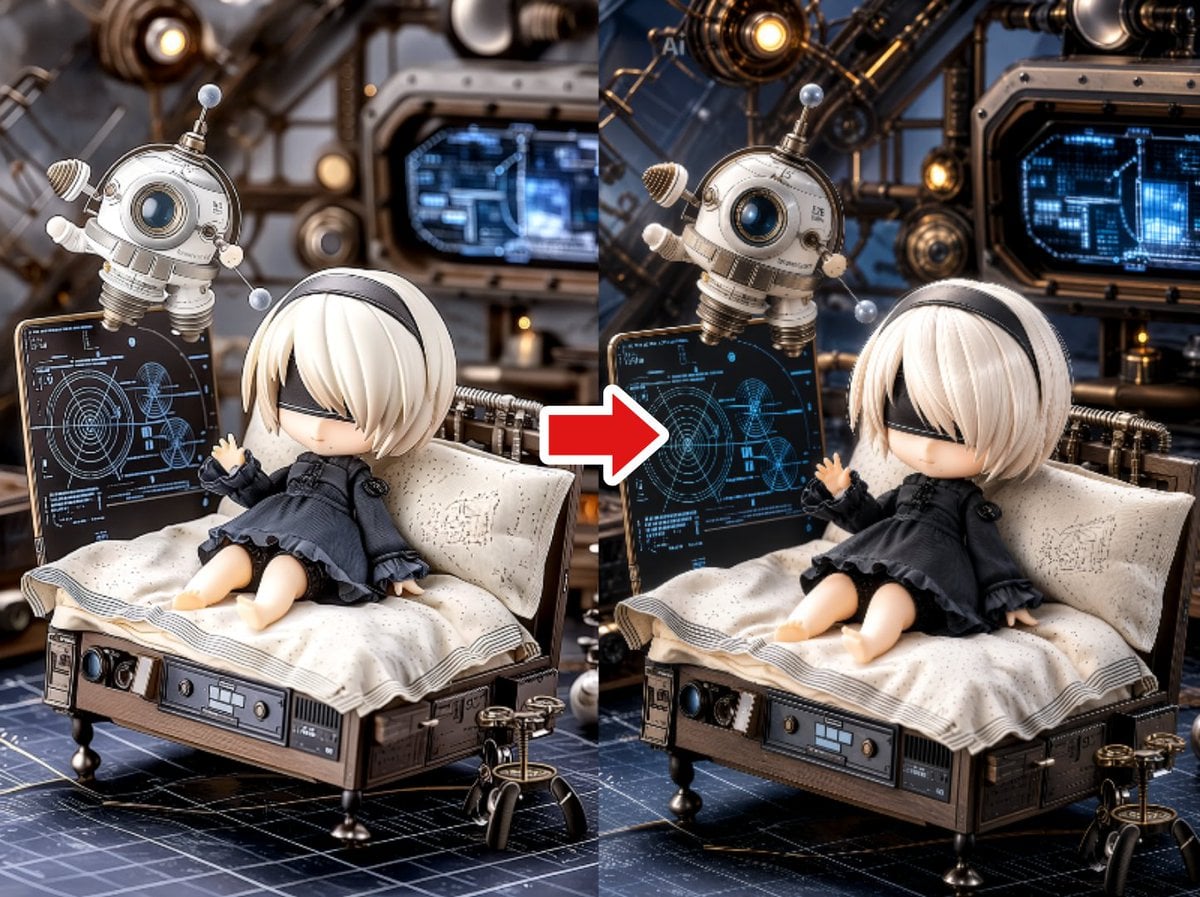
Illustration Refinement and Restoration
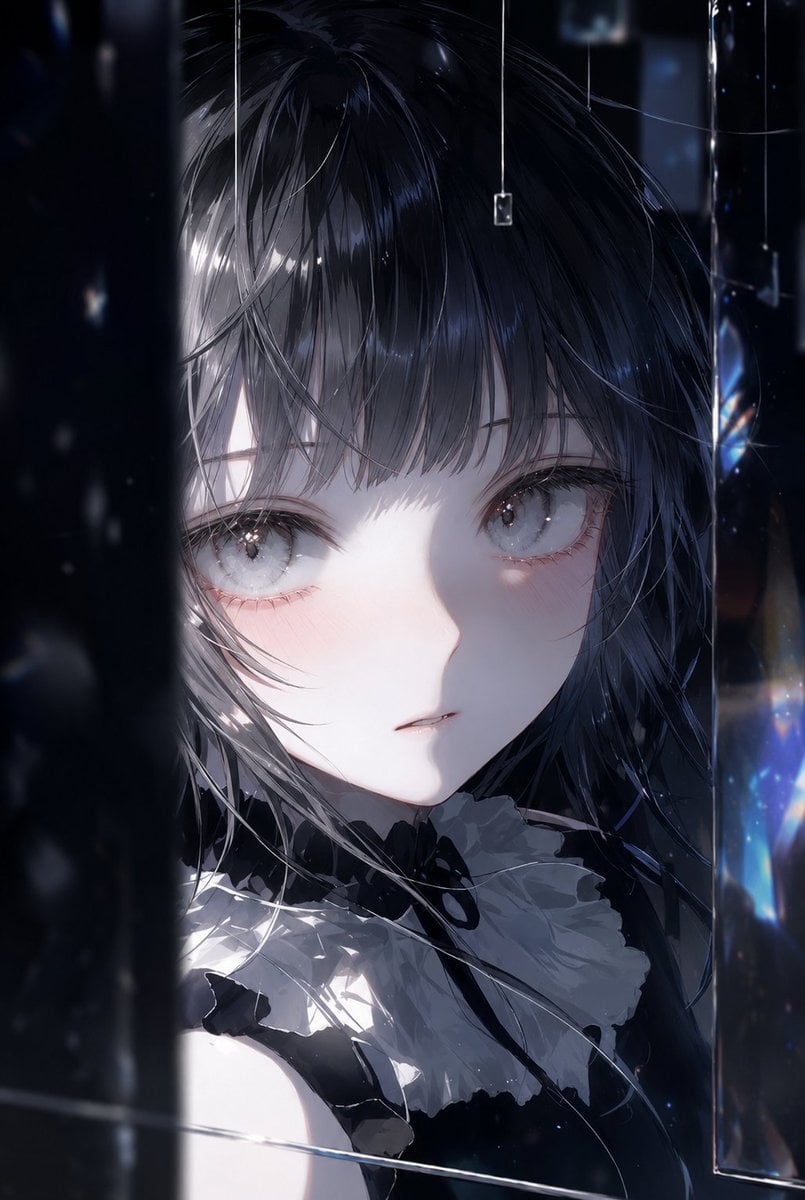
Illustration Refinement and Quality Upgrade
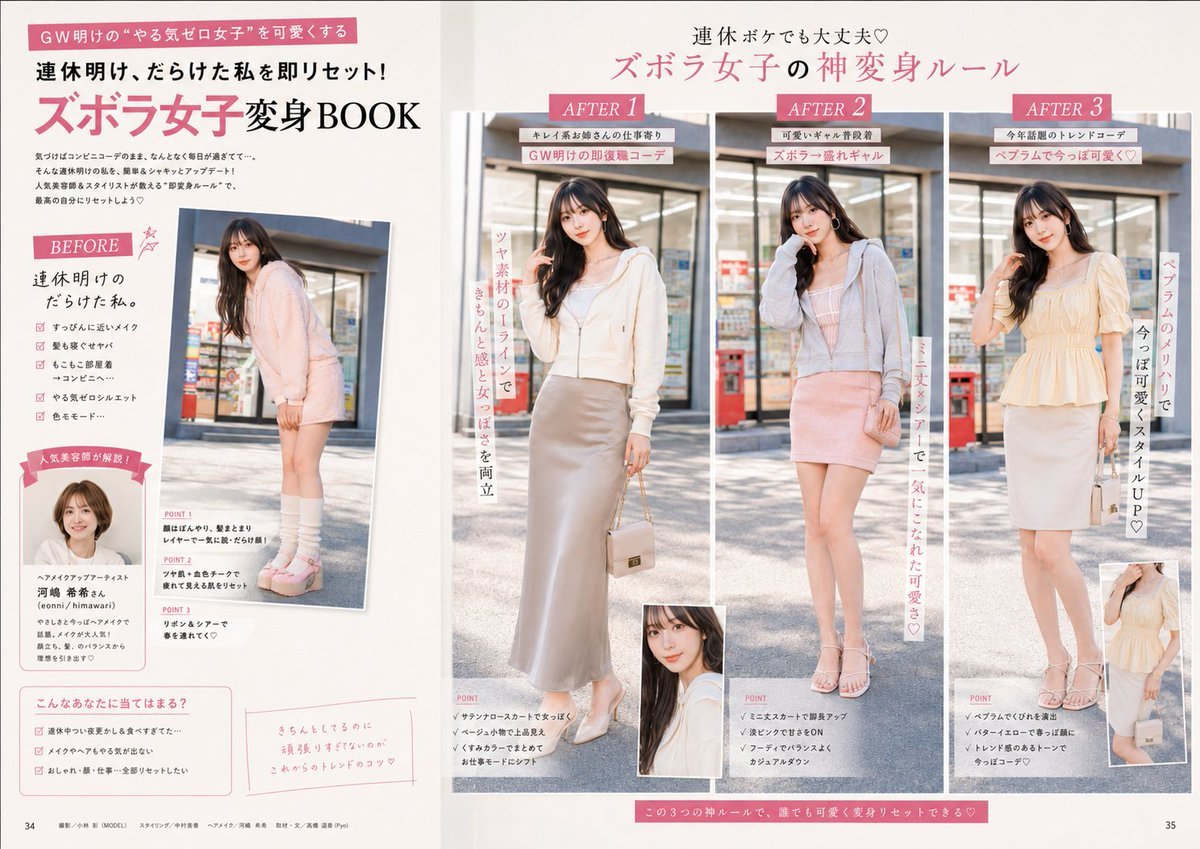
Fashion Magazine Layout Refinement
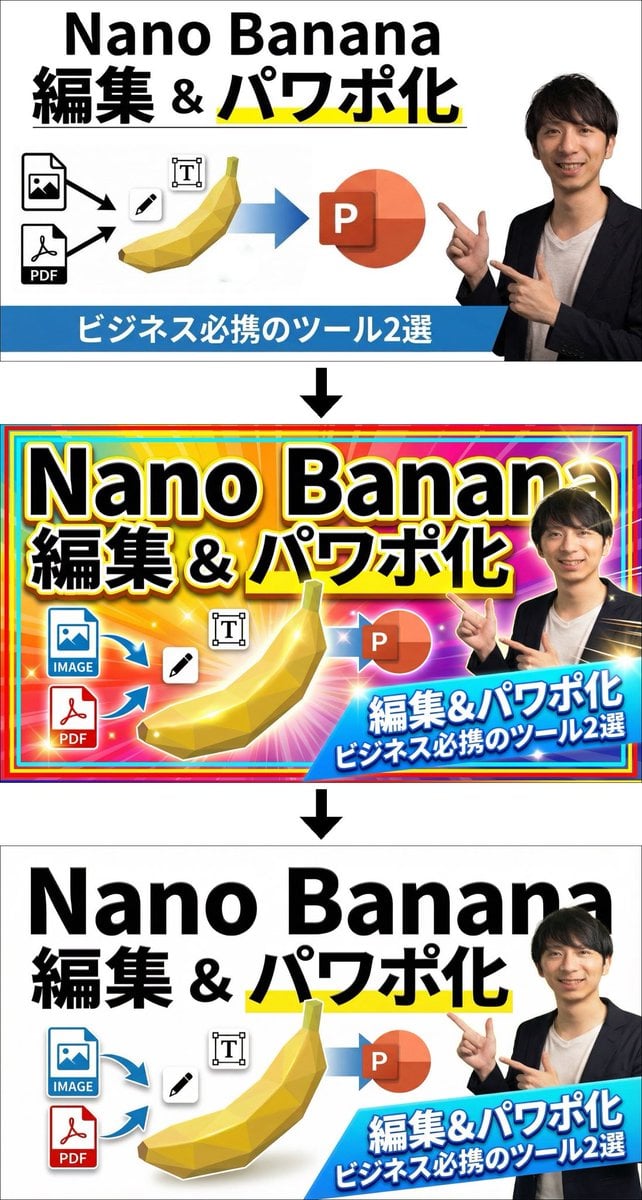
Two-step design refinement process: from flashy to sophisticated (Step 2)
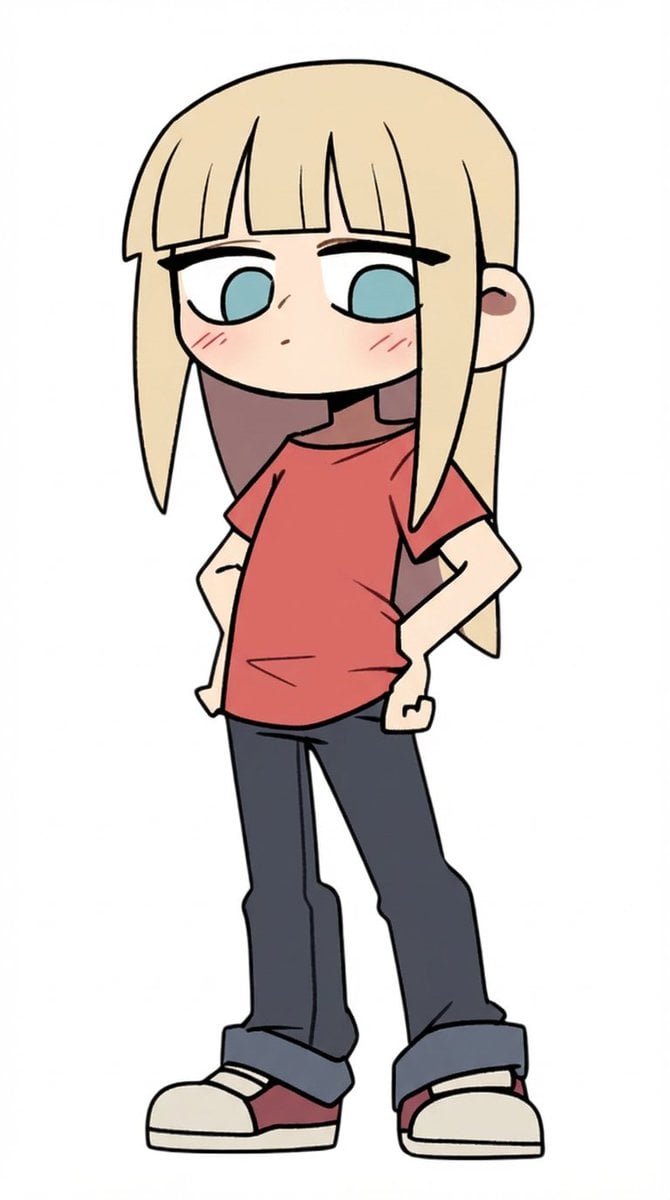
Character Refinement Prompt (Japanese Instructions)
LocalBanana Copilot Feature for Prompt Refinement
Image Refinement and Denoisng Prompt

Six VTuber Japanese Logo Sheet
European Cafe Lifestyle Photography

Luxury ABKR Portrait Poster
Make it yours
Character design refinement works as-is. These are the safest ways to change it without losing the look.
Change one field
Copy a single group, rewrite it, and generate again so you can see what that field is doing.
Keep the frame, change the subject
Hold the composition and light of Character design refinement, then swap wardrobe, props or the person for a new take.
| If the result… | Why | Fix |
|---|---|---|
| The result drifts from the preview | Too many fields changed at once. | Reuse Character design refinement as-is first, then change one group — subject, light, or setting. |
| The model over-stylizes the scene | The prose prompt leaves finish and camera underspecified. | Add one camera or lighting sentence and stay on GPT Image 2. |
More GPT Image 2 templates
Other prompts made for GPT Image 2.

Realistic Portrait of Woman and Deer

The Vista Modular Condo Poster

AI Model Routing Comparison Infographic

2.5D Anime Art Board

Isometric Productivity Desk Scene

New York Double Exposure Poster

NESCAFÉ Coffee Map Poster

Brutalist Cogito Chinese Typography Poster
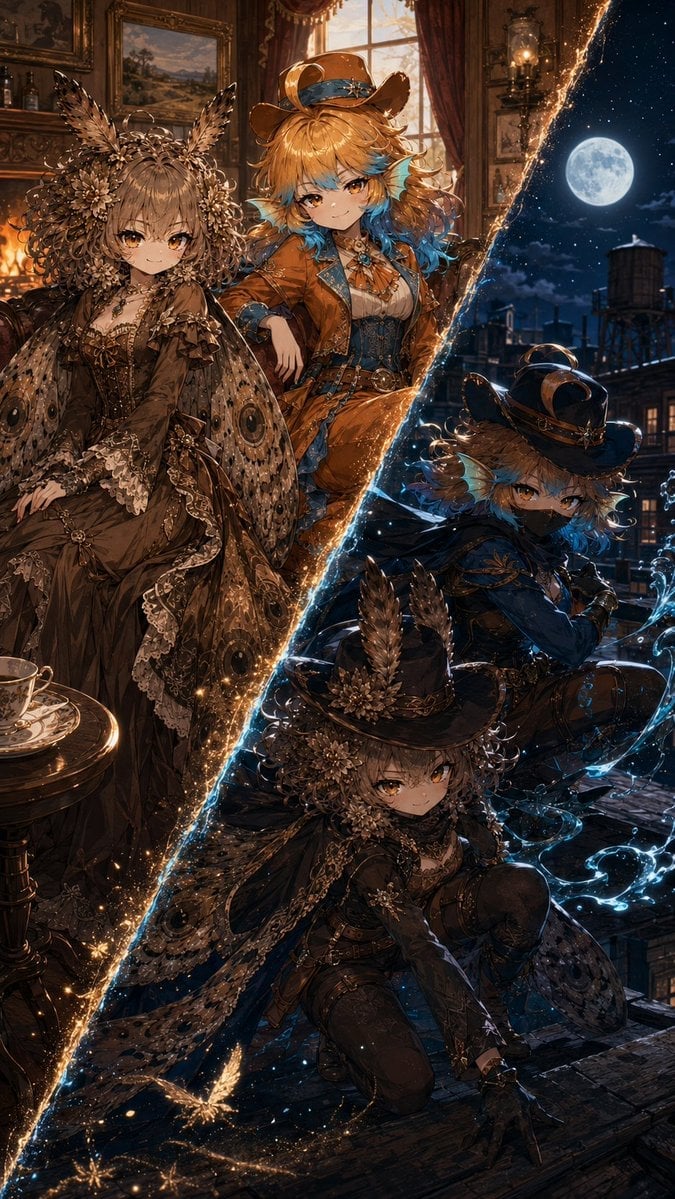
Superhero Era Transformation Split Portrait
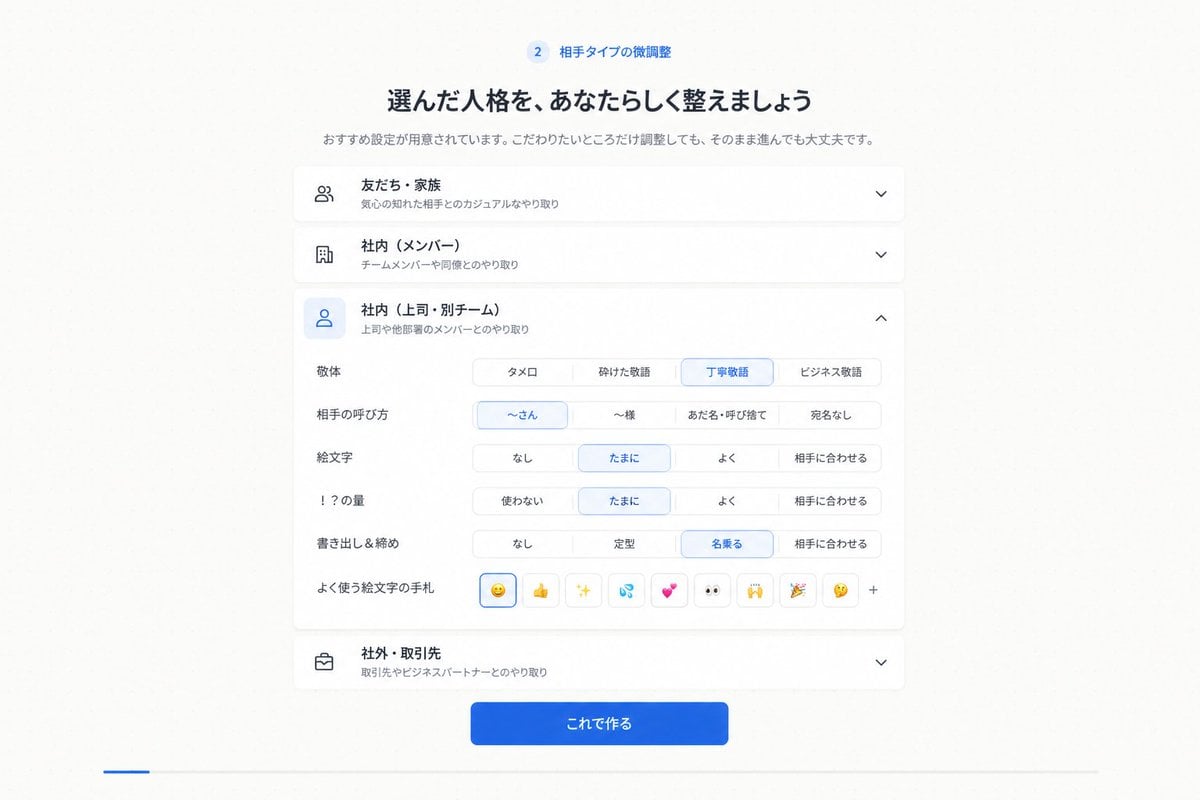
Japanese Personality Settings UI
More image prompts
Fresh picks from across the catalog.
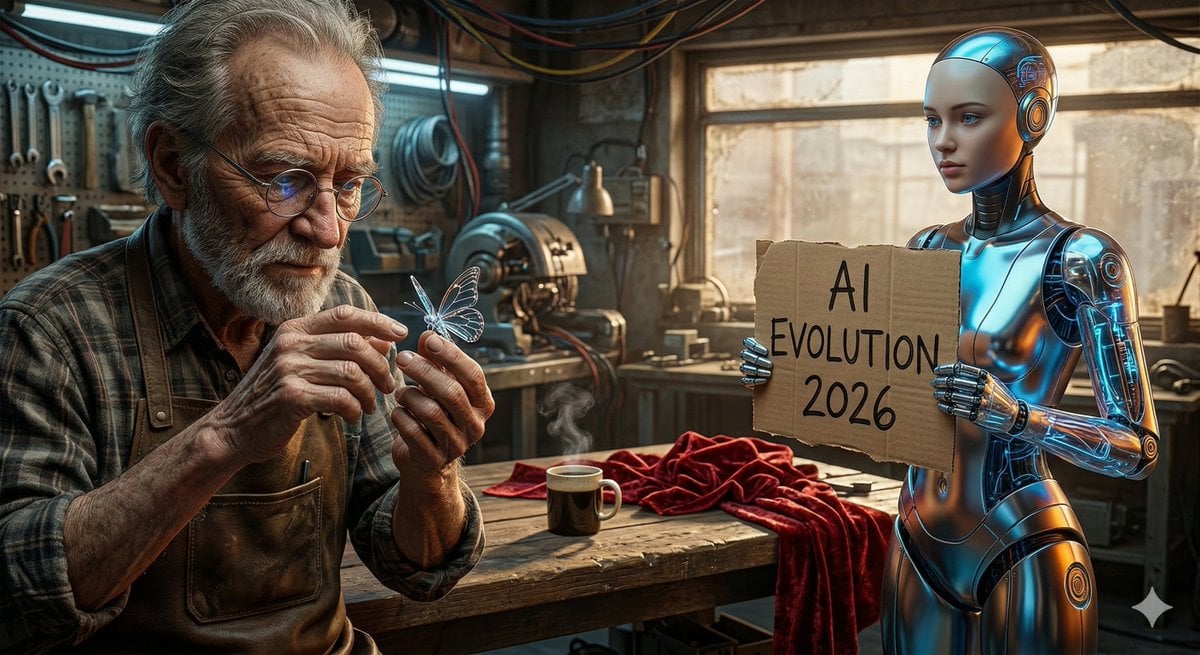
Benchmark Prompt for Nano Banana/Gemini Image Generation
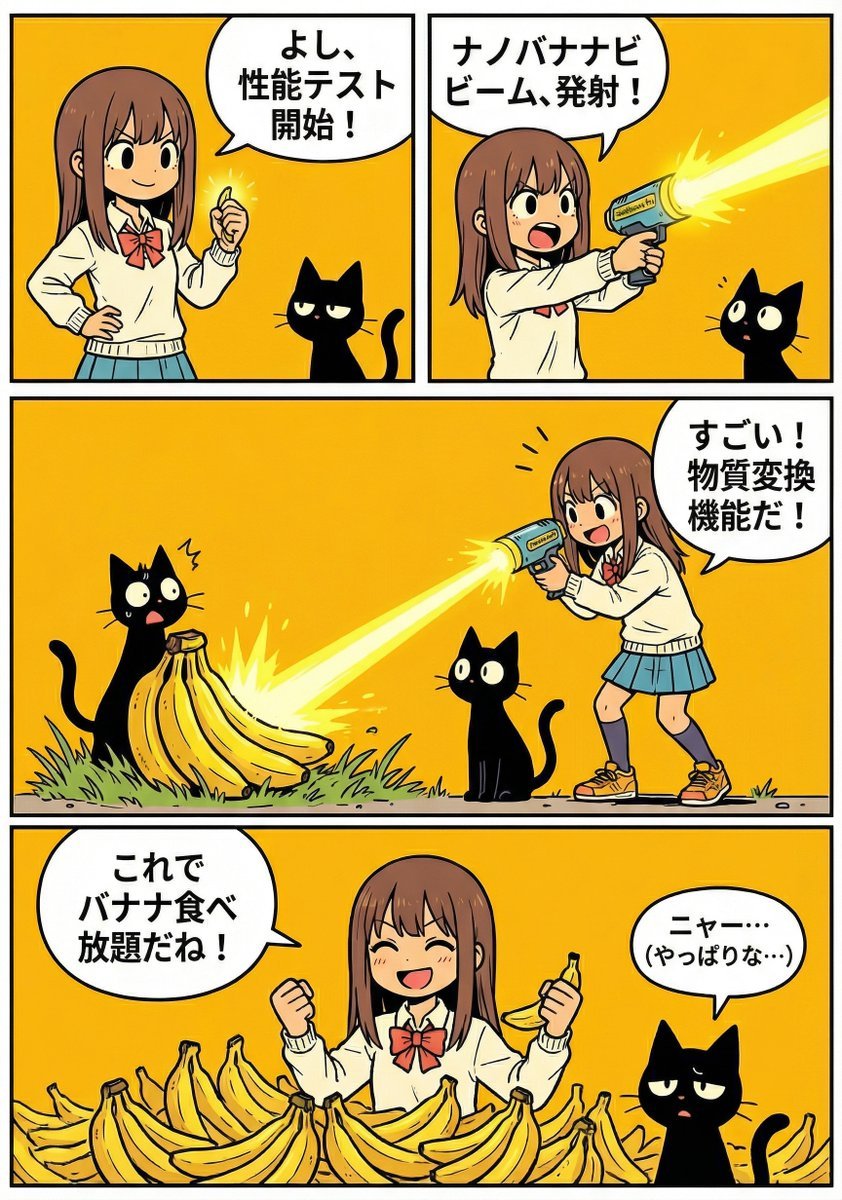
A4 manga about how amazing Nano Banana Pro is
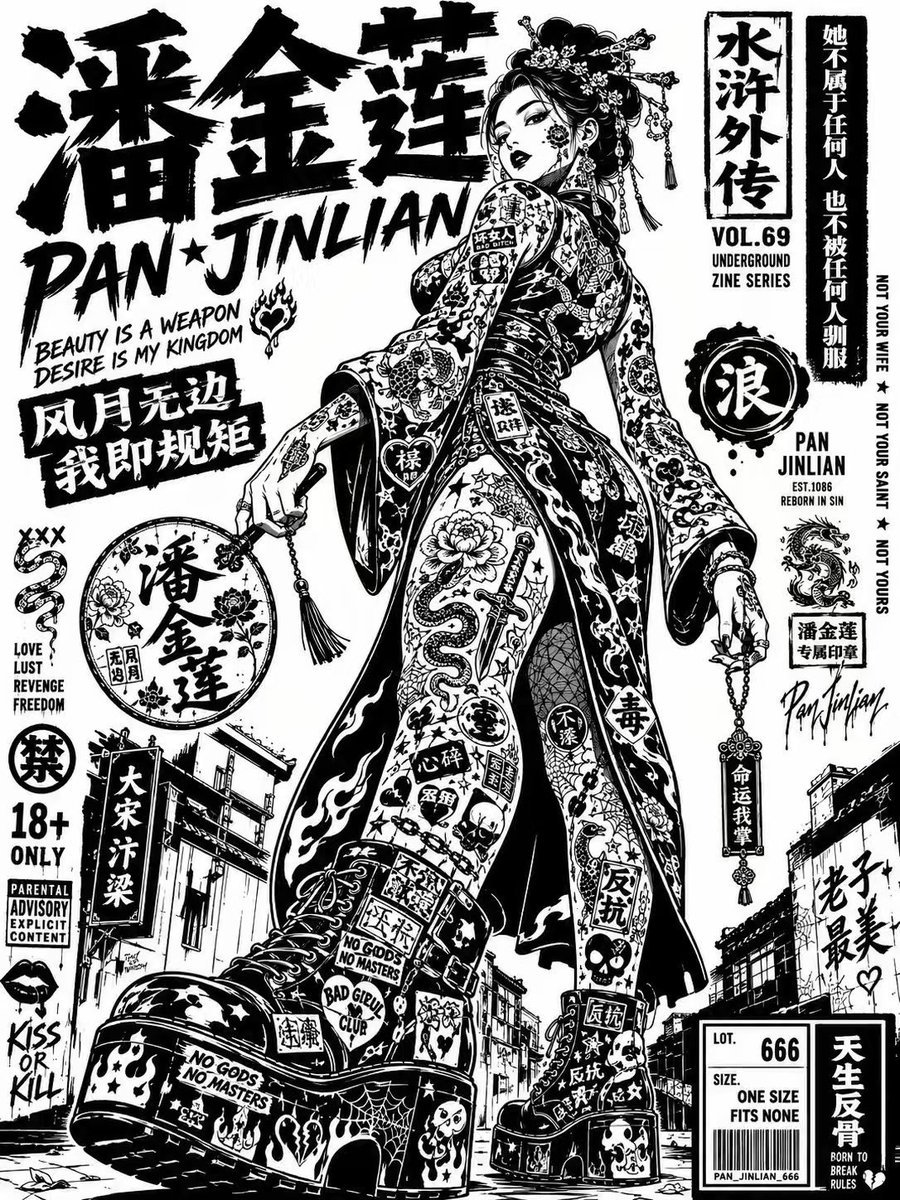
Noir Street Poster Illustration
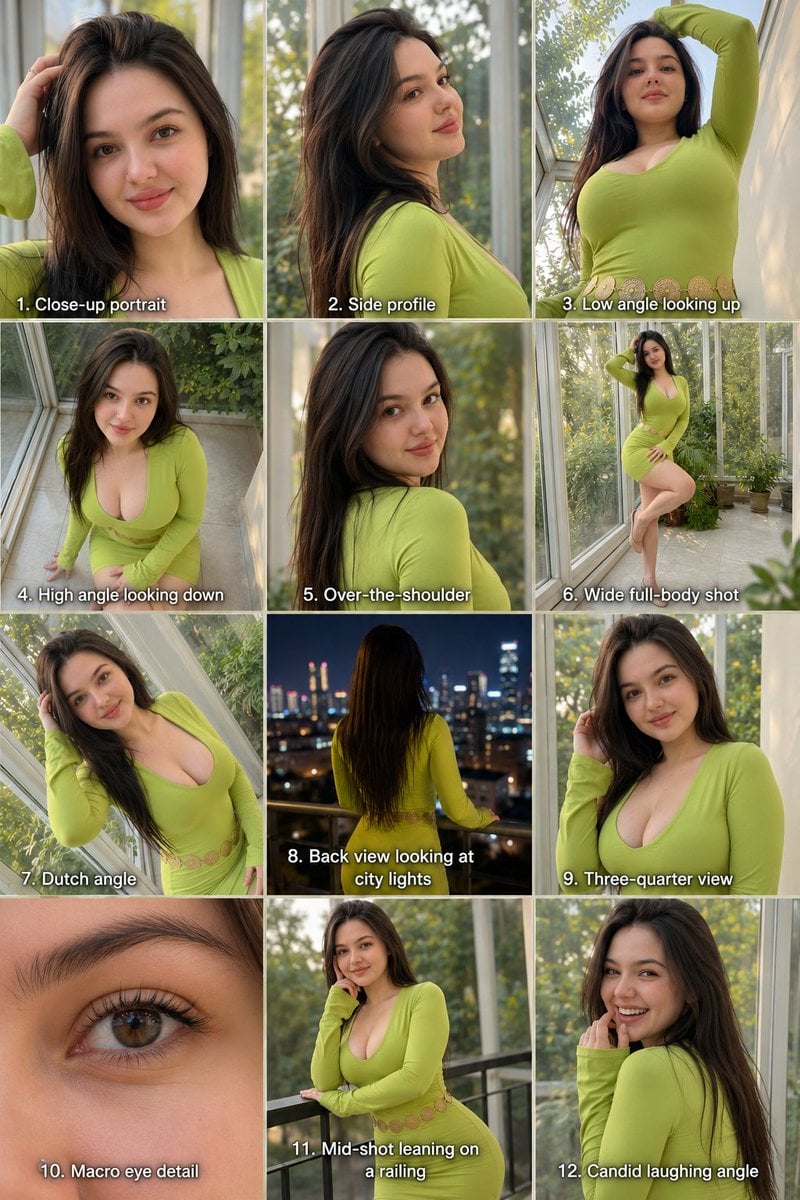
Twelve Angle Multi-View Face Grid
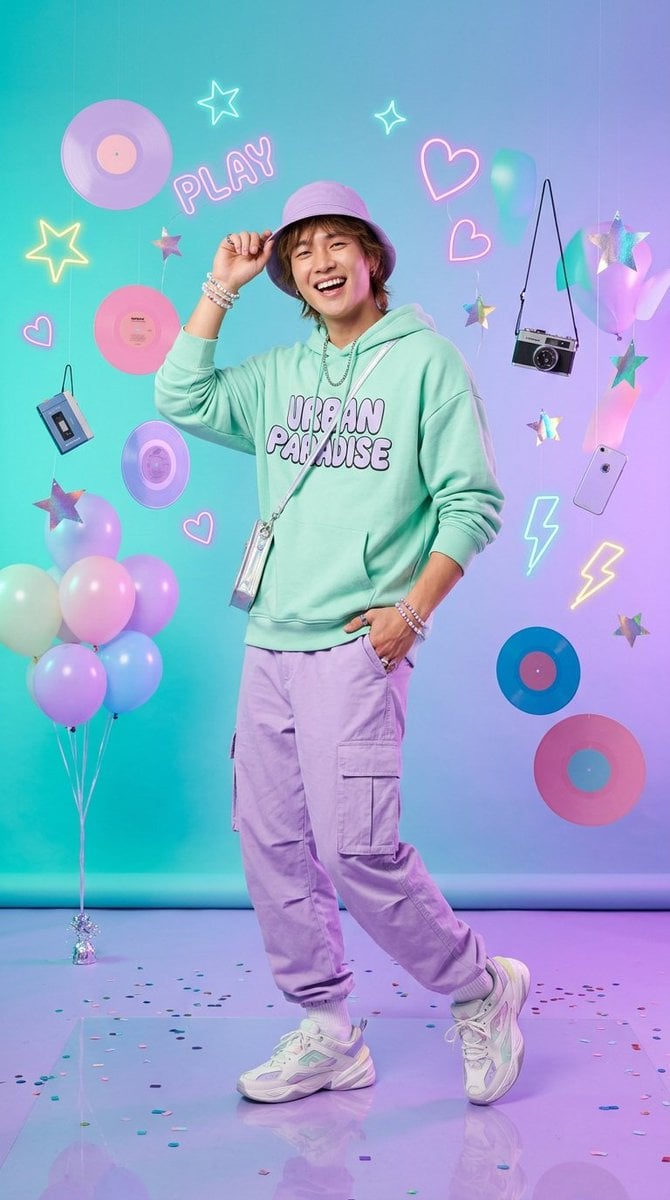
Kawaii Pastel Goth Editorial
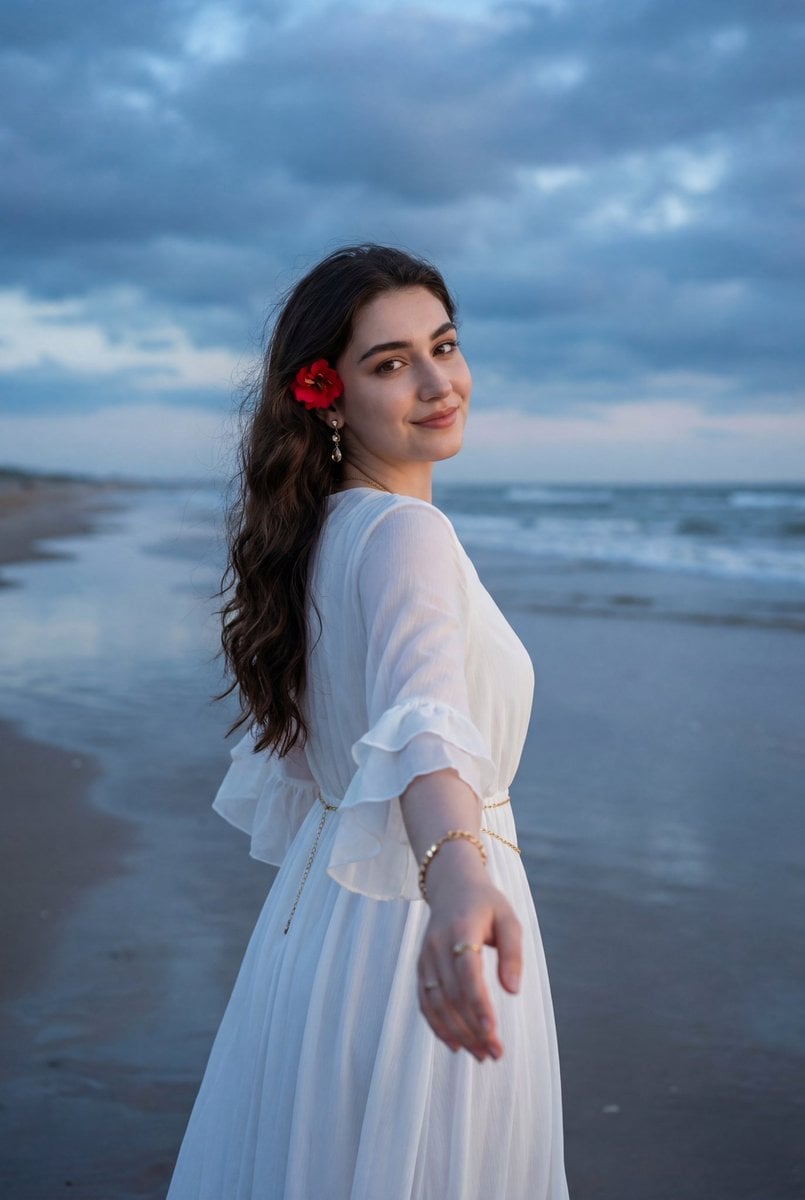
Ethereal Coastal Lifestyle Portrait at Blue Hour
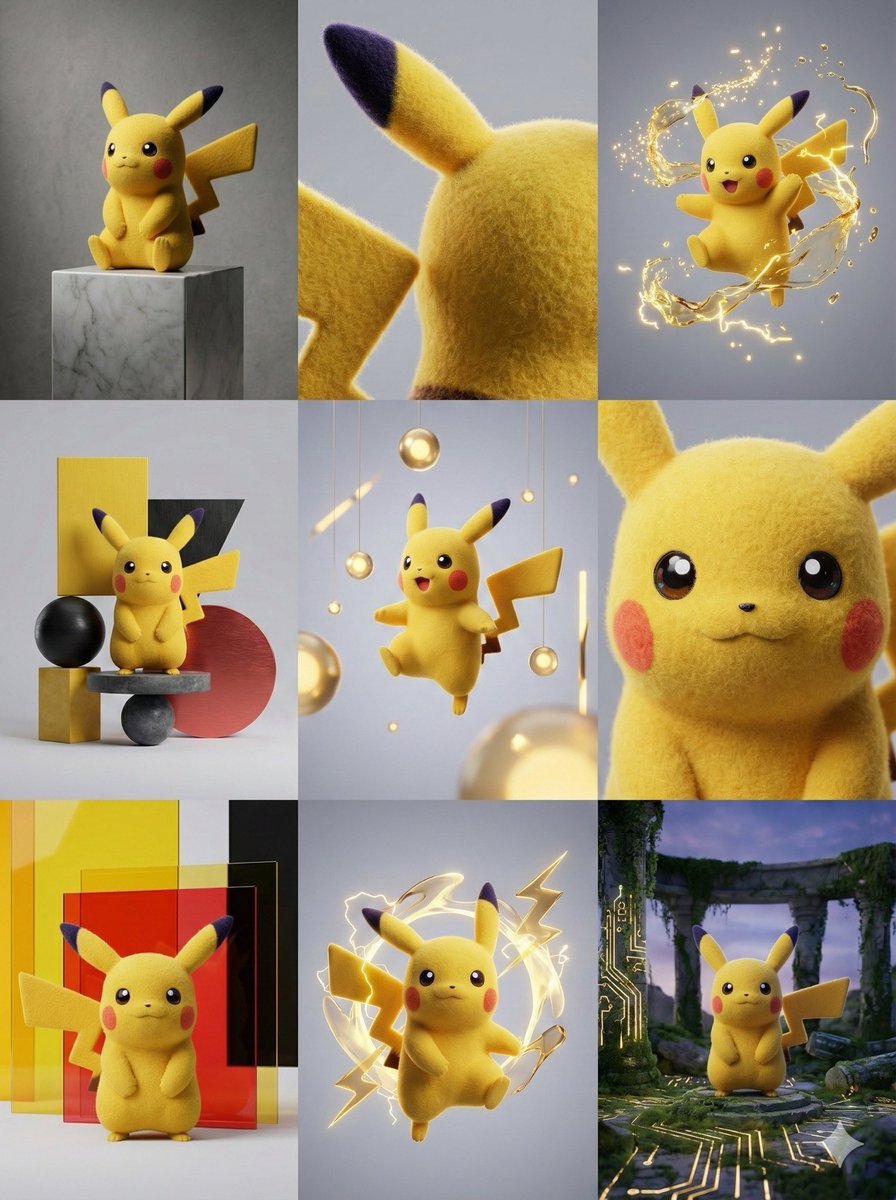
3x3 Grid Visual Concept Presentation
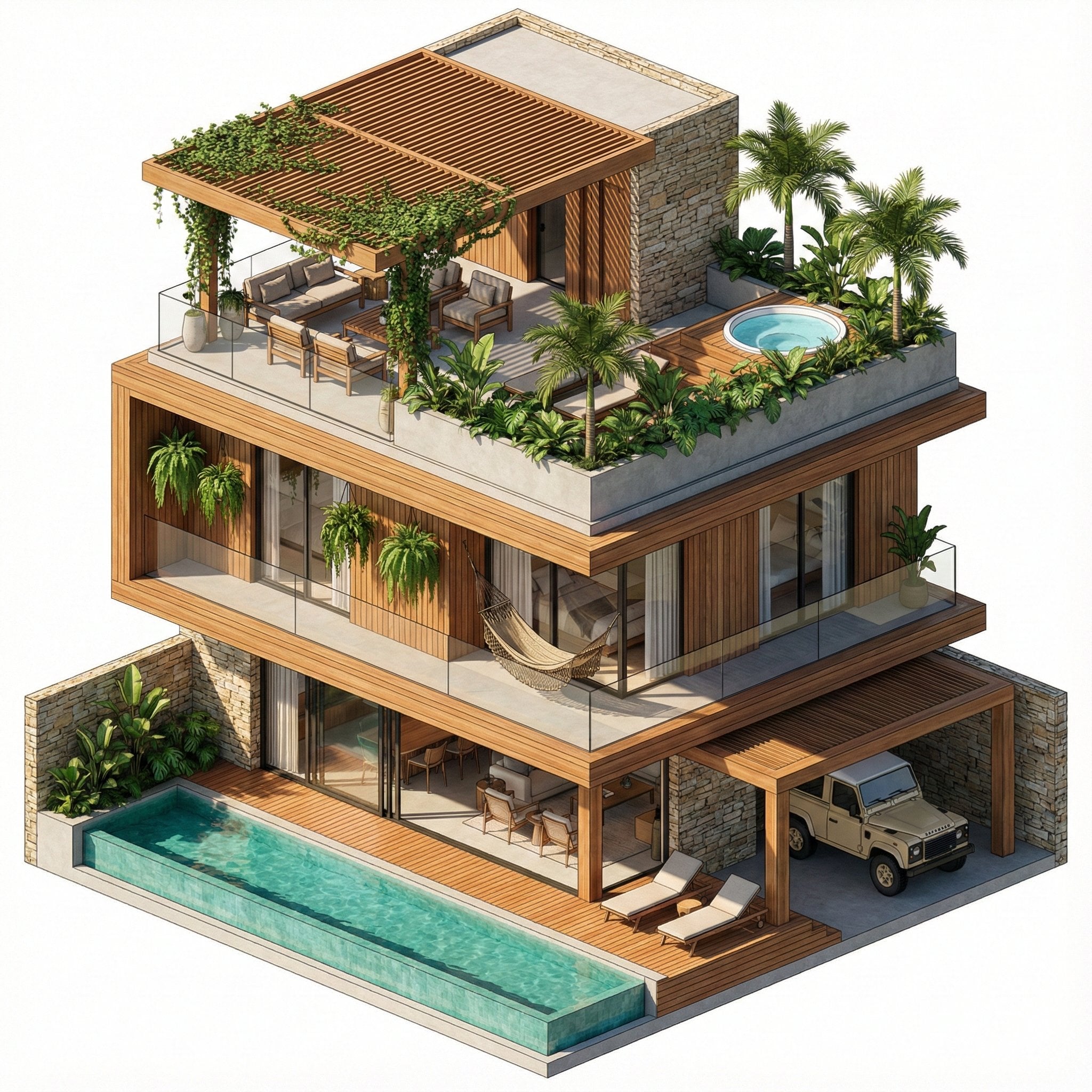
Nano Banana Pro in Geminiapp
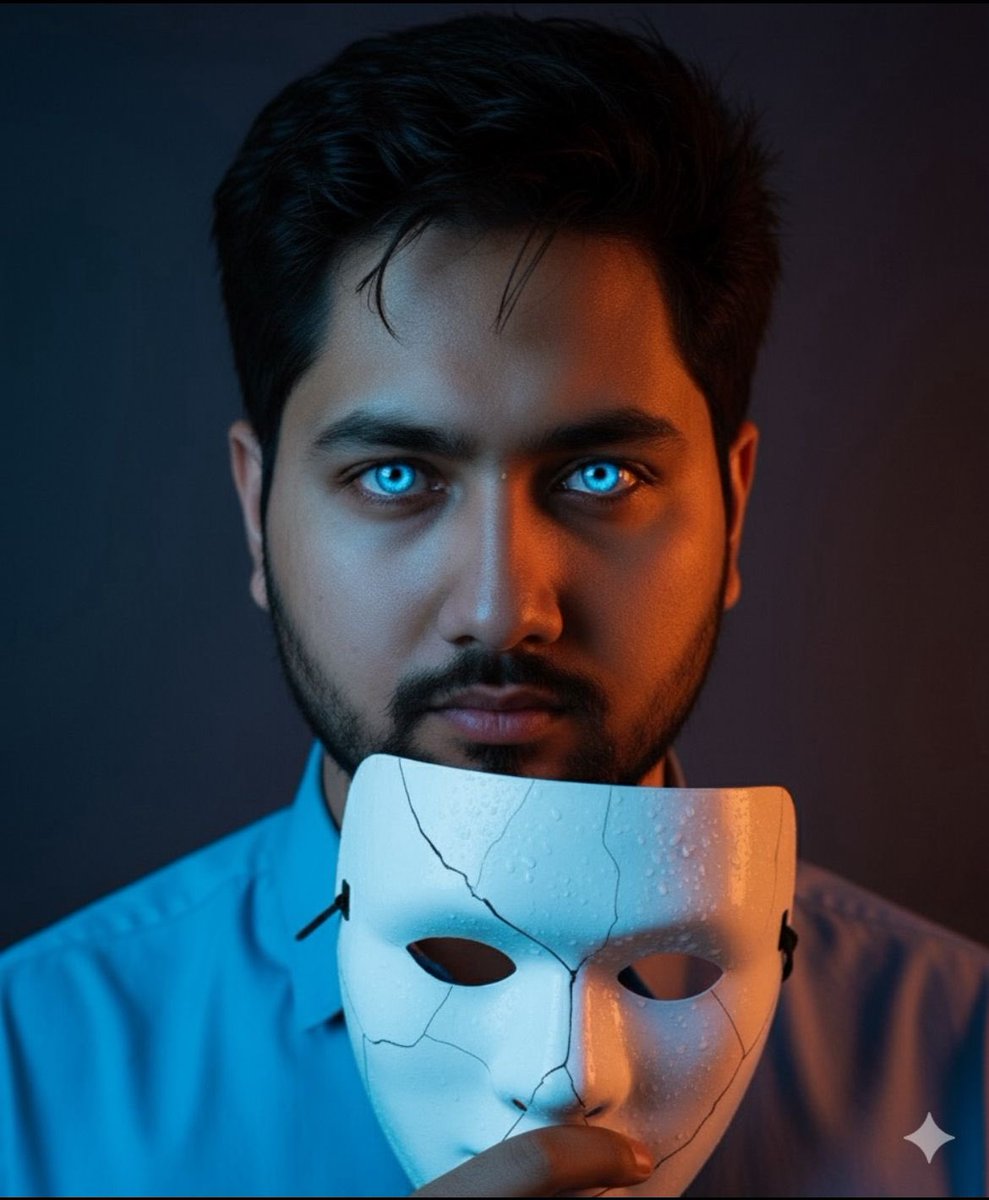
Dramatic Close-Up Portrait with Wet Skin and Cracked Mask
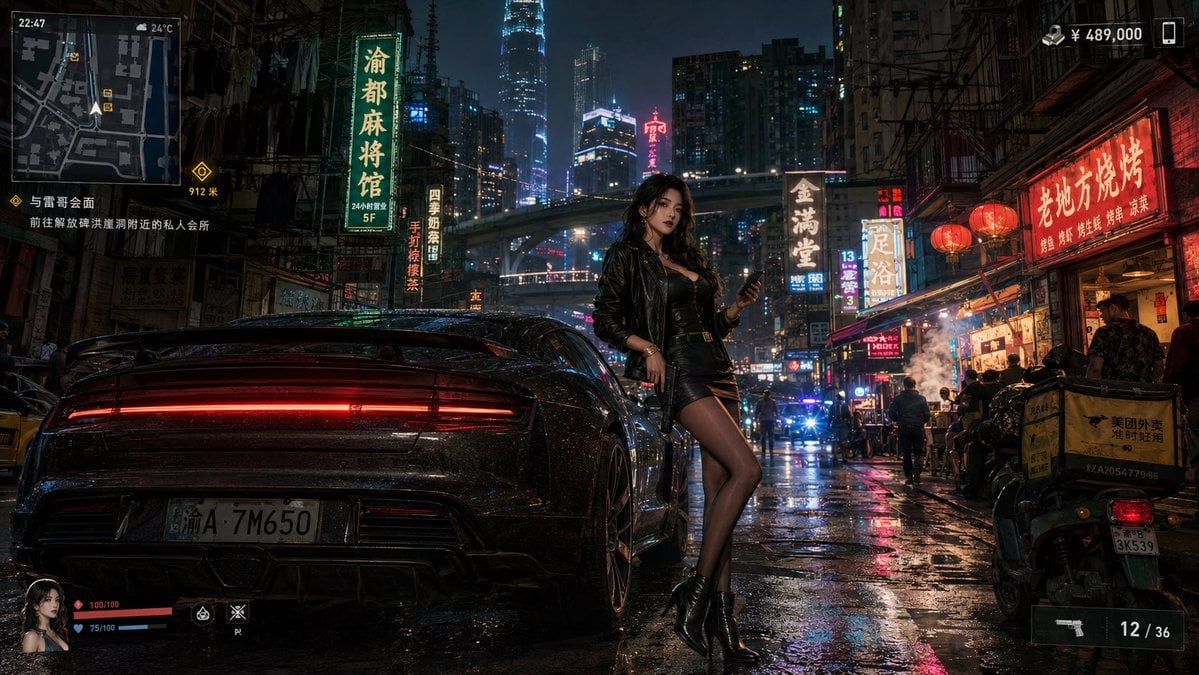
Neon Crime Game Street Screenshot
Browse template categories
Character design refinement questions
How do I use the Character design refinement template?
Add your photo if the template asks for one, edit the prompt if you like — the template's model and format are already selected — and press Generate. Your version opens in PicX Studio.
Can I customize the Character design refinement template?
Yes. You can change the subject, setting, lighting, mood, format, and available model controls before creating your image.
Is the Character design refinement template free?
Opening and editing this template is free. Generating uses credits, shown on the Generate button when you are signed in.
Which AI model should I use?
Start with GPT Image 2, which is the model associated with this template. You can compare another compatible model for a different finish.
Looking for something else? Browse all templates.

Your photo, any look
Thousands of ready templates for every top image and video model, from one credit balance.